

Skip to content

Features

An AI Assistant that reads your books and never writes without you

Invoice Crowd's AI Assistant is a chat panel, on paid plans, that opens over any page of the app. It answers questions about your own customers, invoices, expenses and projects through tools scoped to your account, and every record it proposes sits on a confirmation card until you click Confirm.

  • 15 read tools, scoped to your account
  • Every write waits for Confirm
  • Reads receipts and expense spreadsheets
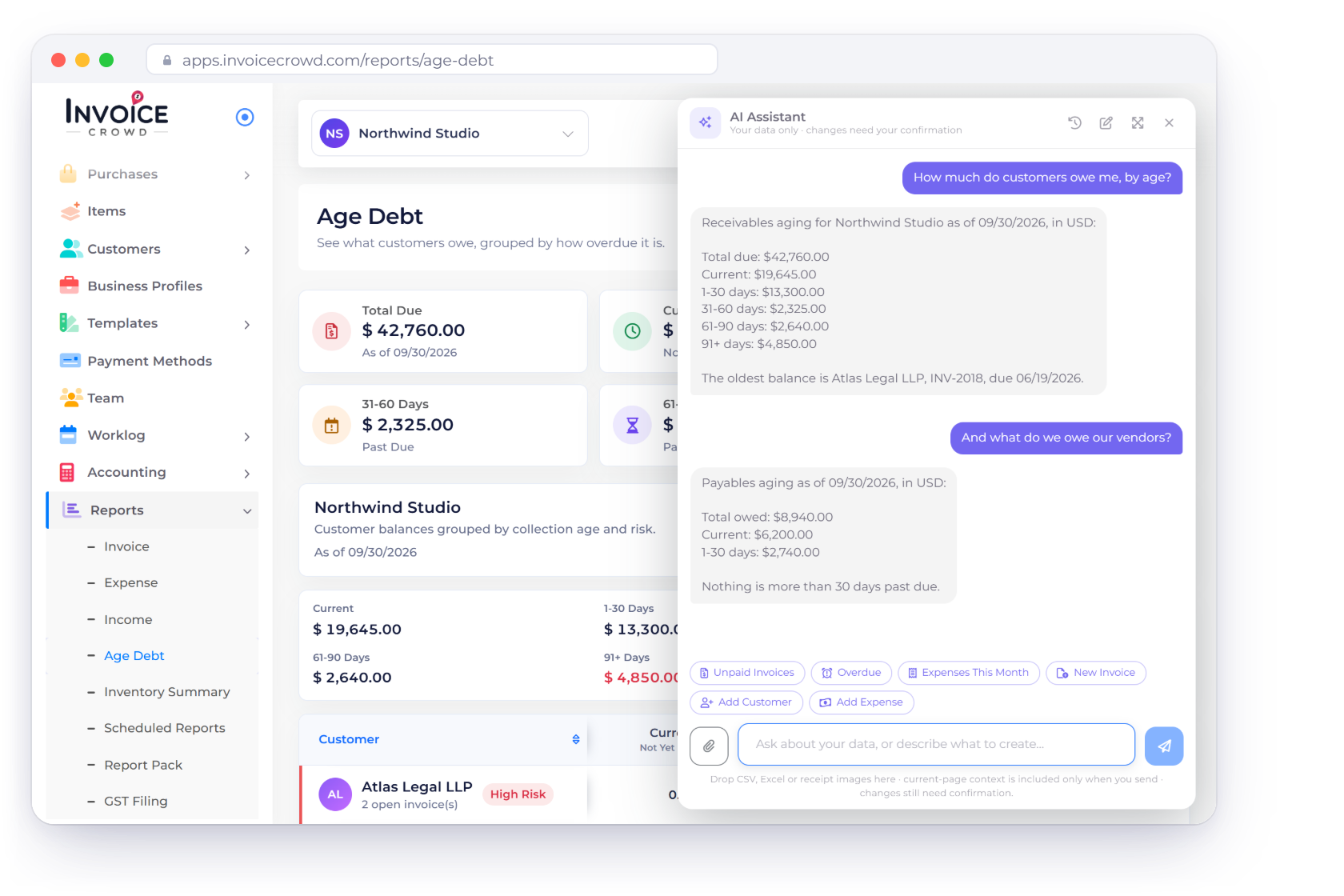
The Invoice Crowd AI Assistant panel over the Age Debt report answering how much customers owe by age and what is owed to vendors, from the account’s own records

What is inside

Ask it about your books, then decide what it writes

The assistant does three things: it answers questions out of your own records, it turns a receipt or an expense spreadsheet into staged rows, and it puts every new record on a card that waits for your click.

Asking it

Answers from your own records

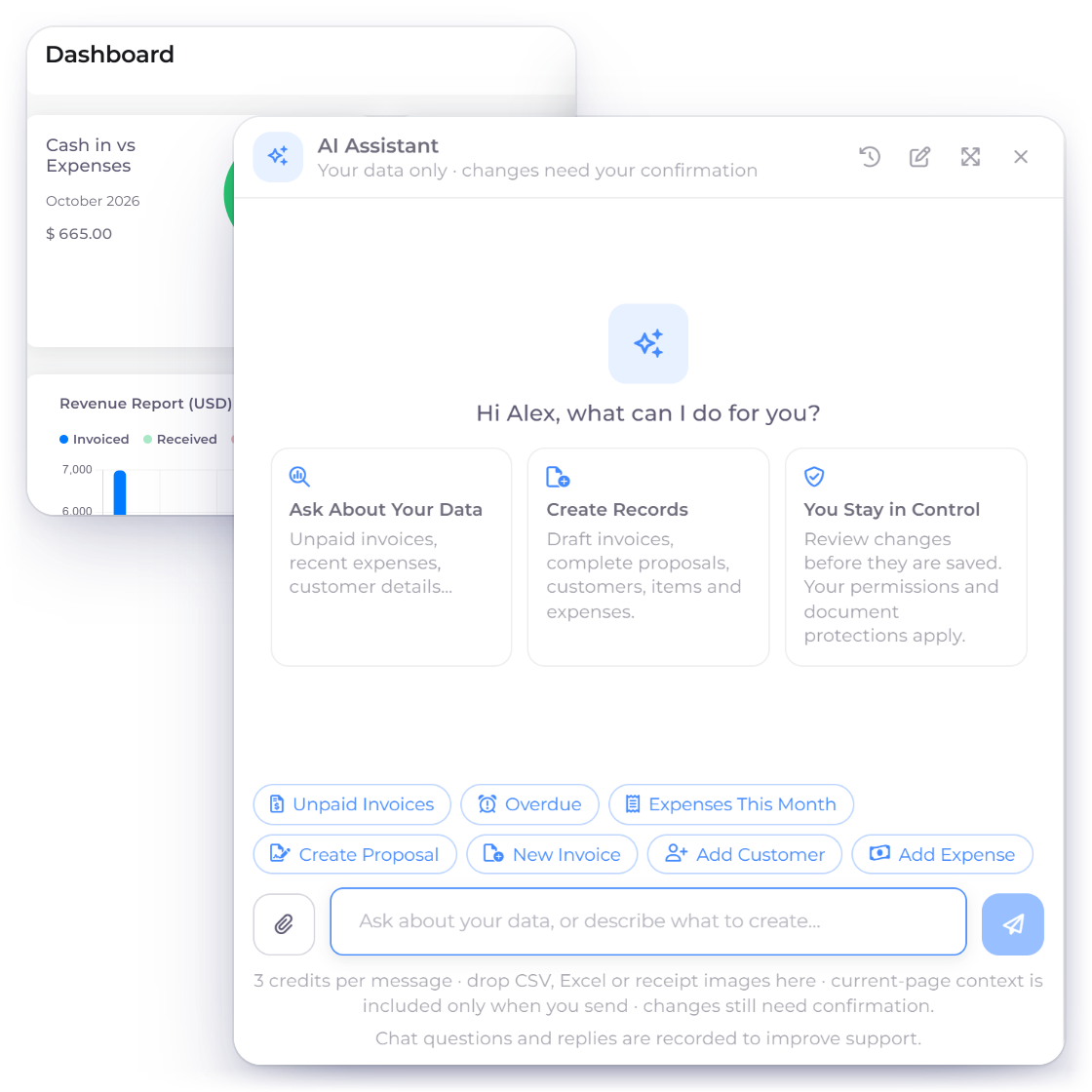
The Invoice Crowd AI Assistant opened over a report page with its welcome tiles and six quick-start buttons

A chat panel that follows you around the app

The assistant opens over whatever page you are on, from the launcher at the bottom right or the AI Assistant item in the sidebar. It is a panel rather than a page, so it stays open while you move around the app and survives a full reload. A new chat offers six quick-start buttons: the question ones send straight away, the create ones fill the message box so you can edit the wording first.

  • Opens from the launcher or the sidebar
  • Stays open while you move around the app
  • A history drawer holds earlier conversations
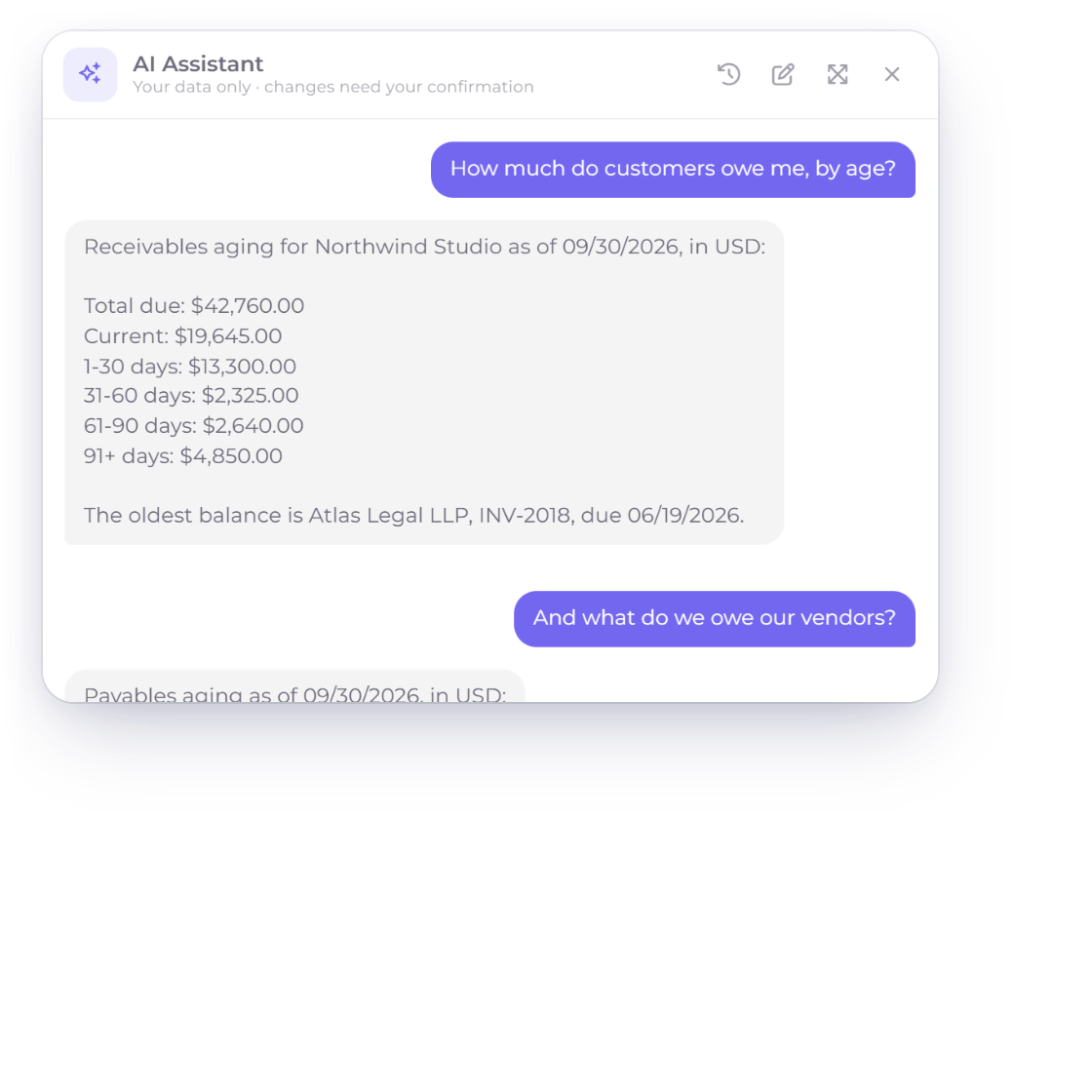
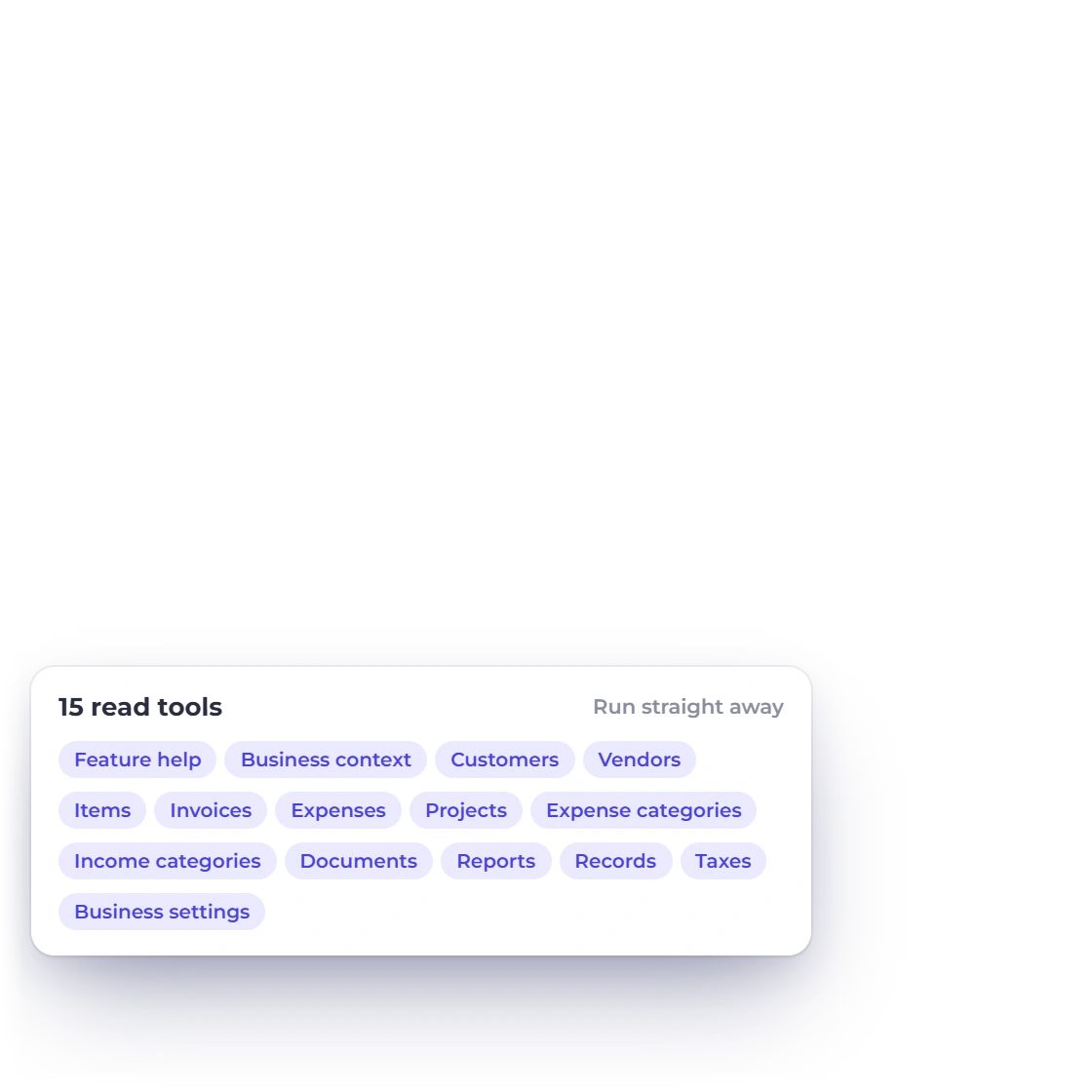
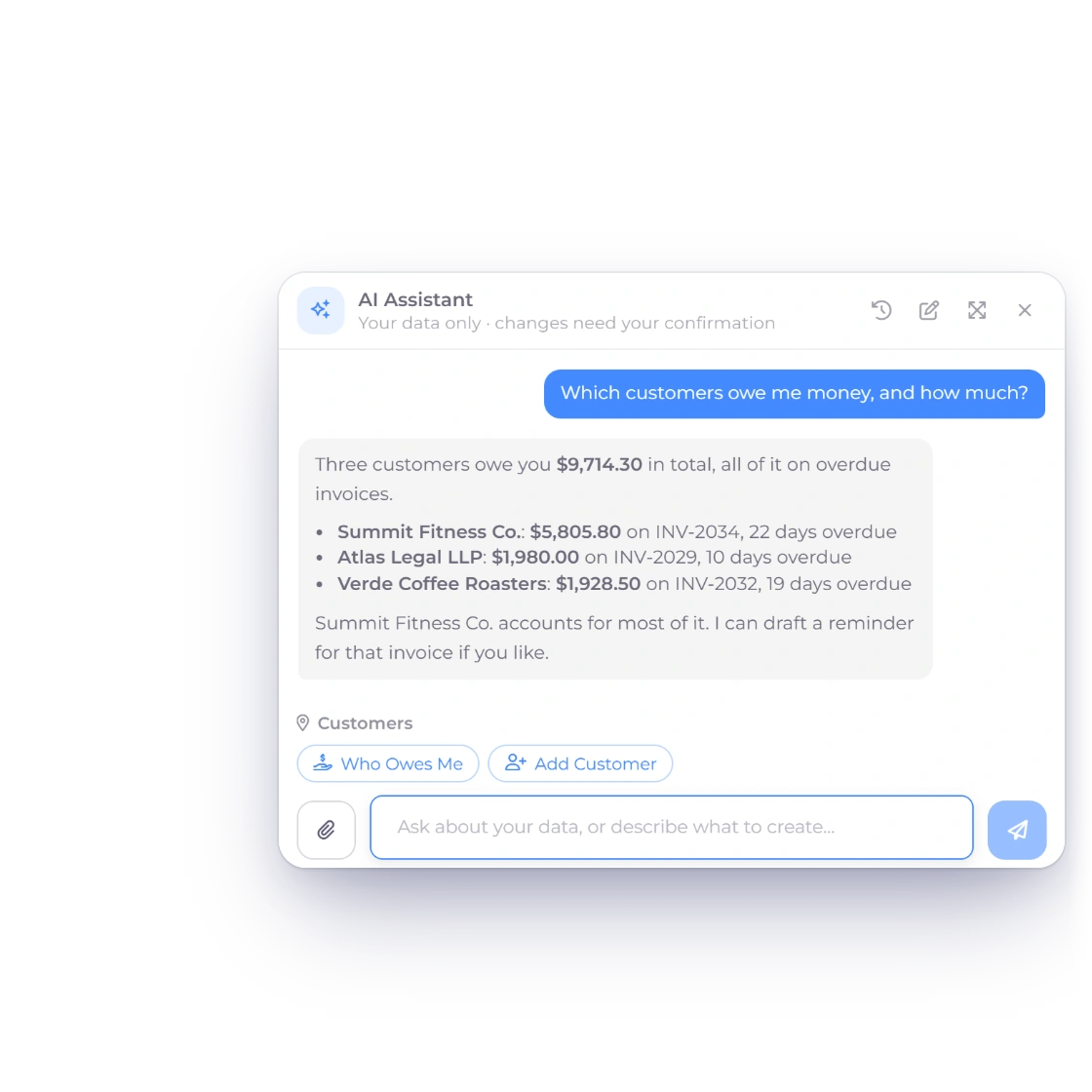
The Invoice Crowd AI Assistant answering receivables and payables aging questions from the account’s own records, next to its 15 read tools

Read tools and reports over your own records

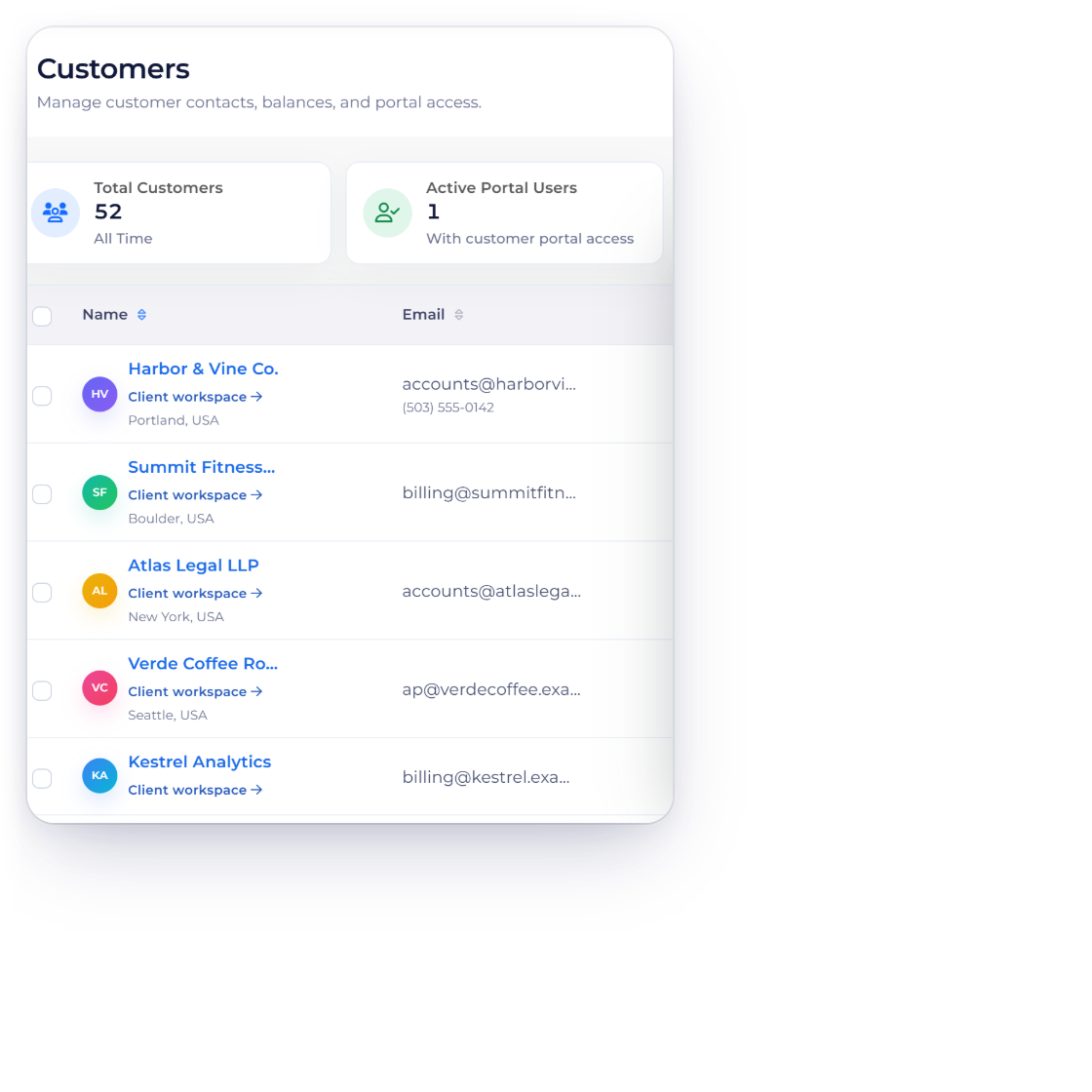
Fifteen read tools sit behind the chat. Ask about customers, vendors, items, invoices, expenses, projects, categories, taxes, your business details or the product help catalog, or ask for a profit and loss, balance sheet, receivables or payables aging, or customer balance report, and every answer comes from your own records, one currency at a time. A document lookup only returns the document types your role may open, so a team member with invoice permission never picks up estimate or purchasing data by accident.

  • Reads run immediately, scoped to the active business
  • Invoice, estimate, bill or purchase order, one at a time
  • The server resolves your account from your session

Letting it write

Nothing saves until you click

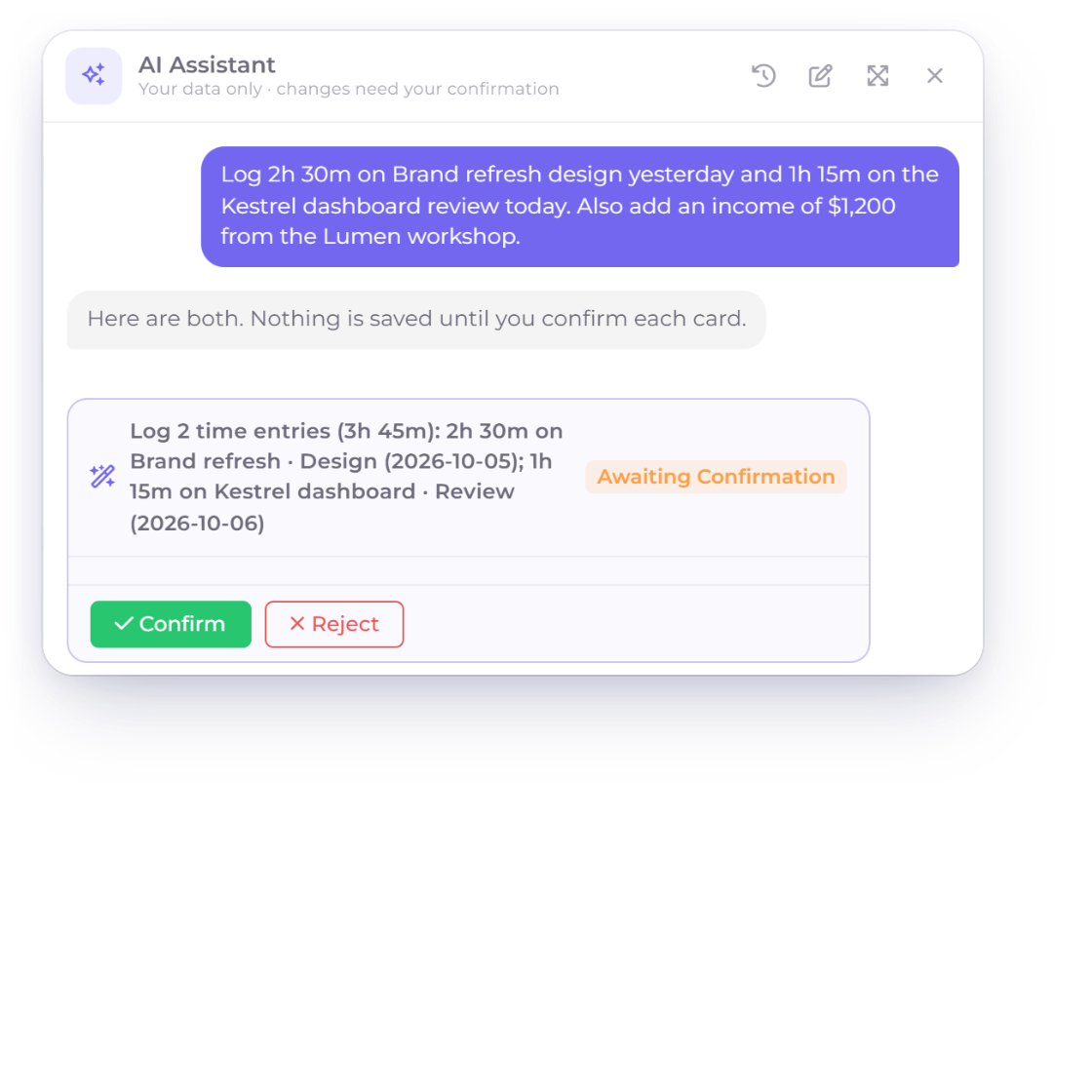
Invoice Crowd AI Assistant staging two time entries that wait for Confirm or Reject, next to an income it created only after Confirm

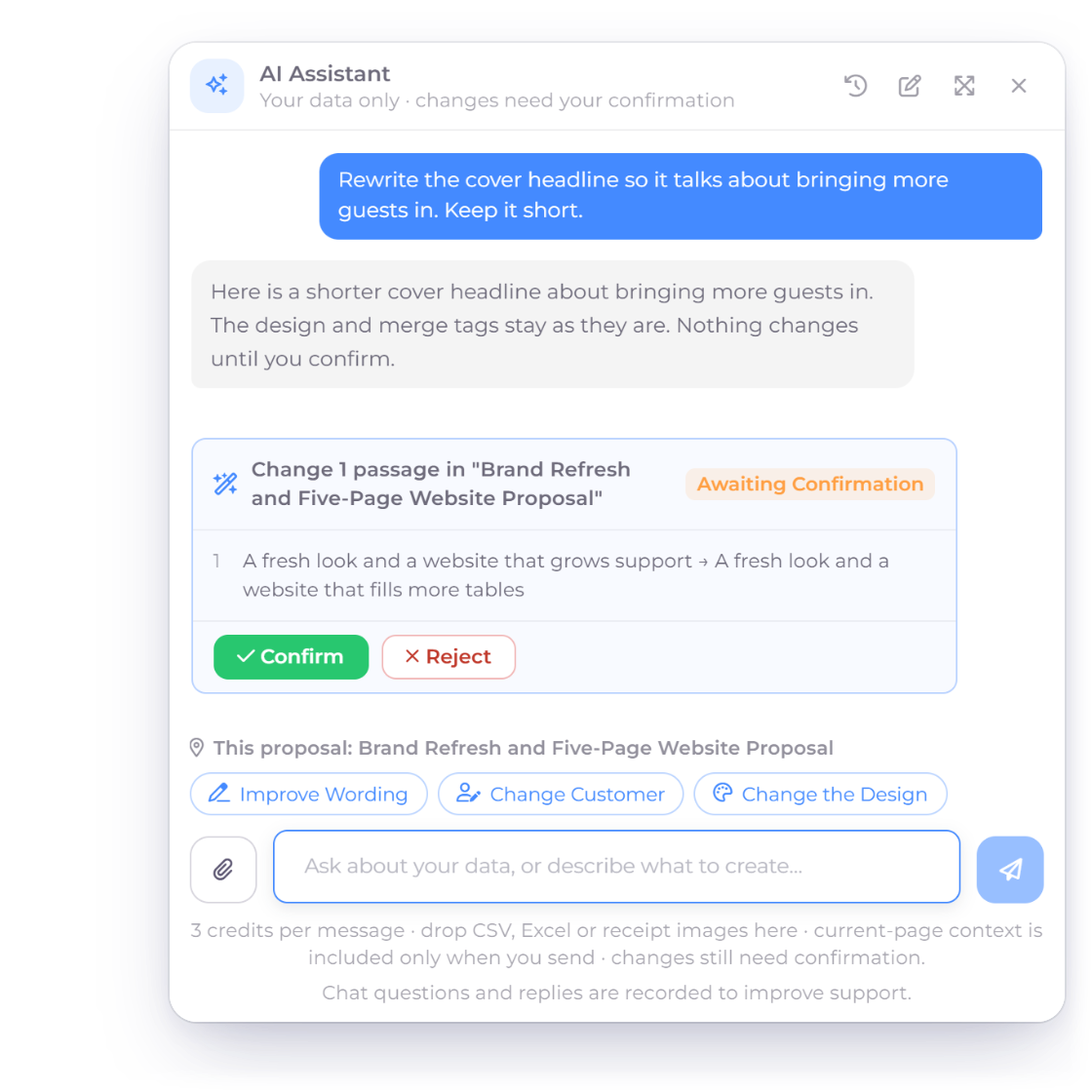
Every write arrives as a confirmation card

When the assistant decides a record should exist, it does not create it. It saves a staged action and shows an itemized card listing every field it intends to write. Nothing reaches your books until you click Confirm. The server then claims that action once and once only, so a second click cannot post the same record twice.

  • Ownership, permission and version rechecked before it commits
  • A conflict rather than a silent overwrite
  • Confirming never sends email, SMS or a webhook
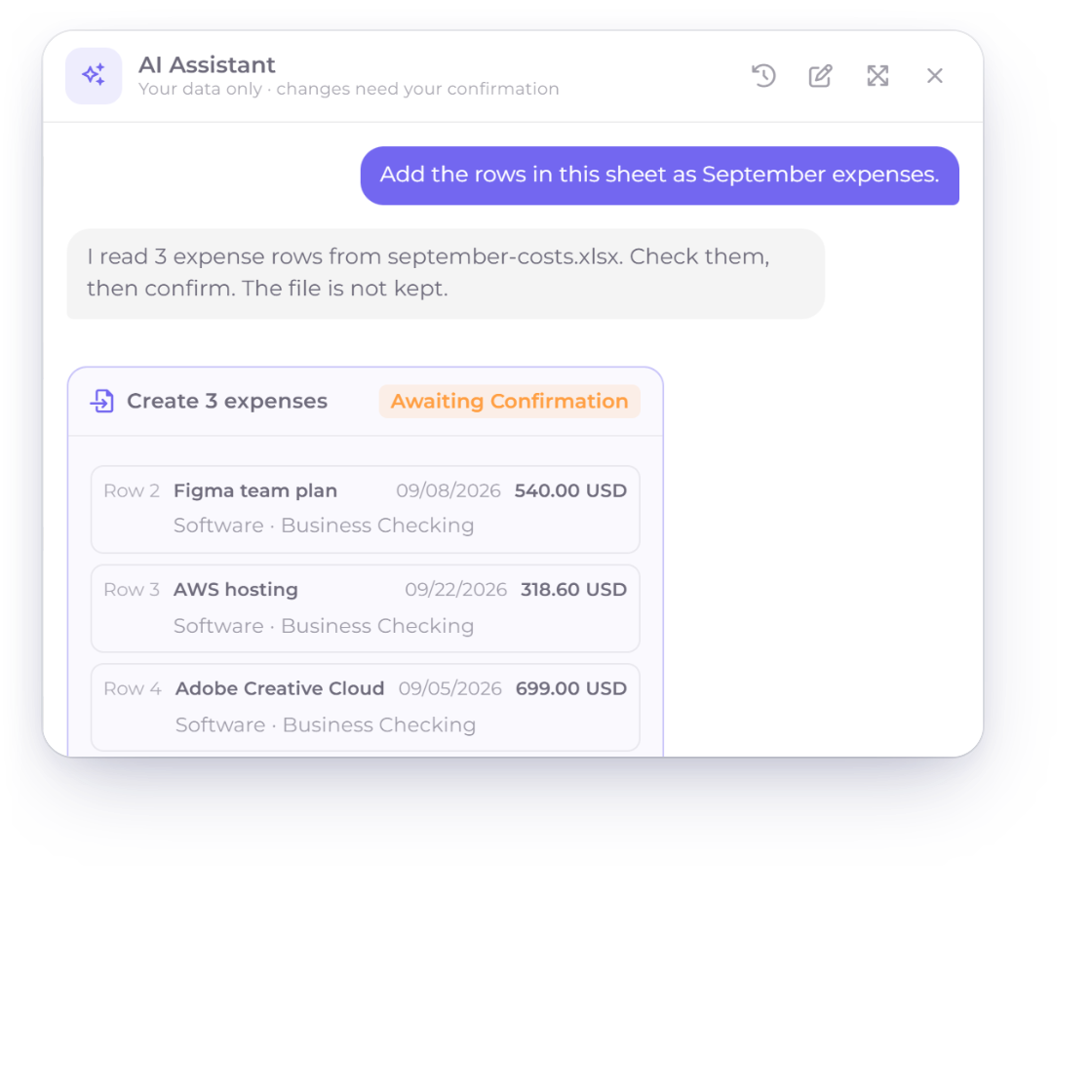
The Invoice Crowd AI Assistant turning three rows of an expense spreadsheet into an itemised expense batch waiting for confirmation

Receipts and expense spreadsheets, read once

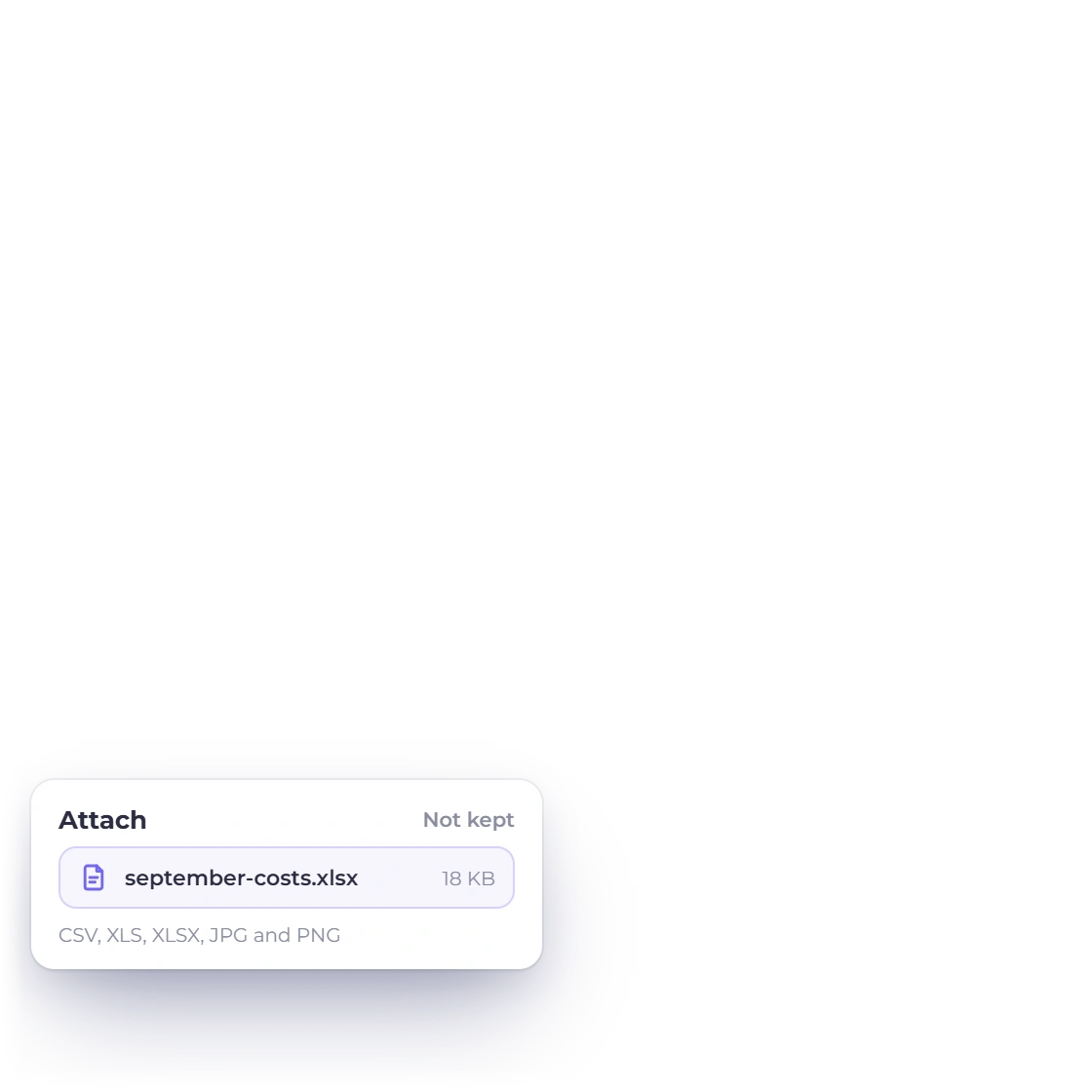
Attach a JPG or PNG receipt and it comes back as expense fields filled in for you. Attach a CSV, XLS or XLSX and the rows come back as an itemized expense batch, up to 25 on one card. You check the rows before anything saves, and the file itself is never kept. Nothing is added to your uploads and no public link is created.

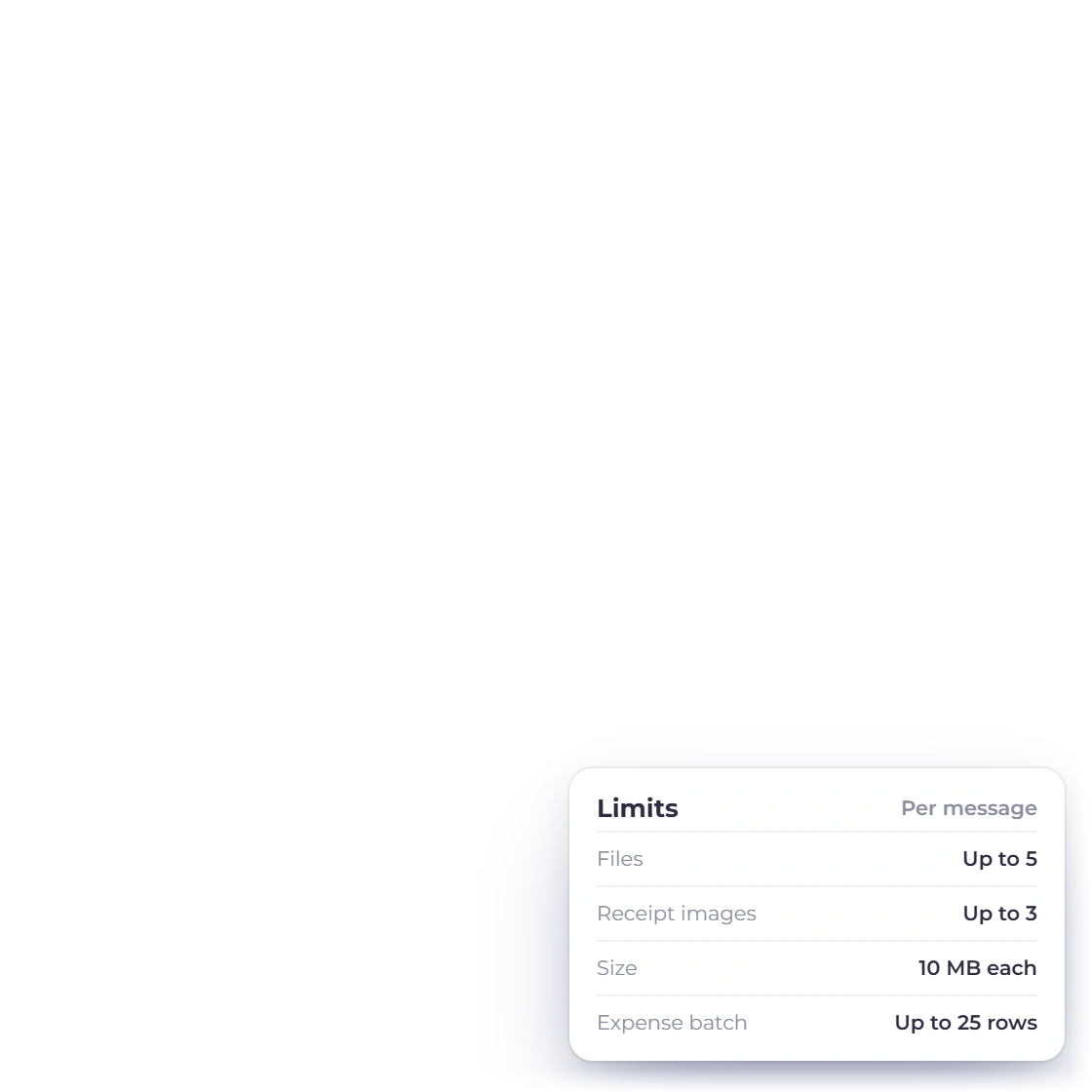
  • 5 files a message, 3 of them receipt images
  • Formulas are refused and every upload is screened
  • Bigger or non-expense sheets go to the ordinary importer

Human control built into every action

Credits, scope and the no-tool list

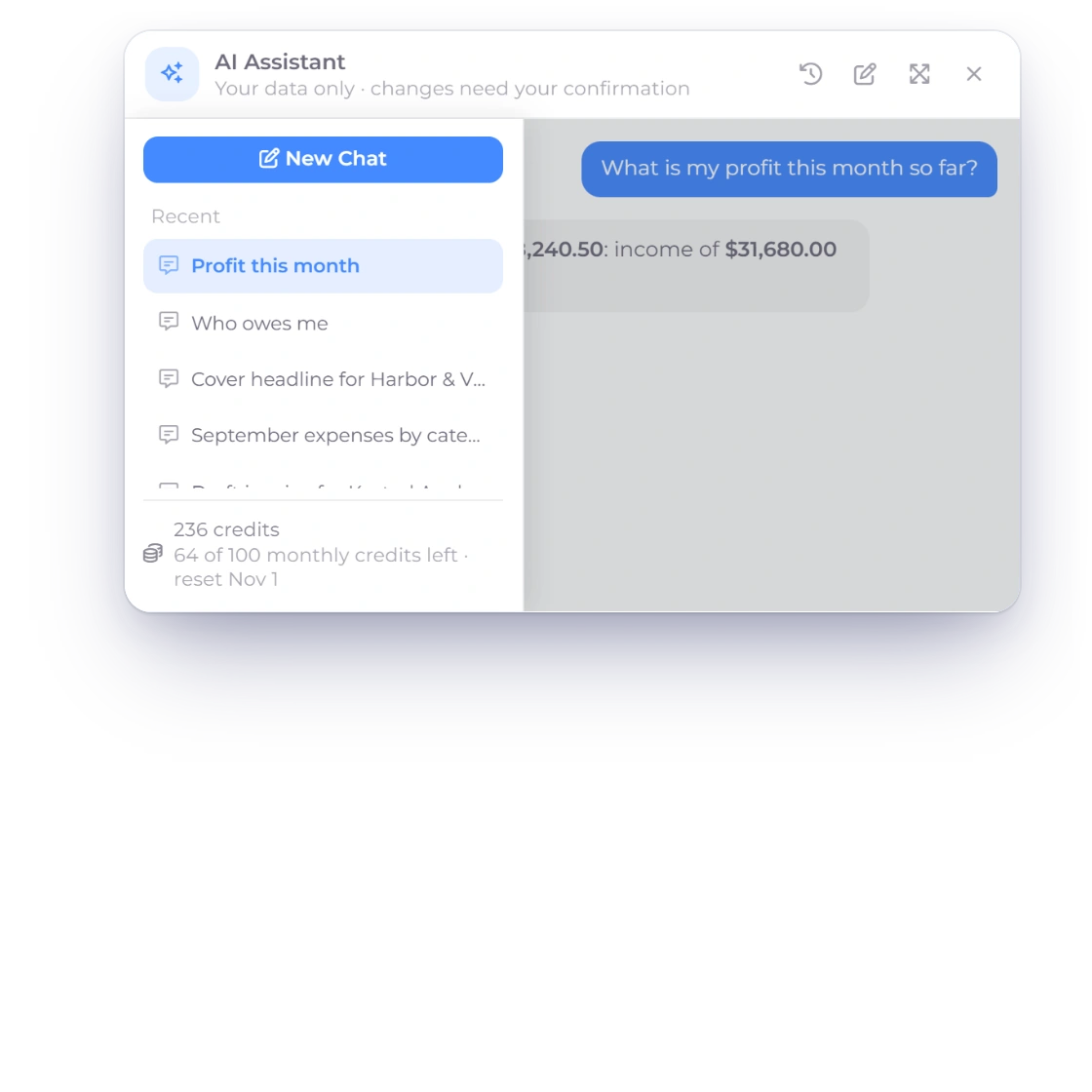
The Invoice Crowd AI Assistant chat history drawer with earlier conversations and the AI credits left, on a paid plan with credits bought separately
It runs on AI credits you top up

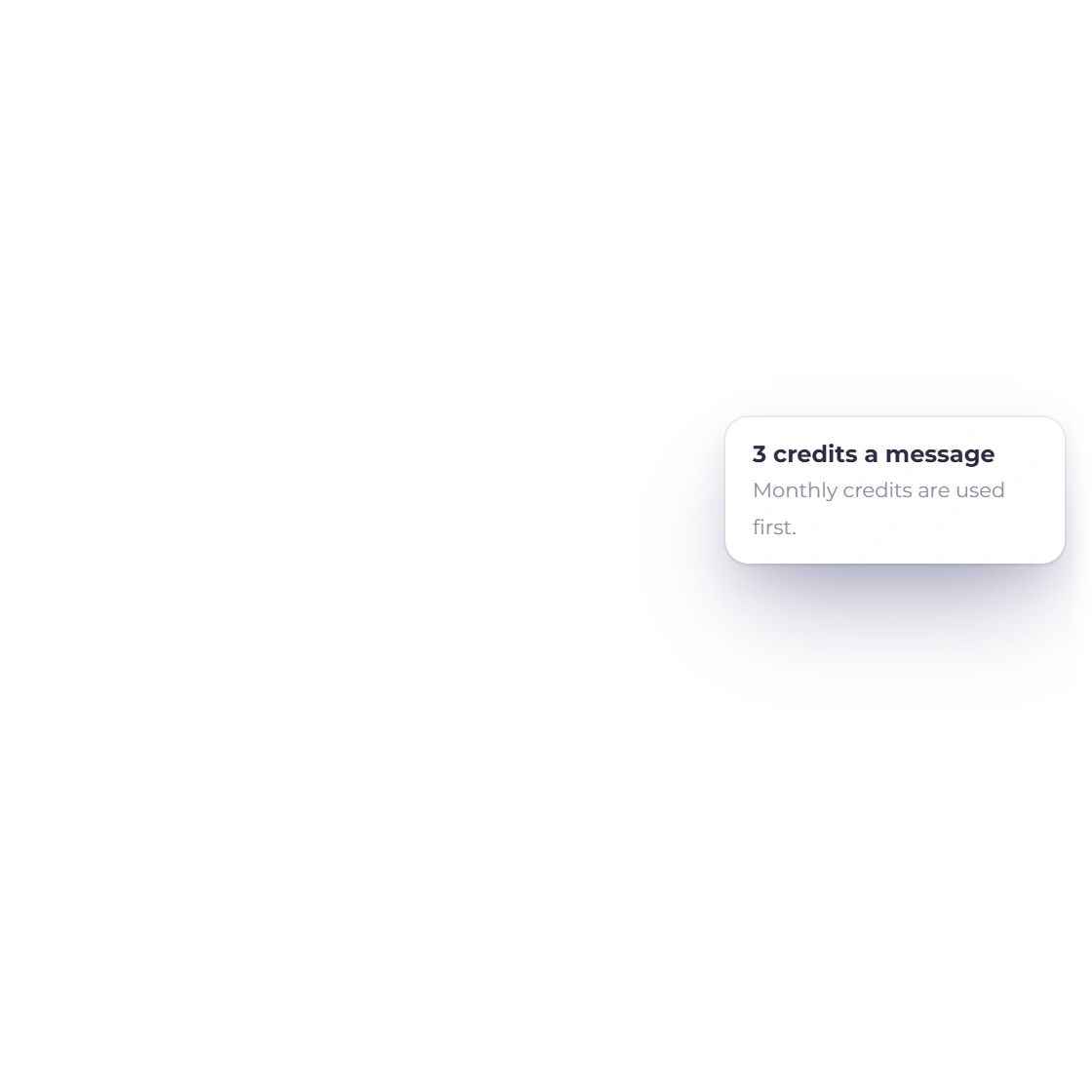
The assistant is available on paid plans and runs on AI credits, bought separately as top-up packs. The panel shows the current credit cost before you send a receipt scan or another credit-using request. When the balance is too low, new turns stop, though you can still confirm or reject whatever the last turn staged.

  • Credits are refunded when a receipt scan fails
  • Balances never go negative
  • The next step is explained when credits run out
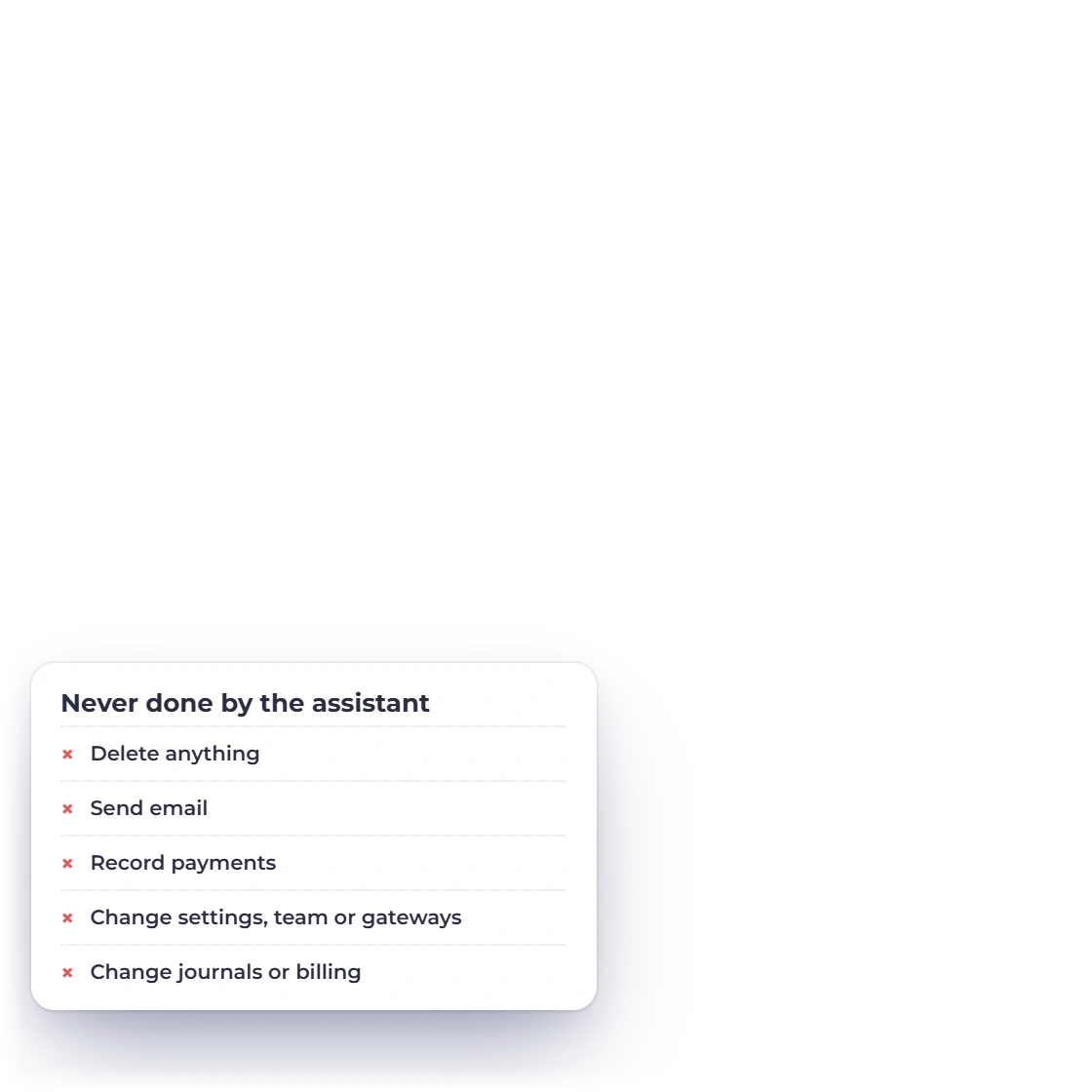
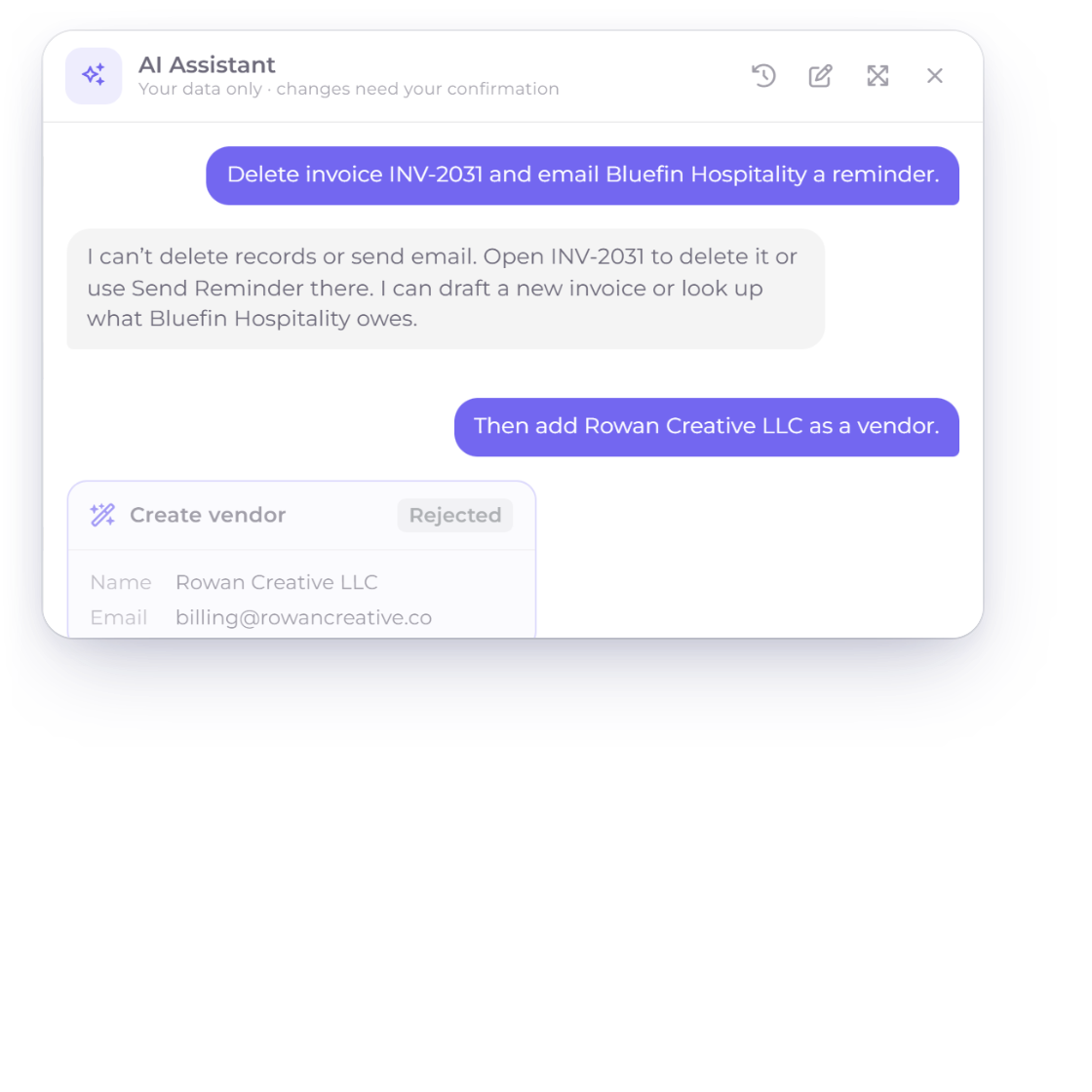
The Invoice Crowd AI Assistant declining to delete an invoice or send email, and a proposed vendor that was rejected

High-impact actions stay under your control

The AI Assistant stages supported record changes as itemized confirmation cards, keeps write tools owner-only and respects the permissions already attached to every business and team member. Sending, payments, settings and destructive actions remain deliberate user workflows.

  • Portal logins cannot open the assistant
  • Switching business profiles clears the conversation
  • Up to 6,000 characters of page text, treated as untrusted

Built in

The rest of the assistant's rules

The detail behind the confirmation card: what it can stage, which drafts it will touch, and the limits on what you can attach to a message.

  • Records it can create

    Customers, vendors, items, taxes, expenses, incomes, projects and time entries (up to 20 at once) are proposed on a confirmation card and saved only when you press Confirm.

  • Updates that check first

    It can update a customer, vendor, item or project, but the update is refused if you changed that record after it was staged.

  • Drafts, not postings

    Invoices, estimates, bills, purchase orders, credit notes and blank proposals arrive as drafts with accounting posting off until you choose the account.

  • Recurring starts paused

    A recurring invoice the assistant stages is created paused, so it bills nothing until you activate it yourself in the editor.

  • Edits to open drafts

    On an unsent, unpaid, unposted draft it can change contact and descriptive fields or replace the line items in full, including the tax on each line.

  • Drafts it leaves alone

    A draft carrying invoice-level discounts or taxes, shipping, a deposit, a Payment Link, partial payments or Item Costs stays in the ordinary editor.

  • Staged actions expire

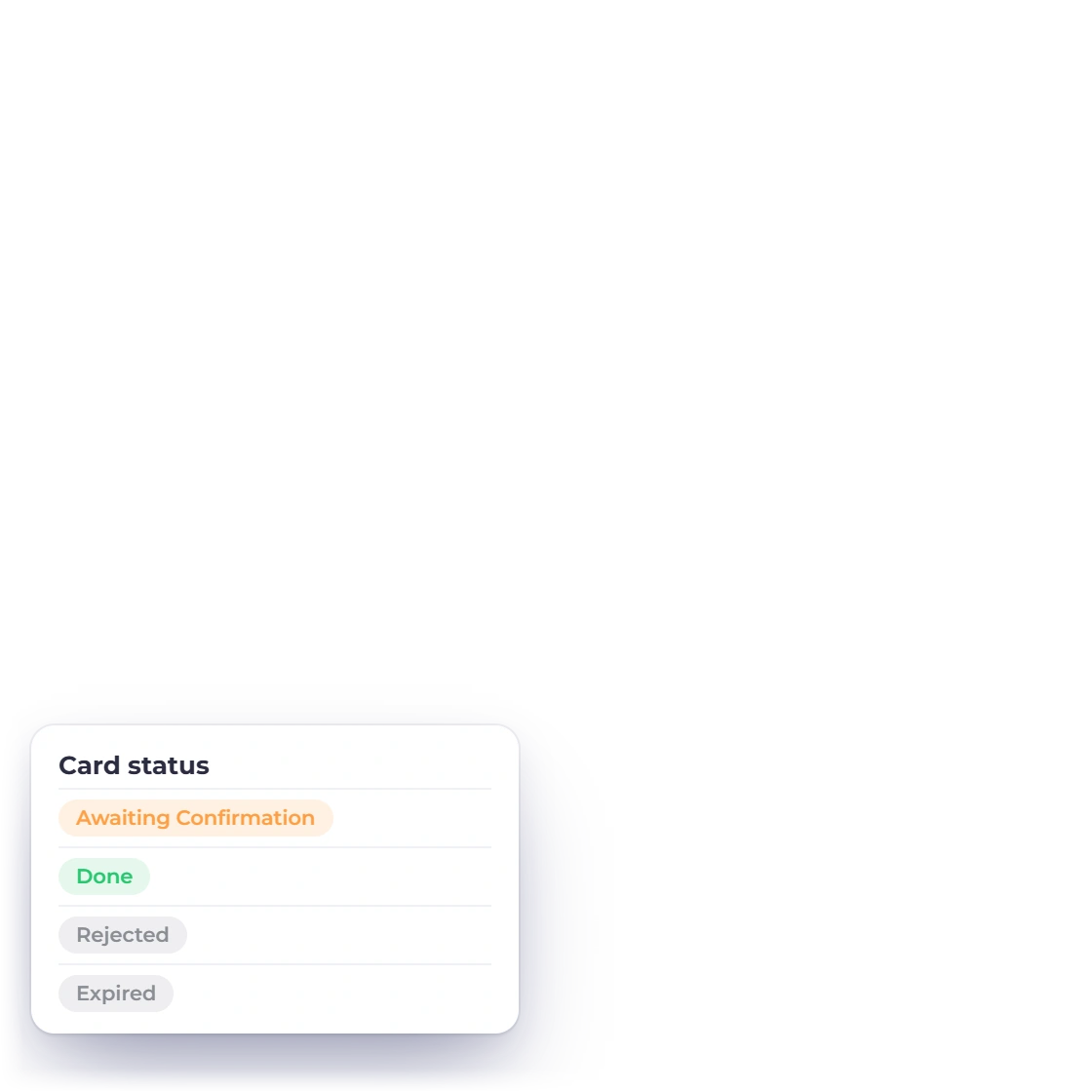
    A staged action you never confirm expires after 24 hours and leaves nothing behind in your books.

  • Caps on every turn

    Each turn and confirmation path is capped by server-side safety limits so one request cannot run indefinitely or post an unbounded batch.

  • Attachment size limits

    File, message and daily upload limits are enforced by the server, with the panel showing the current limits before you attach a file.

  • Spreadsheets read flat

    Only the first worksheet is read, 50 non-empty rows, 30 columns and 500 characters a cell, with formula calculation off.

  • Category and payment account

    The category says what was bought and the payment account how it was paid; leave the latter out and a Cash account is marked (default).

  • All-or-nothing batches

    Confirming an expense batch runs as one all-or-nothing save, so a single stale row rolls the whole batch back instead of posting half.

Questions

AI Assistant, answered

Does the Invoice Crowd AI Assistant create records on its own?

No. The Invoice Crowd AI Assistant stages every write as a confirmation card in the chat and saves nothing until the account owner clicks Confirm. At that point the server revalidates ownership, permission, record versions and the accounting inputs, then commits in a single transaction. A staged action that is never confirmed expires after 24 hours and leaves nothing behind in the books.

How does the Invoice Crowd AI Assistant protect business records?

Supported writes appear as itemized confirmation cards and are saved only after the owner confirms them. Existing permissions, business ownership, document state and version are rechecked before a record changes, while sending, payments, settings and destructive actions remain in their dedicated user workflows.

Can the AI Assistant read a receipt photo or a spreadsheet of expenses?

Yes. You can attach up to 5 files to a message in the Invoice Crowd AI Assistant, of which up to 3 can be JPG or PNG receipt images, at 10 MB per file and 20 MB per message. A receipt scan comes back as expense fields filled in on a confirmation card you check before saving. CSV, XLS and XLSX files are read up to 50 non-empty rows and 30 columns, and one confirmation card can carry up to 25 expenses. Those are the default limits; the panel shows the ones in force for your account.

Can team members use the AI Assistant?

Team members can use the read side of the Invoice Crowd AI Assistant, limited to the business they are attached to, the exact module permissions they hold and any customer or project assignments. Write tools are never offered to a team member, so a team member cannot stage or confirm a new record. Customer and vendor portal logins cannot open the assistant at all.

How much does the AI Assistant cost in Invoice Crowd?

The AI Assistant is available on paid plans and runs on AI credits bought separately as top-up packs. The panel shows the current credit cost before you send a receipt scan or another credit-using request. Accounts without enough credits are prompted to add a pack or review their plan, while actions already staged can still be confirmed or rejected.

Can the AI Assistant see data from another business profile?

No. Every read and every staged write in the Invoice Crowd AI Assistant is scoped on the server to the signed-in owner and the business profile that is currently active. Switching business profiles clears the open conversation, and a reply that arrives late from the previous business is discarded rather than shown in the new context. The model never names the account or business it is reading from; the server resolves that from your session.

Let it do the looking up, and keep the last word

Ask it about your customers, invoices and expenses, hand it a receipt, and confirm what it proposes. Invoicing, expense tracking and the chart of accounts work the same whether or not you ever open it.

  • No card required to start
  • Your data stays yours
  • Cancel anytime