

Skip to content

E-invoicing

Peppol UBL files first, with optional customer-managed delivery

Invoice Crowd creates Peppol BIS Billing 3.0 sales invoices as UBL 2.1 files, checks them locally and lets you download them for the Peppol Access Point your business chooses. An optional customer-managed Peppol.sh connection can also keep configured delivery and status context linked to the invoice.

  • UBL file export is the default
  • Your Access Point remains authoritative
  • Connected delivery is off by default
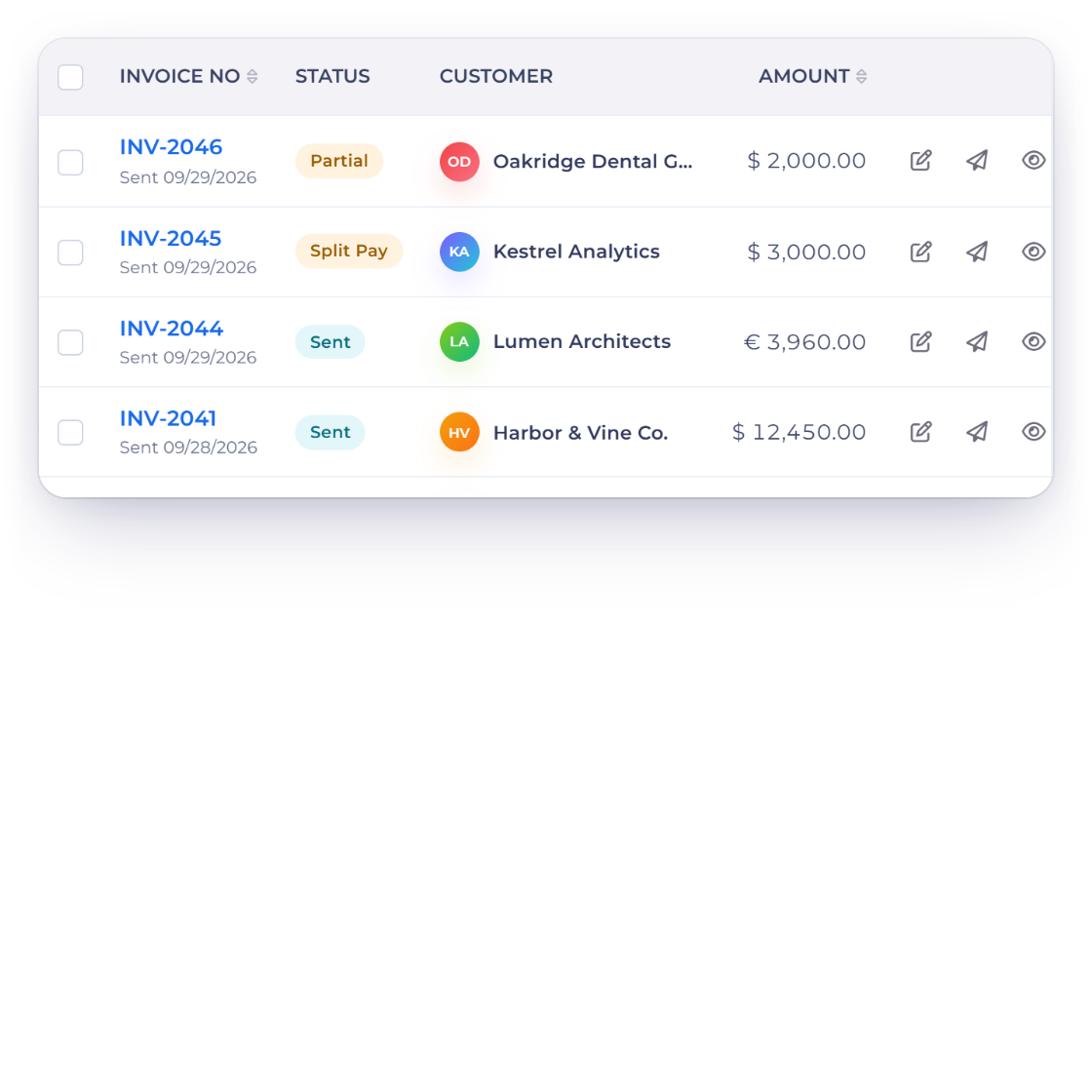
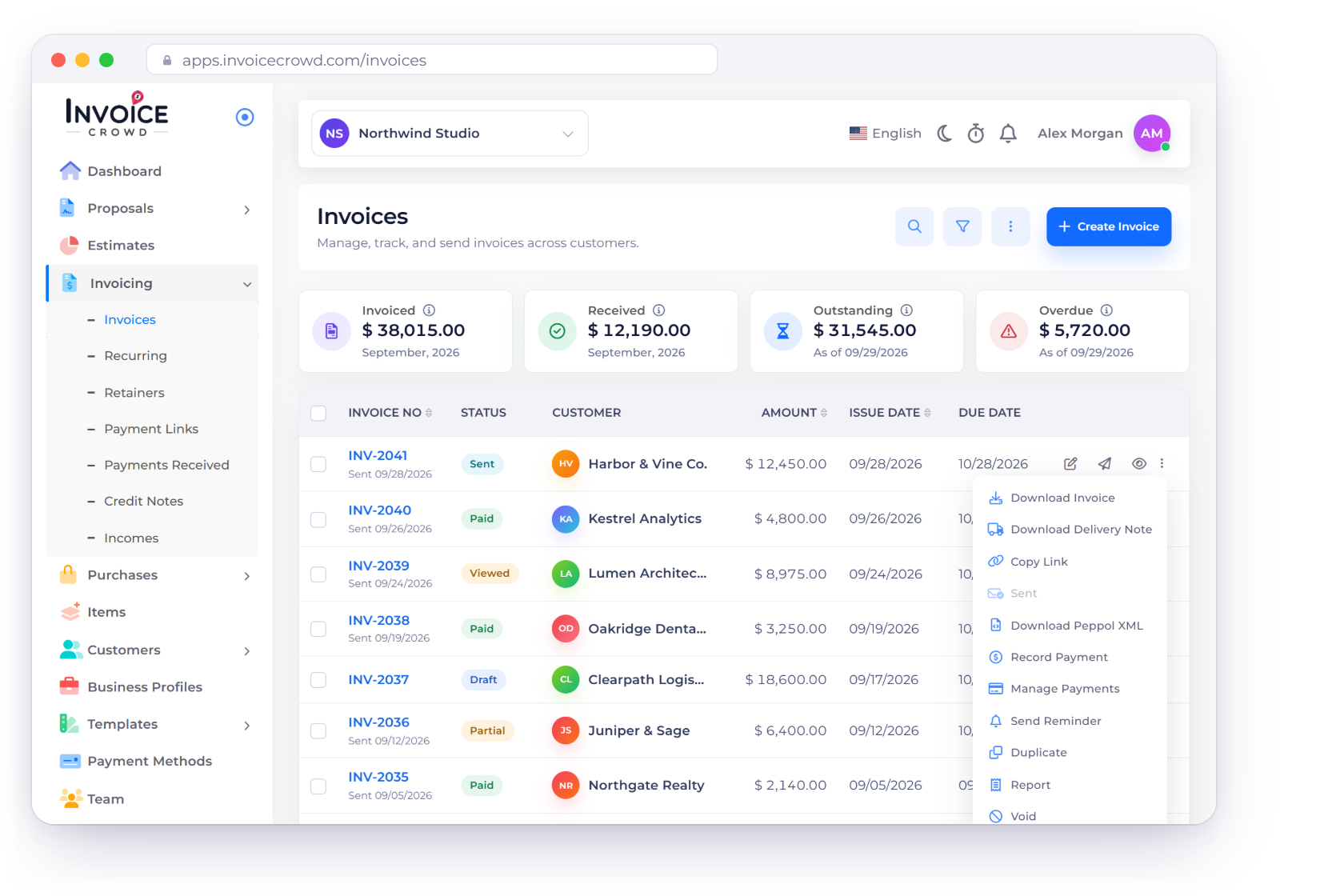
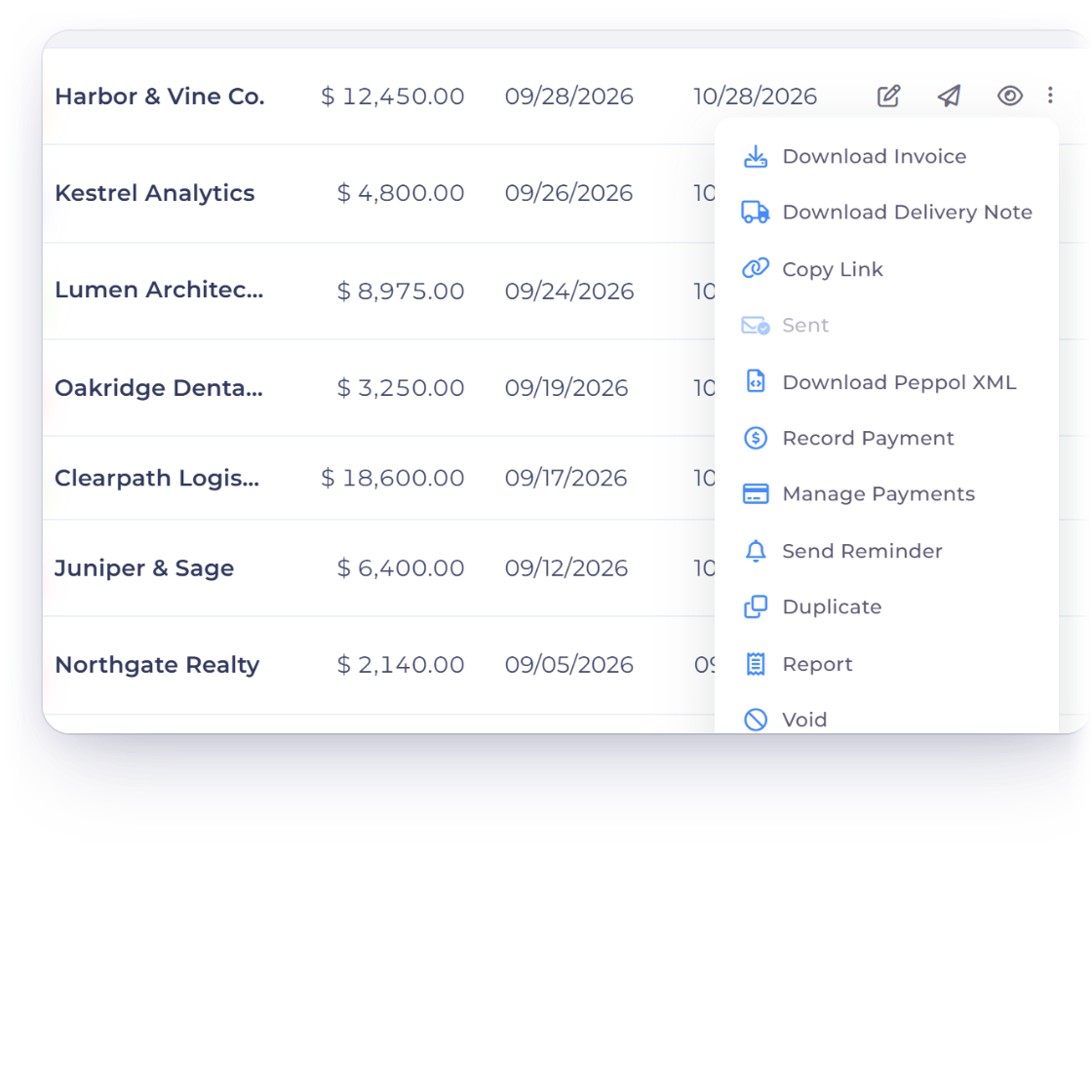
Invoice Crowd invoices list with Download Peppol XML in an invoice menu, the UBL file it produces, and the Peppol method set to file exchange

What is implemented

Separate file creation from network delivery

Invoice Crowd owns the document it builds and the bounded checks it can prove. Your chosen Access Point owns authoritative Peppol rules, participant discovery, onboarding, network delivery and delivery evidence.

File exchange by default

No Invoice Crowd provider account required

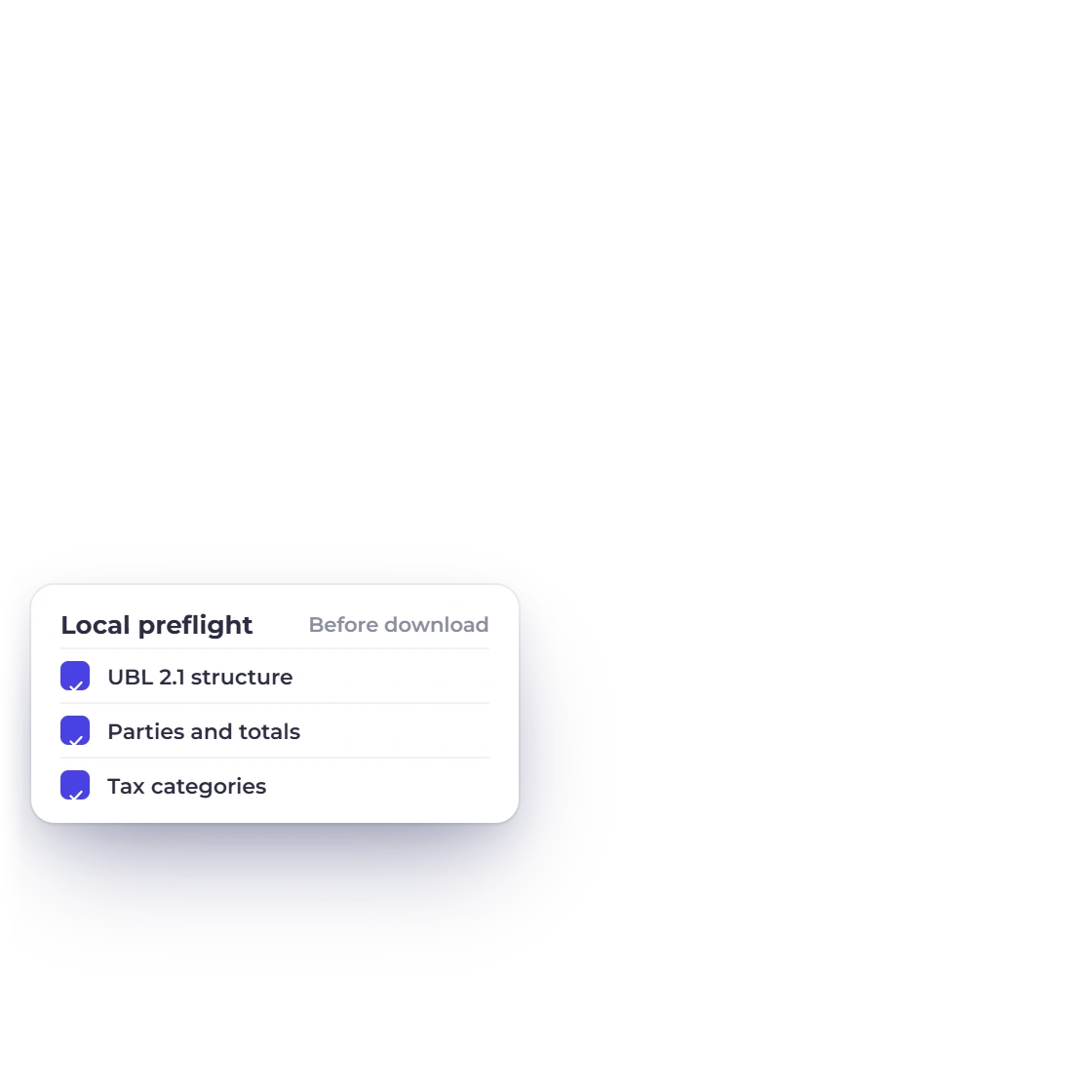
Invoice Crowd invoice menu with Download Peppol XML, the UBL 2.1 file in the Peppol BIS Billing 3 profile, and the local checks run before download

Build, preflight and download UBL

For a supported standard sales invoice, Invoice Crowd uses the saved business, customer, tax, payment and total data to create deterministic UBL XML. The local preflight catches bounded structural problems before download.

  • UBL 2.1 output
  • Peppol BIS Billing 3 profile
  • Bounded local checks
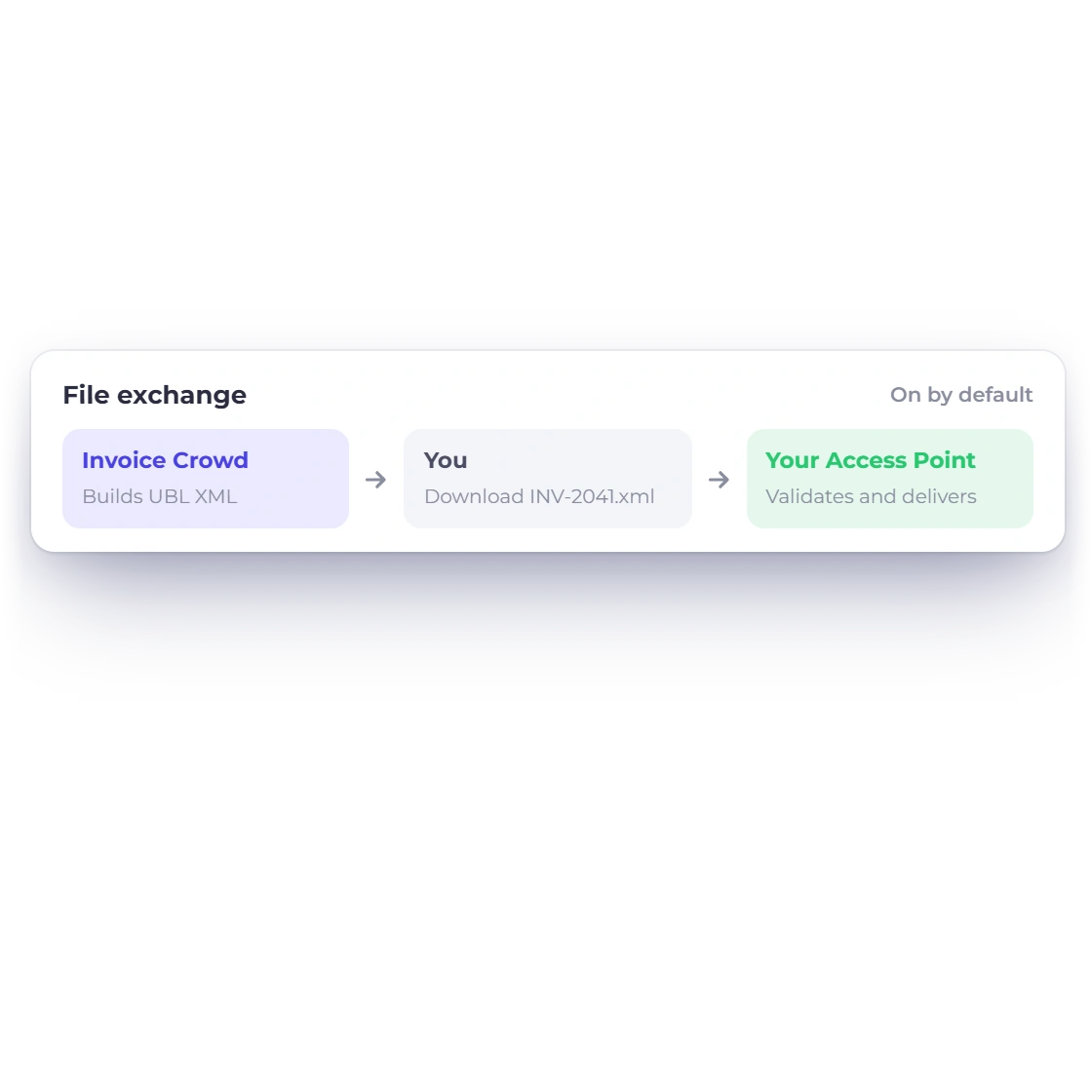
The Peppol card in Invoice Crowd account integrations, and the file exchange route from a downloaded UBL file to your own Peppol Access Point

Upload through your own Access Point

The downloaded XML is handed to the Access Point portal or service selected by the customer. That provider remains responsible for current network rules, participant discovery, onboarding and delivery evidence.

  • No Invoice Crowd platform key
  • No Invoice Crowd provider fee
  • Access Point validation is authoritative

Optional connected delivery

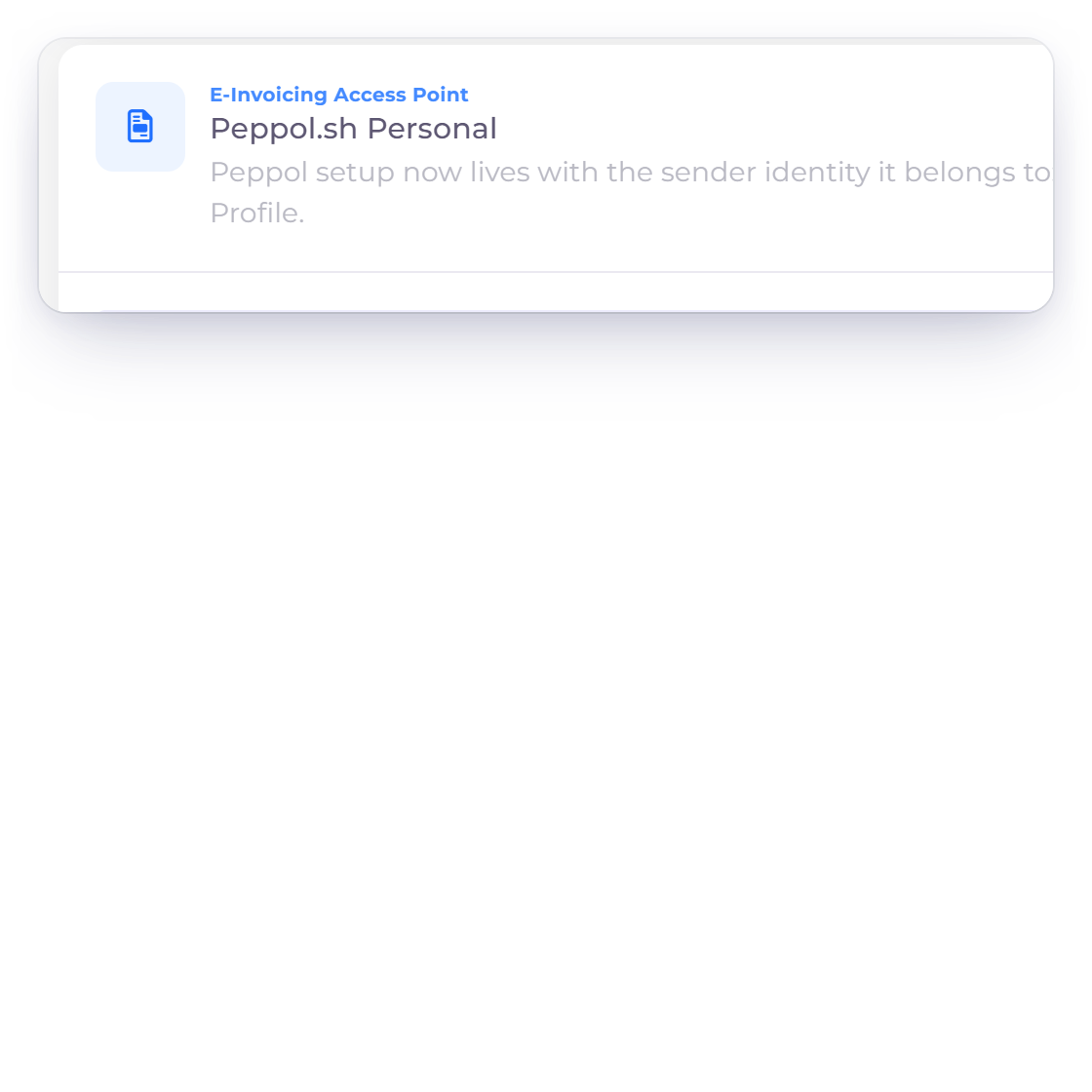
Customer-managed Peppol.sh Personal

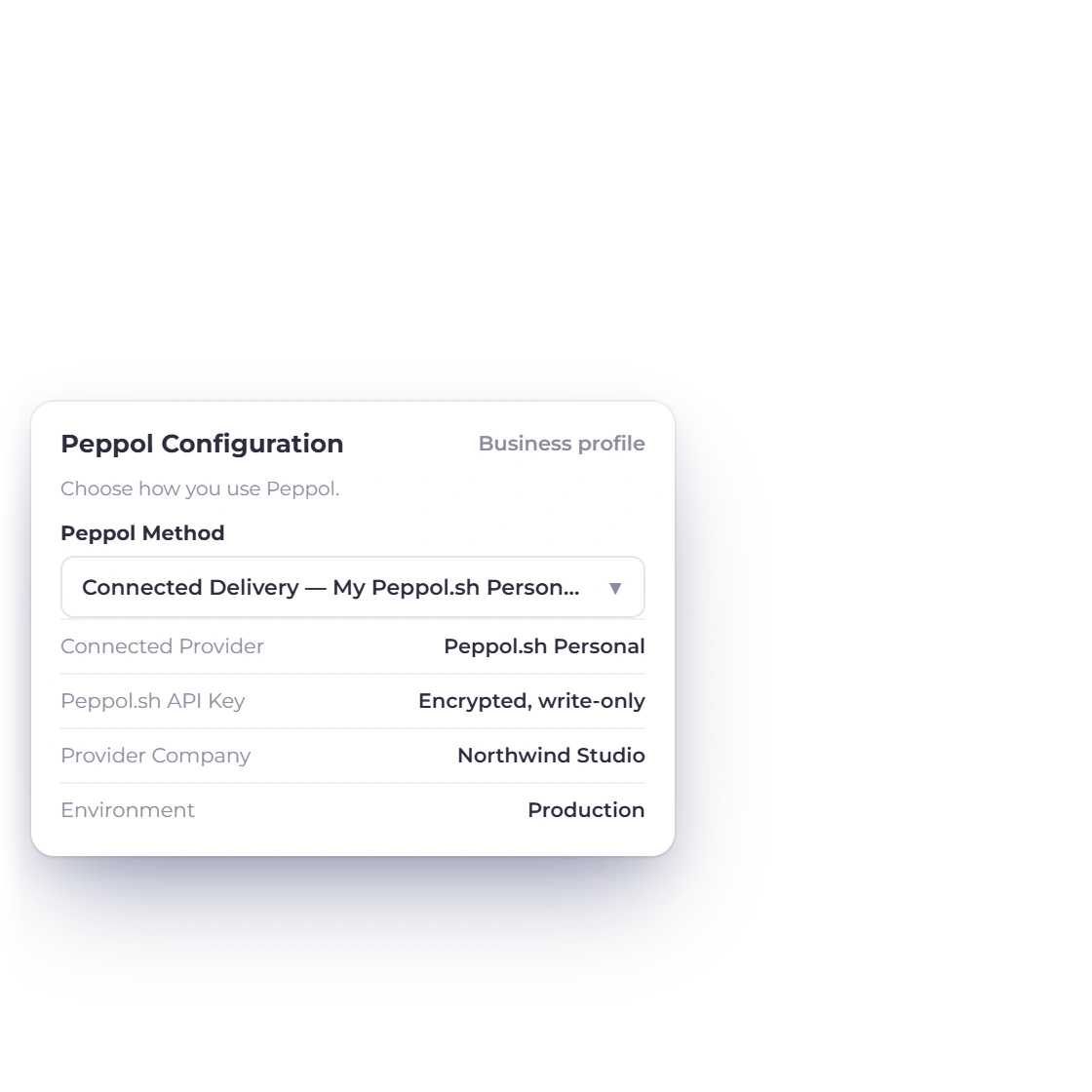
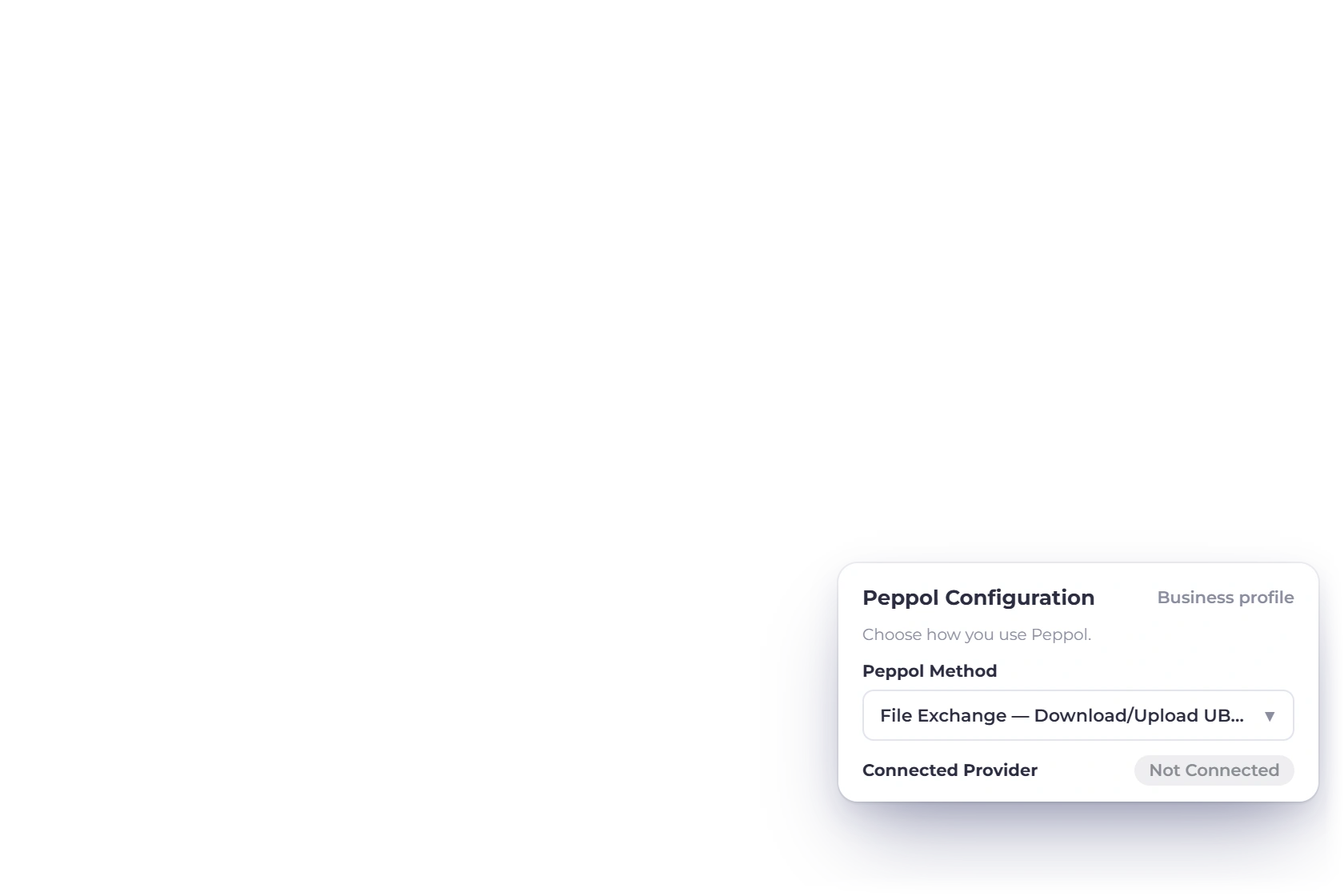
Invoice Crowd business profile Peppol configuration set to connected delivery through the customer's own Peppol.sh Personal account

Bring a funded provider account

Where the connection is explicitly enabled, the customer enters the API key for its own Peppol.sh Personal account and selects the exact company returned from that provider workspace. The key is encrypted and write-only in Invoice Crowd.

  • Off by default
  • Customer account and funding required
  • External verification and acceptance still apply
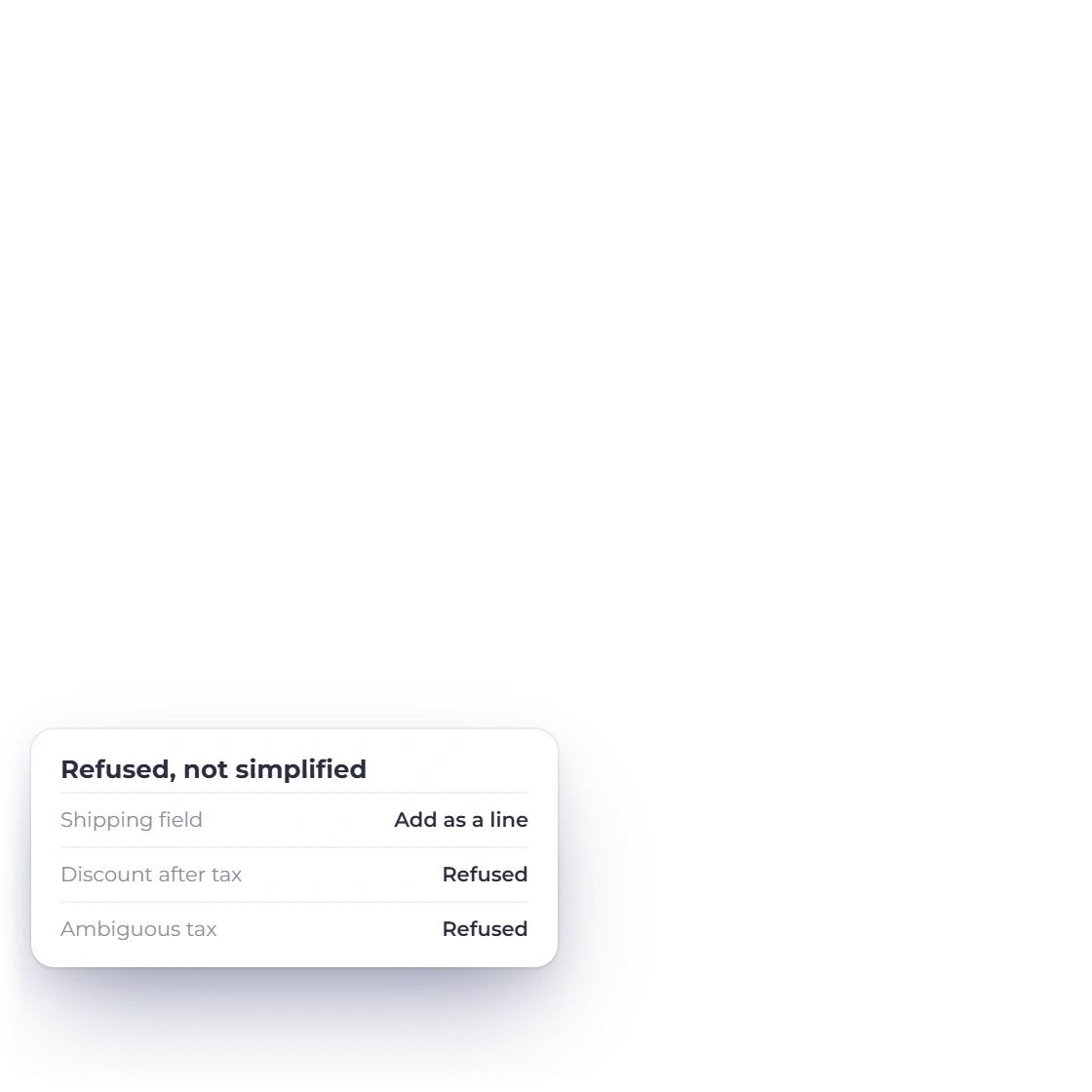
Invoice Crowd refusing to send an invoice over Peppol when shipping or a discount after tax cannot be represented without changing its meaning

Refuse when meaning cannot be preserved

Connected delivery sends provider JSON plus the complete UBL attachment only when the implementation can preserve the invoice meaning. An unsupported or ambiguous document is refused rather than simplified.

  • No automatic opt-in
  • No silent data loss
  • Manual status refresh

Supplier UBL files

Manual import, not inbound network receiving

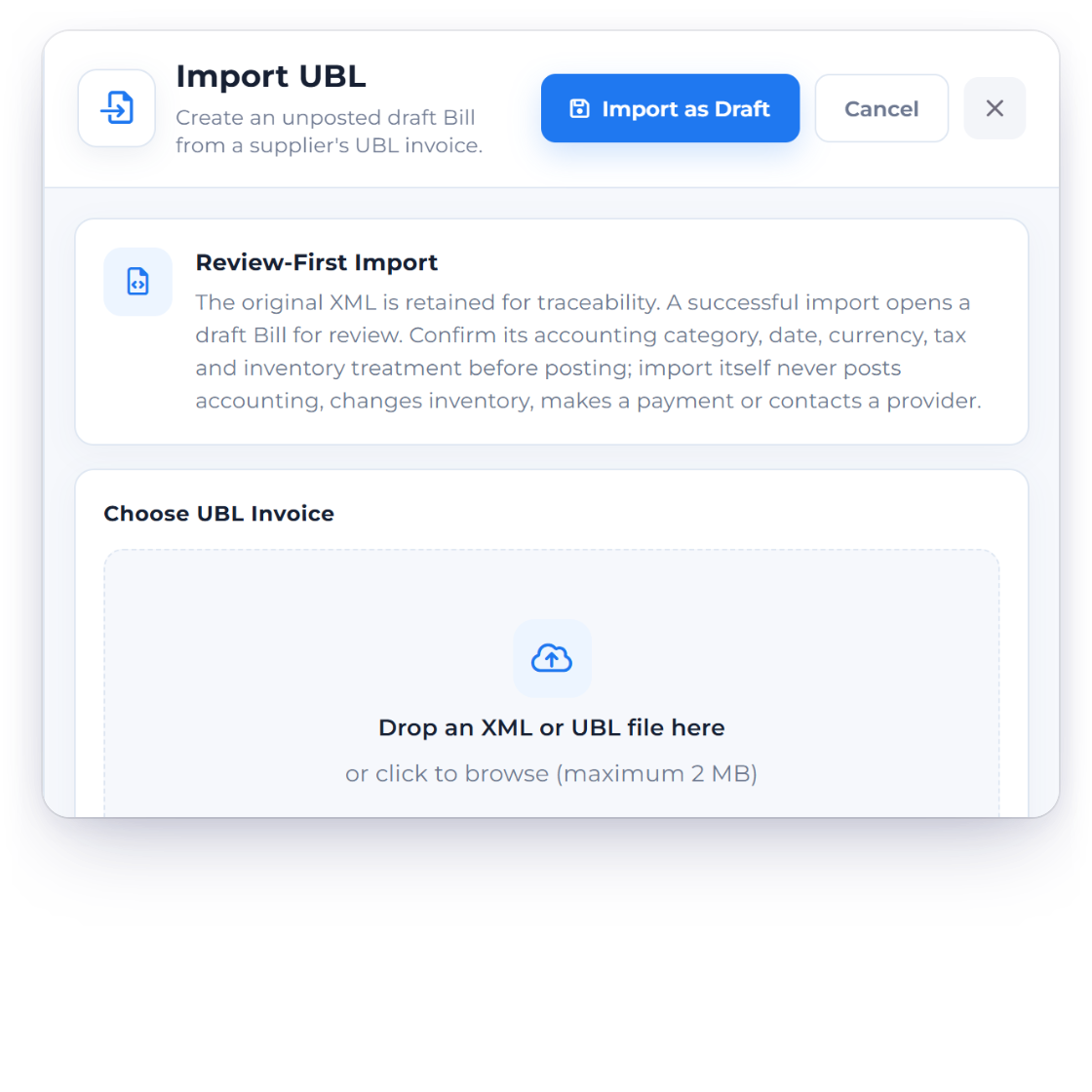
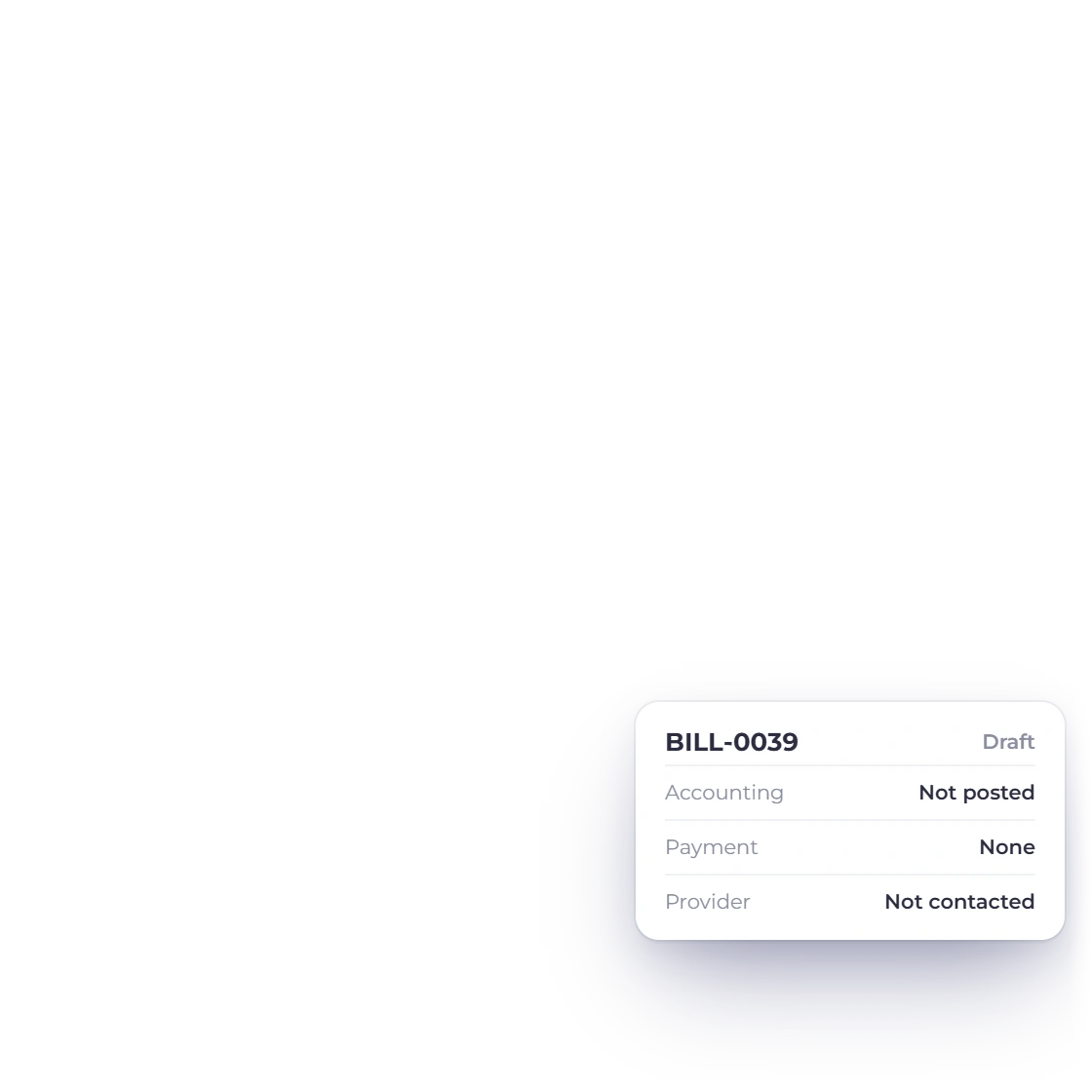
The Invoice Crowd Import UBL drawer on Bills that creates an unposted draft bill from a supplier UBL file

Create an unposted draft bill

A supplier UBL file can be uploaded manually on Bills. Invoice Crowd validates a bounded supported shape and exact receiver match, then creates an unposted draft bill for review.

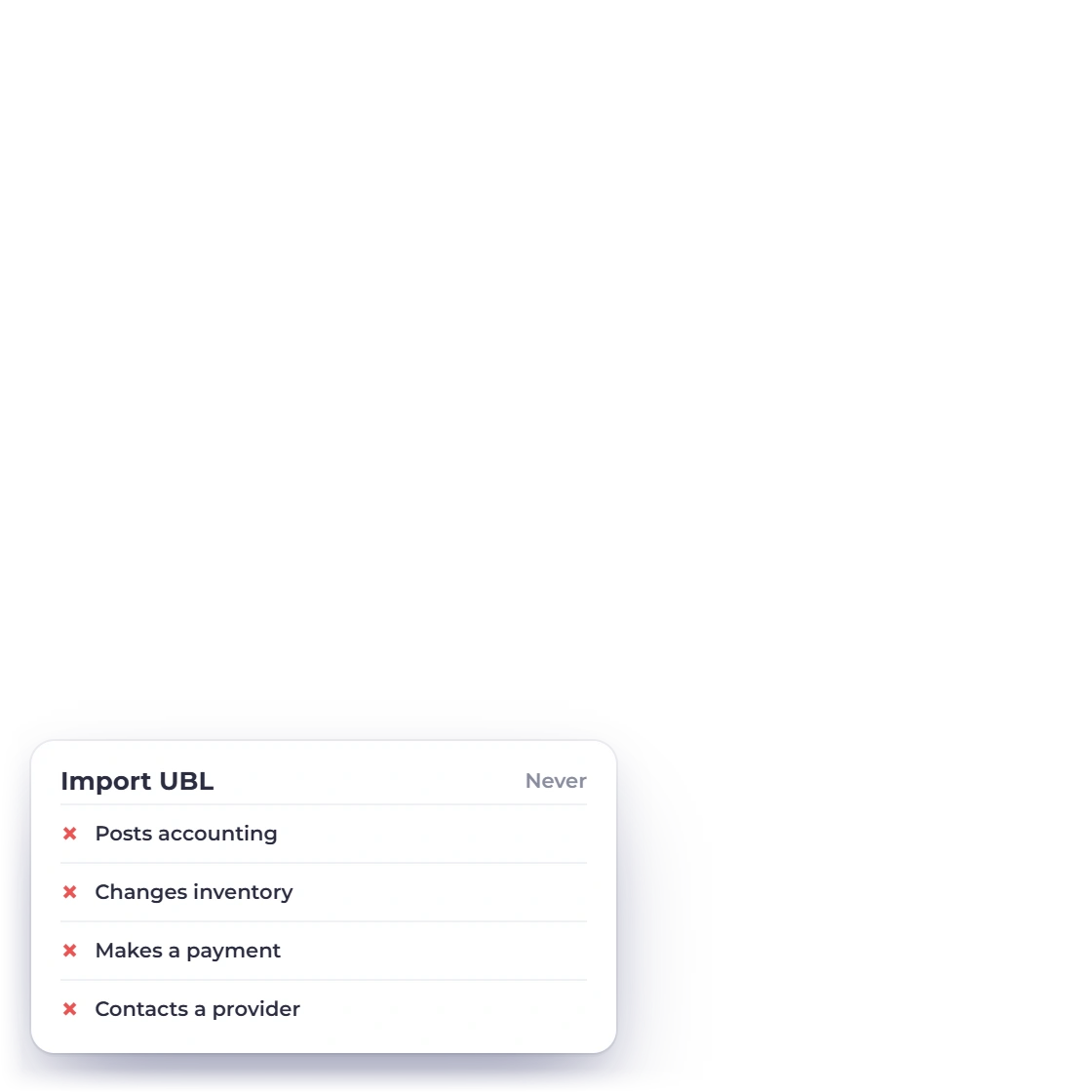
  • Never posts accounting
  • Never marks the bill paid
  • Never contacts a provider
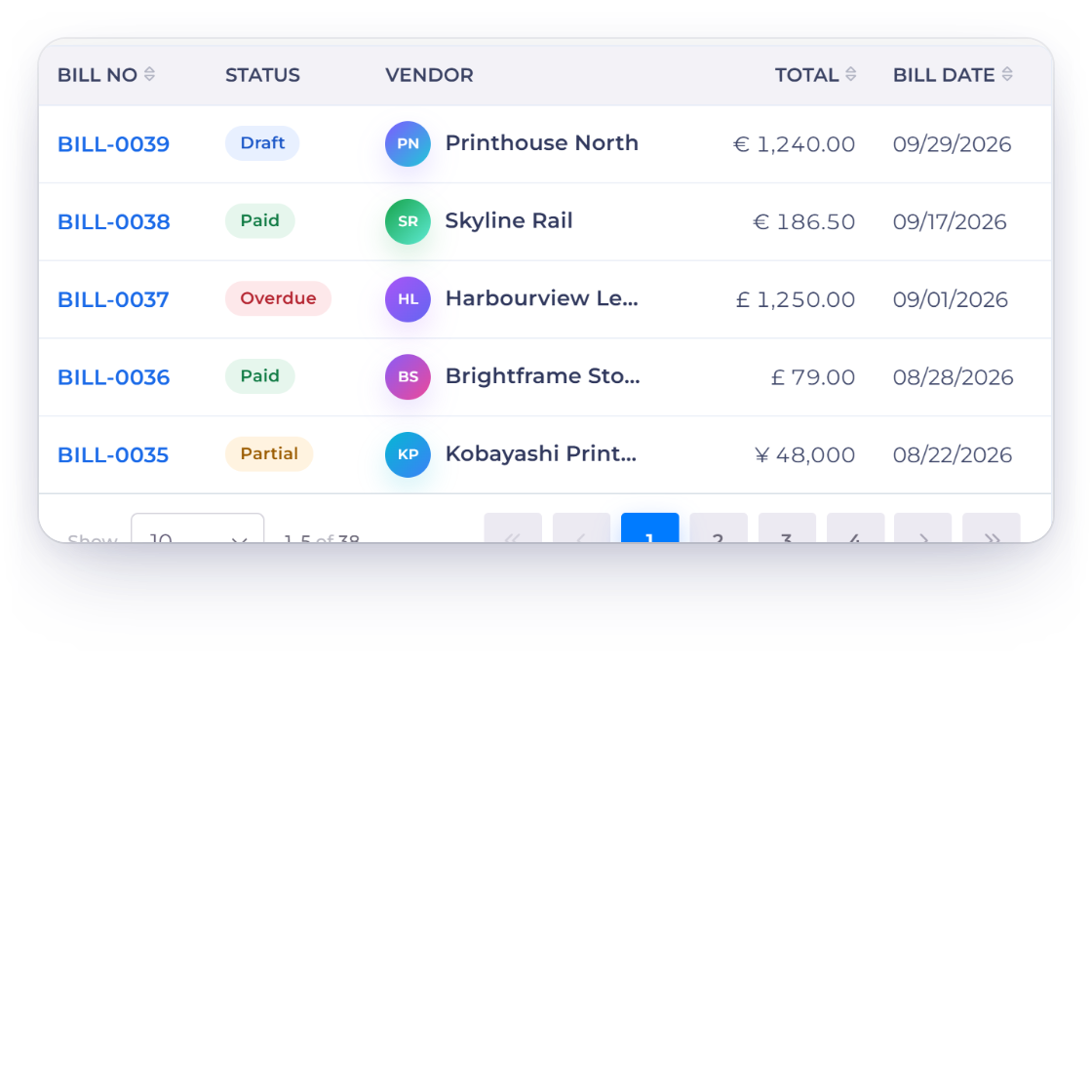
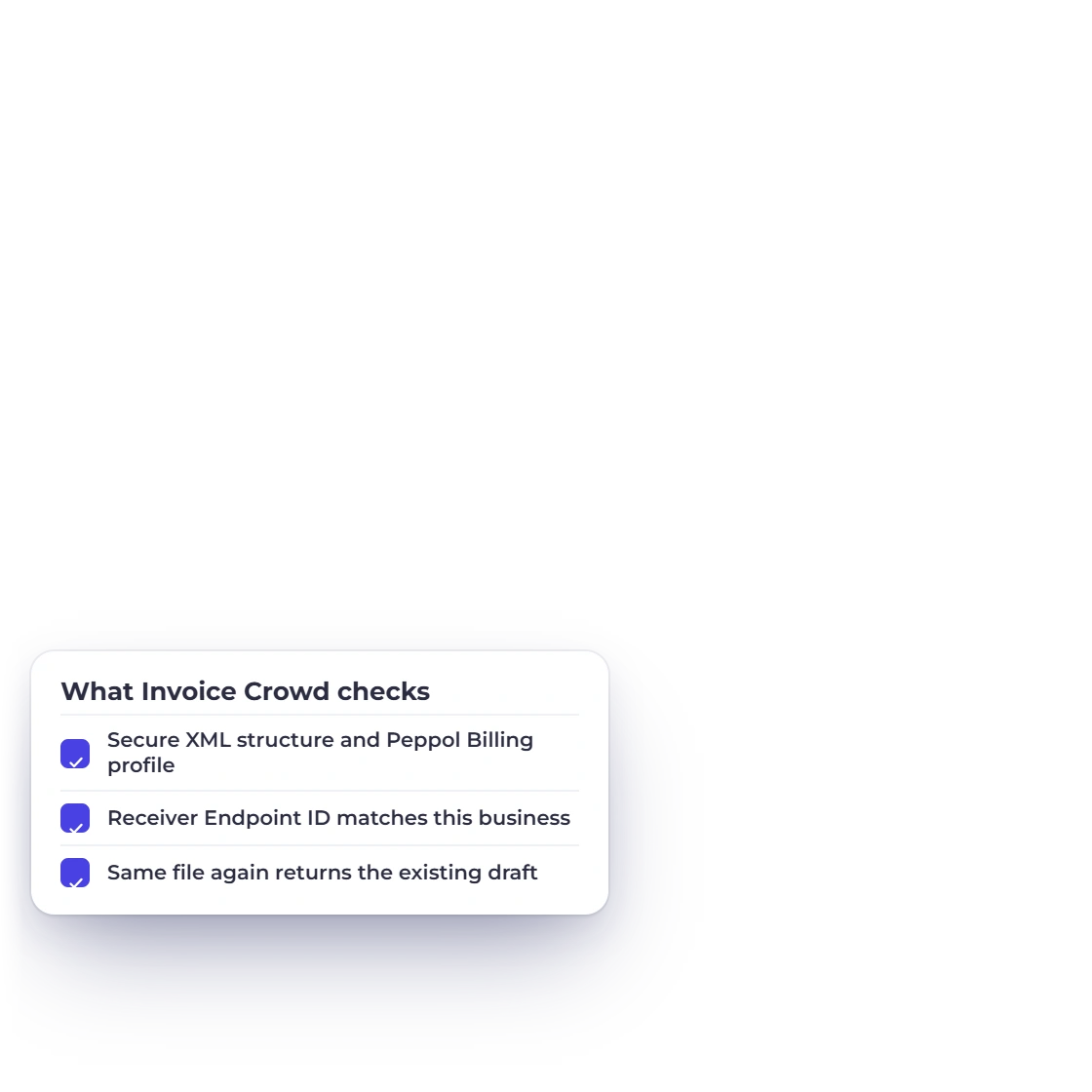
Invoice Crowd bills list with an imported UBL bill left as a draft for review, and the checks the importer runs

Review before recording

The importer is deliberately conservative. Unsupported types, unsafe XML, mismatched receivers, invalid money or duplicate evidence fail without partially creating a bill.

  • Draft only
  • No webhook receiver
  • Human review remains required

Supported Peppol workflow

A connected path from invoice to structured delivery

The safest rollout treats local file creation, provider delivery and jurisdiction-specific compliance as three separate evidence gates.

  • Sales invoices only

    Outbound export is limited to standard sales invoices.

  • UBL 2.1 output

    Invoice Crowd builds a structured XML document rather than treating a PDF as an e-invoice.

  • Bounded preflight

    Local checks catch supported structural issues; they are not authoritative network validation.

  • Endpoint fields

    The customer EAS and Endpoint ID are entered from evidence supplied by the recipient or provider.

  • Buyer reference

    A buyer reference is kept distinct from Invoice Crowd internal document references.

  • Tax per line

    Ambiguous tax category treatment is refused rather than guessed.

  • Shipping as a line

    A standalone positive shipping field is refused because it lacks a Peppol tax category.

  • Discount boundary

    A document discount calculated after tax is refused rather than reinterpreted.

  • Encrypted optional key

    A customer-managed Peppol.sh API key is encrypted and never returned in full.

  • Manual status refresh

    The optional connection does not claim an inbound status webhook.

  • Draft bill import

    Manual supplier UBL import creates an unposted draft bill only.

  • Access Point flexibility

    Use a downloaded UBL file with the Access Point your business chooses or configure the optional customer-managed Peppol.sh delivery path where available.

Questions

Peppol E-Invoicing, answered

Is Invoice Crowd a Peppol Access Point?

No. Invoice Crowd can create a supported UBL invoice file and, where explicitly enabled, connect to a customer-managed Peppol.sh Personal account. The Access Point remains the network service provider.

Can I use the file workflow without an Invoice Crowd provider account?

Yes. The default file workflow does not require an Invoice Crowd provider account, provider fee, API key, legal-entity record or webhook worker. You download the UBL XML and upload it through the Access Point you choose.

Does local preflight prove the invoice is Peppol compliant?

No. It is a bounded local check for the supported document shape. Your Access Point and the applicable authority remain responsible for current authoritative validation, participant discovery and acceptance.

How does optional connected delivery work?

Only when the feature flags are deliberately enabled, a business can enter the API key for its own funded Peppol.sh Personal account, select the exact provider company and send a supported standard sales invoice. Provider onboarding, verification, balance and external acceptance remain the customer’s responsibility.

Does Invoice Crowd automatically receive supplier invoices from Peppol?

No. There is no inbound Peppol.sh receiver or webhook. A supplier UBL file can be uploaded manually on Bills, where a supported document creates an unposted draft for review.

Which documents are supported?

Outbound export is limited to standard sales invoices. Estimates, recurring templates, subscriptions, payment links, bills, purchase orders, vendor credits, credit notes and other unsupported types cannot be exported.

Can I delete an invoice after sending it through Peppol?

No. An invoice with a Peppol submission can't be deleted. Use Void instead: the invoice keeps its number, is marked Void and is reversed in your books. Agree any correction with your customer through your Access Point process.

Plan Peppol as an evidence chain

Confirm the invoice data, download and inspect the UBL, then have your chosen Access Point and local adviser verify the network and jurisdiction-specific requirements before production use.

  • Use your chosen Access Point
  • Provider-backed delivery evidence
  • Provider responsibilities stay visible