

Skip to content

Build workflows between Invoice Crowd and Pabbly Connect

Pabbly Connect watches for something happening in Invoice Crowd, an invoice updated, a customer added, an expense logged, and does the next thing for you in Google Sheets, WooCommerce, ActiveCampaign, Zoom or WhatsApp. Setup takes a few clicks.

  • Workflows without installation
  • WhatsApp on invoice updates
  • CRM, marketing and productivity apps

What is inside

Workflows that start in your books

Each workflow is a trigger and a response. Something changes in Invoice Crowd, Pabbly Connect passes it along, and the tool on the other end updates without anyone opening it.

Setting one up

Clicks rather than configuration

Connections that are already built

The Invoice Crowd connectors exist inside Pabbly Connect ready to use, so a workflow comes down to choosing the trigger, choosing the app at the other end and mapping the fields between them. Nothing is installed here and nothing needs a developer.

  • No installation required
  • Pick the trigger, pick the destination
  • Field mapping instead of code

One connection, many destinations

CRM, sales, marketing and productivity software all sit on the far side of the same connection. That gives you one place to look when you want to know what is being sent where, rather than a separate integration to maintain for every tool.

  • CRM, sales, marketing and productivity tools
  • The same records feed every workflow
  • One list of what is automated
Every integration

Sales and spreadsheets

Two systems describing one sale

A Pabbly Connect workflow adding an Invoice Crowd item to a Google Sheets row

Rows added to Google Sheets

Save or change an item in Invoice Crowd and a row appears in the spreadsheet you nominated. Teams who plan pricing in a sheet get the list kept current for them, and nobody has to remember to go back and update it after a change.

  • Runs when an item is saved or changed
  • The row lands in the sheet you nominate
  • The spreadsheet stops going out of date

Orders raised in WooCommerce

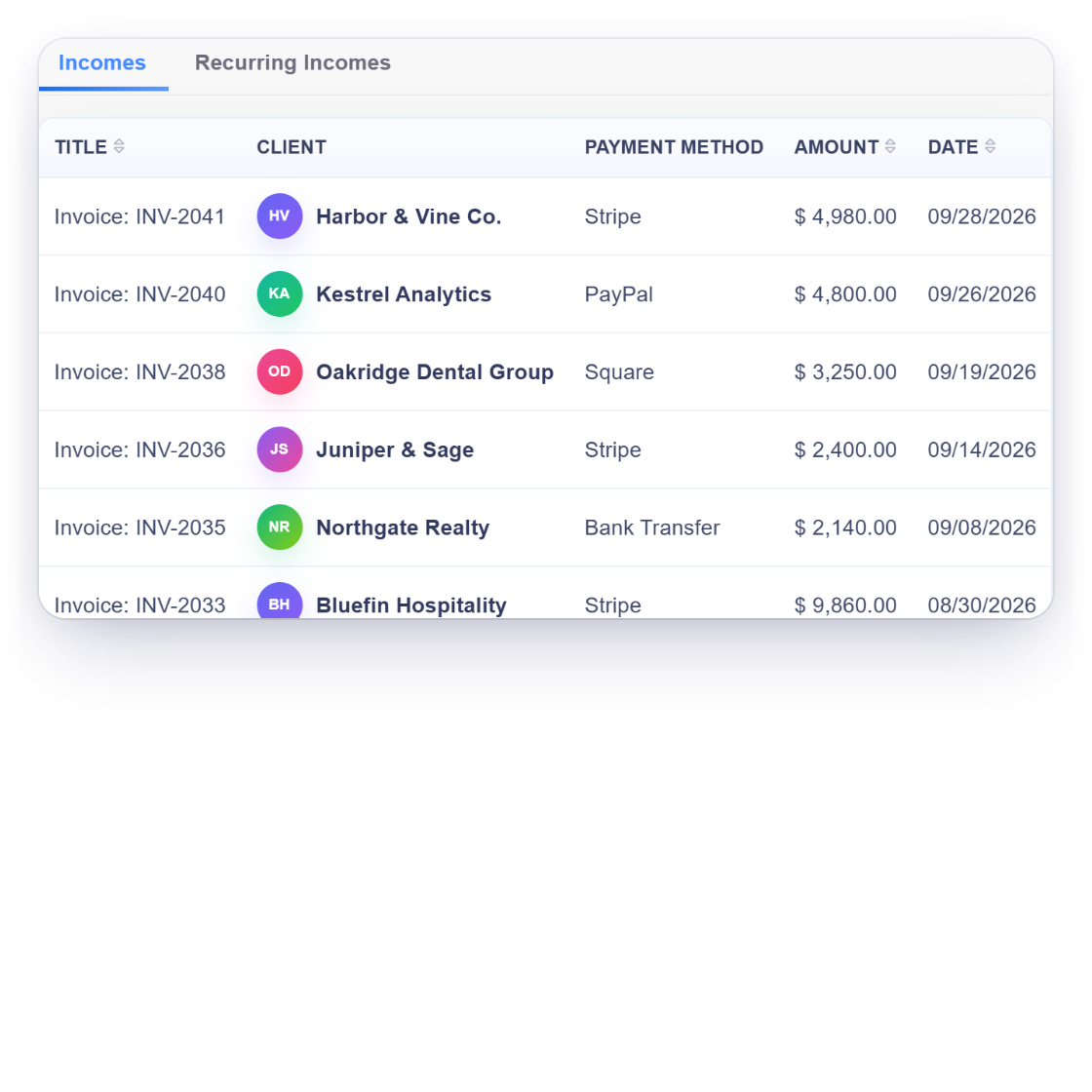
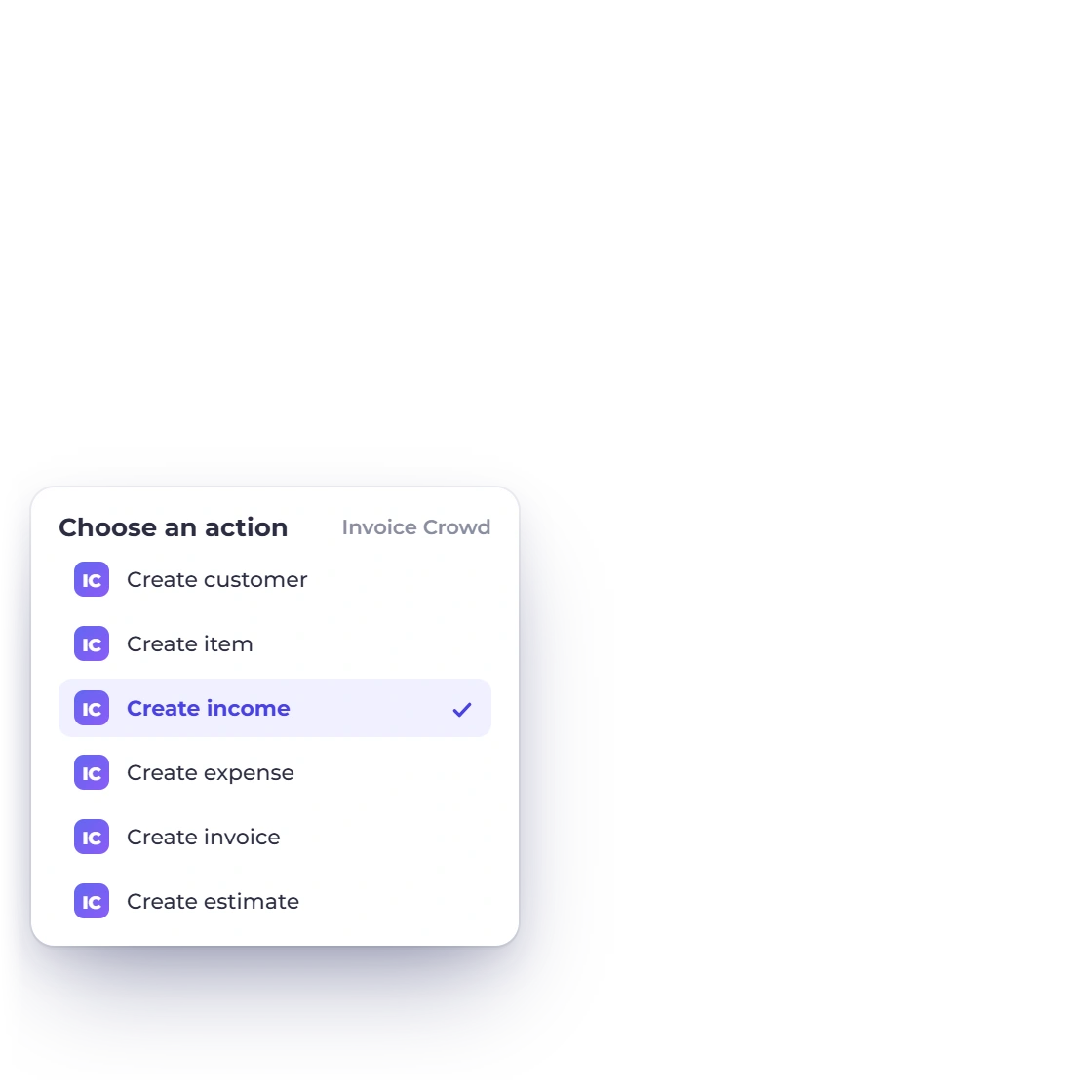
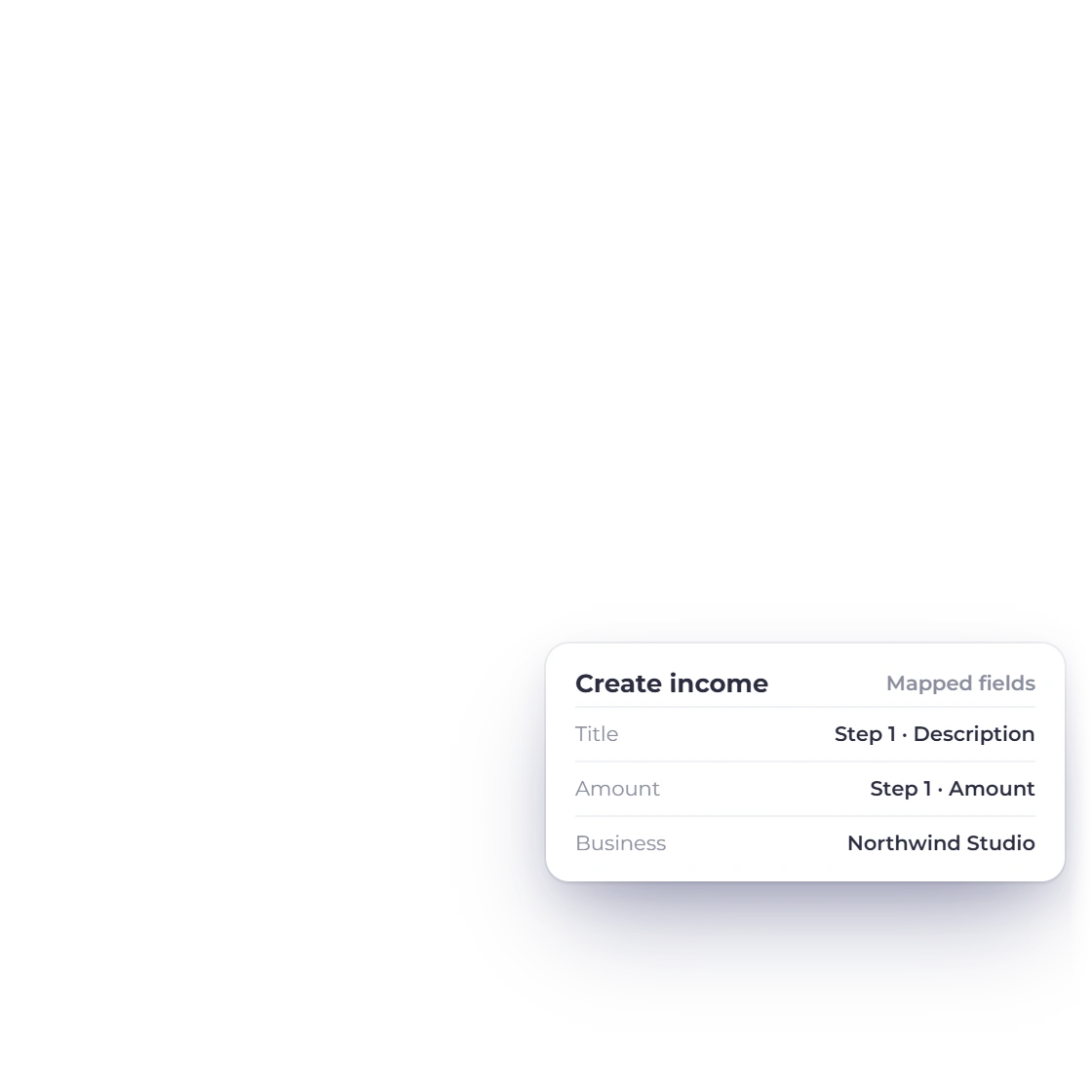
Income recorded in Invoice Crowd can create the matching WooCommerce order, which keeps the storefront and the accounts telling the same story. For shops that take money in more than one way, it removes the reconciliation at the end of the week.

  • An income entry starts the workflow
  • The order is created in the store to match
  • One less thing to reconcile

Talking to the customer

Where a workflow reaches a person

A Pabbly Connect workflow sending a WhatsApp template message when an Invoice Crowd invoice is updated

WhatsApp messages on invoice updates

When an invoice or an estimate is updated, Pabbly Connect can send a WhatsApp template message through 360Dialog. Clients who never open email still learn that the quote is ready or the invoice has been revised, and they learn it straight away.

  • Triggered by an invoice or estimate update
  • Template messages through 360Dialog
  • Reaches clients who ignore email
A Pabbly Connect workflow creating an Invoice Crowd customer from a Facebook Lead Ads submission

Leads from Facebook become customers

A Facebook Lead Ads submission is turned into a customer record here, so the person who filled in the form is already in the account by the time you come to quote them. It is the same record your estimates and invoices are raised against later.

  • A lead ad submission creates the customer
  • Their details arrive with the record
  • Ready to quote the moment they submit
Managing customers

Also included

The rest of what a workflow can touch

A workflow is only as useful as the records it can read. These are the other connectors and the parts of the account they run against.

  • ActiveCampaign contacts

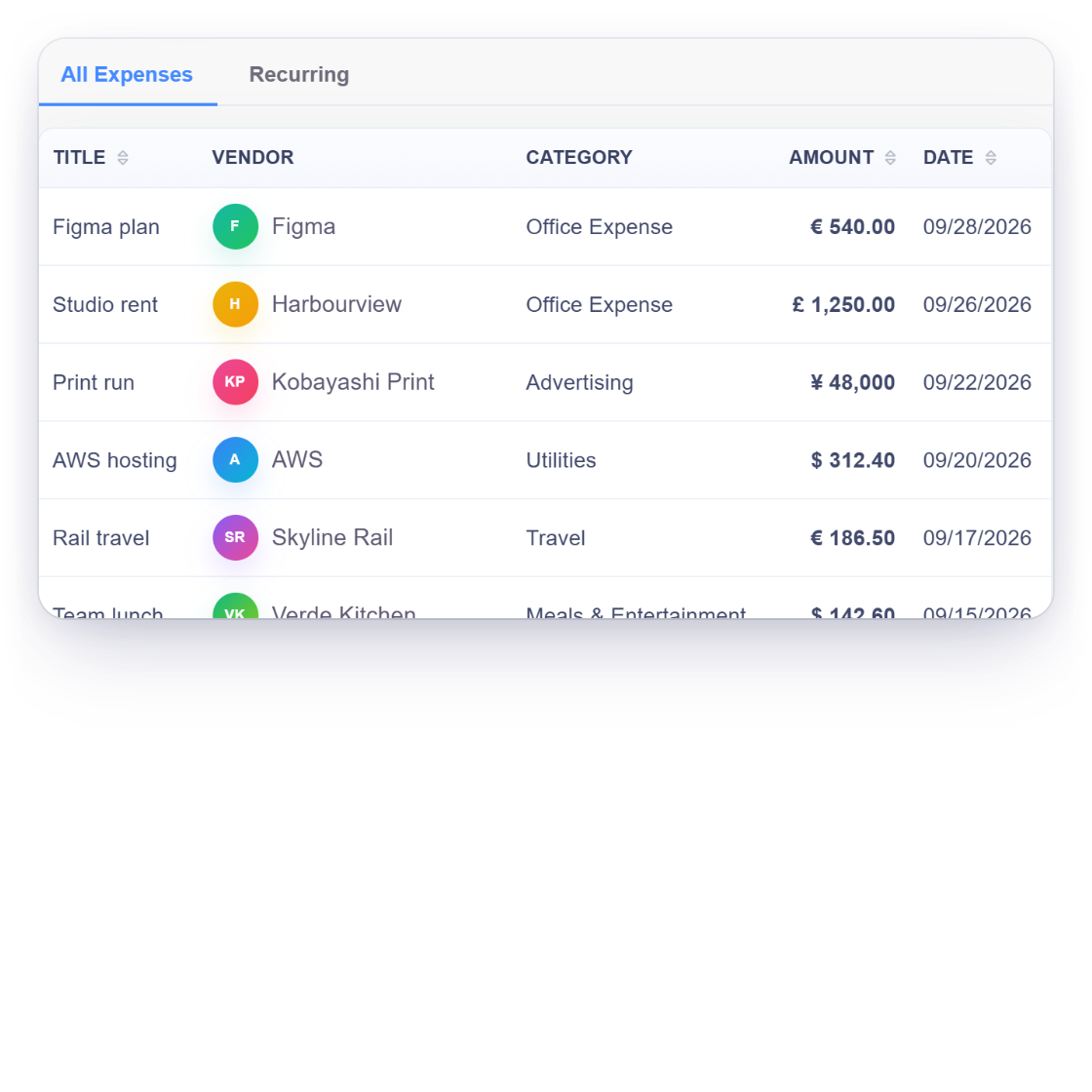
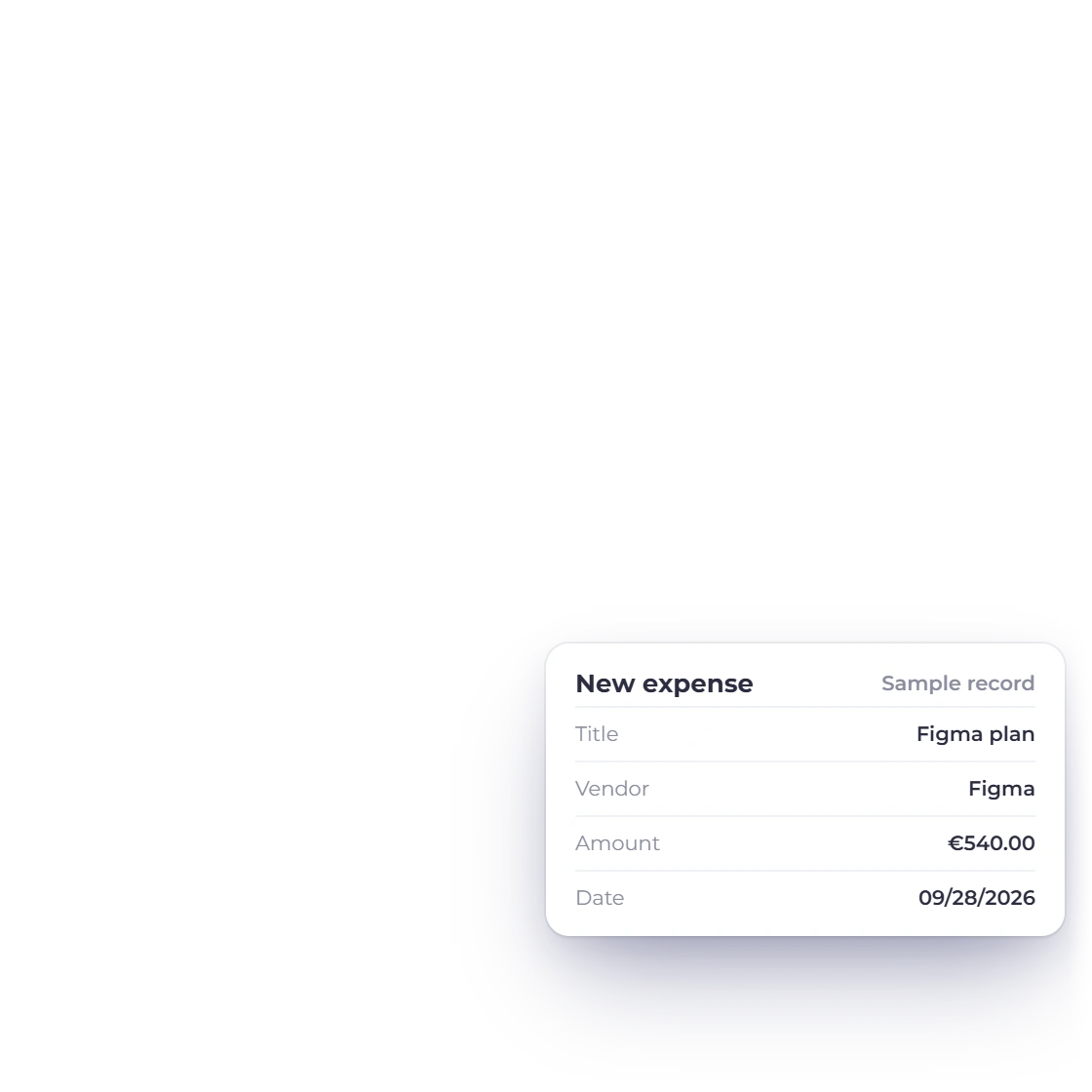
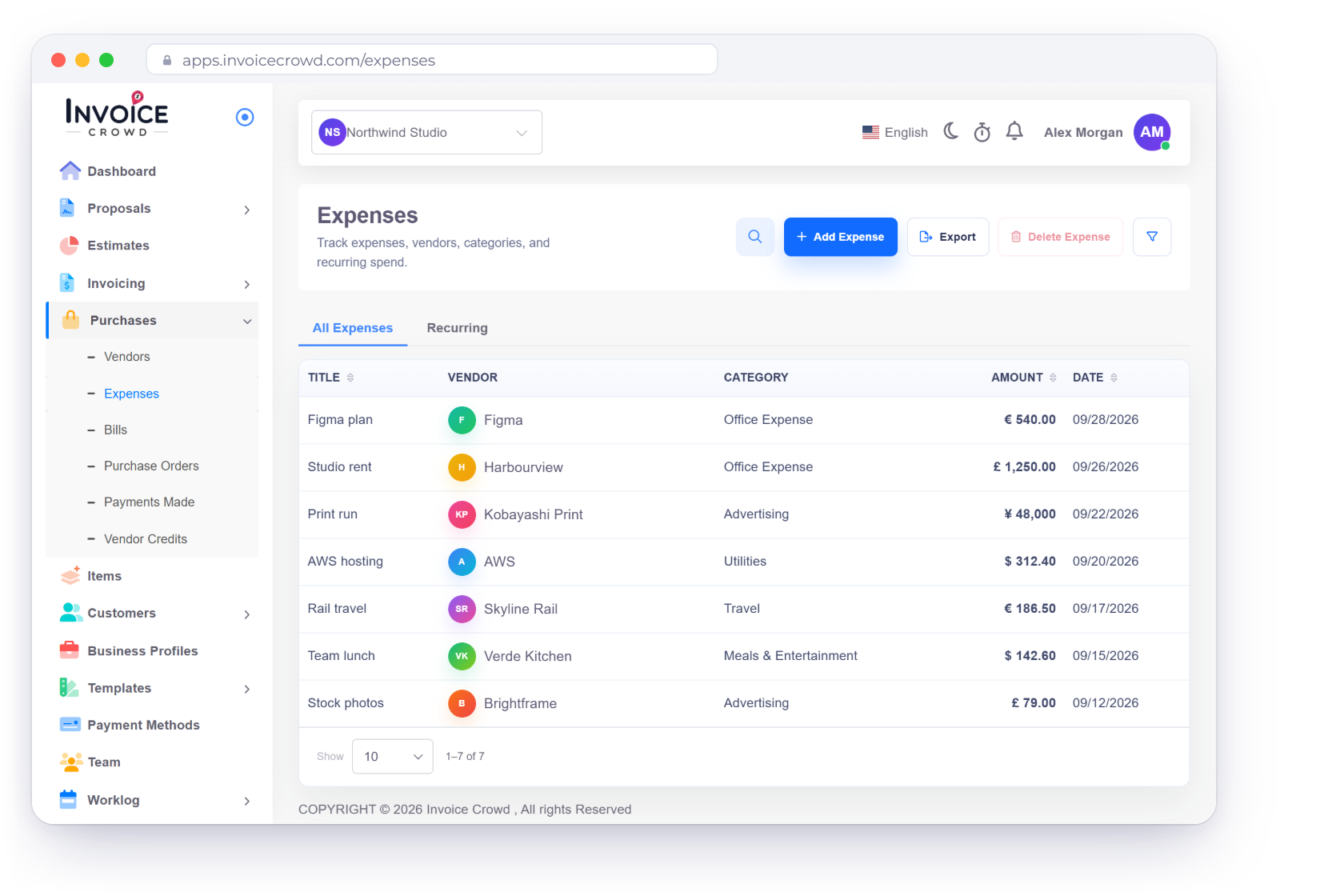
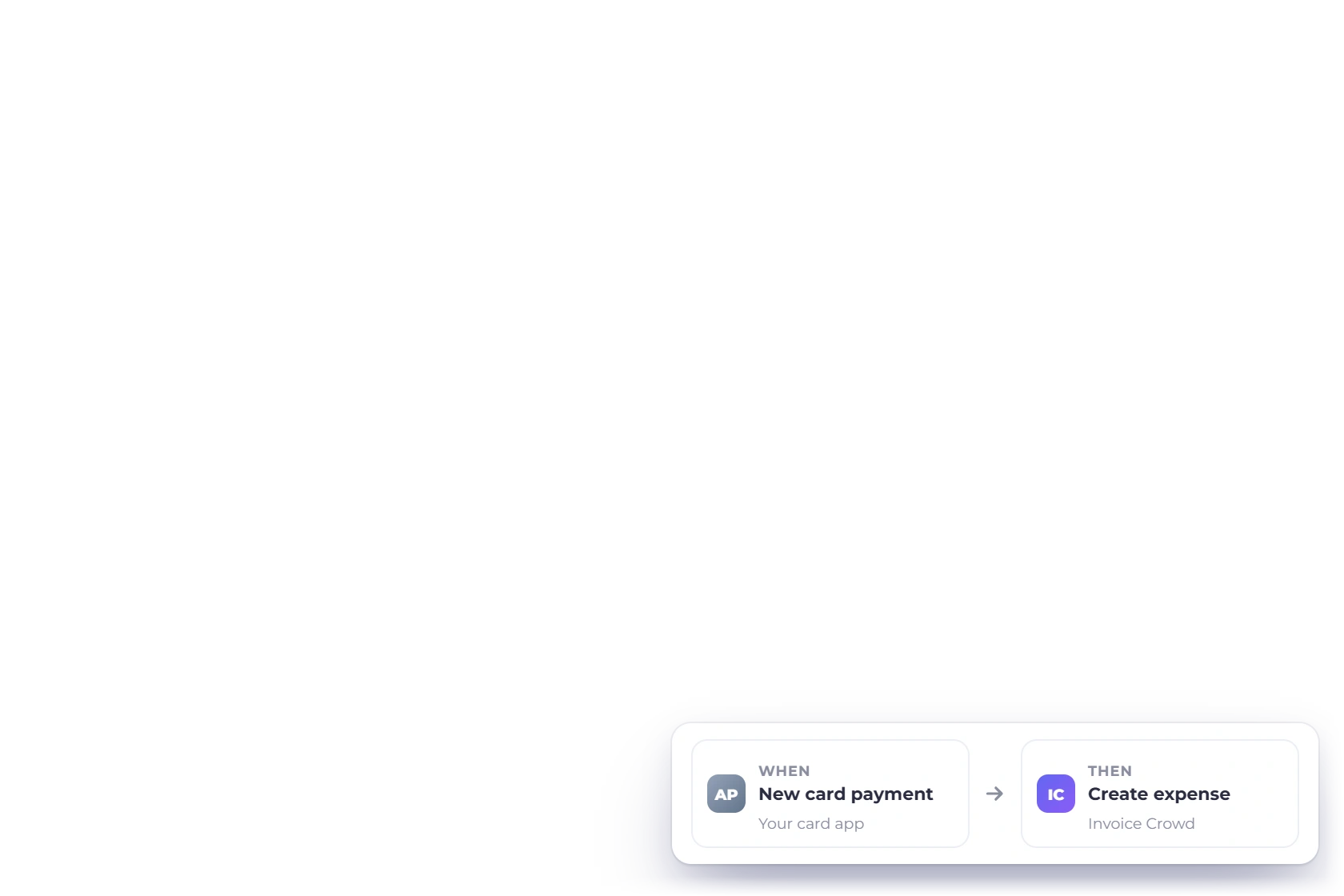
    An expense created or edited in Invoice Crowd can create or update the matching contact.

  • Zoom registrants

    Customers added here can be registered for a Zoom meeting without a second form.

  • Invoices and estimates

    A change to either document can start a workflow, which is what the WhatsApp step uses.

  • Books as a trigger

    Entries on either side of the ledger can be the thing that sets a workflow going.

  • Customer changes

    Adding or editing a customer is a trigger too, so other systems hear about it.

  • Field mapping

    Decide which Invoice Crowd field goes into which field on the app at the other end.

  • Zapier as well

    If your team already builds Zaps, the same records are reachable from there.

  • Text messages

    SMS runs through the separate mobile-message integration rather than a Pabbly workflow.

  • Recurring invoices

    Documents raised on a schedule trigger the same workflows as ones you raise by hand.

  • Portal and workflow

    Clients see the document in the portal; the workflow is what tells them it is there.

  • All the connectors

    Pabbly Connect, Zapier and mobile messaging are listed on a single integrations page.

  • Start on the trial

    Thirty days free with no card, which is time enough to build a workflow and watch it run.

Questions

The Pabbly Connect integration, answered

What does Pabbly Connect do with Invoice Crowd?

It watches for an event here, an invoice updated, a customer added, an item saved, an expense recorded, and carries it into another application. The connectors are ready to use, so building a workflow means choosing a trigger and mapping a few fields.

Do I need to install anything?

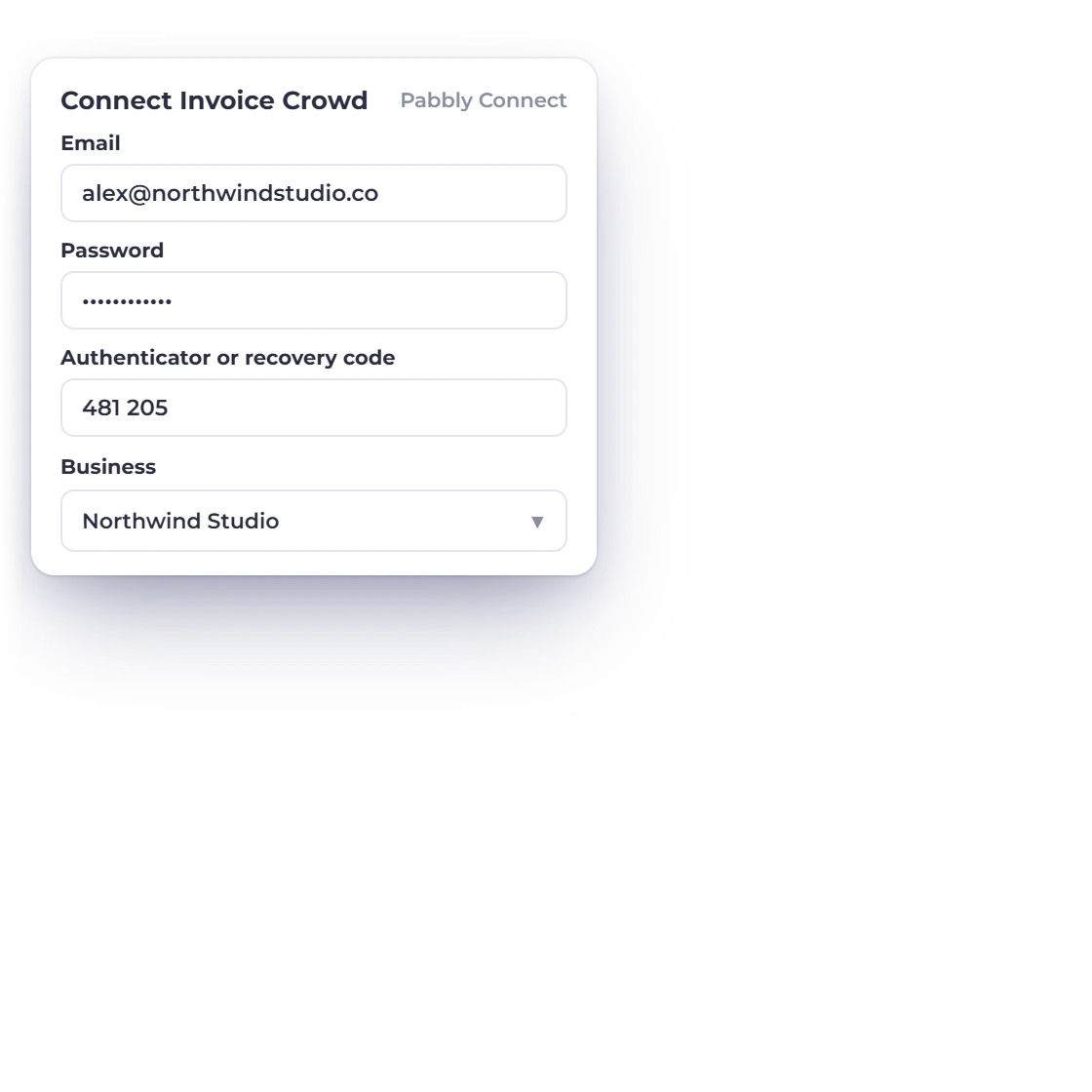
No. There is nothing to add to Invoice Crowd. You connect the account from inside Pabbly Connect, choose the applications on each side and the workflow runs from there. CRM, sales, marketing and productivity tools are all reachable this way.

Can clients be messaged on WhatsApp automatically?

Yes, through the WhatsApp by 360Dialog connector. When an invoice or an estimate is updated, a template message can go out immediately, which suits clients who read a message far sooner than they read an email.

Which Invoice Crowd records can start a workflow?

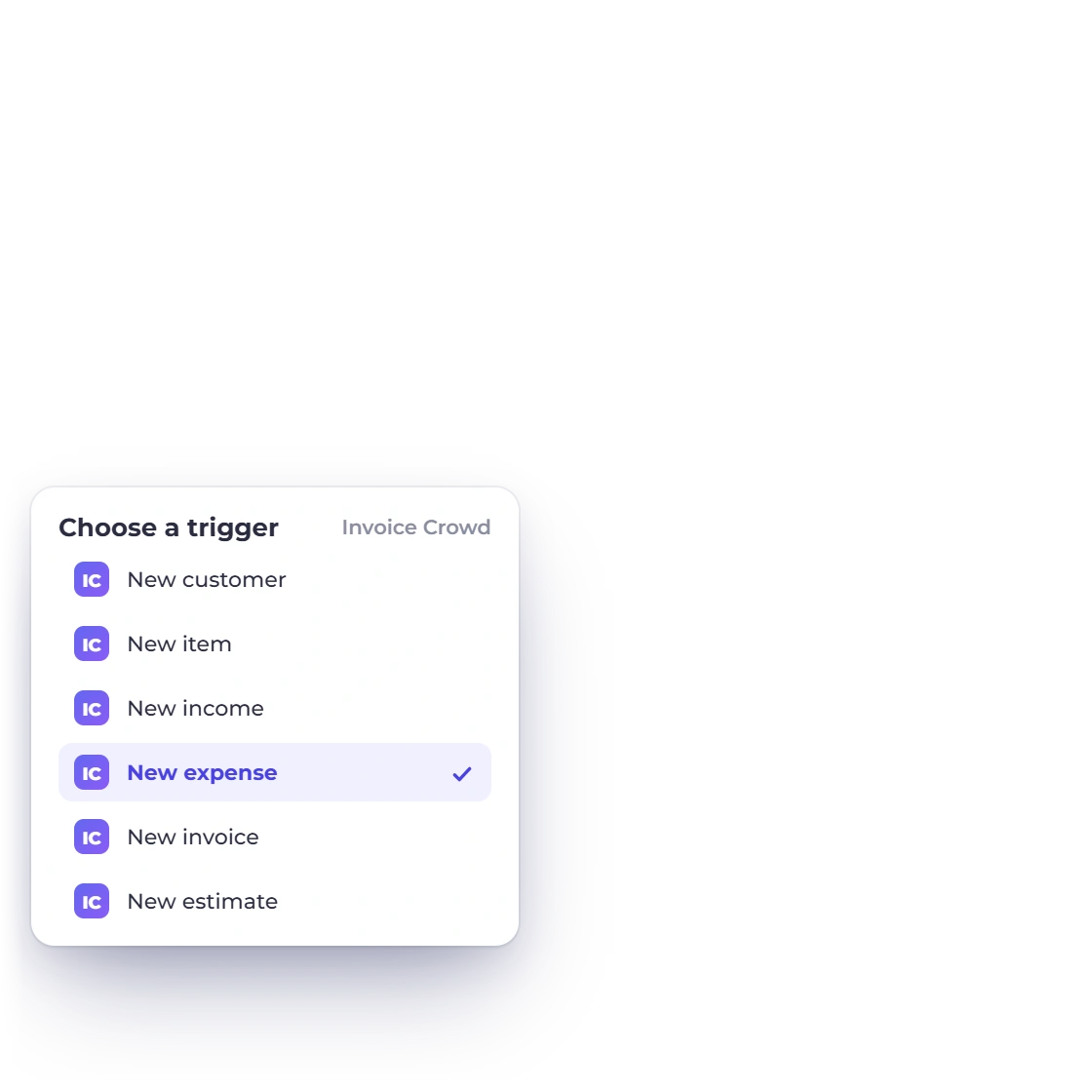
Customers, items, income entries, expenses, and updates to invoices and estimates. Between them they cover the ready-made workflows on this page: rows written into Google Sheets, orders raised in WooCommerce, contacts kept current in ActiveCampaign, Zoom registrants added, and WhatsApp template messages sent when a document changes.

Can a workflow create something inside Invoice Crowd?

Yes. Facebook Lead Ads submissions are turned into customer records here, so a lead arrives as somebody you can quote rather than a line in an ad platform. The traffic runs in both directions, not only outward.

Should I use Pabbly Connect or Zapier?

Either. Both reach the same Invoice Crowd records, and the decision usually follows whichever automation platform the business already pays for. Zapier has the larger app catalog; Pabbly Connect covers the integrations described on this page.

Let the workflow do the next step

An invoice changes, a customer is added, an expense is logged, and the rest of the stack finds out without anybody telling it. Set the first workflow up during the 30-day trial.

  • Nothing to install on either side
  • 30-day free trial, cancel anytime
  • No card required to start