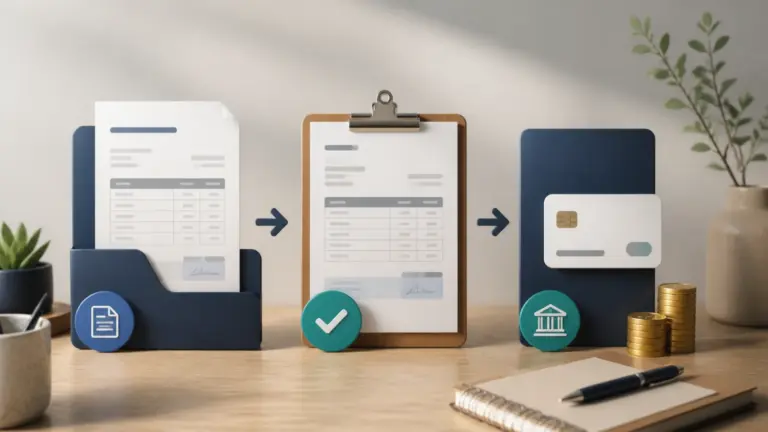
Short answer: An invoicing client portal should show only that customer's estimates, invoices, recurring invoices, payment status and relevant history, with secure access and clear actions. It should not expose internal notes, other customers, unrestricted files or financial administration controls.
A portal is valuable because it replaces repeated requests for copies and balances. It becomes risky when it is treated as a second application with unclear permissions. The safest design is a narrow window onto authoritative records the business already maintains.
The minimum useful portal
A customer should be able to identify the business, identify themselves, find the right document, understand its status and take the next permitted action. Everything else should justify the additional privacy and support burden.
| Portal area | Customer question answered | Minimum information |
|---|---|---|
| Estimates | What was quoted and approved? | Reference, date, total, status and readable document |
| Invoices | What was billed and when is it due? | Number, issue date, due date, total, balance and status |
| Recurring invoices | What billing relationship is still active? | Schedule summary and issued invoice history |
| Payments | What has been received? | Date, amount, allocation and remaining balance |
| Actions | What can I do now? | View, download, approve or pay only when authorized |
What the portal should not reveal
Internal collection notes, profitability, staff comments, gateway credentials, accounting classifications and unrelated customers do not belong in the customer view. Even a harmless-looking sequential identifier can expose another customer if authorization is checked only in the interface.
Permissions must be enforced on every server request. Hiding a menu item or guessing that a long URL is secret is not access control.
- Other customers, vendors or business profiles
- Internal notes, margins, costs or collection strategy
- Unshared drafts and superseded working documents
- Bank, gateway, tax or administrator settings
- Unrestricted attachments or predictable download links
Approval and payment need explicit states
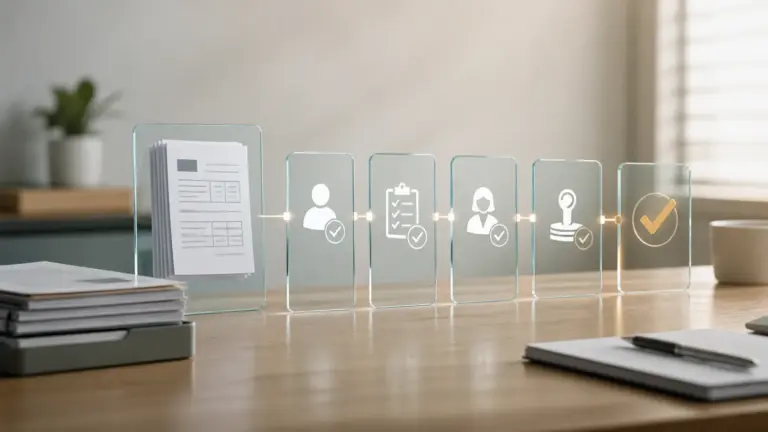
A portal should distinguish viewed, approved, declined, paid, partially paid, overdue and cancelled states without implying more than happened. Opening an invoice does not approve it. Starting a checkout does not prove payment. A payment confirmation should come from verified provider evidence and update the exact invoice allocation.
If the customer can approve an estimate or proposal, preserve the approved version and timestamp. If the document changes later, the customer should not silently inherit a different scope.
| Action | Evidence to preserve | Unsafe shortcut |
|---|---|---|
| View | Authenticated customer and timestamp where appropriate | Treating an emailed link click as approval |
| Approve | Document version, identity and approval time | Overwriting the approved document |
| Pay | Provider transaction, amount, currency and allocation | Trusting only the browser return page |
| Download | Authorization to the specific customer document | Using a predictable attachment path |
Portal usability checks customers notice
A portal reduces support only when the answer is easier to find than sending an email. Test it with a customer account that has several documents and one awkward exception, not a clean new profile.
- Mobile layout keeps totals, due dates and actions readable without horizontal scrolling.
- Document names and statuses use customer language rather than internal database terms.
- The portal explains expired, cancelled, credited and partially paid records.
- Password reset and session expiry do not reveal whether an unrelated email is a customer.
- Accessible focus, headings, labels and contrast support keyboard and assistive-technology users.
- Support contact and business identity are visible when a customer disputes a record.
A five-minute security and privacy test
This simple test does not replace a security assessment, but it catches the most damaging portal mistake: trusting a public identifier without verifying the customer and business context on the server.
- Sign in as Customer A and copy an invoice URL.
- Sign out, sign in as Customer B and request that URL.
- Repeat with downloads, payment actions and API requests.
- Switch business profiles if the owner manages more than one company.
- Confirm every request fails closed and no cached content remains visible.
How Invoice Crowd fits
Invoice Crowd gives each customer a portal view tied to their own estimates, invoices and recurring invoices. The portal reads the same records the business manages rather than maintaining a second copy. Owners should share only the intended documents and verify the customer account after configuration. Follow the relevant customer portal workflow, but keep the underlying business rule visible so automation does not become a black box.
Sources and scope
This guide was reviewed in August 2026 against the current Invoice Crowd customer-portal contract and standard authorization principles. It is a product-evaluation checklist, not a claim that portal access alone satisfies every privacy or record-retention rule.
Frequently asked questions
What is an invoicing client portal?
It is a secure customer-facing area where a client can view permitted estimates, invoices, recurring records, balances and payment history without accessing the business administration system.
Should customers be able to pay in the portal?
Yes when the configured gateway and invoice permit it. Payment should be confirmed from verified provider evidence and allocated to the exact invoice, not inferred from a return page.
Can a client portal replace emailed invoices?
It can become the primary place customers retrieve documents, but delivery and notification rules depend on the contract and jurisdiction. Some customers may still require email or structured e-invoice delivery.
What information should be hidden?
Hide internal notes, costs, margins, accounting classifications, administrator settings, other customers and any attachment or draft the business did not explicitly share.
How do I test portal security?
Try to access Customer A records while signed in as Customer B, including direct document, download, action and API URLs. Every request should verify customer and business scope server-side.
What does the Invoice Crowd customer portal show?
It provides a customer-specific dashboard for shared estimates, invoices and recurring invoices from the same business account. The customer should only see their own authorized records.