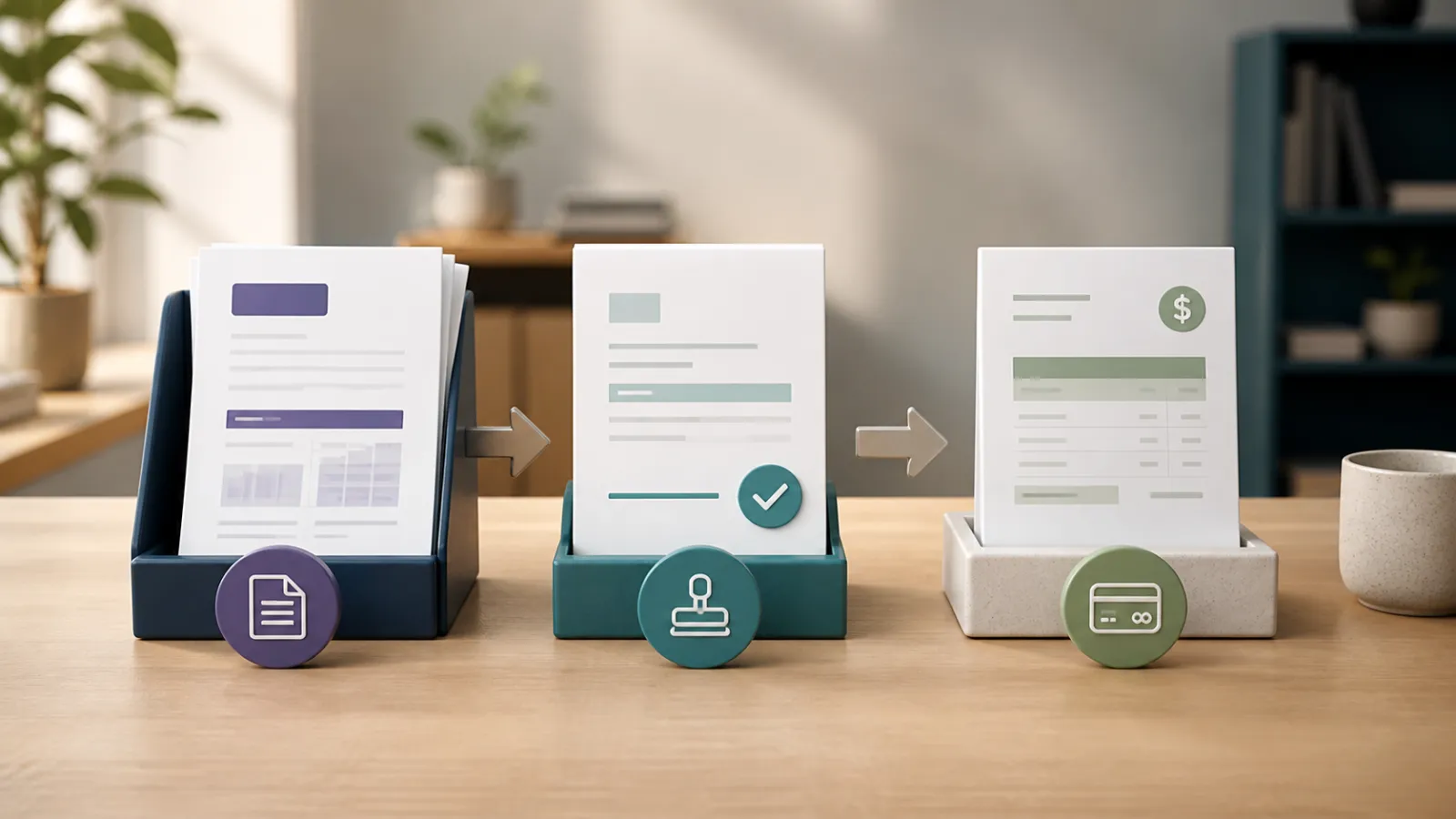
Short answer: A proposal-to-invoice workflow should convert the approved version of scope, price, customer and terms into the billing record without retyping them. Changes after approval should be explicit additions or revisions, not silent edits to the deal the client accepted.
Retyping a won proposal into an invoice feels harmless because the documents are short. It creates a second version of the truth at the most sensitive moment: when scope becomes money. The fix is not automation for its own sake. It is preserving the relationship between agreement and charge.
The six records in a clean workflow
| Record | Question it answers | What must carry forward |
|---|---|---|
| Customer | Who is agreeing and paying? | Legal and billing identity, currency and contacts |
| Proposal | Why this approach and scope? | Sections, deliverables, price, terms and version |
| Approval | What did the client accept? | Identity, timestamp and exact approved version |
| Project or delivery record | What work occurred? | Tasks, hours, costs, milestones and changes |
| Invoice | What is now payable? | Approved lines plus documented changes and tax treatment |
| Payment | What settled which charge? | Amount, date, currency, method, fee and allocation |
Step 1: write billable scope, not decorative copy
A proposal can be persuasive and still be operational. Name each deliverable, quantity, timing, acceptance condition and excluded item that can affect price. Put optional work in separate priced choices rather than hiding it in a paragraph.
If the proposal says unlimited revisions and the invoice says design services, the invoice cannot rescue the commercial mistake. Clear scope is the first billing control.
- Deliverable and quantity
- Dates or trigger
- Price and tax basis
- Deposit or payment schedule
- Assumptions and exclusions
- Approval and change process
Step 2: preserve the approved version
Approval should freeze or retain the version the client saw. The business may duplicate it for future work, but it should not rewrite history after the client accepts. If the client requests a change before delivery, create a revision or change record with its own approval.
An email that says looks good can be meaningful evidence, but a system approval tied to the exact document reduces ambiguity. The approval record should not expose the client to a document that can be edited underneath it.
Step 3: convert without rekeying
Conversion should carry the customer, currency, items, descriptions, quantities, rates, discount, tax and payment terms into an invoice or project billing record. The invoice may legitimately cover only a deposit or milestone, but the relationship to the full agreement must remain clear.
Do not use conversion to mark work delivered or revenue earned automatically. It creates the billing record. Delivery status, accounting posting and revenue policy are separate decisions.
| Field | Carry automatically? | Review before send |
|---|---|---|
| Customer and currency | Yes | Legal identity and payment destination |
| Items, quantities and rates | Yes | Which approved lines are billable now |
| Tax and discount | Yes, as proposal evidence | Invoice-date and jurisdiction treatment |
| Deposit or milestone amount | From agreed schedule | Previous invoices and remaining contract value |
| Due date and payment method | From terms or business rule | Client procurement and gateway availability |
Step 4: handle change without rewriting the deal
Additional work should have a name, price and approval. It can be a change proposal, revised estimate, optional-item acceptance or separate invoice line with linked evidence. The important point is that the original agreement remains readable.
If the change reduces scope, use a revision or credit process that explains the reduction. Deleting an old line from an approved document makes the final invoice harder to defend, not easier.
- Record who requested the change.
- Describe the added or removed deliverable.
- Price the effect and identify tax treatment.
- Capture approval before work where practical.
- Link the change to the invoice or credit that implements it.
Step 5: close the loop after payment
The invoice should move to paid only from reliable payment evidence or an authorized manual action. Partial payments must reduce the correct balance, processor fees need their own treatment, and the project should retain the relationship between contract value, billed value and collected cash.
At close, another person should be able to move from payment to invoice, invoice to approved scope, and scope to delivery or change evidence. That chain is what makes the workflow more than a collection of PDFs.
How Invoice Crowd fits
Invoice Crowd proposals can be built from templates, branded, approved and converted into invoices without typing the pricing again. Estimates have a similar approval-to-invoice path, while projects, time, expenses and payments can preserve what happened after the agreement. Teams should still review tax, milestone and change decisions before sending. Follow the relevant proposal builder workflow, but keep the underlying business rule visible so automation does not become a black box.
Sources and scope
This workflow guide was reviewed in August 2026 against the current Invoice Crowd proposal, estimate, project, invoice and payment contracts. Contract enforceability, tax timing and revenue recognition depend on jurisdiction and policy.
Frequently asked questions
What is a proposal-to-invoice workflow?
It is the controlled path that carries an approved customer, scope, price and terms into billing, then links delivery, changes and payment back to that agreement.
Should an approved proposal be editable?
The approved version should remain preserved. Later changes should create a revision, change record or new version so the client and business can still see what was originally accepted.
Does converting a proposal mean the work is complete?
No. Conversion creates a billing record from approved commercial data. Delivery status, accounting posting and revenue recognition are separate decisions.
How should deposits be handled?
Use the agreed deposit amount or percentage and show how it relates to the total contract. Later invoices should explain prior deposits and the remaining amount without double billing.
How do I bill work outside the original scope?
Create a priced change or revision, capture approval, and link it to the invoice line or credit that implements the change. Do not silently rewrite the approved proposal.
Can Invoice Crowd convert a proposal to an invoice?
Yes. An approved proposal can become an invoice without retyping the pricing. Review customer, tax, payment schedule and any changes before sending the invoice.