Start financial management with accurate sales, purchase, payment and expense records. The right tools should make those records easier to review and turn into useful reports, without requiring the same information to be maintained in several places.
Keep the basic records current
Record invoices, supplier bills, expenses and payments consistently. Attach supporting documents where appropriate. Reconcile statement activity so a dashboard balance can be traced to the transactions behind it.
Use reports for different questions
- A profit-and-loss report shows income and expenses for a period.
- A balance sheet shows assets, liabilities and equity at a date.
- An aged receivables report shows which customer balances are overdue.
- A cash forecast sets expected receipts against upcoming payments.
Profit and cash are different. A profitable month can still leave a cash shortage if customers pay after wages, rent or supplier bills fall due.
Set a review routine
Each week, review cash available, upcoming payments and overdue invoices. Each month, reconcile accounts, investigate unusual balances and compare actual spending with the budget. Assign responsibility for unresolved items and follow them through to correction.
Choose tools that fit the work
Test whether your team can enter a transaction, find its evidence, correct an error and explain the resulting report. Check user access, exports and the requirements of your accountant before changing systems.
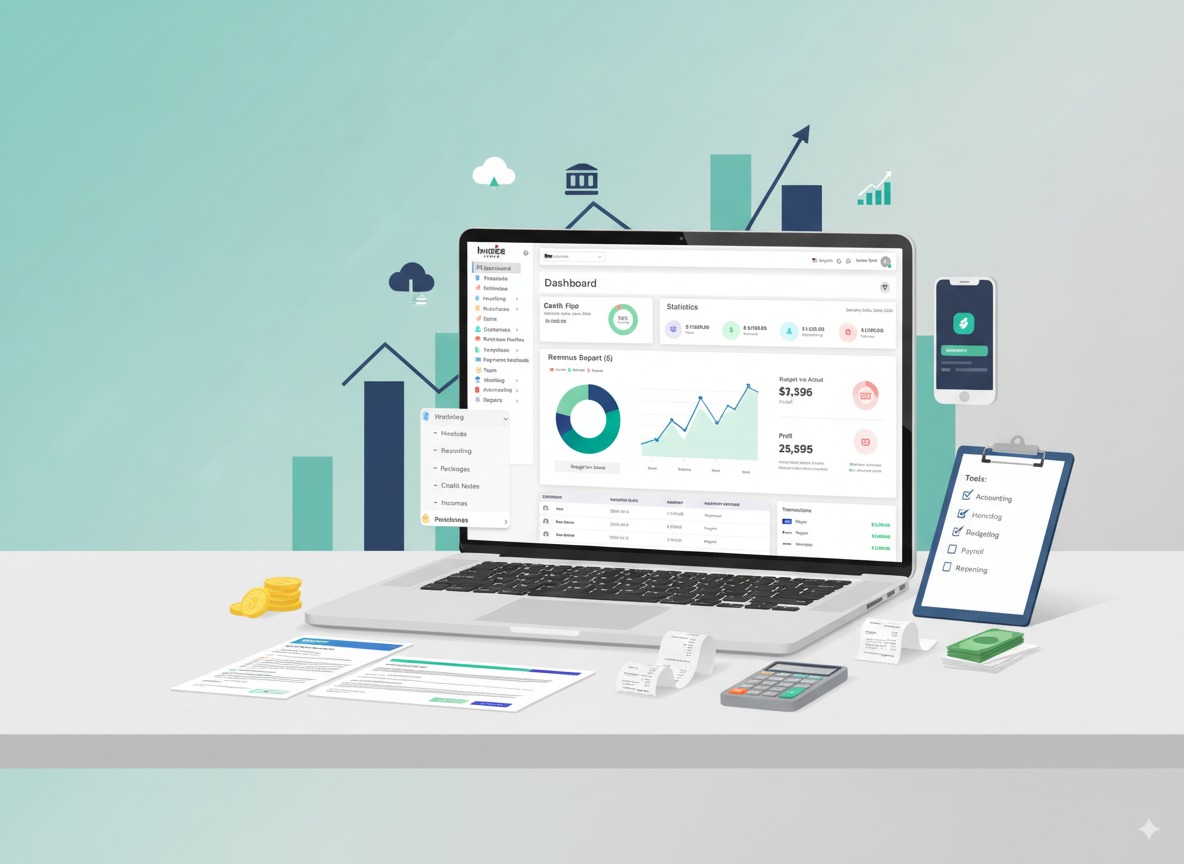
Invoice Crowd connects billing and purchasing with accounting records. Use those records to support your review, and seek qualified advice for tax treatment or reporting requirements specific to your business.