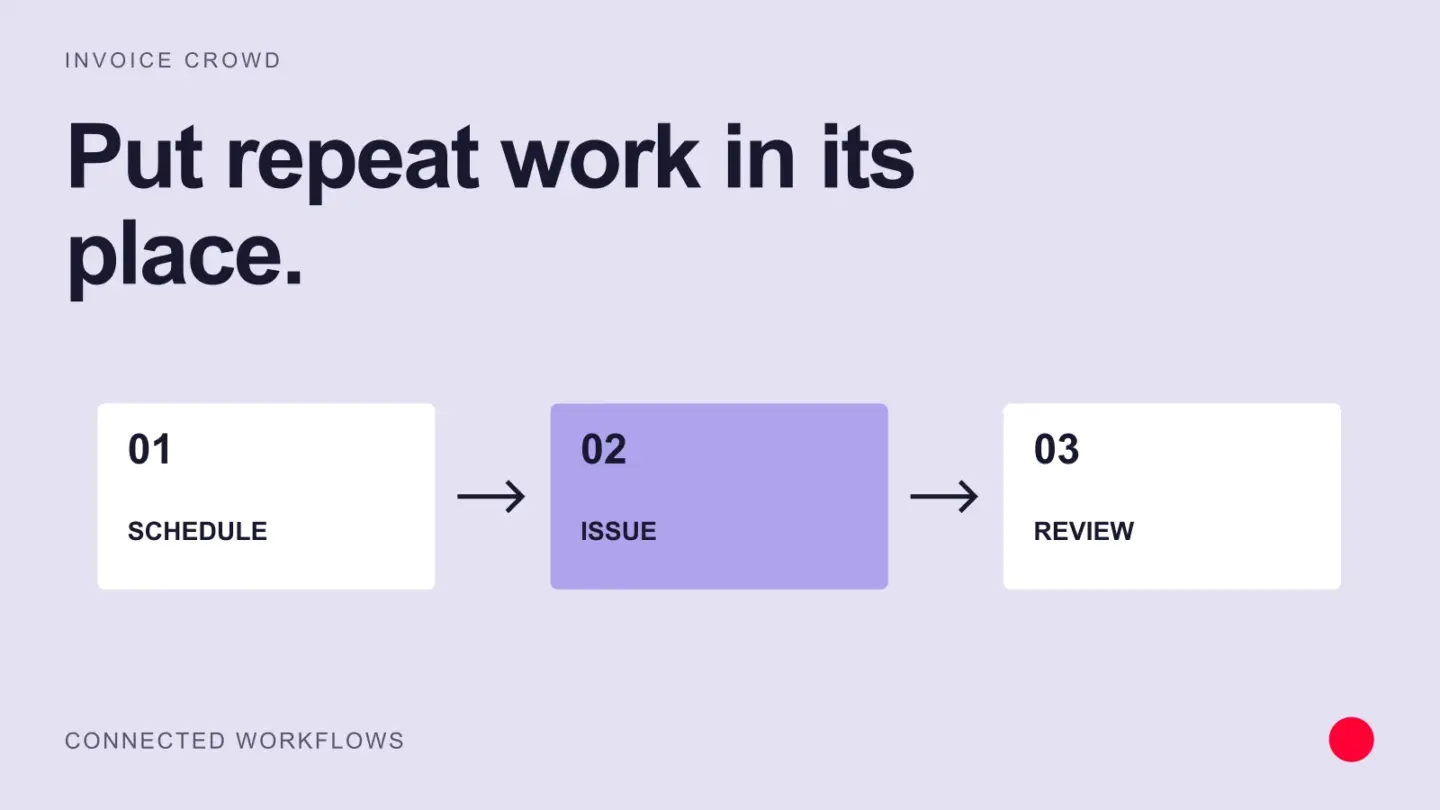
Recurring invoices, reminders and reusable customer details can reduce routine billing work. Set the rules carefully, review exceptions and make sure a payment or dispute changes the follow-up sequence when it should.
Find the repeated work
For one week, note where invoice preparation takes time. Is the team copying addresses, checking approved prices, finding purchase-order numbers or chasing status updates? Fix the step that causes the most repeated effort or corrections.
Use a checklist before sending
- The customer and billing contact are correct.
- The description matches the approved work.
- Amounts, taxes and currency have been checked.
- The invoice includes the agreed payment terms.
- The payment method is available for the transaction.
Automation should help complete these checks. It should not turn an uncertain amount or missing approval into a customer-facing invoice.
Keep exceptions out of routine reminders
A customer who disputes a line item needs a response from a person. A customer who has already paid needs the payment recorded. Check these cases before continuing a reminder sequence.
Measure the time saved
If preparing an invoice takes ten minutes and a revised process takes six, that saves four minutes per invoice before maintenance costs. Measure a representative month and include corrections, failed integrations and customer questions.
In Invoice Crowd, start with the invoicing workflow and the records your team already uses. Add an integration only when it removes a real handoff. Keep one owner responsible for reviewing exceptions and updating the process.