


Skip to content

Features

Items and inventory tracking built into your invoicing

Items are the reusable catalog behind every invoice, estimate, bill and purchase order you raise. Add a product or service once with its selling price, cost, unit and tax code, and it drops onto any document from a dropdown. Switch inventory tracking on for the business, tick Track inventory on an item, and that item keeps a stock-on-hand figure that moves as you sell. It is stock tracking attached to invoicing, not a warehouse system.

  • One catalog for every document
  • Stock on hand per item
  • Import from CSV, XLS or XLSX

Last updated:

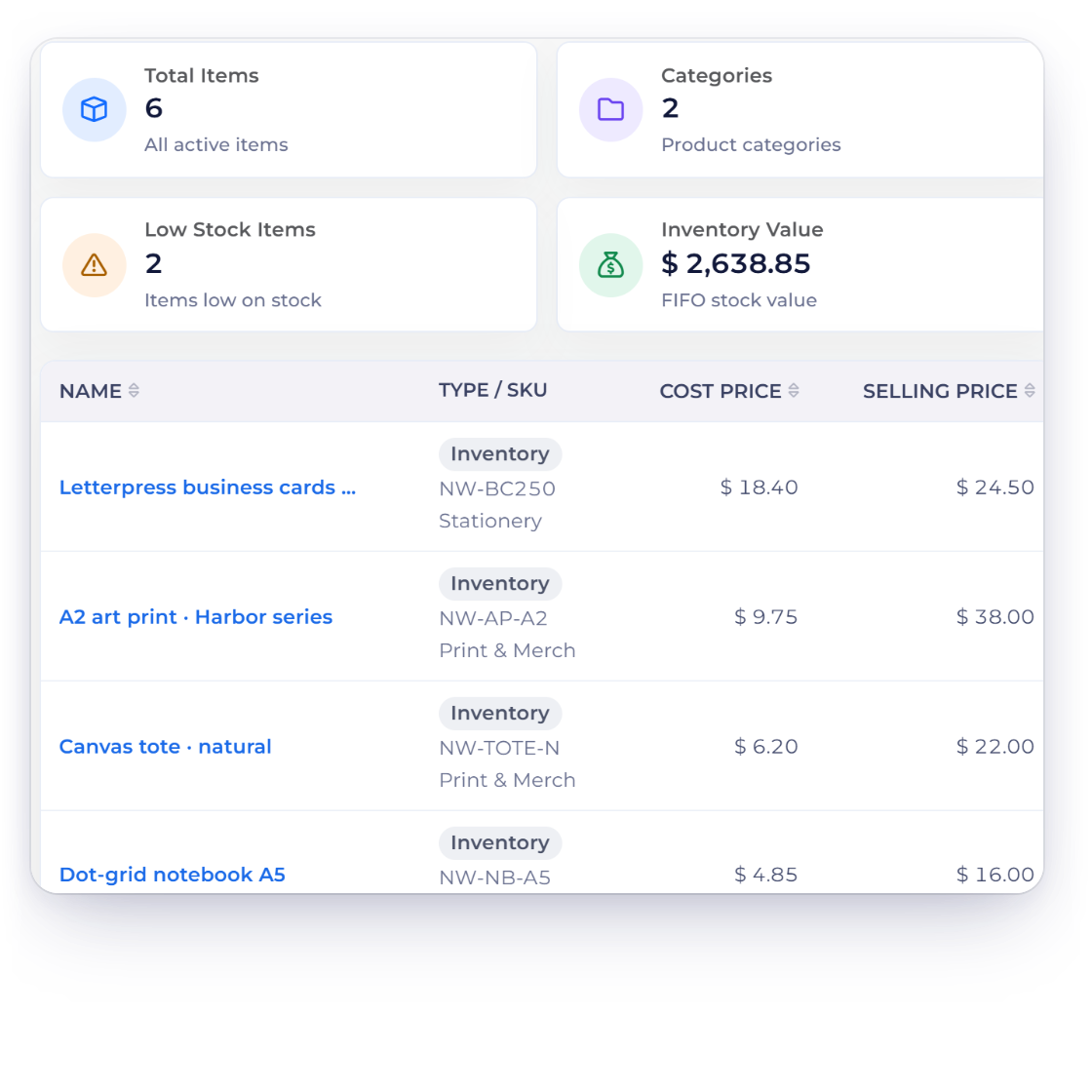
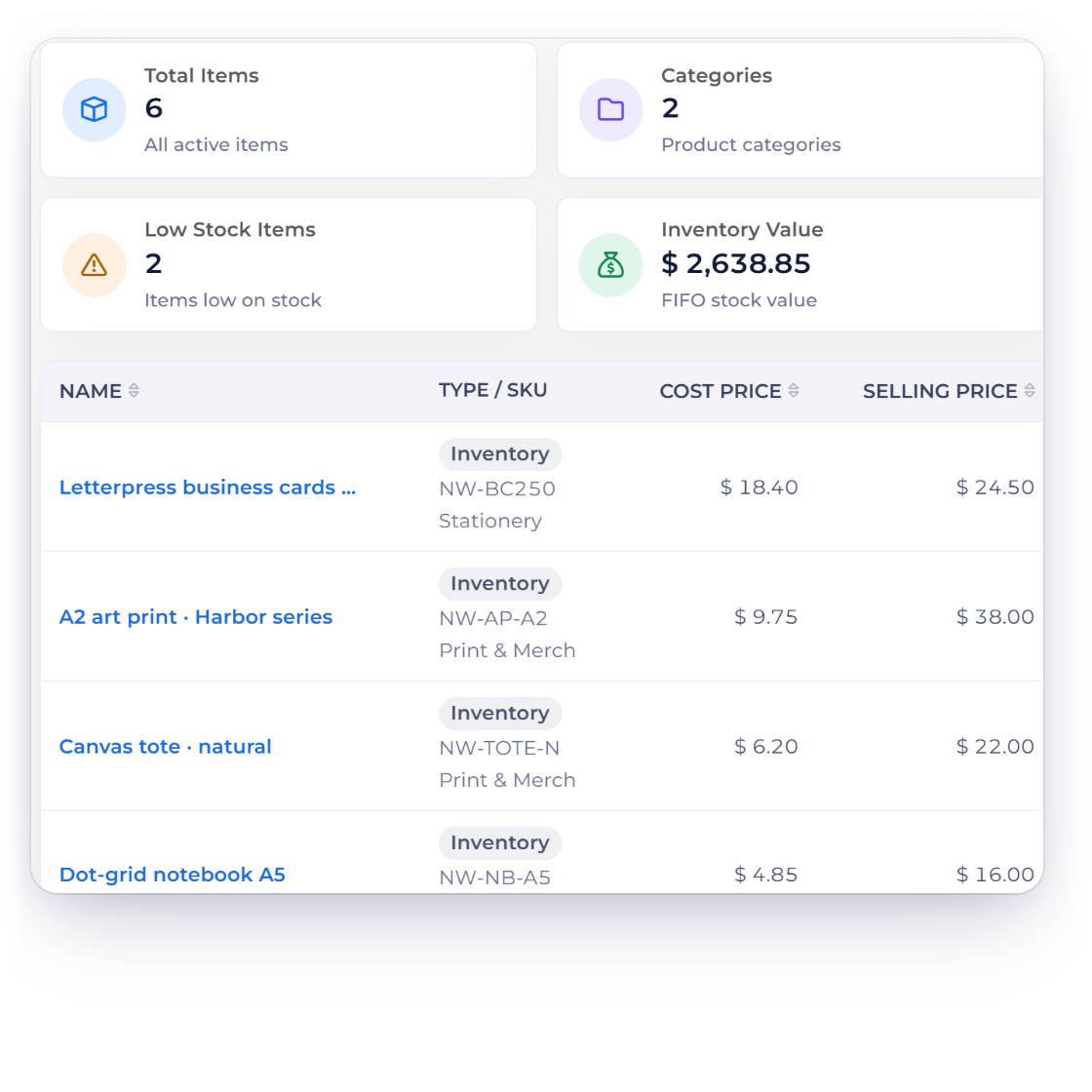
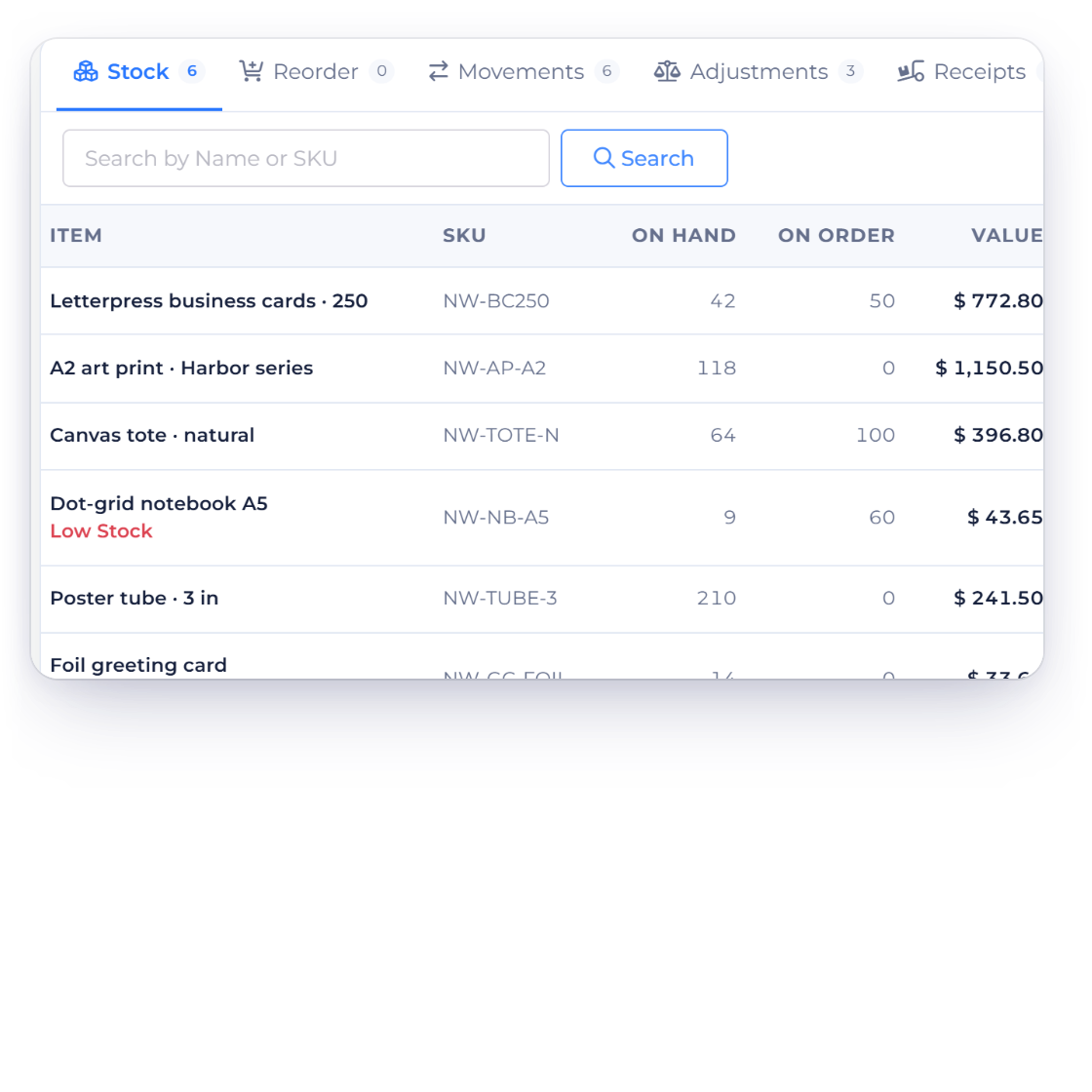
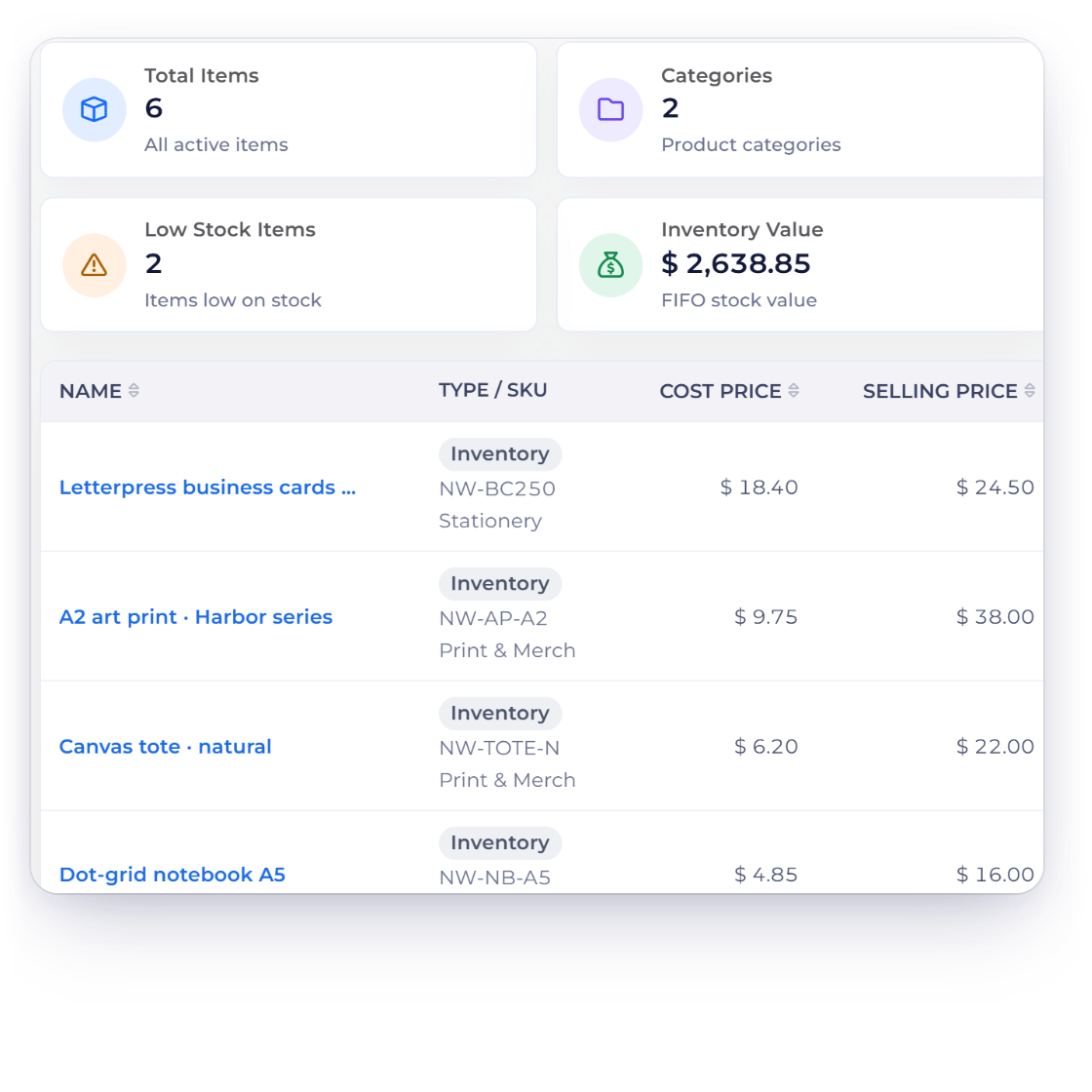
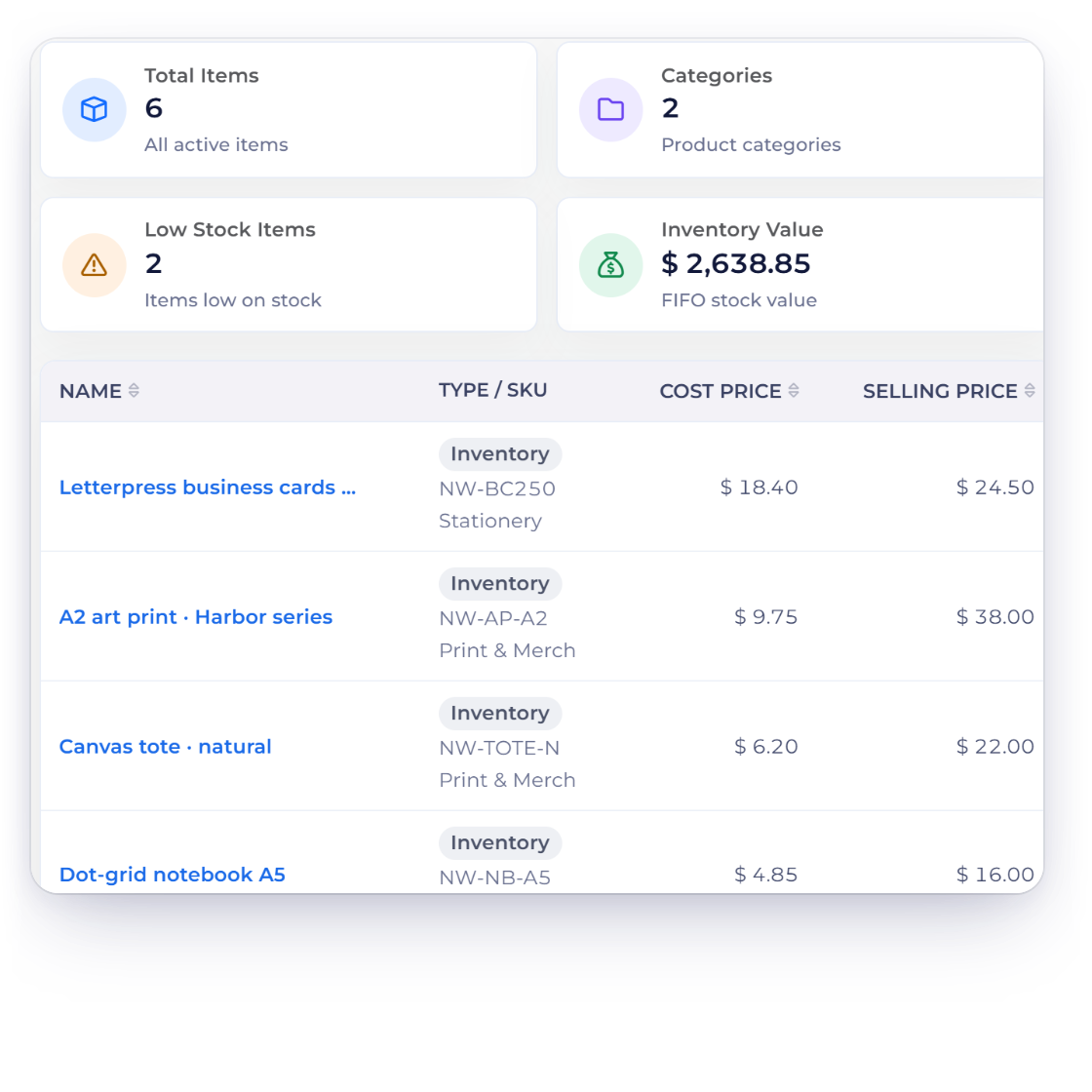
The Items list in Invoice Crowd showing cost price, selling price and stock on hand for each product.

What is inside

Build the catalog once, then let the documents keep the count

Items are the reusable list behind every invoice, estimate, bill and purchase order you raise. Set the catalog up, keep it findable as it grows, and switch stock tracking on for the products that need counting.

Building the catalog

Enter it once

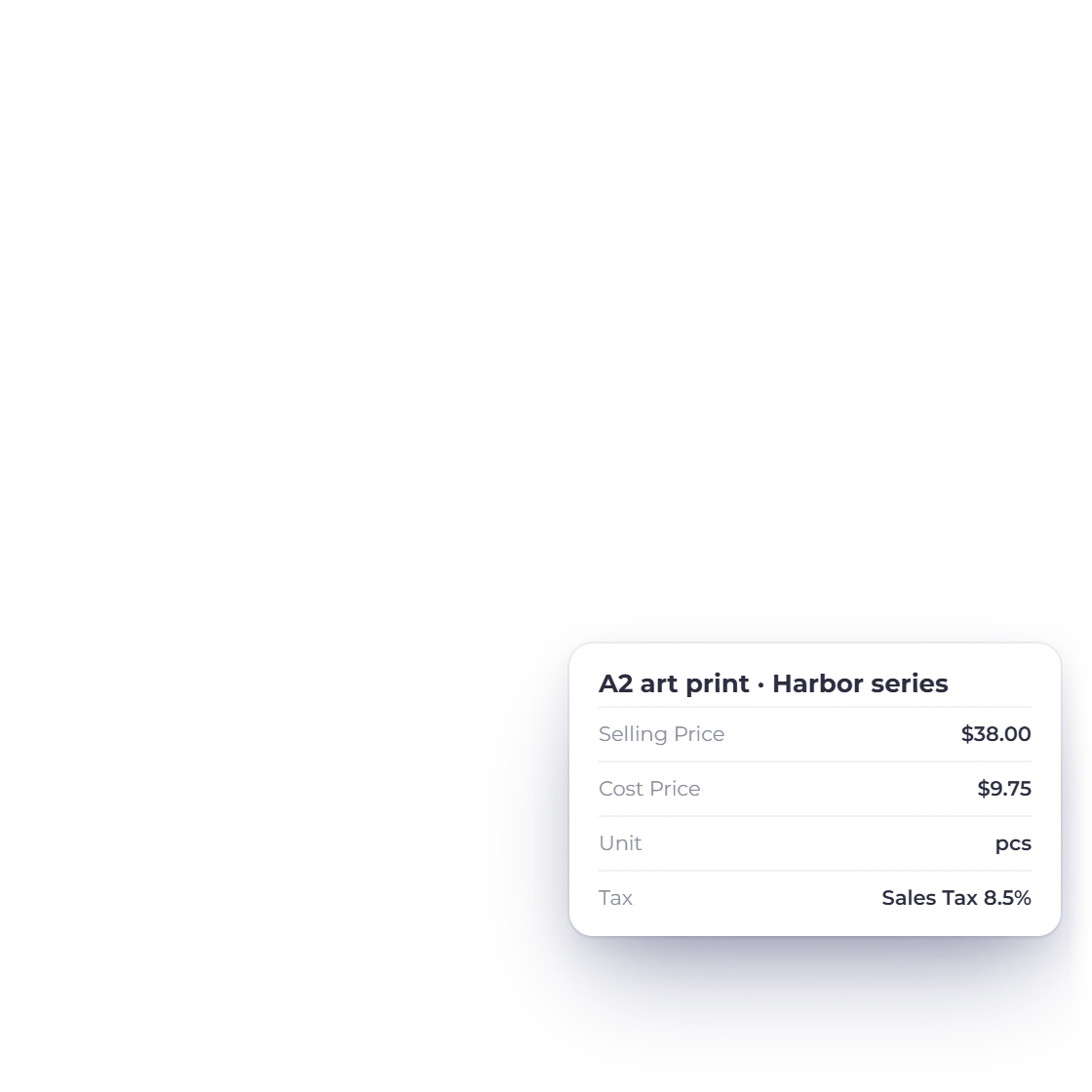
Setting a selling price, cost price, unit and default taxes on an item in Invoice Crowd.

One record behind every document

Enter a product or service once with its selling price, cost price, unit, HSN number and its default taxes and discounts, then pick it from a dropdown as you build a document. The same catalog feeds invoices, recurring invoices, estimates, credit notes, bills, purchase orders, vendor credits and delivery notes, because they share one line-item editor.

  • Only the name is required
  • Prices, units and taxes carry onto the line
  • New items stay with the business profile you made them under
Import the product list you already have

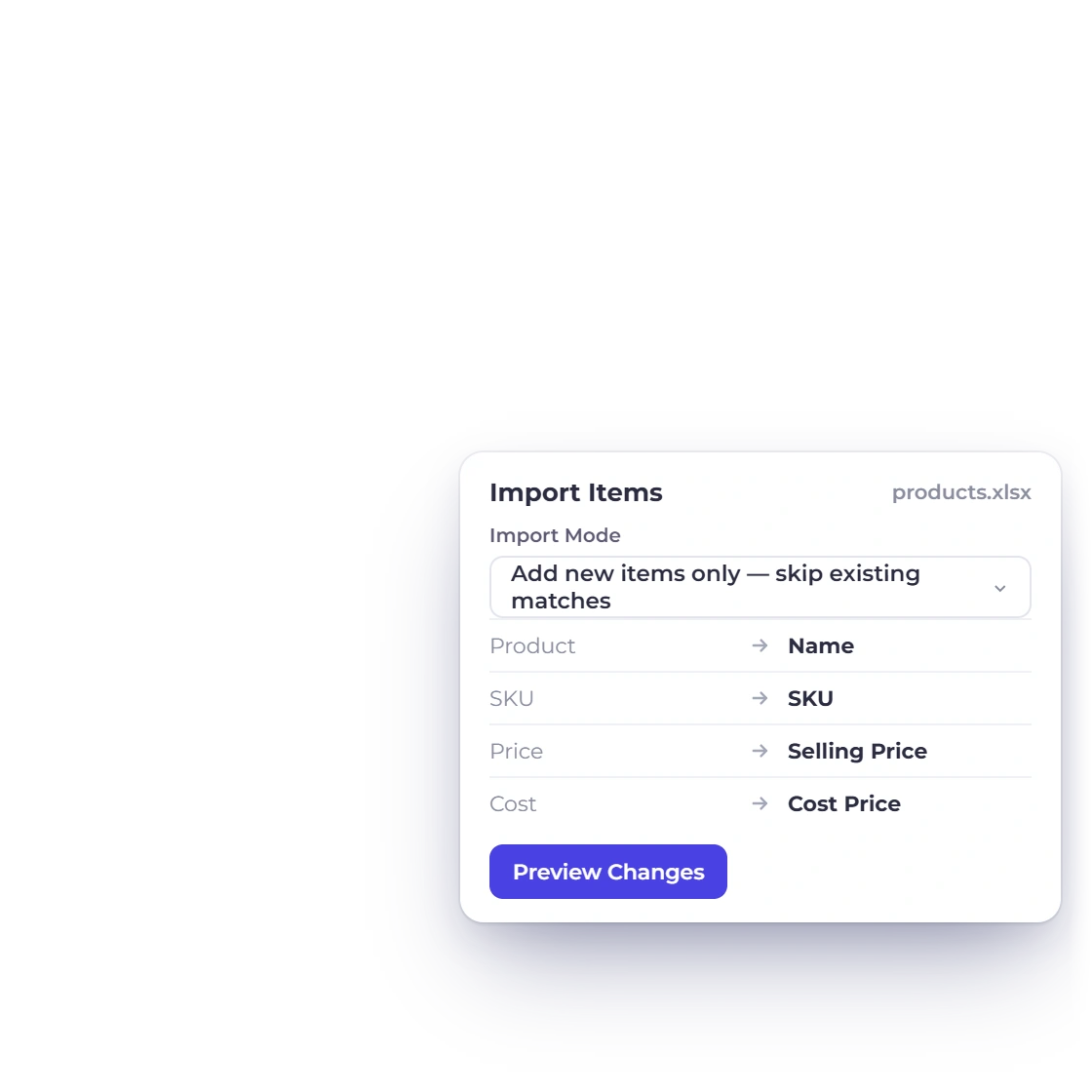
Items come in from CSV, XLS and XLSX through More, then Import File. The header row is detected, columns are matched to item fields automatically, and you correct the matching in a preview before anything is written. The import then runs in the background a hundred rows at a time.

  • CSV, XLS and XLSX files
  • Rows with no name, or an unknown category or unit, are skipped
  • Skipped rows come back as a CSV you can fix

Keeping it findable

Once the list gets long

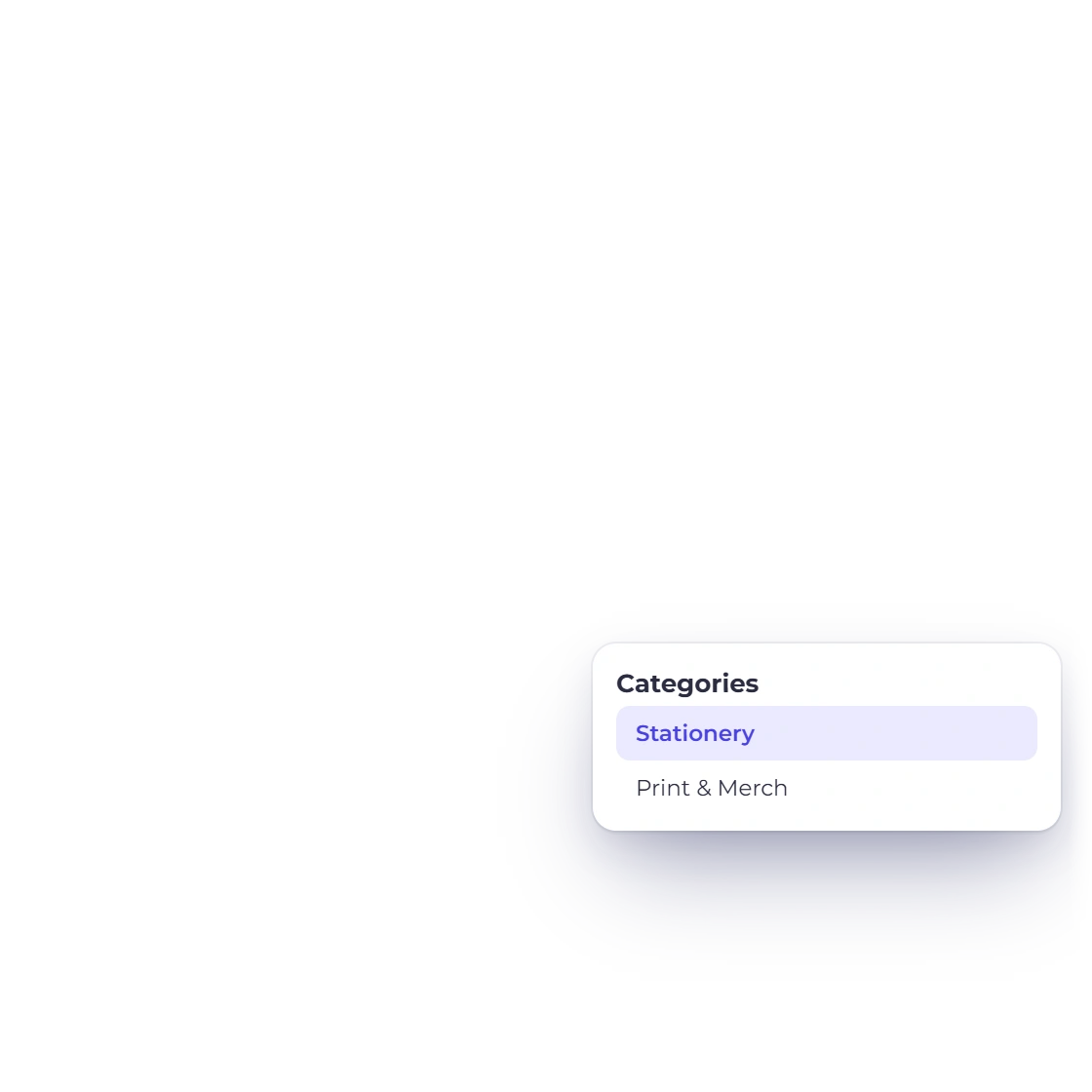
Managing item categories in Invoice Crowd from the Items screen.

Categories that group a long catalog

Item categories are labels you create on the Items screen and attach to items, and one item can carry several. The list filters by category, and each item's categories show as a column, so the grouping is readable without opening anything. Delete a category and it stops appearing on the items that carried it; the items themselves stay.

  • Several categories on a single item
  • Added, renamed and deleted on the same screen
  • Separate from expense categories and the chart of accounts

Filters that stay where you left them

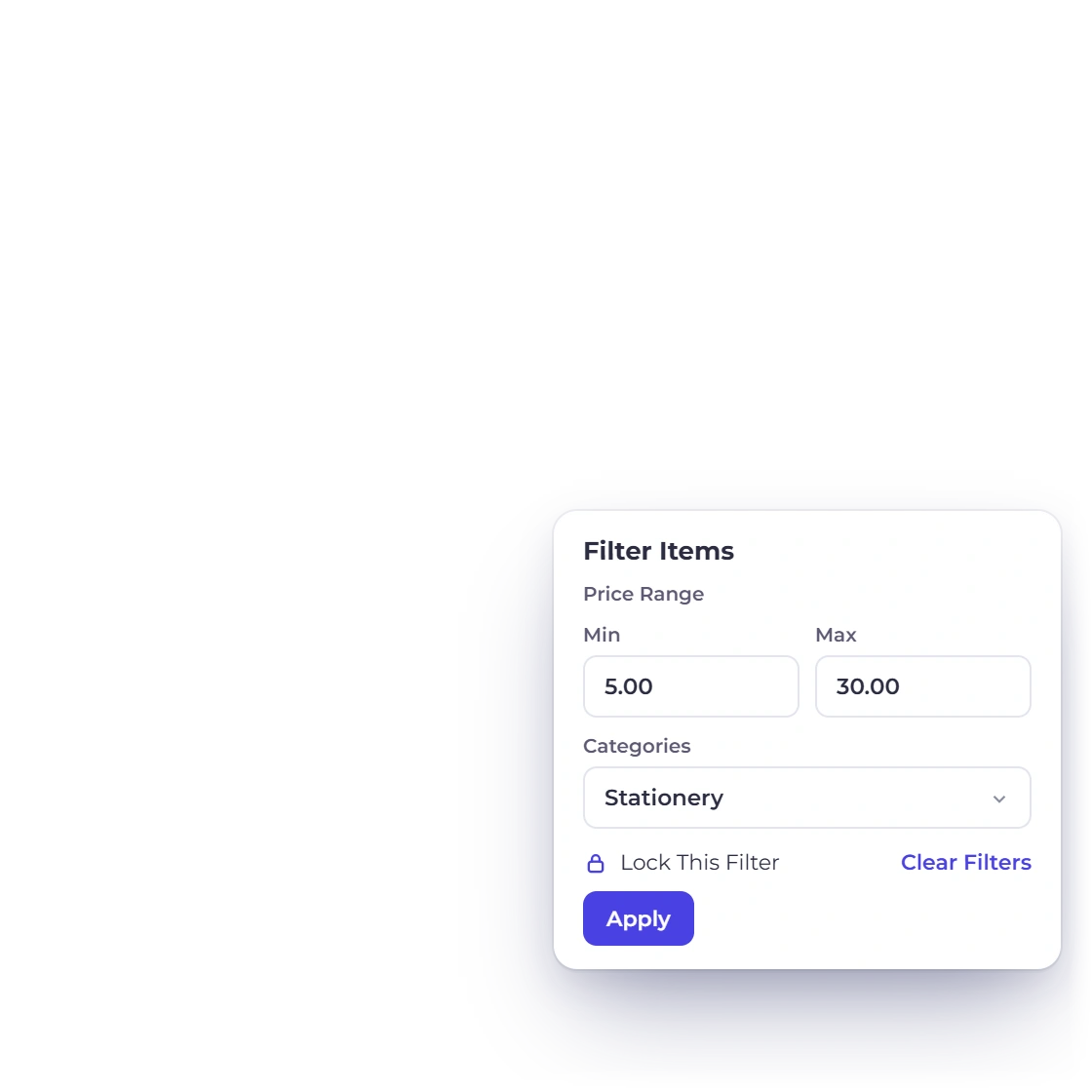
The Items list filters by name, by category and by a minimum and maximum price, and sorts by name, cost price or selling price. It shows ten rows per page by default, and filters can be locked so they survive leaving the screen and coming back rather than resetting on each visit.

  • Sort by name, cost price or selling price
  • Ten rows per page by default
  • Description shown truncated in the list

Tracking the stock

The documents move it

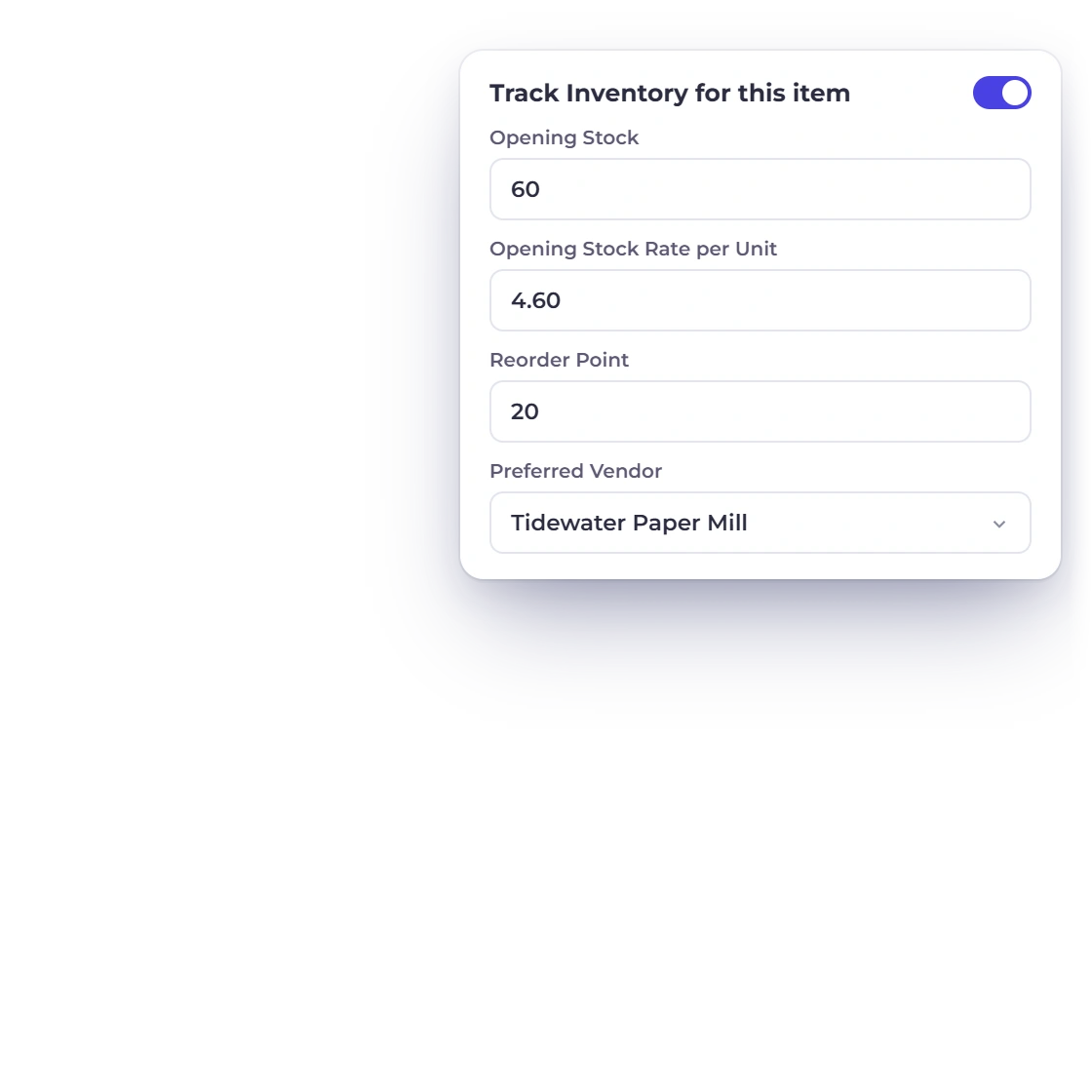
Turning on inventory tracking for an item in Invoice Crowd and setting its opening stock and reorder point.

Turn tracking on, item by item

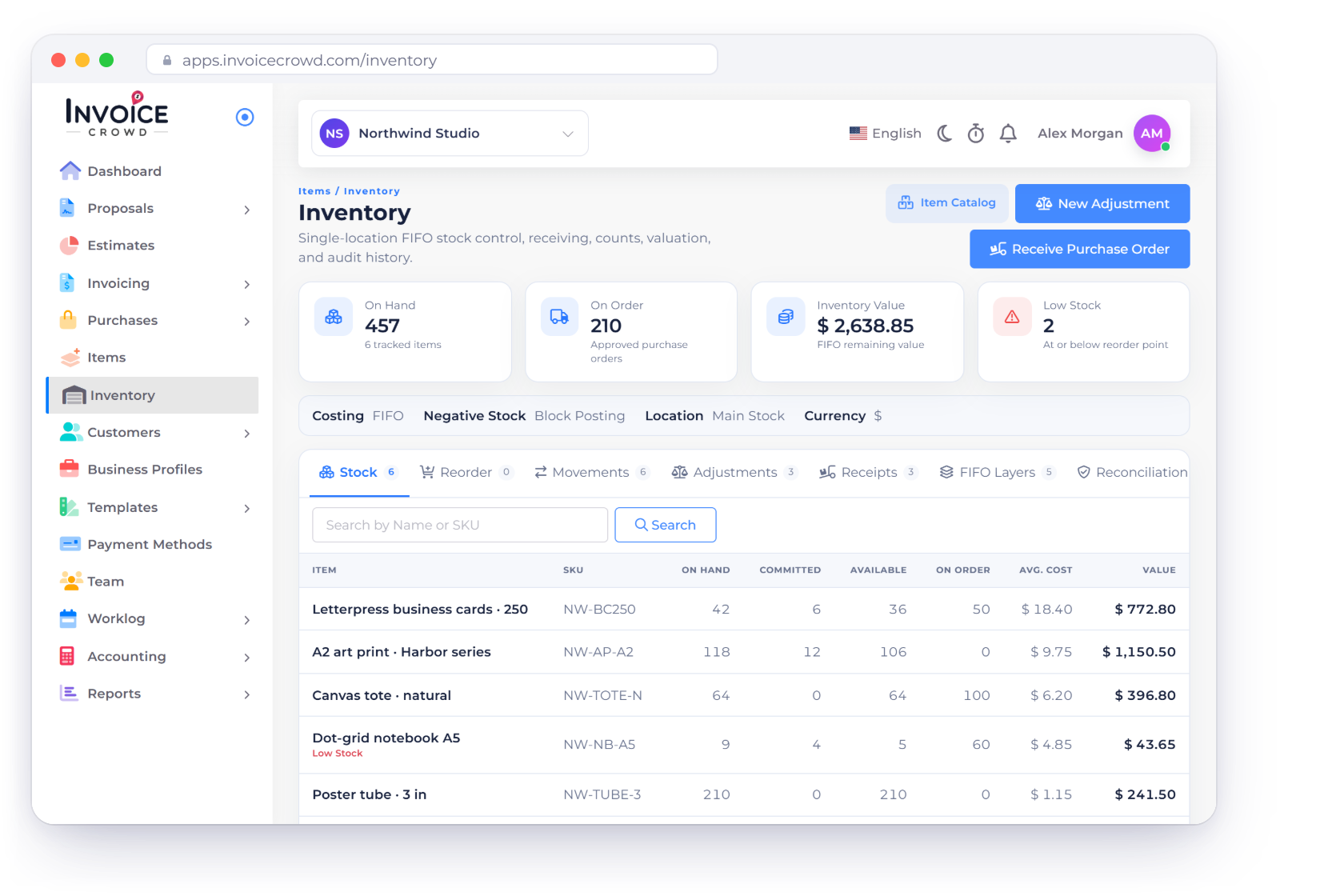
Inventory tracking is a switch on the business rather than a separate product. Turn it on in business settings, set an inventory start date, then tick Track inventory on the items you want counted. That reveals the opening stock, rate per unit, reorder point and preferred vendor fields, and gives the item a stock-on-hand column on the list.

  • One business switch, then a tick per item
  • Opening stock and its rate per unit
  • Reorder point and preferred vendor on the item

Stock that moves with the paperwork

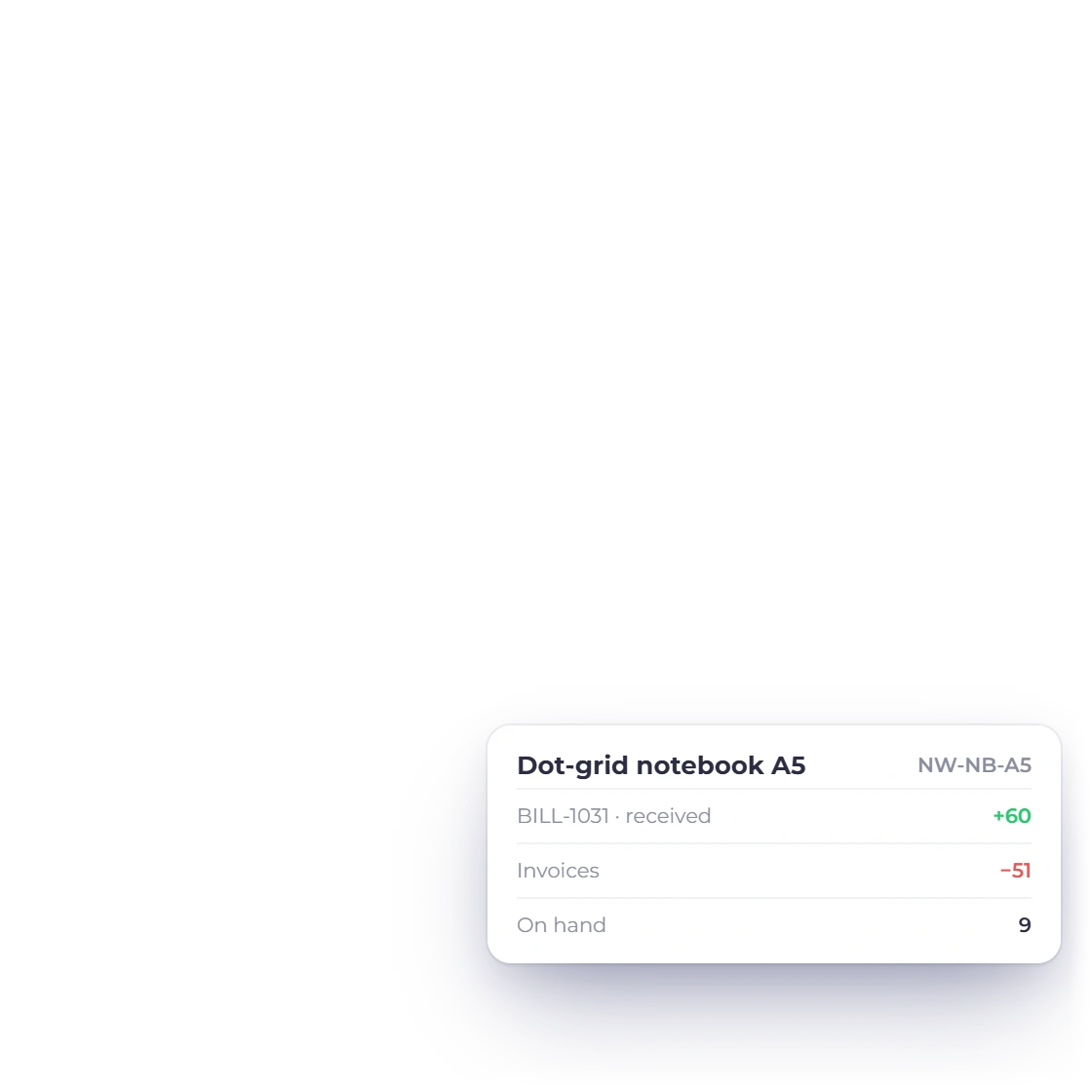
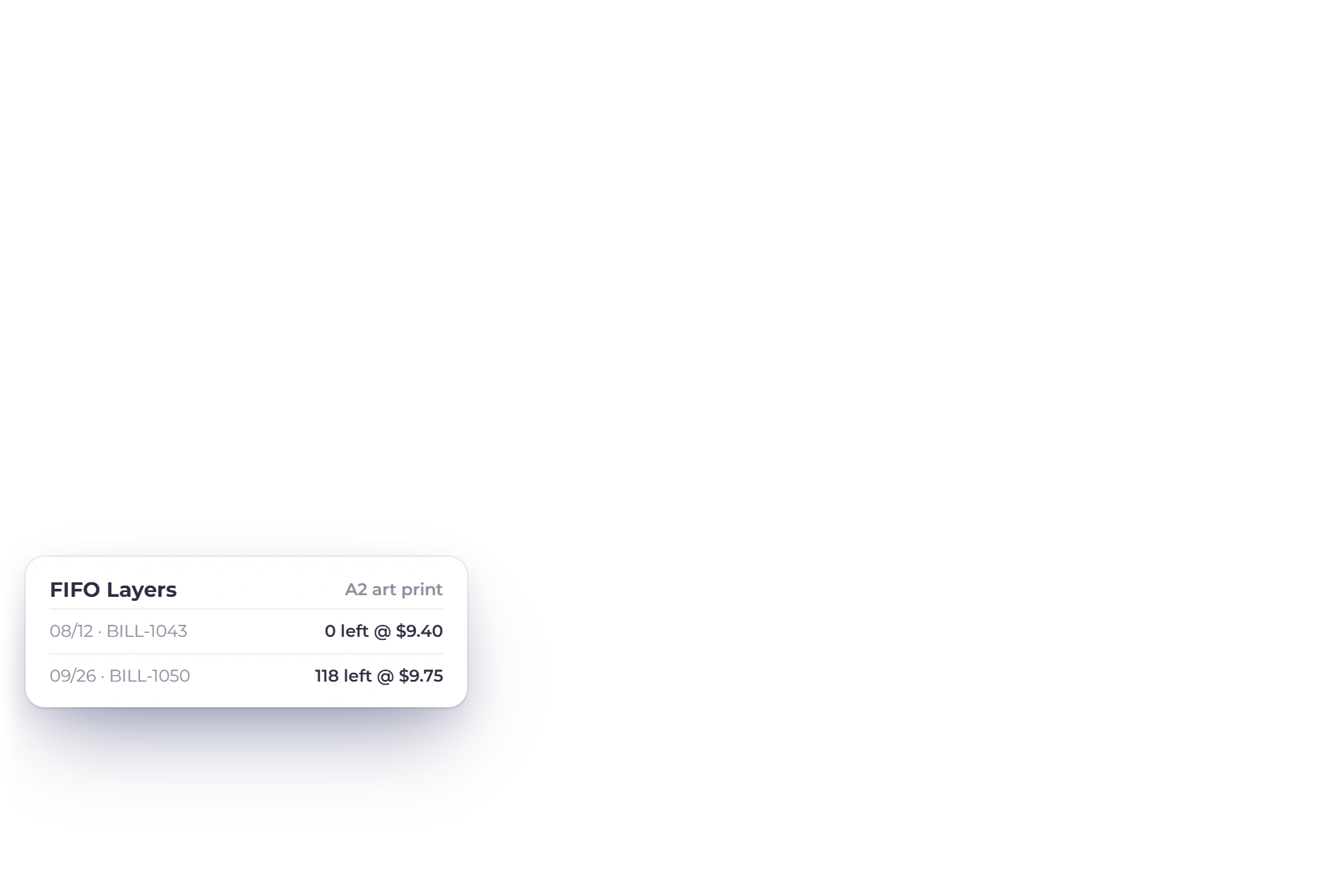
Stock on hand starts at the opening stock figure and moves whenever a document is recorded: sell a tracked item on an invoice and it falls, record it on a bill and it rises, and recurring invoices move it on each scheduled run. You never type a figure onto the Items screen, and a document dated before your inventory start date is refused when it carries a tracked item.

  • Opening stock edits apply the difference, not a new total
  • A change that would take stock below zero is rejected
  • Deleting a bill that would push stock negative is blocked

Built in

The rest of the catalog, and its edges

Some of these are capabilities and some are limits. Both are here, because knowing where the stock tracking stops is what tells you whether it fits the way you work.

  • Cost price column

    Store what an item costs you next to what you charge for it, and sort the Items list by either figure.

  • Per business profile

    New items are stamped with the business profile you created them under, so a second business you add starts with its own catalog.

  • Stock warnings

    Set a reorder point on the item, then use the Show out-of-stock warning and Notify reorder point switches in business settings.

  • Inventory Summary report

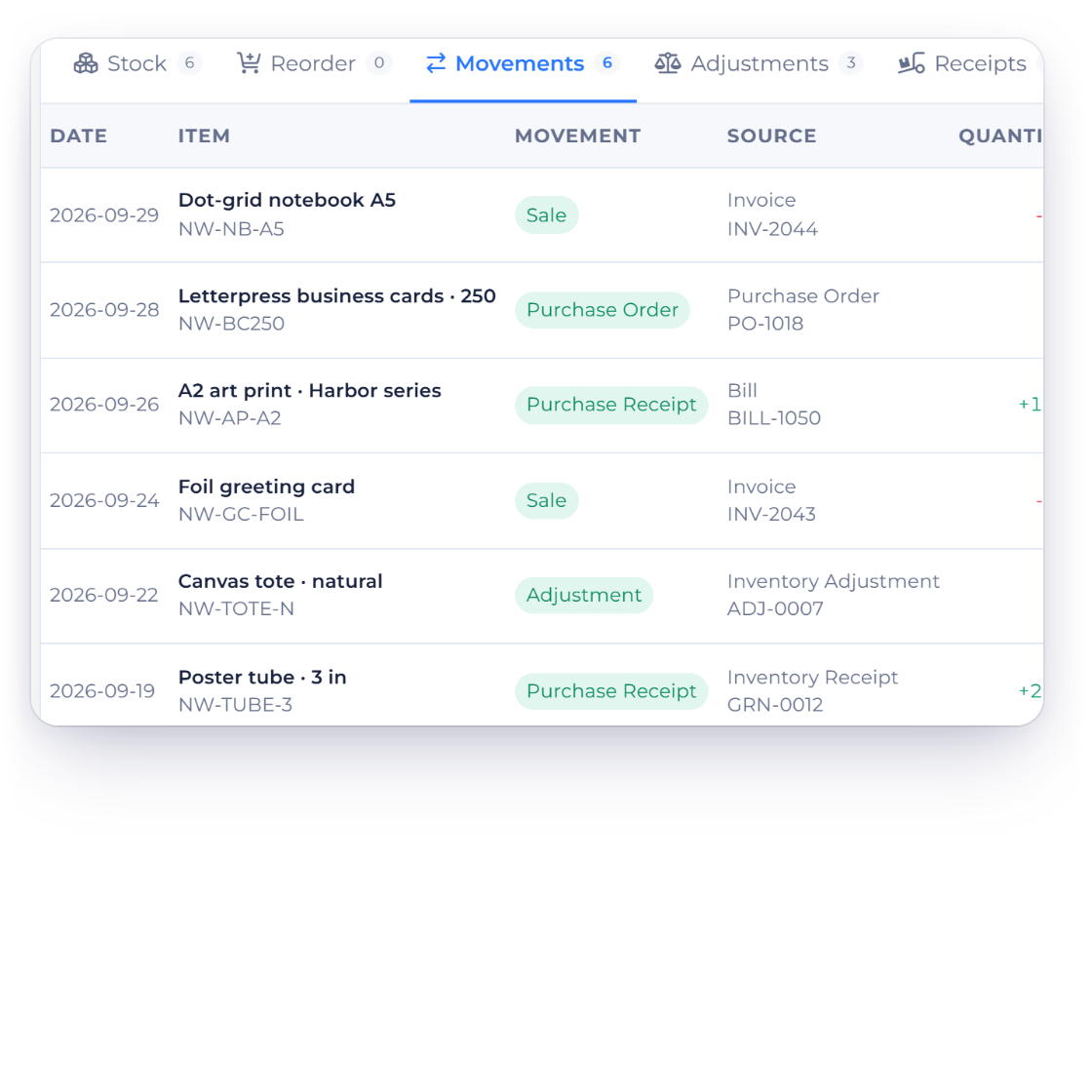
    The movement history behind a stock figure lives in the Inventory Summary report under Reports, not on the Items screen.

  • Export to CSV

    More, then Export CSV, downloads items-collection.csv carrying Name, Description, Price, Quantity, GST and Category for each item.

  • Import inserts only

    The importer does not match on name and update, so running the same file twice leaves you with two copies of every row.

  • No adjustment screen

    The only stock change outside a document is an edit to opening stock, which is how you correct a stocktake.

  • No bulk edit

    Items are edited one at a time, so a change across the whole catalog is a row-by-row job.

  • No warehouse layer

    Stock on hand is one whole number per item, with no locations, bins, serial or batch numbers, and nothing to scan.

  • No asset account

    You record a rate per unit against opening stock, but items carry no inventory asset account behind them.

  • Deletion is permanent

    An item with stock movement cannot be deleted, a bulk delete containing one is cancelled, and there is no recycle bin.

  • Pabbly webhook

    Creating or updating an item can fire an outbound Pabbly webhook when you have one configured; the item saves either way.

Questions

Items & Inventory, answered

Does Invoice Crowd do inventory management?

Invoice Crowd tracks stock at item level rather than running a warehouse. Switch inventory tracking on for the business, tick Track inventory on an item, and that item keeps a stock-on-hand figure that falls as you invoice it and rises when you record the purchase on a bill. There are no locations, bins, serial numbers or barcode scanning.

How does stock on hand get updated in Invoice Crowd?

Stock on hand starts at the opening stock entered on the item, then moves whenever a document is recorded against that item. Selling a tracked item on an invoice takes stock out, buying it in on a bill puts stock back, and recurring invoices move the figure on each scheduled run. You cannot type a new figure onto the Items screen; the documents move it.

Can I adjust stock without raising an invoice?

There is no stock-adjustment screen in Invoice Crowd. The one way to change a tracked item's stock outside a document is to edit its opening stock, and the difference is applied to the current stock-on-hand figure rather than replacing it. A change that would take stock on hand below zero is rejected, so the count cannot be edited into a negative balance.

Can I import my product list into Invoice Crowd?

Item lists import from CSV, XLS and XLSX, reached from More, then Import File, on the Items screen. The header row is detected and columns are matched to item fields automatically before you confirm the matching. Rows without a name are skipped, as are rows whose category or unit does not already exist, and every skipped row comes back in a CSV you can download and correct.

Can I delete an item I have already sold?

An item with stock movements recorded against it cannot be deleted in Invoice Crowd, and a bulk delete containing one is cancelled in full with the blocked items named. Items with no movement history are removed permanently, as there is no recycle bin. Deleting a category behaves differently: the label stops showing on the items that carried it, and the items stay.

Do item prices and taxes fill in automatically on an invoice?

Each item stores a selling price, a unit, an HSN number and its default taxes and discounts, so a line built from that item starts with those figures instead of being retyped. Cost price is stored on the item as well, as its own sortable column on the Items list. Only the item name is required, which means a catalog can begin as a list of service names and gain prices, units and tax codes later.

Put your product list where the invoices are

Add your items once, switch tracking on for the ones you count, and let the invoices and bills you already raise keep the figure current.

  • No card required to start
  • Your data stays yours
  • Cancel anytime