Skip to content

Accounting

Lock past periods so closed books stay closed

Lock Transactions is the Invoice Crowd setting that stops anyone from creating, editing or deleting transactions dated on or before a date you choose. Lock Invoicing, Purchases and Accounting each up to its own date, or lock all transactions at once, and every lock, edit and unlock is recorded with who, when and why.

  • Lock each area or all at once
  • Unlock a few dates with a reason
  • Owner only, on paid plans

Last updated:

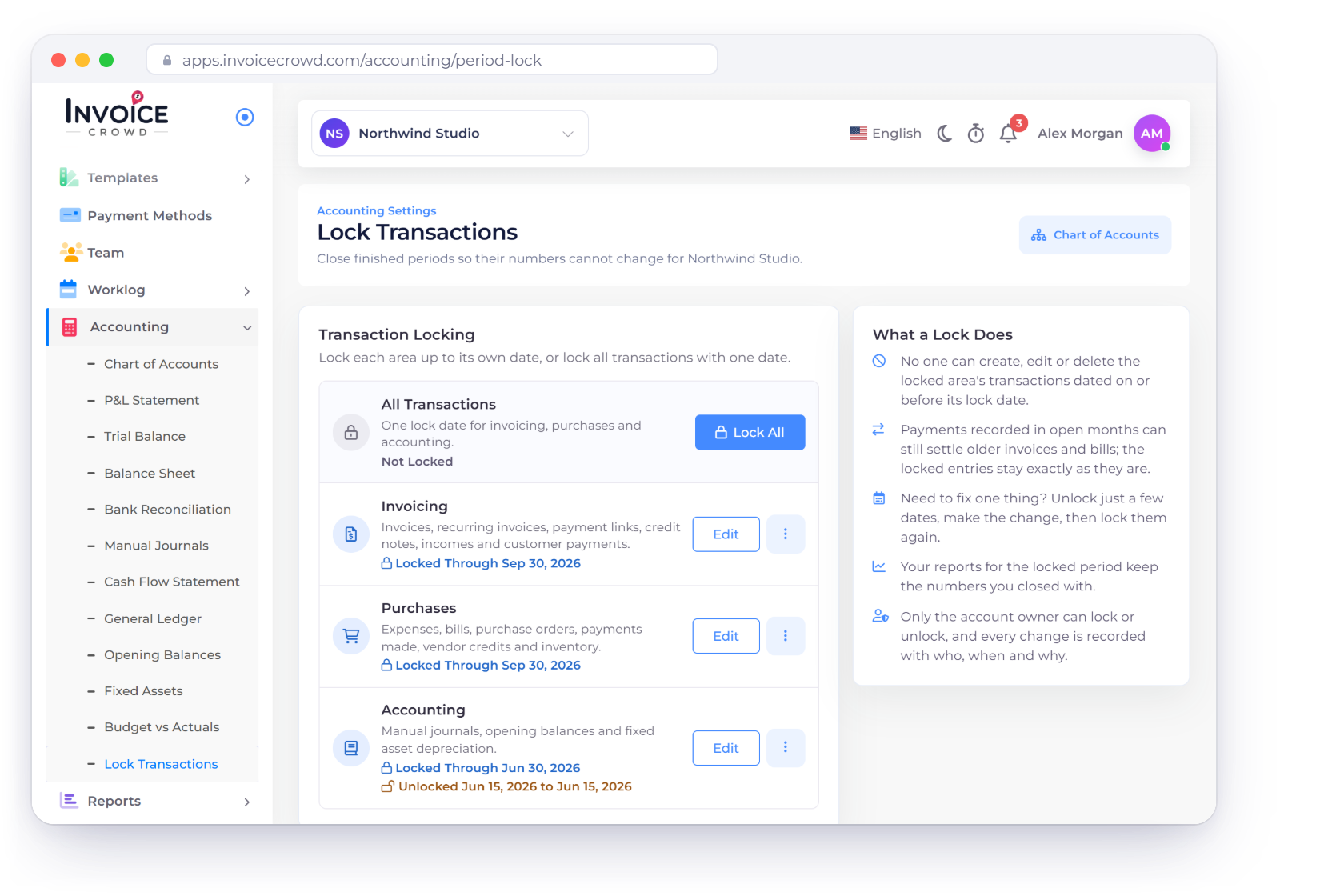
Invoice Crowd Lock Transactions page with Invoicing and Purchases locked through Sep 30, 2026, Accounting locked through Jun 30, 2026, and the lock history

How it works

Close a period once, then change it only on purpose

Lock Transactions sits under Accounting in the sidebar. A lock covers everything dated on or before its date in the area it protects, until the account owner edits or removes it.

Choose what to lock

One date per area, or one date for everything

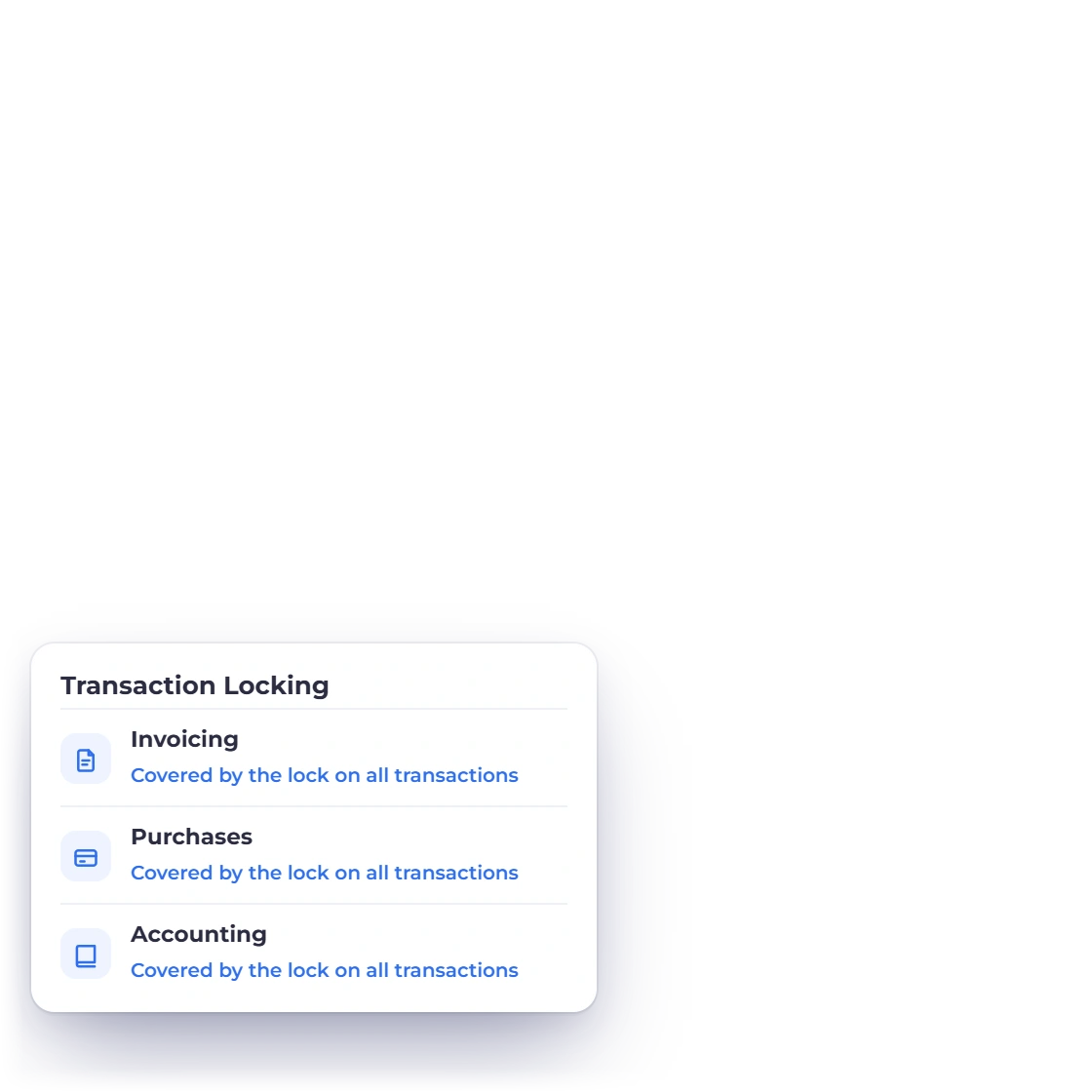
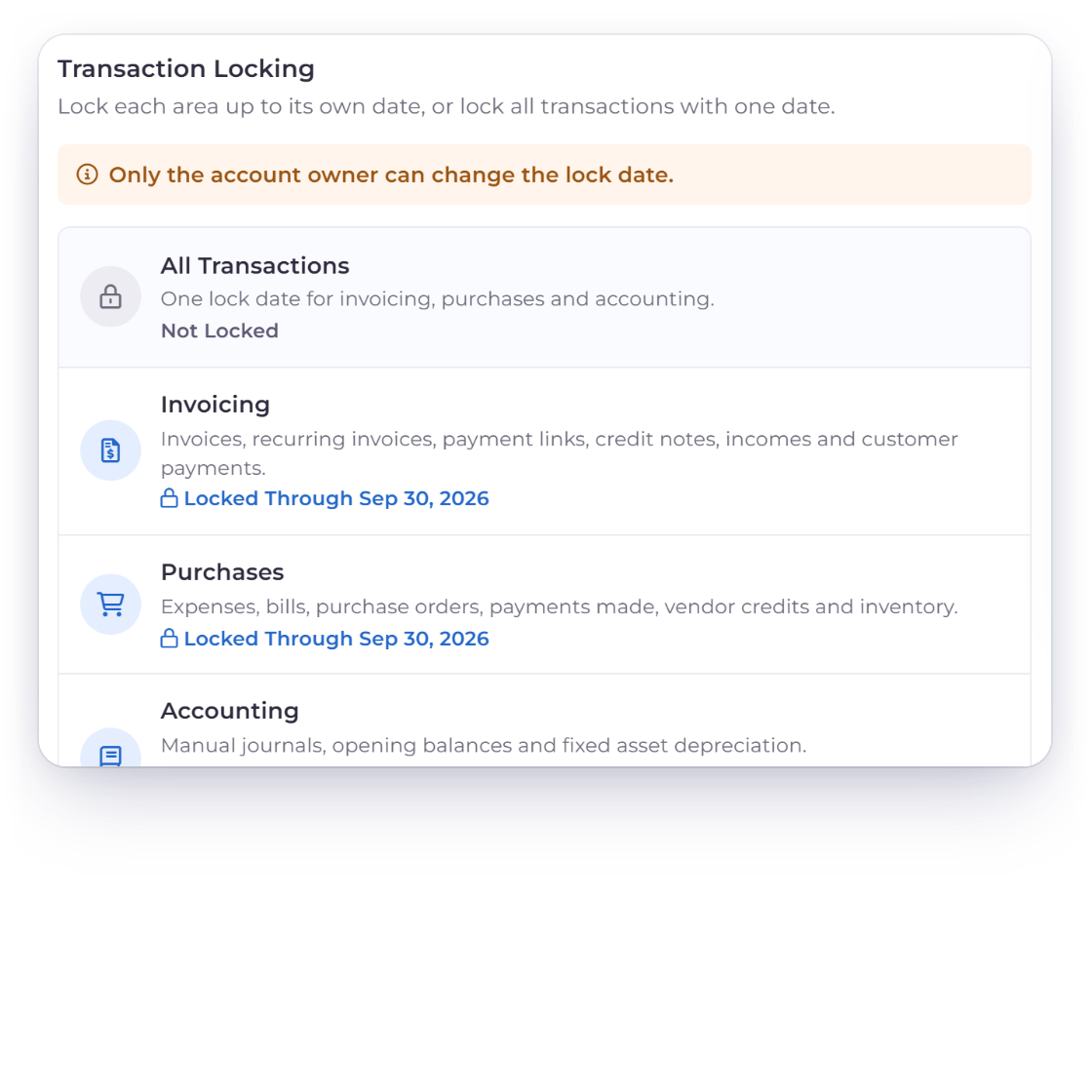
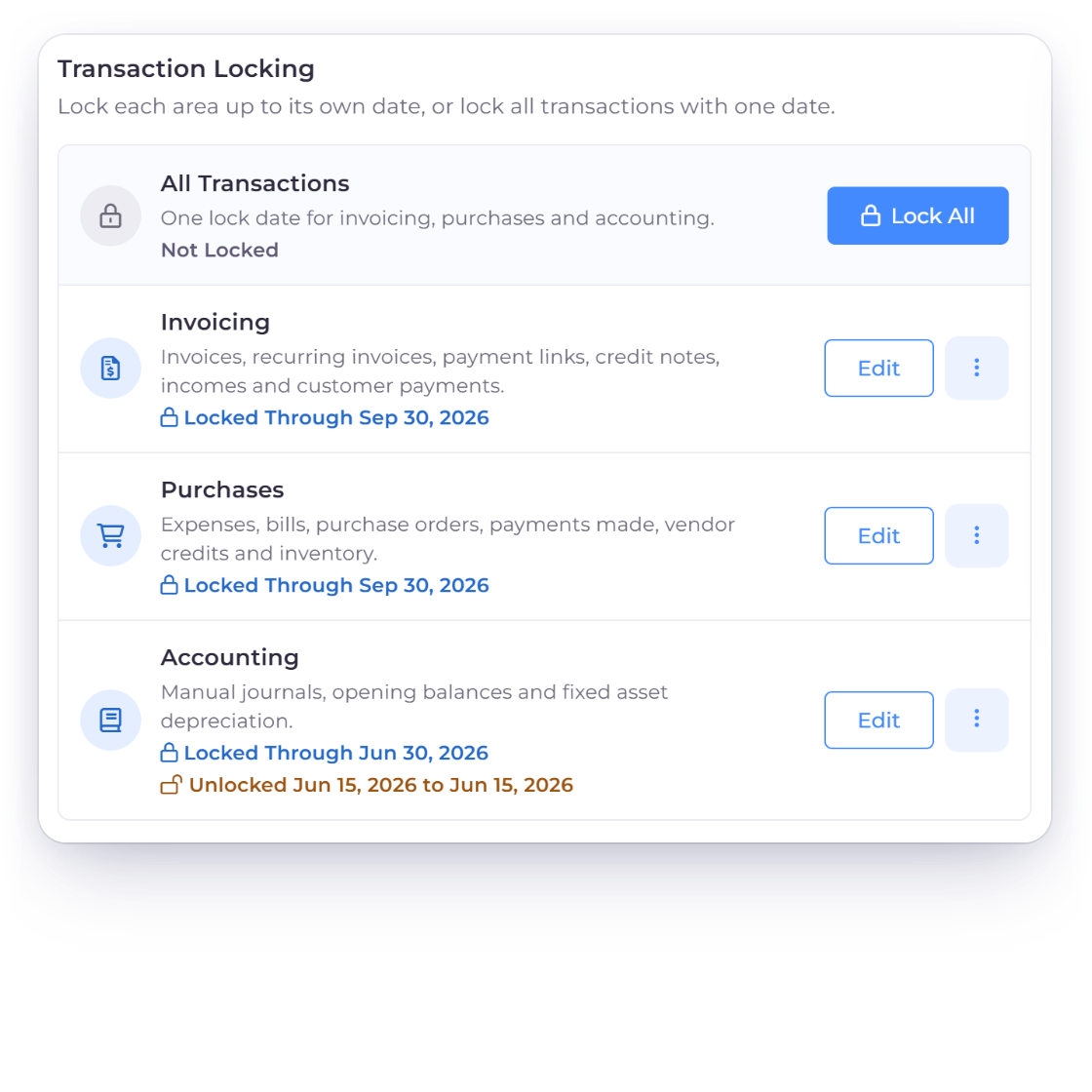
Invoice Crowd Transaction Locking card with All Transactions, Invoicing, Purchases and Accounting, each locked up to its own date

Lock each area up to its own date

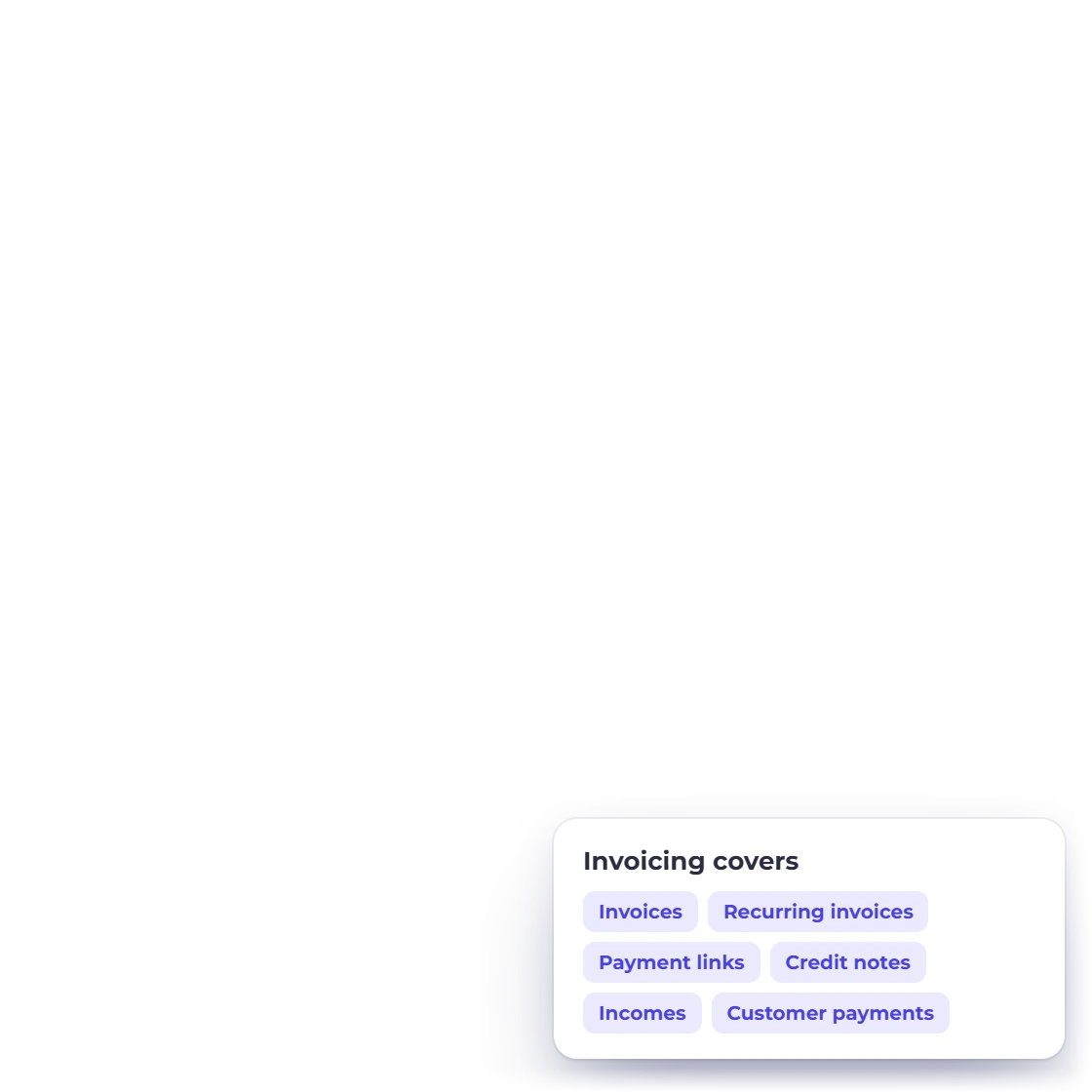
The Transaction Locking card lists three areas. Invoicing covers invoices, recurring invoices, payment links, credit notes, incomes and customer payments. Purchases covers expenses, bills, purchase orders, payments made, vendor credits and inventory. Accounting covers manual journals, opening balances and fixed asset depreciation. Lock each one through the date its numbers are final.

  • Invoicing, Purchases and Accounting
  • Locked Through date on each card
  • No lock dates in the future
Accounting
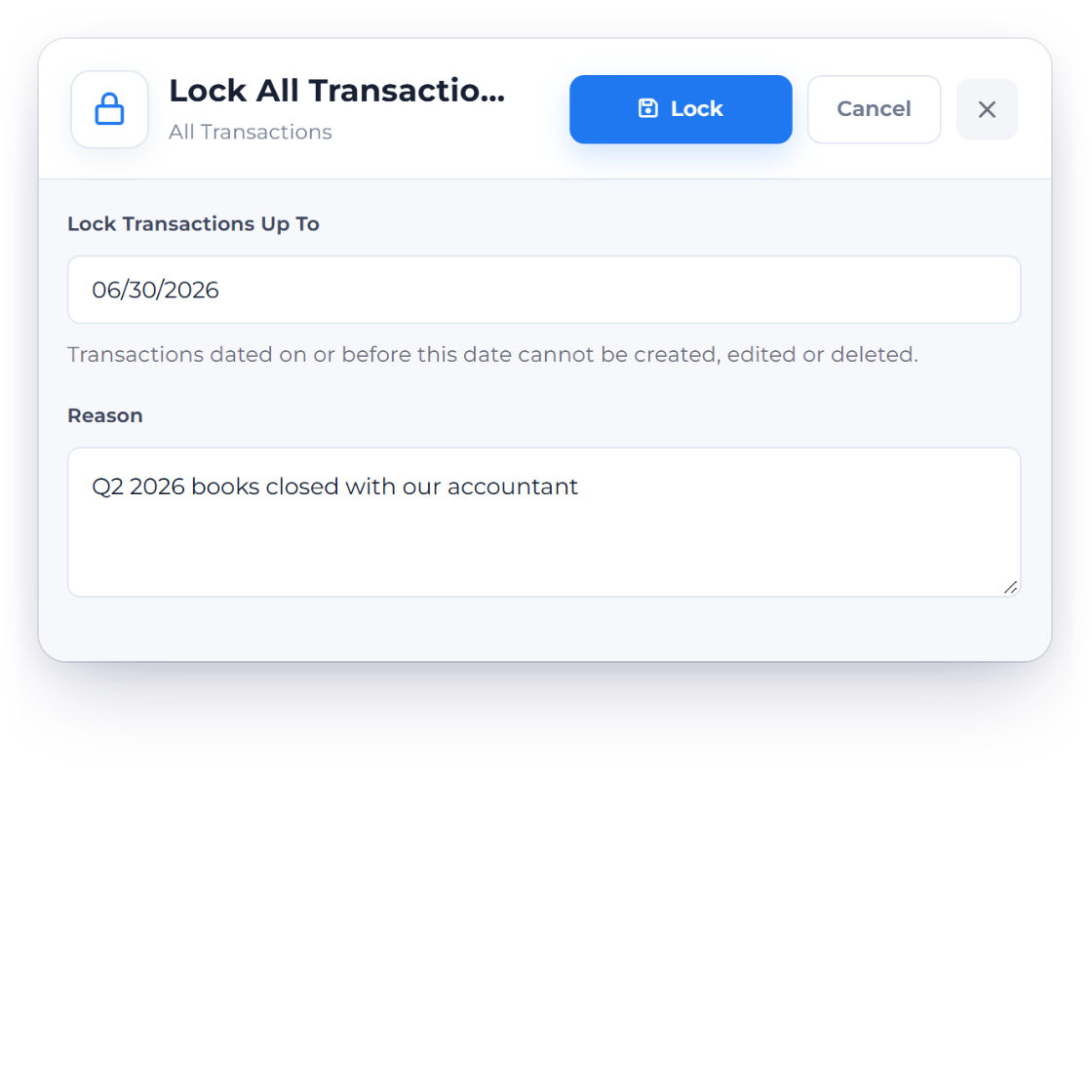
Invoice Crowd Lock All Transactions drawer with a lock date of 06/30/2026 and a reason, which covers invoicing, purchases and accounting with one date

Lock all transactions with one date

Lock All puts a single date across invoicing, purchases and accounting. It replaces the separate area locks, and each area then reads Covered by the lock on all transactions. To go back to separate dates, unlock all transactions first.

  • Lock Transactions Up To one date
  • A reason is required
  • Replaces the area locks

Fix one thing safely

Open only what you need, then close it again

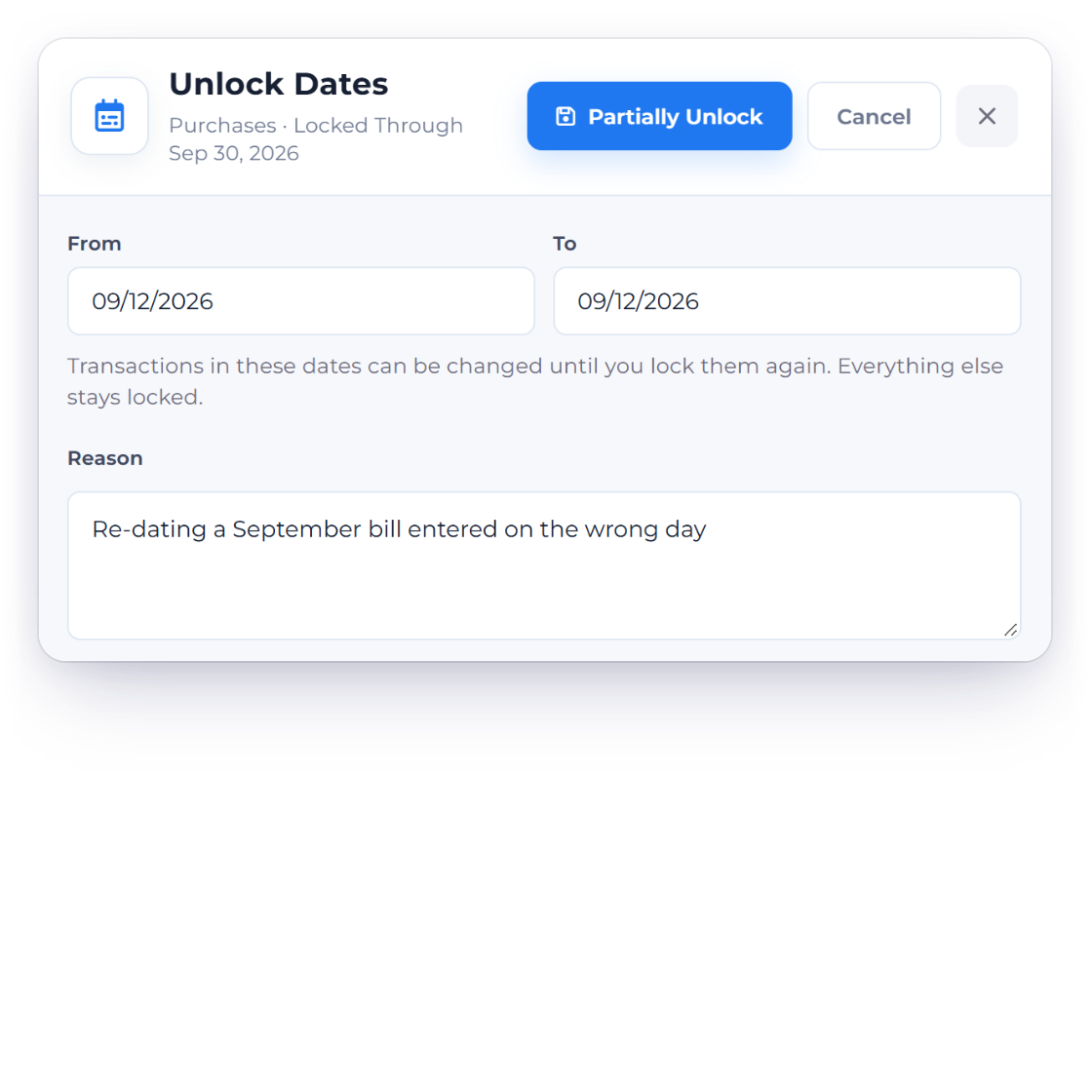
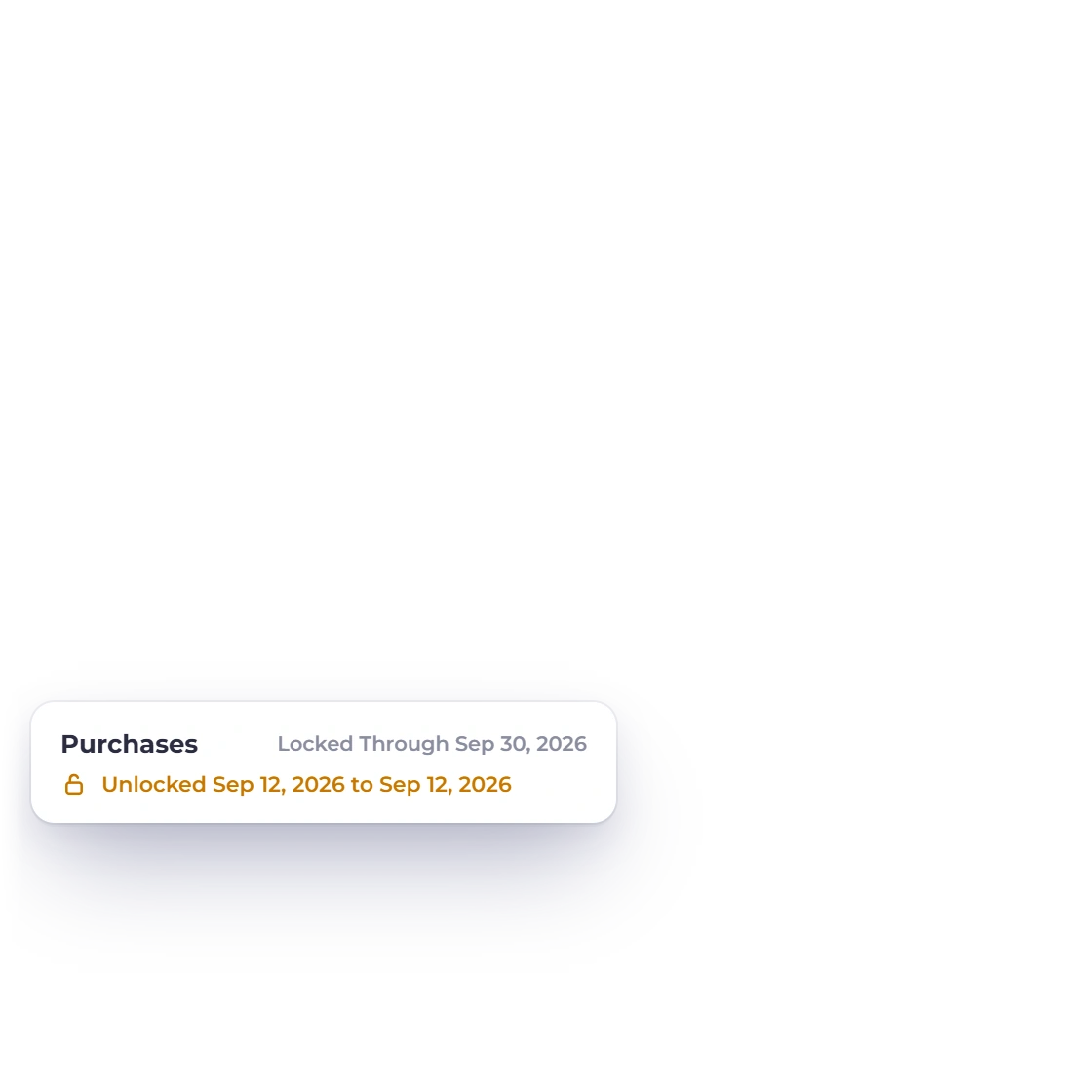
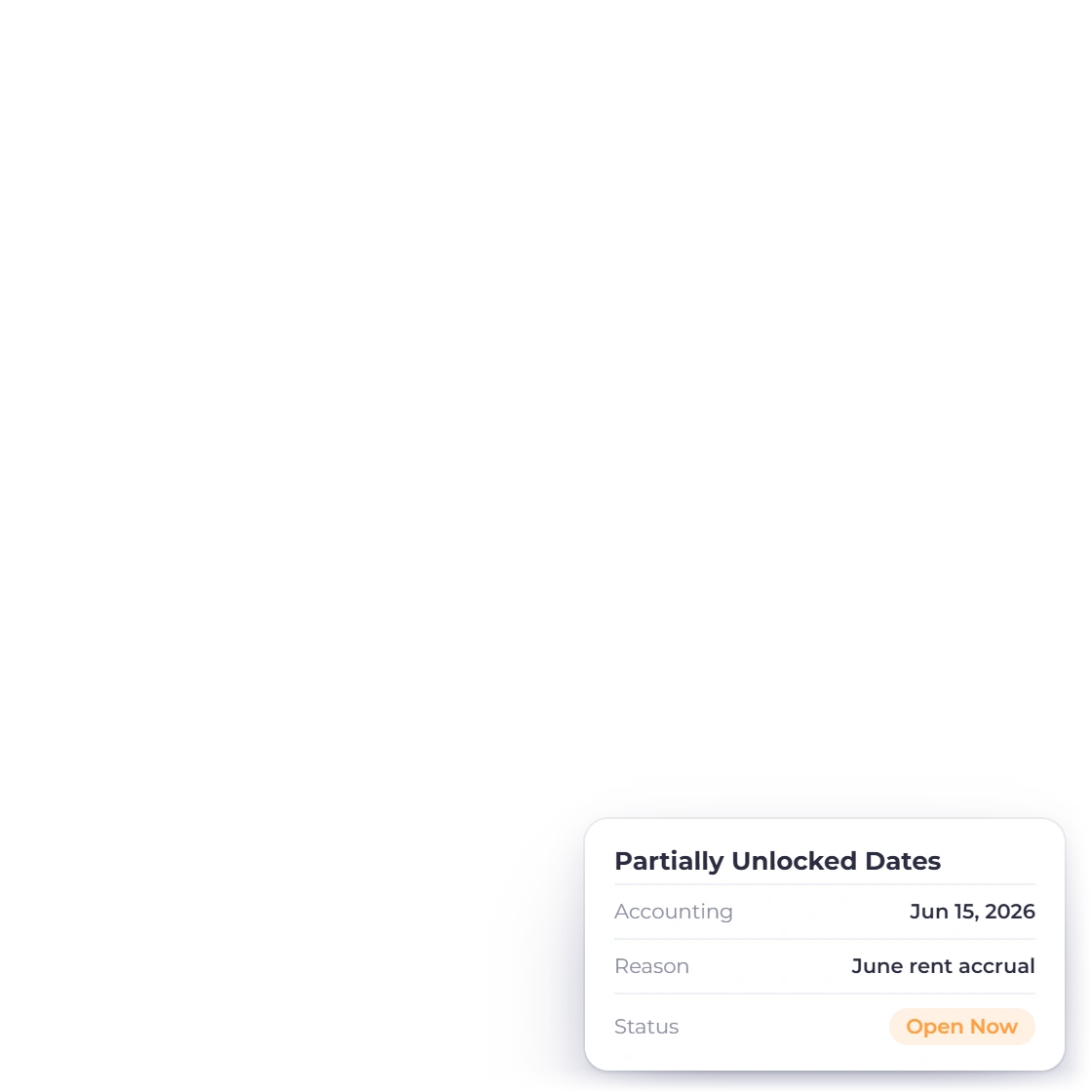
Invoice Crowd Unlock Dates drawer opening one day inside the Purchases lock, with a reason, while everything else stays locked

Partially unlock a few dates

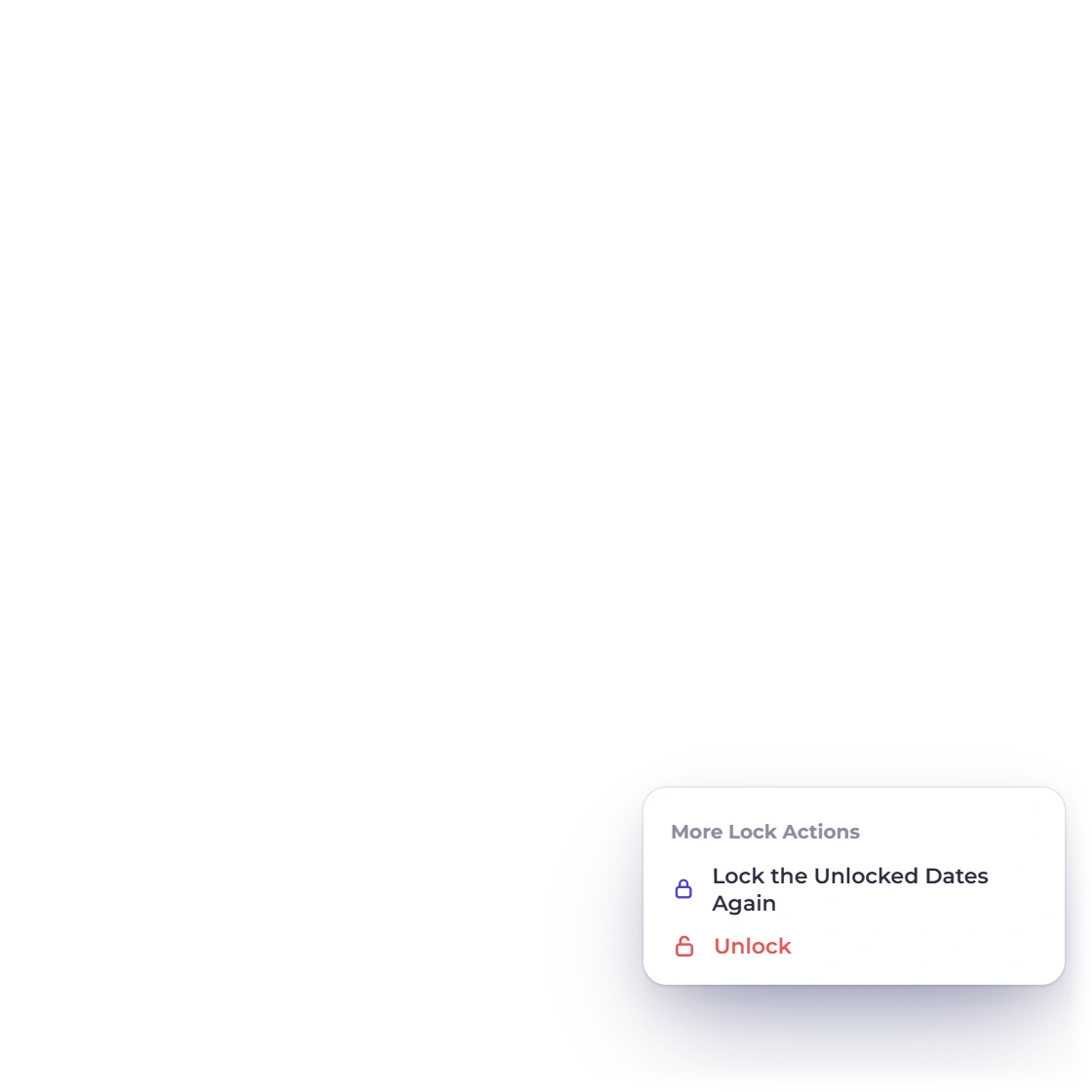
Need to correct one bill? Partially Unlock opens a From and To range inside a lock, with a reason. Transactions in those dates can be changed until you choose Lock the Unlocked Dates Again. Everything else stays locked. A refused save also offers Open Period Lock, which takes you straight to the lock that refused it.

  • From and To inside the lock
  • Lock the Unlocked Dates Again
  • Open Period Lock from a refused save
Manual journals
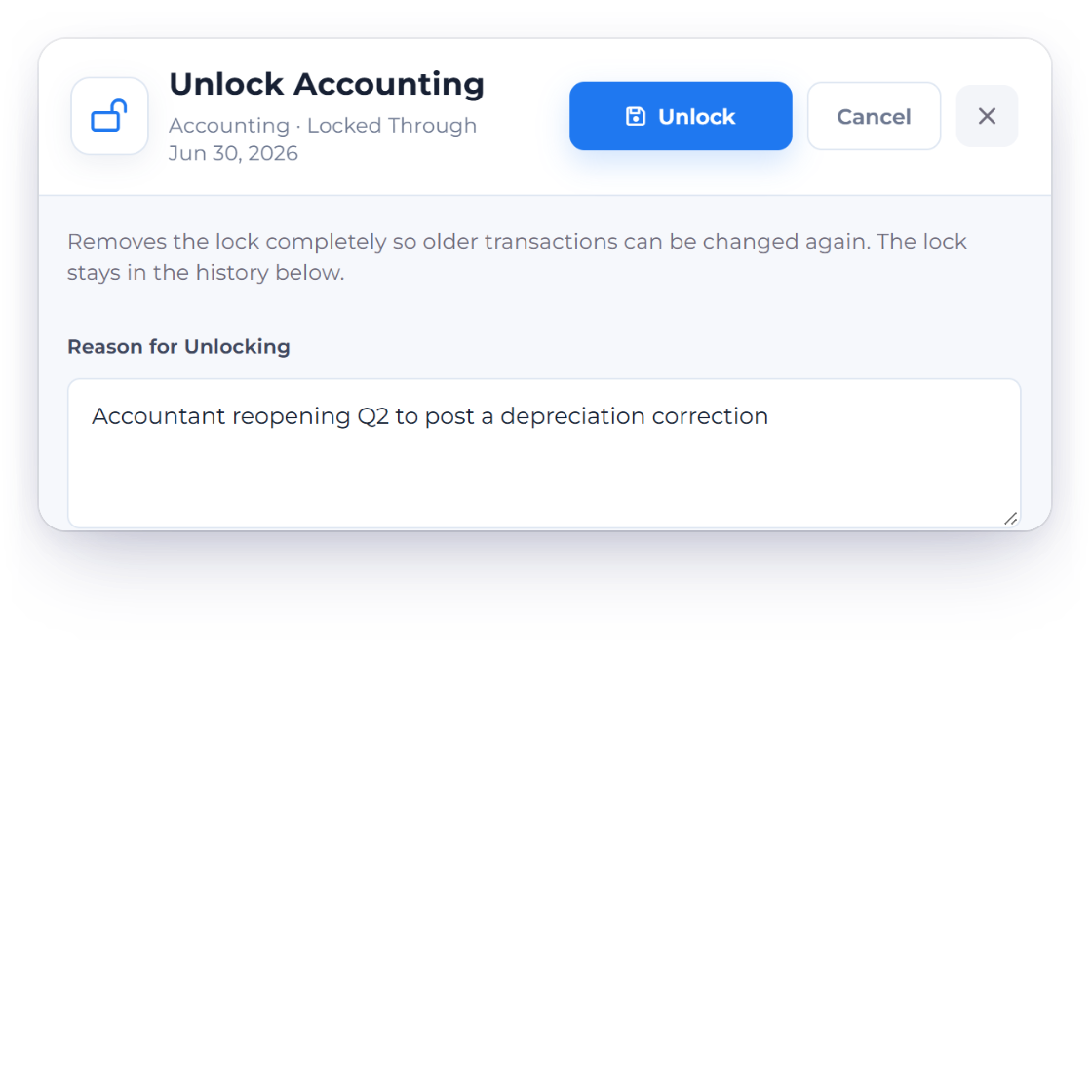
Invoice Crowd Unlock Accounting drawer asking for a reason for unlocking, with an earlier unlock and its reason kept in the lock history

Edit or unlock with a reason

Edit moves a lock date earlier or later; the old lock is kept in the history as Edited. Unlock removes the lock completely so older transactions can be changed again, and asks for a Reason for Unlocking. The lock stays in the history either way.

  • Edit keeps the old row
  • Reason for Unlocking
  • Locks are never deleted

Audit and access

Who changed what, and who may

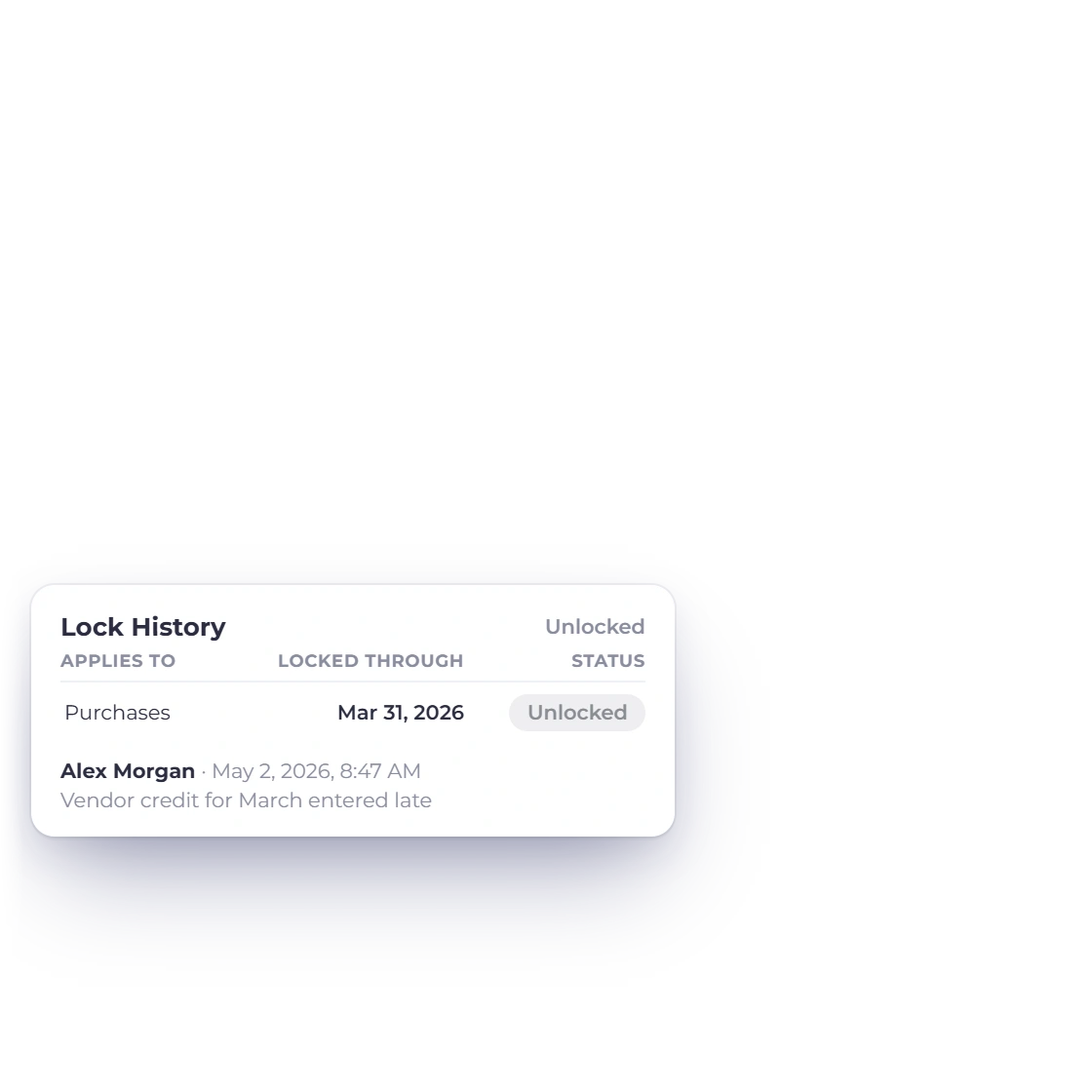
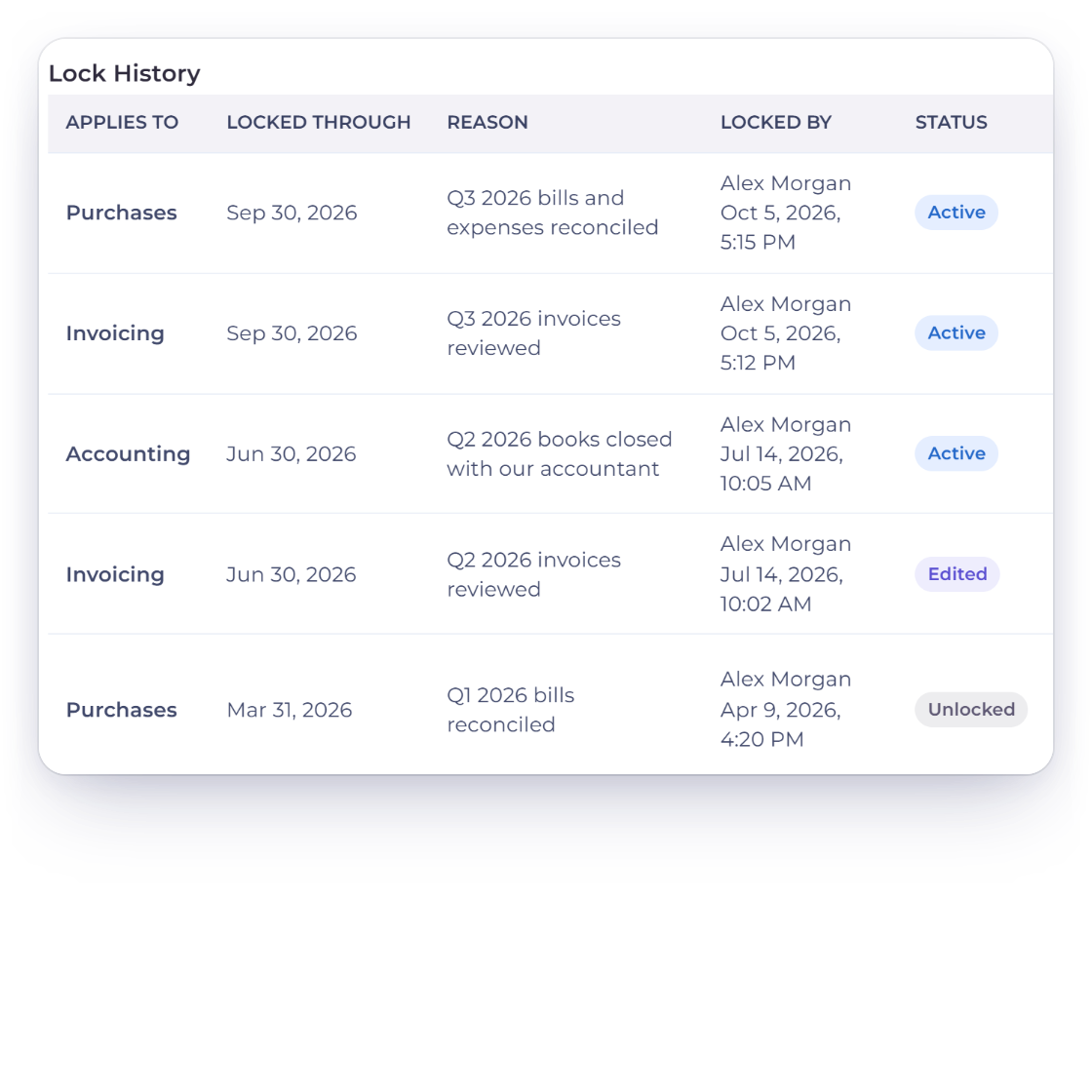
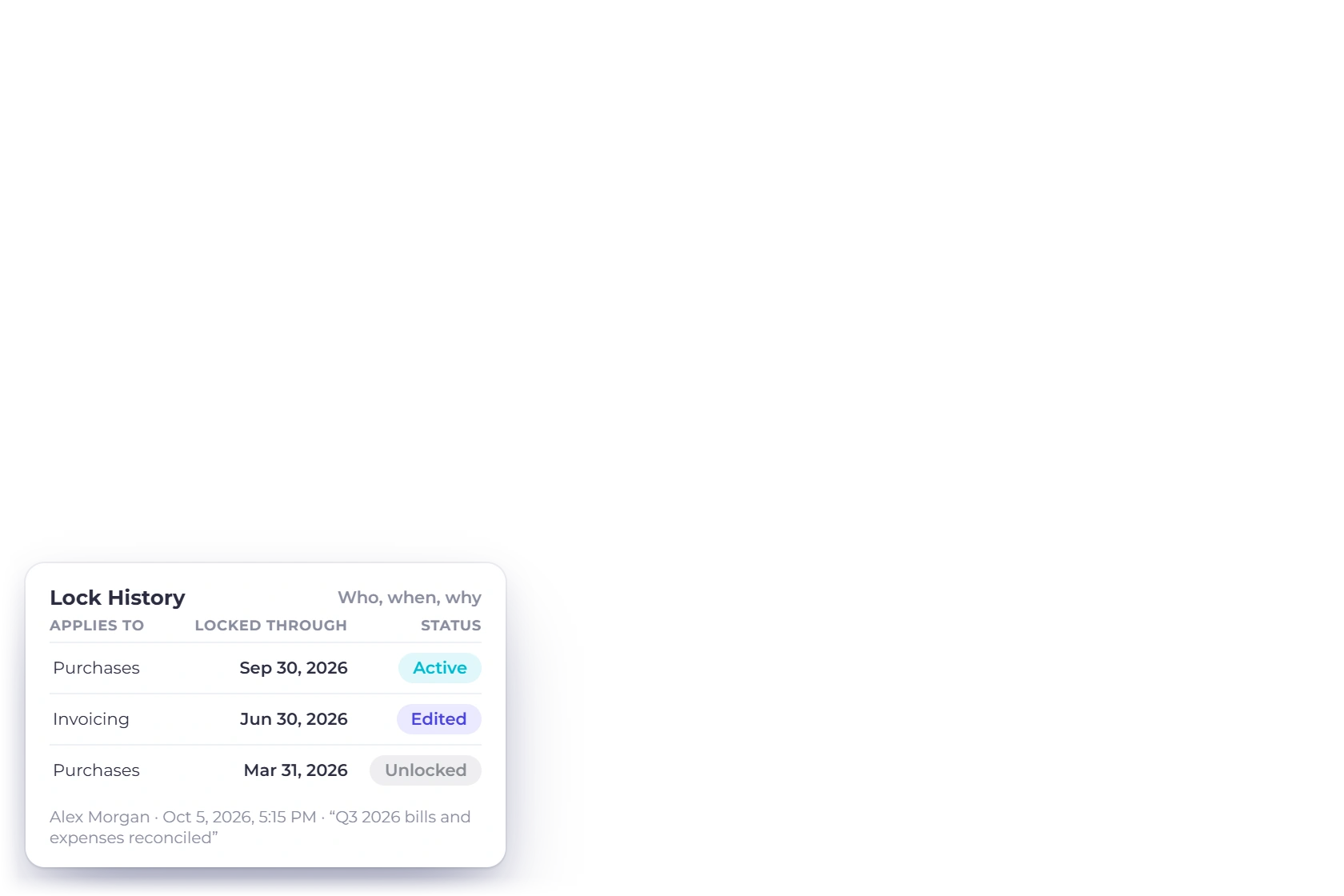
Invoice Crowd Lock History table listing each lock with the area, locked-through date, reason, who locked it and when, and whether it is active, edited or unlocked

Lock History: who, when and why

Lock History lists every lock with the area it applies to, the Locked Through date, the reason, who locked it and when, its status (Active, Edited or Unlocked) and, for unlocks, who unlocked it, when and why. Partially unlocked dates have their own table, shown as Open Now or Locked Again.

  • Applies To, Locked Through, Reason
  • Locked By with date and time
  • Active, Edited or Unlocked
Invoice Crowd Lock Transactions as a team member sees it, read only with the note that only the account owner can change the lock date, and the paid-plan message for new locks

Owner-only changes, on paid plans

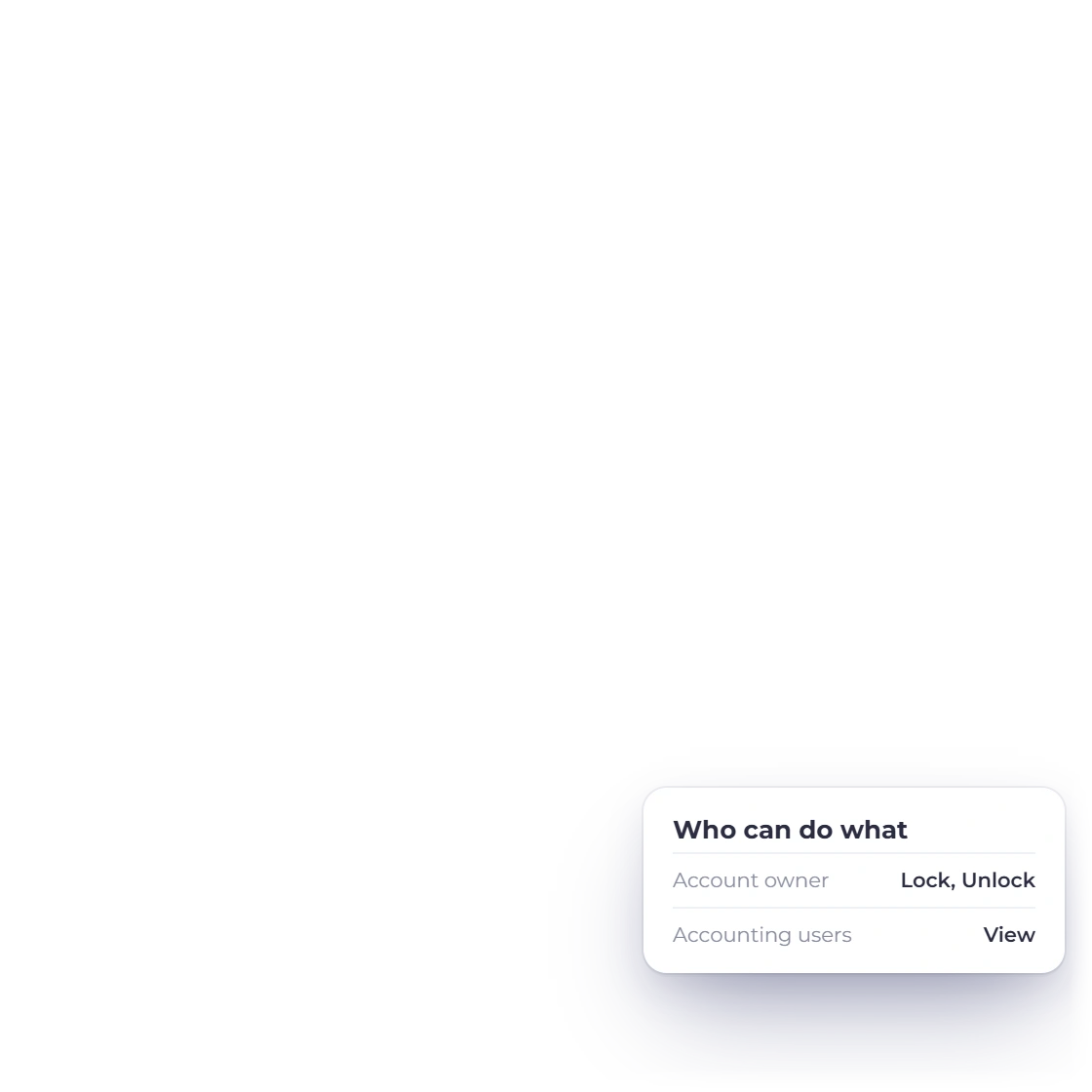
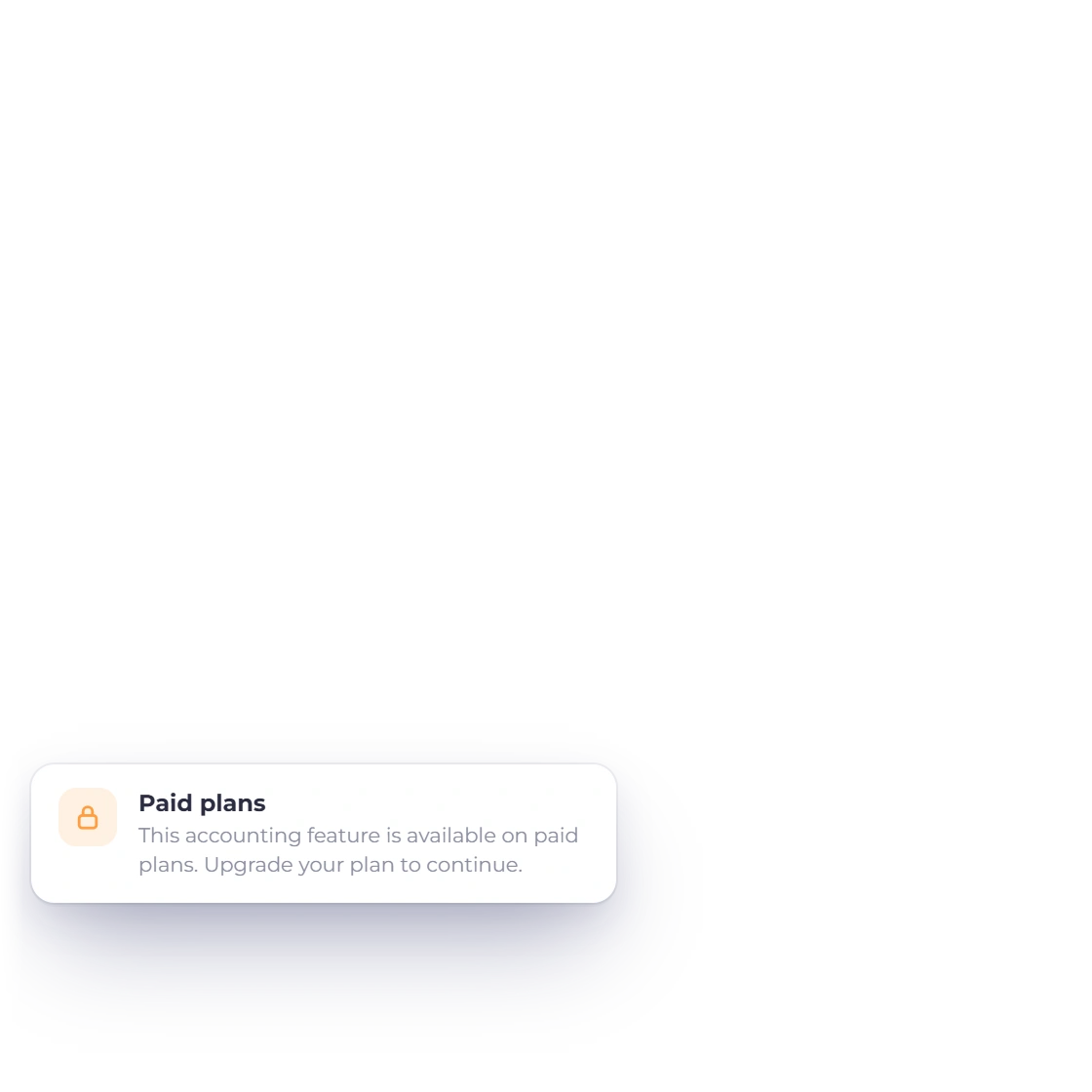
Only the account owner can lock, edit or unlock. Team members with accounting access can see the locks and the history, with the note that only the account owner can change the lock date. Creating or editing a lock needs a paid plan; viewing and unlocking do not, so a lock can always be released.

  • Account owner changes locks
  • Accounting users can view
  • New locks on paid plans
Team roles

Built in

What a lock does, and what it leaves alone

The rules shown on the Lock Transactions page, plus how locks meet payments, reports, inventory and India GST returns.

  • Separate lock dates

    Invoicing, Purchases and Accounting each show Locked Through or Not Locked.

  • Lock All

    One date for invoicing, purchases and accounting, in place of the area locks.

  • Refused changes

    Saving a locked transaction is refused with the lock date and an Open Period Lock link.

  • Partial unlock

    Open a date range inside a lock with a reason, then lock it again.

  • Edit a lock date

    Move a lock earlier or later; the previous lock stays in the history as Edited.

  • Payments still settle

    Payments recorded in open months can still settle older invoices and bills; the locked entries stay as they are.

  • Reports keep their numbers

    Reports for a locked period keep the numbers you closed with.

  • Lock History

    Every lock, edit and unlock with who, when and why.

  • Owner only

    The account owner locks and unlocks; accounting users can view.

  • Plans

    Creating or editing a lock needs a paid plan. Viewing and unlocking are always available.

  • Inventory tracking

    With inventory tracking on, Purchases must stay locked at least as far as Invoicing.

  • India GST returns

    Marking a GSTR-1, GSTR-3B or GSTR-9 return Filed locks the period it covers.

Questions

Lock Transactions, answered

Can I lock a past accounting period in Invoice Crowd?

Yes. Invoice Crowd lets the account owner lock transactions dated on or before a chosen date under Accounting, Lock Transactions. You can lock Invoicing, Purchases and Accounting separately, each to its own date, or use Lock All for one date across everything. Every lock needs a reason, and creating or editing a lock needs a paid plan.

What exactly is blocked once a period is locked?

No one can create, edit or delete the locked area's transactions dated on or before its lock date. Invoicing covers invoices, recurring invoices, payment links, credit notes, incomes and customer payments; Purchases covers expenses, bills, purchase orders, payments made, vendor credits and inventory; Accounting covers manual journals, opening balances and fixed asset depreciation. Payments recorded in open months can still settle older invoices and bills.

How do I fix one entry in a locked month?

Use Partially Unlock on that area. Choose a From and To date inside the lock and give a reason; only those dates open. Make the change, then choose Lock the Unlocked Dates Again. If a save is refused, the message's Open Period Lock link takes you straight to the lock that refused it.

Who can lock or unlock a period?

Only the account owner. Team members with accounting access can see the Lock Transactions page and its history, but the page tells them only the account owner can change the lock date. Every lock, edit and unlock is recorded in Lock History with who did it, when and why.

Is Lock Transactions on the free plan?

Creating or editing a lock needs a paid plan. Viewing locks and unlocking them are not plan-gated, so if a plan ends, the owner can still release a lock that protects invoices.

What happens when I file a GST return in India?

For India business profiles, marking a return Filed on the GST Filing page locks its period: GSTR-1 locks Invoicing, and GSTR-3B and GSTR-9 lock Invoicing and Purchases (both whenever inventory tracking is on), through the return's last day. A change that hits that lock explains that the return was filed. The owner can still unlock with a reason, and corrections belong in a later return. Invoice Crowd does not file returns on the GST portal.

Does unlocking delete the old lock or change my reports?

No. Locks are never deleted: an edited lock stays in the history as Edited and a removed one as Unlocked, with its reason. Reports for a locked period keep the numbers you closed with until someone unlocks it and changes a transaction.

Close the month and keep it closed

Lock each area when its numbers are final, open a single date when you must fix something, and keep a record of every change.

  • No card required to start
  • Your data stays yours
  • Cancel anytime