
Skip to content

Features

Projects that carry their own rates, hours and invoices

A project in Invoice Crowd is tied to one customer and one billing method, and that method decides how tracked hours become money. Add tasks, assign the team with their hourly rates, log the time, then bill the hours, project expenses or part of a fixed fee from an invoice preview laid out the way that client wants it.

  • One customer, one billing method
  • Hourly rates per task or per member
  • Four invoice line layouts
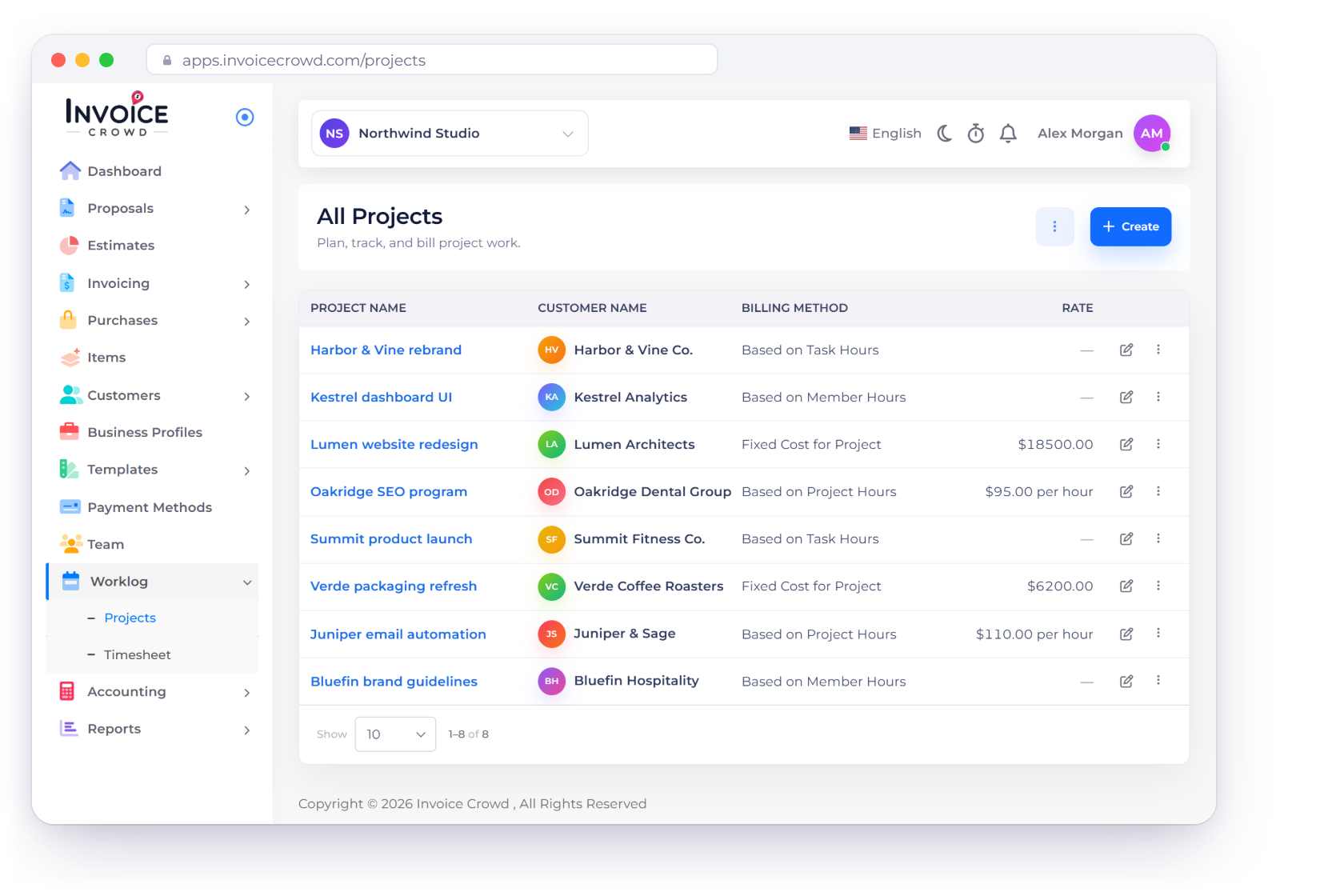
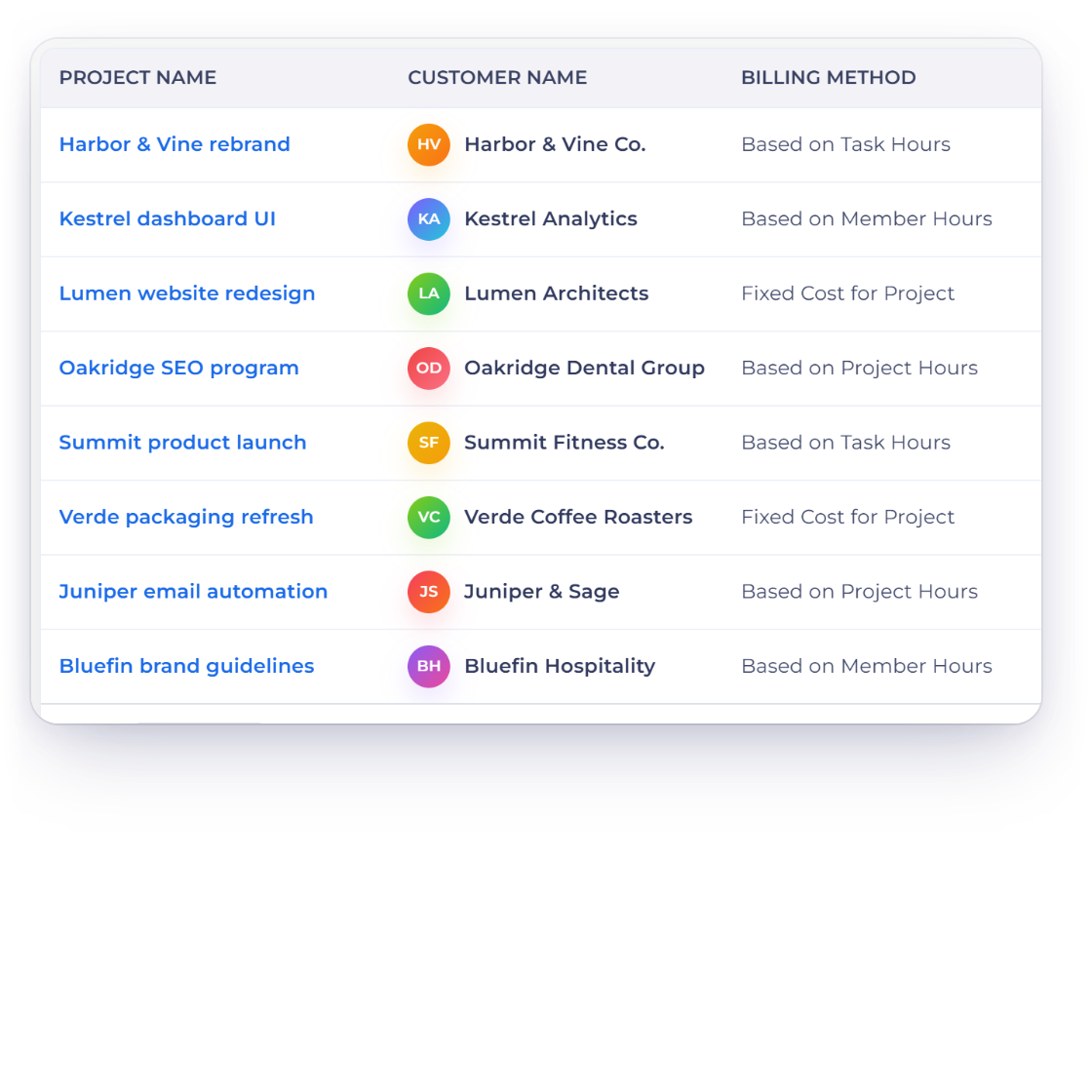
The Projects screen in Invoice Crowd listing projects with their customer, billing method and rate, the four billing methods and a project with member rates

What is inside

Set the rate once, and every invoice off that project follows it

A project ties one customer to one billing method. Tasks and assigned members carry the rates that method reads, and the billable hours you log become invoice lines laid out the way that client wants them.

Setting up the job

One customer, one method

Invoice Crowd projects list with each project customer and billing method, and the four billing methods to choose from

Pick the customer, then pick how it bills

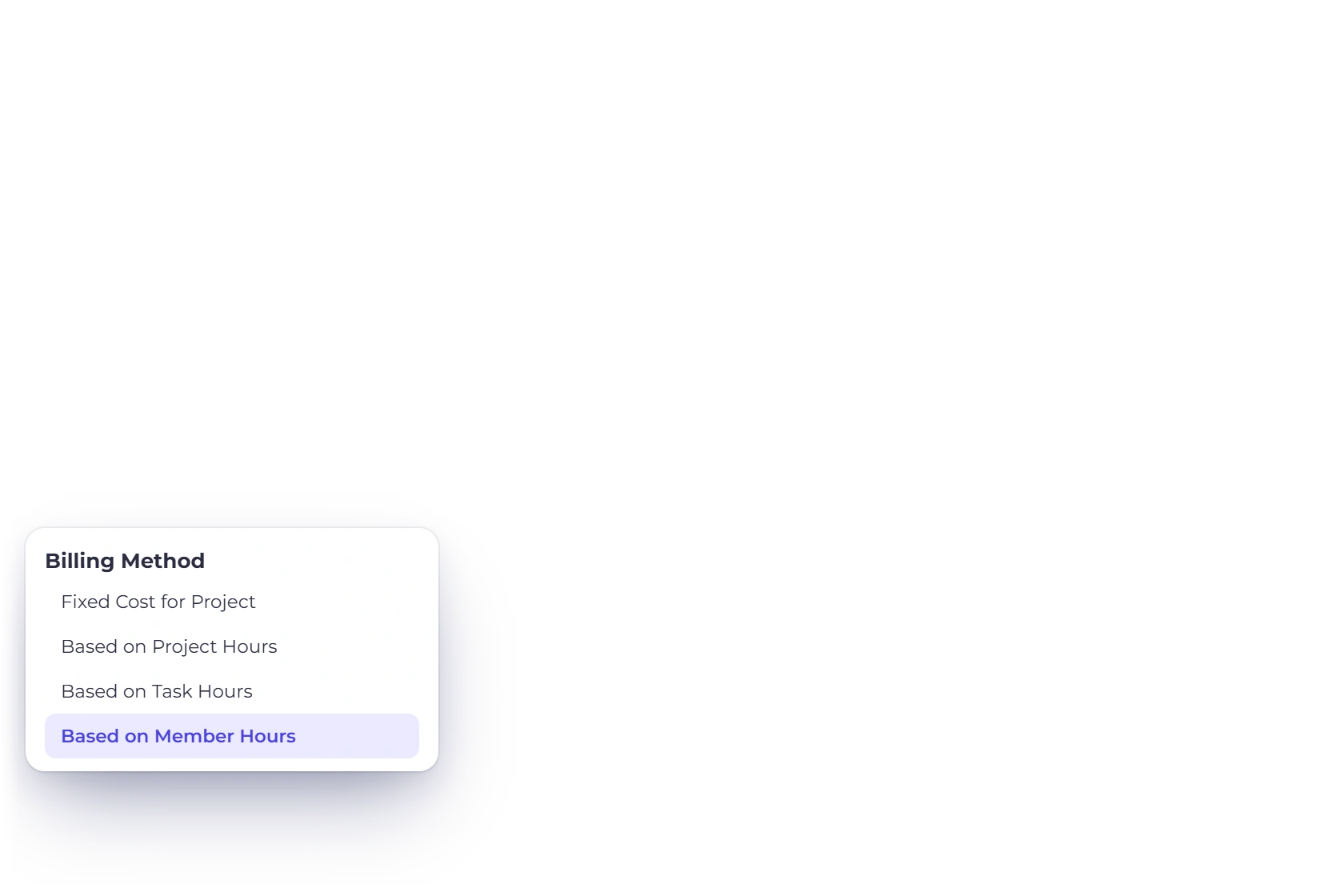
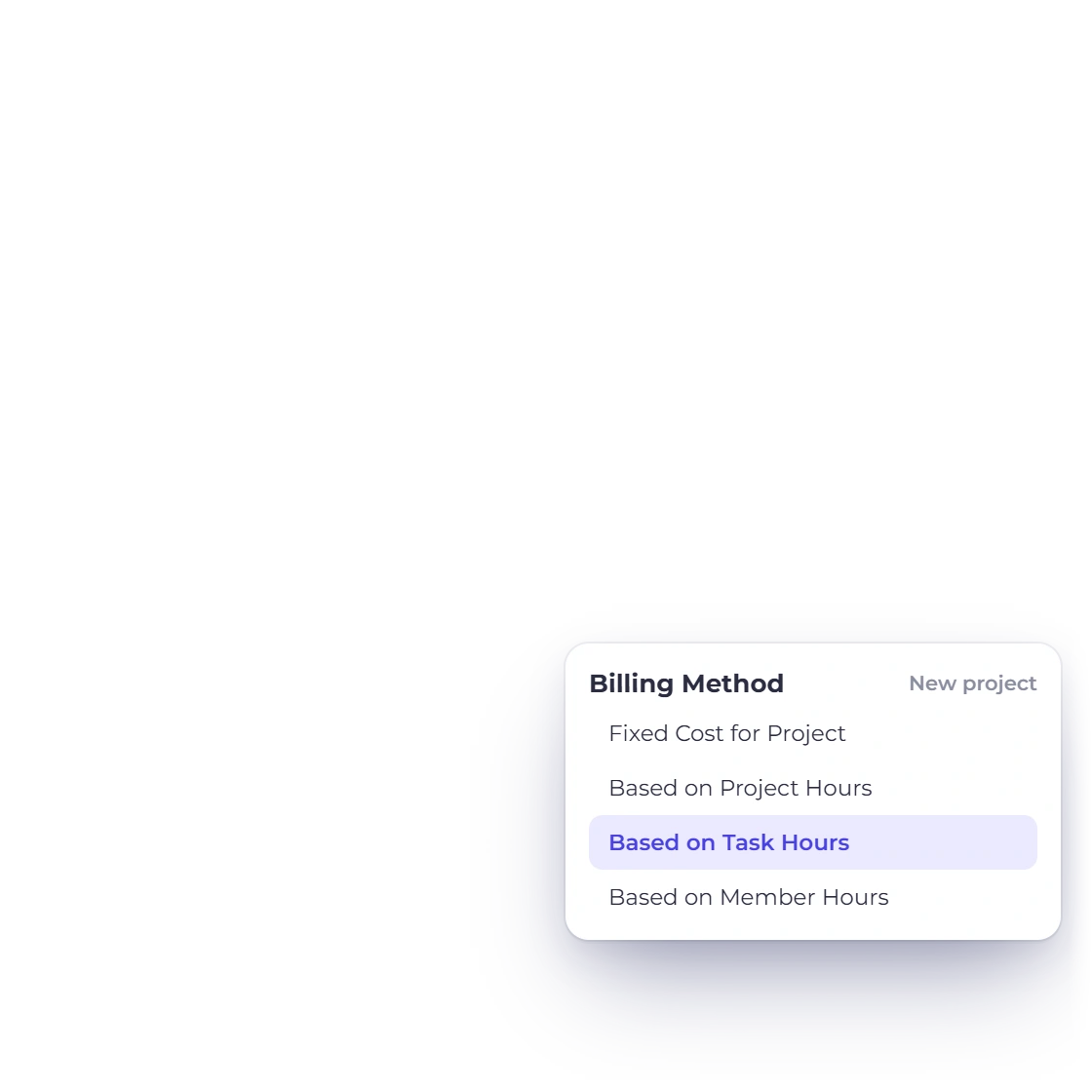
A project belongs to one customer and carries one billing method chosen from four: Fixed, Project hours, Task hours and Member hours. Fixed and Project hours ask for the amount on the create form. Task hours takes its rate from each task and Member hours from each team assignment. The method sits on the project rather than on each invoice, so every bill raised from it follows the same rule.

  • Fixed ignores hours; the other three price them
  • Currency comes from the business profile it was created under
  • One customer per project, so internal work needs a customer record
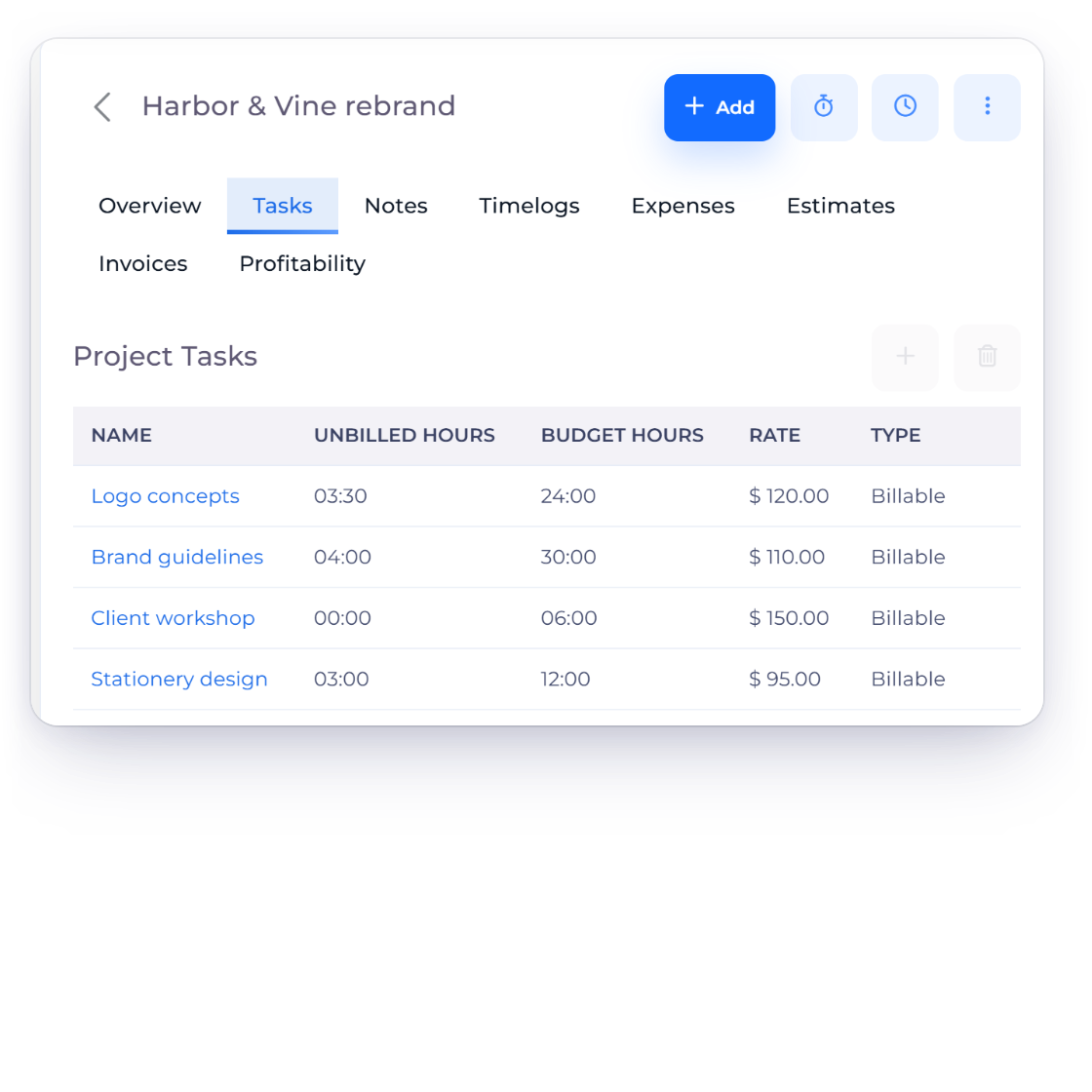
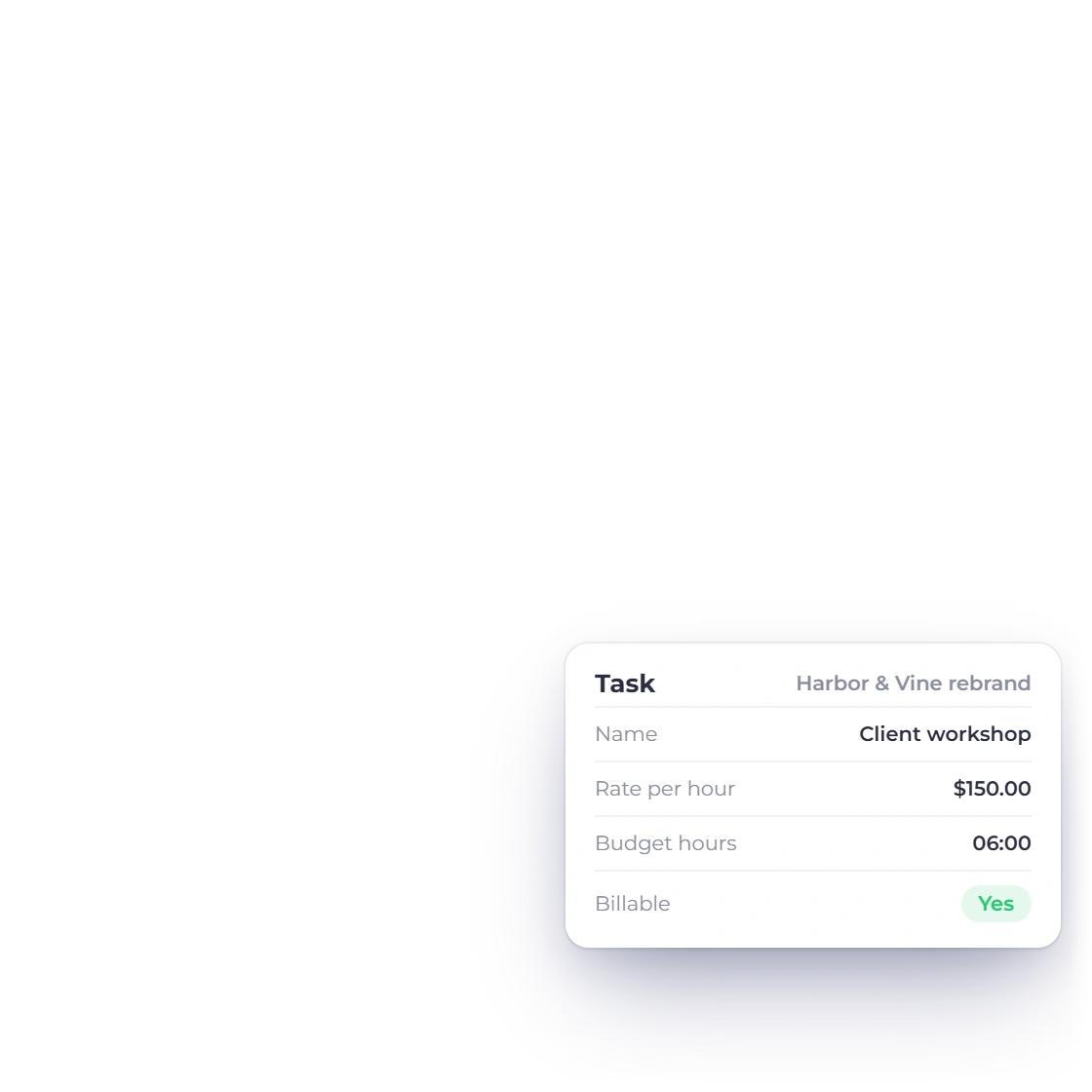
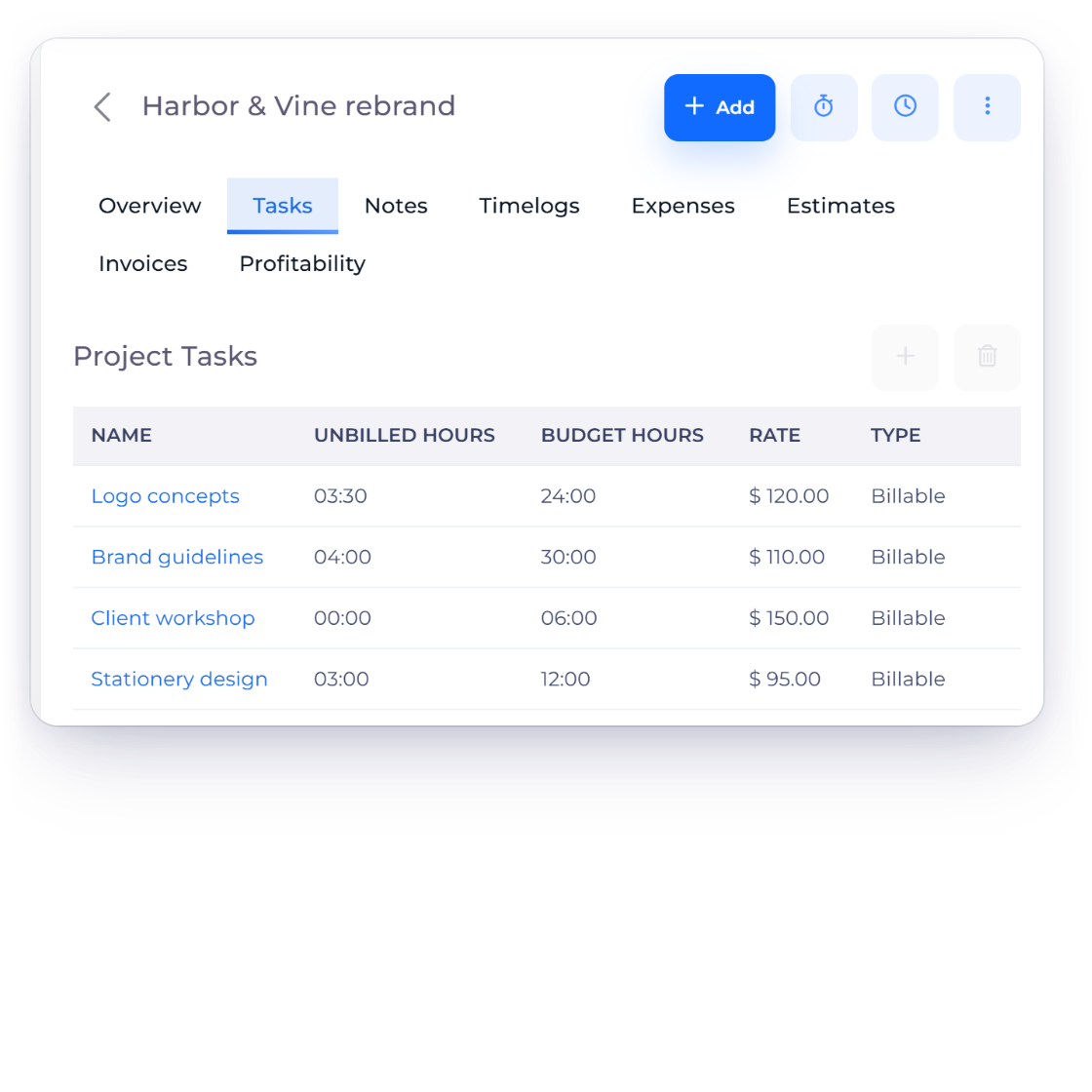
The Tasks tab of an Invoice Crowd project with each task unbilled hours, budget hours, hourly rate and billable type

What a project holds, and what a task holds

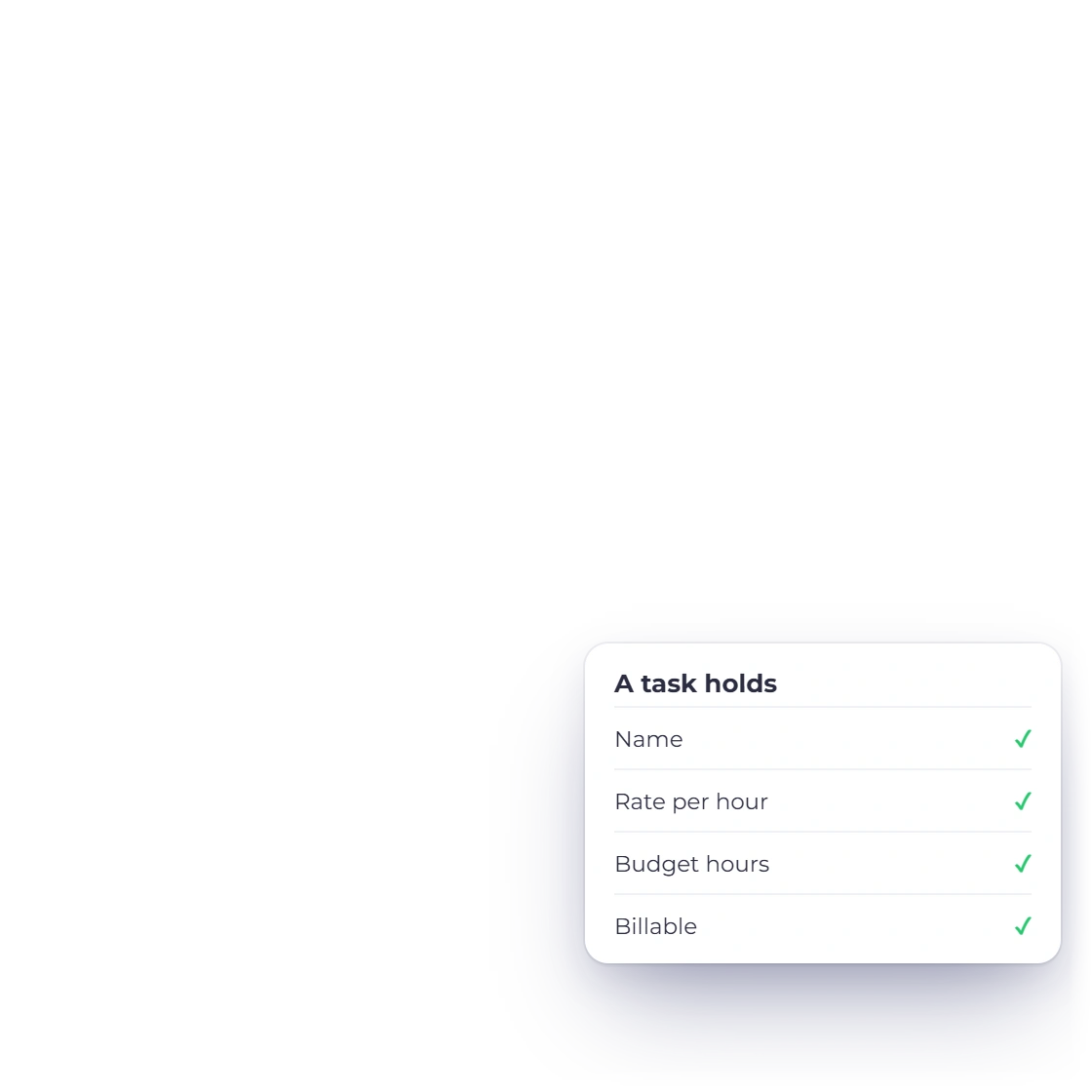
A project holds a name, an optional description, its customer, the billing method, the cost or rate, any custom fields you have defined, and up to three budgets. A task holds a name, an optional hourly rate, an optional hour budget, a billable flag and an active or inactive status. That is the whole model, and it is flat on purpose.

  • Cost or rate is required for Fixed and Project hours
  • A task rate is required when the project bills by Task hours
  • Projects and tasks go inactive rather than getting deleted

Running the work

Rates, access and charts

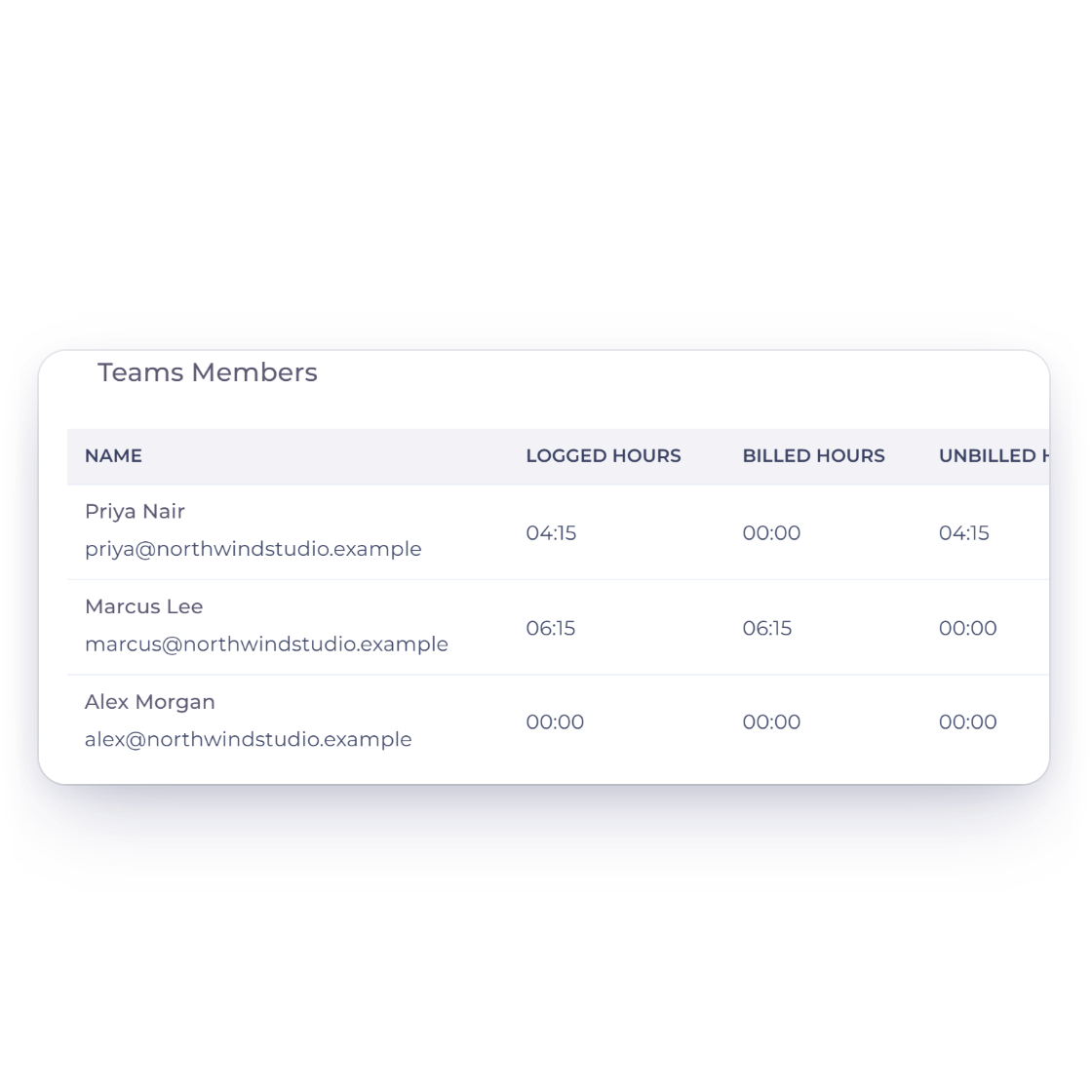
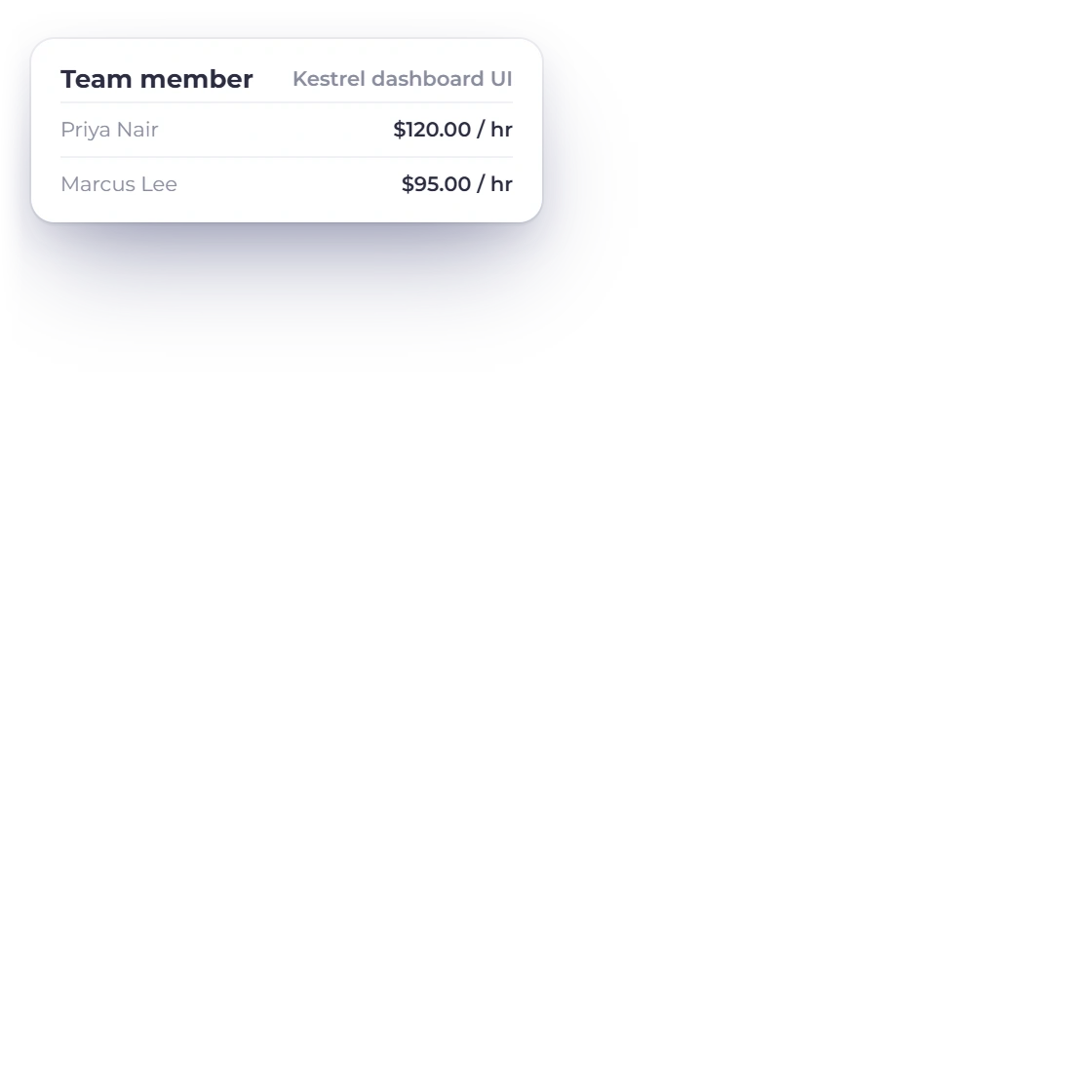
An Invoice Crowd project overview with team members, their logged, billed and unbilled hours, and each member hourly rate

Assign the team with their own rates

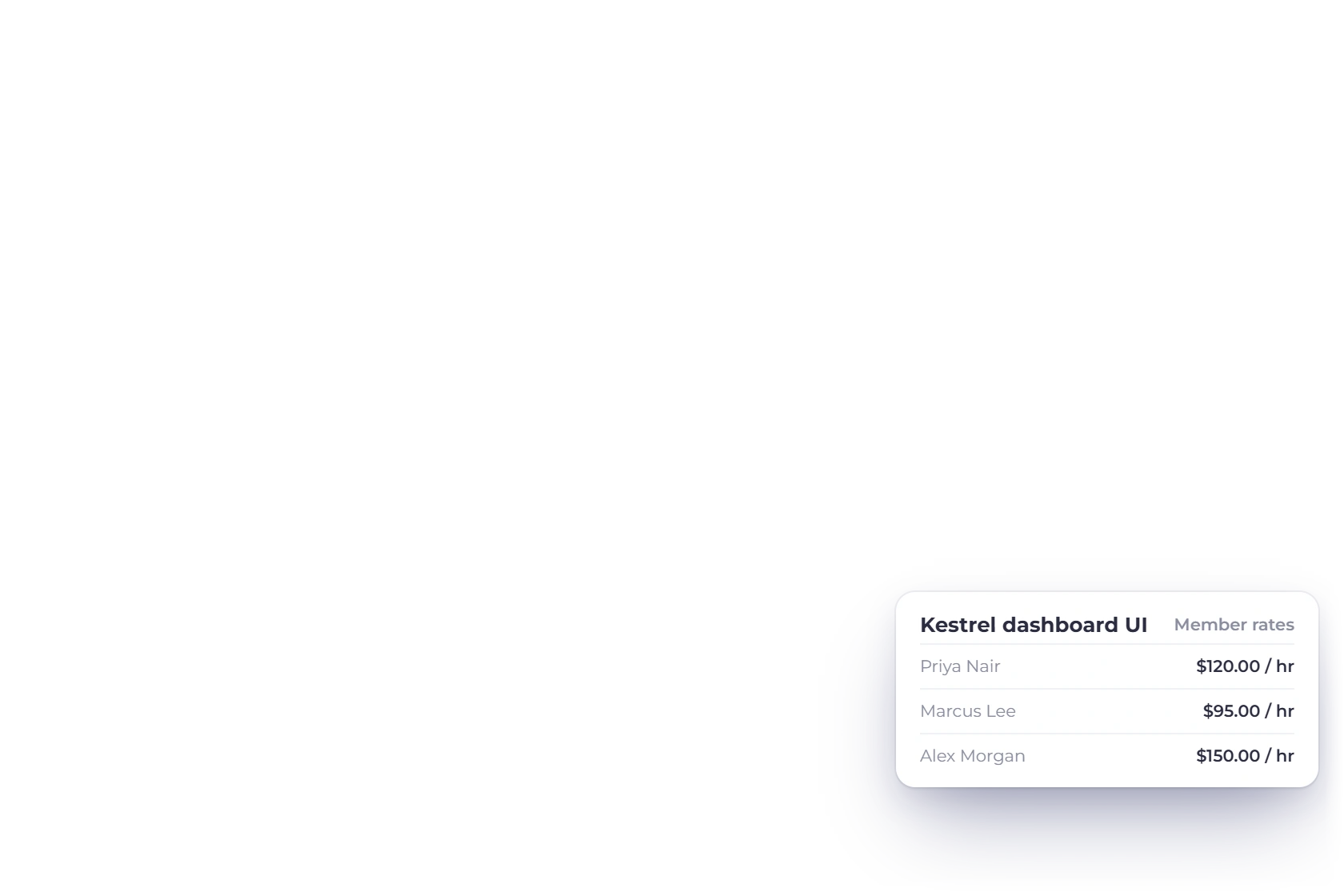
Team members are assigned to a project with an hourly rate and an optional budget each. The assignment is also the access boundary: a member reaches a project only when they are assigned to it, and only within the customers their permissions cover. Under Member hours those per-assignment rates price the invoice, and a grouped line covering several people uses an exact weighted rate.

  • Two people on the same task bill at their own numbers
  • Rates are read when the invoice is built, not when time is logged
  • The account owner is assigned on creation and cannot be removed
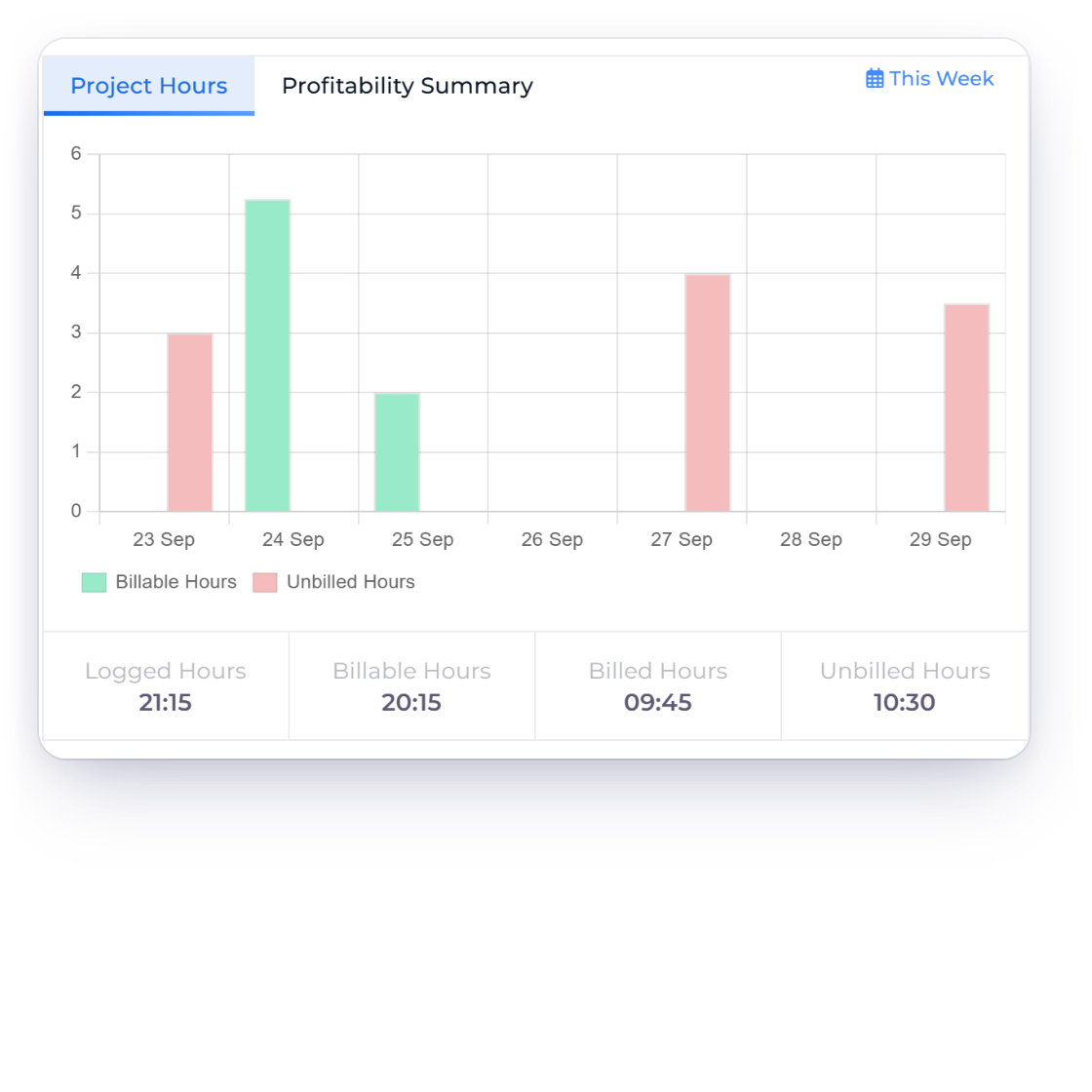
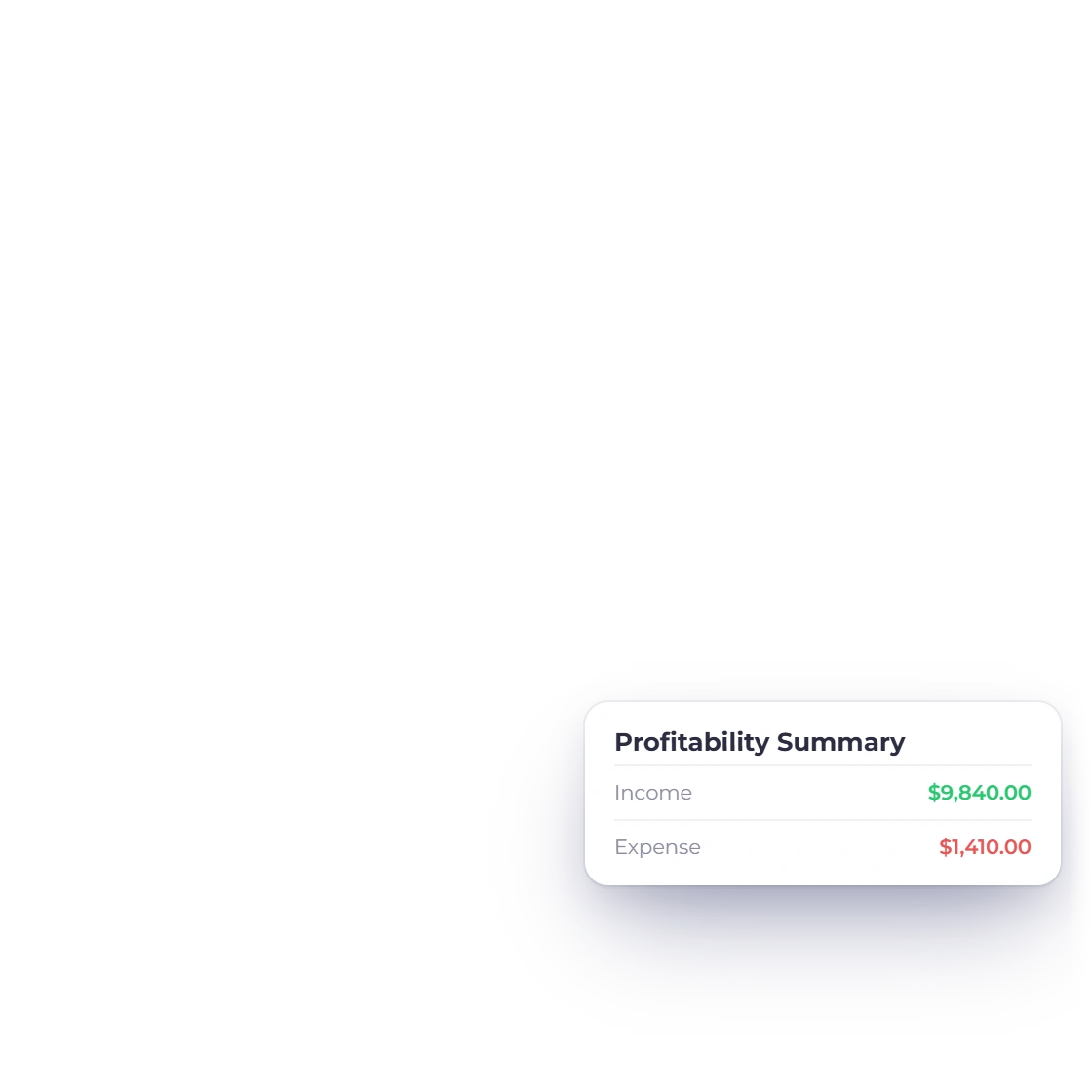
The Project Hours chart on an Invoice Crowd project with billable and unbilled hours by day, next to the project profitability summary

Watch the hours and the margin on one project

Opening a project gives tabs for overview, tasks, time logs, expenses, invoices, estimates, notes and Profitability. The overview charts the hours logged over a period, and the Profitability tab sets invoiced revenue against labour cost (hours times each person's cost rate) and expenses to show profit and margin. Labour cost is never posted to your books. An expense filed against a job counts toward that job's cost, and the invoices and estimates raised from it stay linked to it.

  • Notes stay with the project for context no task name fits
  • The time-log list remembers the filter you saved last
  • The header shows the project count against its plan allowance

Turning hours into invoices

Four layouts, one transaction

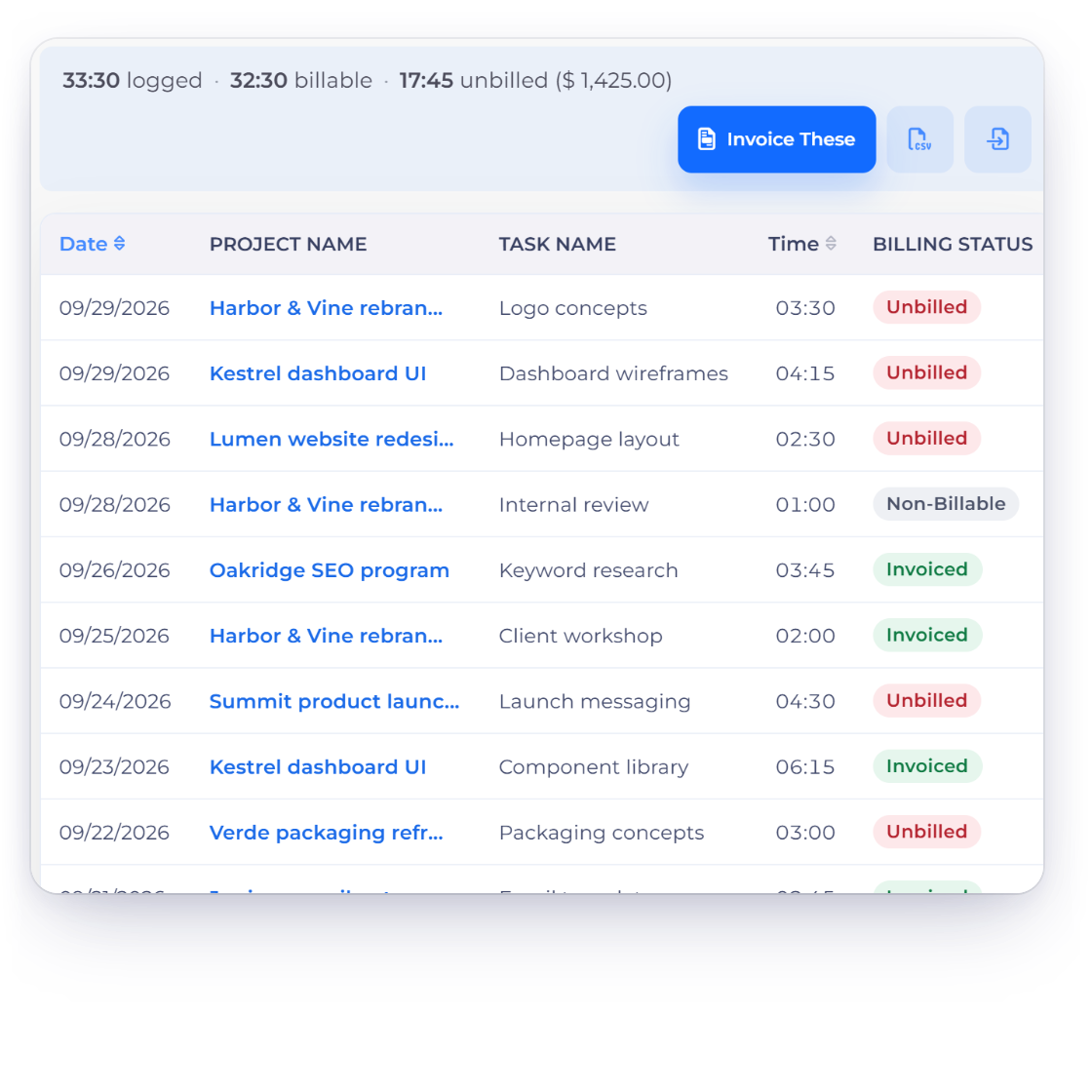
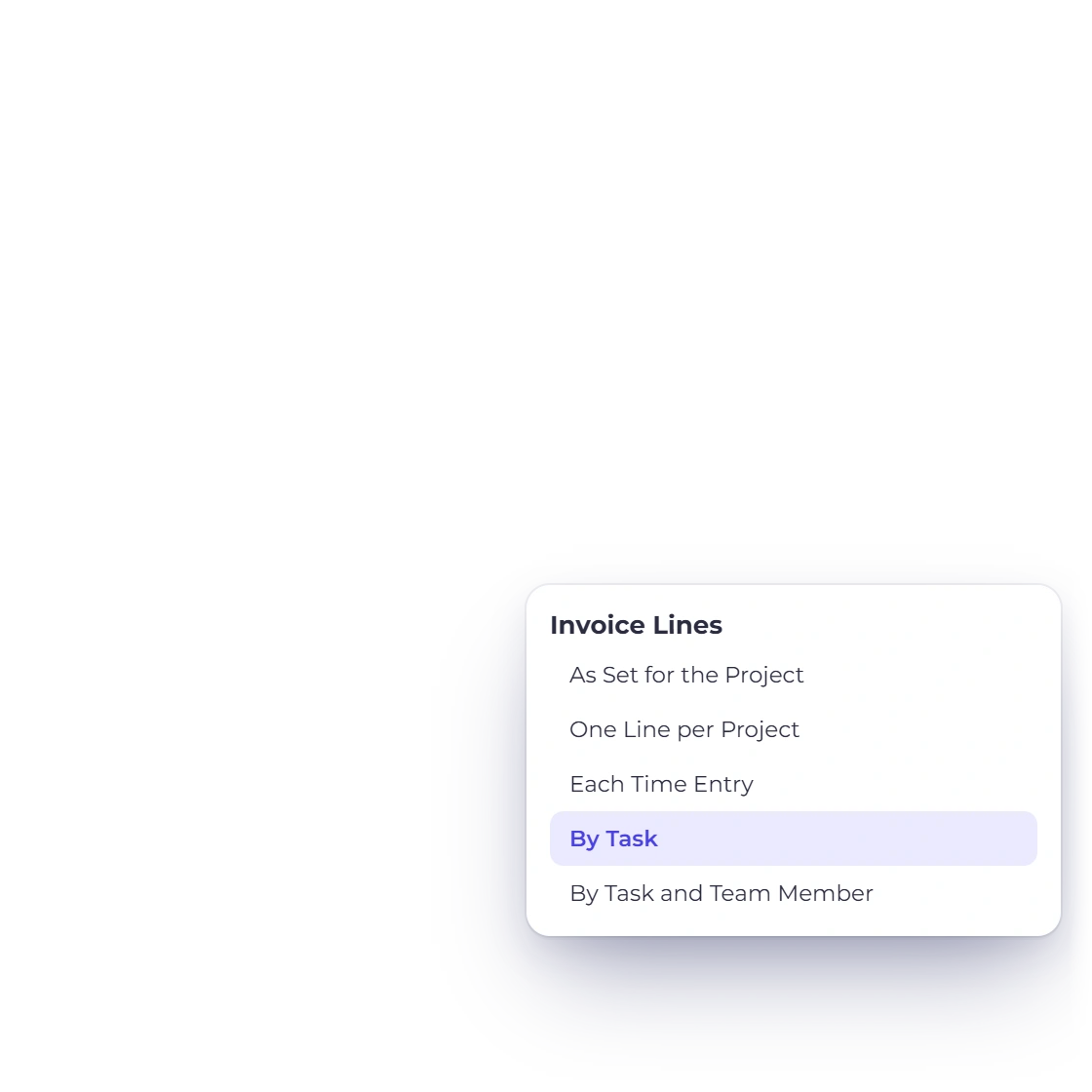
Turning logged time into an invoice in Invoice Crowd: unbilled time logs on the timesheet, the invoice line layout, and the draft invoice created

Select the hours, get the invoice

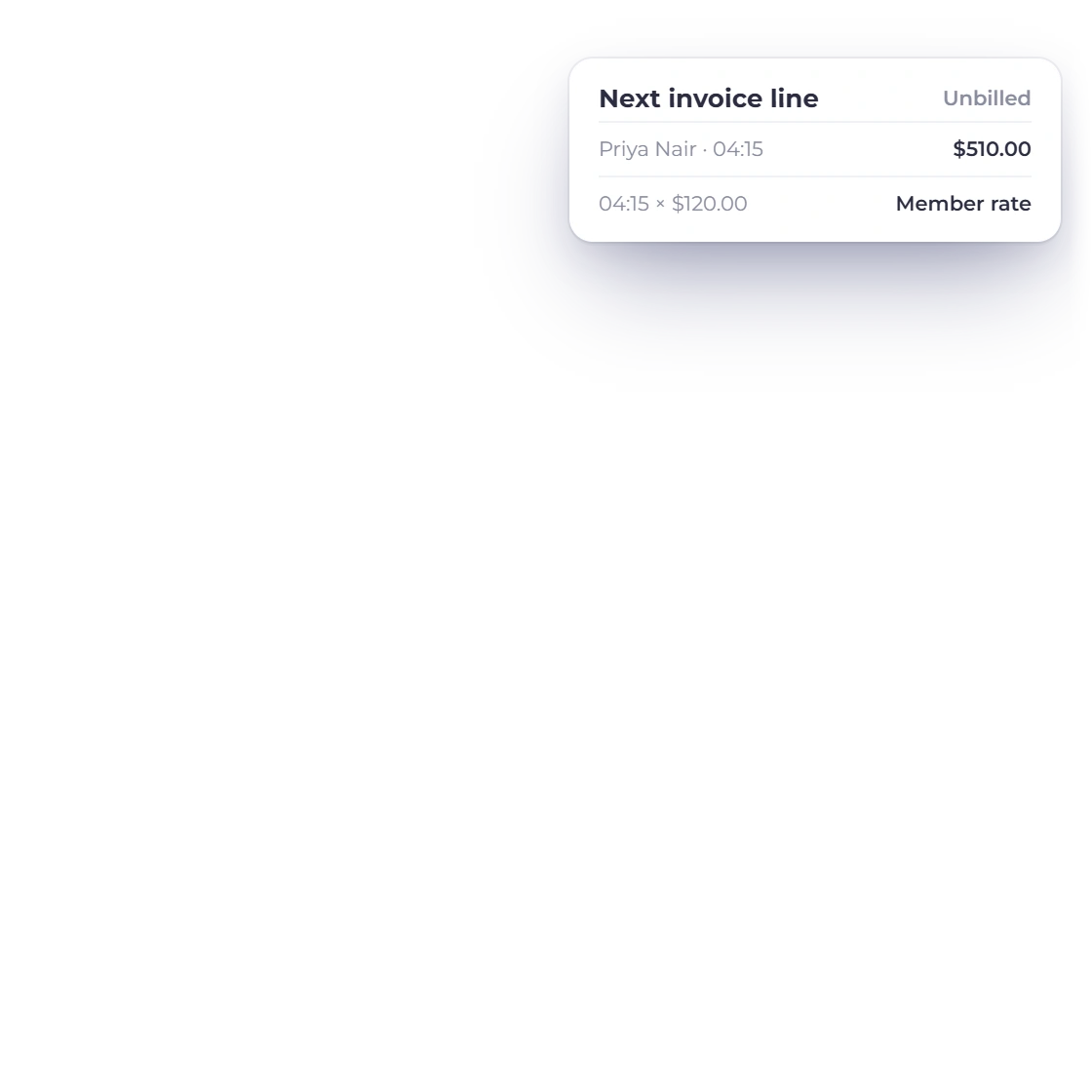
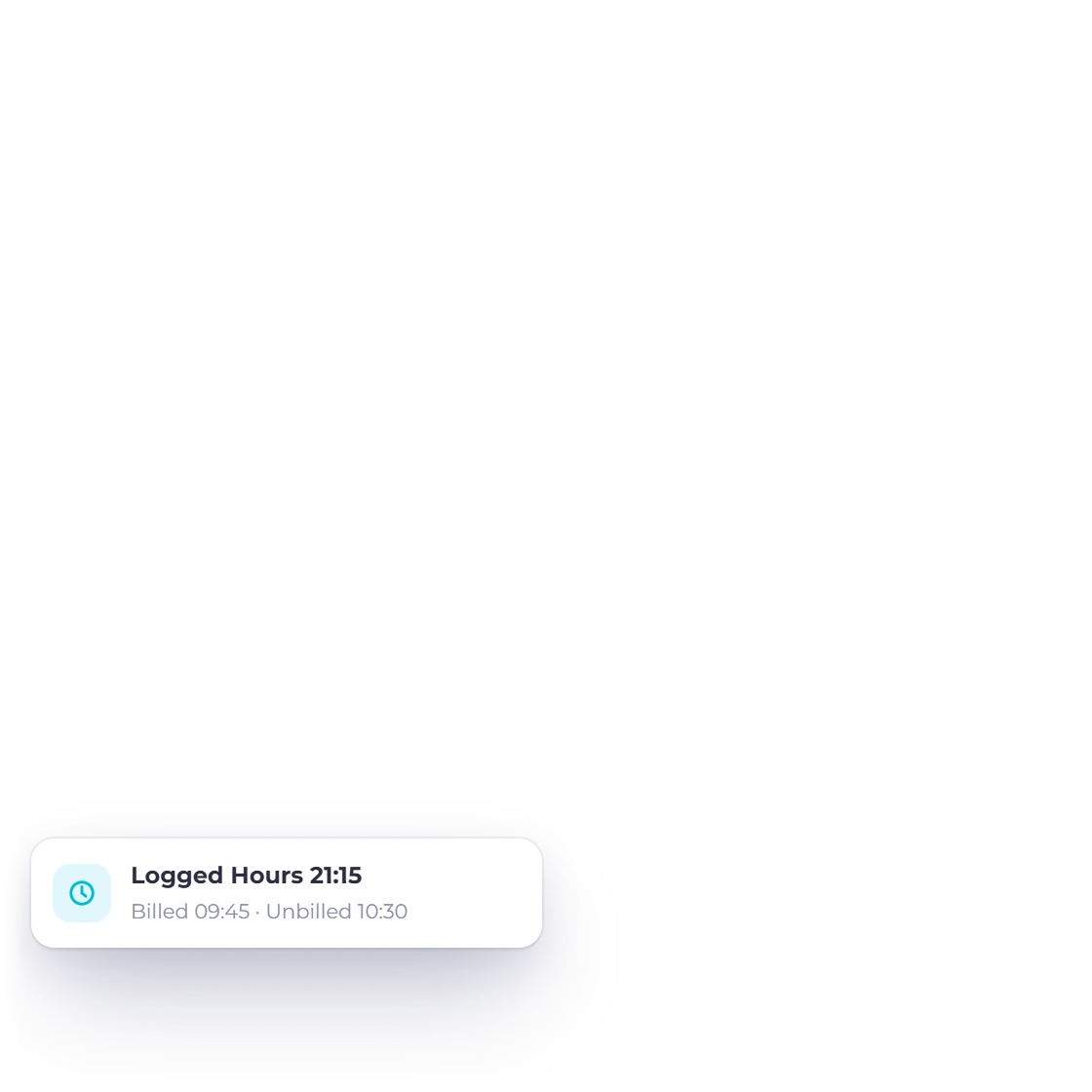
Select the project, its tasks or the individual time logs and use Create Invoice. A drawer opens with a live preview: bill time up to a date, pick the line layout and rounding, add unbilled project expenses with an optional markup, or bill part of a fixed fee. Invoice Crowd then builds the lines at the rate the billing method sets, marks each consumed log as invoiced, links it to the new invoice, and opens that invoice in the normal editor.

  • Everything selected has to resolve to one customer
  • Layout and rounding set per project, or changed for one invoice
  • It runs as one transaction, and a repeat returns the same invoice
The flat task list of an Invoice Crowd project: each task has a name, rate, budget hours, billable type and active status

Where the guard rails are

This is a billing-first project layer rather than a planning tool. There is no Gantt chart, dependency map, kanban board or resource scheduler, and tasks carry no due dates, subtasks or per-task assignee. Editing is last-write-wins, so two people saving the same project at once are not warned and the later save survives. Manual time entries are not checked for overlap, so the same hour can be logged twice.

  • Deleting a time log is permanent, and an invoiced log locks
  • No project templates and no copying a task list forward
  • An estimate raised from a project links it but builds no lines from logs

Built in

The rest of the project screen

The four billing methods side by side, the budgets and custom fields you can add, and the smaller behaviours you meet once work is under way.

  • Fixed price

    A fixed cost on the project sets the amount. Hours are still logged against it, but they do not change what the job bills.

  • One project rate

    Project hours applies one hourly rate to every log on the project, which suits a single blended rate for the whole team.

  • Rate per task

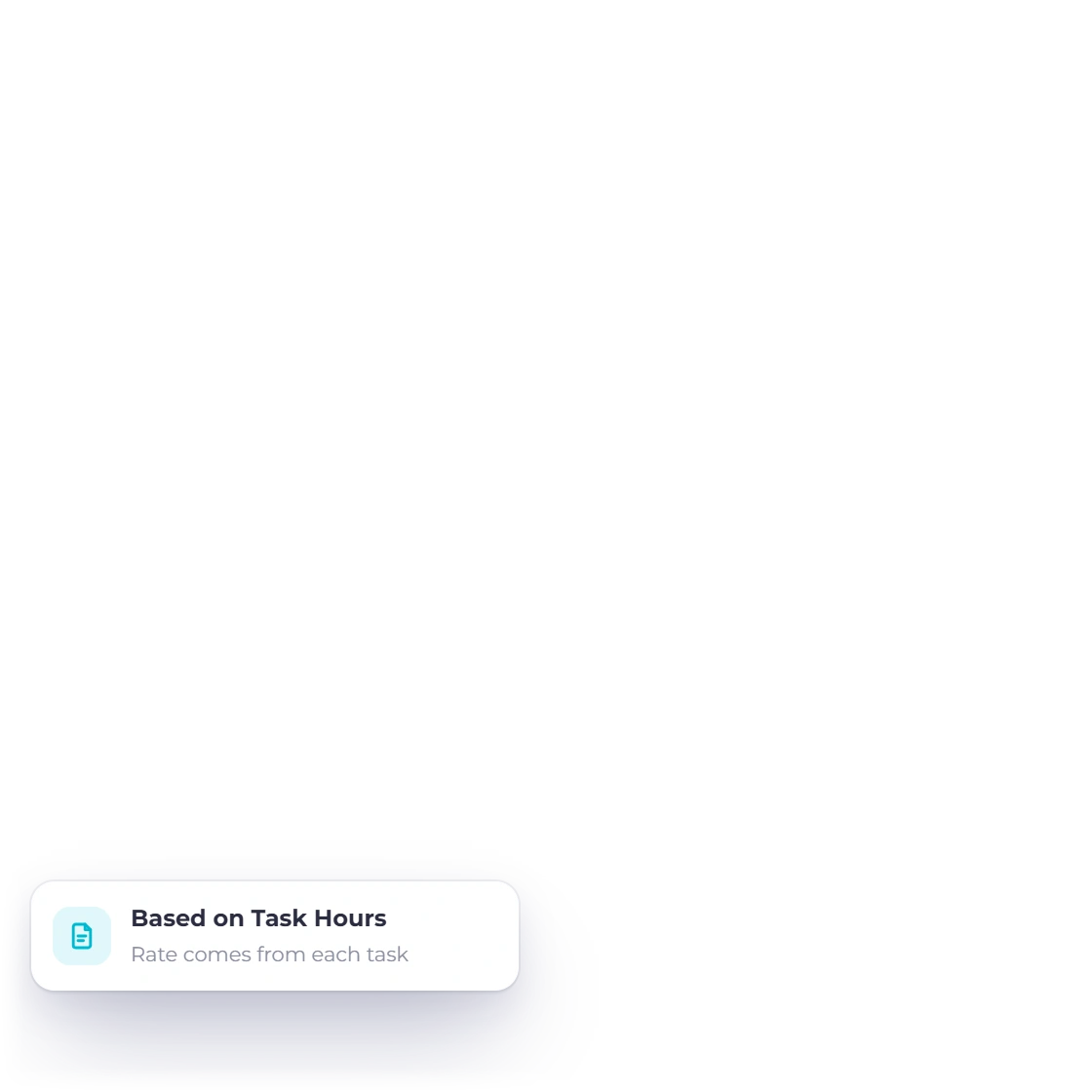
    Task hours reads the rate from each task, so design can be billed at a different number to development on the same project.

  • Rate per member

    Member hours reads the rate from each team assignment, so senior and junior time is priced apart on the same invoice.

  • Custom project fields

    Define a field once for the account and fill it per project: label, data type, default value, help text, mandatory and on by default.

  • Cost and hour budgets

    Optional cost and revenue budgets sit on the project, with an hours budget entered as HH:MM in total, per task or per staff member.

  • Hours chart

    The hours chart plots time logged over one week to twelve months, or a custom range. A retainer project also shows its monthly hours bar.

  • Profitability tab

    Invoiced revenue minus labour cost and expenses, shown as profit and margin for this or the previous financial year. The owner and timesheet managers see it.

  • Four invoice layouts

    Per project: all selected hours on a single line, one line per time log, one line per task, or one per task split by member.

  • Server-side pagination

    Tasks, time logs, expenses, invoices, estimates and notes all paginate on the server at 10, 25, 50 or 100 rows.

  • Bulk project changes

    Select rows on the projects list to bulk update status and team assignment, create invoices or delete. A selection out of scope is refused whole.

  • Client view and approvals

    Customers invited to the customer portal see their own projects and timesheets and can approve or question each week's billable hours. They see hours, never your rates, and the approval flow is on Timesheets.

Questions

Projects & Tasks, answered

Does Invoice Crowd do project management with invoicing?

Yes. Invoice Crowd keeps projects, tasks, team assignments and time logs in the same account as the invoicing, so billable hours become invoice lines without exporting them to another tool. Each project is tied to one customer and one billing method (fixed, project hours, task hours or member hours) and that method decides the rate applied when tracked work is billed.

How does Invoice Crowd decide what to charge for a project?

The billing method on the project decides the rate. Fixed uses a set price for the whole job and ignores hours entirely. Project hours applies one hourly rate to all logged time. Task hours takes the rate from each task, and Member hours takes it from each assigned team member, so senior and junior time can be priced apart on the same invoice.

Can invoices from a project be laid out differently for different clients?

Yes. Line-item layout is a per-project setting in Invoice Crowd with four options: all selected hours on a single line, one line per individual time log, one line per task, or one line per task split by team member. The same tracked hours can be presented as one summary figure for one client and in full detail for another.

Can a team member see only the projects they work on?

Yes. Access follows the project assignment: a team member reaches a project only when assigned to it, and only within the customers their permissions cover. The account owner is assigned automatically on creation and cannot be removed. Customers invited to the customer portal see their own projects and timesheets and can approve or question each week's billable hours without seeing your rates, so the hours behind a bill can be agreed without letting anyone outside the business change them.

Does Invoice Crowd have Gantt charts, kanban boards or task due dates?

No. Tasks in Invoice Crowd are flat records: a name, an optional hourly rate, an optional hour budget, a billable flag and an active or inactive status. There are no subtasks, dependencies, due dates or per-task assignees, and no Gantt chart, kanban board or resource scheduler. People are assigned to a project rather than to individual tasks, because the purpose is to price work rather than schedule it.

Can I see whether a project made money?

Yes. The project's Profitability tab takes invoiced revenue, subtracts labour cost (hours logged times each person's cost rate) and the expenses filed against the project, and shows the profit and margin. Labour cost is worked out for this view only and is never posted to your books, and the figures come from the documents and expenses already recorded against that project rather than from a forecast kept by hand. A separate hours chart plots logged time over one week to twelve months, or a custom range.

What happens to a time log after it has been invoiced?

It locks. A time log that has been billed cannot be edited or deleted in Invoice Crowd, and it is excluded from any later invoice built from that project, so the same tracked hours are not billed twice through that route. Logs that have not been invoiced can still be edited or deleted, but deletion is permanent. There is no recycle bin for time logs.

Can I bill a monthly retainer against logged hours?

Yes. A retainer is a monthly recurring invoice that counts the billable hours logged on the projects you choose against the hours included each month. Unused hours carry over or expire, extra hours go on the next invoice, and retainer time is never billed twice. Retainers need a paid plan.

Bill the hours you have already logged

Create a project, pick how it bills, assign your team with their rates, then turn this month's billable logs into an invoice.

  • No card required to start
  • Your data stays yours
  • Cancel anytime