
Skip to content

Accounting

Review the balance sheet layout and the difference that still needs attention

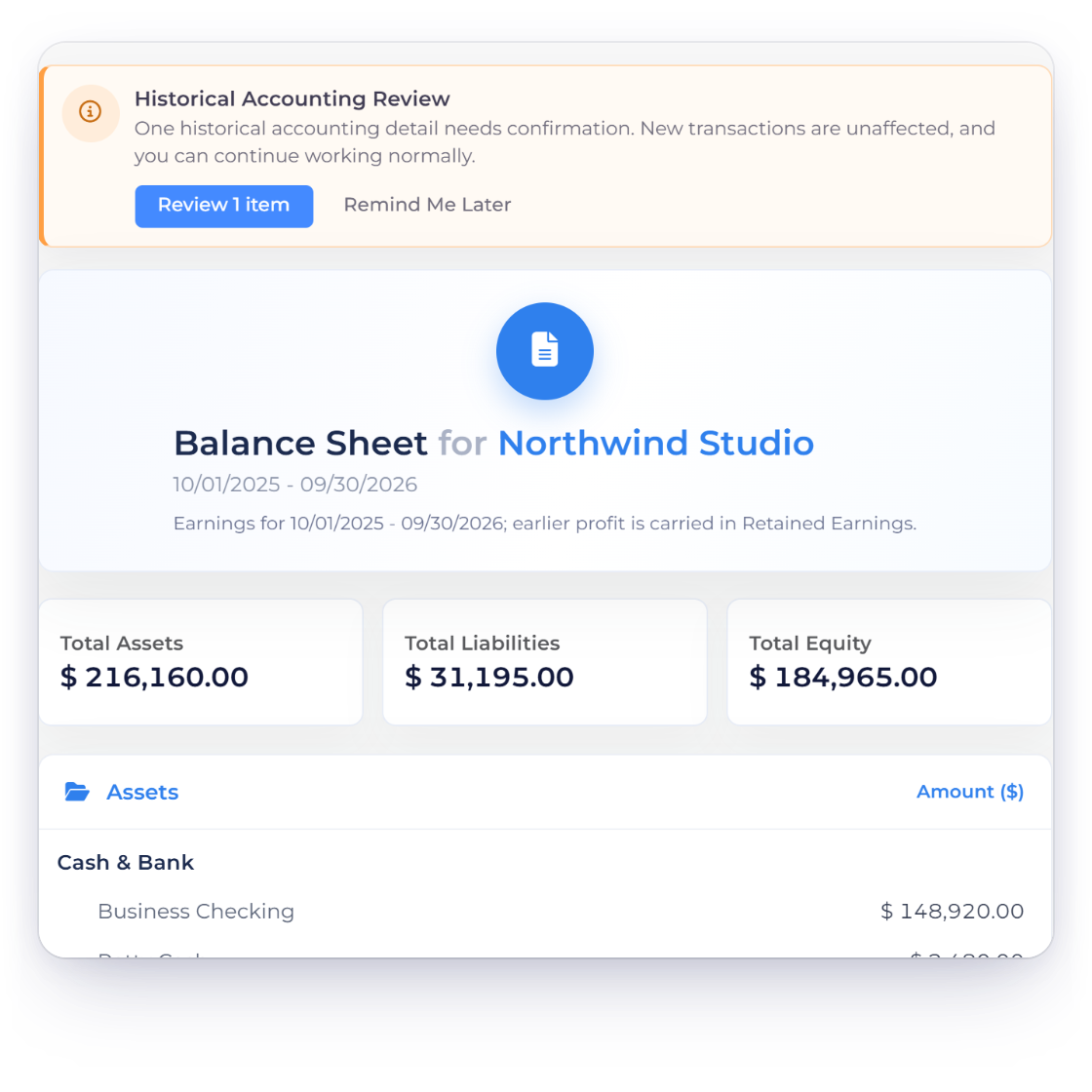
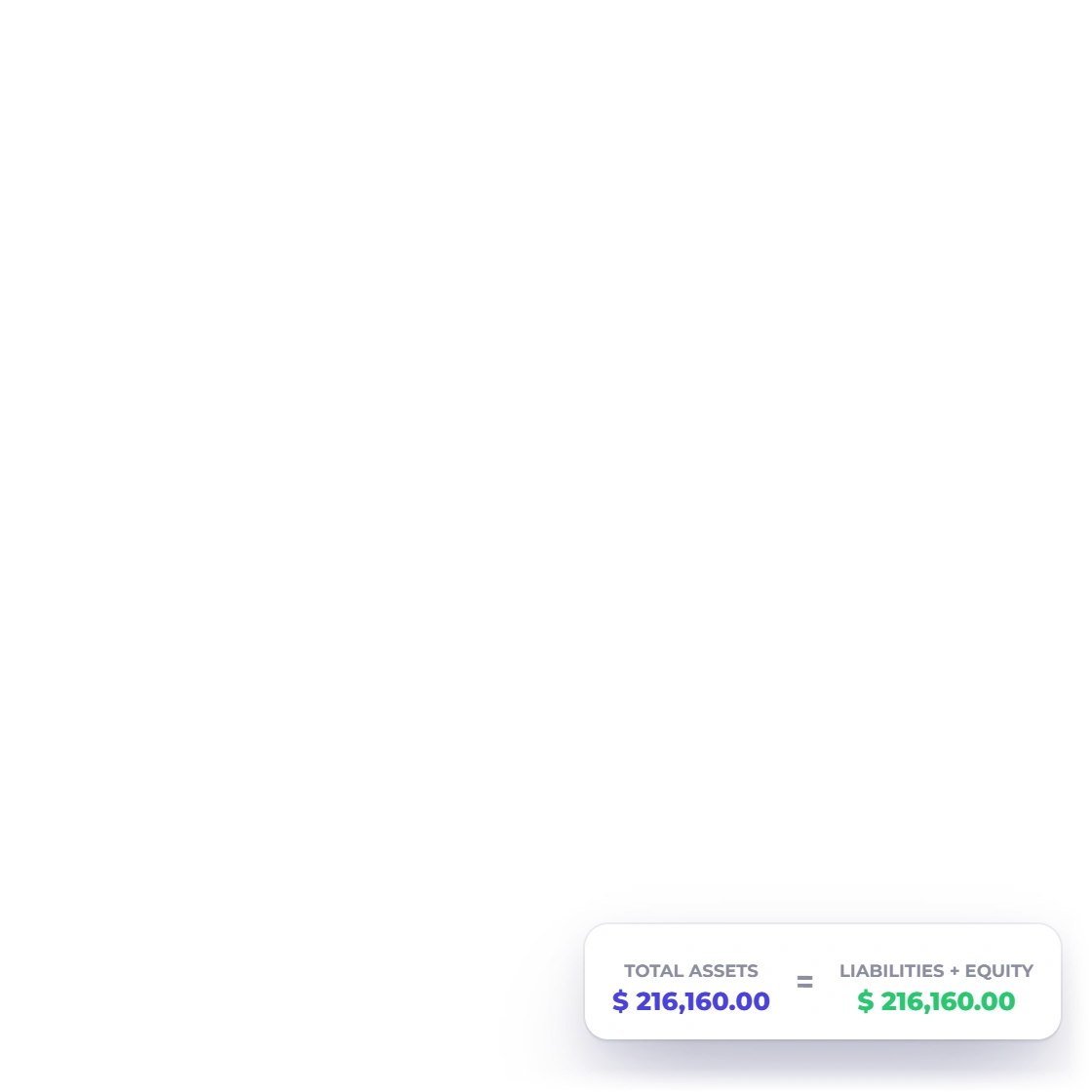
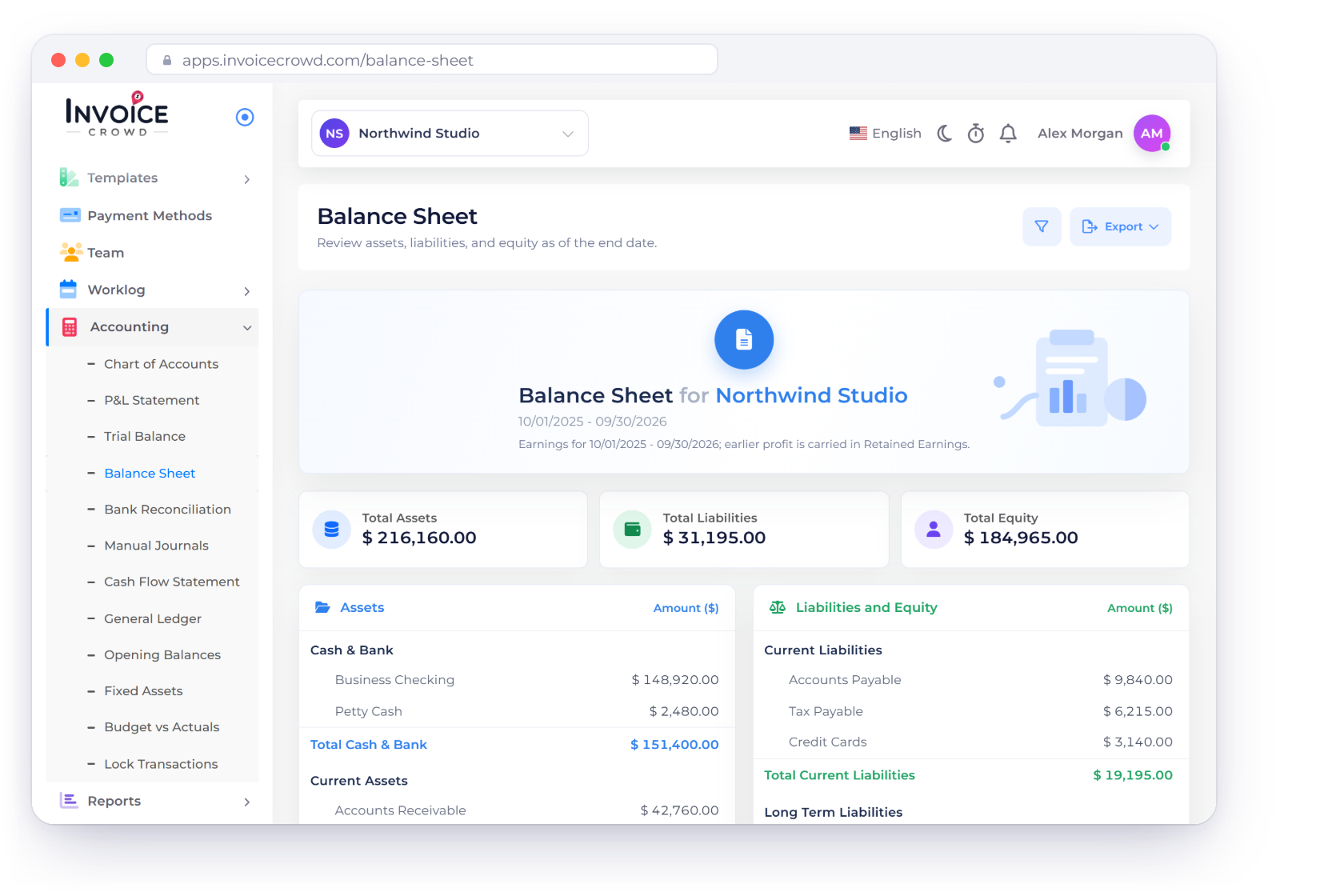
Invoice Crowd groups account movement into Assets, Liabilities and Equity and adds a calculated net-income line. The current report is period-based rather than a true carried-forward point-in-time balance sheet, so the page makes that boundary explicit.

  • Assets, Liabilities and Equity
  • Visible balance difference
  • PDF, CSV and Excel export

Last updated:

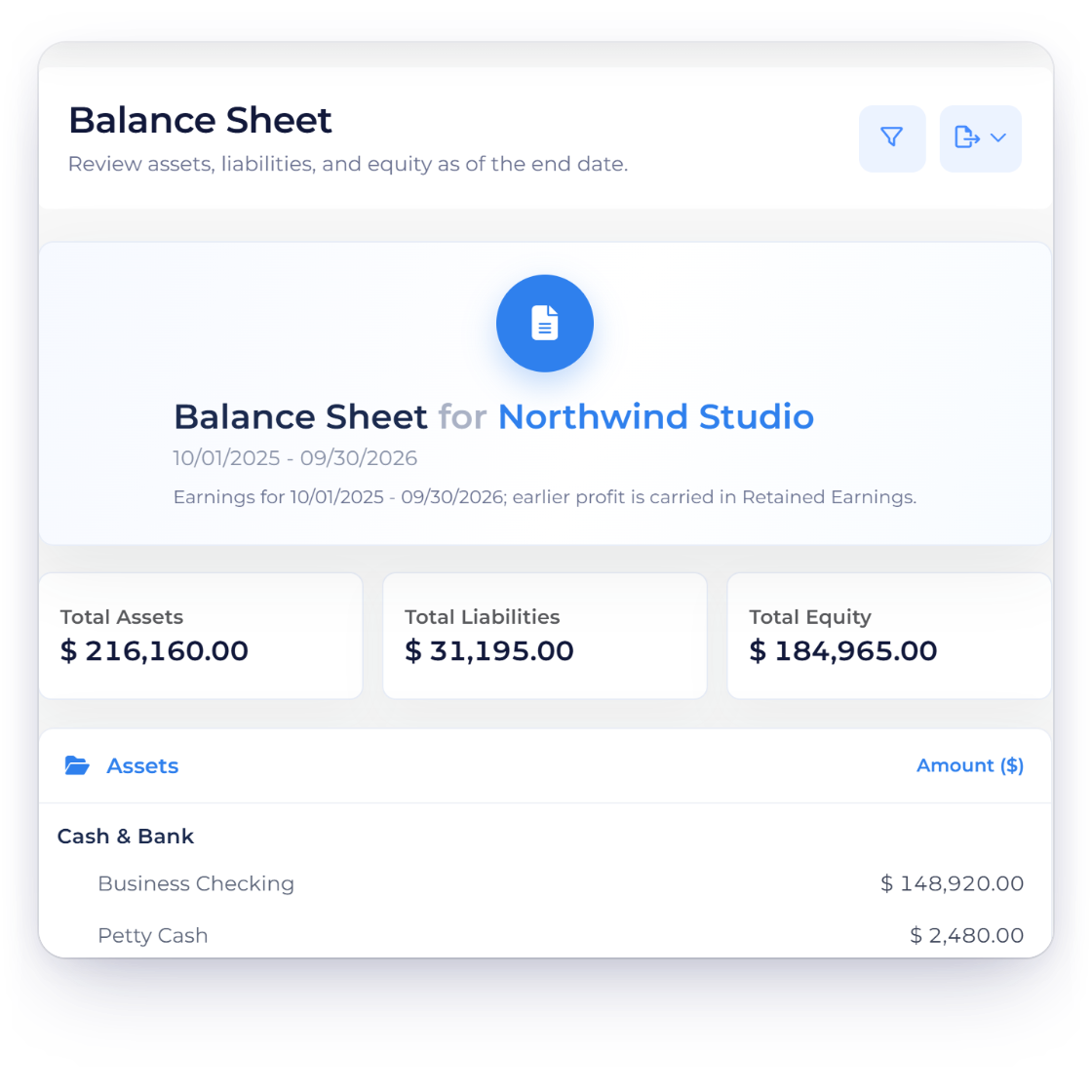
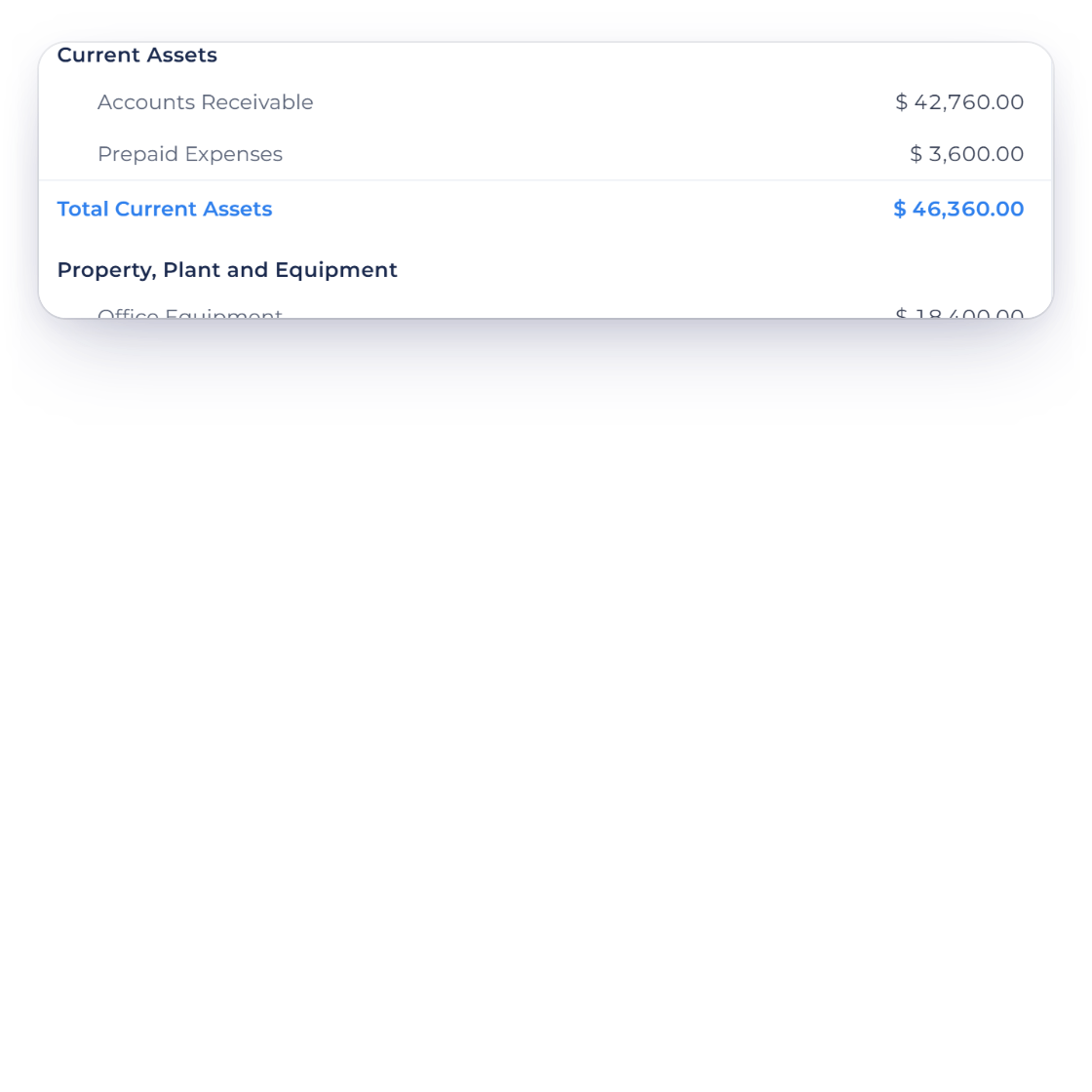
The Invoice Crowd Balance Sheet report showing Assets, Liabilities, Equity, net income and a visible difference for the selected period.

How it works

A statement that shows its sections and its limitations

The report helps a business review classified movement and spot a non-zero accounting difference. It should not be described as a guaranteed point-in-time financial position while the legacy read path has no opening-balance carry-forward.

Read the statement

Account families on one report surface.

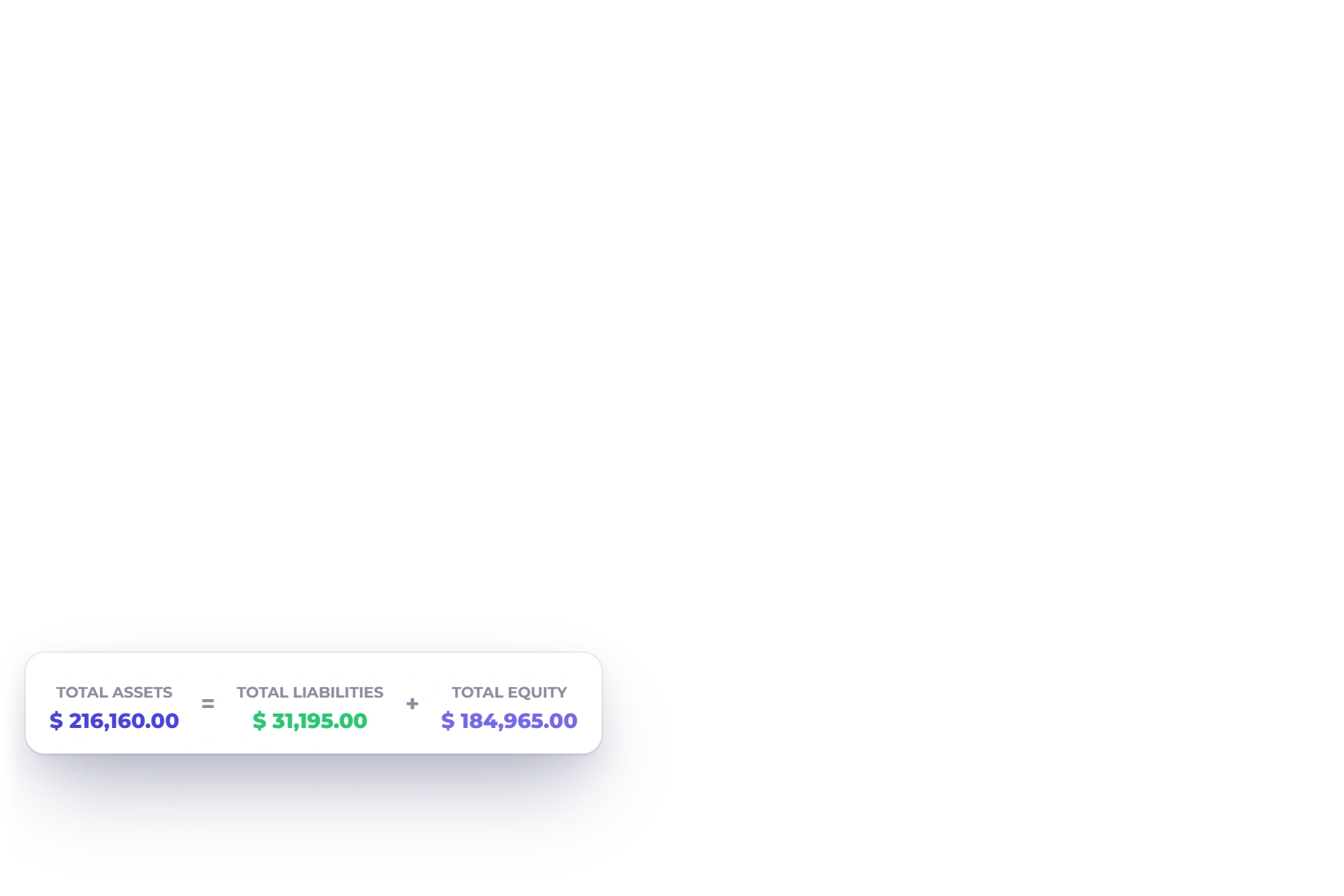
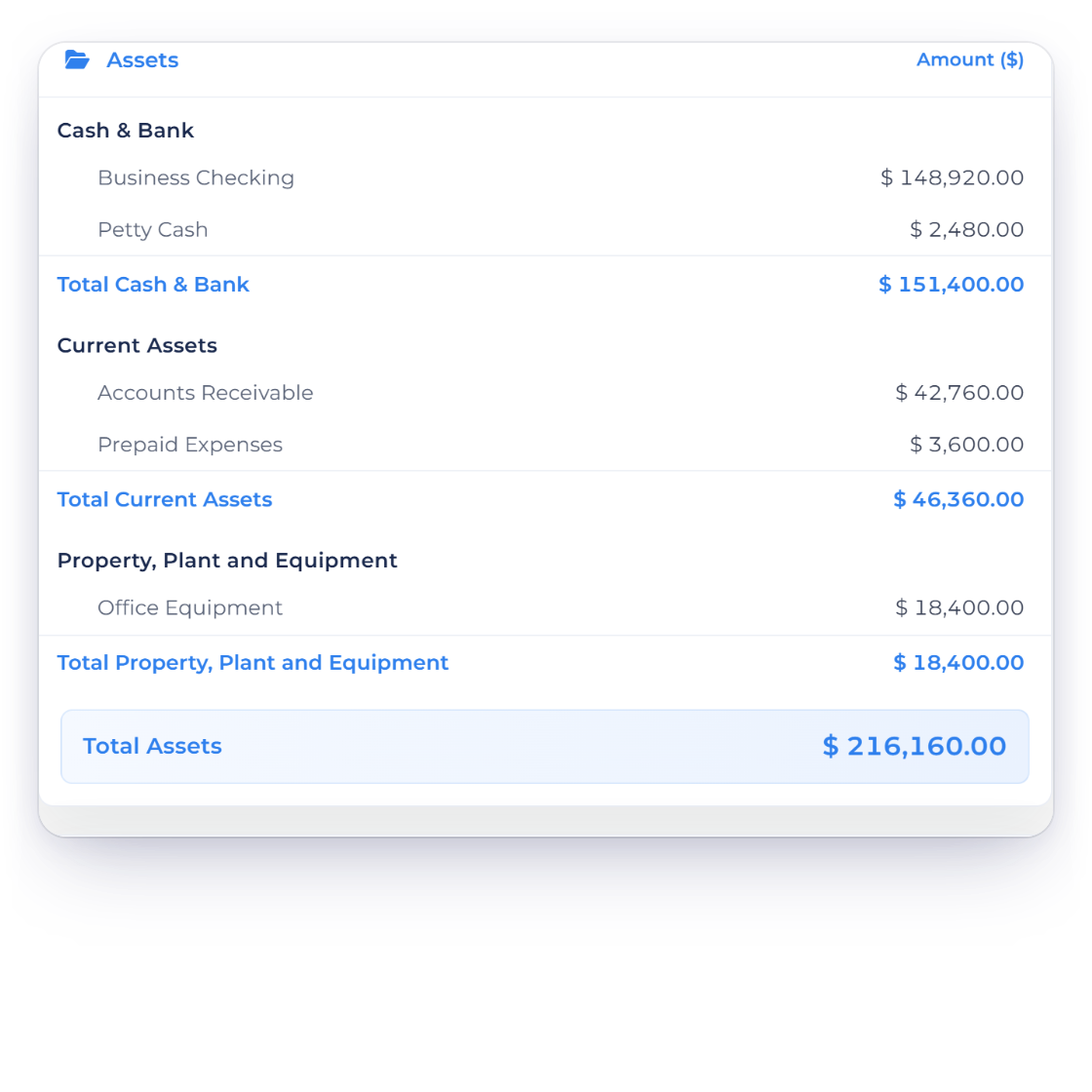
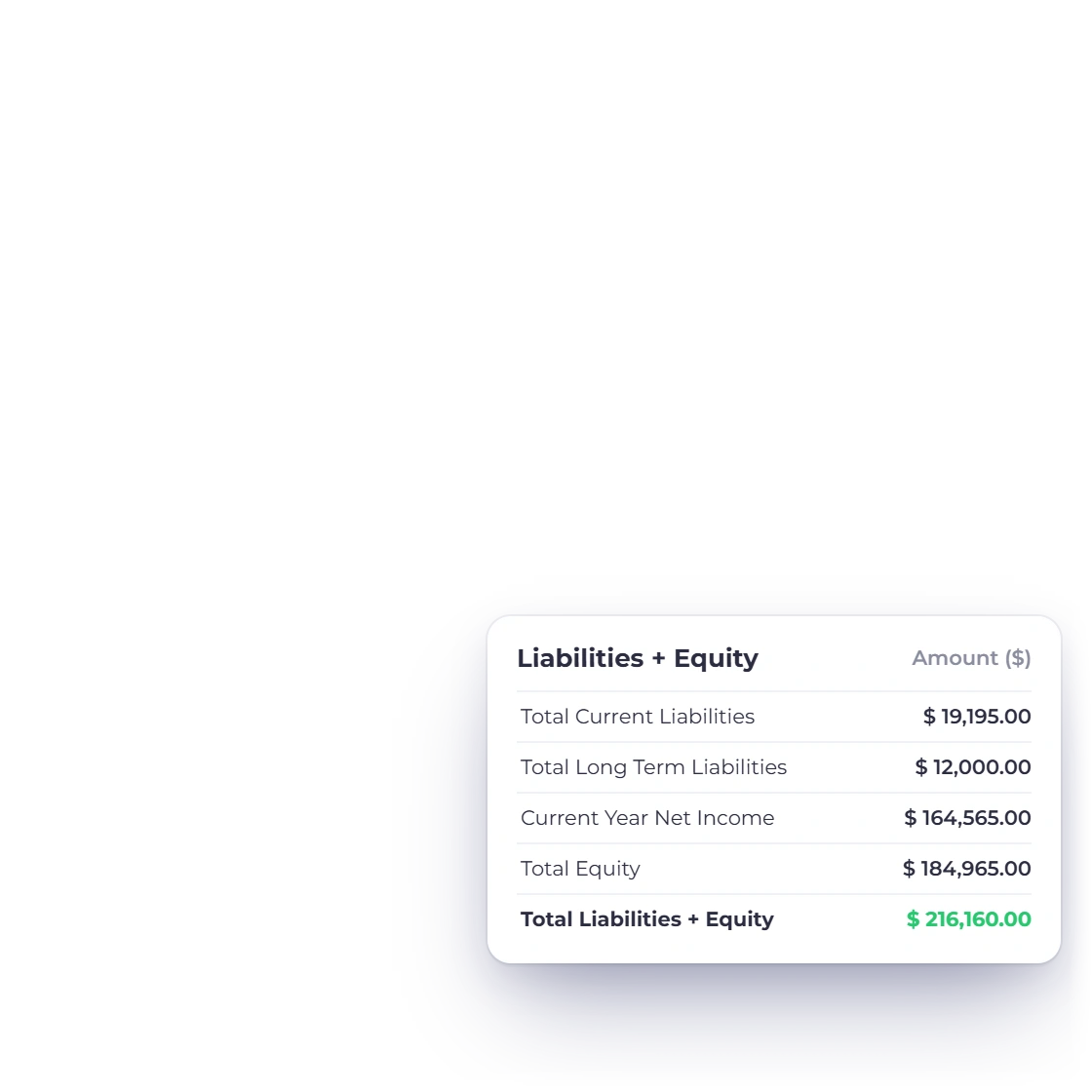
Invoice Crowd Balance Sheet sections with Assets on one side and Liabilities plus Equity on the other.

See Assets against Liabilities and Equity

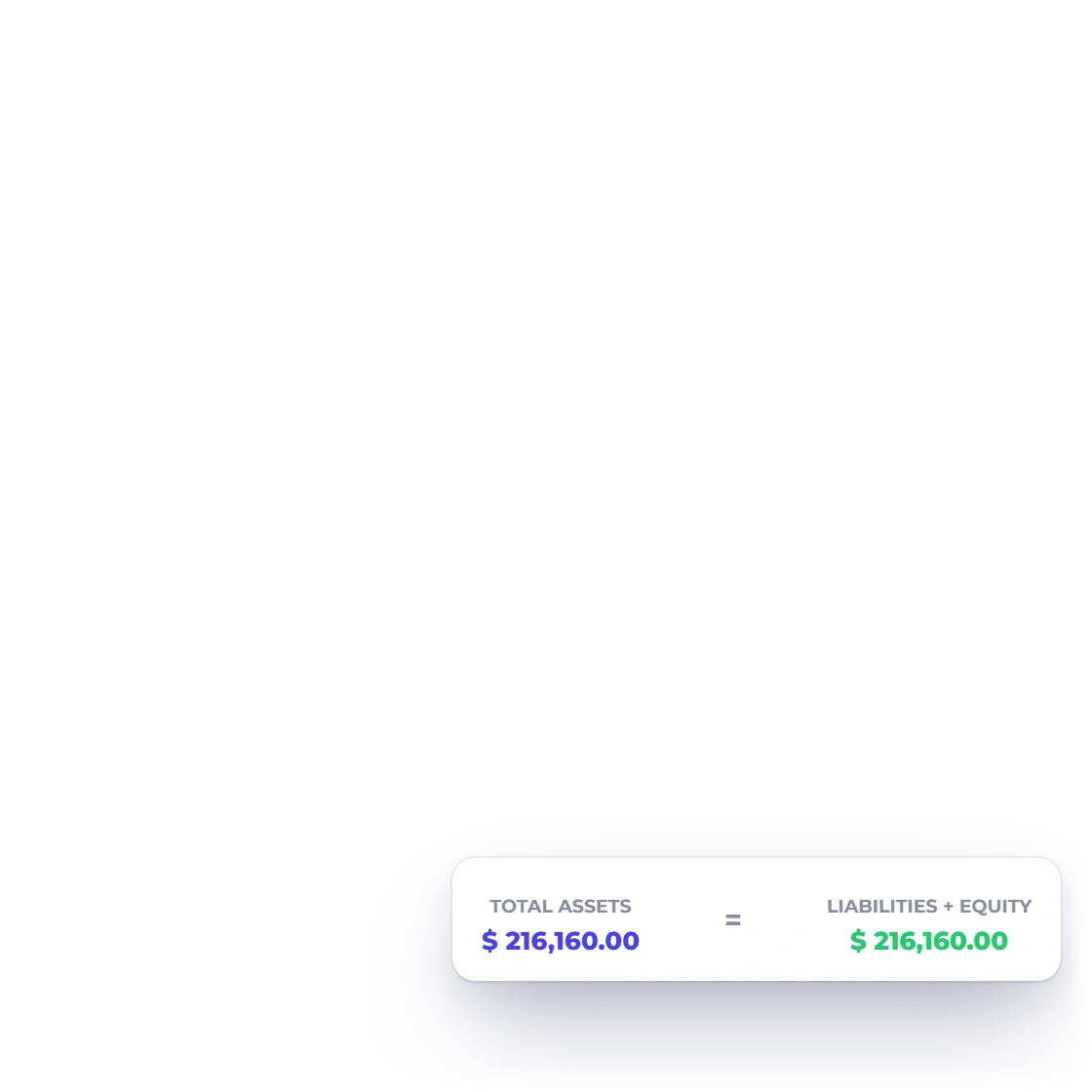
The statement organizes account movement by financial family and adds net income into Equity. A difference remains visible when the two sides do not agree.

Filter the business and date window

The report runs in the selected tenant and date context. Currency presentation follows the report request and does not silently invent an unresolved conversion.

Export and inspect

Carry the same selected report into review formats.

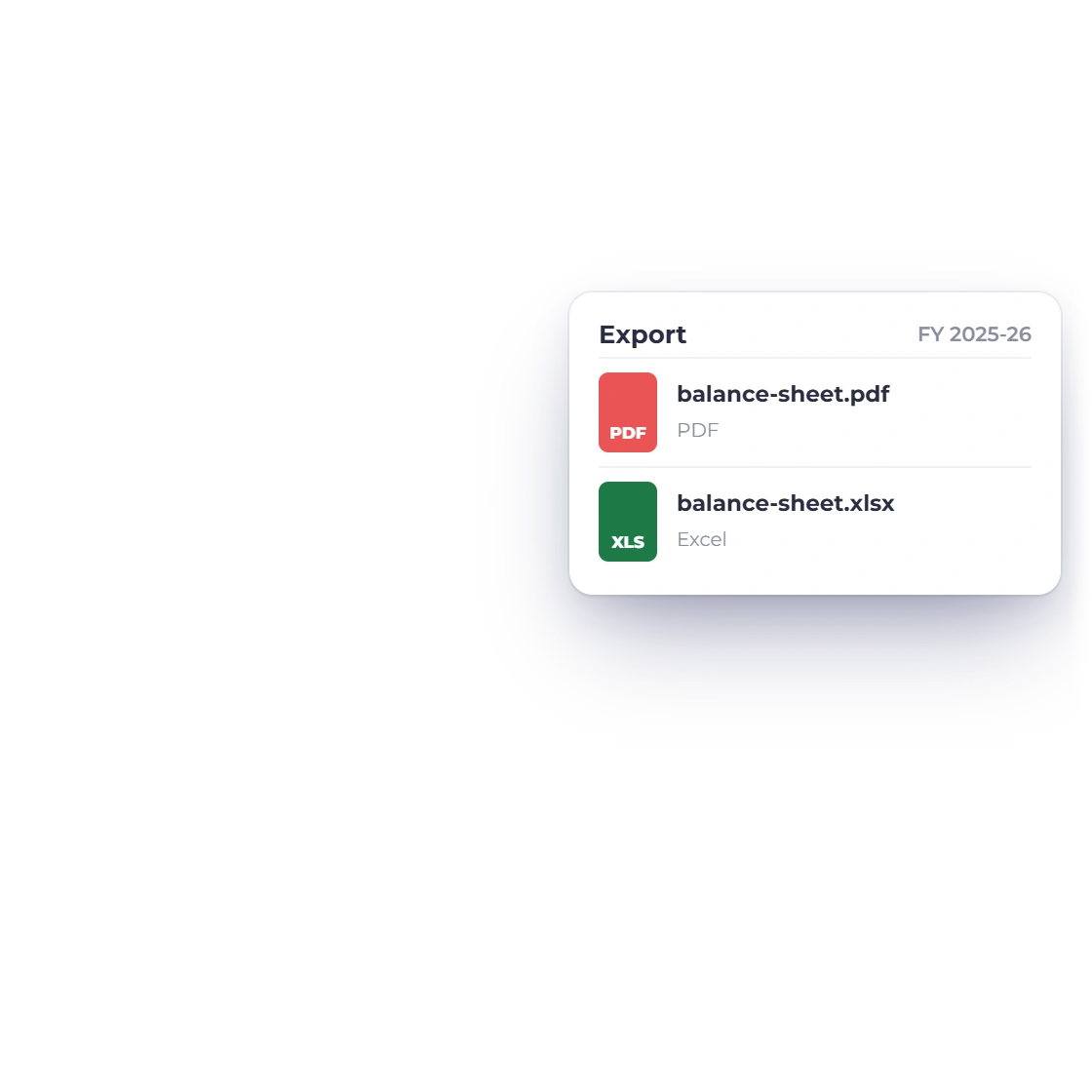
The Invoice Crowd Balance Sheet export menu with PDF, CSV and Excel actions.

Download PDF, CSV or Excel

The Balance Sheet exposes the established export paths for a portable review. Filters should be checked before download because the statement is recomputed from the selected context.

Use the difference as a review signal

A non-zero result is evidence to investigate, not a number the page silently plugs. Invoice Crowd also has read-only statement audits for operators reviewing historical integrity.

Where the report stops

A clear boundary is more useful than a false accounting promise.

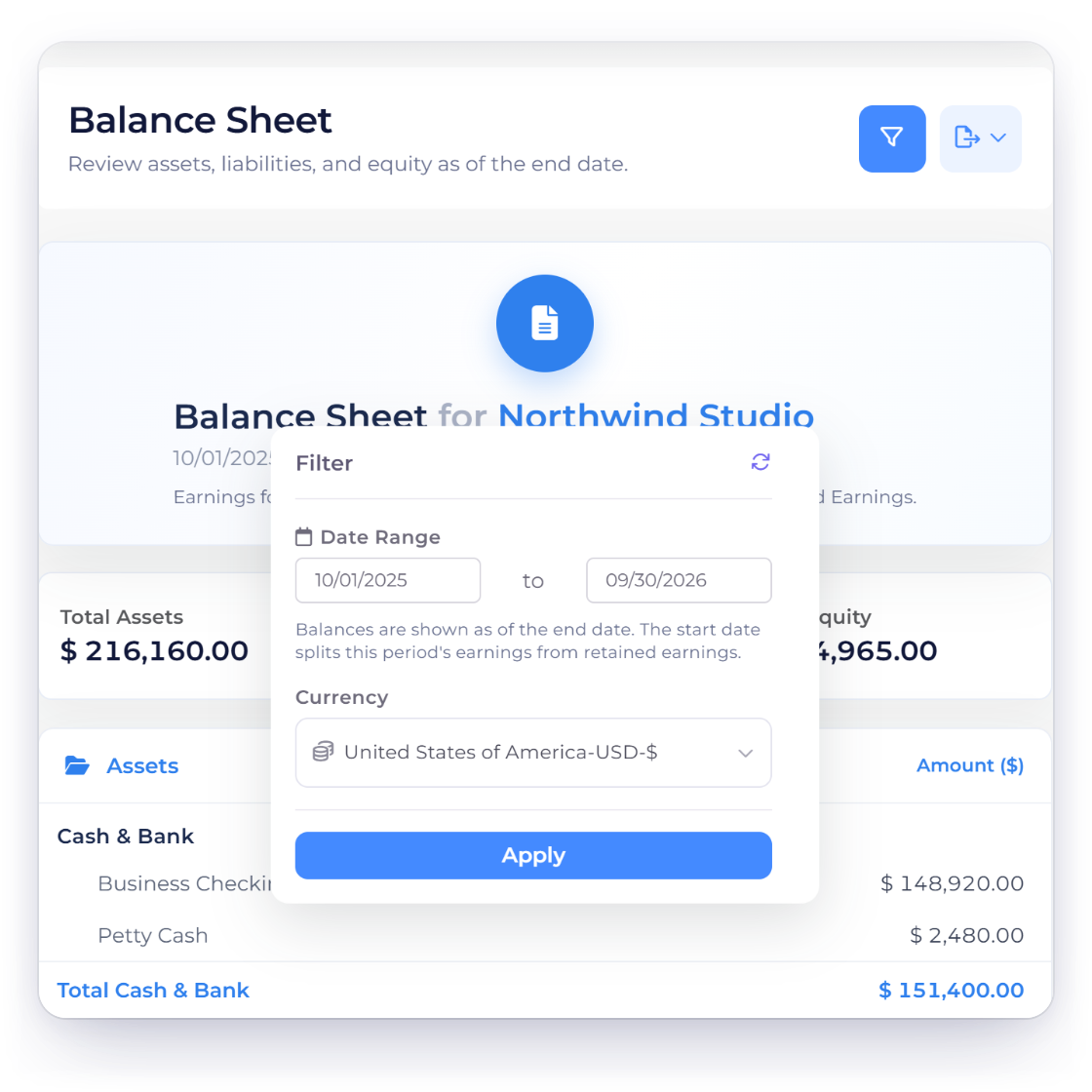
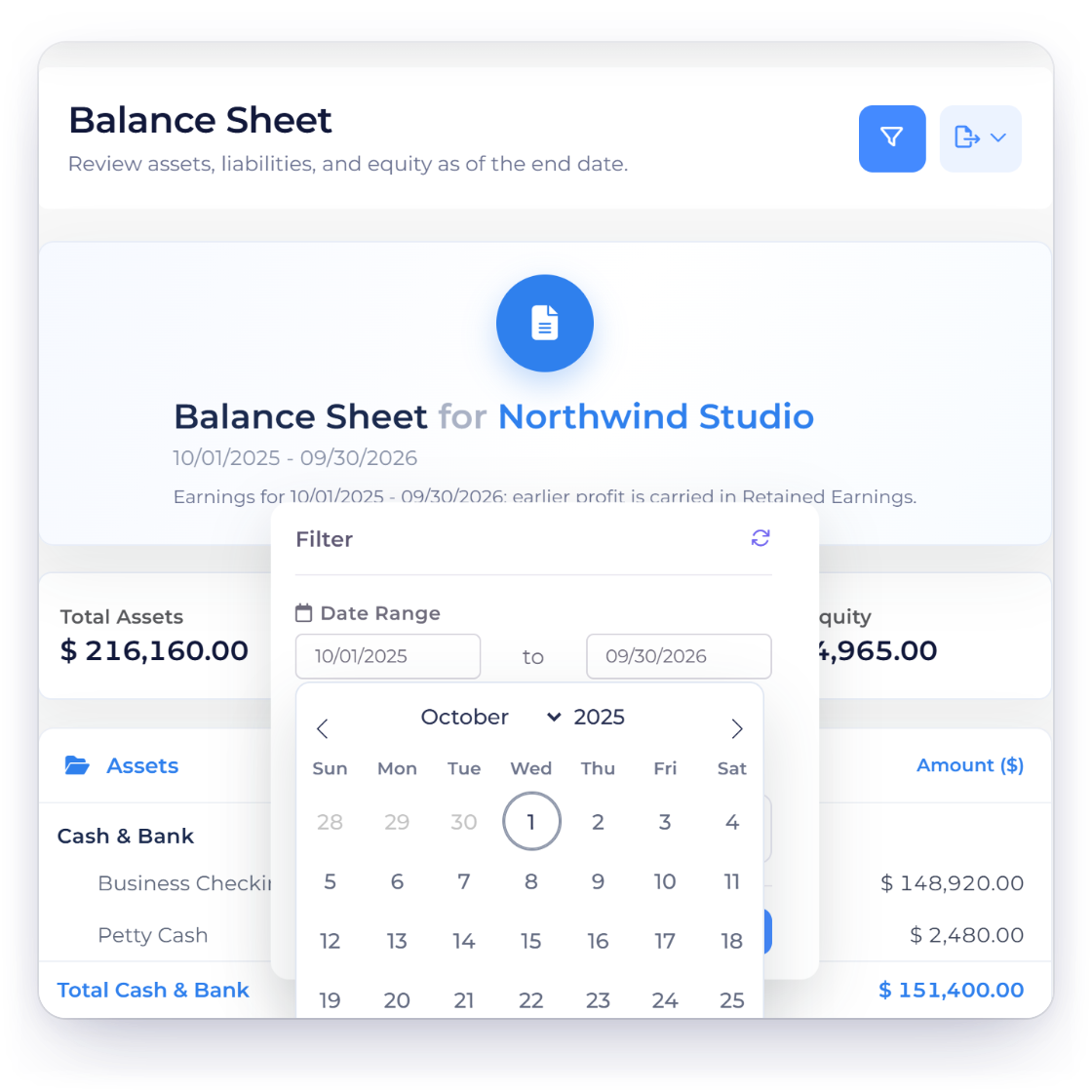
An Invoice Crowd Balance Sheet filter showing a selected start date with an opening-balance limitation notice.

The current view does not carry opening balances

The legacy report sums rows inside the chosen date range. Activity before the start date is excluded, which makes this a period-movement view rather than a conventional point-in-time balance sheet.

The statement is not a write-time guarantee

The current report depends on the consistency of existing postings and the net-income calculation. It can reveal drift, but viewing it does not repair source data or enforce the accounting identity.

Built in

What the Balance Sheet report exposes

The visible sections, filters, exports and boundaries that keep the report useful without overstating it.

  • See Assets against Liabilities and Equity

    The statement organizes account movement by financial family and adds net income into Equity. A difference remains visible when the two sides do not agree.

  • Filter the business and date window

    The report runs in the selected tenant and date context. Currency presentation follows the report request and does not silently invent an unresolved conversion.

  • Download PDF, CSV or Excel

    The Balance Sheet exposes the established export paths for a portable review. Filters should be checked before download because the statement is recomputed from the selected context.

  • Use the difference as a review signal

    A non-zero result is evidence to investigate, not a number the page silently plugs. Invoice Crowd also has read-only statement audits for operators reviewing historical integrity.

  • The current view does not carry opening balances

    The legacy report sums rows inside the chosen date range. Activity before the start date is excluded, which makes this a period-movement view rather than a conventional point-in-time balance sheet.

  • The statement is not a write-time guarantee

    The current report depends on the consistency of existing postings and the net-income calculation. It can reveal drift, but viewing it does not repair source data or enforce the accounting identity.

  • Assets

    Account movement classified under Assets.

  • Liabilities

    Liability account movement for the chosen window.

  • Equity

    Equity accounts plus the calculated net-income line.

  • Visible difference

    A non-zero result stays visible for review.

  • Trial Balance

    Compare debit and credit movement by account.

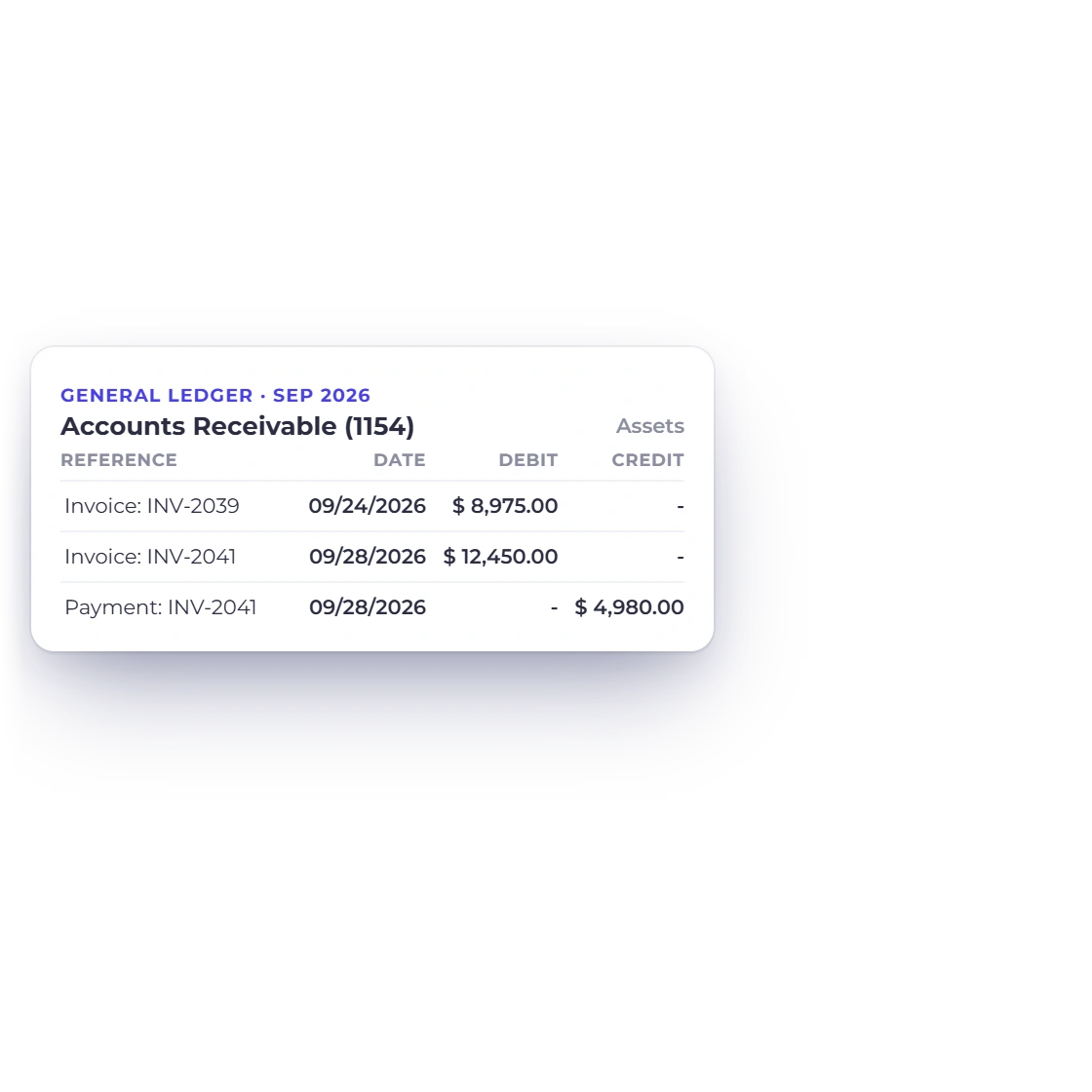
  • General Ledger

    Open the transaction-level evidence behind accounts.

Questions

Balance Sheet, answered

Is Invoice Crowd's Balance Sheet a point-in-time statement?

The current legacy Balance Sheet sums account rows inside the selected date window and does not automatically carry opening balances from before the start date. Treat it as a period-movement view and choose the period accordingly.

What sections appear on the Balance Sheet?

Invoice Crowd groups the report into Assets, Liabilities and Equity and adds a calculated net-income line. It also keeps the accounting difference visible.

Does Invoice Crowd force the Balance Sheet to balance?

No. The report does not create a plug or inferred correction to hide a difference. A non-zero difference is a review signal for the underlying source data and posting paths.

Can I export the Balance Sheet?

Yes. Invoice Crowd provides PDF, CSV and Excel export routes for the selected Balance Sheet context.

Does opening the report change accounting data?

No. The Balance Sheet is a read model. Opening or exporting it does not rewrite source documents, journal rows or historical rates.

Where can I inspect the entries behind a balance?

Use Invoice Crowd's General Ledger to review transaction-level movement by account and period, then return to the statement after correcting any source record through its normal workflow.

See the accounting difference before it becomes a surprise

Review the period's classified movement, export the statement, and follow any unexplained result back to the ledger evidence.

  • No card required to start
  • Your data stays yours
  • Cancel anytime