Separate operating, investing and financing activity
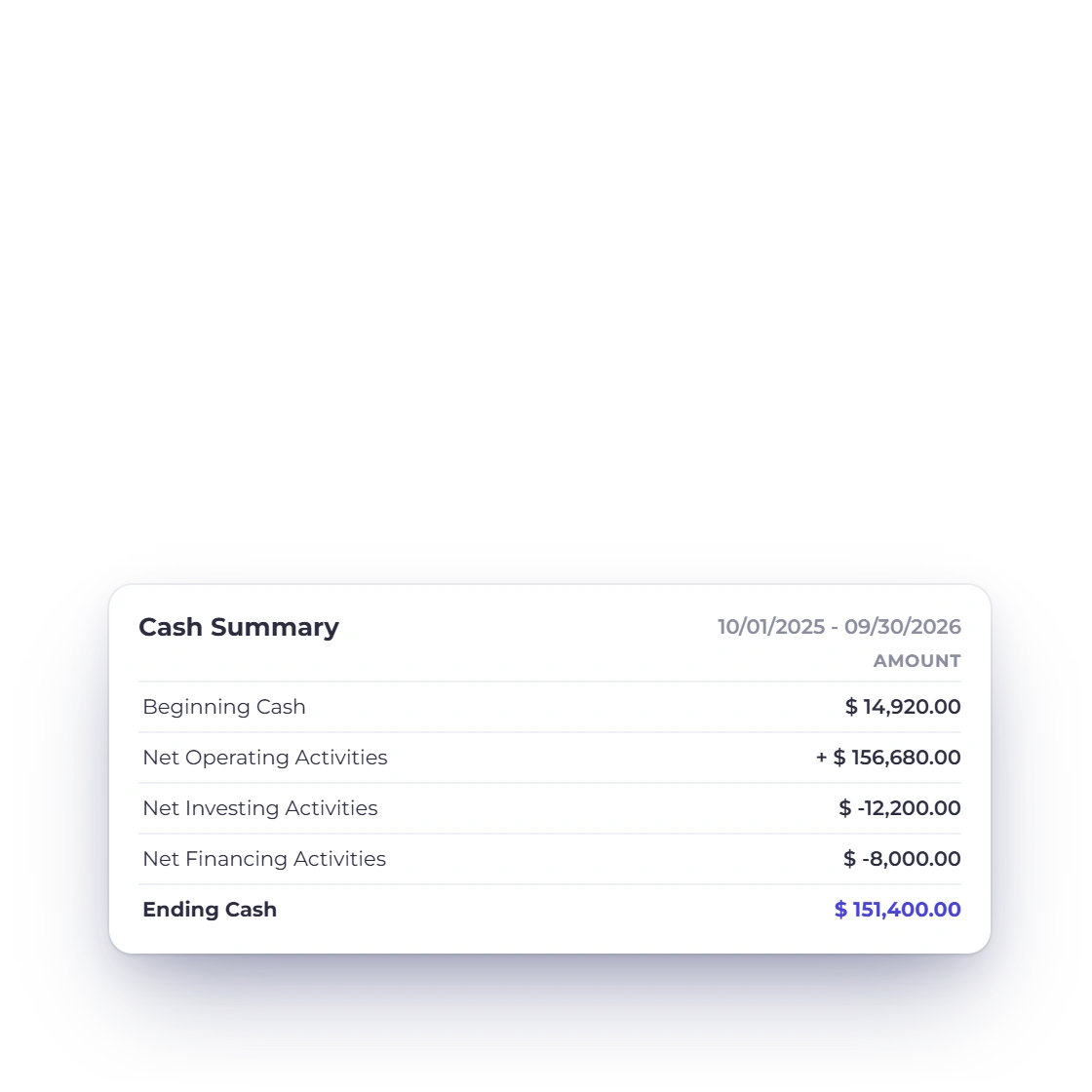
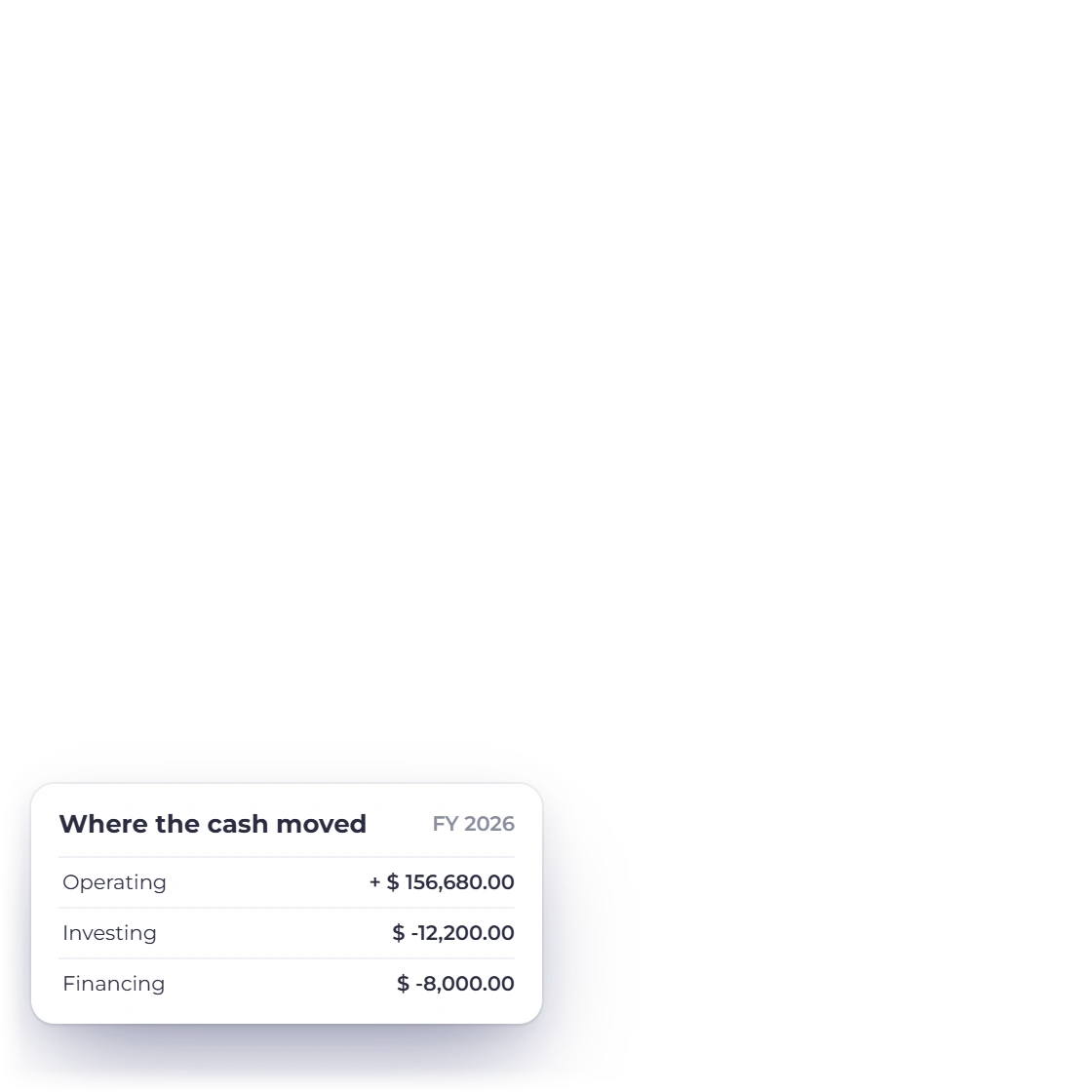
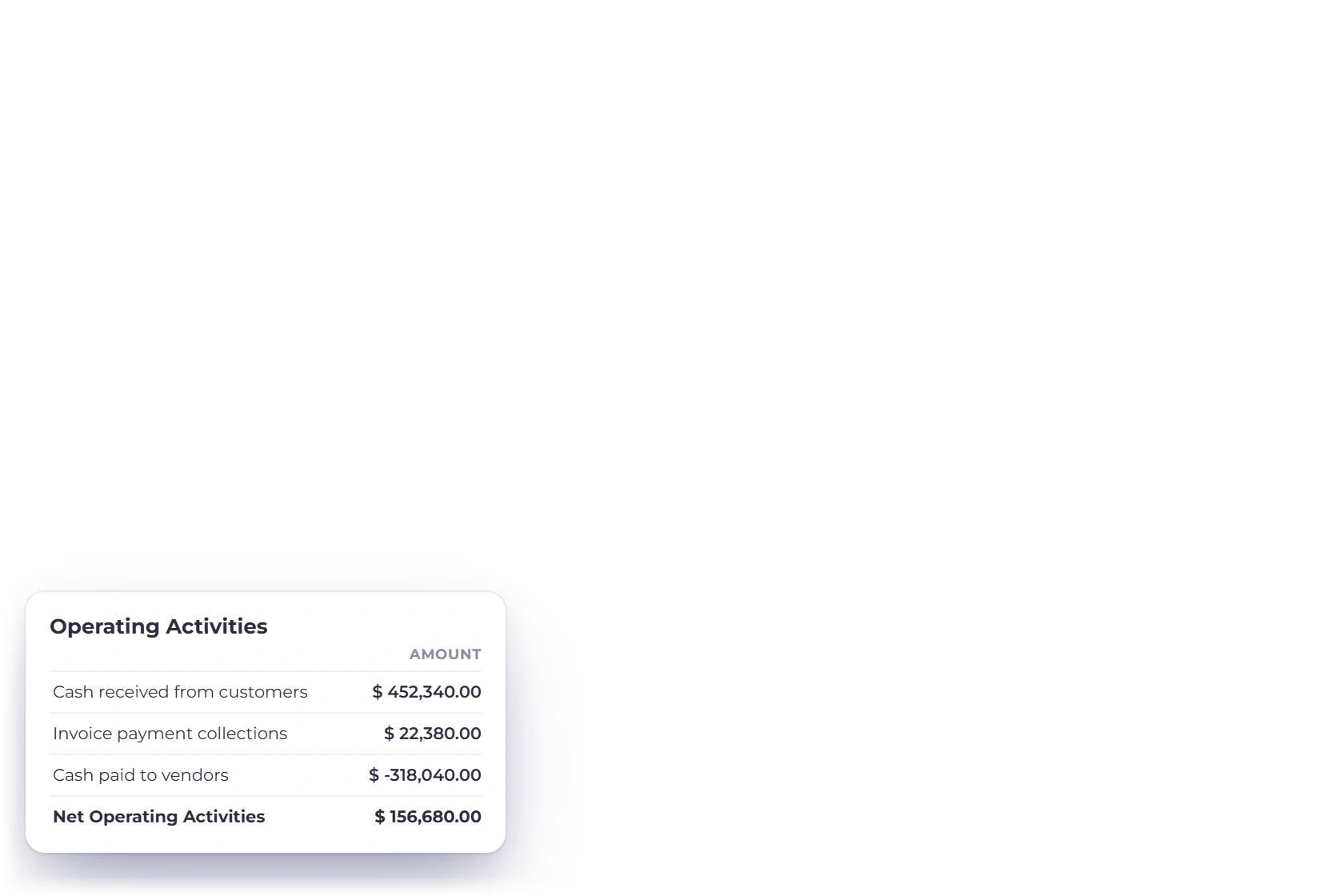
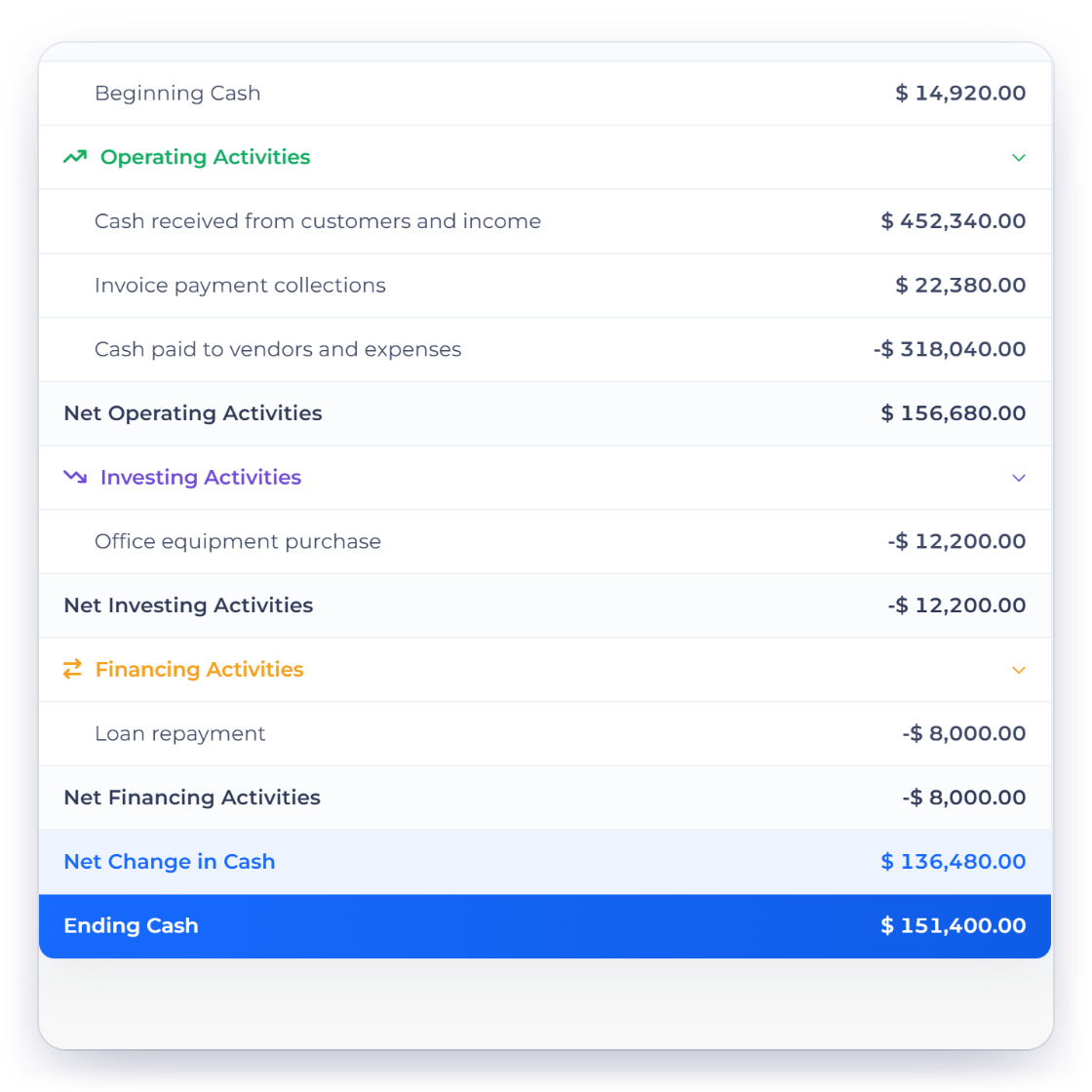
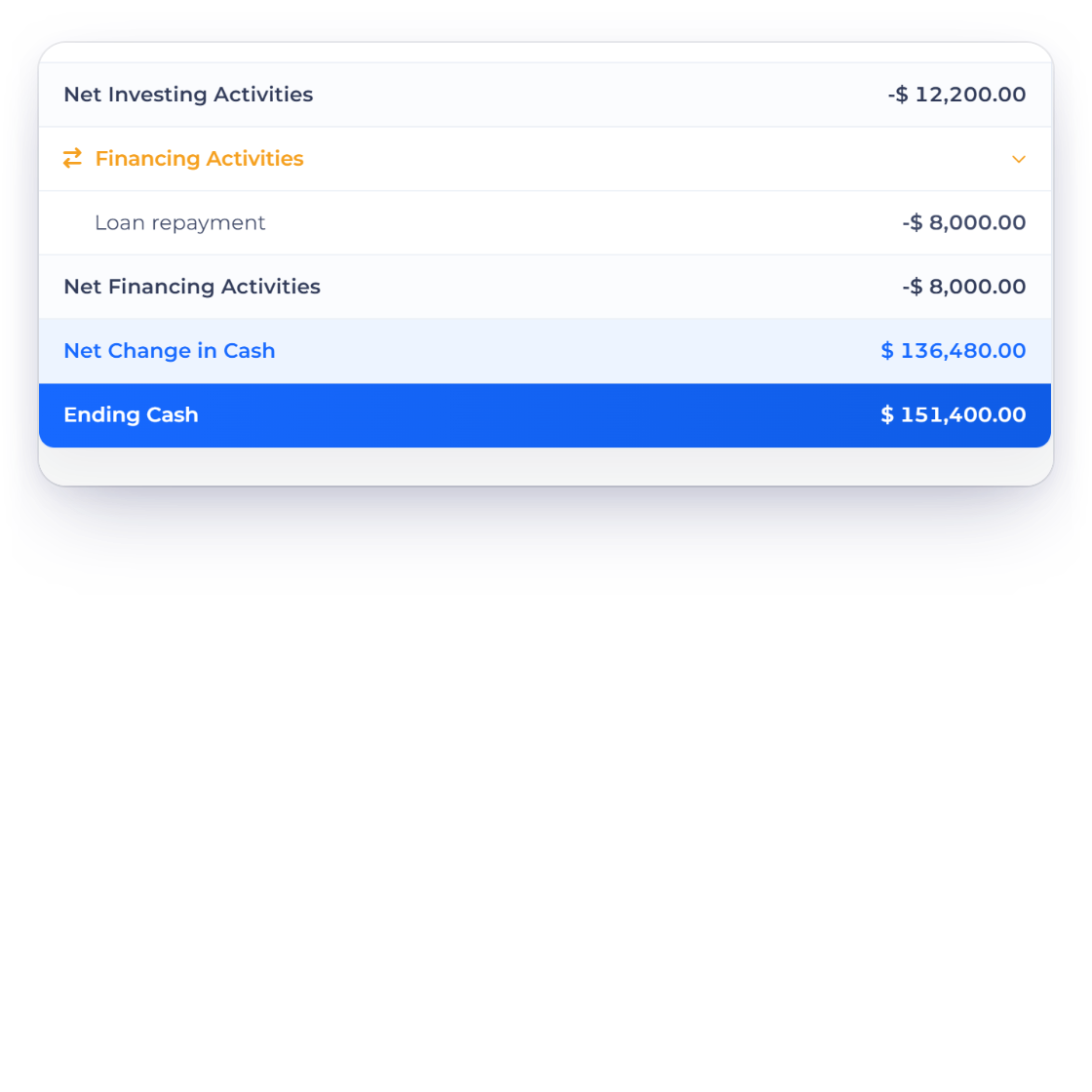
The statement groups cash movement into the three familiar activity sections so a reader can see which kind of activity changed the period's cash position.
Accounting
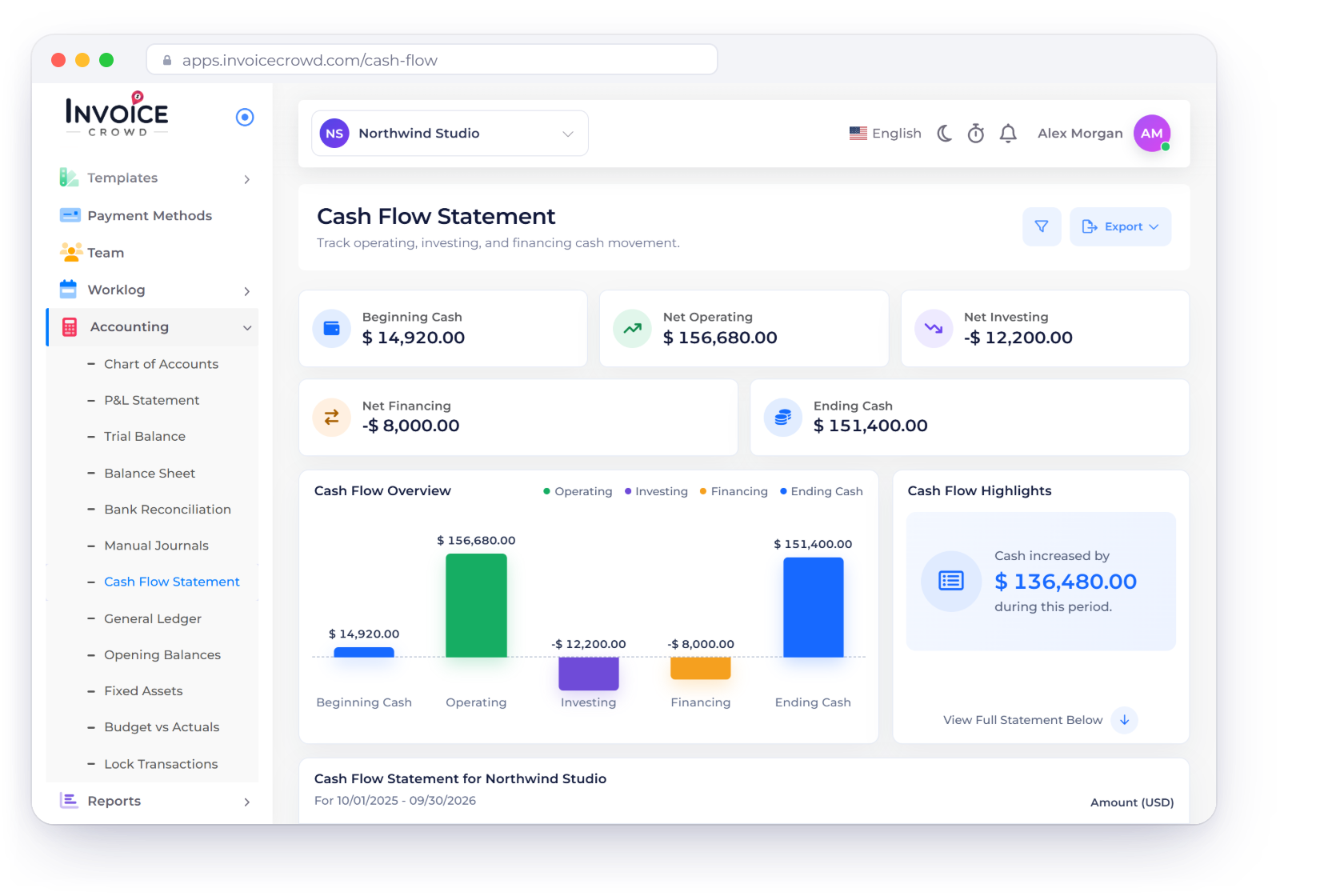
Invoice Crowd's Cash Flow Statement shows how cash moved through operating, investing and financing activities, from beginning to ending cash, for the period you choose.
How it works
KPI cards, an overview chart and a statement table make the report easier to scan. The underlying classification still depends on the accounts and source entries already recorded.
Opening cash, activity and the resulting ending cash.
The statement groups cash movement into the three familiar activity sections so a reader can see which kind of activity changed the period's cash position.
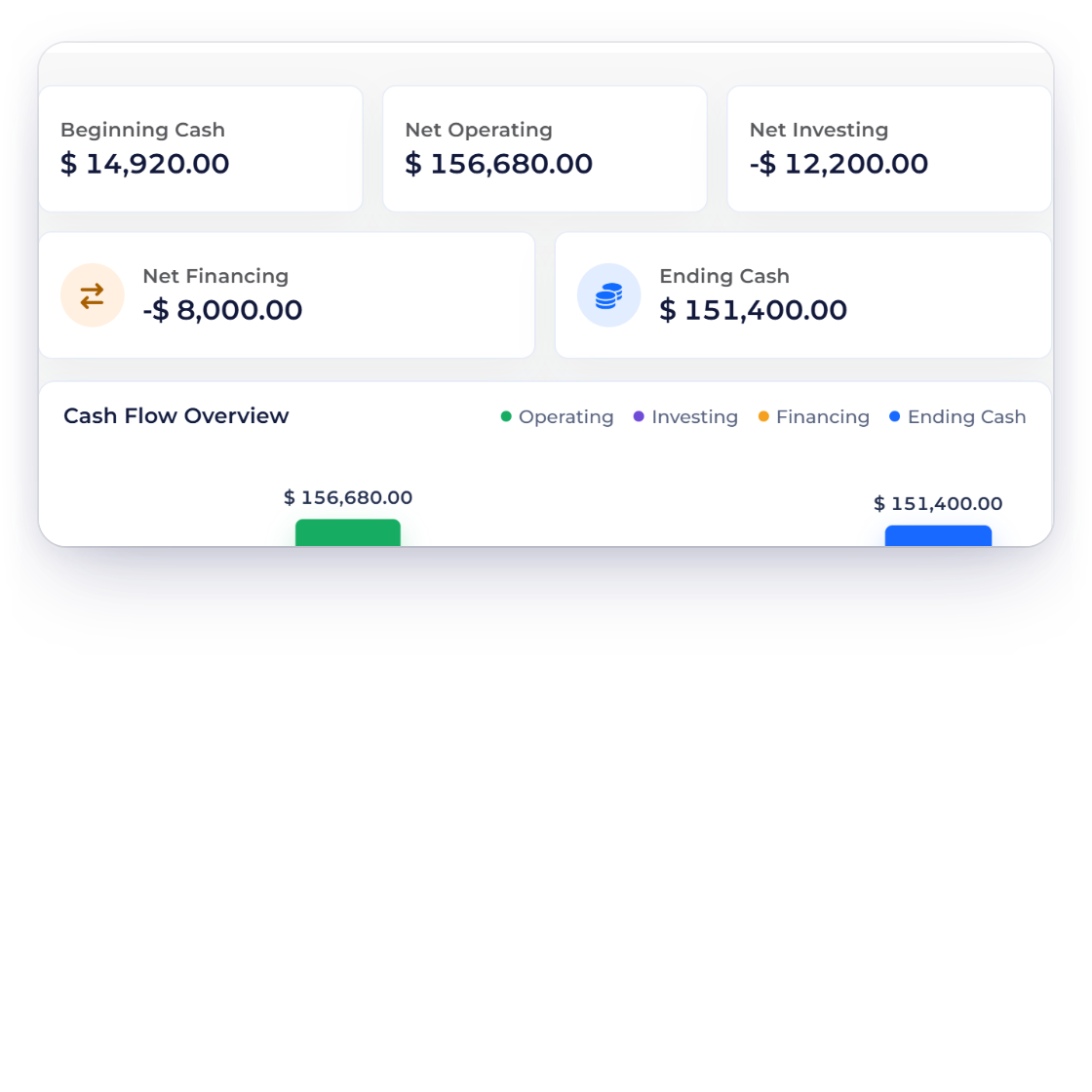
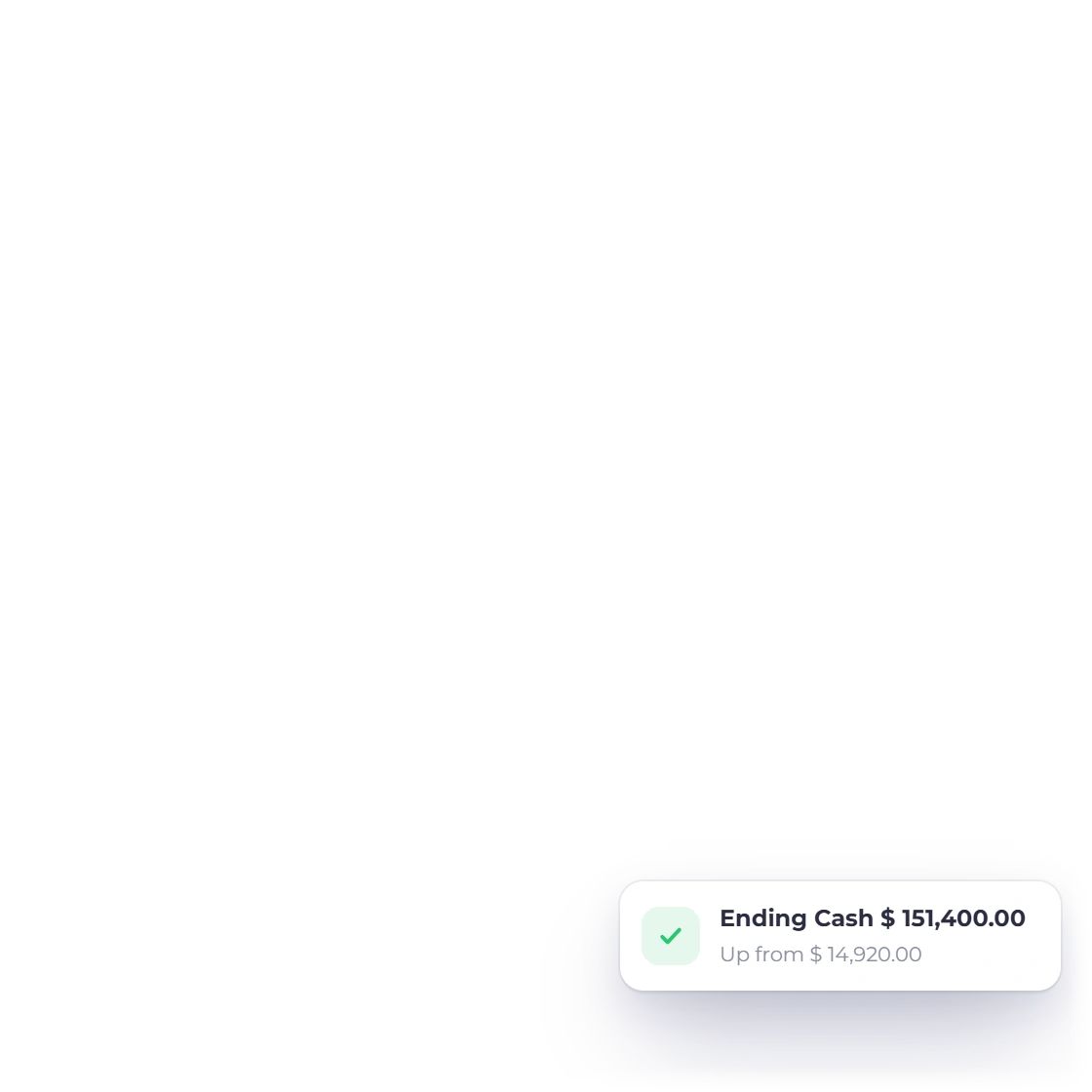
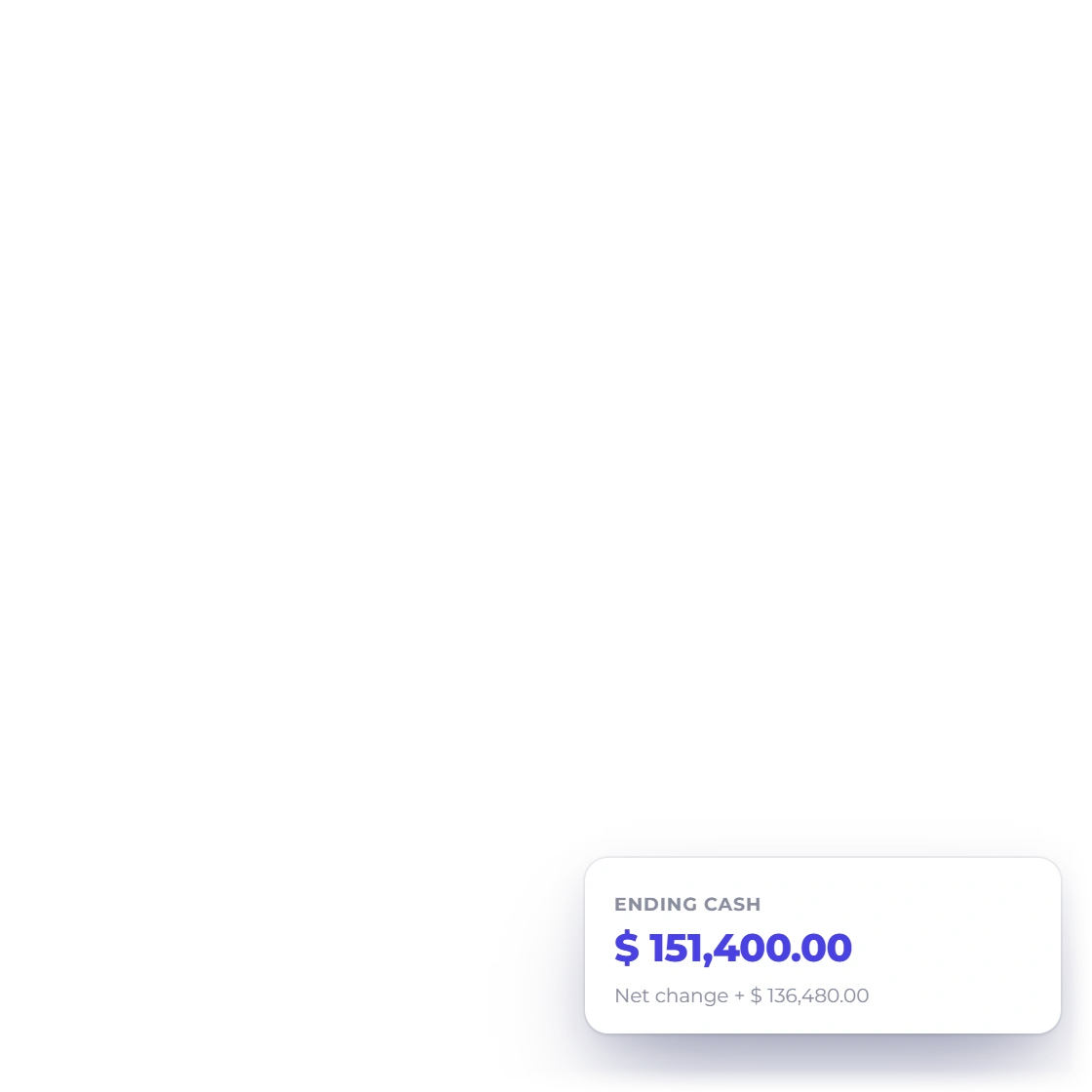
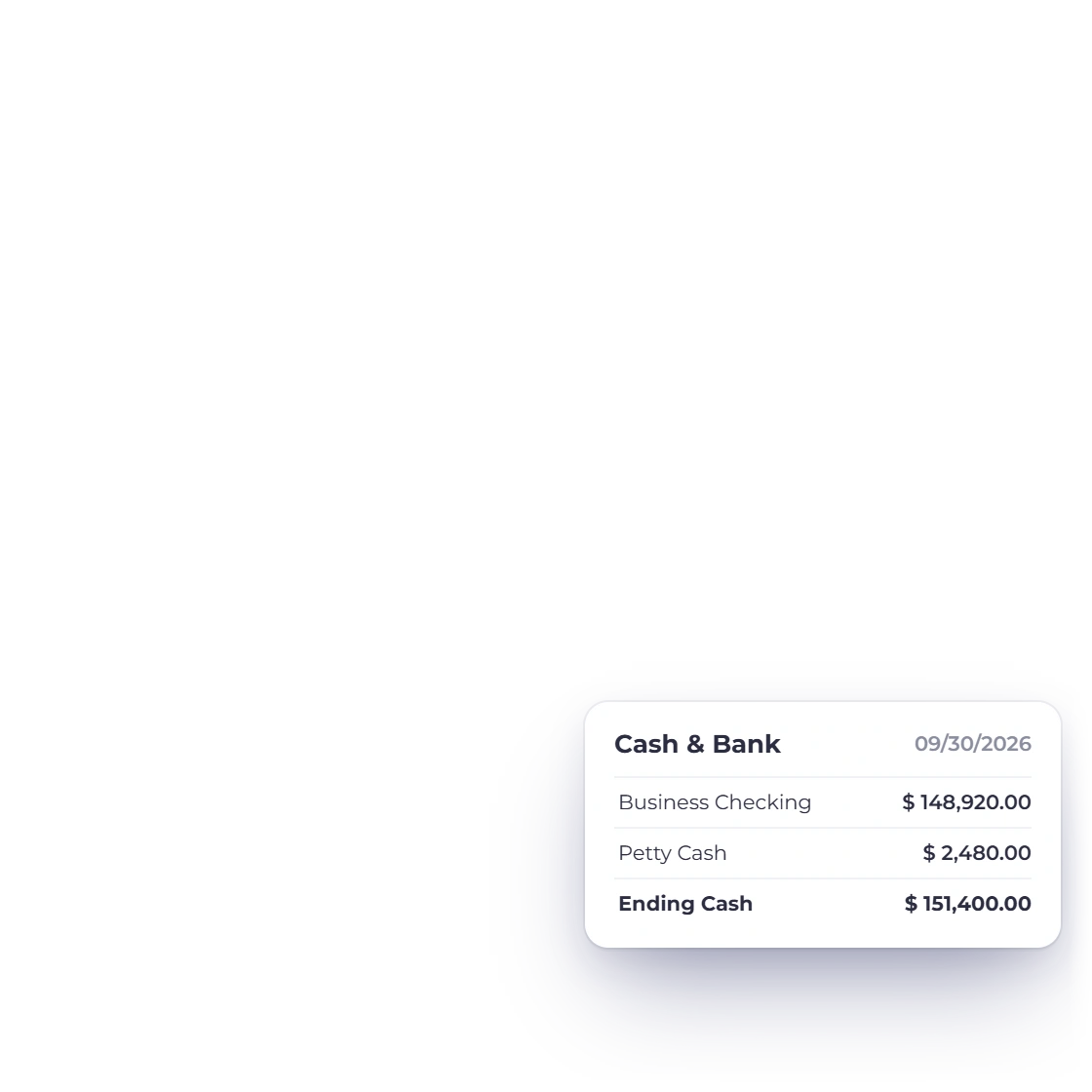
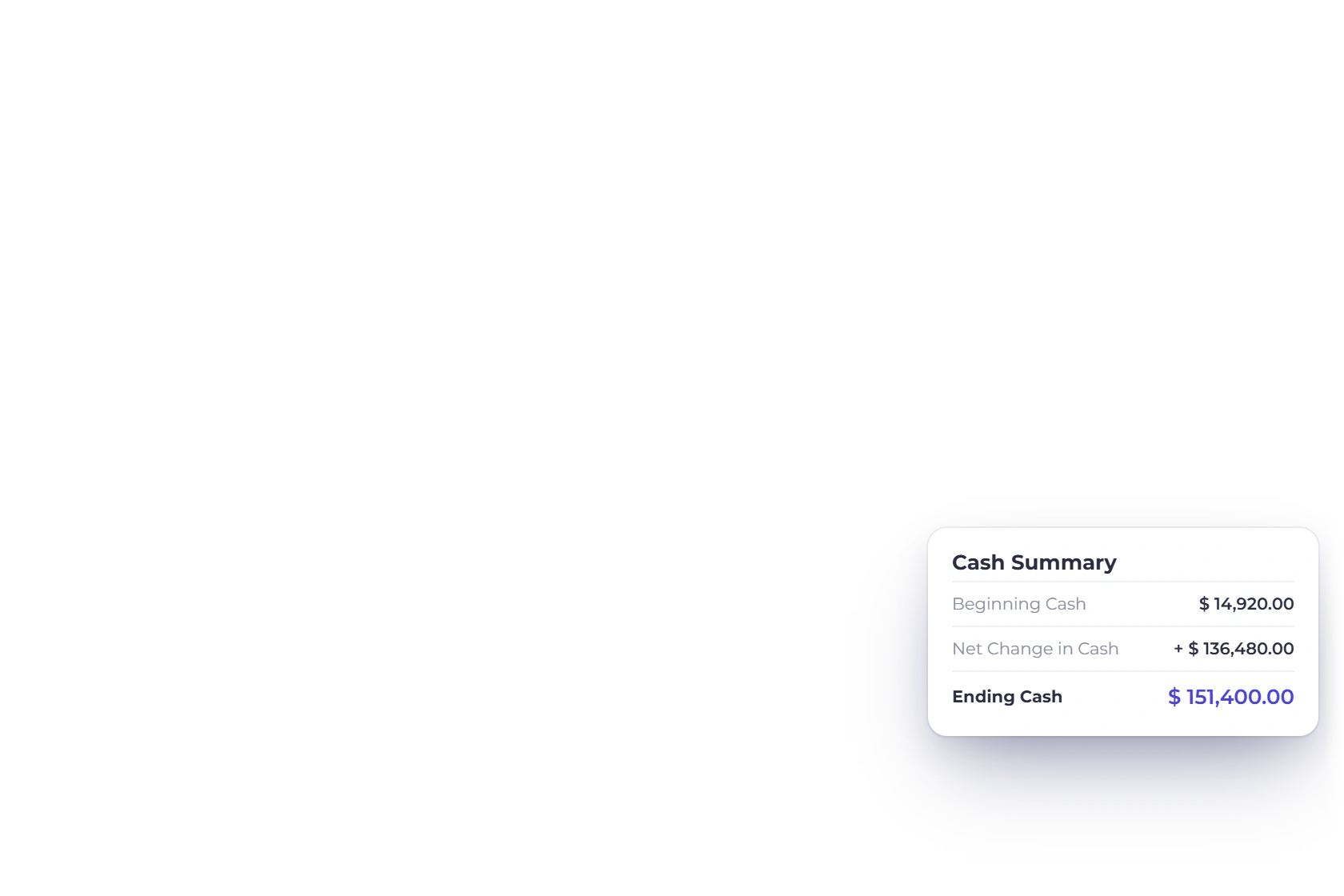
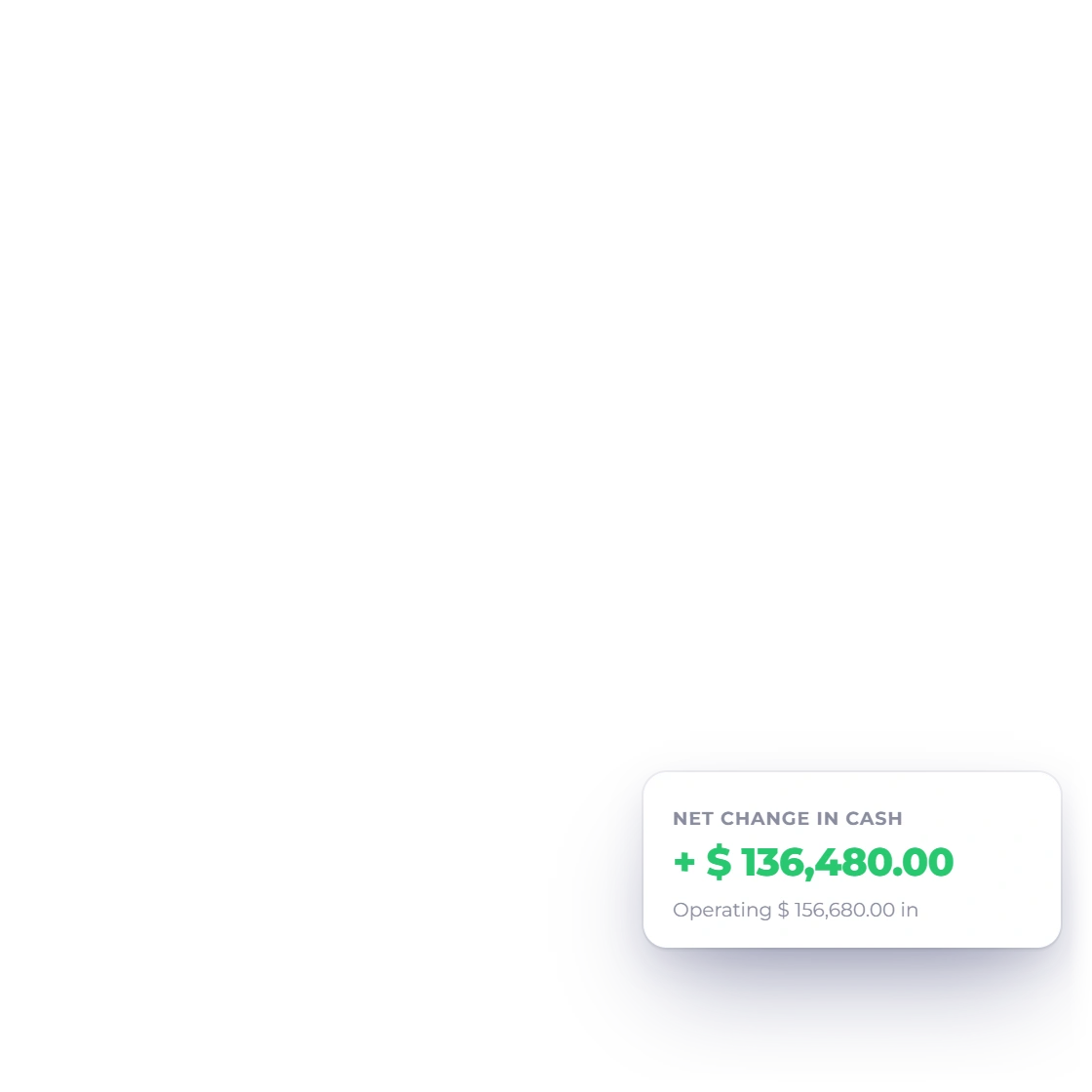
Summary cards and the statement total make the bridge from opening cash through net movement to ending cash easy to follow.
Filter and compare without changing the books.
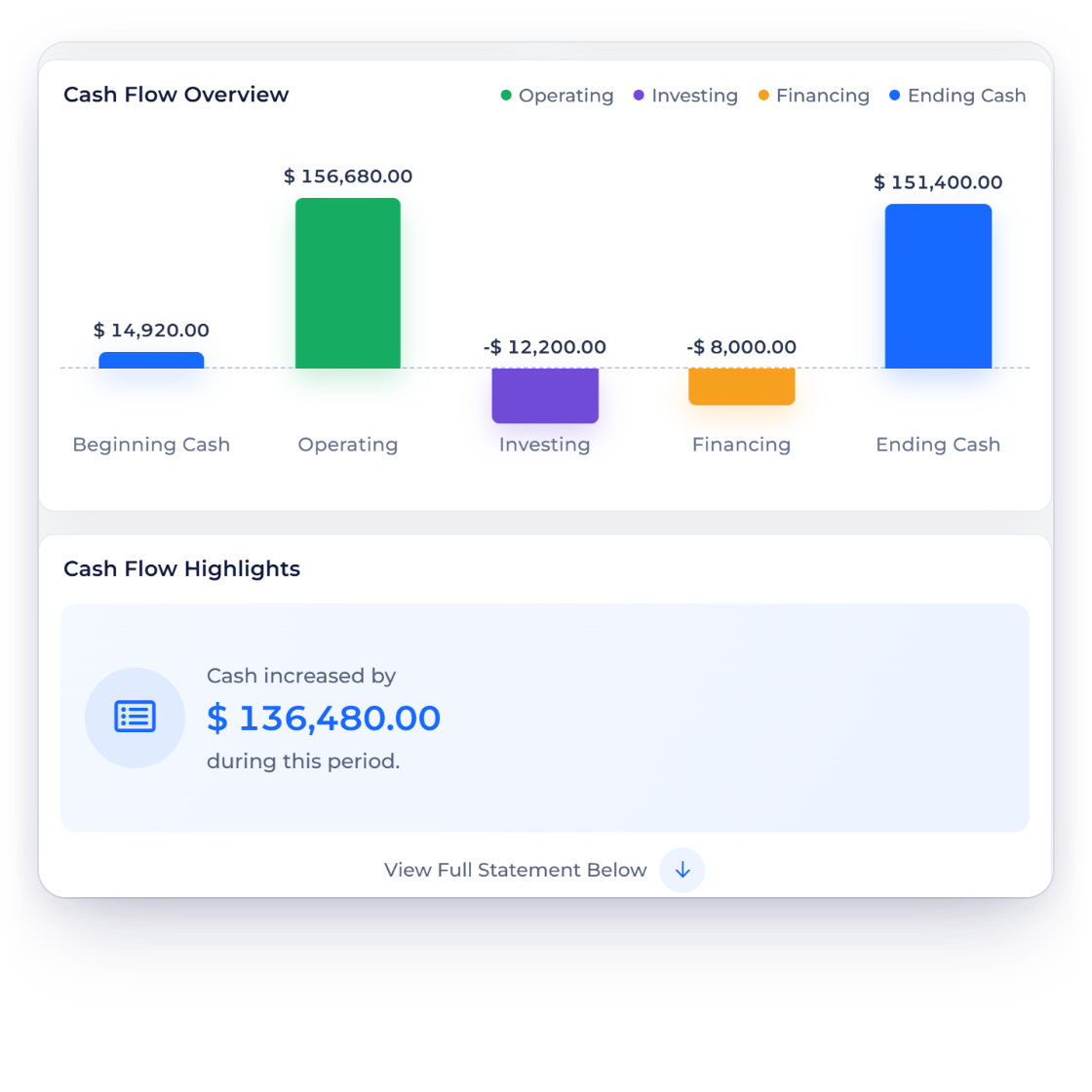
The workspace pairs KPI cards and a chart with the detailed statement, preserving distinct semantic colors and keyboard-visible states in both light and dark modes.
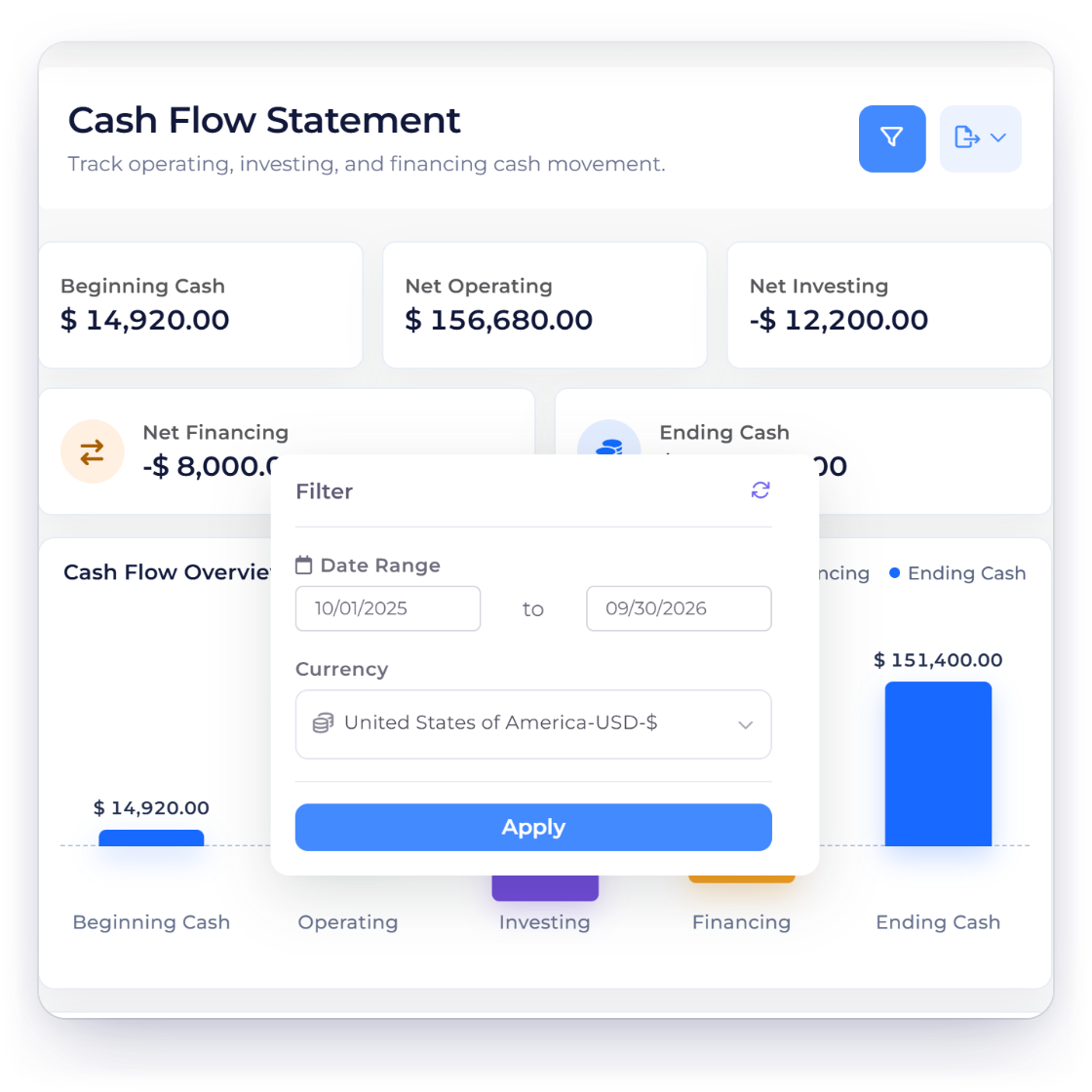
The selected business, dates and currency drive the report and its actions. A stale response after a filter or business switch is not allowed to replace the current context.
Cash Flow is a read model over recorded activity.
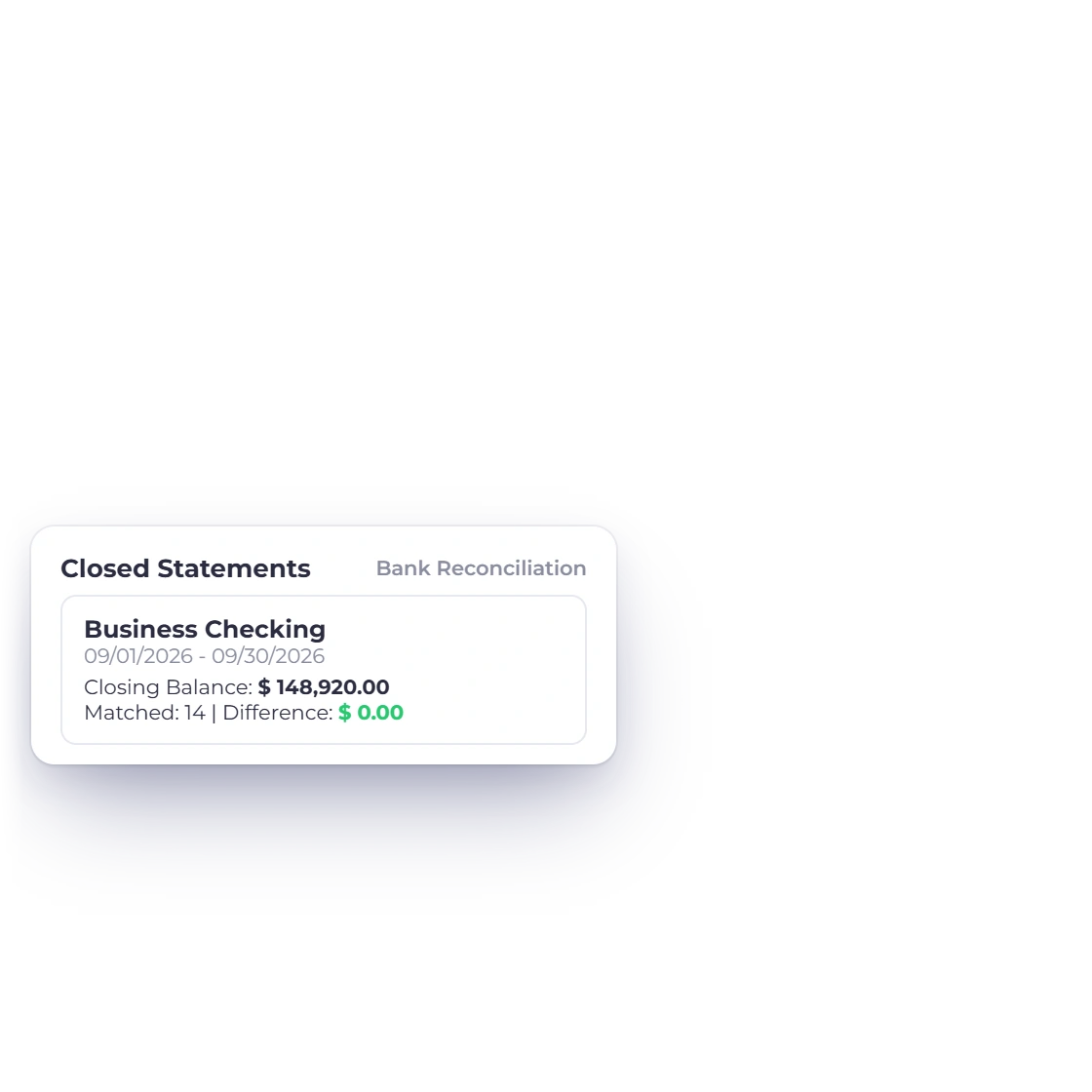
Cash Flow summarizes recorded account activity; Bank Reconciliation is the separate workflow for matching statement lines, creating missing entries and closing a statement period.
The report uses the recorded accounting context available to it. Opening or exporting Cash Flow does not change source documents, account classifications or stored exchange evidence.
Built in
The activity groups, totals, filters and boundaries behind the visual report.
The statement groups cash movement into the three familiar activity sections so a reader can see which kind of activity changed the period's cash position.
Summary cards and the statement total make the bridge from opening cash through net movement to ending cash easy to follow.
The workspace pairs KPI cards and a chart with the detailed statement, preserving distinct semantic colors and keyboard-visible states in both light and dark modes.
The selected business, dates and currency drive the report and its actions. A stale response after a filter or business switch is not allowed to replace the current context.
Cash Flow summarizes recorded account activity; Bank Reconciliation is the separate workflow for matching statement lines, creating missing entries and closing a statement period.
The report uses the recorded accounting context available to it. Opening or exporting Cash Flow does not change source documents, account classifications or stored exchange evidence.
Cash movement from ordinary business activity.
Movement classified as investing activity.
Movement classified as financing activity.
Opening cash plus the net movement in context.
Match statement lines and close a bank period.
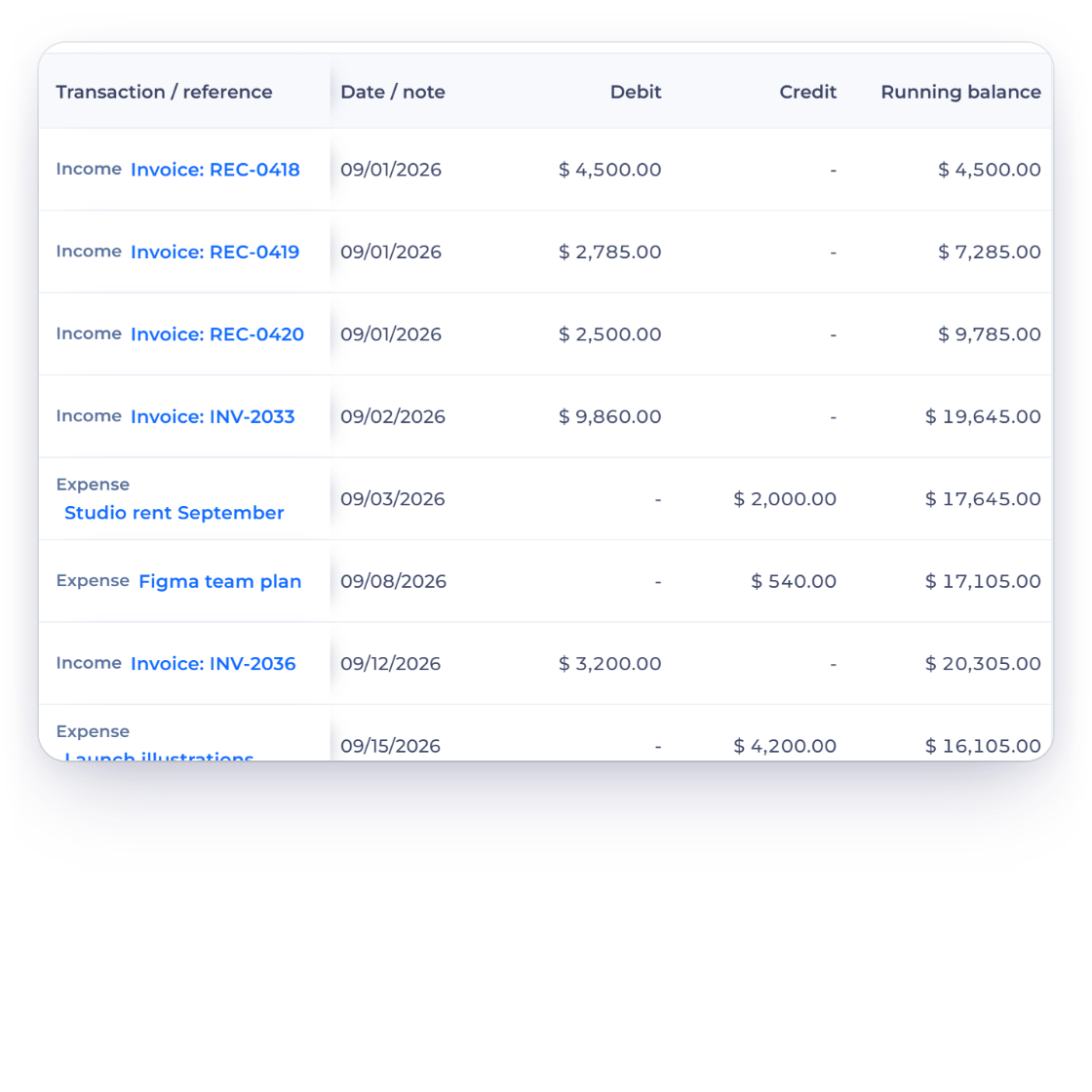
Inspect transaction-level account movement.
Questions
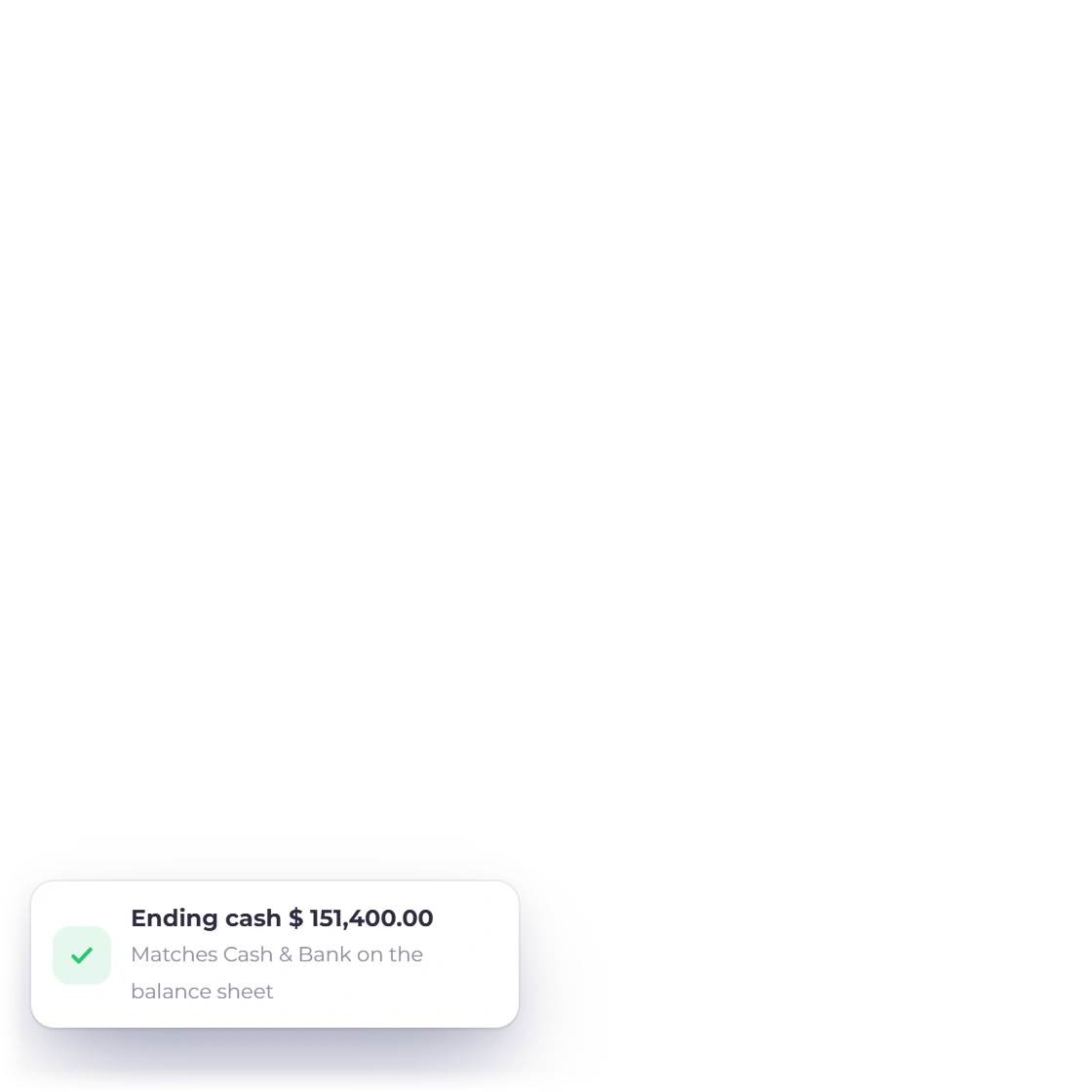
Invoice Crowd groups recorded cash movement into operating, investing and financing activities and shows the beginning cash, net change and ending cash for the selected period. Beginning and ending cash come from the same ledger as the Balance Sheet, so ending cash matches the Balance Sheet's cash, and any gap would show as a Cash Flow Difference line.
No. Use Invoice Crowd's Bank Reconciliation workflow to import and stage statement lines. Cash Flow is a report over activity already recorded.
Yes. The report runs for the selected business, date range and currency. Report actions use that same current context rather than a separately cached spreadsheet.
No. Invoice Crowd's Cash Flow workspace is read-only and does not create, edit, match or reconcile a transaction. Its Export menu offers PDF, CSV and Print.
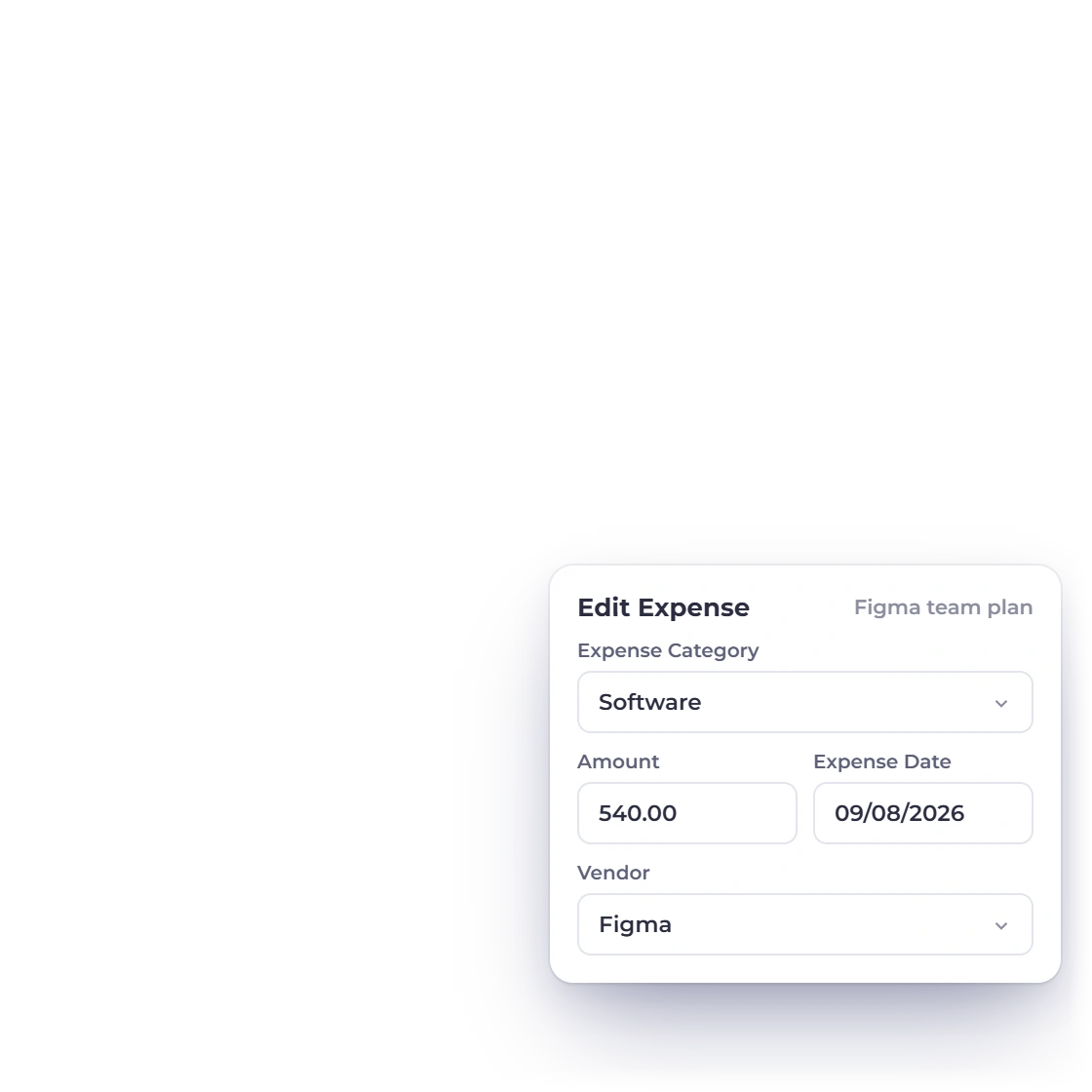
Open the relevant account in Invoice Crowd's General Ledger to inspect transaction dates, descriptions and where each entry came from, then correct the factual source through its normal editor.
No. Cash Flow summarizes classified cash movement; Bank Reconciliation compares recorded entries with an external statement and marks selected entries reconciled when the user closes the session.
See the three activity sections, follow the bridge to ending cash, and trace an unexpected movement back to its account evidence.