

Skip to content

Purchases

Record what a vendor owes back, then apply it to a bill or record the refund

A vendor credit is the purchase-side mirror of a customer credit note. Invoice Crowd keeps its remaining balance visible, validates the vendor, business and currency when you apply it, and records a cash refund without pretending to move money through a gateway.

  • Apply to an eligible vendor bill
  • Record a cash refund
  • Live balance rechecked inside the transaction
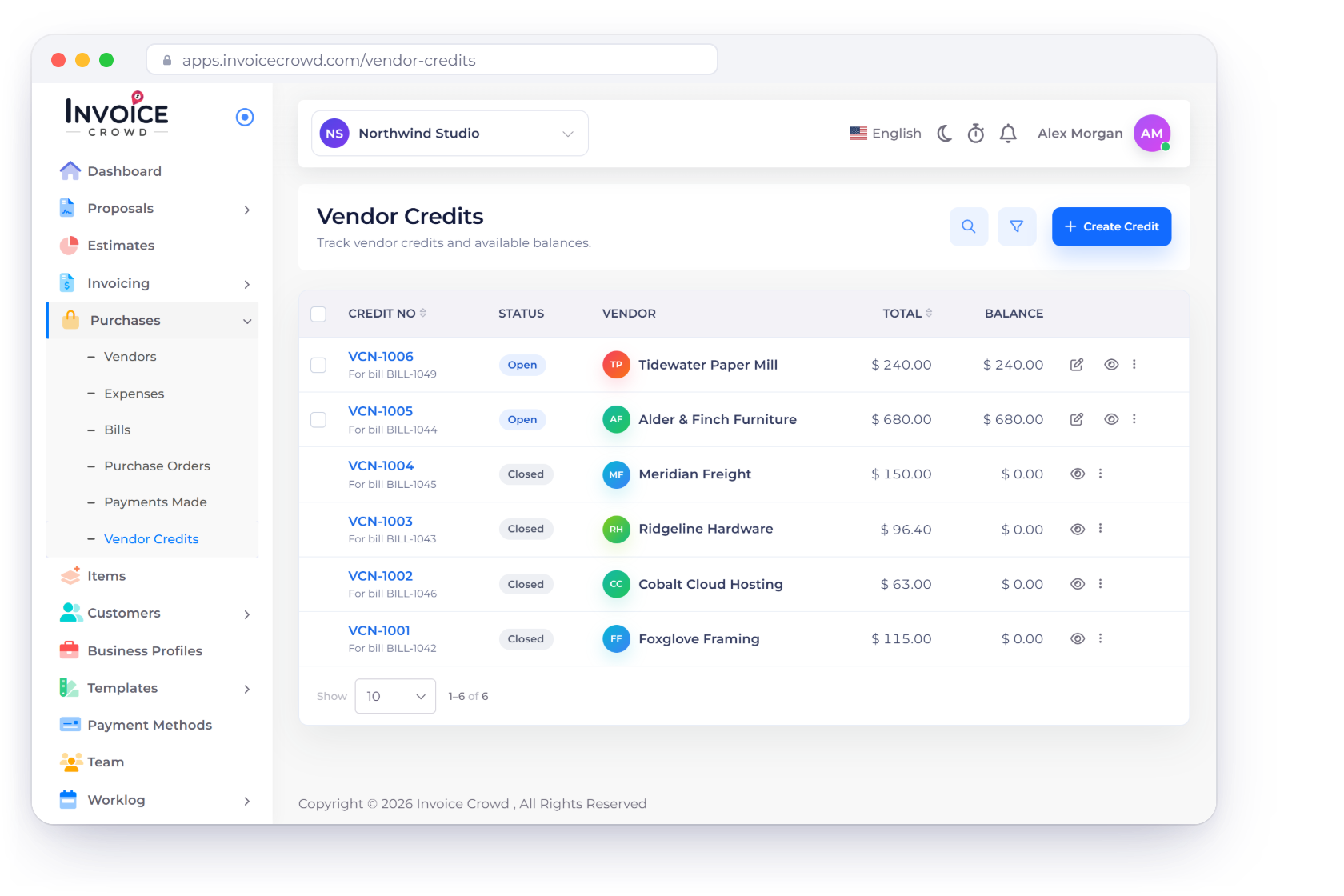
The Vendor Credits screen in Invoice Crowd with each credit's vendor, linked bill, total and remaining balance, applying a credit to a bill and recording a refund

How it works

A supplier credit that stays separate from customer credit notes

Create the credit from a template or source bill, keep its balance open, and consume it through one of two explicit actions. The request is rechecked under locks so a repeat cannot spend the same balance twice.

Create and review

A purchase-side document with its own VCN- number and balance.

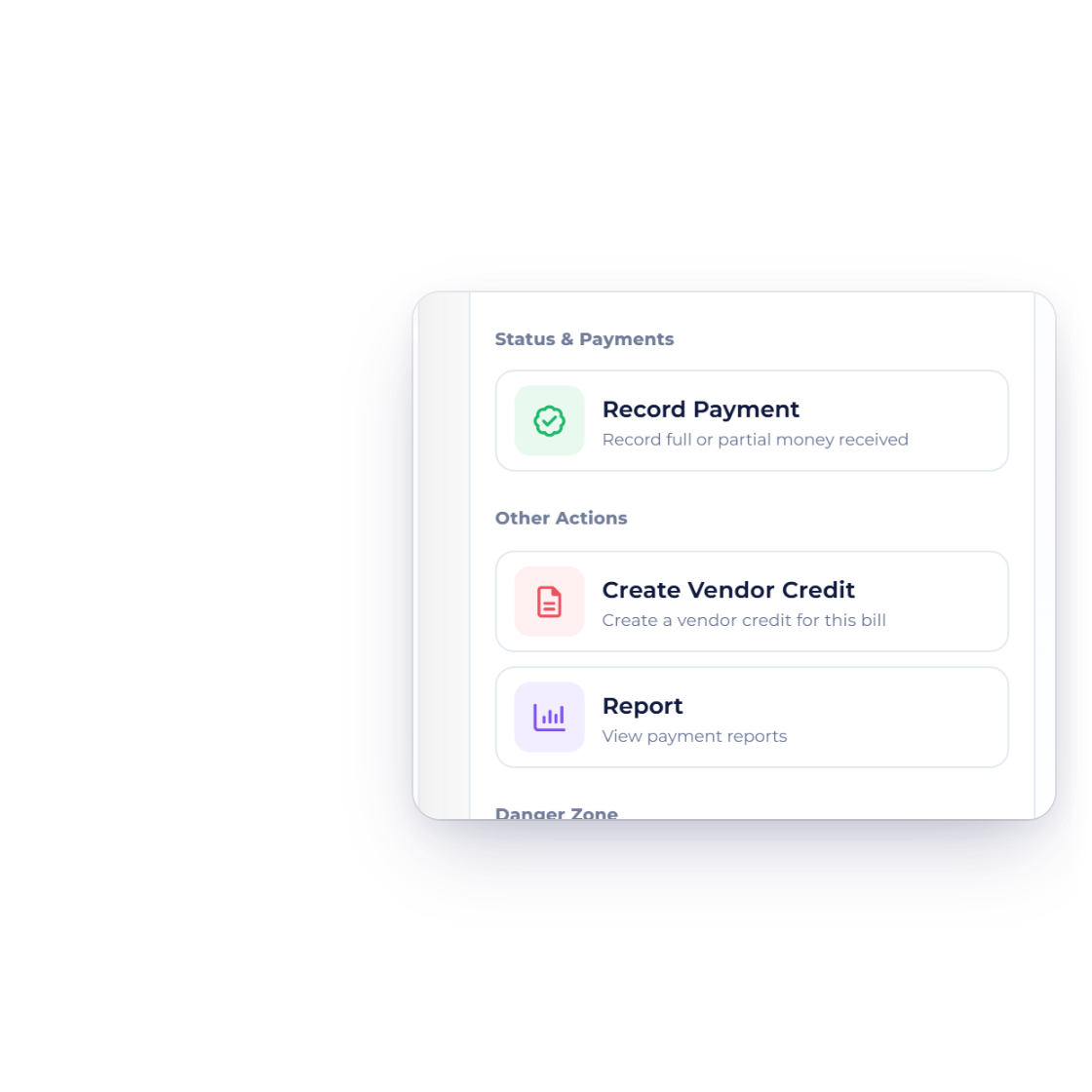
Create Vendor Credit in the actions of an Invoice Crowd bill, and the new vendor credit it creates for the same vendor

Start blank or create from a bill or purchase order

Choose a document template for a blank credit or clone an eligible source bill or purchase order into a new vendor-credit draft. The new document keeps a source link but receives its own number and current date.
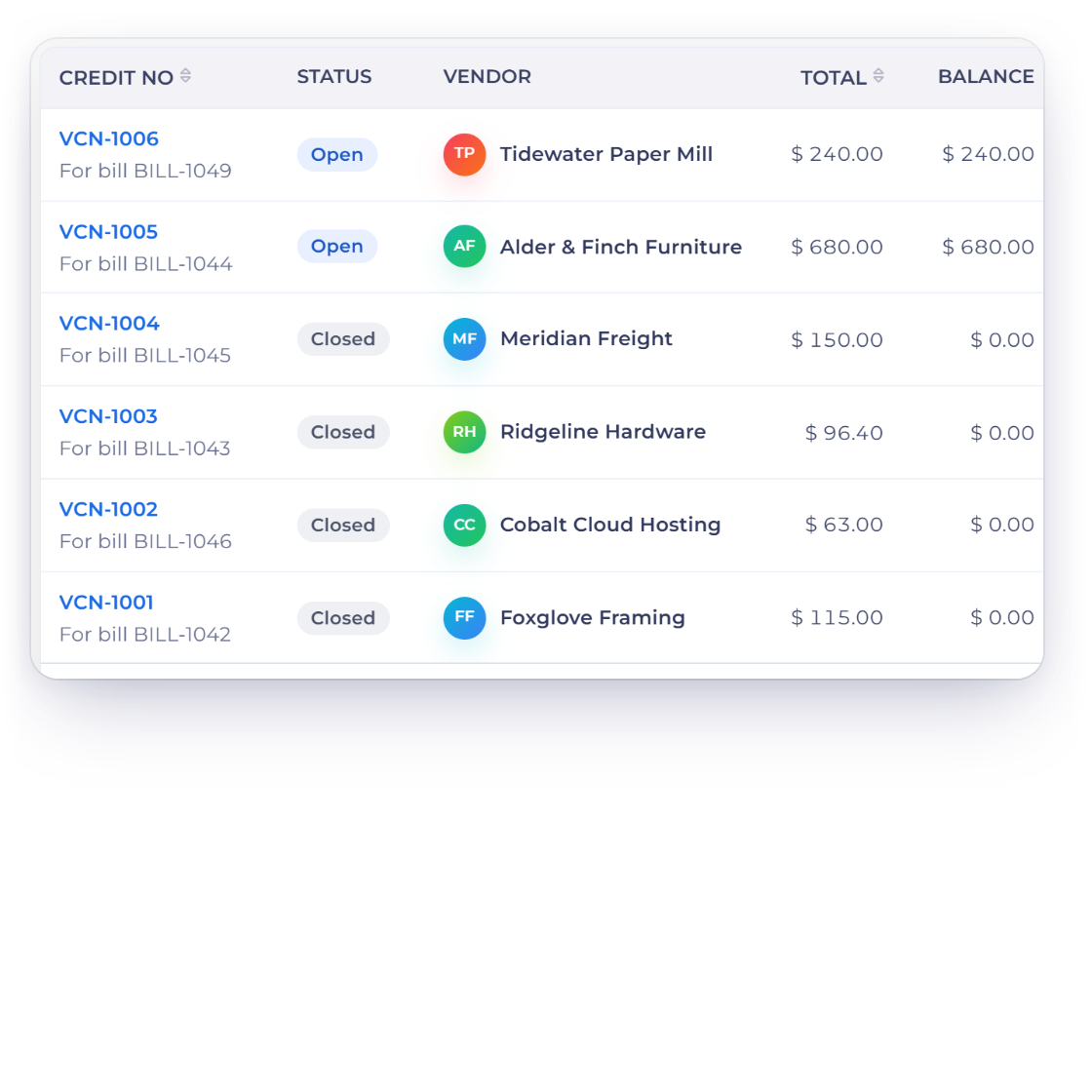
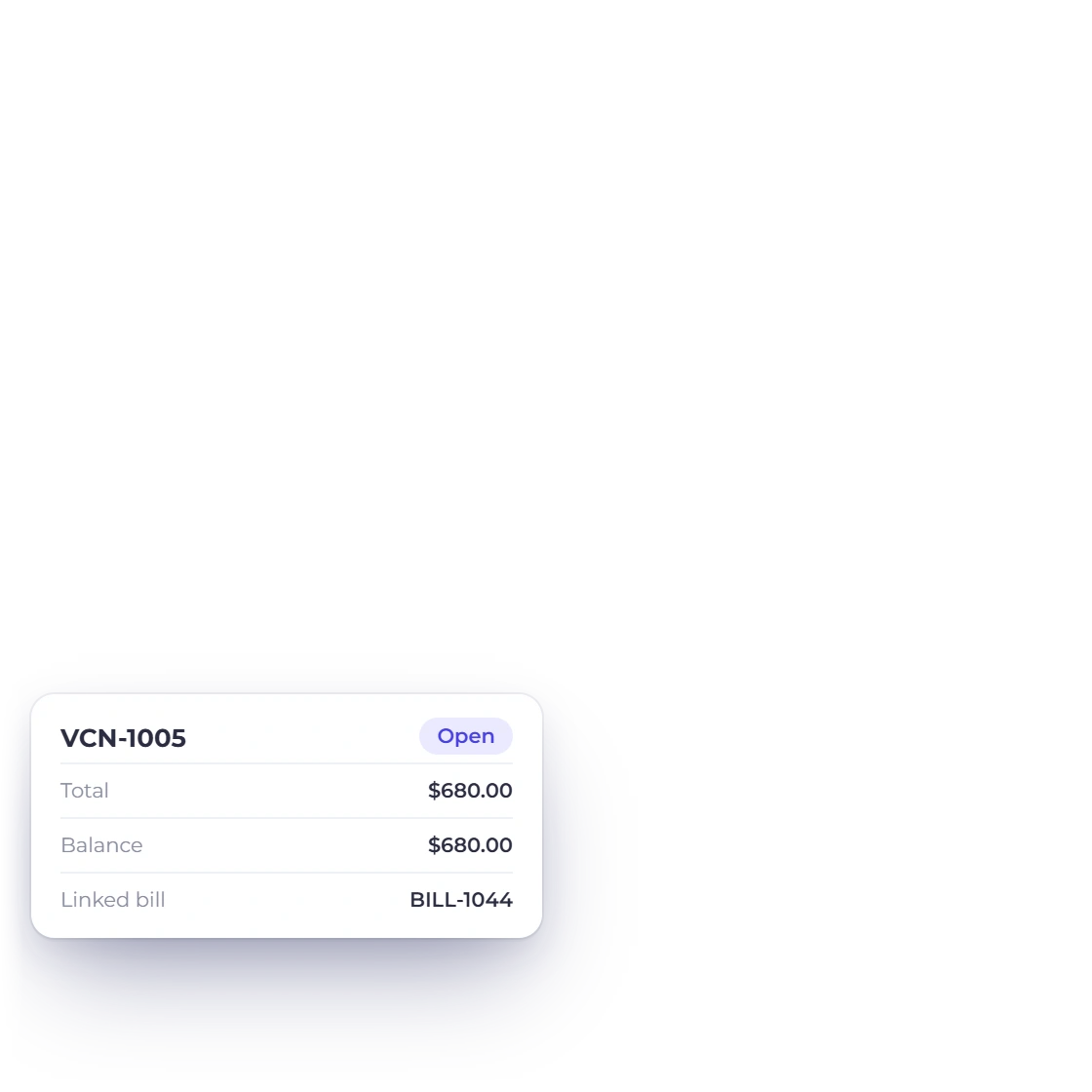
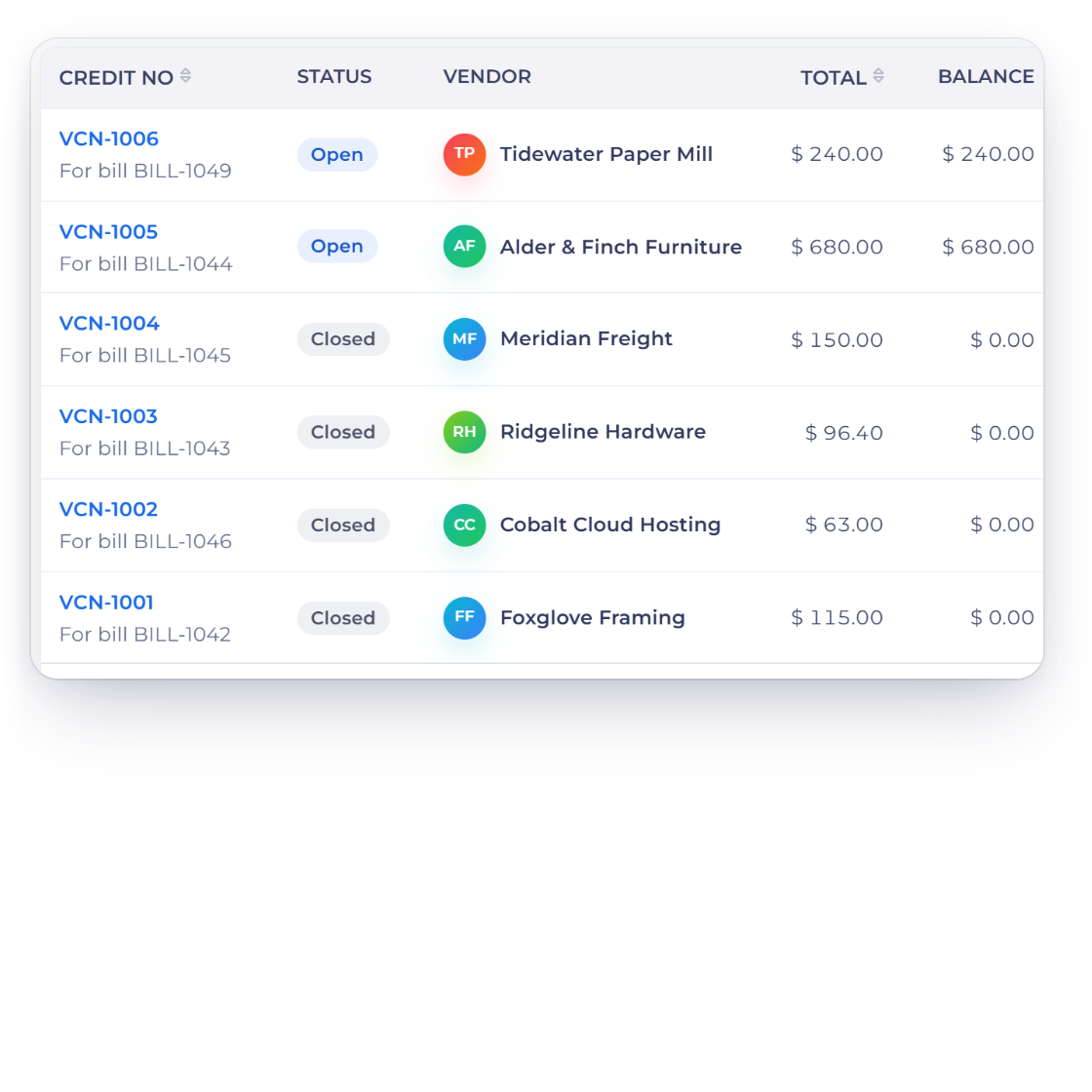
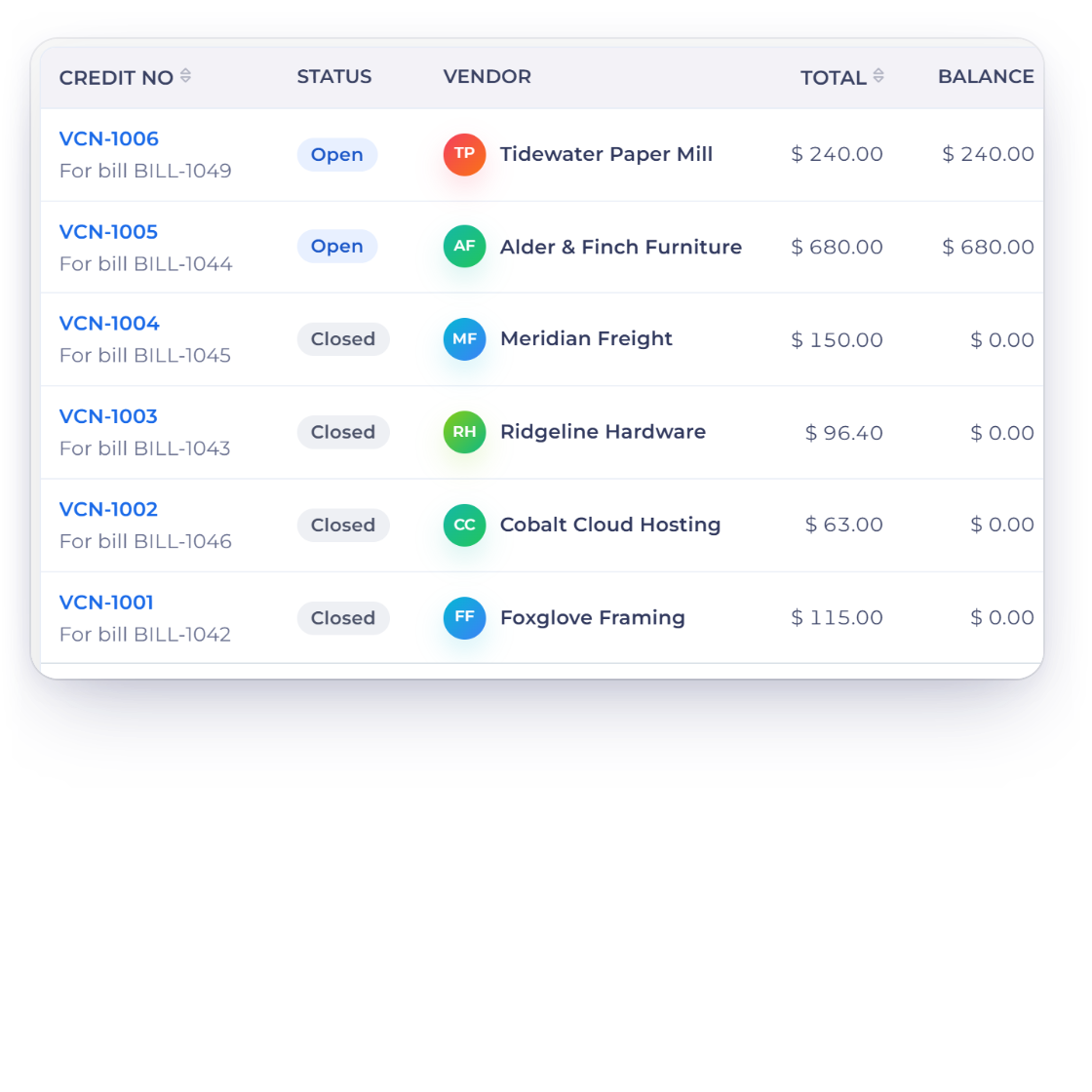
The Invoice Crowd vendor credits list with open and closed credits, their linked bills, totals and remaining balances

Keep the open balance on the document

The list shows vendor, linked source, total and remaining balance. An open credit can be edited; a fully consumed or refunded one closes.

Apply or refund

Consume only the live balance that still exists.

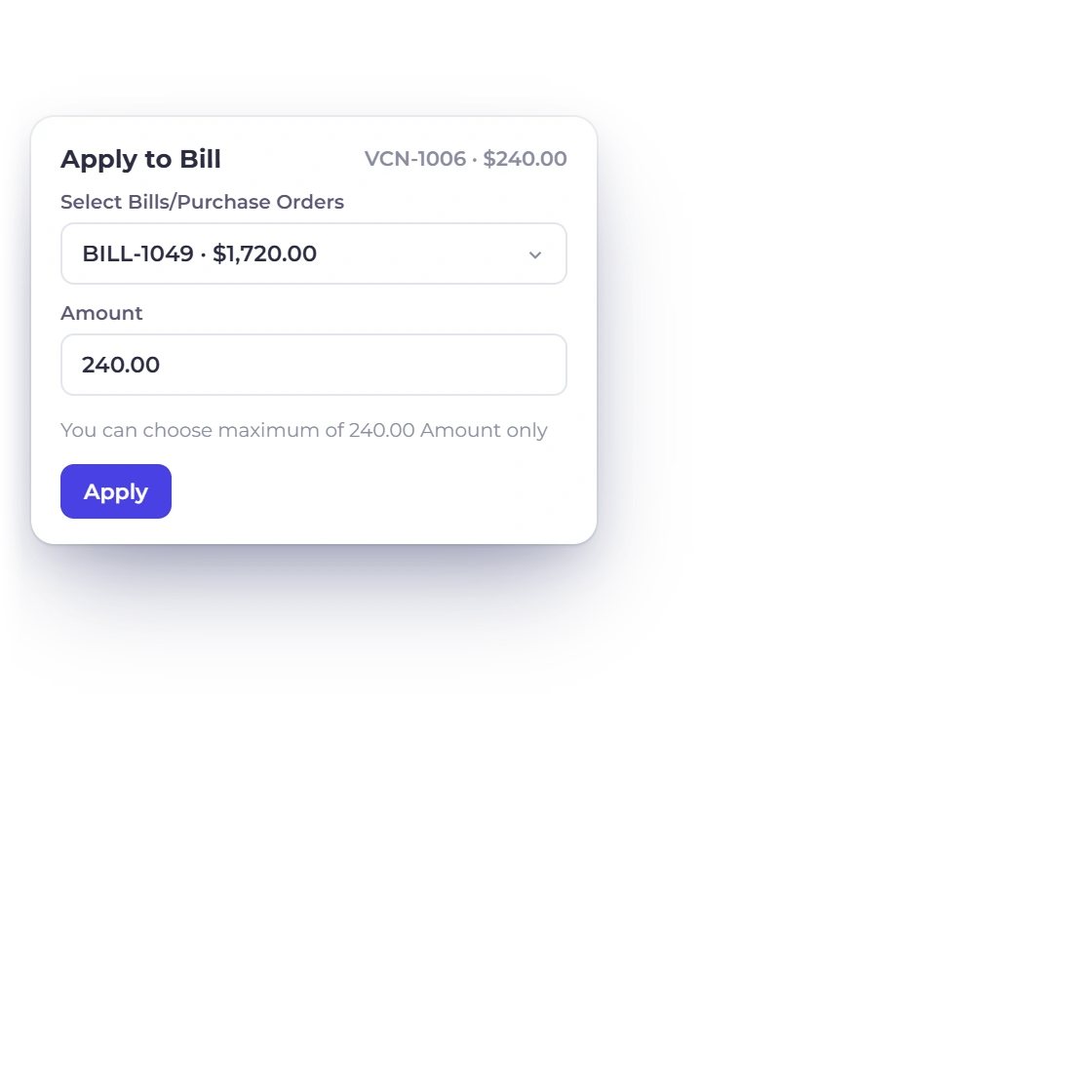
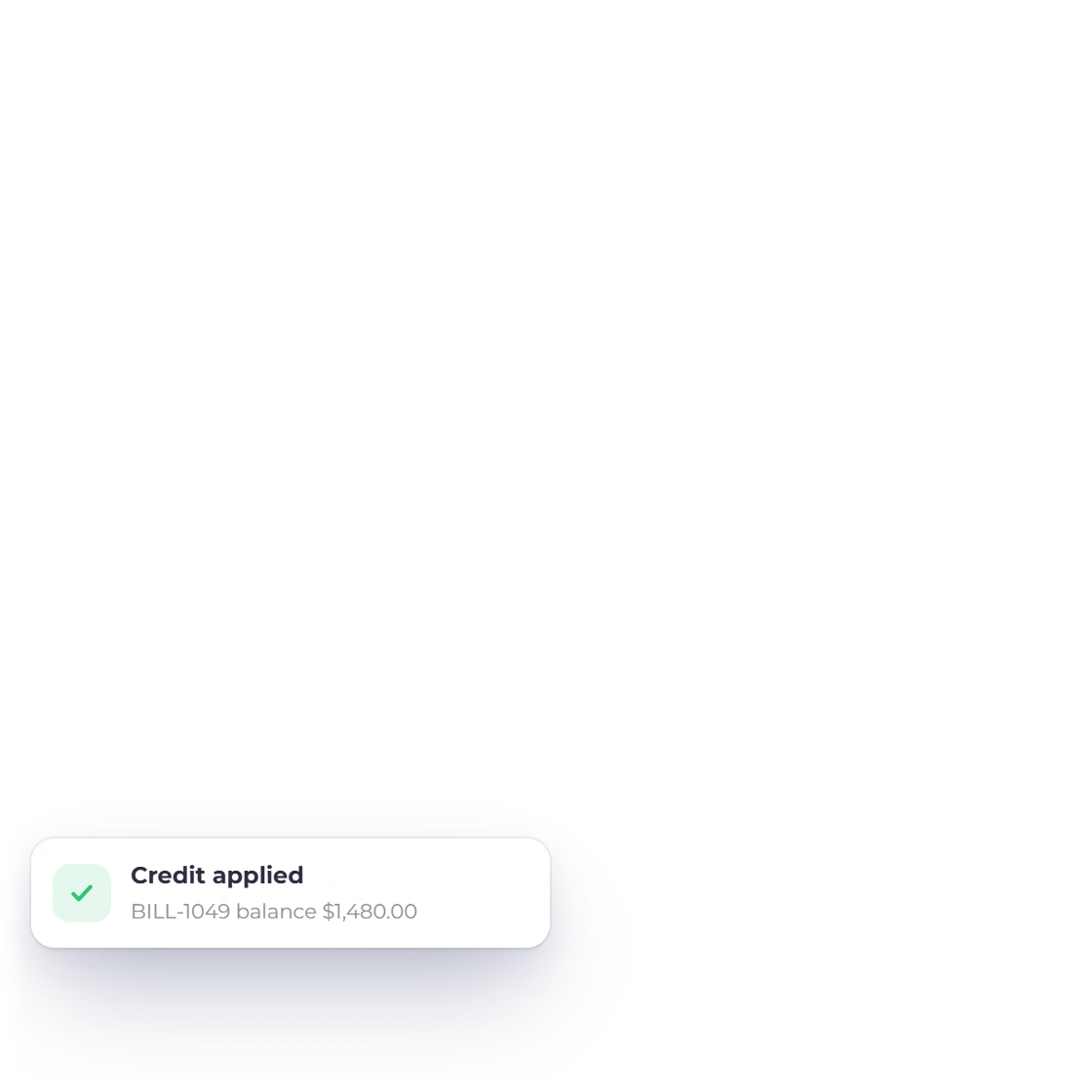
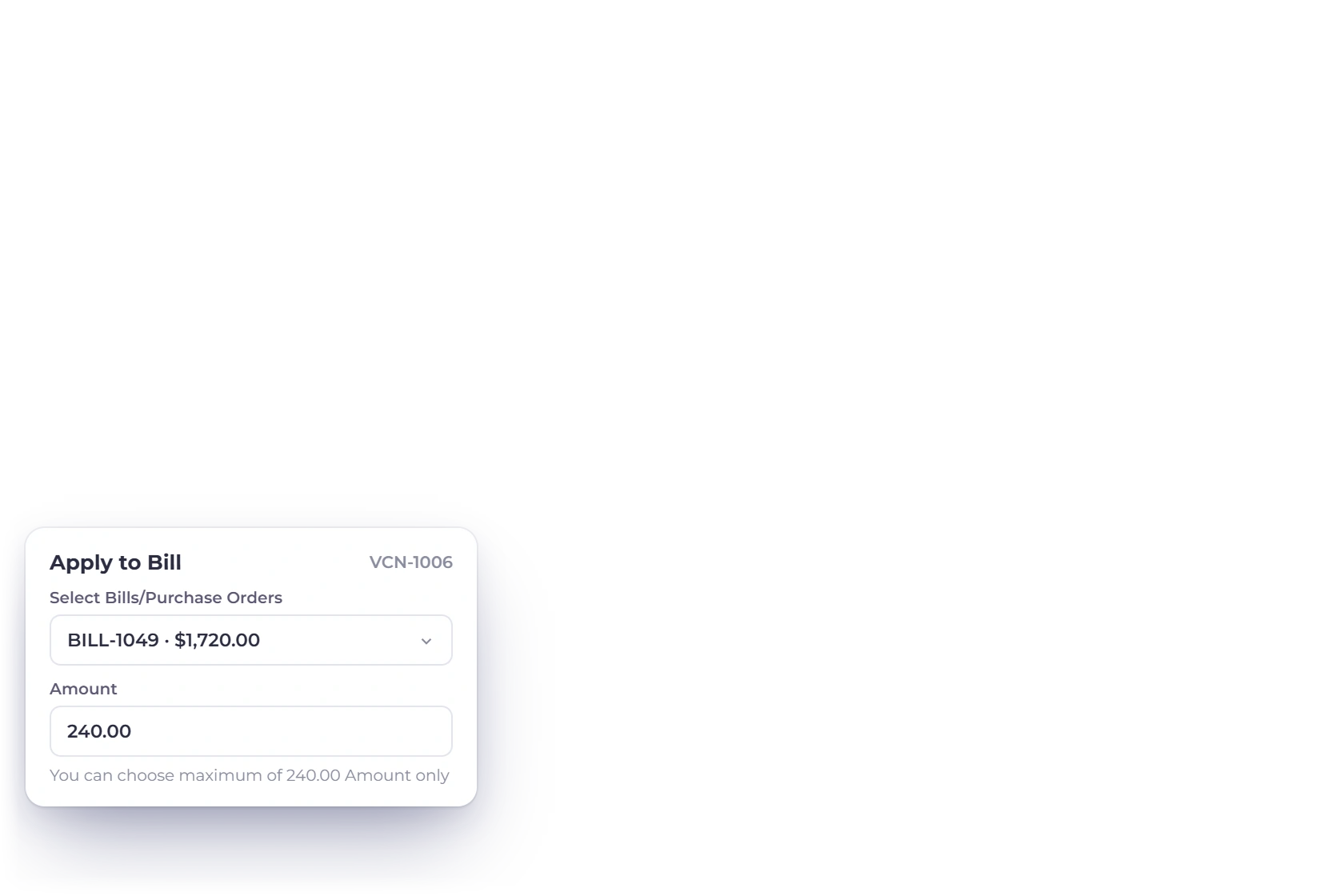
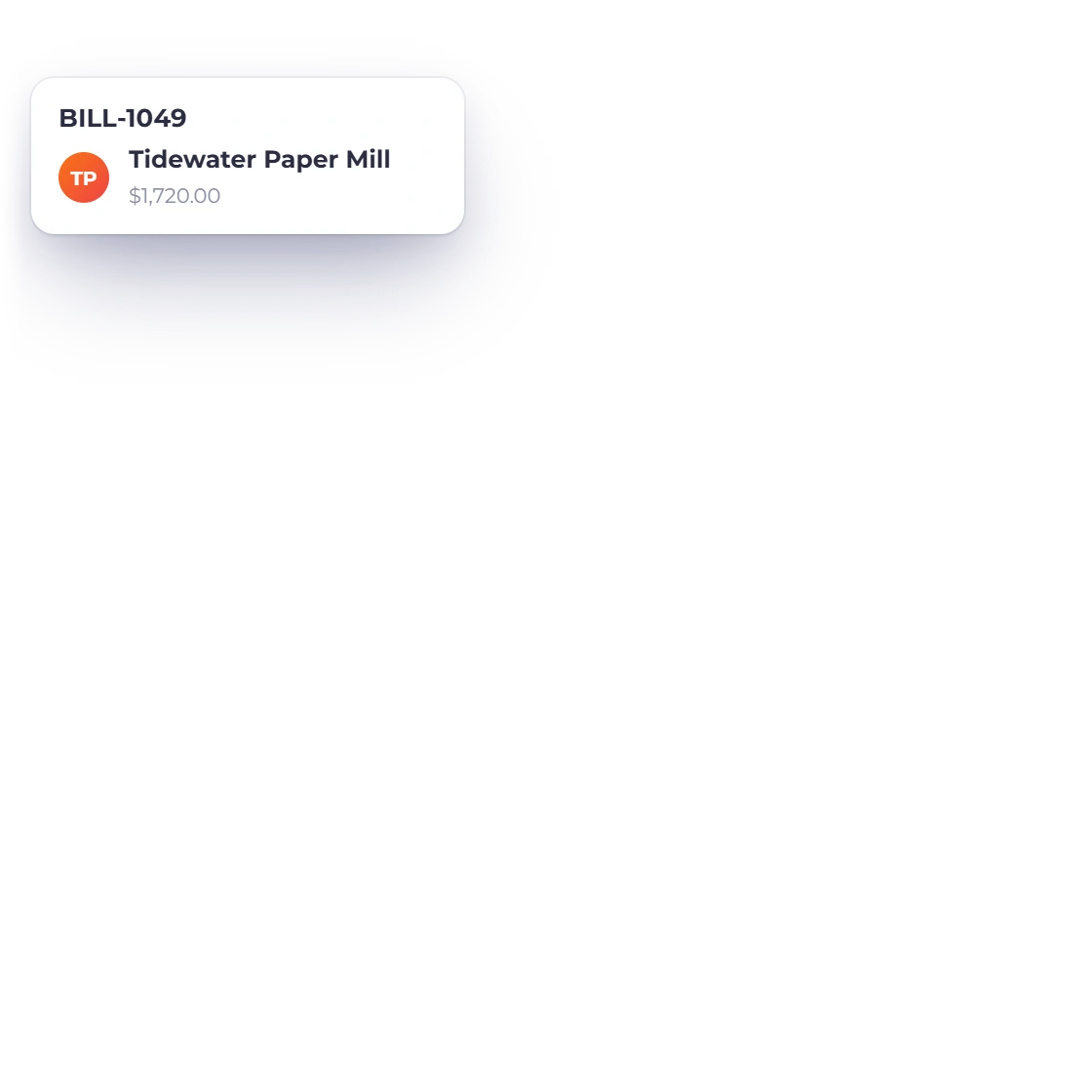
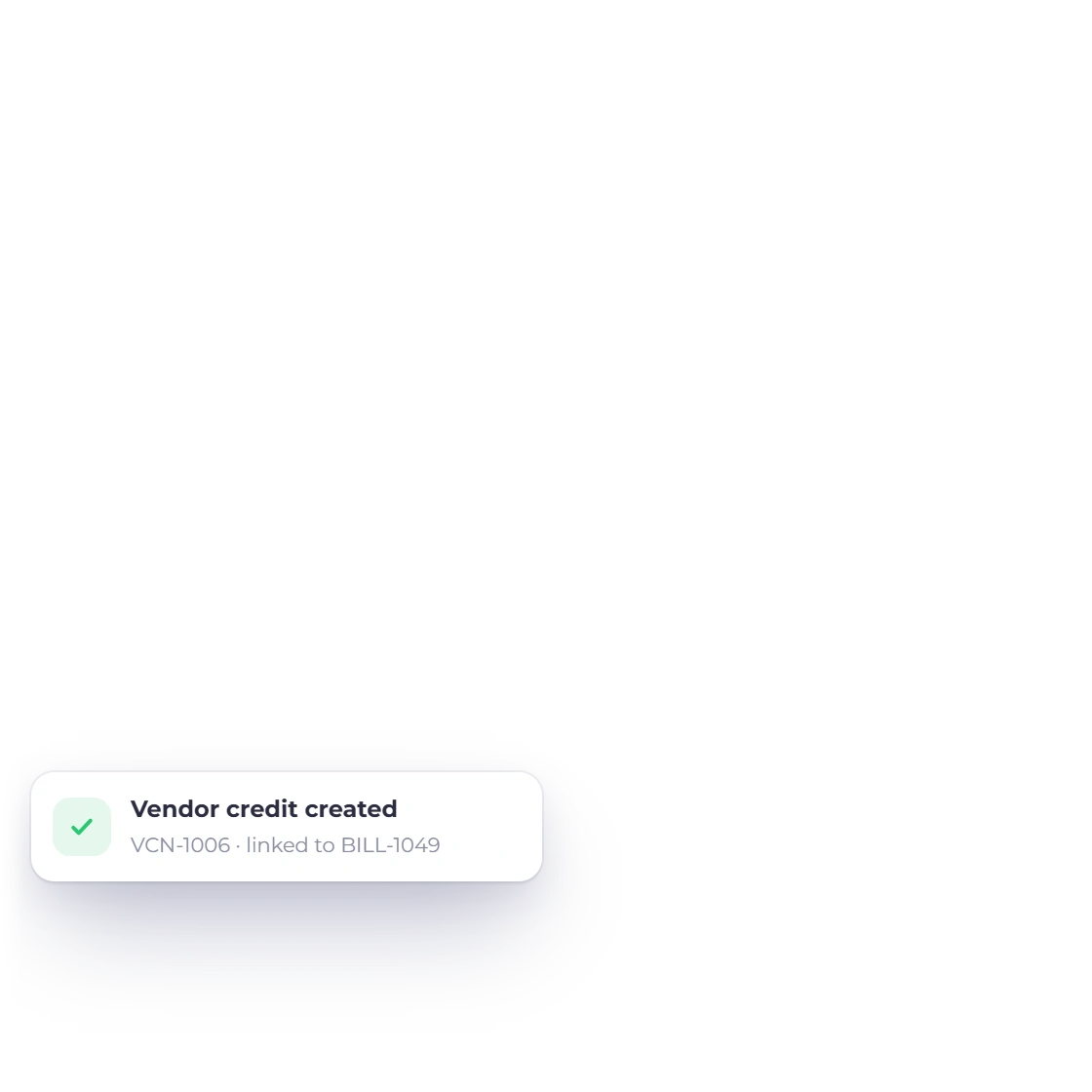
Apply to Bill on an Invoice Crowd vendor credit: picking an open bill of the same vendor and an amount no larger than the credit balance

Apply the credit to an eligible bill

The selected bill must belong to the same owner, business, vendor and currency, and the amount cannot exceed either live balance. Both records are locked and the operation key makes an exact retry replay-safe.

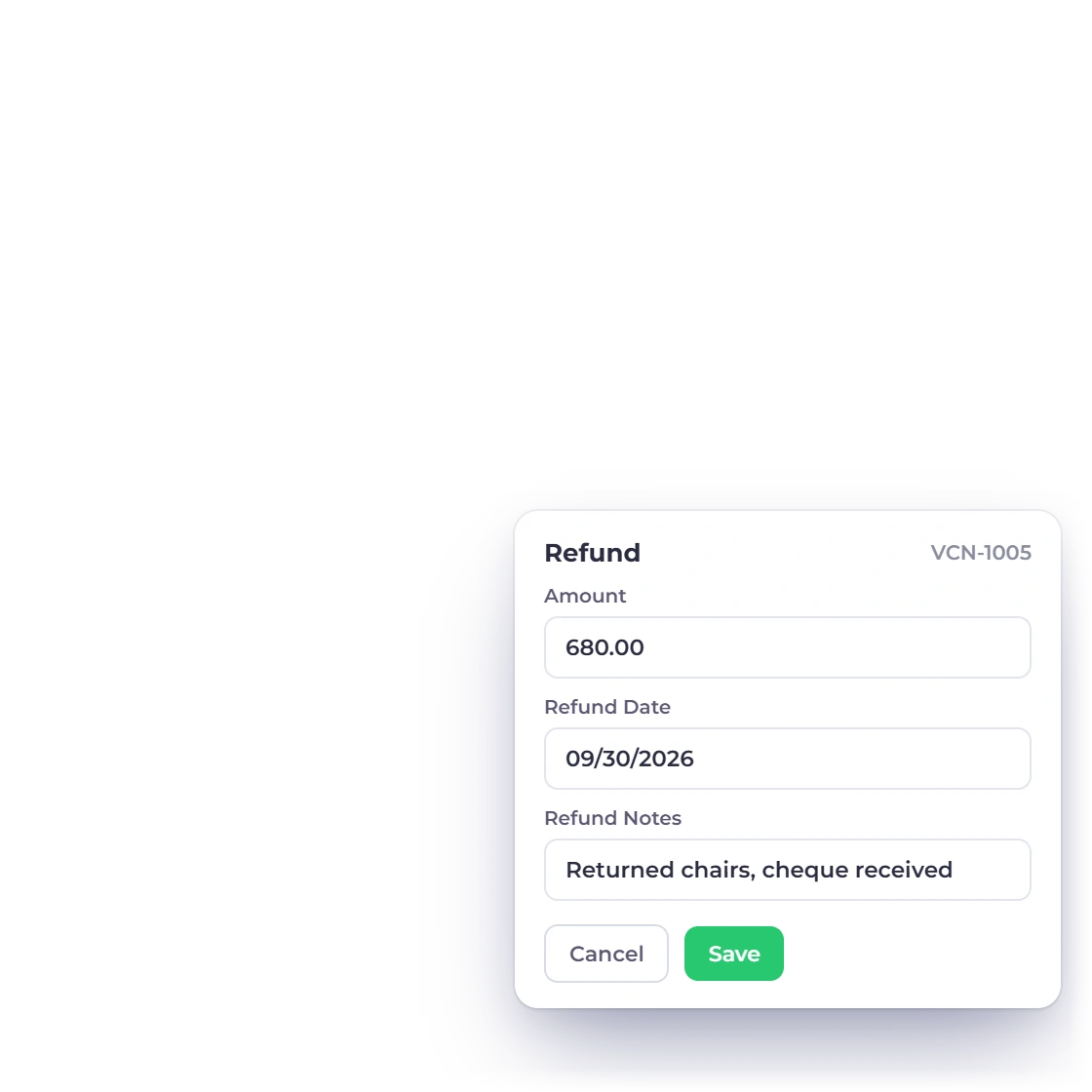
Refund on an Invoice Crowd vendor credit with the amount, refund date and notes, recorded against the credit balance

Record a cash refund against the credit

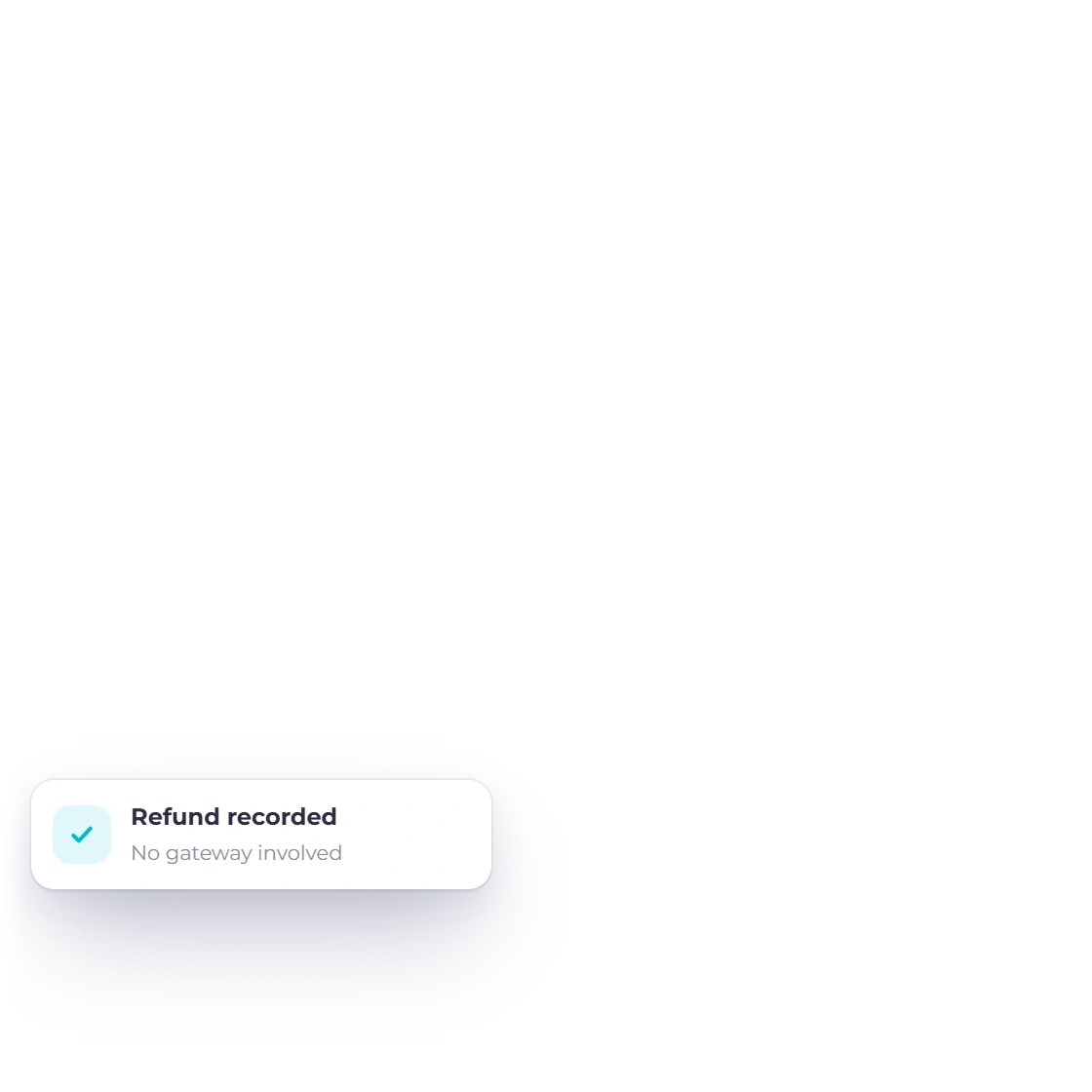
A refund reduces the remaining credit and records the event in one transaction. It records money received from the vendor; it does not call a bank or payment gateway to obtain it.

Accounting and limits

Clear purchase-side semantics, with no claims beyond the verified flow.

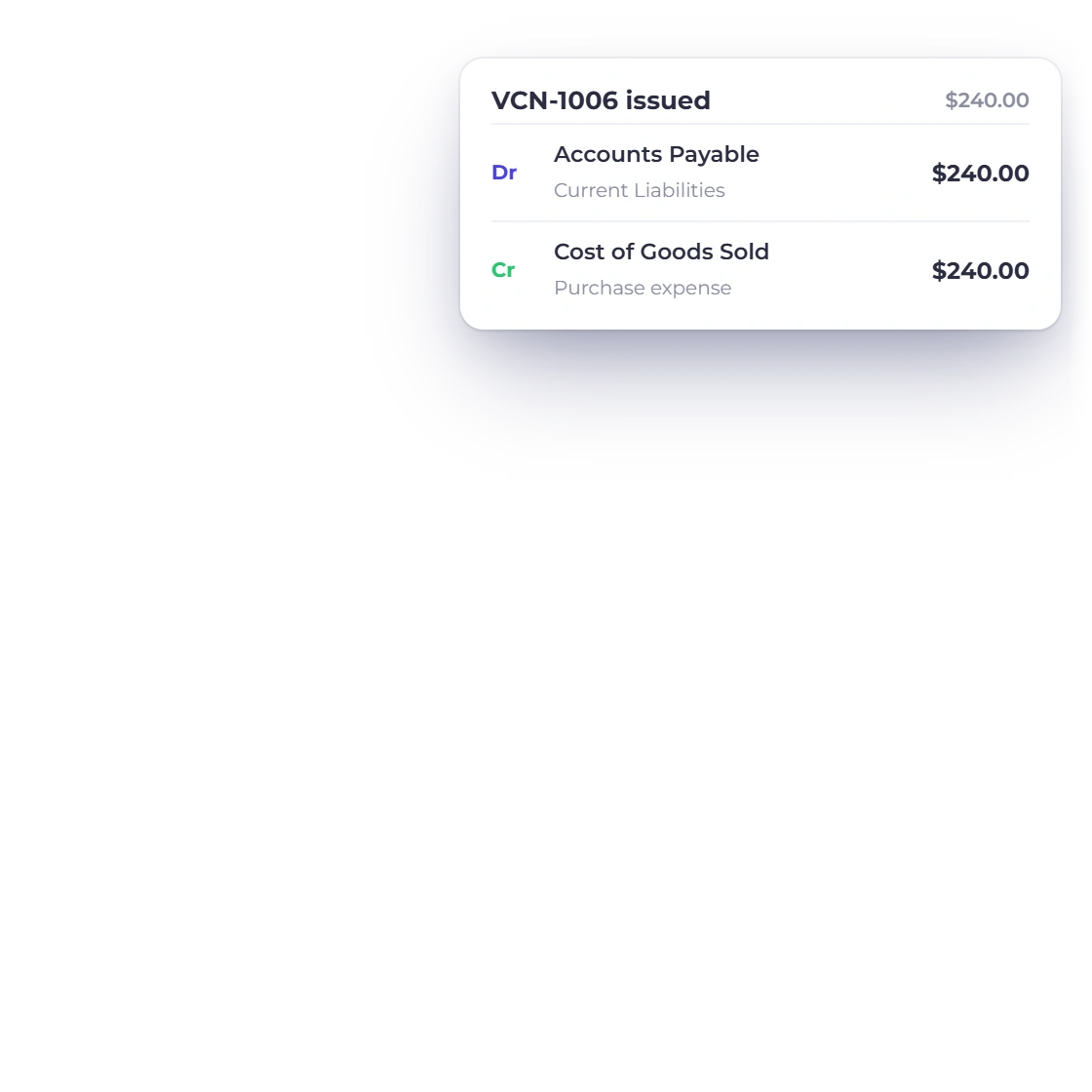
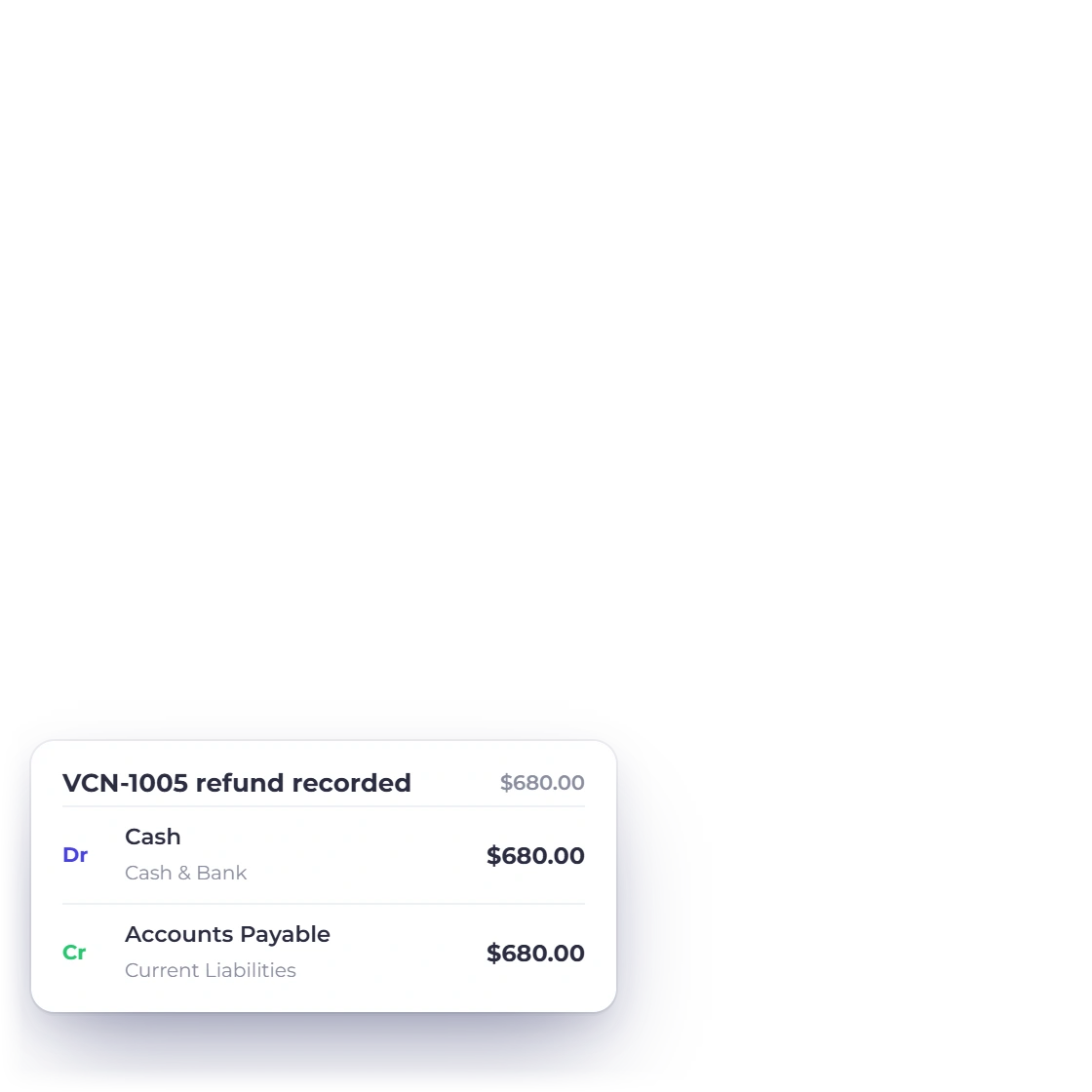
Invoice Crowd vendor credits list with the accounting entries for issuing a vendor credit and for recording its refund

Keep the credit on the purchase side

Current vendor-credit issuance reduces Accounts Payable and reduces purchase expense; a recorded refund debits Cash and credits Accounts Payable. Applied child rows are metadata while the parent carries the accounting effect.

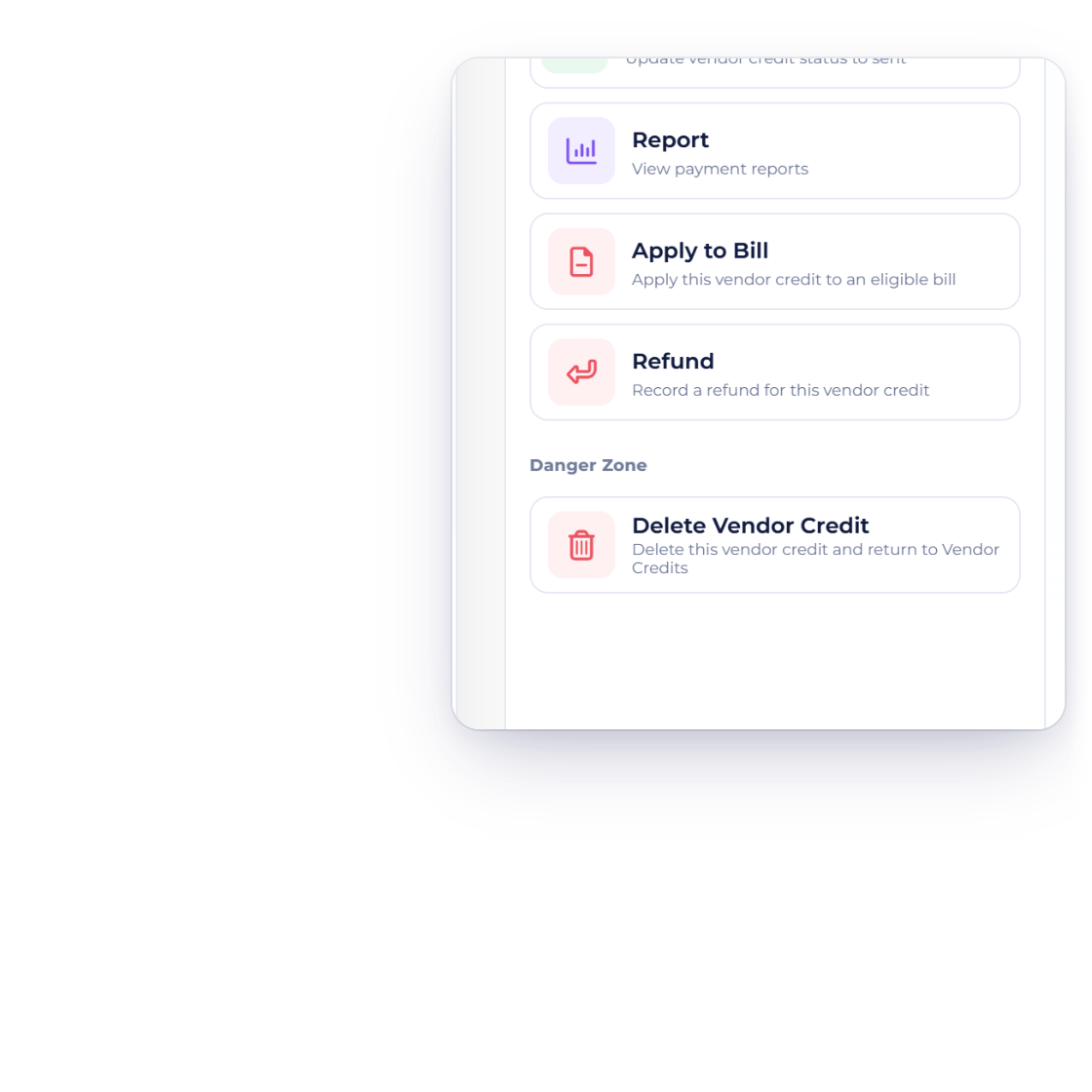
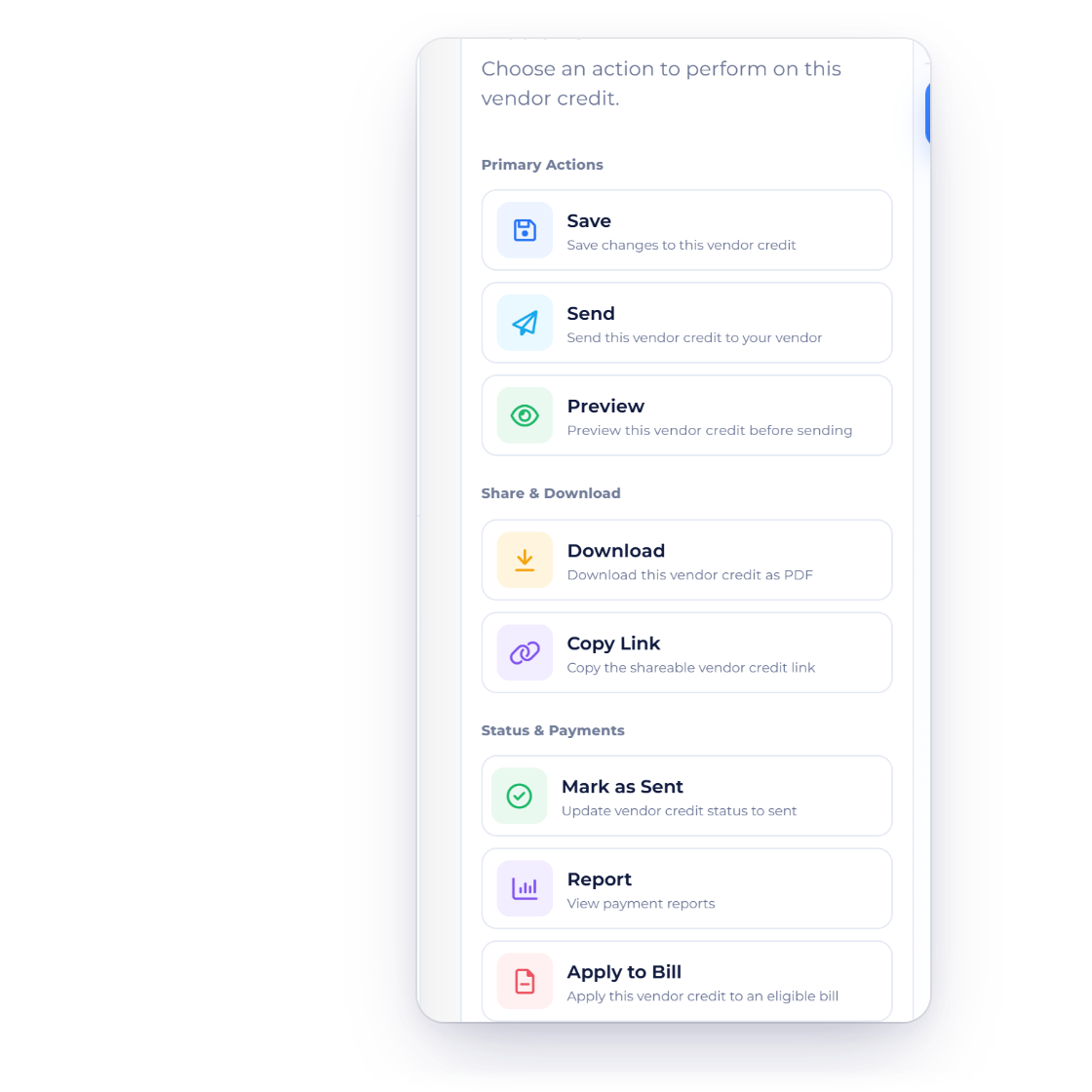
The actions of an Invoice Crowd vendor credit: Save, Send, Preview, Download, Copy Link, Report, Apply to Bill and Refund

One credit at a time

There is no bulk apply or bulk refund action: each credit is applied or refunded from its own Actions tab. The credit can still be sent to the vendor, previewed or downloaded; it is not an EDI workflow.

Built in

The vendor-credit lifecycle

Creation, editing, application, refund, accounting context and the limits that distinguish it from a procurement suite.

  • Start blank or create from a bill or purchase order

    Choose a document template for a blank credit or clone an eligible source bill or purchase order into a new vendor-credit draft. The new document keeps a source link but receives its own number and current date.
  • Keep the open balance on the document

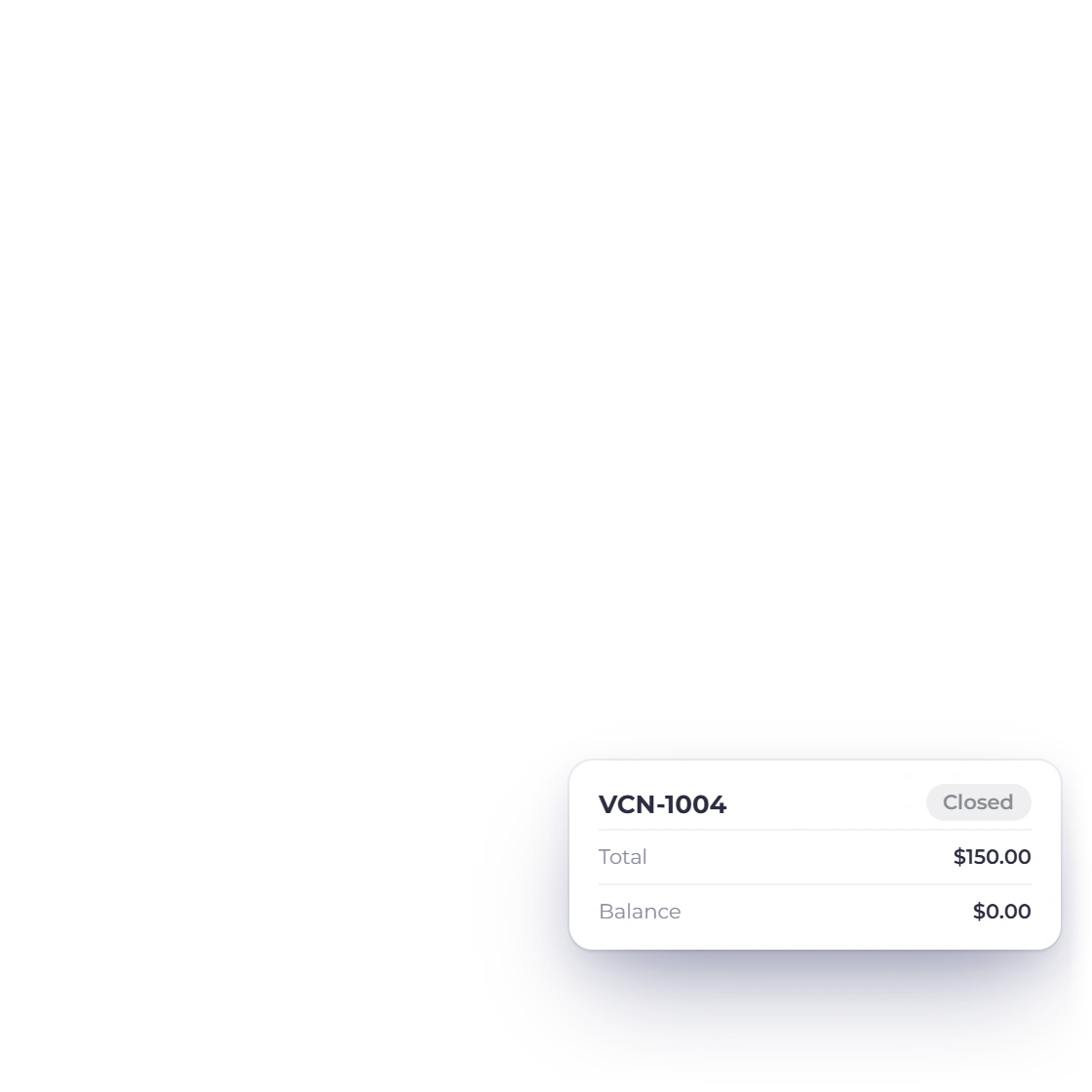
    The list shows vendor, linked source, total and remaining balance. An open credit can be edited; a fully consumed or refunded one closes.

  • Apply the credit to an eligible bill

    The selected bill must belong to the same owner, business, vendor and currency, and the amount cannot exceed either live balance. Both records are locked and the operation key makes an exact retry replay-safe.

  • Record a cash refund against the credit

    A refund reduces the remaining credit and records the event in one transaction. It records money received from the vendor; it does not call a bank or payment gateway to obtain it.

  • Keep the credit on the purchase side

    Current vendor-credit issuance reduces Accounts Payable and reduces purchase expense; a recorded refund debits Cash and credits Accounts Payable. Applied child rows are metadata while the parent carries the accounting effect.

  • One credit at a time

    There is no bulk apply or bulk refund action: each credit is applied or refunded on its own, and can still be sent, previewed or downloaded.

  • Remaining balance

    See how much credit is still available.

  • Apply to bill

    Consume credit against an eligible open supplier bill.

  • Record refund

    Record cash returned by the vendor.

  • Replay safe

    Exact repeated modal requests do not create a second application.

  • Bills

    Review the supplier bills a credit can settle.

  • Vendor Portal

    Let suppliers view their eligible purchase-side documents.

Questions

Vendor Credits, answered

What is a vendor credit in Invoice Crowd?

A vendor credit records money or value a supplier owes back to your business, such as an over-billing or returned purchase. Its remaining balance can be applied to a bill or recorded as a cash refund.

Can I create a vendor credit from a bill?

Yes. Invoice Crowd can create an eligible vendor-credit draft from a bill or purchase order, giving it its own VCN- number and linking it back to the source.

What must match before I apply a vendor credit to a bill?

Invoice Crowd requires the credit and bill to belong to the same owner, selected business, vendor and currency, with enough live balance on both sides for the requested amount.

Does recording a vendor-credit refund move money through a gateway?

No. Invoice Crowd records the refund you received and reduces the credit balance. It does not call a bank or payment gateway to obtain the money.

Can a repeated apply request spend the credit twice?

The current flow locks the credit and bill, rechecks live balances and uses a durable request key. An exact completed retry replays the first result rather than posting a second application.

Does Invoice Crowd email a vendor credit to the supplier?

Yes. The vendor-credit editor has Send and Send Later in its Actions tab, alongside Preview, Download and Copy Link.

Keep supplier credits out of spreadsheets and inside the bill workflow

Record the credit, see its live balance, and apply or refund it through the purchase-side records it belongs with.

  • No card required to start
  • Your data stays yours
  • Cancel anytime