Keep one vendor record for the relationship
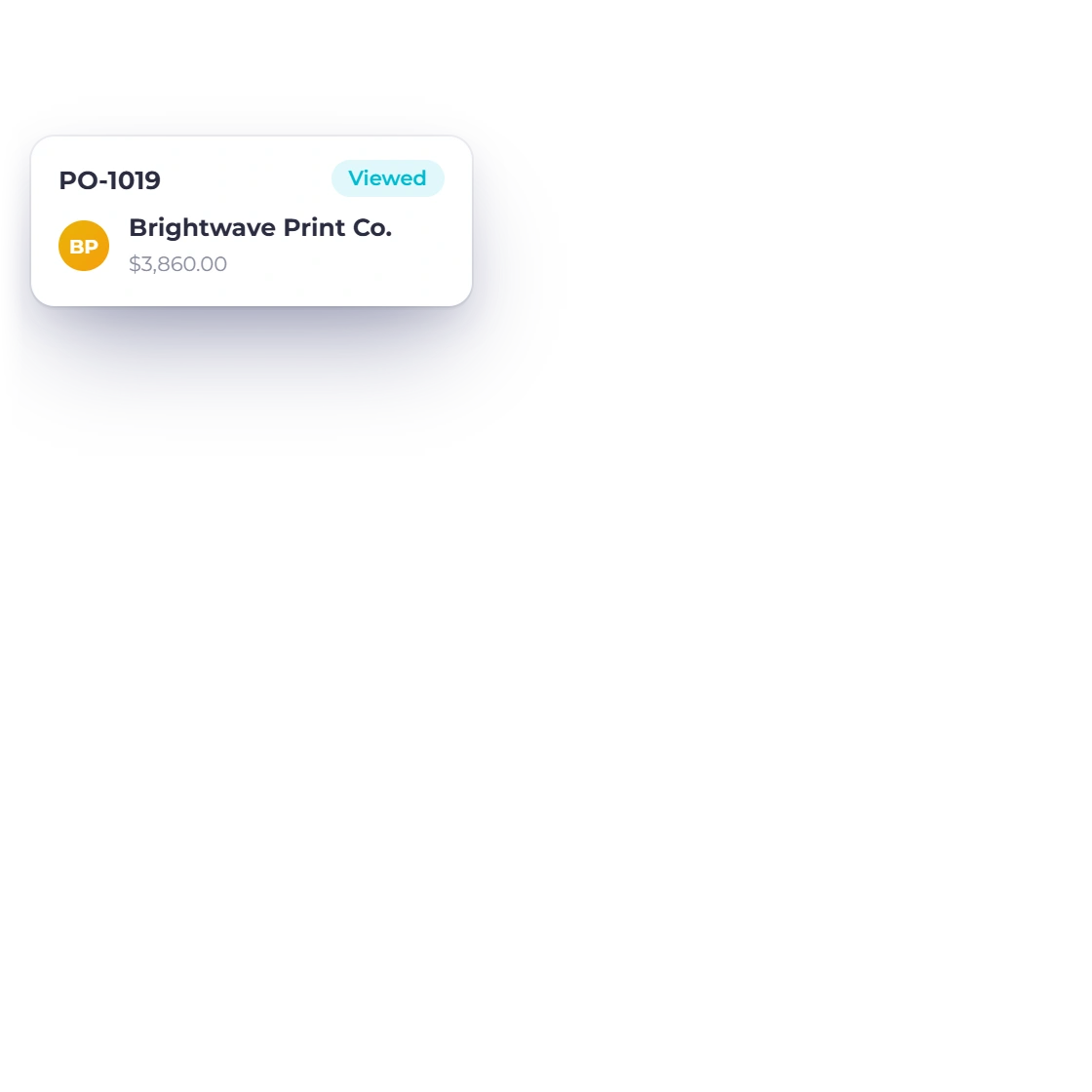
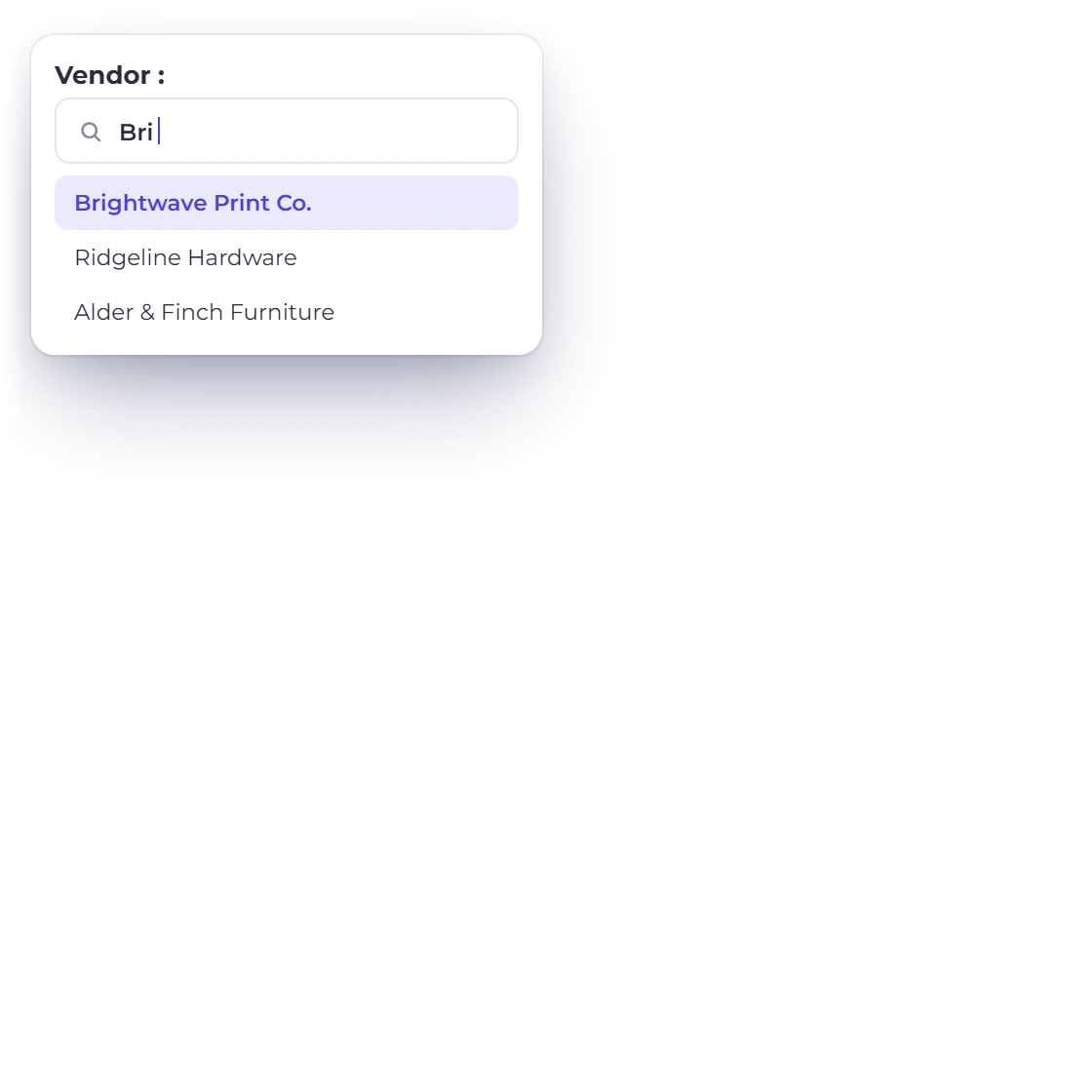
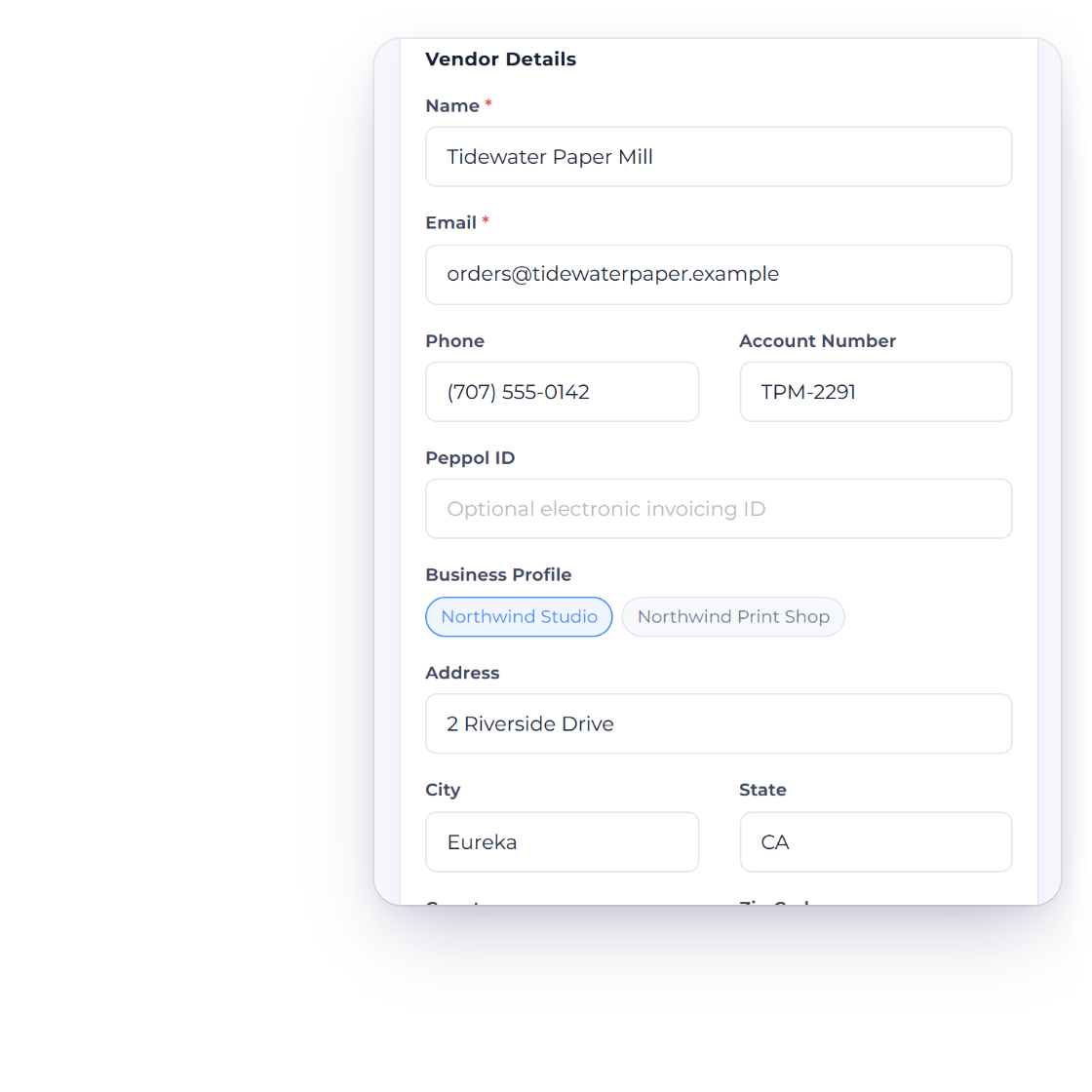
Store the supplier's contact and tax details, use it across purchase documents and control whether that vendor receives a portal invite.
Purchases
Invoice Crowd keeps vendors, purchase orders, bills, vendor credits and payments made in connected workflows. Each document retains its own lifecycle and permissions, while the vendor portal gives suppliers a read-only view of selected records.
How it works
Start with the supplier, authorize the order, record the bill and settle it with a payment or eligible vendor credit. The separation keeps the factual document and the settlement evidence clear.
Supplier identity and the purchase commitment.
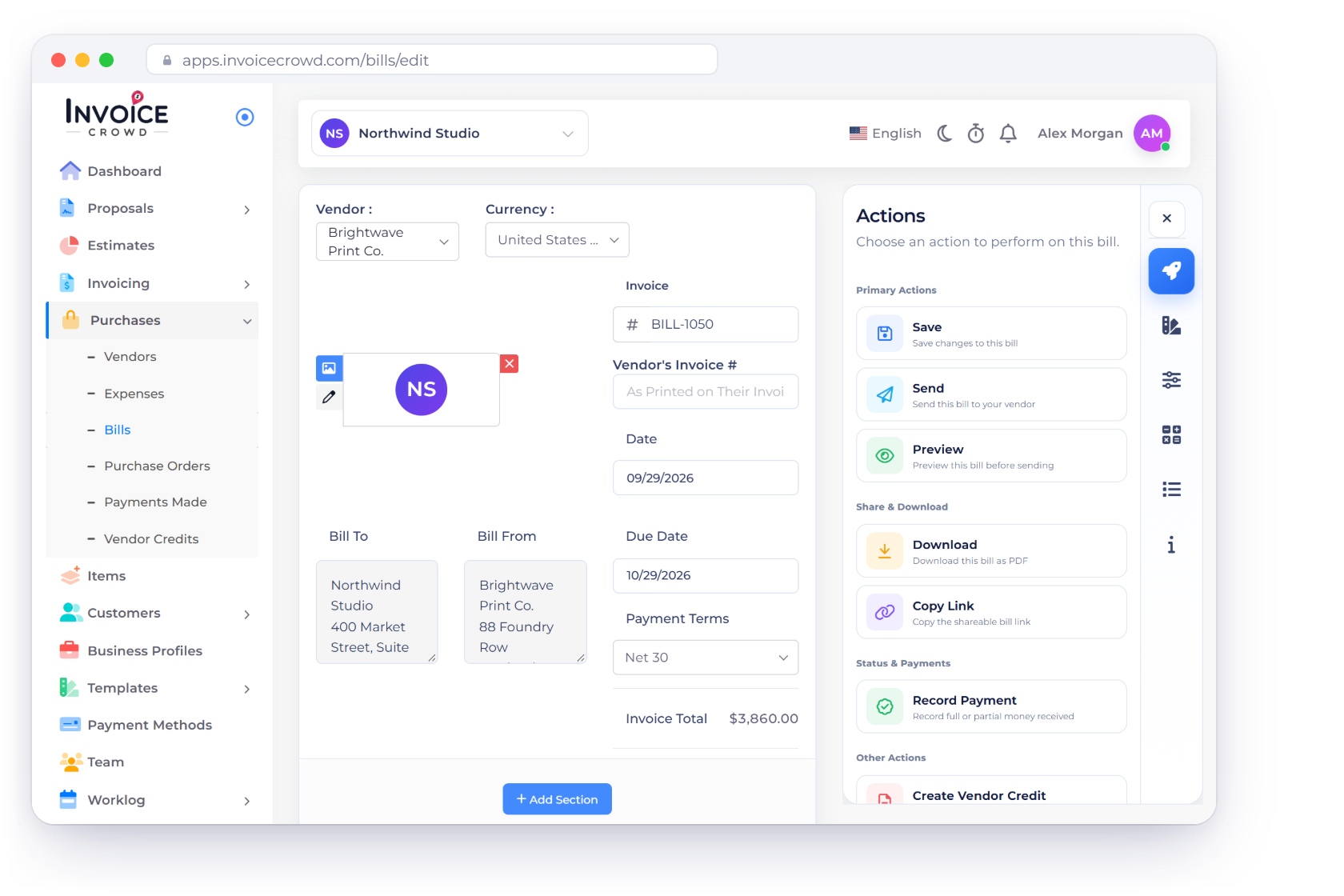
Store the supplier's contact and tax details, use it across purchase documents and control whether that vendor receives a portal invite.
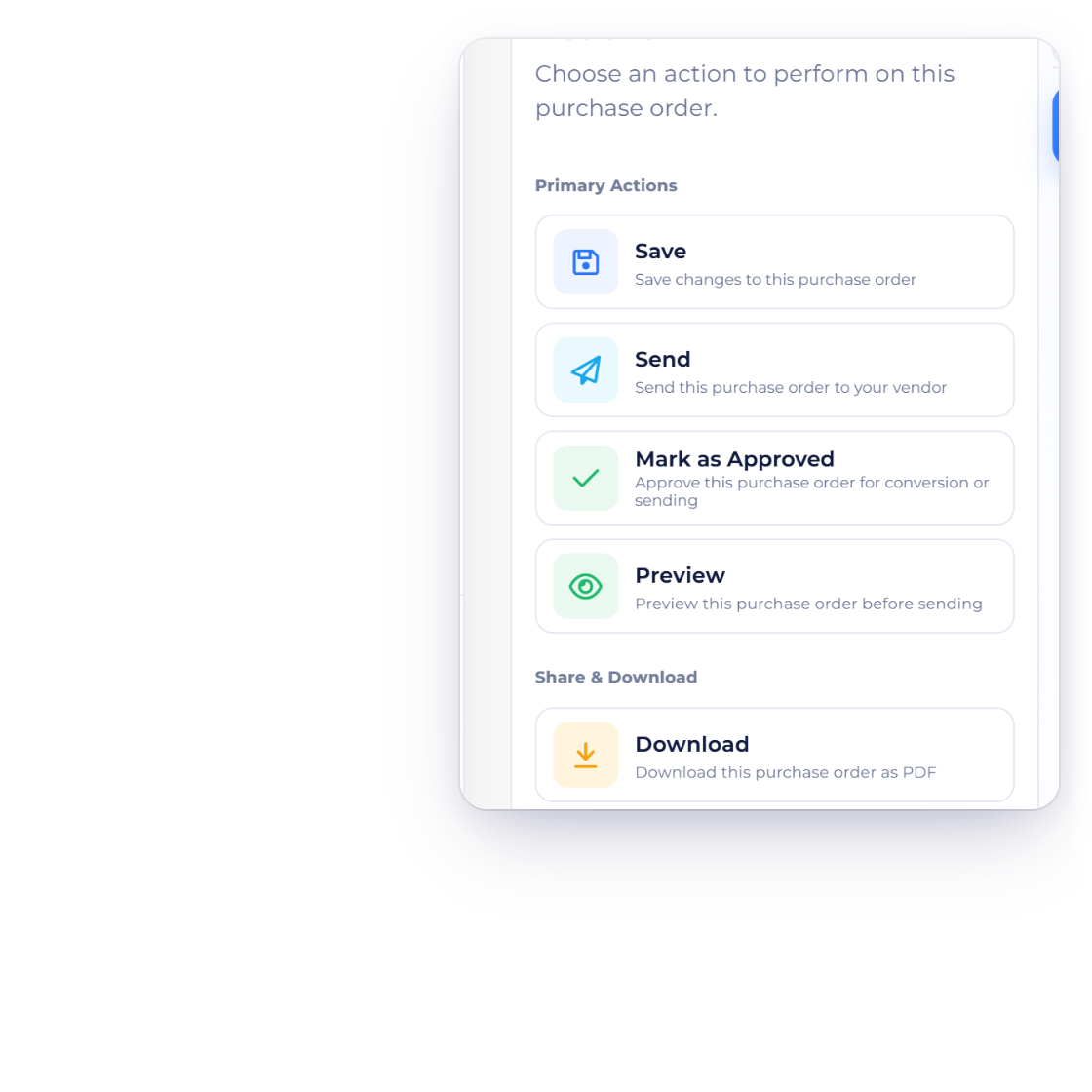
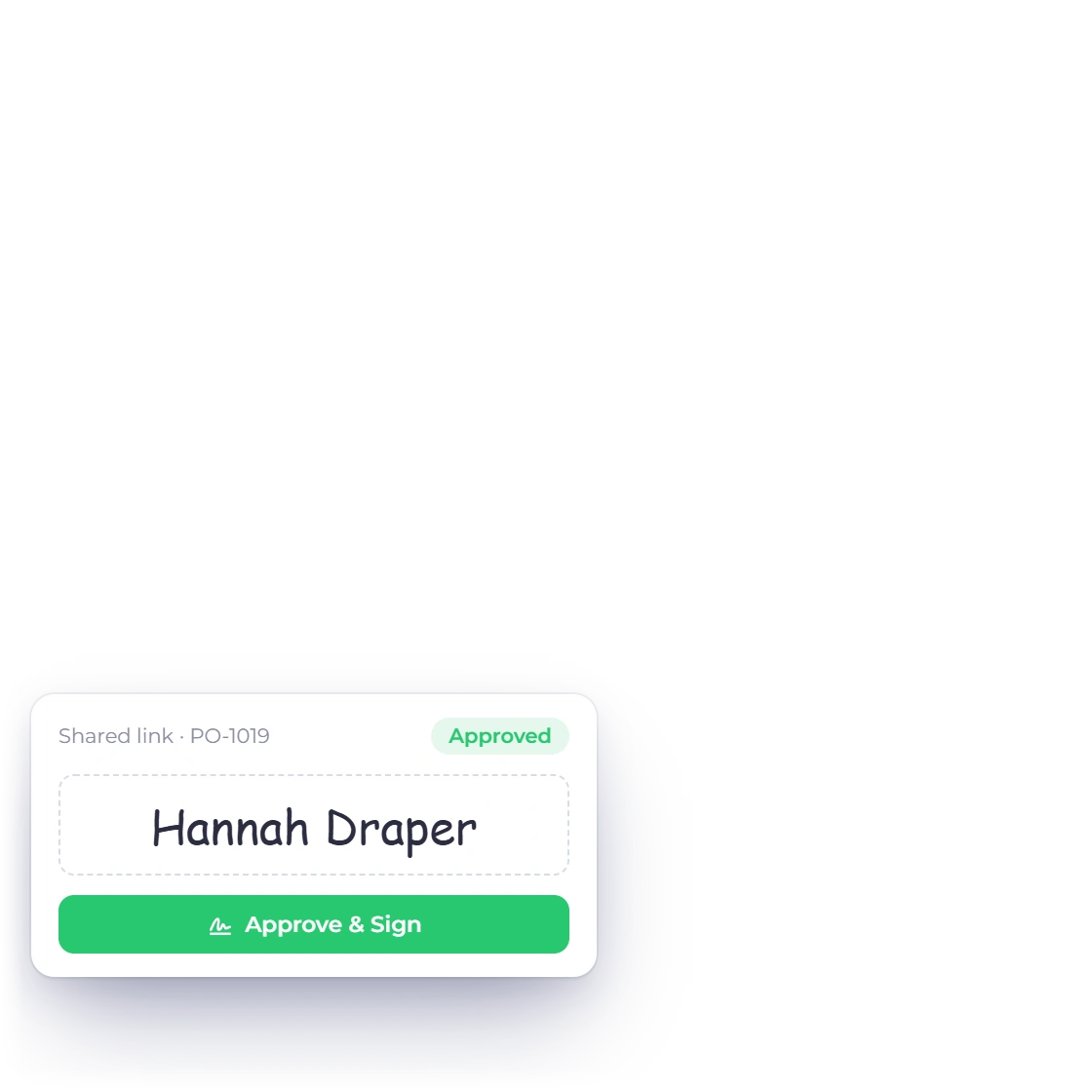
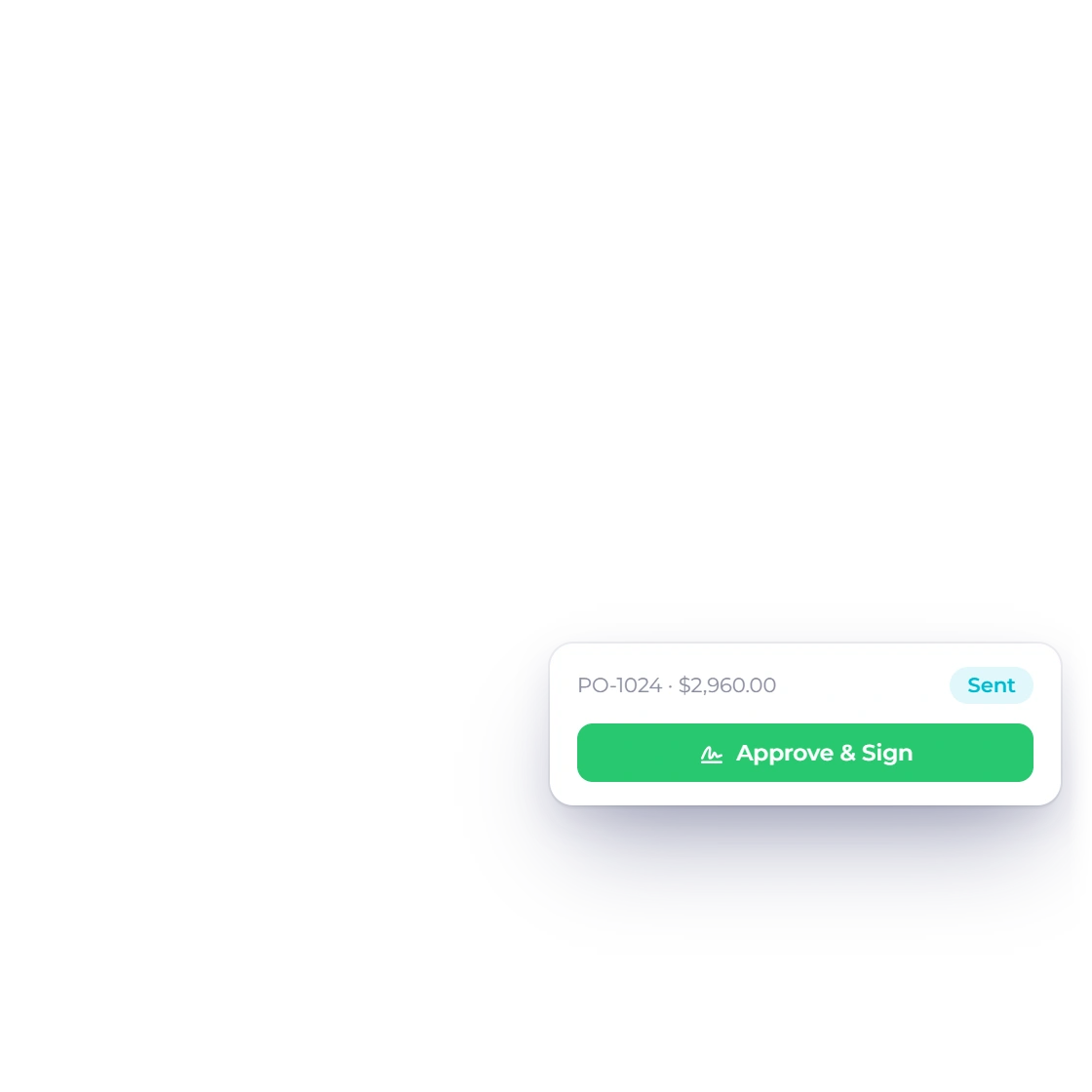
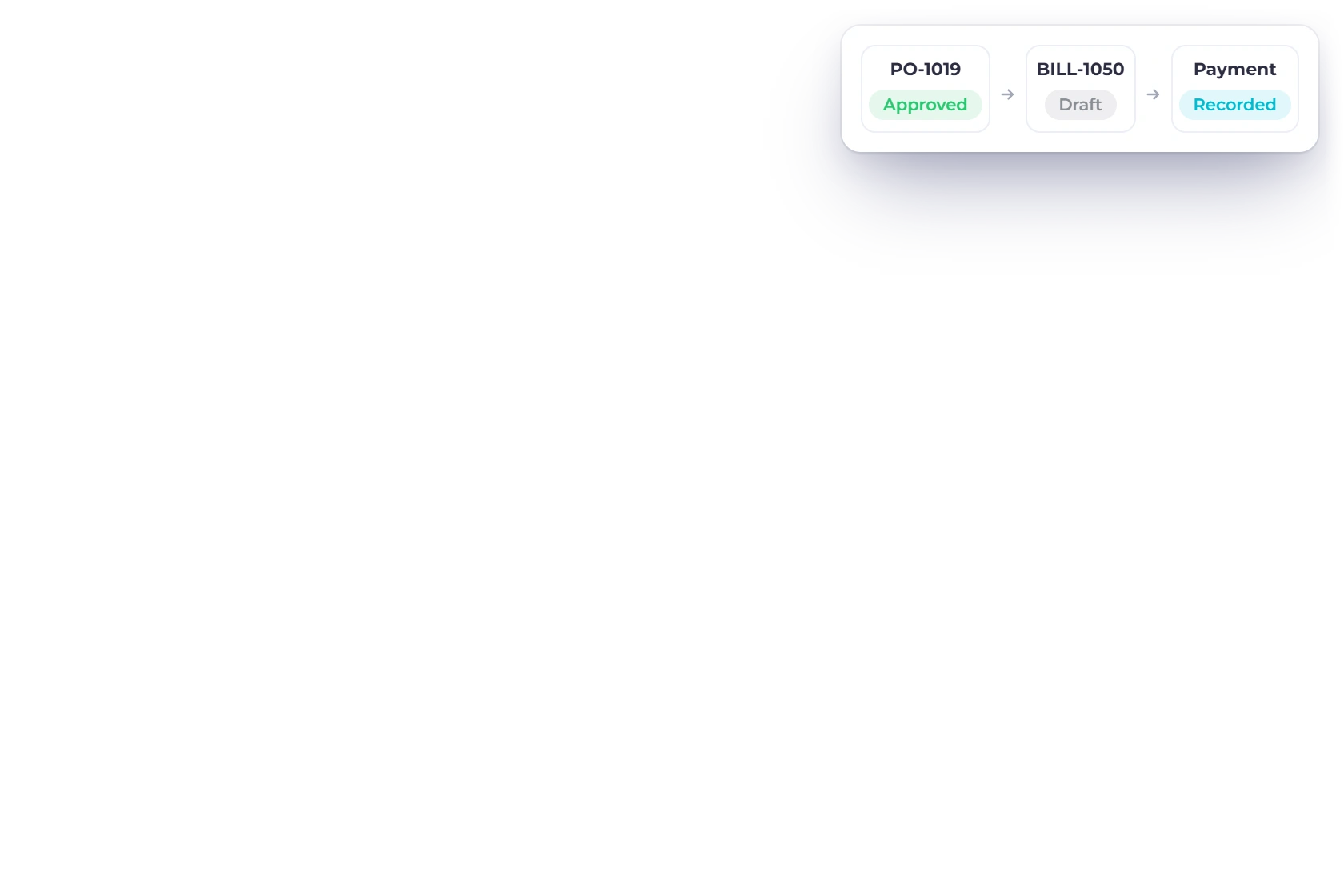
Create a PO in the document editor, send or mark it approved and convert the approved order into a draft bill. The PO is a commitment record, not a payment.
Bills carry due dates, balances and purchase-side accounting context.
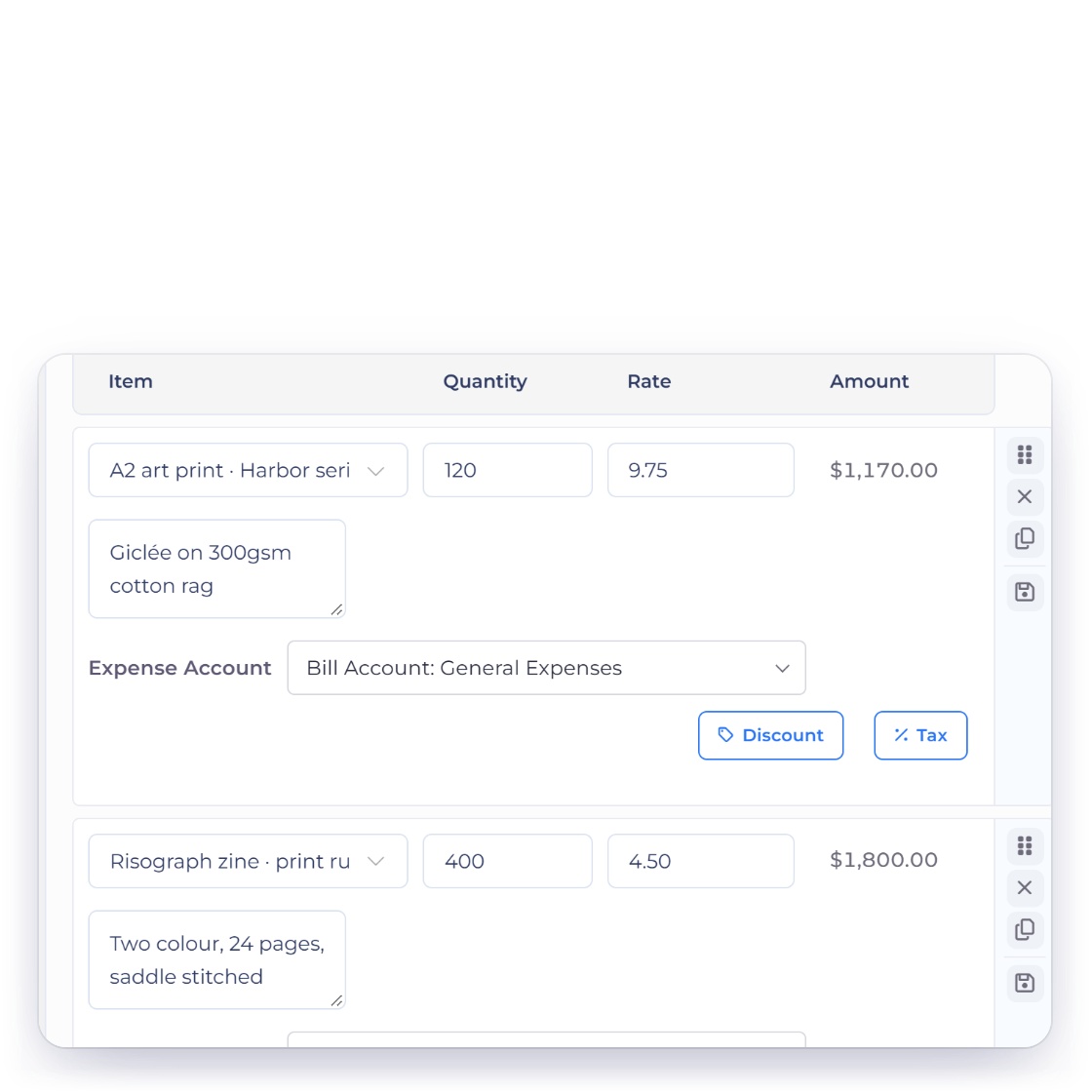
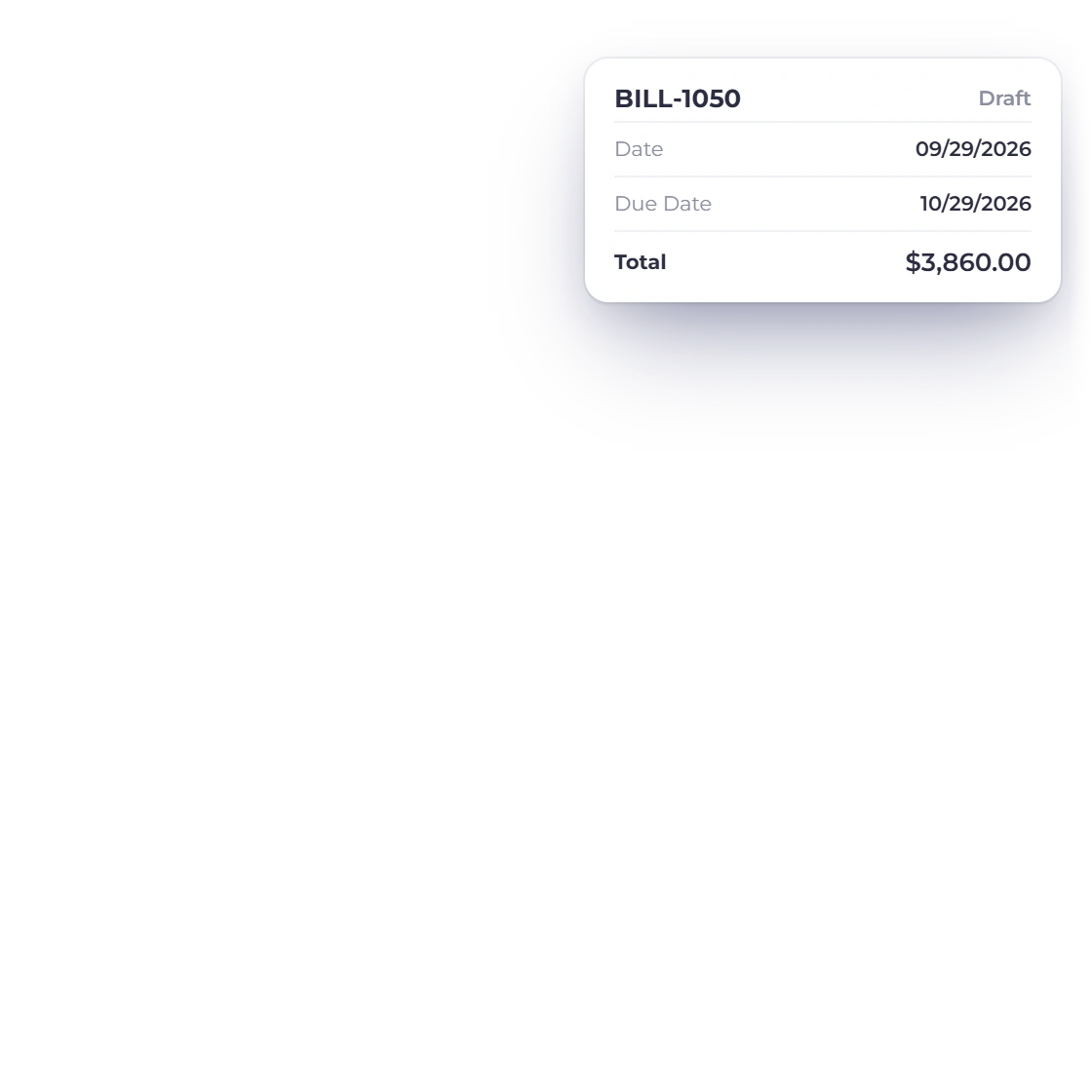
Bills keep the vendor, lines, taxes, date, due date, status and balance together. A converted PO becomes a separate bill draft that can still be reviewed.
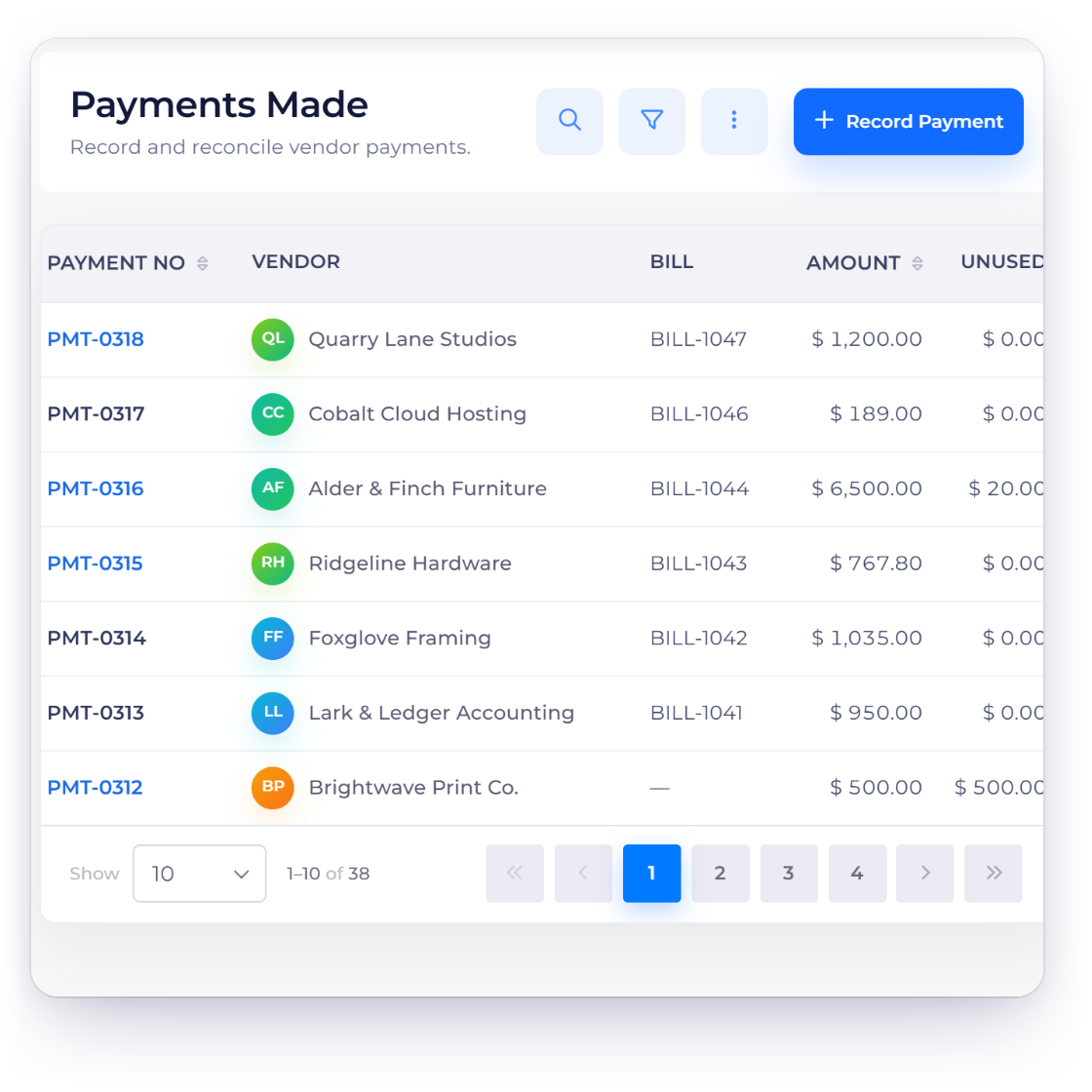
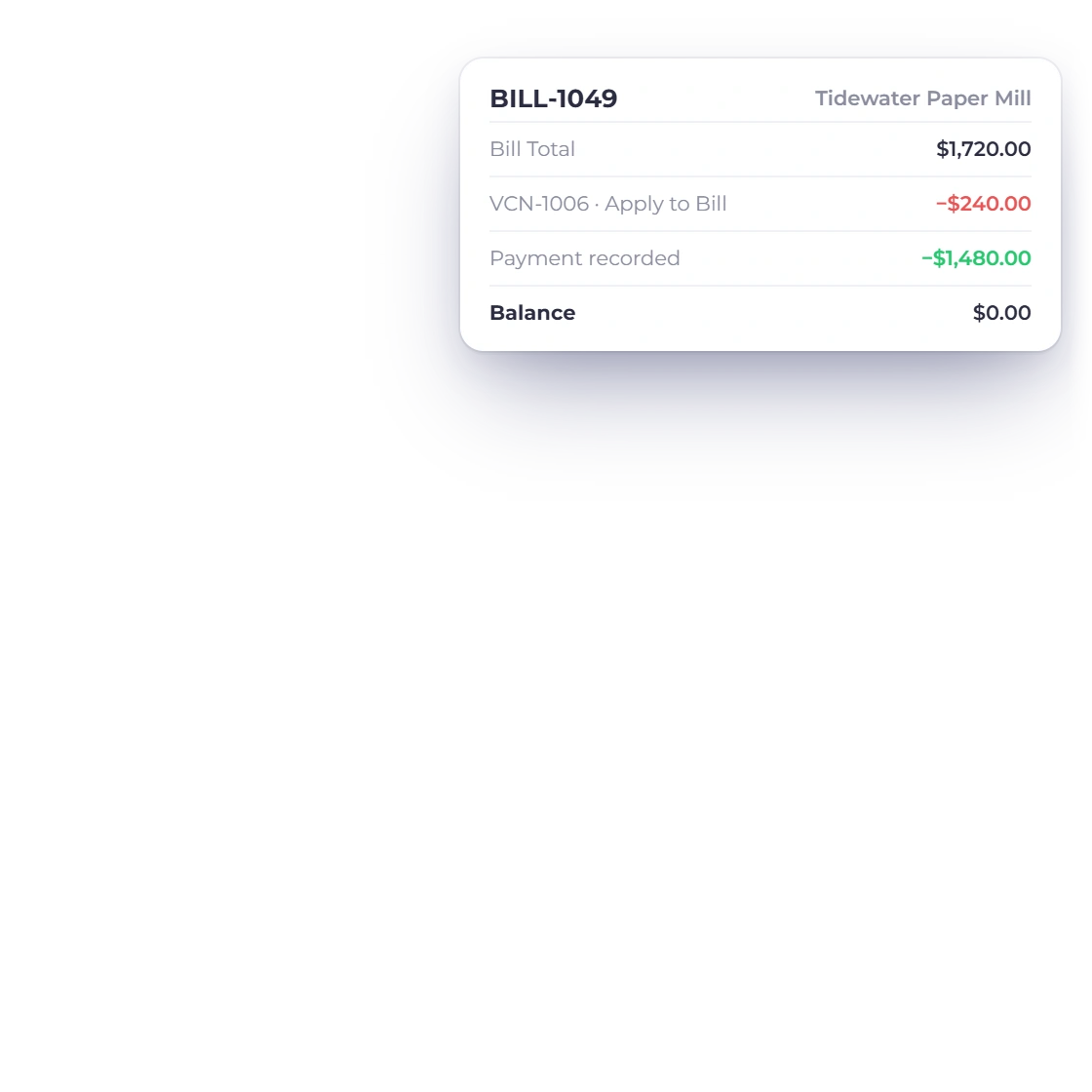
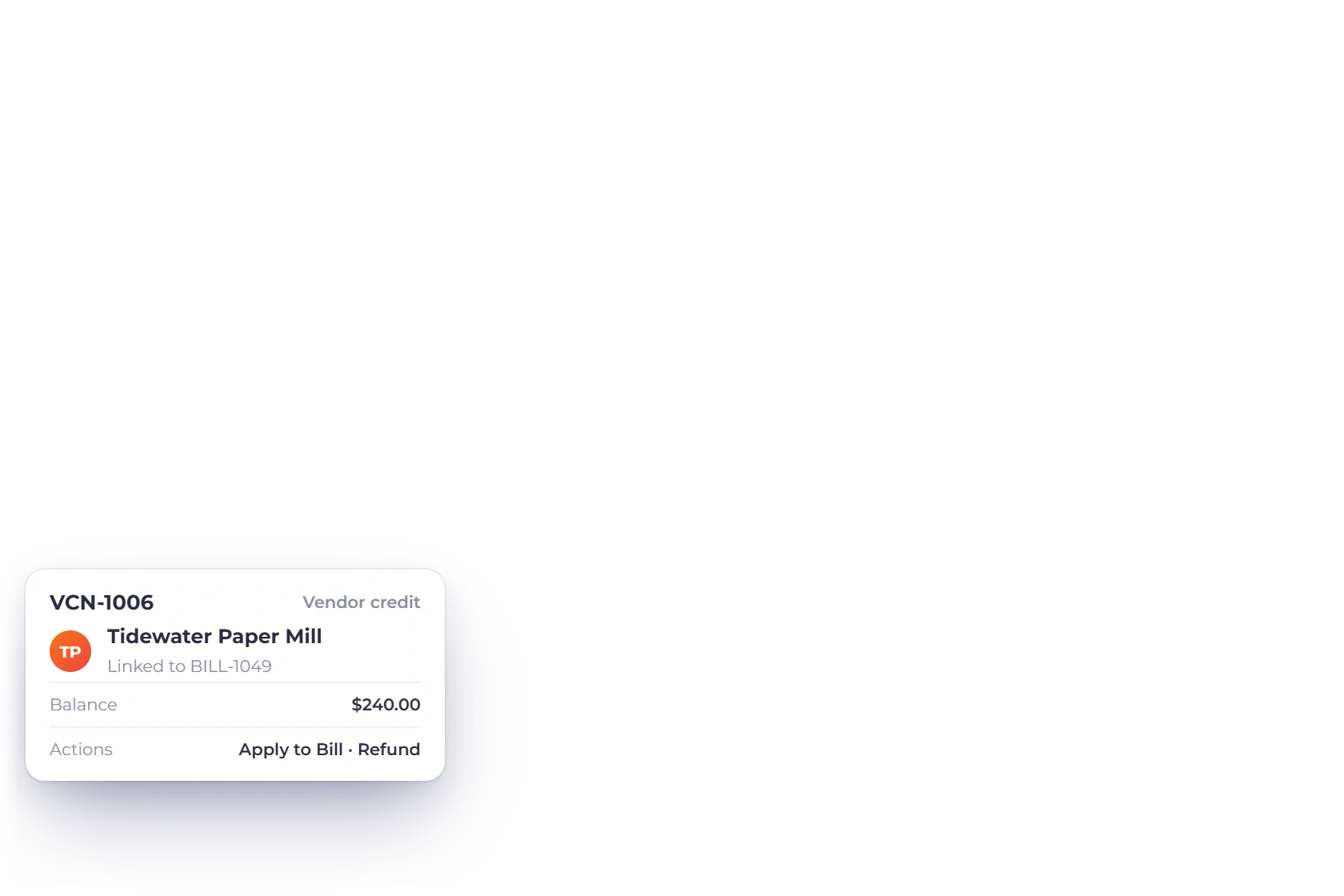
A vendor credit reduces what the supplier owes back; Payments Made records money the business sent. Both can affect a bill, but they preserve different evidence and actions.
Portal access and bank review remain deliberate.
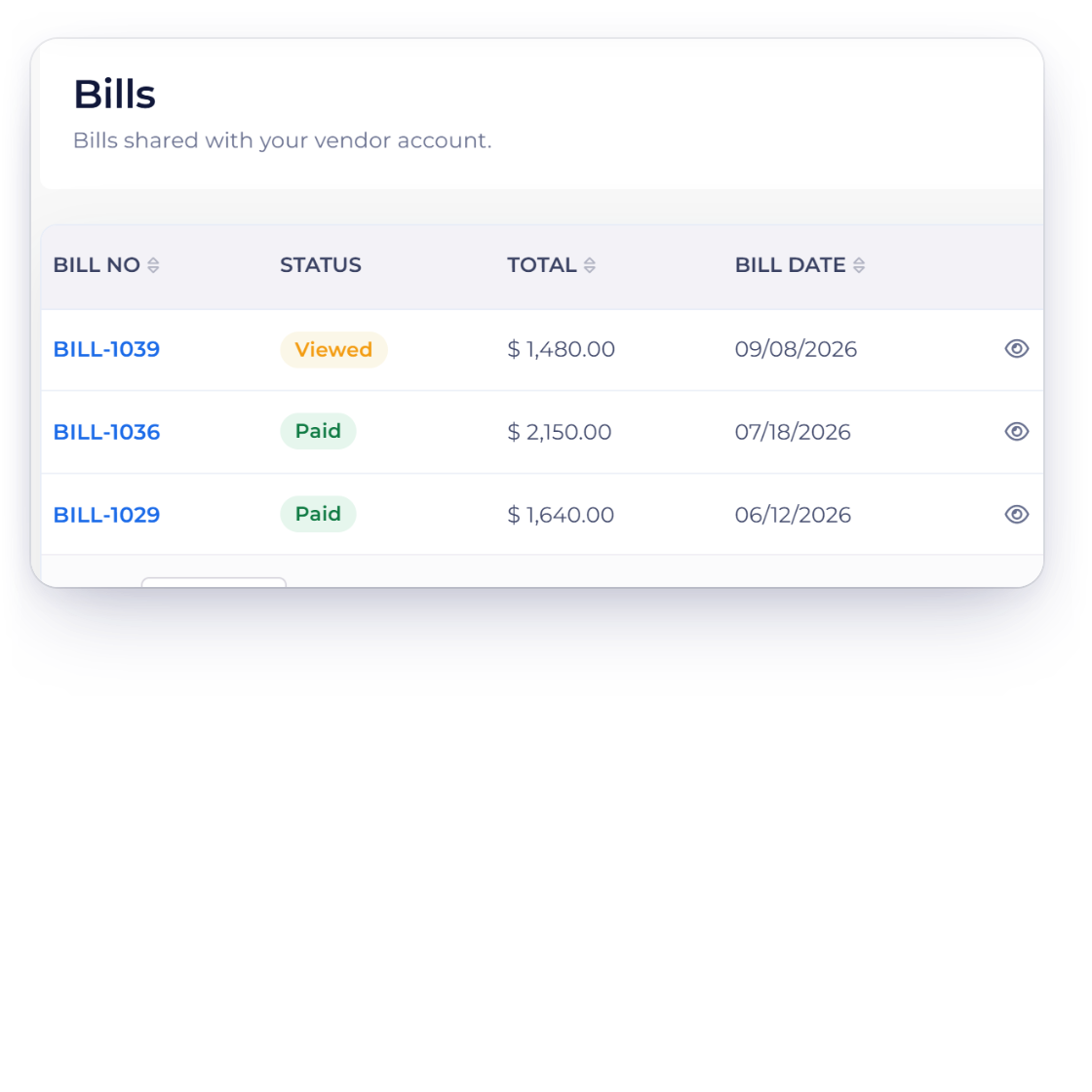
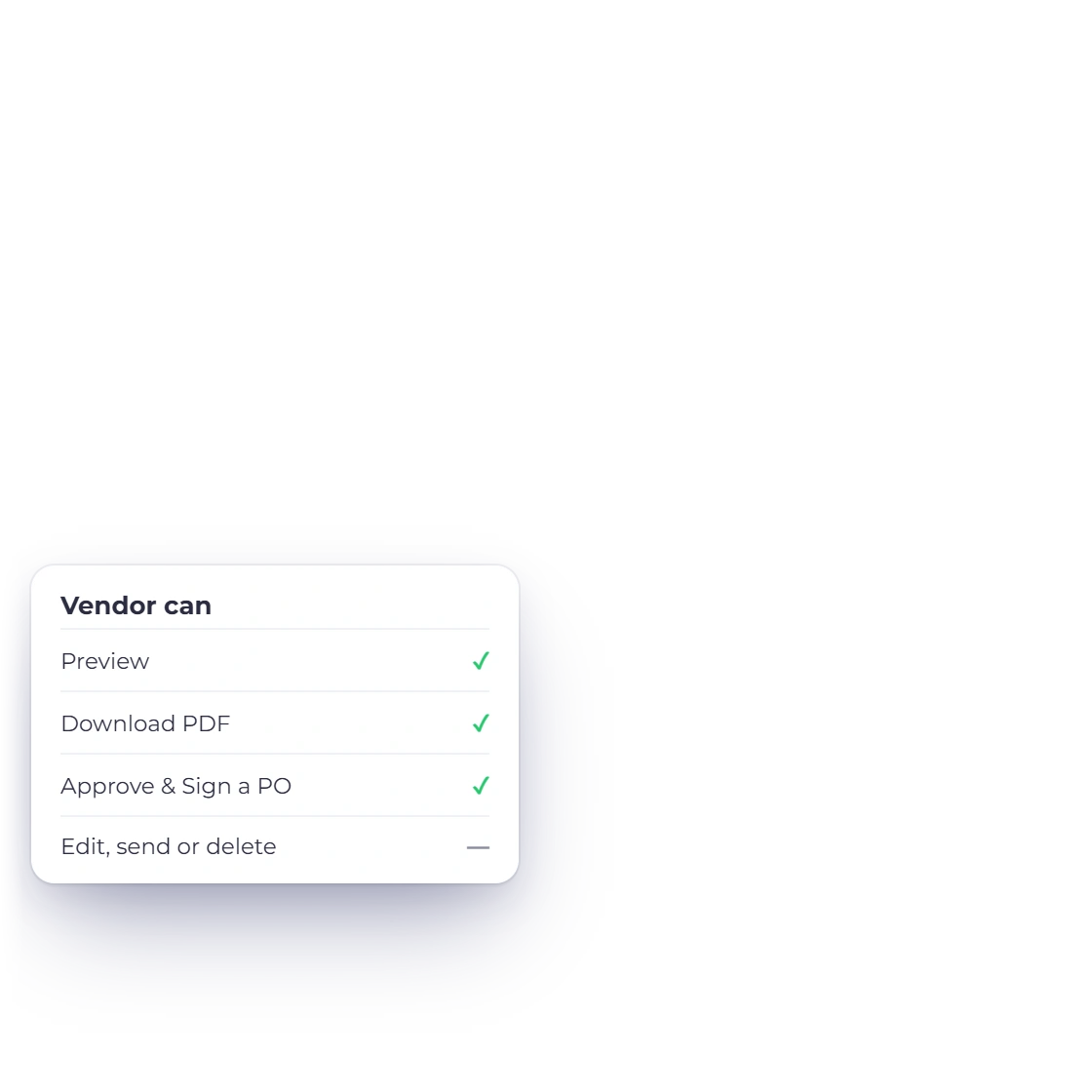
Choose whether an accepted vendor can see eligible bills, purchase orders, credits and payments made. The portal does not expose internal create, edit or delete actions.
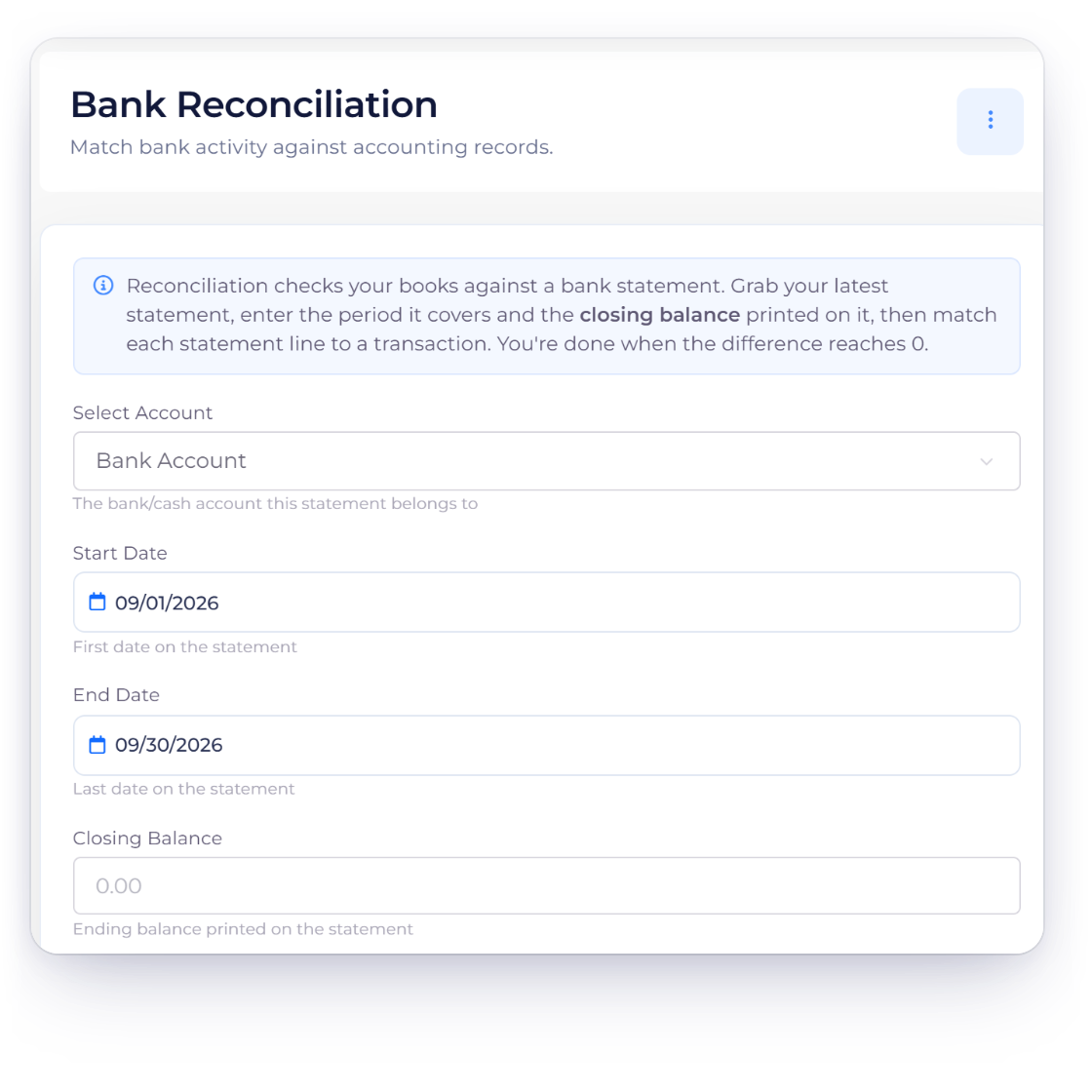
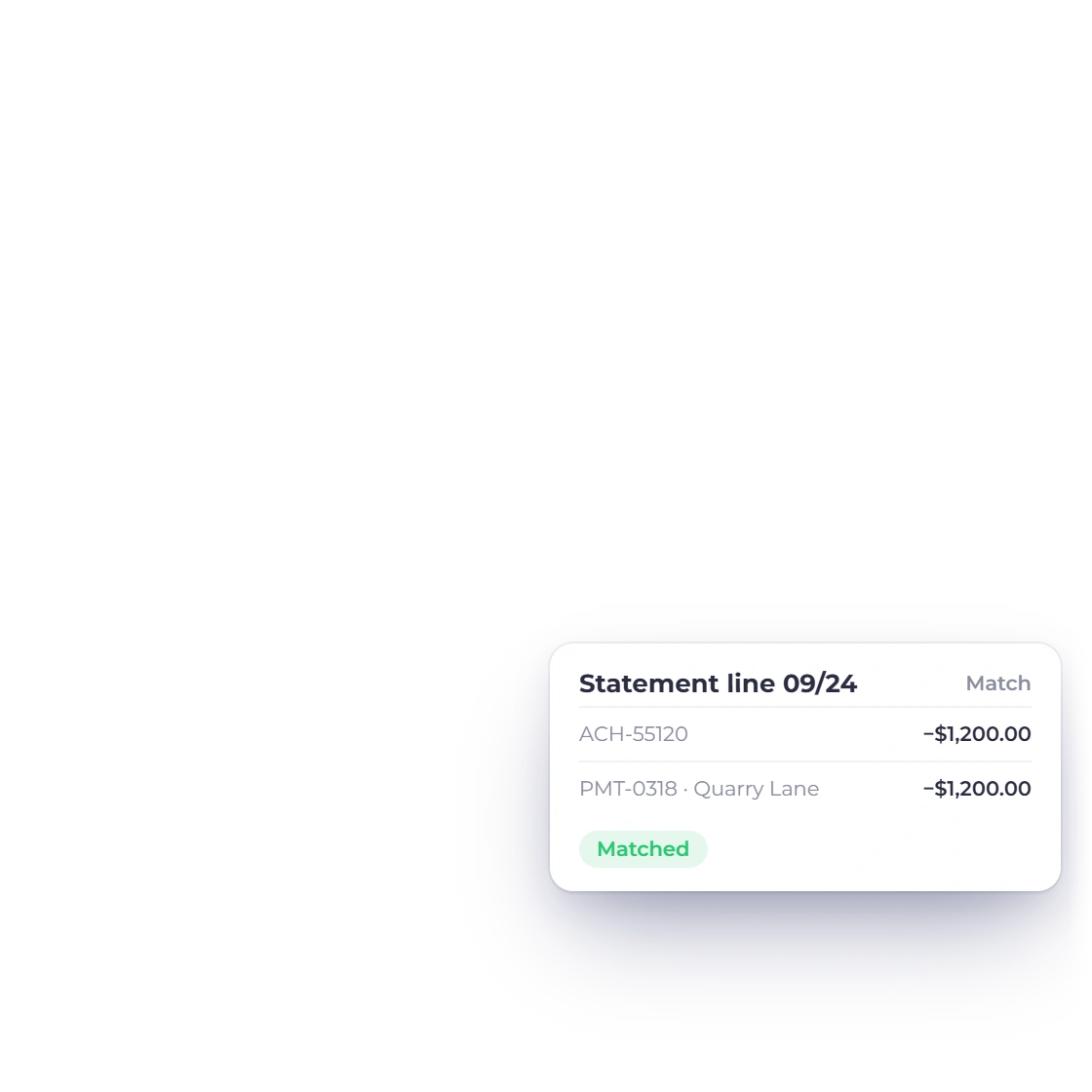
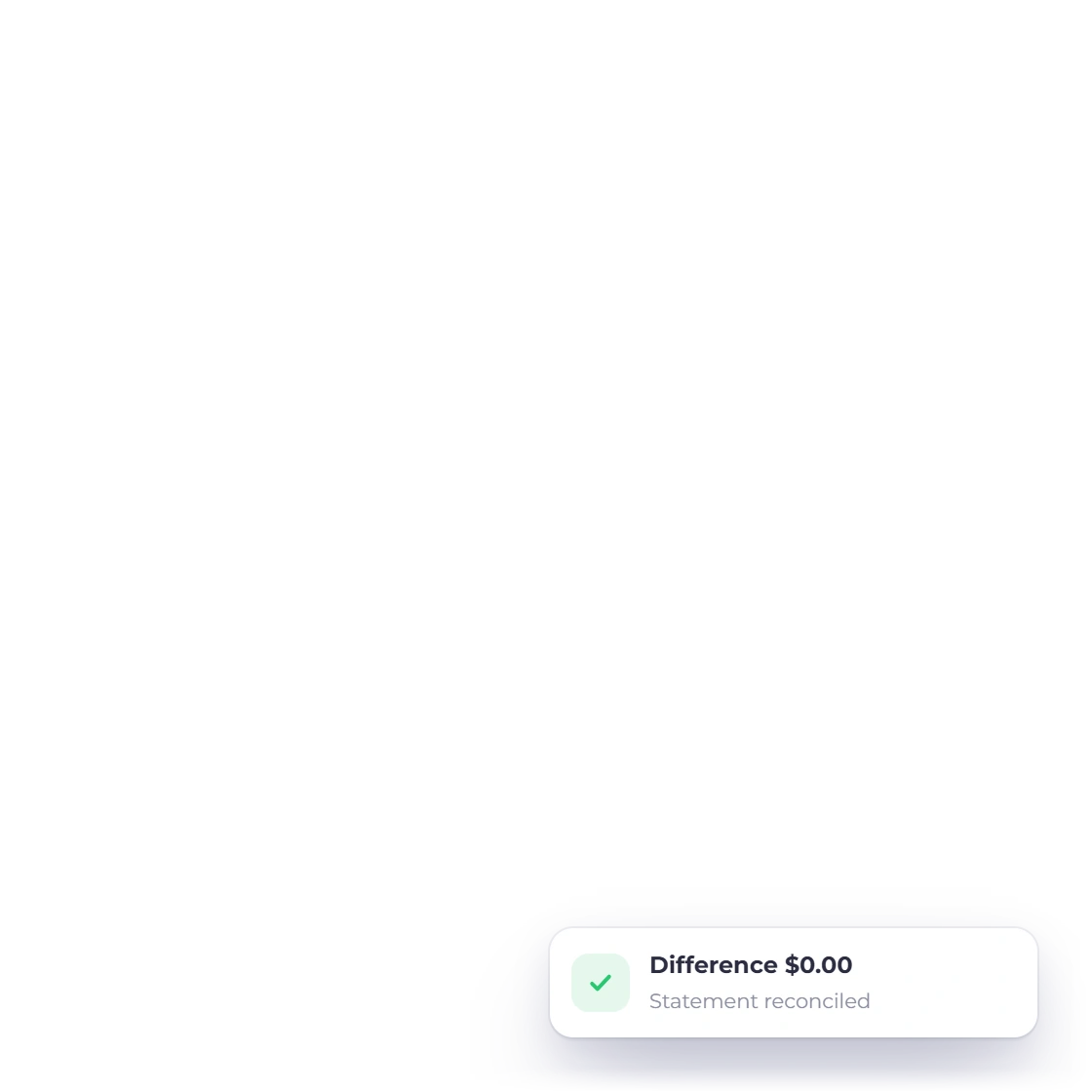
A recorded vendor payment can feed the accounting reports, while Bank Reconciliation compares the recorded entry with the external statement. Recording and reconciling are not the same step.
Built in
Every core surface and the boundary it owns, linked into one navigable hub.
Store the supplier's contact and tax details, use it across purchase documents and control whether that vendor receives a portal invite.
Create a PO in the document editor, send or mark it approved and convert the approved order into a draft bill. The PO is a commitment record, not a payment.
Bills keep the vendor, lines, taxes, date, due date, status and balance together. A converted PO becomes a separate bill draft that can still be reviewed.
A vendor credit reduces what the supplier owes back; Payments Made records money the business sent. Both can affect a bill, but they preserve different evidence and actions.
Choose whether an accepted vendor can see eligible bills, purchase orders, credits and payments made. The portal does not expose internal create, edit or delete actions.
A recorded vendor payment can feed the accounting reports, while Bank Reconciliation compares the recorded entry with the external statement. Recording and reconciling are not the same step.
The supplier record used across purchase documents.
Authorize and convert supplier commitments.
Record what is owed and when it is due.
Apply or refund supplier credits.
Record and allocate outgoing vendor payments.
Give the supplier a read-only view.
Questions
Invoice Crowd's Purchases menu covers vendors, expenses, bills, purchase orders, payments made and vendor credits, plus a read-only vendor portal. Each surface retains its own lifecycle and permissions. Vendor records work on every plan; the documents need a paid plan.
No. An approved purchase order is a commitment document. Invoice Crowd can convert it into a draft bill, but payment is recorded separately through Payments Made or an eligible vendor-credit application.
A vendor credit represents value the supplier owes back to the business. Payments Made records money the business sent to a vendor and how much of it was allocated to a bill.
No. Invoice Crowd's Vendor Portal is a read-only projection of the enabled bills, purchase orders, vendor credits and payments made for that supplier.
No. Payments Made records the vendor settlement. Bank Reconciliation is the separate workflow that compares recorded activity with an uploaded bank statement.
Yes. Invoice Crowd can create a vendor bill directly or from an approved purchase order. The source route is kept explicit in the document workflow.
Yes. In Lock Transactions the account owner can lock the Purchases area, which covers expenses, bills, purchase orders, payments made, vendor credits and inventory, up to a date. Records dated on or before it can't be created, edited or deleted until the owner unlocks those dates, and every lock and unlock is logged with a reason.
Move from vendor to purchase order, bill, credit and payment without losing which document owns each decision.