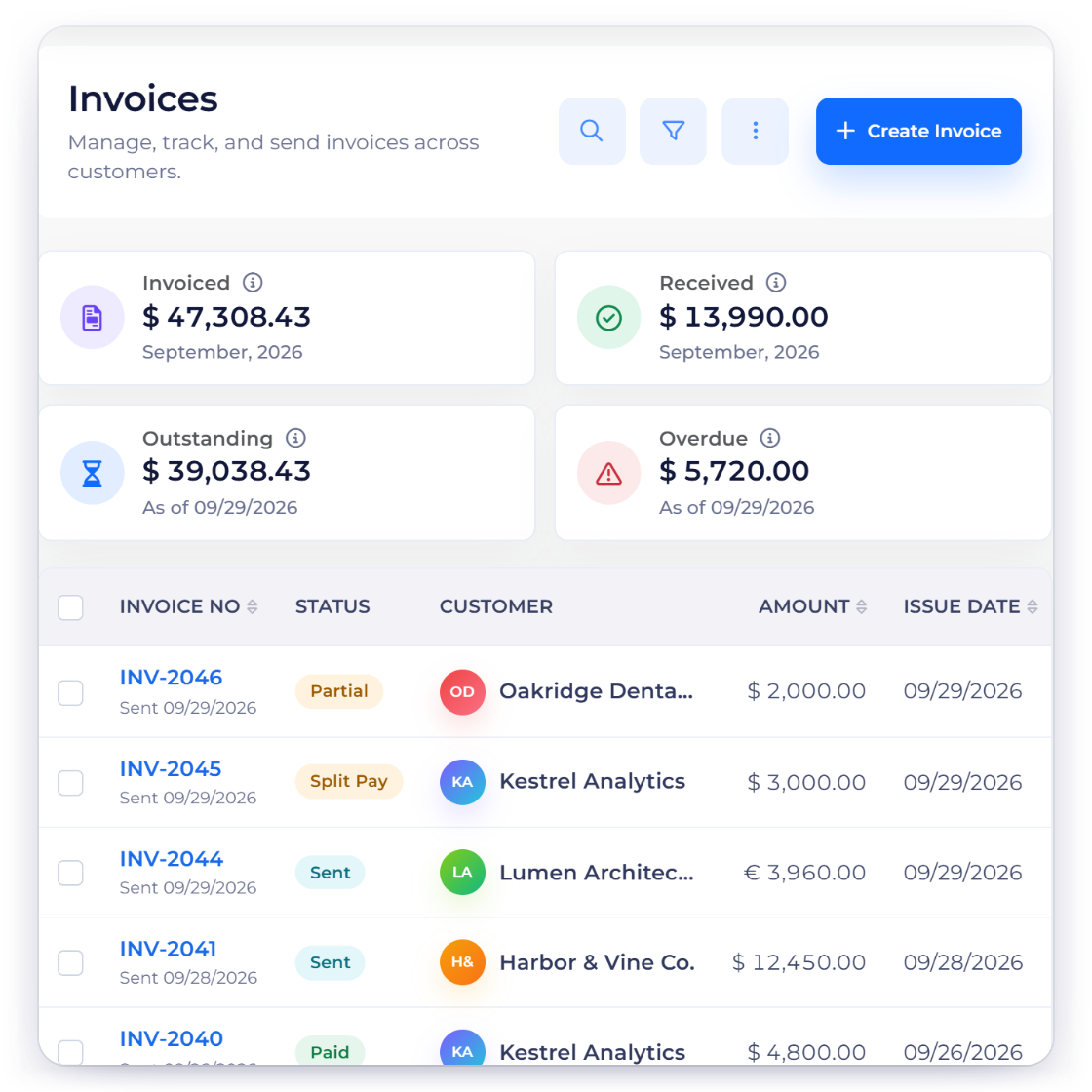
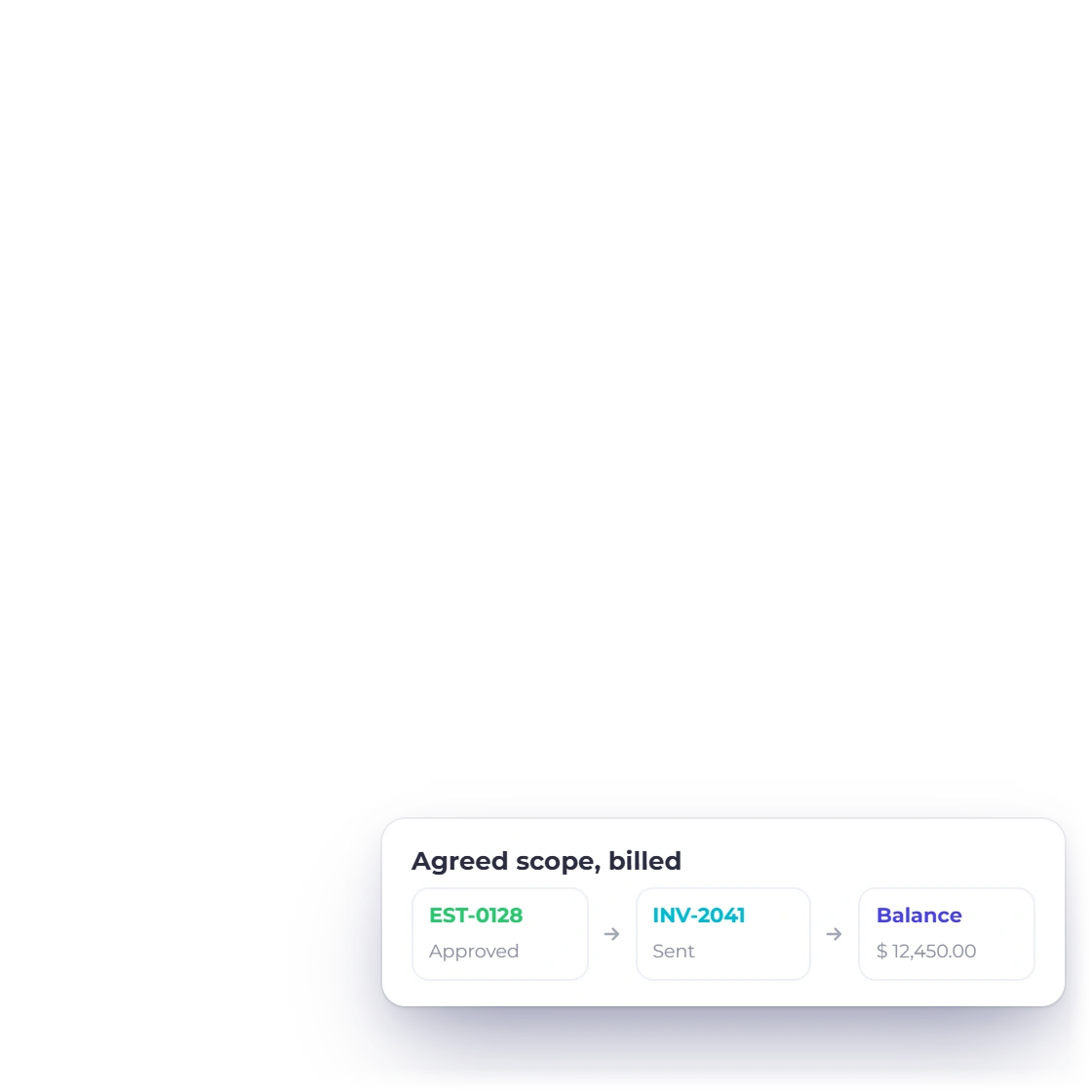
Keep scope and billing connected
Create proposals and estimates, record the accepted work and carry the billing details into customer invoices. Your team can see what was agreed alongside what has been charged.
Invoice Crowd vs Xero
Invoice Crowd runs the client workflow and the accounting in one workspace, from proposal and project time to invoice, payment and purchasing, while Xero is accounting-first with a large app ecosystem. Choose Invoice Crowd when you want the work and the records it creates together.
Decision table
Start with the work you need to do, then compare the features and plan access below. We publish this comparison as Invoice Crowd.
Compare the required plan and regional edition before choosing. Prices, users, payment fees, add-ons and availability can change. Official sources: https://www.xero.com/us/pricing-plans/ and https://invoicecrowd.com/pricing/.
Why choose Invoice Crowd
With Invoice Crowd, proposals, estimates, project time, invoices and purchasing share the same business context. It is a practical choice when you want to manage the client workflow alongside the financial records it creates.
Reuse the context you already captured.
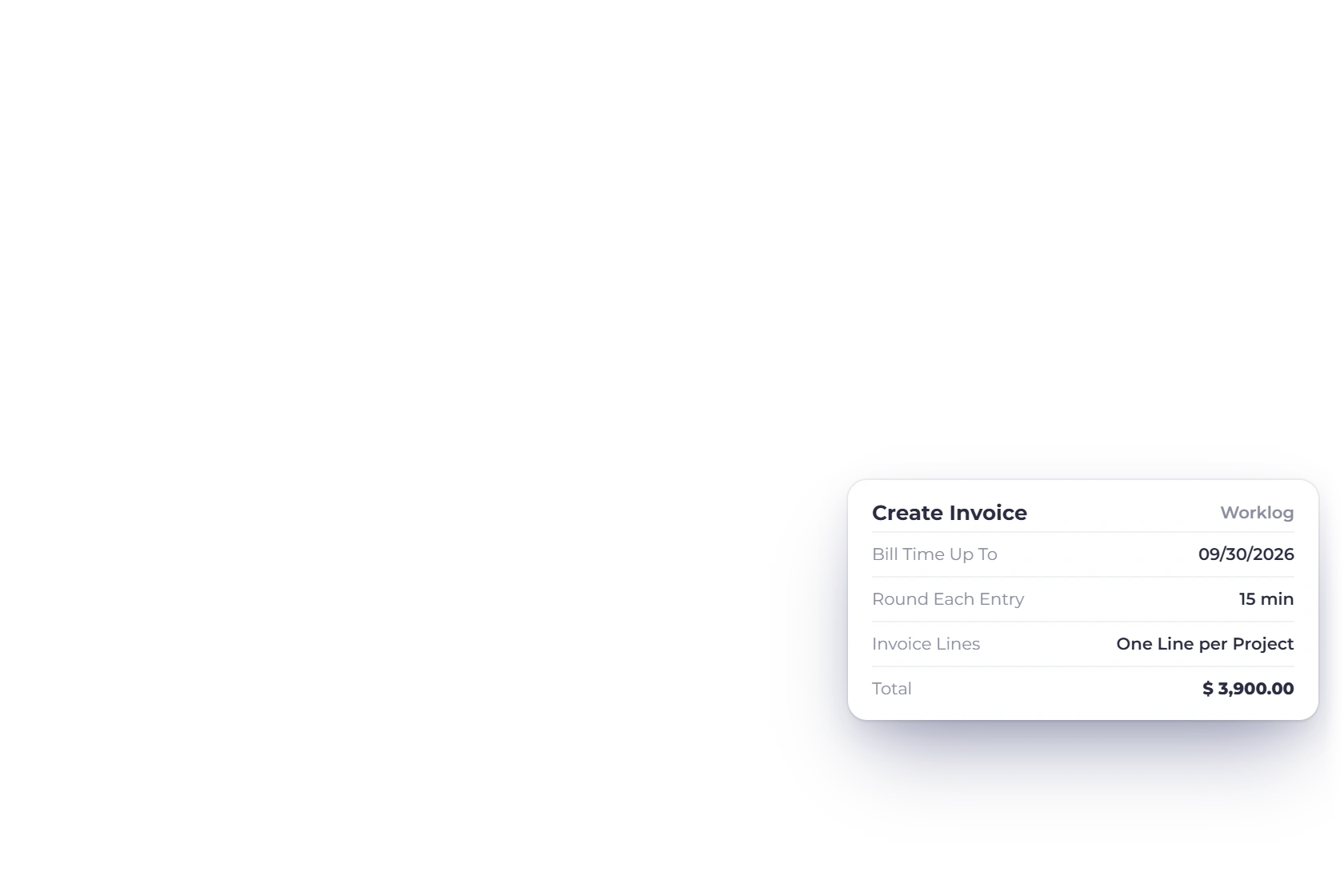
Create proposals and estimates, record the accepted work and carry the billing details into customer invoices. Your team can see what was agreed alongside what has been charged.
Use recurring invoices and monthly retainers for repeat charges on paid plans, and track partial payments against the remaining balance. Keep the customer history available when a question or correction needs attention.
Keep sales and purchasing in the same business context.
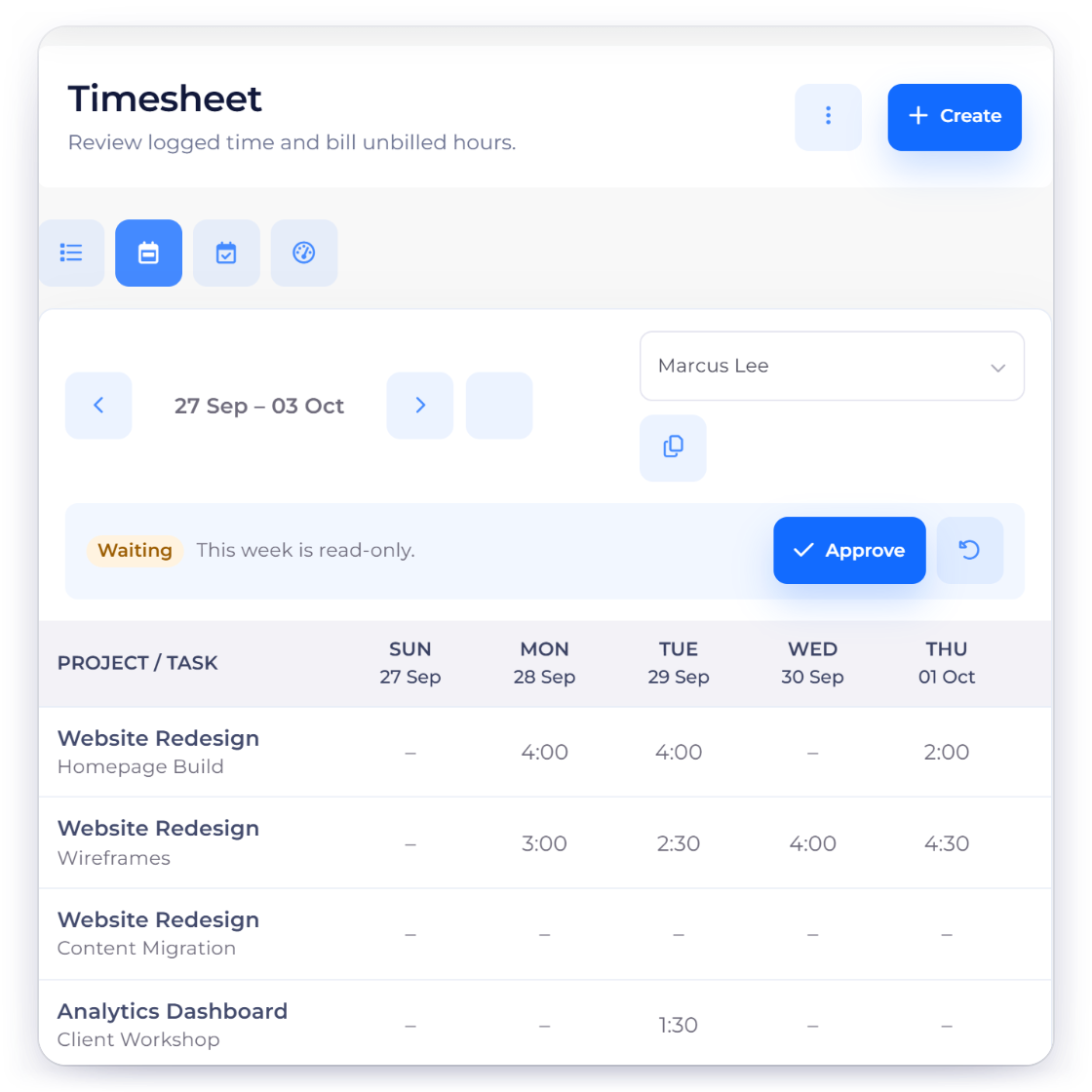
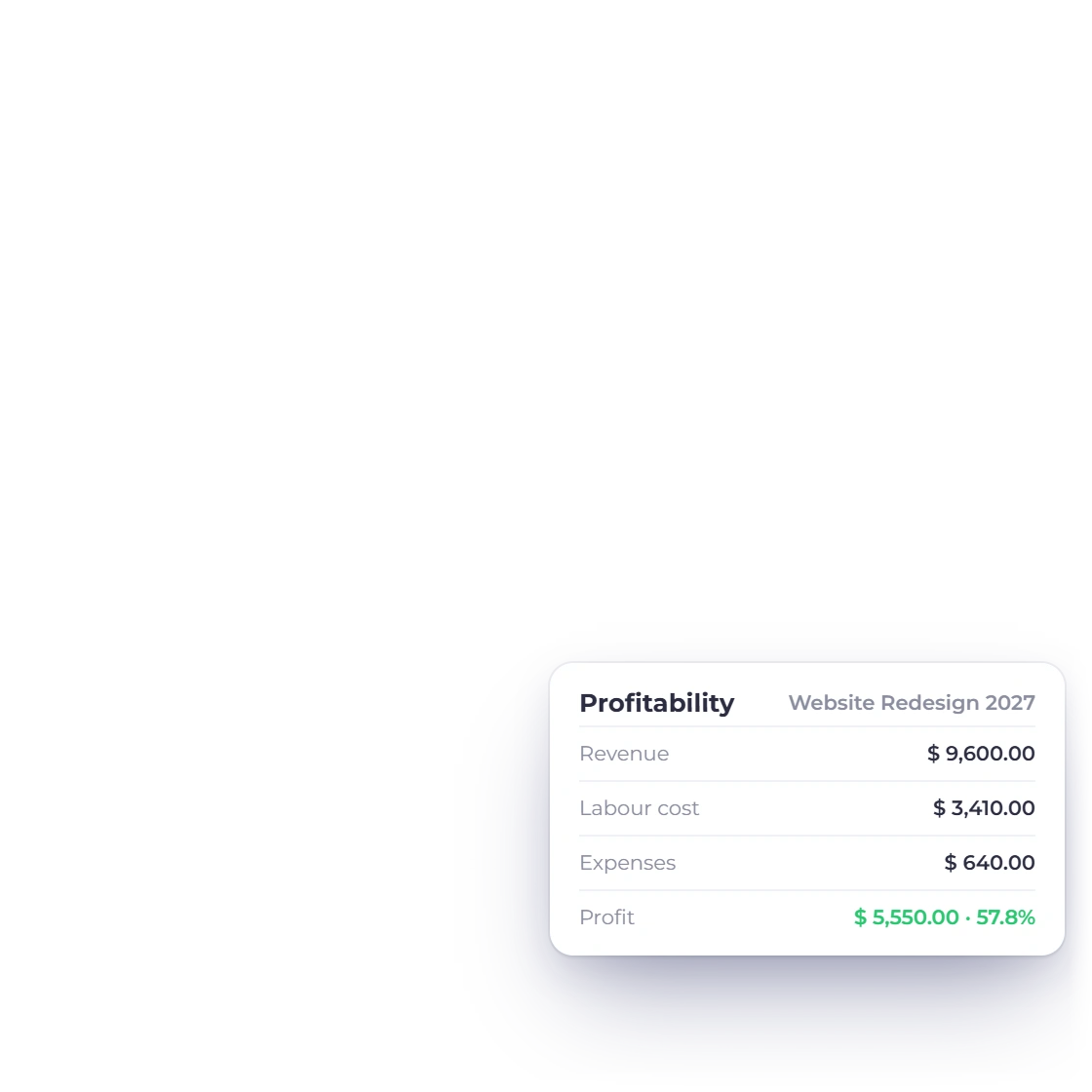
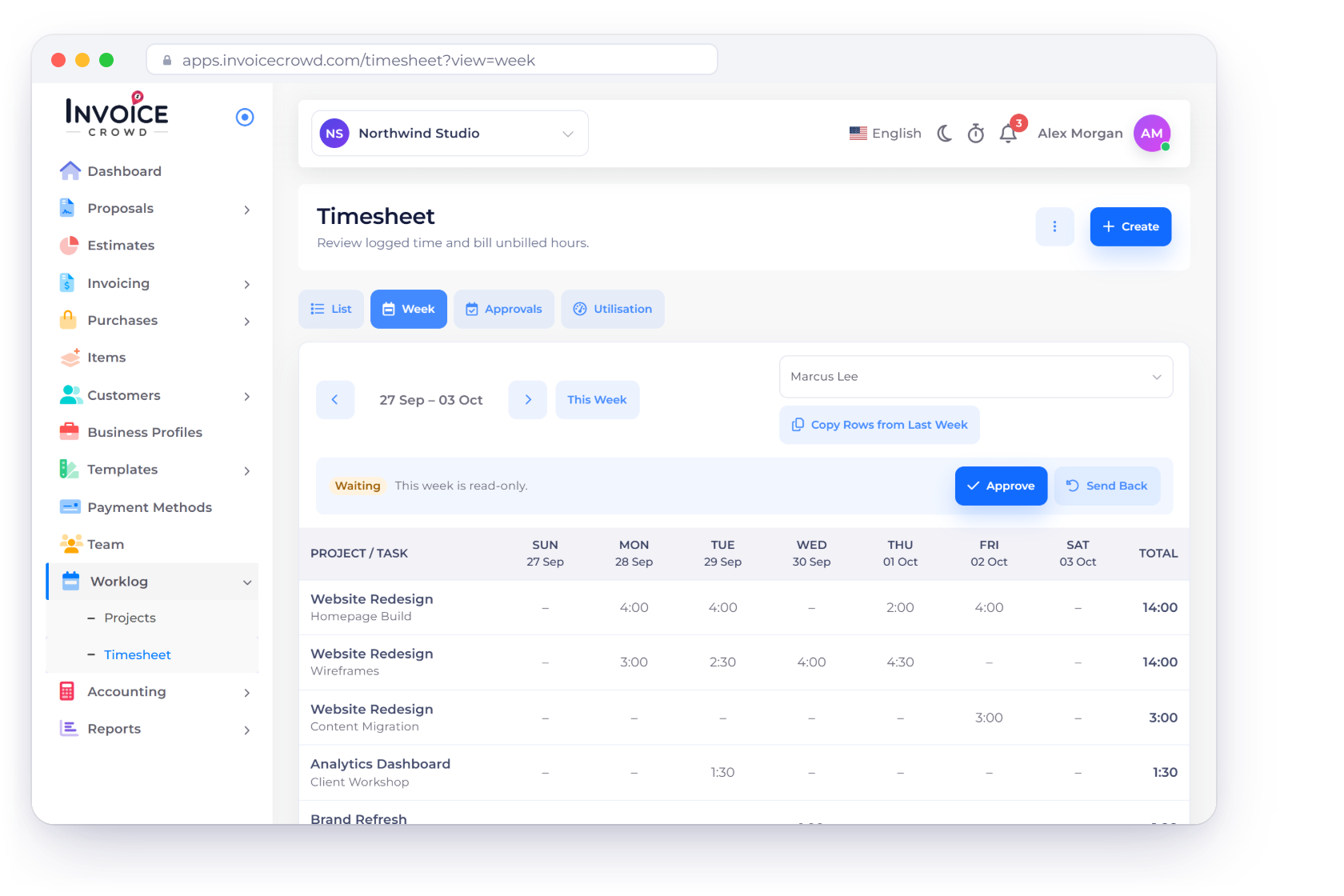
Record project work and billable time alongside supplier bills, purchase orders and expenses. You can follow the activity behind a client charge without rebuilding it from separate files.
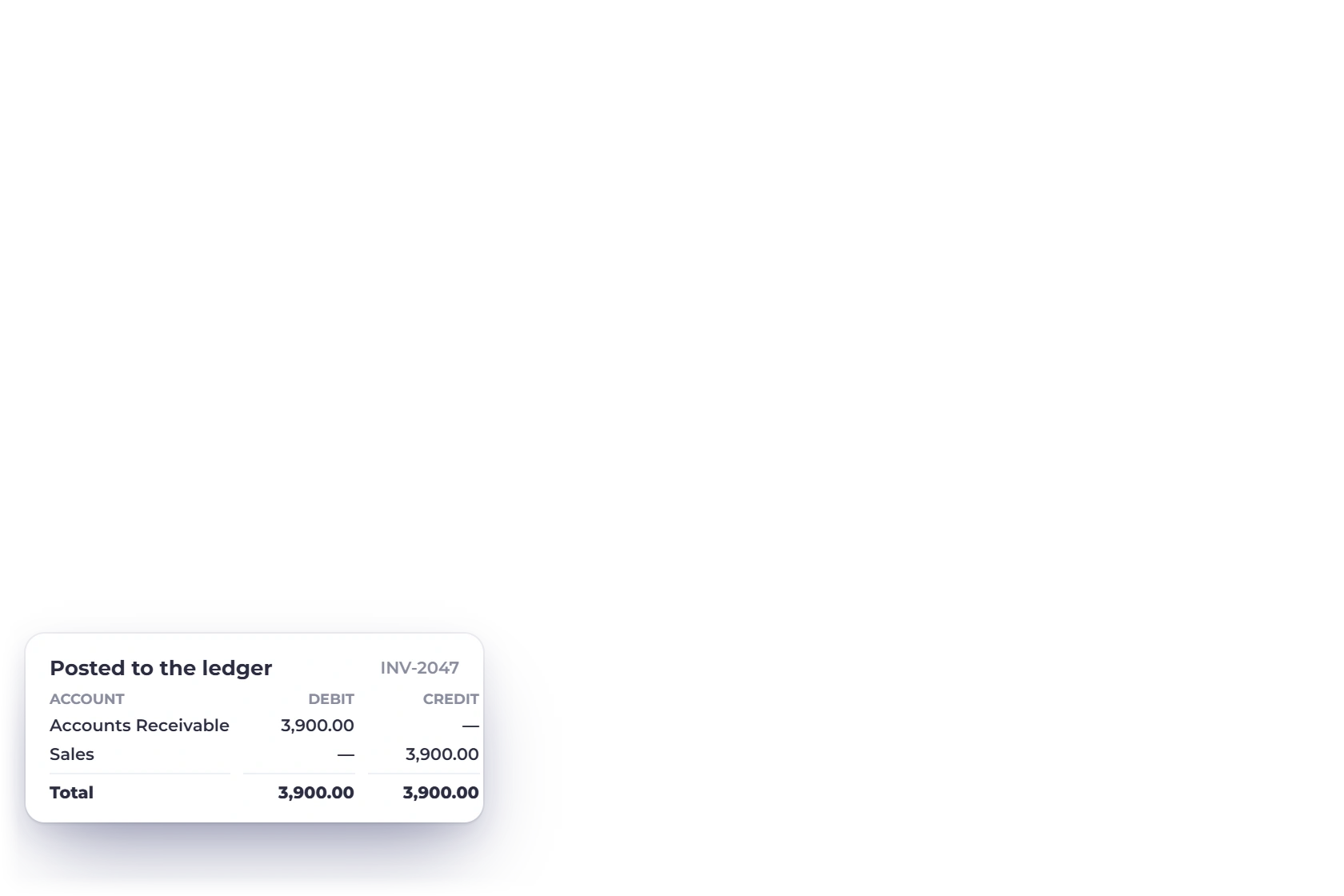
Use the chart of accounts, general ledger, journals and financial reports to review business activity. Reconcile imported statement records with the transactions behind the balances.
Check the requirements that affect your decision.

Choose the Invoice Crowd plan that covers the business profiles, users and features you need. Compare the recurring subscription and payment-provider charges using your actual workload.
Xero provides accounting, reconciliation and an app ecosystem, with project and currency features varying by plan and region. Check the bank connections, adviser tools and local requirements you depend on.
Features and plans
Look at the workflow in more detail, then compare the plans you would actually use.
Create invoices and keep payment history connected with the customer.
Connect project tasks and billable time with client billing.
Review the accounts, journals and reports behind your business balances.
Choose the features, users and business profiles for your setup.
Check current regional pricing, feature access and payment fees directly with the vendor.
Questions
Invoice Crowd covers the client workflow from proposal to payment, plus bills, purchase orders, projects and accounting records, in one workspace. Xero is accounting-first, with mature reconciliation and adviser collaboration, and its project features vary by plan. Invoice Crowd reconciles uploaded bank statements and has no live bank feeds, so check that against how you work.
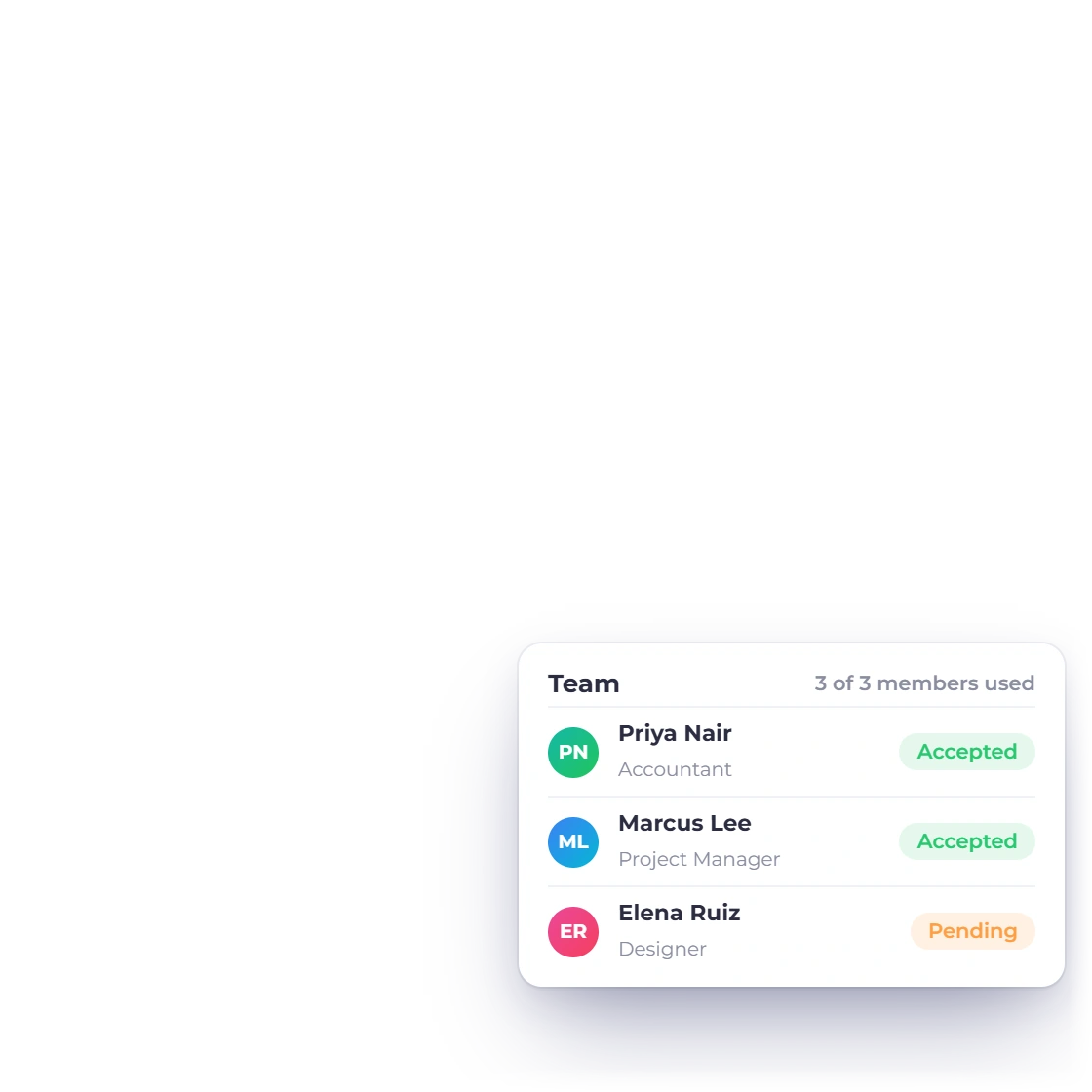
Invoice Crowd supports separate business profiles according to your plan. Check the current profile and user limits on our Pricing page and set up each business with its own records and settings.
Compare the plan you need, the normal renewal price, required users and business profiles, add-ons and payment-provider fees. Use the official pricing links for current regional terms.
Export your existing records, choose a cutover date and reconcile open balances. Test a representative proposal, invoice, payment, supplier bill and report. Confirm any specialist tax, payroll, bank-feed or industry requirements before moving current work.
Start with a proposal or estimate, create the invoice and see how the customer, payment and financial records stay connected.