
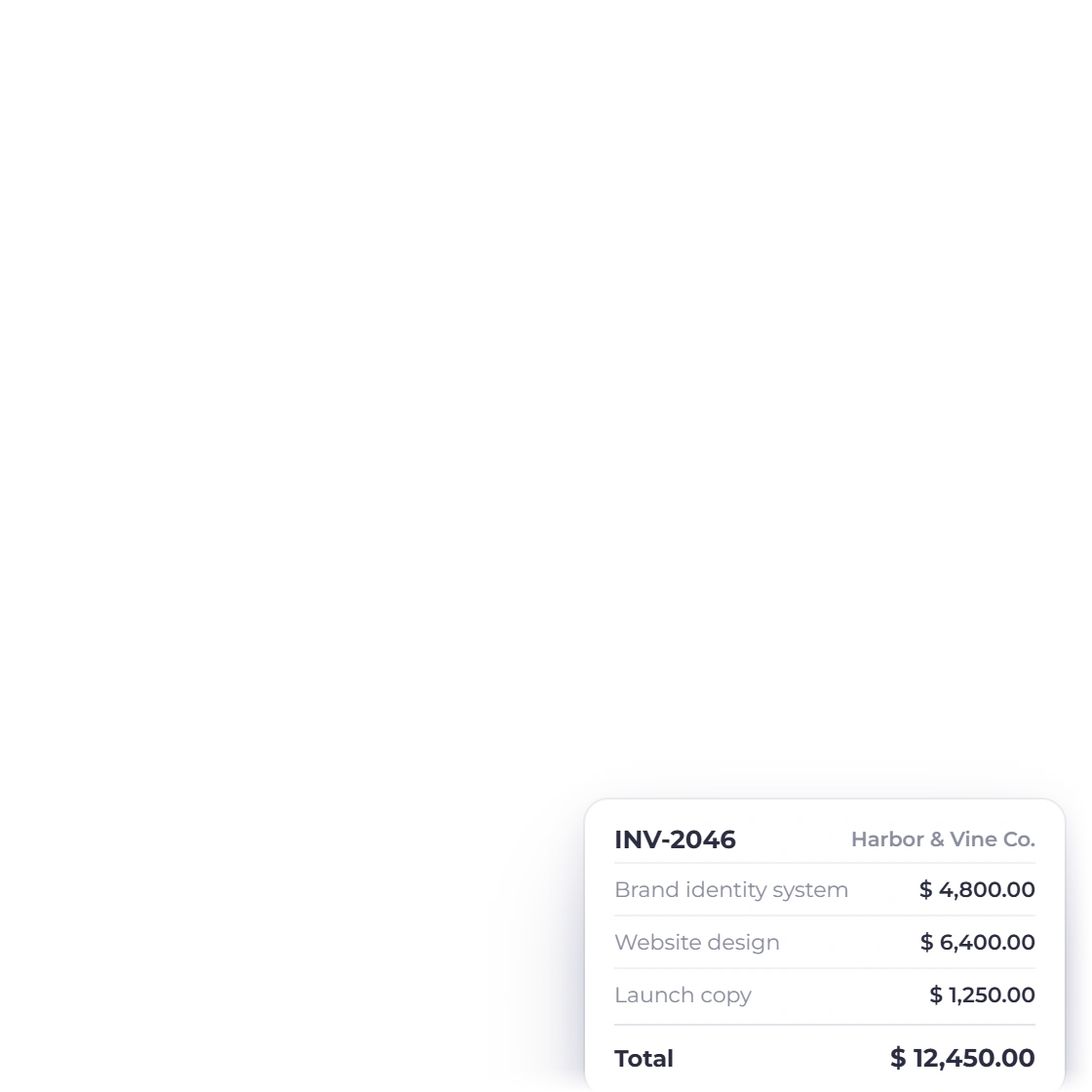
Enter the parties and line items
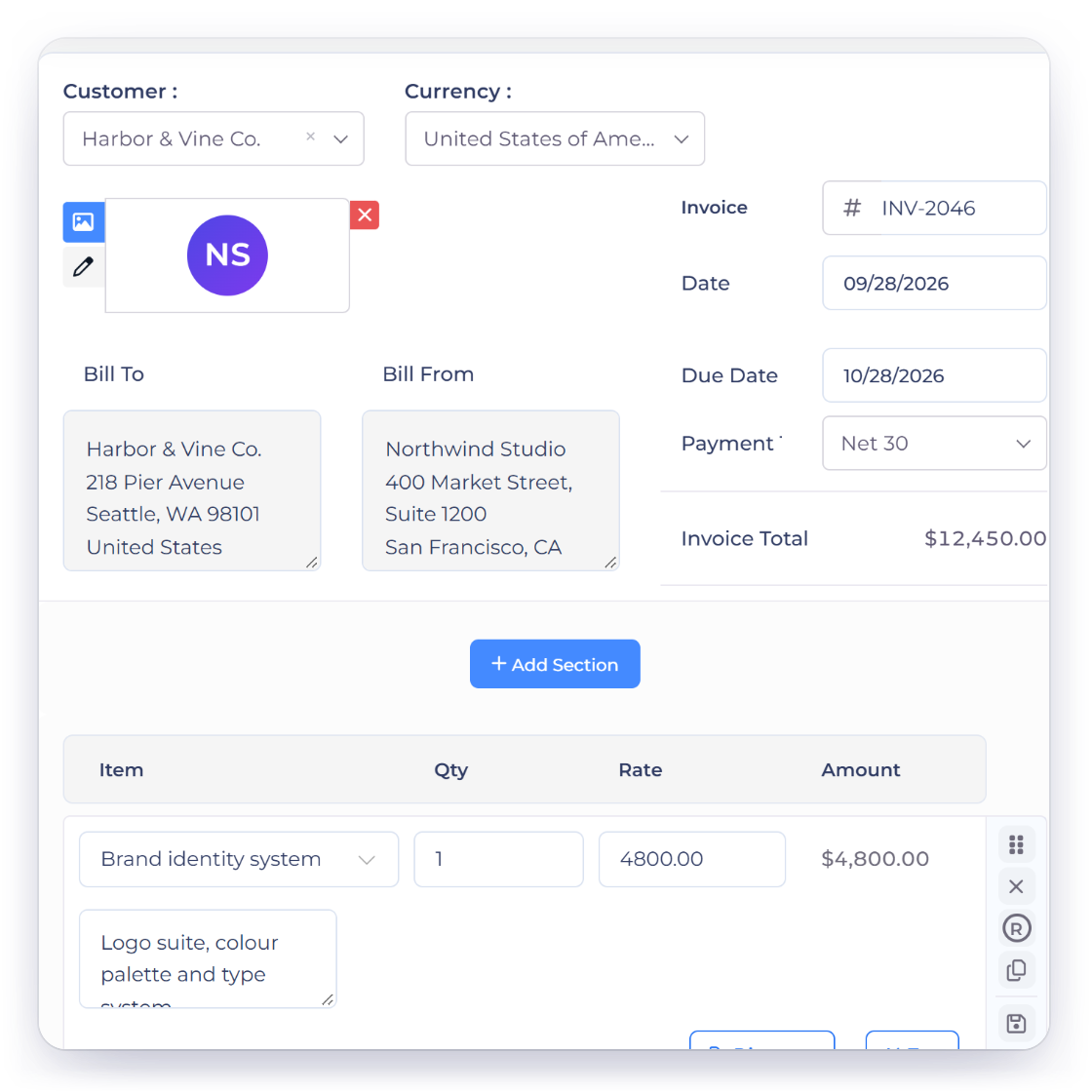
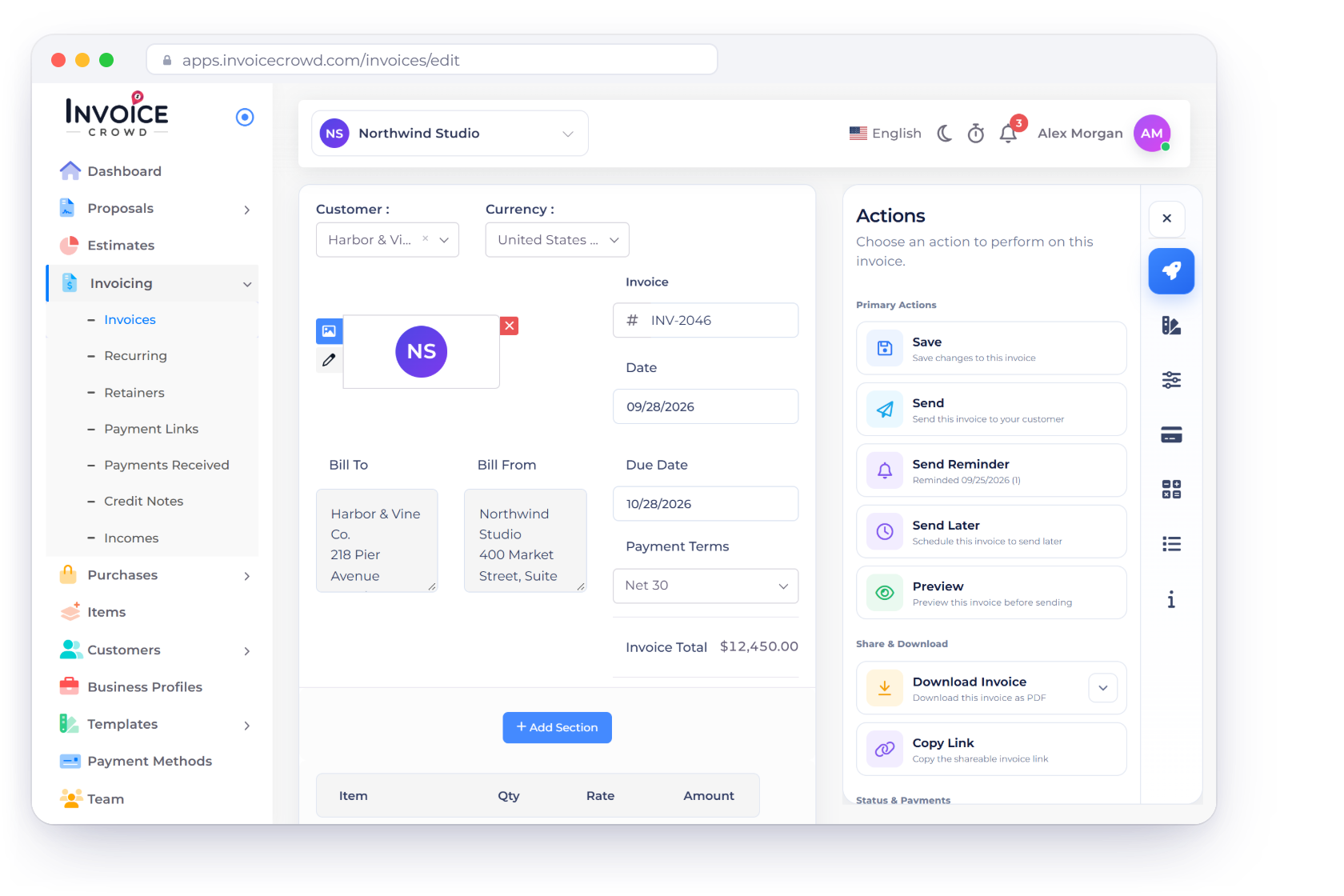
Add the sender, customer, document number, dates, services, quantities and rates. Add or remove rows without reloading the page.
- Repeatable line items
- Editable dates and number
- Live customer preview
Free business tool
Add your business, customer and line items, watch the totals update, choose a document style and use your browser to print or save a PDF. The sample stays on your device.
Free browser tool
Try the working generator below. Your entries remain in this browser tab and are not submitted to Invoice Crowd.
Thank you. Payment is due within 14 days.
This generator creates a printable document, not an Invoice Crowd account record. Confirm tax, payment terms and legal invoice requirements for your jurisdiction.
How to use it well
Use it for a quick invoice now, then move recurring client work into Invoice Crowd when you need saved customers, document history and payment tracking.
The essentials stay together in one focused workspace.
Add the sender, customer, document number, dates, services, quantities and rates. Add or remove rows without reloading the page.
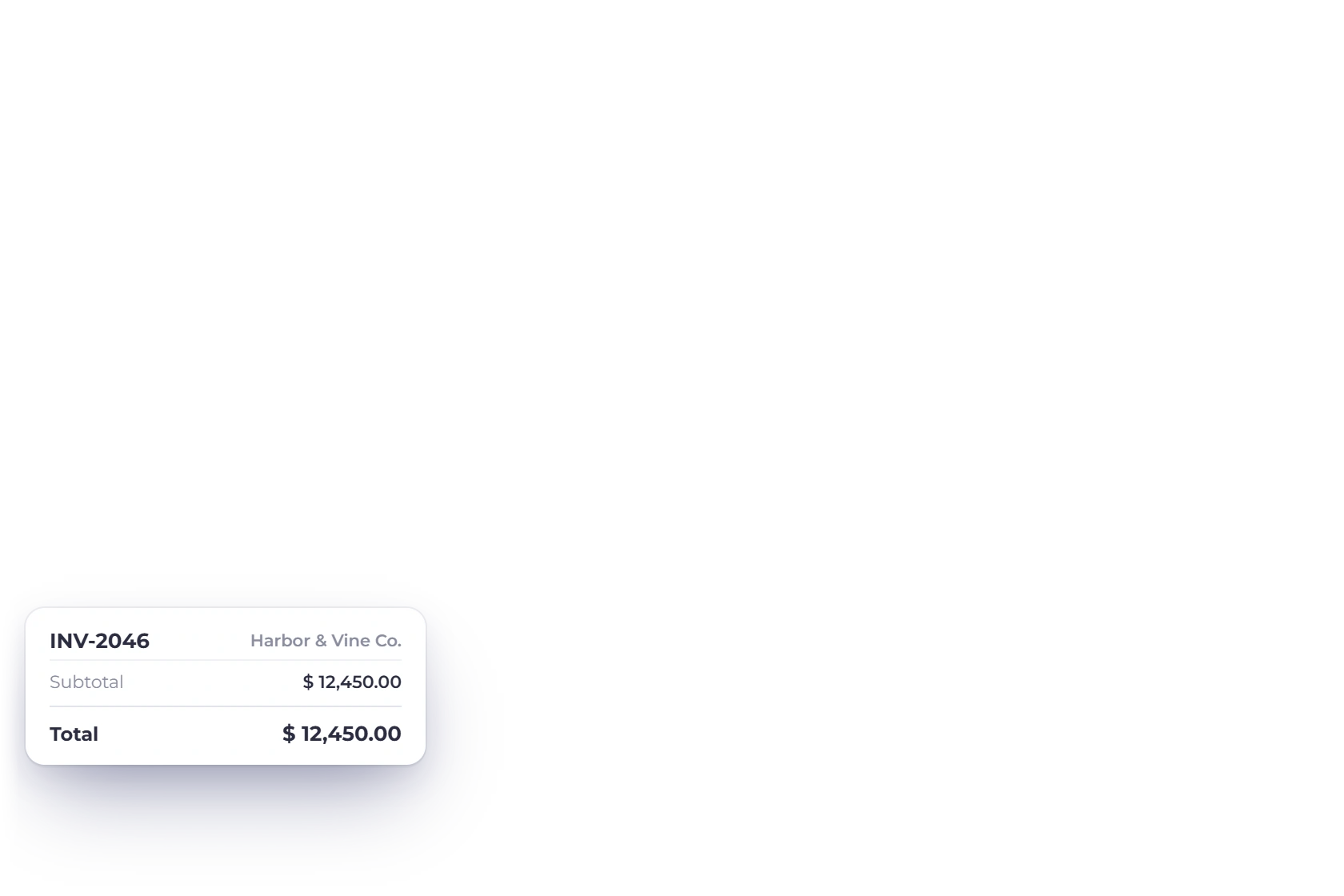
Subtotal, tax and total recalculate from the values on screen so the printable preview matches the working form.
A useful invoice should also feel credible when it reaches the customer.
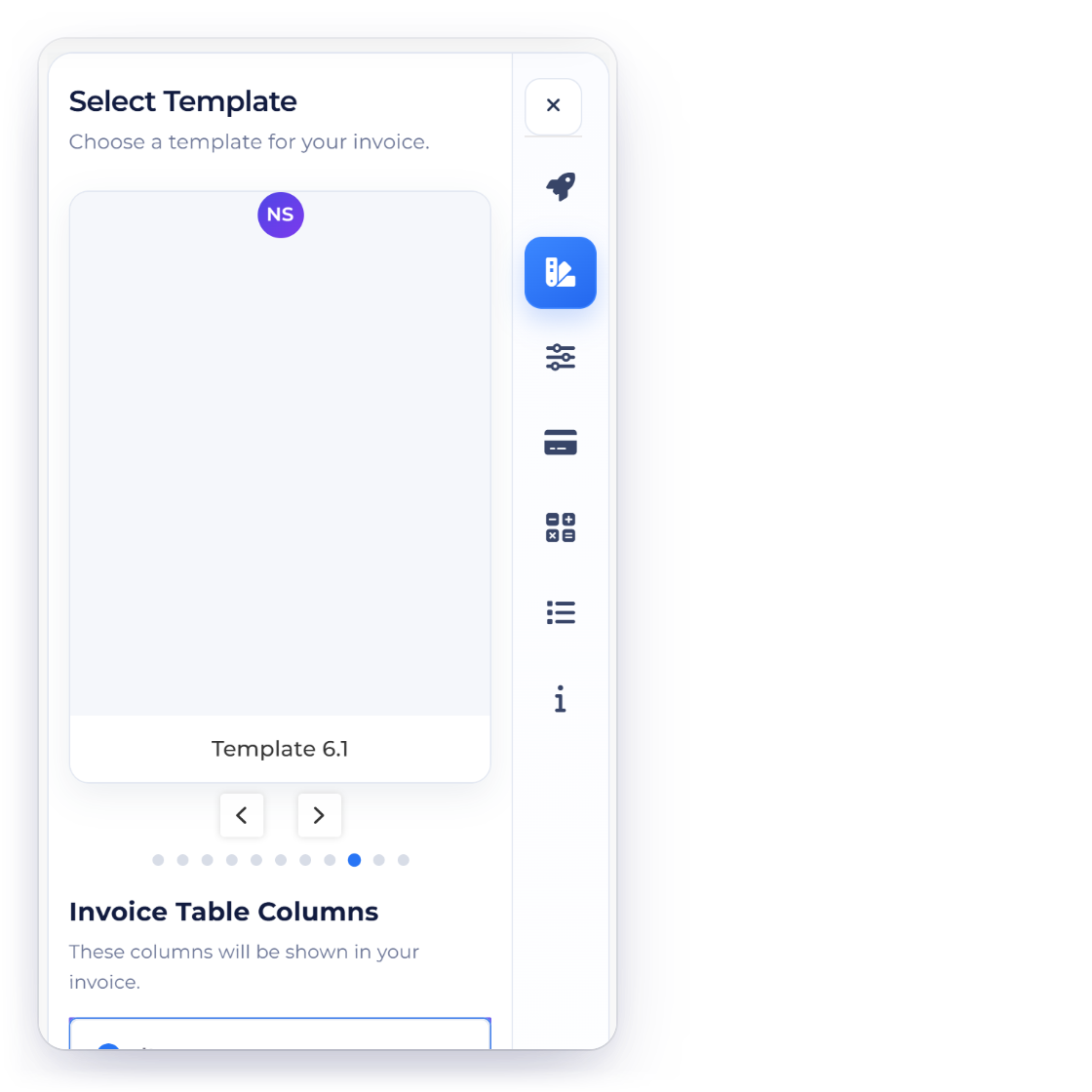
Classic, Minimal and Bold alter the preview presentation while preserving the document values you entered.
The right-hand document updates as you type, including client details, dates, notes and every line total.
The browser handles the working data and final print dialog.
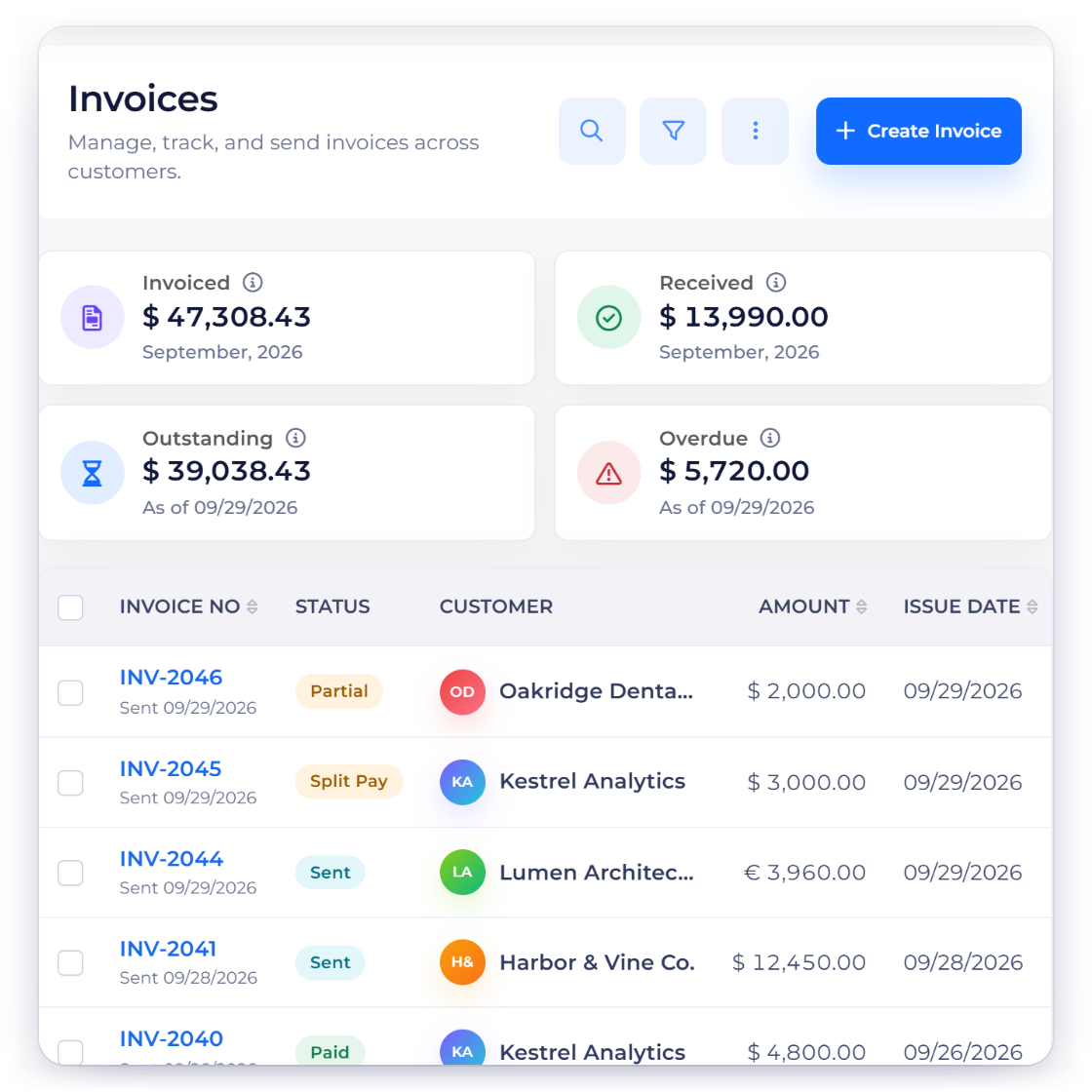
Use the Print or save PDF button, then choose your browser's PDF destination or a connected printer.
The free generator does not store customers, payment status or document history. An Invoice Crowd account adds those ongoing workflows.
Questions
Yes. You can build, preview and print the invoice without creating an account or entering payment details.
No. The working values stay in the current browser tab and are not submitted to Invoice Crowd. Closing or reloading the page clears the draft.
Yes. Select Print or save PDF, then choose the PDF destination provided by your browser or operating system.
Yes. Add or remove line items, then enter a description, quantity and rate for each one. The subtotal, tax and total update from those rows.
The free generator includes USD, EUR, GBP, INR, CAD, AUD, AED and SGD display formats. Select the currency that matches the document; exchange conversion is not performed.
The browser tool creates one temporary invoice. An account adds saved customers, products, taxes, document history and the connected proposal, invoice, payment and purchase workflows.
Use Invoice Crowd to save customers, products, taxes and business documents in one connected workspace.