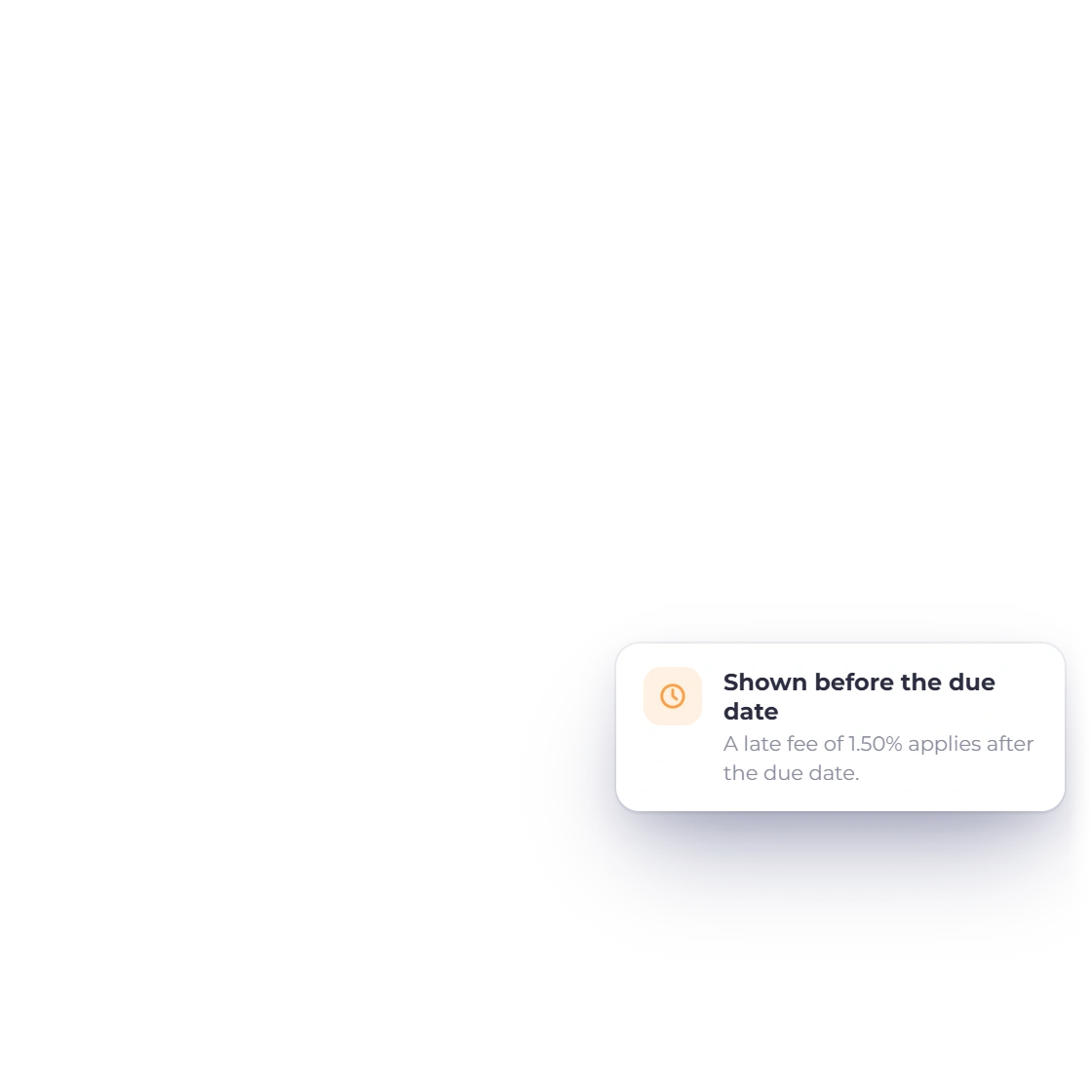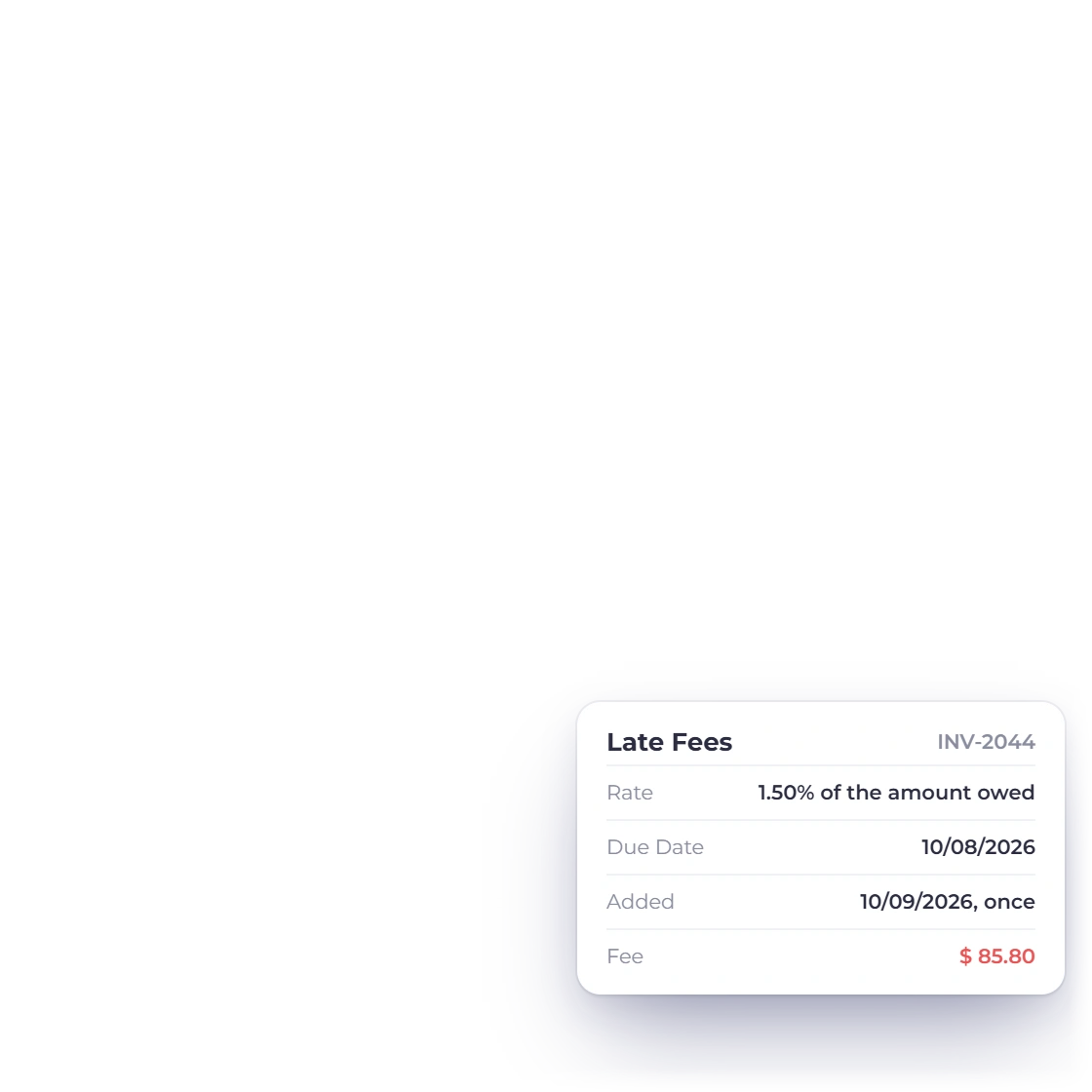

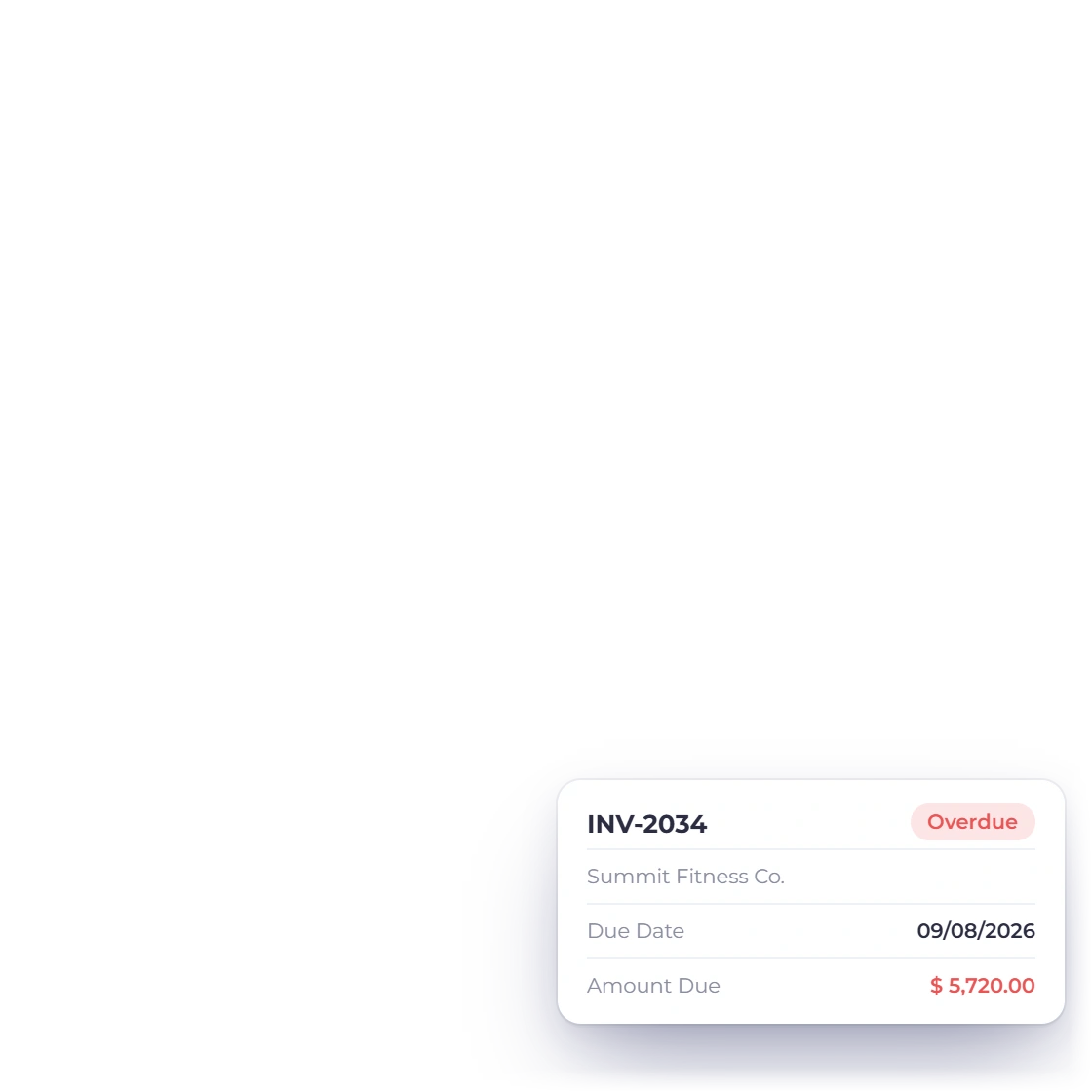
Start with the unpaid principal
Use only the balance that is actually overdue, excluding amounts already paid or formally credited.
- Unpaid amount
- No hidden compounding
- Separate fee result
Free business tool
Enter the unpaid amount, annual percentage rate and days overdue. The calculator uses simple interest (amount × annual rate × days ÷ 365) and shows the fee and new balance separately.
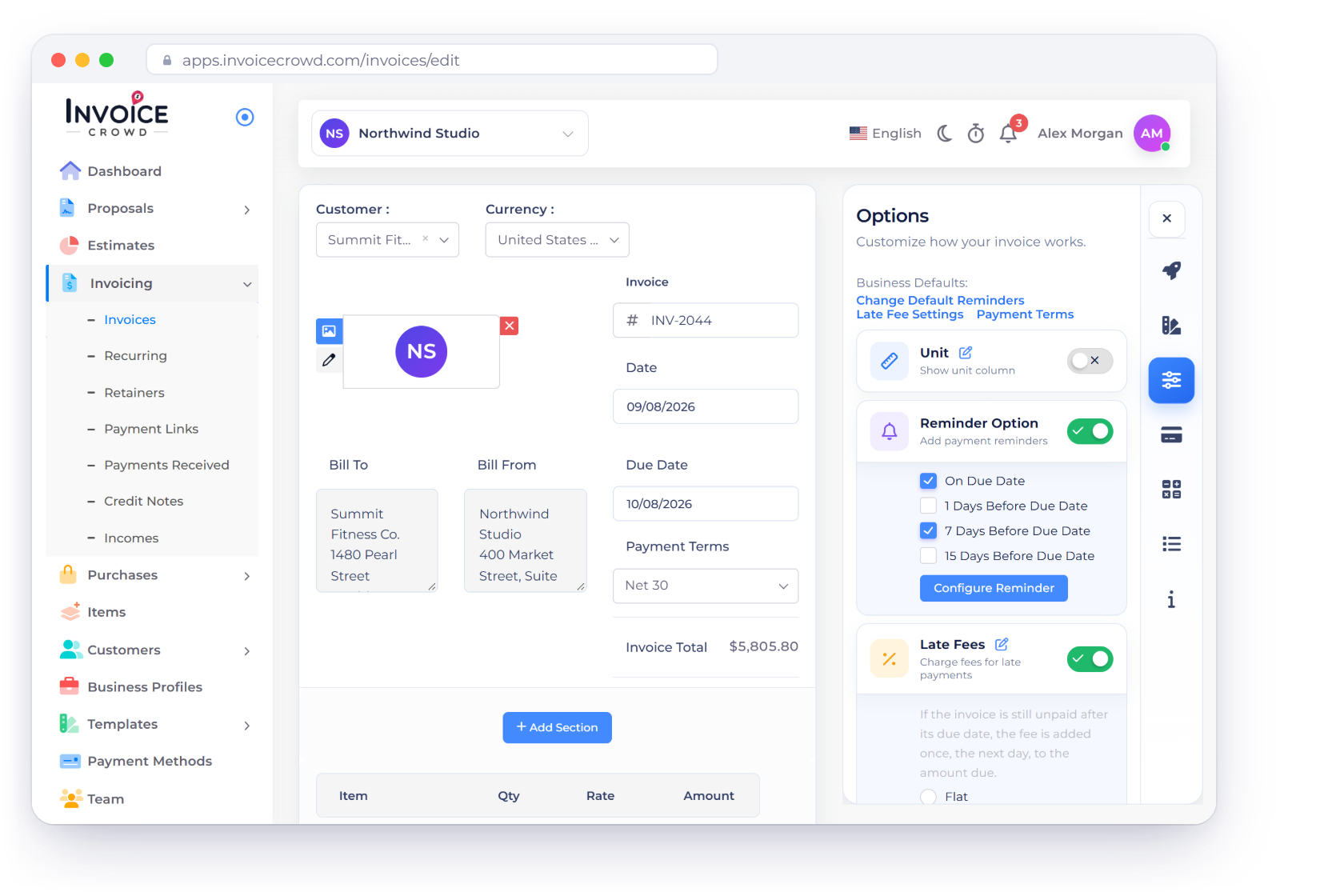
Free browser tool
Adjust the amount, annual rate and days late. The result updates with the fee and total balance.
Result
0.00This estimate does not establish a right to charge a late fee. Confirm the signed contract, invoice terms and applicable law before adding any fee.
How to use it well
The calculator explains one simple-interest method. Your agreement and local rules determine whether a fee is allowed and how it must be disclosed.
A predictable estimate from three explicit inputs.
Use only the balance that is actually overdue, excluding amounts already paid or formally credited.
The calculation is amount × annual rate ÷ 100 × days ÷ 365. It does not compound prior fees.
A calculation is not authorization.
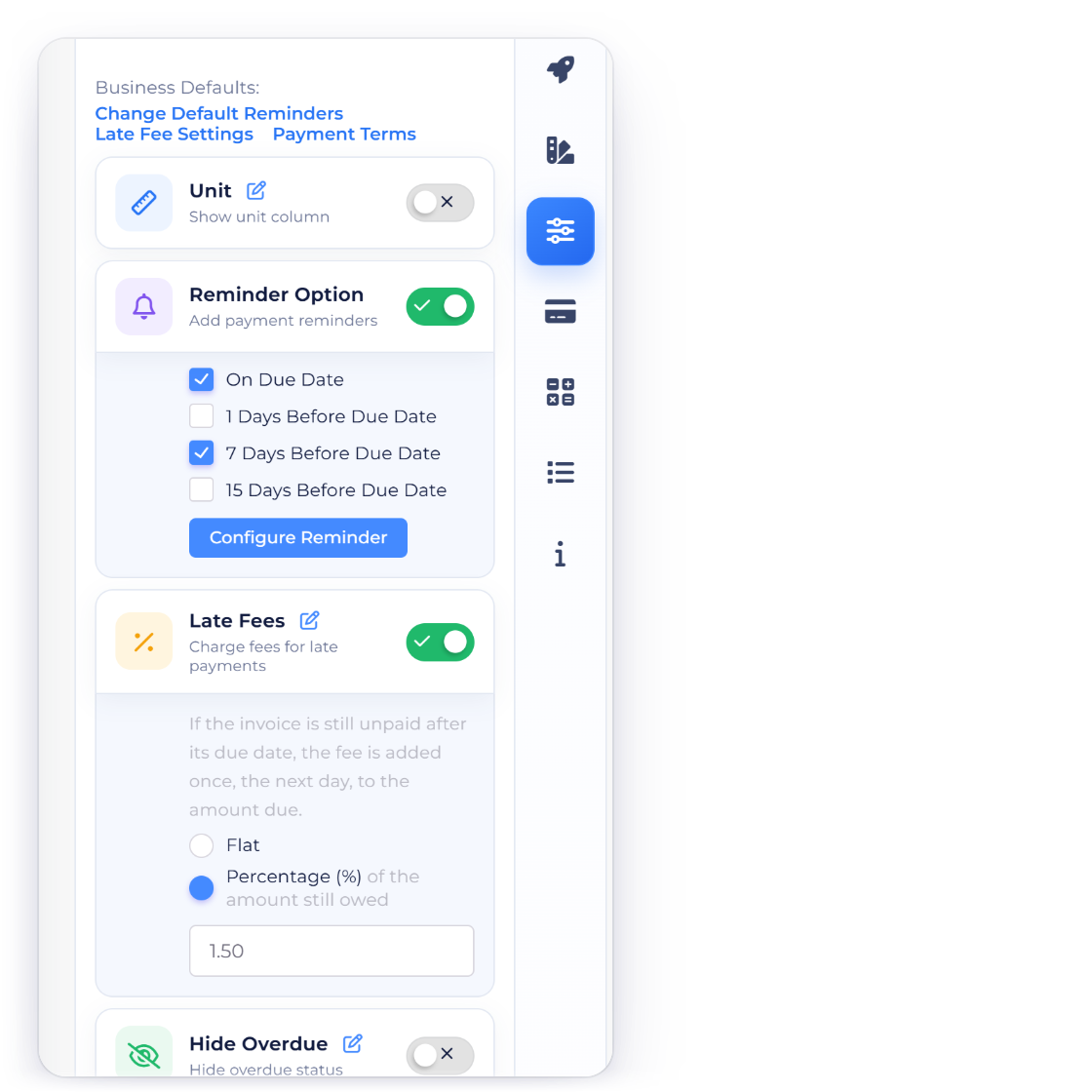
Confirm that the customer accepted the rate or fee terms before the payment became overdue.
Consumer, commercial, usury and prompt-payment rules vary by jurisdiction and transaction type.
Show the customer how the amount was derived.
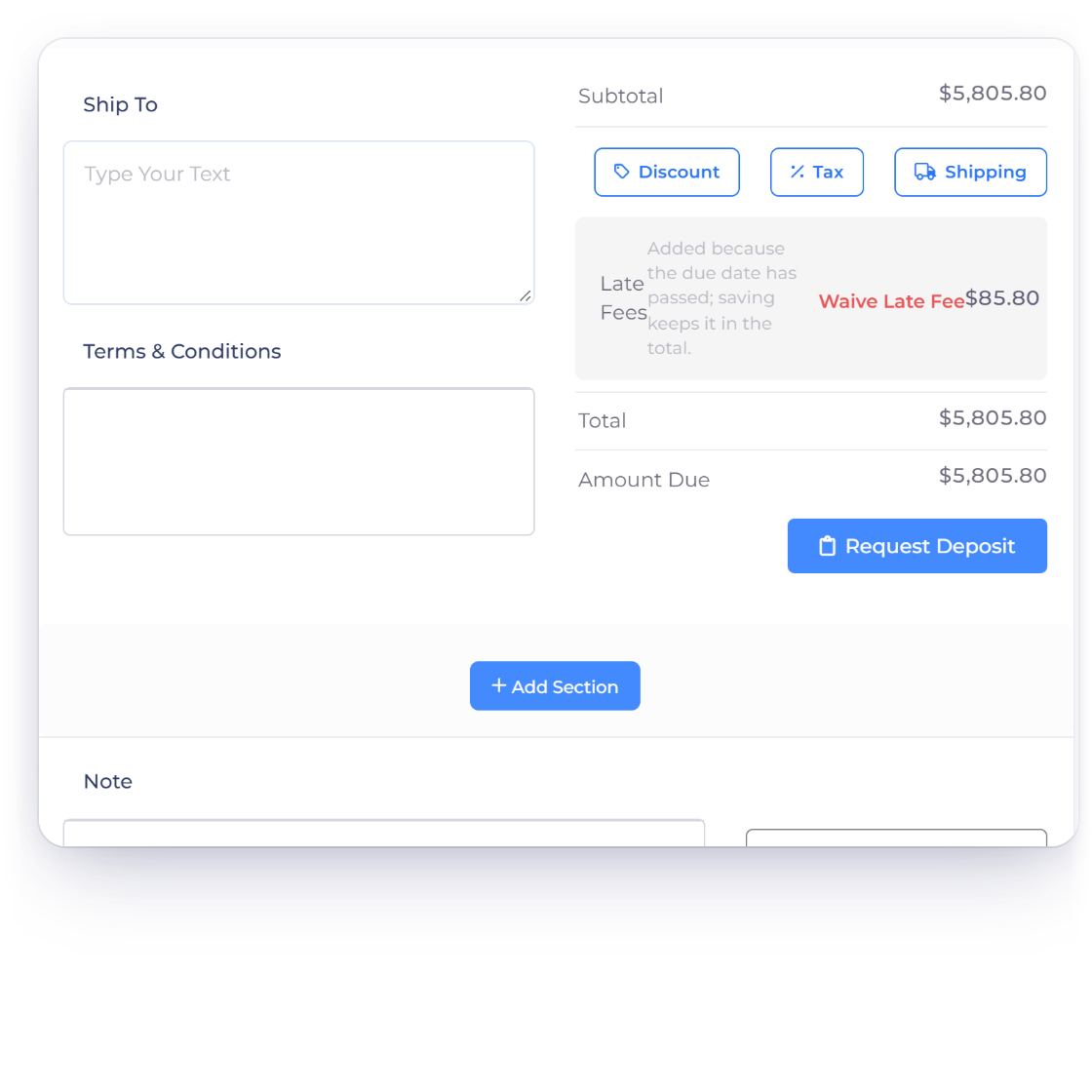
Include the original due date, overdue days, rate basis and resulting fee on any notice.
Preserve the original invoice and record any authorized fee as a separate adjustment or document according to your process.
Questions
The calculator uses simple interest: unpaid amount × annual rate ÷ 100 × days overdue ÷ 365. It does not compound prior fees.
No. A numerical result does not create a right to charge. Check the signed agreement, invoice terms and laws that apply to the transaction.
No. Use the portion of principal that remains unpaid for the overdue period you are calculating.
This tool converts an annual rate using a 365-day simple-interest basis. Your contract or jurisdiction may prescribe a different method.
No. It estimates a fee on the entered unpaid principal only. It does not add past late fees to the interest-bearing amount.
No. The three numeric inputs and result remain in your current browser tab.
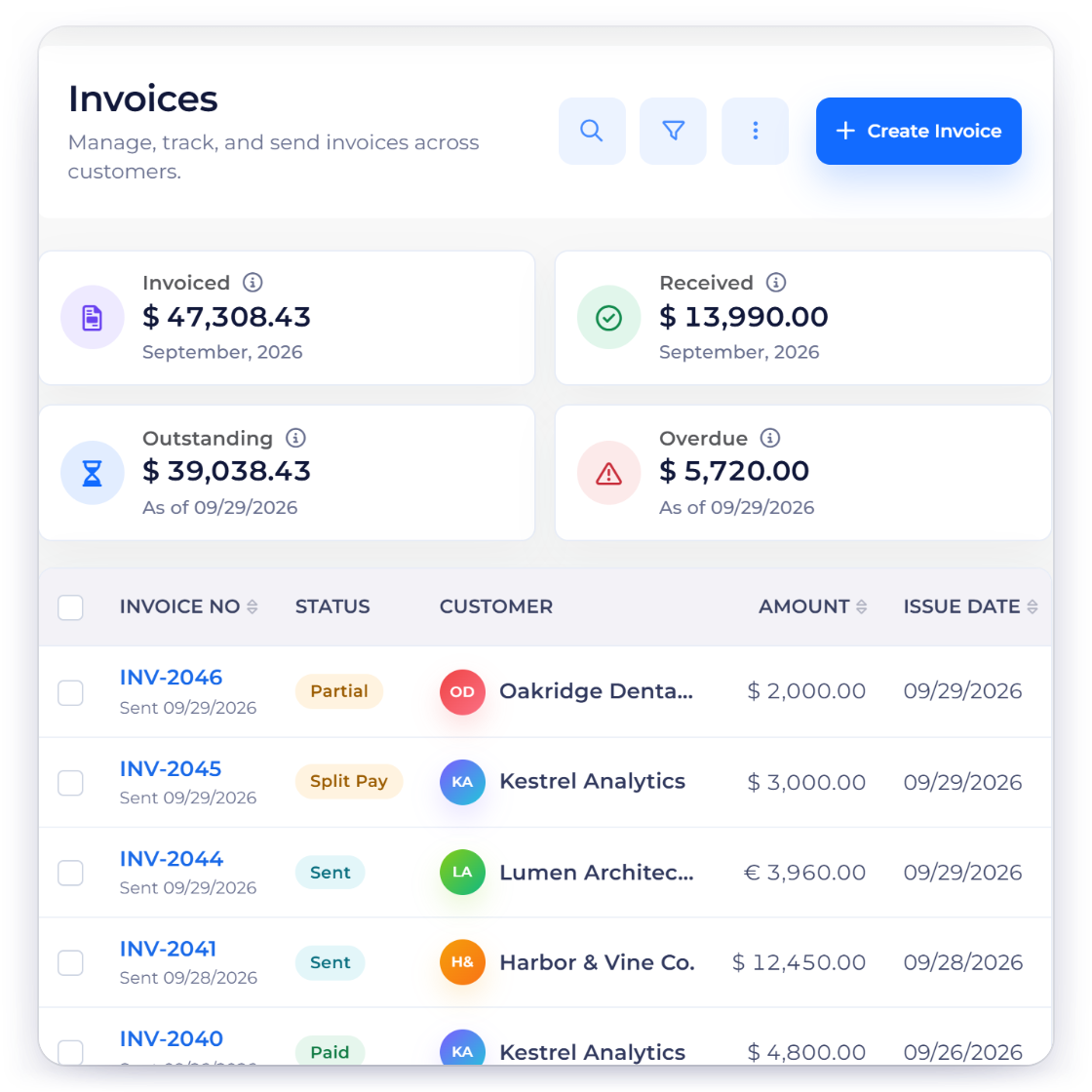
Use Invoice Crowd to save customers, products, taxes and business documents in one connected workspace.