Skip to content

Trust center

Security controls explained without a wall of badges

Invoice Crowd protects business records through authenticated sessions, CSRF checks, optional two-factor sign-in, role and capability gates, active-business scoping and provider-side payment verification. This page also states the limits that still matter to a buyer's review.

  • Optional two-factor sign-in
  • Payment success revalidated with providers
  • No unverified certification claims
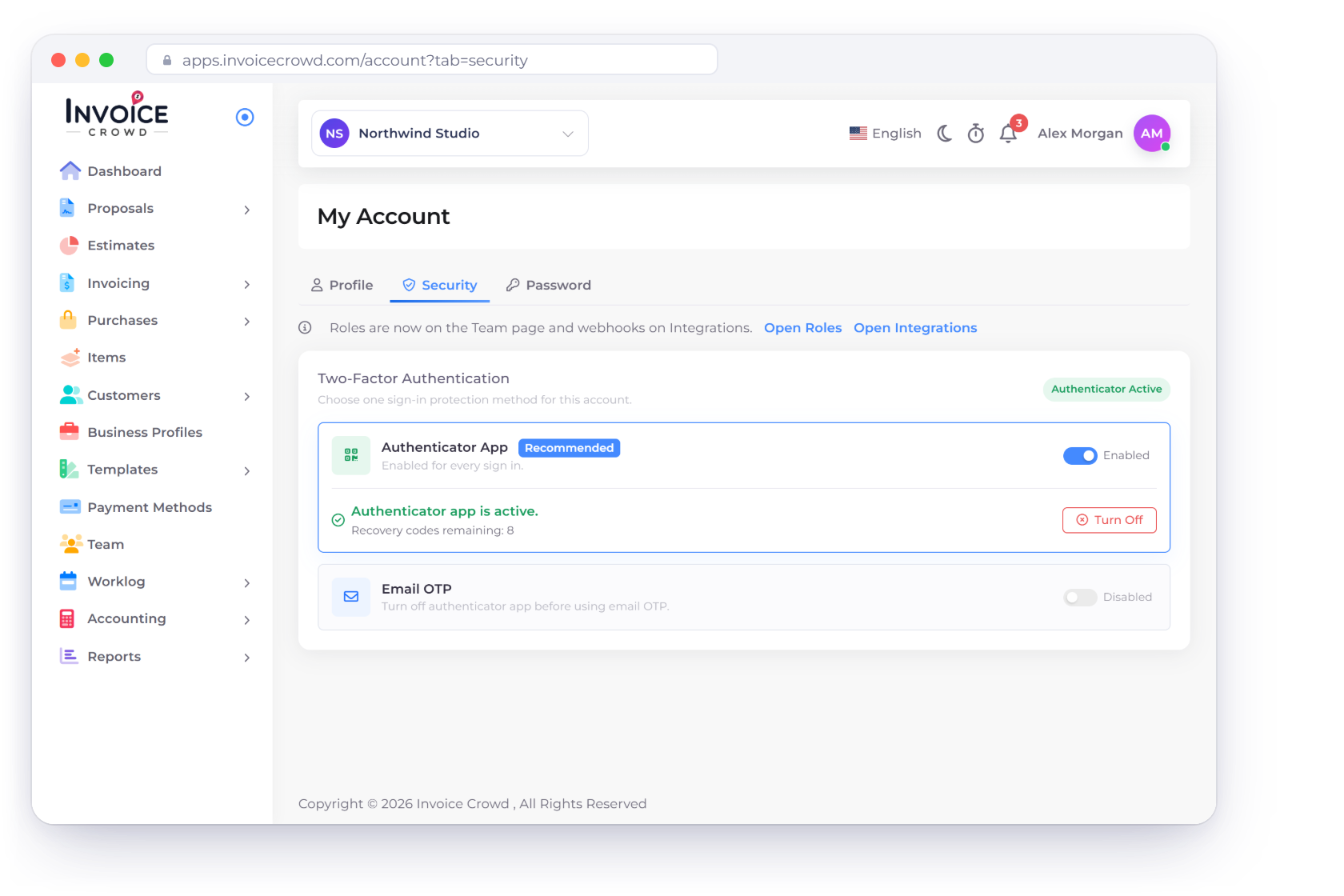
Invoice Crowd My Account Security tab with two-factor authentication through an authenticator app or an email code, and other sessions signed out after a password change

Current controls

Layered controls around identity, business records and money movement

The application uses several narrow boundaries rather than treating a visible page or browser response as proof of authority.

Protect account access

Identity checks start before a business record is loaded.

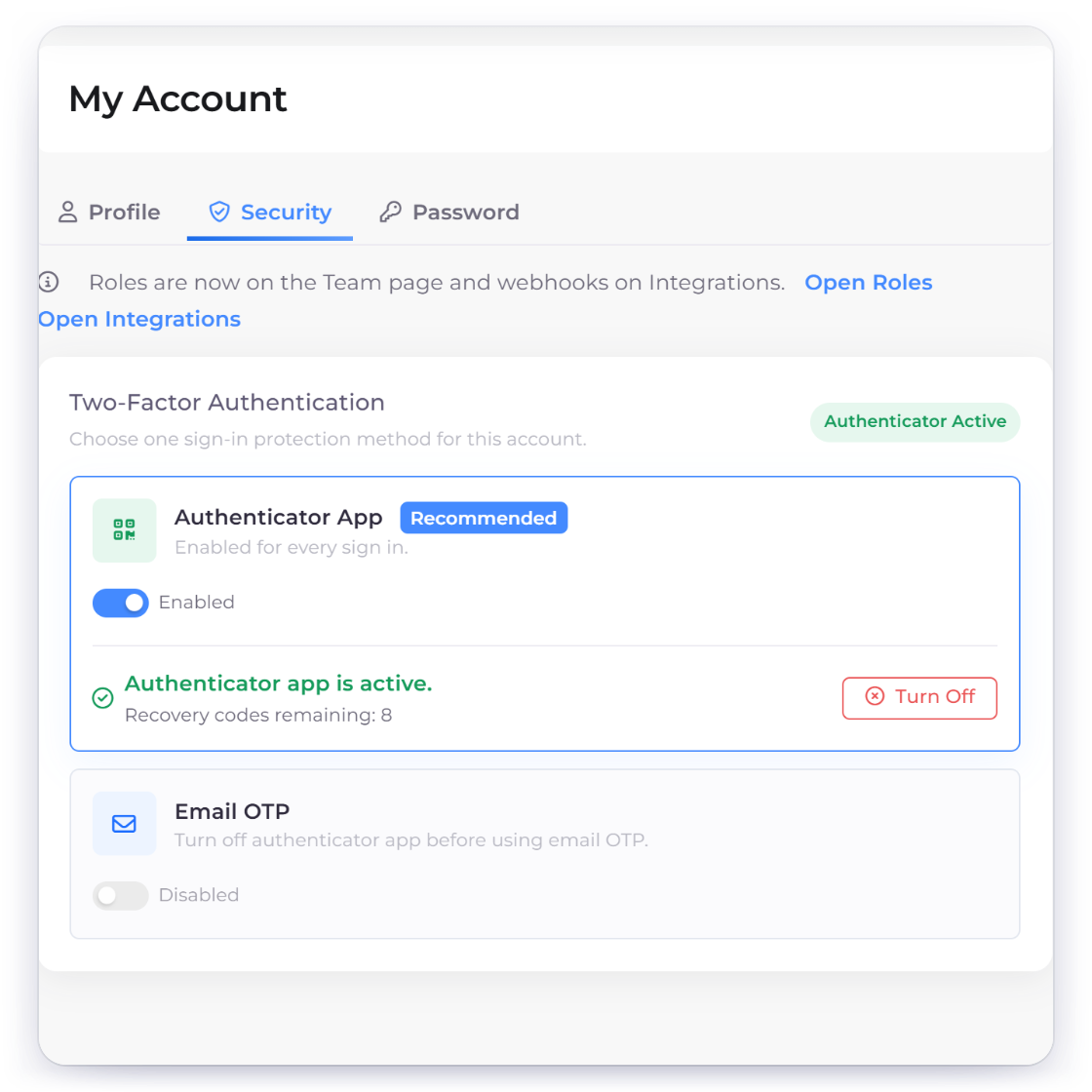
Invoice Crowd My Account Security tab with the authenticator app active for every sign-in, recovery codes and email codes as the other option

Session authentication, password controls and TOTP

The owner application uses Laravel session authentication and CSRF protection. New passwords require upper- and lowercase letters, a number and a special character, and changing your password signs out your other sessions. Two-factor sign-in works with an authenticator app or an email code, and switching it off requires you to confirm your identity again.

  • Authenticated web sessions
  • CSRF checks on state changes
  • Optional two-factor sign-in with recovery codes
Adaptive abuse controls

Signup uses CAPTCHA and layered address/IP throttles. Login applies account and IP limits and can require an adaptive CAPTCHA after repeated failures.

  • Signup verification
  • Account and source-IP throttles
  • Adaptive login challenge

Keep business contexts separate

An authenticated user still needs the right owner, business and capability context.

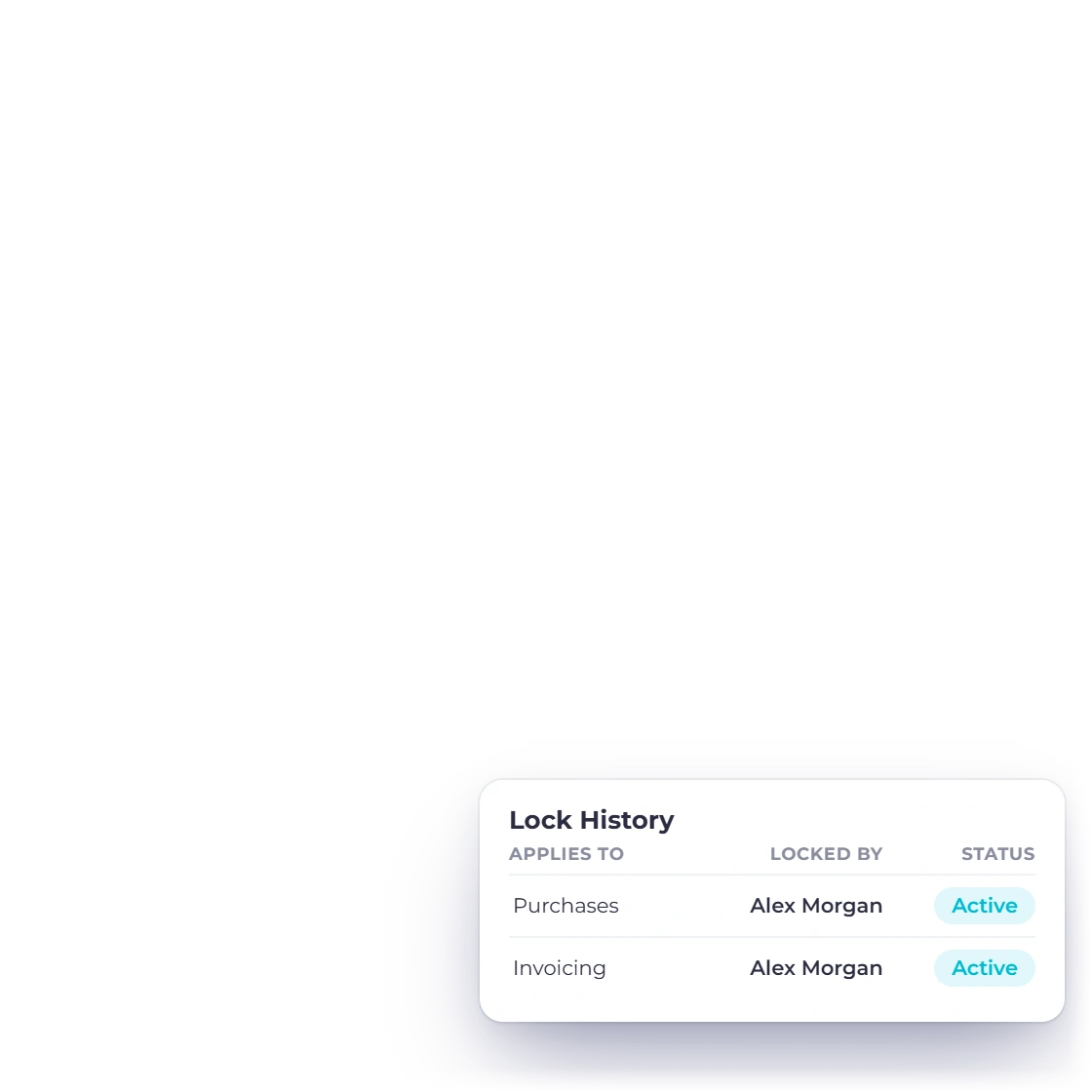
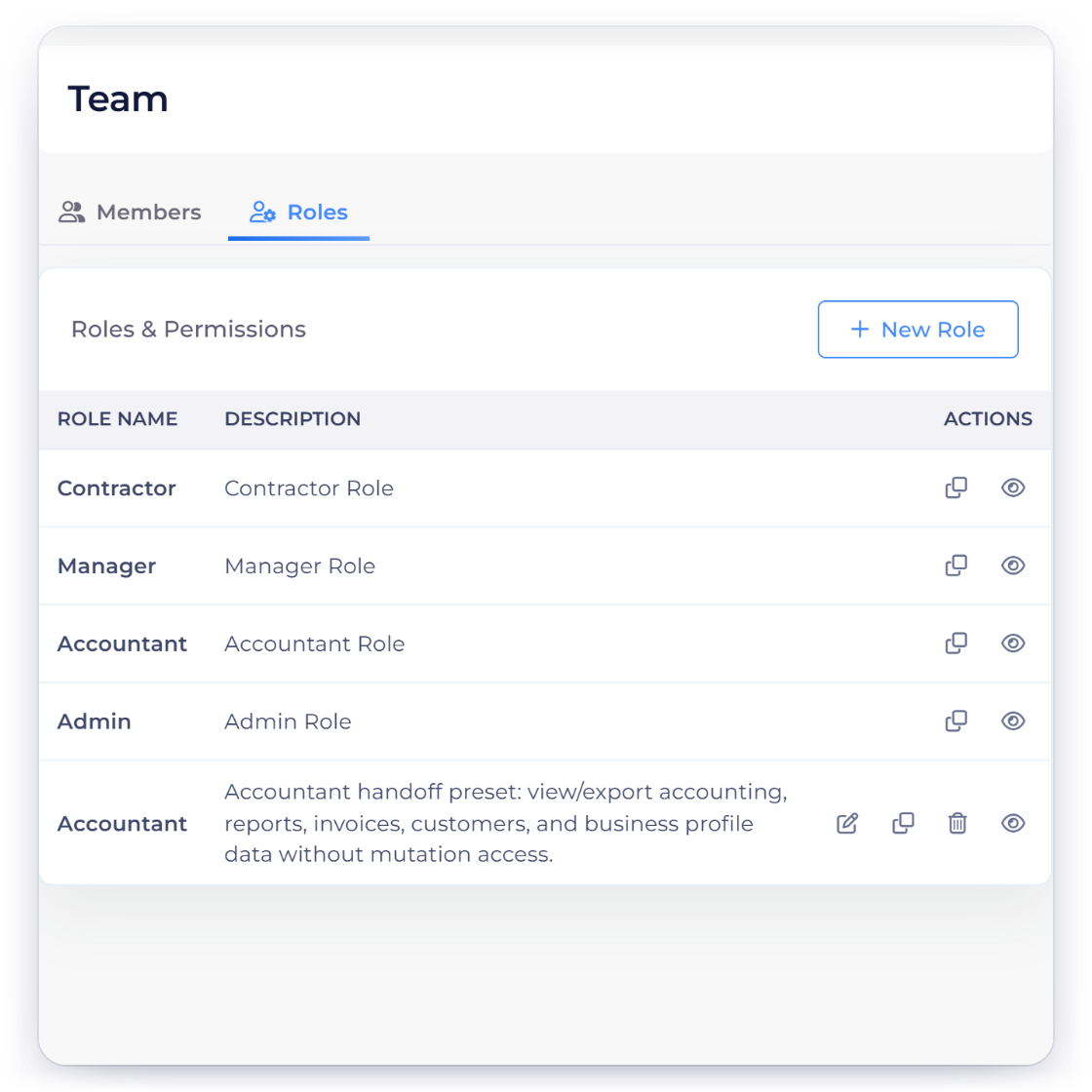
Invoice Crowd Team Roles tab with module permissions per role, and the Lock History that records who changed a lock, when and why

Owner, team and active-business checks

Application operations resolve the owner or team parent and the selected business profile. Team-visible modules and sensitive actions pass permission or named-capability checks, with unknown team modules denied by default.

  • Owner or team-parent scope
  • Selected business profile
  • Module and capability gates

A boundary that remains under continuous hardening

The mature application does not rely on one database-wide rule to keep each business's data separate. Each part of the code that reads or saves data must check the owner and active business itself, so security review and regression tests remain part of every sensitive change.

  • No blanket global-scope claim
  • Per-operation ownership checks
  • Ongoing adjacent regression coverage

Verify money and operations

A browser return or posted status is never enough evidence of payment.

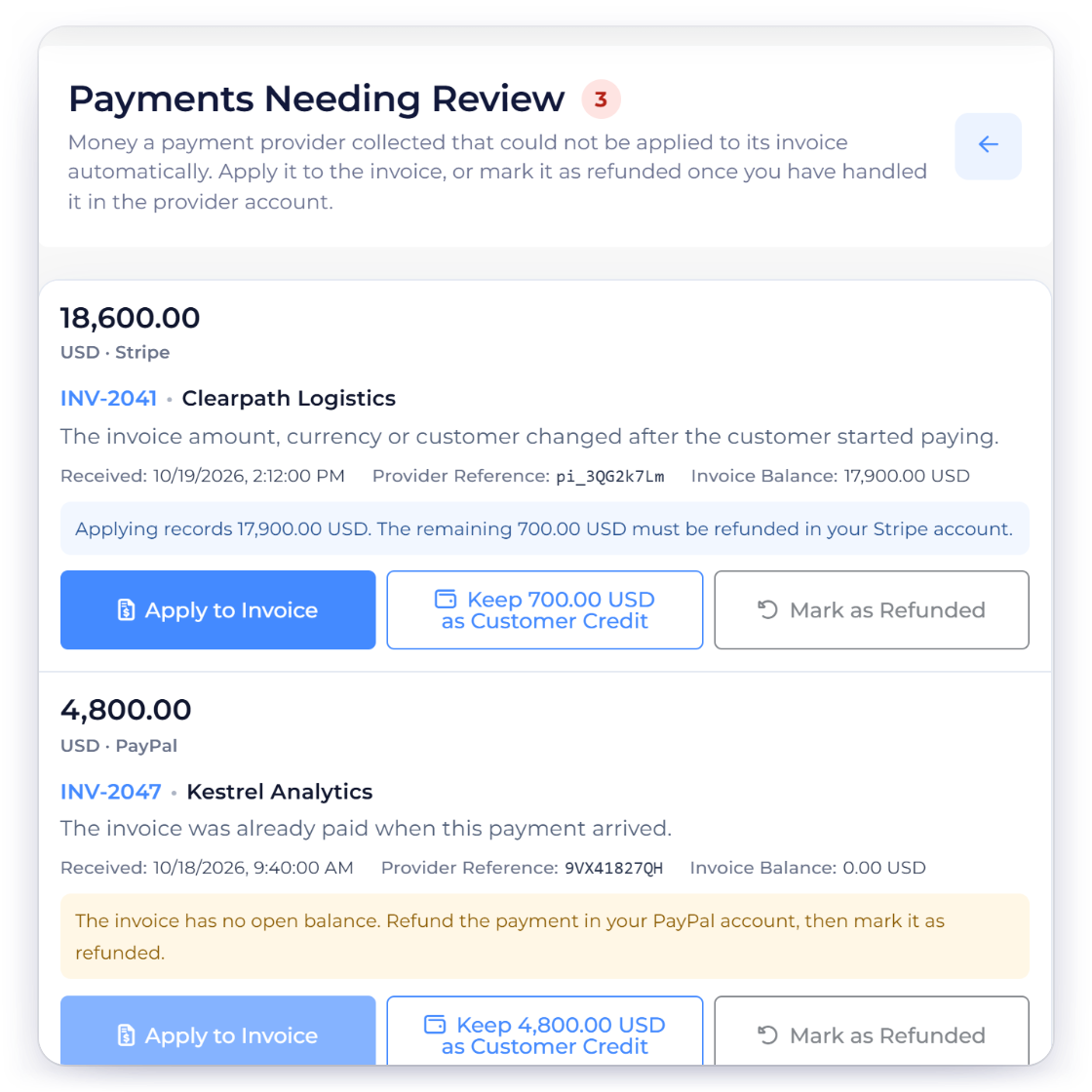
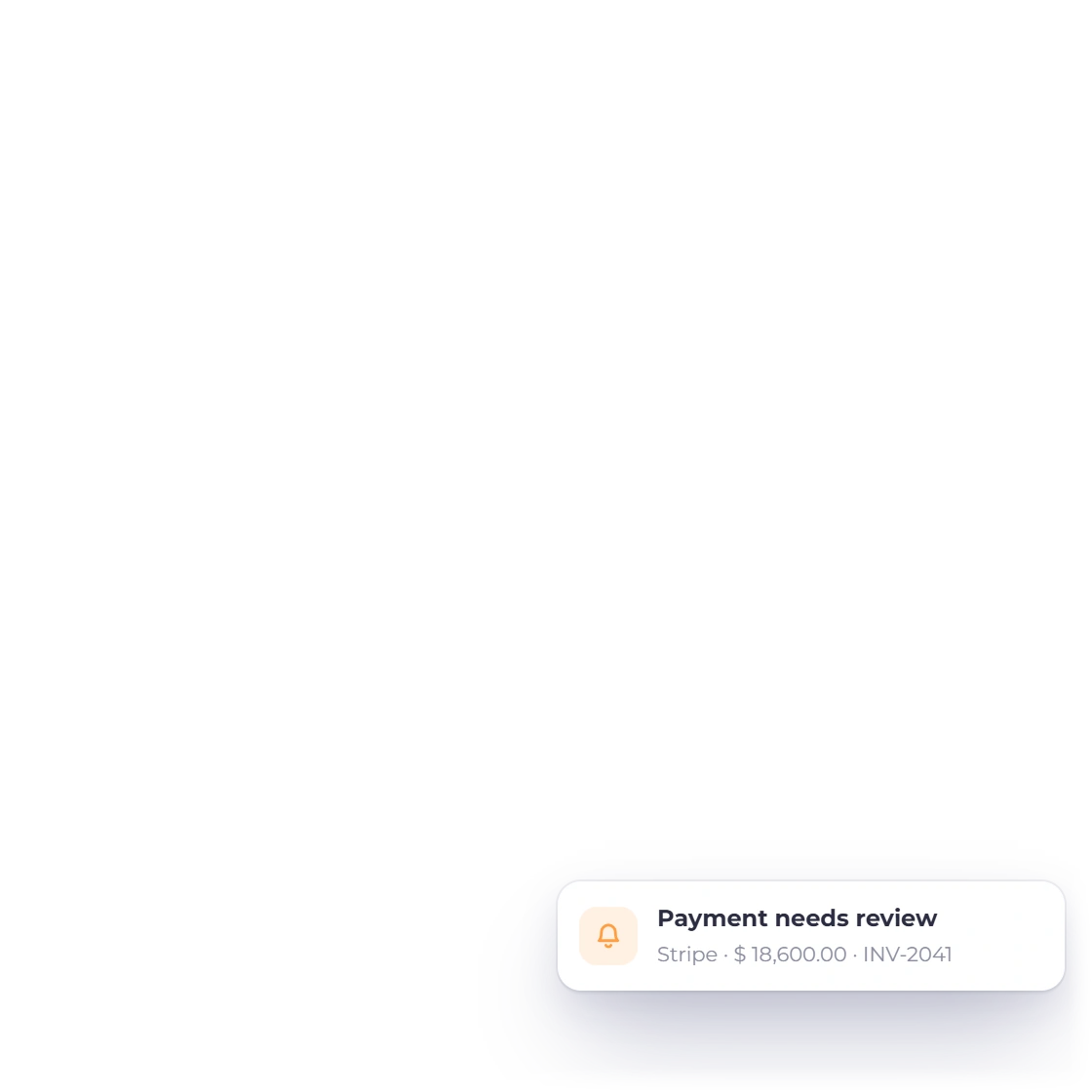
Invoice Crowd Payments Needing Review with gateway payments that could not be applied automatically, held until the owner applies them, keeps them as credit or marks them refunded

Active payment flows revalidate provider evidence

Supported active gateways verify a signature and/or perform an authenticated provider read, then compare the business account, gateway account, allocation, amount, currency and successful state before settling an invoice. A confirmed payment that can't be applied to its invoice is held in Payments Needing Review instead of being applied blindly.

  • Provider evidence required
  • Amount and currency matched
  • Replay-resistant event handling

Backups and deployment are operational controls

The application includes a scheduled daily database-backup command and production preflight processes. A schedule is not a recovery guarantee by itself: monitoring, retention, restore testing and production configuration still need operational verification.

  • Daily backup task in application schedule
  • Deployment gates and health checks
  • Restore claims require live evidence

Evidence and boundaries

The security posture a buyer can verify

Current controls, operational dependencies and explicit non-claims, based on the application reviewed October 6, 2026.

  • Authentication

    Laravel session authentication with CSRF protection for the owner application.

  • Two-factor authentication

    Optional two-factor sign-in by authenticator app or email code, with recovery codes. Turning it off requires re-authentication.

  • Signup and login abuse controls

    CAPTCHA, account/address limits and source-IP throttles are applied at the server boundary.

  • Team permissions

    Module rules and named capabilities restrict team-visible and sensitive operations.

  • Business scoping

    Records are resolved within the owner or team parent and selected business profile.

  • Payment verification

    Active flows require provider evidence and exact commercial binding before settlement. Payments that cannot be applied wait in Payments Needing Review.

  • Upload controls

    Application upload paths validate allowed type, extension and content at their owning boundary.

  • AI write safety

    The server-side assistant uses a fixed set of tools, sees only your own business account and asks you to confirm before saving.

  • Backups

    A daily database-backup task exists; production monitoring and restore readiness are separate operational evidence.

  • Encryption claims

    Some protected credentials use dedicated encryption, but no blanket claim is made for every setting.

  • Certifications

    This site does not claim SOC 2, ISO 27001, HIPAA or another independent certification without evidence.

  • Responsible review

    Report a suspected security issue privately through the support contact rather than posting account data publicly.

Questions

Security, answered

Does Invoice Crowd support two-factor authentication?

Yes. Two-factor sign-in is optional in account security settings, using an authenticator app (TOTP) or an email code, with recovery codes. Switching it off requires you to confirm your identity again, and changing your password signs out your other sessions.

How does Invoice Crowd separate one business from another?

Application operations resolve the owner or team parent and the active business profile before accessing business records. Team roles and named capabilities further restrict modules and sensitive actions.

Does a payment gateway redirect automatically mark an invoice paid?

No. Active payment paths require provider-side evidence, such as a verified signature or authenticated provider read, and compare the account, allocation, amount, currency and successful state before settlement.

Does Invoice Crowd store card numbers?

Invoice Crowd integrates with external payment providers for configured checkout and payment methods. This page does not make a blanket PCI-scope or zero-card-data claim; the exact data path depends on the provider integration and should be reviewed for the gateways you enable.

Is Invoice Crowd SOC 2 or ISO 27001 certified?

No such certification is claimed on this page. Ask Invoice Crowd for current written evidence if a procurement process requires an independent certification, penetration test or data-processing document.

Are backups guaranteed?

The application schedules a daily database-backup task, but a schedule alone does not prove production completion, retention or restore readiness. Those operational controls should be verified for the live environment and your recovery requirements.

Can past accounting periods be locked?

Yes. Accounting → Lock Transactions lets the business owner lock transactions dated on or before a date, for all areas or just Invoicing, Purchases or Accounting. Dates can be partially unlocked for a while, and Lock History records who changed a lock, when and why. Accounting users can view locks; creating or editing one needs a paid plan.

Are outbound webhooks signed?

Yes. Outbound webhooks can only be sent to a public HTTPS address, and each delivery is signed so your receiving system can check that it came from Invoice Crowd.

Bring your security questions to the same table as your workflow needs

Review the product, ask for the evidence your organization requires, and start with a limited account and representative data before wider rollout.

  • No card required to start
  • Visible product boundaries
  • Cancel anytime