Skip to content

Migration guide

Move from QuickBooks with a preservation-first cutover

Plan a preservation-first QuickBooks to Invoice Crowd migration using reviewed exports, field mapping, test imports, and a reconciled cutover.

  • Preservation before transformation
  • CSV and Excel mapping
  • Reconcile before activation

Last updated:

Preservation-first QuickBooks migration illustration showing fictional export, field mapping, test import and reconciliation stages.

Safe cutover

A four-part migration control, not a file upload

Invoice Crowd can be a simpler operating fit for freelancers and service businesses centered on proposals, invoices, purchasing, projects and time. QuickBooks remains stronger for many businesses that depend on its deeper accounting ecosystem, payroll options or accountant familiarity.

Preserve before transforming

The source remains the evidence for history the target does not recreate.

Invoice Crowd quickbooks illustration for the spot1 migration stage using fictional data.

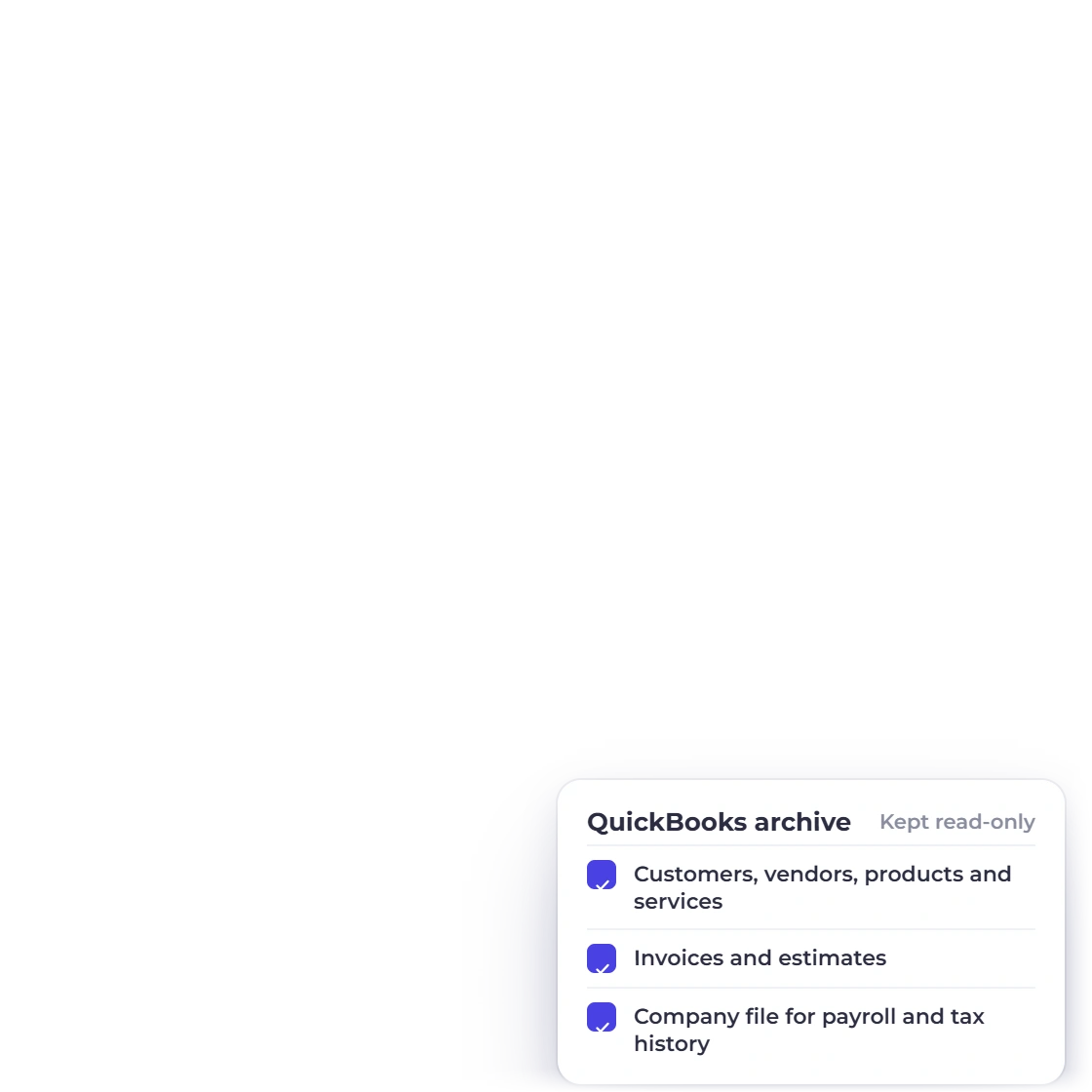
Build a read-only migration archive

Export the customer, vendor, product/service, invoice and estimate data you intend to carry forward. Keep the original QuickBooks company and immutable export files available for historical detail, attachments, payroll, tax filings and audit support that the target import does not reproduce.

  • Dated original exports
  • PDFs and attachments
  • Source access retained

Define the historical boundary

Decide which records must operate in Invoice Crowd and which remain in the source archive. Record the cutover date, owners and retention requirements.

  • Operational records
  • Historical evidence
  • Retention owner

Normalize and test

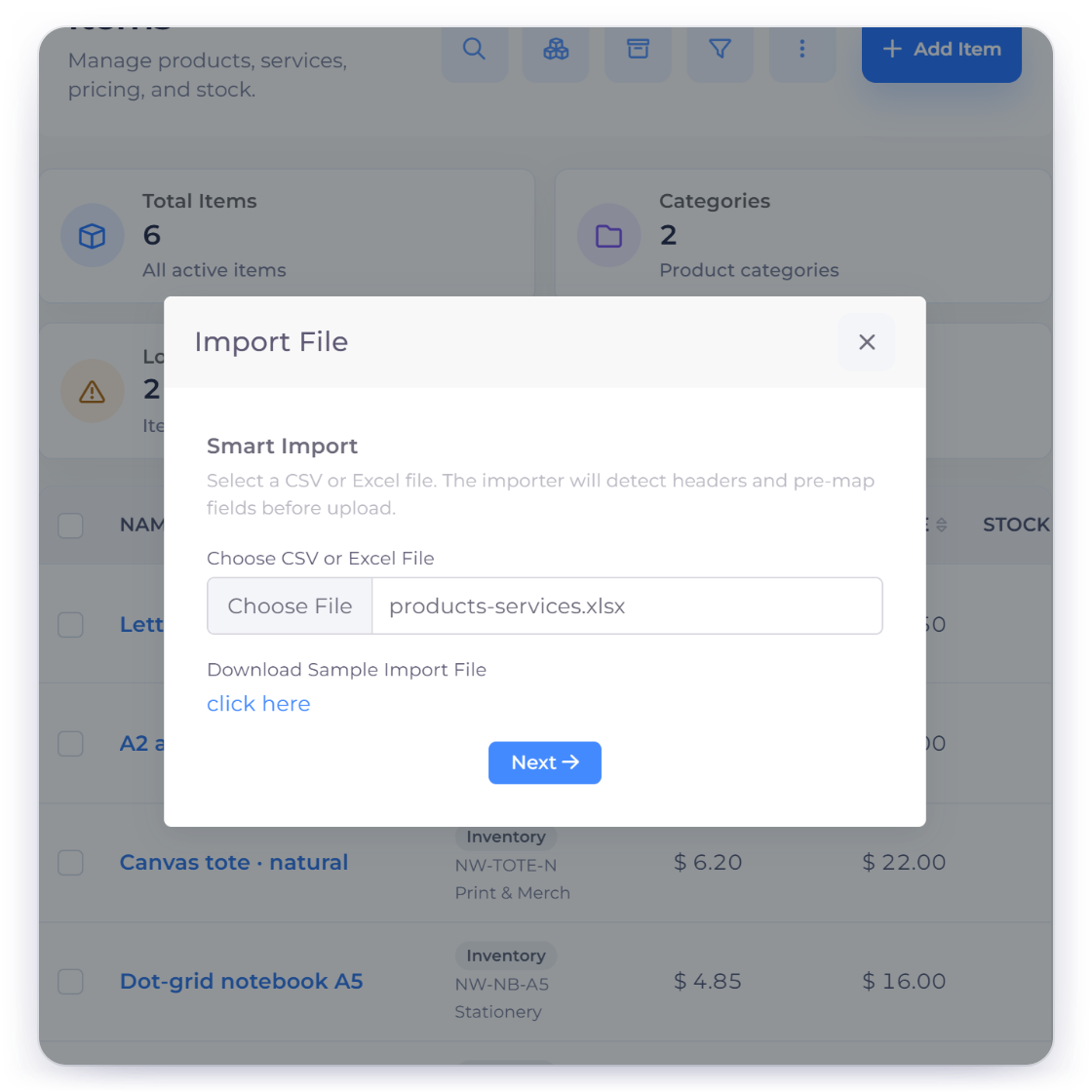
Invoice Crowd analyzes CSV, TXT, XLS and XLSX files before supported imports.

Invoice Crowd quickbooks illustration for the spot2 migration stage using fictional data.

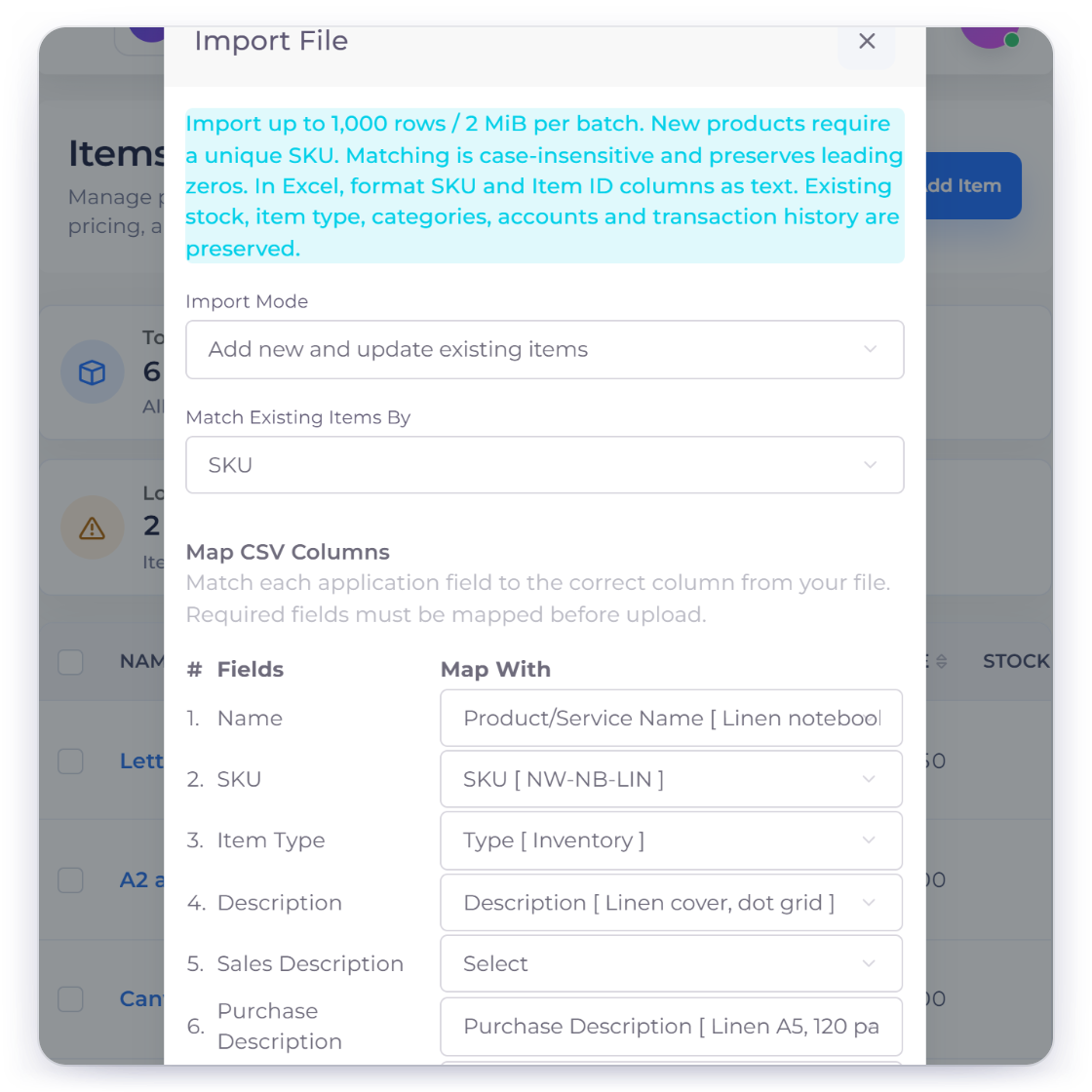
Map the supported record types

Current analyzers cover items, customers, vendors, invoices and estimates. Auto-detection suggests columns, but required fields and warnings must be reviewed before import.

  • Customers and vendors
  • Items
  • Invoices and estimates

Use a representative test set

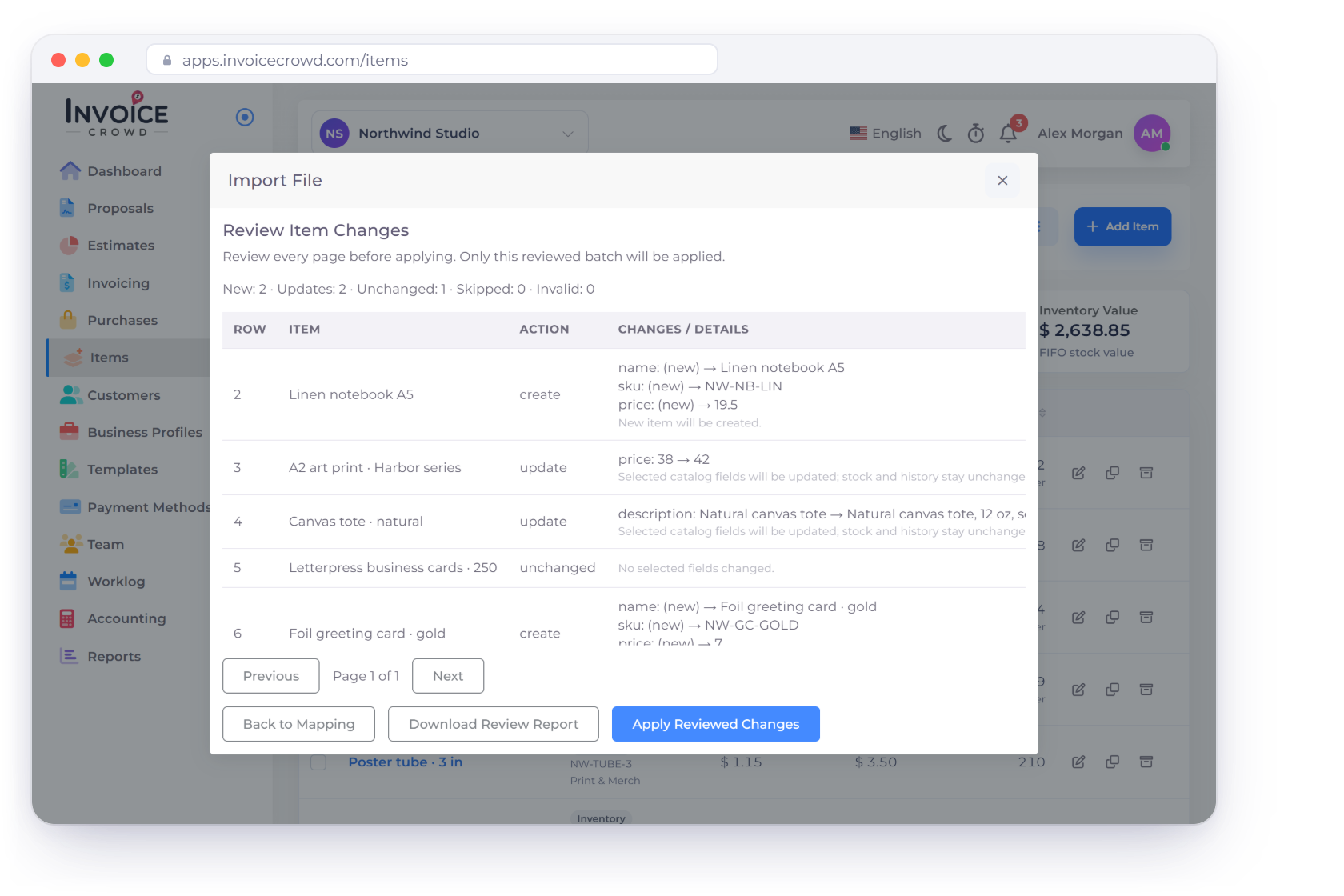
Test duplicate names, foreign currencies, taxes, discounts, long descriptions and open documents. Review the preview and skipped-row output instead of assuming a successful request means every row was accepted.

  • Representative edge cases
  • Preview and warnings
  • Skipped-row report

Reconcile and cut over

Activation follows totals, document meaning and ownership, not a raw row count.

Invoice Crowd quickbooks illustration for the spot3 migration stage using fictional data.

Prove the target working set

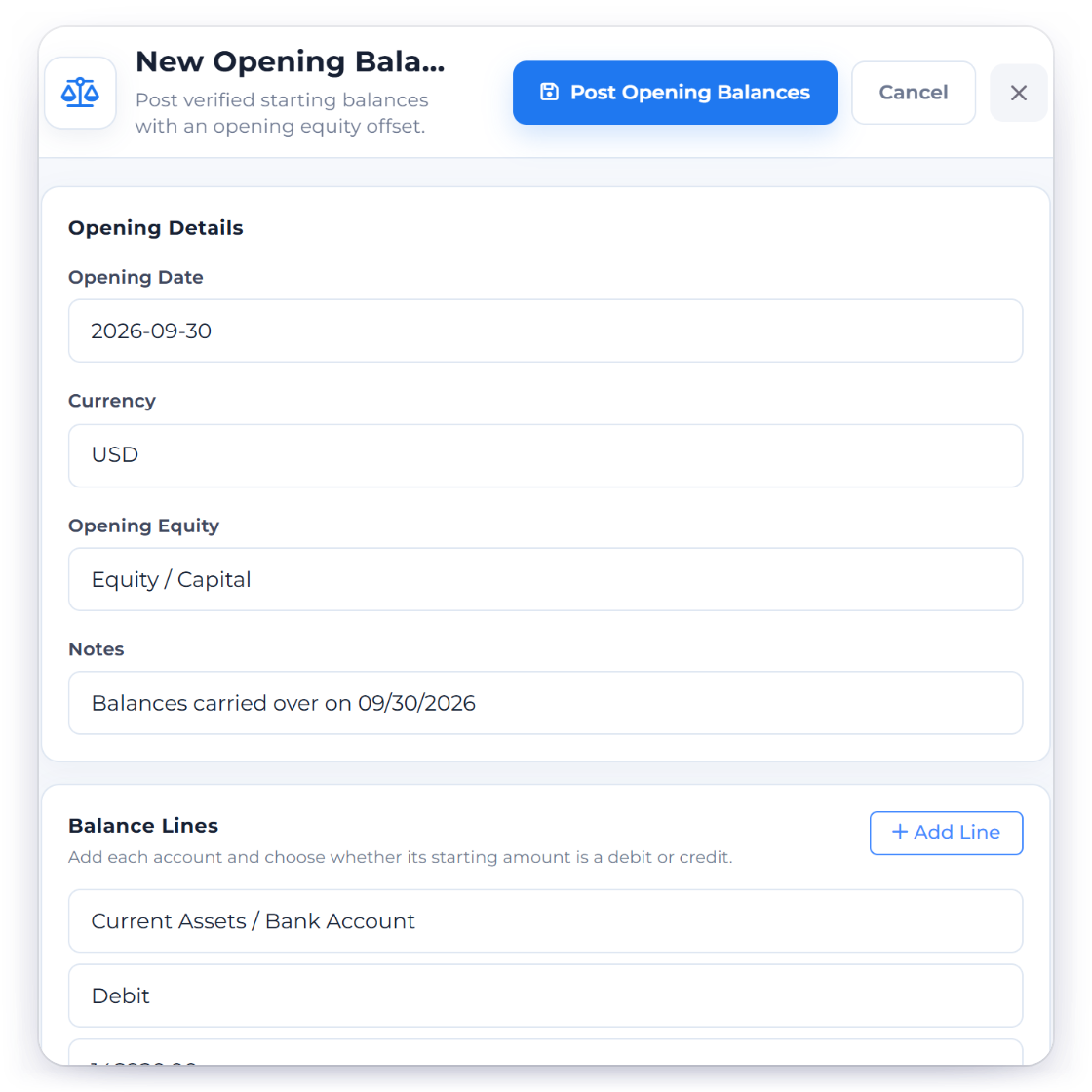
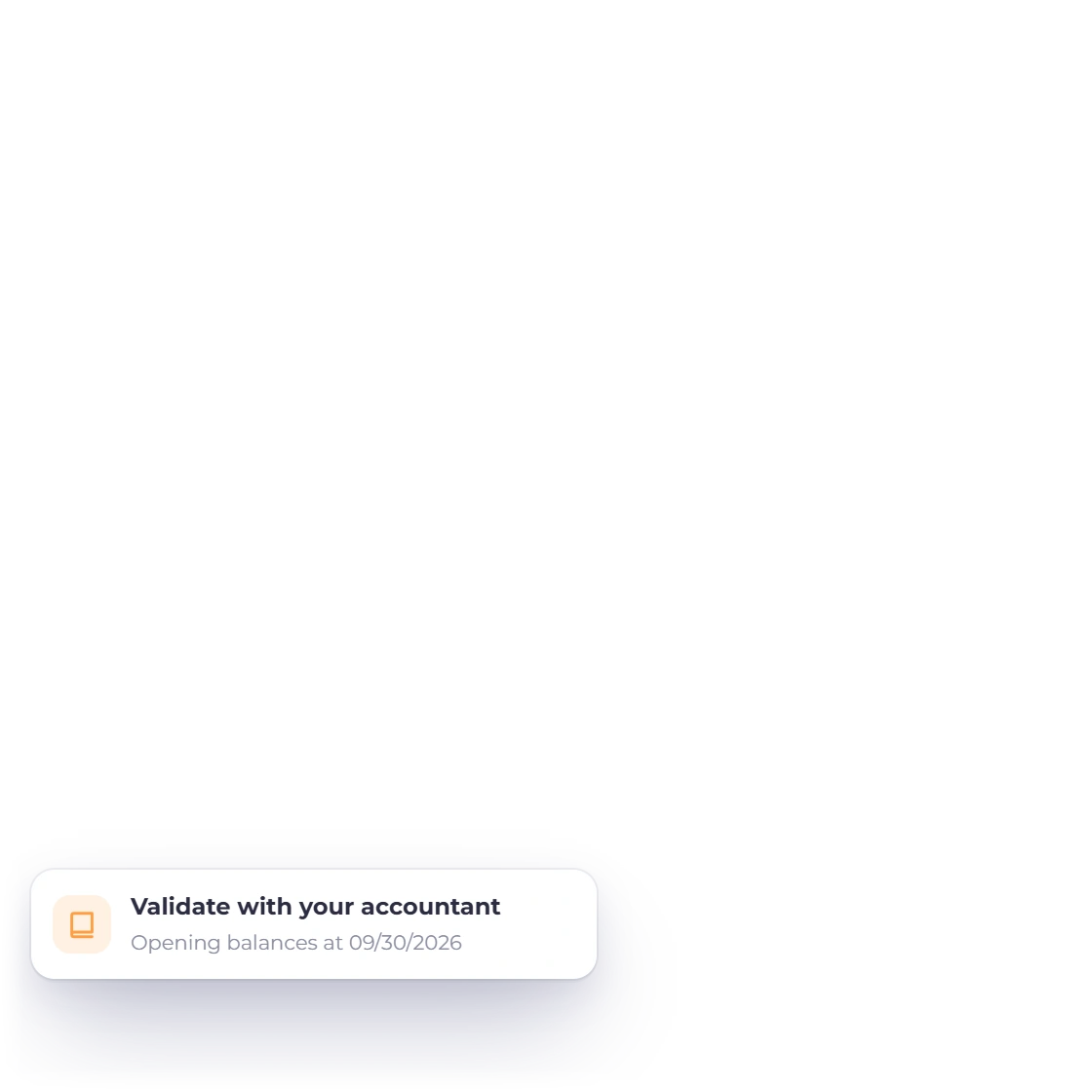
QuickBooks classes, locations, inventory valuation, payroll, sales-tax detail, reconciliations, credits, journal history and attachments do not automatically become equivalent Invoice Crowd records. Decide what remains in the source archive and validate opening balances with an accountant.

  • Counts and totals
  • Open document balances
  • Currencies and tax context

Run a controlled switch

Pause or sequence writes, take final exports, import approved deltas, reconcile opening and open-document totals, and keep a documented fallback path before inviting the wider team.

  • Final dated export
  • Approved opening position
  • Rollback and archive links

Migration checklist

The evidence to collect before you switch

Use this checklist with the people responsible for bookkeeping, operations, retention and customer communication.

  • Source archive

    Keep dated, immutable source exports and access.

  • Supported files

    Use CSV, TXT, XLS or XLSX within the configured upload limit.

  • Customers

    Map required identity and contact fields.

  • Vendors

    Map supplier identity and contact fields.

  • Items

    Map product and service fields deliberately.

  • Invoices

    Preserve document number, dates, customer, currency, lines, tax, discounts and totals.

  • Estimates

    Preserve quote identity, dates, customer and line details.

  • Preview

    Review detected headers, suggested mapping, required fields and sample rows.

  • Warnings

    Resolve missing required fields before committing the job.

  • Skipped rows

    Download and review rejected records instead of hiding them.

  • Reconciliation

    Match open documents, customer balances and approved opening totals.

  • Historical boundary

    Record what remains in QuickBooks and why.

Questions

QuickBooks migration, answered

Is this a one-click migration from QuickBooks?

No. Invoice Crowd currently analyzes and imports supported CSV or Excel data for items, customers, vendors, invoices and estimates. Historical records and provider-specific structures need an explicit archive, rebuild or reconciliation decision.

Which file types can I upload?

The current analyzer accepts CSV, TXT, XLS and XLSX files within the configured upload-size boundary.

Which records have dedicated analyzers?

Items, customers, vendors, invoices and estimates. Bank reconciliation has a separate import workflow and is not a substitute for migrating a complete accounting ledger.

Should I close the old account after importing?

Not immediately. Keep source access and immutable exports until financial, tax, contractual and audit retention needs are covered and every material balance has been reconciled.

How do I know the migration worked?

Check field mapping, warnings, row outcomes, representative document rendering, open balances, currencies, taxes and approved opening totals. A successful upload or matching row count is not enough.

What happens to data that has no target field?

Document it in the migration register and either preserve it in the source archive, attach it through a supported operational process, or rebuild it deliberately. Never silently discard it.

Test with copies before moving live work

Create the archive, normalize a representative set, inspect warnings and skipped rows, and reconcile the result before the production cutover.

  • Source history preserved
  • Visible mapping review
  • Reconciled activation gate