

Skip to content

For virtual assistant businesses

Invoicing software for virtual assistants with retainers and billable time

Invoice Crowd lets a virtual assistant bill a monthly retainer with included hours, record project time and invoice clients in the currency agreed. Clients can approve your hours in their portal before the invoice goes out.

  • Billable project time
  • Retainers with included hours
  • Invoices in the client's currency
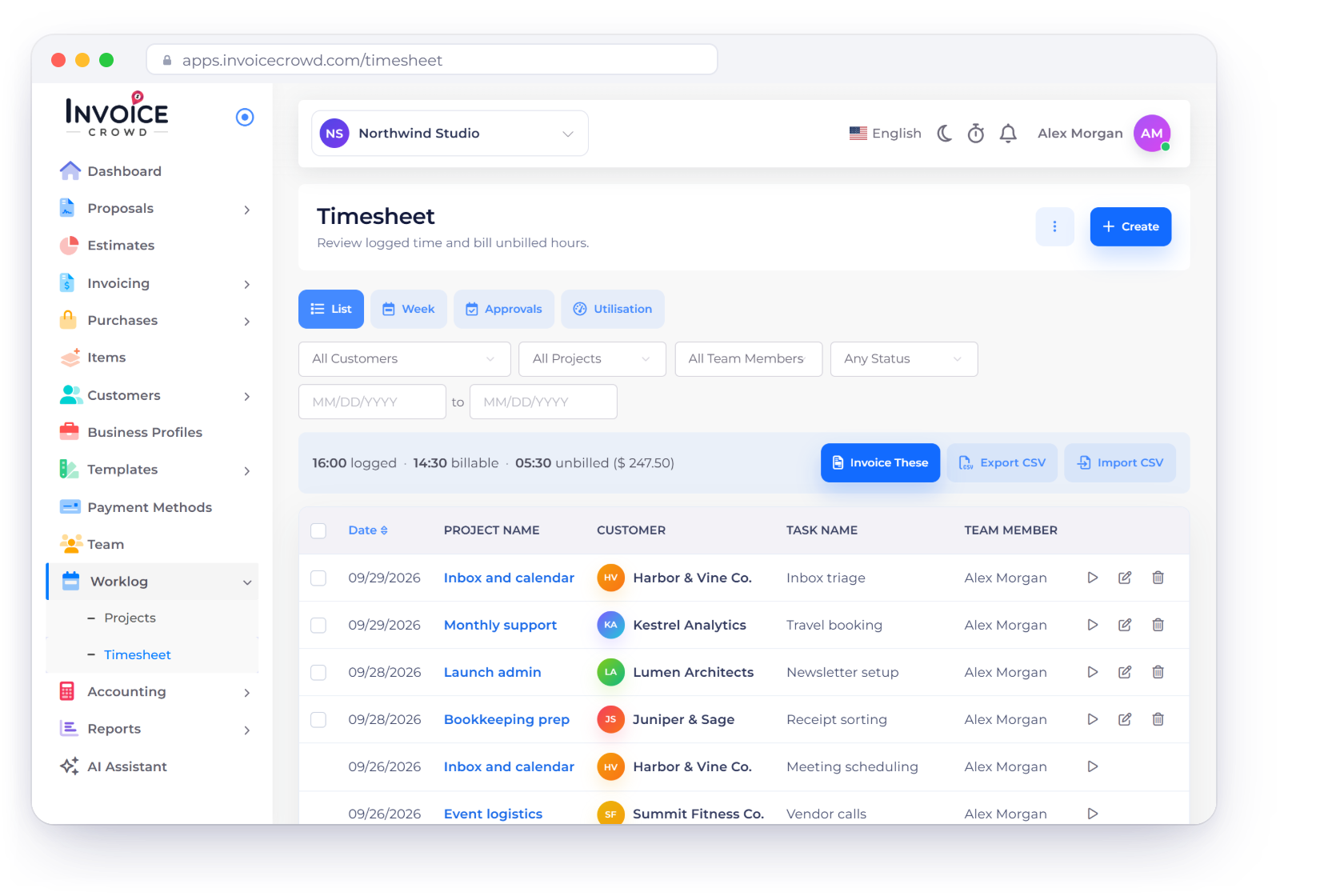
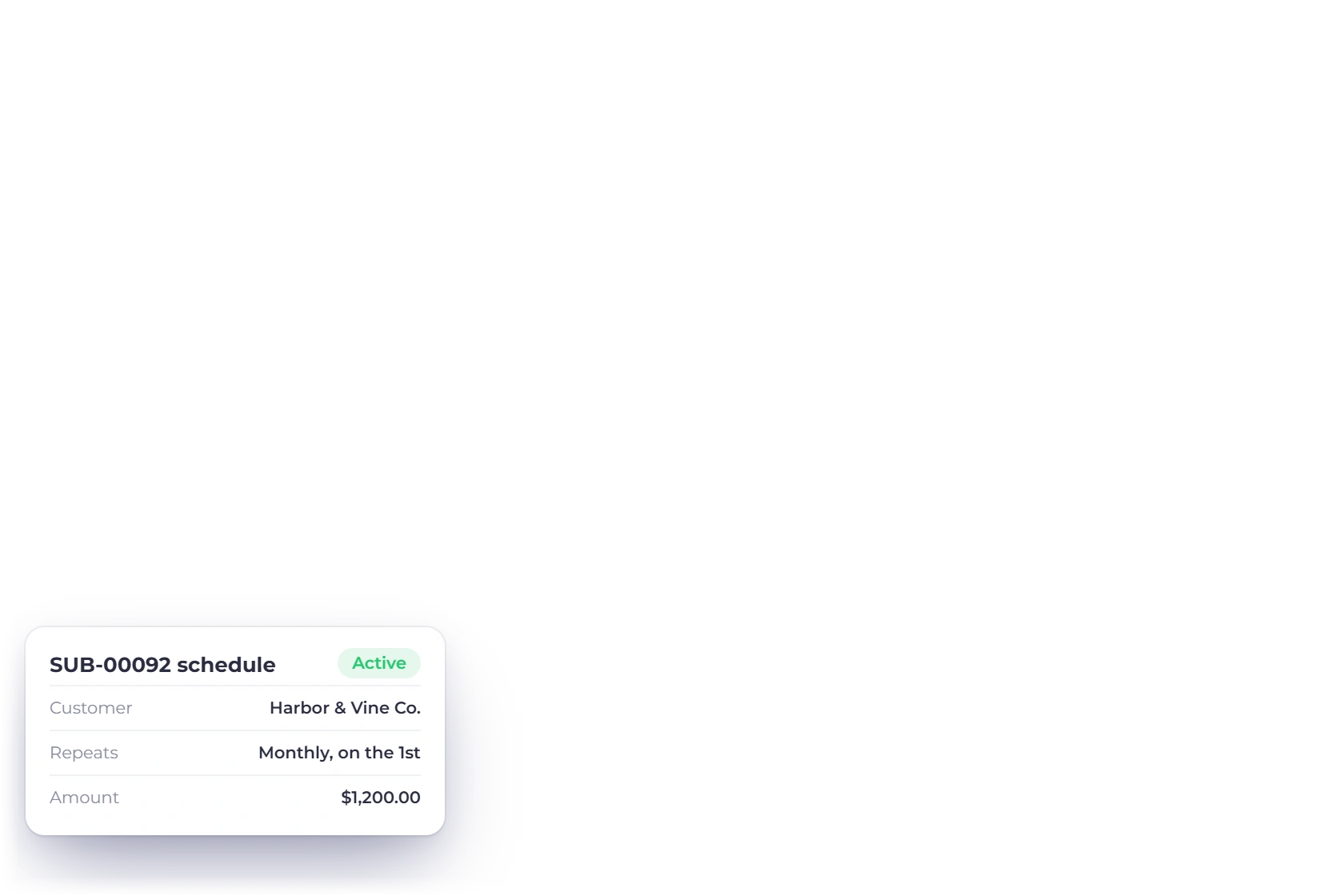
Invoice Crowd Timesheet for a virtual assistant business with client tasks, team members, time and billing status, a running timer, a monthly recurring invoice schedule and the unbilled hours for one client

The workflow

Retainer billing without losing the work behind it

A virtual assistant may combine a stable monthly fee with overage hours, one-off projects and client expenses. These screens put each part on the right invoice.

Record the variable work

Attach time to a client project instead of a loose sheet

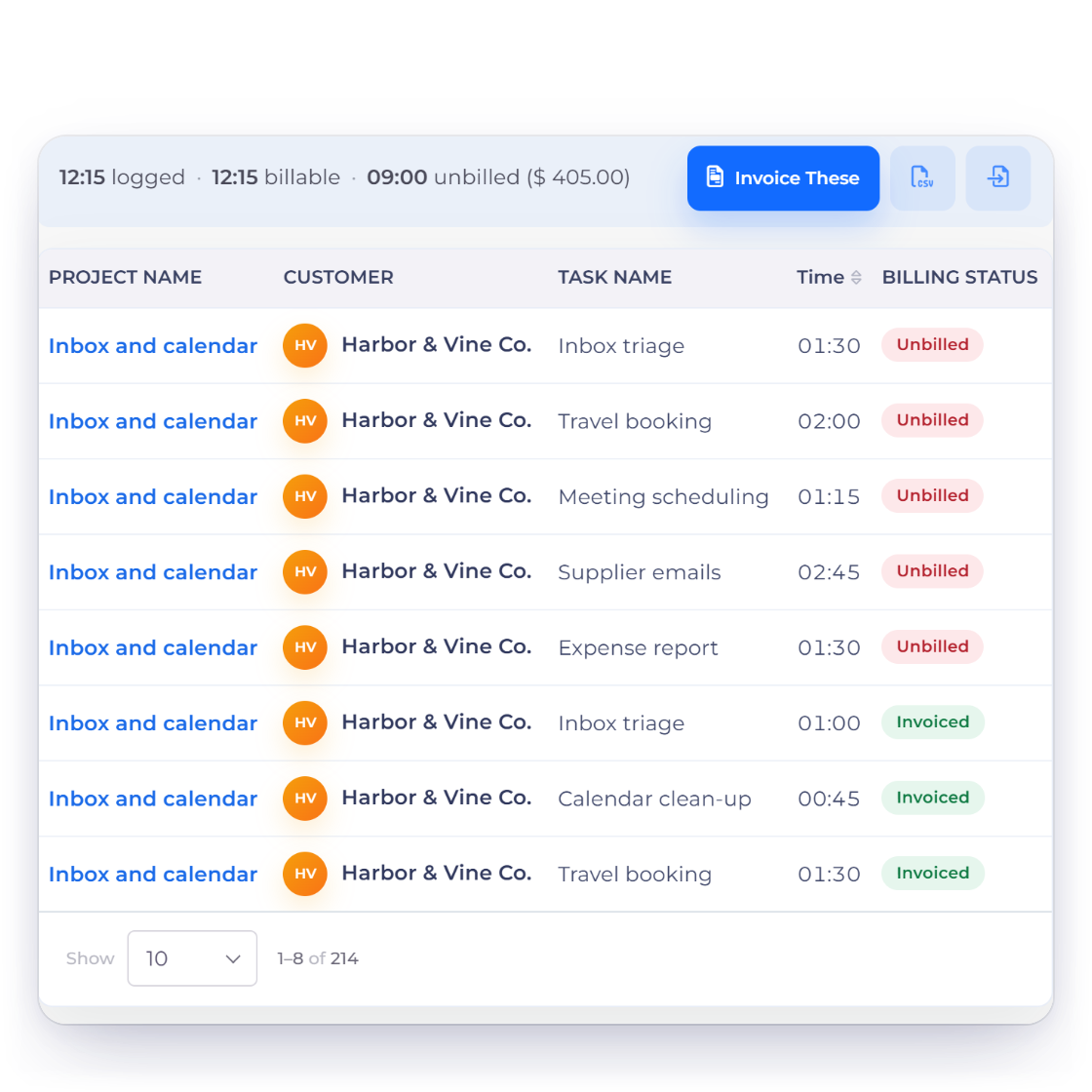
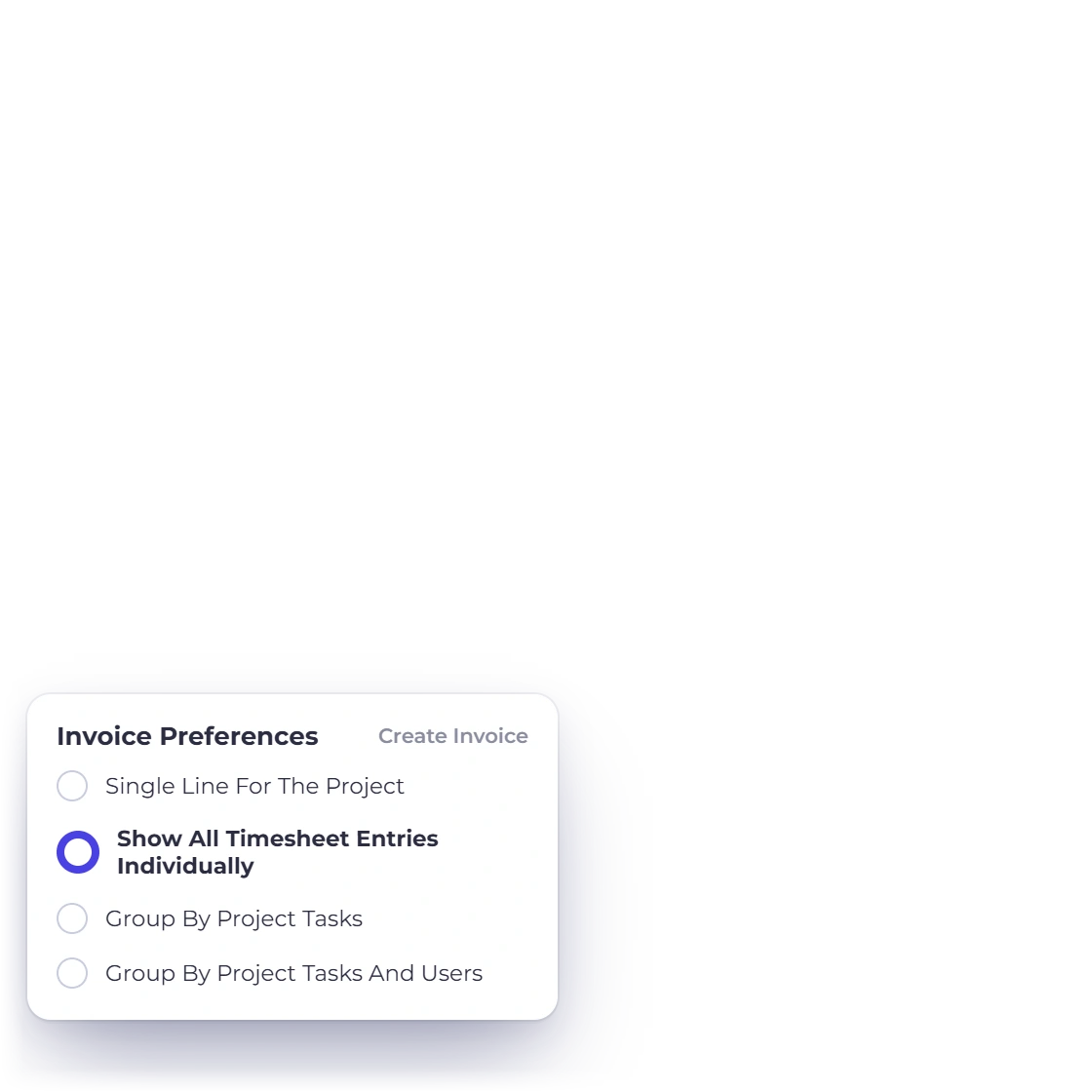
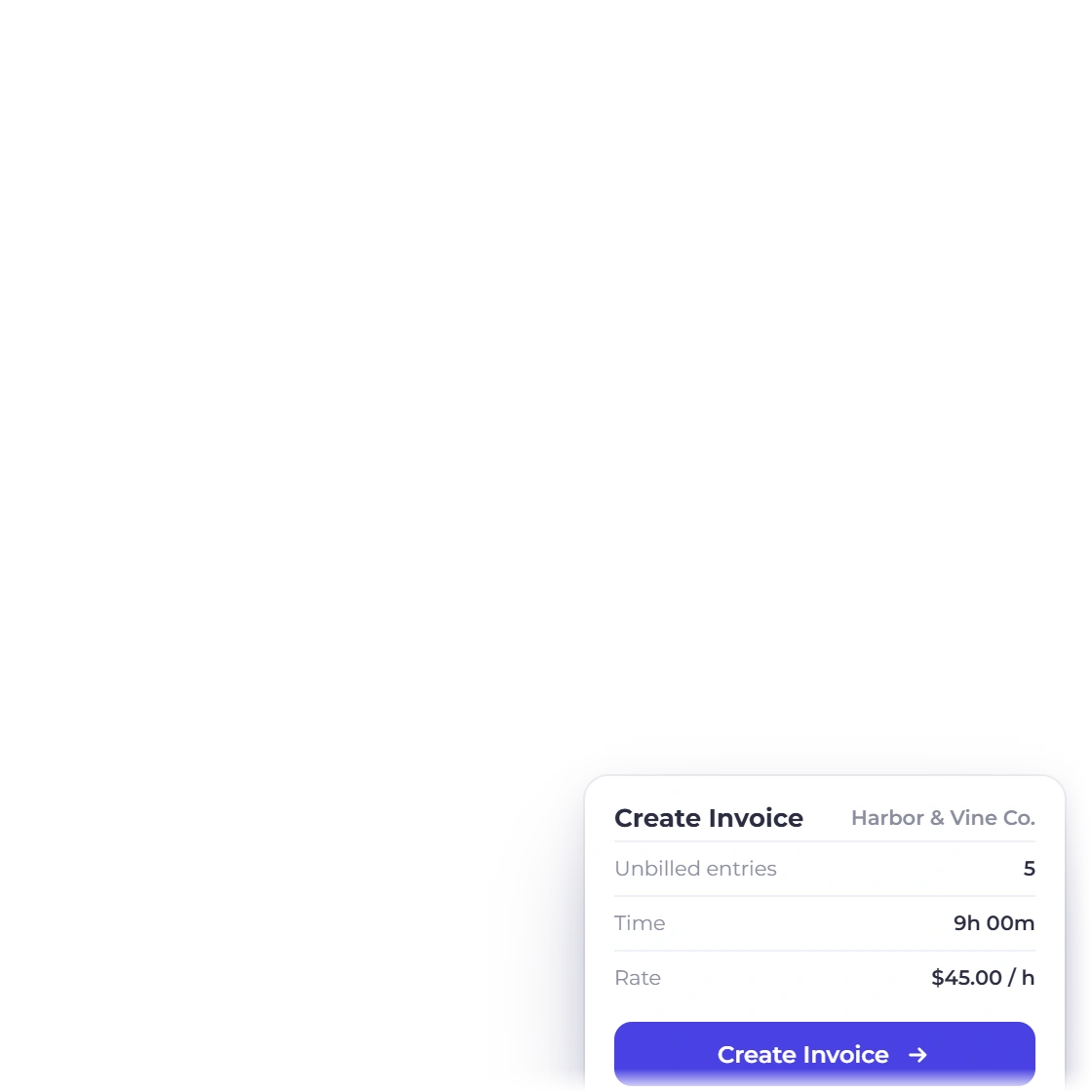
Invoice Crowd timesheet for a virtual assistant with inbox, travel and scheduling tasks for one client, unbilled and invoiced entries, and the invoice preferences for turning the unbilled hours into an invoice

Keep billable time tied to the right project

Use projects, tasks and timesheet entries to record work that sits outside the fixed retainer. Bill those hours on the next invoice, rounded to 6, 15 or 30 minutes if you like, without turning the invoice into a task list.

  • Time attached to a project and task
  • Unbilled work stays visible
  • Idle time removed when you step away
See time tracking

Schedule the stable fee

Raise the recurring part on the agreed cycle

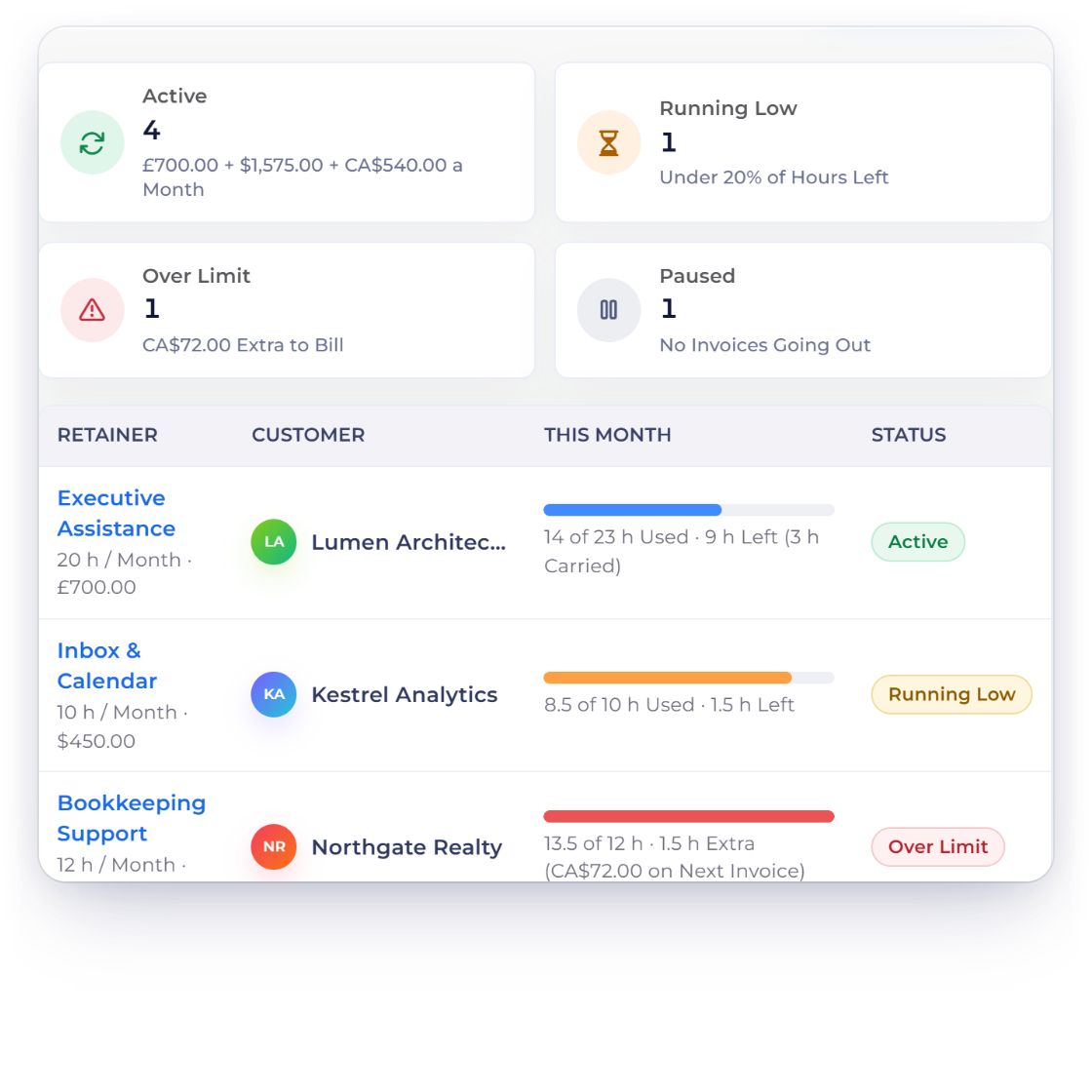
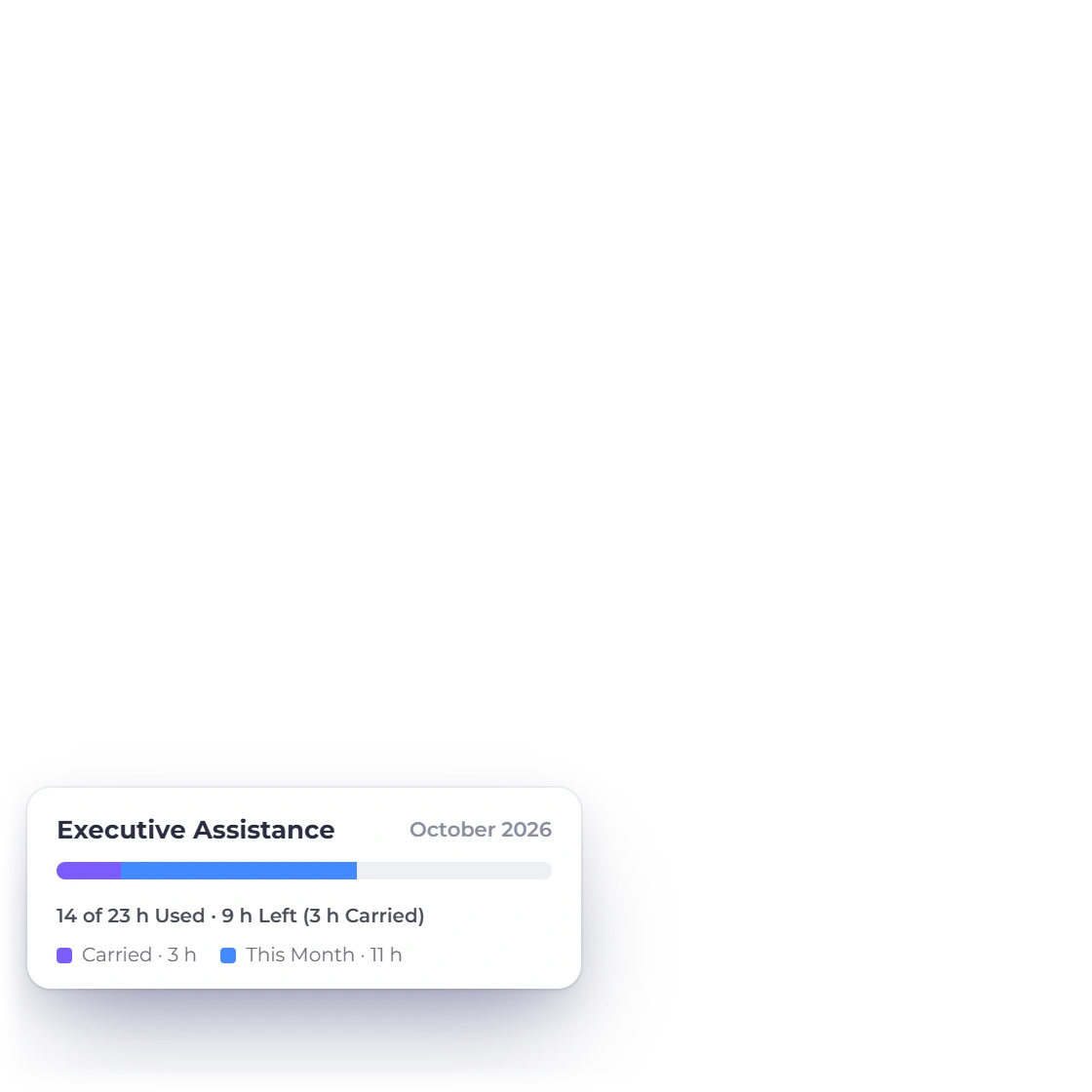
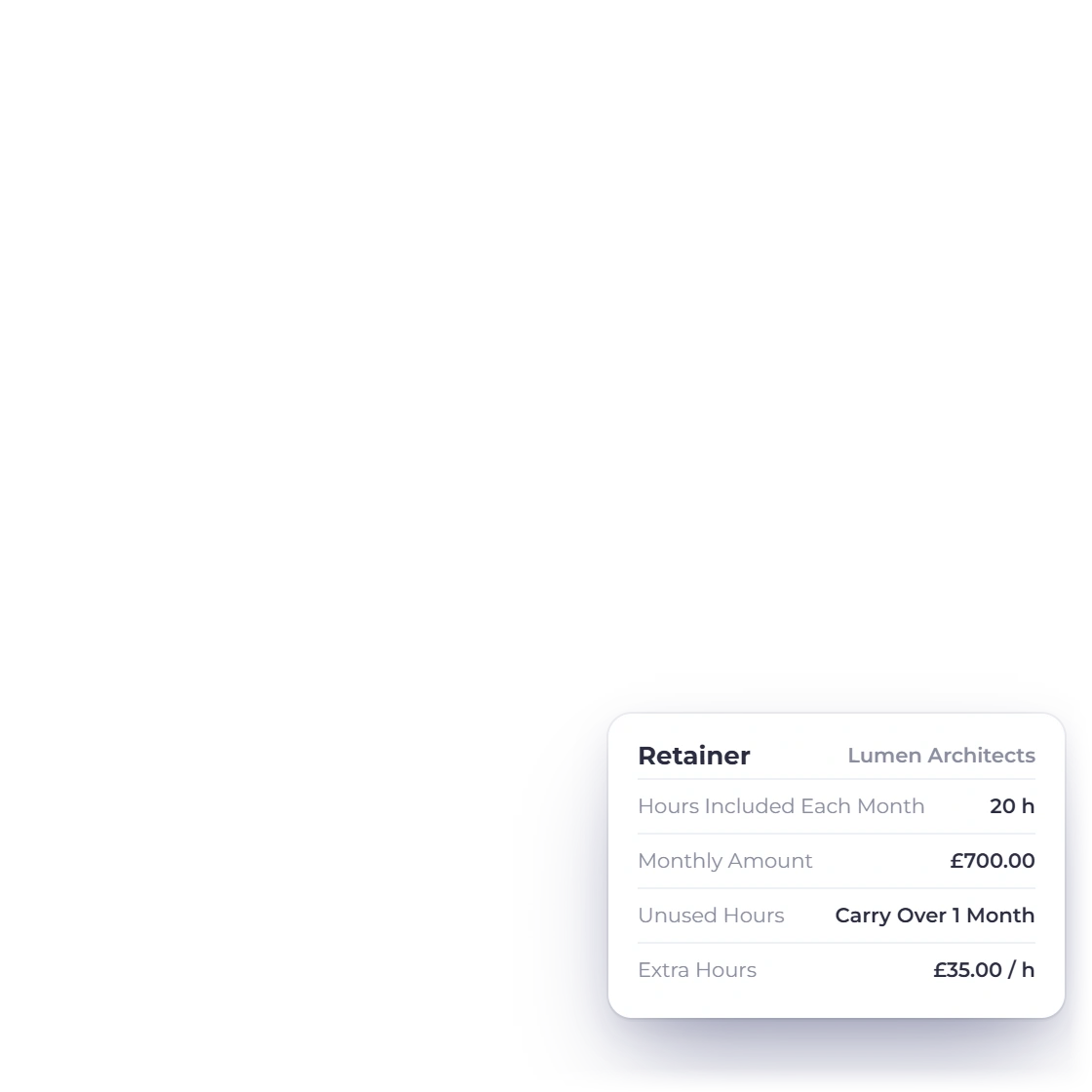
Invoice Crowd Retainers screen for a virtual assistant with monthly retainers in pounds, US dollars and Canadian dollars, the hour bank of one client and the retainer settings for unused and extra hours

Put the monthly retainer and its hours on one schedule

Set up a retainer with the monthly fee and the hours it includes. Time you log on that client's projects counts against the allowance, unused hours carry over or expire, and extra hours go on the next invoice. A flat fee with no hours can stay a plain recurring invoice. Clients can see their retainer hours in the portal and approve or question each week's hours before you invoice.

  • Hours included each month on the invoice
  • Unused hours carry over or expire
  • Retainer time is never billed twice
Retainers

Keep each client's details

The right customer and currency on every record

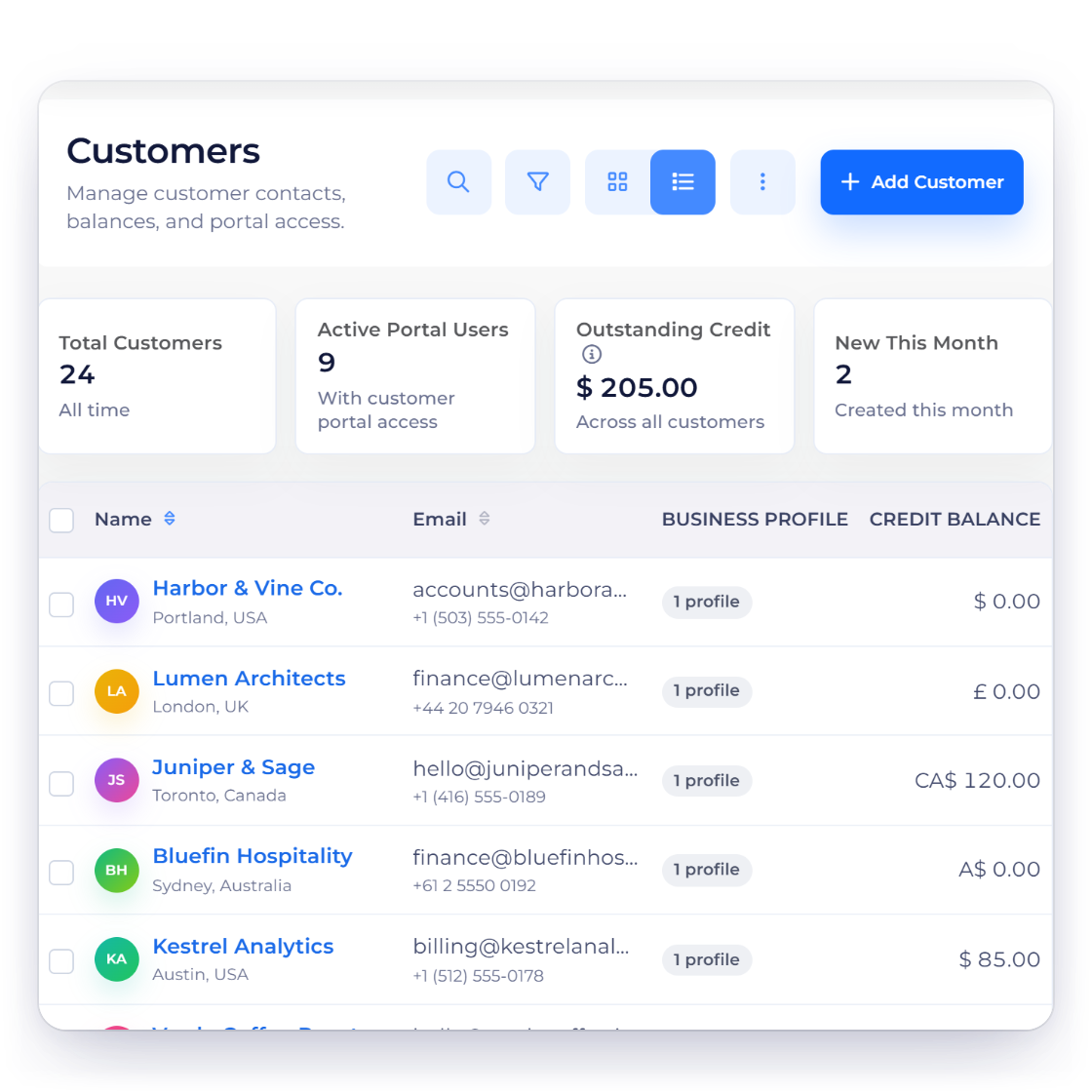
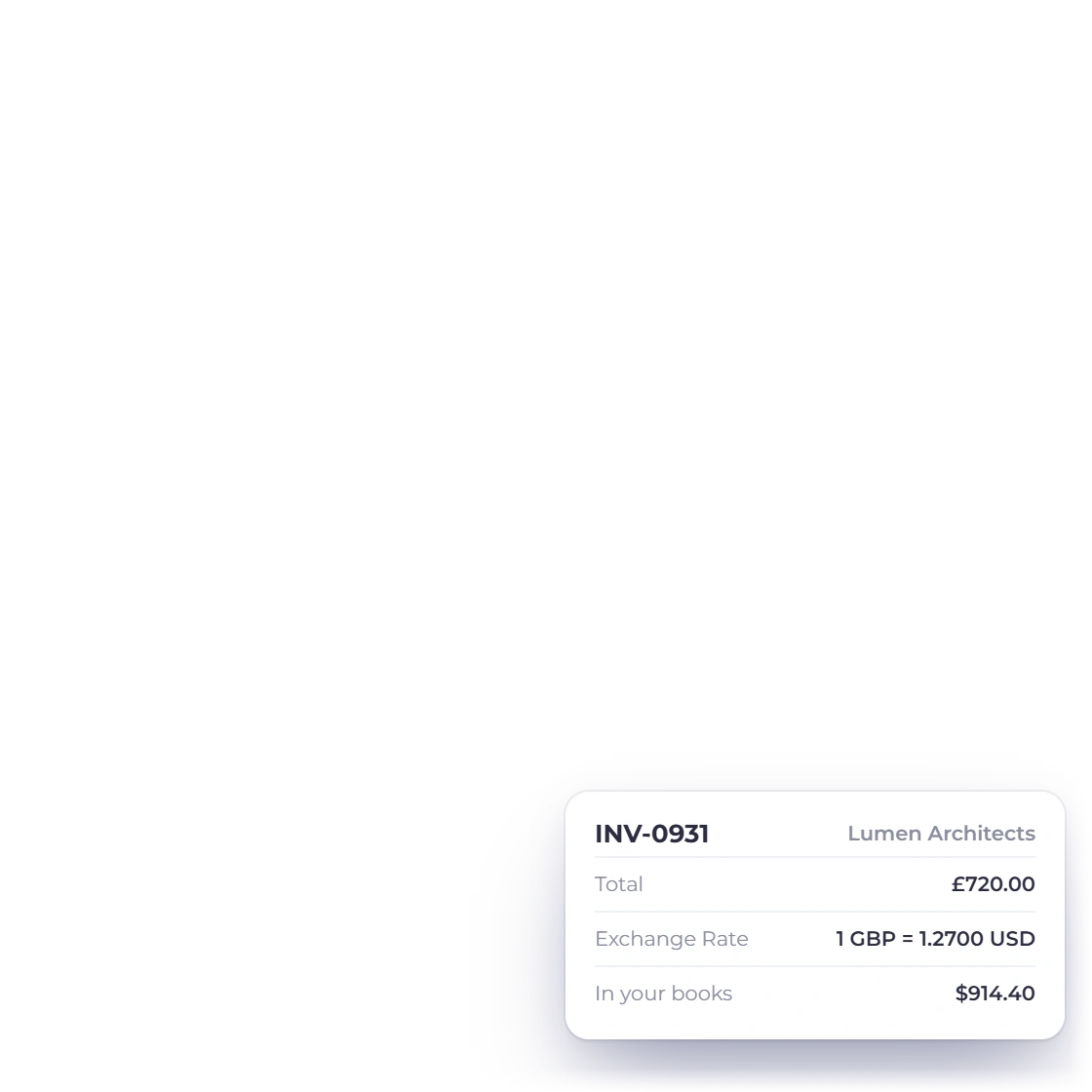
Invoice Crowd customers list for a virtual assistant with clients in the United States, United Kingdom, Canada, Australia and Ireland, a customer record with its own currency and an invoice in pounds with its exchange rate

Organize international client records

Each client's details, currency and balance are reused on every proposal and invoice, so you bill in the currency you agreed. Keep their passwords and inbox access in a password manager, not here.

  • Customer details reused across documents
  • Each client billed in their own currency
  • Financial history kept apart from passwords
Manage customers

Why it fits

Why virtual assistants bill from here

The retainer, the extra hours and the client's approval of them sit on one record, so the invoice is never a guess.

  • Time, retainers and invoices together

    Log the hours, count them against the retainer and bill the extra, without exporting a timesheet. Paid plans.

  • Clients approve the hours

    In the customer portal, clients see their retainer hours and approve or question each week before you invoice. They see hours, never rates.

  • Paid from the invoice

    Connect PayPal, Stripe, Payoneer or ten others and clients pay from the invoice. PayPal works on the free plan too.

  • Clients in any country

    Invoice each client in their own currency while your reports total in yours.

Also included

The rest of a VA business

These sit in the same account as your retainers, hours and invoices.

  • A timer that notices you left

    Start a timer from the header. If you step away, keep the time, remove the idle part or stop at the moment you left, and a forgotten timer stops automatically.

  • Rounded on the invoice

    Bill unbilled hours up to a date, rounded to 6, 15 or 30 minutes if you like. Only the invoice is rounded; your logged minutes never change.

  • Reminders and late fees

    Reminders go out before and after the due date. Set a flat or percentage late fee when you send the invoice, and it is added automatically if the invoice is still unpaid after the due date.

  • AI Assistant

    Type “log 2h on Northwind inbox yesterday” and the assistant drafts the time entry for you to confirm. Paid plans, with AI credits.

  • Prepaid hours

    Prepaid hours are recorded as an advance with its own receipt, then applied to the invoices they cover.

  • Subcontractors

    On the Team or Business plan, invite a subcontractor with a role and limit them to selected customers only.

  • Client portal

    Clients sign in to see every invoice you sent them, what they have paid and how their retainer hours are going.

  • Hour packs as payment links

    Sell a fixed starter pack, such as five hours of inbox support, as a payment link the client pays online. They become a customer with an invoice automatically.

  • Compare like with like

    When you compare tools, test each one on the same job: a retainer, two overage entries and a foreign-currency invoice.

Questions

Virtual assistant invoicing, answered

Can virtual assistants track billable time in Invoice Crowd?

Yes. Start the timer or log time against a client's project and task. If you step away, you can remove the idle time when you come back. Time tracking needs a paid plan.

Can I create recurring invoices for VA retainers?

Yes. A retainer is a monthly recurring invoice with an hours allowance: logged hours count against it and overage goes on the next invoice. For a flat fee with no hours, a recurring invoice holds the amount, customer, currency and schedule. Both need a paid plan.

How does Invoice Crowd fit into a virtual assistant tool stack?

Use it for proposals, time, retainers, invoices and payments, and keep using your task and chat tools for the daily work.

Can I invoice virtual assistant clients in different currencies?

Yes. Invoice each client in their own currency while your reports total in yours, and they pay through any of the gateways you connected.

Can subcontractors use the same account?

Yes, on the Team plan (two members) or Business plan (three). Each person gets a role, and you can limit a member to selected customers only.

Where should I keep client credentials?

Use a dedicated password manager approved for that purpose. Do not store passwords or access secrets in invoices, customer notes or time entries.

Bill the retainer and the extra hours from one place

Set up the retainer, log the work and let the client approve the hours before the invoice goes out.

  • Free Basic plan for everyday invoicing
  • 30-day free trial, no card needed
  • Retainer hours counted, never billed twice