Proposal
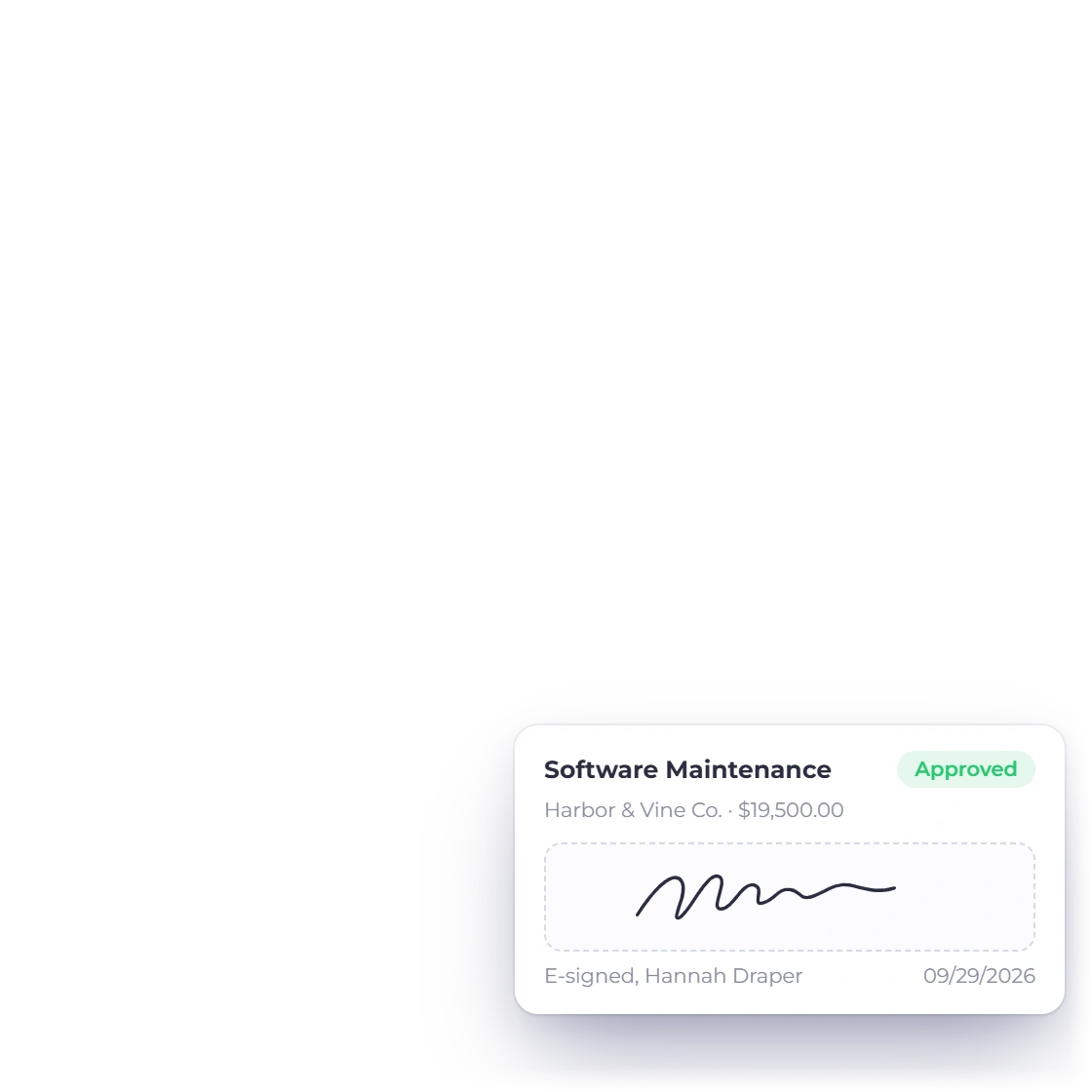
A designed document with sections, a pricing table and a signature field the client fills in on screen.
Invoice Crowd is one account for proposals, estimates, invoices, payments, purchasing, time tracking and accounting, so each document carries on from the one before it instead of being retyped somewhere else.
How the work moves
The core workflow reuses business-scoped customer, item and document records between proposals, estimates, invoices, payments, purchasing and reports. Each conversion and report keeps its own review boundary.
A designed document with sections, a pricing table and a signature field the client fills in on screen.
A priced quote with lines, tax and recipient choices, approved online instead of by a countersigned PDF.
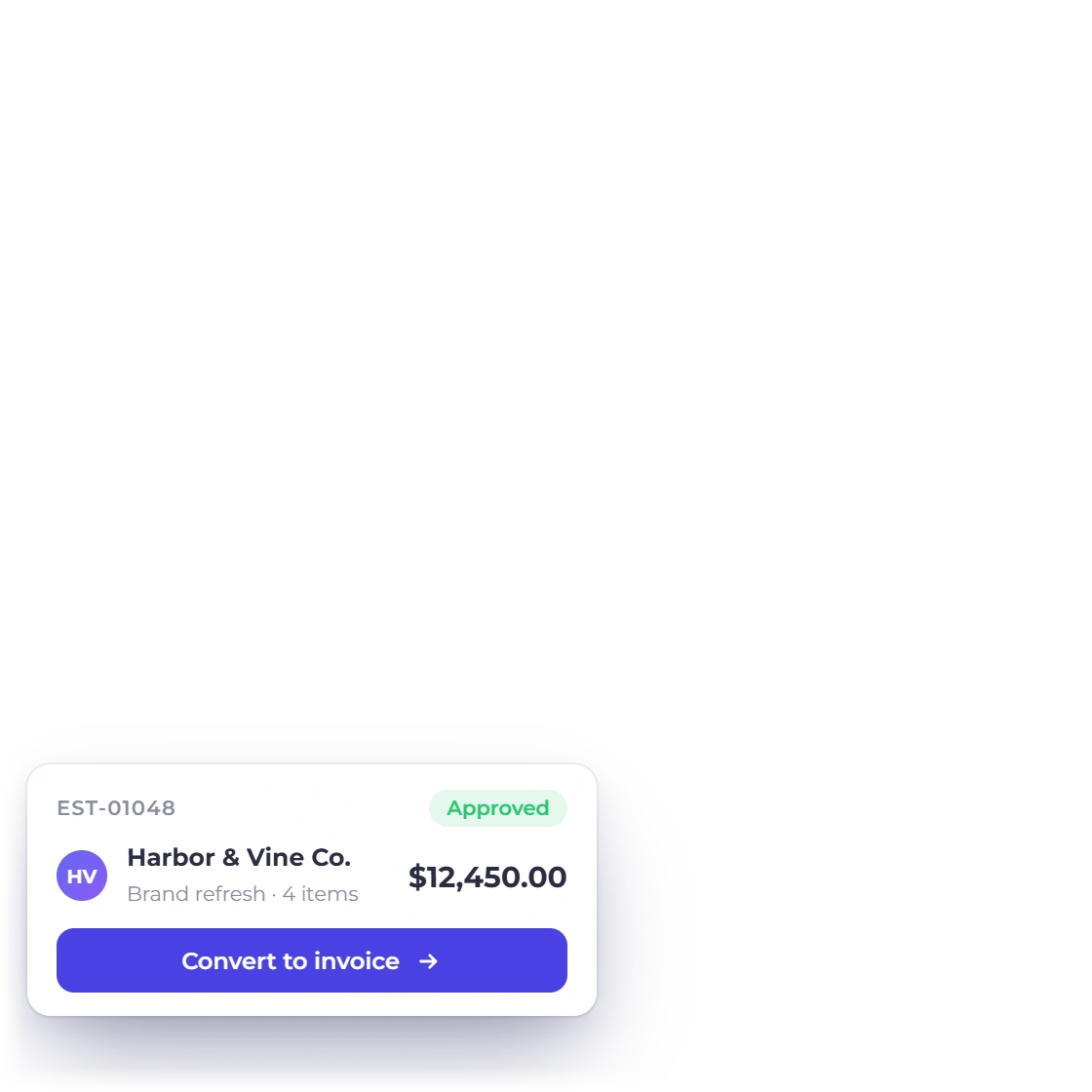
Approval carries the same lines into an invoice, with a deposit up front if that is how the job is staged.
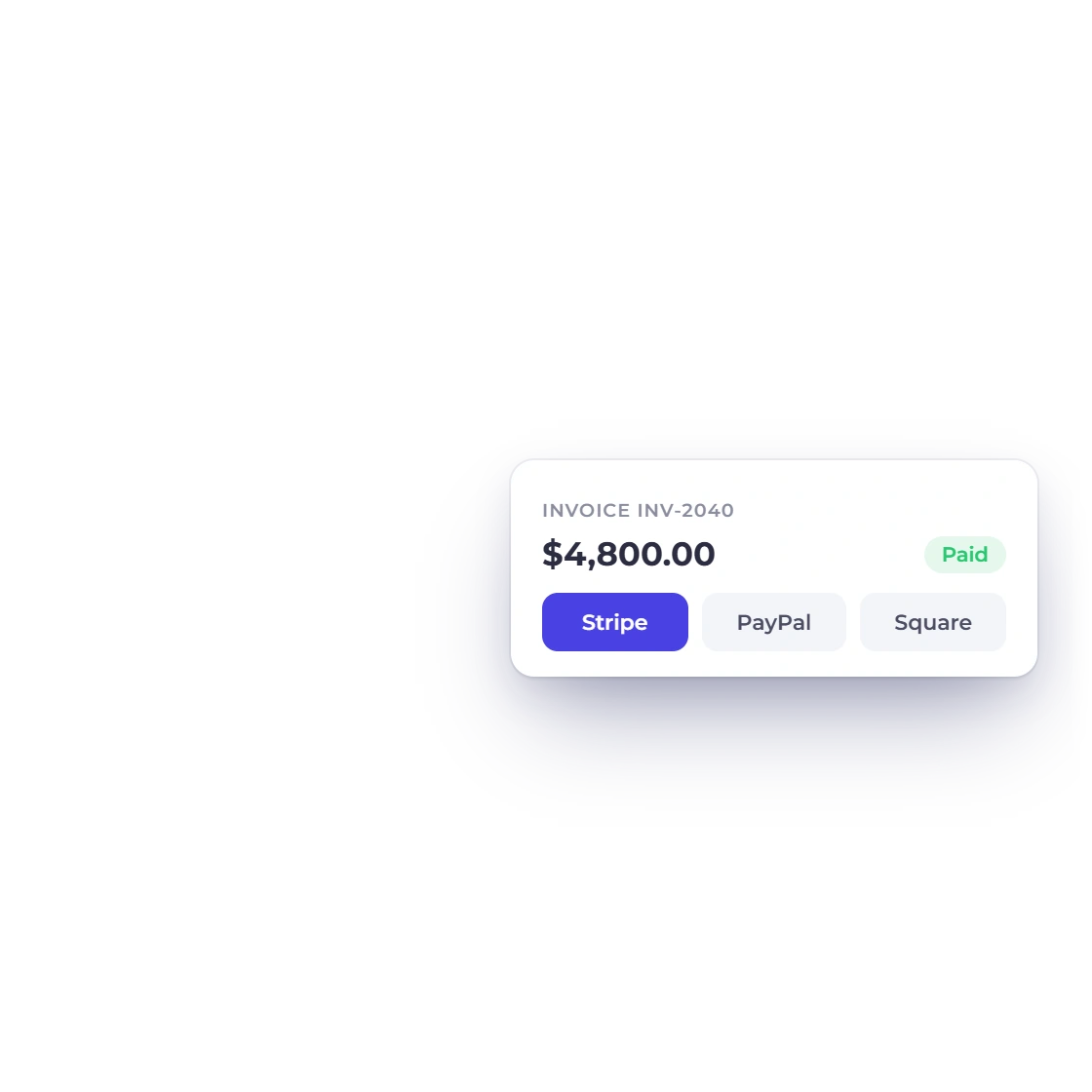
The client settles it from the portal through whichever gateway you connected, in one payment or several.
Each document and payment posts to the ledger, so the statements are already written when you go looking.
The three jobs
The product divides into three parts and most people meet them in that order. Each part below points at the page that covers it in full.
Proposals and estimates, before any money moves
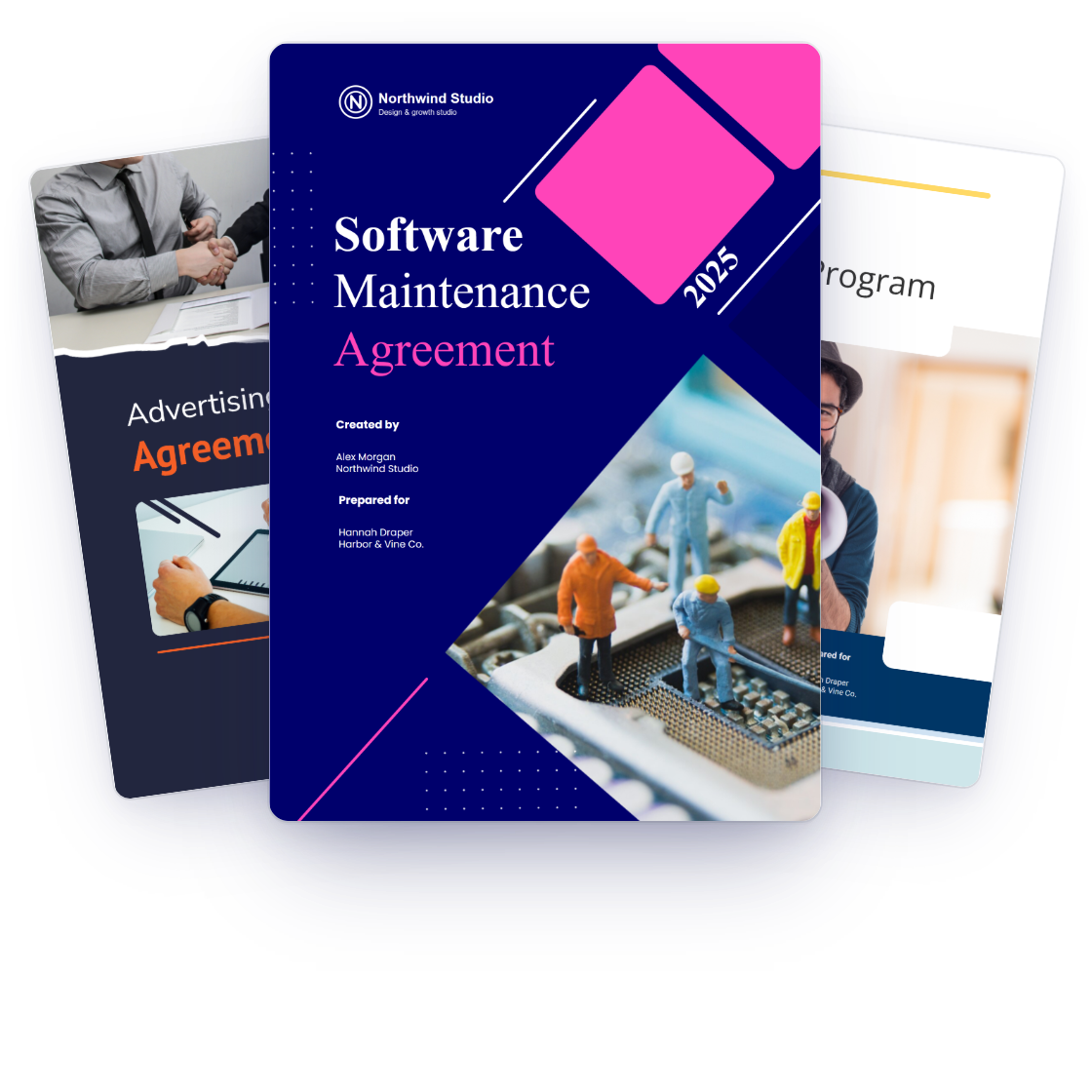
Proposal documents can combine editable text, media, tables, pricing and approval fields under the selected business identity. Available templates and reusable content depend on the current proposal workspace.
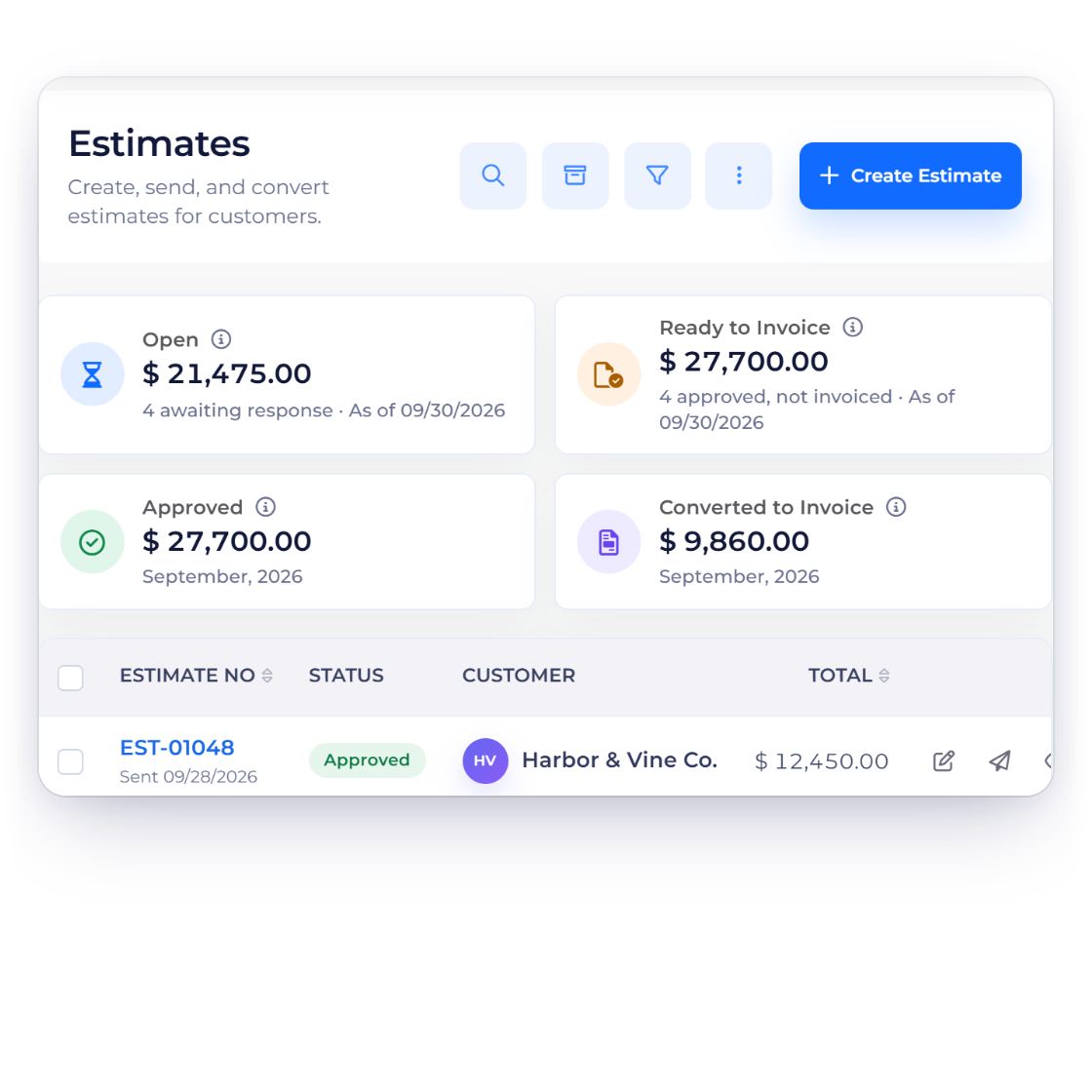
An estimate is the version for buyers who want a number rather than a pitch: lines, quantities, custom tax and discount rates. Enable Remove Items for the estimate so a client can remove saved lines before approval, or open quantity customization so they choose how many hours or units they are buying.
From an approved document to money in the account
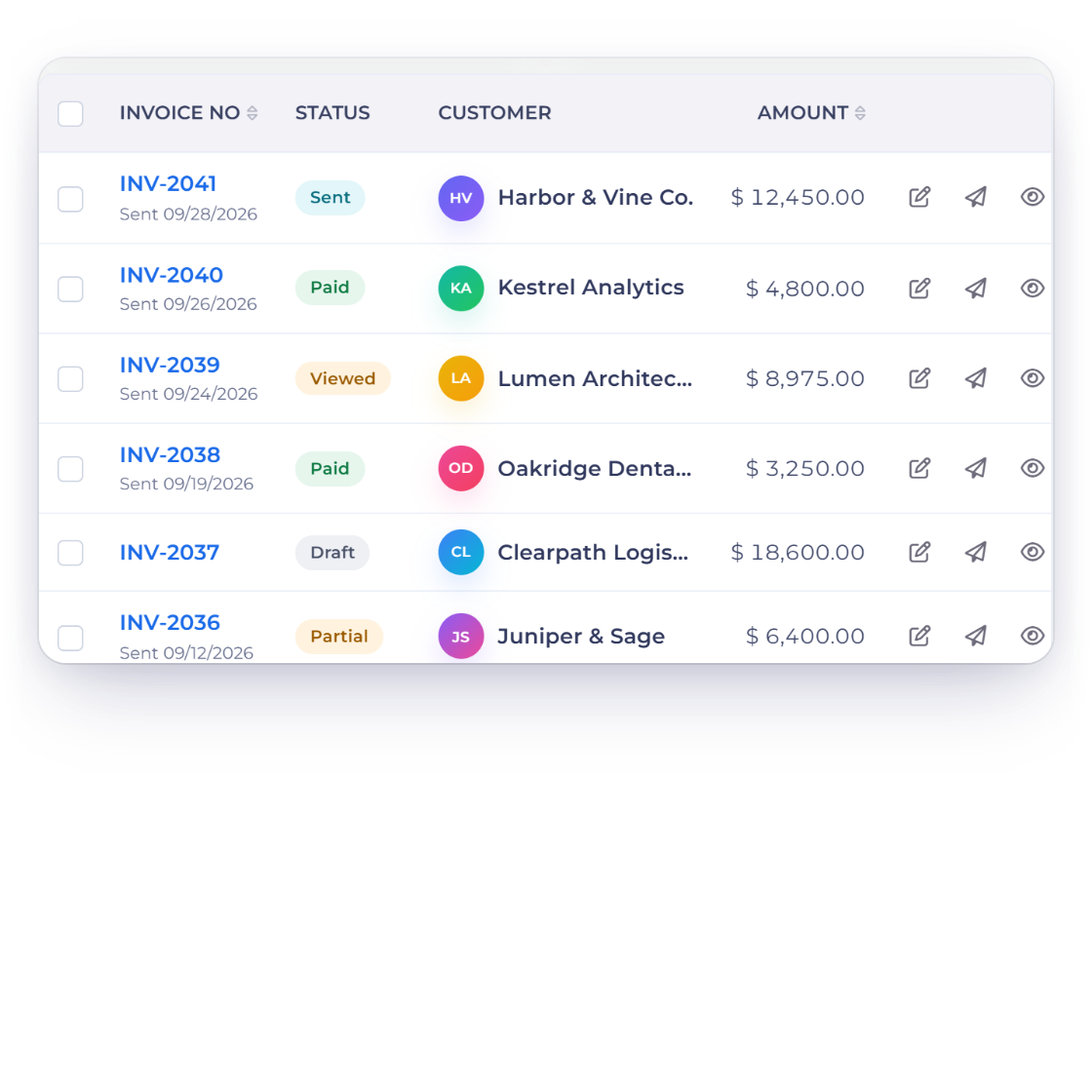
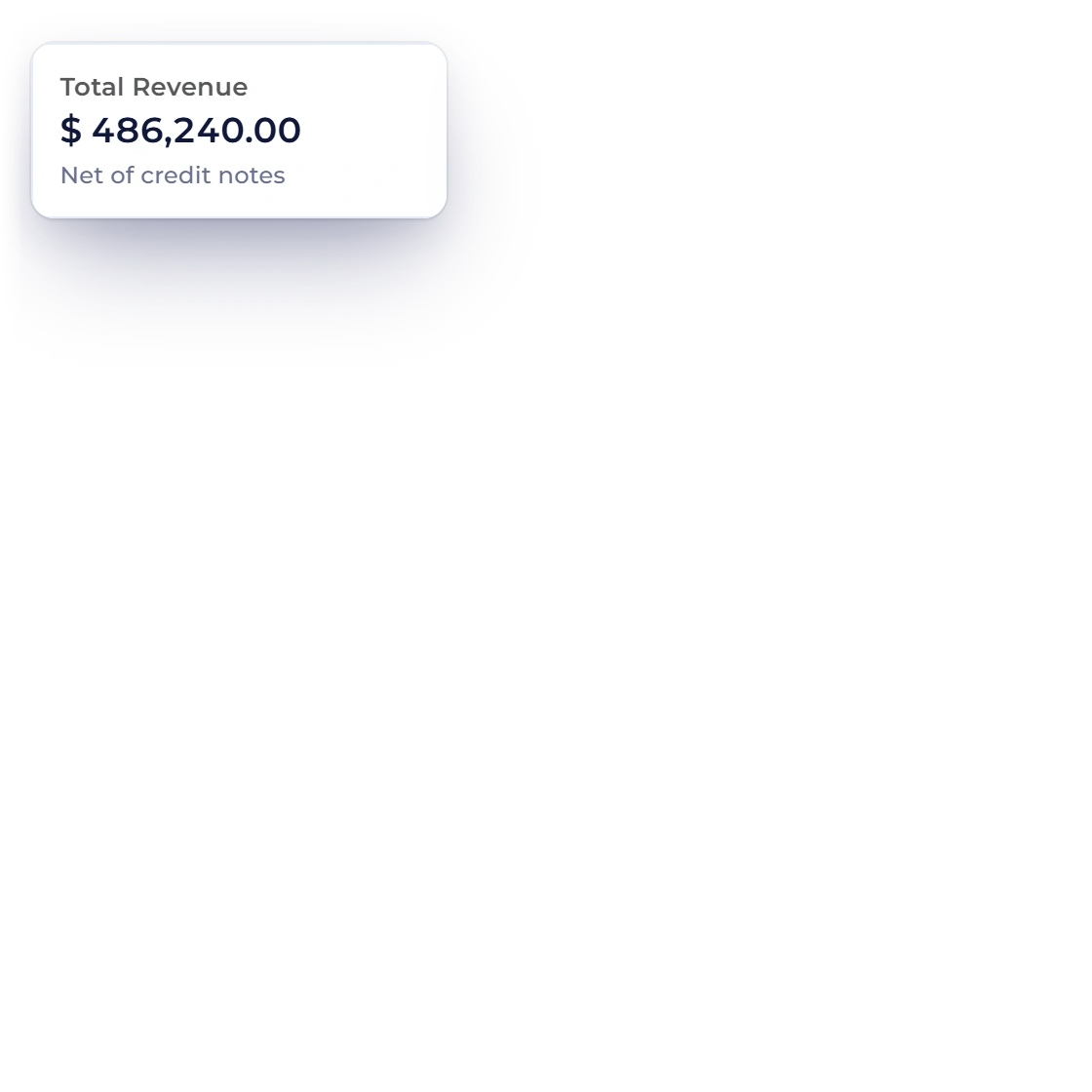
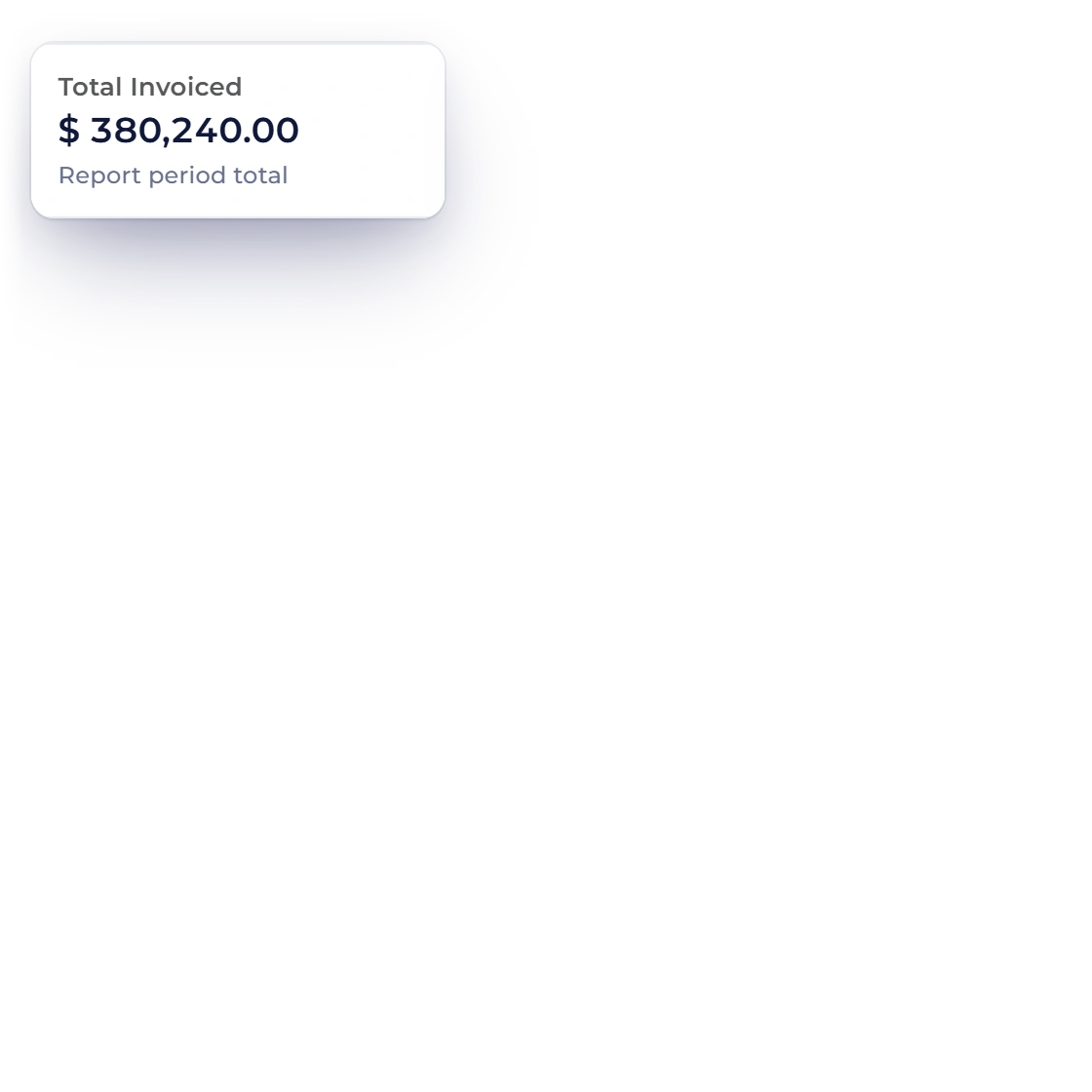
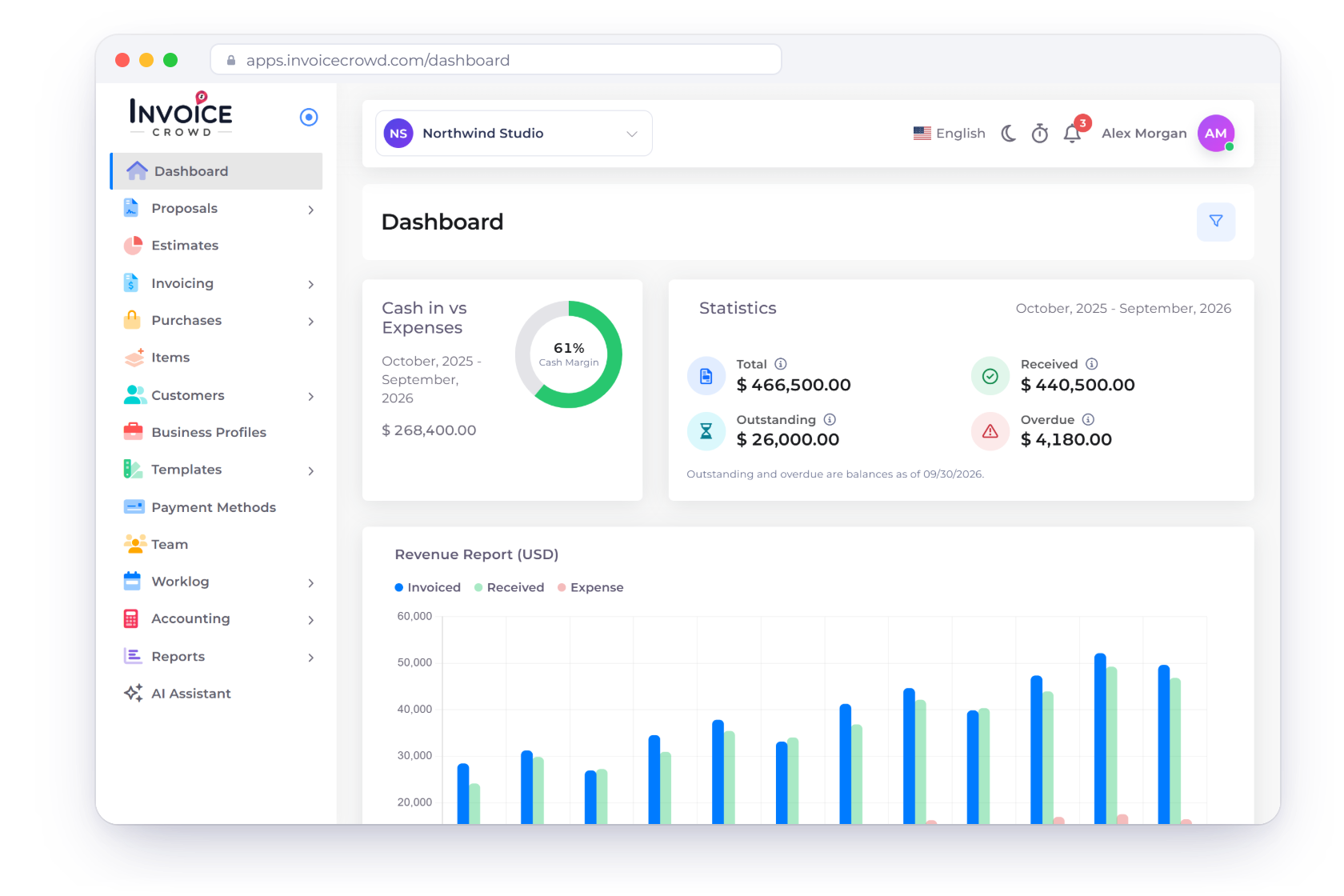
The invoice list shows draft, sent, partly paid, overdue and void states, with Invoiced, Received, Outstanding and Overdue totals in a strip above the table. Reminders, late fees, credit notes and refunds each act on the invoice itself.
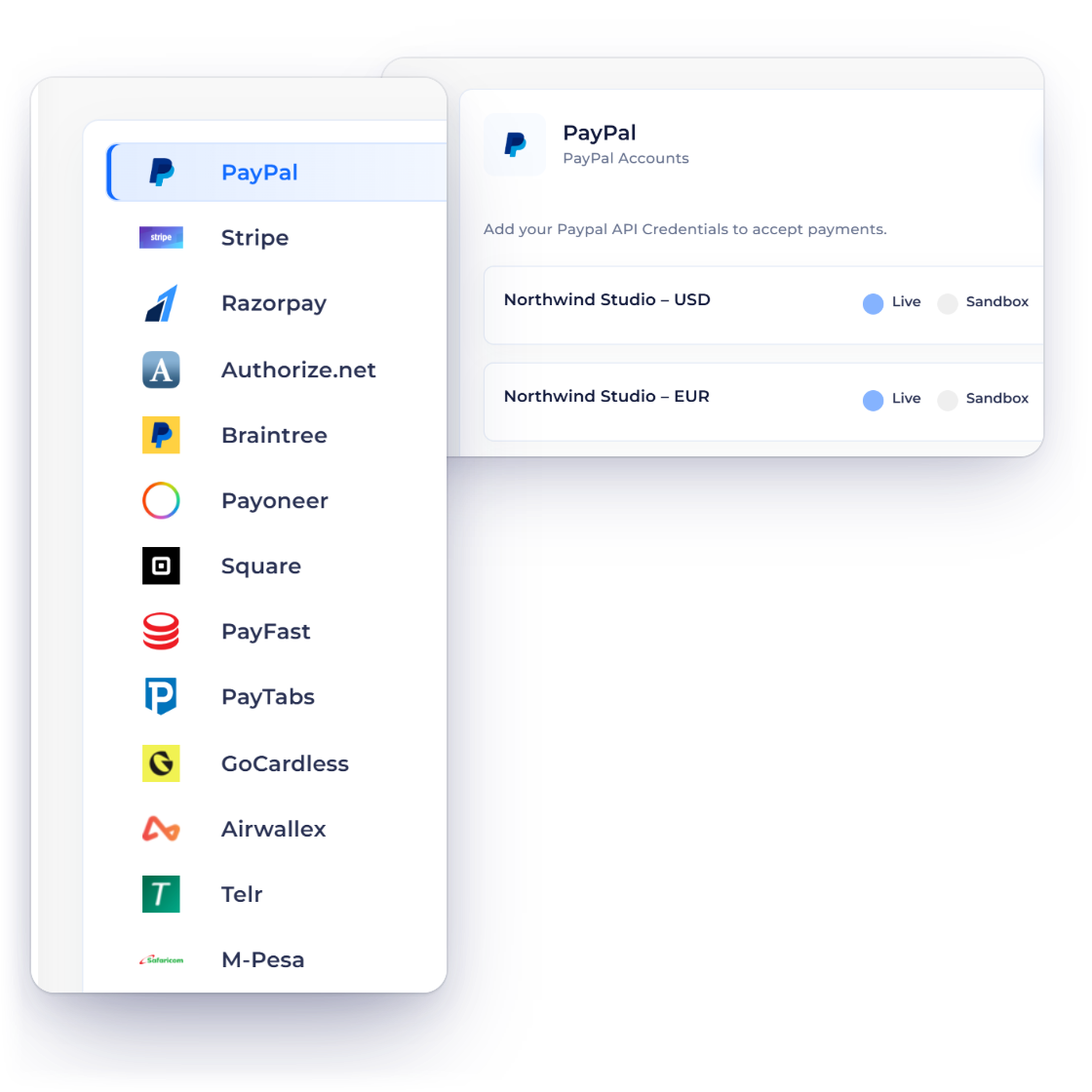
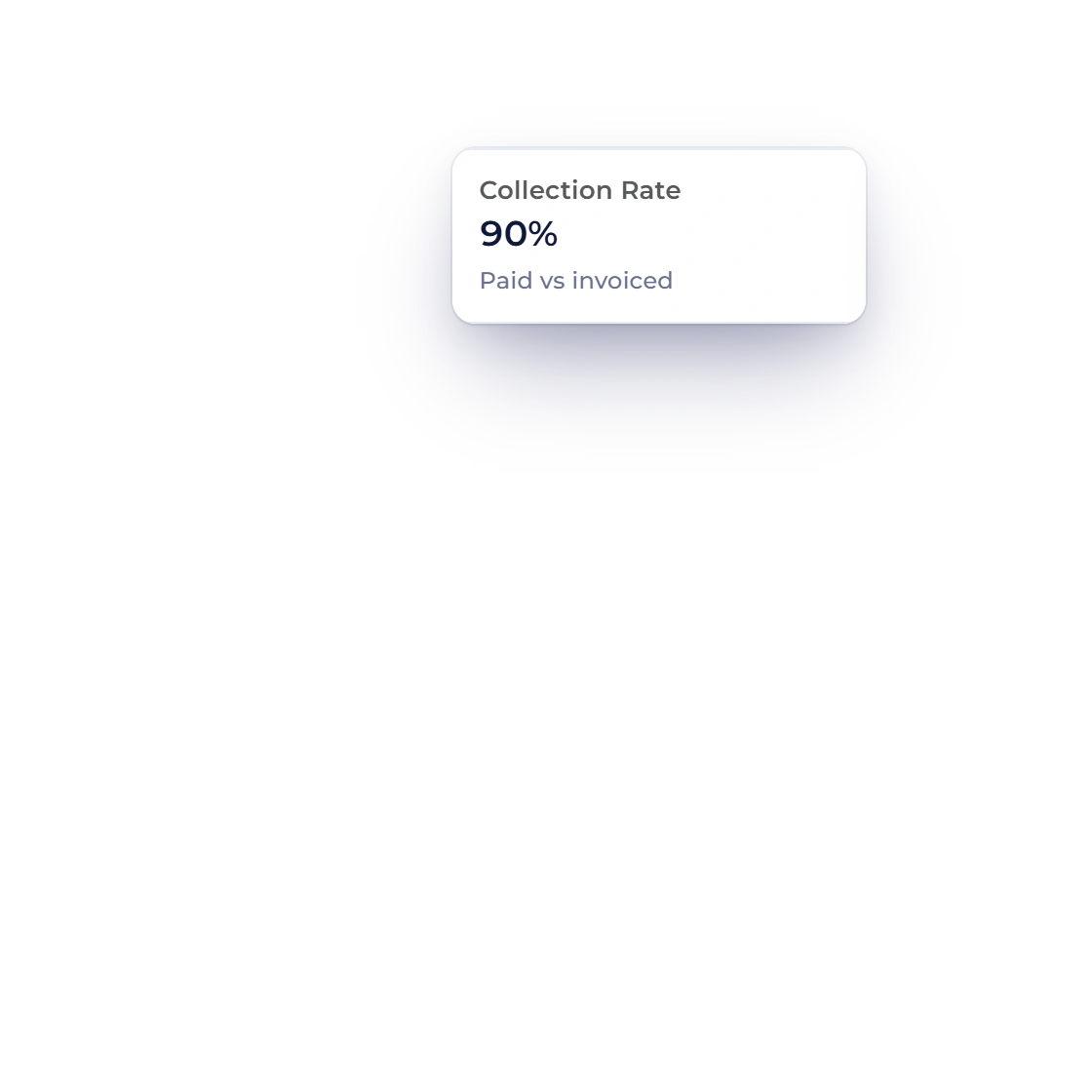
Invoice Crowd includes several provider-specific payment paths. Availability depends on the merchant account, region, currency, document and requested checkout or recurring flow; verified partial or split collection is used only where that path supports it.
The ledger underneath, and the reports it feeds
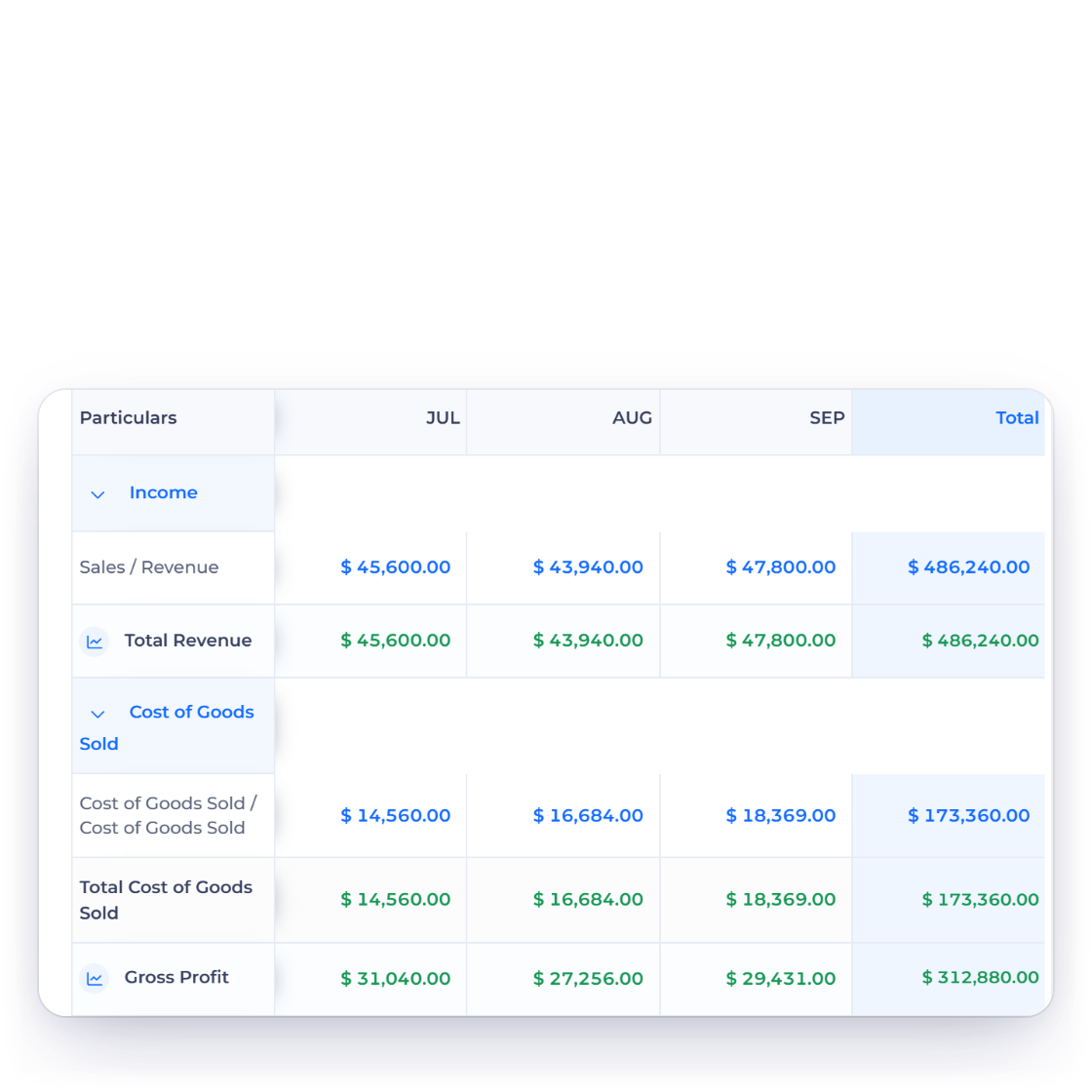
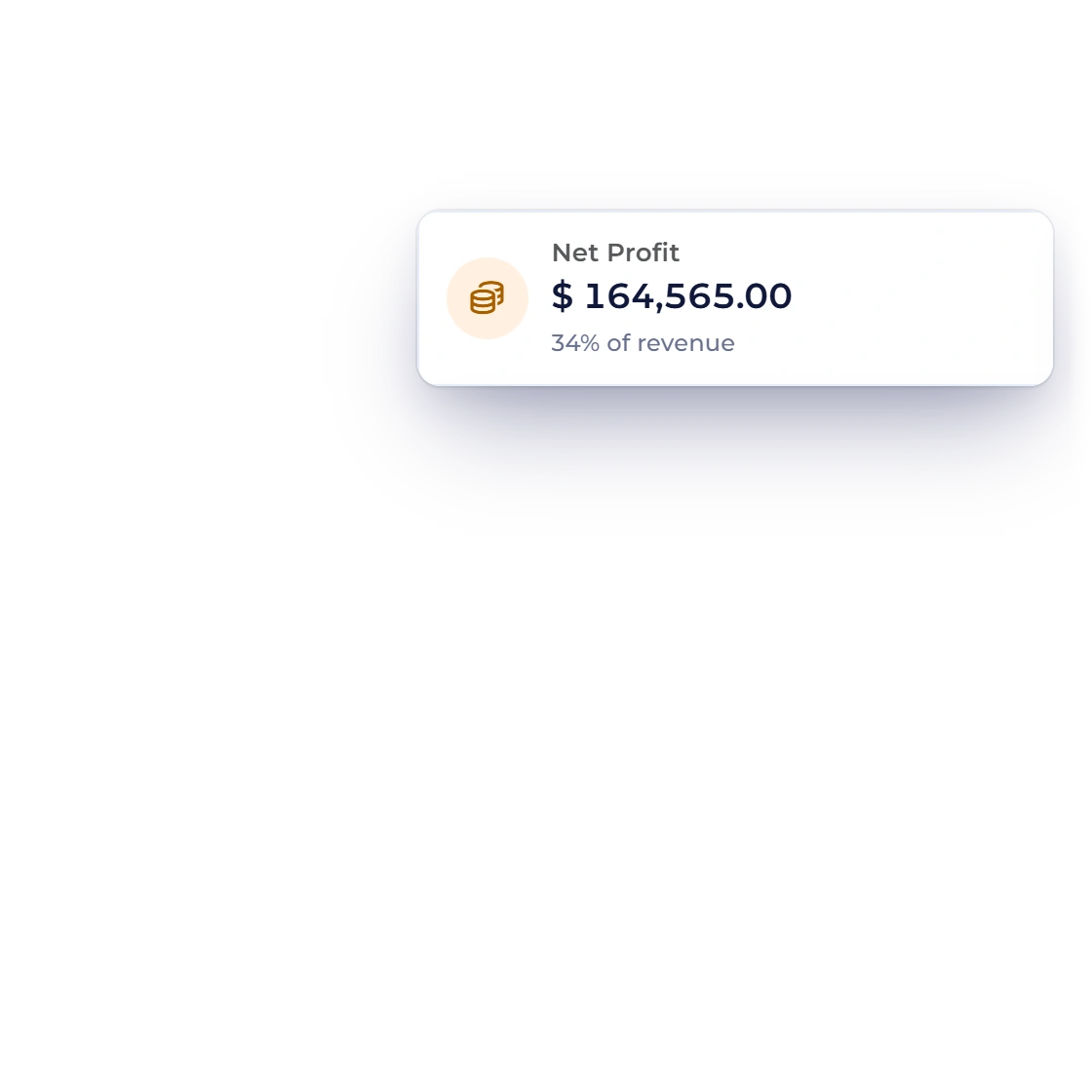
Profit and loss is built from entries your invoices and expenses already made, month by month across the financial year. Behind it sit a chart of 148 accounts, a general ledger you can drill into, manual journals for adjustments and a trial balance that has to balance.
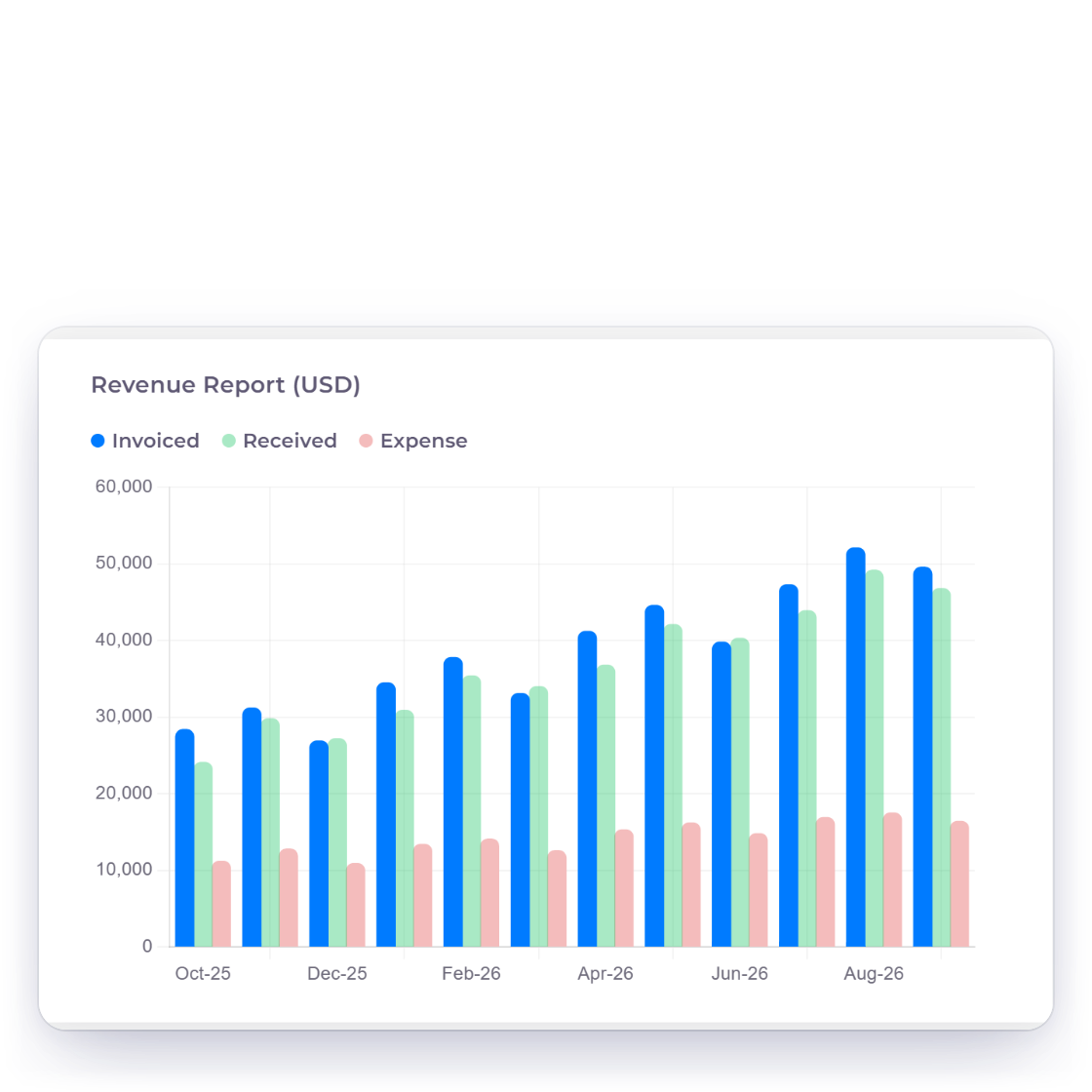
Aged debt shows who is late and by how long, income and expense reports show where the money went, and the GST filing report gathers what a return asks for. Reports can arrive by email on a schedule, and an expense keeps its receipt attached to the transaction.
One subscription
A proposal tool, a billing tool, a payment page and a bookkeeping package is four subscriptions and three exports between them. These four things are one account here.
A signed proposal, the invoice it became and the ledger entry behind it are the same record, so there is no month-end matching between two subscriptions.
Business profiles retain separate identity, document, tax, payment and reporting context. The number available follows the current plan and any applicable allowance shown in billing.
PayPal, Stripe, Razorpay, Square, Payoneer, Braintree, Authorize.net, Airwallex, GoCardless, PayFast, PayTabs, Telr and M-Pesa connect to the documents you send, and you decide which appear on which one.
A customer-facing document can use its transaction currency while accounting views retain configured base-currency context and stored exchange evidence. Review any visible reporting difference.
Quoting and billing
Each card is a feature with a page of its own, laid out in the order a job usually moves through them.
Price the lines, add custom tax and discount rates, then send it out for approval online.
Enable Remove Items for the estimate so a client can remove saved lines; totals recalculate and at least one line remains.
Let the client set how many hours or units they are agreeing to buy before approving.
An approved estimate becomes an invoice with the same lines, by hand or on its own.
Build a bill line by line with tax, discounts, custom fields and the template you chose.
Share one reusable link for a fixed-price service, and each buyer pays online and gets their own invoice.
Bill on a repeating schedule and let each cycle raise its own document. Recurring billing needs a paid plan.
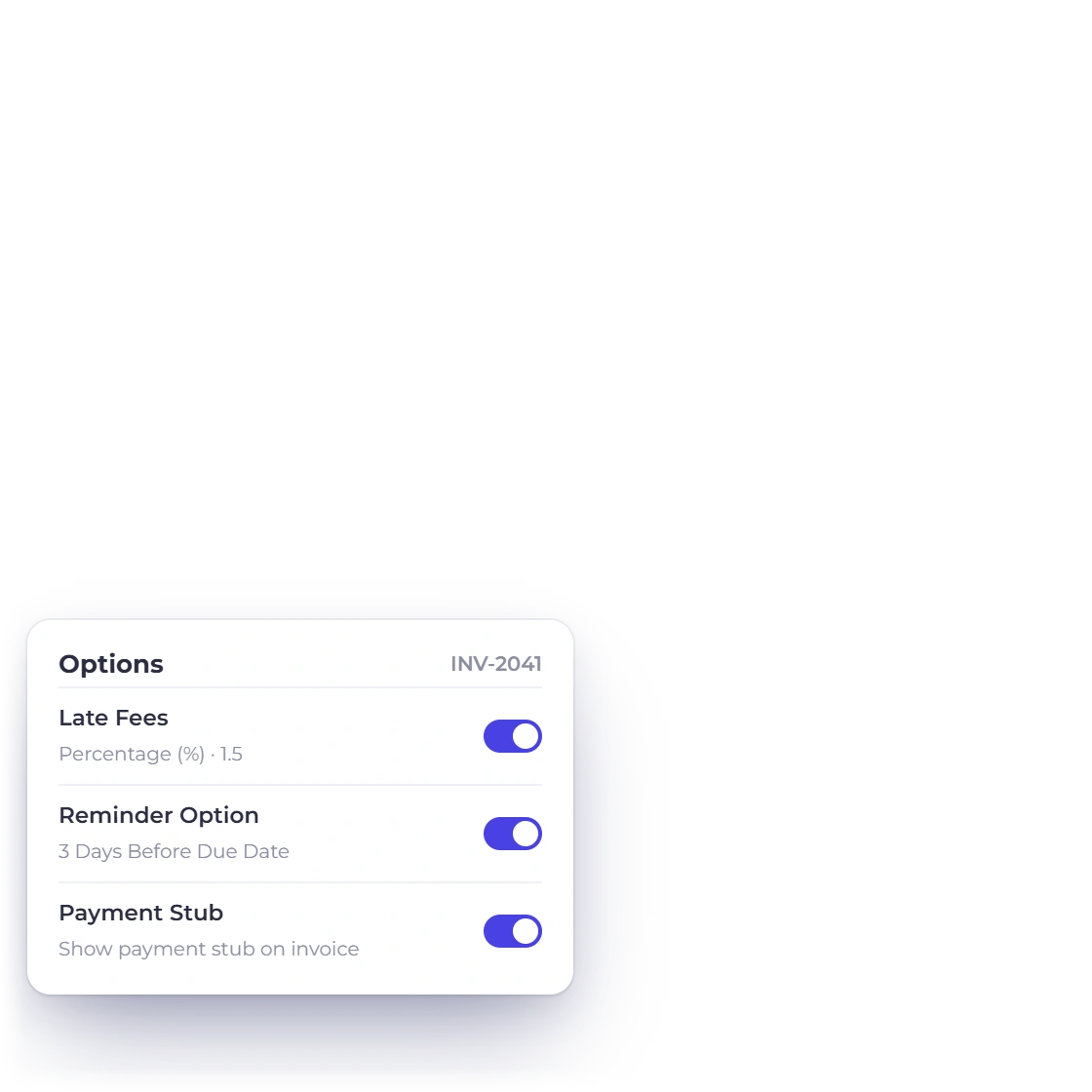
Add one flat or percentage fee the day after an unpaid invoice's due date, with a notice on the invoice beforehand.
Clients sign in to read, approve, download and pay without an email thread in between.
Stack text, image, table and pricing blocks into a document the client reads and signs in the browser.
Every quote in one list with its status, its history and the invoice the approval produced.
Follow a bill from draft through sent, part paid and settled, with credit notes for corrections.
The rest of the account
The parts that keep working after a document has been sent, and the connections out to tools you already run.
Connect any of 13 payment gateways with your own account and choose which of them each document offers.
Take a deposit up front and collect the balance in stages, each with its own date.
Record a cost against the right account and business profile, with the receipt attached.
Read income against expenses for any period, straight from the ledger invoices post to.
One file per client holding their estimates, invoices, payments and portal access.
Connect through Zapier using your Invoice Crowd sign-in, start Zaps from new invoices, estimates or customers, and create records from other apps.
Connect through Pabbly Connect using your Invoice Crowd sign-in if that is where your automations already live.
Get an in-app alert when an invoice is viewed, a payment arrives or an estimate is accepted, and an optional email when an invoice goes overdue or an estimate expires.
Plan names, prices, allowances and signup terms are shown on the live pricing page and can change over time.
A chart of 148 accounts, a general ledger, manual journals and a trial balance behind them.
Invoice, aged debt, income, expense and GST filing reports, with the first four sent by email on a schedule you set.
Record suppliers, enter the bills they send, raise purchase orders and hold vendor credits against them.
Payments, time and control
Pages for recording what customers paid, billing time, and keeping closed periods closed.
A monthly invoice with a bank of hours: unused hours carry over or expire, and extra hours go on the next invoice. Paid plans.
Every invoice payment, advance and overpayment credit in one list, with one receipt able to pay several invoices, oldest first.
Refund through Stripe, PayPal, Razorpay, Square, Braintree, Authorize.net, Airwallex or GoCardless, recorded once the provider confirms.
Reminder emails before and after the due date, a manual Send Reminder, and a per-customer opt-out you set.
Lock invoicing, purchases, accounting or everything up to a date, with partial unlocks and a lock history. Owner only, paid plans.
Log time in a list or a week grid, approve submitted weeks, check utilisation, and turn the hours into an invoice. Paid plans.
Revenue minus labour cost and expenses for each project, shown as profit and margin on the project's Profitability tab.
GSTIN, HSN and SAC, place of supply, TDS on payments and GSTR-1, GSTR-3B and GSTR-9 preparation in the GST Filing report.
Questions
Invoice Crowd includes proposals with e-signature, estimates, invoices, recurring invoices, retainers, payment links, payments received and credit notes on the sales side. Customers, a client portal, vendors, expenses, bills and purchase orders sit around them. Underneath is double-entry accounting with 148 accounts and transaction locking, plus reports, Worklog time tracking, an AI assistant, team roles and notification settings.
Yes. Nothing forces a document through the earlier stages, so you can raise invoices without ever writing a proposal, and leave the accounting screens alone if a bookkeeper handles them. The modules you skip stay out of the way rather than asking to be set up.
Plans differ by profile, proposal and team allowances, and some features need a paid plan: recurring invoices and retainers, accounting, Worklog, the AI Assistant, team members and Lock Transactions. Review the live pricing page for the limits and terms that apply when you subscribe.
No. Invoice Crowd runs in the browser at apps.invoicecrowd.com, so a laptop, a borrowed desktop and a phone all reach the same account with nothing to download and no version to keep current. Clients install nothing either, since documents reach them as a link.
Through shared records rather than exports. An estimate converts into an invoice carrying its own lines, the payment attaches to that invoice, and both post to the ledger. The customer file holds every document and payment, so one screen answers what a client has had and owes.
Review the live pricing page before signup for current prices, billing intervals, trial terms, included profiles and available payment integrations.
Write a proposal, turn the approval into an invoice, take the payment, then open the ledger and read what it recorded. That is the entire product in an afternoon.