Skip to content

Small business accounting and invoicing that your accountant can work from

Invoice Crowd is small business accounting and invoicing software: it covers the money coming in and the money going out, and posts both into a double-entry ledger with GST, aged debt and statements on top. It is built for a business with staff, suppliers and a tax return.

  • Money in and money out
  • GST invoices and a filing report
  • Team members with roles
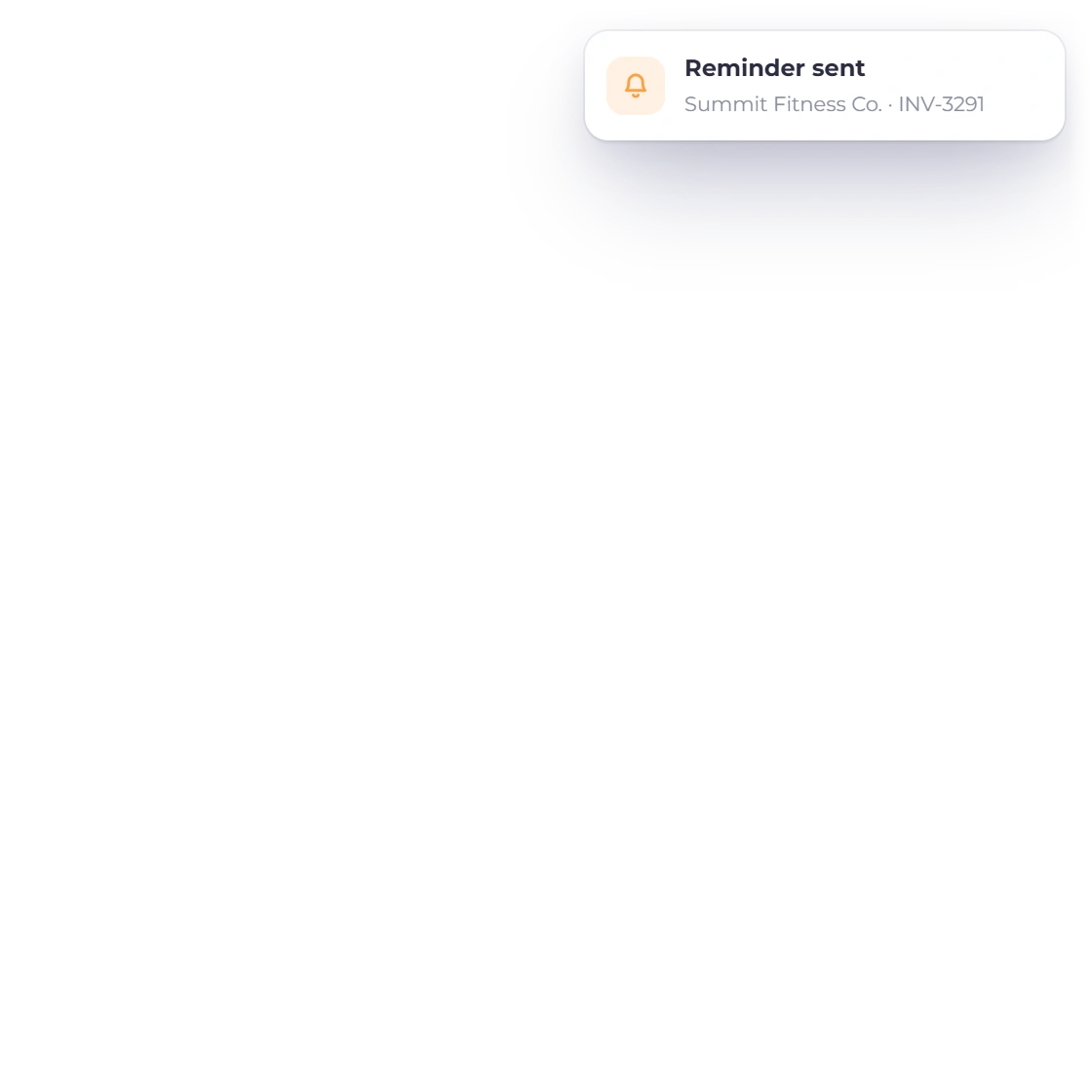
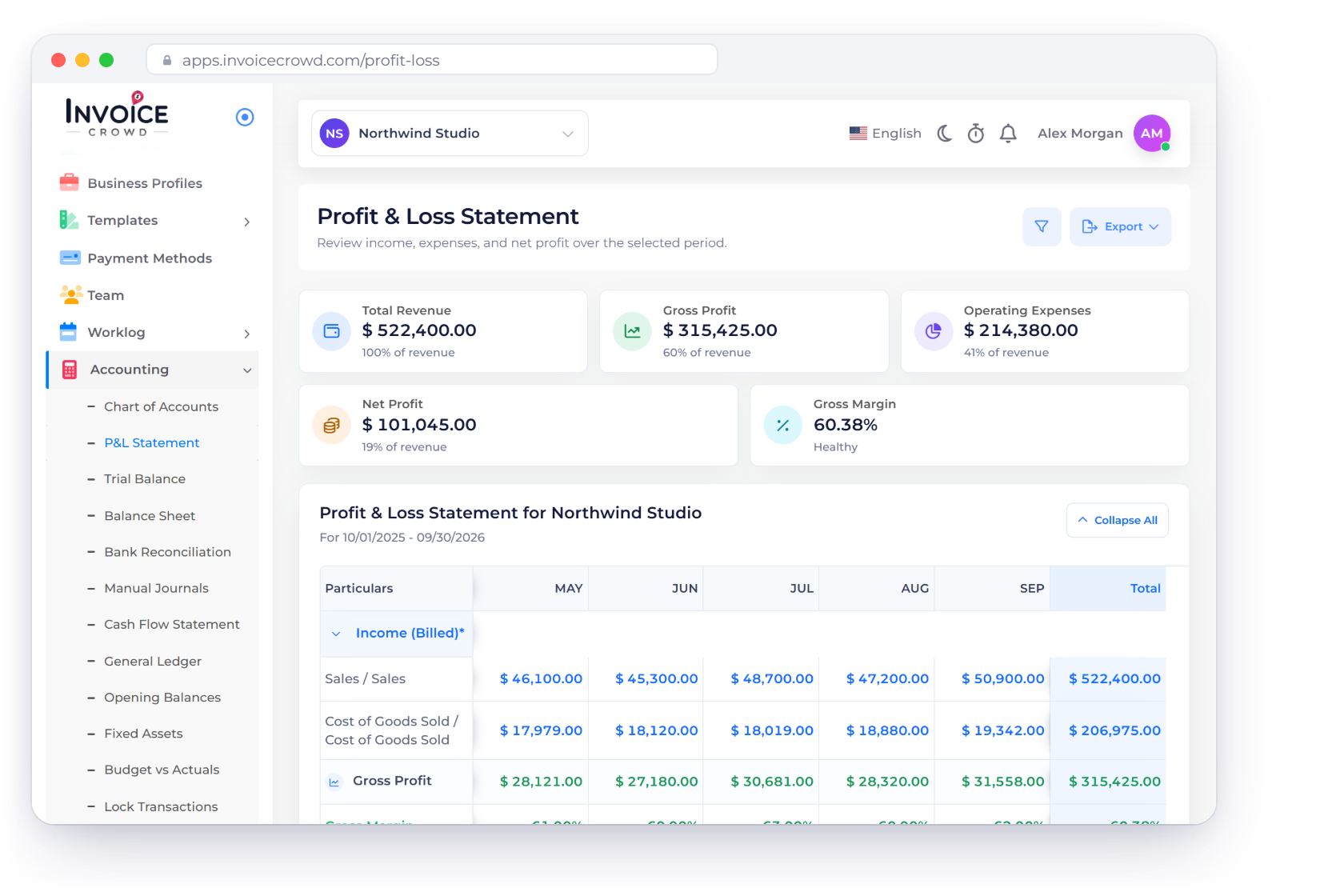
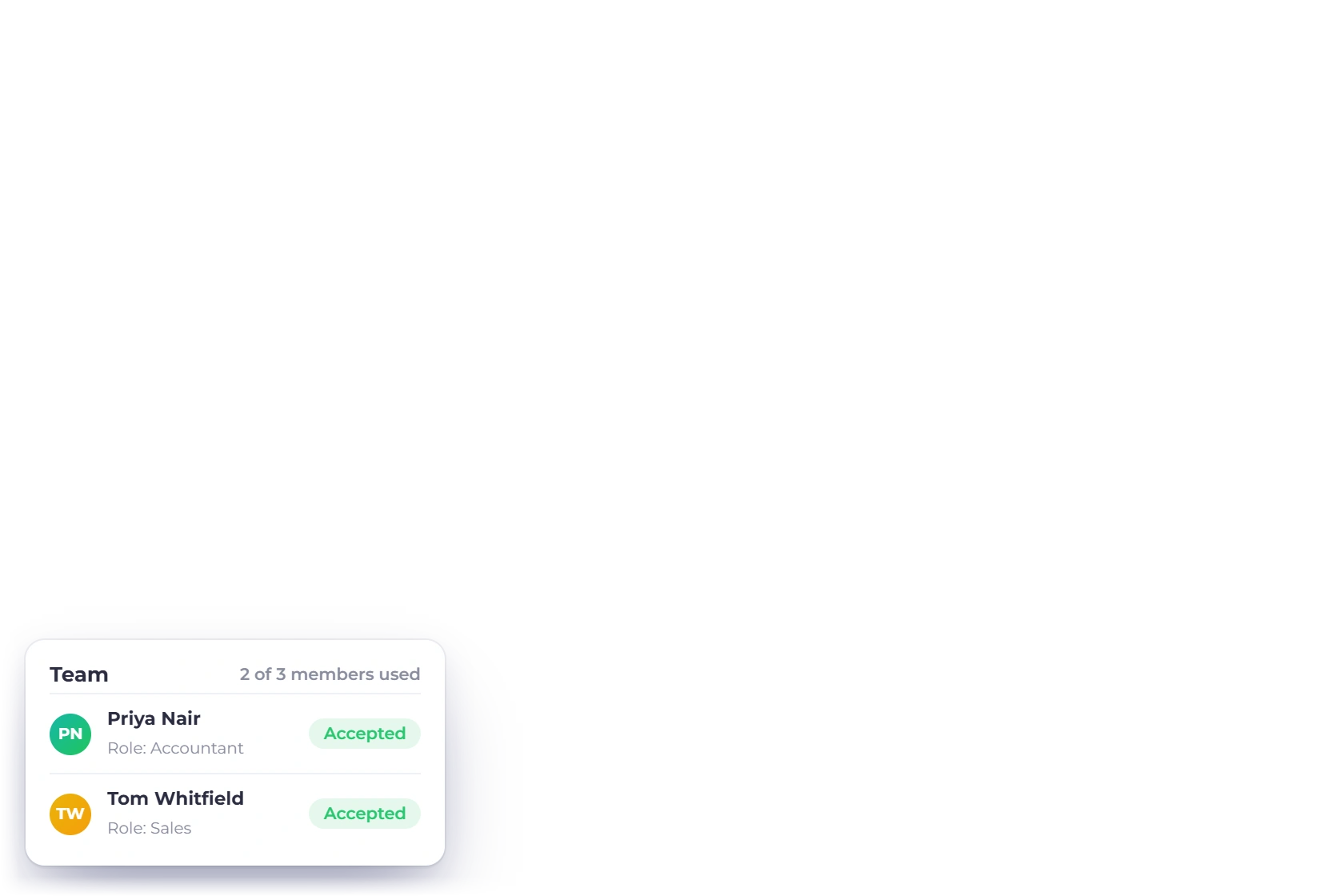
Invoice Crowd Profit and Loss Statement for a small business with revenue, gross profit, expenses and net profit by month, a supplier bill paid notification, team members with roles and the aged debt buckets

What is inside

Both sides of the business, in one ledger

Invoices are the visible half. The other half is suppliers, bills, staff and the morning in spring when somebody asks for last year's numbers.

Money in

Sales, tax, and the customers running late

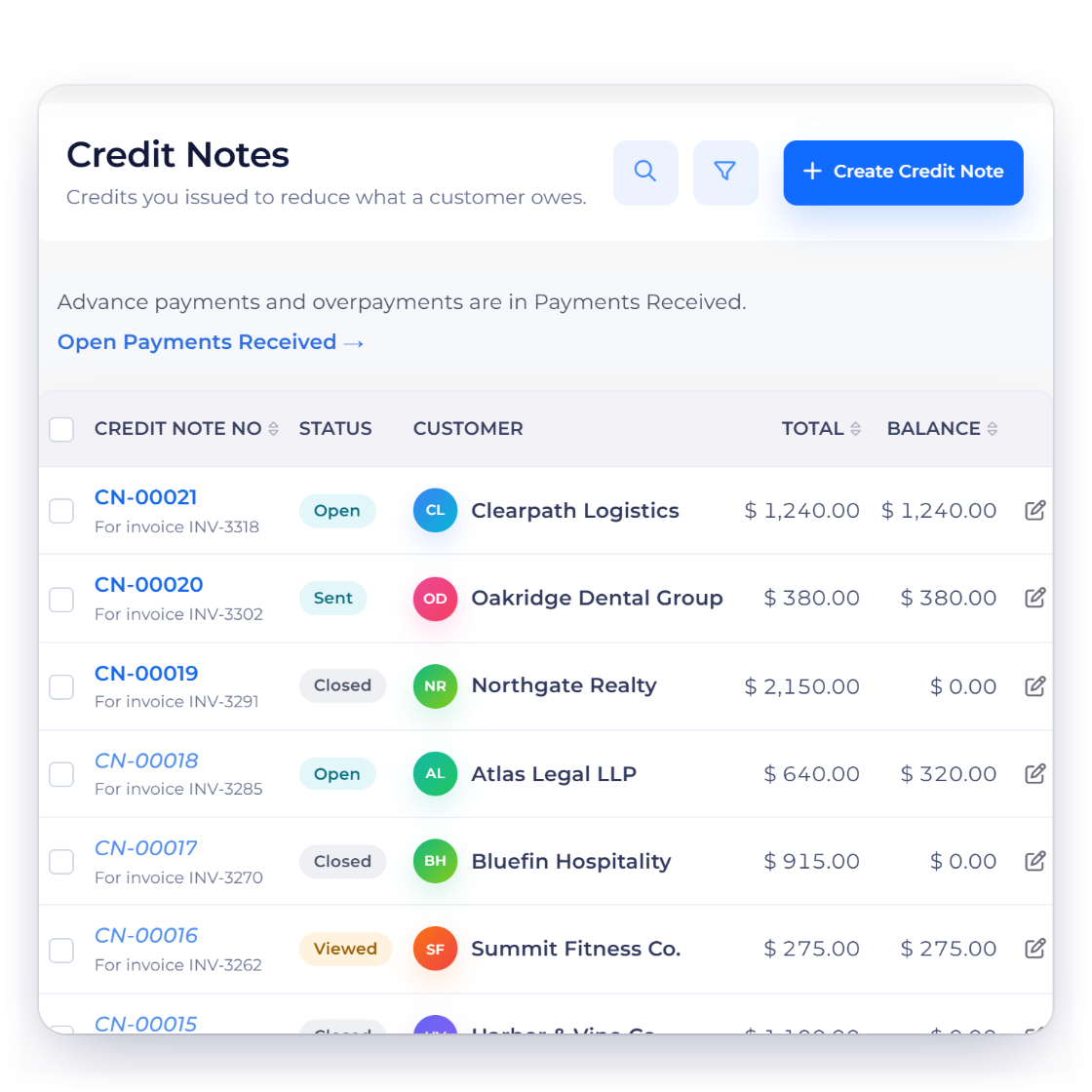
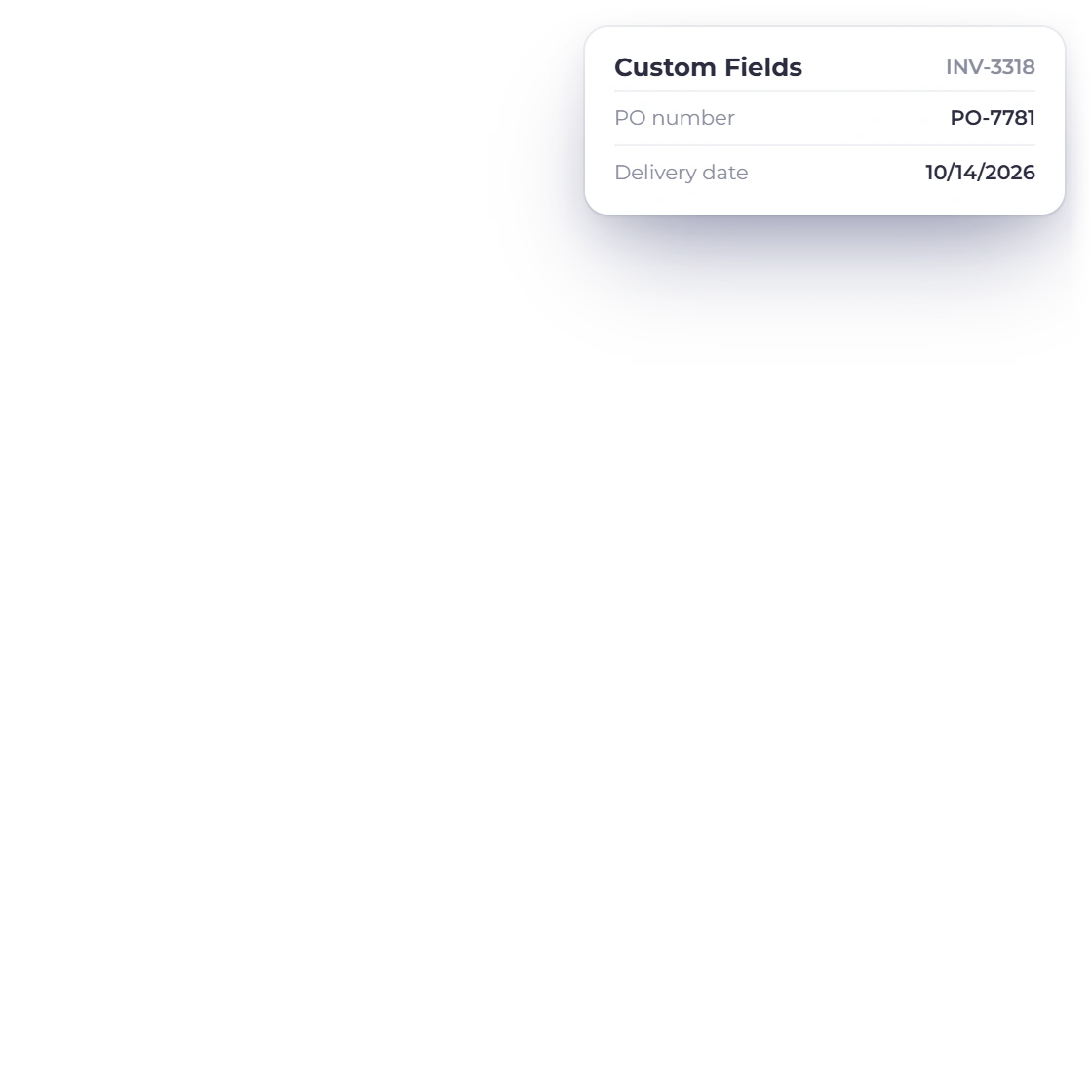
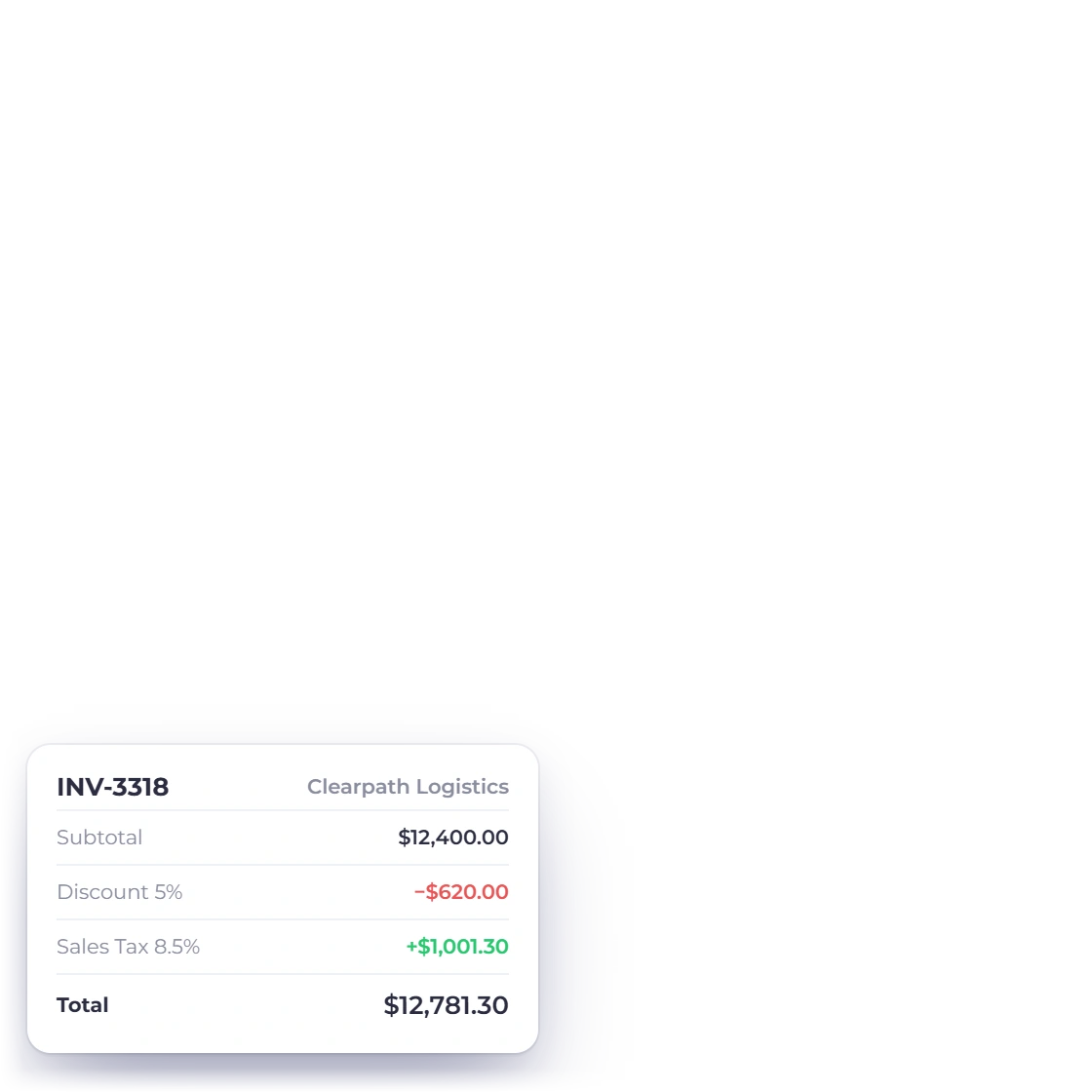
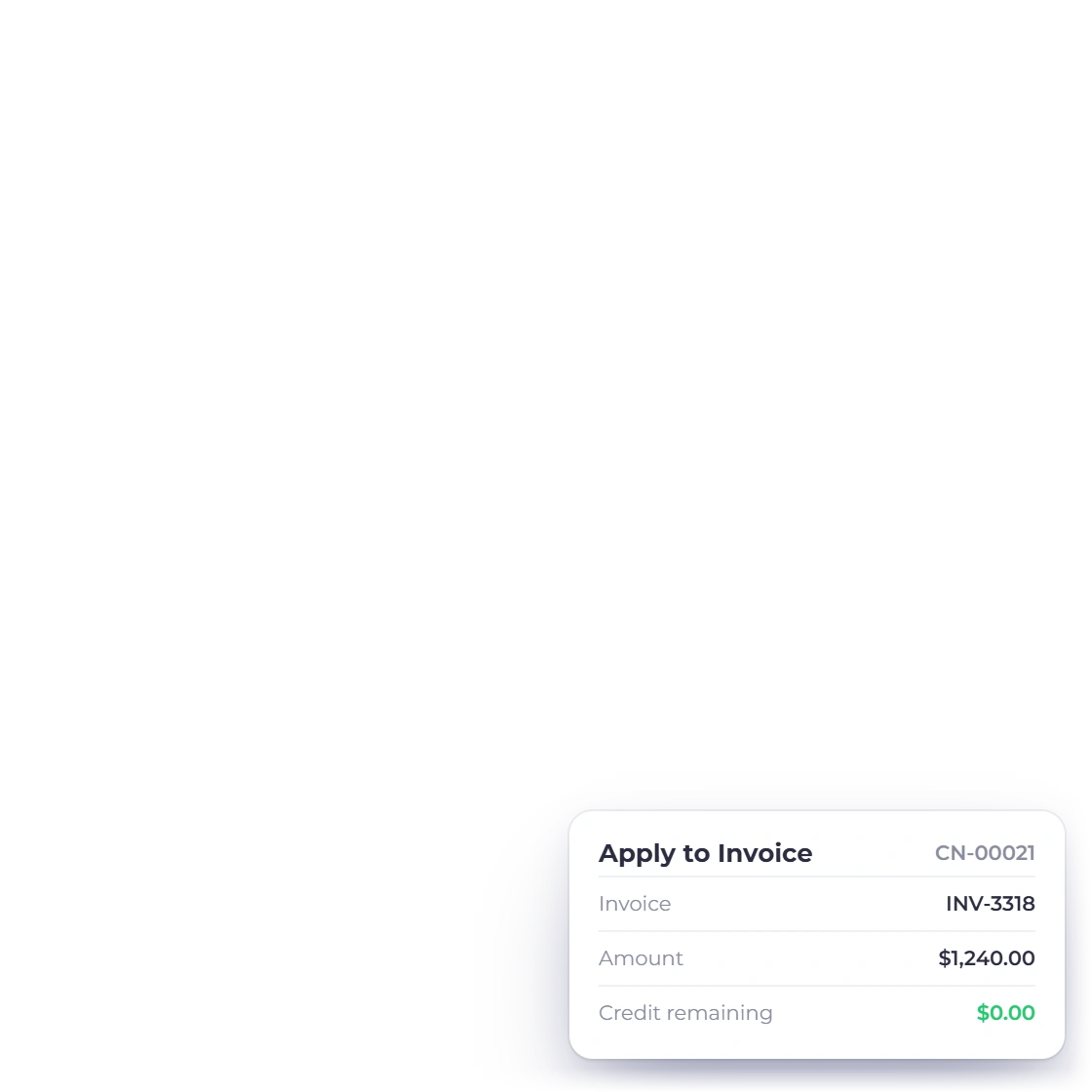
Invoice Crowd credit notes list with open, sent and closed credit notes and their balances, an invoice total with a discount and sales tax, a credit note applied to its invoice and a custom field for the customer PO number

Sales documents with the tax already on them

Quote, bill and correct in one flow. An approved estimate becomes an invoice, GST applies where it should and custom tax and discount rates handle the lines that differ, and a credit note reverses an overcharge without deleting the original. Each document belongs to a business profile and posts to that profile's books, and a sent invoice is voided, not deleted, so its number stays in the sequence.

  • GST-enabled invoices with custom tax and discount rates
  • Credit notes that reverse rather than erase
  • Custom fields for the references your trade needs
Invoicing end to end
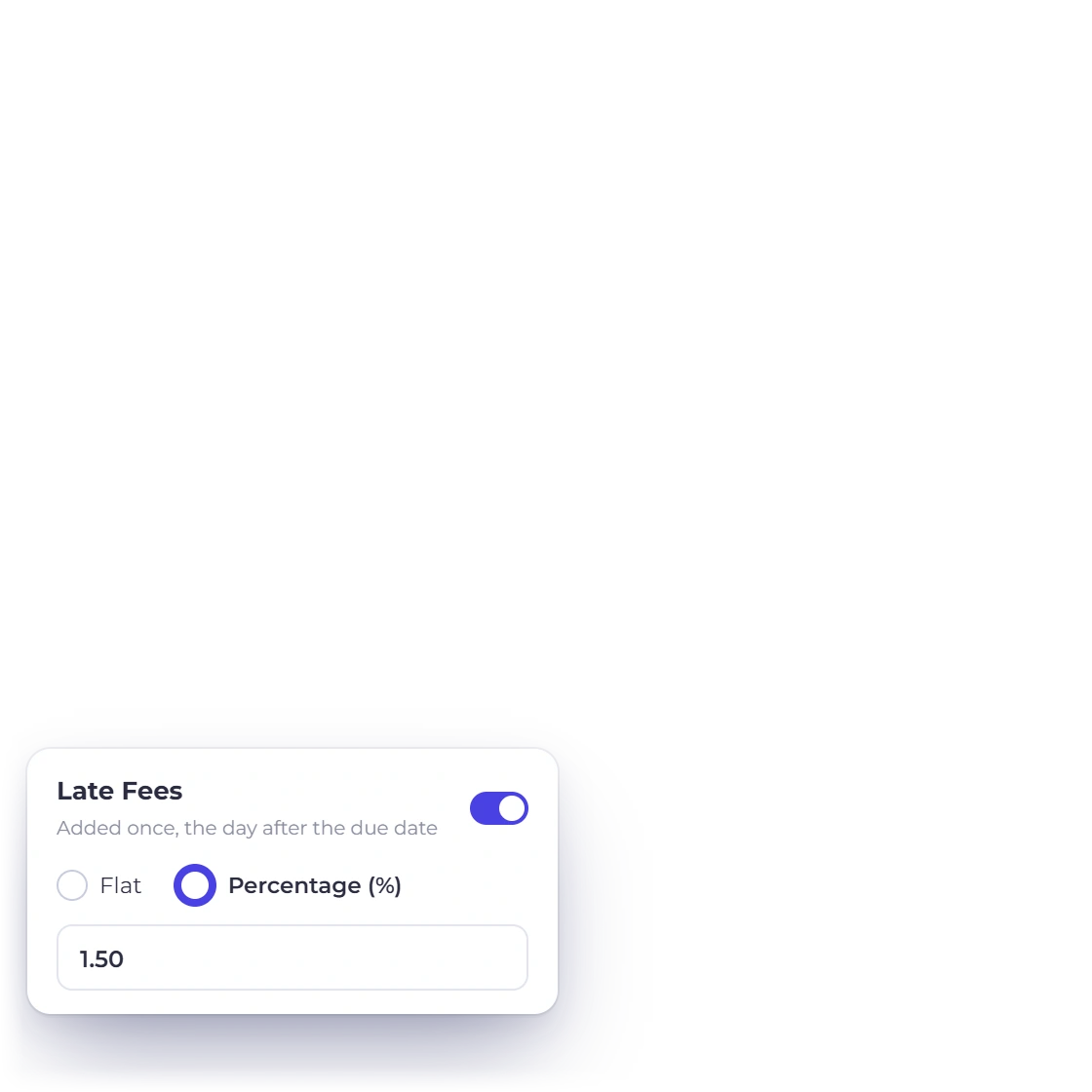
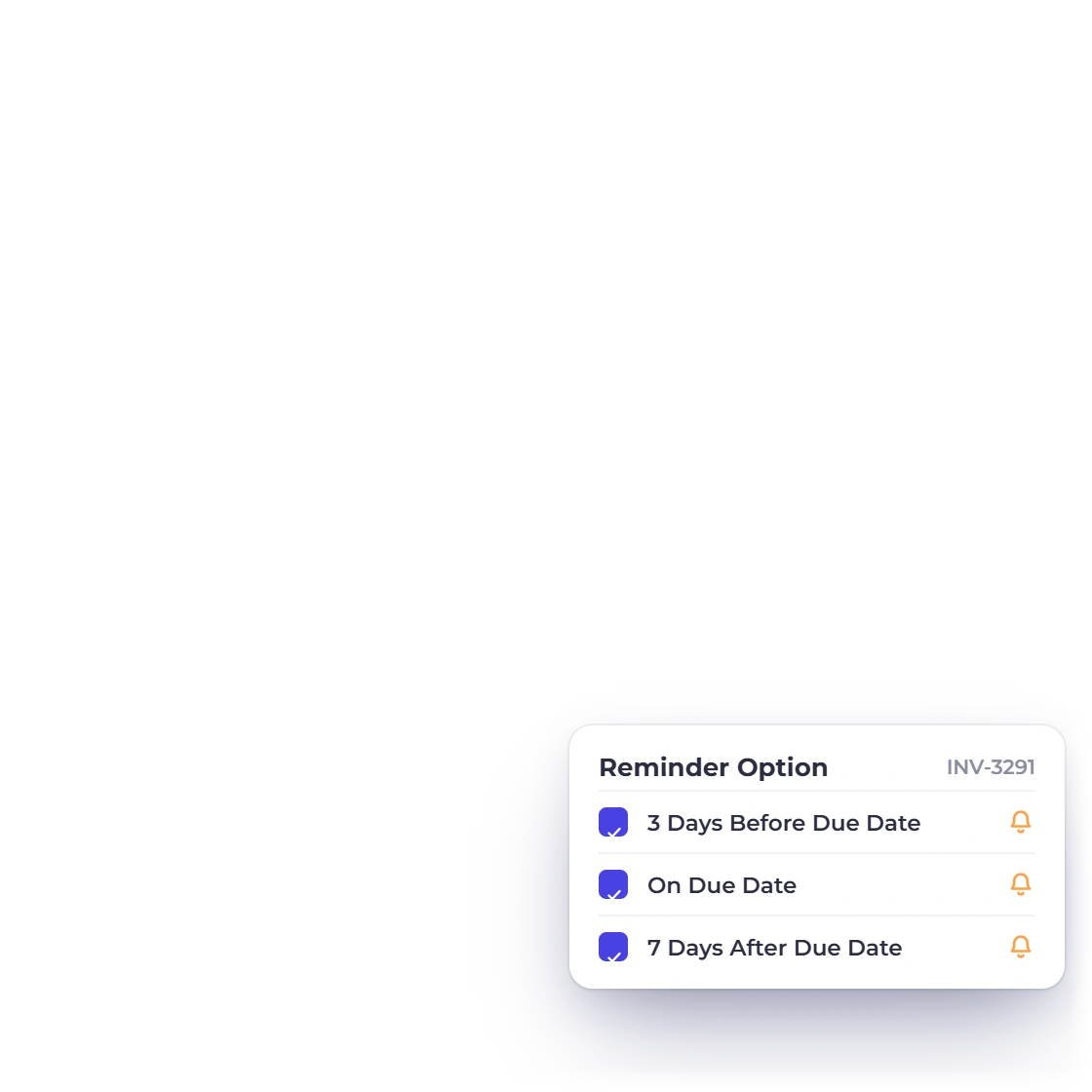
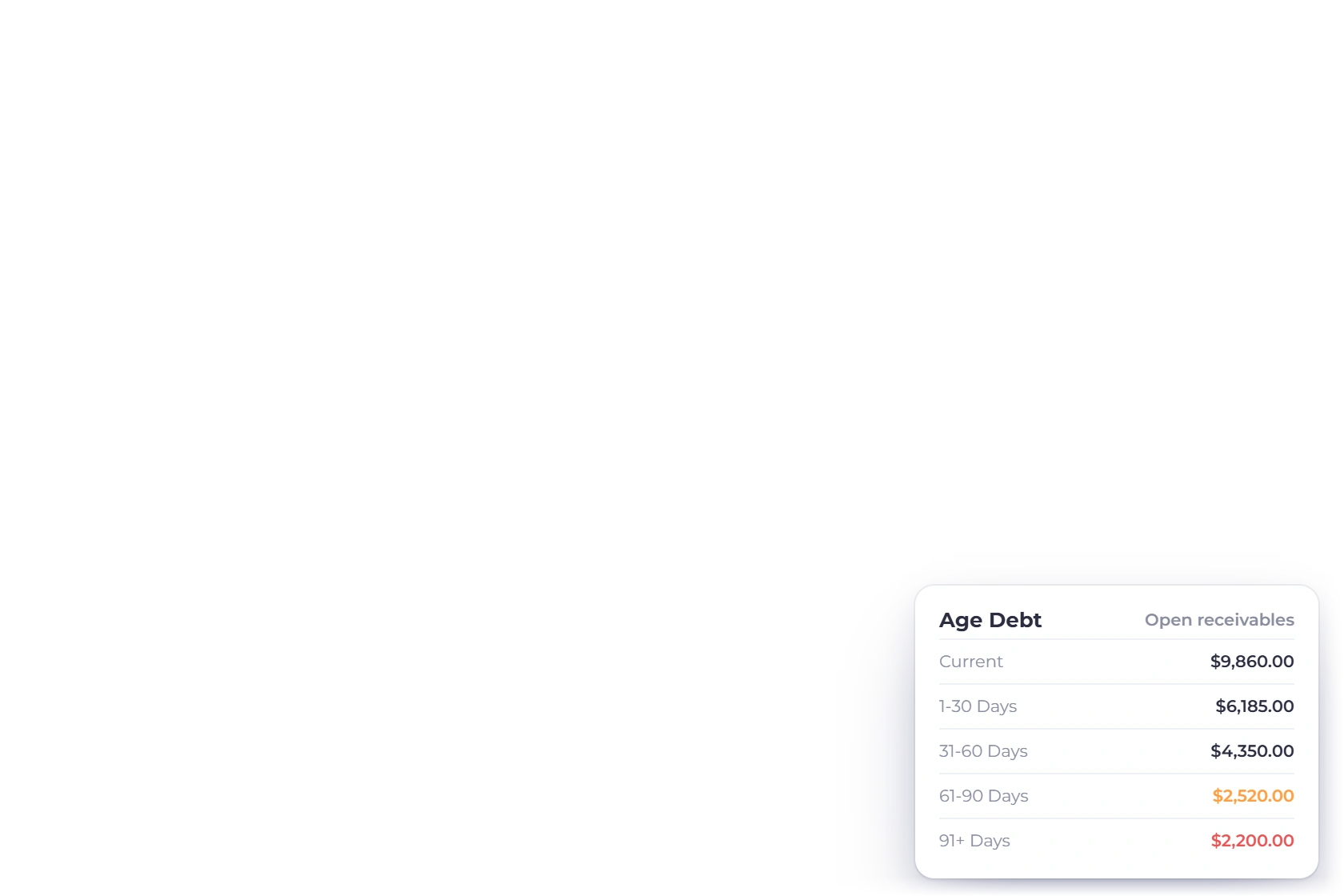
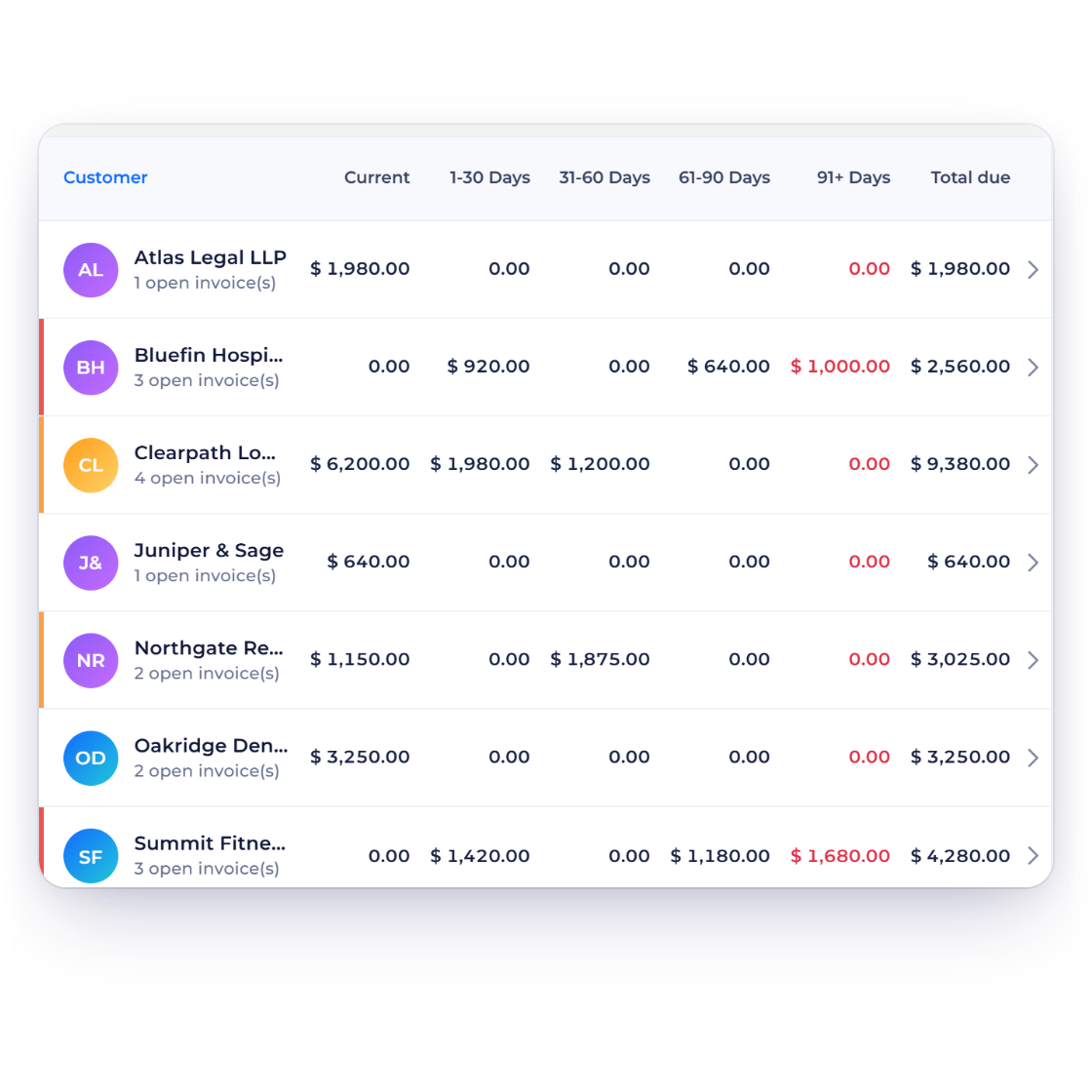
Invoice Crowd Age Debt report for a small business with each customer balance in Current, 1-30, 31-60, 61-90 and 91+ Days, reminders around the due date and a percentage late fee

Aged debt makes chasing a list, not a mood

The aged debt report groups every unpaid invoice into Current, 1-30, 31-60, 61-90 and 91+ days past due, which turns “we are owed a lot” into names with amounts and dates beside them. Reminders go out before and after the due date on the schedule you set. Set a flat or percentage late fee when you send the invoice, and it is added automatically if the invoice is still unpaid after the due date.

  • Outstanding invoices grouped by how far overdue they are
  • Automatic reminders either side of the due date
  • Late fees as a percentage or a fixed amount
Late fees and reminders

Money out

Suppliers, bills and what the business spends

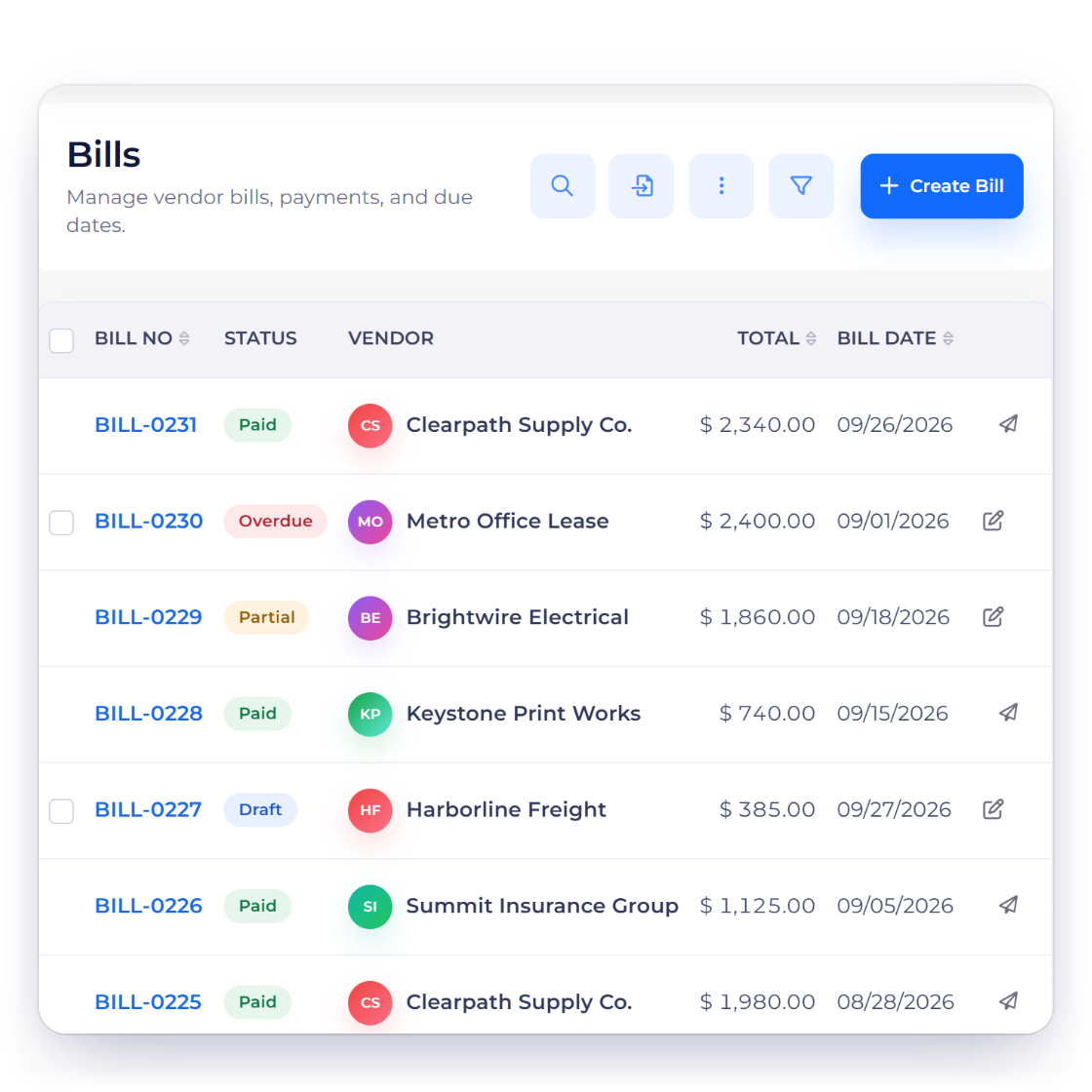
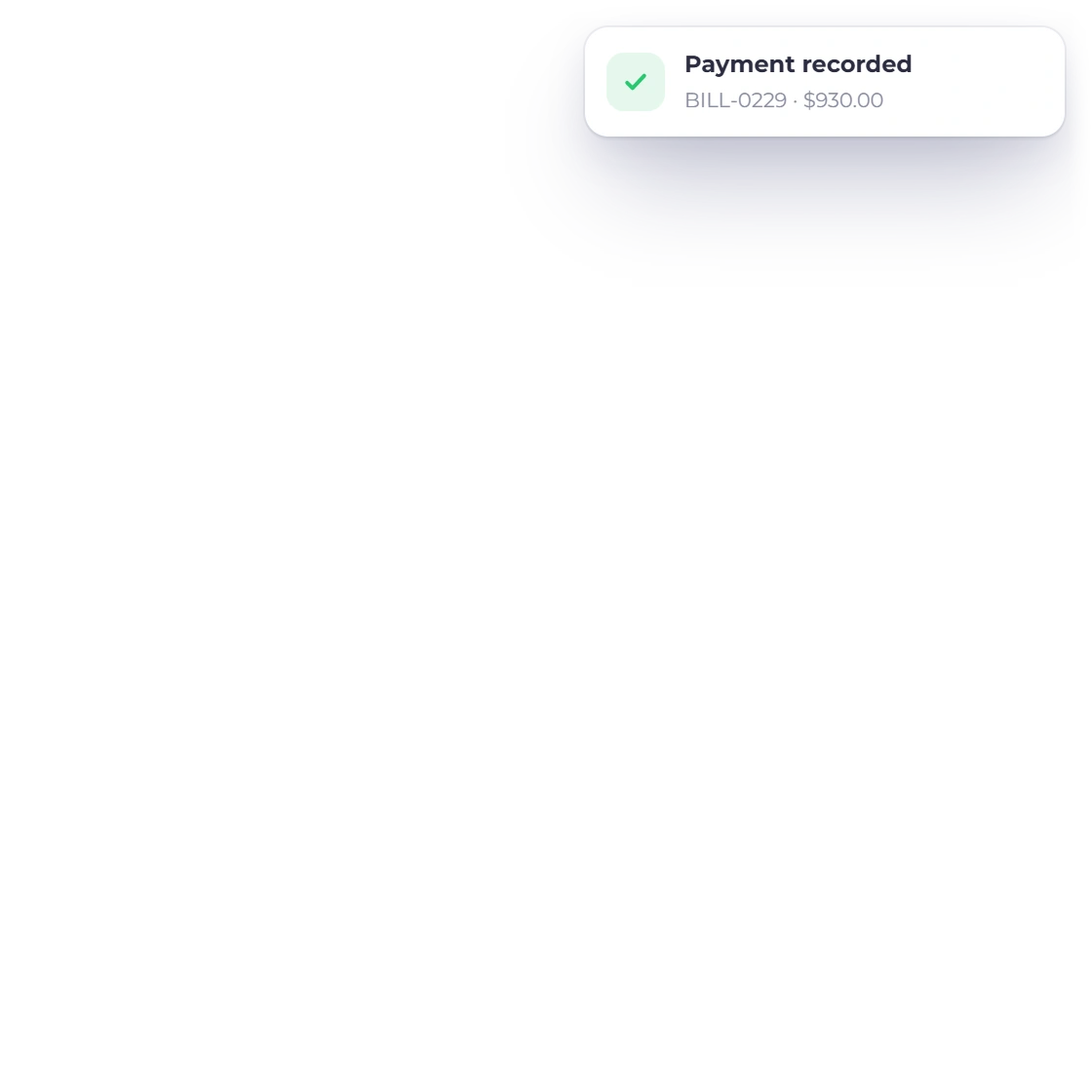
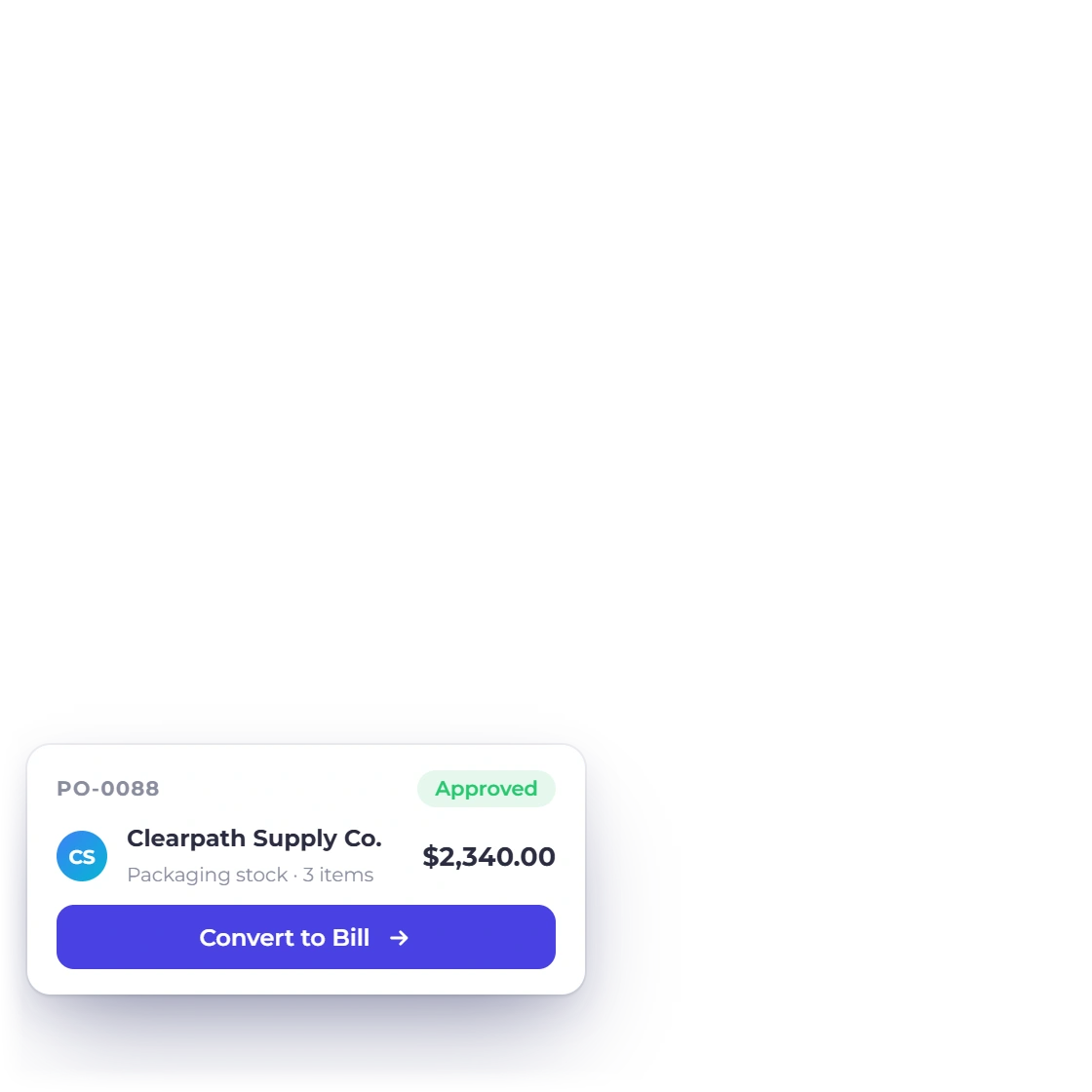
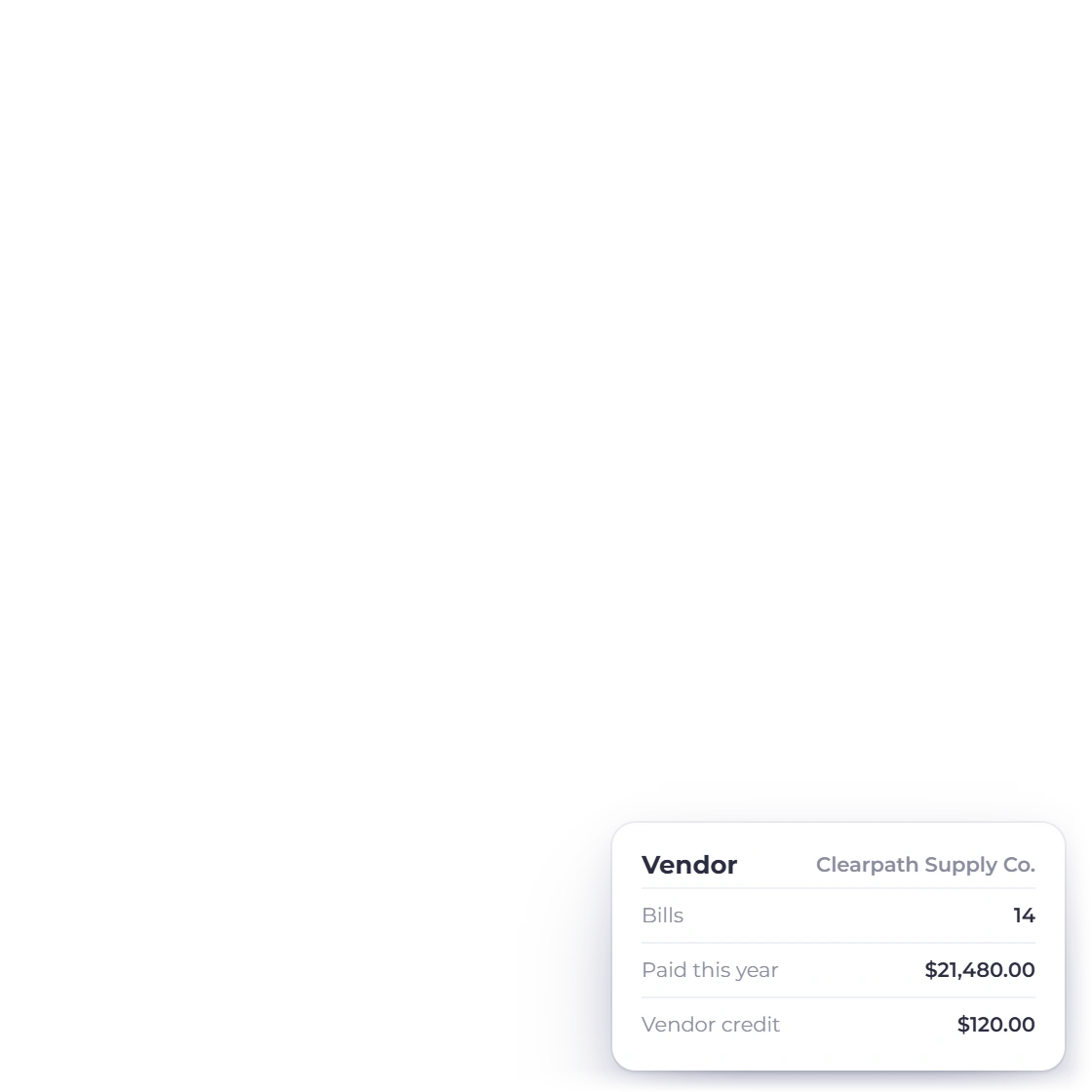
Invoice Crowd bills list with paid, overdue, partial and draft supplier bills, an approved purchase order ready to convert to a bill and a payment made against a bill

Vendors, bills and purchase orders

The supplier side has the same shape as the customer side. Keep a record per vendor, raise a purchase order, enter the bill that comes back against it and record what you paid, so payables sit next to receivables instead of in a folder somebody has to open.

  • The supplier's own invoice number stored on each bill, with a warning on duplicates
  • Purchase orders and the bills that follow them
  • Payments made and vendor credits recorded against the vendor
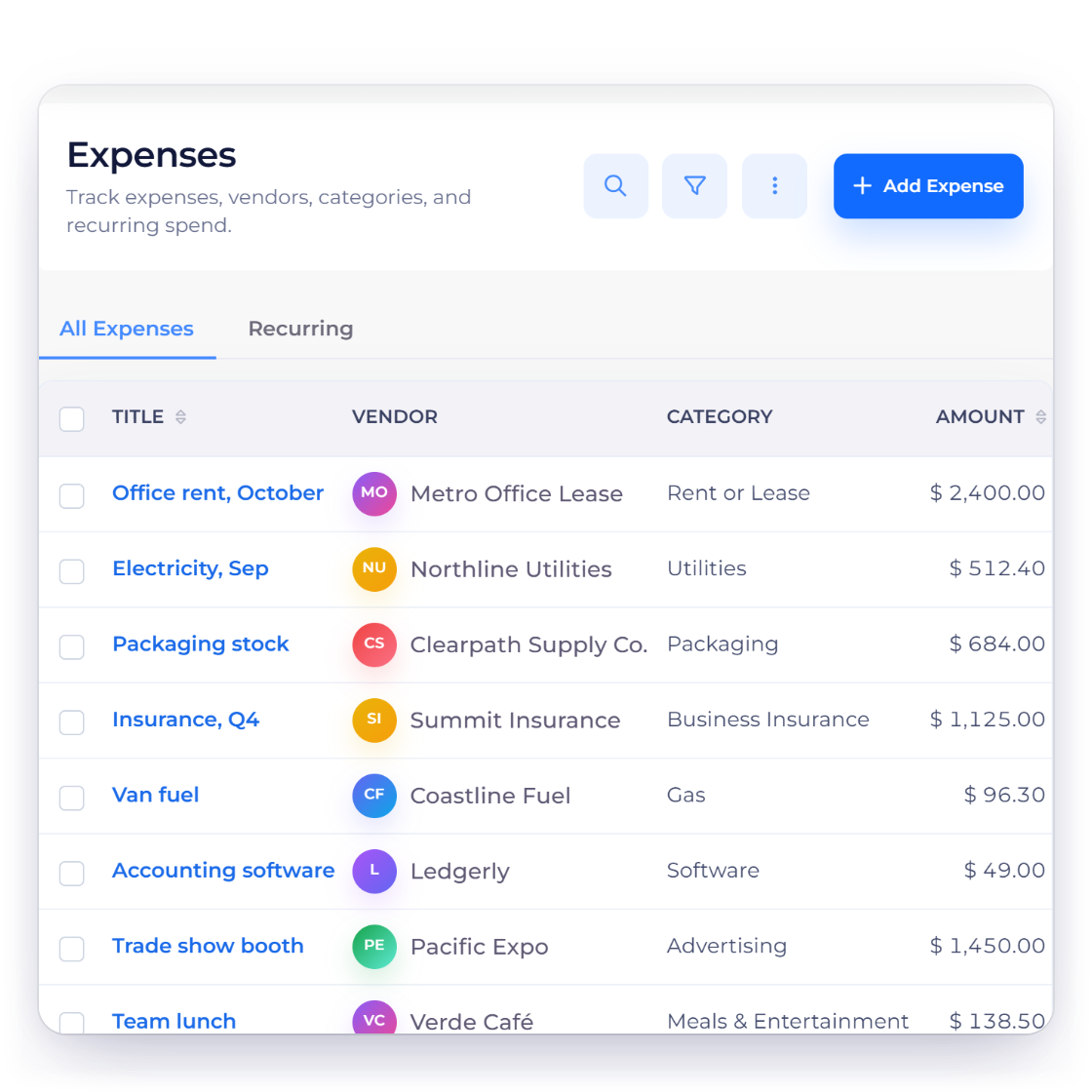
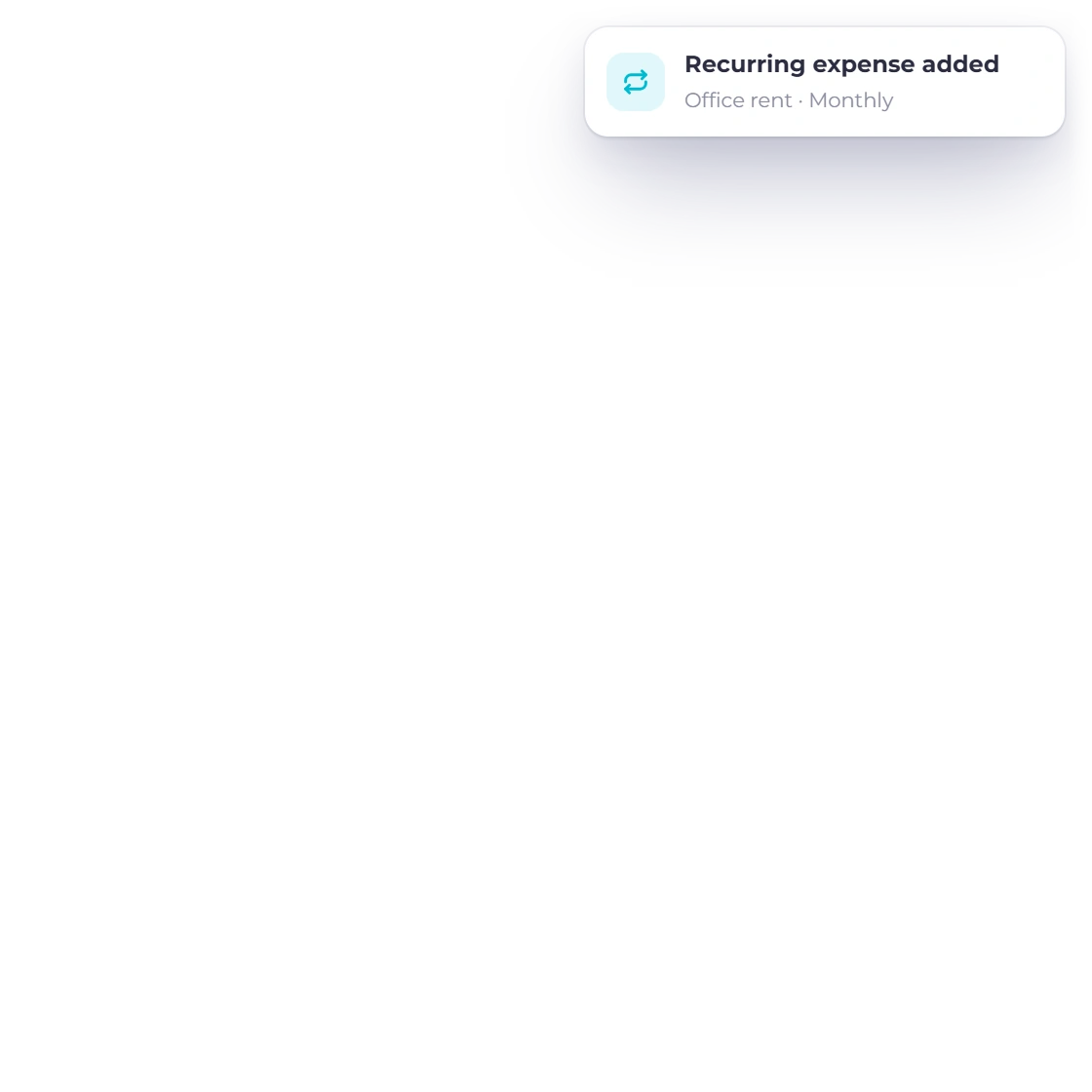
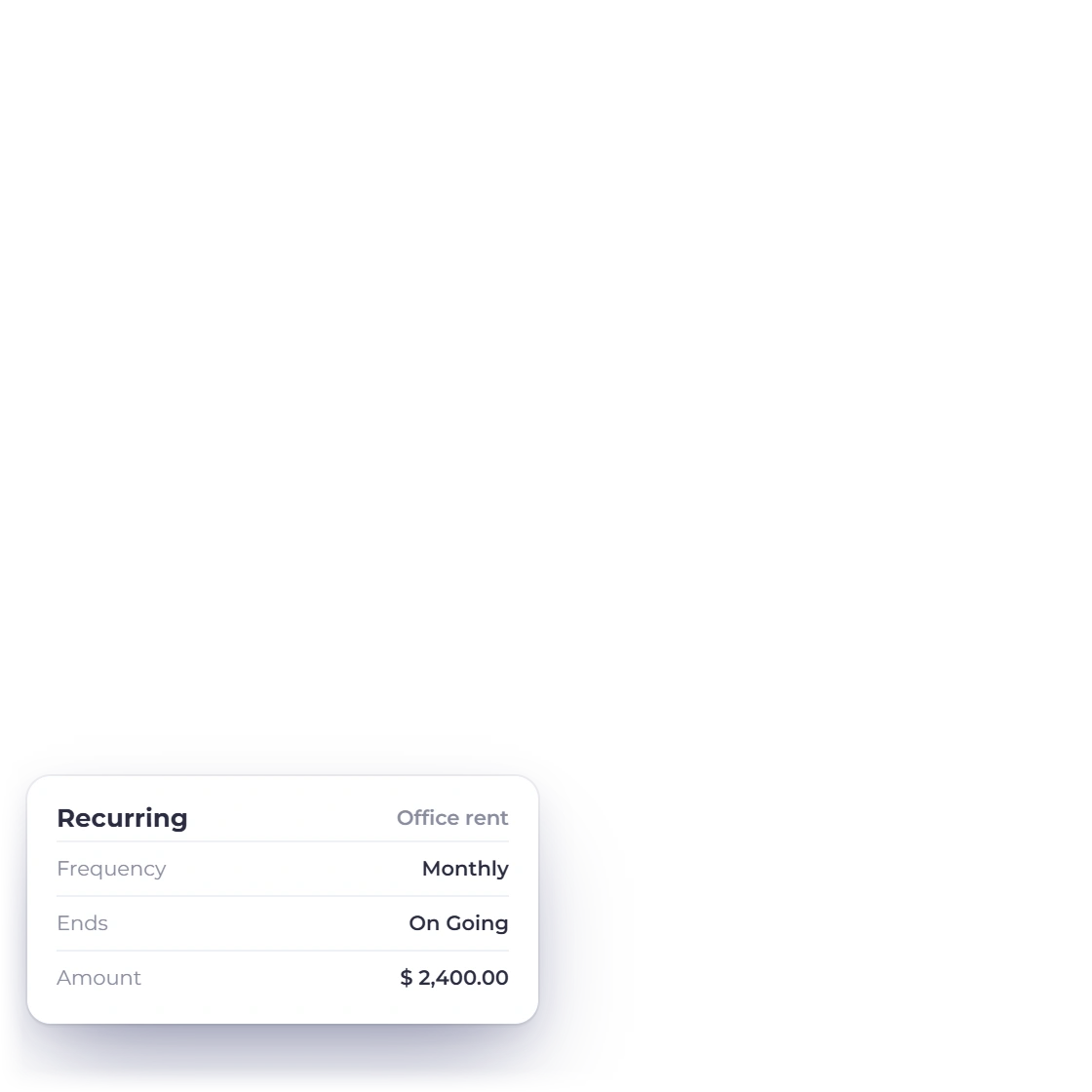
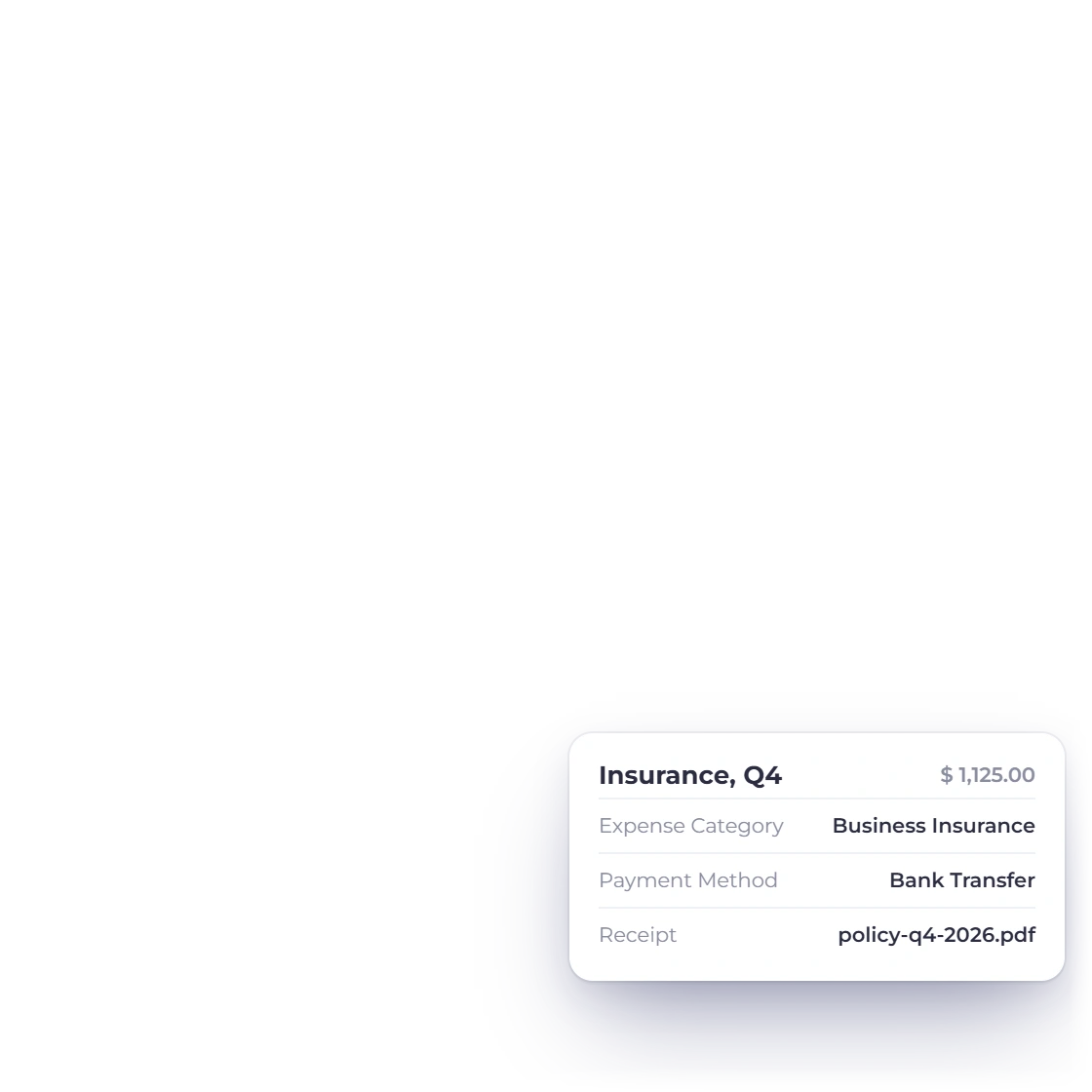
Invoice Crowd expenses list for a small business with rent, utilities, packaging, insurance and advertising costs by category, a recurring monthly rent expense and an expense with its receipt attached

Costs categorized the day they happen

Record rent, subscriptions, travel and materials under the right expense category, add the tax you paid, keep the receipt with the entry and use recurring expenses for repeat costs. Tax you can reclaim is tracked separately, and every saved cost shows up in your reports.

  • Tax on expenses, with reclaimable tax kept apart
  • Receipts held against the transaction they explain
  • Recurring expenses for rent and monthly subscriptions
Expense tracking

The books and the filing

What gets handed over at year end

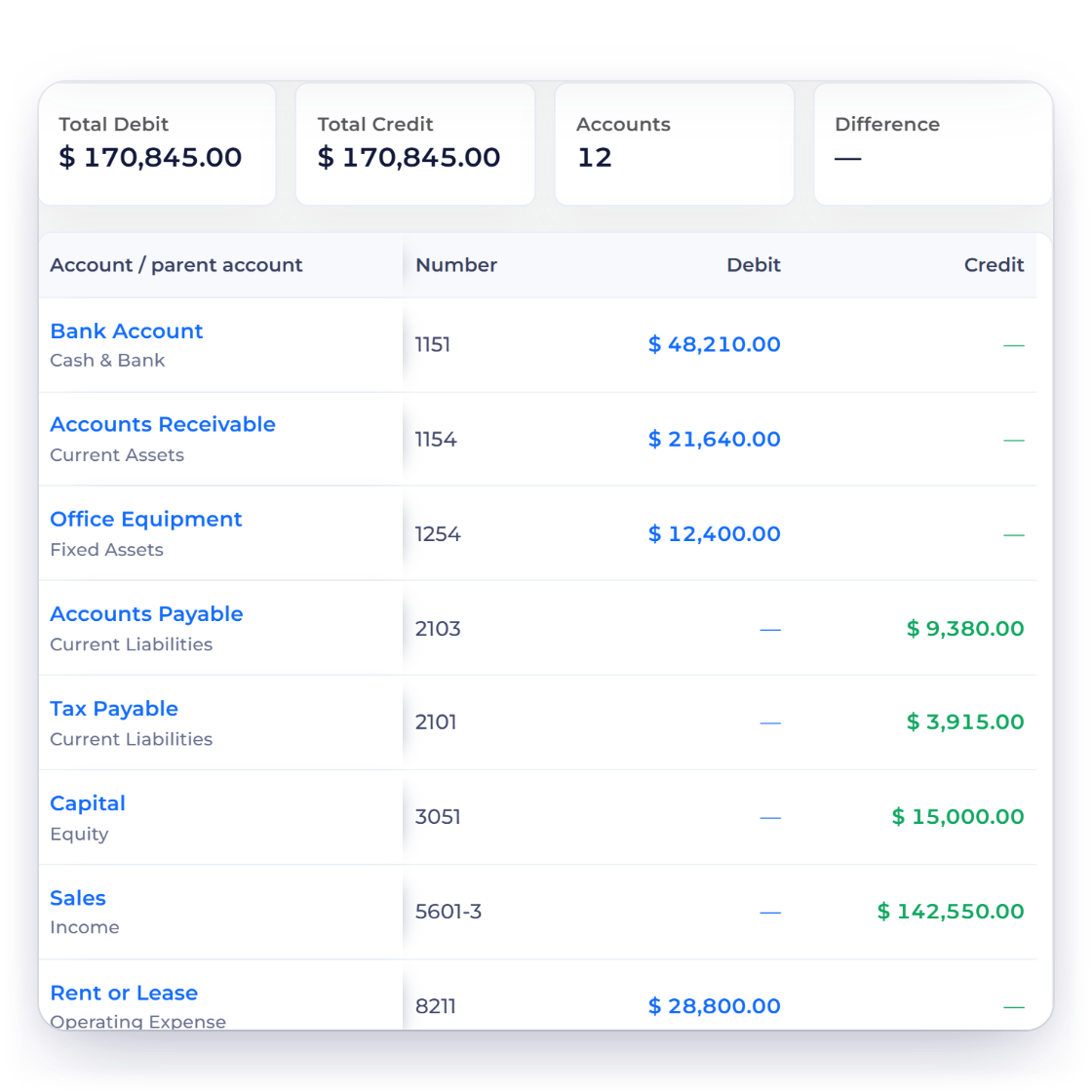
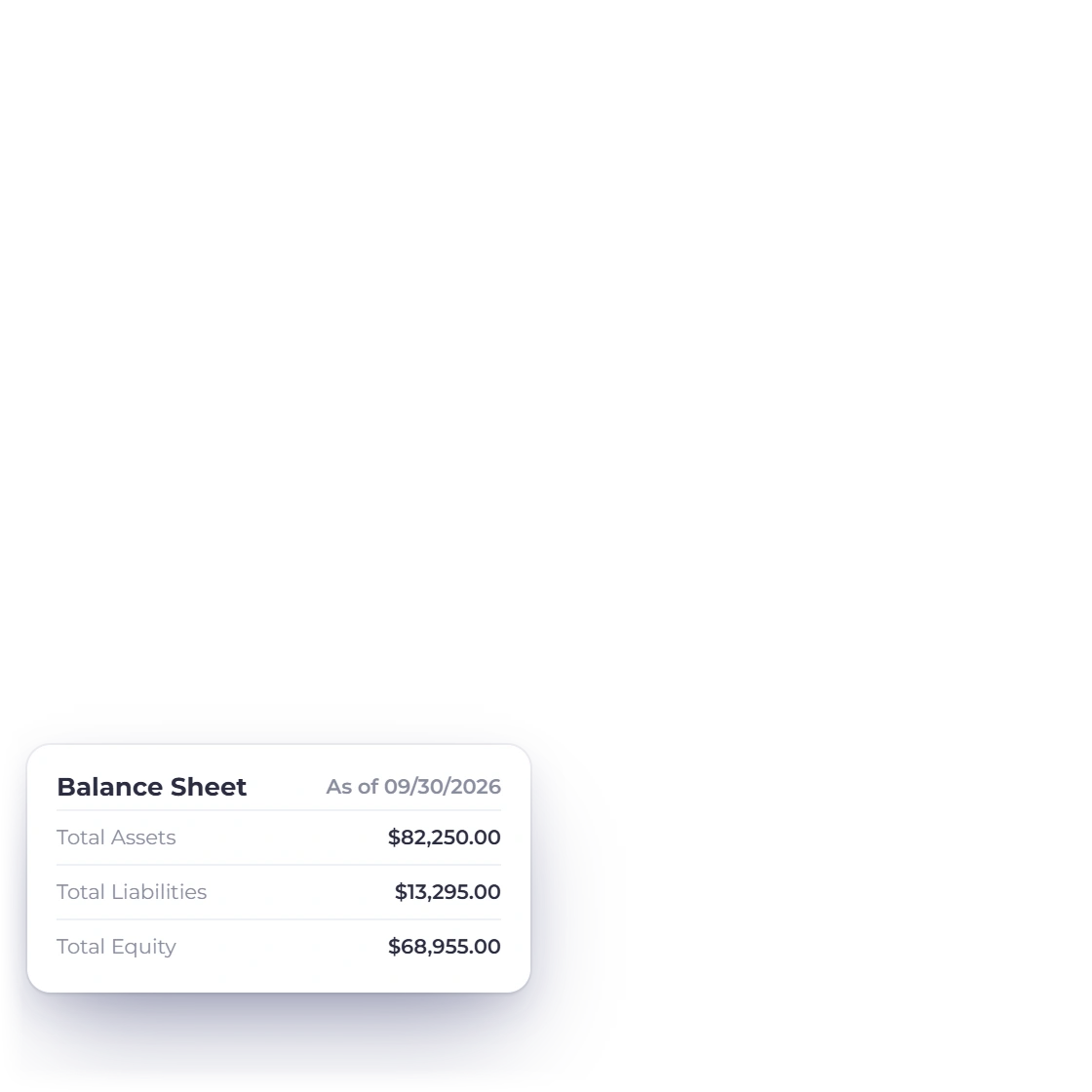
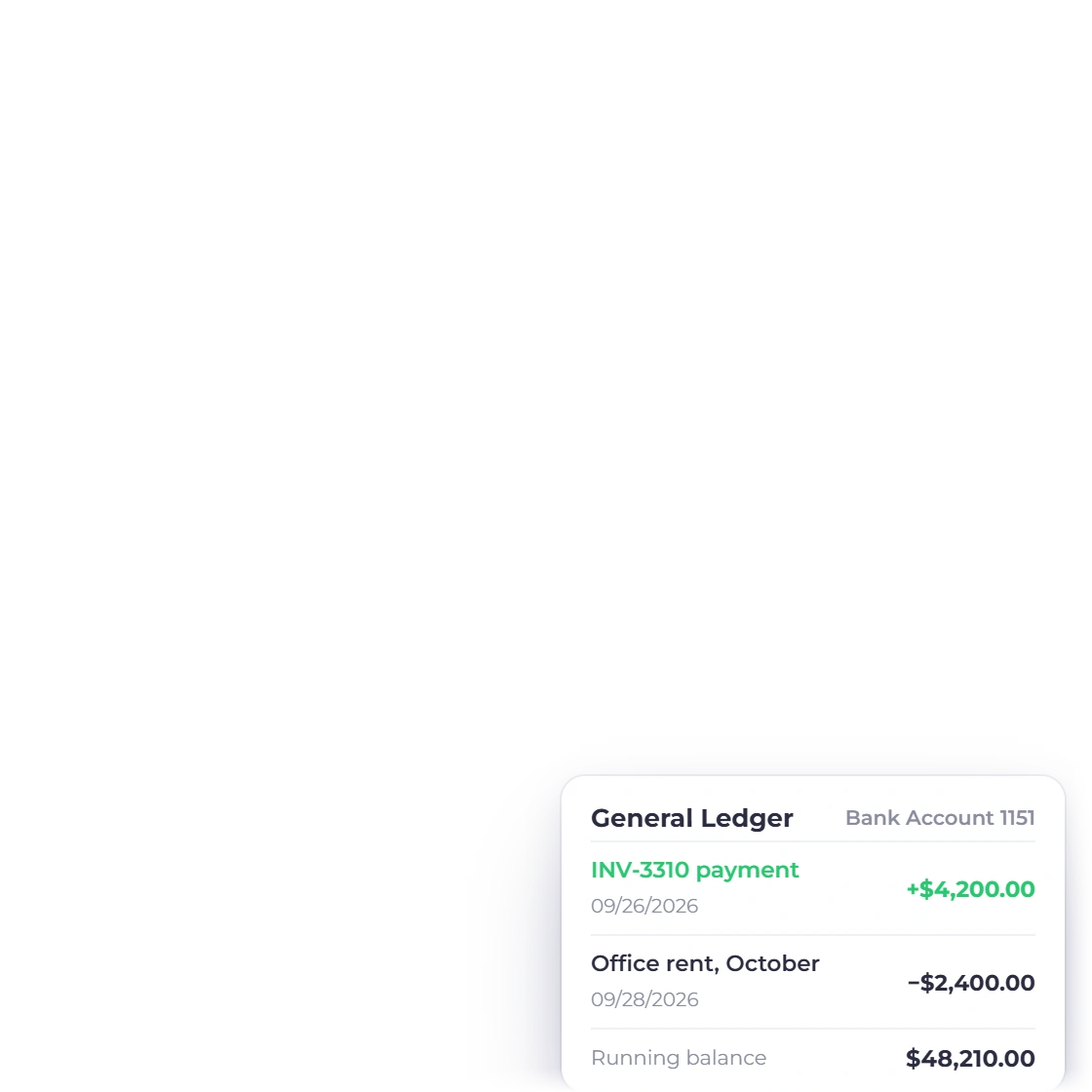
Invoice Crowd Trial Balance with equal total debits and credits across twelve accounts, a balance sheet summary and the general ledger entries behind the bank account

Statements an accountant recognizes

Profit and loss, balance sheet, trial balance, cash flow and the general ledger behind them, all drawn from the postings your invoices and bills already made. Manual journals cover the adjustments no document creates, and opening balances bring in the year you carried across. Once a period is closed, Lock Transactions stops anyone posting into it.

  • A chart of 148 accounts, numbered and classified on day one
  • Trial balance and cash flow for closing a period
  • Cost of goods sold and gross profit on the profit and loss
The accounting module
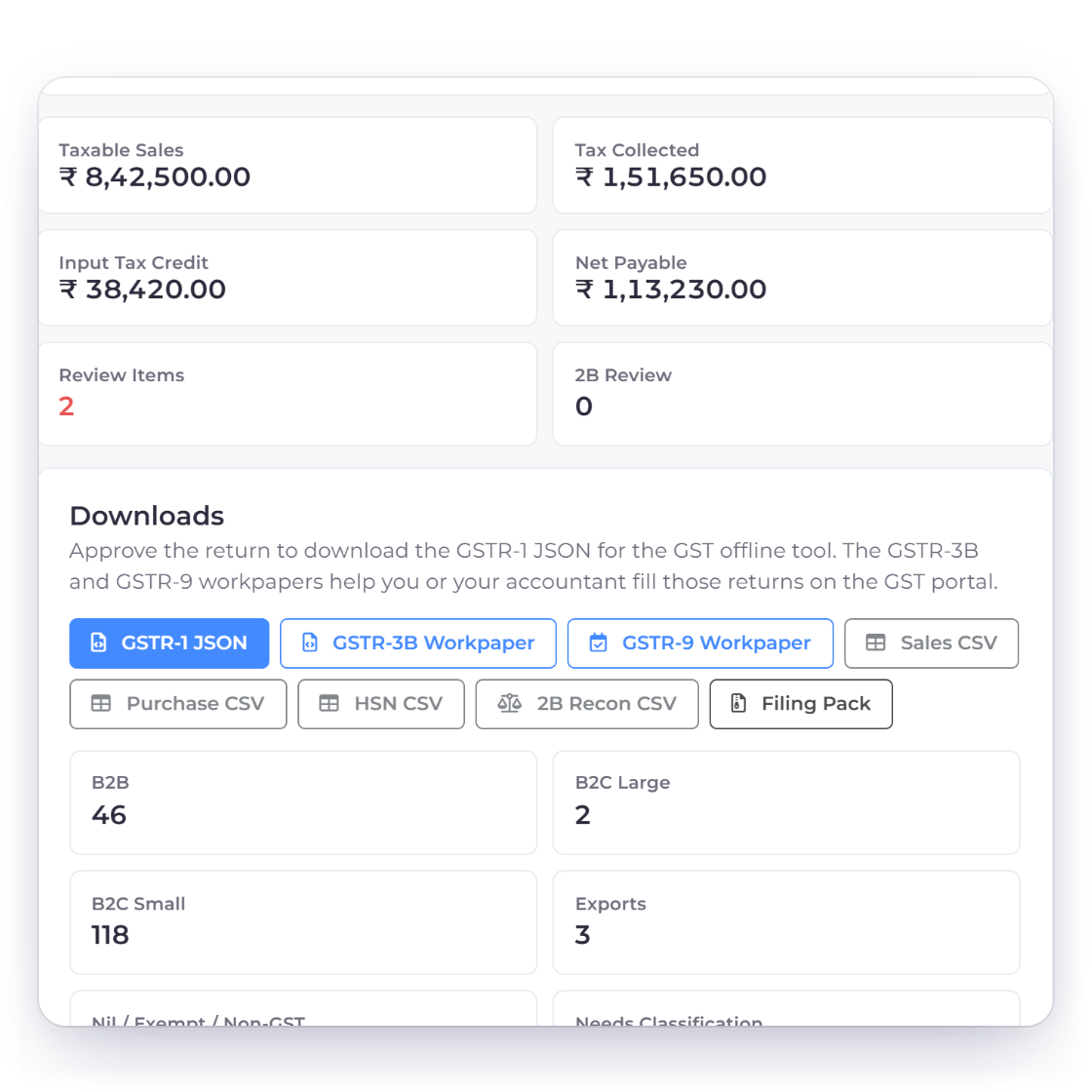
Invoice Crowd GST Filing workspace for an eligible India business profile showing GSTR-1 outward supplies for September with taxable sales, tax collected and input tax credit, the review workflow and the export downloads

GST filing and the reports around it

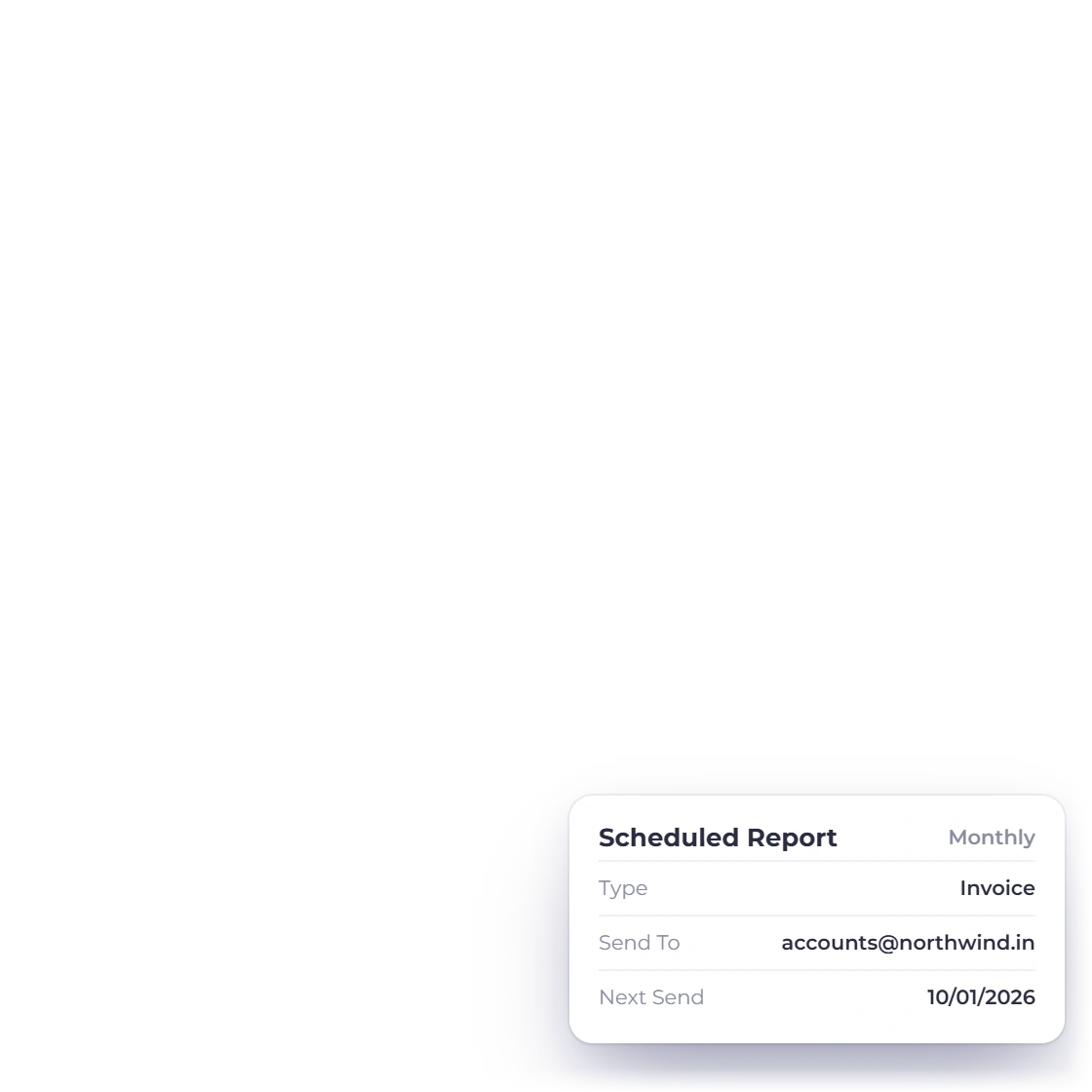
For India businesses, the GST Filing workspace prepares GSTR-1, GSTR-3B and GSTR-9 data from your invoices, bills and expenses, ready to file on the GST portal. Invoice, income and expense reports sit alongside it, and the invoice, income, expense and aged debt reports can be emailed to you on a schedule.

  • GST Filing for India: GSTR-1, GSTR-3B and GSTR-9
  • Invoice, income, expense and inventory summary reports
  • Scheduled reports delivered by email
GST invoicing and filing

Also included

The rest of what a small company needs

All of it is in the same subscription as the invoicing, reading the same customers, vendors and accounts.

  • Team and roles

    Invite team members and give each a role that controls what they can see and change.

  • Timesheets and projects

    Hours logged against a project, so billable work is not estimated at the end of the month.

  • Customer portal

    Clients check what they owe and settle it themselves instead of calling the office.

  • Recurring invoices

    Maintenance contracts and flat monthly fees raise their own invoice on the cycle you set.

  • Bank reconciliation

    Match what the ledger says against what the bank says, period by period.

  • Budget vs actuals

    Set a budget account by account and watch the variance build as the year runs.

  • Multi-currency reporting

    Sell across borders while every statement totals in the currency you file in.

  • Business profiles

    Separate books and branding for each company you own, still under one login.

  • Outbound webhooks

    Send customer, invoice, expense and income events to a CRM or a spreadsheet through a webhook URL you choose.

  • 13 payment gateways

    Customers settle an invoice through PayPal, Stripe, Razorpay, Square, Payoneer, Braintree, Authorize.net, Airwallex, GoCardless, PayFast, PayTabs, Telr or M-Pesa.

  • Fixed asset register

    Record what the business owns, depreciate it straight-line and record a sale or write-off when it goes.

  • Quotes and proposals

    Send a priced estimate or a proposal the client signs before the first invoice exists.

  • Payments received

    One customer payment can settle several open invoices, oldest first, and anything left over is kept as credit for the next one.

  • Stock and reordering

    Stock is tracked first-in, first-out, a bell alert you can turn on tells you when an item hits its reorder point, and the Reorder tab drafts purchase orders grouped by vendor.

  • Refunds

    Refund an online payment through Stripe, PayPal, Square and five other gateways straight from the invoice. The credit note is made for you and the refund is booked once the provider confirms it.

Questions

Small business accounting, answered

Does Invoice Crowd handle GST?

Yes, for India business profiles. Invoices carry GSTIN, HSN/SAC and place of supply, and the GST Filing workspace prepares GSTR-1, GSTR-3B and GSTR-9 data from your invoices, bills and expenses. You or your accountant then file the return on the GST portal; nothing is submitted from the app. If a customer deducts TDS, record it with the payment and it is booked to TDS Receivable.

Can I track what I owe suppliers as well as what customers owe me?

Yes. Vendors, purchase orders, bills, payments made and vendor credits are all part of the same account. Raise the order, record the bill when it arrives and settle it, so what you owe and what you are owed are read from one ledger.

Will my accountant accept these reports?

The statements are the standard set: profit and loss, balance sheet, trial balance, cash flow and the general ledger behind them, all from double-entry postings. Each exports to spreadsheet or PDF, and manual journals let an accountant post the adjustments a year end needs.

How many people can I put on the account?

The Team plan includes two team members and the Business plan three, each with a role, so the person entering expenses does not get the same access as the person reviewing the books. Basic, Solo and Pro have no team members.

Can I keep books for more than one company?

Yes. Each business profile has its own customers, invoice templates, branding and accounts, and reports stay scoped to the selected profile. Pro holds two profiles, Team five and Business ten.

What does it cost for a small team?

The Basic plan is free forever: unlimited invoices, 5 customers, 1 business profile, 2 invoice templates and PayPal payments. Paid plans add the accounting statements, recurring invoices, more business profiles and, on Team and Business, team members, and each starts with a 30-day free trial with no card needed. Current prices are on the Pricing page.

Put the invoices, the bills and the books together

Raise an invoice, enter a supplier bill, then open the profit and loss and watch both of them already in it. That is the whole case for one account.

  • Free trial terms on the Pricing page
  • Payables and receivables in one ledger
  • Statements export for your accountant