
Skip to content

Features

Refund an invoice, with the credit note and the books in one step

A refund in Invoice Crowd is a guided step on the invoice: tell the Refund window what happened, and it raises the credit note, clears any unpaid balance and records the money going back, all at once. For payments taken online through Stripe, PayPal, Razorpay, Square, Braintree, Authorize.net, Airwallex or GoCardless, it can send the refund through the provider too, and books it only once the provider confirms.

  • Credit note and refund in one step
  • 8 gateways refund through their API
  • Booked when the provider confirms
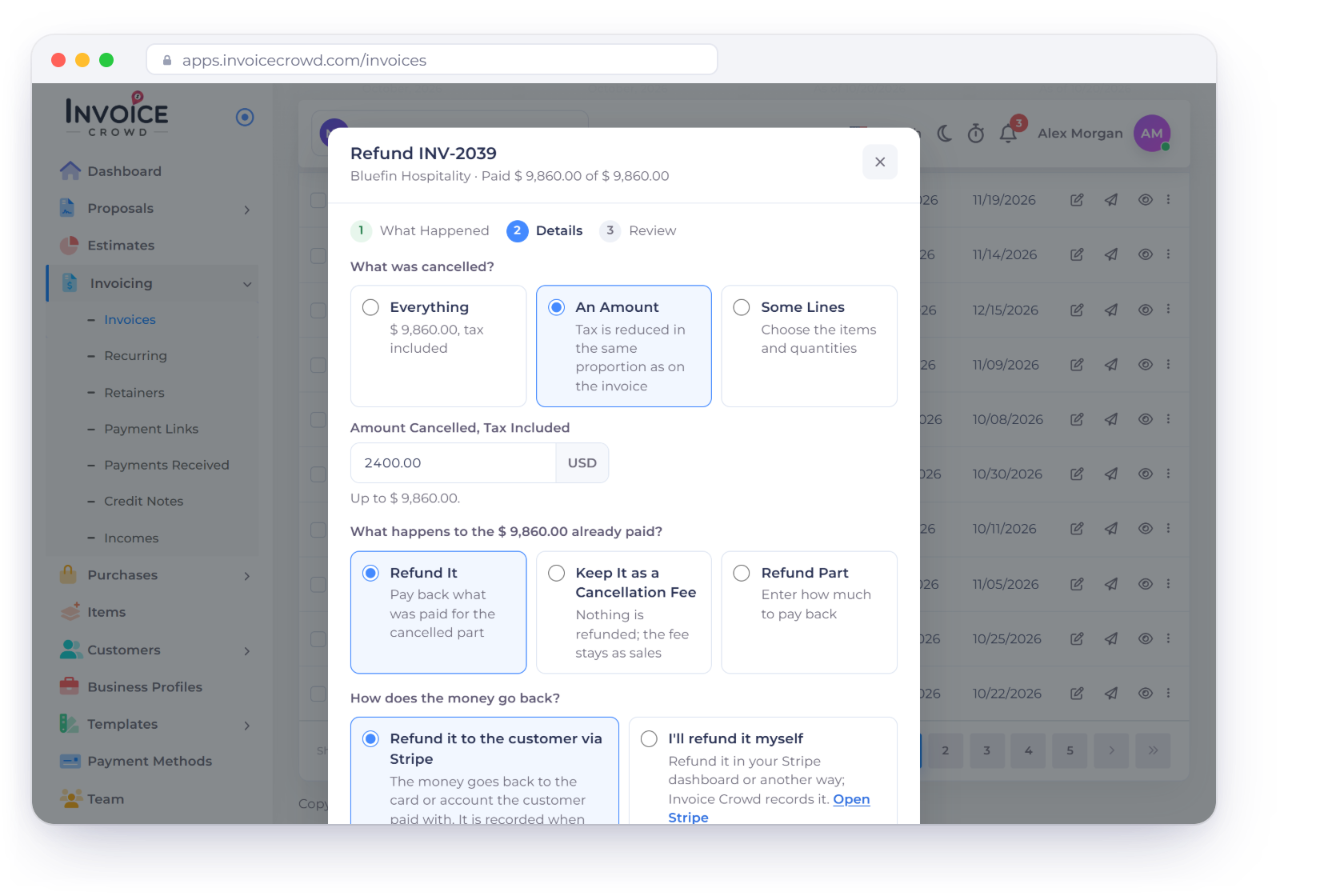
The Invoice Crowd Refund window for INV-2039 over the invoices list: 2,400 dollars of the order cancelled, Refund It chosen, and How does the money go back set to Refund it to the customer via Stripe, next to the review and the Partly Refunded badge

What is inside

From what happened to what your books show

Refunds start from the invoice that was paid, so the credit note, the invoice's balance, the money going back and the ledger all change together instead of in three separate steps.

Starting a refund

From the invoice

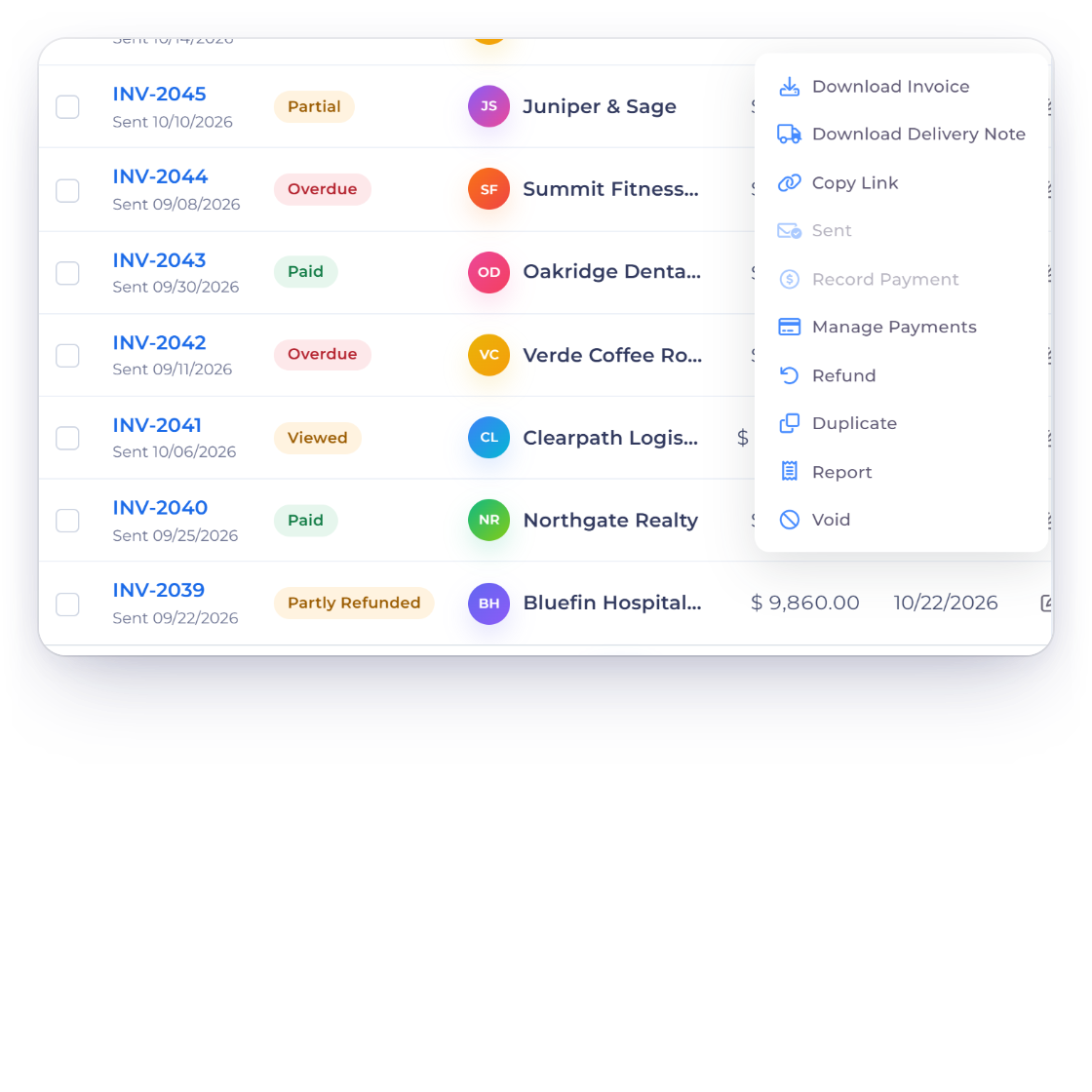
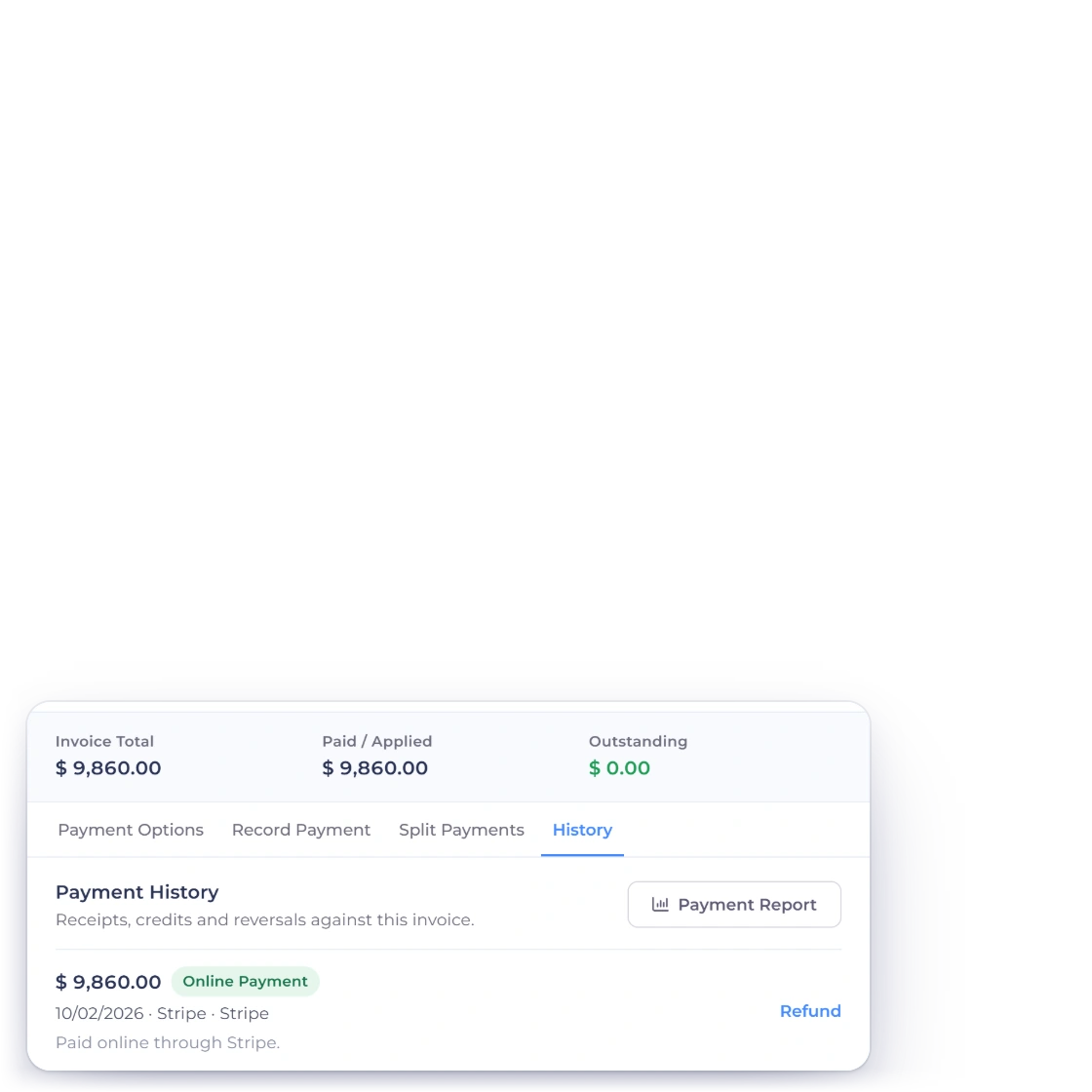
Invoice Crowd invoices list with the row menu of paid invoice INV-2039 open on Refund, and Manage Payments History with Refund next to the online payment

Start from the invoice

Refunds begin where the payment is: Refund in the Invoices list row menu, Refund in the editor's Actions tab, or Refund next to a received payment in Manage Payments, on the History tab. Starting from History also sets that payment's account as the one to pay back from. All three open the same Refund window, titled Refund and the invoice number, on customer invoices that have money received.

  • Invoices list row menu → Refund
  • Editor Actions tab → Refund
  • Manage Payments → History → Refund
Manage Payments
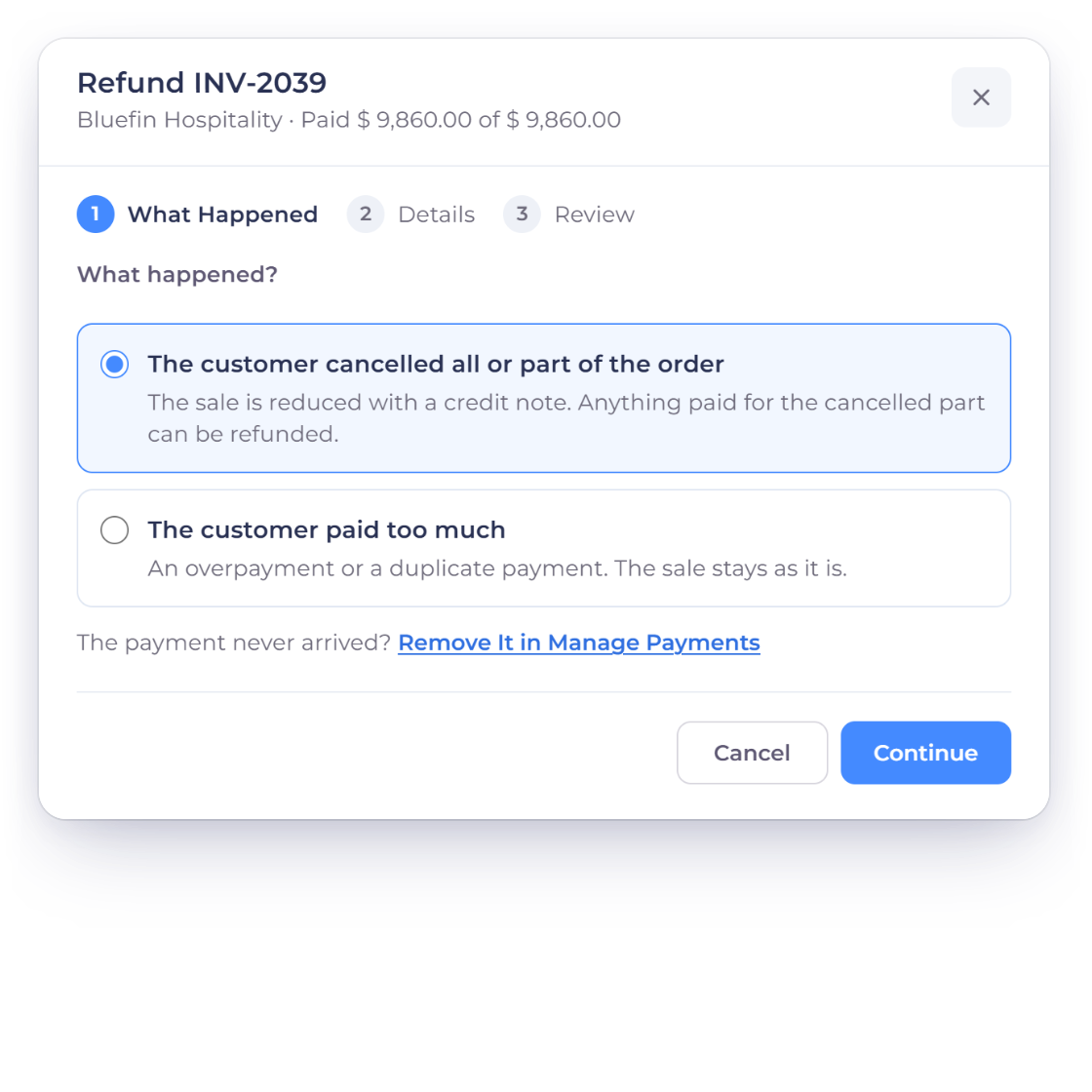
The first step of the Invoice Crowd Refund window, What Happened, with The customer cancelled all or part of the order and The customer paid too much, and the choices for what was cancelled and what happens to the money already paid

Tell it what happened

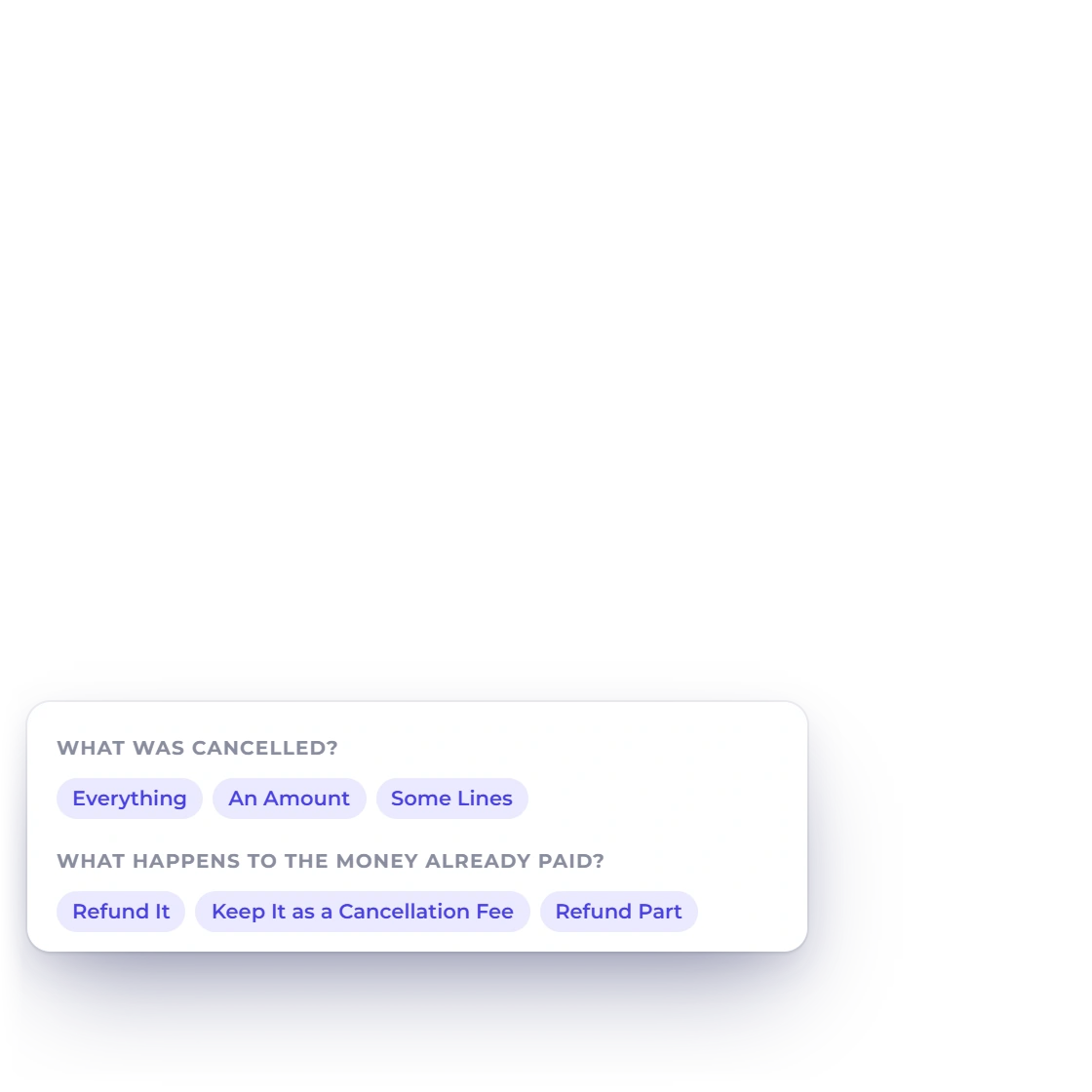
The first step, What Happened, has two answers. If the customer cancelled all or part of the order, pick Everything, An Amount (tax included) or Some Lines with quantities, then choose what happens to the money already paid: Refund It, Keep It as a Cancellation Fee, or Refund Part. If the customer paid too much, the invoice's open overpayment credit is listed and the refund is capped at what is open.

  • Everything, An Amount or Some Lines
  • Refund It, keep a fee, or Refund Part
  • Paid too much refunds the overpayment credit

Back through the provider

8 gateways

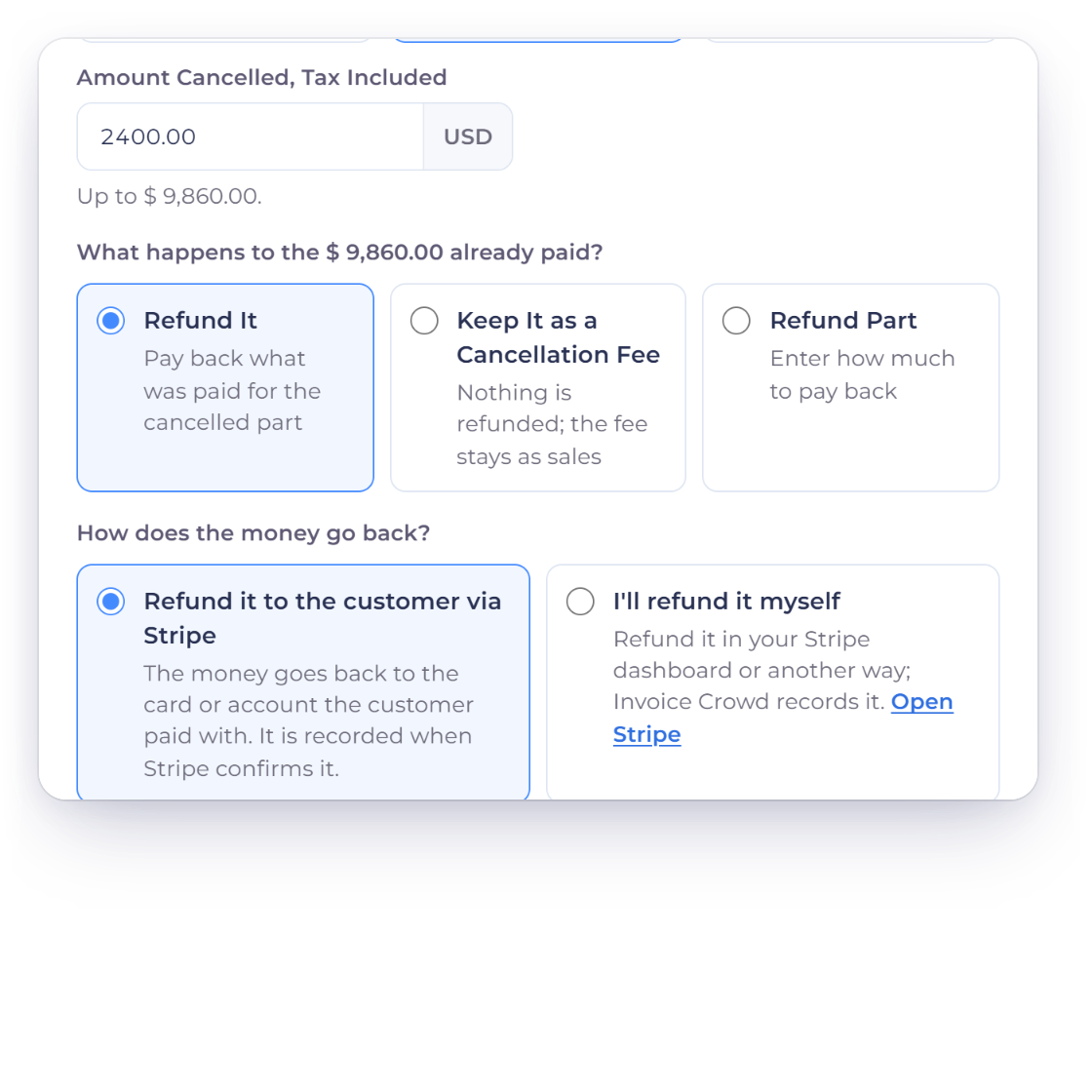
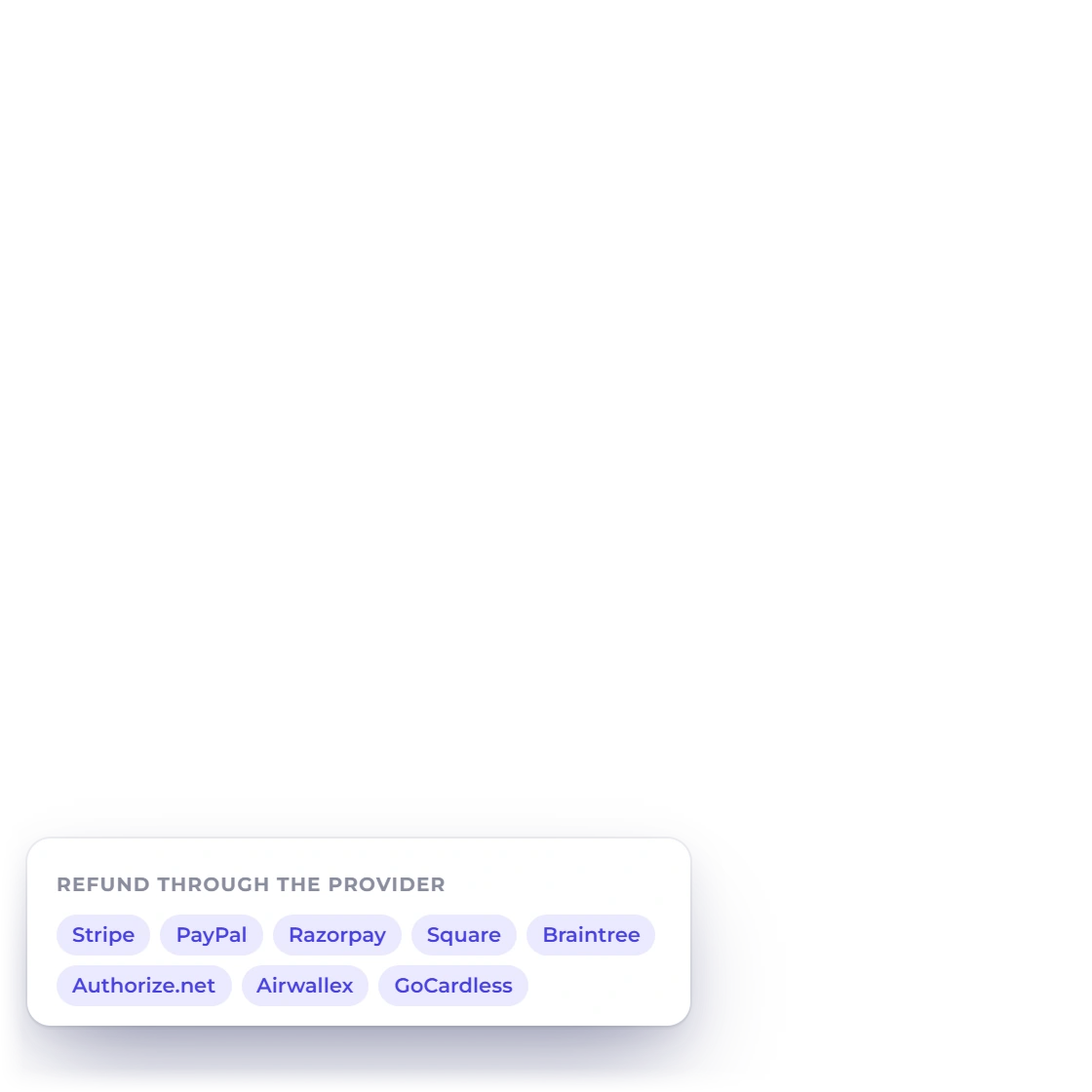
The Invoice Crowd Refund window with an amount cancelled, Refund It, and How does the money go back set to Refund it to the customer via Stripe, and the eight gateways that refund through their API

Refund it to the customer's card or account

When the invoice was paid online on the invoice page through Stripe, PayPal, Razorpay, Square, Braintree, Authorize.net, Airwallex or GoCardless, the window asks How does the money go back? Choose Refund it to the customer via Stripe, or whichever provider took the payment, enter the Amount to Refund and confirm. The money goes back to the card or account the customer paid with, through that provider's own refund API.

  • 8 gateways refund through their API
  • Amount to Refund, up to what was paid
  • The same credit note and the same books
Payment gateways
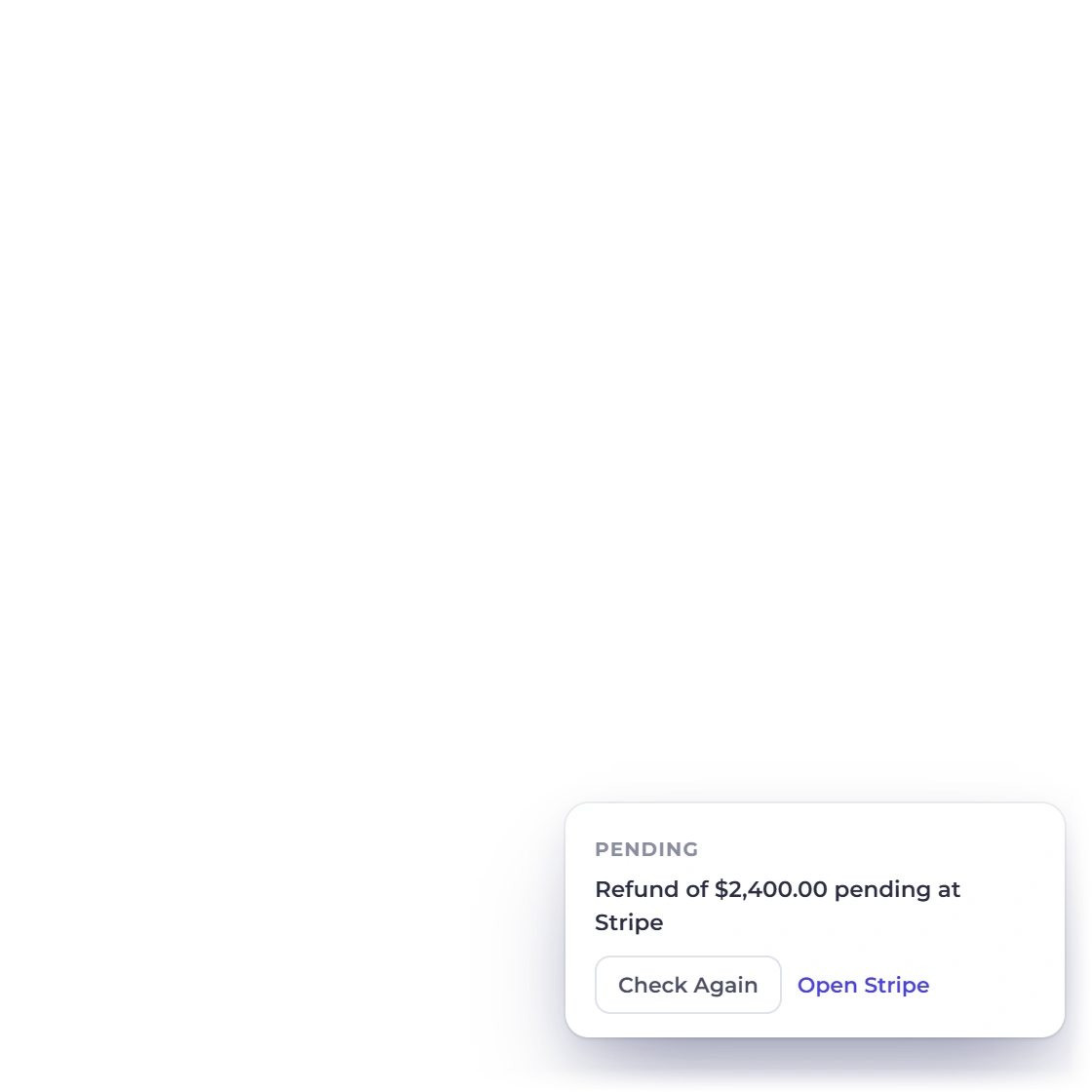
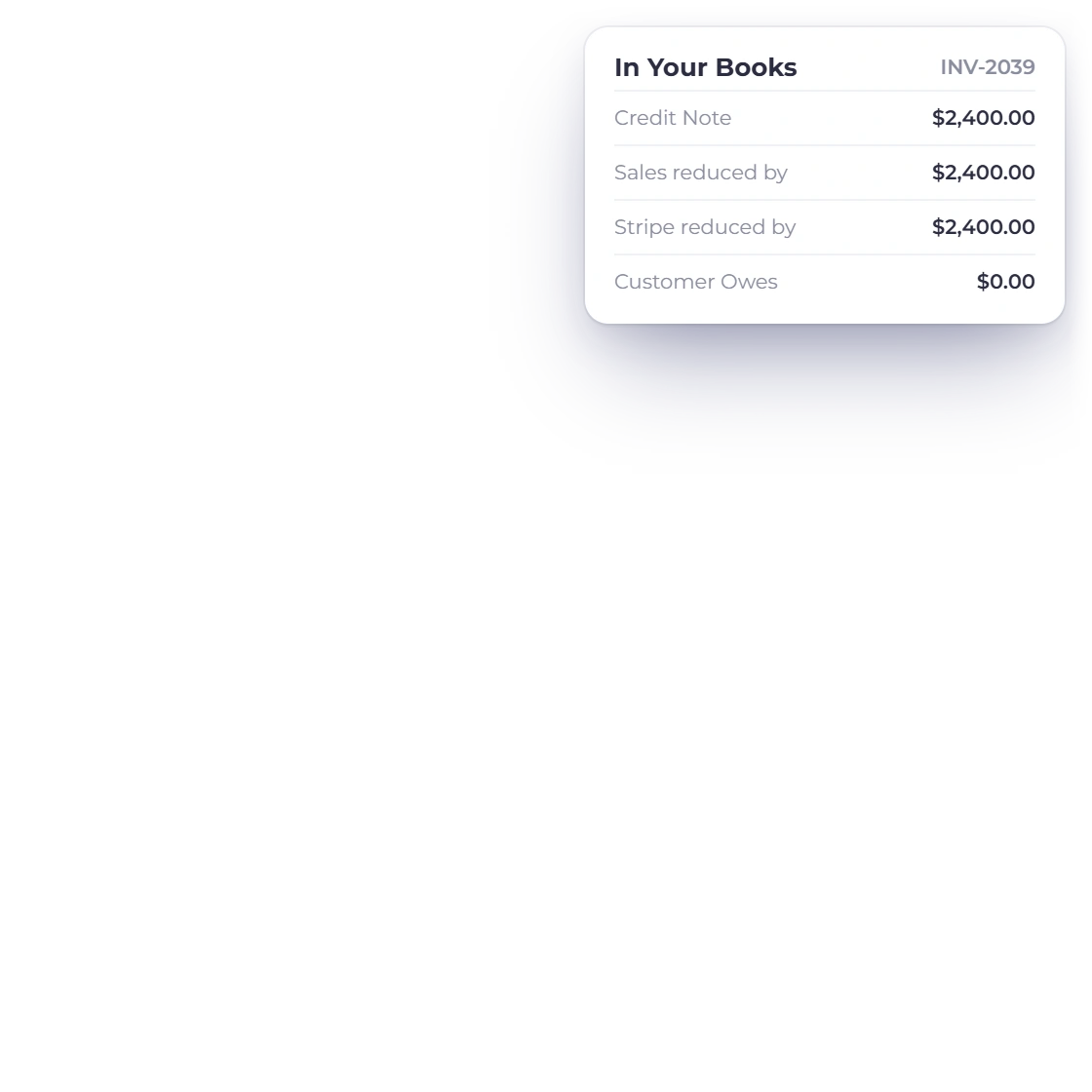
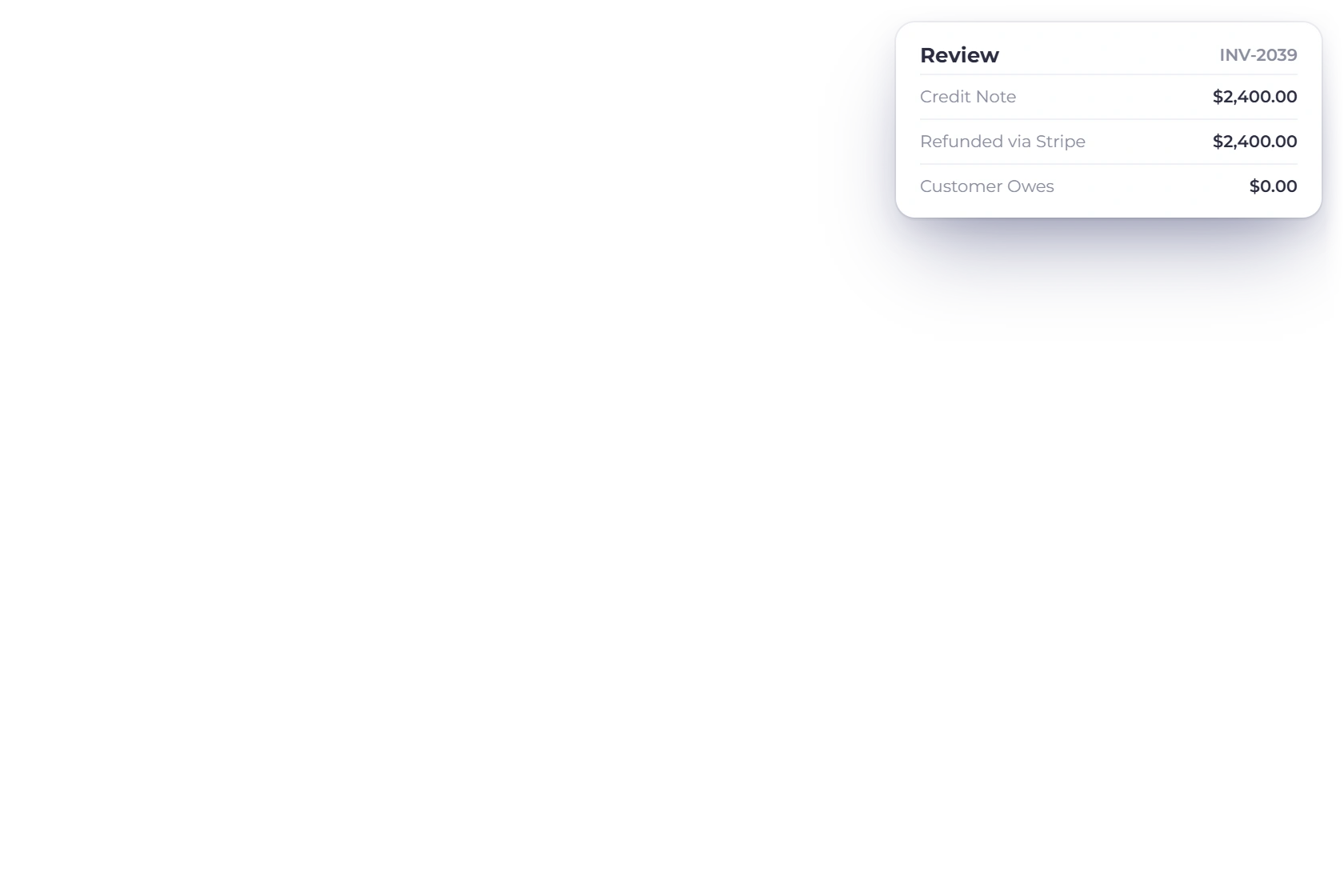
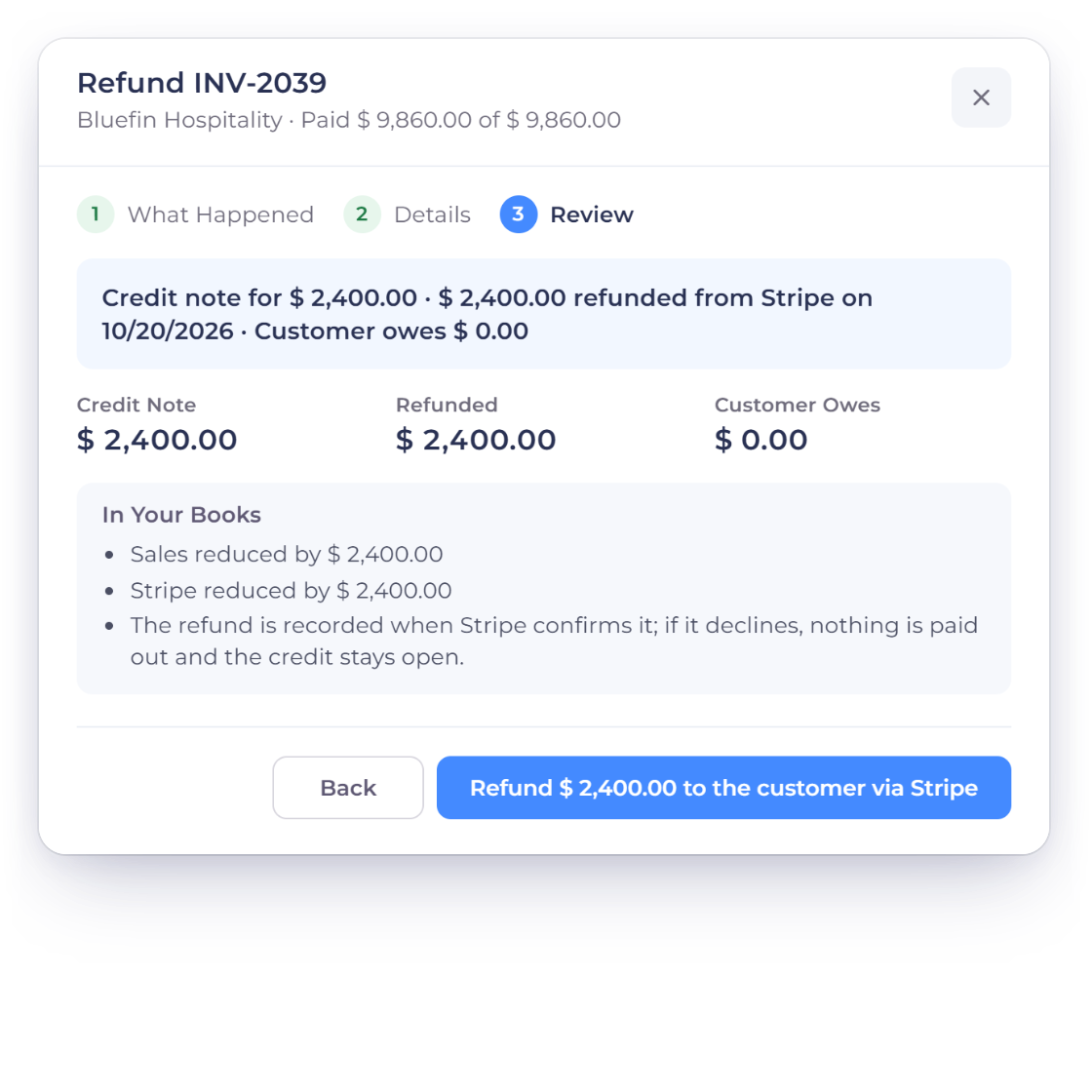
The Invoice Crowd Refund review for INV-2039 with the credit note, the refund and In Your Books, where the refund is recorded only when Stripe confirms it, and a refund still pending at Stripe with Check Again

Booked only when the provider confirms

Nothing is written to your books until the provider says the refund went through. If it is still pending, the window says so and offers Check Again, and the provider's notification or a check every 15 minutes settles it. If the provider declines, no money moves, the refund books nothing, the credit stays open for the customer, and Try Again sends a fresh request.

  • Pending refunds show Check Again
  • A 15-minute check settles the rest
  • Declined: nothing booked, then Try Again

Recorded and reconciled

Every other way

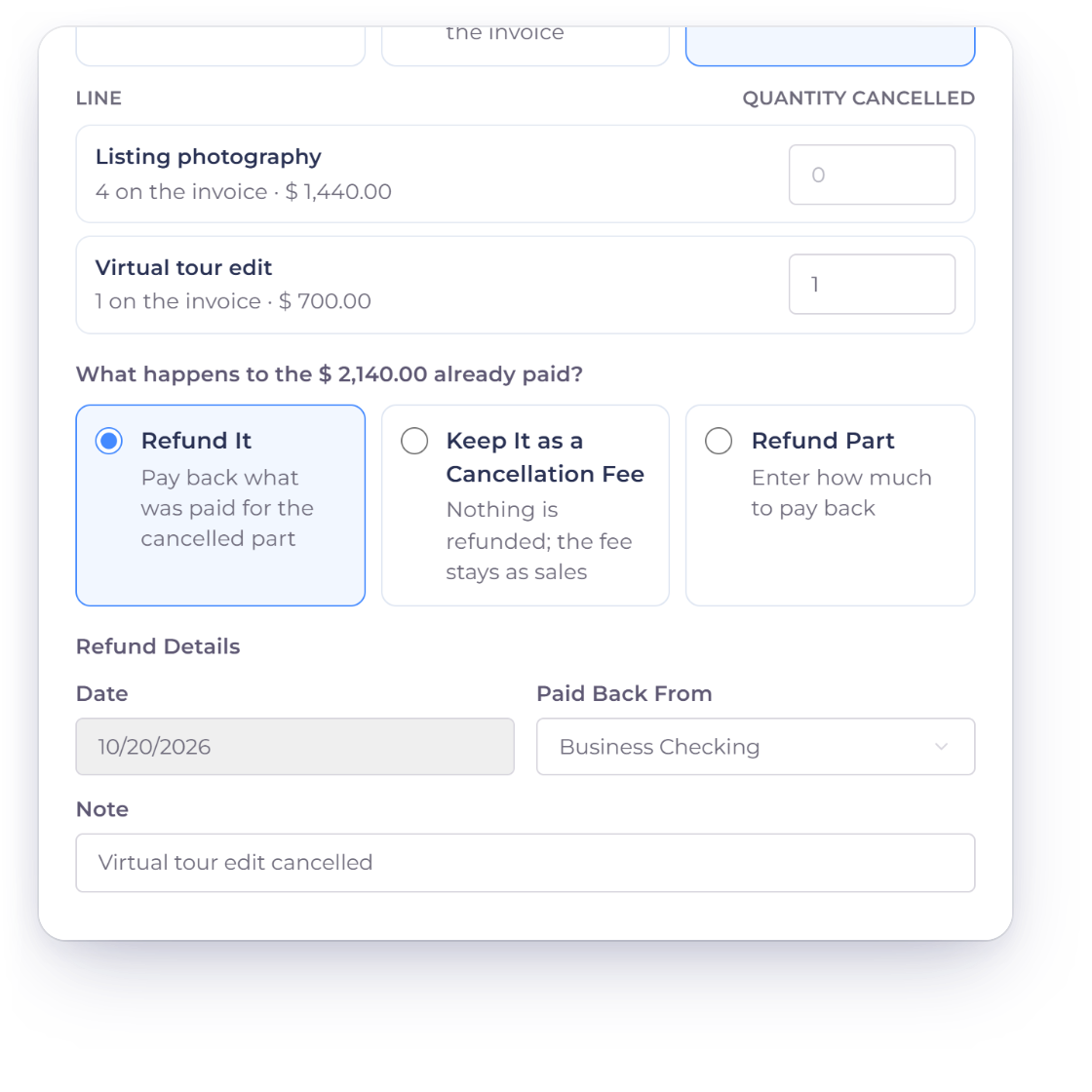
The Invoice Crowd Refund window for INV-2040 with one line cancelled and refunded, the refund date and the account it is Paid Back From, for a payment refunded outside the app

Refunds you make yourself

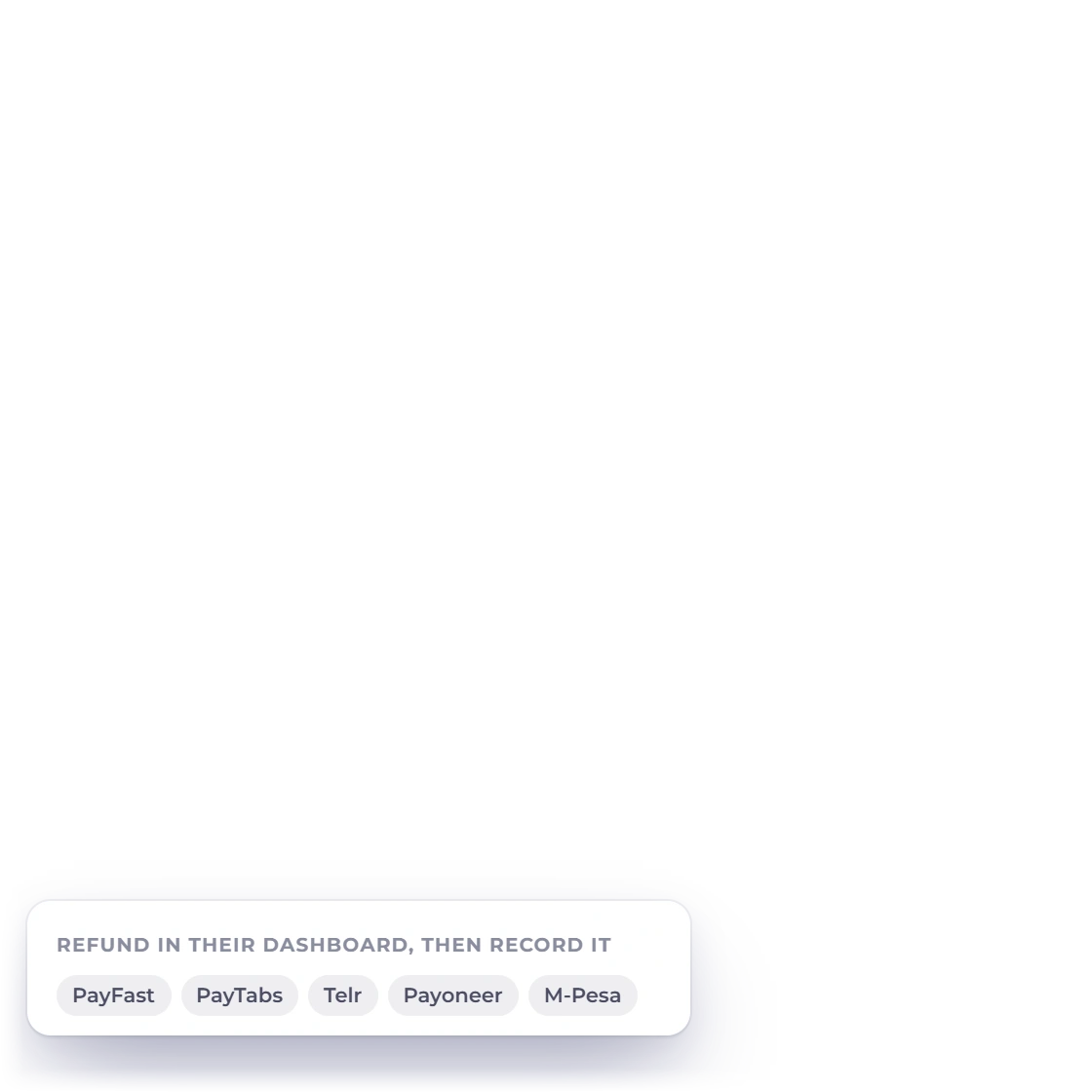
Bank transfers, cash, and payments through PayFast, PayTabs, Telr, Payoneer or M-Pesa are refunded outside Invoice Crowd and recorded here. Choose I'll refund it myself where a provider option is offered, then set the date, the account in Paid Back From and an optional note. For online payments, the window links to the provider's dashboard where one is available.

  • Paid Back From: Cash or a payment account
  • A link to the provider's dashboard
  • Dated no earlier than the invoice
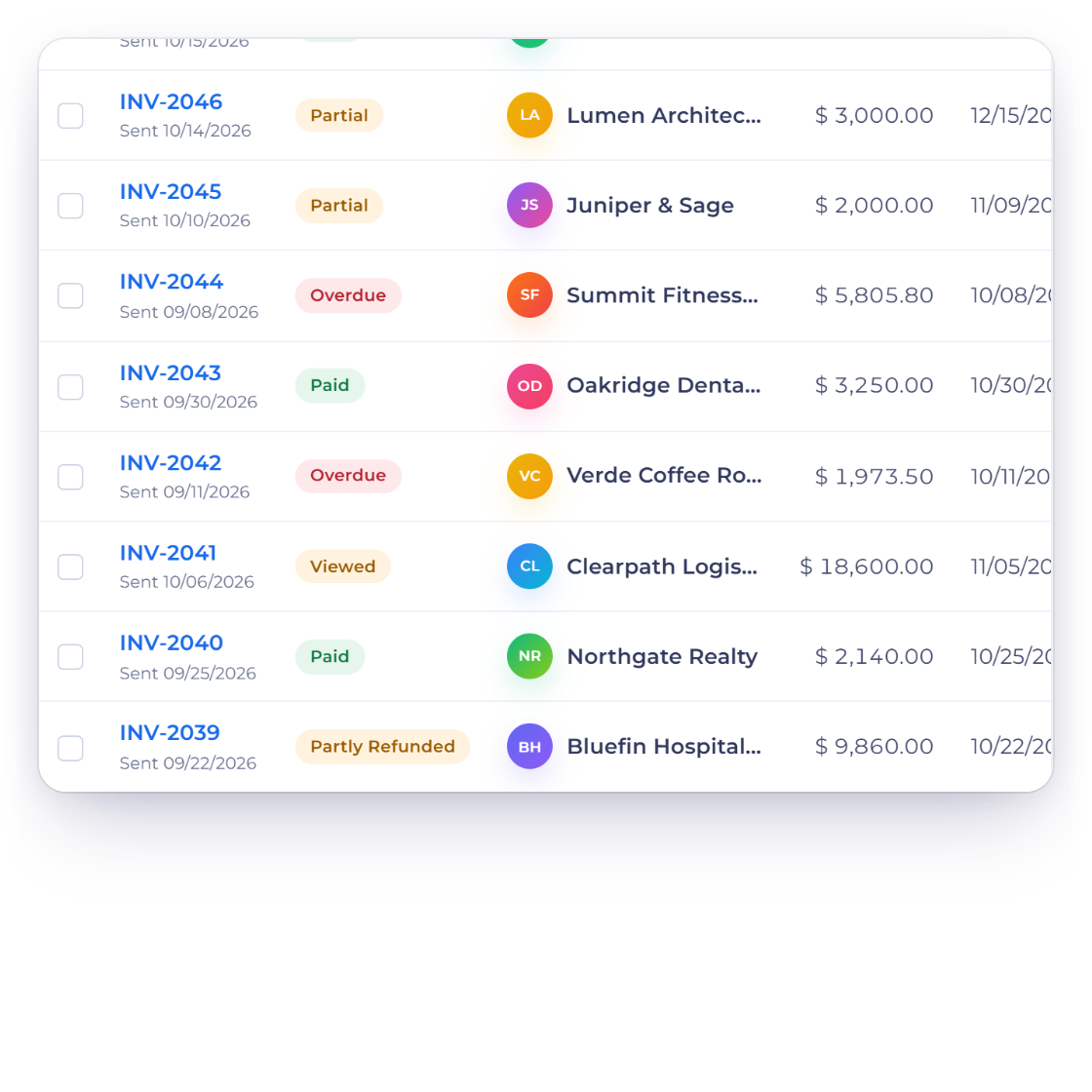
Invoice Crowd invoices list with INV-2039 showing Partly Refunded, and the refund review with the credit note, the amount refunded, what the customer owes and the changes in your books

Credit note, books and status in one step

Before you confirm, the Review step shows the figures in plain words: Credit Note, Unpaid Balance Cleared, Refunded and Customer Owes, with In Your Books listing the sales, tax owed, receivables and bank account it reduces. Confirm, and the credit note is created, applied and refunded together. The invoice's list badge then reads Refunded, Partly Refunded or Cancelled.

  • Review shows Credit Note, Refunded, Customer Owes
  • Badge: Refunded, Partly Refunded or Cancelled
  • Late fees are never credited
Credit notes

Built in

The rules behind every refund

The Refund window works out every amount before anything is saved, follows your locked periods and exchange rates, and can be undone if a refund was recorded by mistake.

  • Refunds made in the dashboard

    Refunds made in the Stripe, PayPal, Razorpay or Square dashboard reach Payments Needing Review, with Record This Refund.

  • Keep a cancellation fee

    Cancelled, but keeping part as a fee? Refund Part pays back what you enter; the rest stays as sales and tax.

  • Some Lines, by quantity

    Credit only the items that were cancelled: pick the lines and how many of each, and the credit note follows them.

  • Tax reversed in proportion

    An Amount is tax included, and tax comes off in the same proportions as on the invoice, so mixed rates stay right.

  • 8 gateways, refunded in place

    Stripe, PayPal, Razorpay, Square, Braintree, Authorize.net, Airwallex and GoCardless refunds go through each provider's API.

  • The other 5: refund, then record

    PayFast, PayTabs, Telr, Payoneer and M-Pesa are refunded in their own dashboards, then recorded here.

  • Pending until confirmed

    A pending refund shows Check Again. The provider's notification, or a check every 15 minutes, books it once confirmed.

  • Declined books nothing

    If the provider declines, no money moves and nothing is booked. The credit stays open, and Try Again sends a new request.

  • Locked periods stay locked

    A refund dated in a locked period is refused with a link to Lock Transactions, so closed books stay closed.

  • Foreign-currency invoices

    The refund uses its date's exchange rate; any difference to the invoice rate is booked as realized gain or loss.

  • Undo a recorded refund

    On the credit note, Undo Refund or Application lists each refund and application, with Reverse Refund and Remove from Invoice.

  • What the customer sees

    The customer portal shows the invoice as Refunded or Cancelled, and the public invoice page shows no amount due.

Questions

Refunds, answered

Can Invoice Crowd refund a customer's card payment?

Yes. Invoice Crowd can send a refund through the provider's API for invoices paid online through Stripe, PayPal, Razorpay, Square, Braintree, Authorize.net, Airwallex or GoCardless. Open the invoice's Refund window, choose Refund it to the customer via that provider, and the money goes back to the card or account the customer paid with. The refund is booked only after the provider confirms it.

Which payments can't be refunded through the provider from inside the app?

Payments through PayFast, PayTabs, Telr, Payoneer and M-Pesa: refund those in the provider's dashboard, then record them with I'll refund it myself or the account in Paid Back From. The same goes for bank transfers and cash. The provider option is offered only for payments made online on the invoice page, in the same live or test mode the gateway is in now and in the invoice's currency, and not on recurring or subscription schedules or payment links themselves.

What happens if the provider delays or declines the refund?

A pending refund is not booked yet. The window shows Check Again, and the provider's notification or a check every 15 minutes settles it. If the provider declines, no money is paid out and nothing is booked; the credit stays open for the customer and Try Again sends a new request.

Does a refund create a credit note?

Yes. Confirming the Refund window creates the credit note, applies it to clear any unpaid balance, and records the refund, in one step. A credit note's own Refund action is different: it only records a refund you have already made, and never contacts a payment provider.

Are late fees and gateway fees refunded?

No. Everything means the invoice total less late fees, settlement gateway fees and any earlier credit notes, so late fees and settlement gateway fees are never credited. If a credit clears the invoice and only its unpaid late fee is left, you choose Waive Late Fee or Keep Fee.

I refunded a customer in my Stripe dashboard. How does Invoice Crowd find out?

Refunds made in the Stripe, PayPal, Razorpay or Square dashboard reach Invoice Crowd through the provider's signed notifications and wait on Payments Needing Review. Record This Refund opens the Refund window for that invoice with the provider's amount and date filled in. Nothing is booked until you confirm it.

Who can refund, and on which plans?

The owner, and team members with Invoices edit access plus the accounting post and reverse permissions. The Refund window has no plan limit of its own. On the free Basic plan, PayPal is the online gateway you can switch on, so it is the only provider a Basic account refunds through; the other gateways, and Team, are on paid plans.

Refund the invoice, not just the money

Tell Invoice Crowd what happened, and the credit note, the cleared balance, the refund and the books follow in one step, through your payment provider when it supports it.

  • No card required to start
  • Your data stays yours
  • Cancel anytime