
Filter the list, then Invoice These
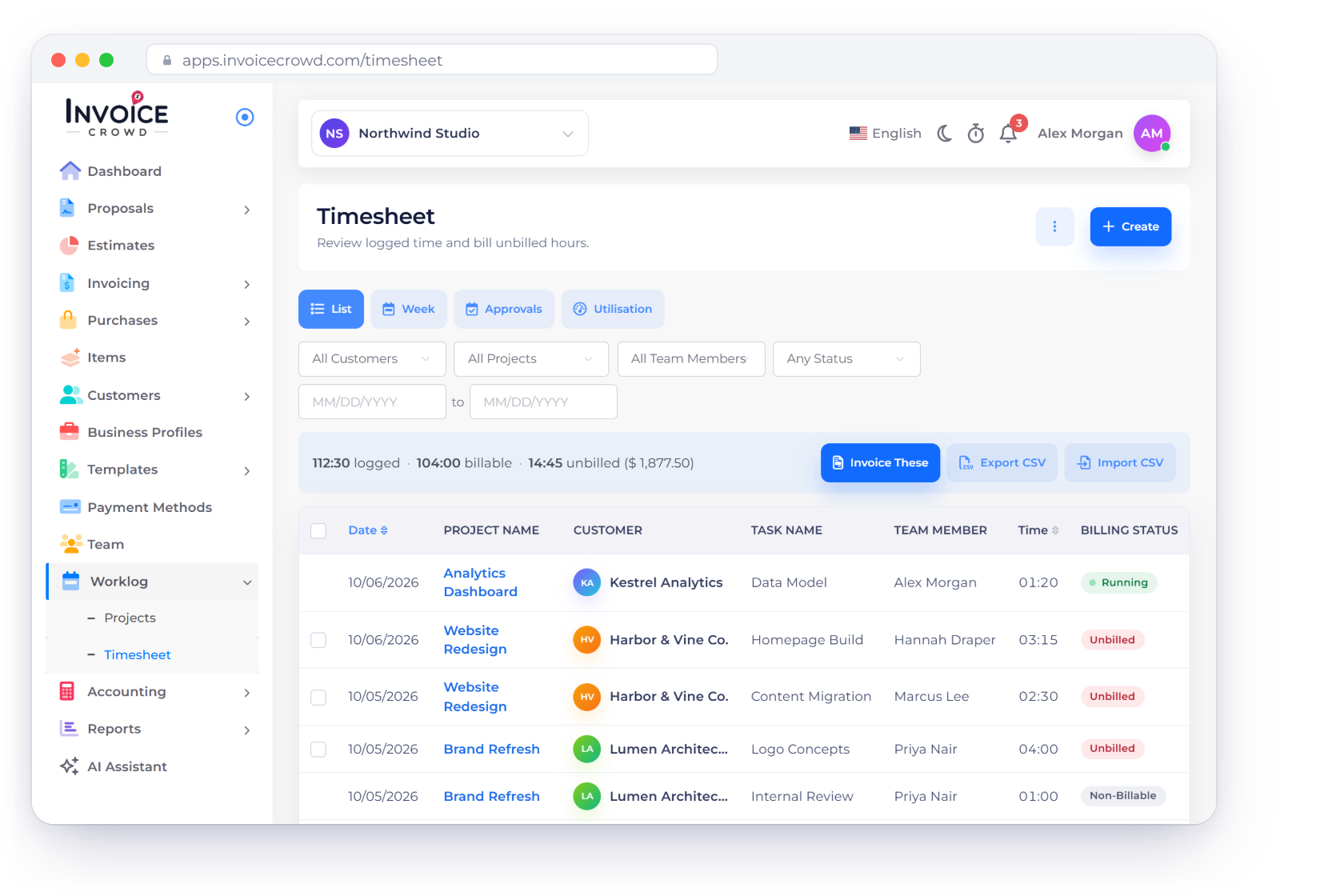
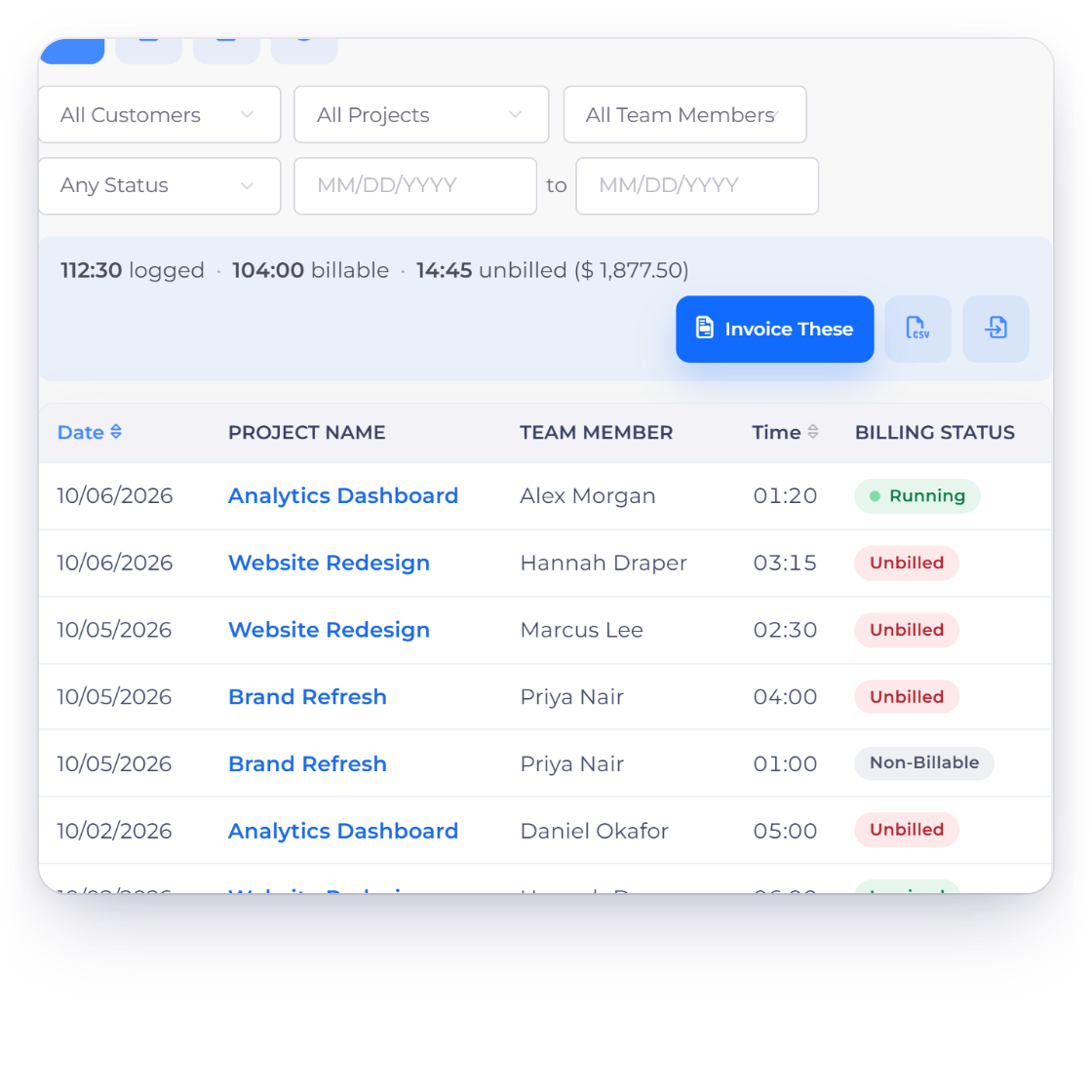
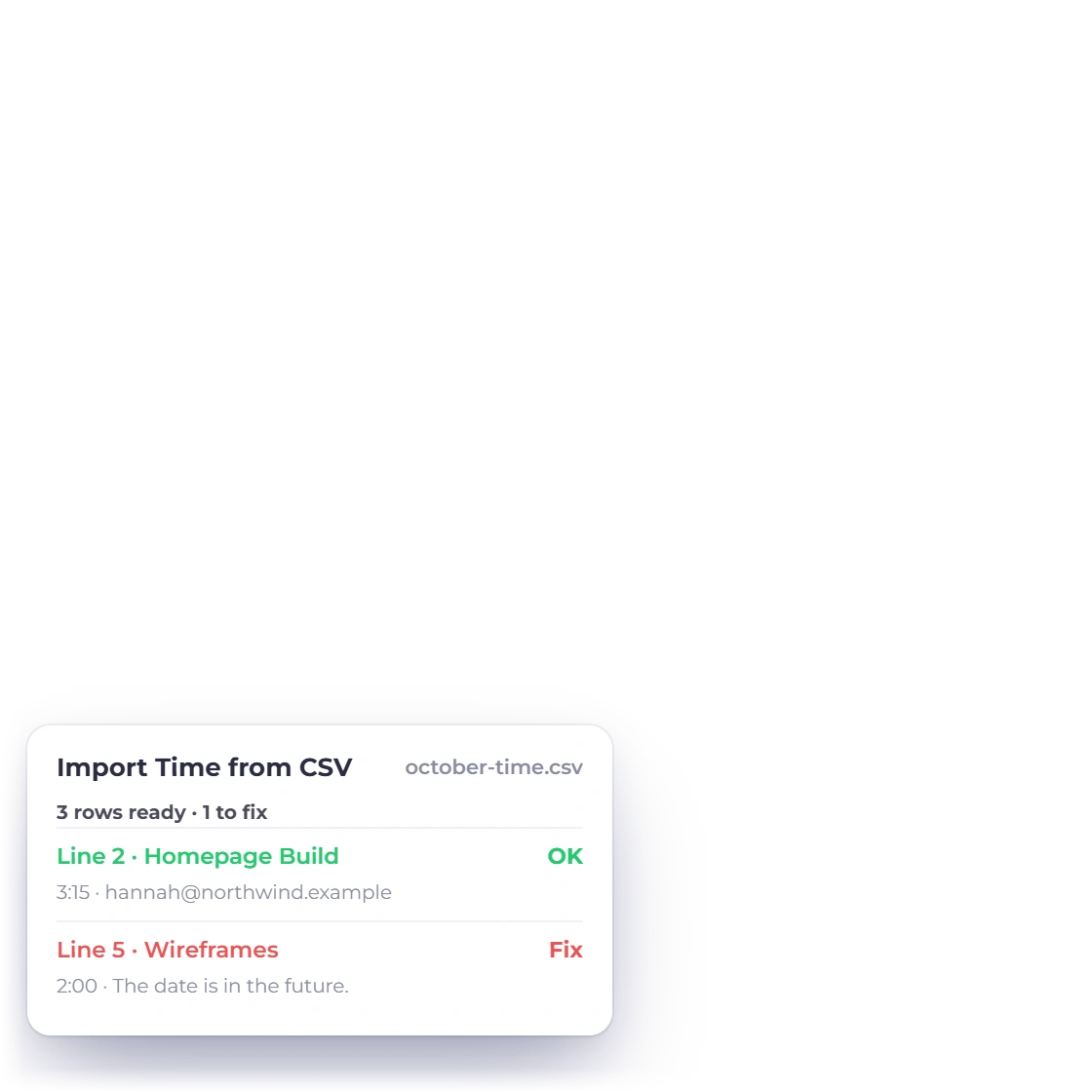
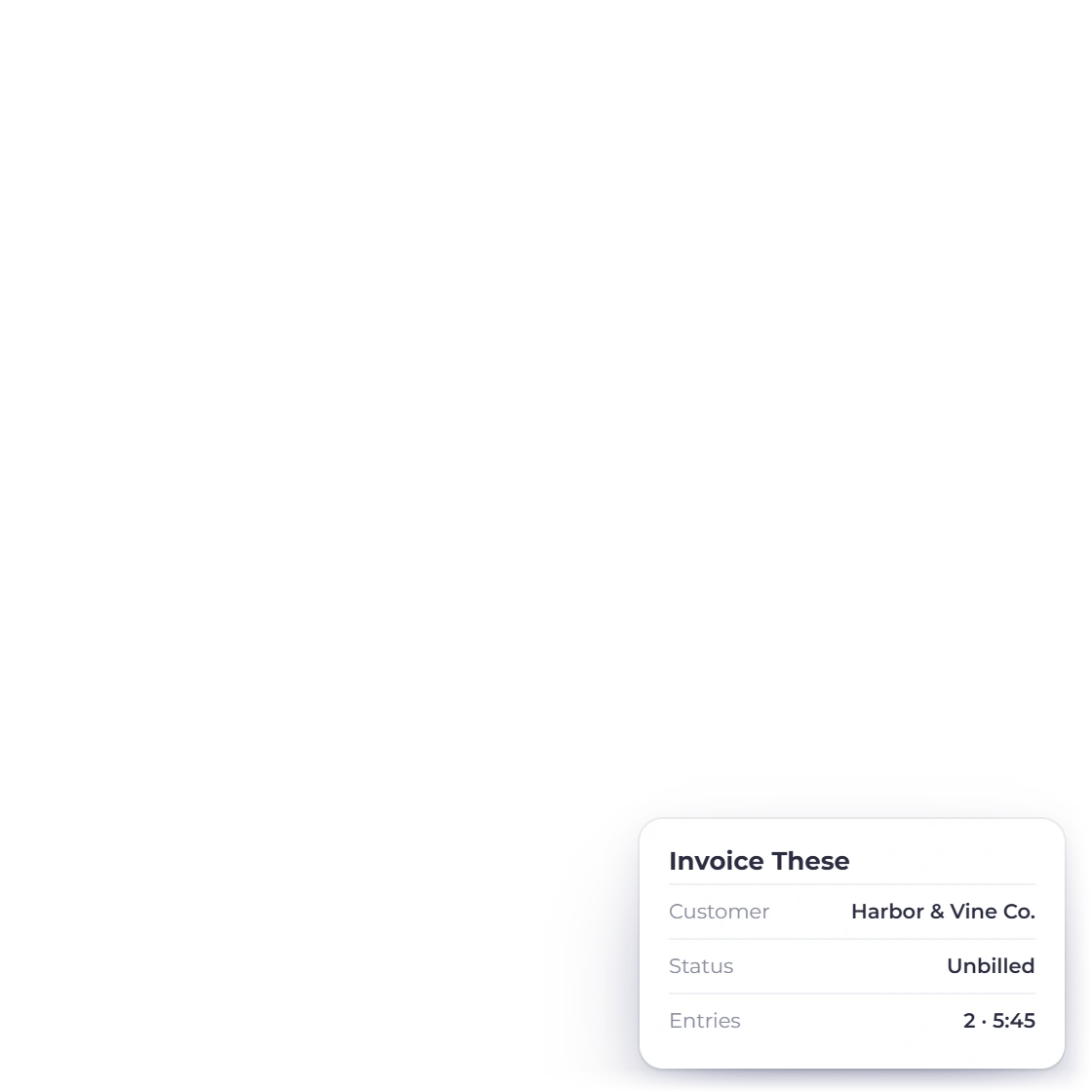
The List view filters time by customer, project, team member, billing status and dates, and totals what is logged, billable and unbilled, with the unbilled value. Invoice These sends every unbilled entry that matches the filters to the invoice wizard. Export CSV downloads the filtered rows, and Import CSV checks a file before anything is saved.
- Import CSV takes up to 1,000 rows and 1 MB
- A file with a problem row imports nothing
- Billing Status reads Unbilled, Invoiced or Non-Billable