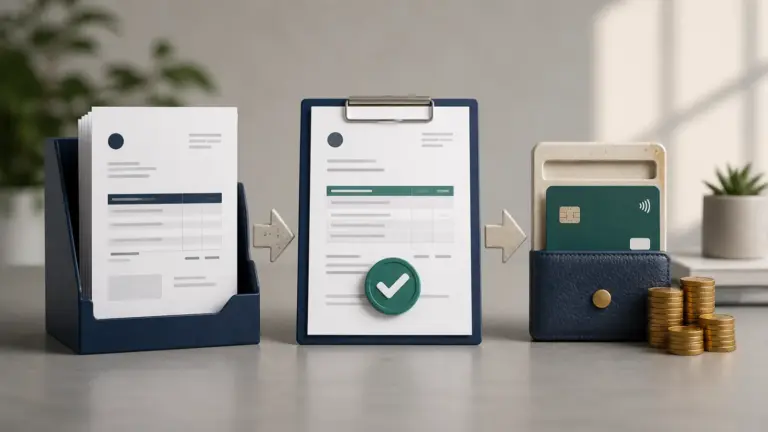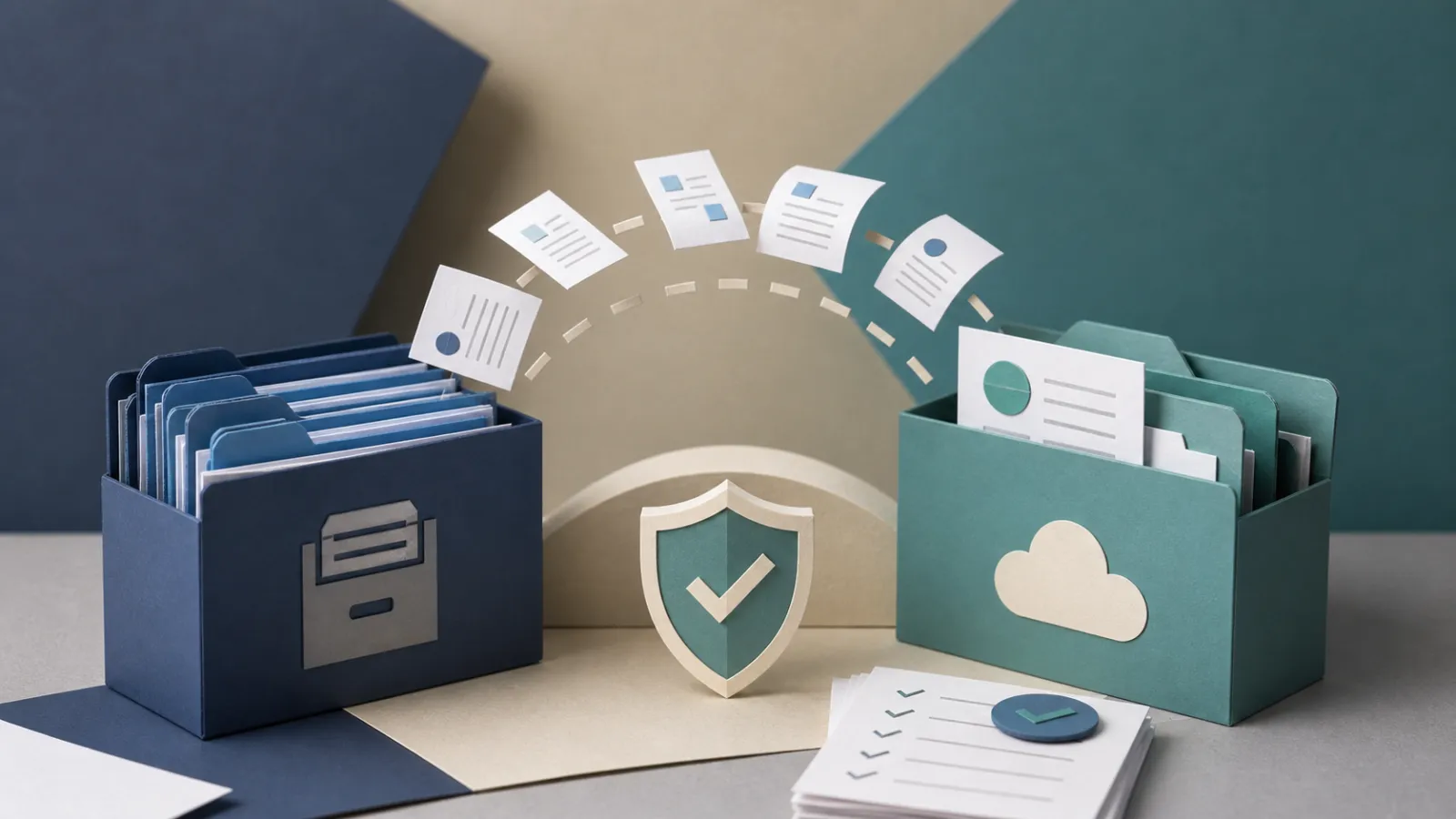
Short answer: Treat the old system as evidence, not a contact list. Export and reconcile customers, documents, line detail, tax, credits, payments, balances, recurring schedules and attachments; choose a cutover date; import only what the new system can preserve; then keep a read-only archive and prove opening balances before sending anything.
Most invoice migrations fail quietly. Customer names arrive, so the move looks successful, but payment allocations, credit history, recurring rules, attachments or tax detail stay behind. The business discovers the loss only when a client disputes a balance or an accountant asks for the old period.
Decide what the new system must know
Not every historical field has to be active in the new product, but every material record must remain retrievable. Separate operational data needed to continue work from archive evidence needed to explain the past.
Open invoices, customer credits, deposits and recurring schedules are operational. Closed invoices, attachments and payment receipts may remain in a read-only archive if the new system cannot preserve their exact behavior. Document that decision before export.
| Data group | Active migration priority | Archive requirement |
|---|---|---|
| Customers and tax identity | High | Original source and change date |
| Open invoices and balances | Critical | Full line, tax, credit and payment history |
| Closed documents | Depends on reporting need | Searchable, readable and retained for required period |
| Recurring schedules | Critical if still active | Old rule, last run and cancellation state |
| Files and communication | Selective | Terms, approvals and material delivery evidence |
Export before changing anything
Take exports while the old system still has full access and before cancelling the plan. Use both structured data and human-readable documents. A CSV may preserve amounts but not the approved proposal or attached purchase order; PDFs may preserve appearance but not allocations.
Record export date, filters, timezone, currency, row counts and file hashes where practical. Store the files in a controlled location and test that another person can open them.
- Customers and contacts
- Items, services, tax codes and currencies
- Estimates, proposals, invoices, bills and credit notes
- Payments, refunds, processor fees and allocations
- Recurring profiles and next-run dates
- Attachments, approvals and audit logs
- Chart of accounts and report exports where relevant
Reconcile the old system to a cutover date
Choose a date after which new transactions will be entered only in the new system. At that date, reconcile bank and payment clearing accounts, list every open receivable and credit, and capture the last document number in each sequence.
Do not import a moving target. If both systems send invoices during the same period, duplicate numbers, reminders and recurring charges become likely. Freeze recurring schedules in the old system only after the replacement schedules are verified and before their next run.
| Control total | Old-system evidence | New-system proof |
|---|---|---|
| Open receivables | Customer aging at cutover | Imported opening invoices or balances agree by customer |
| Customer credits and deposits | Unapplied balance list | Liability or credit remains available without becoming revenue |
| Last invoice numbers | Sequence report | New numbering starts without collision |
| Recurring profiles | Active, paused and next-run list | Only intended profiles are active in one system |
| Cash and gateway clearing | Reconciled account totals | Opening entries and unsettled payments are identified |
Import in a sandbox or reversible batch
Start with a small set representing the hard cases: two currencies, a partial payment, a credit, an overdue invoice, a recurring customer and a document with tax. Verify identifiers and totals before a bulk import.
Imports should be idempotent or traceable. Re-running a file must not create a second customer or invoice. Keep a source identifier or migration map so every new record can be traced back and safely corrected.
- Map fields and document states before import.
- Import ten representative records.
- Compare counts and totals.
- Test search, view, edit boundaries and export.
- Roll back or correct the batch before scaling.
- Run the full import and repeat reconciliation.
Prevent duplicate invoices and reminders
The highest-risk cutover actions are recurring generation, scheduled sends and automatic reminders. List every automation in the old system, then assign one owner and one enable date in the new system. Do not assume cancellation of the subscription disables queued messages immediately.
Send the first live invoices to internal or friendly test customers where possible. Check sender identity, links, currency, due date, payment destination and portal access before opening the new schedule broadly.
Keep a read-only archive and exit record
If the new product cannot reproduce closed history exactly, preserve an archive for the required retention period. The archive should include a data dictionary, export date, old-system account identity and instructions for finding a customer or document.
Cancel the old service only after exports are validated, access responsibilities are transferred and the team knows where historical evidence lives. Record what was not migrated and why.
How Invoice Crowd fits
Invoice Crowd provides migration paths for selected products and business records, but every move should still follow a controlled export, mapping, reconciliation and cutover. Import support does not prove that every historical field or automation has the same meaning in both systems. Follow the relevant migration options workflow, but keep the underlying business rule visible so automation does not become a black box.
Sources and scope
This checklist was reviewed in August 2026 against Invoice Crowd migration pages and common accounting cutover controls. Data-retention periods, opening-balance treatment and statutory archives depend on jurisdiction and accounting policy.
Frequently asked questions
What should I export before switching invoicing software?
Export customers, items, documents, line and tax detail, credits, payments and allocations, recurring schedules, attachments, approvals, audit history and relevant accounting reports.
Should I import every old invoice?
Not always. Import the history the new system can preserve reliably and keep a validated read-only archive for the rest. Open balances and credits require especially careful migration.
How do I avoid duplicate recurring invoices?
List every active and paused schedule, choose one cutover date, verify the new next-run dates, then disable the old automation before enabling the replacement.
What is the best cutover date?
A reconciled period boundary with manageable activity is ideal. The key is a clear moment after which new transactions are entered in only one system.
How long should I keep the old records?
Follow the legal and tax retention period for your jurisdiction and any contractual requirement. Keep the archive readable, searchable and access-controlled.
Can Invoice Crowd import data from another invoicing system?
It provides migration paths for selected systems and records. Confirm the exact fields and history supported, then reconcile a sample and the full cutover totals before sending live documents.