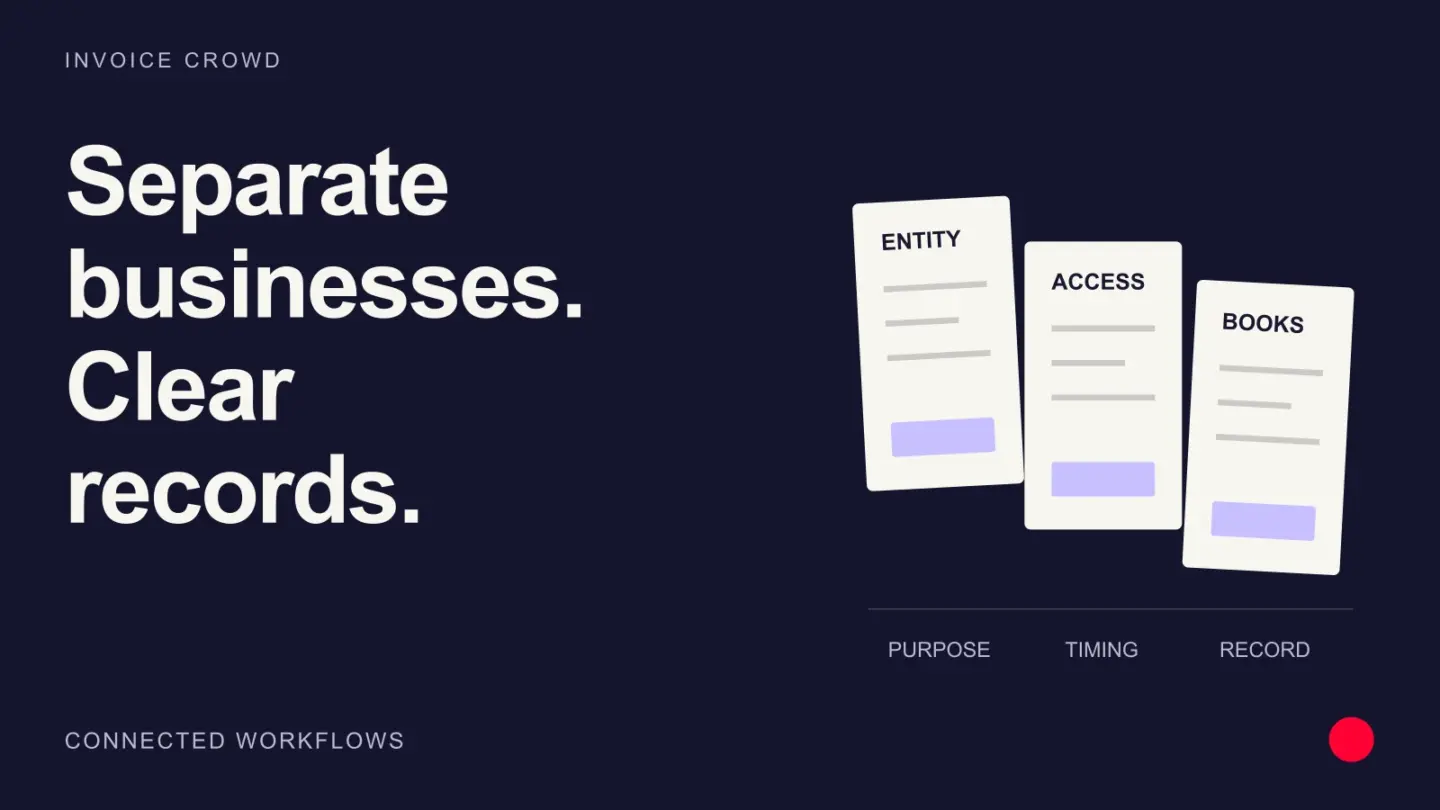
Short answer: Each legal or operating business profile should keep its own identity, document numbering, customers, vendors, tax and currency settings, payment configuration, email behavior, permissions and reports. Switching businesses should change the context and keep each business’s records apart.
Using one login for several businesses can save administration. It can also create the most embarrassing invoice mistake a founder makes: sending the right work under the wrong company name, tax number or payment account. Multi-business software is mainly a context and separation control.
What belongs to each business profile
A business profile should carry the whole identity of the business. The active profile determines the legal identity and defaults used to create documents and receive money. Records may share the same owner login, but they should retain the business that owns them.
| Area | Keep separate | Failure if mixed |
|---|---|---|
| Identity | Name, address, registration, tax IDs and logo | Invoice issued by the wrong entity |
| Documents | Numbering, templates, terms and email sender | Duplicate numbers or misleading correspondence |
| Money | Currency, gateways, bank and accounting context | Payment lands in the wrong account |
| People | Team assignments, roles and customer restrictions | A member sees another company records |
| Reporting | Invoices, expenses, ledgers and statements | One company result includes another company activity |
Customers can repeat without becoming the same record
The same client may buy from two businesses owned by one person. That does not mean the invoice history, terms or receivable should be merged. Each transaction must identify which business contracted and which account is owed.
Software may offer a convenient way to copy contact details, but the copied customer should belong to the selected business context. A shared address book works when every document, payment and permission stays tied to the business that owns it.
Numbering and document identity
Each business needs a numbering policy that meets its local requirements and does not collide within that entity. Prefixes can make context obvious, such as STUDIO-2027-001 and CONSULT-2027-001, but a prefix is not a substitute for the underlying business relationship.
Changing the active profile should also change templates, tax defaults, terms and email identity. Test the preview before sending the first document from every new profile.
- Choose a sequence and prefix for each document family.
- Set legal identity and tax fields before creating transactions.
- Send a representative invoice to an internal test customer.
- Verify the email sender, reply path and payment destination.
- Lock the convention once live records exist.
Payments and accounting cannot follow the wrong profile
Gateway credentials and settlement accounts should be configured for the business that is legally receiving the payment. A checkout page that uses the right logo but the wrong merchant account creates reconciliation, refund and customer-support problems.
Reports should open for the active business and show the business on every source row. If the owner wants a consolidated view across businesses, it should be a deliberate choice.
| Test | Action | Expected result |
|---|---|---|
| Gateway | Pay a small invoice from each profile | Funds and evidence reach the intended merchant account |
| Refund | Refund one test payment | Only the originating business and customer balance change |
| Report | Run the same period in both profiles | Each report contains only its own records |
| Export | Export customers and transactions | Every row retains business identity or comes from a profile-specific file |
Team permissions need two dimensions
A role such as invoice editor answers what a person can do. A business assignment answers where they can do it. An employee who can edit invoices for Business A should not inherit the same access to Business B because the owner is the same.
Test invitation, profile switching, direct URLs, search, exports for each team member. Removing a business assignment should remove a menu option.
When separate accounts are safer
Use separate accounts or even separate systems when legal separation, staff, security policy, data residency, advisers or regulated records demand stronger boundaries. Convenience should not override an entity-level control the business is required to maintain.
Before combining businesses under one login, document who owns the data, who administers access, how each company exports its records and what happens if ownership changes.
How Invoice Crowd fits
Invoice Crowd business profiles let one owner maintain multiple operating identities. The selected profile carries its company details, documents, customers, vendors, tax and currency choices, payment configuration, email behavior and reporting context. Teams can be assigned to the relevant businesses with permissions, but owners should test each context before production use. Follow the relevant multi-business profiles workflow, but keep the underlying business rule visible so automation does not become a black box.
Frequently asked questions
Can one invoicing account manage multiple businesses?
Yes if the software provides separate business profiles and scopes every document, customer, payment, setting, permission and report to the active profile.
Can two businesses share the same customer?
They can serve the same real-world customer, but each transaction should belong to the contracting business and retain separate invoices, payments, terms and receivables.
Should invoice numbers be shared across businesses?
Usually each legal entity should maintain its own compliant sequence. Use clear prefixes if helpful and confirm local numbering requirements with an accountant.
Can the same payment gateway be used?
Only when the merchant agreement and settlement account legitimately cover the relevant businesses. Test business identity, receipt, refund and reconciliation for each profile.
How should team permissions work?
Permissions should combine what the member can do with which business profiles they can access.
Does Invoice Crowd support multiple businesses?
Yes. Business profiles separate company identity, documents, customers, vendors, settings, payment configuration and reports under one owner account.