





Add Invoice Crowd to Claude or ChatGPT
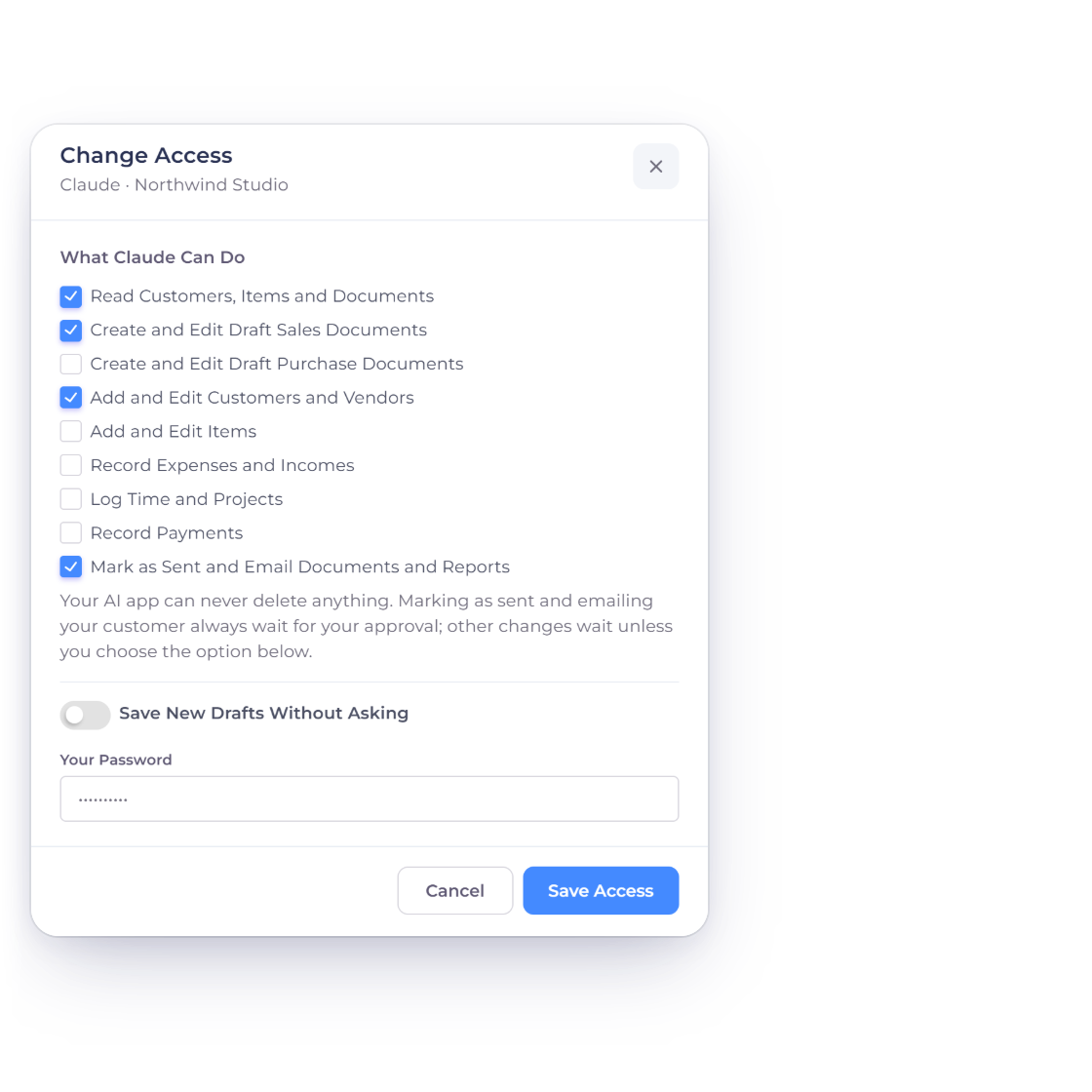
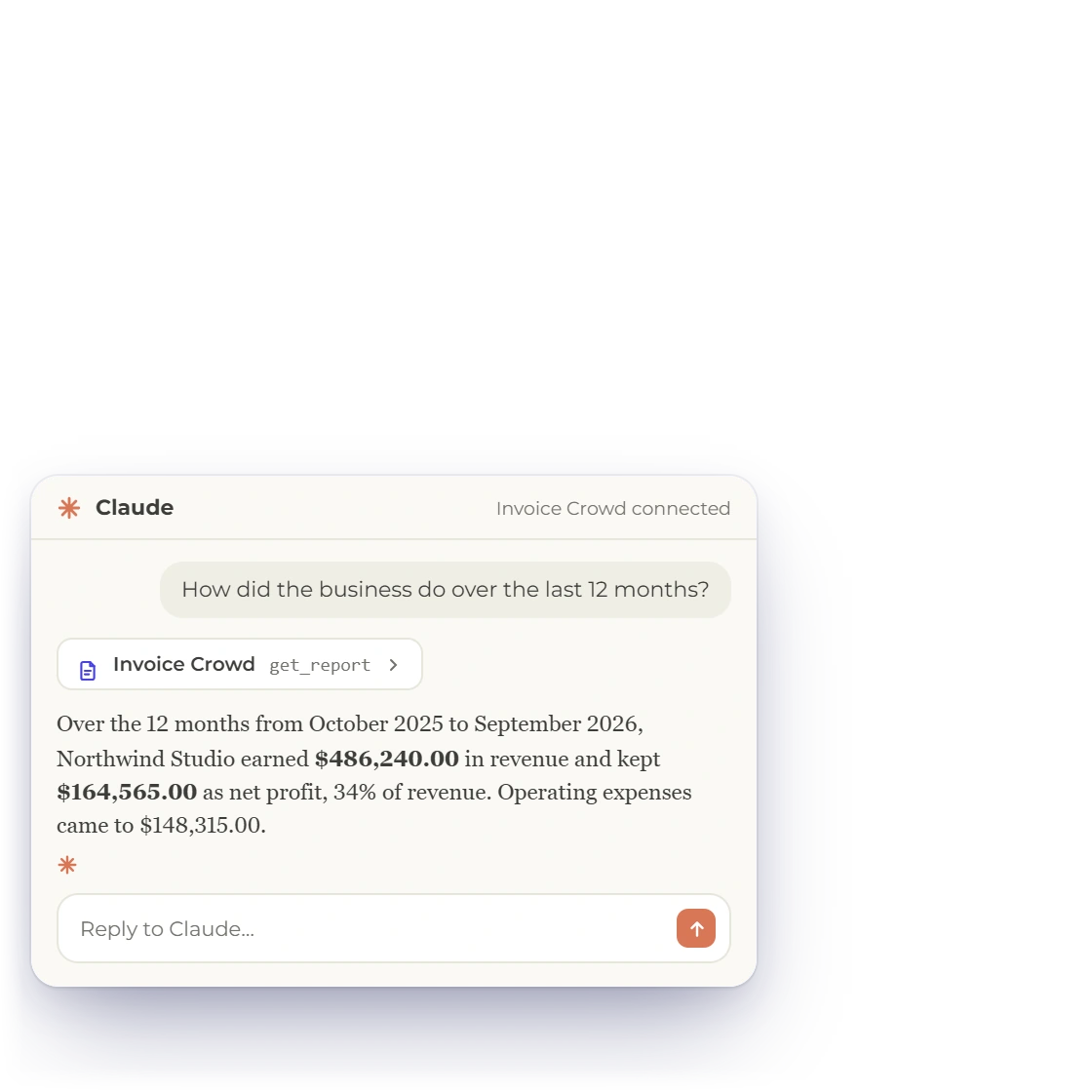
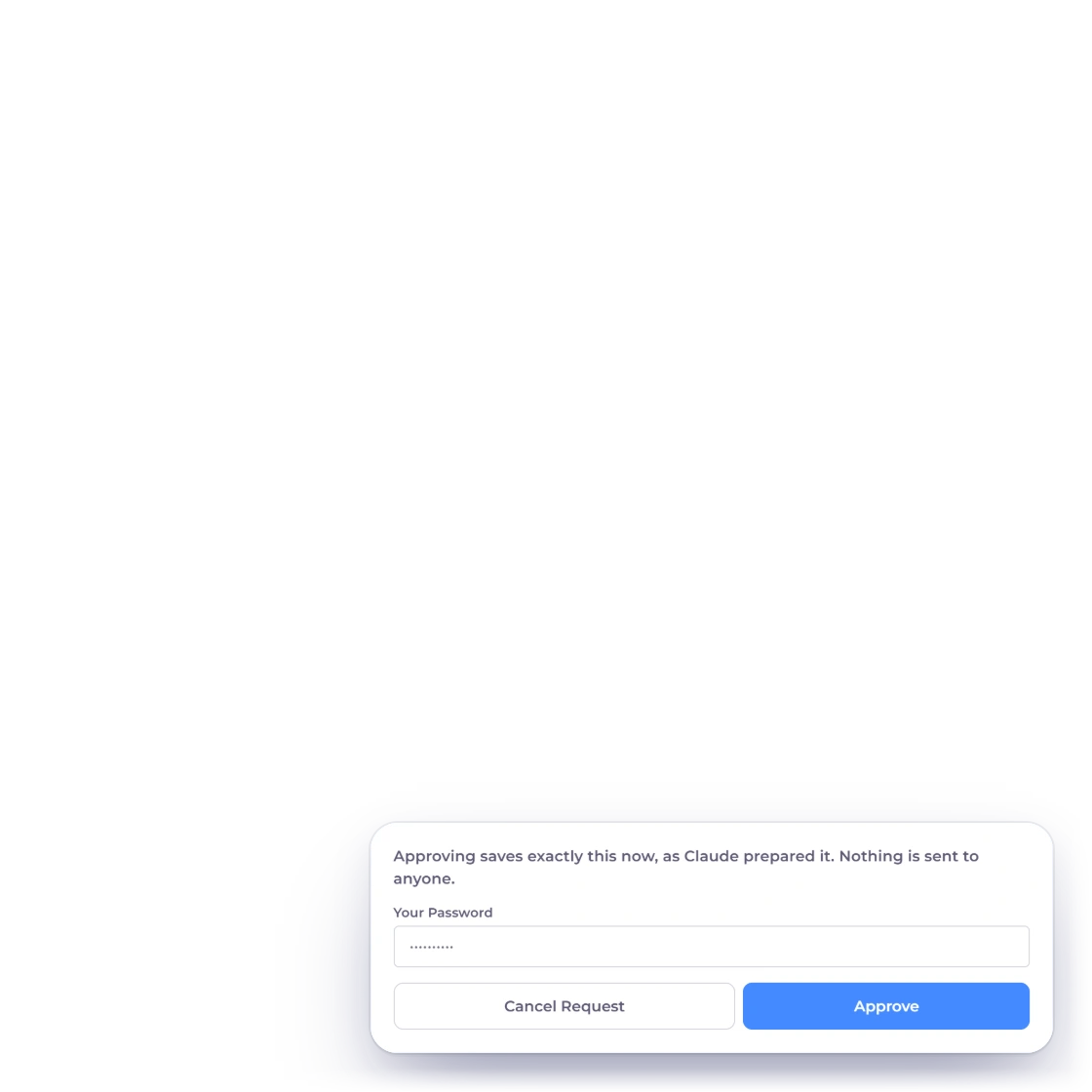
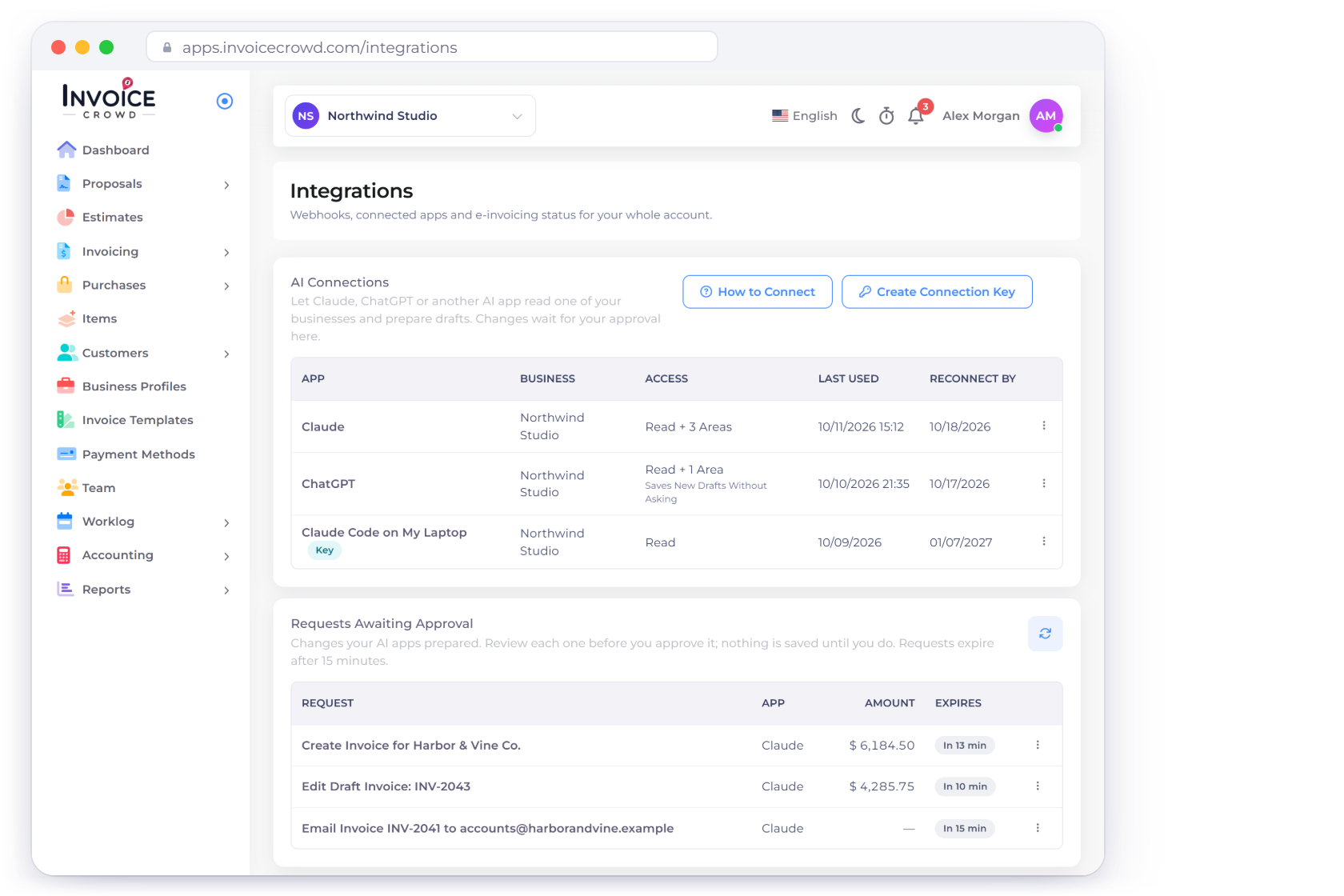
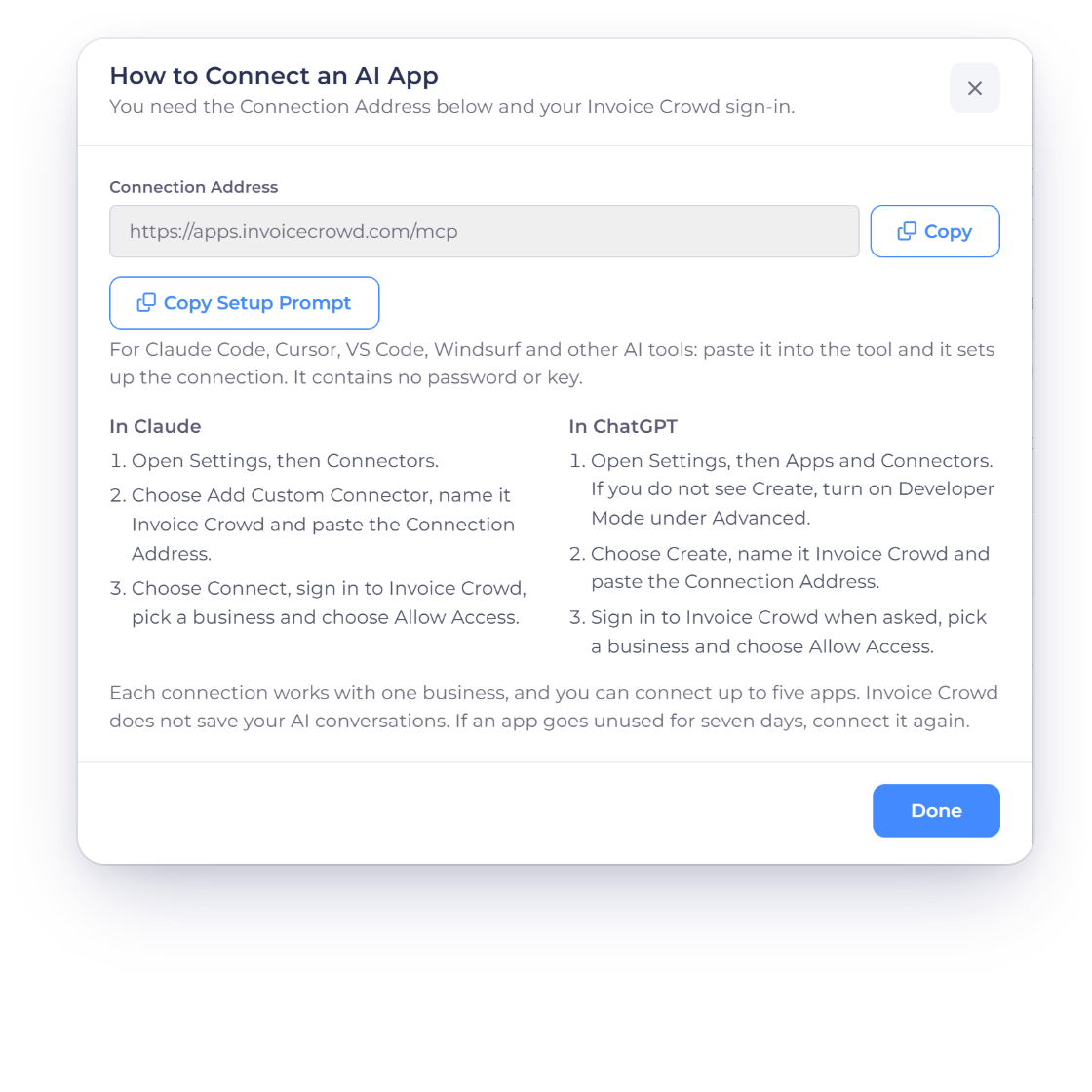
Open How to Connect on the Integrations page and copy the Connection Address. In Claude, add it as a custom connector; in ChatGPT, create a connector with it. Your AI app then opens Invoice Crowd's own Allow Access page, where you sign in, choose one business and allow access. Your password never goes to the AI app.
- Step-by-step setup for Claude and ChatGPT
- Copy Setup Prompt for Claude Code, Cursor, VS Code and Windsurf
- Up to five connected apps