


Skip to content

Features

Connect Claude or ChatGPT to your books, and approve every change

AI Connections let Claude, ChatGPT or another AI app that supports MCP read one of your businesses and prepare drafts, records and payments. Nothing the AI prepares is saved until you approve it in Invoice Crowd with your password, plus your authenticator code when two-factor sign-in is on.

  • Claude, ChatGPT and other MCP apps
  • One business per connection
  • You approve every change
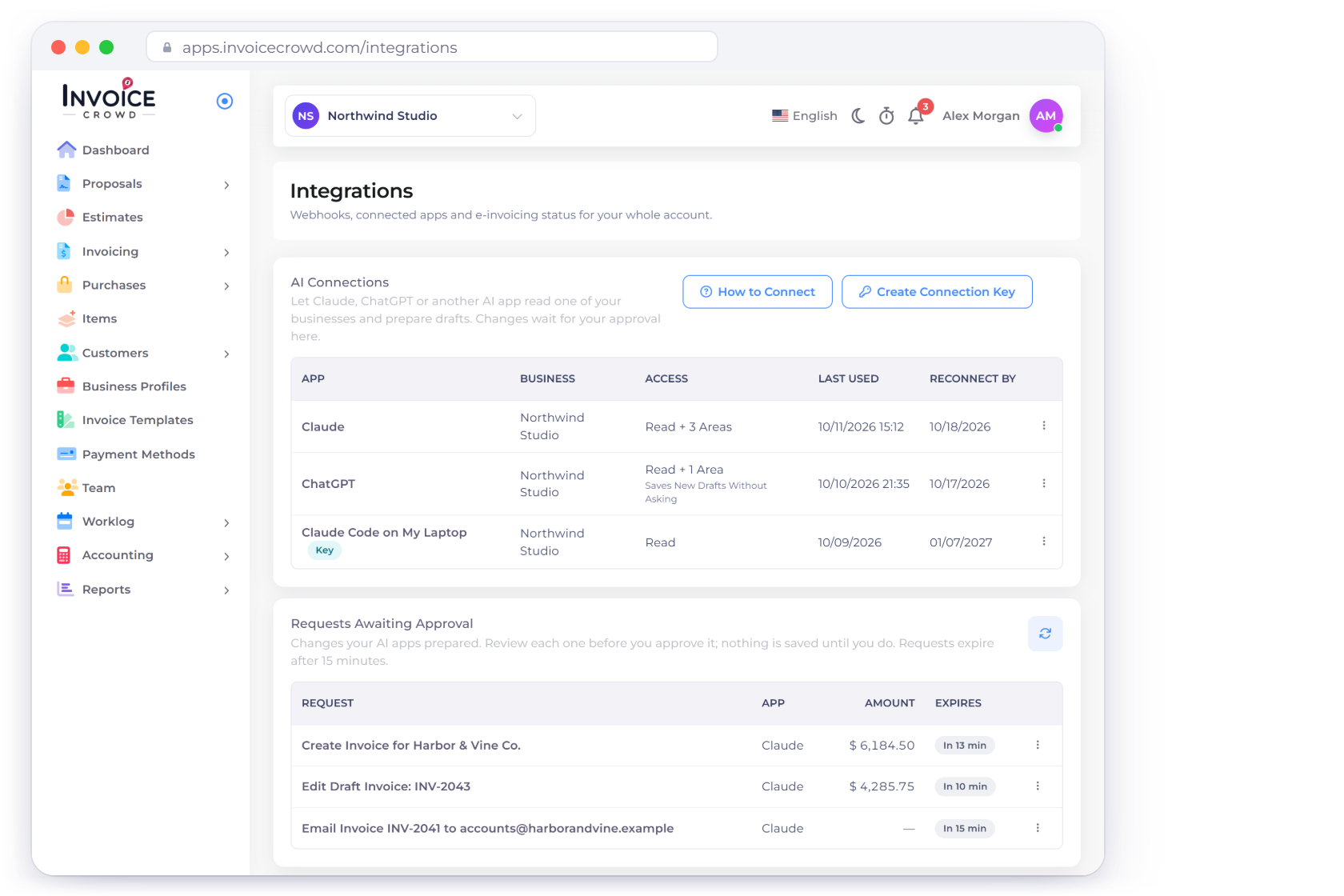
Invoice Crowd Integrations page with AI Connections for Claude, ChatGPT and a connection key, and Requests Awaiting Approval listing a draft invoice, a draft edit and an email that wait for the owner

How it works

Your AI app asks, Invoice Crowd checks, you decide

The AI app connects with your Invoice Crowd sign-in and works with the business you pick. It can read at once. Anything it wants to create, change, send or pay becomes a request that waits on your Integrations page.

Connecting

Sign in, pick a business, allow access

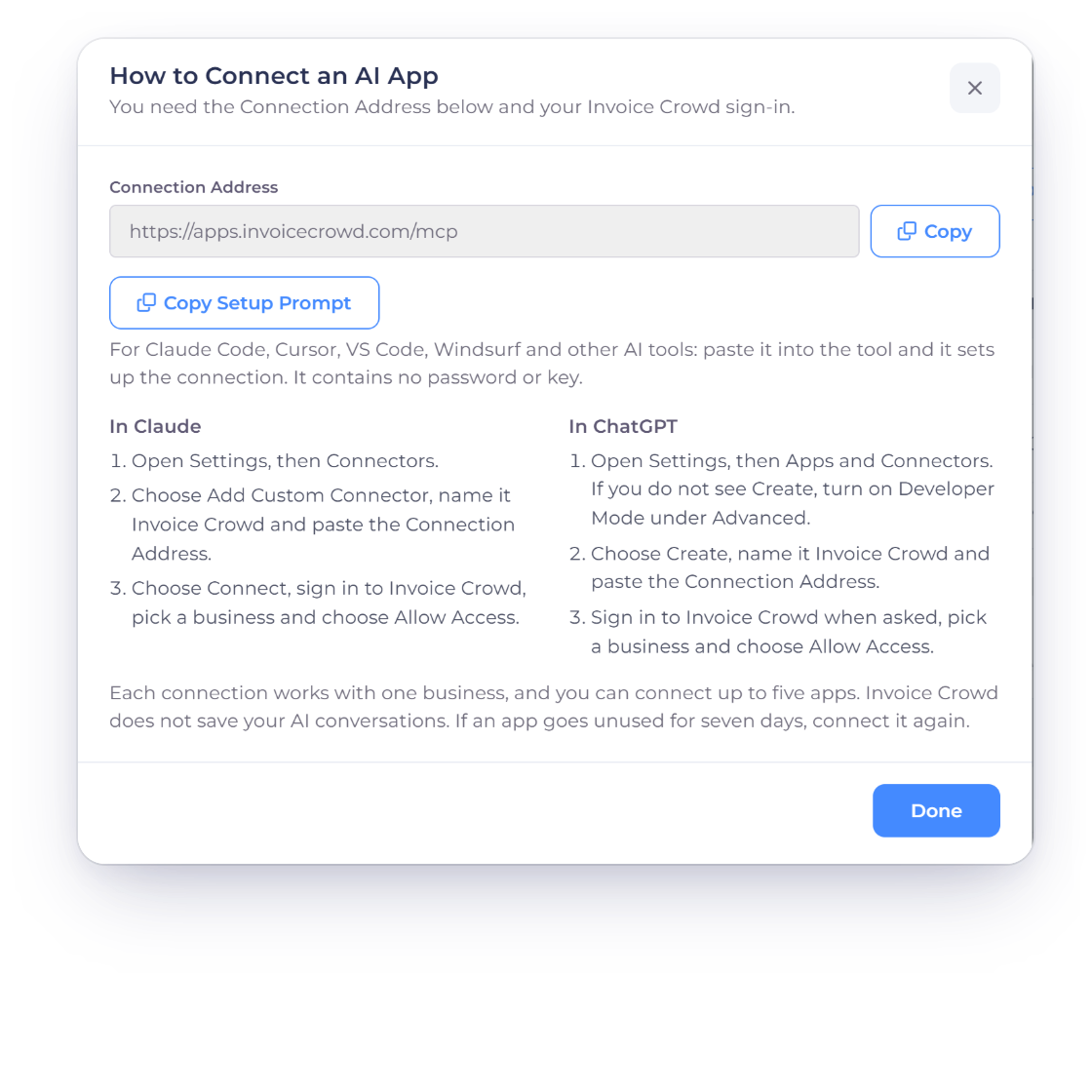
Invoice Crowd How to Connect an AI App window with the Connection Address, Copy Setup Prompt for coding tools, and the steps for Claude and ChatGPT

Add Invoice Crowd to Claude or ChatGPT

Open How to Connect on the Integrations page and copy the Connection Address. In Claude, add it as a custom connector; in ChatGPT, create a connector with it. Your AI app then opens Invoice Crowd's own Allow Access page, where you sign in, choose one business and allow access. Your password never goes to the AI app.

  • Step-by-step setup for Claude and ChatGPT
  • Copy Setup Prompt for Claude Code, Cursor, VS Code and Windsurf
  • Up to five connected apps
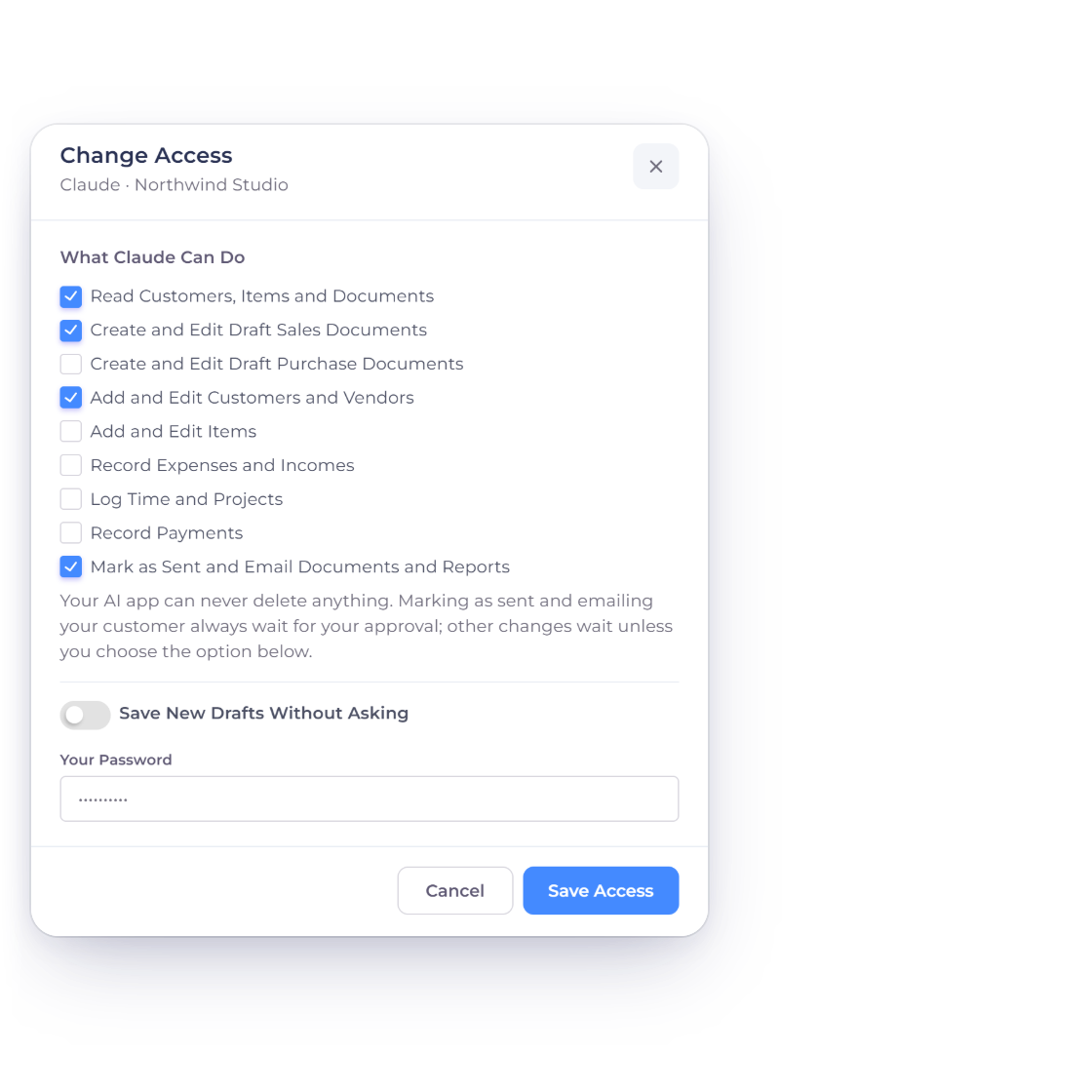
Invoice Crowd Change Access window for Claude with the access areas ticked, Sending as its own area, the Save New Drafts Without Asking switch and the password field

Choose what each app can do

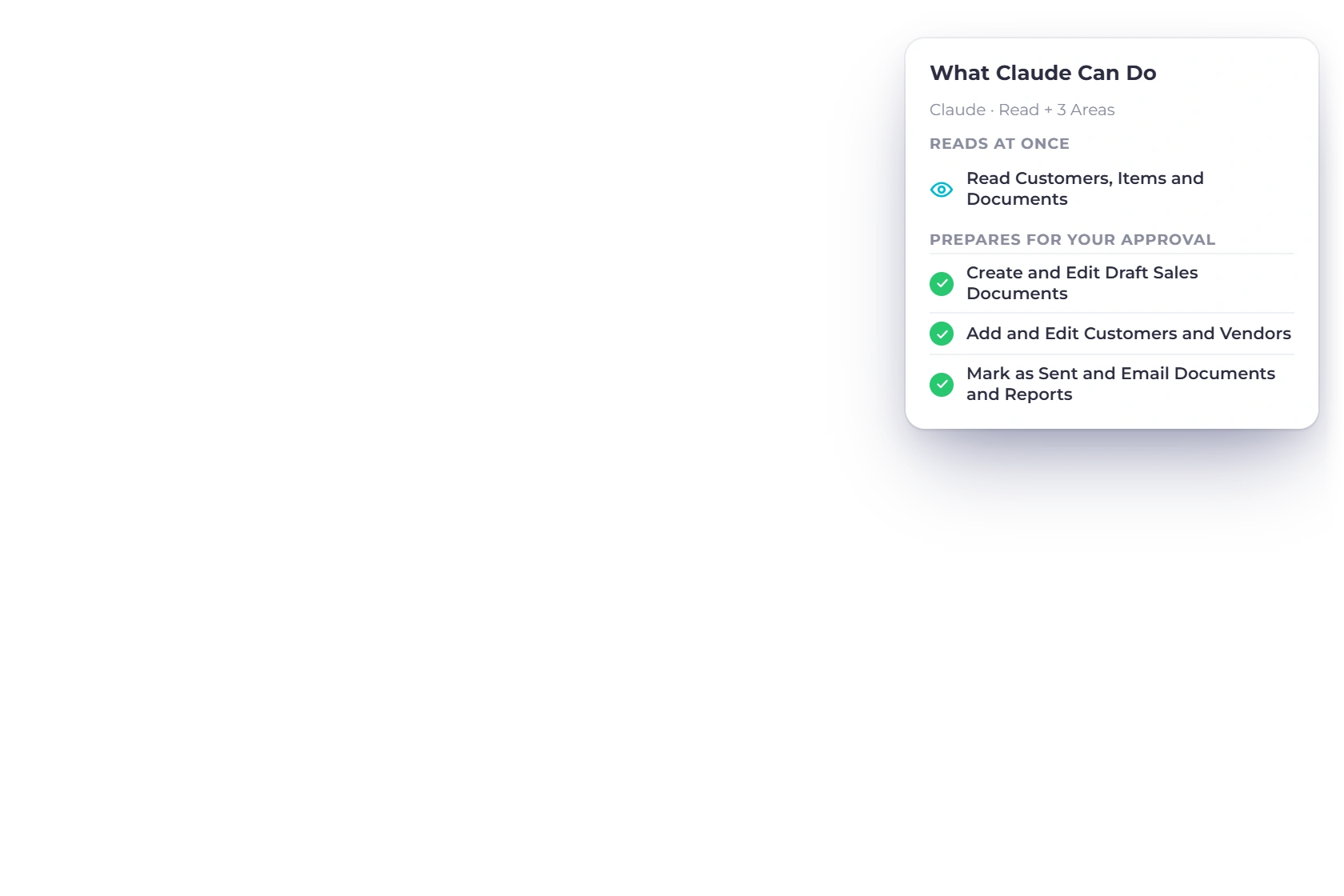
A new connection can read customers, items and documents. Change Access adds the areas you allow: draft sales documents, draft purchase documents, customers and vendors, items, expenses and incomes, time and projects, payments, and sending. Every access change asks for your password, plus your authenticator code when two-factor sign-in is on.

  • Each area is opt-in
  • Sending is a separate area, off by default
  • Revoke Access stops an app at once

Reading and preparing

Reads at once, changes wait

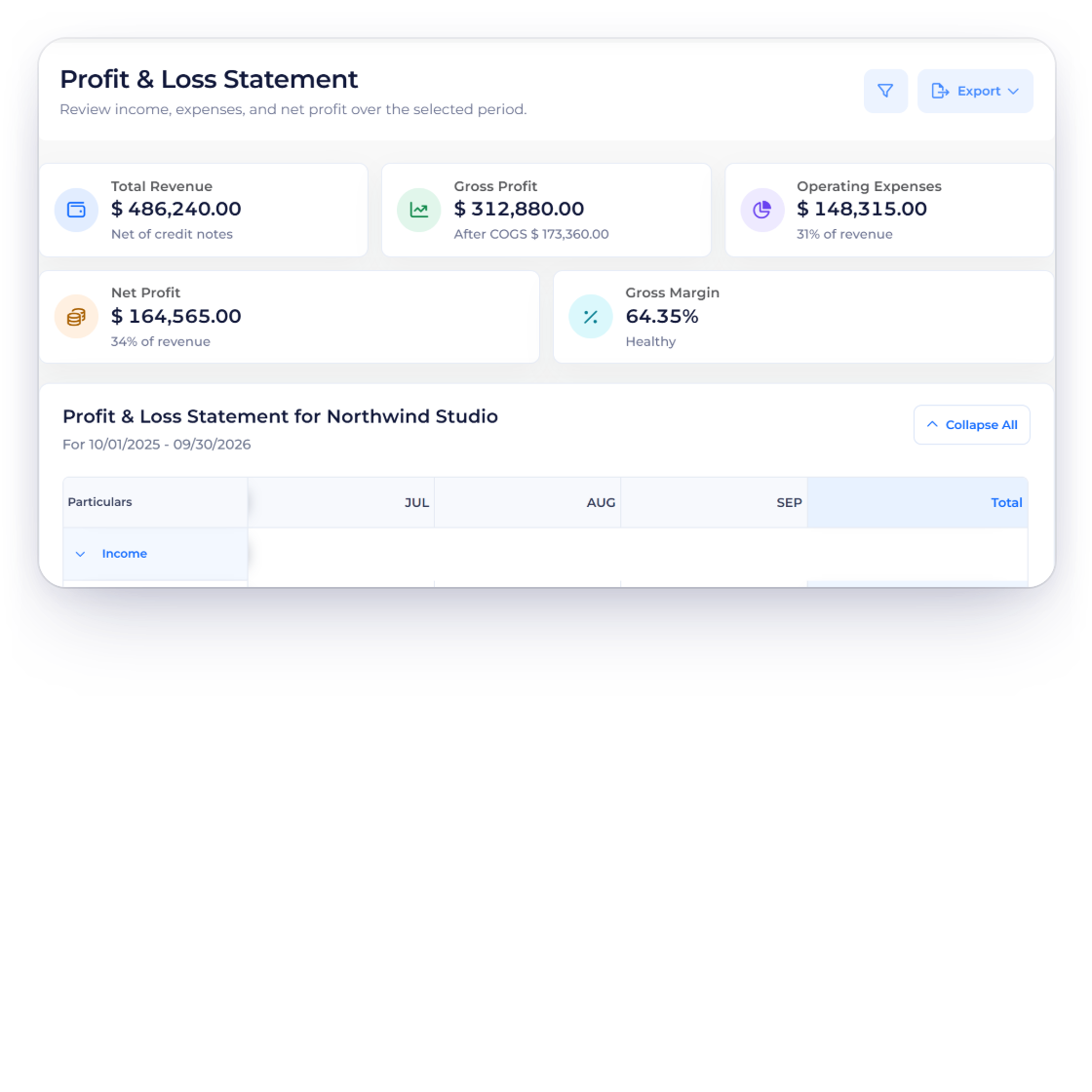
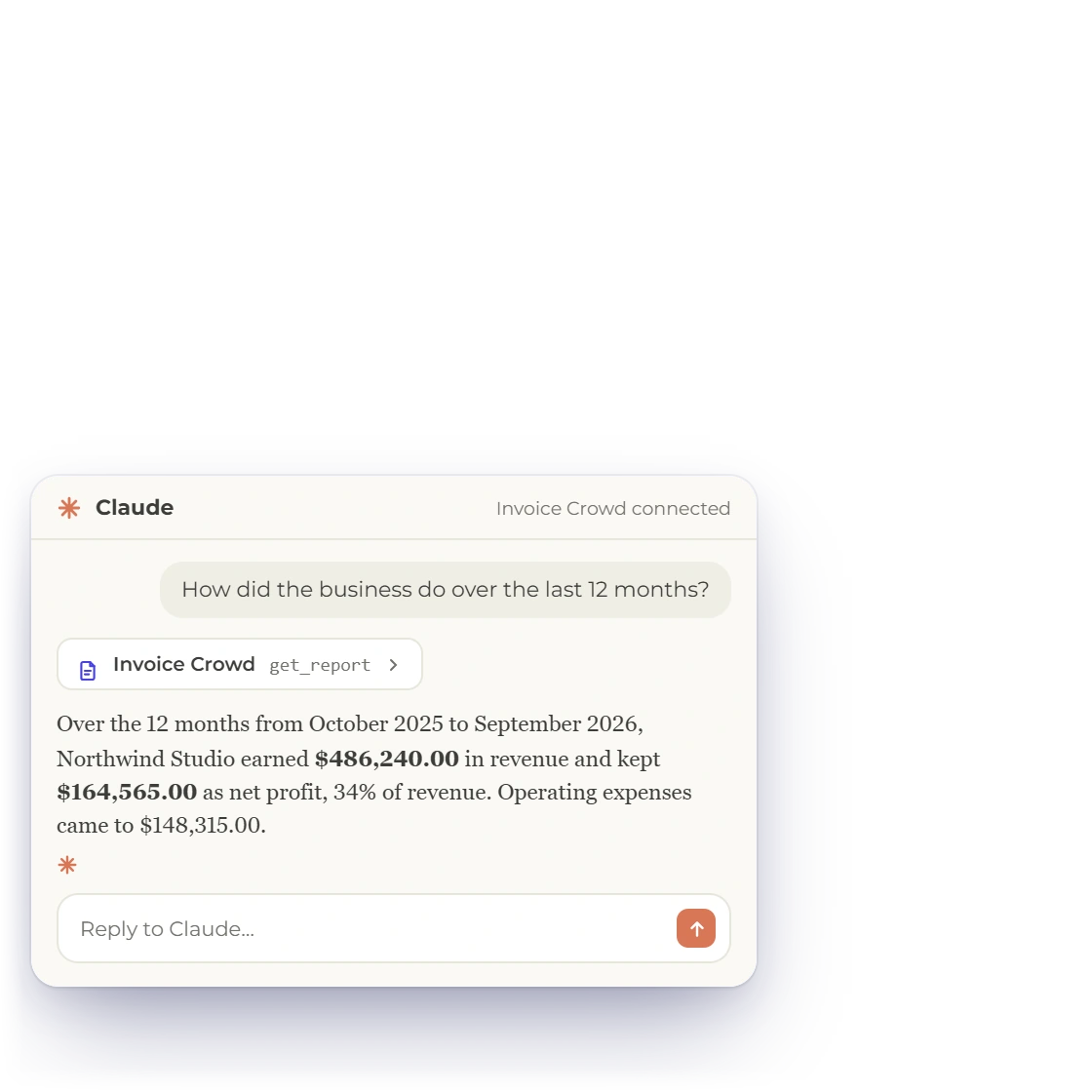
Invoice Crowd Profit and Loss Statement for Northwind Studio next to a Claude chat that reads the report through the Invoice Crowd connector and answers with the same revenue and net profit

Ask about your business in your AI app

The AI app can look up customers, vendors, items, taxes, invoices, estimates, bills, purchase orders, expenses, projects and categories, and ask for Profit and Loss, receivables ageing, a financial summary or one customer's balance. The figures come from the same reports you see in the app, and it reads only the business you approved.

  • Read access is granted when you connect
  • Up to 25 rows a page
  • Each invoice comes with the link your customer sees
Reports
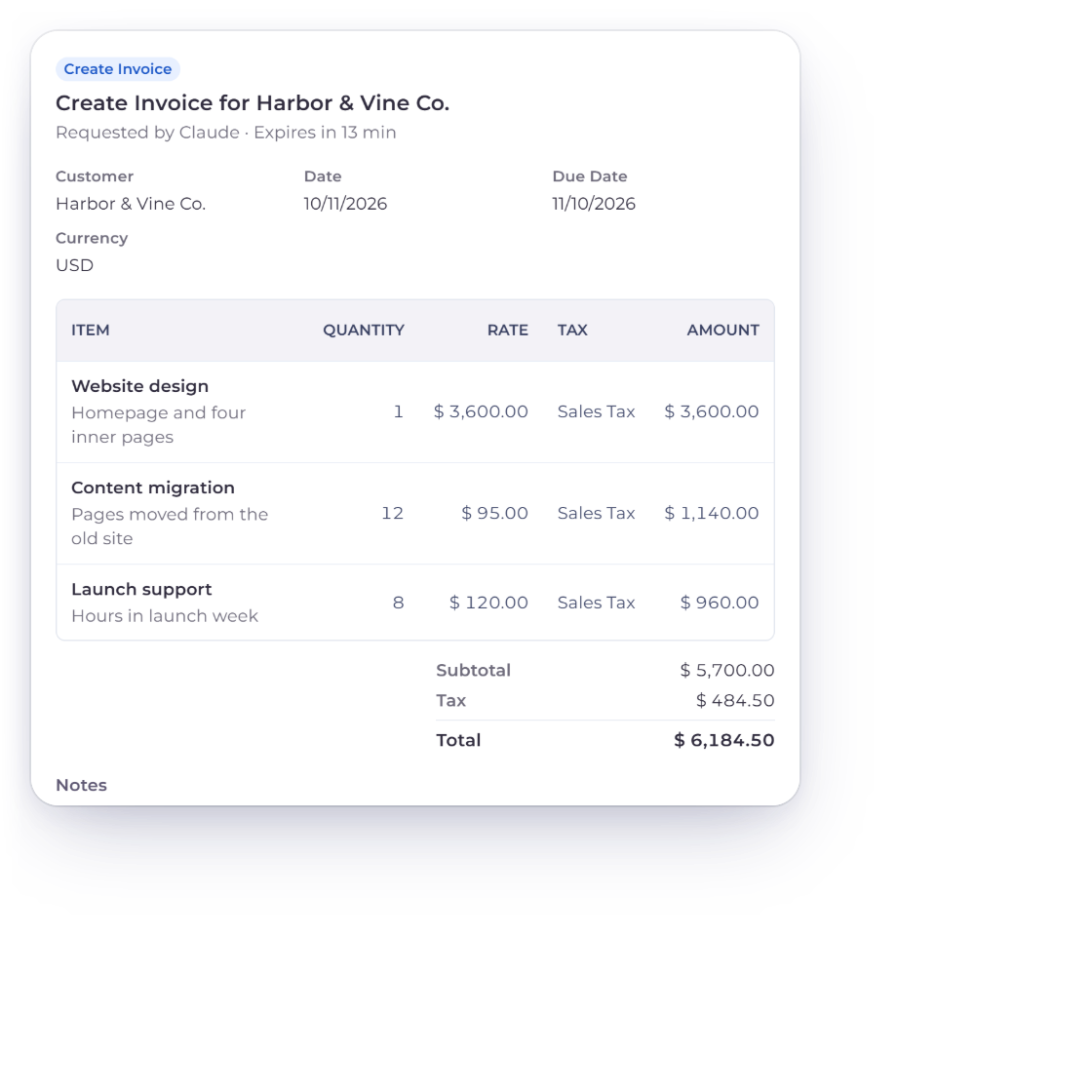
Invoice Crowd Review Request page for a draft invoice Claude prepared for Harbor & Vine Co., with its lines, sales tax and total, and the password and Approve button

Let it prepare the work

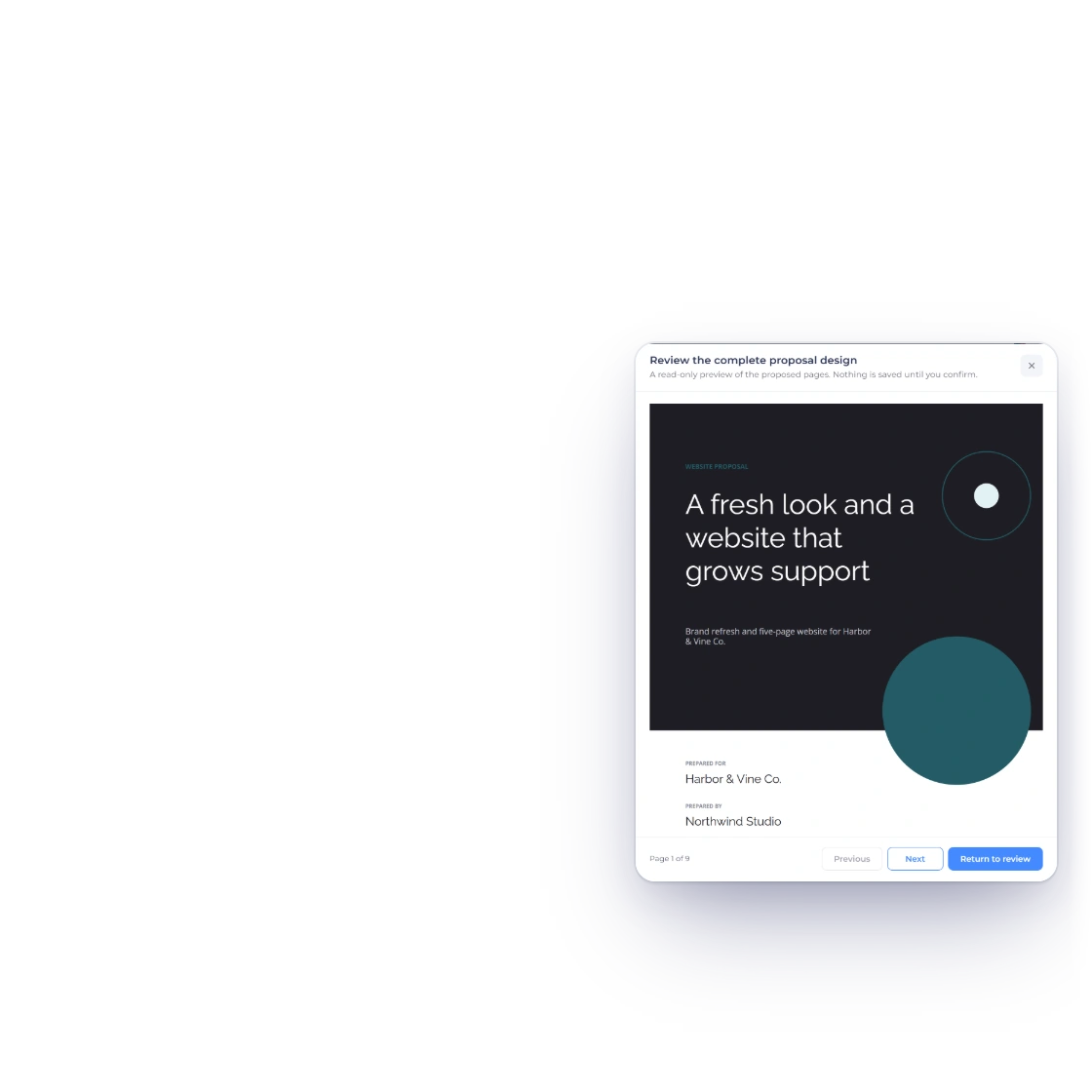
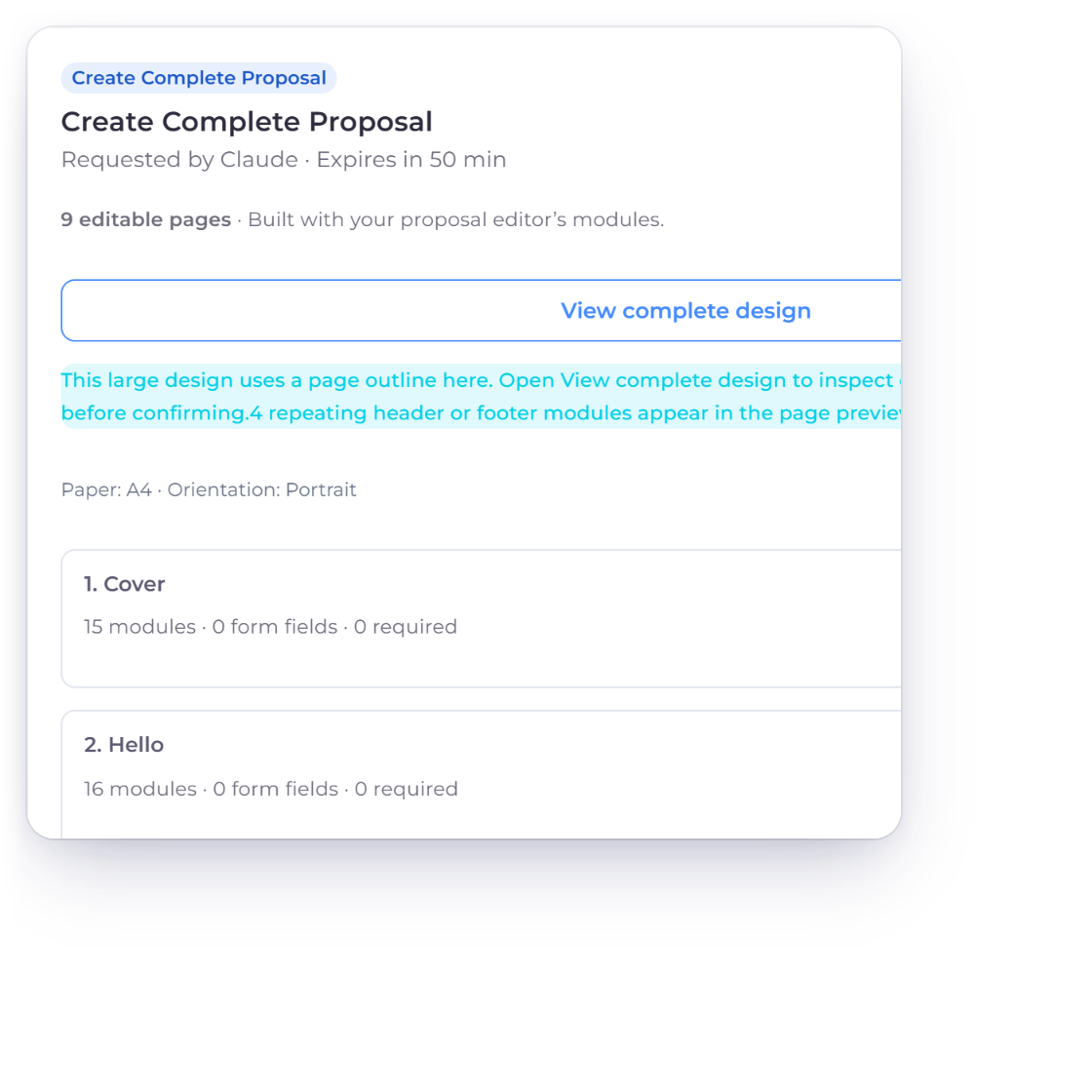
The AI app can prepare draft invoices, estimates, credit notes, bills and purchase orders and edits to them, recurring invoices, proposals, customers, vendors, items, expenses, incomes, projects and their tasks, time entries, and payments received or made. Invoice Crowd checks each one with the same rules as its own screens, and nothing is saved while it waits for you.

  • Same validation as the app's own forms
  • Requests expire after 15 minutes
  • It can never delete anything

Approving

Review, then Approve

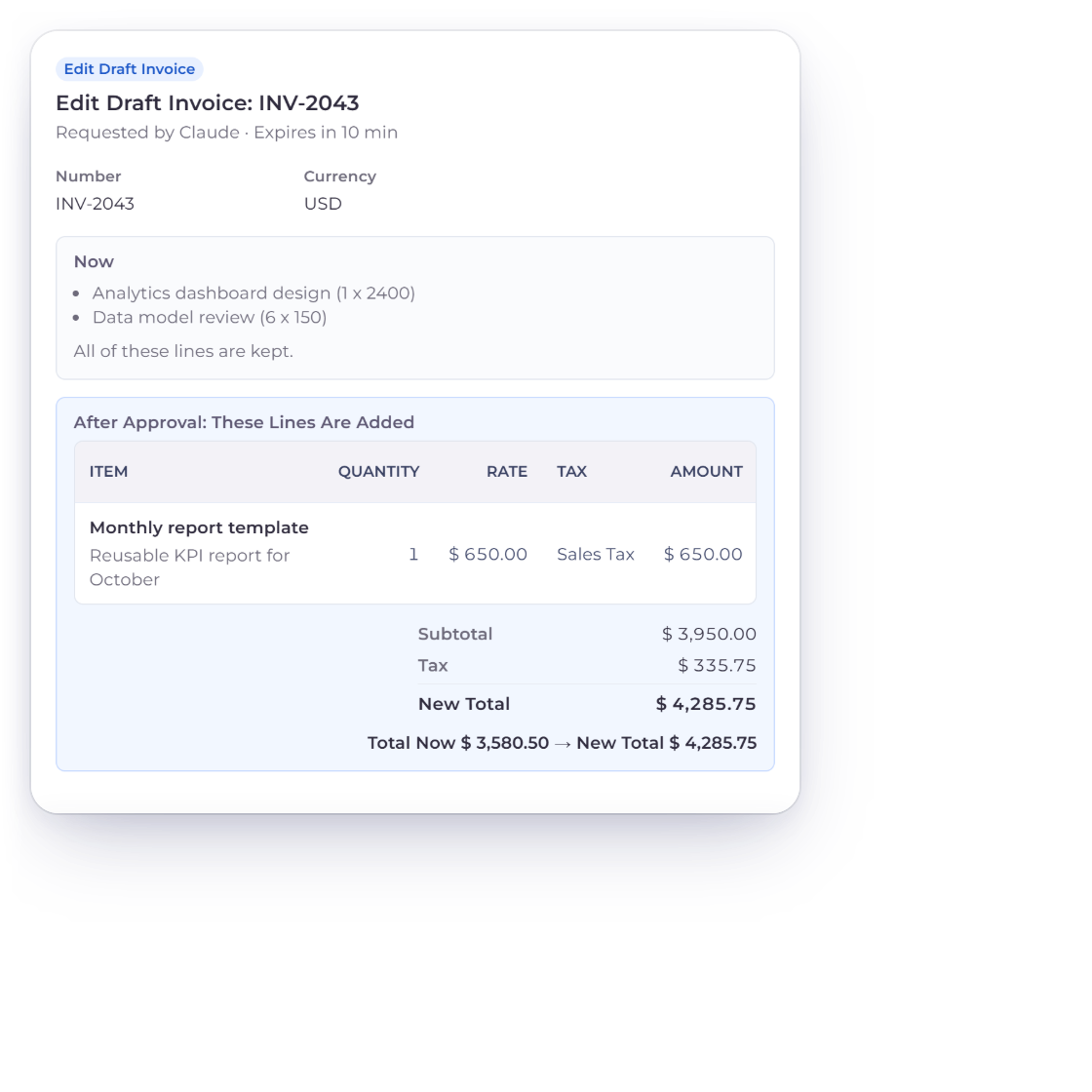
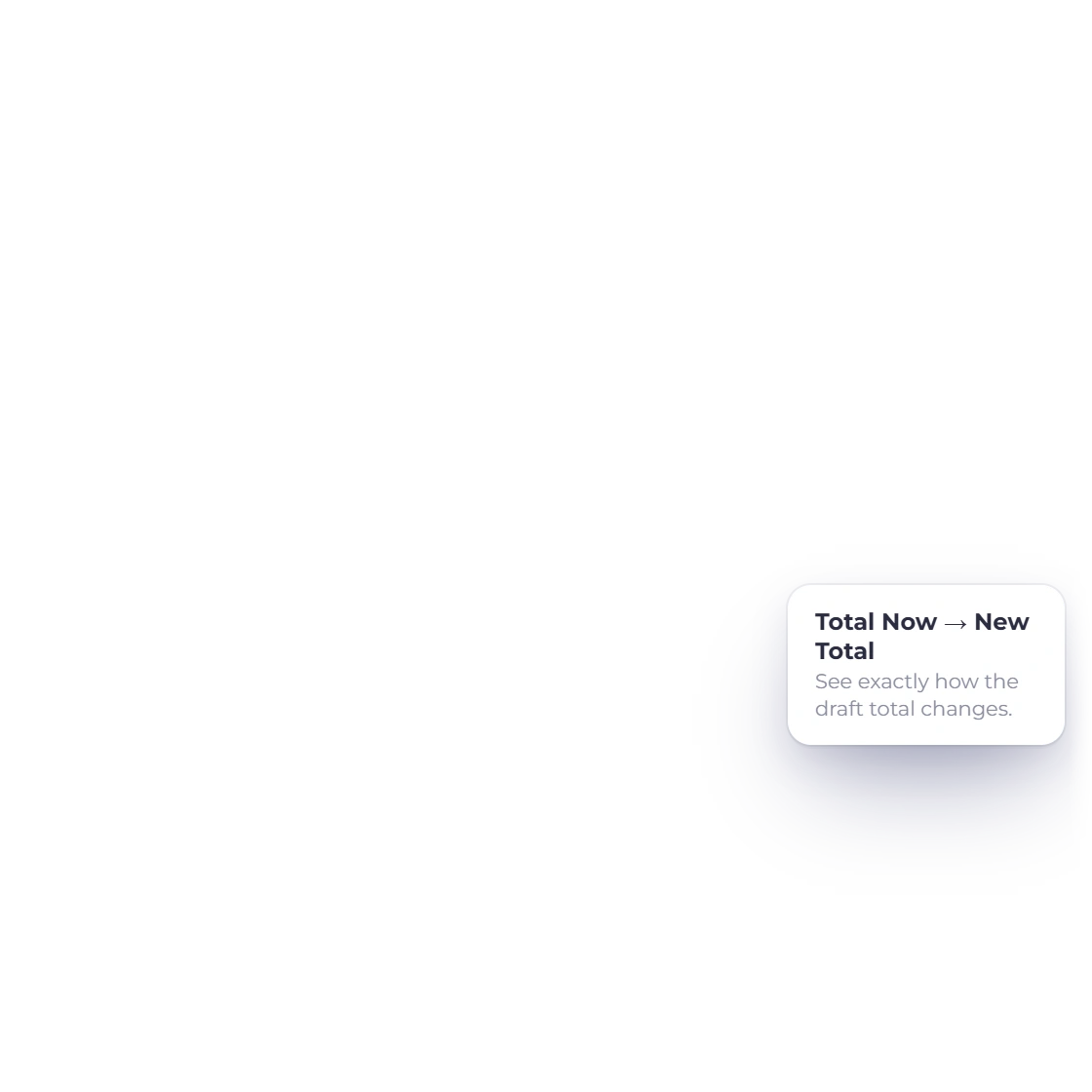
Invoice Crowd Review Request page for an edit to draft invoice INV-2043, showing the lines it has now, the line added after approval, the old and new totals, and the Approve button

Review each request before it is saved

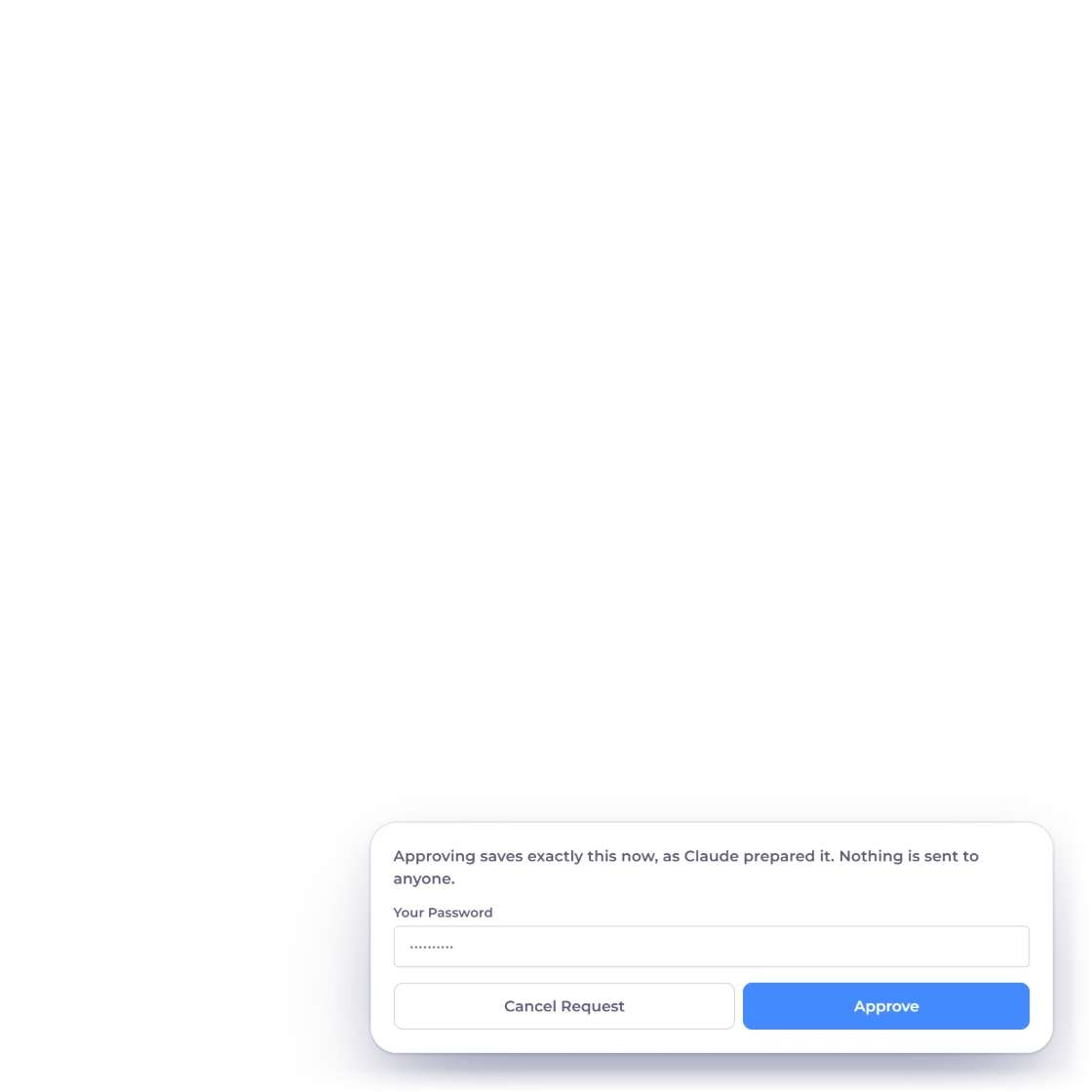
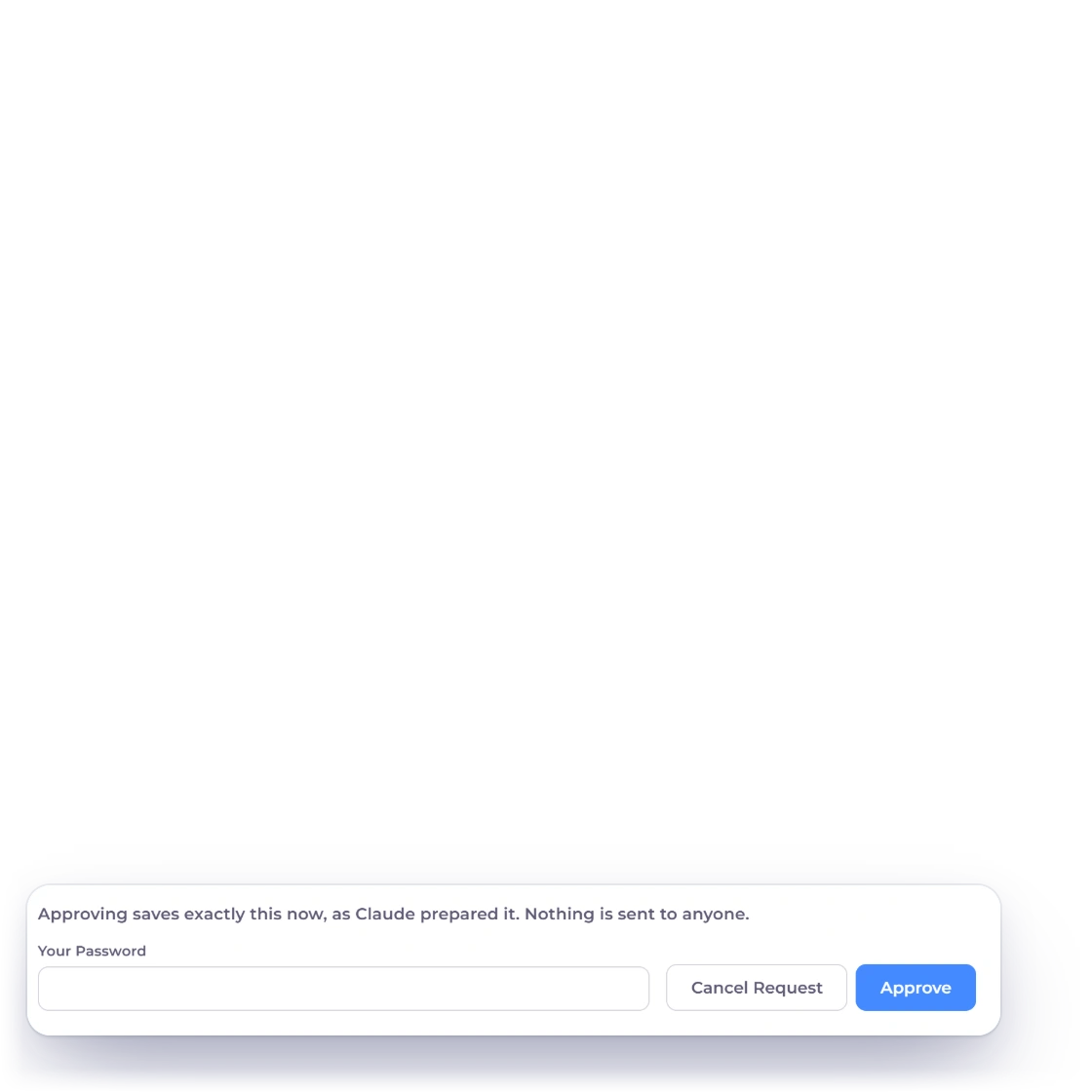
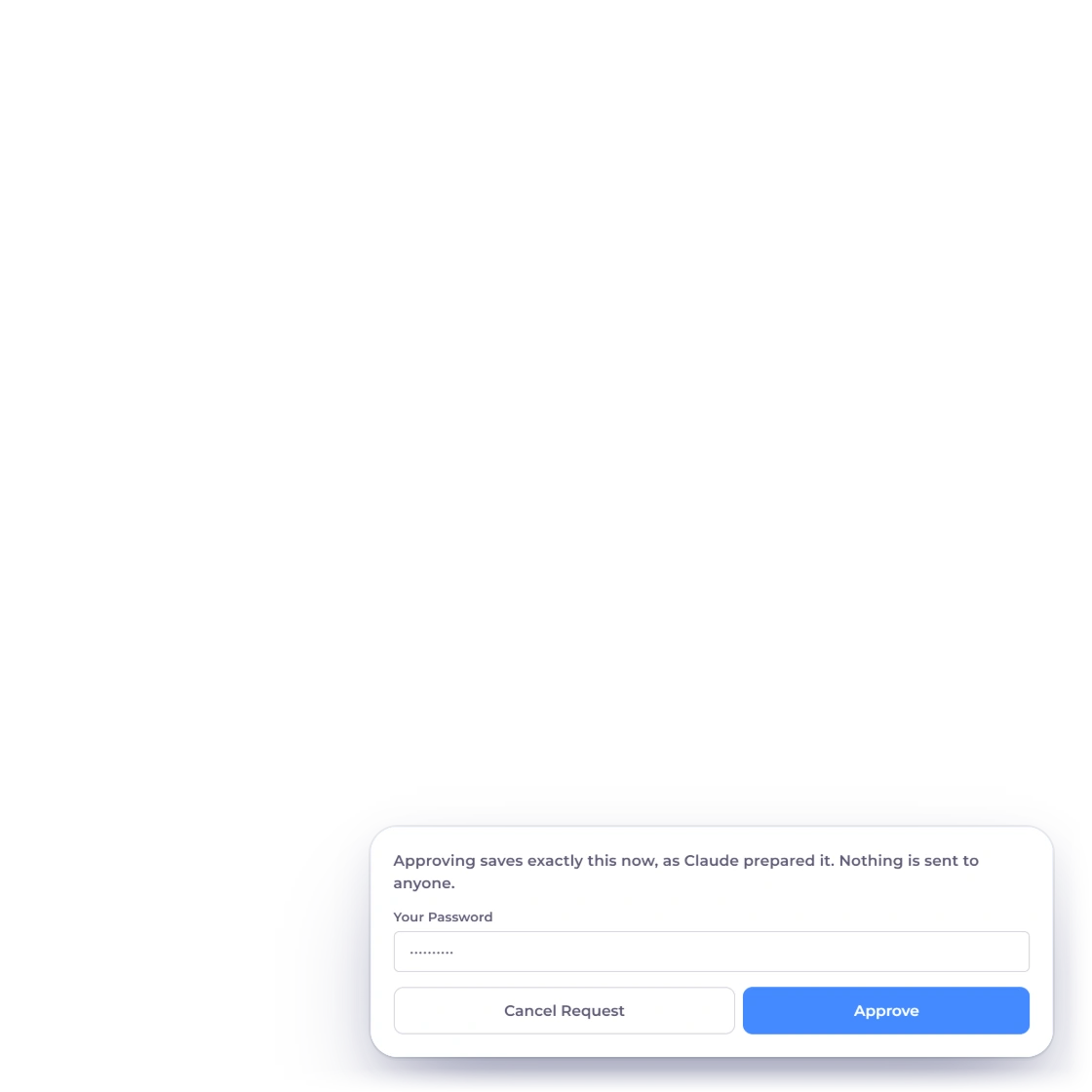
Requests Awaiting Approval lists what your AI apps prepared, with the amount and when it expires. Review opens the request exactly as it will be saved: the lines, taxes and totals, and Now beside After Approval for an edit. Approve saves it with your password or authenticator code; Cancel Request saves nothing and tells the AI app.

  • Approving saves exactly what you reviewed
  • A request that changed must be prepared again
  • A failed save leaves your books unchanged
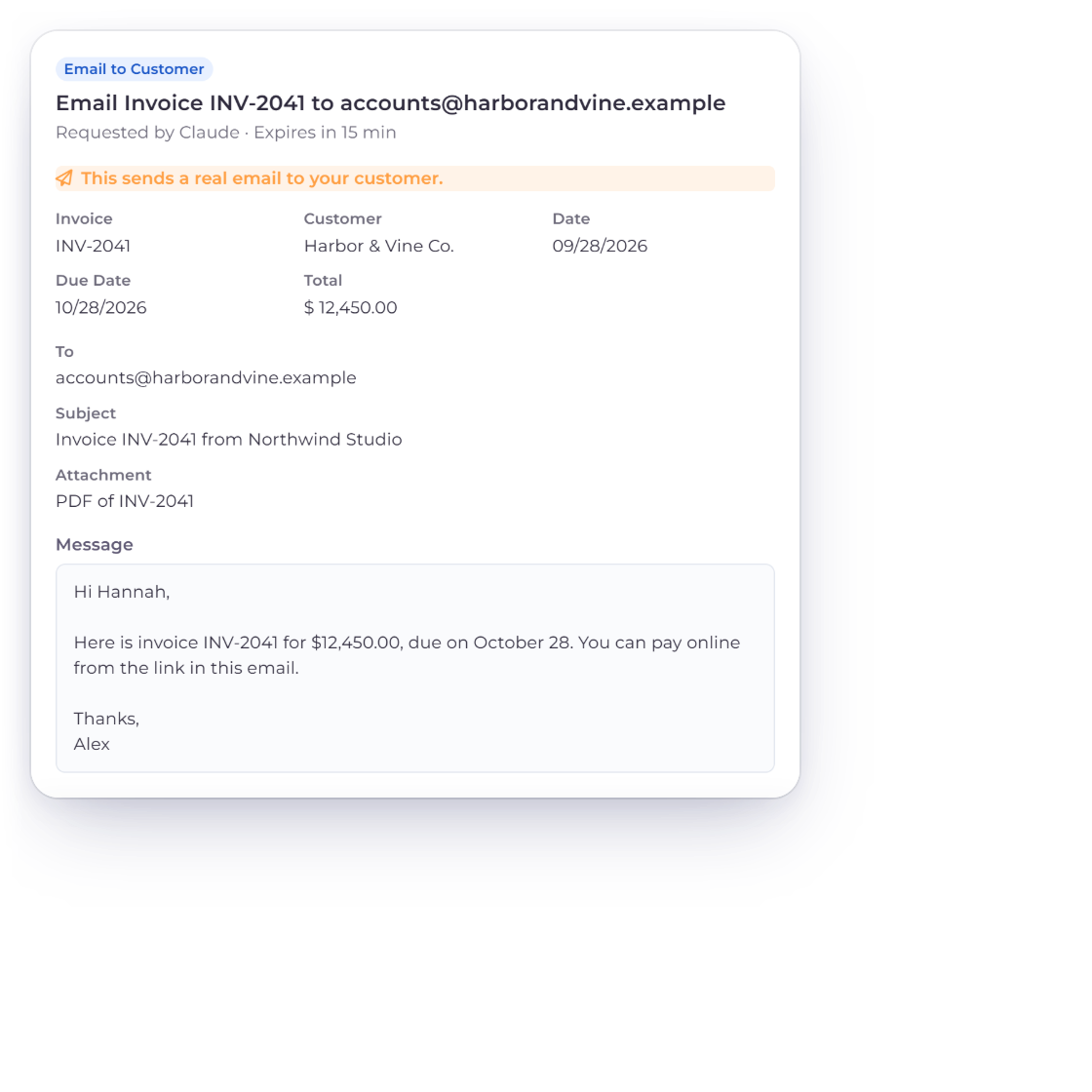
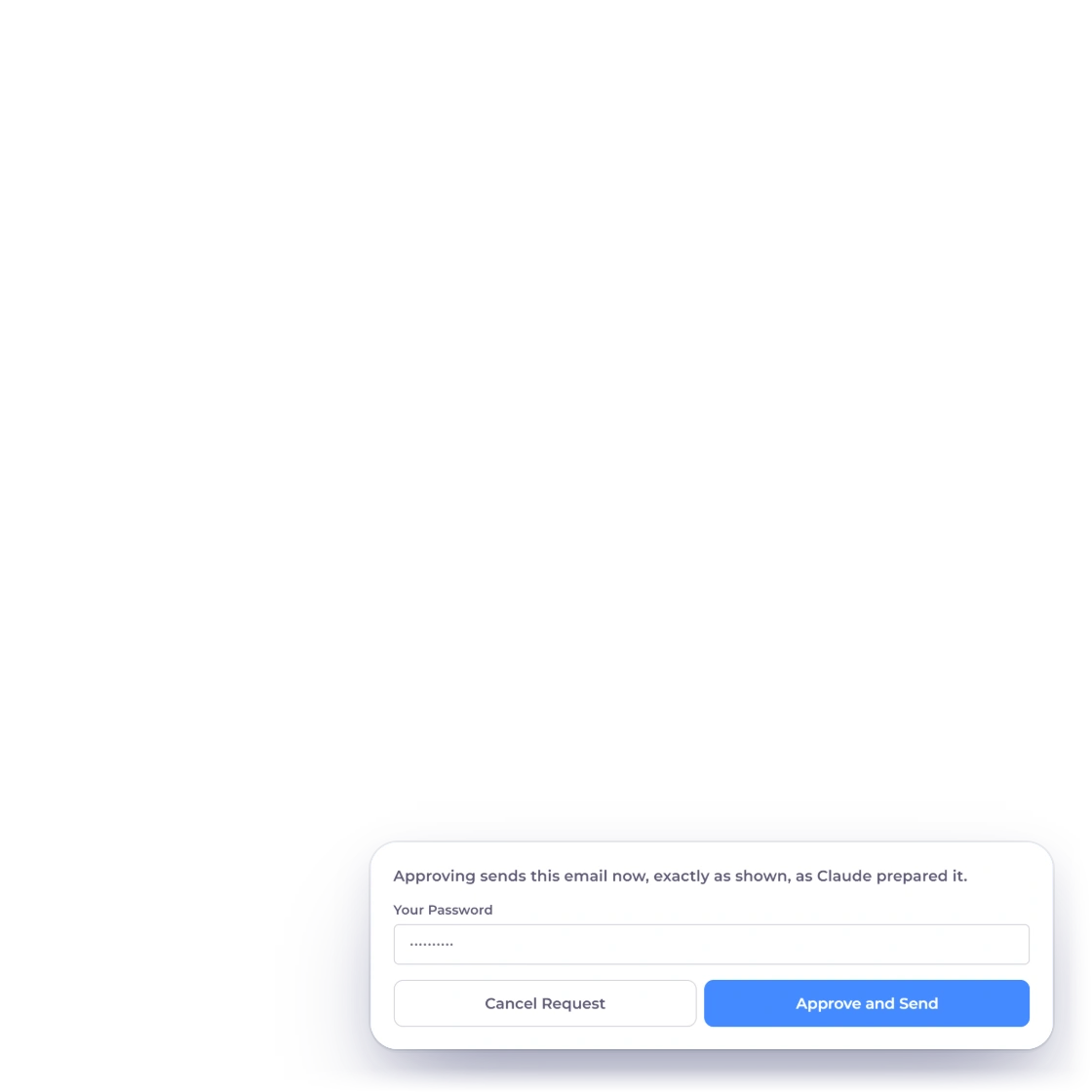
Invoice Crowd Review Request page for emailing invoice INV-2041 to Harbor & Vine Co., with the real-email warning, recipient, subject, message and the Approve and Send button

Sending always waits for you

With Send access, an AI app can ask to mark an invoice as sent, email an invoice, estimate, credit note or proposal to your customer's saved addresses, or email your Profit and Loss to someone such as your accountant. Each one shows the recipients, subject and message, and the email goes only when you choose Approve and Send.

  • Never saved or sent without your approval
  • Up to 10 recipients per email
  • Sent through your normal email limits

Built in

The rules behind every connection

What a connection can reach, how long it lasts, and what it can never do.

  • One business each

    A connection works only with the business you chose when you allowed access. Connect again to work with another one.

  • Owner only

    Only the account owner can connect apps, approve requests and change access. Team members and portal users cannot.

  • No chats stored

    Invoice Crowd does not save your AI conversations. It keeps the records you approve, and their history names the AI app.

  • Save New Drafts Without Asking

    Optionally, new draft invoices, estimates and purchase orders, customers, vendors, items and proposals save without a review. Edits, money, time and sending always wait.

  • Reconnect after seven days unused

    A connection stays signed in while you use it. If an app goes unused for seven days, connect it again.

  • Connection keys

    For AI tools that prefer a key, Create Connection Key makes one for one business. It is shown once and expires after 90 days or when you change your password.

  • In your books like the app

    An approved draft is saved through the same path as the invoice editor, so marking it as sent adds it to your books the usual way.

  • Paid monthly or yearly plans

    AI Connections are part of paid monthly and yearly plans. They are not available on the Free plan, during a trial or on lifetime plans.

Questions

AI Connections, answered

Which AI apps can connect to Invoice Crowd?

Claude and ChatGPT, with step-by-step setup on the Integrations page, and other AI apps and coding tools that support the Model Context Protocol (MCP), such as Claude Code, Cursor, VS Code and Windsurf. Apps that sign in use Invoice Crowd's own Allow Access page; tools that prefer a key can use a connection key instead.

Can an AI app change my books without me?

No. Reads answer at once, but every change the AI app prepares waits under Requests Awaiting Approval until you approve it with your password, plus your authenticator code when two-factor sign-in is on. The only exception is one you choose: Save New Drafts Without Asking lets new draft invoices, estimates and purchase orders, customers, vendors, items and proposals save straight away. Bills and credit notes, which reach your books when saved, edits, expenses, incomes, time, payments, marking as sent and emails always wait.

Can an AI app send invoices or emails to my customers?

Only with the separate Send access, and only when you approve each email. It can ask to email an invoice, estimate, credit note or proposal to the customer's saved addresses, mark an invoice as sent, or email your Profit and Loss. The review shows the recipients, subject and message before you choose Approve and Send.

Does Invoice Crowd store my AI conversations?

No. Invoice Crowd does not save your AI chats. It saves only the records you approve, and their history names the AI app that prepared them. Your conversation stays with your AI app, under that app's own terms.

Which plans include AI Connections?

Paid plans billed monthly or yearly. AI Connections are not available on the Free plan, during the free trial or on lifetime plans. If your plan does not include them, the Integrations page says so and links to your plans.

How many AI apps can I connect, and how do I disconnect one?

Up to five, connection keys included, and each works with one business. Revoke Access on the Integrations page stops an app at once. Changing your Invoice Crowd password also ends every connection.

Is this the same as the AI Assistant?

No. The AI Assistant is a chat panel inside Invoice Crowd that runs on AI credits. AI Connections let an AI app you already use, such as Claude or ChatGPT, work with your Invoice Crowd data from that app, with every change approved in Invoice Crowd.

Bring your AI app to your books, and keep the last word

Connect Claude or ChatGPT from the Integrations page, choose a business and what the app may do, then review each request before it is saved.

  • No card required to start
  • Your data stays yours
  • Cancel anytime