Skip to content

Payment integration

Accept invoice payments with Paystack

The Paystack integration lets customers pay your Invoice Crowd invoices on Paystack's hosted checkout, with the cards, bank and mobile money channels you have enabled in Paystack. Invoice Crowd verifies each payment with Paystack before recording it, and can send refunds back through Paystack.

  • Status: Active one-time checkout
  • NGN, GHS, KES, ZAR and USD
  • Provider terms still apply
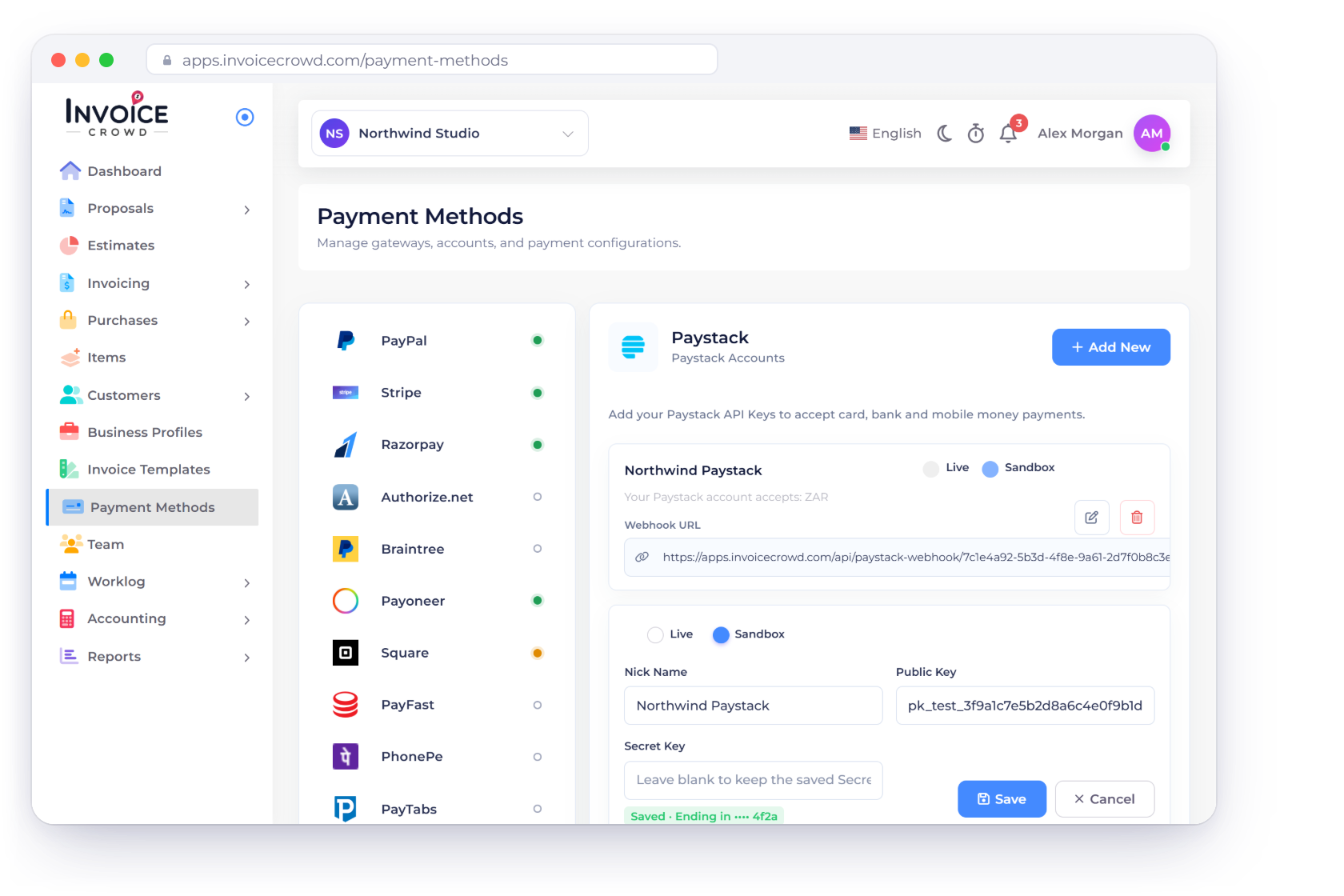
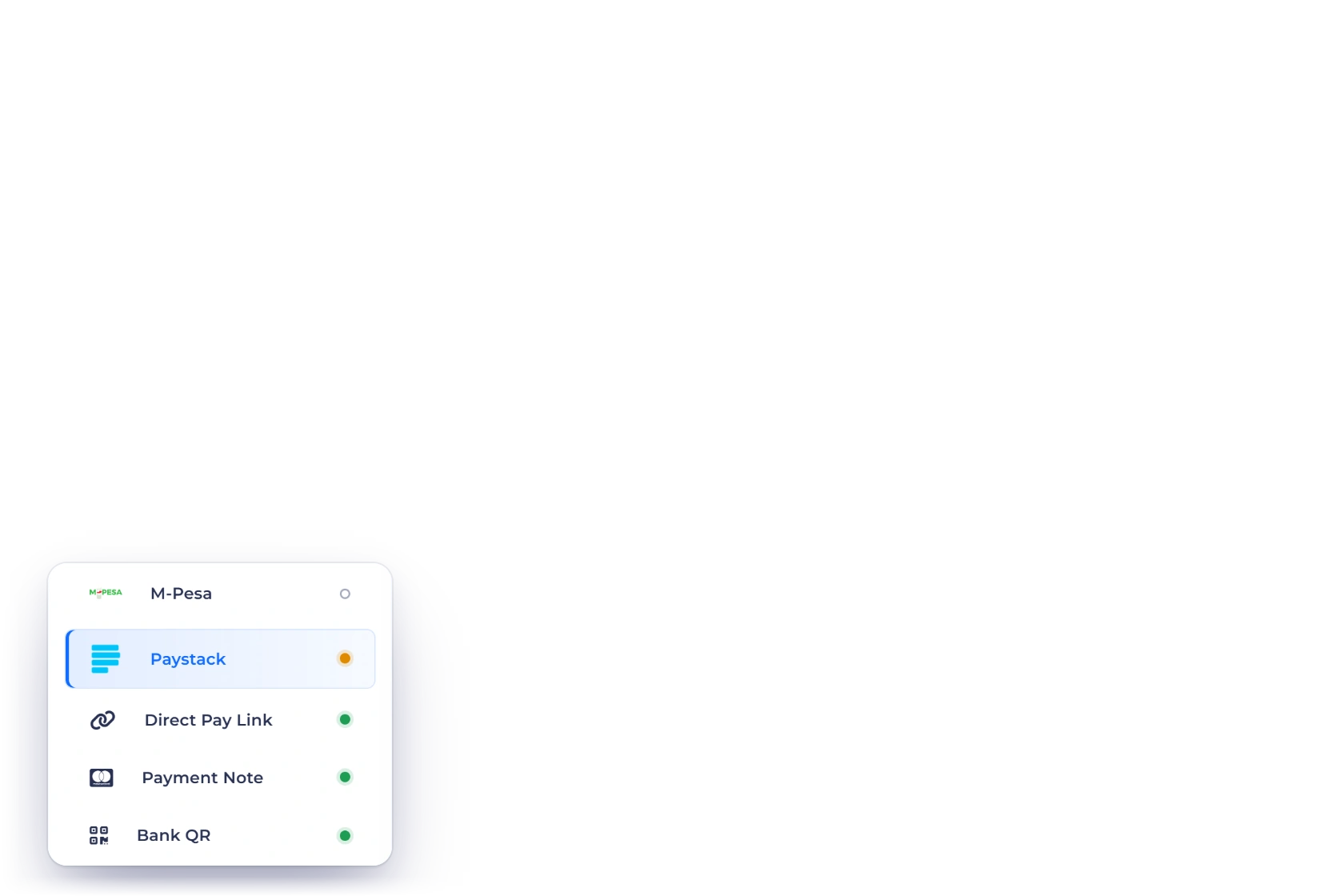
Invoice Crowd Payment Methods on the Paystack tab: the Northwind Paystack account in Sandbox with Your Paystack account accepts: ZAR, its Webhook URL, and the edit form where the Secret Key shows only as Saved · Ending in, next to Paystack in the gateway list

From setup to paid

How Paystack fits the Invoice Crowd payment boundary

Connection, customer checkout and final settlement are separate stages. Read the status and limitations before showing the method on a live invoice.

Connect the merchant account

Each business profile has its own account and live or test mode.

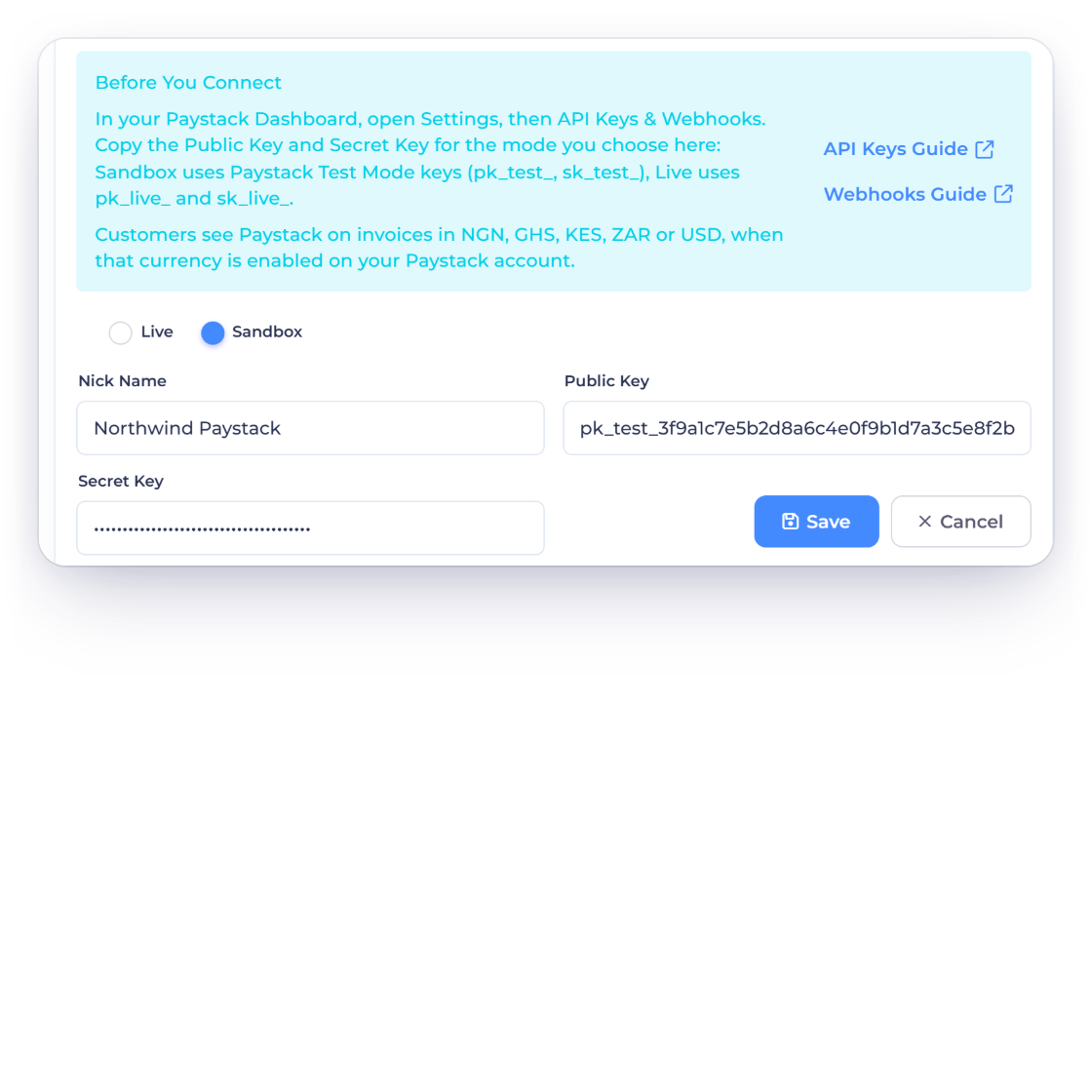
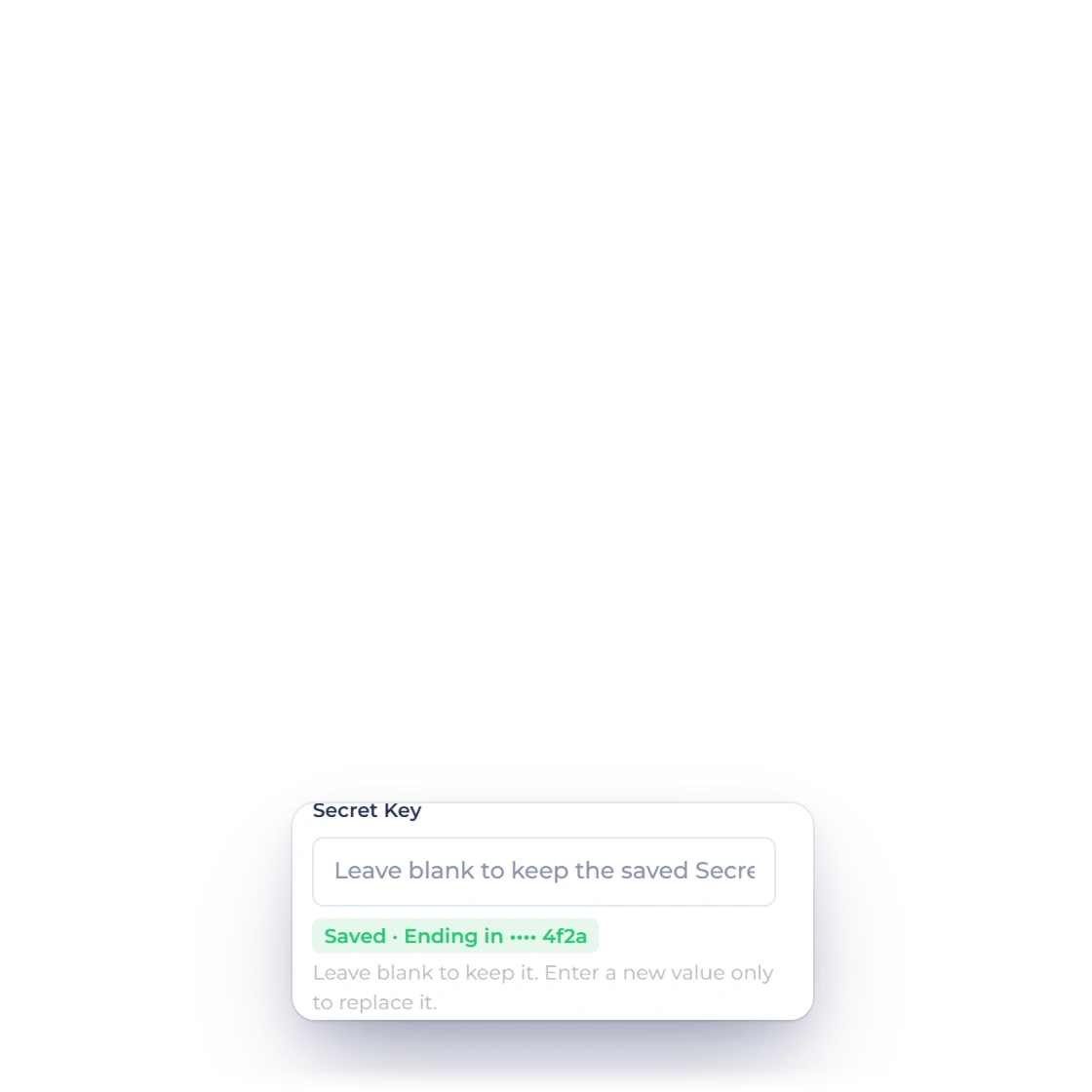
The Invoice Crowd Paystack Add New form in Sandbox with the Before You Connect help, Nick Name, Public Key and a hidden Secret Key, and a saved account whose Secret Key reads Saved · Ending in •••• 4f2a

Add your Paystack keys

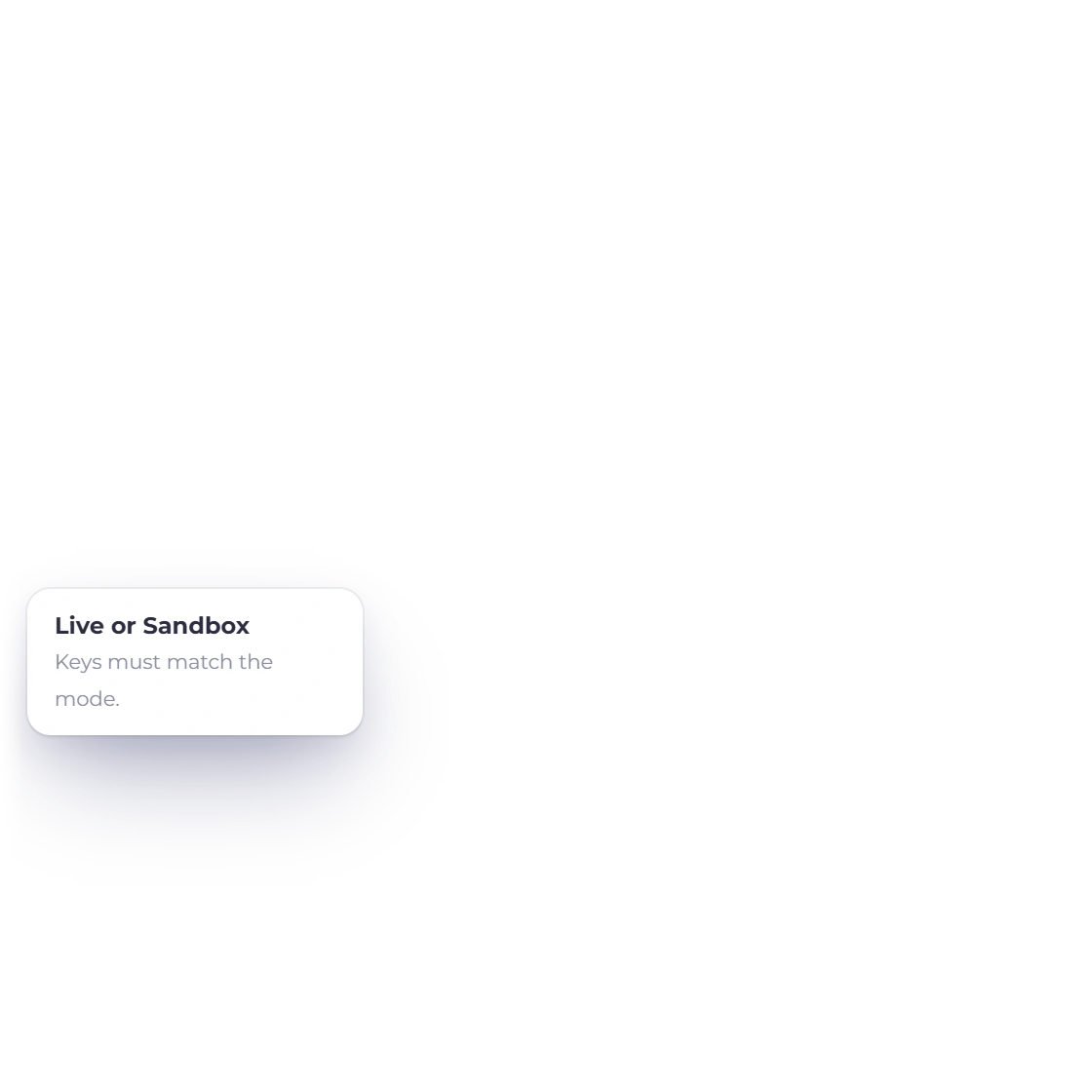
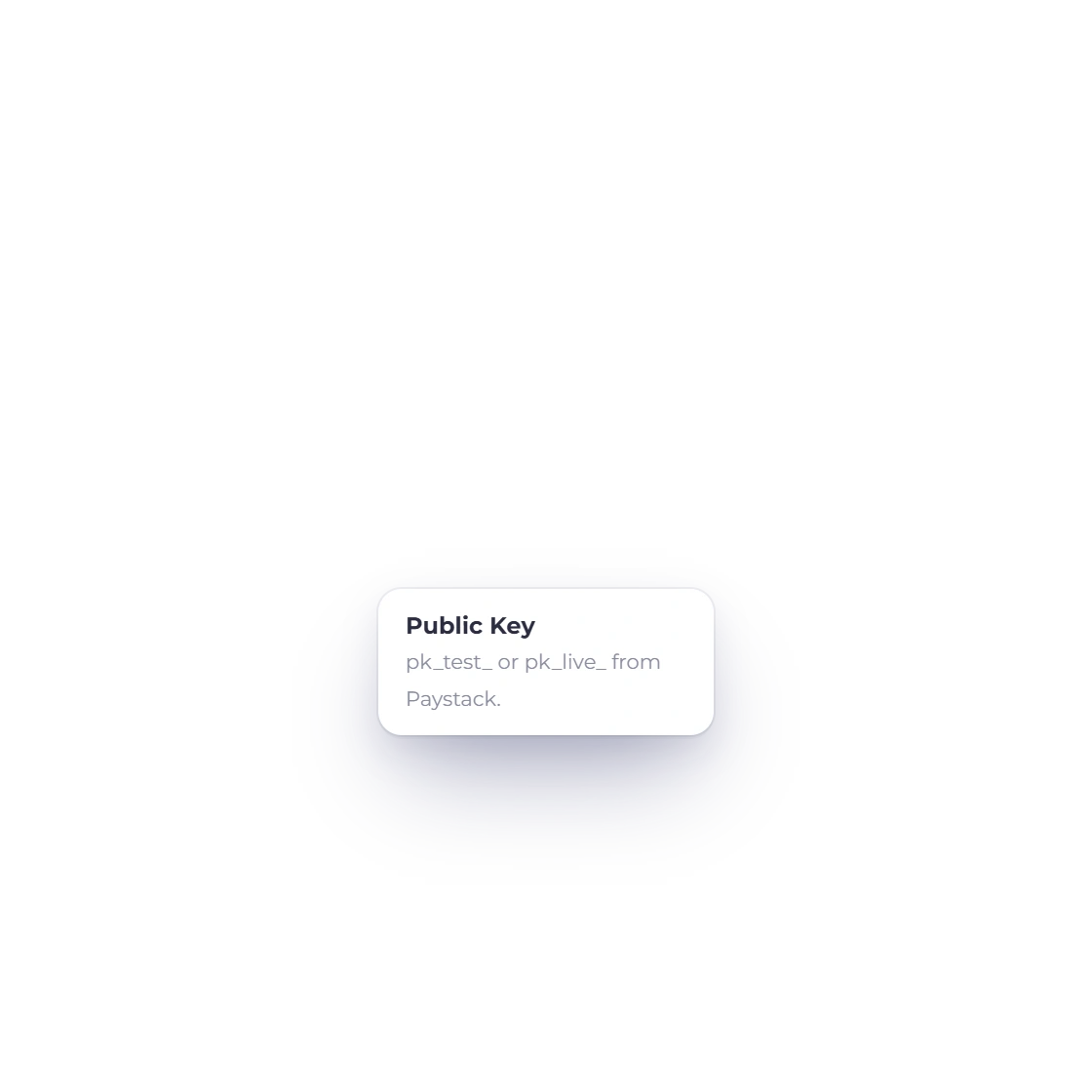
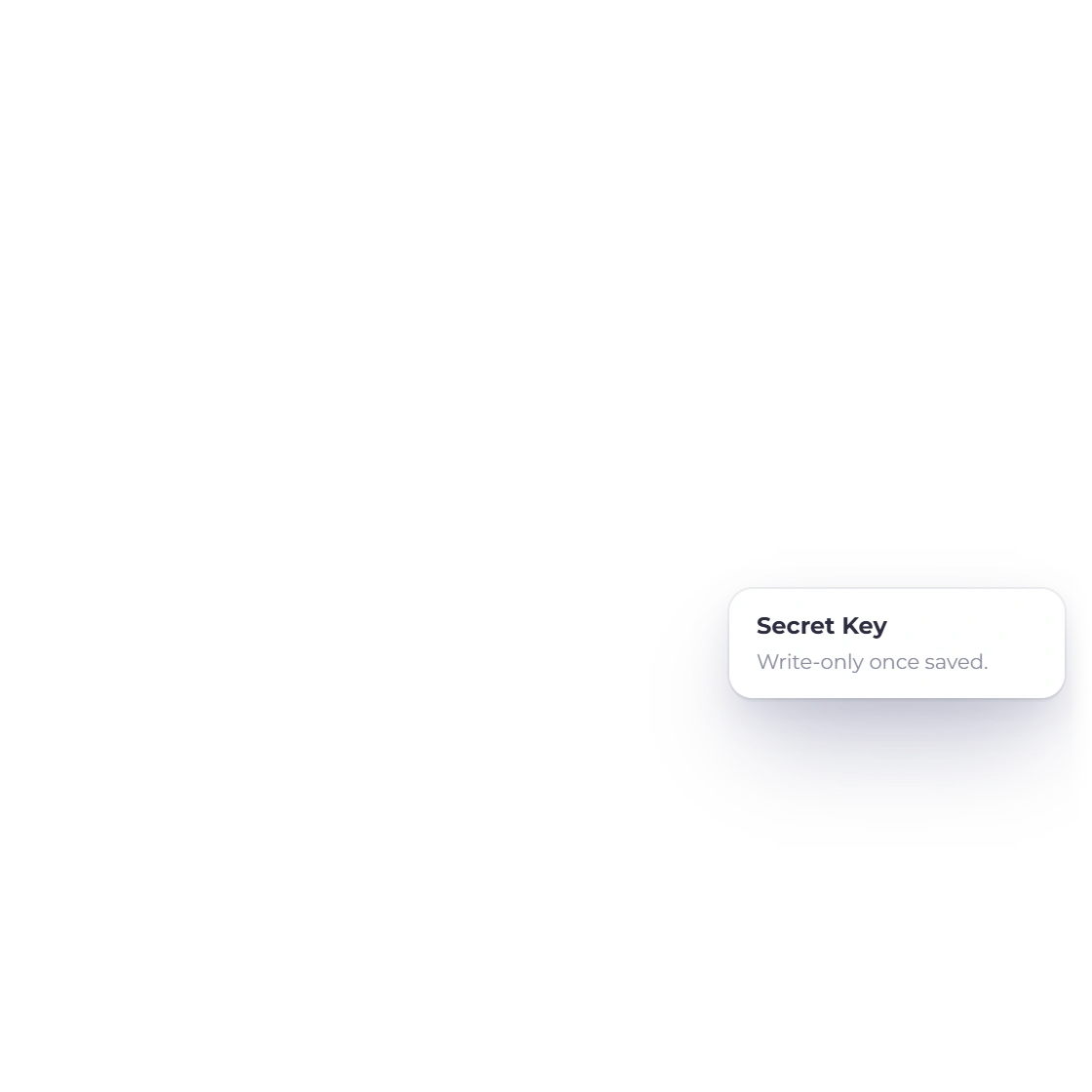
In Payment Methods, open Paystack and choose Add New. Pick Live or Sandbox (Paystack Test Mode), then enter a nickname, the Public Key and the Secret Key for that mode from Paystack's Settings, API Keys & Webhooks. A key that does not match the mode is refused, and the Secret Key is write-only: afterwards it shows only as Saved · Ending in •••• and its last four characters.

  • Live or Sandbox, matched to the keys
  • Write-only Secret Key
  • A Cash & Bank account for the gateway
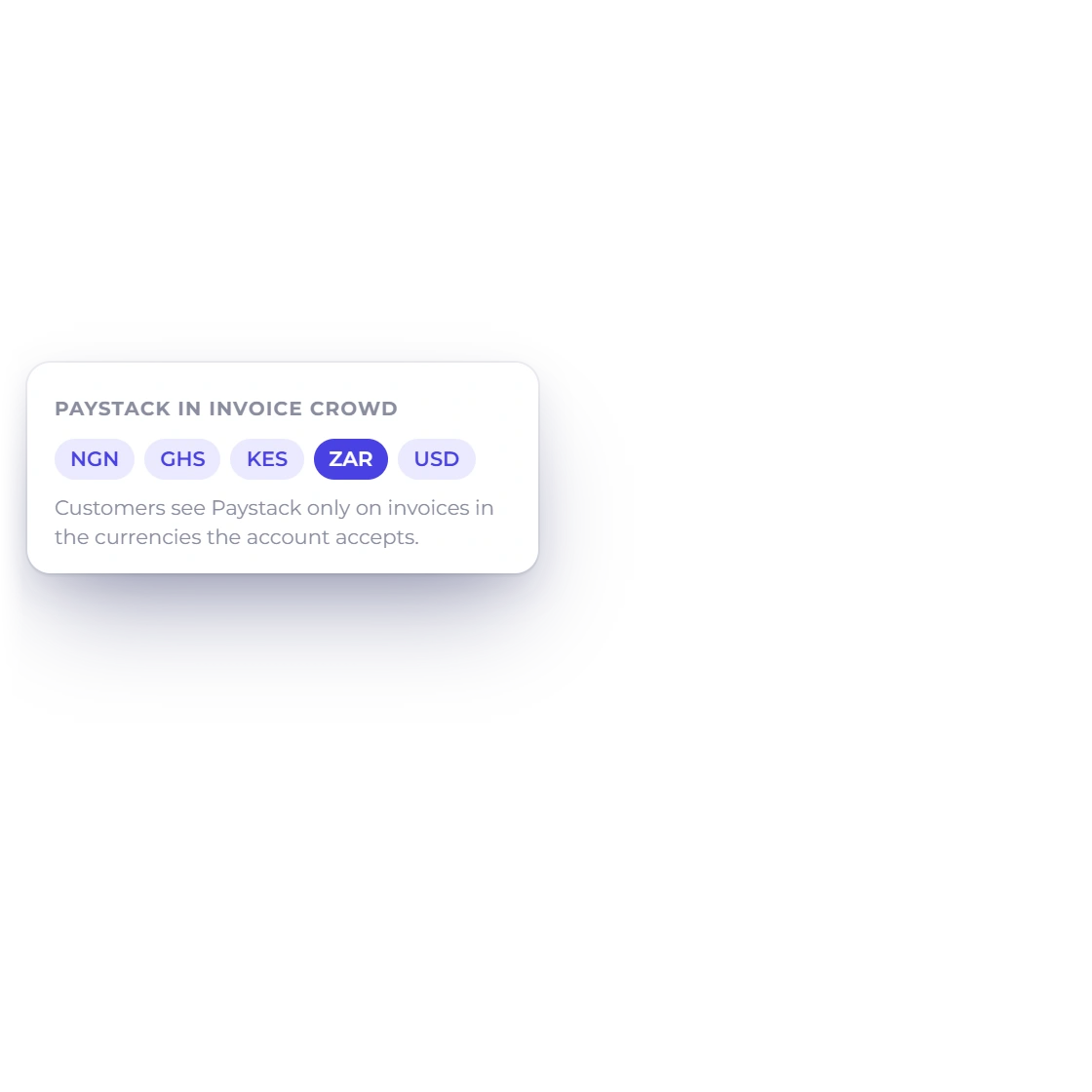
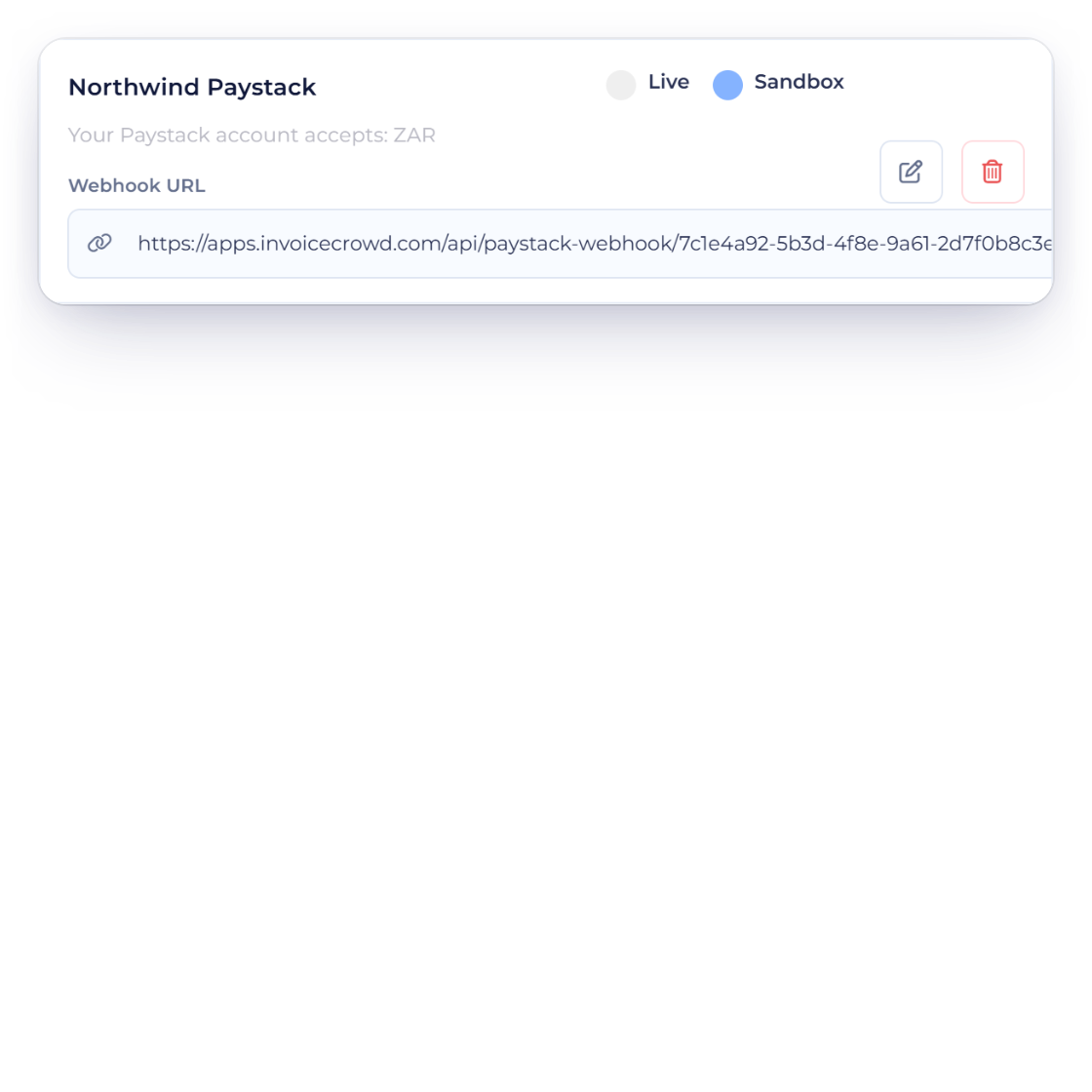
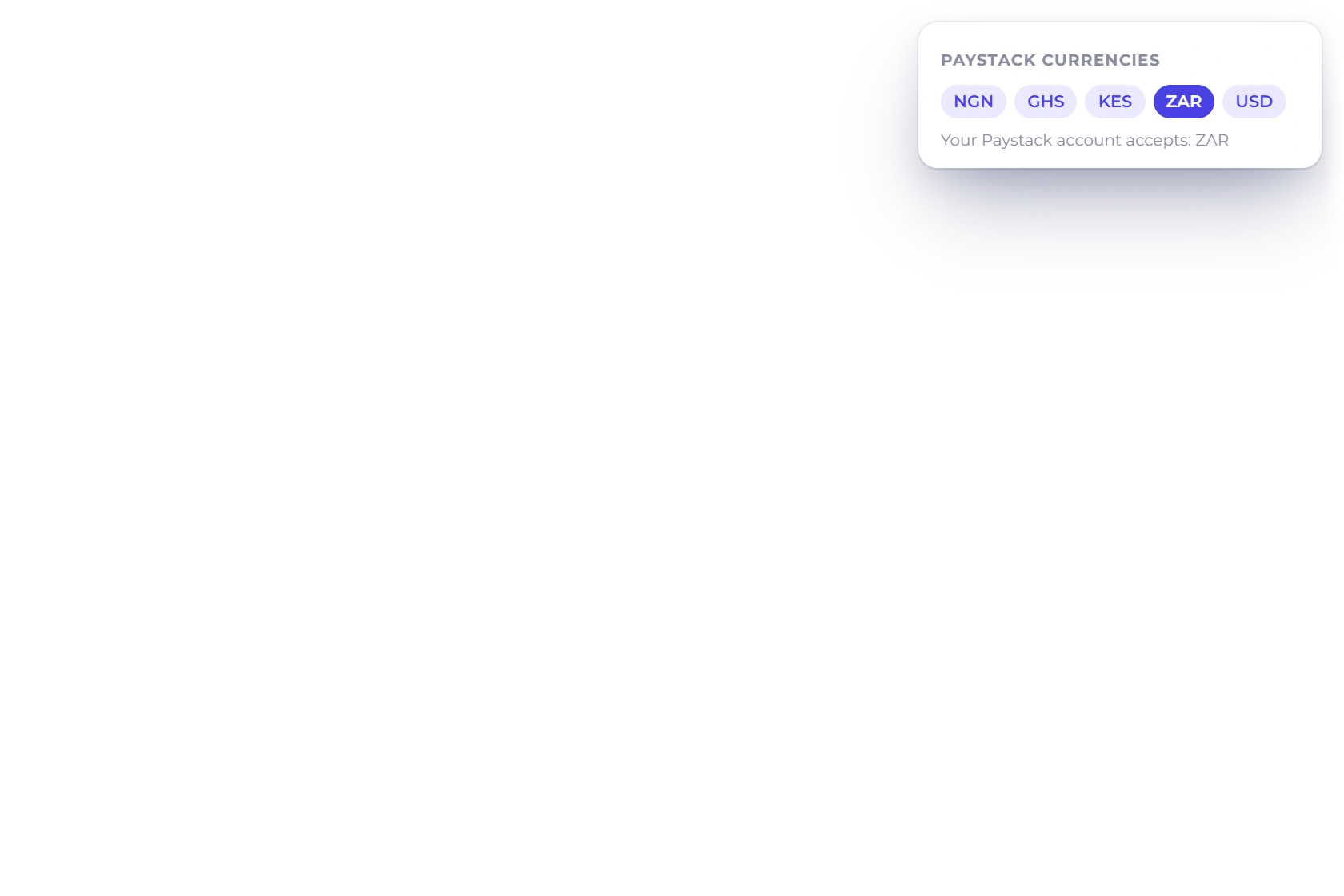
An Invoice Crowd Paystack account in Sandbox showing Your Paystack account accepts: ZAR and its Webhook URL, with the five currencies Invoice Crowd offers Paystack for

Your currencies, checked with Paystack

Saving the account asks Paystack which currencies it accepts and shows the answer, for example Your Paystack account accepts: ZAR. Customers then see Paystack only on invoices in those currencies. After saving, paste the account's Webhook URL into Paystack for the same mode, so a payment is confirmed even if the customer closes the browser.

  • NGN, GHS, KES, ZAR and USD
  • Limited to what your account accepts
  • Webhook URL shown after saving

Understand the customer path

The payment option only shows when it can be used for that invoice.

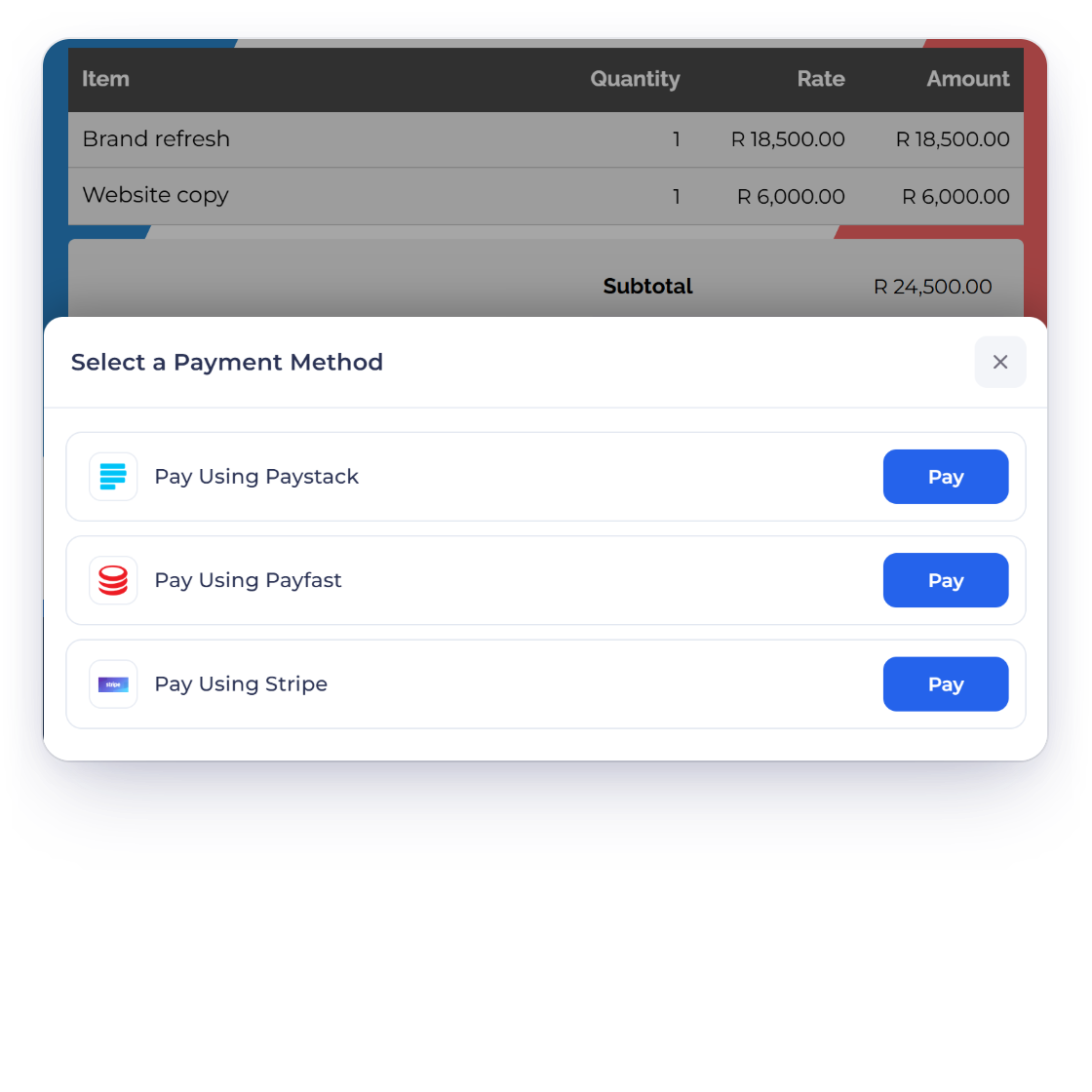
An Invoice Crowd invoice INV-2052 for Lumen Architects in South African rand with the Select a Payment Method sheet offering Pay Using Paystack, Pay Using Payfast and Pay Using Stripe

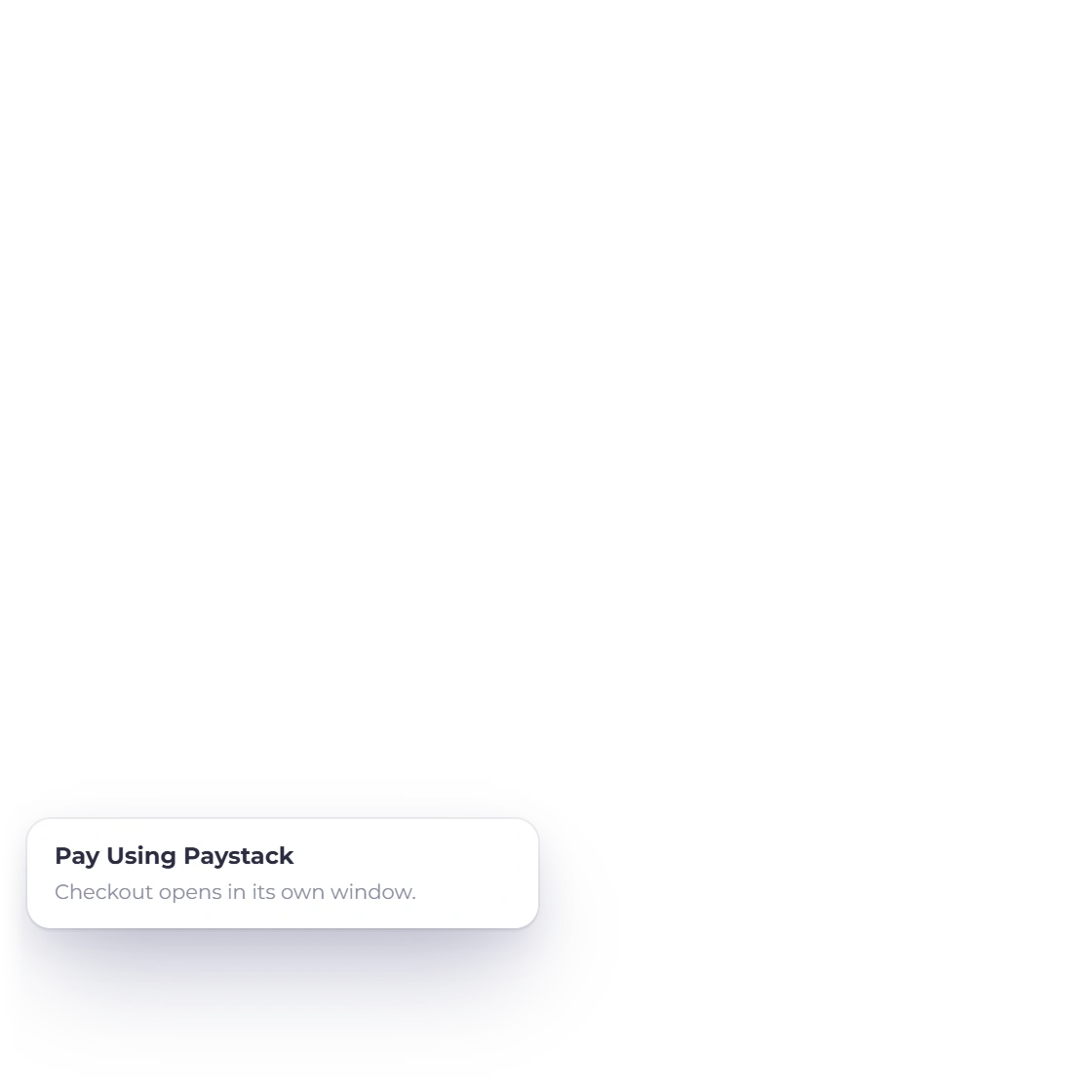
Pay Using Paystack

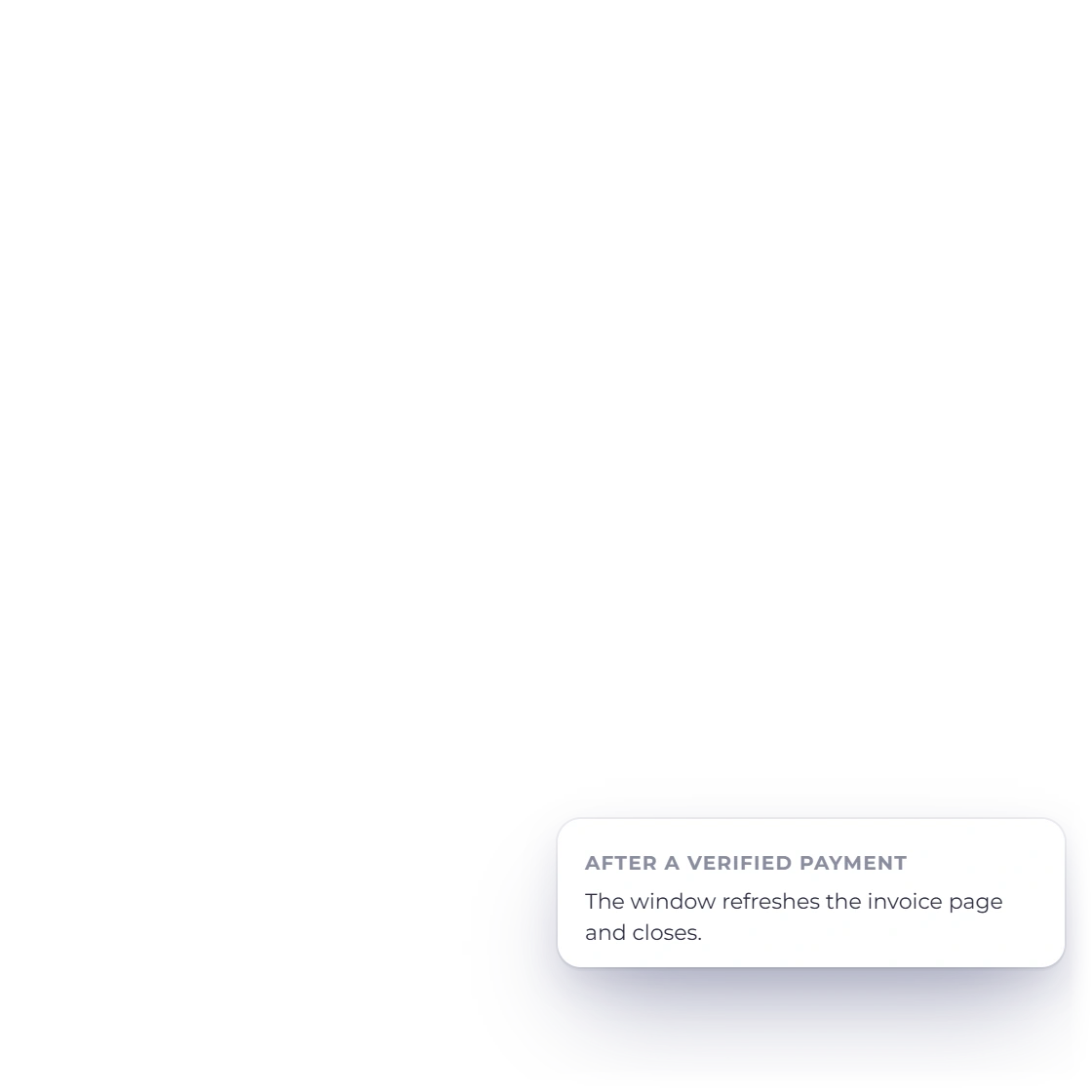
The customer opens the invoice, presses Pay and chooses Pay Using Paystack. Paystack's checkout opens in its own window with the amount set by Invoice Crowd. Once the payment is verified, that window refreshes the invoice page and closes, so the customer sees the invoice paid where they started.

  • The amount comes from the invoice
  • Full, partial, deposit and split payments
  • Works on payment-link checkouts too
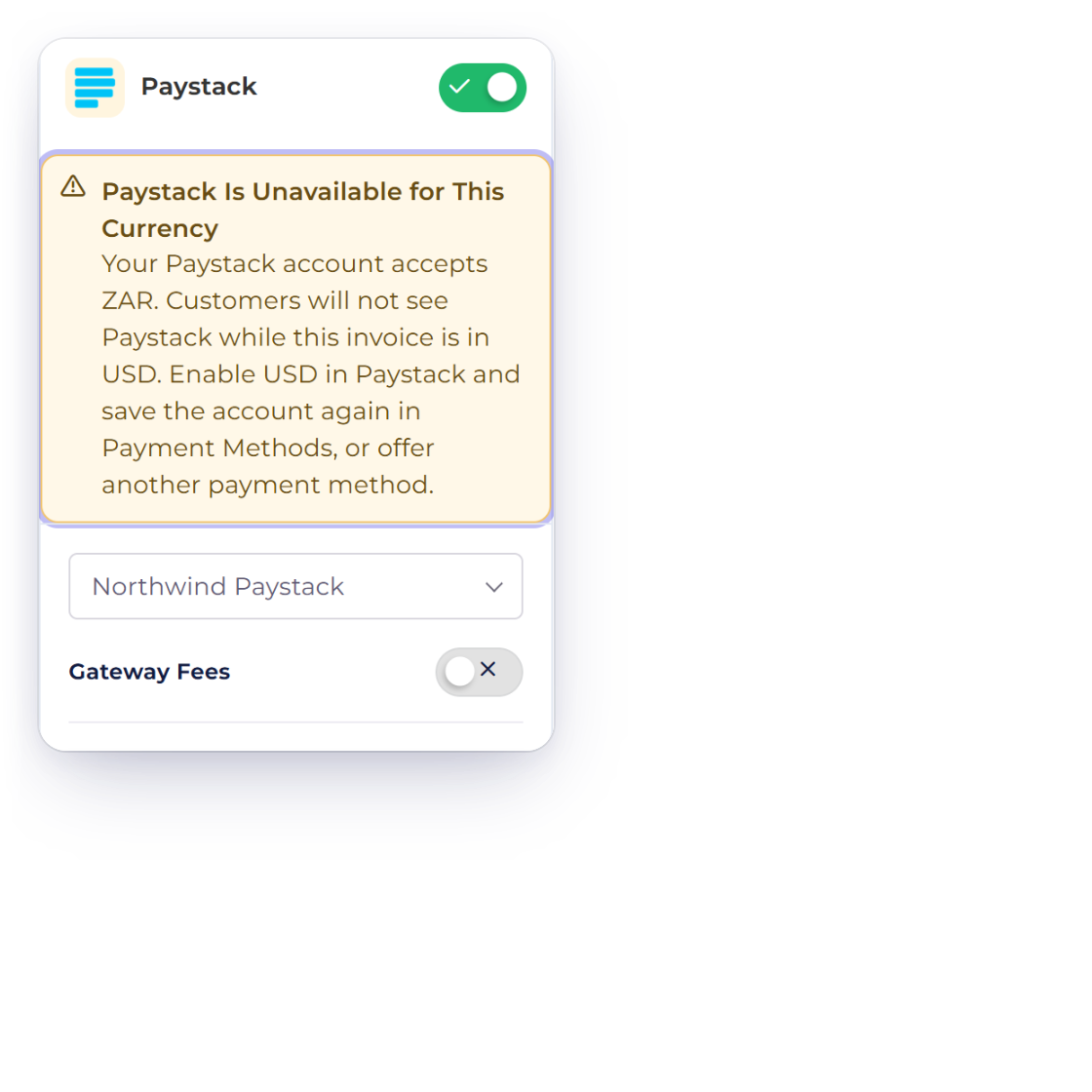
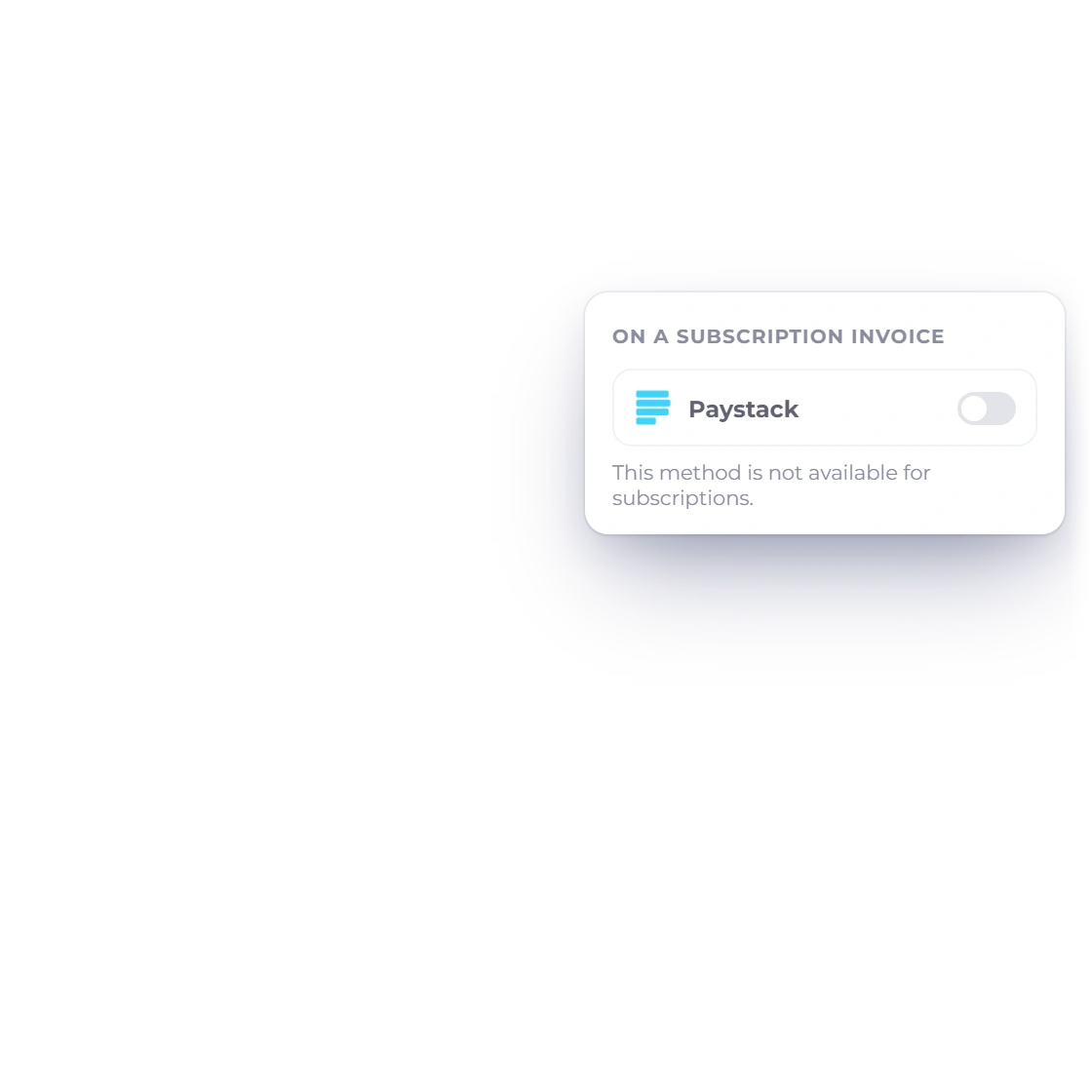
The Invoice Crowd invoice editor with Paystack switched on and the warning Paystack Is Unavailable for This Currency on a USD invoice, and Paystack shown unavailable on a subscription invoice

One-time payments only

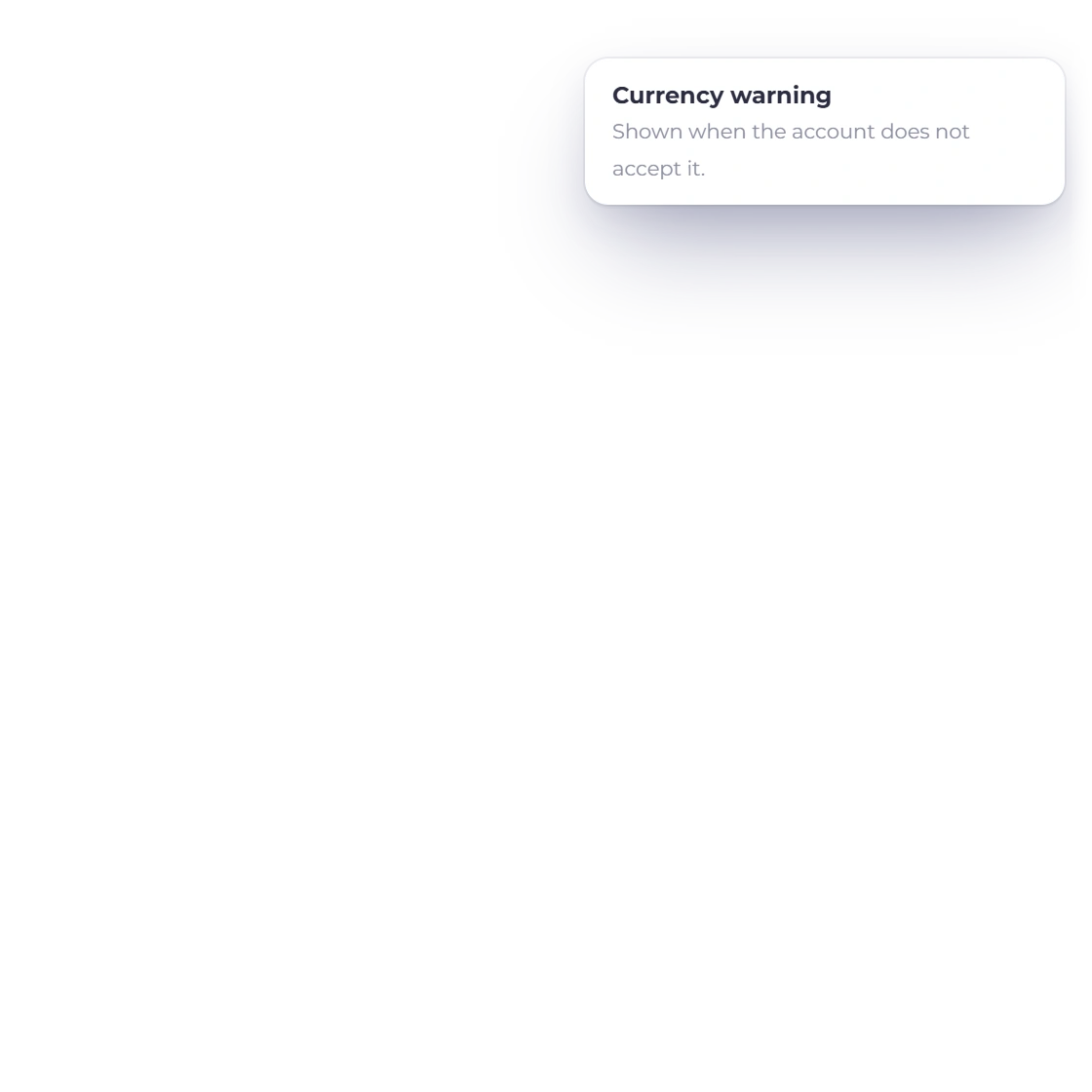
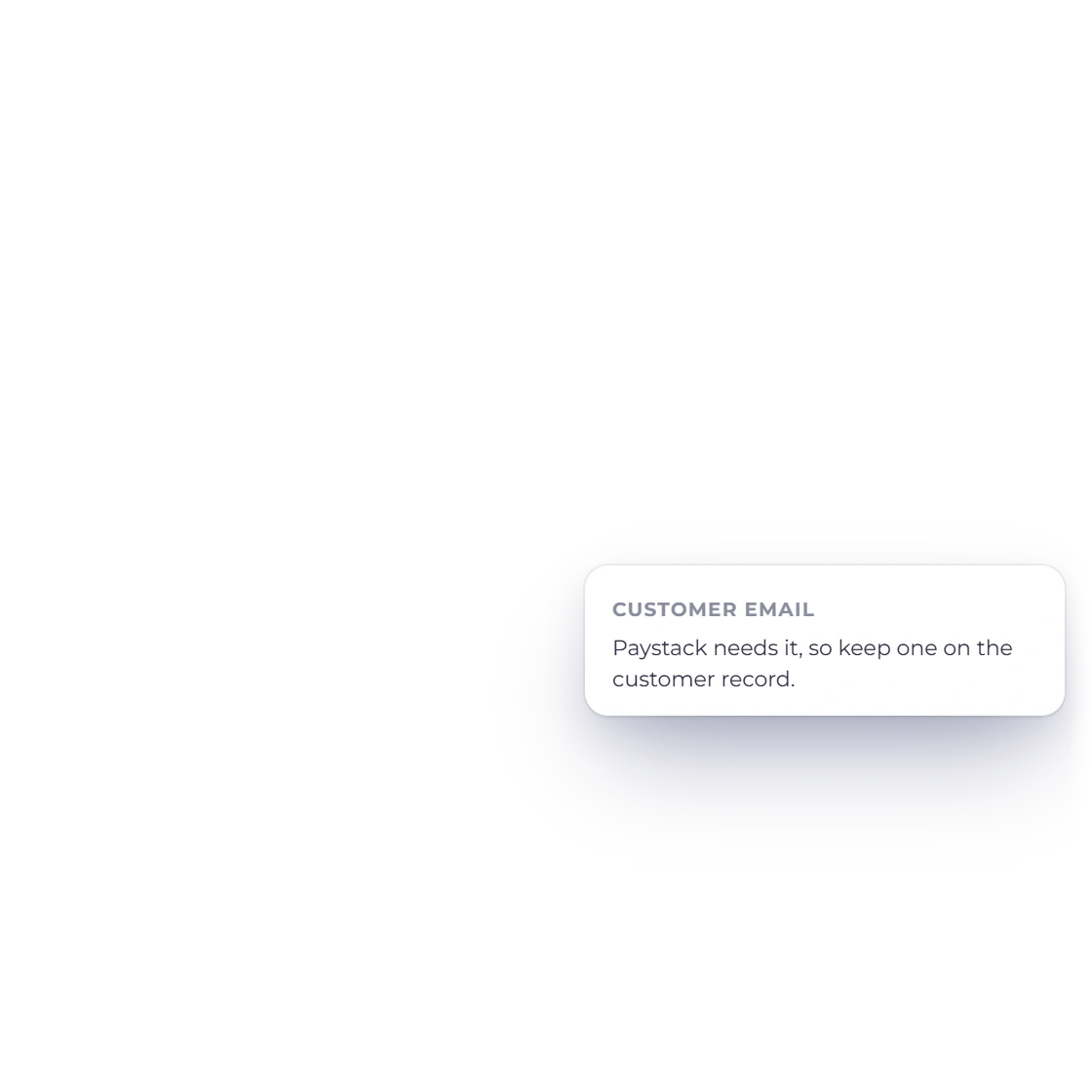
Paystack is a one-time checkout in Invoice Crowd. It is not offered on subscription invoices, and the invoice editor warns you when an invoice's currency is one your Paystack account does not accept. Paystack needs the customer's email address, so make sure the customer record has one.

  • No Paystack subscriptions
  • Currency warning in the editor
  • Customer email required

Checked before the payment is recorded

An invoice is marked paid only when Paystack confirms it.

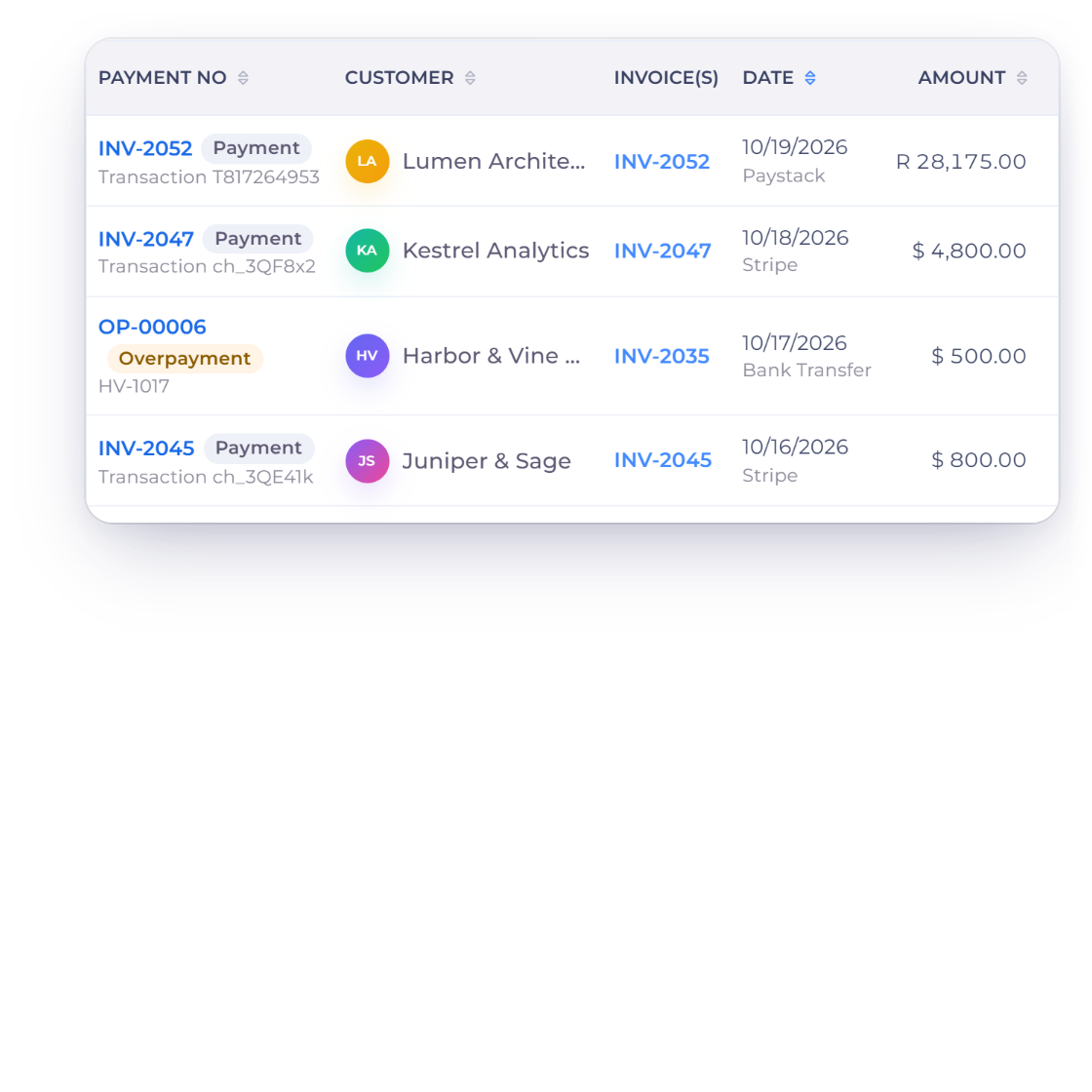
Invoice Crowd Payments Received with the Paystack payment for INV-2052 from Lumen Architects, 28,175.00 rand with transaction T817264953, recorded after Invoice Crowd checked it with Paystack

The payment must match the invoice

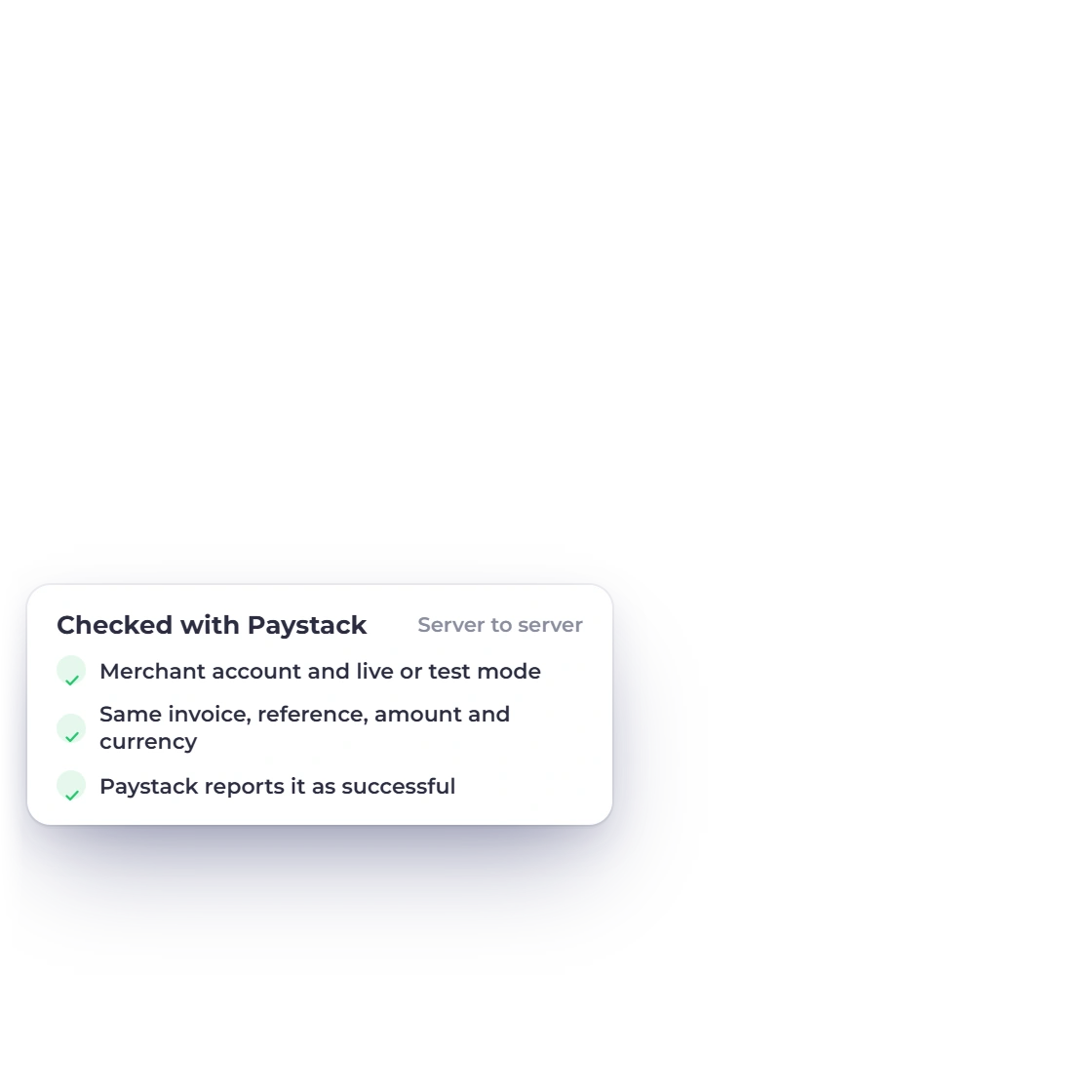
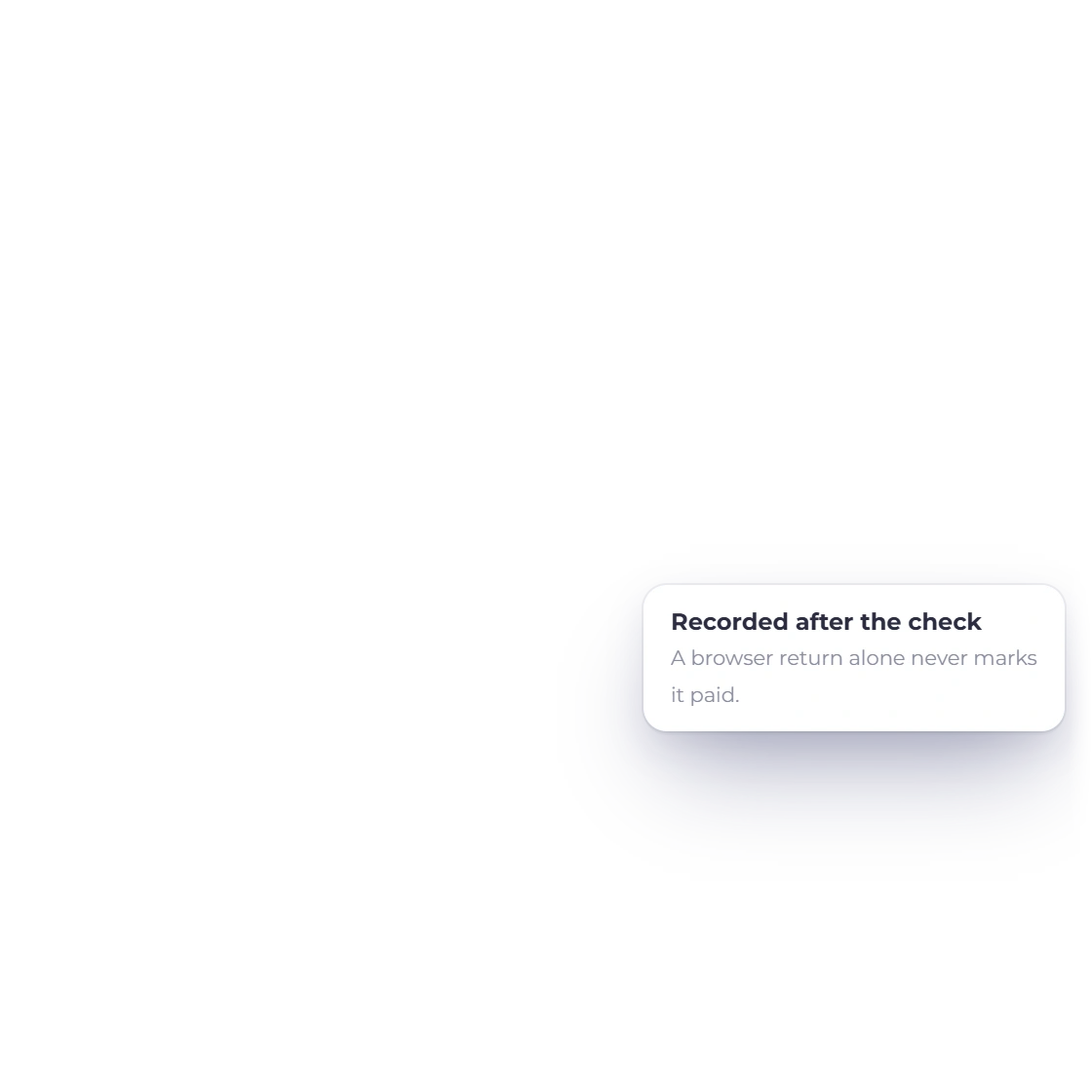
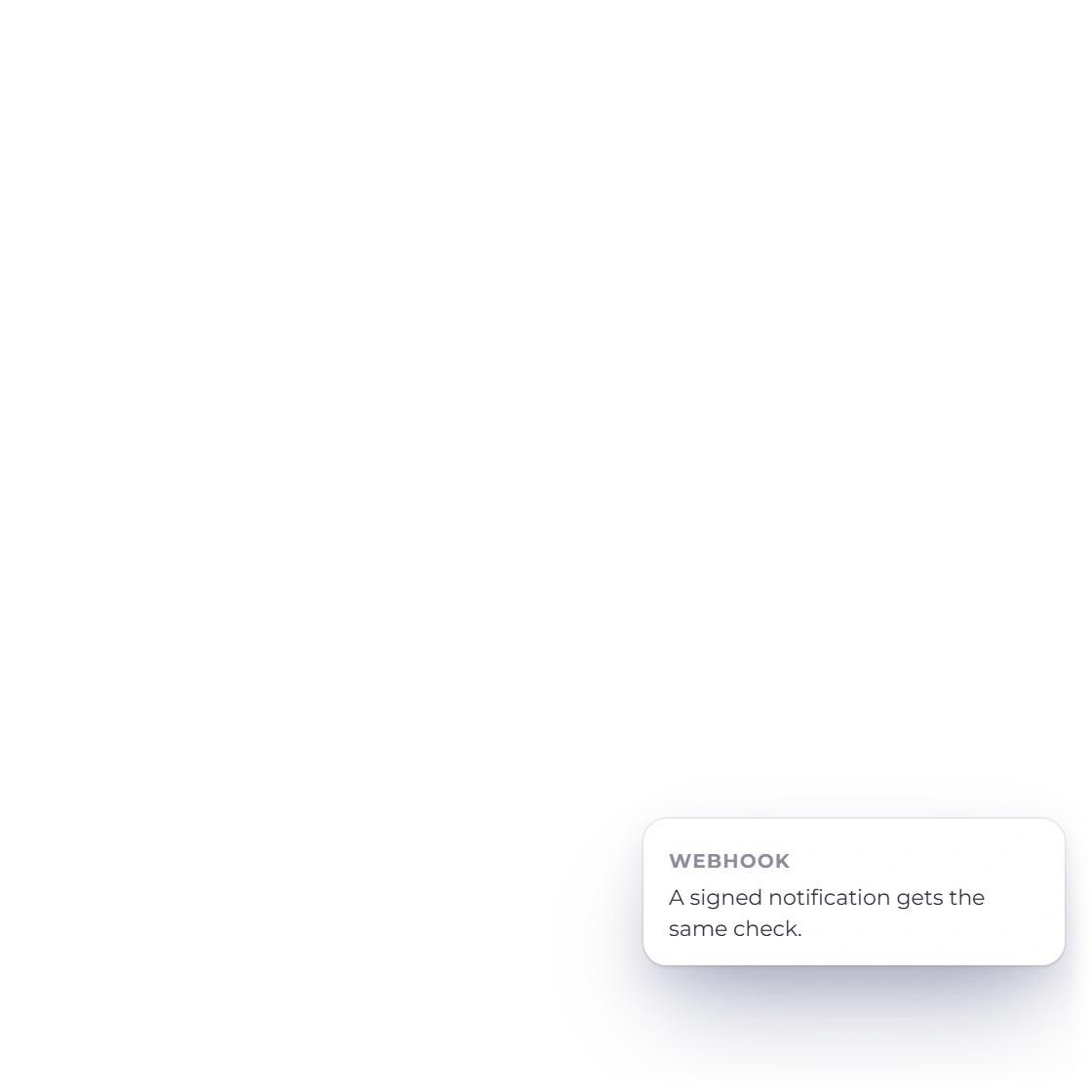
Invoice Crowd asks Paystack itself, server to server, whether that exact transaction succeeded, and checks the account, reference, amount, currency and live or test mode. A signed webhook from the same account leads to the same check. A browser return alone never marks an invoice paid.

  • Merchant account and mode
  • Same invoice, amount and currency
  • Paystack reports it as successful
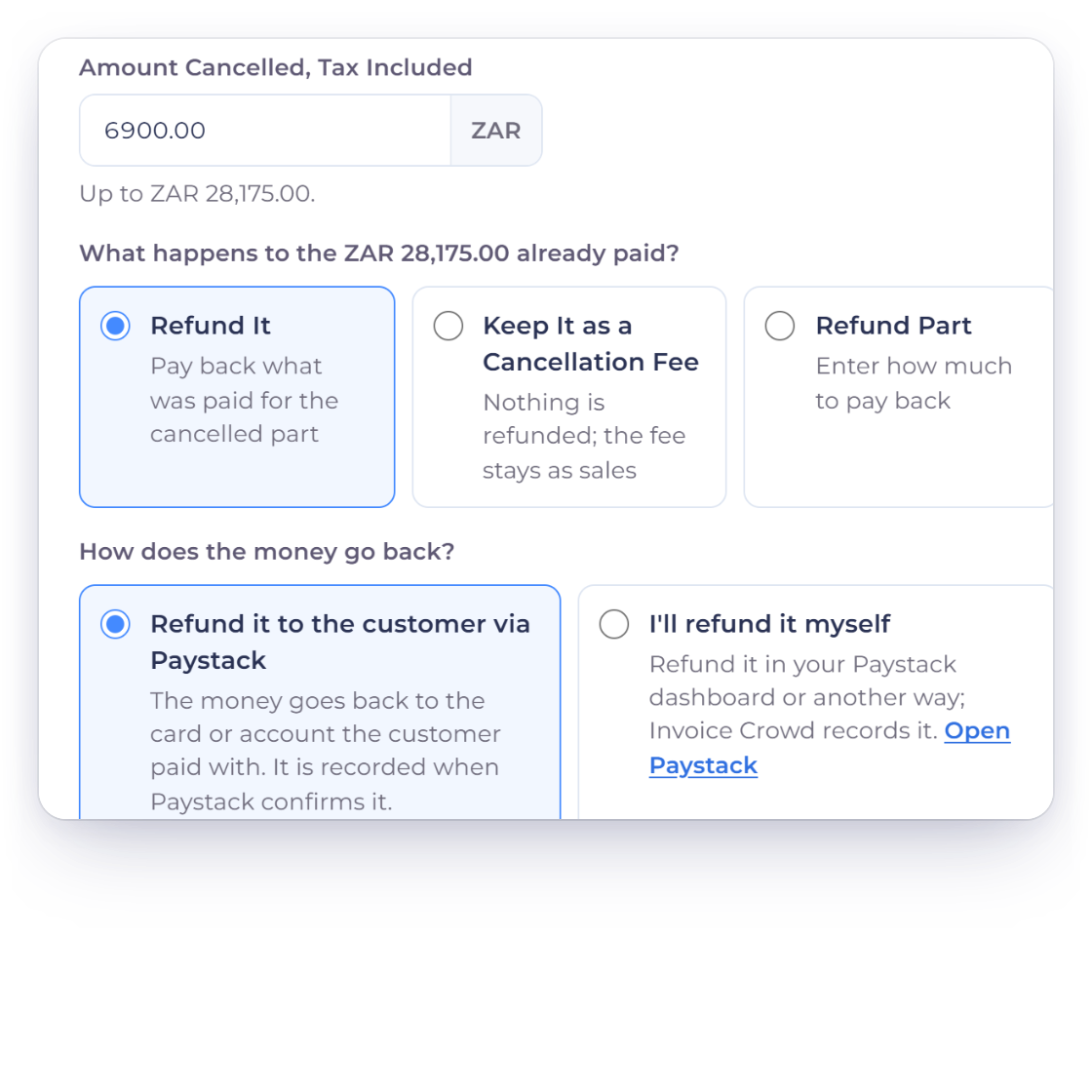
The Invoice Crowd Refund window for INV-2052, Lumen Architects, with 6,900.00 rand cancelled, Refund It, and How does the money go back set to Refund it to the customer via Paystack

Refunds through Paystack

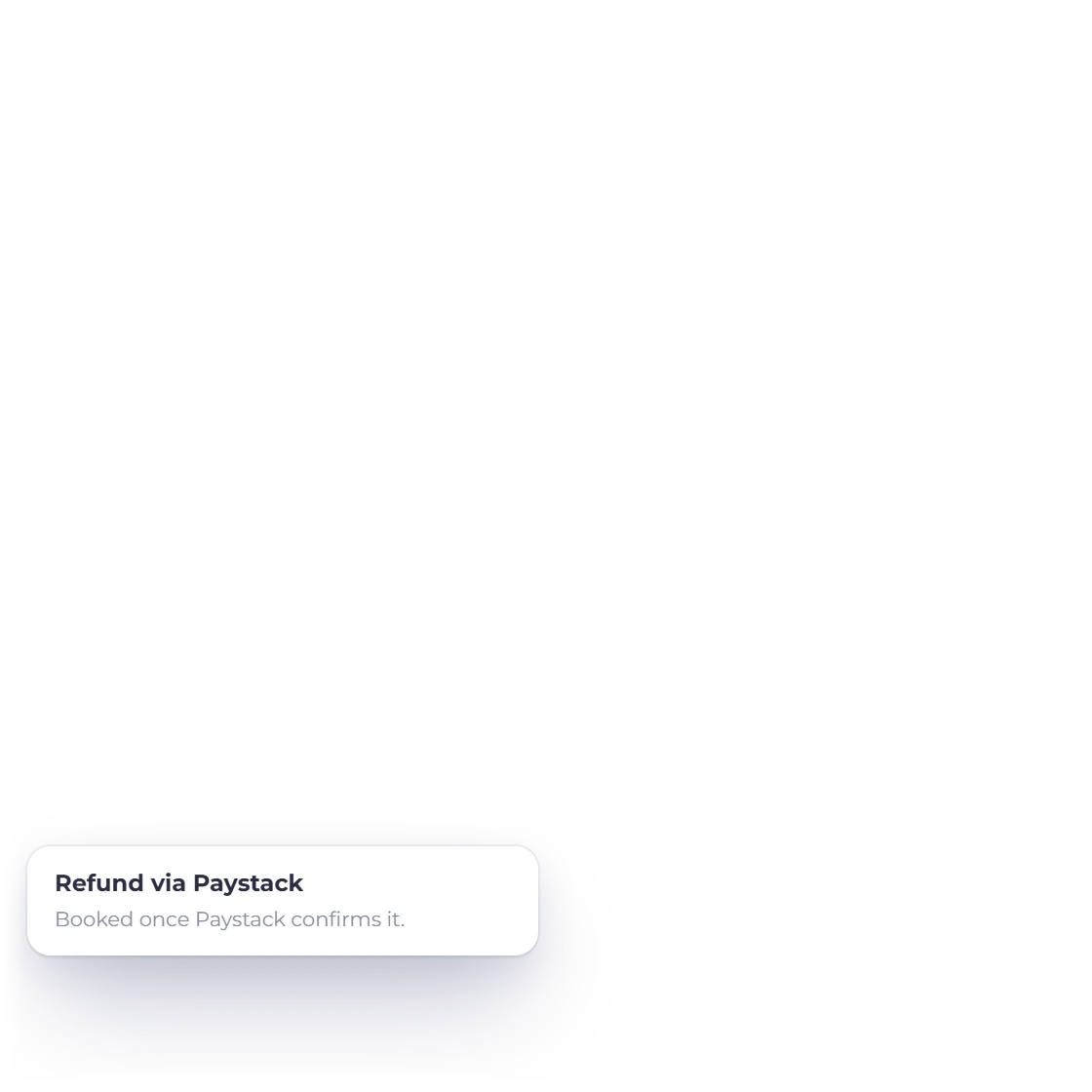
Choose Refund on the paid invoice and pick Refund it to the customer via Paystack. Invoice Crowd sends the refund through Paystack, books it once Paystack confirms, and a refund made in the Paystack dashboard waits on Payments Needing Review for you to record.

  • Partial refunds allowed
  • Booked only after Paystack confirms
  • Dashboard refunds reach the review page

Integration facts

What to verify before using Paystack

The fields below describe the current Invoice Crowd path; Paystack remains the source for merchant eligibility, fees and the channels your account offers.

  • Availability

    Active one-time hosted checkout on paid plans.

  • One-time payment

    Paystack's hosted checkout, with the cards, bank and mobile money channels enabled on your Paystack account.

  • Recurring payments

    Not offered. Paystack is unavailable on subscription invoices; use another gateway for recurring billing.

  • Merchant setup

    Nickname, Public Key, write-only Secret Key and Live or Sandbox mode, plus the Webhook URL pasted into Paystack.

  • Settlement evidence

    Paystack's own transaction record must match the account, reference, amount, currency and mode before anything is recorded.

  • Currencies

    NGN, GHS, KES, ZAR and USD, limited to the currencies your Paystack account accepts. USD needs to be enabled by Paystack.

  • Checkout window

    Checkout opens in its own window. After a verified payment it refreshes the invoice page and closes itself.

  • Fees and part payments

    Gateway fees, partial payments, deposits and split instalments work as on other gateways; each payment is its own Paystack transaction.

  • Unmatched payments

    If a confirmed Paystack payment can't be applied to its invoice, for example because the balance changed, it is held in Payments Needing Review for you to apply, keep as credit or refund.

  • Refunds

    Choose Refund on the invoice and the money goes back through Paystack. The refund is booked only after Paystack confirms it.

  • Provider fees

    Paystack's transaction fees and settlement timing come from your Paystack agreement, not the Invoice Crowd subscription.

  • Alternative gateways

    Configure another gateway when Paystack does not support the customer, currency or a recurring schedule.

Questions

Paystack and Invoice Crowd, answered

Is the Paystack integration available in Invoice Crowd?

Yes. Paystack is an active one-time payment gateway on Invoice Crowd's paid plans. Customers pay on Paystack's hosted checkout, and Invoice Crowd records the payment once Paystack confirms it.

What do I need to connect Paystack?

A Paystack account and its Public Key and Secret Key for the mode you choose: Sandbox uses Paystack Test Mode keys (pk_test_, sk_test_) and Live uses pk_live_ and sk_live_. After saving, paste the Webhook URL Invoice Crowd shows into Paystack's Settings, API Keys & Webhooks. Paystack needs a paid Invoice Crowd plan; the free plan includes PayPal.

Which currencies can customers pay in?

Paystack is offered on invoices in NGN, GHS, KES, ZAR or USD, and only in the currencies your own Paystack account accepts. Invoice Crowd checks this with Paystack when you save the account; save it again after enabling a new currency in Paystack.

Can customers pay part of an invoice with Paystack?

Yes. Partial payments, deposits and split instalments each start their own Paystack payment for exactly that amount, and only that part of the invoice is settled.

Does Paystack support recurring payments in Invoice Crowd?

No. Paystack is one-time only and is not offered on subscription invoices. Use Stripe, Razorpay, Square, GoCardless or another gateway that supports subscriptions for recurring billing.

Can I refund a Paystack payment from Invoice Crowd?

Yes. Choose Refund on the invoice, then Refund it to the customer via Paystack. Invoice Crowd sends the refund through Paystack and books it only after Paystack confirms it. This works for online payments made on the invoice page.

Are Paystack fees included in Invoice Crowd pricing?

No. Transaction fees, foreign-exchange costs and settlement timing are set by Paystack and your merchant agreement. You can pass a processing fee on to customers with the gateway fee setting.

Test Paystack with a representative invoice

Connect your Paystack account in Sandbox mode first, pay a test invoice in a currency your account accepts, then switch to Live keys.

  • Never marked paid from the browser alone
  • Provider terms apply
  • Refunds through Paystack