Skip to content

One record per customer, and every invoice one filter away

An Invoice Crowd customer record keeps a client's contact details, extra email contacts, currency, tax number and billing and shipping addresses in one form, and View Customer shows the invoices raised for them and the payments they have made. Search finds a record as you type.

  • Every detail in one form
  • Search as you type
  • Export the list anytime
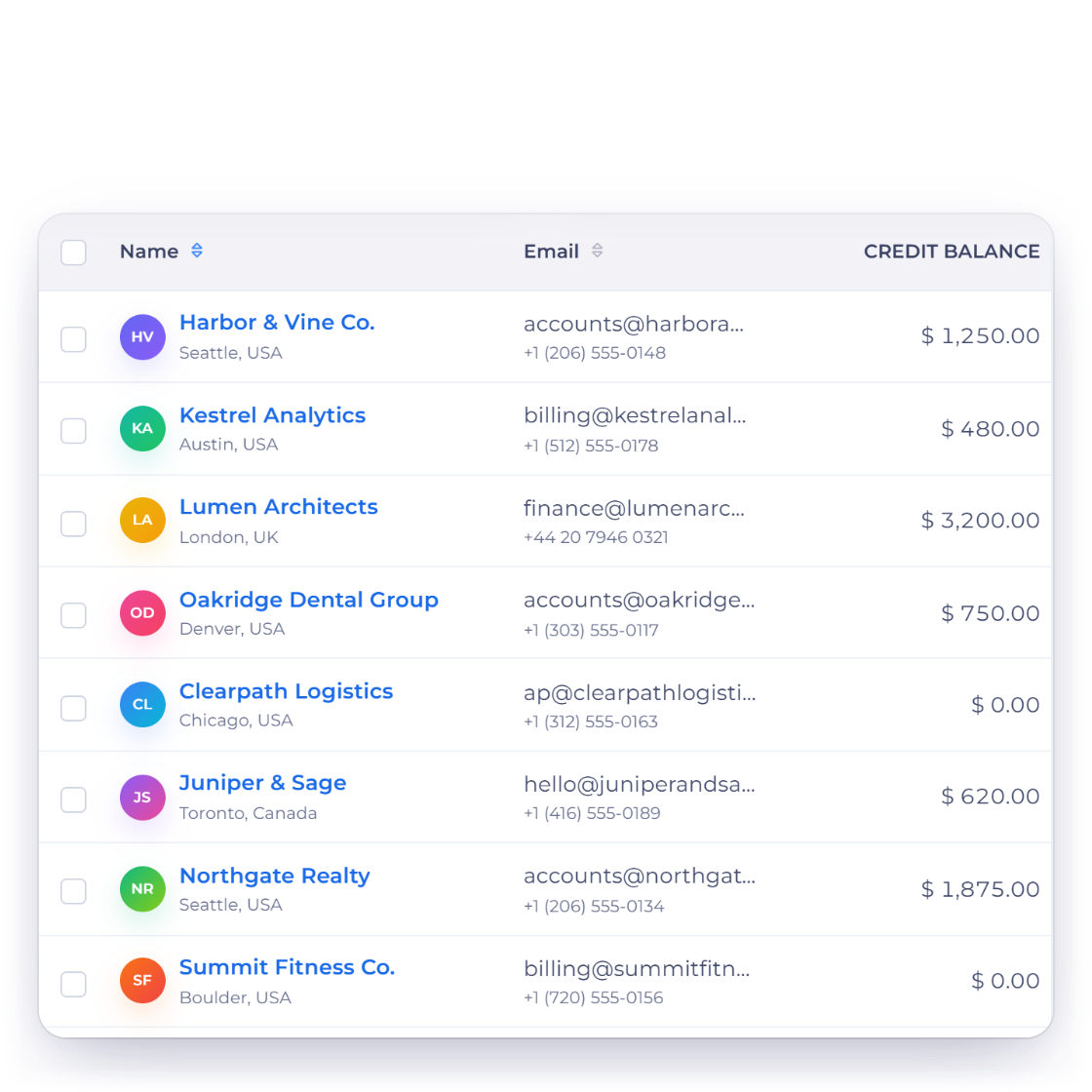
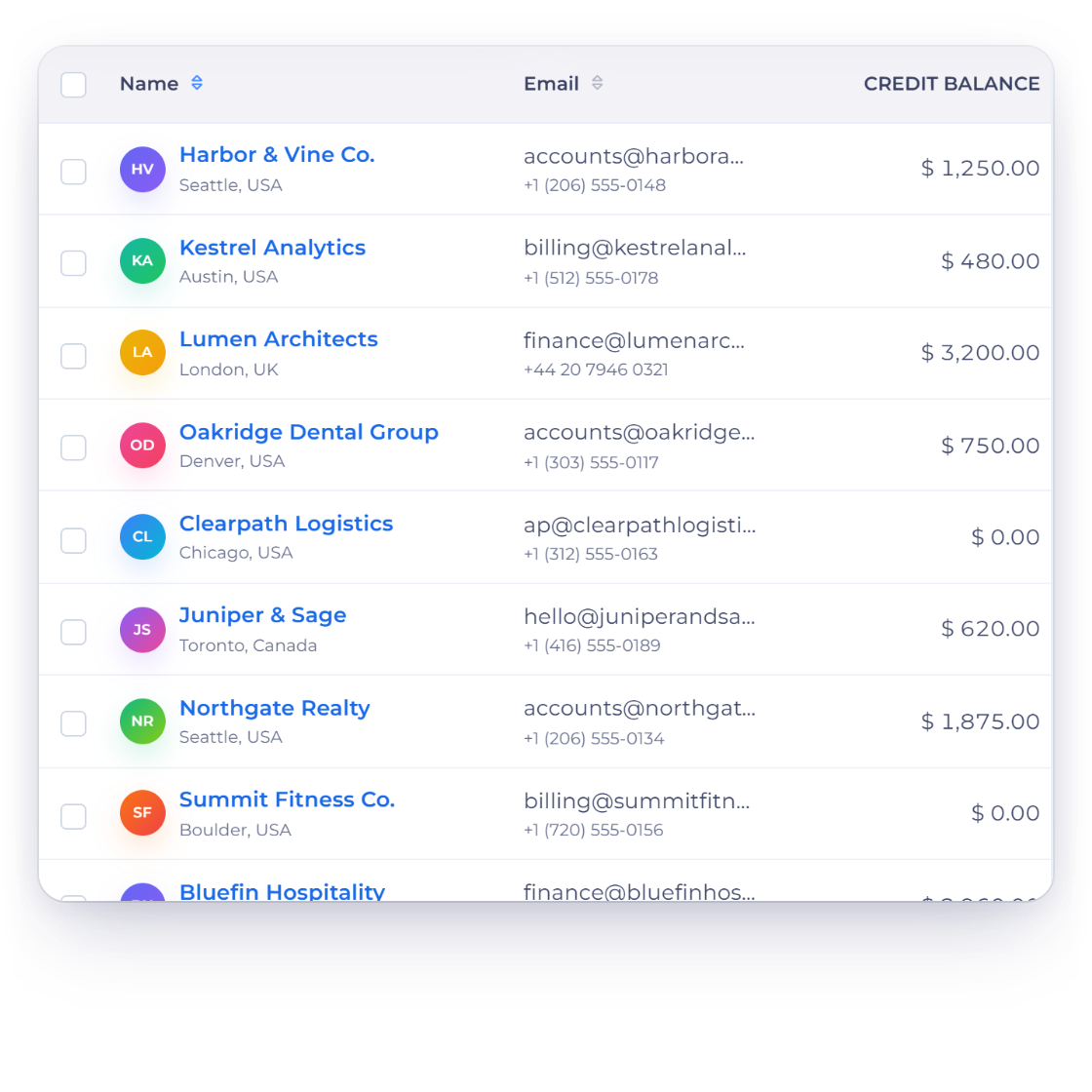
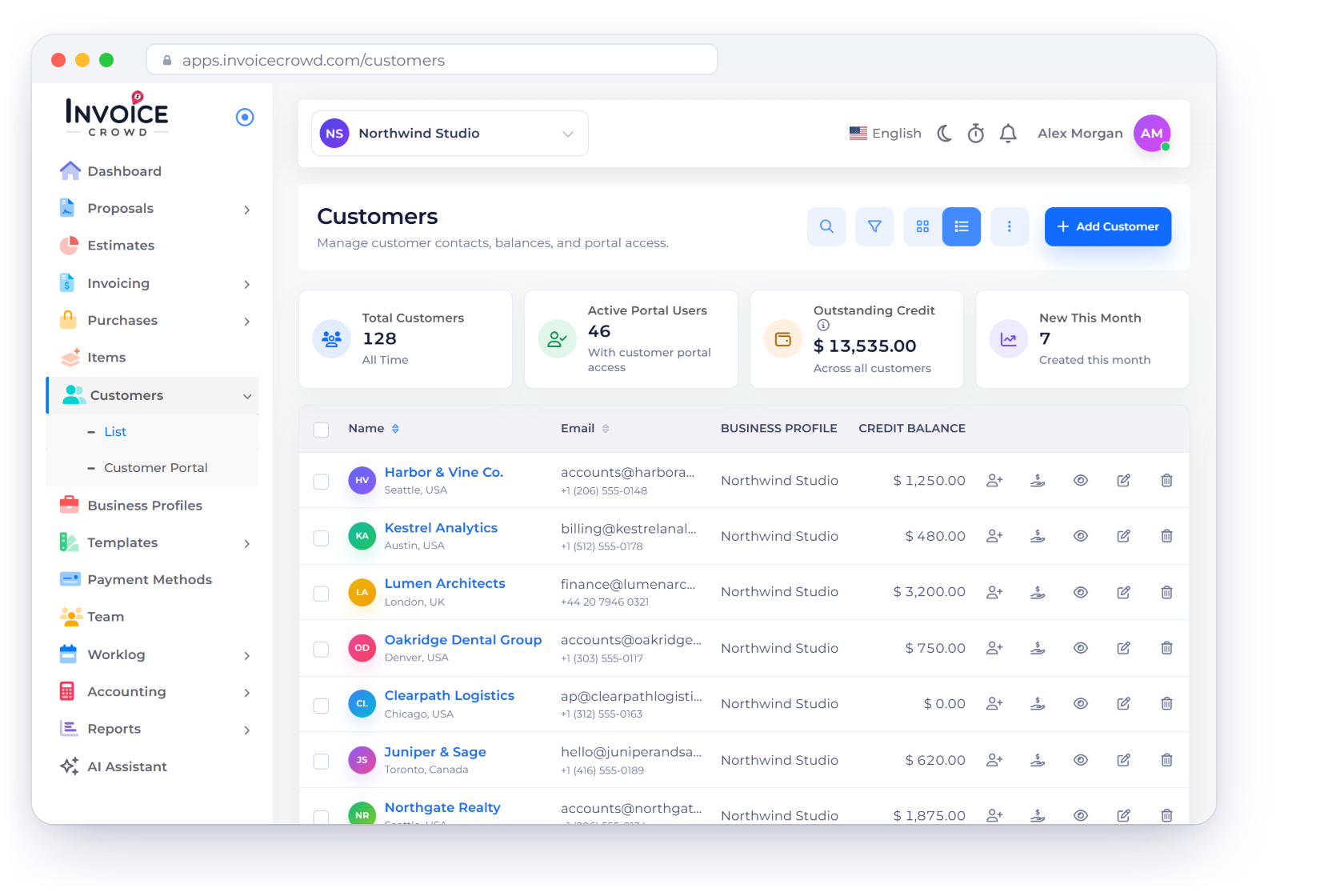
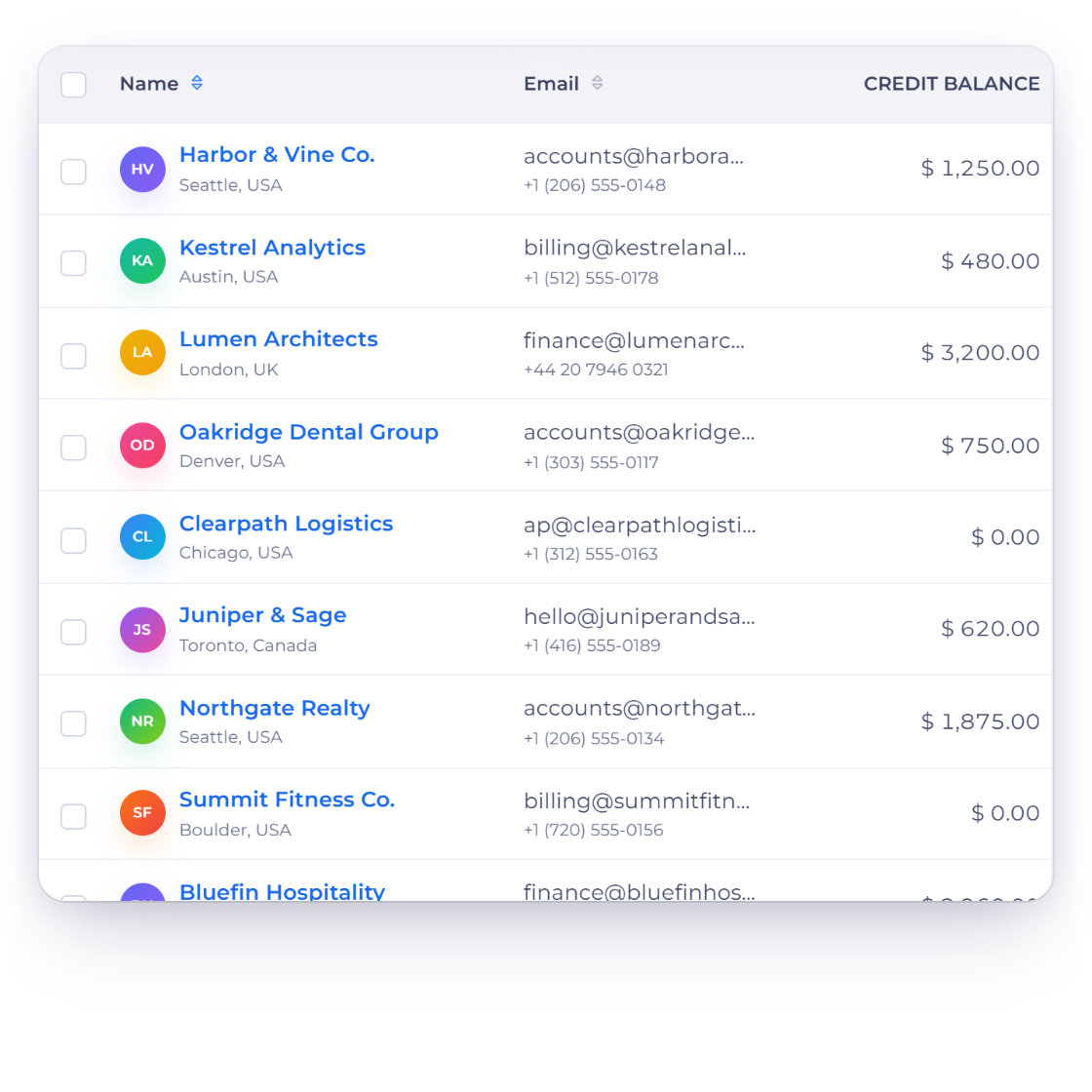
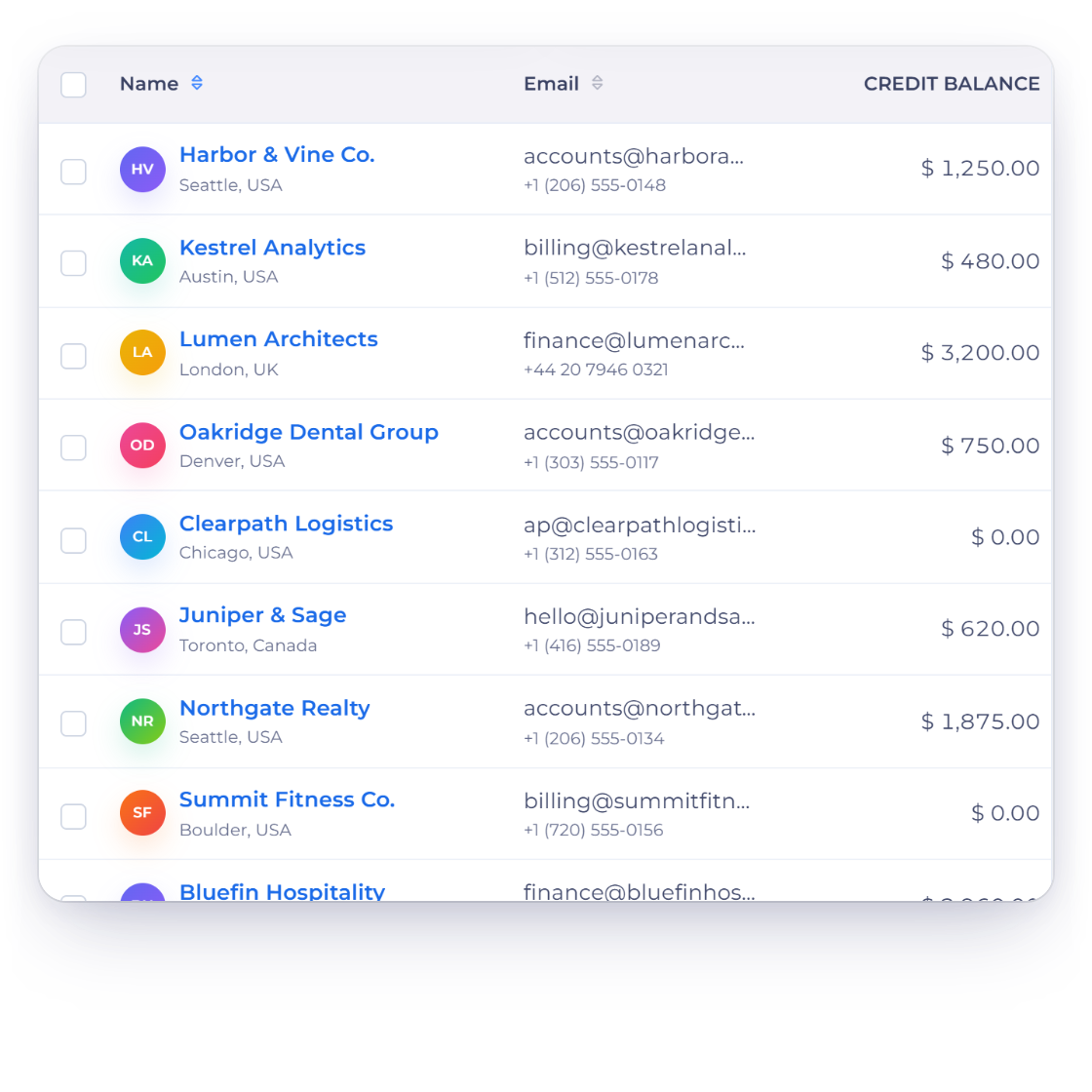
The Customers screen in Invoice Crowd with total customers, active portal users, outstanding credit and new customers this month, the customer list with credit balances, and one customer record

What is inside

Everything about one client, on one screen

The customer section is where contact details, invoice history and attachments meet. It exists so that a question about one client can be answered from one screen instead of four.

The record itself

Who they are and what they bought

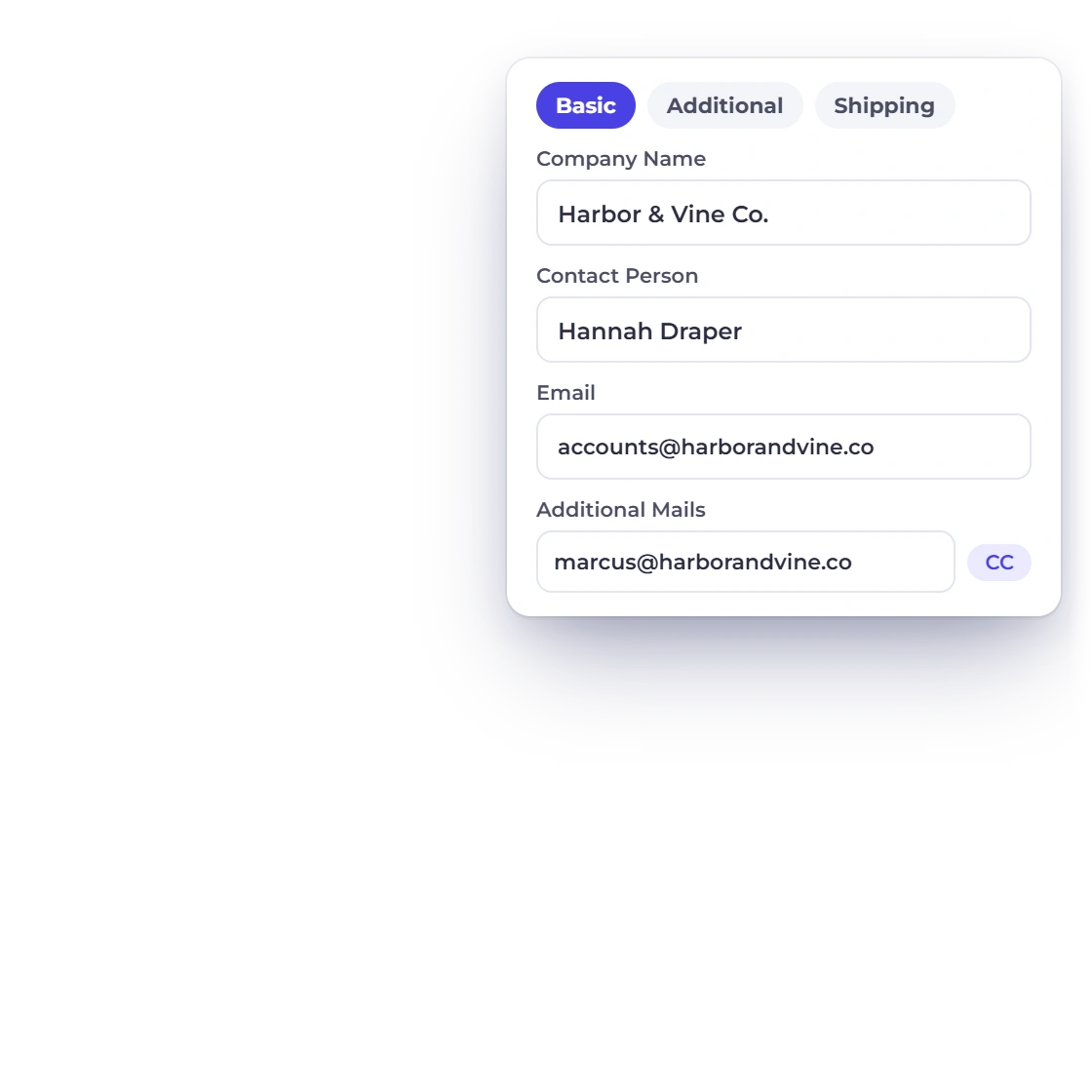
Invoice Crowd customers list with the customer form open on the Basic tab: company name, contact person, email, additional mails with CC and BCC, and address

A single profile for each customer

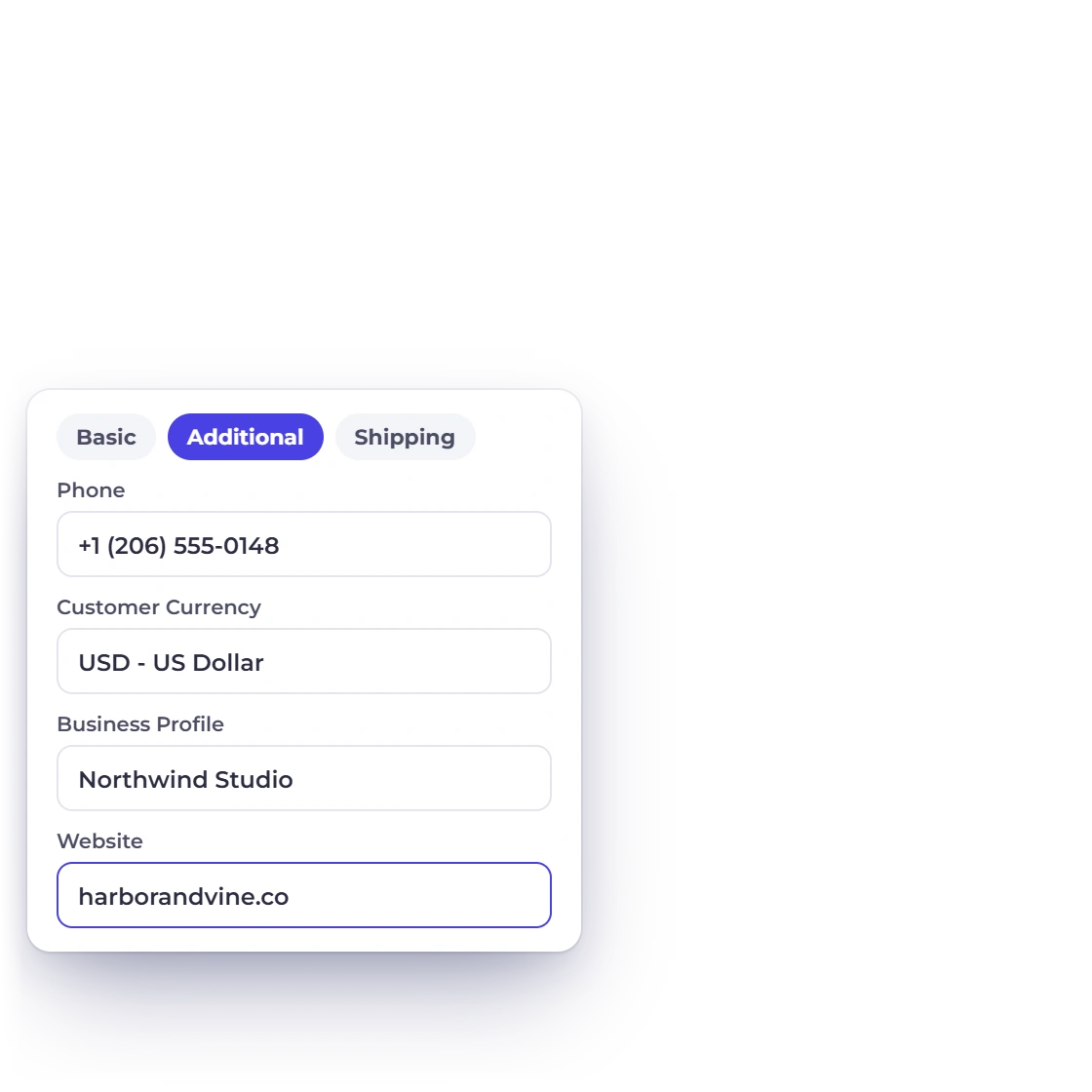
Open a customer and every detail your documents use is in one form: company and contact names, email and extra contacts, address, currency, tax number and shipping address. The same form has a switch to pause automatic reminders for that customer, so everything about them lives in one place.

  • Contact, billing and shipping details in one form
  • The billing address used on every document
  • Entered once, reused on everything you raise
Invoice Crowd customer form on the Additional tab with phone, customer currency, business profile and website, and the saved change used on the next invoice

Details corrected in place

Contact details go stale: people change roles, companies move, an email starts bouncing. Update the record and the correction carries to whatever you send next, so you fix a detail once instead of on invoice after invoice.

  • Edit any field on the record
  • Corrections carry to the next document
  • One record, always current

What they have been sent

Invoices and files, kept together

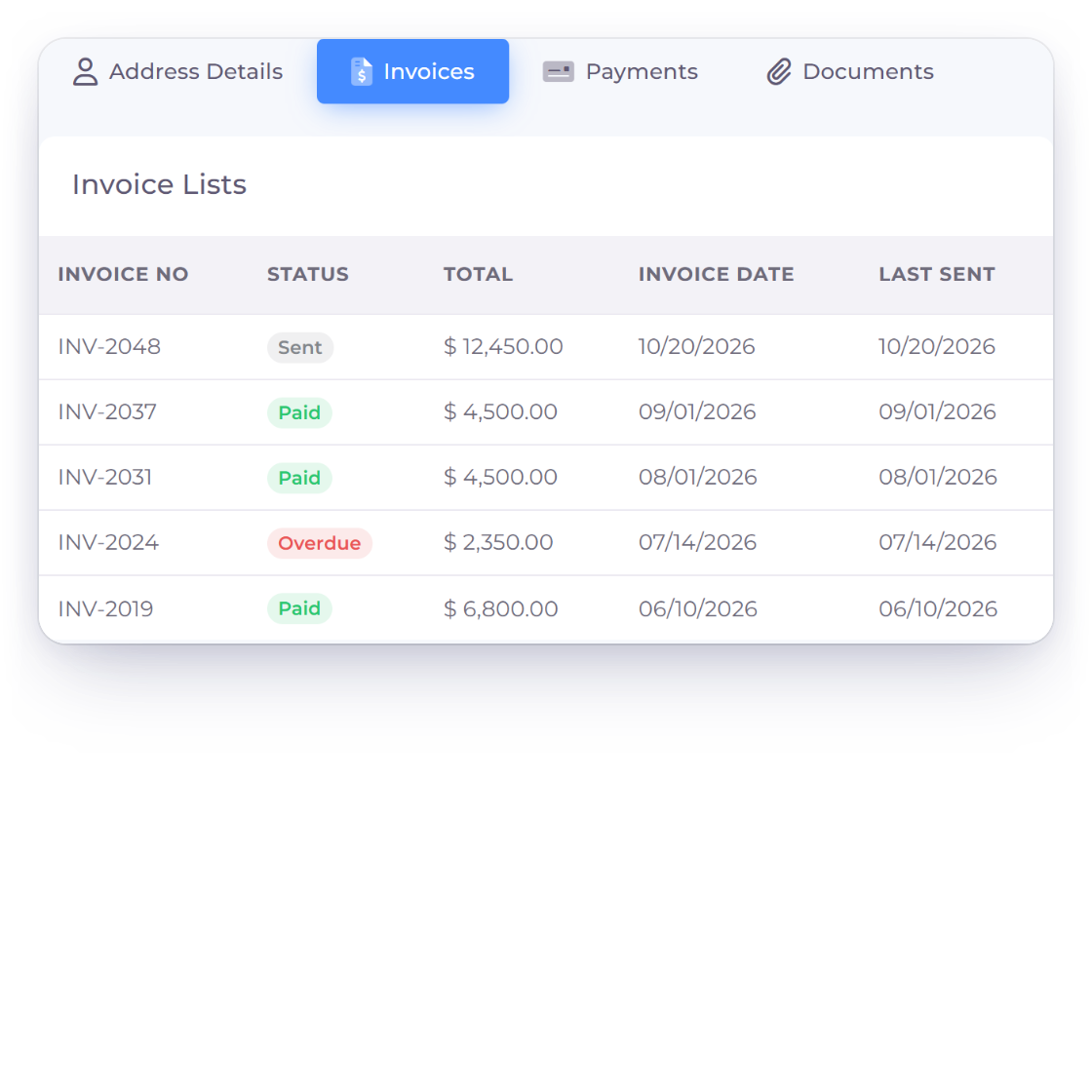
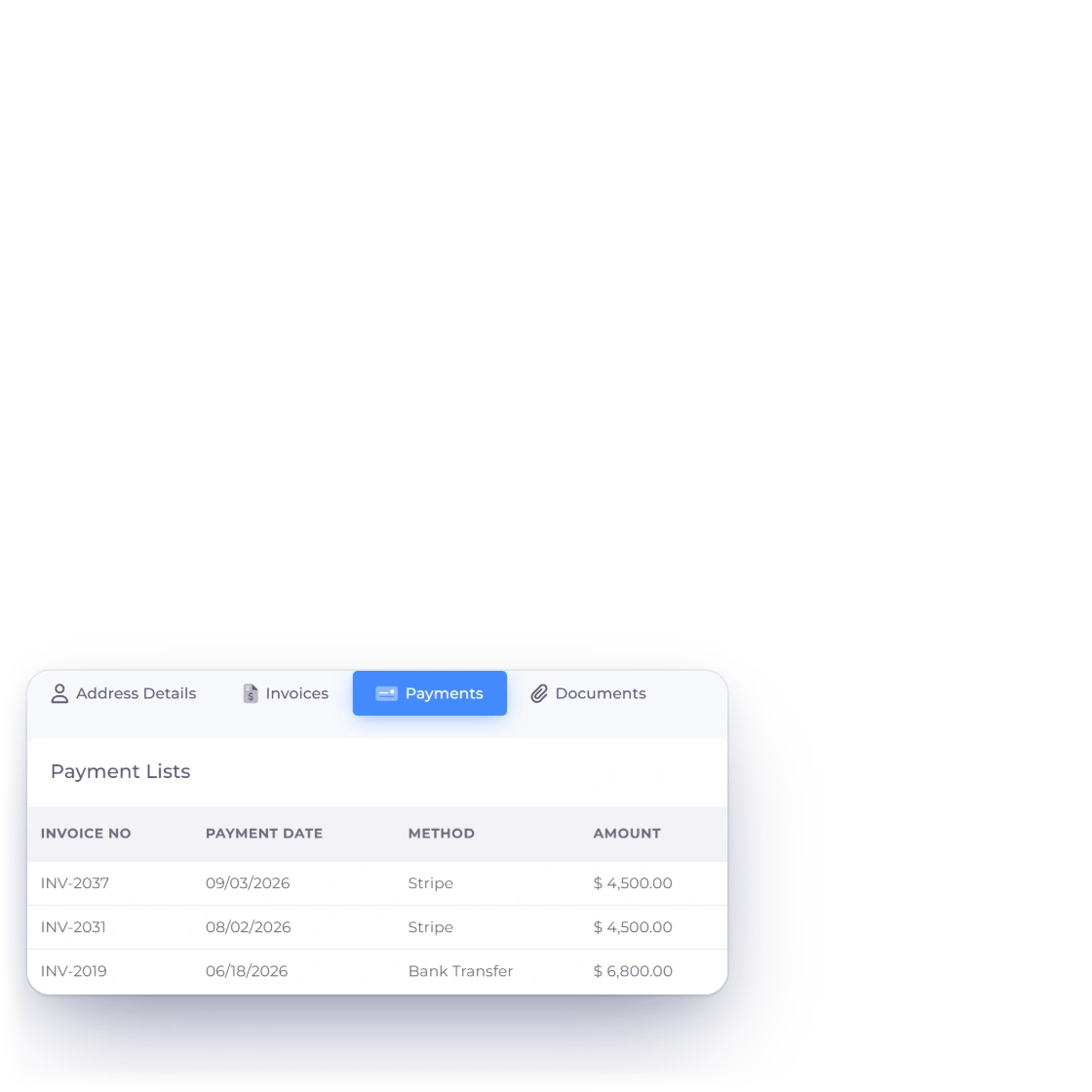
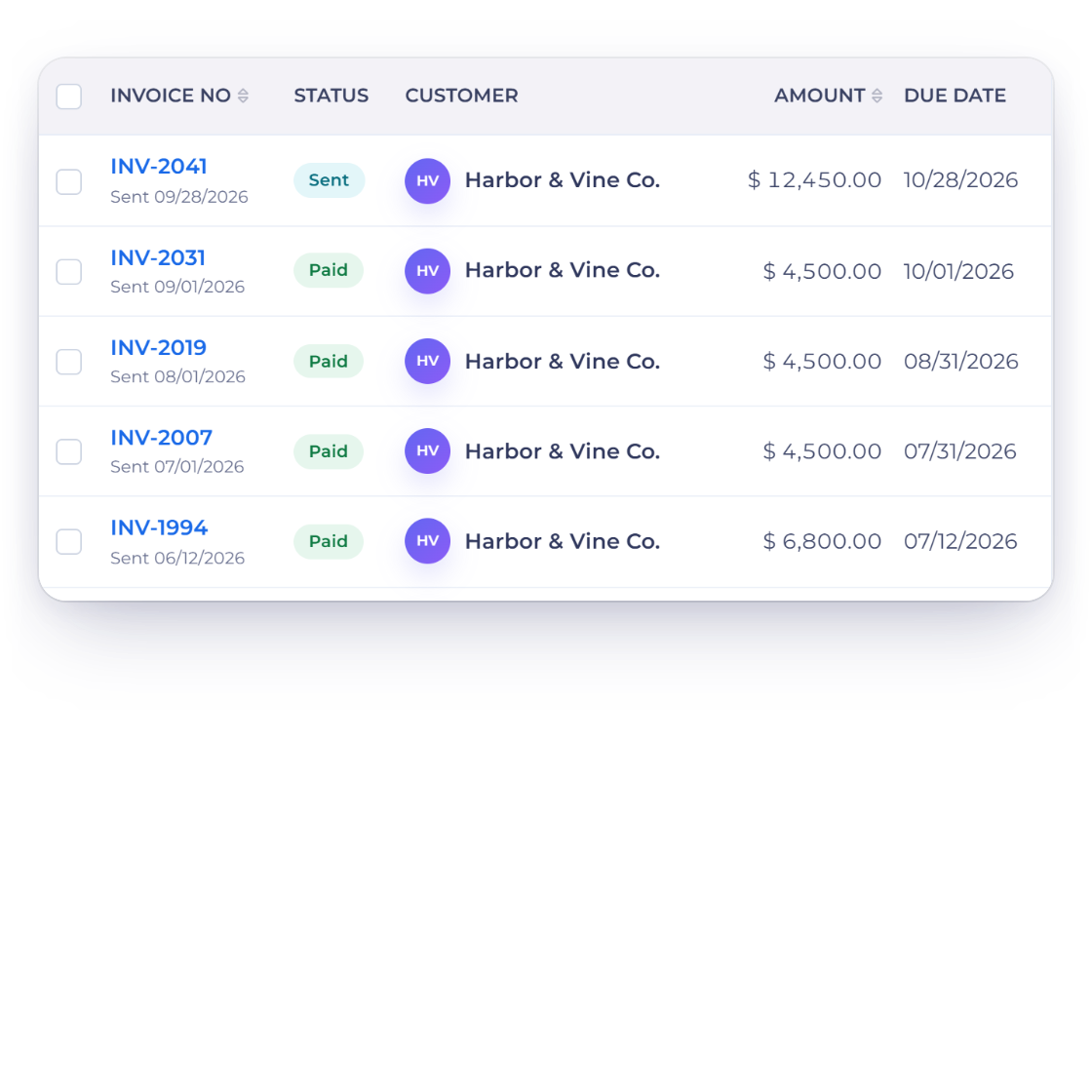
Invoice Crowd View Customer panel for Harbor and Vine Co. on the Invoices tab, listing every invoice raised for them with Sent, Paid and Overdue statuses, totals and dates, next to the Payments tab with each payment, its date and method

Every invoice, paid and outstanding

Open View Customer and the Invoices tab lists every invoice raised for them, showing what has been settled and what is still open, with their payments on the Payments tab. You can also filter the invoice list by customer. Before a conversation about money, that list answers how much they owe and how long it has been sitting there.

  • Sent, paid and pending in one list
  • The outstanding balance for that customer
  • Open any invoice straight from the list
Raising the invoice
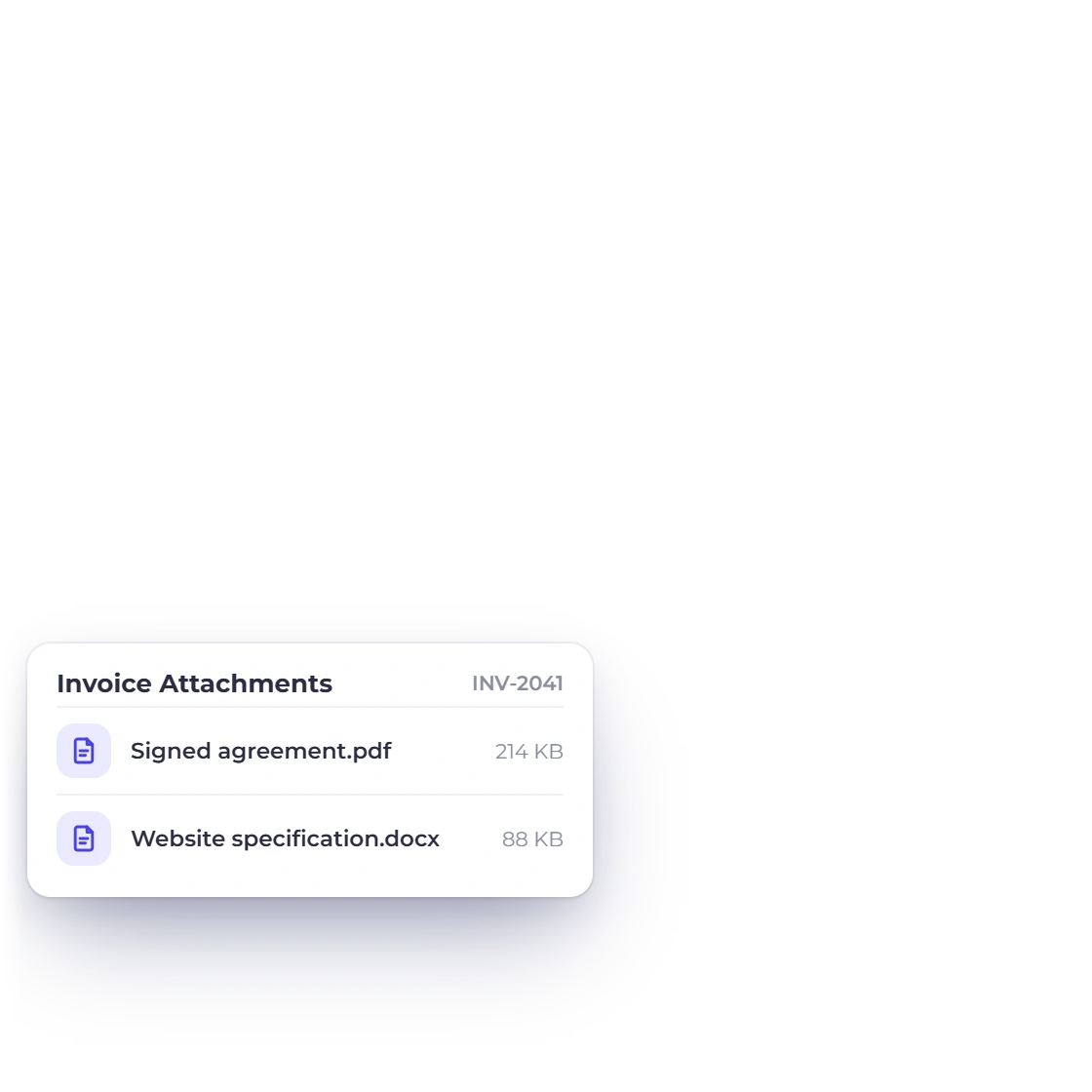
Invoice Crowd invoices list for one customer with the attachments added to an invoice, a signed agreement and a specification, that the customer opens with View Attachments

Attachments kept with the documents

Files travel with the documents you send the customer rather than with a mail thread. A signed agreement or a specification attached to an invoice stays there, under View Attachments, for the client and for you, for as long as the document exists.

  • Attachments held on each document
  • Opened from the document, not the inbox
  • Available for as long as the record exists

Getting to the right person

Find them, or take the list elsewhere

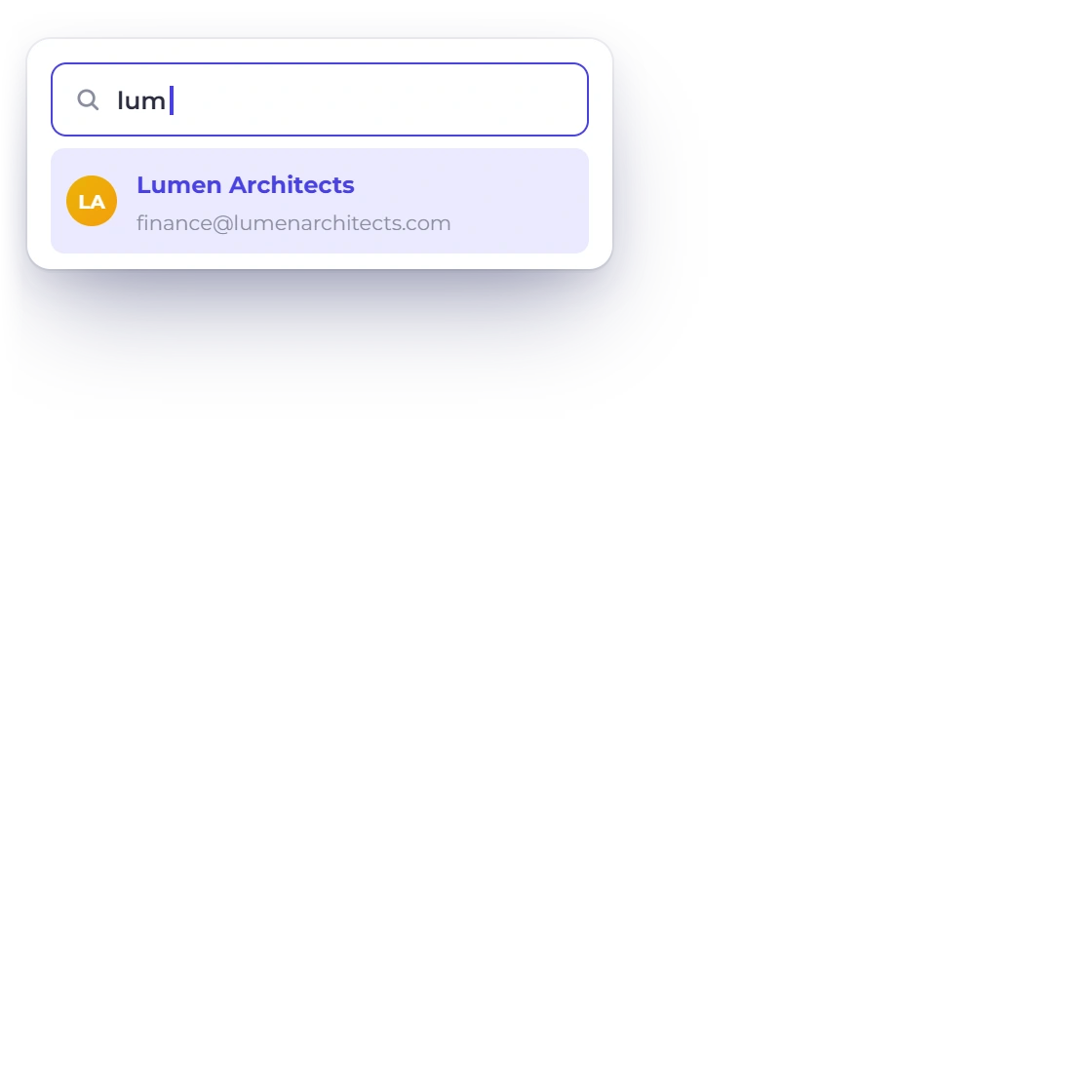
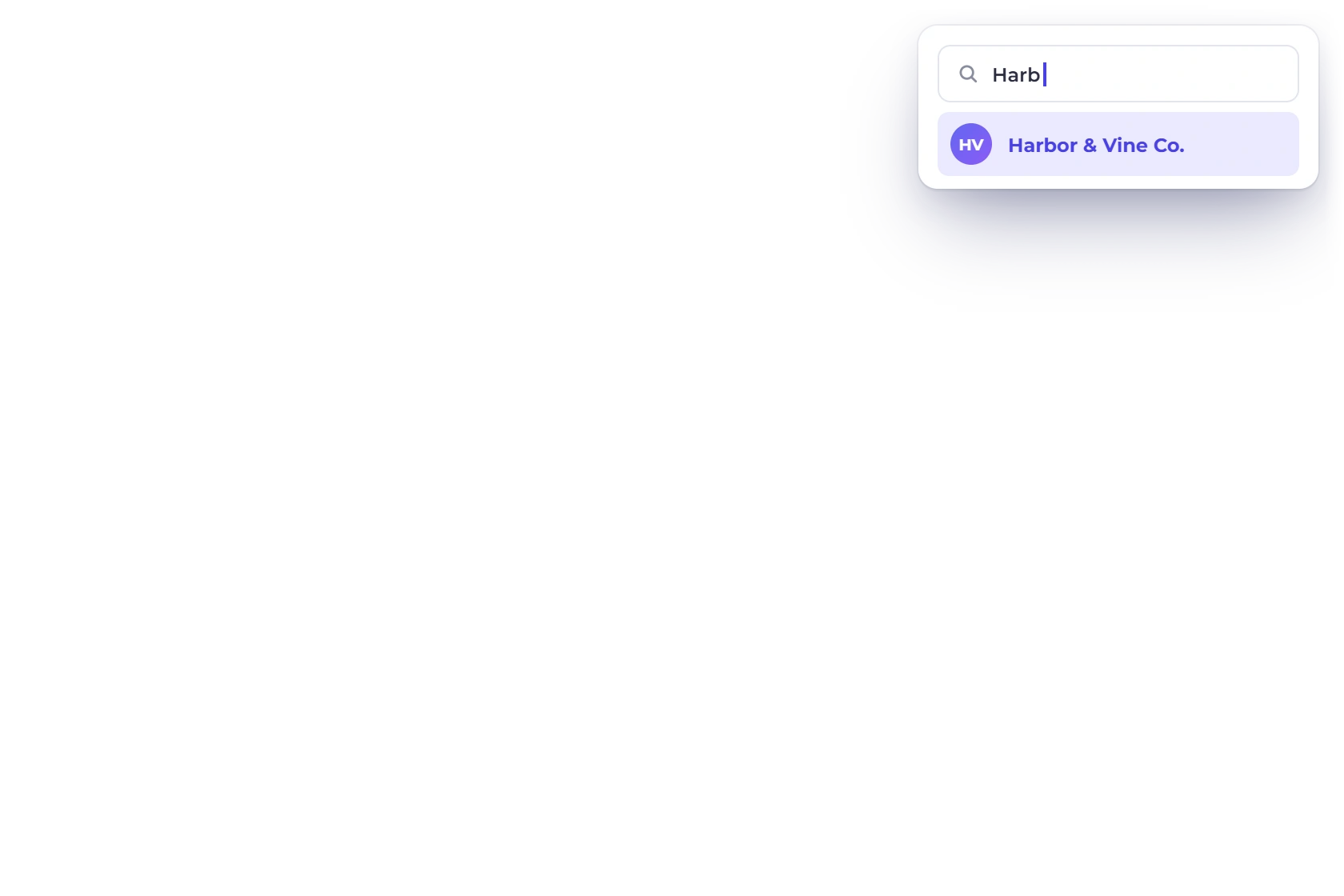
The Invoice Crowd customers list narrowed by a search as you type, matching one customer by name

Search that narrows as you type

Type part of a name, a company or an email address and the list narrows to the matching customers. It is built for the moment a client calls and you want their record open before the conversation gets going.

  • Match on name, company or email
  • Results narrow with each character
  • Searches the whole customer list
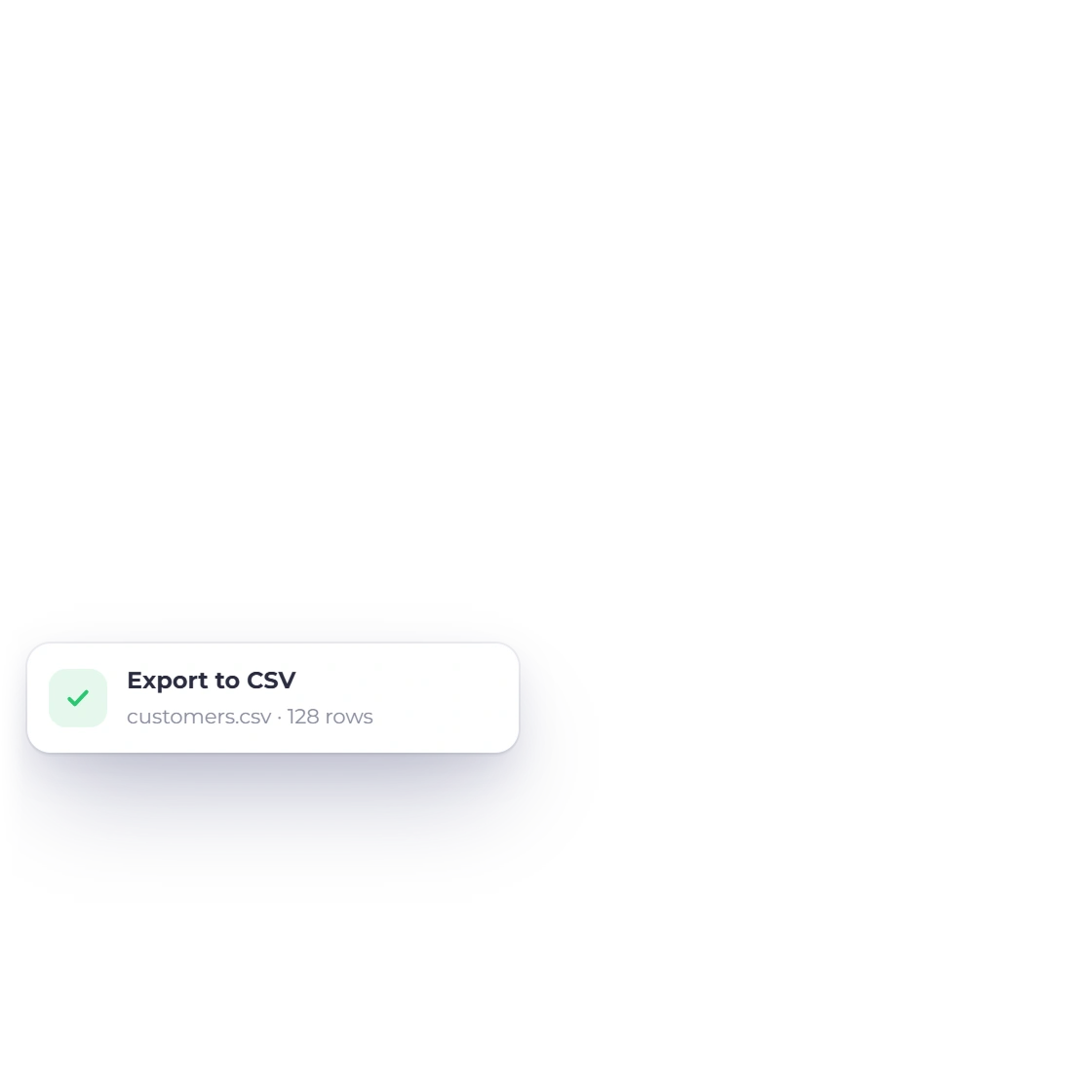
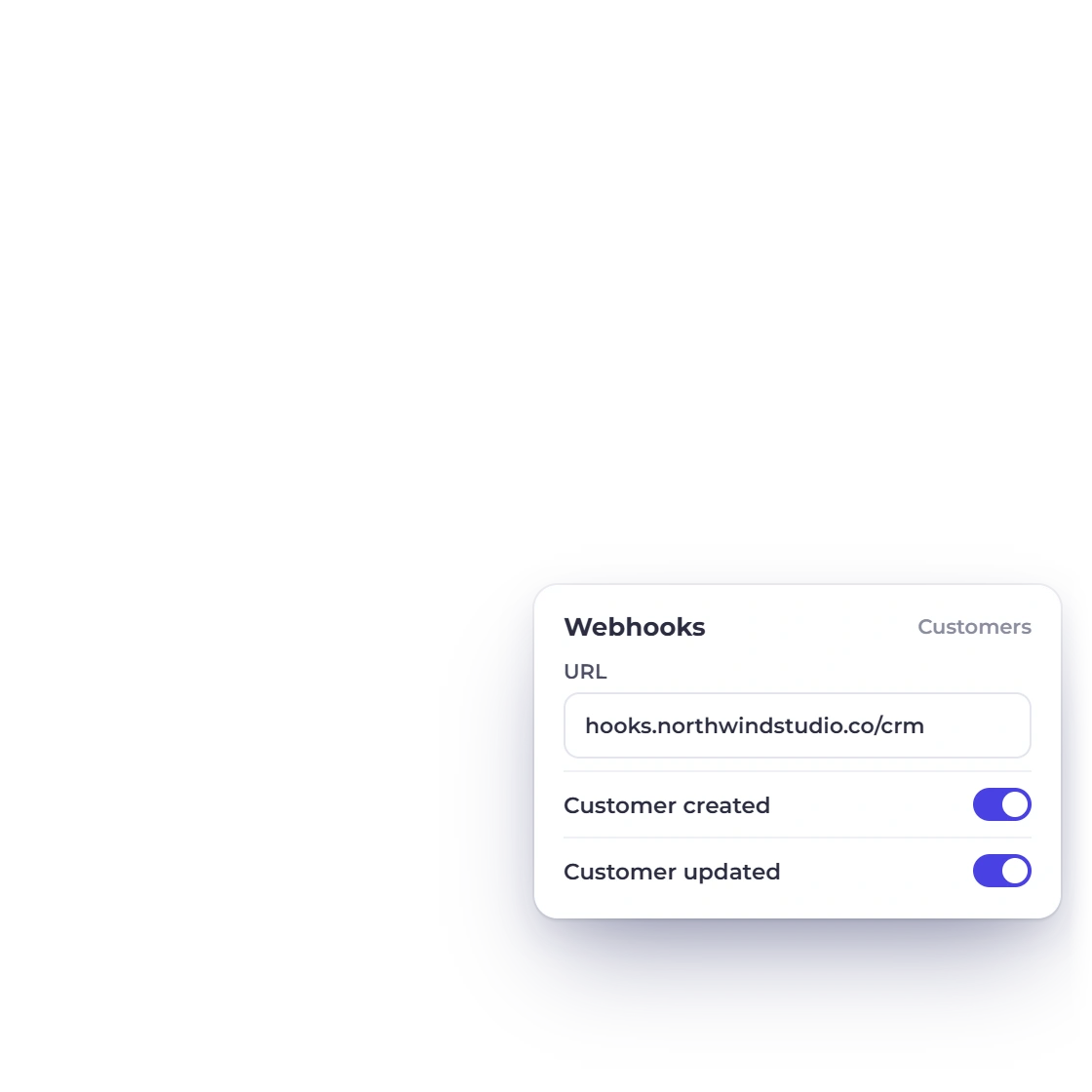
Invoice Crowd customers list with Export to CSV and an outbound webhook that notifies a URL you control when a customer is created or updated

Export the list or pipe it out

A customer list is yours to move. Export it for a mailing tool, a spreadsheet or an accountant, set the Customer created webhook on the Integrations page, or connect through Zapier or Pabbly Connect using your Invoice Crowd sign-in. Your data is always yours to take.

  • Export the customer list in full
  • Webhooks to a URL you control
  • Zapier and Pabbly Connect
Outbound webhooks

Also included

What else reads from the customer record

A customer record is the hub of your billing. Invoicing, reporting and portal access all point back to it.

  • Their own portal login

    Customers sign in to view, approve, download and pay what you have sent them.

  • Recurring agreements

    See which customers are on a schedule and what each cycle bills them.

  • Per-client late fees

    Set late fees per invoice, so a long-standing client can have different terms from the ones a new client gets.

  • Buyers become customers

    Someone who pays through a payment link is added as a customer record.

  • Currency per customer

    Bill an overseas client in their currency while your reporting stays in yours.

  • Estimates and proposals

    Estimates and proposals are raised against the same customer record, and accepted ones convert into invoices for it.

  • Business profile assignment

    Assign a customer to one or more business profiles and filter the list by business, all from one login.

  • Outbound webhooks

    Notify your own systems the moment a customer is created or updated.

  • Custom fields

    Put the reference number or account code a client insists on onto their invoices, or fill it in from their record.

  • Aged debt report

    See which customers are behind and by how long, across the whole list.

  • Statement of Account

    Download an Activity or Outstanding statement PDF for any customer, per currency, straight from the customer list.

  • Team access

    Team members with the right role can work from the same customer records.

Questions

Customer records, answered

How many customers can I add?

Your plan sets the number: the free Basic plan holds 5 customer profiles, and paid plans hold more, up to unlimited on Business.

Can I export my customer list?

Yes. The list can be exported for use outside Invoice Crowd, whether that is a mailing tool, a spreadsheet, or handing contact details to an accountant. Your customer data is always yours.

Can I connect customer records to my CRM?

Yes, through Zapier or Pabbly Connect using your Invoice Crowd sign-in: pass new customers to other apps, or create them from other apps. You can also export the list, or set the outbound Customer created webhook to notify a URL you control.

What is kept on a customer record?

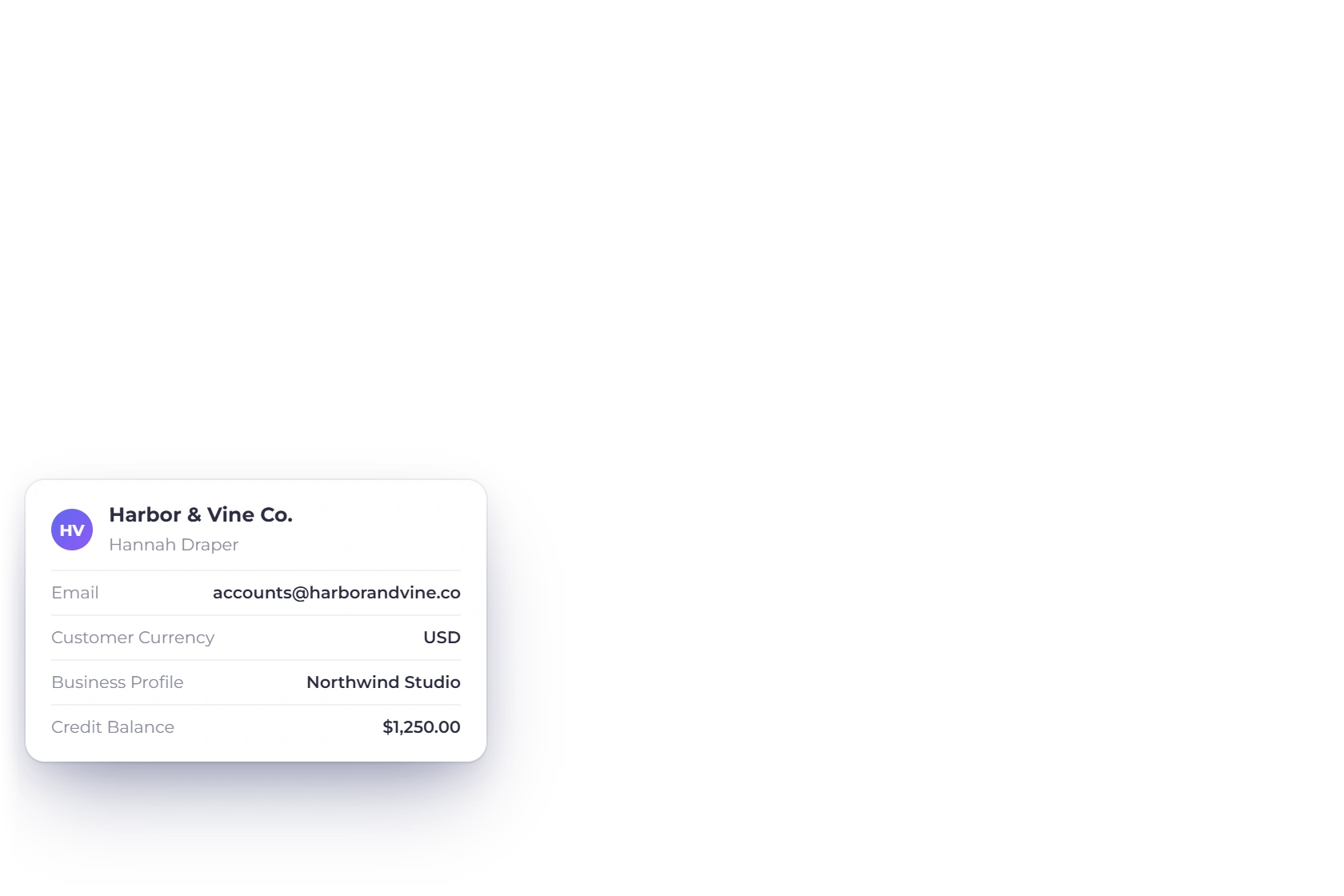
Contact and billing details, extra email contacts with CC or BCC, the customer's currency, business profile, tax number, notes, a shipping address and a switch that stops automatic reminders to them. Open View Customer to see their invoices, payments and files in one panel.

Can customers see their own invoice history?

Yes, through the customer portal. They sign in to view what has been sent, approve estimates, download documents and pay outstanding invoices, which cuts down the emails asking you to resend something they already have.

Who can see my customer records?

You and the team members you invite, with the access their role allows. Members can be limited to selected customers, and each customer sees only their own documents in the portal.

Can I stop automatic reminders for one customer?

Yes. Open the customer, go to the Additional tab and switch on Don't send automatic reminders to this customer. Scheduled reminders for their invoices, estimates and proposals are then skipped, while you can still send one yourself with Send Reminder.

Can I give a customer a statement of account?

Yes. Choose Statement of Account on the customer in your Customers list, pick Activity for a period or Outstanding for unpaid invoices on a date, choose the currency and select Download PDF. Then attach the PDF to your own message.

Put every customer on a record worth opening

Contact details, invoice history and attachments in one place, and a search that gets you there before the client has finished saying their name.

  • 30-day free trial
  • No card details asked for
  • Export your list whenever you want