
Skip to content

Payment integration

Accept invoice payments with PhonePe

Let customers pay your INR invoices through PhonePe, as a one-time payment or automatically with PhonePe AutoPay for subscriptions. Every payment is confirmed with PhonePe before it's recorded.

  • One-time payments and AutoPay
  • Confirmed by PhonePe
  • Made for INR invoices
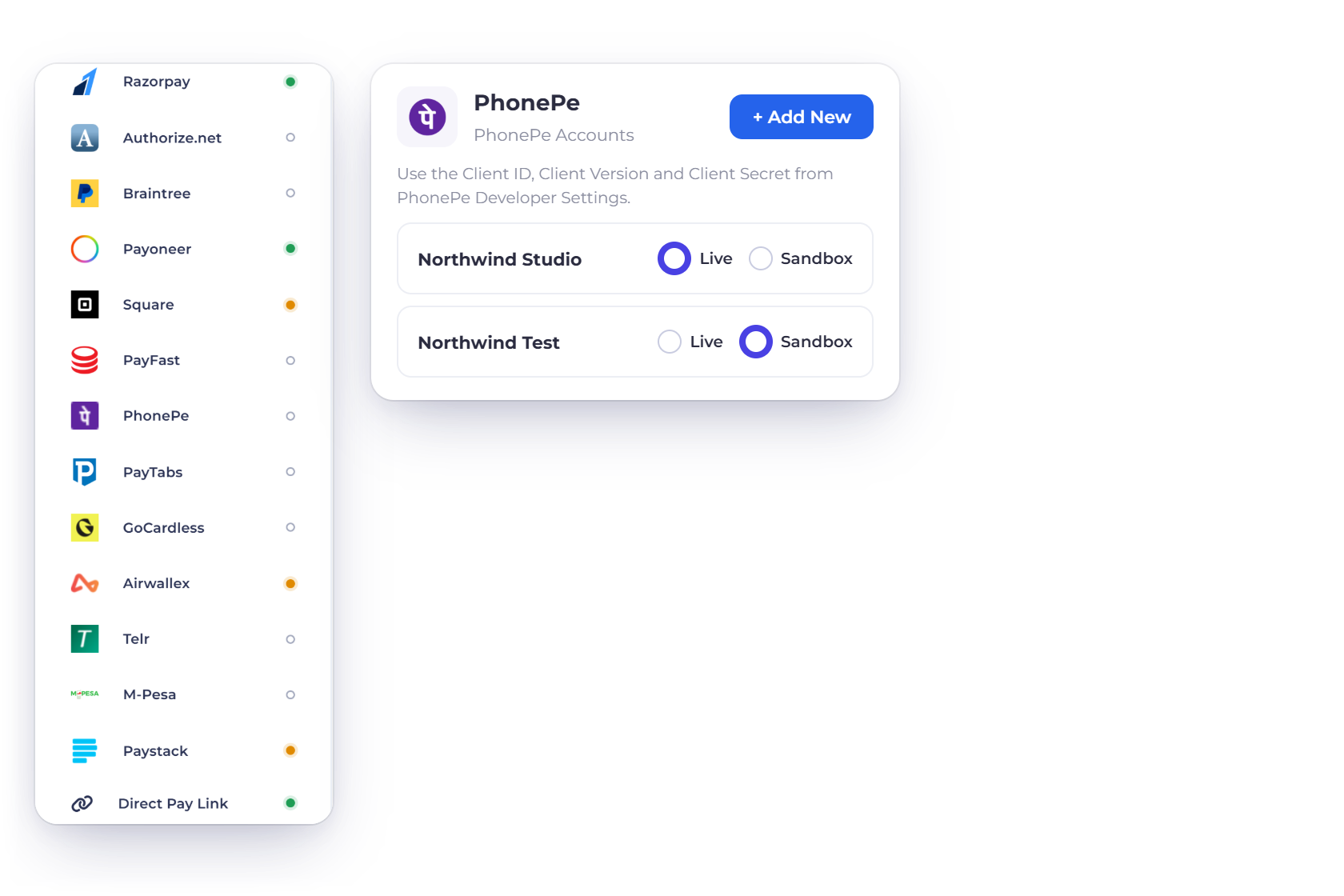
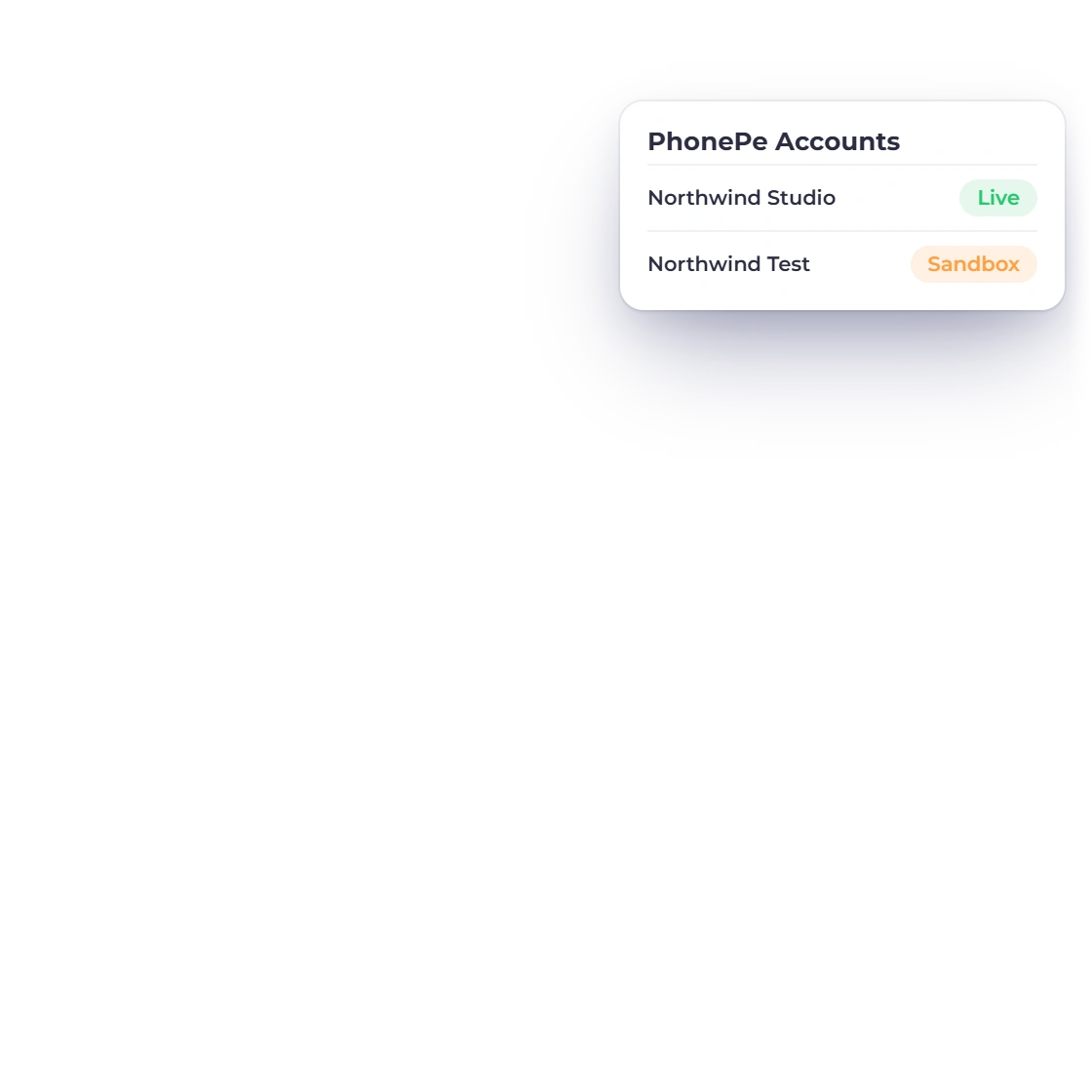
Invoice Crowd Payment Methods with PhonePe among the payment gateways, the PhonePe Accounts panel with a Northwind Studio account set to Live, the Pay Using PhonePe option, an INR invoice paid through PhonePe, and PhonePe AutoPay collecting a monthly subscription

From setup to paid

From invoice to paid with PhonePe

Connect your PhonePe account once and your INR invoices and subscriptions can offer it. Each payment is confirmed with PhonePe before it reaches your books.

Connect your account

Each business profile uses its own PhonePe account, in Live or Sandbox mode.

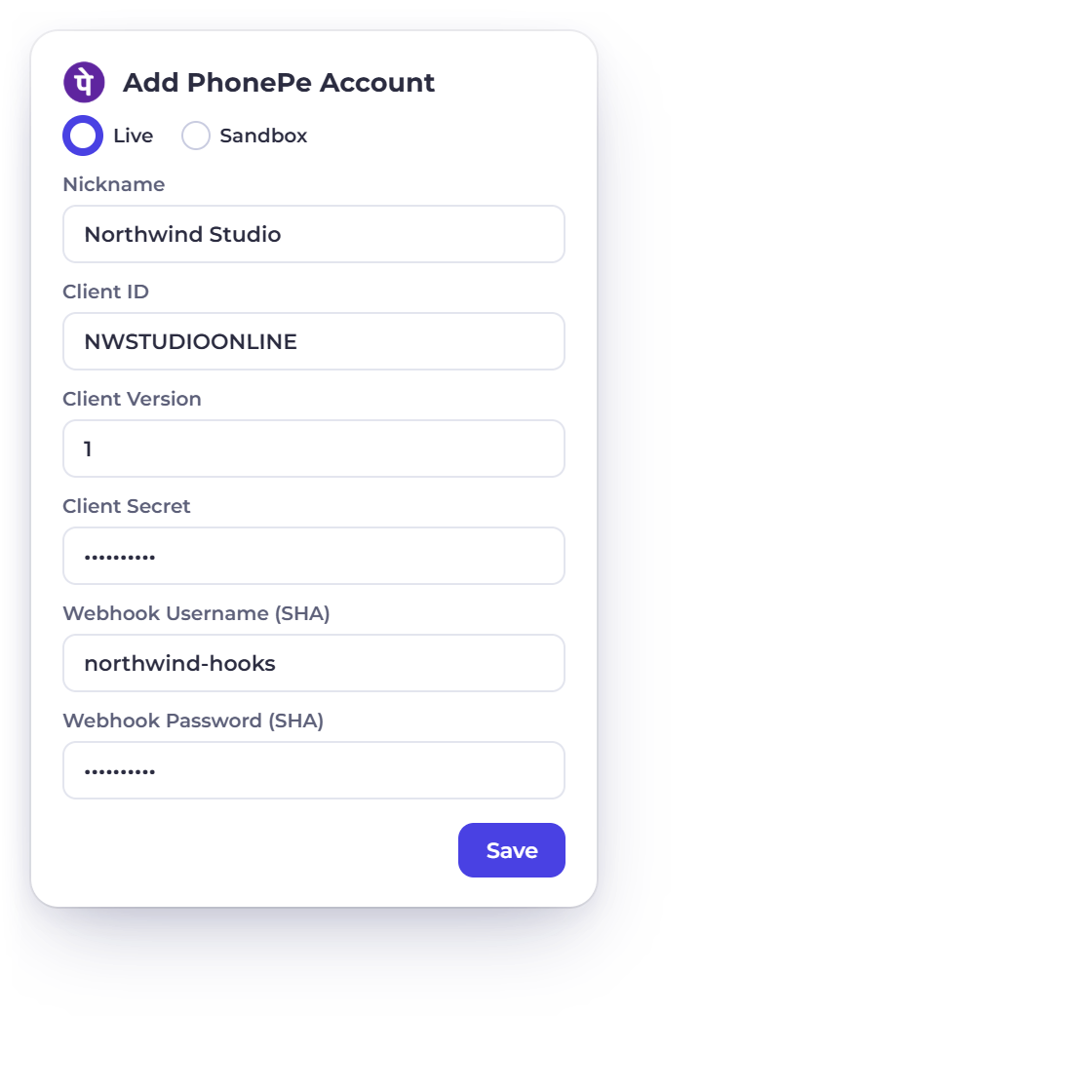
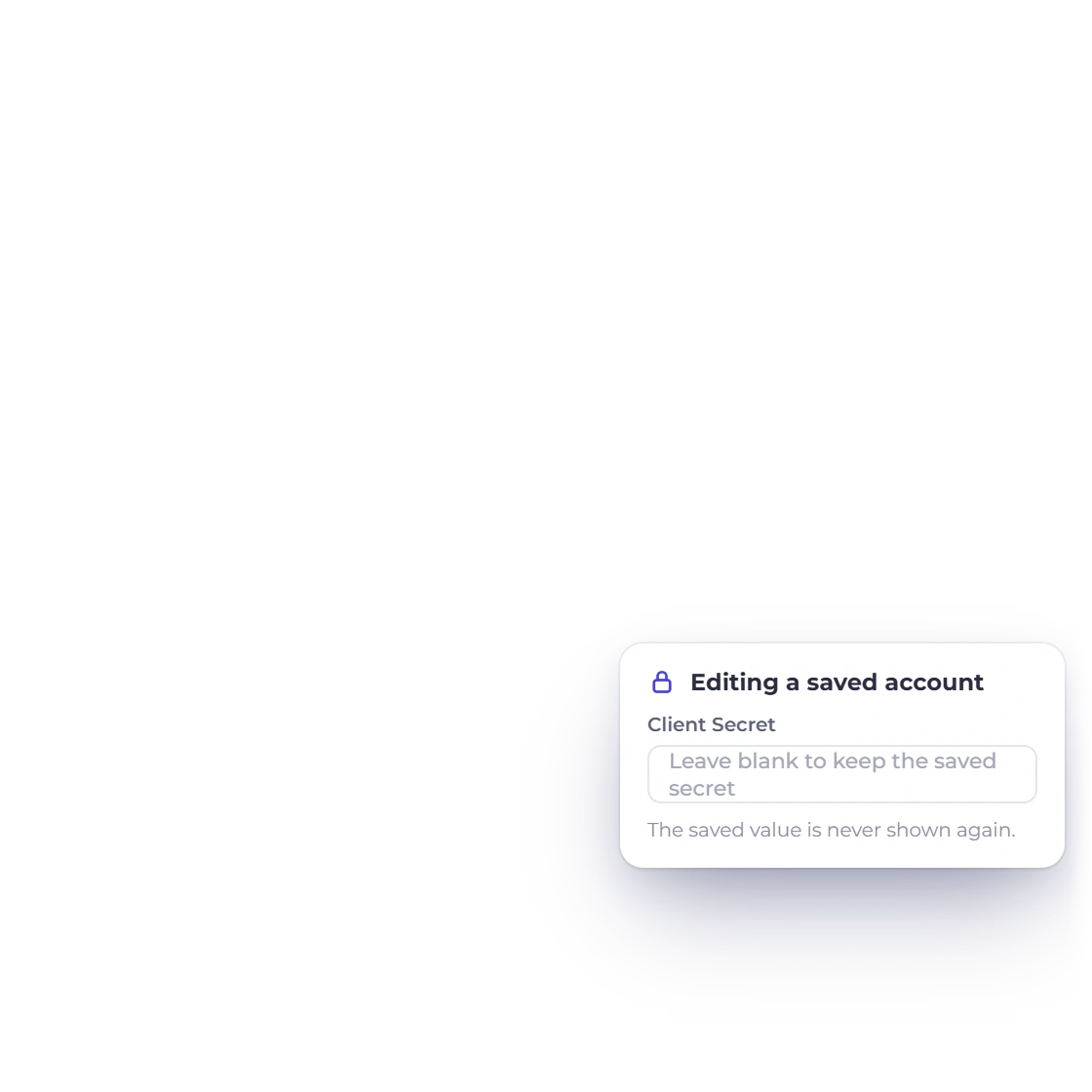
Invoice Crowd PhonePe account form with Live and Sandbox modes, a fictional nickname, Client ID, Client Version, Client Secret and the SHA webhook username and password, and the Client Secret kept write-only when editing

Connect PhonePe in a few fields

Enter the Client ID, Client Version and Client Secret from your PhonePe Developer Settings, plus a webhook username and password, for the mode you choose, Live or Sandbox. Secrets are saved securely and never shown again.

  • Per business profile
  • Live and Sandbox modes
  • Secret keys stay hidden

Use the PhonePe account you already have

Customers pay into your own PhonePe merchant account, on your existing PhonePe pricing.

  • Your own merchant account
  • Your existing pricing
  • Paid into your account

A smooth checkout for customers

PhonePe appears on your INR invoices, ready to pay.

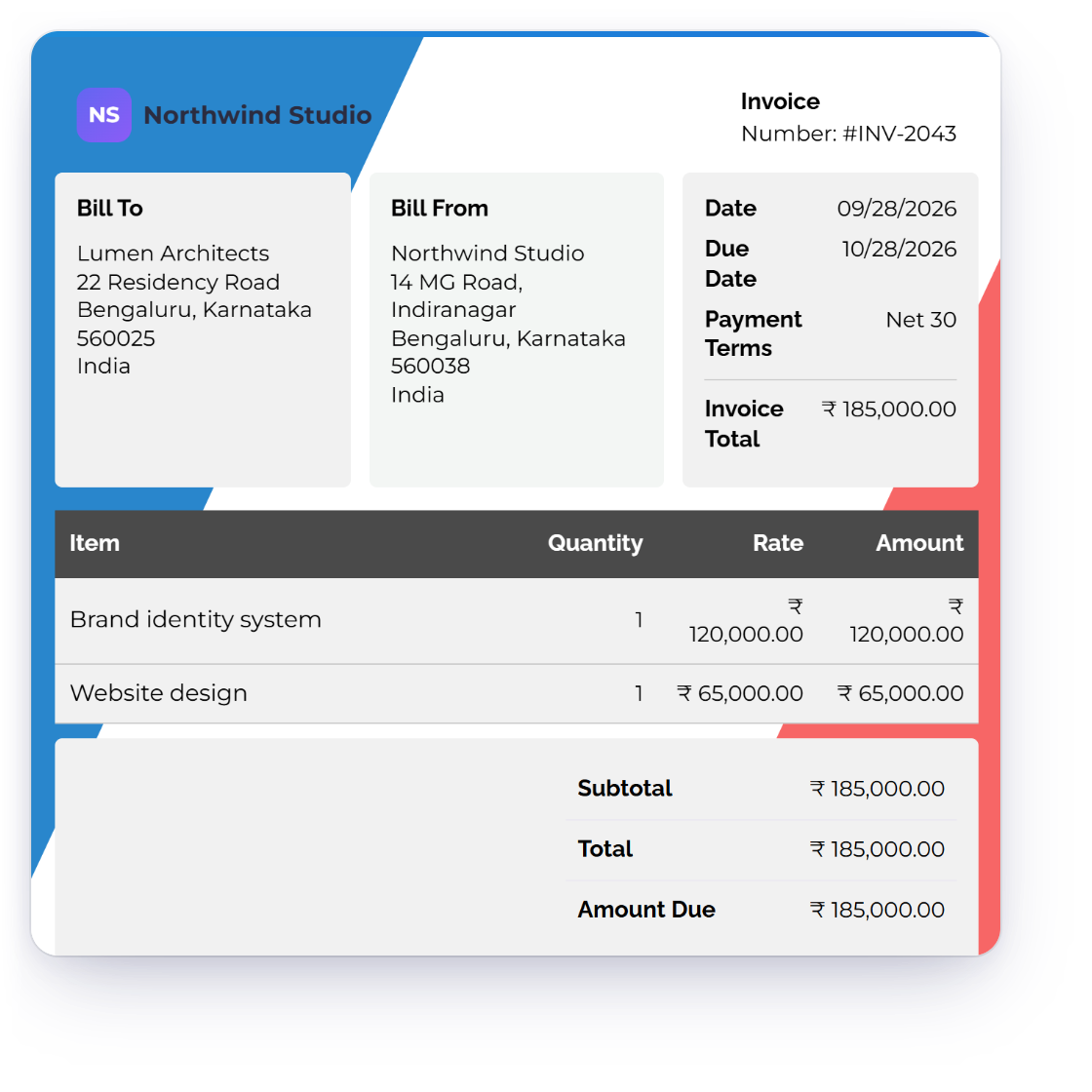
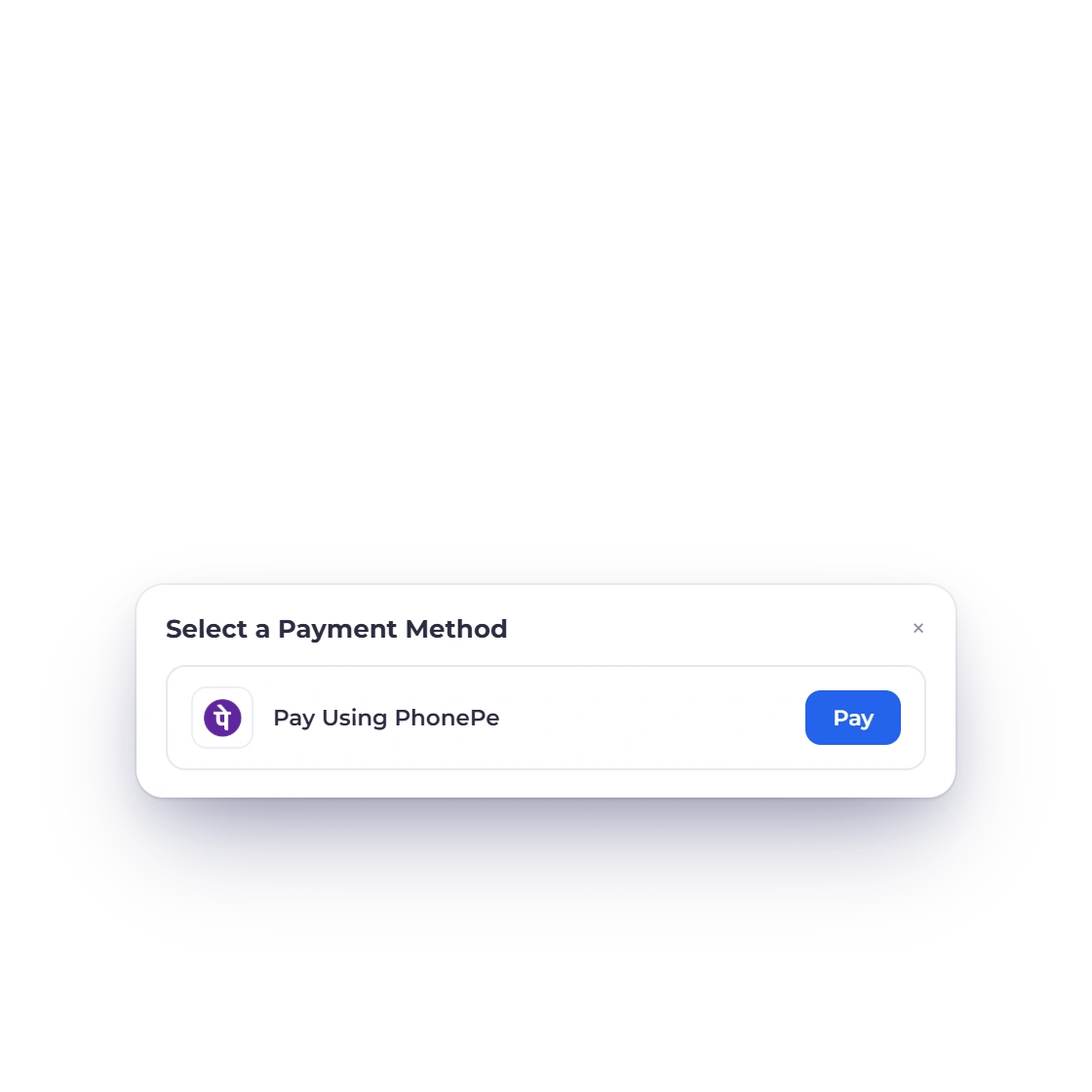
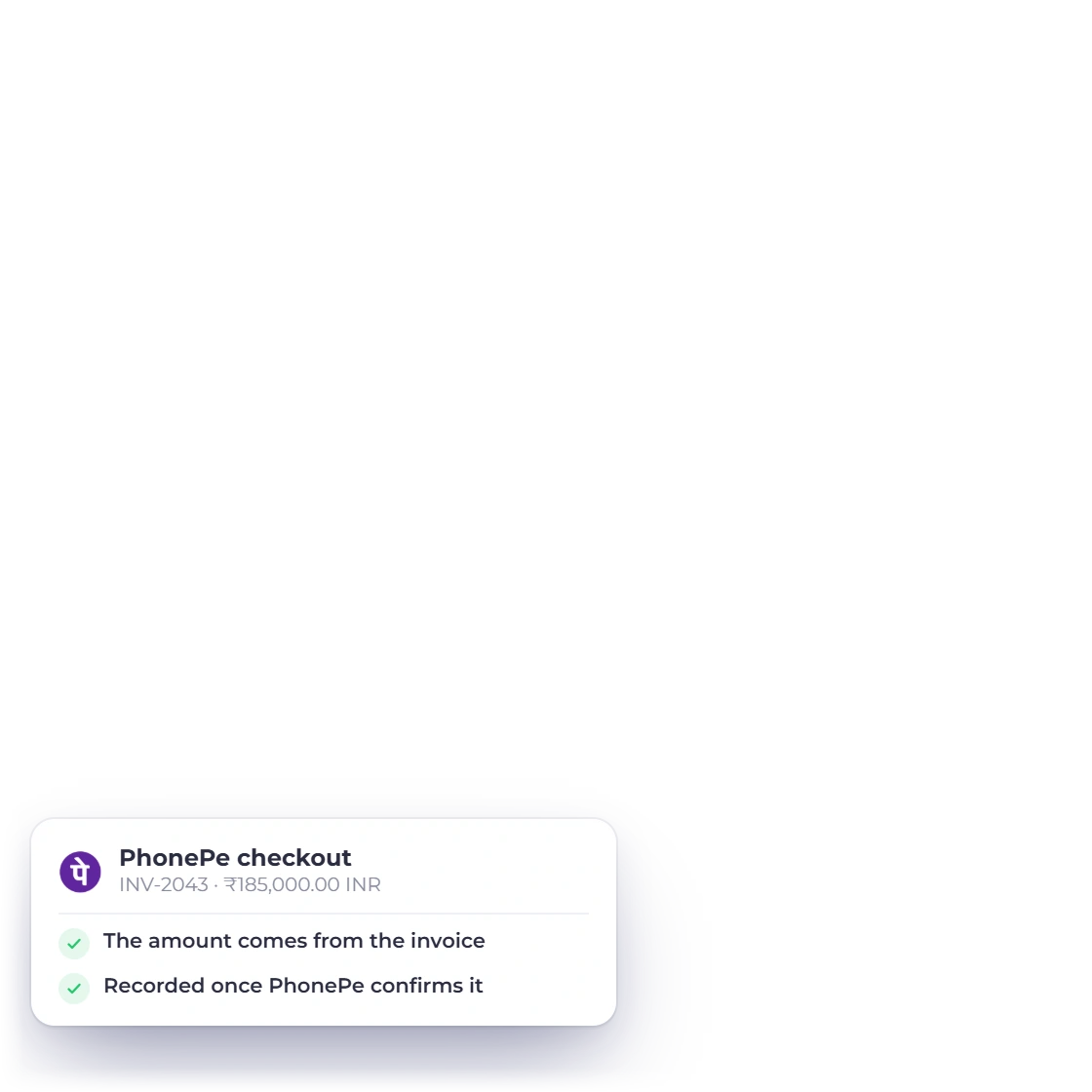
Invoice Crowd invoice INV-2043 for Lumen Architects in INR, the customer's Select a Payment Method sheet with Pay Using PhonePe, and the PhonePe checkout that follows

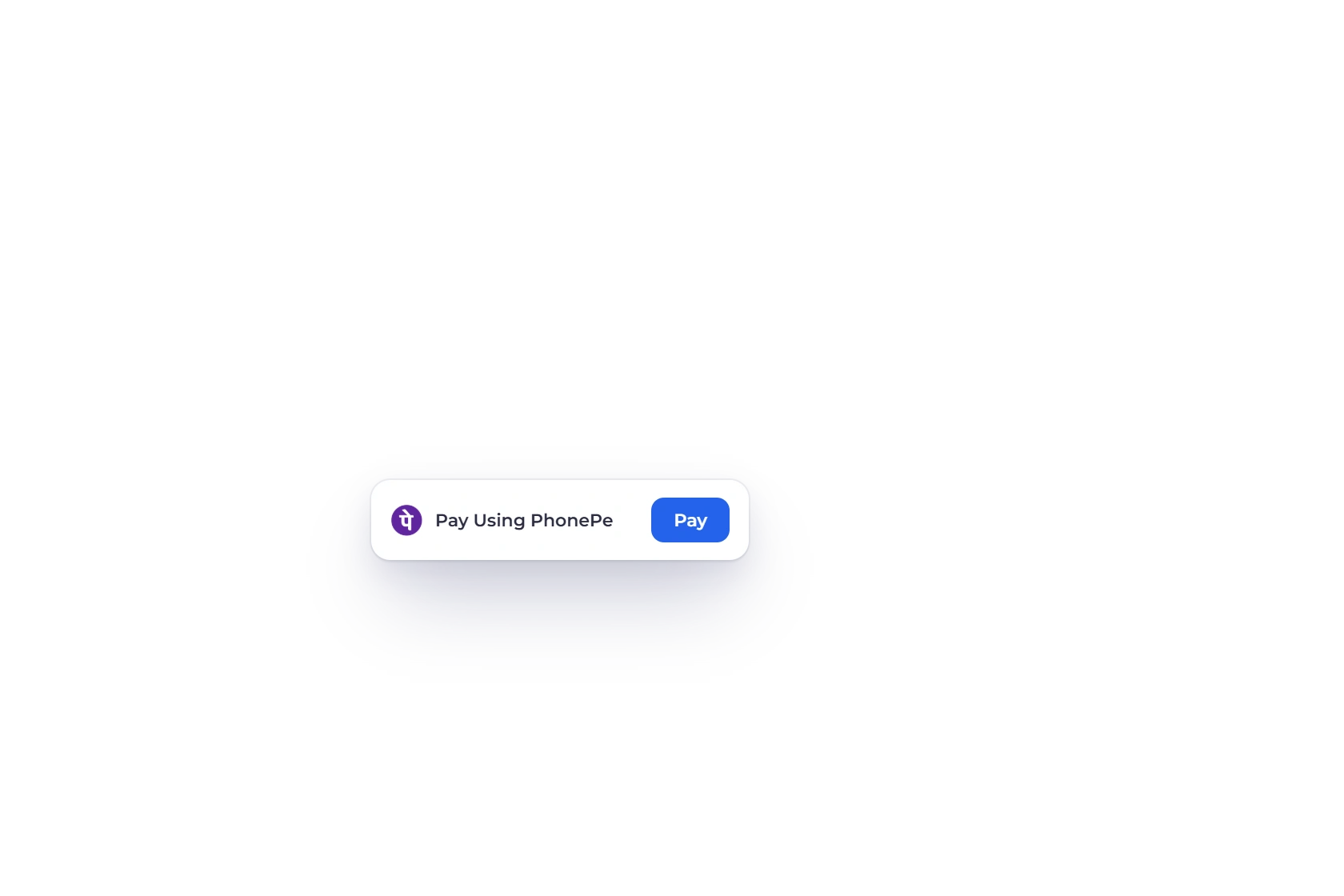
Pay Using PhonePe

Your customer opens the invoice, chooses Pay Using PhonePe and completes the payment on PhonePe's secure checkout. Invoice Crowd confirms the order with PhonePe and applies the payment to that invoice.

  • Amount taken from the invoice
  • Applied to the right invoice
  • Secure PhonePe checkout

Full, partial and split payments

Offer PhonePe for the full balance, a partial payment, a split payment or a payment link. Every payment lands on the invoice it belongs to.

  • Full or partial payments
  • Split payments
  • Payment links

PhonePe AutoPay for subscriptions

Customers approve once in their UPI app, and each billing period is collected automatically.

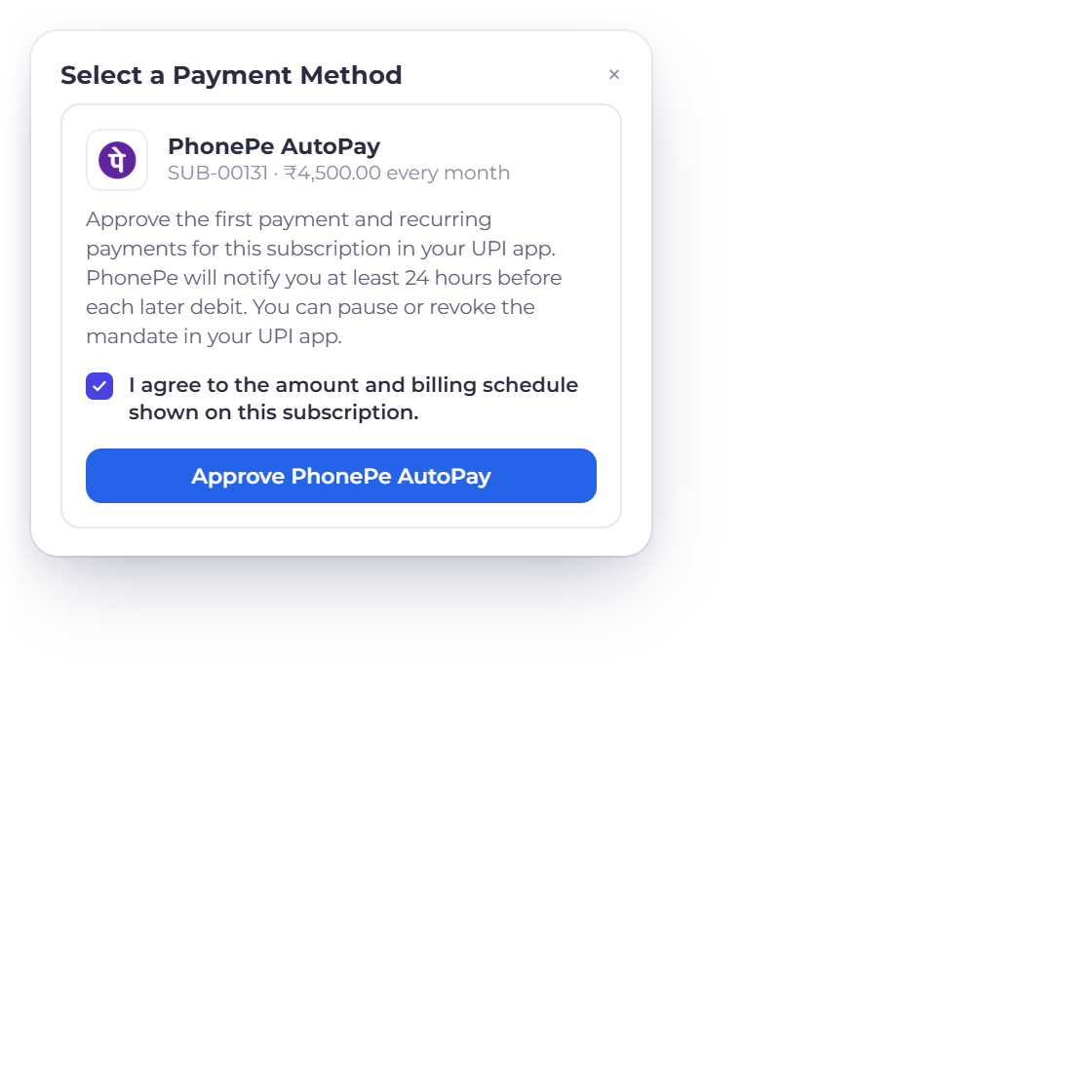
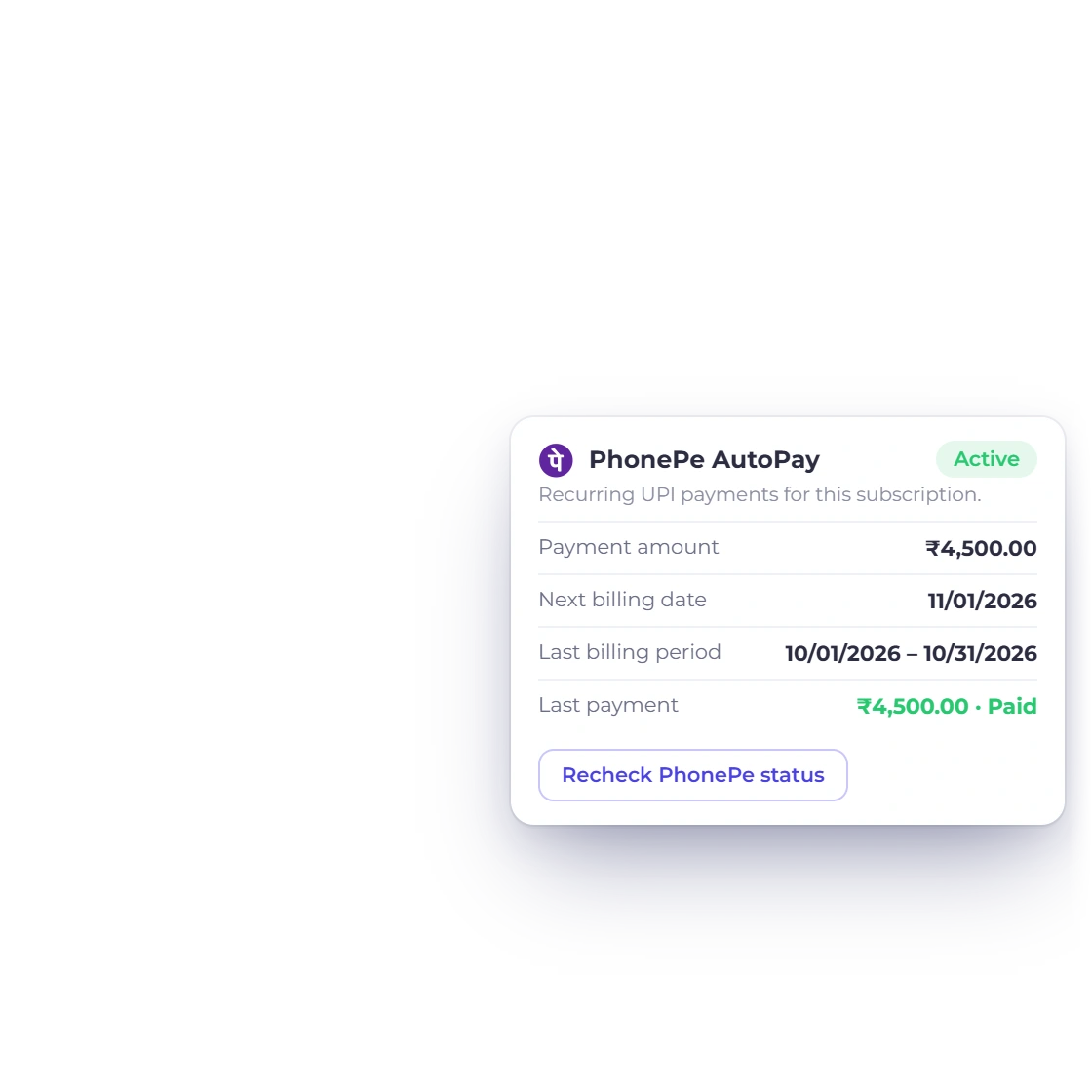
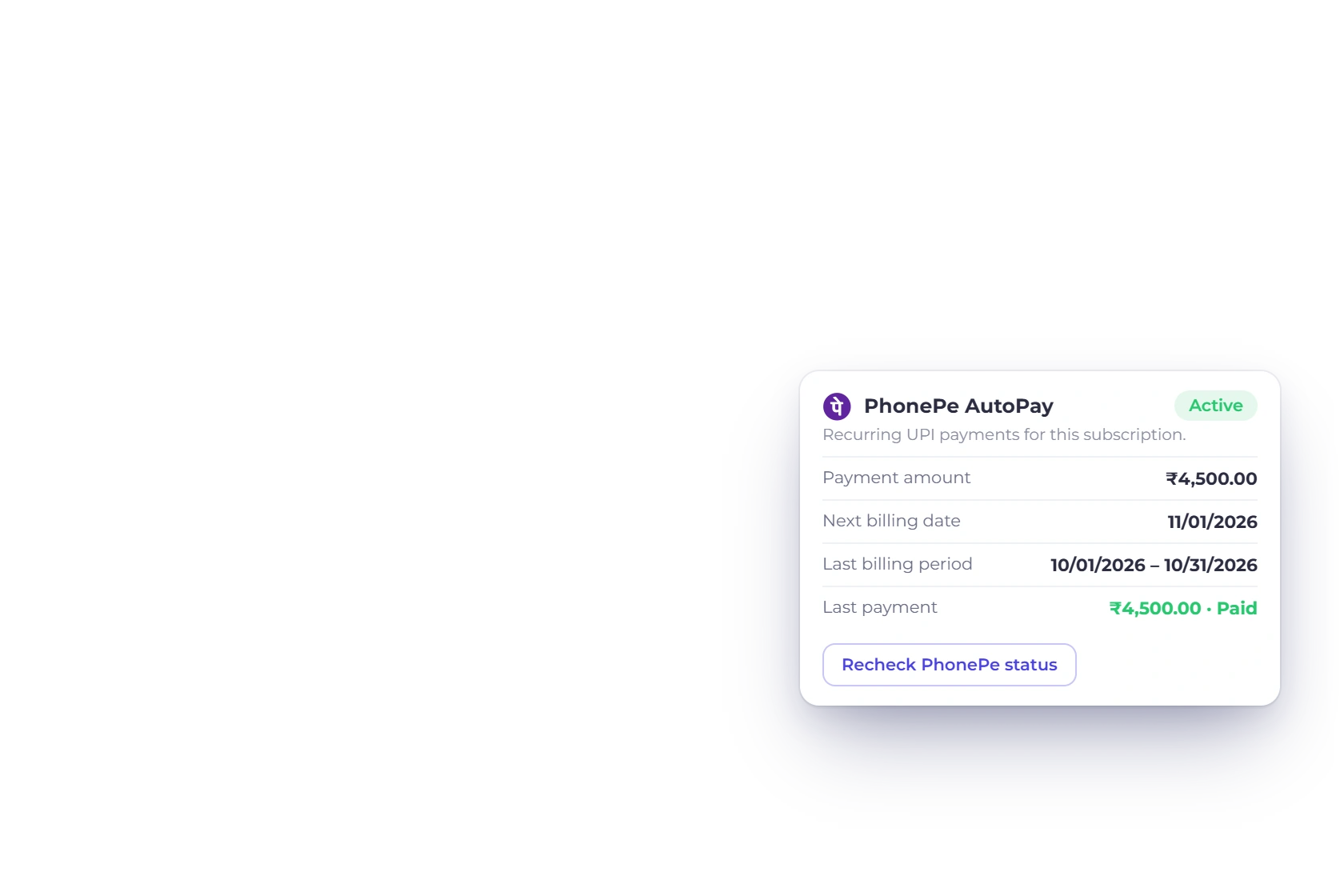
The PhonePe AutoPay approval on a Northwind Studio subscription invoice, with the agreement to the amount and billing schedule, next to the PhonePe AutoPay card in the invoice editor showing ₹4,500.00 a month, the next billing date and the last payment

Approve once, paid every period

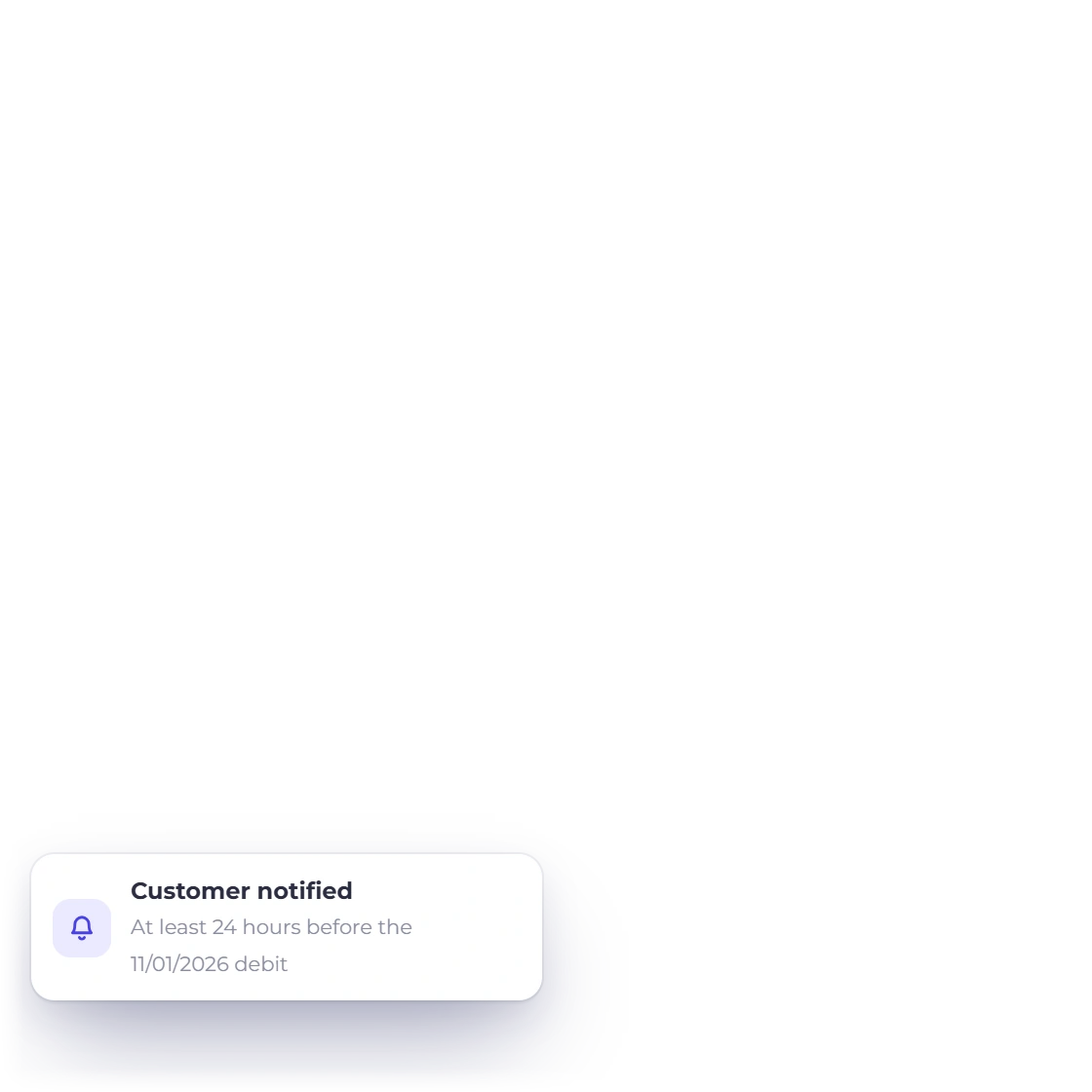
On a subscription invoice, your customer agrees to the amount and billing schedule, then approves the first payment and the recurring mandate in their UPI app. PhonePe notifies them at least 24 hours before each later debit, and every renewal is confirmed with PhonePe before it's recorded.

  • First payment approved in UPI
  • 24 hours' notice before each debit
  • Every period recorded

Follow every mandate from the subscription

The PhonePe AutoPay card on the subscription shows the payment amount, next billing date and last payment. Recheck the status with PhonePe at any time, or cancel AutoPay in one step.

  • Amount and next billing date
  • Recheck status any time
  • Cancel in one step

At a glance

Everything PhonePe brings to your invoices

Get paid online, collect subscriptions automatically, and keep every payment matched to its invoice.

  • PhonePe checkout

    Customers pay your INR invoices on PhonePe's secure checkout, straight from the invoice.

  • Verified payments

    Every payment is checked directly with PhonePe, matching the order, amount and currency before it's recorded.

  • PhonePe AutoPay

    Bill subscriptions automatically through a recurring UPI mandate your customer approves once.

  • Quick setup

    Add your Client ID, Client Version and Client Secret, set a webhook username and password, choose Live or Sandbox, and you're ready.

  • Confirmed by PhonePe

    An invoice is marked paid once PhonePe confirms a completed payment for that invoice, amount and currency.

  • Your PhonePe account

    Payments go to your own PhonePe merchant account, on your existing PhonePe pricing.

  • Flexible billing schedules

    AutoPay follows your subscription: daily, weekly, fortnightly, monthly, every two months, quarterly, half-yearly or yearly.

  • Customers stay in control

    Customers get at least 24 hours' notice before each AutoPay debit and can pause or revoke the mandate in their UPI app.

  • Nothing slips through

    If an invoice changes after checkout starts, the payment waits in Payments Needing Review, ready for you to decide.

  • Full, partial and split payments

    Offer PhonePe for the full balance, a partial payment, a split payment or a payment link.

  • Pass on processing fees

    Add a gateway fee for PhonePe if you choose, shown to the customer as Gateway Fees on the invoice.

  • Offer more ways to pay

    Switch on other gateways alongside PhonePe and customers choose the one they prefer.

Questions

PhonePe and Invoice Crowd, answered

Can my customers pay invoices with PhonePe?

Yes. Connect your PhonePe account and customers pay your INR invoices on PhonePe's secure checkout, straight from the invoice. Invoice Crowd confirms each payment with PhonePe before recording it.

What do I need to connect PhonePe?

The Client ID, Client Version and Client Secret from your PhonePe Developer Settings, plus a webhook username and password, for the mode you choose, Live or Sandbox. PhonePe is included on paid plans; the free plan includes PayPal.

How does PhonePe AutoPay work?

PhonePe AutoPay collects subscription payments automatically. Your customer opens the subscription invoice, agrees to the amount and billing schedule, and approves the first payment and the recurring mandate in their UPI app. PhonePe notifies them at least 24 hours before each later debit, and each renewal is recorded once PhonePe confirms it.

Which subscriptions can use PhonePe AutoPay?

PhonePe AutoPay covers INR subscriptions from ₹1 to ₹15,000 per billing period, including any gateway fee, on a daily, weekly, fortnightly, monthly, every-two-months, quarterly, half-yearly or yearly schedule. Customers can pause, resume or revoke the mandate in their UPI app, and you can recheck its status or cancel AutoPay from the subscription.

How does Invoice Crowd confirm a PhonePe payment?

Invoice Crowd checks the order status directly with PhonePe and matches the merchant account, order, amount and currency to your invoice before marking it paid. If the invoice changed in the meantime, the payment waits in Payments Needing Review for you to decide.

Who sets the PhonePe transaction fees?

PhonePe sets its transaction fees and settlement timing under your PhonePe agreement, separate from your Invoice Crowd plan. You can pass a processing fee on to customers with the gateway fee setting.

Start getting paid with PhonePe

Connect PhonePe in Sandbox mode, pay a sample invoice, then switch to Live when you're ready.

  • Confirmed by PhonePe before it's recorded
  • One-time payments and AutoPay
  • 30-day free trial