Two routes into a credit note
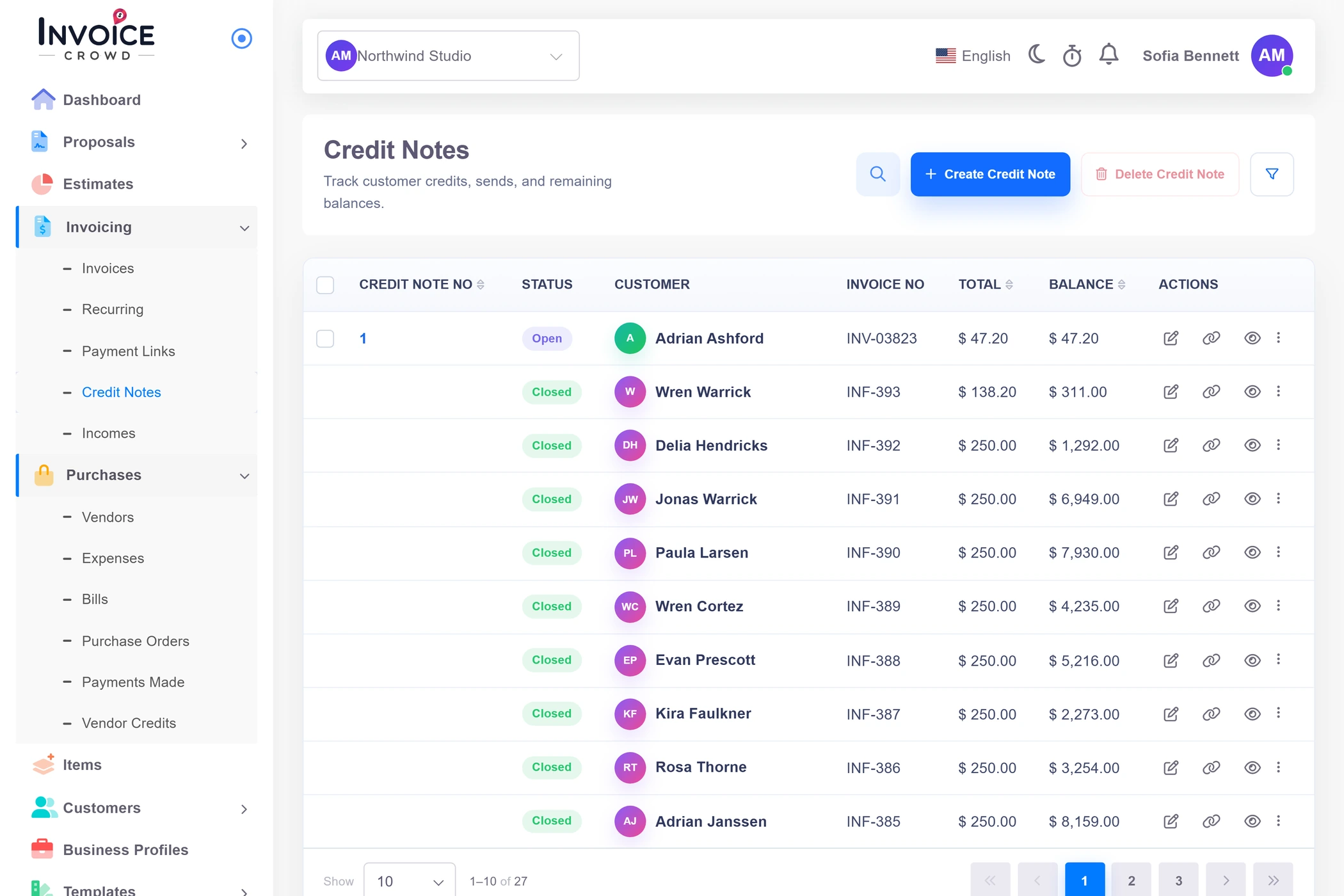
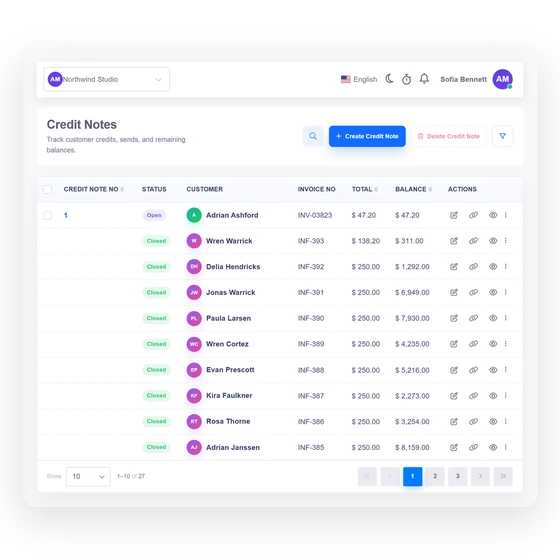
Start a blank credit note from the plus button on the Credit Notes list, or open the invoice you over-billed and choose Create Credit Note. That second route copies the customer, the lines and the totals into a credit for the full amount, dates it today, and fills the Invoice No. column with the invoice it came from. Neither route emails the customer anything, so use the editor's send actions when they should have a copy.
- A blank note opens on your default template
- Opening balance set to the invoice total
- Source must be a plain customer invoice