
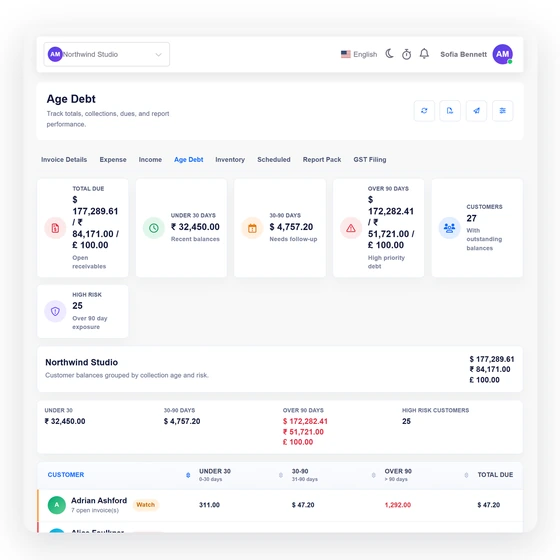
Split outstanding balances into three age buckets
The report groups due amounts into under 30 days, 30–90 days and over 90 days, with a total outstanding figure across the current filter context.
Reports
Invoice Crowd's Age Debt report groups unpaid invoice balances by customer into under 30, 30–90 and over 90 days. Summary totals show the risk distribution, and each customer expands into the invoices behind the balance.
Last updated:
How it works
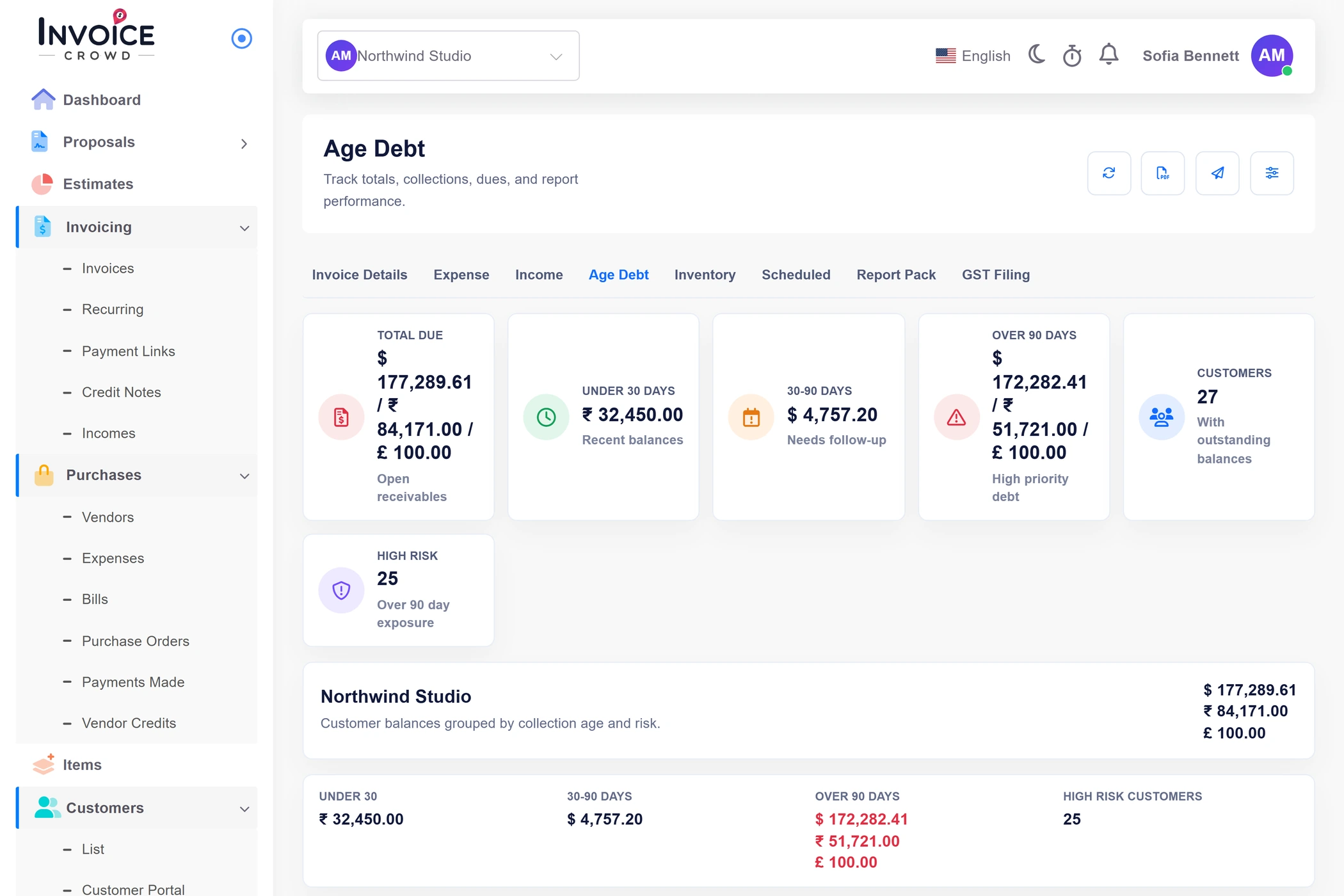
The report combines age-bucket totals with a customer table and expandable invoice detail. It helps prioritize follow-up without changing the status or balance of any invoice.
Totals and high-risk counts at a glance.
The report groups due amounts into under 30 days, 30–90 days and over 90 days, with a total outstanding figure across the current filter context.
Customer rows combine invoice count, bucket amounts, total due and a risk label so the oldest exposure is easy to prioritize.
Expand a customer into the invoices that make up the balance.
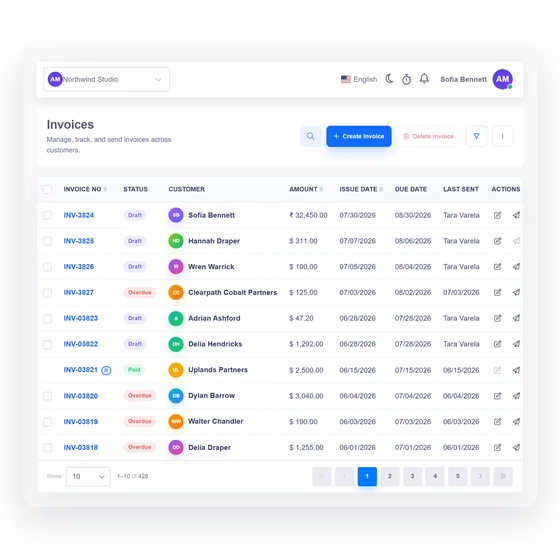
An expanded customer row lists invoice number, issue date, due date, total, paid amount and amount still due. A safe preview link opens the invoice when available.
Multi-currency totals remain readable as currency-specific amount lines instead of being silently combined through an unresolved conversion.
The report informs collections; it does not collect payment by itself.
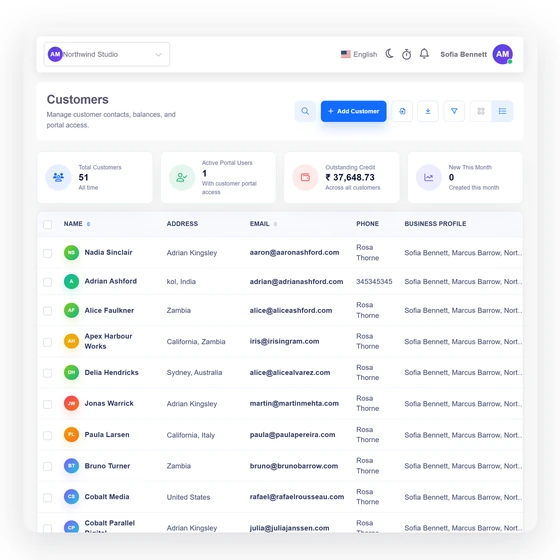
The Age Debt report supports the report context and the established PDF, email and scheduling flows. Delivery eligibility and recipient rules are rechecked by the server.
Opening, sorting or exporting the aging view does not mark an invoice paid, send a reminder or change its due amount. Those actions remain in their owning workflows.
Built in
The buckets, risk cues, invoice detail, filters and reporting actions available to a collections workflow.
The report groups due amounts into under 30 days, 30–90 days and over 90 days, with a total outstanding figure across the current filter context.
Customer rows combine invoice count, bucket amounts, total due and a risk label so the oldest exposure is easy to prioritize.
An expanded customer row lists invoice number, issue date, due date, total, paid amount and amount still due. A safe preview link opens the invoice when available.
Multi-currency totals remain readable as currency-specific amount lines instead of being silently combined through an unresolved conversion.
The Age Debt report supports the report context and the established PDF, email and scheduling flows. Delivery eligibility and recipient rules are rechecked by the server.
Opening, sorting or exporting the aging view does not mark an invoice paid, send a reminder or change its due amount. Those actions remain in their owning workflows.
Under 30, 30–90 and over 90 days.
See which customers hold the oldest balances.
Expand the balance into the invoices behind it.
Keep unresolved currencies separate rather than guessing.
The source invoices remain in their ordinary workflow.
Give customers access to their own documents.
Questions
Invoice Crowd's Age Debt report groups unpaid customer balances into under 30 days, 30–90 days and over 90 days, plus a total amount due.
Yes. Expand a customer row to see invoice number, issue date, due date, total, paid amount and amount still due, with a preview link when the source is available.
Invoice Crowd keeps currency-specific amount lines visible when a total cannot be safely represented as one converted figure. It does not invent a rate to force unlike balances together.
No. Accounts Receivable Aging is read-only. Payment state and reminder actions remain in the invoice and communication workflows that own them.
Invoice Crowd supports the report's established PDF and email actions, and Age Debt can be configured as a scheduled report subject to the current recipient and permission checks.
The server checks authentication, team capability, owner or team-parent scope and the selected business before returning report data or performing a report action.
Start with the age buckets, open the customer, and trace the oldest amount to the invoice that explains it.