
Use the file your bank exports
Upload CSV, TXT, XLS, XLSX, OFX, QFX, QBO, QIF, CAMT-style XML, MT940 or BAI2 up to 10 MB. Scanned PDFs and images are not parsed.
- Structured formats only
- 10 MB upload limit
- No OCR claim
Accounting feature status
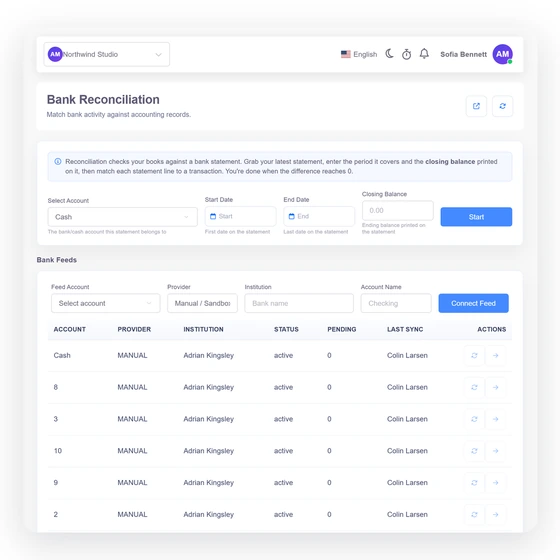
Invoice Crowd does not connect to Plaid, Yodlee or another live bank-data provider. Download a supported structured statement from your bank, upload it to Bank Reconciliation, review the server-generated preview and close only after recorded activity exactly covers the statement. Historical bank-feed records remain read-only evidence; they are not synchronized or imported.
Last updated:
What is actually available
The current workflow is file-based and deliberate. Importing bank rows never creates accounting entries or marks anything reconciled by itself.
Private, bounded processing
Upload CSV, TXT, XLS, XLSX, OFX, QFX, QBO, QIF, CAMT-style XML, MT940 or BAI2 up to 10 MB. Scanned PDFs and images are not parsed.
The server detects and normalizes dates, amounts, debit and credit direction, currency and running balance. Unsafe XML, spreadsheet expansion and unsupported row shapes fail closed.
Nothing posts automatically
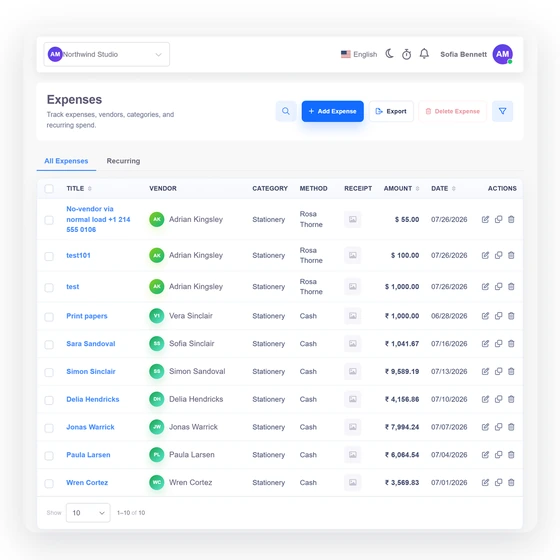
Header and column detection are assistance. The user can correct the mapping before import, and the server re-reads the private source rather than trusting client preview values.
The exact file hash is unique within the owner, business and account scope. Normalized row fingerprints prevent overlapping imports while retaining legitimate repeated transactions.
Import is not reconciliation
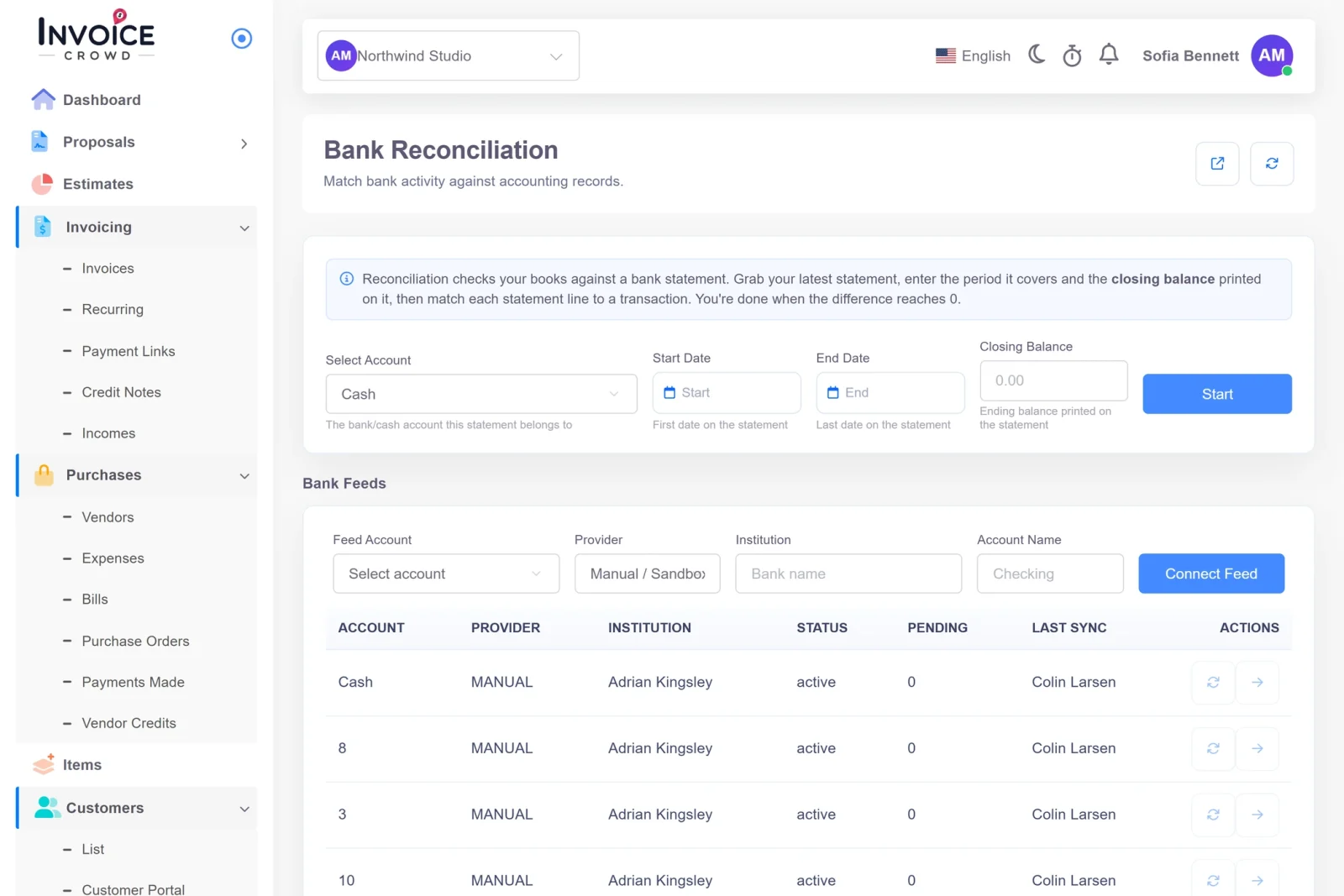
Imported rows enter the Bank Reconciliation workspace. An unmatched line can prefill an Income or Expense form, but the user must review and save through the normal accounting workflow.
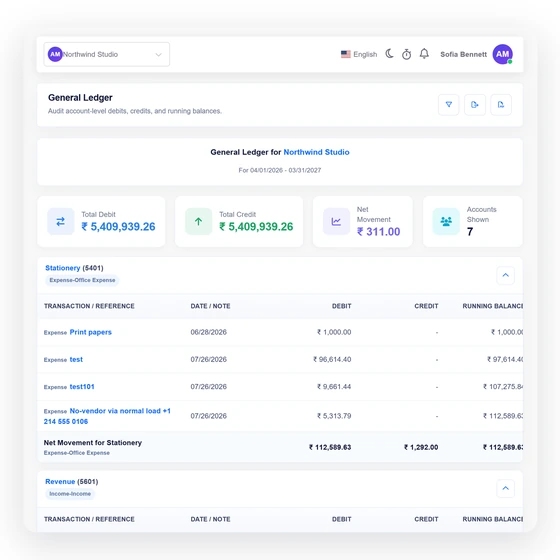
Closing succeeds only when server-authorized ledger entries exactly cover the statement and the server-calculated difference is zero. A permitted reopen records the actor, time and reason.
Current boundary
Historical provider records remain read-only evidence. Invoice Crowd does not run a live provider sync or allow those records to change current accounting data.
There is no bank-picker, bank-login or provider onboarding widget.
No provider scheduler, token store or transaction-sync service is executed.
Historical connection and transaction records remain read-only for continuity and audit evidence.
The supported path begins with a structured statement file downloaded from the bank.
CSV/TXT, XLS/XLSX, OFX family, QIF, CAMT-style XML, MT940 and BAI2 are supported within parser limits.
Images and scanned statements need a structured export from the bank.
Exact files and overlapping normalized rows are rejected or skipped in the same account scope.
Owner, business profile, account, currency and period are verified server-side.
Statement rows are evidence to reconcile, not accounting entries.
A statement must use one ISO currency matching the accounting-currency account.
Client-supplied difference values are ignored and the server recomputes the close.
Authorized reversal keeps the original statement, match history and reason.
Questions
No. Invoice Crowd does not currently connect directly to a bank-data provider. Upload a supported structured statement from Bank Reconciliation instead.
No. There is no active provider onboarding, token storage, scheduler or transaction-sync service. Historical provider rows remain read-only evidence only.
CSV, TXT, XLS, XLSX, OFX, QFX, QBO, QIF, CAMT-style XML, STA/MT940 and BAI/BAI2 are accepted within the documented size, row and parser limits.
No. Import creates normalized reconciliation rows. An unmatched line can prefill an Income or Expense form, but a user must review and save it normally.
No. The server requires selected, authorized ledger activity to cover the statement exactly and the calculated difference to be zero.
It gives existing links and search visitors the current availability boundary and directs them to the supported manual statement workflow instead of presenting a false integration.
Download a structured statement, preview and import it, then reconcile against the records already in the correct business, account, currency and period.