
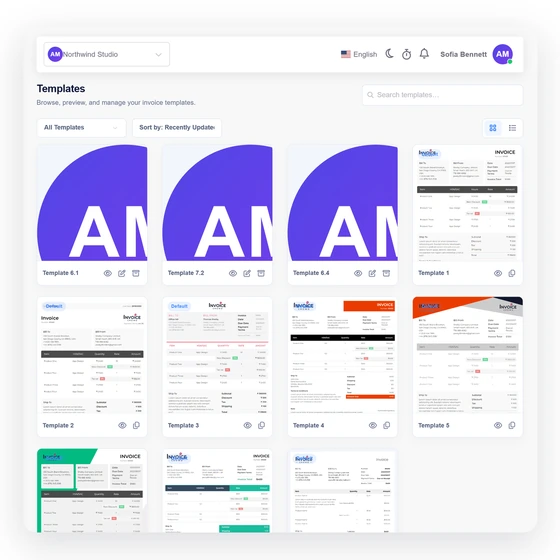
Classic for familiar clarity
A structured header and restrained accents make the document immediately recognizable to clients and finance teams.
- Conventional hierarchy
- Clear metadata
- Easy to scan
Free business tool
Choose Classic, Minimal or Bold, add realistic document details and preview the finished invoice as you work. Print it or save a PDF without sending the draft to a server.
Last updated:
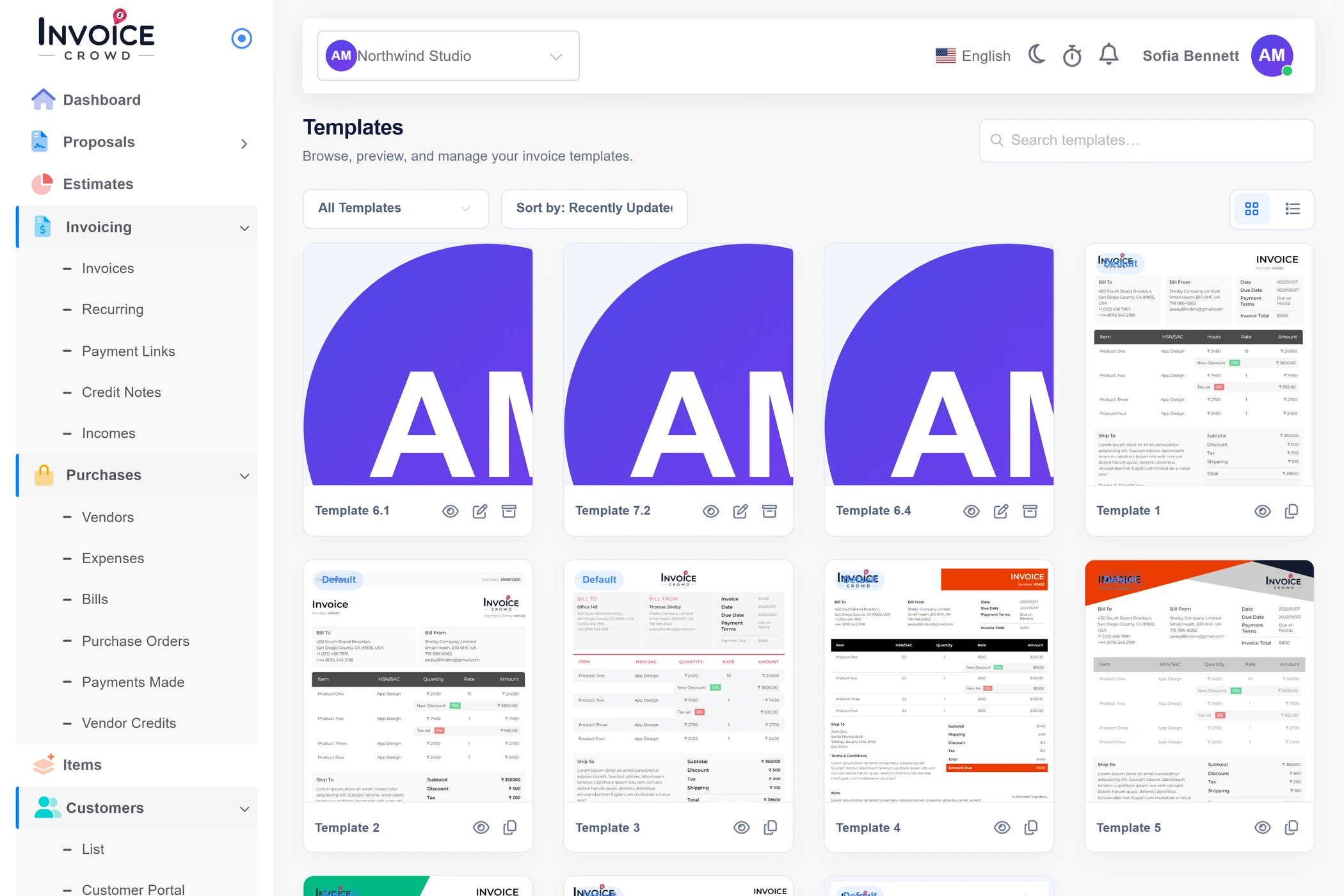
Free browser tool
Switch styles without losing the line items, tax calculation, dates or notes already in the draft.
Please include the invoice number with payment.
Templates provide a general document layout. Check the fields and tax disclosures required where your business and customer are located.
How to use it well
A template should improve hierarchy without obscuring the commercial facts. Each style preserves the same parties, dates, itemization and totals.
Match the presentation to the way your business communicates.
A structured header and restrained accents make the document immediately recognizable to clients and finance teams.
A lighter visual treatment keeps attention on services, rates and the amount due.
Style changes should never alter the underlying invoice.
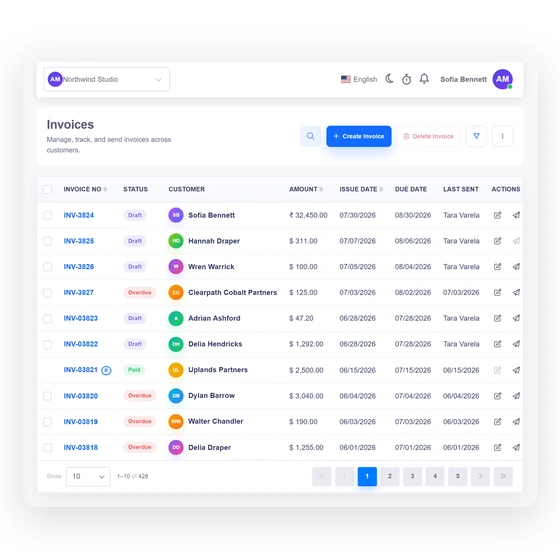
The sender, customer, dates, lines and notes remain in place as you compare presentations.
Evaluate the template with several lines, longer service descriptions and the tax rate you normally show.
The printed version removes the editing interface.
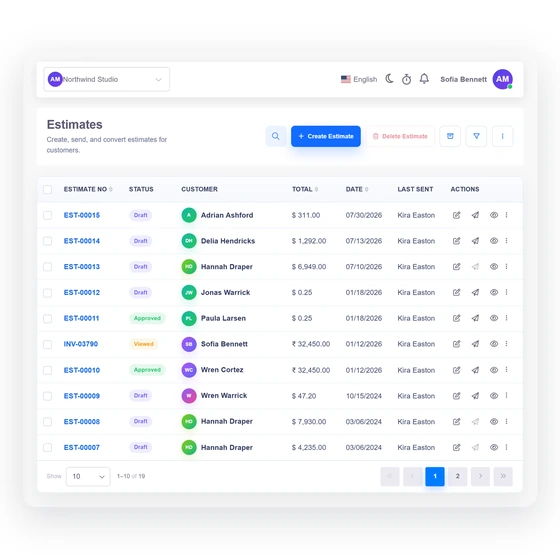
Open the browser print dialog and choose Save as PDF for a clean client-ready file.
When templates become recurring work, Invoice Crowd can retain customers, products, taxes and document history.
Questions
Yes. You can build, preview and print the invoice without creating an account or entering payment details.
No. The working values stay in the current browser tab and are not submitted to Invoice Crowd. Closing or reloading the page clears the draft.
Yes. Select Print or save PDF, then choose the PDF destination provided by your browser or operating system.
Yes. Add or remove line items, then enter a description, quantity and rate for each one. The subtotal, tax and total update from those rows.
The free generator includes USD, EUR, GBP, INR, CAD, AUD, AED and SGD display formats. Select the currency that matches the document; exchange conversion is not performed.
The browser tool creates one temporary invoice. An account adds saved customers, products, taxes, document history and the connected proposal, invoice, payment and purchase workflows.
Use Invoice Crowd to save customers, products, taxes and business documents in one connected workspace.