
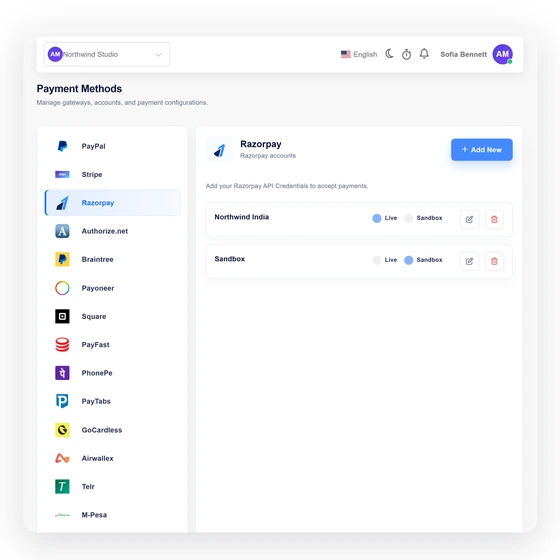
Enter only the fields the provider requires
Mode-matched API key, write-only API secret, dedicated webhook secret and Live/Test mode.
- Selected business profile
- Explicit live or test mode
- Write-only secret editing
Payment integration
Accept eligible invoice and recurring payments through Razorpay, with provider verification before Invoice Crowd records the payment.
Last updated:
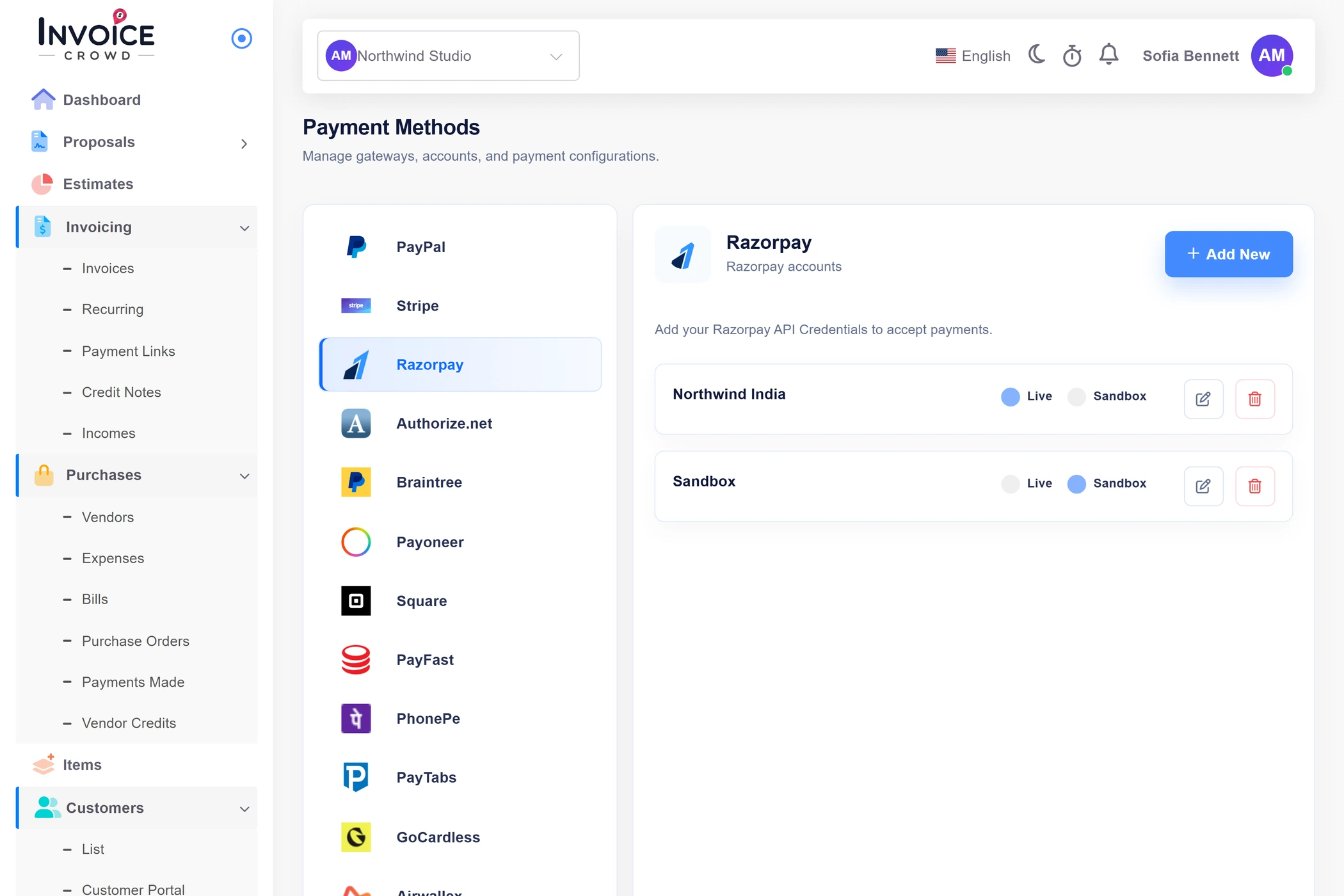
Configuration to settlement
Connection, customer checkout and final settlement are separate stages. Read the status and limitations before showing the method on a live invoice.
Credentials and mode stay tied to the selected business.
Mode-matched API key, write-only API secret, dedicated webhook secret and Live/Test mode.
Razorpay controls merchant onboarding, supported countries/currencies, fees and International Payments eligibility.
Availability is evaluated before a customer enters checkout.

Invoice Crowd creates an immutable order attempt, verifies the Checkout signature, fetches payment and order state, and checks captured amount and currency.
Subscription events use a dedicated raw-body webhook secret, durable queue admission and authoritative provider re-fetch.
The final local state follows provider evidence, not the browser.
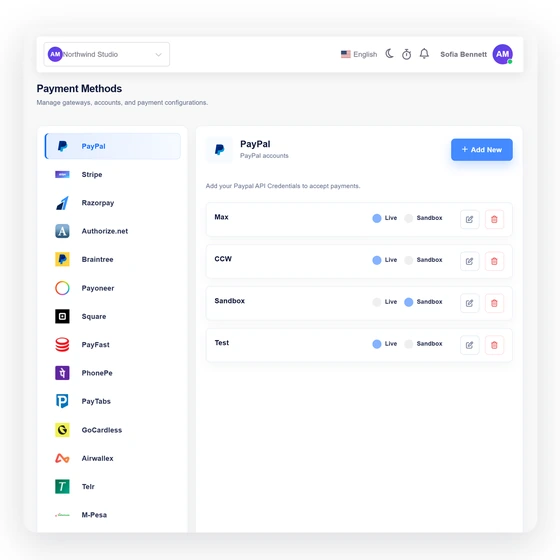
Signature, captured payment, paid order, tenant gateway, invoice allocation, amount, currency and event identity.
International or unsupported currency acceptance can depend on the merchant account being enabled by Razorpay. Ambiguous creates remain locked for recovery rather than being repeated.
Integration facts
The fields below describe the current Invoice Crowd path; the provider remains the source for merchant eligibility, fees and regional availability.
Active
Invoice Crowd creates an immutable order attempt, verifies the Checkout signature, fetches payment and order state, and checks captured amount and currency.
Subscription events use a dedicated raw-body webhook secret, durable queue admission and authoritative provider re-fetch.
Mode-matched API key, write-only API secret, dedicated webhook secret and Live/Test mode.
Signature, captured payment, paid order, tenant gateway, invoice allocation, amount, currency and event identity.
Razorpay controls merchant onboarding, supported countries/currencies, fees and International Payments eligibility.
International or unsupported currency acceptance can depend on the merchant account being enabled by Razorpay. Ambiguous creates remain locked for recovery rather than being repeated.
Amount, currency and allocation are derived from the current server-side invoice state.
A provider screen or browser return is a locator, not sufficient settlement proof.
Durable attempts and stable provider identities prevent an uncertain response from becoming an unbounded duplicate payment.
Gateway fees, exchange costs and settlement timing come from the merchant agreement, not the Invoice Crowd subscription.
Configure another active provider when this gateway does not support the merchant, customer, currency or collection model.
Questions
Current status: Active. Invoice Crowd creates an immutable order attempt, verifies the Checkout signature, fetches payment and order state, and checks captured amount and currency.
Mode-matched API key, write-only API secret, dedicated webhook secret and Live/Test mode. Razorpay controls merchant onboarding, supported countries/currencies, fees and International Payments eligibility.
Invoice Crowd creates an immutable order attempt, verifies the Checkout signature, fetches payment and order state, and checks captured amount and currency.
Subscription events use a dedicated raw-body webhook secret, durable queue admission and authoritative provider re-fetch.
Signature, captured payment, paid order, tenant gateway, invoice allocation, amount, currency and event identity. A browser return or posted status alone cannot settle the invoice.
No. Provider transaction fees, foreign-exchange costs, settlement timing and account terms are controlled by the gateway and merchant agreement. Check the provider before activation.
Start with sandbox or test mode where the provider offers it, verify the exact currency and payment result, then plan production activation.