
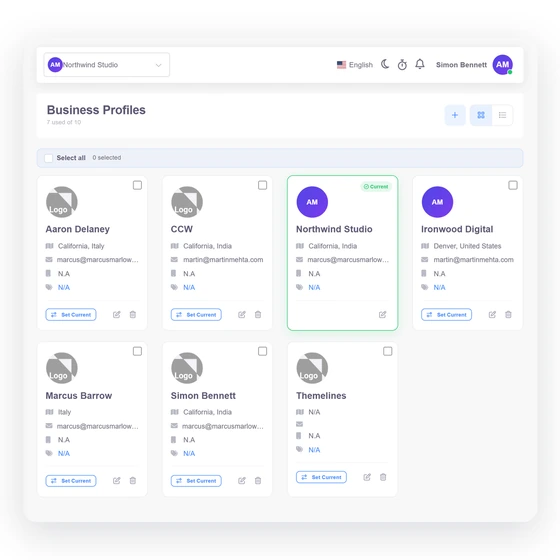
Company details and branding
Store the business name, contact and address details, logo and document-facing identity used by the selected profile.
- Business identity
- Logo and address
- Document-facing details
Business profiles
Invoice Crowd business profiles let one owner maintain more than one operating identity. The selected profile carries its own company details, documents, customers and vendors, tax and currency choices, payment configuration, email behavior and reporting context.
Last updated:
How it works
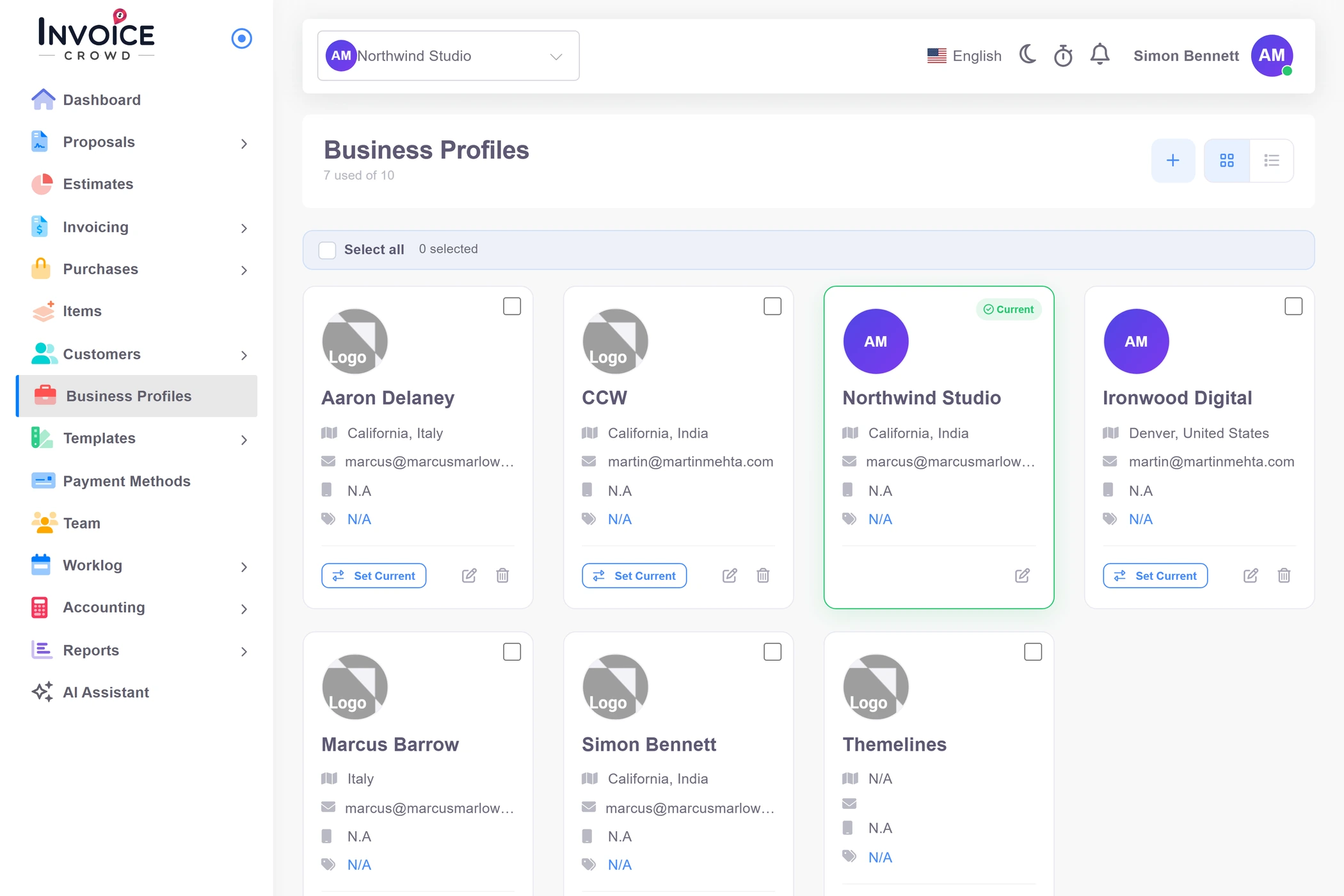
Switching profiles changes the business context used by documents and settings; it does not merge the underlying records into one indistinguishable list.
Start with the legal and presentation details customers and vendors will see.
Store the business name, contact and address details, logo and document-facing identity used by the selected profile.
Choose profile-level currencies, taxes, numbering and document preferences so new records begin from the right context.
The current profile follows the owner or team member through supported workflows.
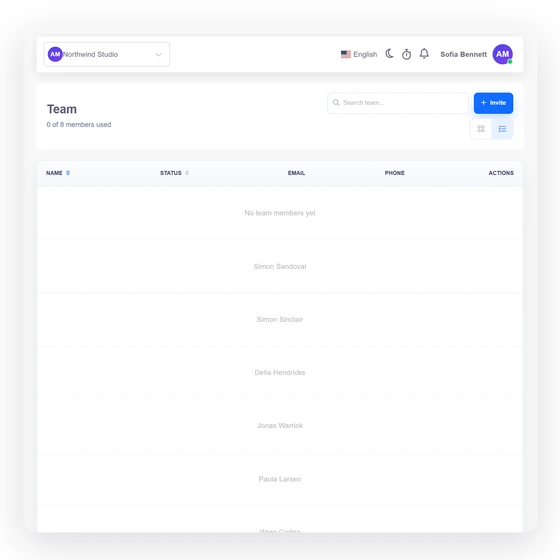
The profile selector changes the current business context. Team members can only use profiles included in their assignment.
Customers, vendors, documents, accounts and reports are resolved with owner and business context so activity remains attributable to the intended profile.
A business identity includes how documents are sent and how customers can pay.
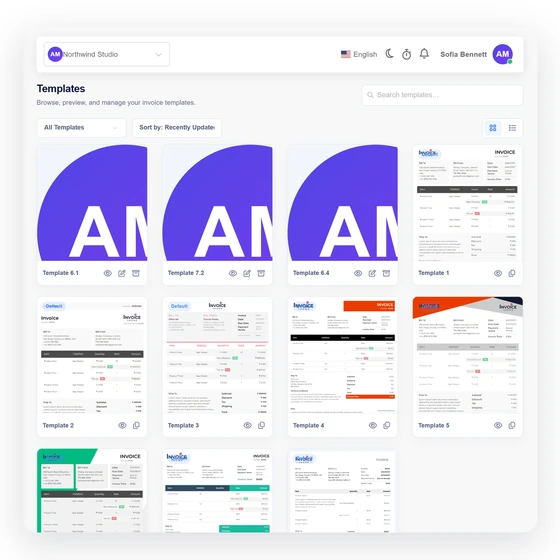
Configure the profile's sending identity, templates and reminder behavior instead of relying on one universal message style.
Choose supported gateways, currencies, language behavior and regional details appropriate to the business and its customers.
Capability map
The profile settings and workflow context that make each business usable as its own operating identity.
The number of business profiles follows the current plan and add-on allowance.
A visible current profile anchors supported day-to-day actions.
Store company, address, contact and logo details for each profile.
Maintain numbering and presentation choices in the business context.
Choose the relevant base and document currency behavior.
Keep tax definitions and usage aligned with the selected business.
Resolve trading-party records in the intended owner and business context.
Create proposals, estimates and invoices for the active business.
Keep purchase orders, bills, expenses and payments attributable.
Configure provider credentials and methods for the relevant profile.
Control sender, templates and reminders for the business identity.
Review accounting and operational reports within the selected context.
Questions
Business-profile availability follows your current Invoice Crowd plan and any applicable add-on allowance. Check the pricing and billing screens for the live limit before relying on a specific count.
No. Switching changes the active business context used by supported workflows; it does not intentionally flatten records from separate profiles into one shared business identity.
Not automatically. Team invitations can be assigned to selected business profiles, and the member should only operate inside those assigned contexts.
Yes. Supported payment gateway configuration belongs to the relevant business context, subject to the provider, market and implementation constraints described in each integration guide.
No. The current active profile is protected from deletion. Before any broader cleanup, preserve the business data and choose a safe replacement context.
No. Business profiles provide separate operating contexts. This page does not claim a complete group-consolidation or intercompany accounting system.
Configure its identity, numbering, taxes and payment path, verify a representative document, and only then add the next profile.