
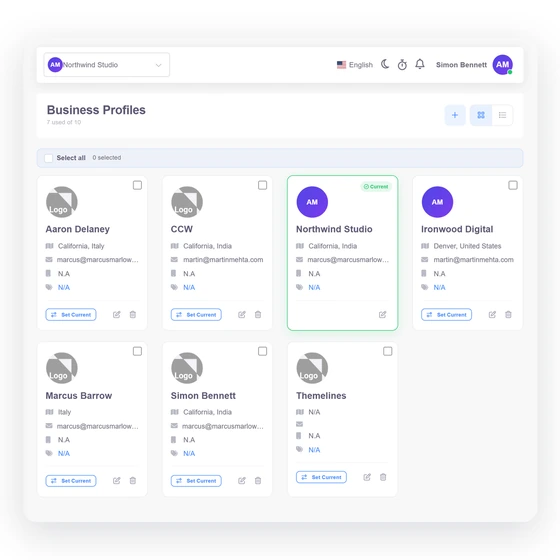
Choose an available interface language
The locale selector reads the installed, active language records. English remains the fallback where a translated value is not available.
- Catalog-backed choices
- Signed-in locale switch
- English fallback
Global workflow
Invoice Crowd separates interface locale from business and customer-facing choices. Available languages come from the installed language catalog, while currency, tax, date and document settings stay attached to the relevant business workflow.
Last updated:
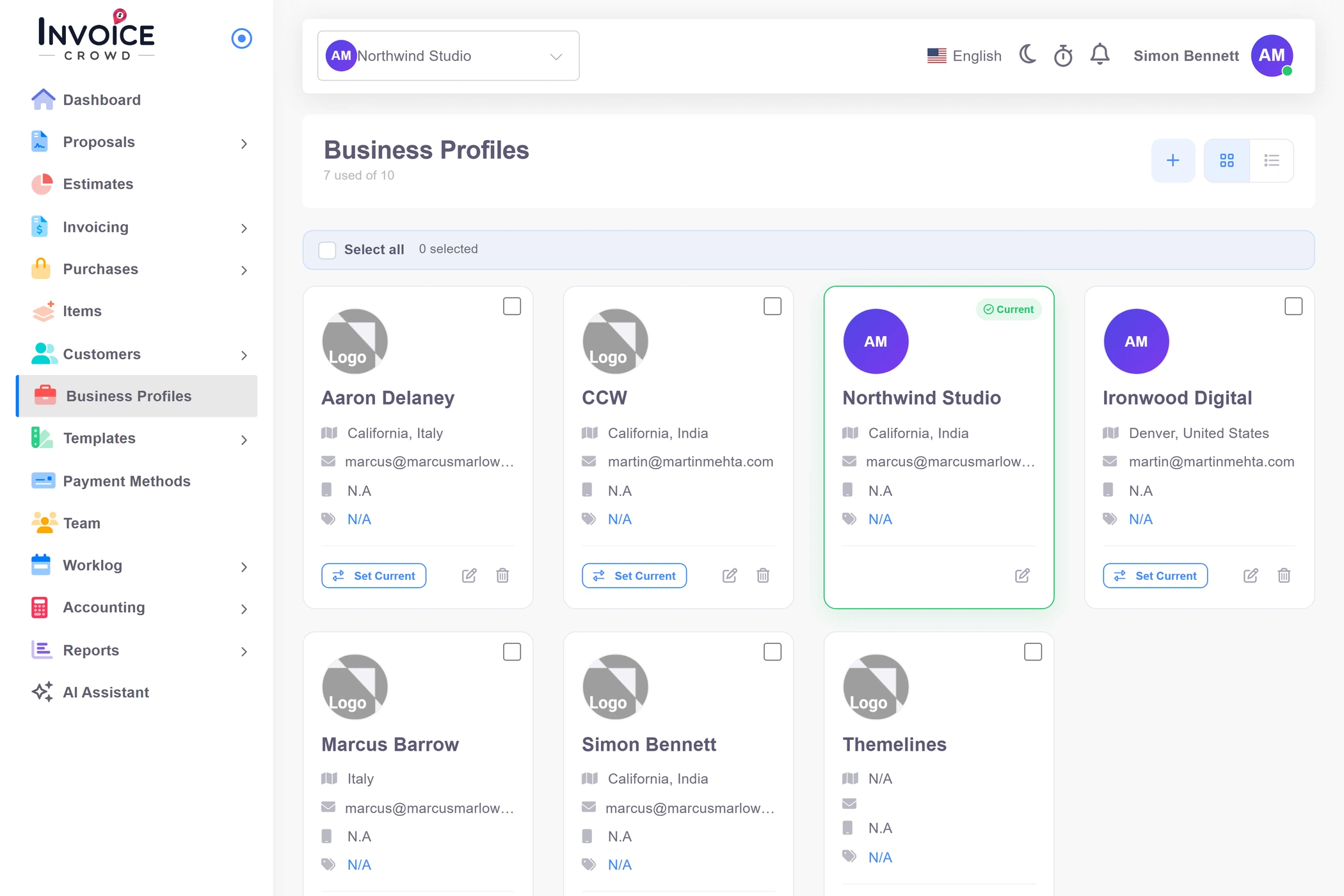
How it works
The signed-in workspace, business defaults and document recipient can need different settings. The product keeps those decisions visible instead of treating translation as automatic accounting advice.
The top-level locale changes supported interface text for the signed-in user.
The locale selector reads the installed, active language records. English remains the fallback where a translated value is not available.
Light or dark theme and language are independent preferences, so a visual change does not rewrite locale data or business records.
Business and recipient context controls how a document is presented and sent.
Supported send composers can select a language for customer-facing communication while preserving the underlying document facts.
Invoice and proposal editors expose label text so a business can adapt presentation without changing stored quantities, rates, taxes or totals.
A language switch does not decide the correct currency, tax or legal treatment.
Choose document currency, exchange-rate context, tax rules and date presentation explicitly for the business and transaction.
Gateway and payment-method availability depends on the provider, market, account and implementation. Translation alone does not make a method available.
Capability map
Language is one part of localization; currency, taxes, dates, numbering and gateway availability retain their own rules.
Switch among active languages available in the installed catalog.
Preserve usable interface text when a translated value is unavailable.
Select supported language context in document send flows.
Adapt visible labels without rewriting financial facts.
Keep reusable regional settings attached to the relevant profile.
Select the currency and retain its transaction context.
Make the selected rate context visible for foreign-currency documents.
Configure taxes deliberately instead of inferring them from language.
Use regional presentation while preserving the underlying date.
Present amounts in a readable locale-aware format where supported.
Respect provider and account availability by region.
Localization does not determine legal, tax or accounting treatment.
Questions
The current choices come from the installed and active language catalog, so the available list can change by deployment. The locale selector is the authoritative list for your account, with English used as a fallback.
No. Interface language and document currency are separate choices. Foreign-currency documents retain an explicit currency and exchange-rate context.
Supported invoice, proposal and report send flows can carry customer-facing language context. Exact labels and translations should be reviewed before sending.
No. Taxes must be configured for the business and transaction. Locale is presentation context, not tax or legal advice.
No. Availability depends on the provider, market, account, currency and the current Invoice Crowd integration. Review the relevant provider guide and provider terms.
A protected language-management surface exists for installed language records. It is an administrative capability, not a normal team-member translation workflow.
Choose the language, currency, taxes and dates, then preview a representative invoice or proposal before making that configuration the team default.