


Skip to content

For owner-operated cleaning businesses

Invoicing software for cleaning businesses with repeat services

Reuse service items, quote the work, schedule recurring invoices and record supplies in one finance workflow. Invoice Crowd does not dispatch crews, plan routes or replace field-service scheduling.

  • Reusable service items
  • Recurring invoices
  • Supply and vendor expenses

Last updated:

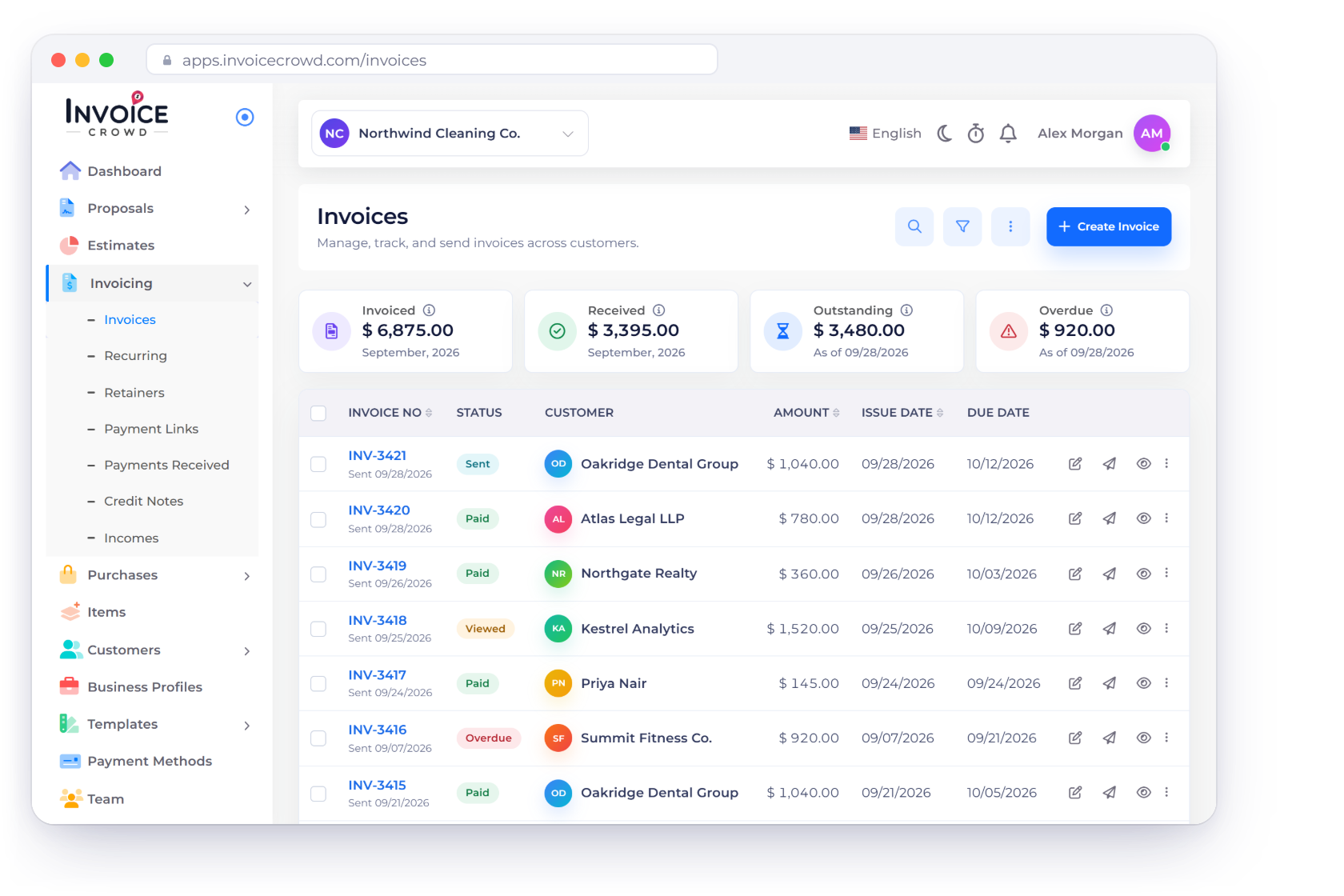
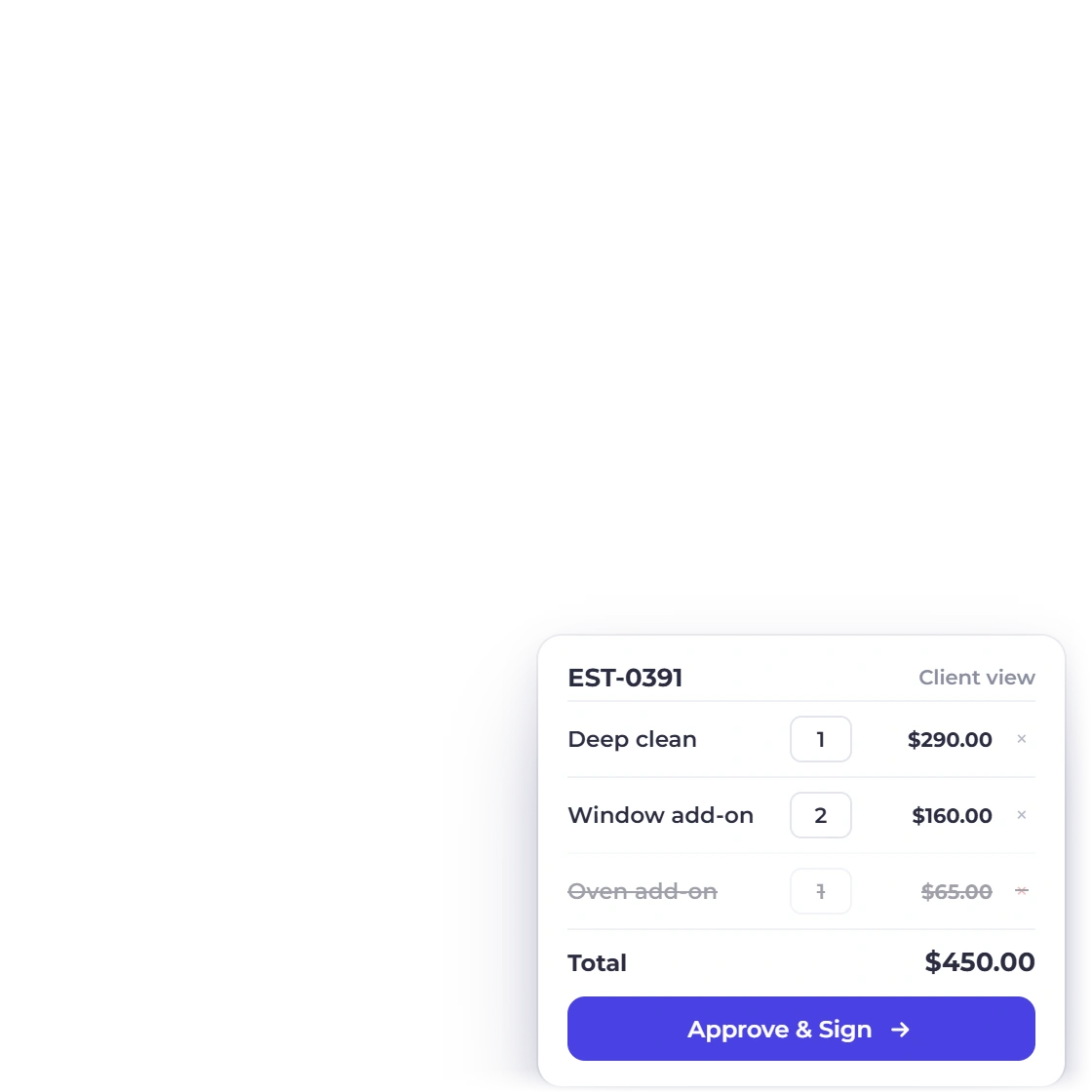
Invoice Crowd estimate and recurring invoice screens with fictional cleaning service records.

The workflow

Repeatable services without repetitive billing setup

A weekly clean can still have extras, pauses and supply costs. These workflows keep the quote and billing record organized while the daily field schedule stays in the right tool.

Standardize the service list

Reuse names, descriptions and prices

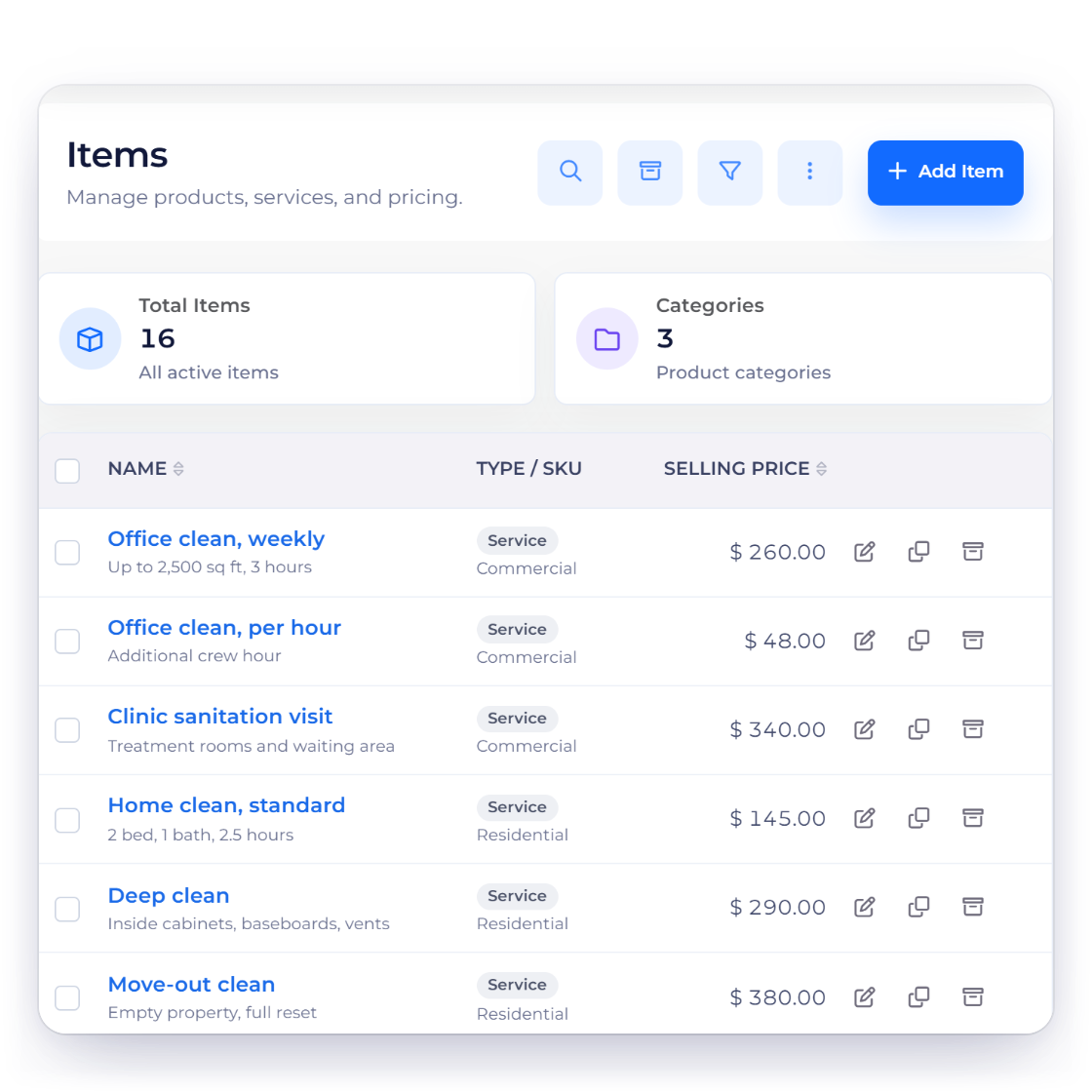
Invoice Crowd items screen with fictional office-cleaning and deep-clean services.

Save the services you quote repeatedly

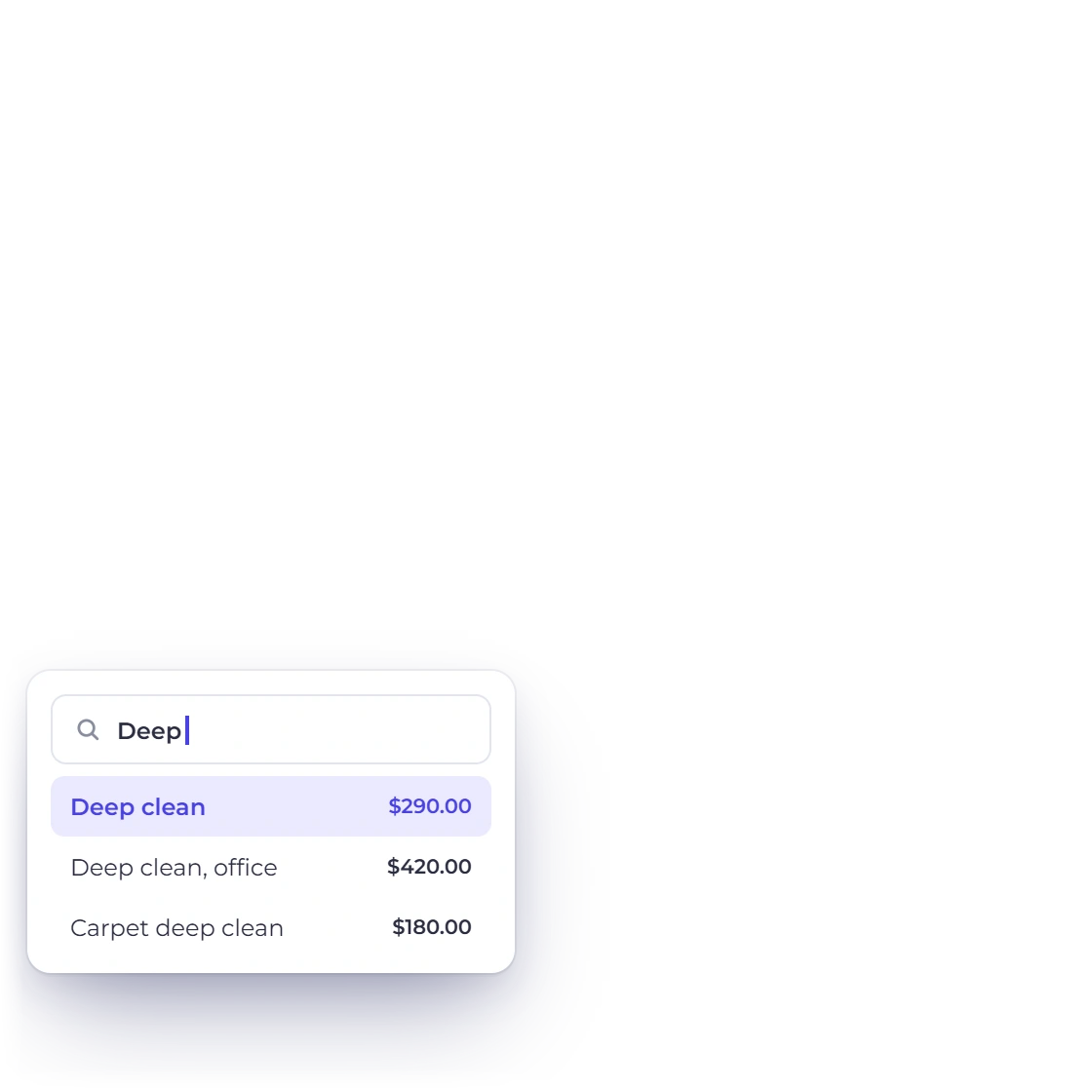
Create reusable service items for regular cleans, deep cleans and common add-ons. Bring those items into an estimate so the customer can see what is included and what changes the price.

  • Reusable service names and descriptions
  • Consistent selling prices
  • Clear add-ons in the estimate
Explore items

Repeat the billing cycle

Keep the next invoice visible

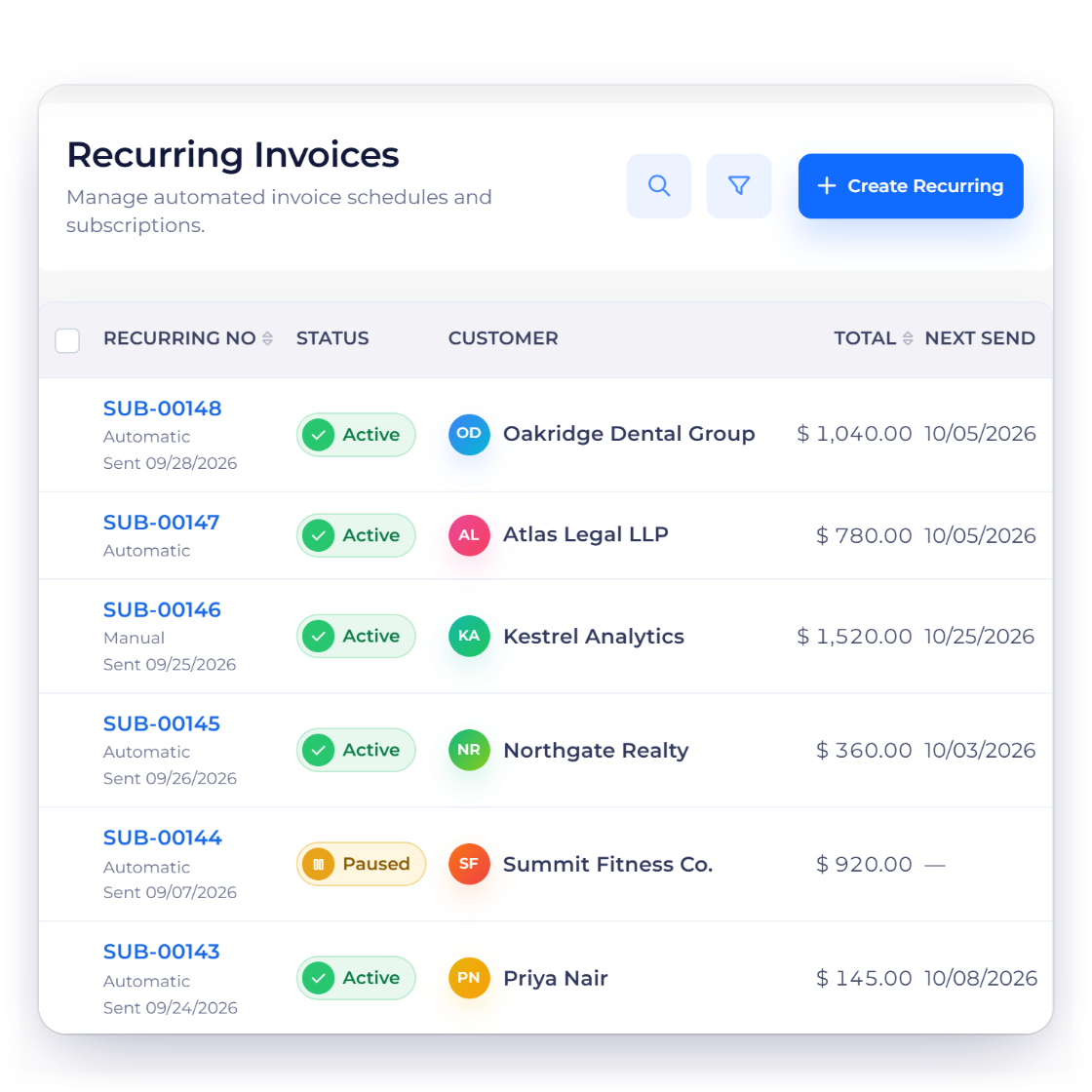
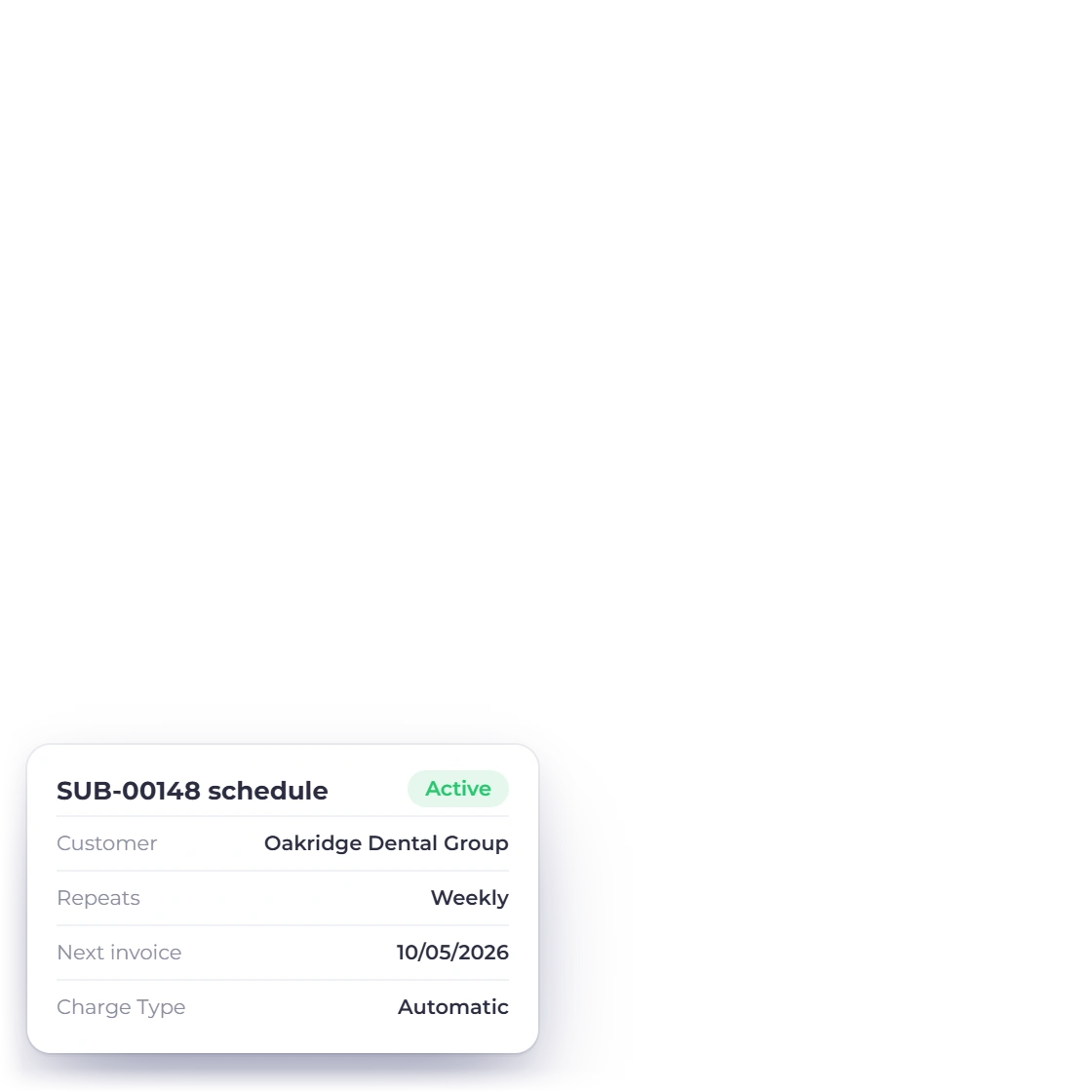
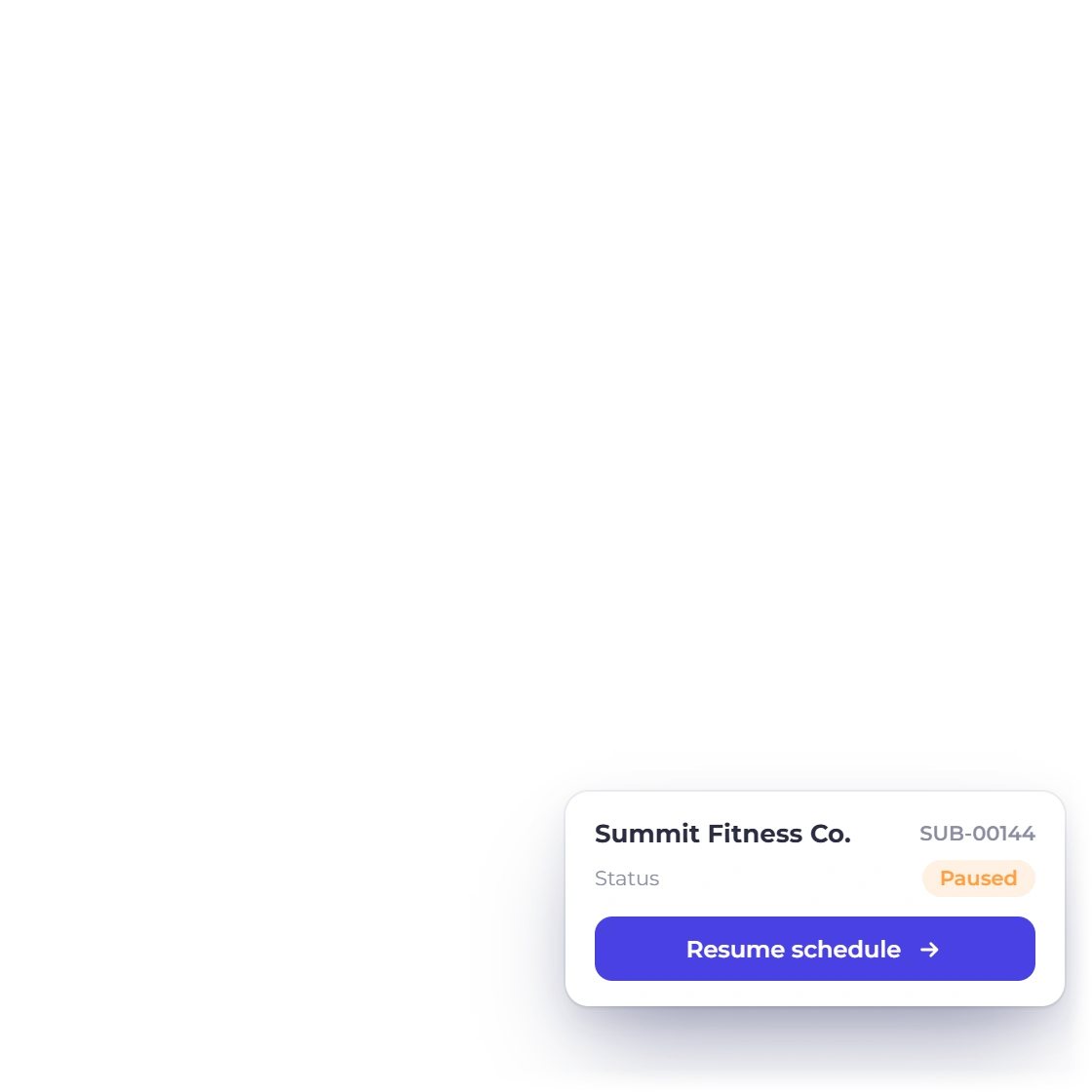
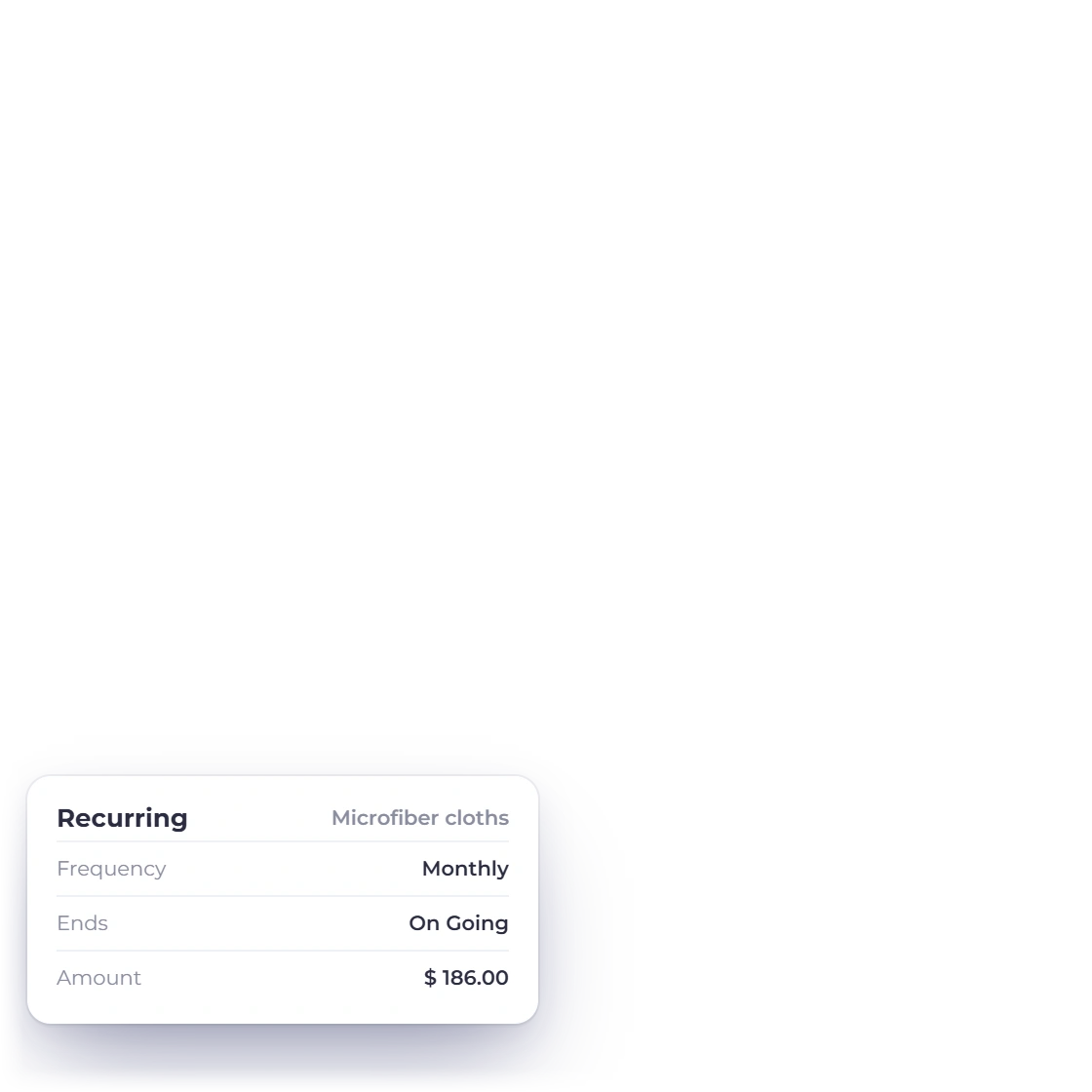
Invoice Crowd recurring invoice screen with fictional dental-office and commercial cleaning clients.

Schedule invoices for regular customers

Use a recurring invoice profile for a stable commercial agreement and keep its next-send date visible. Review skips, changed scope or one-off extras rather than treating a billing schedule as a crew schedule.

  • Visible recurring invoice schedule
  • Customer and amount remain explicit
  • Changes stay separate from dispatch
Recurring invoices

Track what the work consumed

Supplies and repairs belong in the books

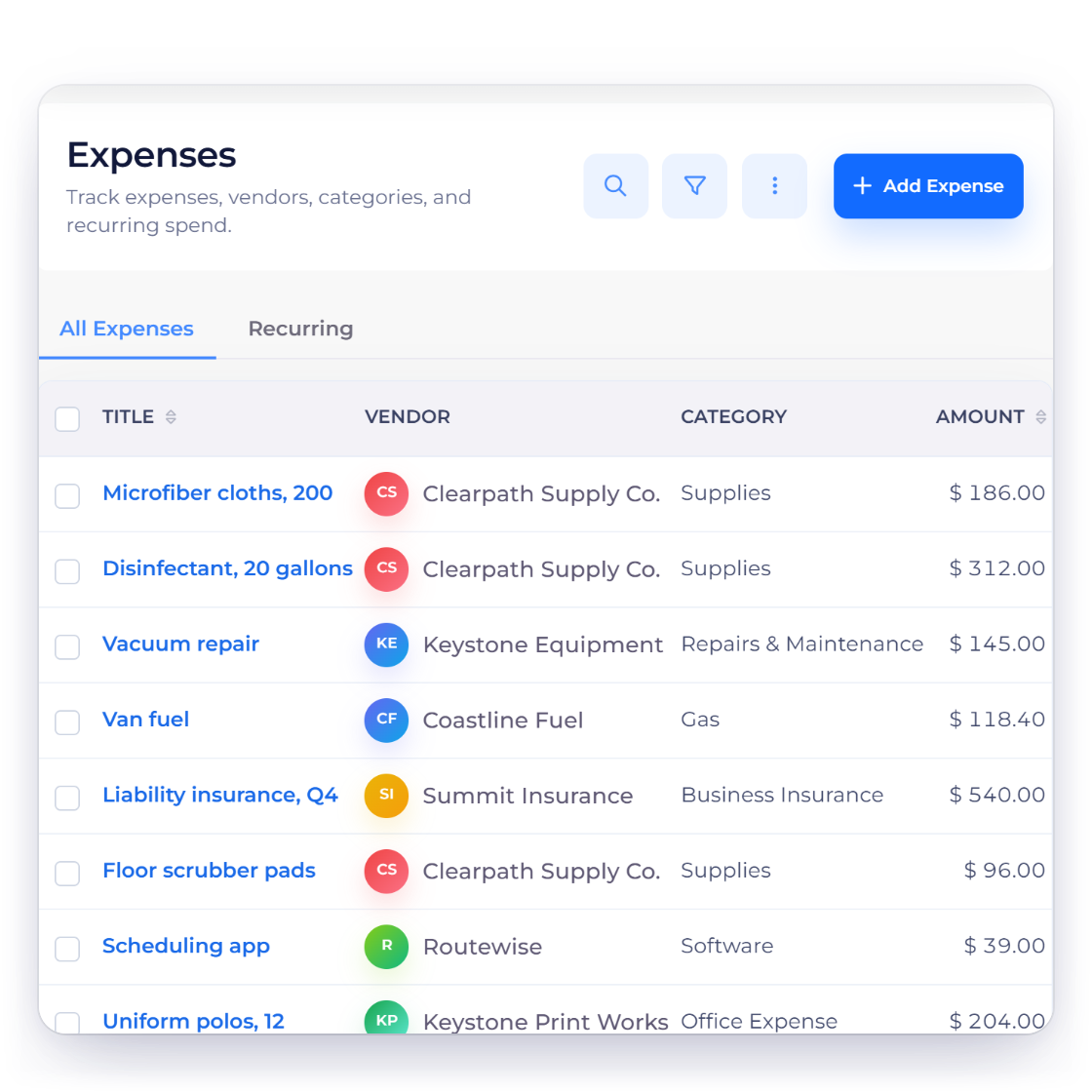
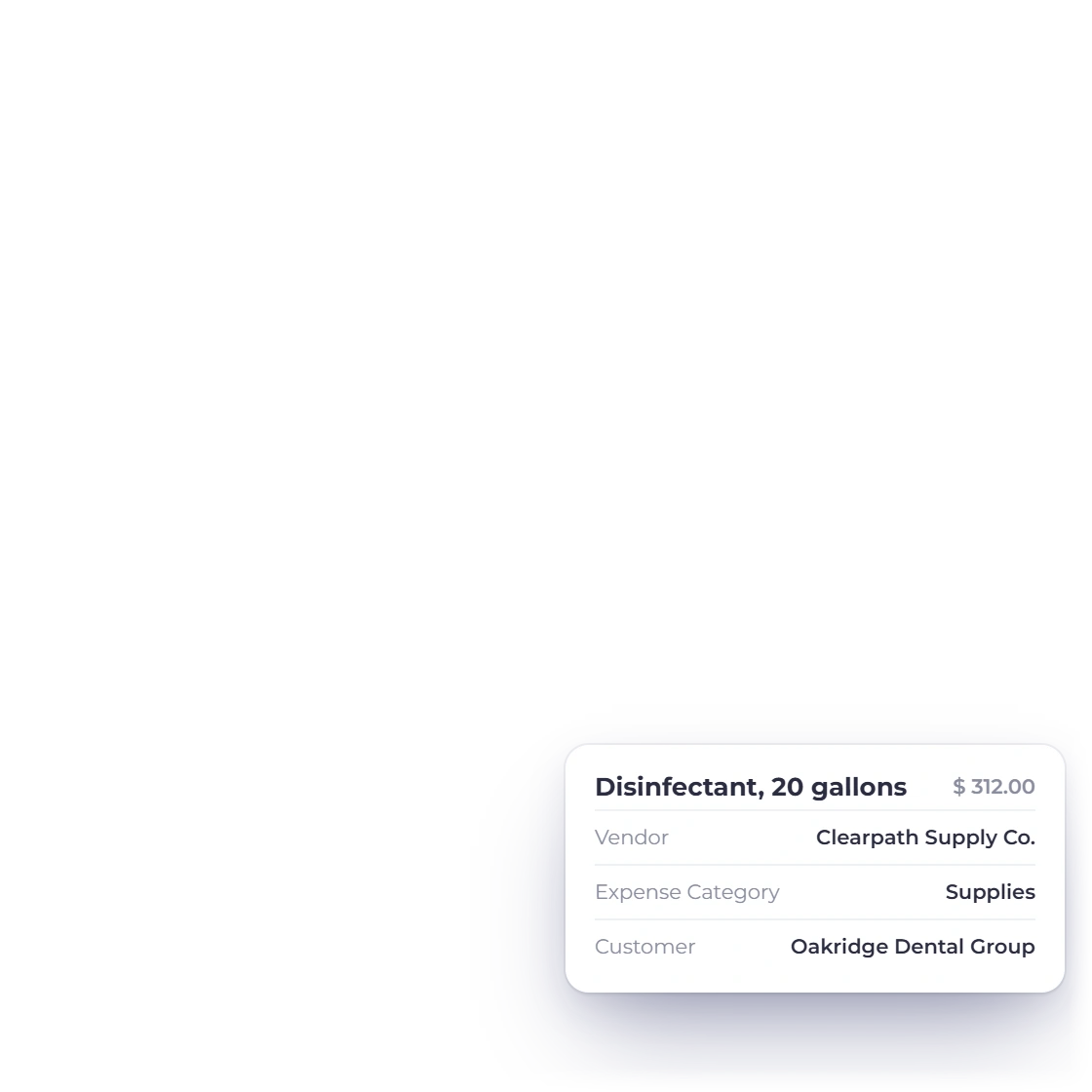
Invoice Crowd expenses screen with fictional cleaning supply and equipment costs.

Record supplies, equipment and vendor costs

Capture cleaning supplies, equipment service and other business expenses with vendor, category, amount and receipt context. This supports the financial record without pretending to measure inventory on a service van.

  • Supply and equipment categories
  • Vendor and receipt context
  • Costs visible beside revenue records
Track expenses

The financial layer

Connected records, clear product boundaries

Invoice Crowd keeps the commercial and financial trail together while leaving specialist delivery work in the system designed for it.

  • Commercial records stay connected

    The proposal or estimate, invoice, payment and financial history describe the same client relationship instead of becoming separate retyped files.

  • Customer context follows the document

    Supported customer records provide the billing identity, document history and balance context without becoming a specialist delivery CRM.

  • Payment choices stay explicit

    Eligible payment methods depend on the provider accounts you configure and the settings enabled for the record; provider terms, fees and settlement still apply.

  • Cross-border documents keep rate context

    Supported records can use the agreed currency while retaining relevant exchange-rate context for the financial workflow.

A quick fit decision

Use it for finance; pair it for operations

The strongest setup is the one that keeps each kind of record in the right system and still gives the client a coherent money path.

  • Use Invoice Crowd for

    A weekly clean can still have extras, pauses and supply costs. These workflows keep the quote and billing record organized while the daily field schedule stays in the right tool.

  • Pair it with the right specialist tool

    Invoice Crowd is not field-service software. Crew scheduling, dispatch, route optimization, property access instructions, technician GPS and visit completion proof belong in a dedicated operations system.

  • Keep sensitive delivery data separate

    Keep door codes, alarm details and property access instructions out of invoices and customer-facing finance notes. Use a controlled field-service or password system for that information.

  • Test the actual payment path

    Connect only the provider you intend to use, preview an eligible invoice and confirm fees, settlement, geography and client experience with that provider.

  • Run a representative sample first

    Test one weekly service, a skipped visit, a deep-clean add-on and a supply expense before deciding whether invoicing alone is enough for your operation.

  • Compare like with like

    This page explains the Invoice Crowd workflow. The broader vendor comparison has separate listicle intent and is scheduled to publish in the blog without creating a broken pre-publication link.

Questions

Cleaning Businesses invoicing, answered

Can cleaning businesses save reusable service items?

Yes. You can save products or services with descriptions and pricing, then reuse them in supported estimates and invoices.

Can I create recurring invoices for regular cleaning clients?

Yes. Recurring invoice profiles support repeat billing schedules. They do not schedule or confirm the underlying cleaning visit.

Does Invoice Crowd dispatch cleaning crews?

No. Crew scheduling, dispatch, routes, check-ins and property access instructions require field-service or workforce software.

Can I record cleaning supplies and equipment expenses?

Yes. Expense records can include the vendor, category, amount and receipt context for supplies, equipment service and other business costs.

Can customers pay cleaning invoices online?

Eligible invoices can expose supported payment methods when the relevant provider account and invoice settings are enabled. Provider terms, fees and settlement still apply.

Where should I store property access codes?

Use a controlled field-service or password system. Do not store door codes or alarm instructions in customer-facing invoice notes.

Test your real client workflow

Create one representative client, document the scope and follow it through to an invoice before deciding whether the workflow fits.

  • No card required to start
  • Use fictional data while testing
  • Keep specialist workflows separate