
Skip to content

Invoicing and proposals for content creators running brand deals

Invoice Crowd lets you send a brand a proposal that states the deliverables, the usage window and the fee, collect an e-signature and take a deposit. Invoice in the currency the brand pays in, and see which collaborations are still owing without opening a spreadsheet.

  • Deliverables and usage terms in writing
  • Deposit before the first post
  • Paid in the brand's currency
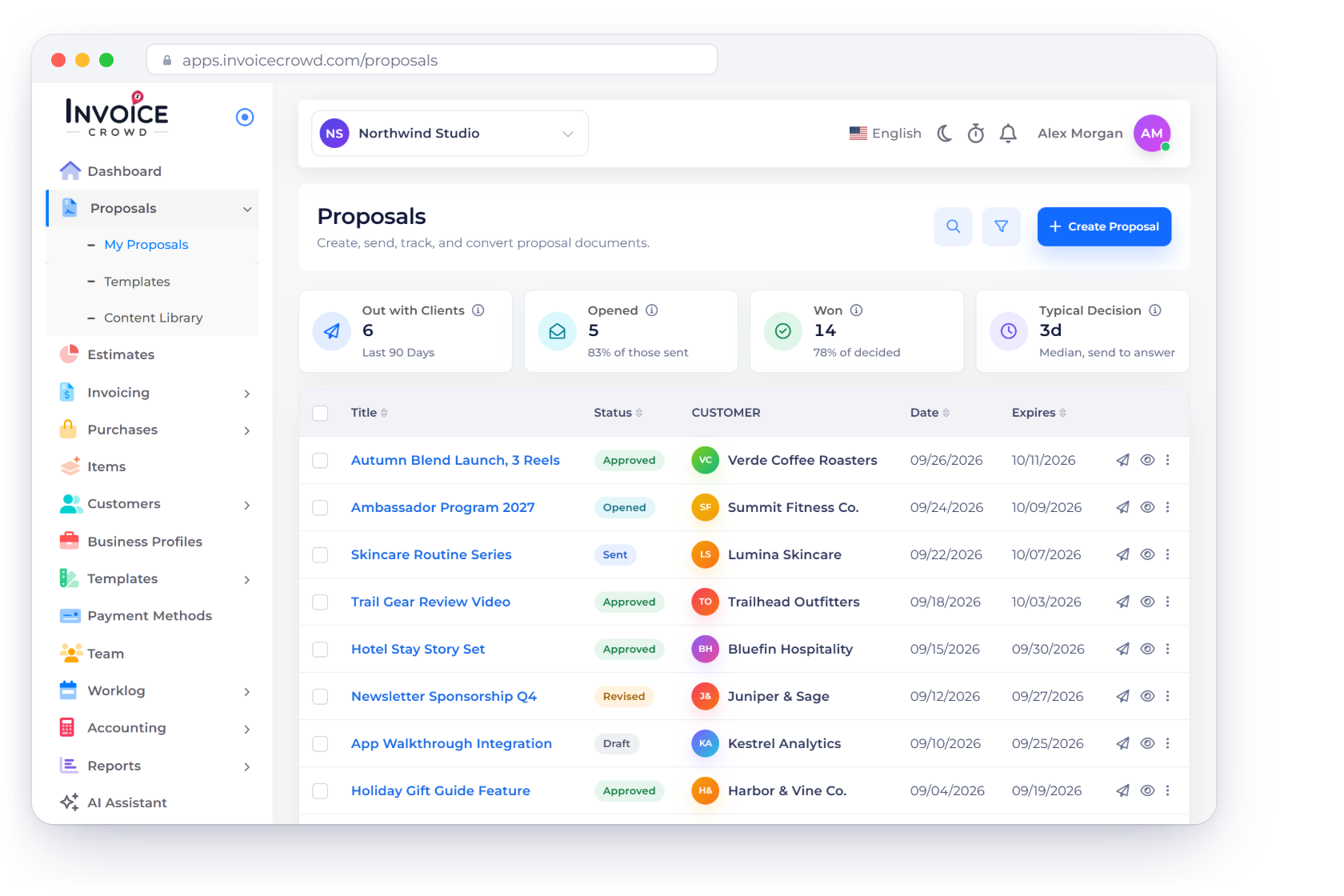
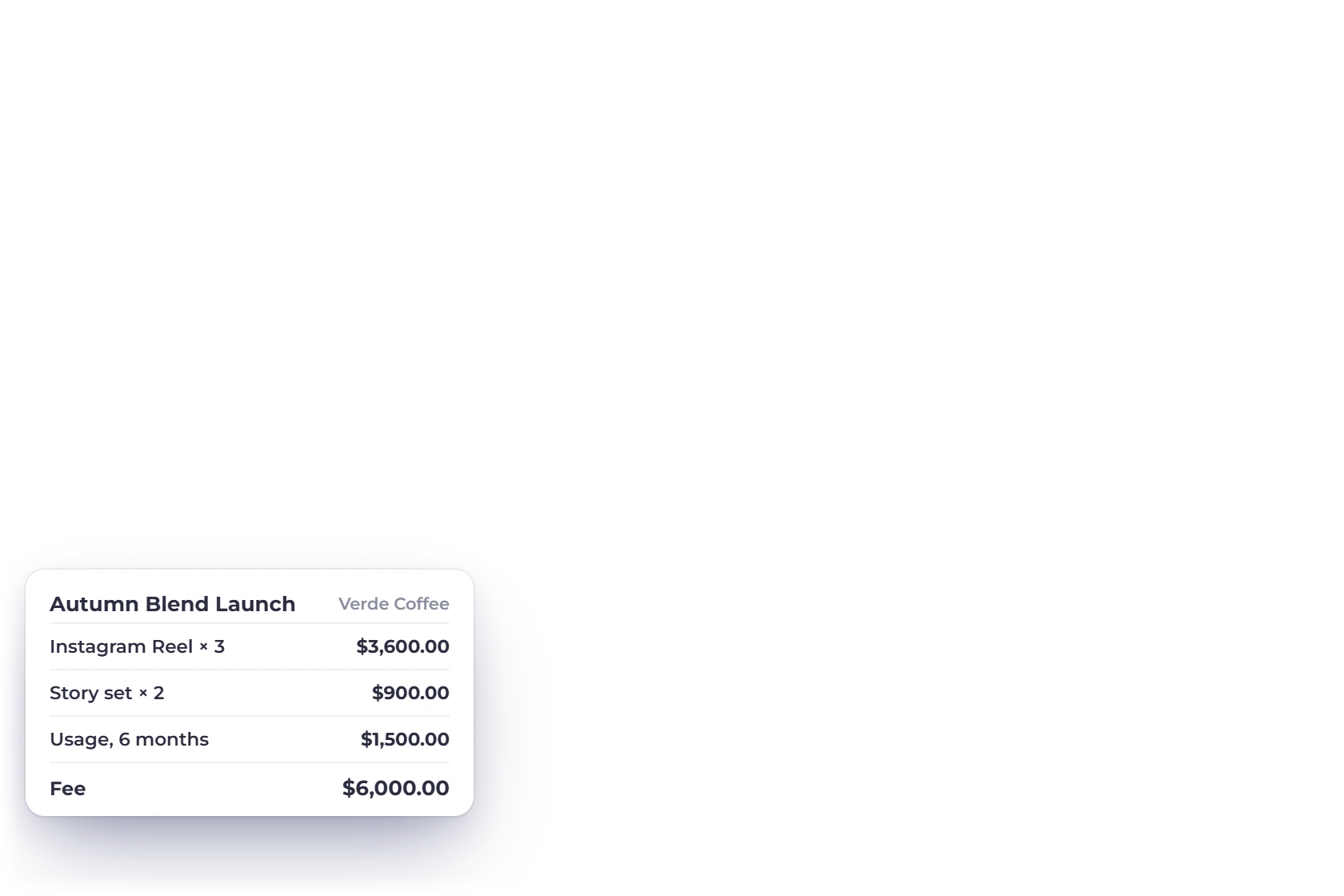
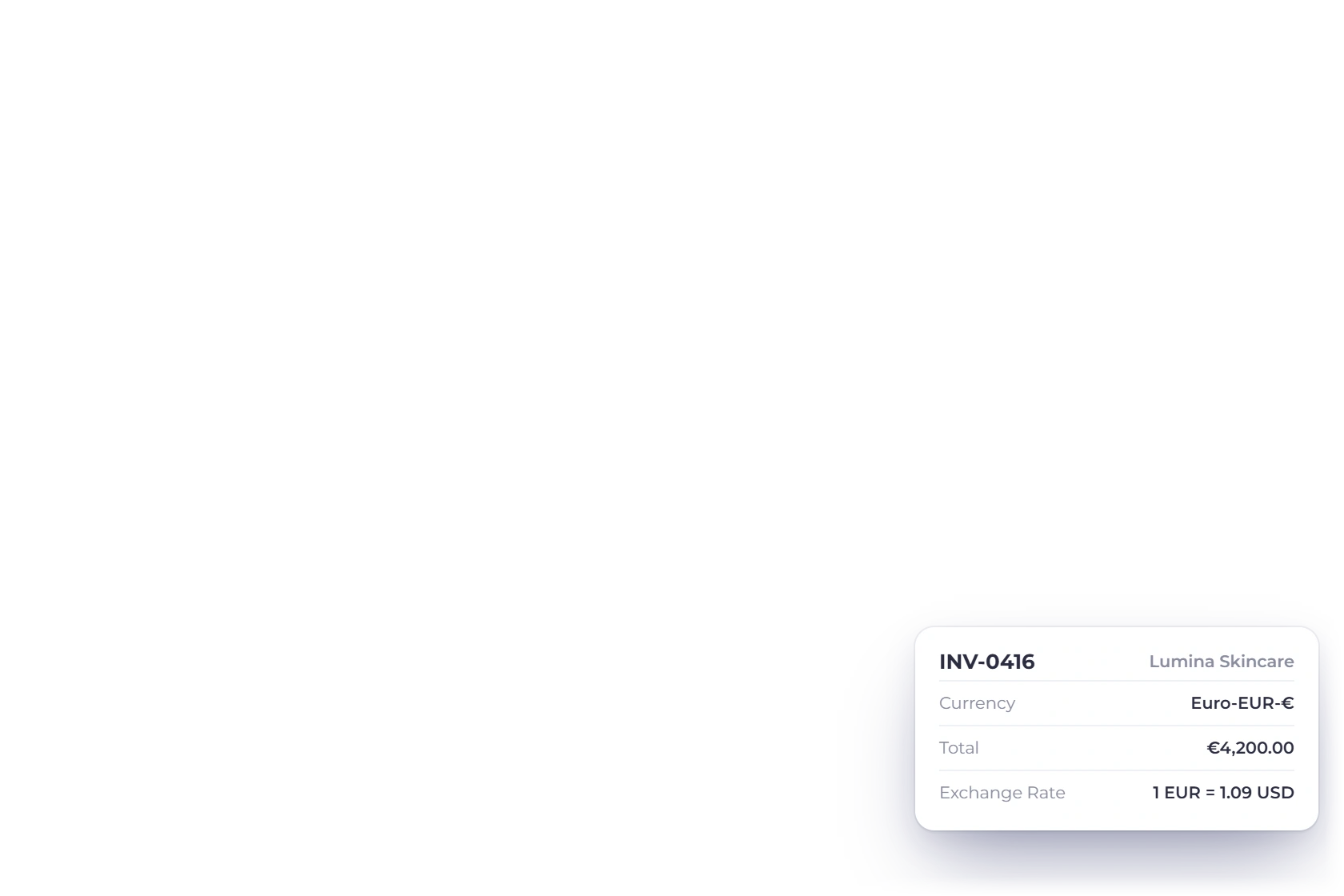
Invoice Crowd Proposals screen for a content creator with brand deal proposals and their status, a deposit received notification, the deliverables and fee of one deal and an invoice to a brand in euros

What is inside

From the pitch to the payment that clears

A brand deal is a document problem before it is a money problem. What was agreed, what it costs, what happens if the campaign extends, and who still has not paid.

The agreement

Everything the brand signs off on

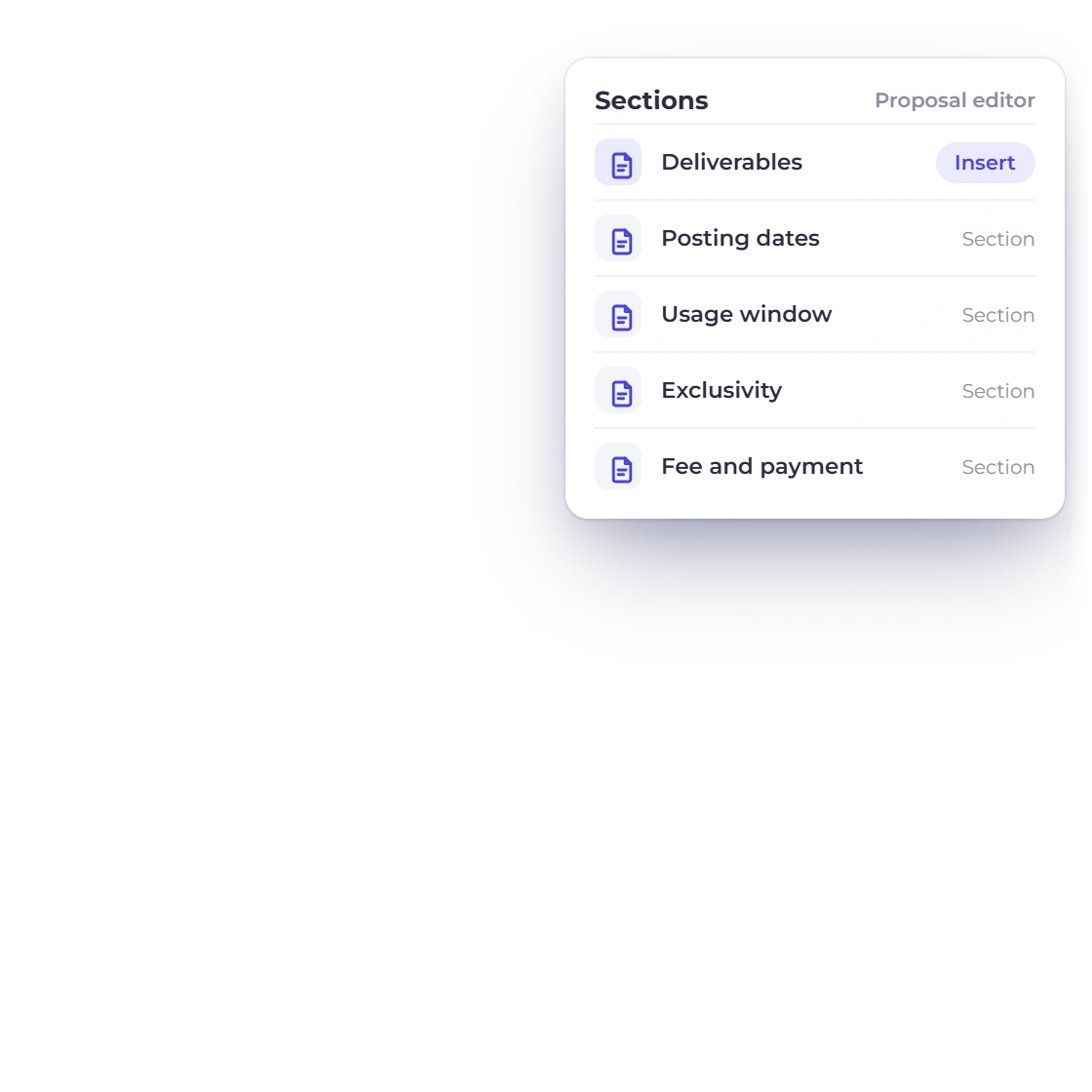
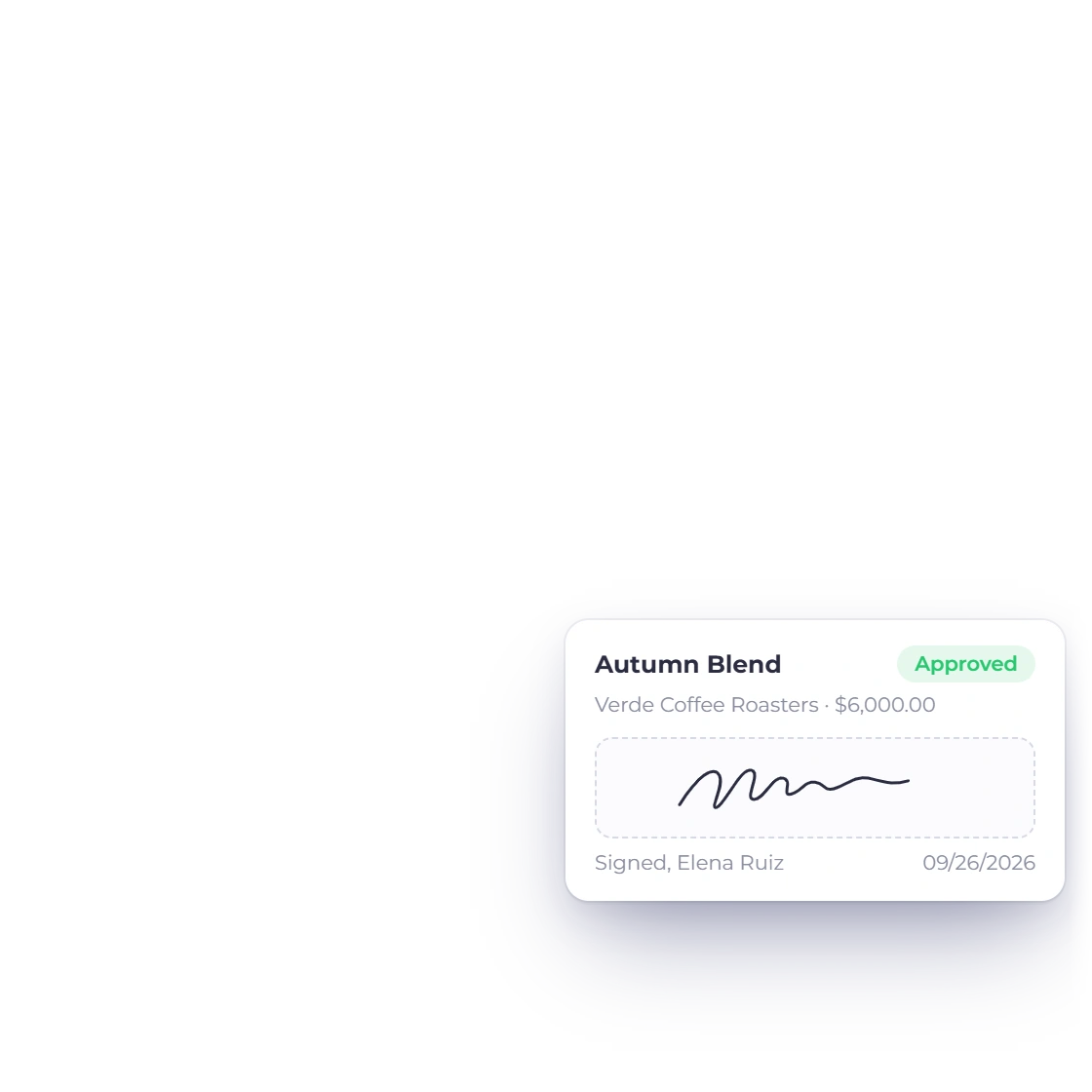
The Brand Deal Agreement proposal template in Invoice Crowd filled in for a sponsor, with sections for deliverables, posting dates, usage and exclusivity and a signature from the brand

A proposal that lists every deliverable

Briefs arrive as a chat message and end as an argument about what was promised. Build the proposal in sections instead: the deliverables by platform and count, the shoot and posting dates, the usage window, the exclusivity you are agreeing to, and the fee that covers all of it.

  • 70+ proposal templates, or start from a past deal
  • E-signature the brand adds in the browser
  • Sections for scope, dates, usage and fee
Proposal builder
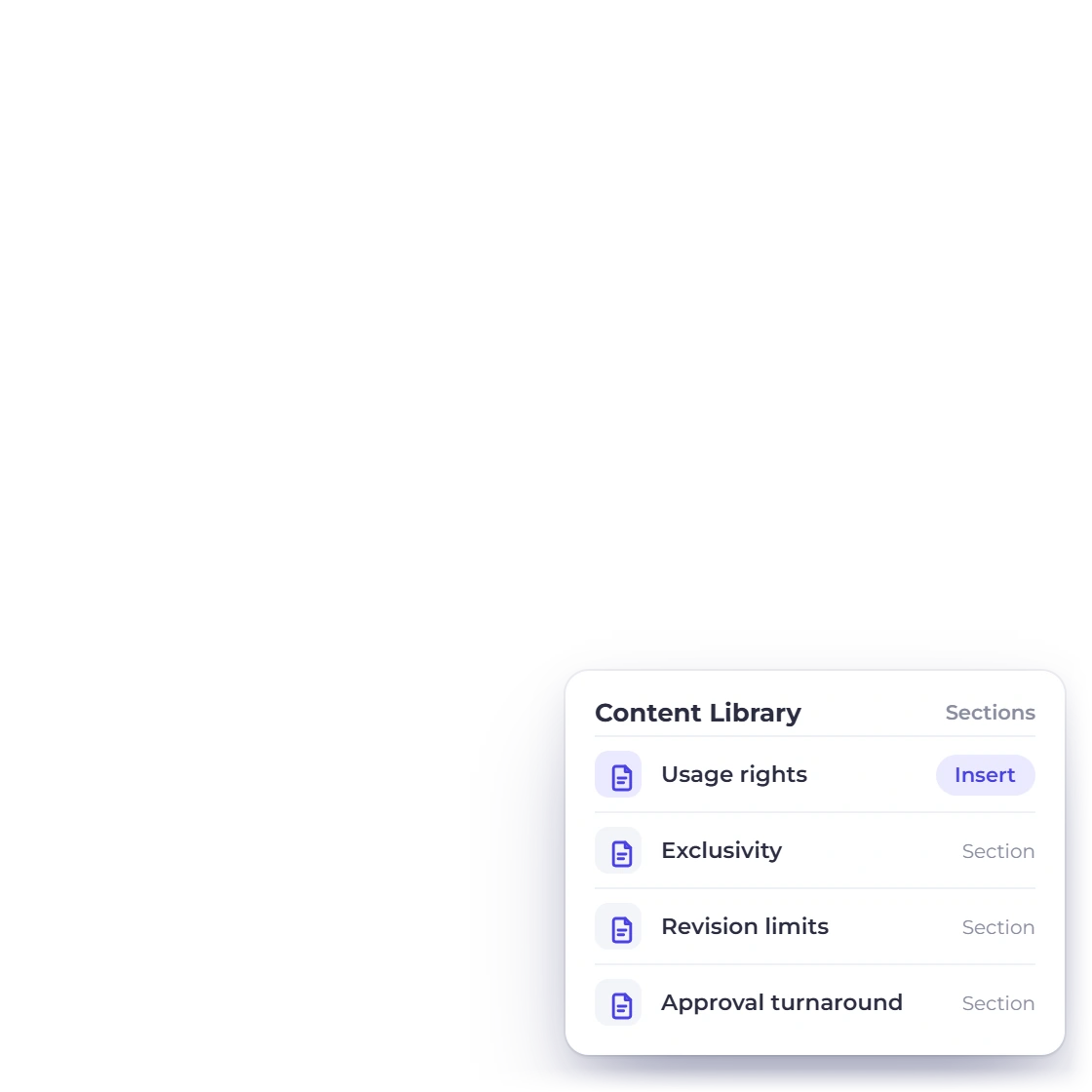
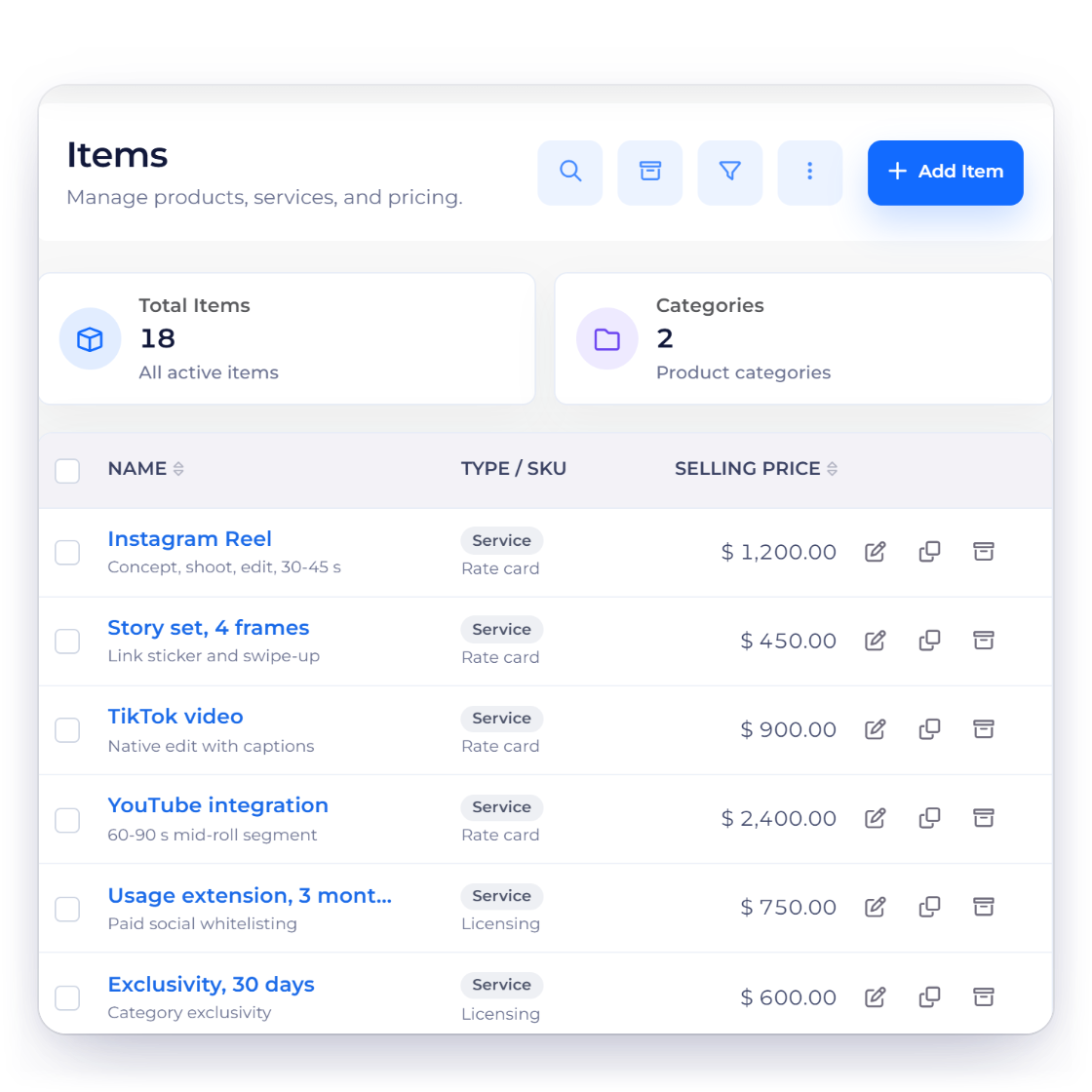
Invoice Crowd items list used as a creator rate card with Reels, Story sets, videos and usage extensions, reusable contract clauses from the content library and a proposal duplicated for a returning sponsor

Terms you write once, not every deal

Usage rights, exclusivity, revision limits, approval turnaround, what happens if a post is pulled. These clauses barely change from one sponsor to the next, so keep them in the content library and pull the right block into the document. Then rewrite only the paragraph that genuinely differs for this campaign.

  • Content library for the blocks you reuse
  • Saved items so a Reel or an integration has a rate
  • Duplicate a past proposal for a returning sponsor

The money

Deposits, currencies and gateways

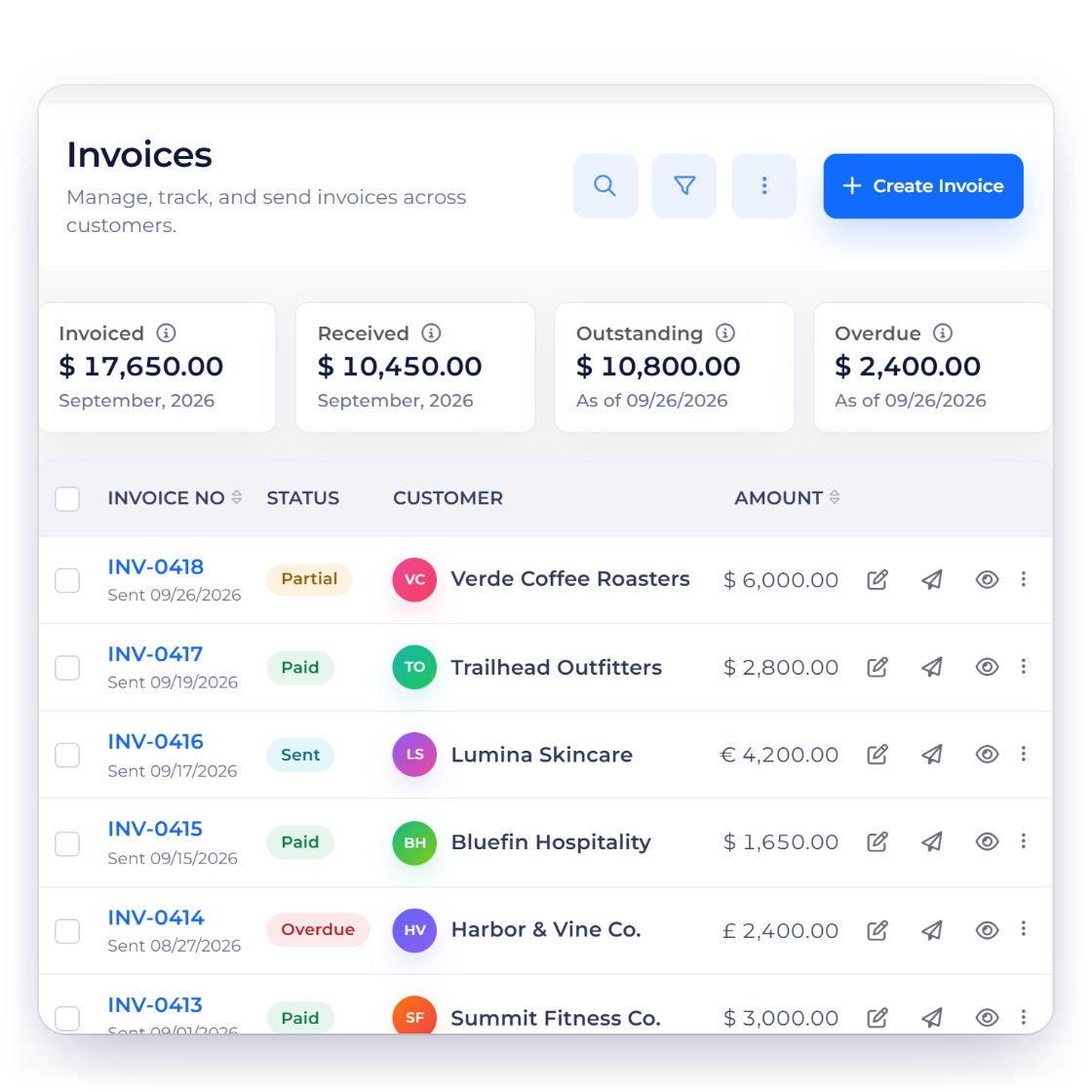
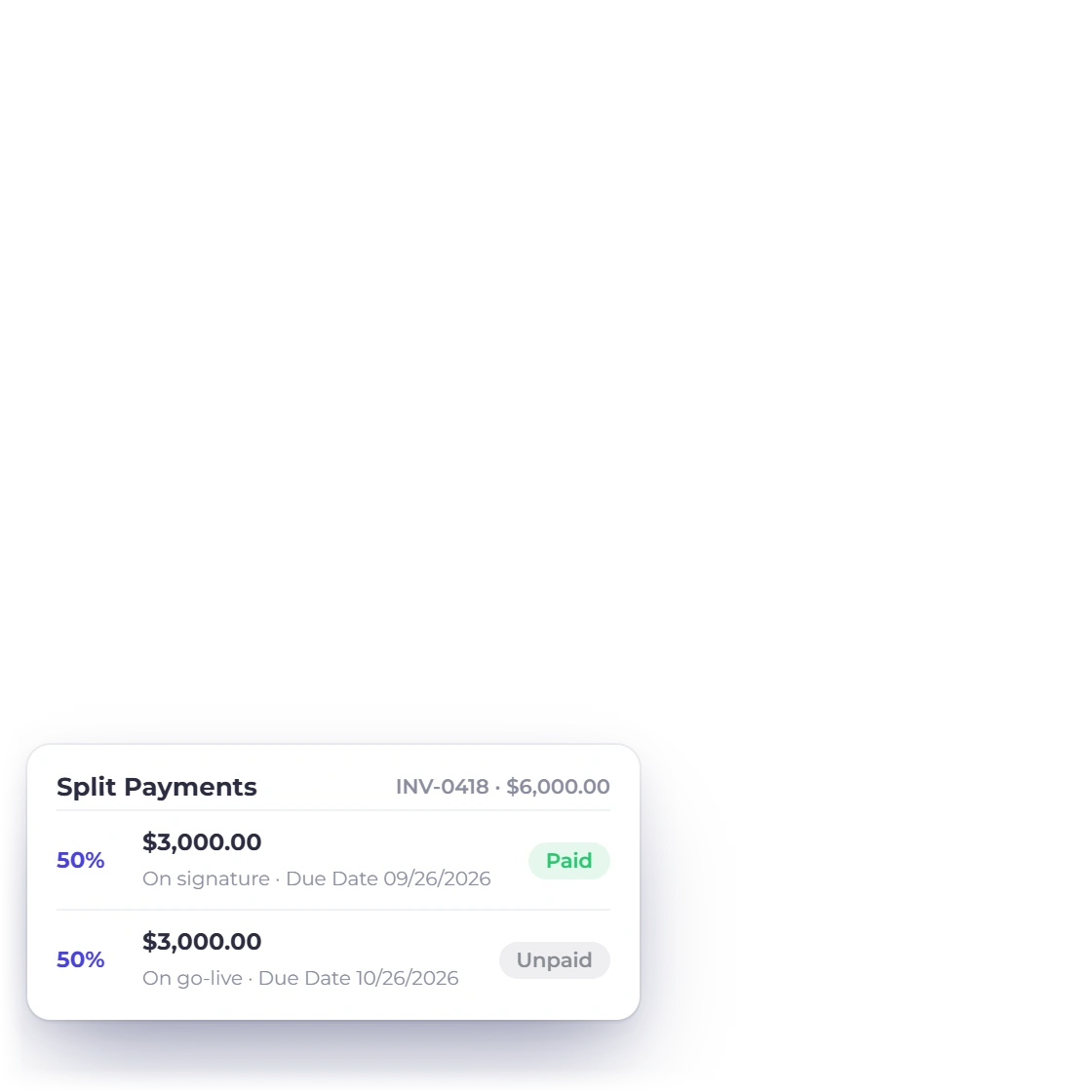
Invoice Crowd invoices list for a creator with a brand deal invoice split into a deposit on signature and a balance on go-live, and what the brand sees has been paid

A deposit before the first post goes up

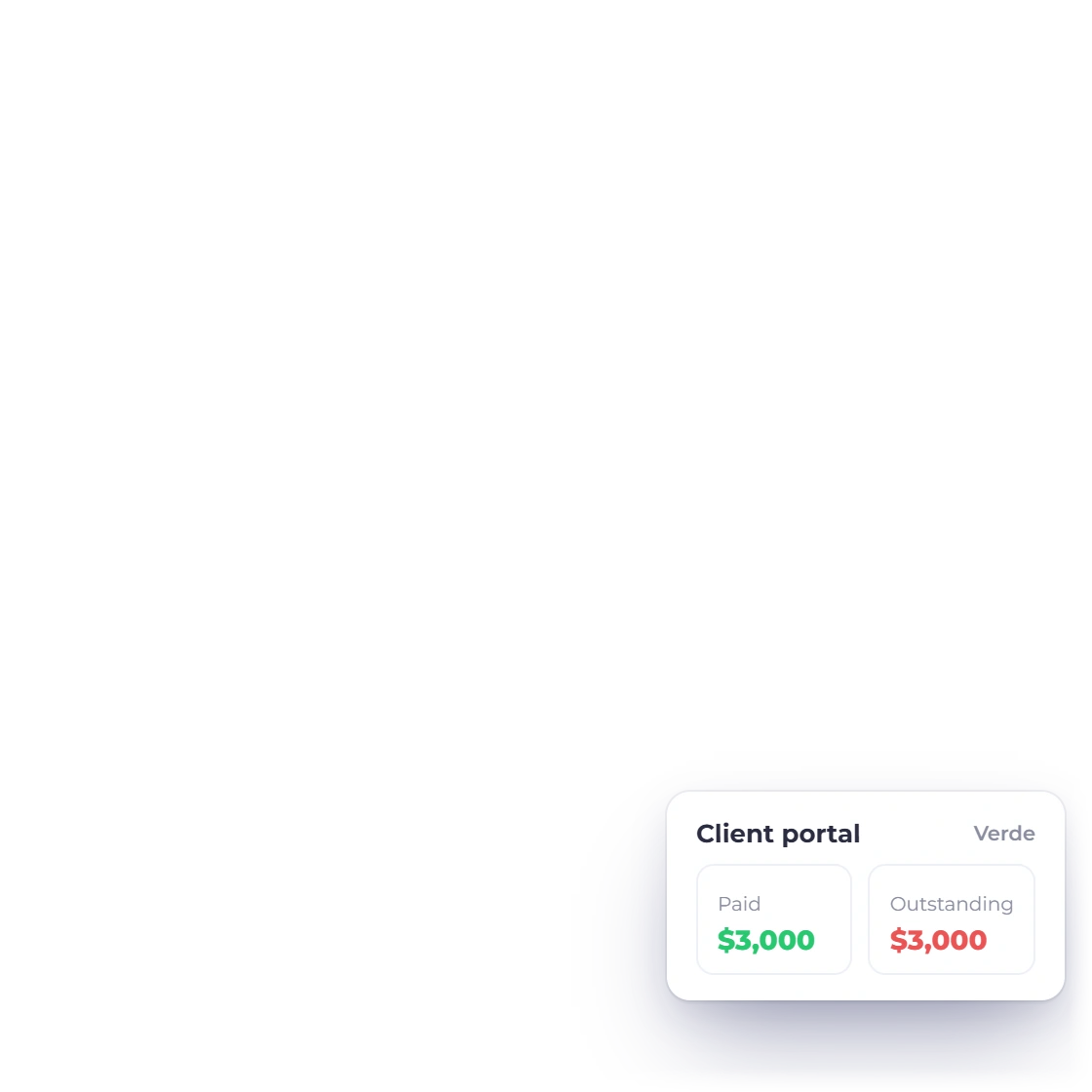
Content is expensive to produce and impossible to un-publish. Bill a percentage on signature and the balance when the campaign goes live, from one invoice rather than two documents that have to be matched up later. The portal shows the brand what has landed and what is left.

  • Split and partial payments on a single invoice
  • The brand sees the amount received and the balance
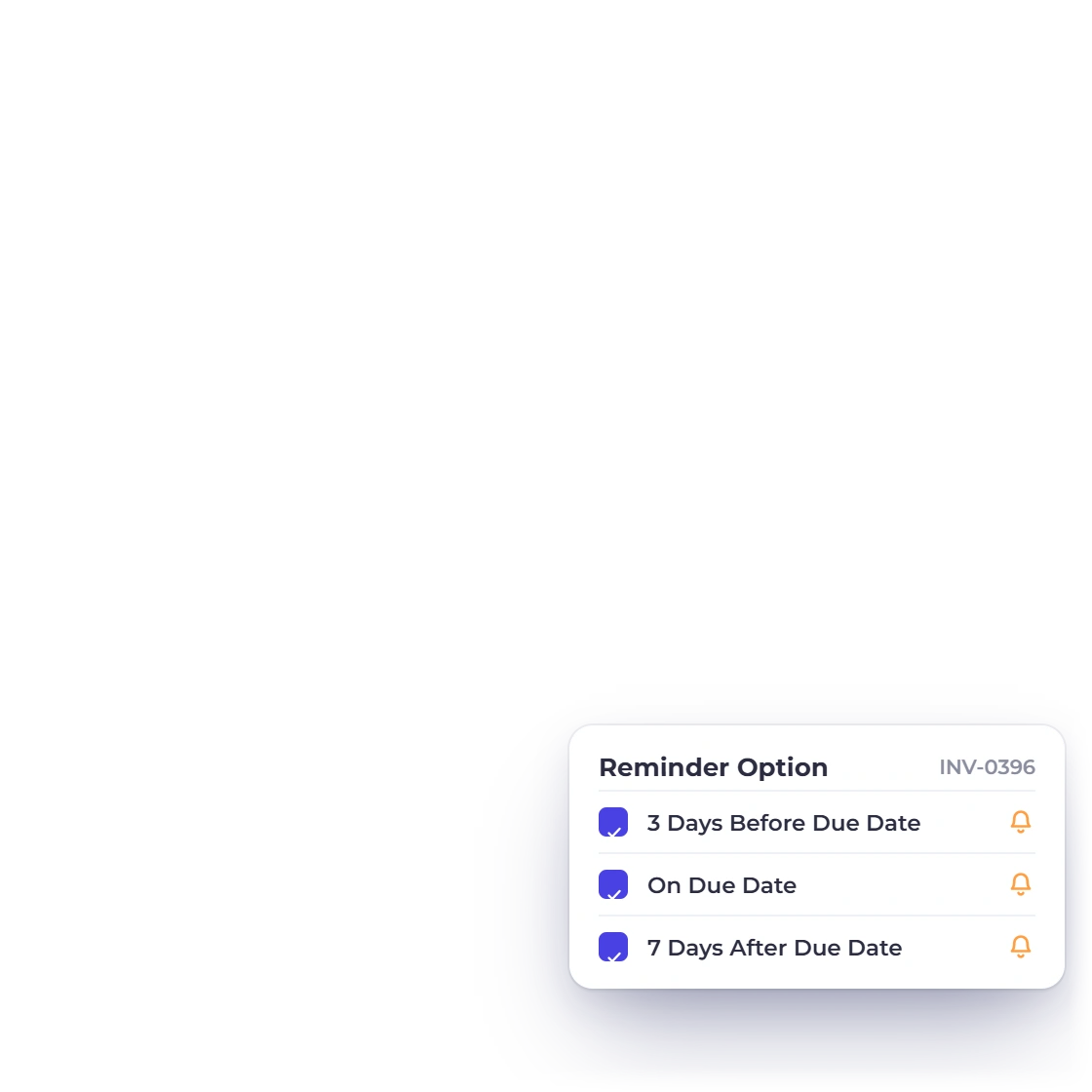
  • Reminders and late fees on what is still outstanding
Split and partial payments
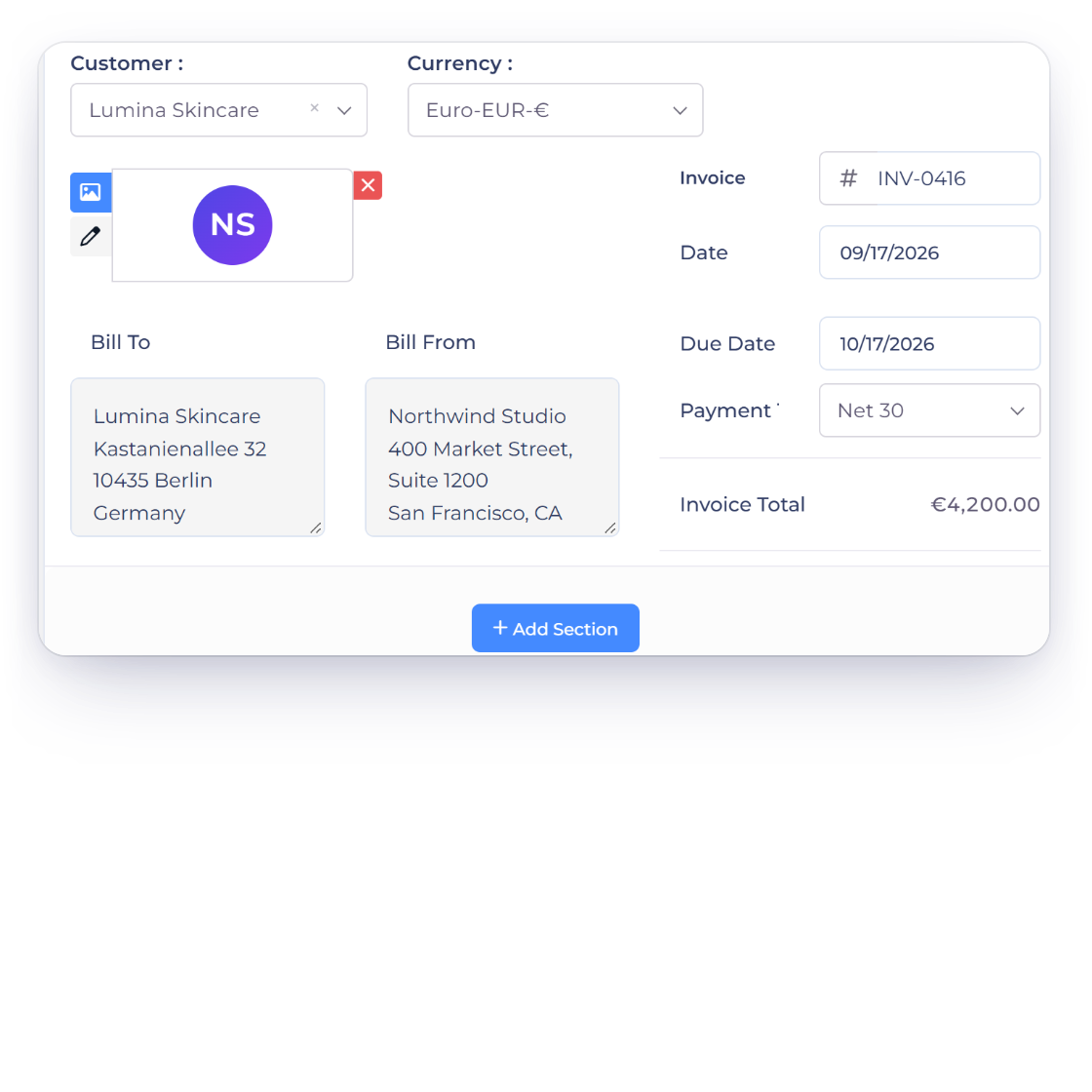
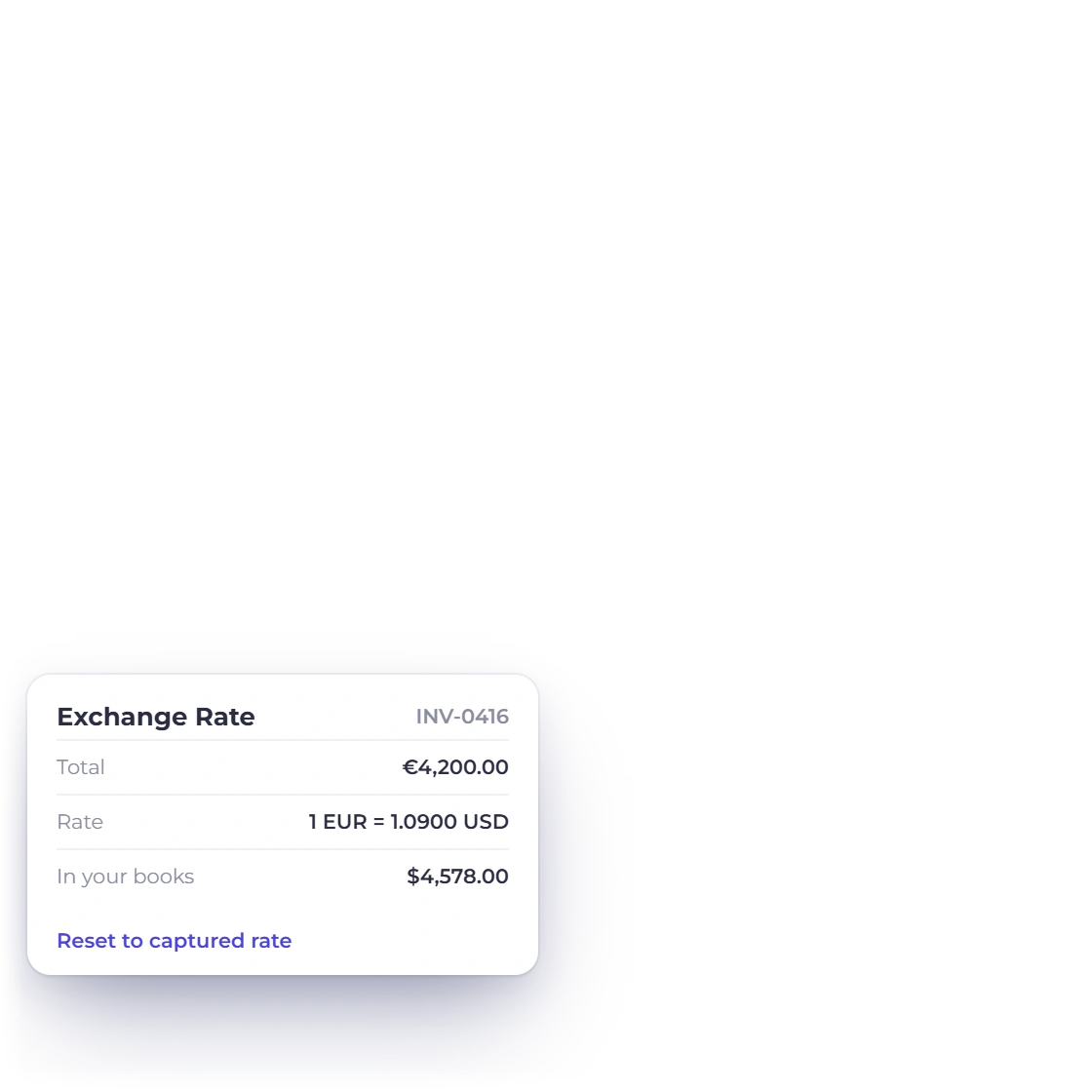
Invoice Crowd invoice editor with an invoice to a European brand in euros, the exchange rate used for the books and the payment methods the brand can pay with

Overseas brands pay in their own currency

A sponsor in another country should not have to work out a conversion before approving a budget. Invoice in their currency, connect the gateway their finance team already uses, and let your own reporting total in your base currency so the year still adds up.

  • Multi-currency invoicing with base-currency reporting
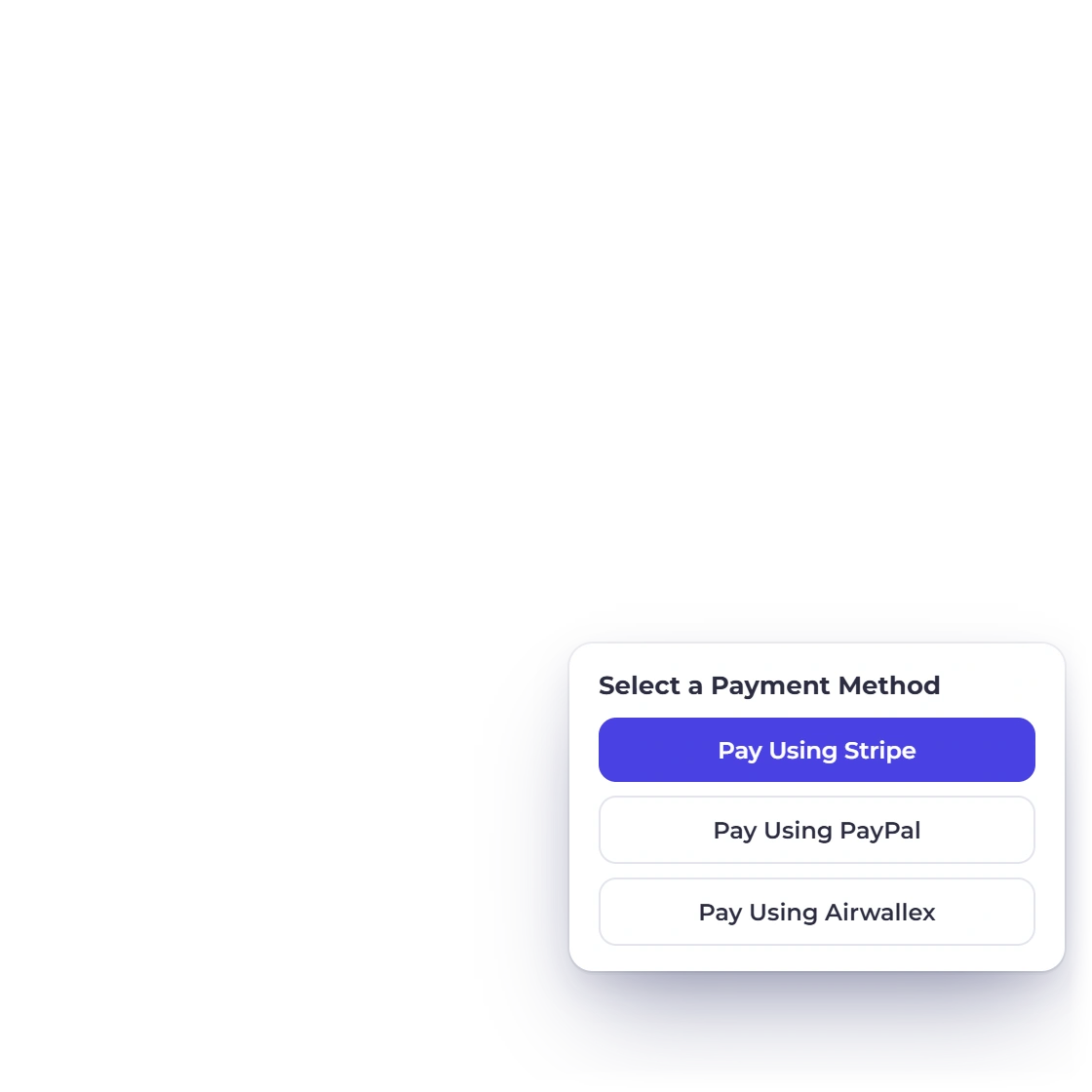
  • PayPal, Stripe, Razorpay, Square, Payoneer, Braintree, Authorize.net, Airwallex and more
  • A Pay button on the invoice the brand receives
Payment gateways

The follow-up

What is outstanding, and what it cost to make

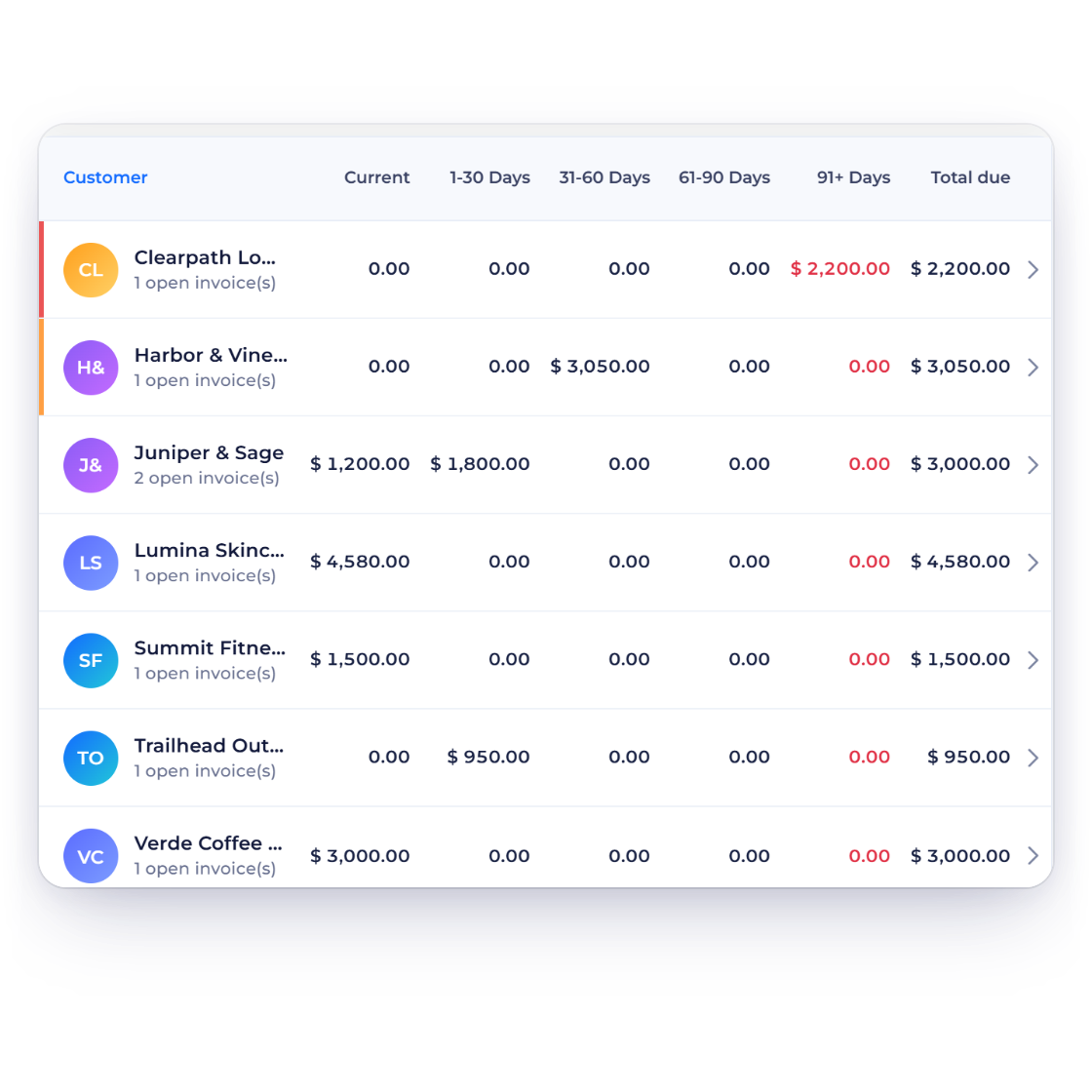
Invoice Crowd Age Debt report for a creator with brand balances from Current to 91+ Days, reminders around the due date and the invoice report totals

Which collaborations have not paid yet

Agency accounts pay on their own schedule, and a creator can be three campaigns deep before noticing. The aged debt report sorts every unpaid invoice by how far past its due date it has gone, so chasing becomes a decision about one brand rather than a memory test across twelve.

  • Aged debt grouped by how overdue an invoice is
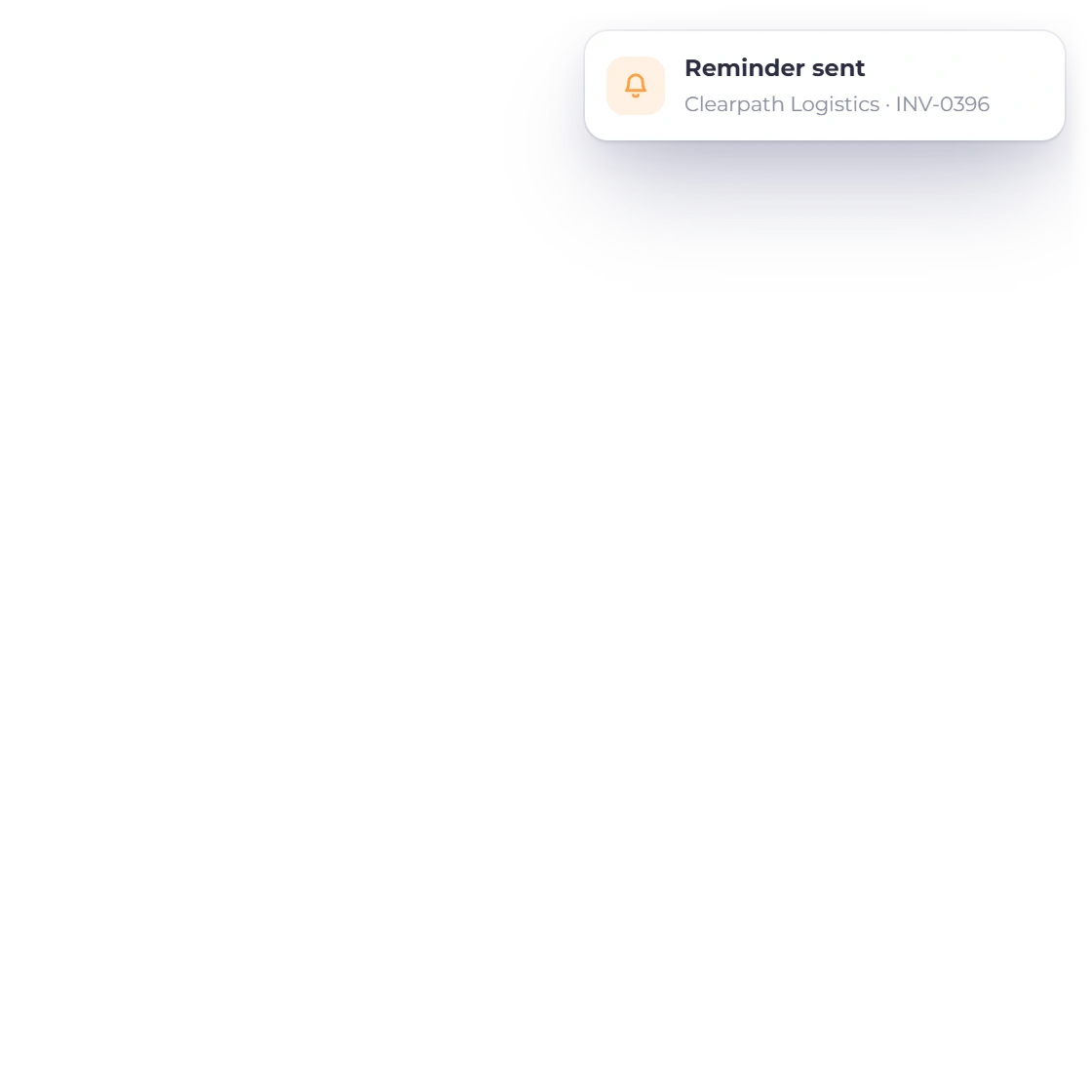
  • Automatic reminders before you have to write the email
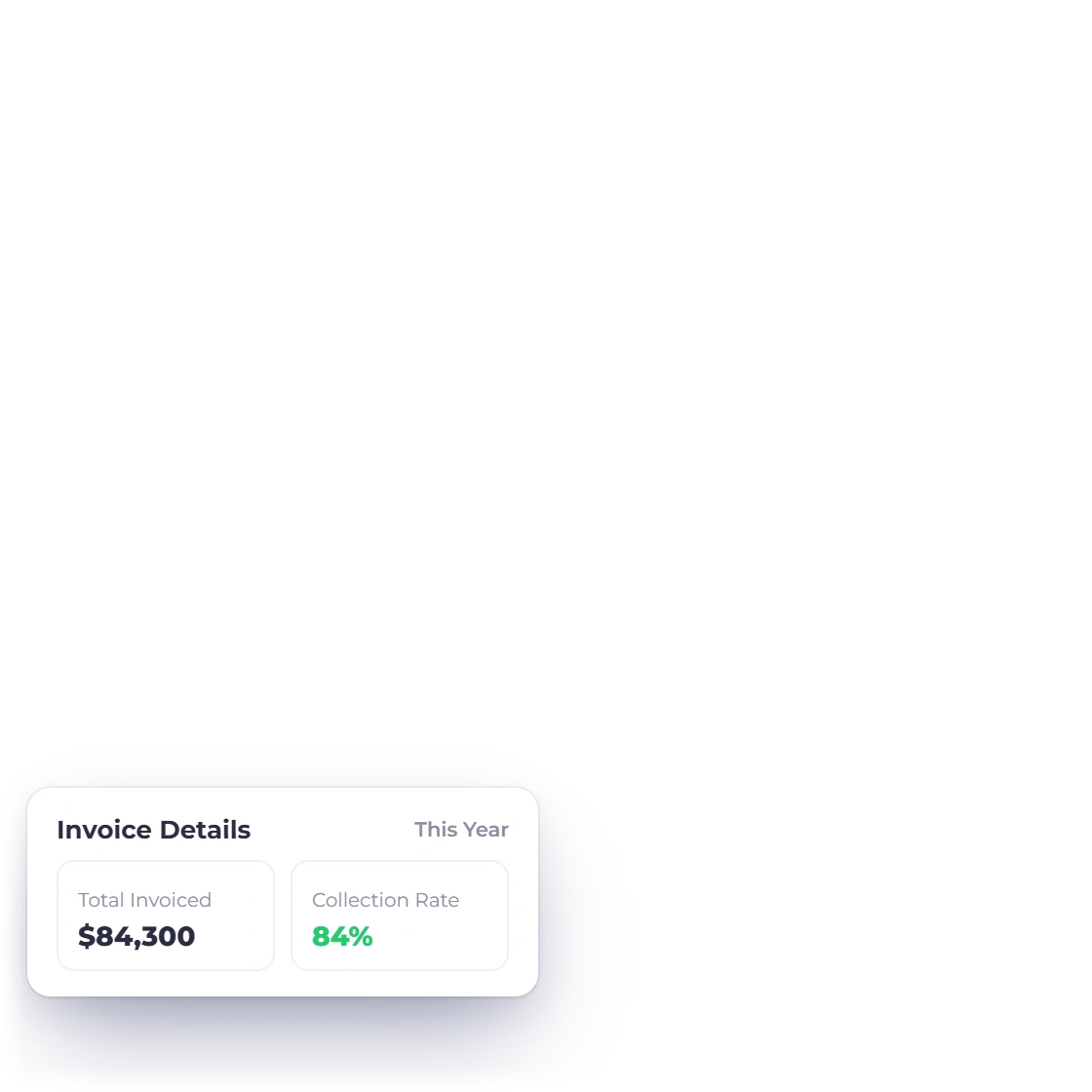
  • Invoice and income reports for any period
Reports
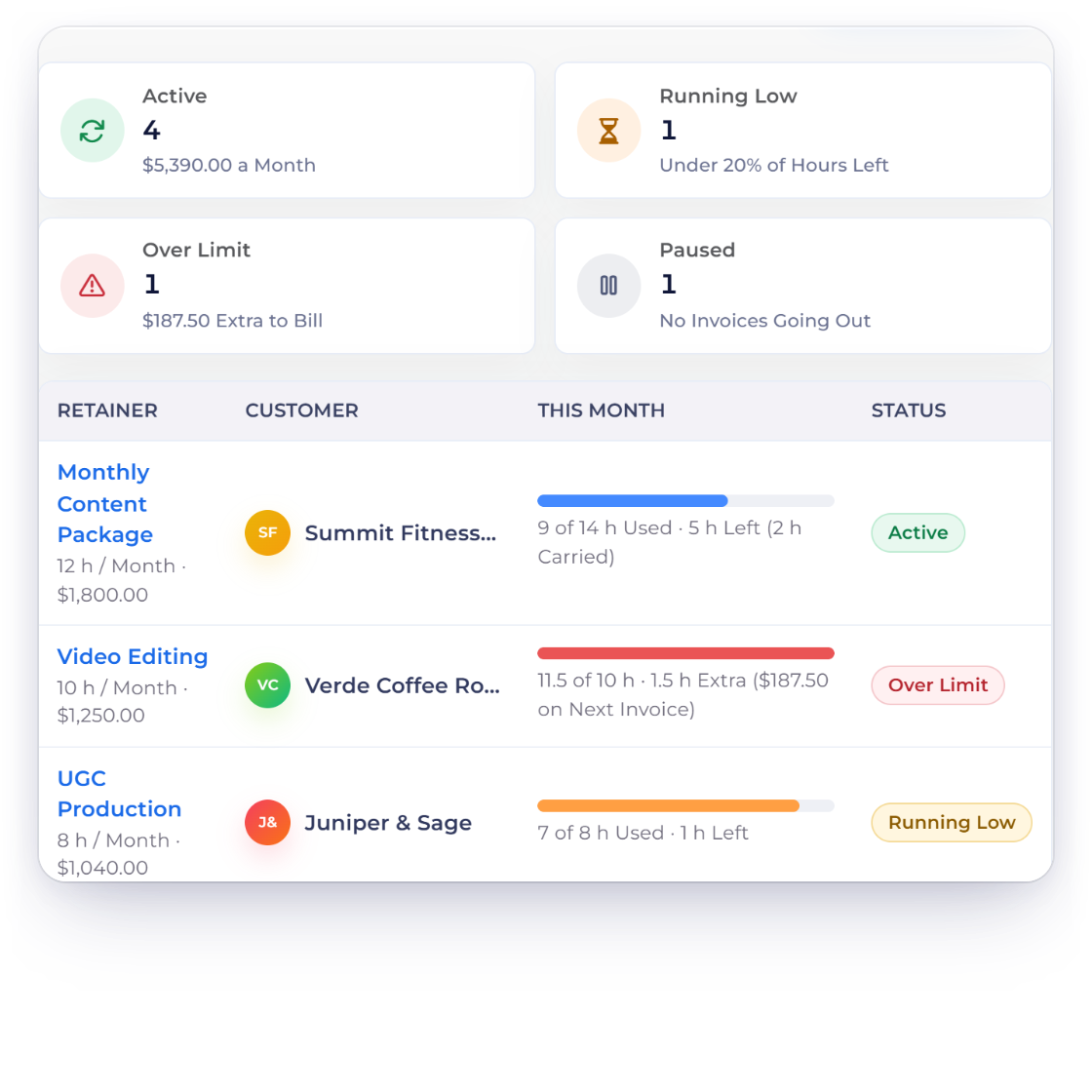
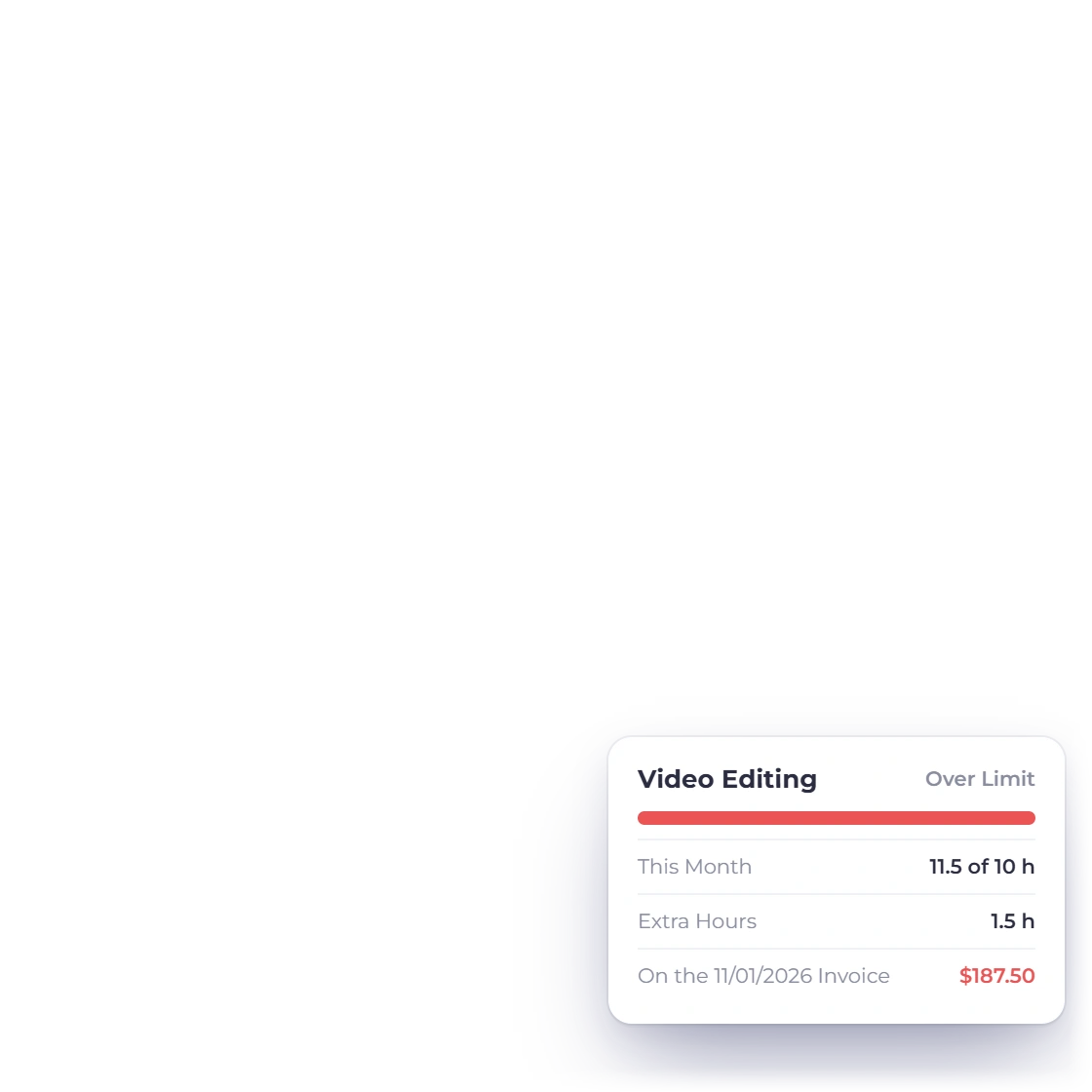
Invoice Crowd Retainers screen for a content creator with monthly content, video editing and UGC retainers, the hour bank of one brand's retainer and the extra editing hours due on the next invoice

Monthly content retainers that count the hours

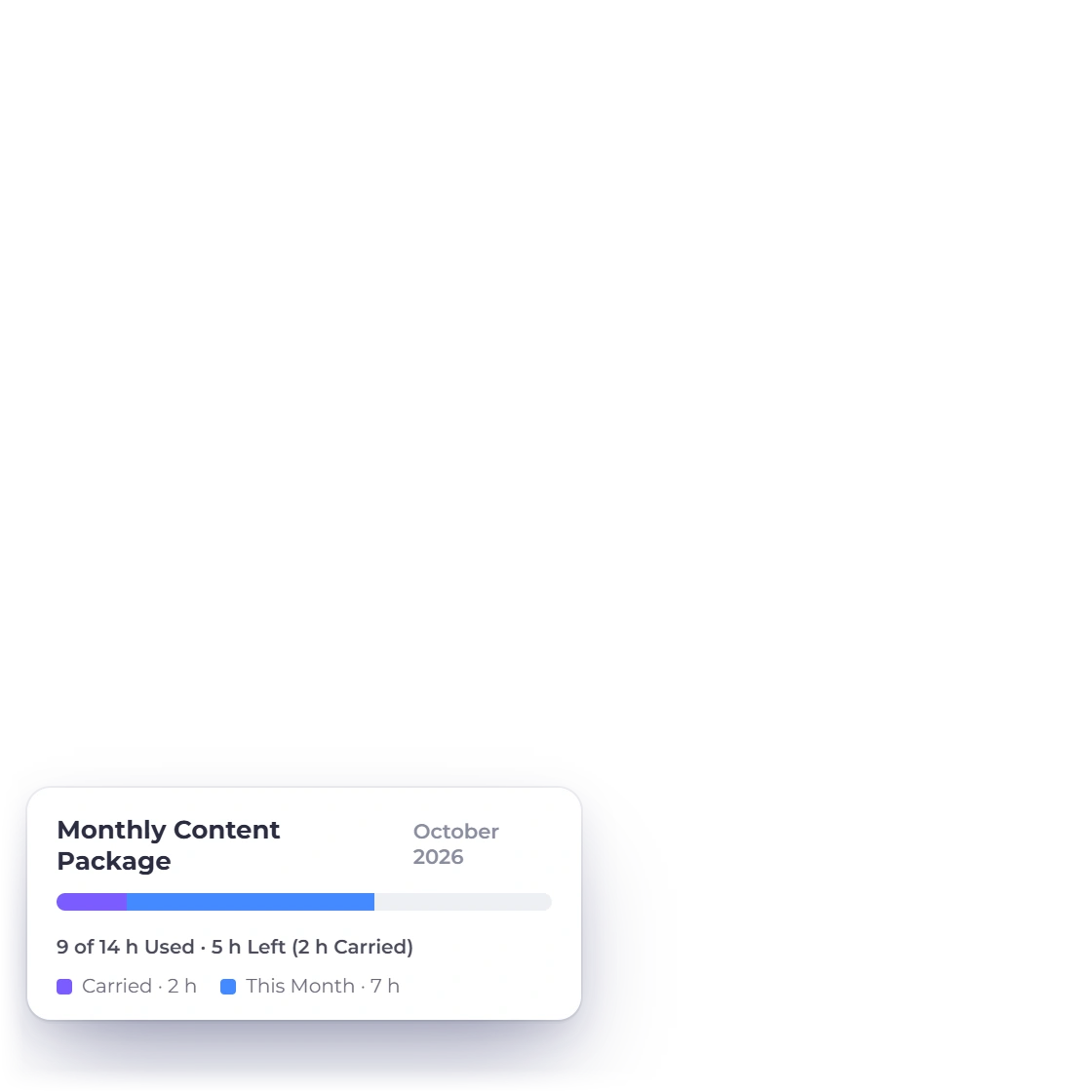
When a brand pays every month for a set number of your hours, make it a retainer. Time you log on that brand's projects counts against the month, unused hours carry over or expire, and extra editing time goes on the next invoice. Cameras, editing software and travel still go in as expenses against the same set of books.

  • Hours included each month on one monthly invoice
  • Gear and software logged as expenses with receipts
  • Extra hours billed on the next invoice
Retainers

Also included

The rest of what a creator business runs on

Brand deals are not the only paperwork. Everything below is in the same account as the proposals and the invoices.

  • Proposal e-signature

    The brand approves the deal in the browser and the signed copy stays with the proposal.

  • Approved to invoiced

    An approved estimate converts to an invoice carrying the same lines, so nothing is keyed twice. Put an expiry date on the quote so last season's rate can't be accepted.

  • Lines the brand can drop

    Turn on item removal and the brand can drop lines it doesn't want, such as an extra Story set, before approving.

  • Rate card items

    Keep a post, a Reel and a Story set as saved items with their rates, and quote them the same way all year.

  • Brand portal

    Sponsors sign in to view, approve, download and pay, and see which invoices are paid and what is still due.

  • Reminders and late fees

    Overdue invoices chase themselves on the schedule you set instead of waiting on you.

  • Kit and subscriptions

    Log gear, editing software and travel as expenses with the receipt kept on the transaction.

  • Channel and company

    Run the creator brand and a production company as separate profiles under one login.

  • Outbound webhooks

    Send invoice and customer events to a webhook URL you choose, or connect through Pabbly Connect using your Invoice Crowd sign-in.

  • Client-set quantities

    Let a sponsor set the number of posts or videos on the estimate before they approve it.

  • Sponsor records

    One record per brand holding their contacts, past proposals, invoices and everything they have paid.

  • Custom tax rates

    Set your own tax and discount rates per line, for the deals that are taxed differently.

  • Refunds

    A campaign is pulled? Refund the online payment through Stripe, PayPal and six other gateways straight from the invoice, with the credit note made for you.

  • Paid before you invoice

    When a brand pays before the invoice exists, record it as an advance with its own receipt and apply it when you bill.

  • GST and TDS in India

    Creators billing from India add GST to the invoice, and when a brand deducts TDS, record it with the payment so your books show it as TDS receivable.

Questions

Brand deals and invoicing, answered

Can I put usage rights and exclusivity into a proposal?

Yes. A proposal is built from sections you write, so the usage window, the exclusivity period, revision limits and approval turnaround sit alongside the deliverables and the fee. Save that wording in the content library and pull it into the next deal rather than rewriting it.

How do I take a deposit before I make the content?

Split and partial payments let one invoice carry a deposit and a balance. Bill a percentage when the brand signs and the rest when the campaign goes live. The portal shows the sponsor what has been received and what is still due against that same total. You can also request the deposit on an estimate, and the brand accepts and pays it in one step.

Can I invoice a brand abroad in their own currency?

Yes. Multi-currency invoicing sets the document in the customer's currency while your reports total in your base currency. Fifteen payment gateways are available, from PayPal and Stripe through to Razorpay, Square, Payoneer, Braintree, Authorize.net and Airwallex, so a finance team can pay the way it already does.

How do I know which brand deals are still unpaid?

The aged debt report groups unpaid invoices by how long they have been overdue, and the invoice report shows what was raised and what settled in a period. Reminders run on the invoice on the schedule you set, and a flat or percentage late fee set when you send the invoice is added automatically if it is still unpaid after the due date, so most of the chasing happens without you.

Can invoices carry my own branding?

Yes. Invoice templates take your logo and colors, and proposals start from 70+ templates you can adapt. If you run more than one brand, business profiles hold a separate look and a separate set of books for each of them under a single login.

What does it cost, and is there a trial?

Yes. Every paid plan starts with a 30-day free trial with no card needed, and the Basic plan is free forever for everyday invoicing with PayPal. Current prices are on the Pricing page.

Get the deal in writing and the fee in on time

Write the proposal, take the deposit, invoice in the sponsor's currency and keep the unpaid list short. It is one account, not four tools.

  • 30 days free, no credit card asked for
  • Deliverables, fee and usage in one signed document
  • Multi-currency invoicing for overseas sponsors