Skip to content

Estimates, deposits and invoices built for videographers

Invoice Crowd lets you build a video estimate with kit, crew, edit days and licensing as separate lines. Agree the extras with the client, save the final scope and request approval. Set out the deposit and final-balance schedule before the shoot.

  • Agreed extras in the saved estimate
  • Deposit before the crew rolls
  • Balance due before delivery
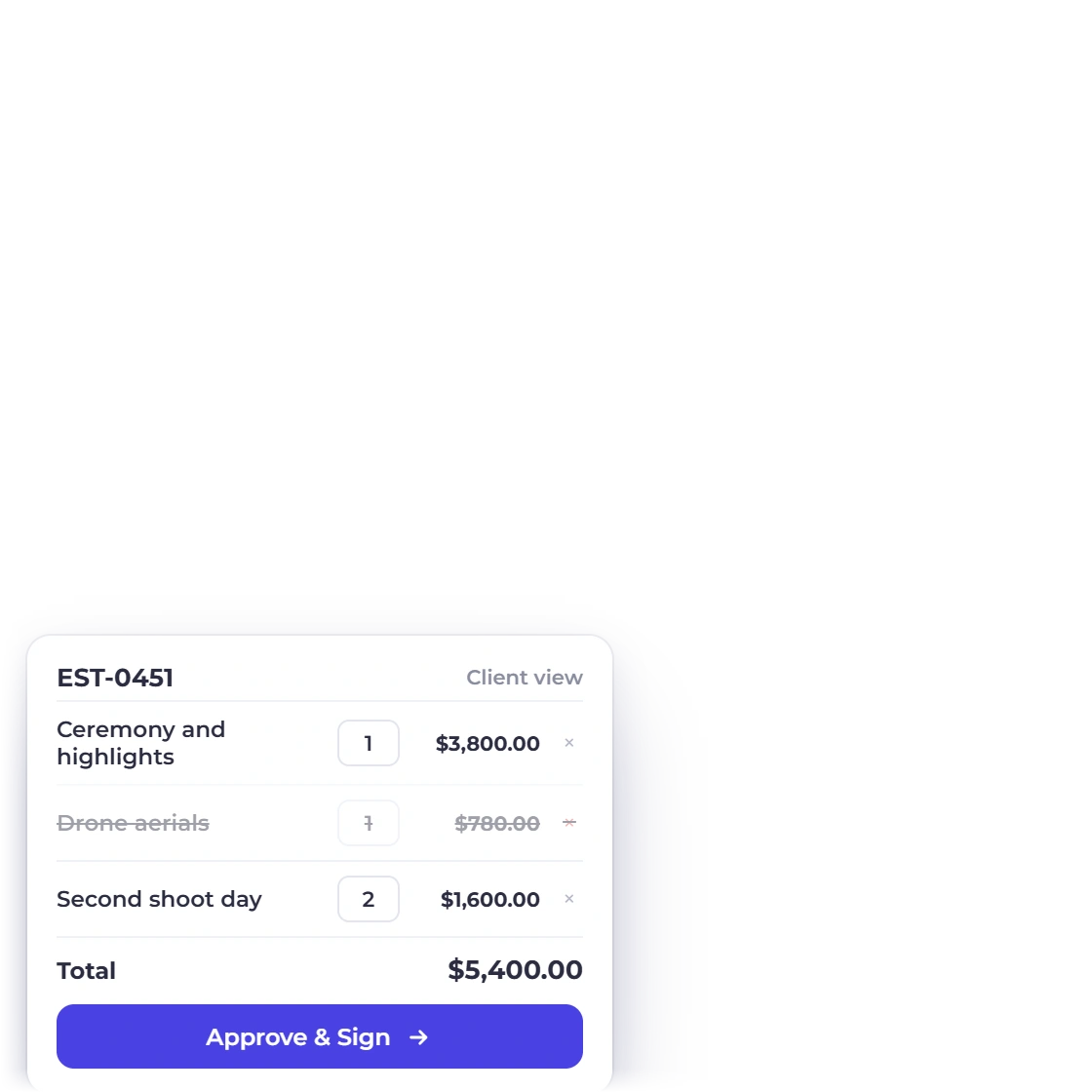
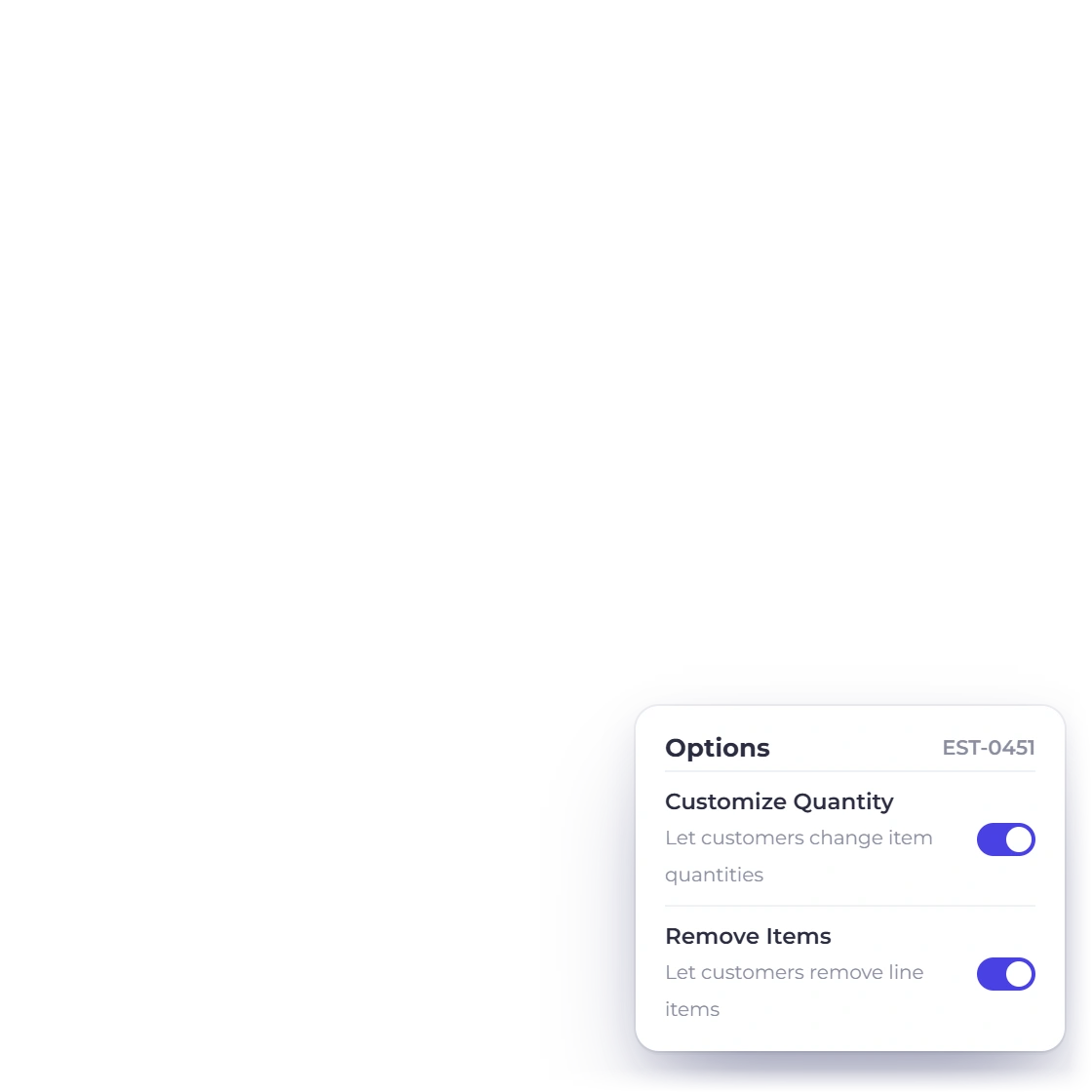
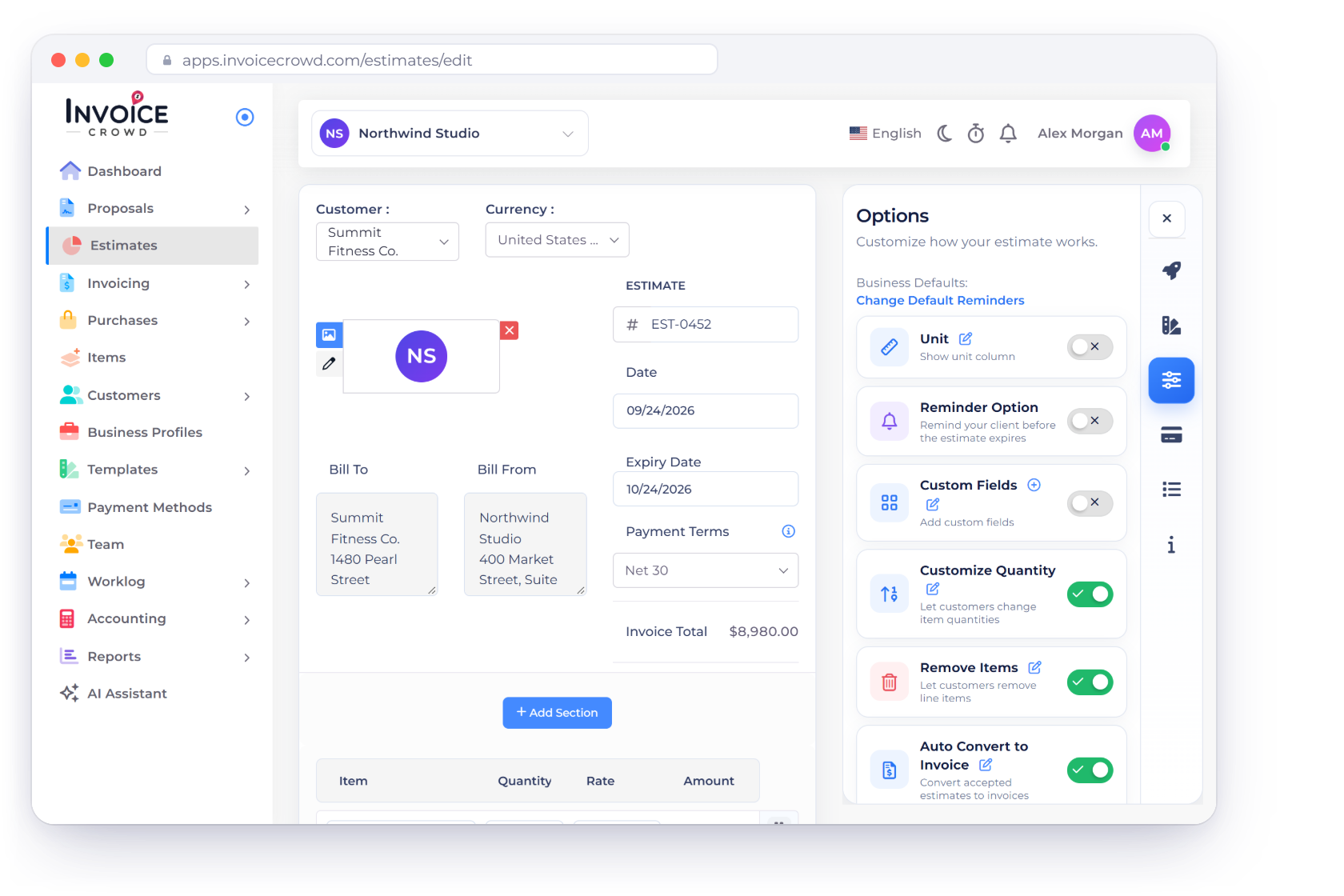
Invoice Crowd estimate editor for a video production with shoot days, crew and edit lines, the options that let the client change quantities and remove extras, the client view with the drone day removed and a deposit taken before the shoot

What is inside

A shoot priced the way it is actually budgeted

Quote video work in parts: days, kit, people, post-production and rights. Agree which parts the client wants before approval, then convert the accepted estimate into an invoice.

The quote

Every line the budget really has

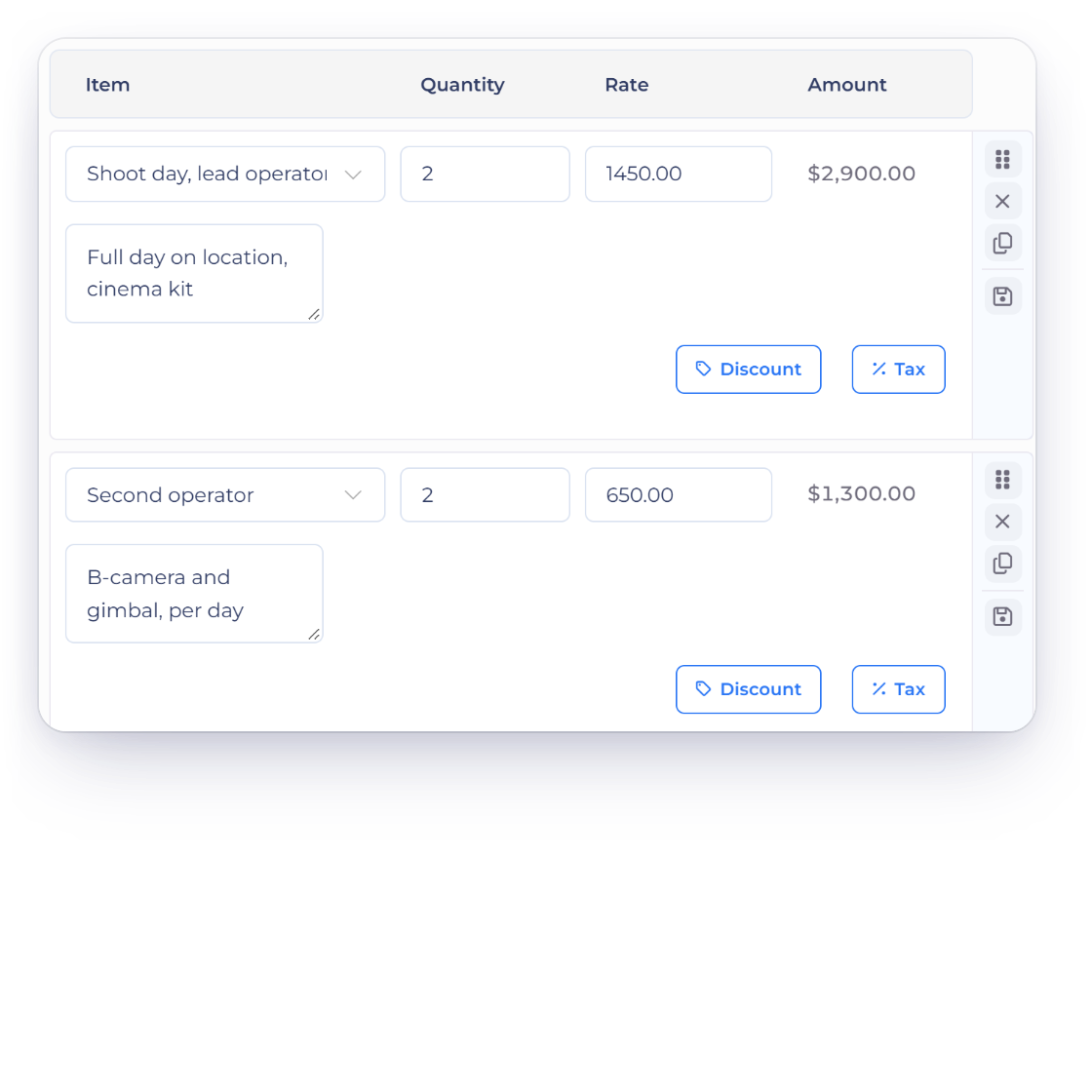
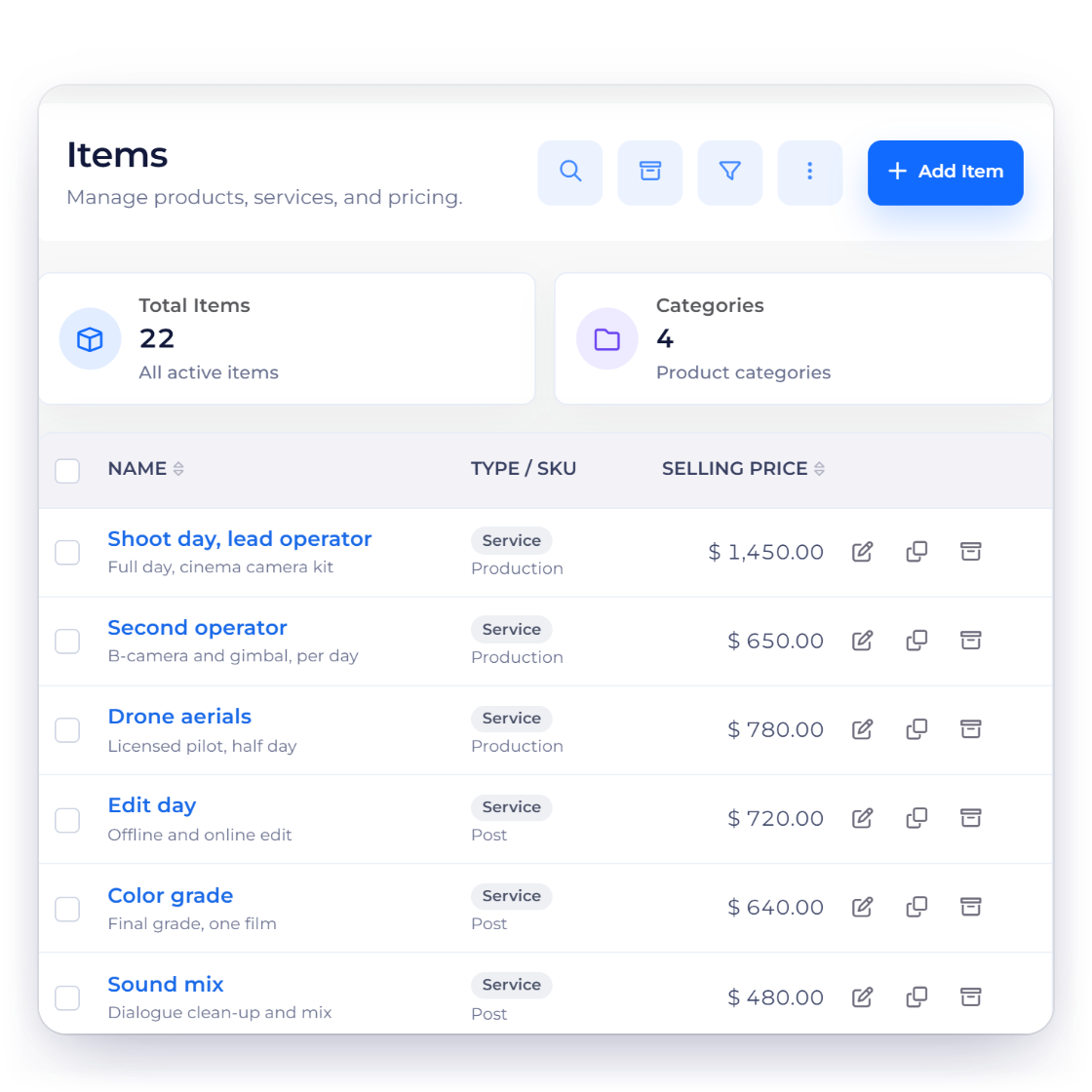
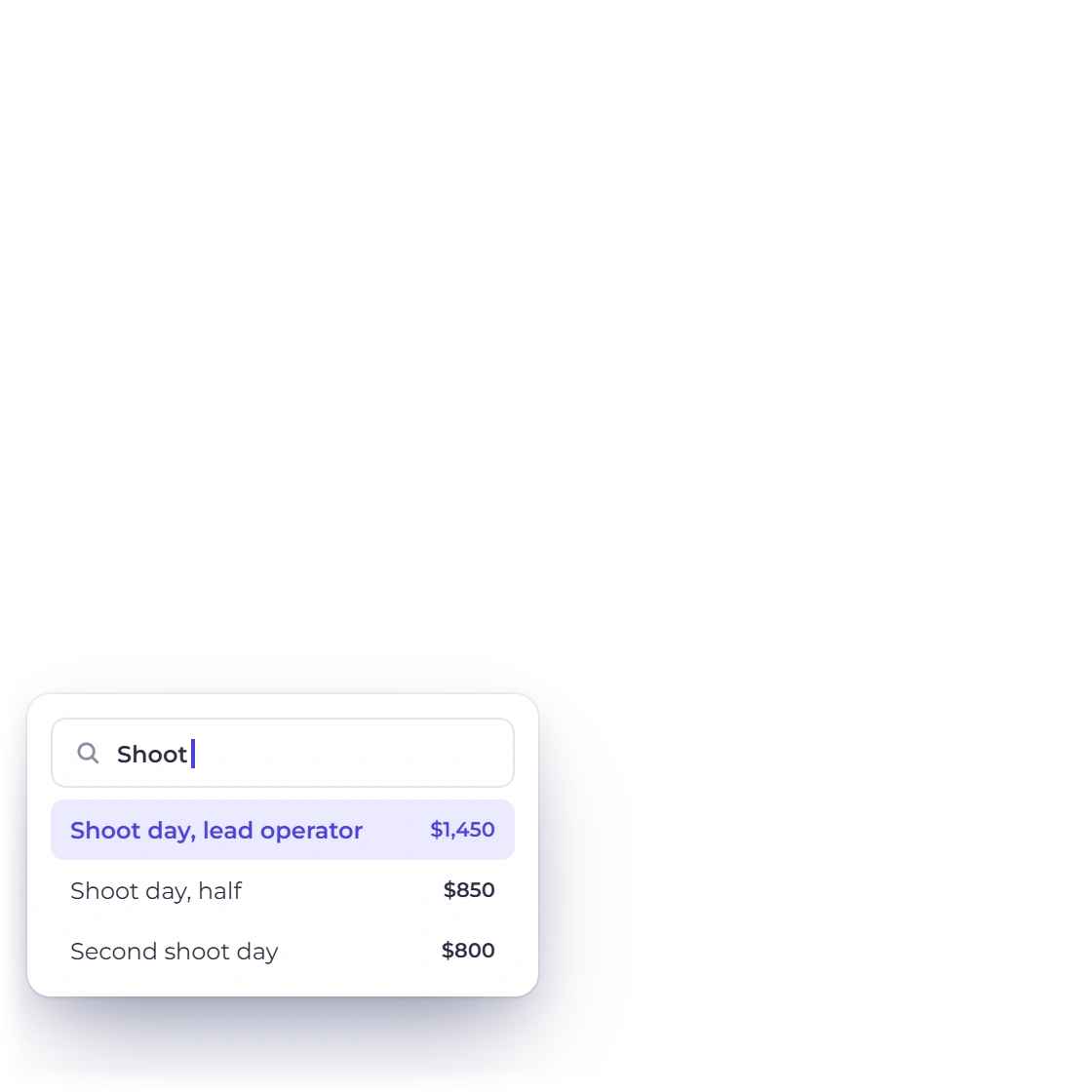
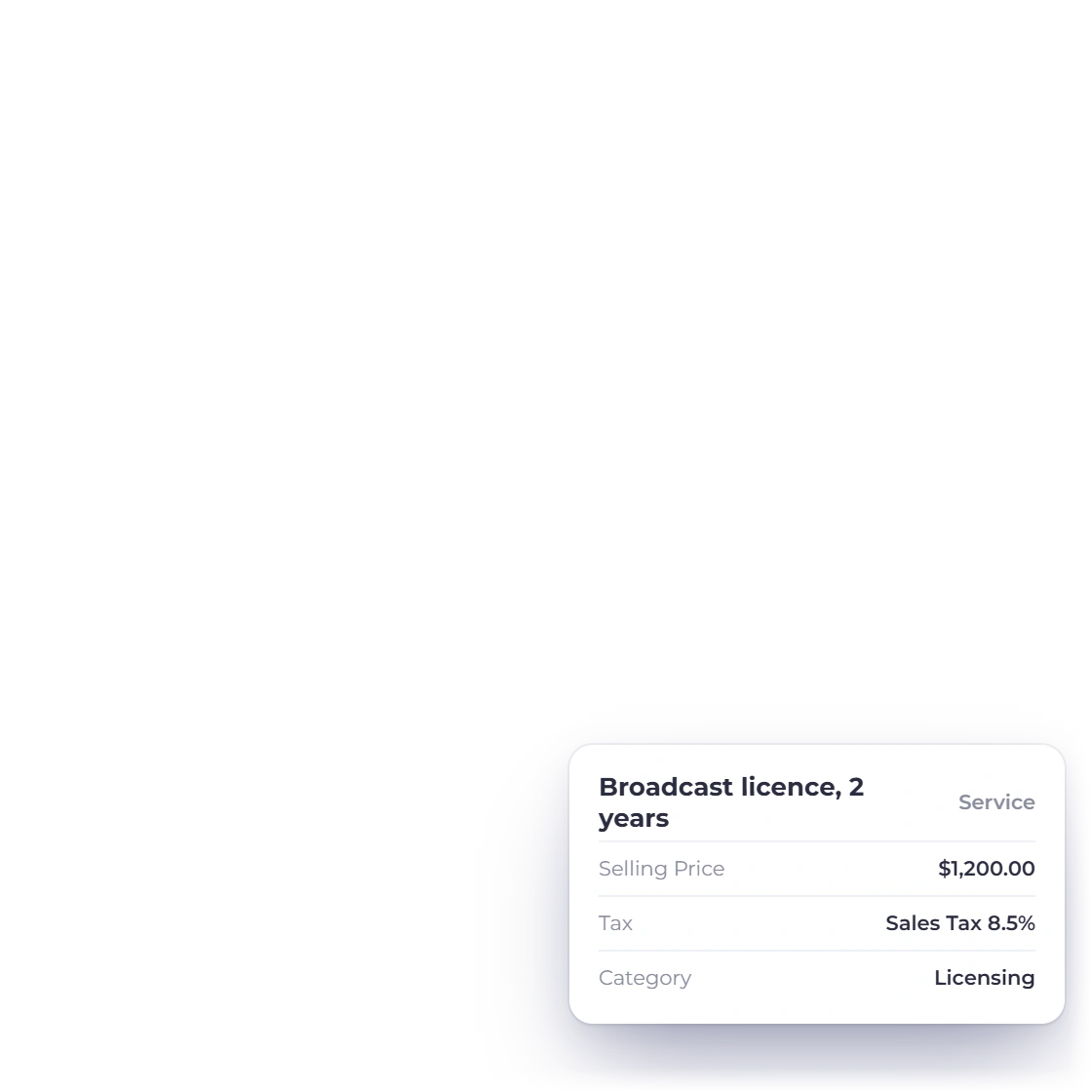
Invoice Crowd items list for a videographer with shoot days, crew, post-production and licensing saved with their rates, an item with its tax and the item search used to build an estimate

Kit, crew, edit days and licensing as lines

A shoot day, a second operator, a gimbal, three edit days and a two-year broadcast term are five different costs, and a client will ask about all five. Save each as an item with its own rate and tax, then assemble the estimate from that list instead of typing rates from memory.

  • Saved items hold their rate and tax
  • Custom tax and discount rates rather than a fixed set
  • Saved items for a wedding film or a brand day you sell often
Create an estimate
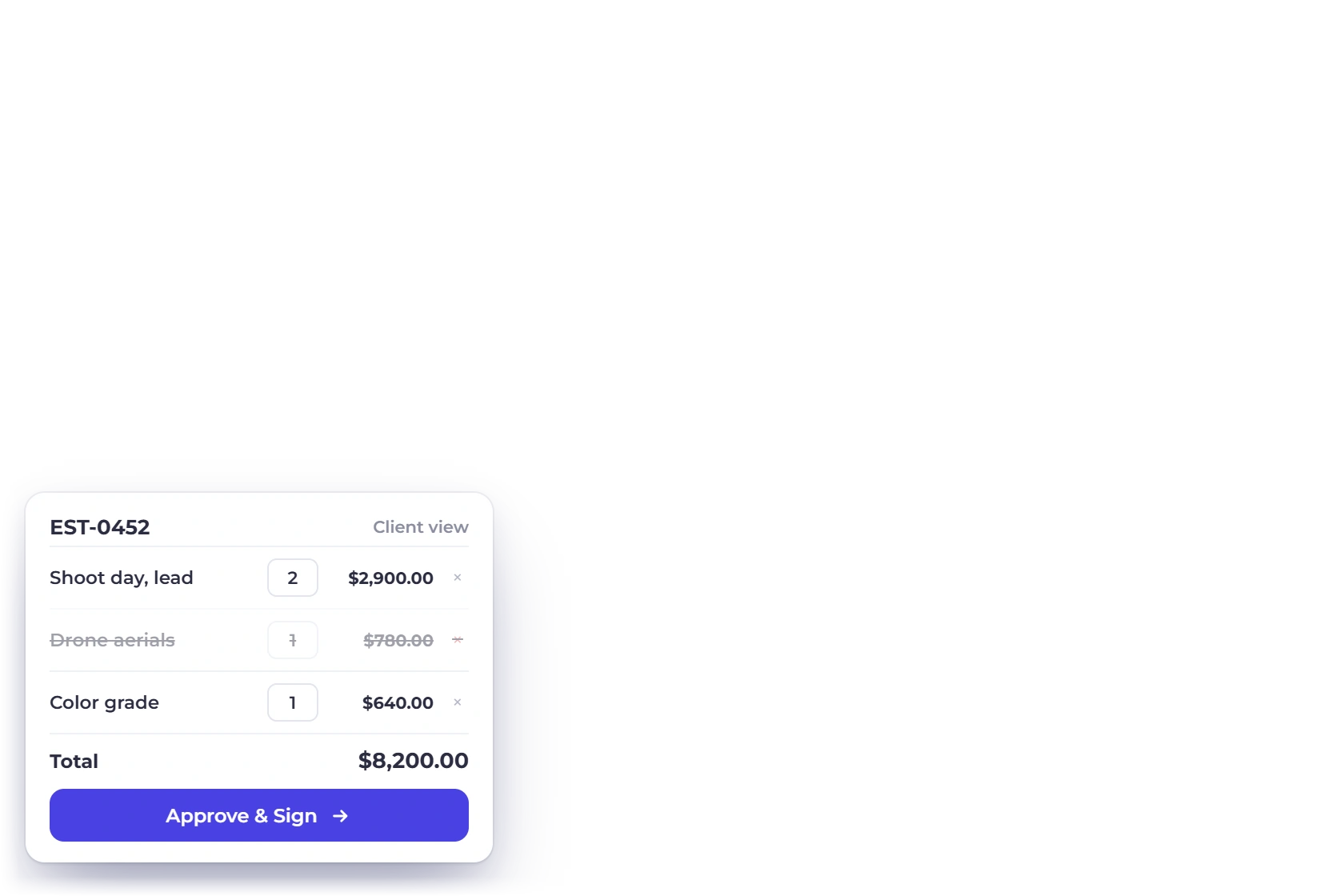
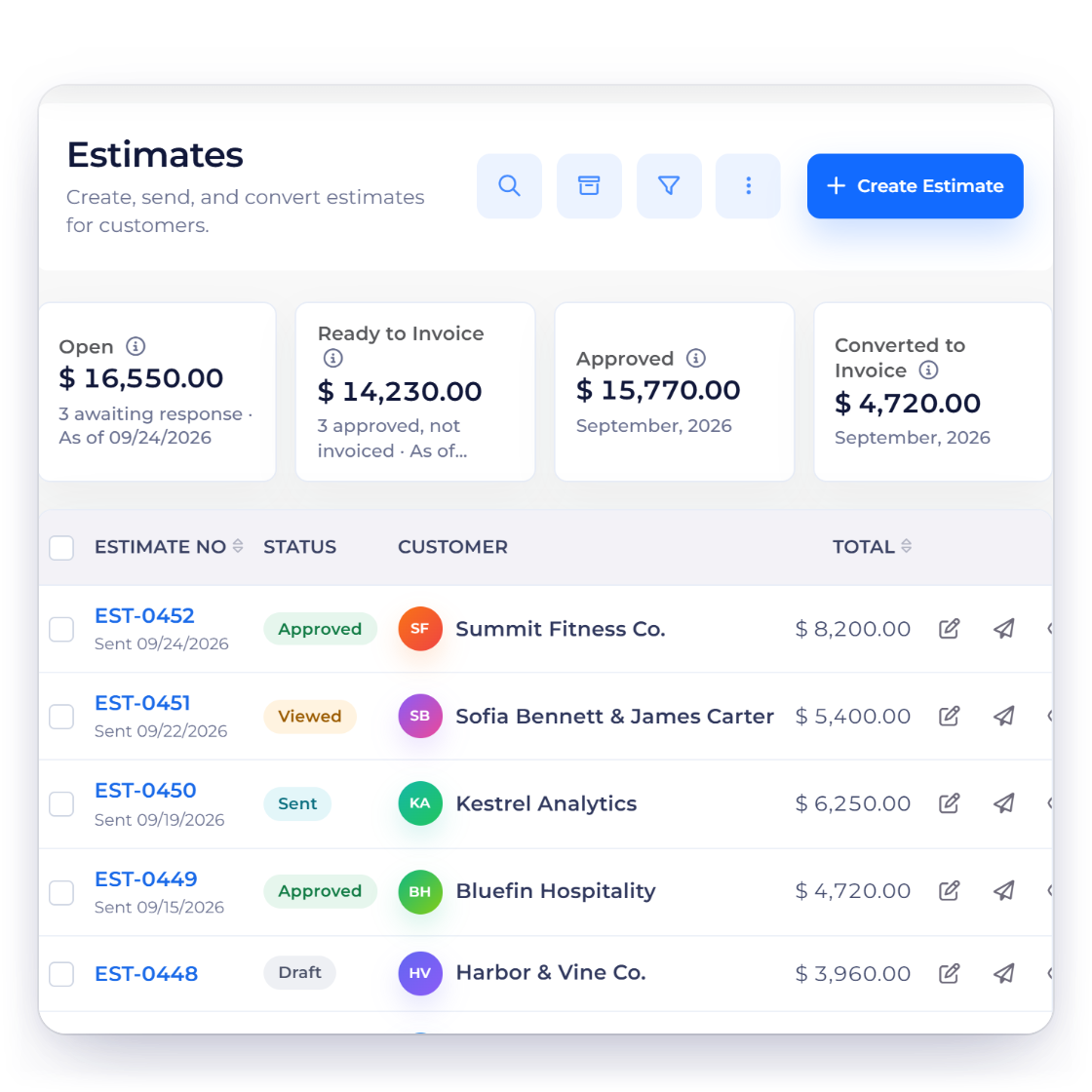
Invoice Crowd estimates list for a videographer with the client view of a wedding film estimate where the drone add-on was removed and a second shoot day added, and the options that allow it

Agree drone, color grade and extra edits

Price each extra separately so the client can discuss what to include. Save the agreed lines and quantities before requesting approval. Changes after sharing an estimate need a revised document for the client to review. Give the estimate an expiry date so a held shoot date doesn't stay open forever; the client can also decline it with a reason.

  • Save the agreed extras before requesting approval
  • Editable quantities where you allow them, such as a second shoot day
  • The total recalculates with every choice
Explore estimates

The money, in two halves

Before the shoot and before delivery

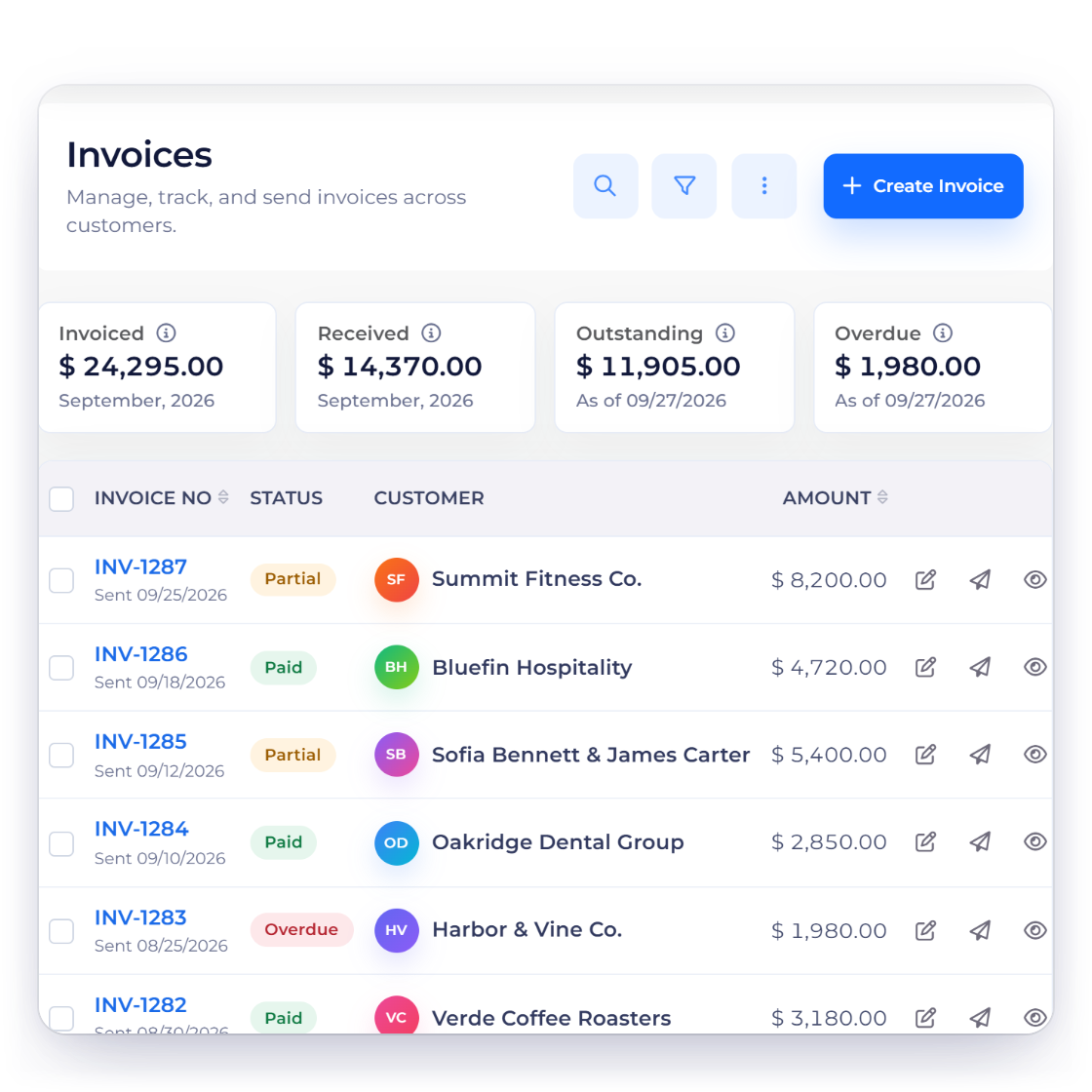
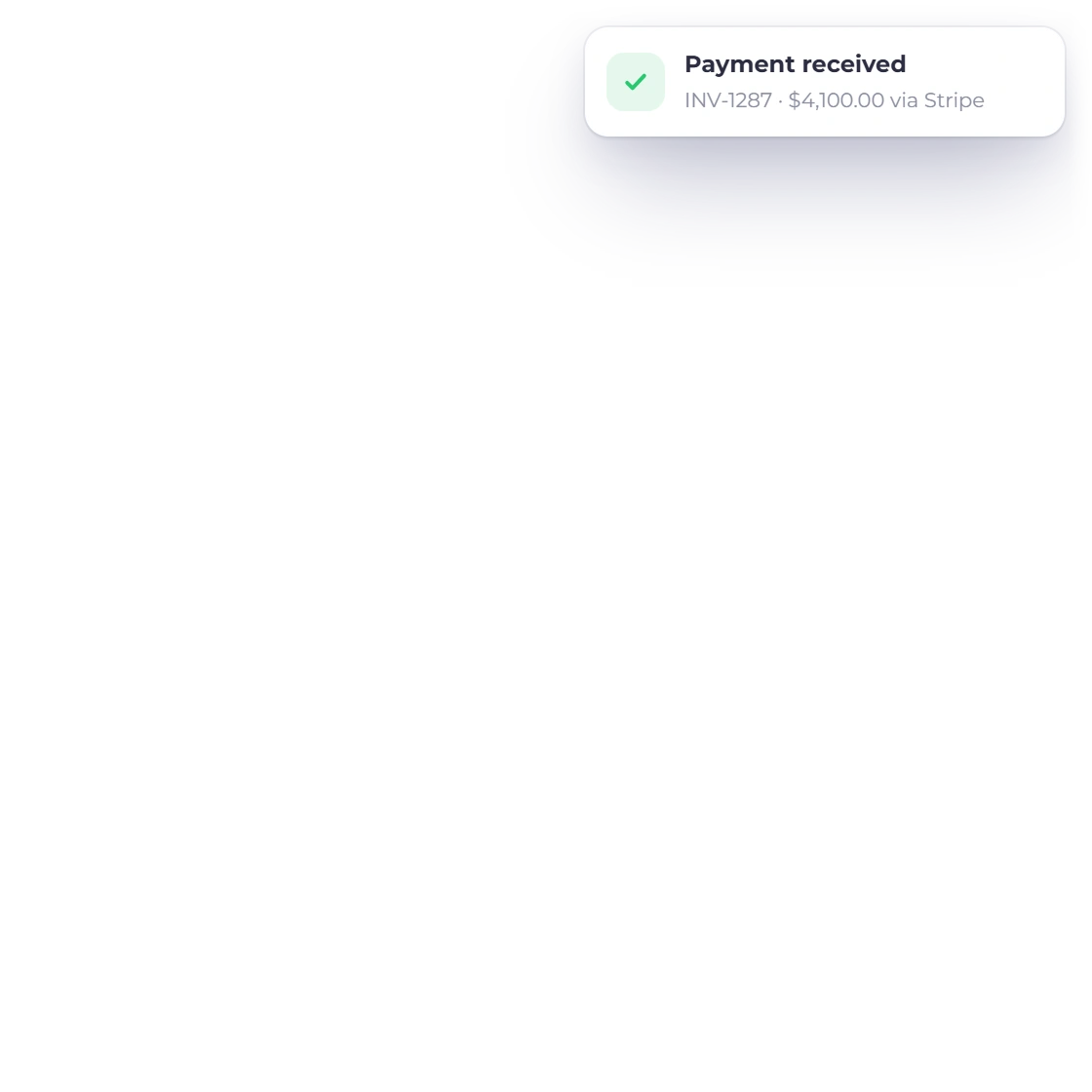
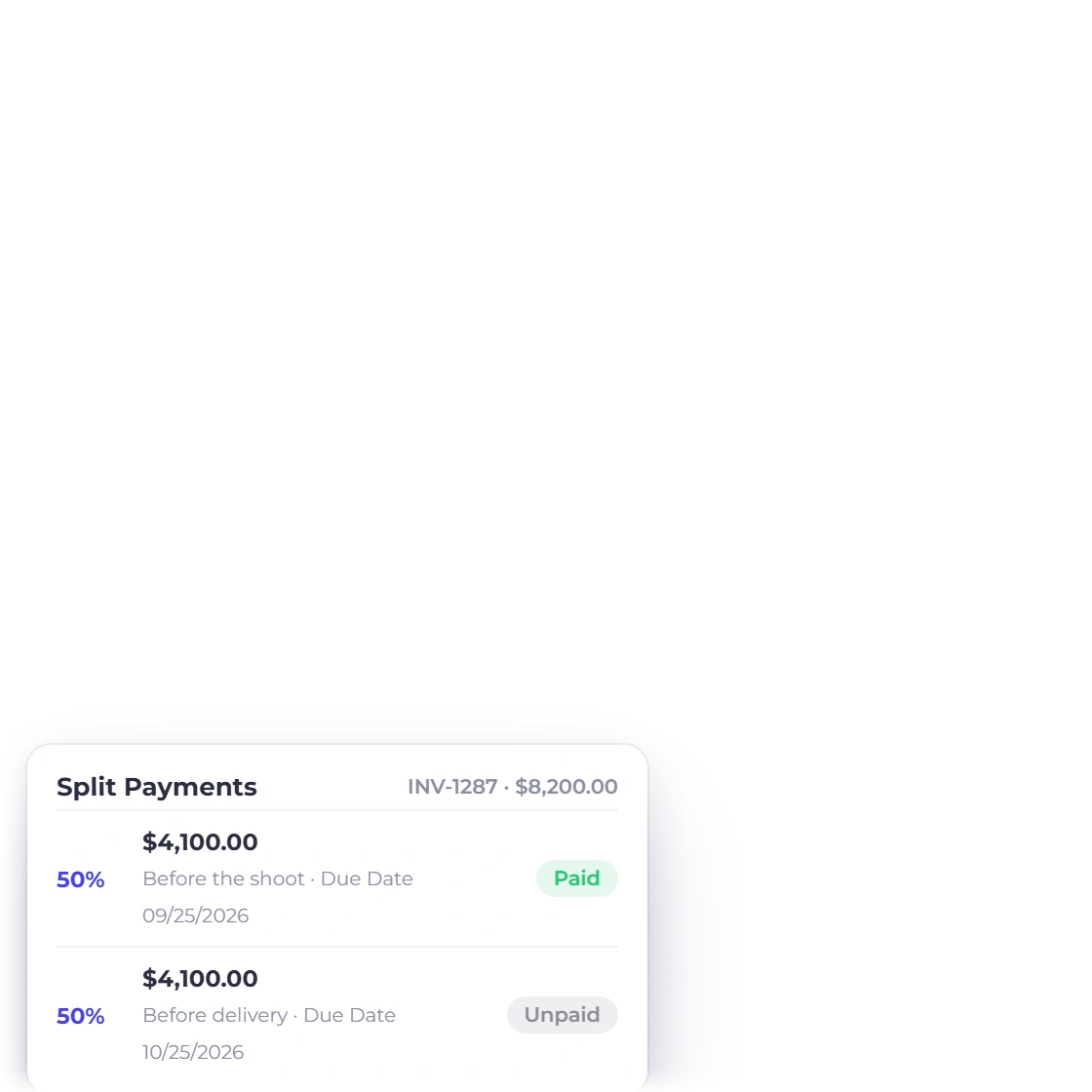
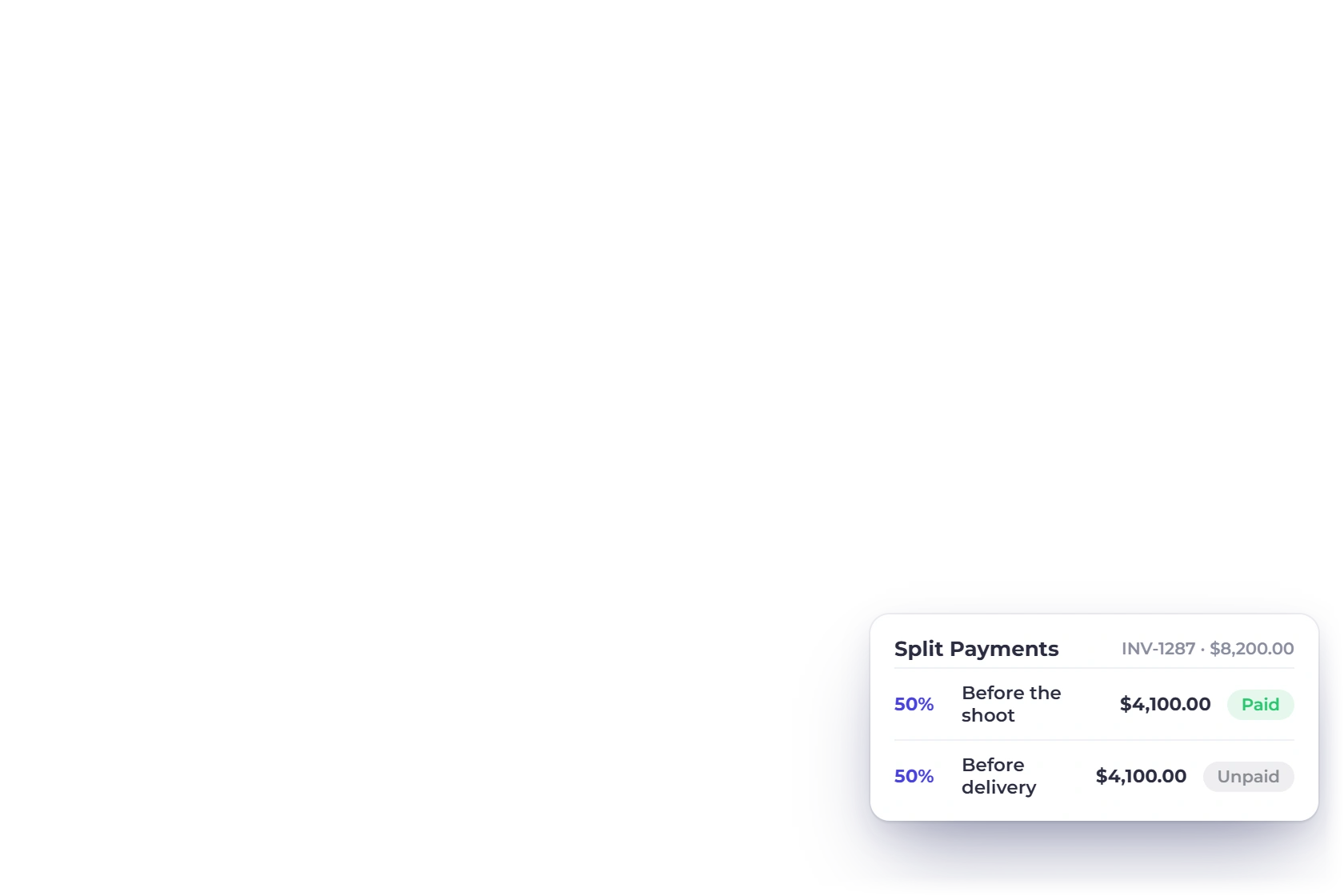
Invoice Crowd invoices list for a video production with a partly paid invoice split into a payment before the shoot and one before delivery, and reminders on the balance

Deposit before the crew is booked

Crew and rental have to be paid whether or not the client changes their mind. A single invoice can carry a deposit now and a balance later, so the money before the shoot and the money before delivery belong to the same document and the same total.

  • Deposit and balance, each with its own due date
  • The client sees what has cleared and what remains
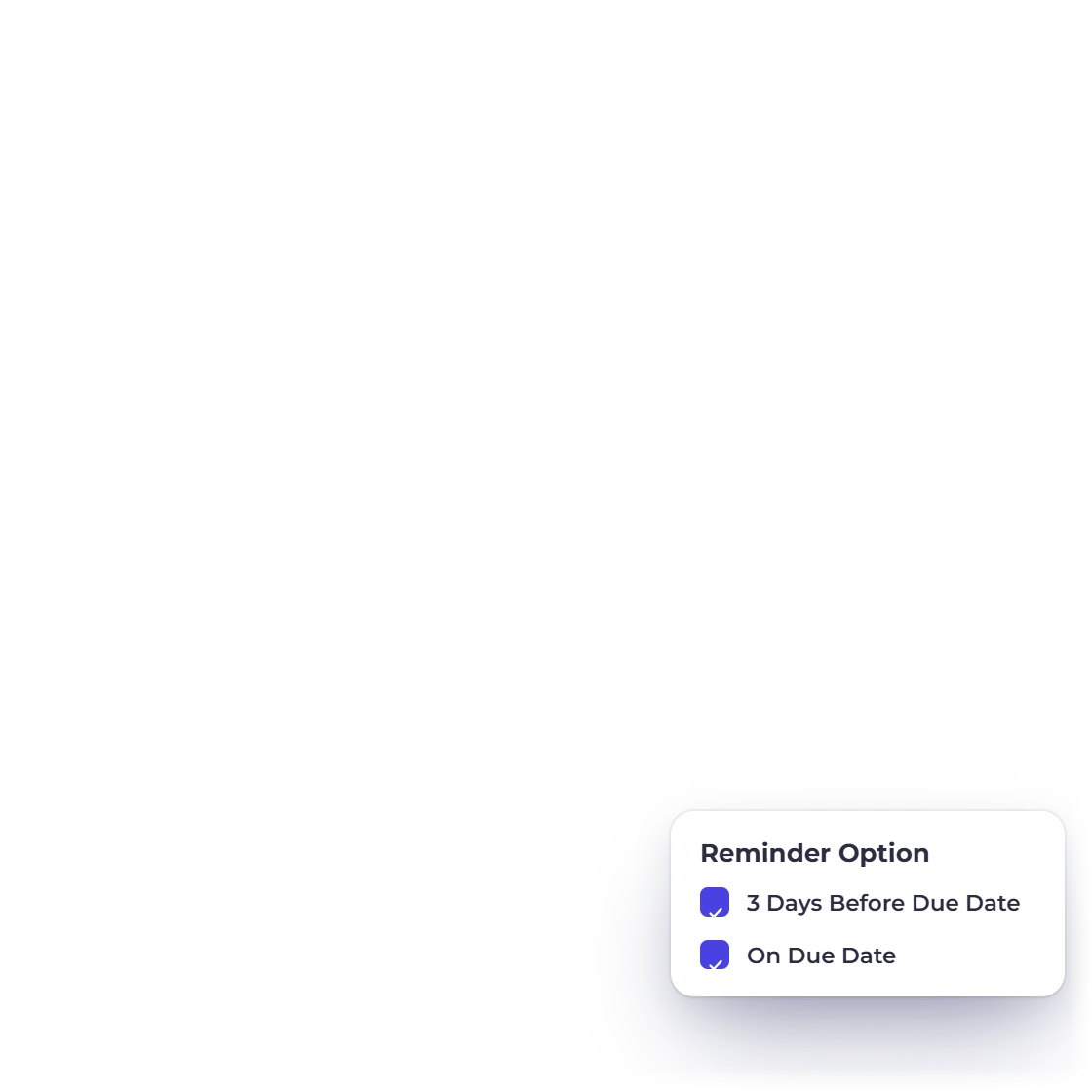
  • Late fees and reminders run on the remainder
Deposits and part payments
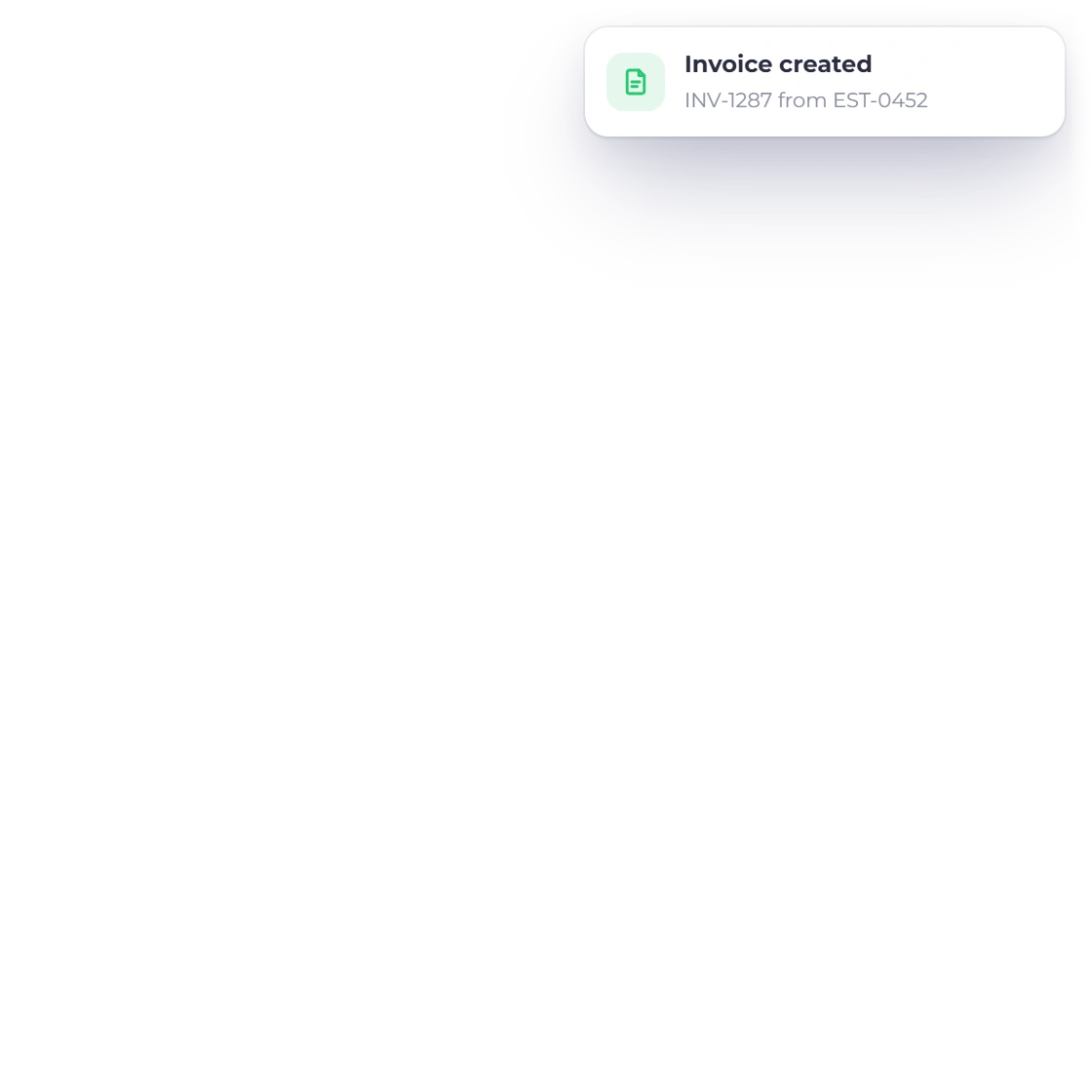
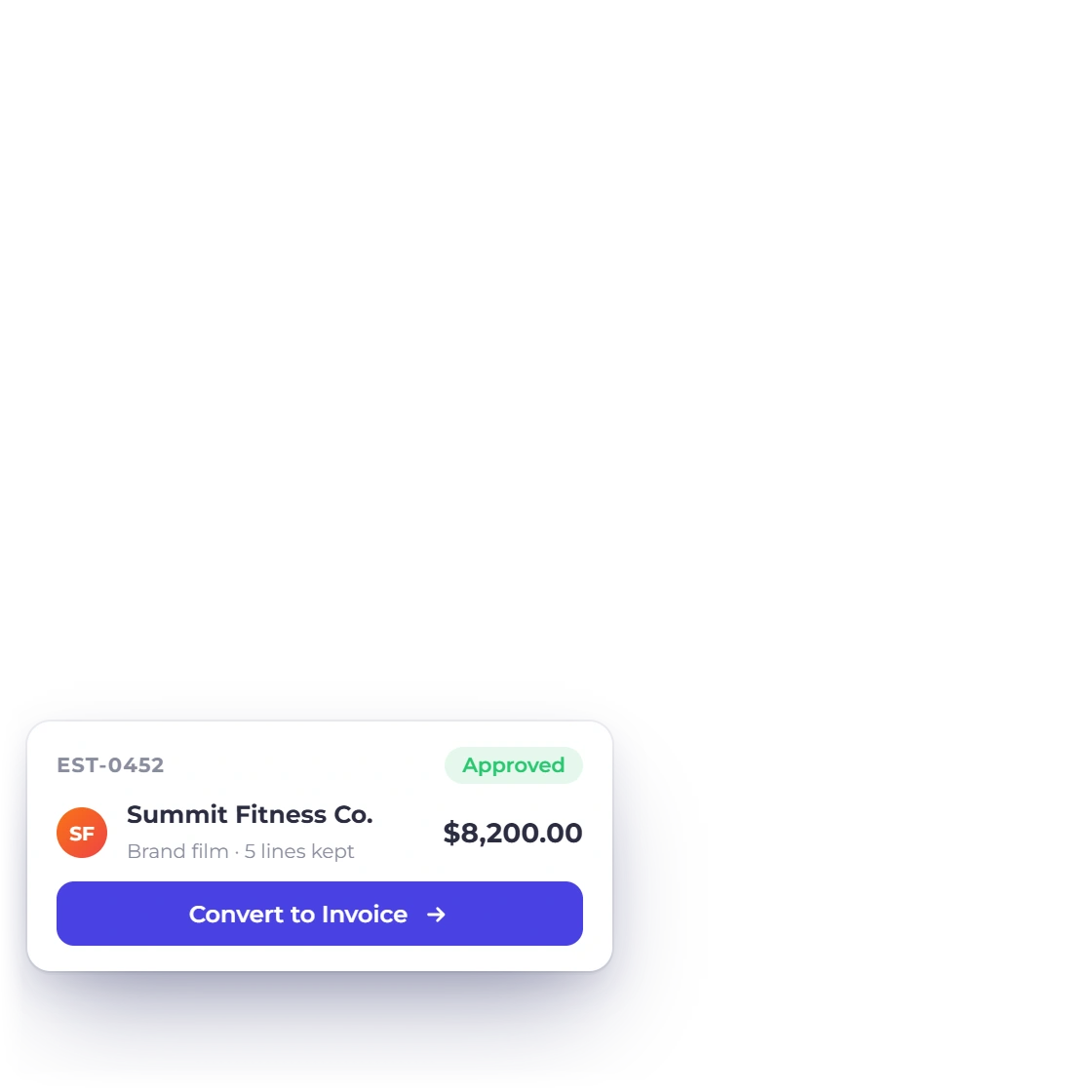
Invoice Crowd invoice created from an approved video estimate with the same shoot, crew, edit and licence lines, and the approved estimate converted to it

The approved estimate becomes the invoice

Convert the approved estimate into an invoice using its saved lines, quantities and totals. Review the resulting invoice and payment schedule before sending it.

  • Approval converts the estimate into an invoice
  • Numbering and the invoice template stay consistent
  • Approved estimate lines carry into the invoice
Convert to an invoice

After the wrap

Post, costs and the final handover

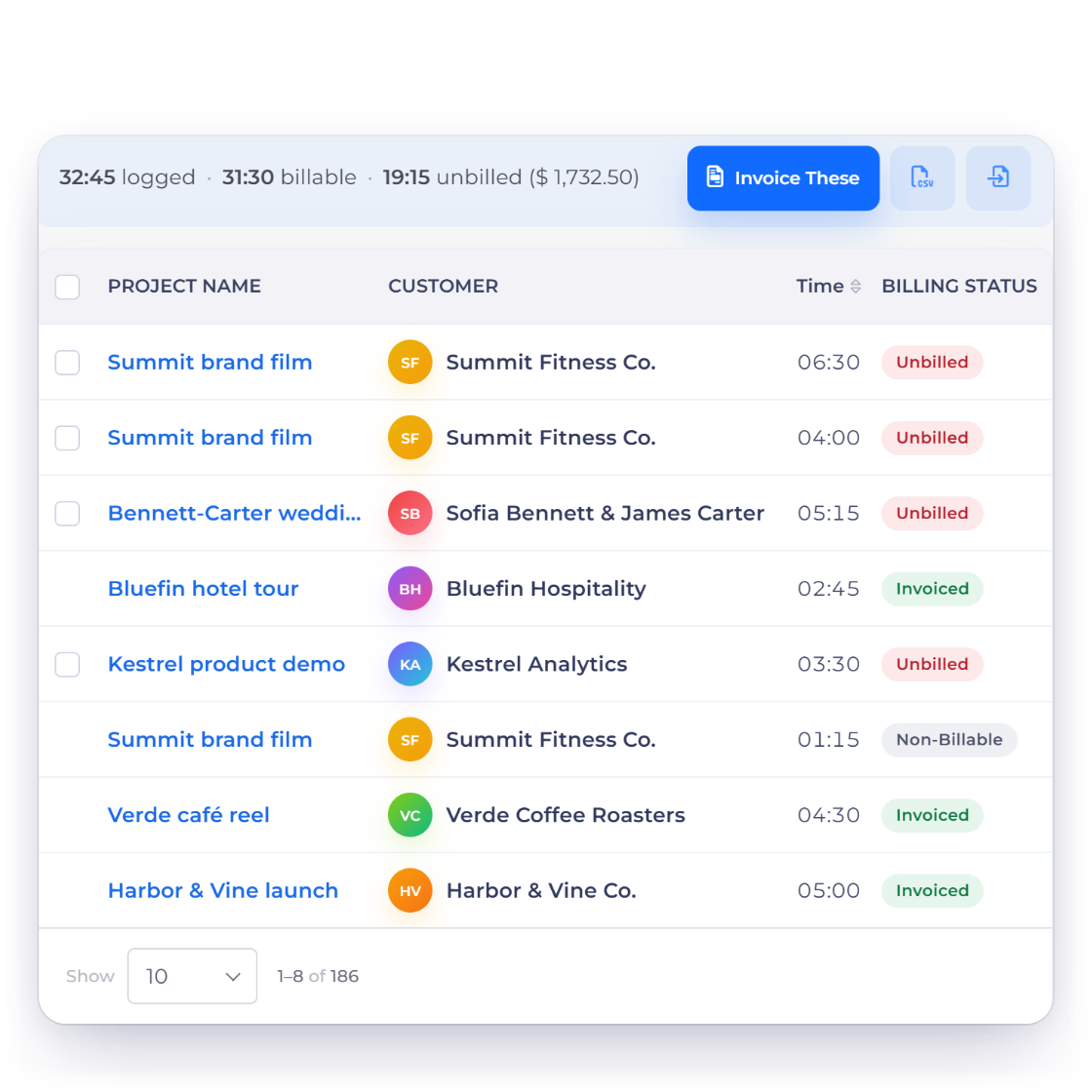
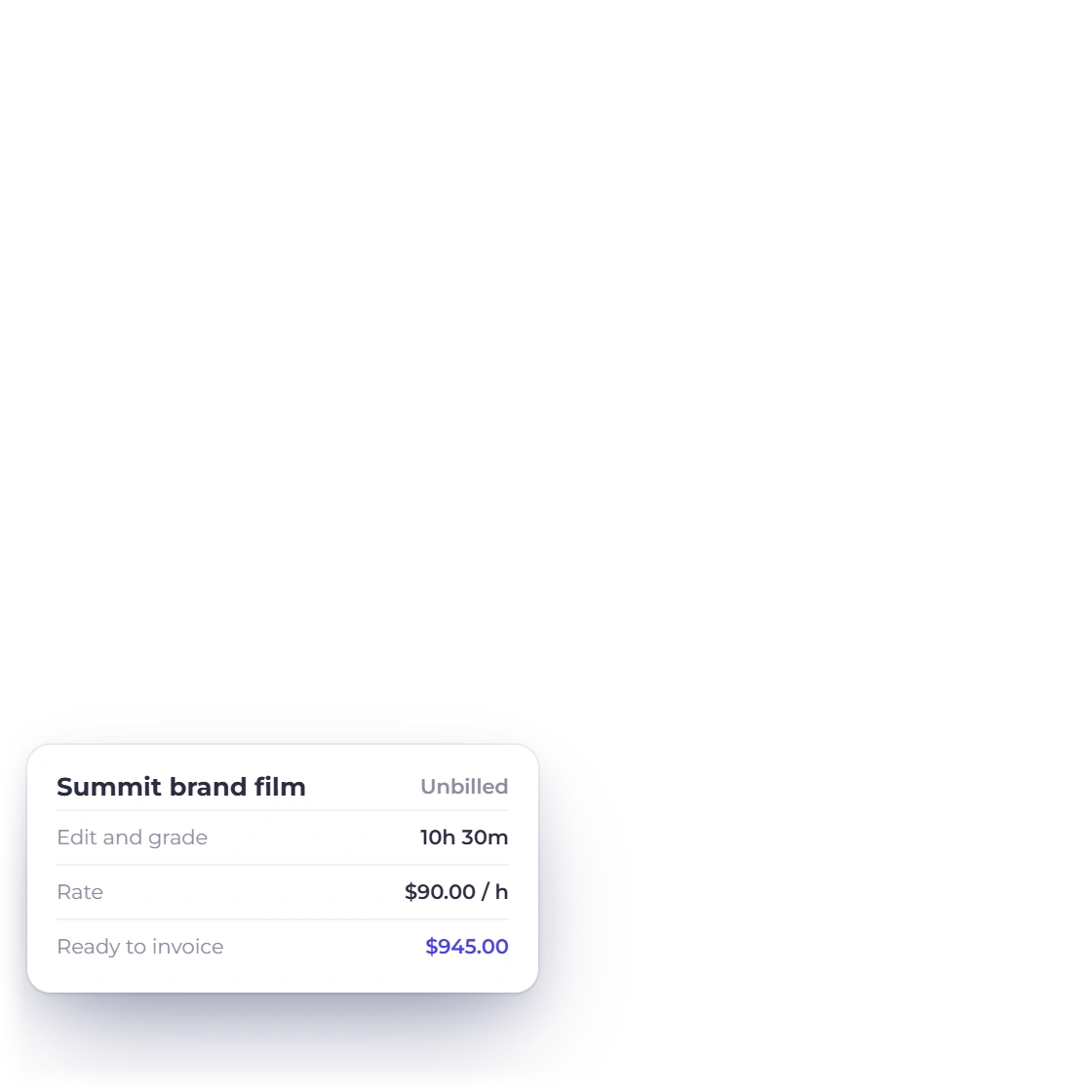
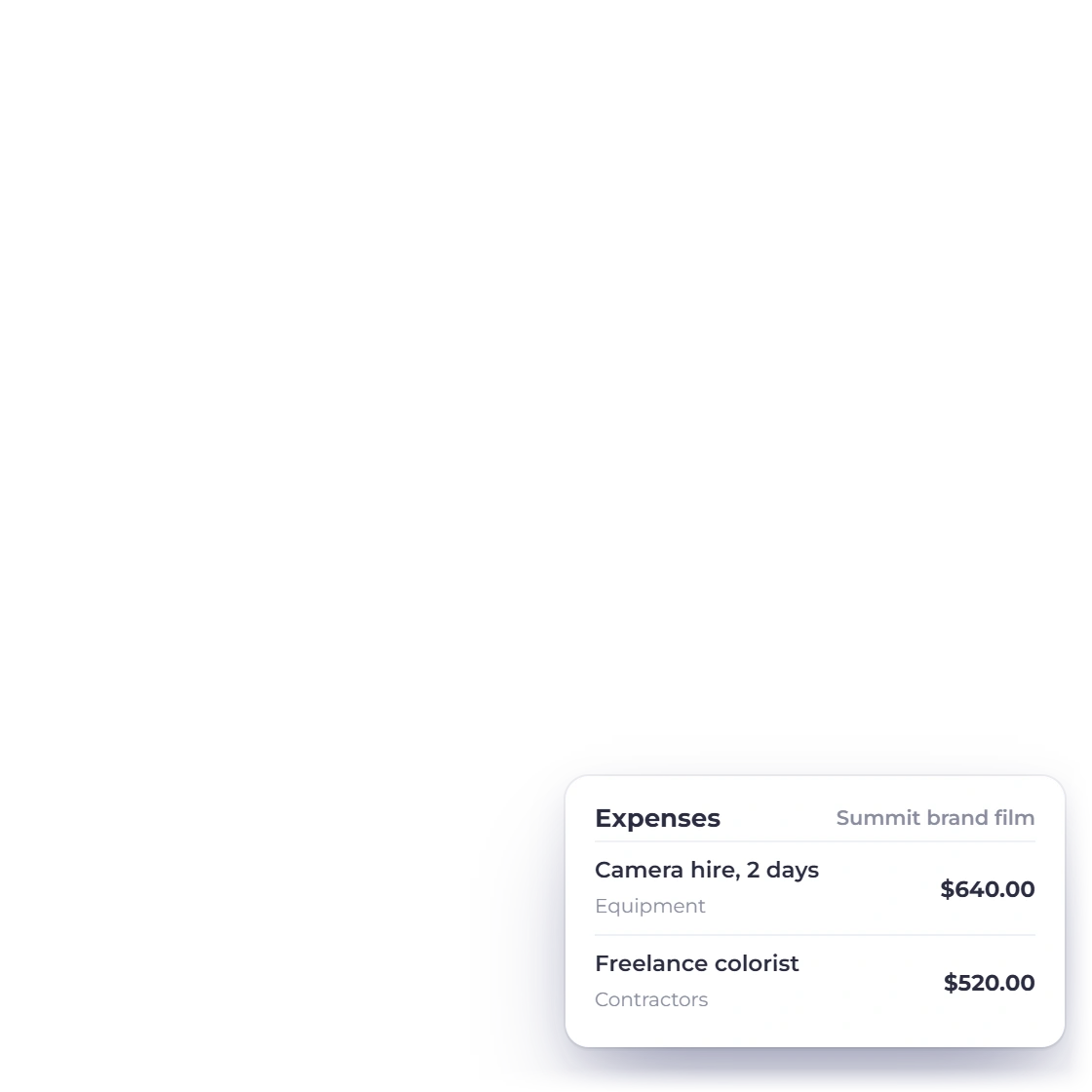
Invoice Crowd timesheet for a video production with edit, grade and sound hours per project and their billing status, the unbilled hours on one project and the rental and freelance costs logged as expenses

Edit hours logged against the project

Post is where a fixed-fee job quietly loses money. Log edit hours to a project on the timesheet while they happen, and record the rental, the drives and the freelance colorist as expenses with their receipts. The hours and the costs sit against the job rather than being reconstructed in December, and rentals tagged to the project can be re-billed on the next invoice, with a markup if you add one.

  • Projects and a timesheet for the hours after the shoot
  • Expenses with the receipt attached to the transaction
  • Profit and loss for the period from the same ledger
Profit and loss
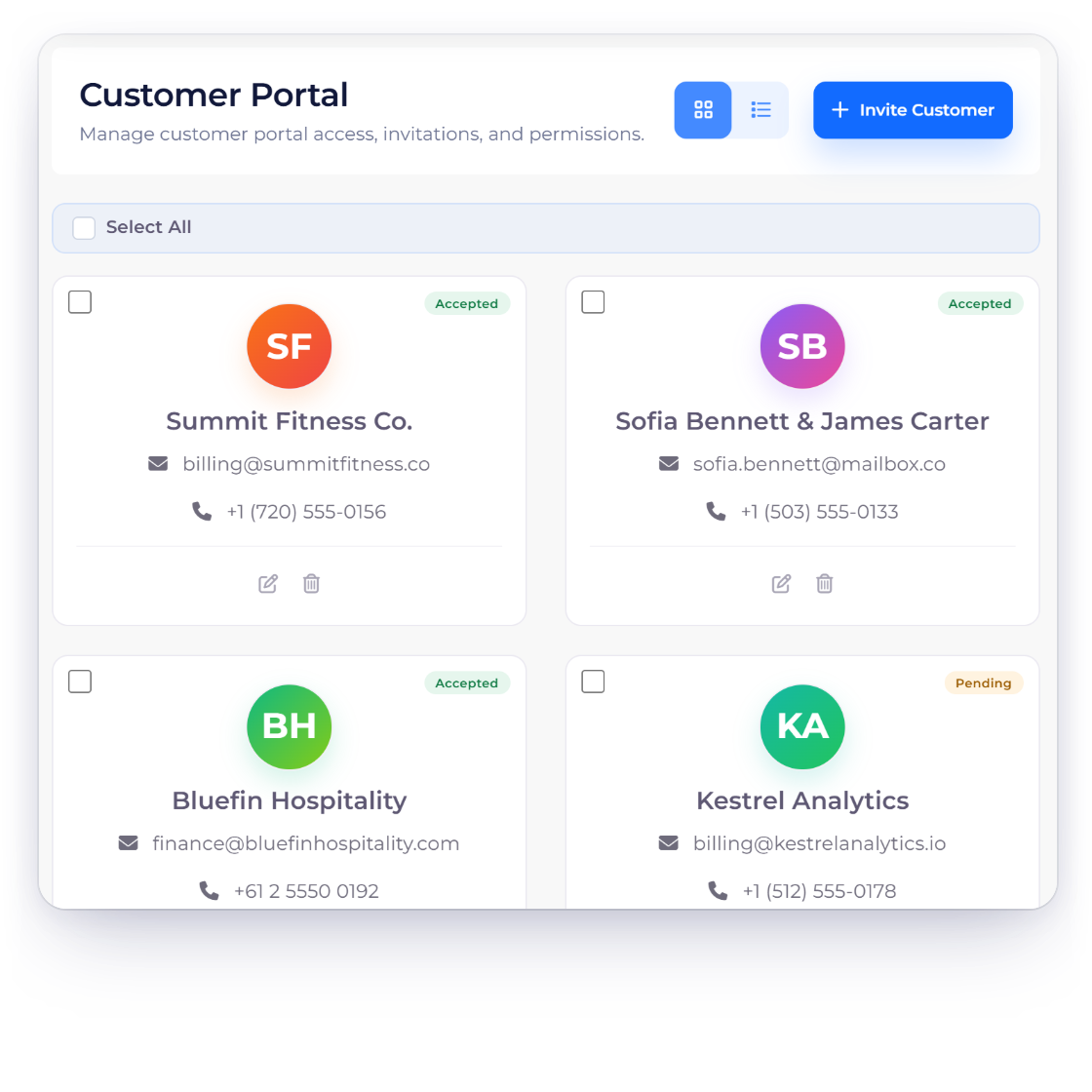
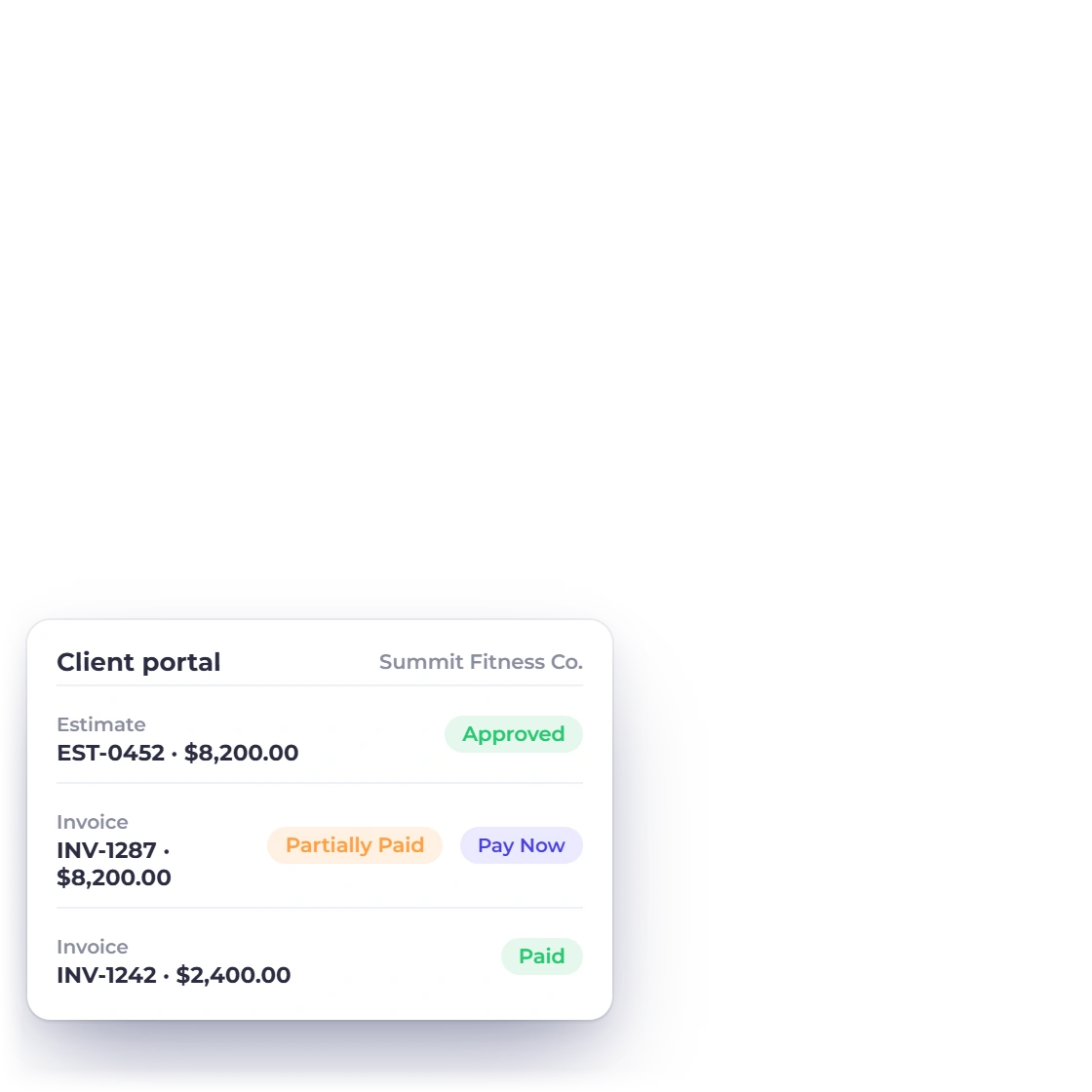
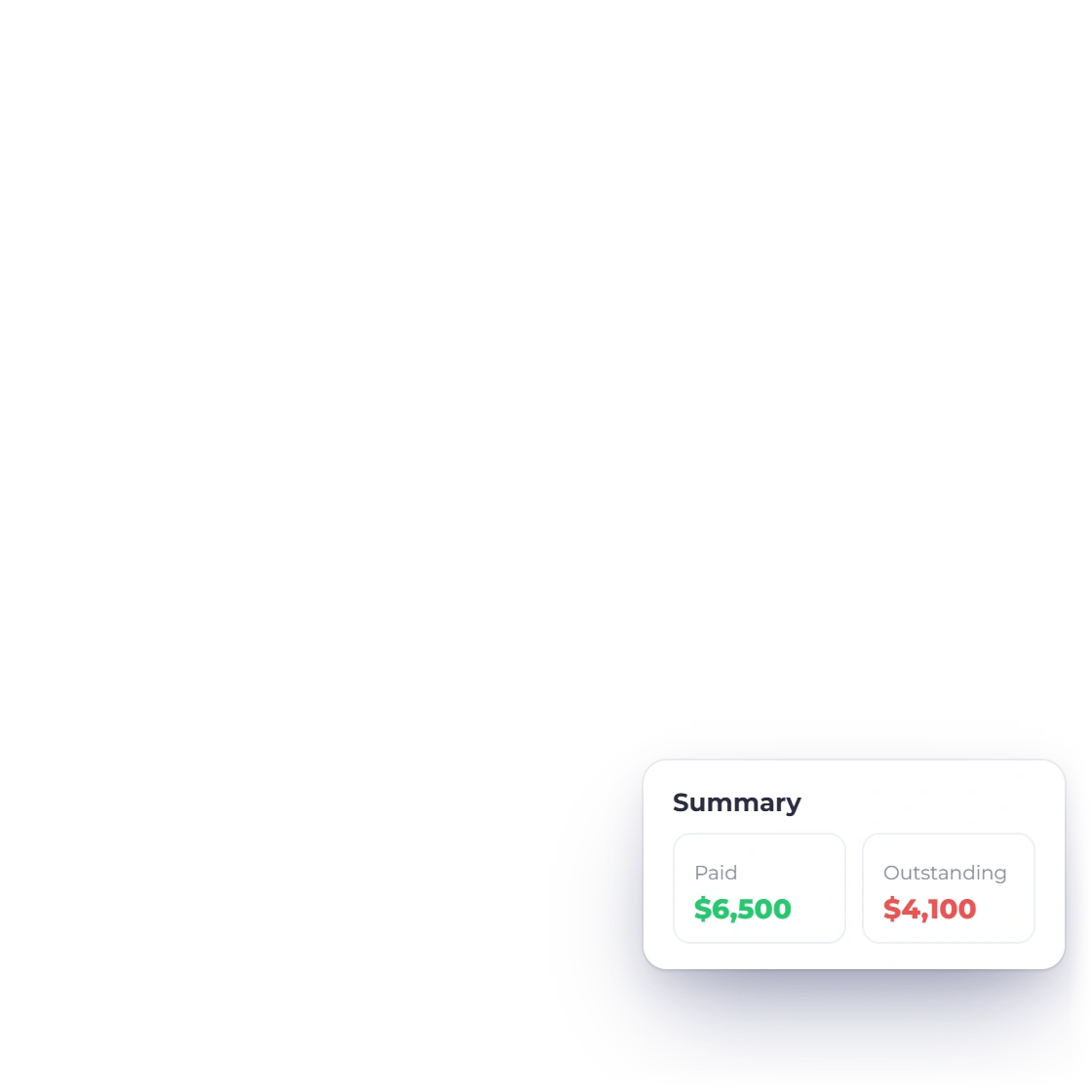
Invoice Crowd Customer Portal screen for a video production with invited clients, and the portal view where a client finds the approved estimate, the invoice with a payment still due and what they have paid

The handover happens on a settled invoice

The portal is where a production client looks up its own paperwork: the estimate they approved, every invoice raised against the job, what they have paid and what is still open. Send the final invoice, watch it settle there, then release the delivery.

  • Clients view, approve, download and pay in one place
  • Payment history the client can check without emailing you
  • Fifteen payment gateways, PayPal and Stripe among them
Client portal

Also included

Around the production

The same account holds the pitch, the schedule of payments and the costs of the shoot, so nothing moves between tools.

  • Treatment proposals

    Pitch the concept, the crew and the schedule as a document the client signs in the browser.

  • Shoot packages

    Sell a fixed package, such as a highlights film, as a payment link the client pays online. They become a customer with an invoice automatically.

  • Editable quantities

    Let a client add a second shoot day themselves before the estimate is approved.

  • Content retainers

    Bill a flat monthly retainer on a schedule, or set the edit hours it includes and bill extra hours on the next invoice.

  • How the client pays

    Attach PayPal, Stripe, Square, Razorpay or nine others to the invoice you send.

  • Chasing the balance

    Automatic reminders and late fees run on overdue invoices without you writing the email.

  • Rental and gear costs

    Record camera hire, drives, insurance and travel as expenses with receipts attached.

  • Crew on the account

    Add an editor or producer as a team member with a role that controls what they can open. The Team plan includes two members, Business three.

  • Agencies abroad

    Invoice an overseas agency in their currency while your own reports total in yours.

  • Rental house bills

    Raise a purchase order for a gear rental, then record the bill and the payment against that vendor.

  • Branded invoice templates

    Pick an invoice template that carries the studio's logo and colors on every document you send.

  • Income by period

    The income report totals what a season of shoots billed, drawn from the same ledger.

  • Cancelled shoots

    A shoot is cancelled? Refund the online deposit through Stripe, PayPal, Square and five other gateways straight from the invoice, with the credit note made for you.

  • What each line cost you

    Turn on Item Costs and record what a line cost you, such as crew hire or a lens rental, as an expense, so what the job cost sits beside what you charged.

  • Booking fees

    A booking fee paid before you invoice is recorded as an advance with its own receipt, then applied to the shoot's invoice.

Questions

Quoting and billing a shoot, answered

Can a client add or drop extras before approving the estimate?

Yes, with one catch. Turn on Remove Items and the client can drop lines before approving, and with Customize Quantity they can change quantities such as shoot days. Remove Items applies to every line, so if the base production cost must stay fixed, agree the extras with the client and save the final estimate before you send it.

How do I take a deposit before the shoot?

Request a deposit on the estimate, and the client can accept it and pay the deposit in one step; the estimate becomes the invoice and the balance stays open on it. Split and partial payments take the rest before delivery, and the client can see what has been received and what is still outstanding.

Does an approved estimate become the invoice automatically?

It can. Turn on Auto Convert to Invoice and approval creates the invoice from the same lines and quantities. Otherwise convert it with one click. A deposit paid on acceptance is already on the invoice.

Can I track edit hours against a project?

Yes. Projects and a timesheet are part of the same account, so hours logged during post are recorded as they happen rather than estimated afterwards. Rentals, drives and freelance invoices go in as expenses, with the receipt kept on the transaction itself.

Can I invoice for licensing separately from the shoot?

Licensing is a line like any other, with its own rate and tax, so a two-year broadcast term or a usage extension can be quoted on the original estimate or raised later as its own invoice against the same customer.

What does Invoice Crowd cost for a one-person outfit?

The Basic plan is free forever: unlimited invoices, 5 customers, 1 business profile, 2 invoice templates and PayPal payments. Paid plans add recurring invoices, retainers, timesheets, the accounting statements and more, and each starts with a 30-day free trial with no card needed. Current prices are on the Pricing page.

Quote the shoot, hold the deposit, deliver on a paid invoice

Put the kit, the crew, the edit and the license on one estimate, agree the extras with the client, and bill it in two halves.

  • 30 days free, no card required
  • Agreed scope saved before approval
  • Deposit and balance on a single invoice