
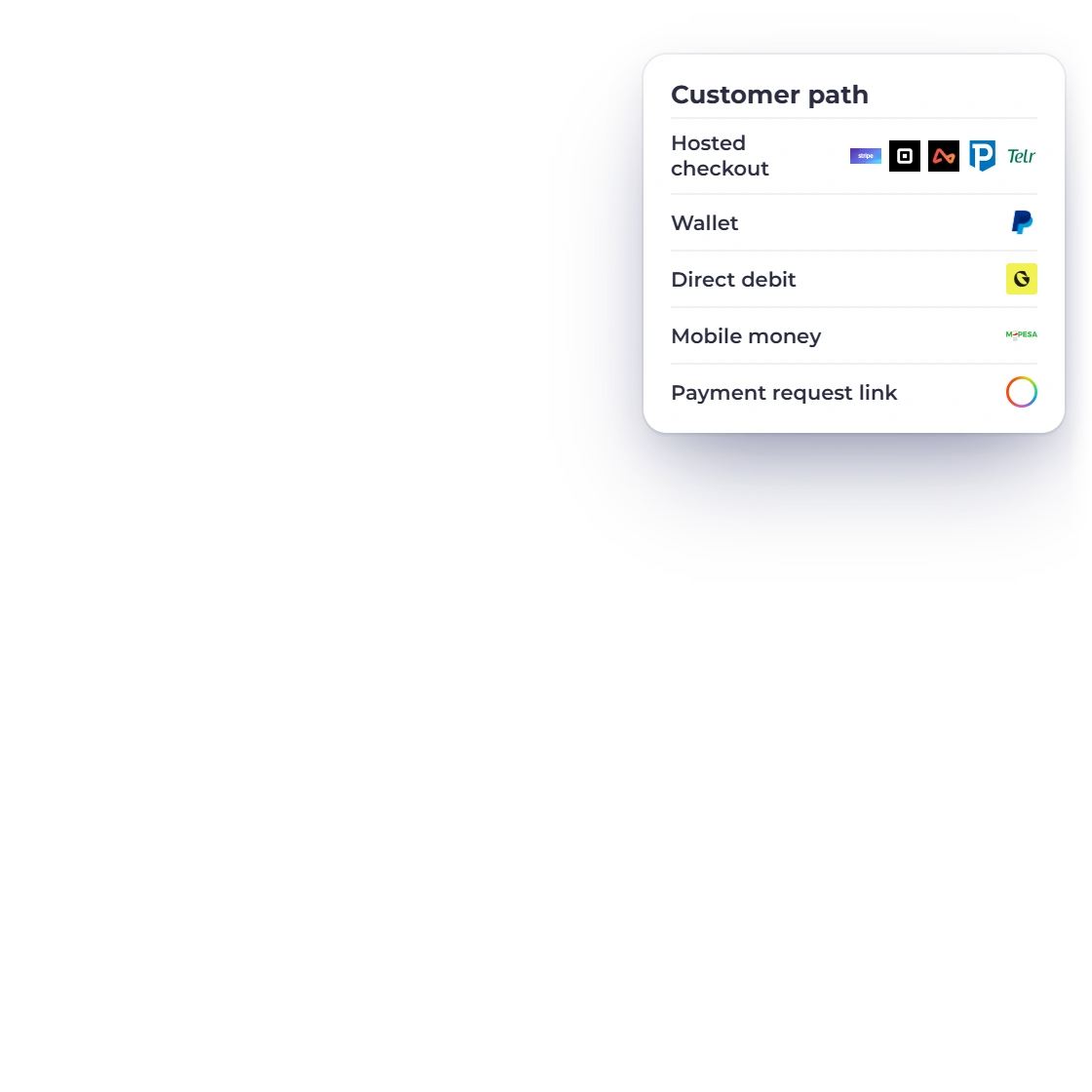
Meet customers where they pay
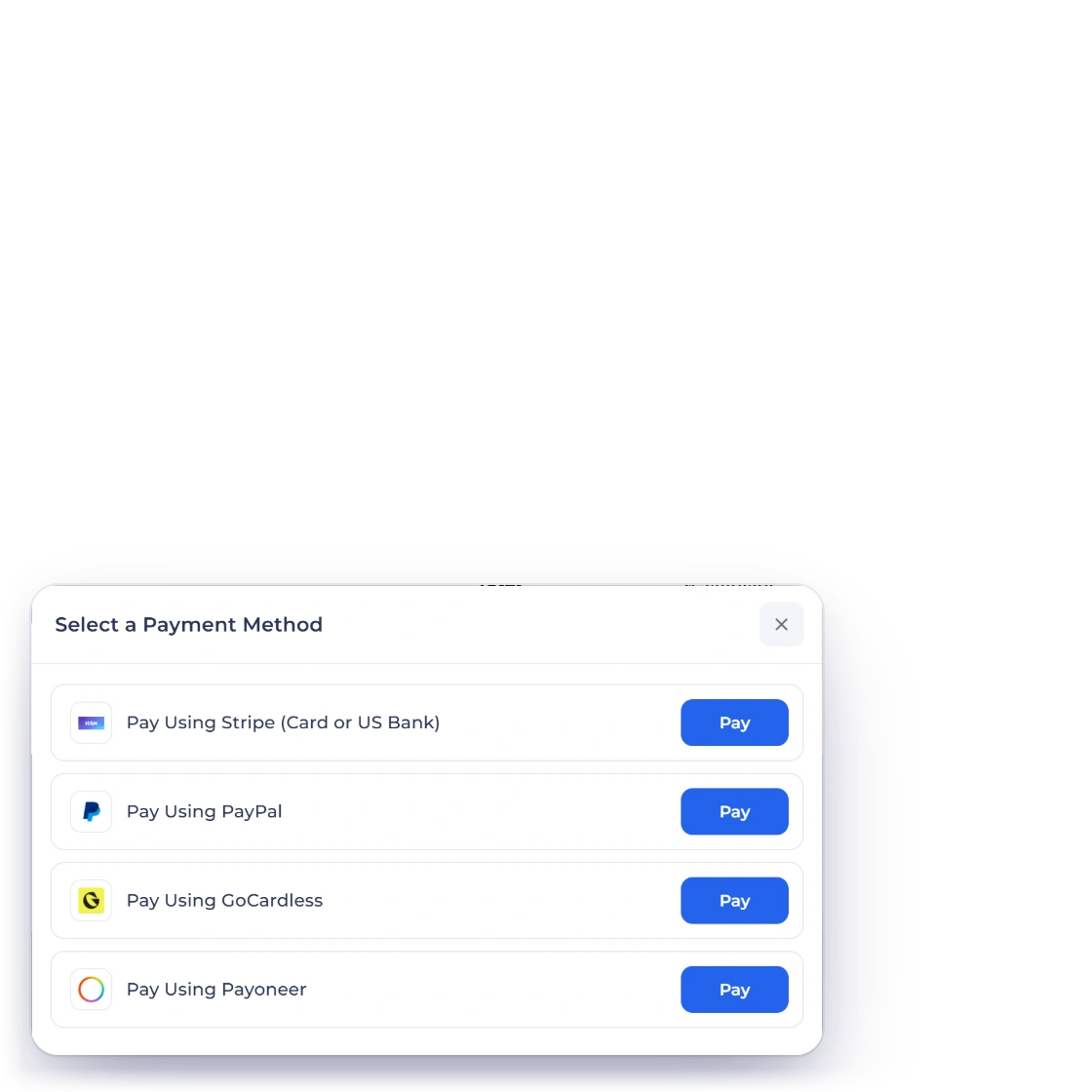
Offer hosted card checkout, mobile money, direct debit or payment requests, and let each customer choose the option they know.
- Hosted checkout and wallets
- Mobile money and direct debit
- Several options per invoice
Integration directory
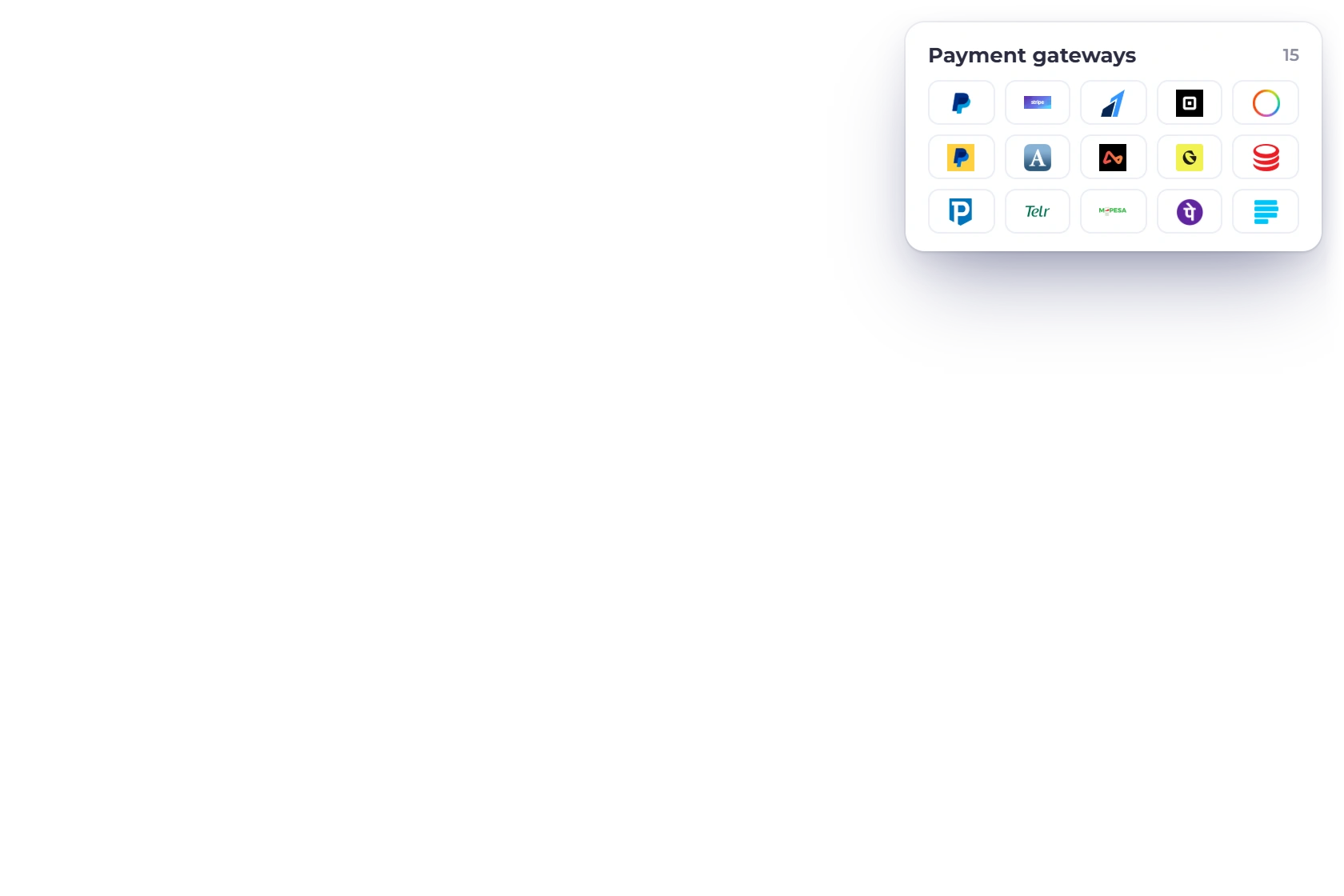
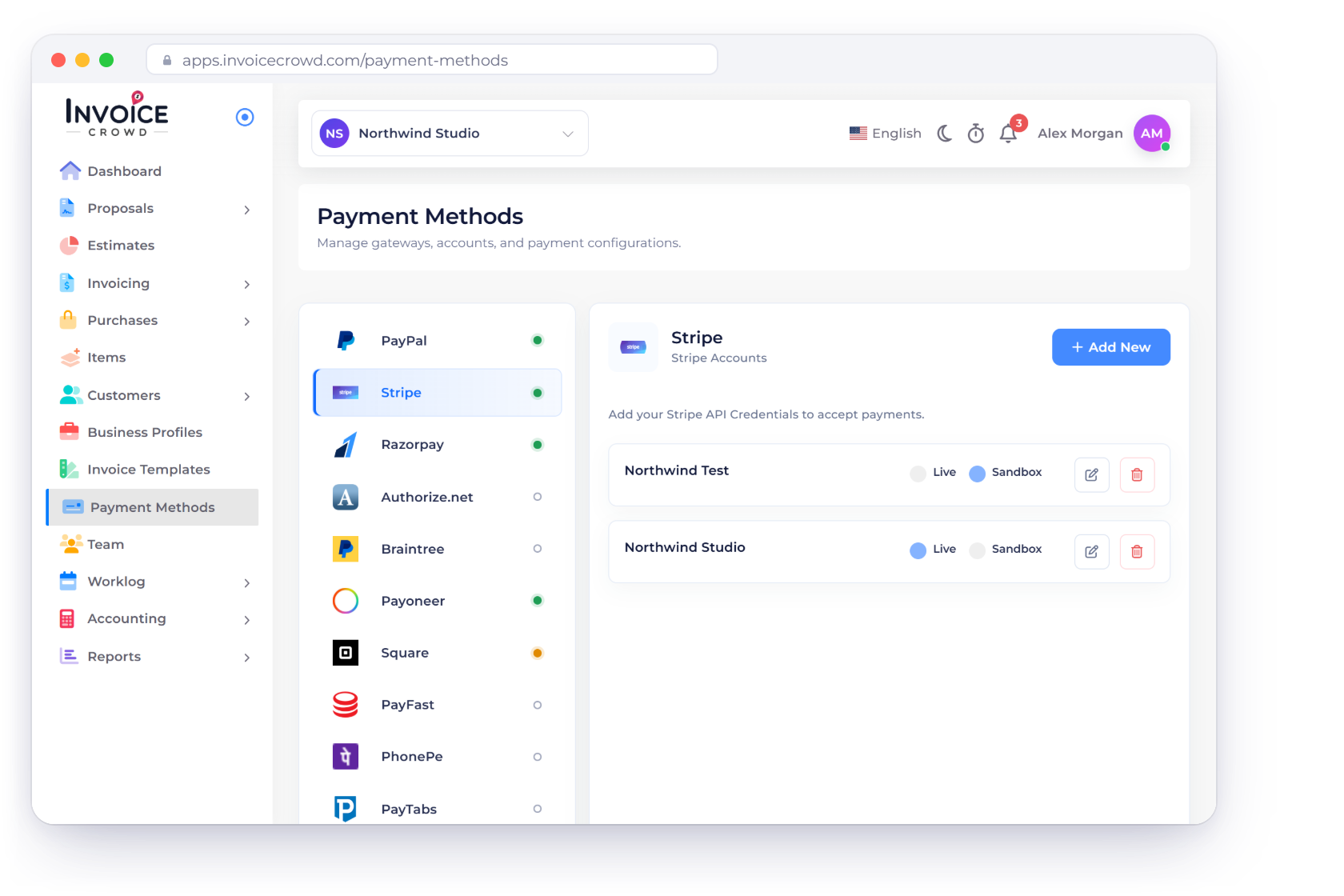
Invoice Crowd connects to 15 payment gateways, so customers can pay your invoices online by card, wallet, bank debit or mobile money. Each payment is recorded on its invoice as soon as the provider confirms it.
Find your fit
Pick providers by how your customers like to pay, where your business operates and how you want each payment confirmed.
Cards, wallets, bank debit and payment requests.
Offer hosted card checkout, mobile money, direct debit or payment requests, and let each customer choose the option they know.
Customers pay through a trusted provider they already know, right from the invoice you sent.
Local favorites and global providers side by side.
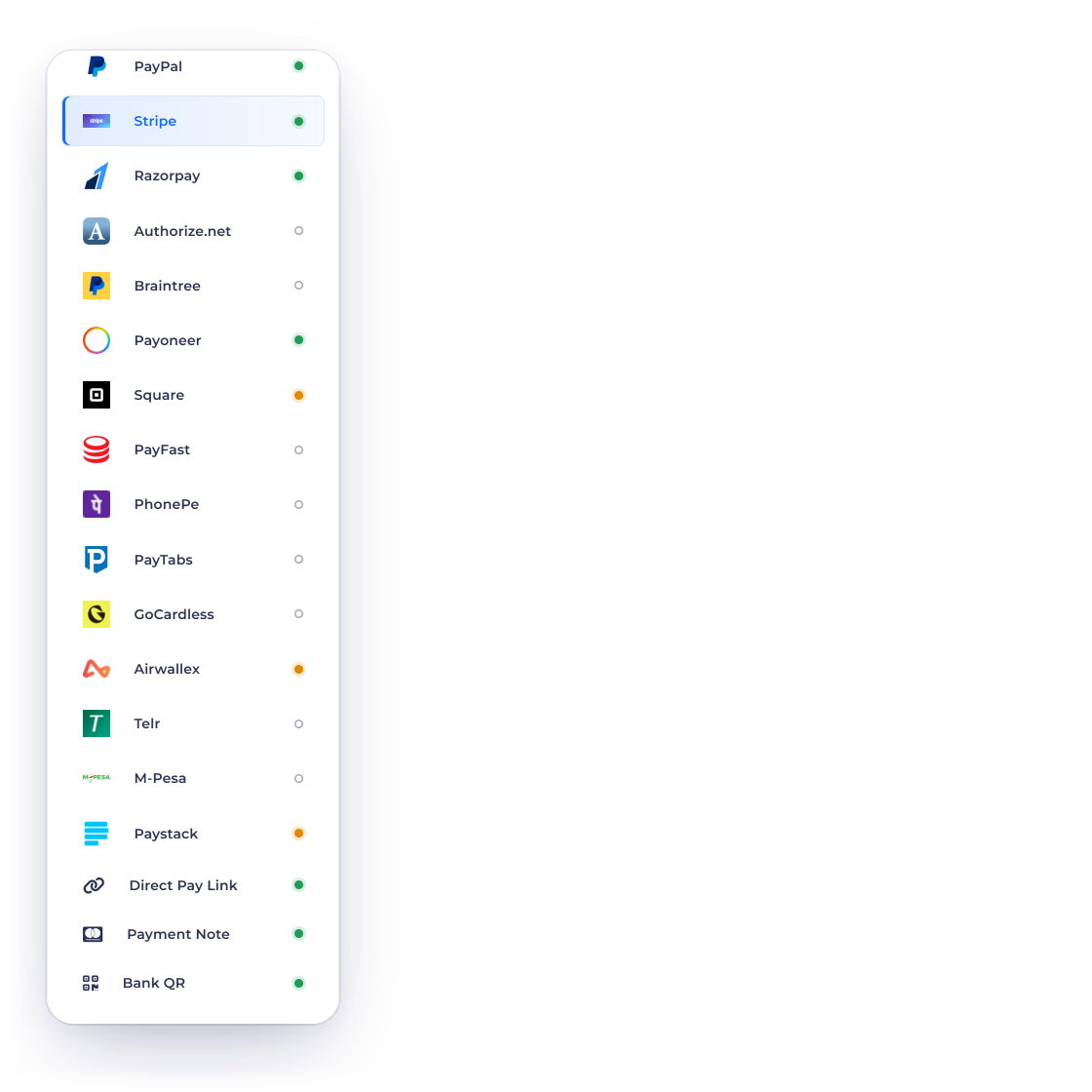
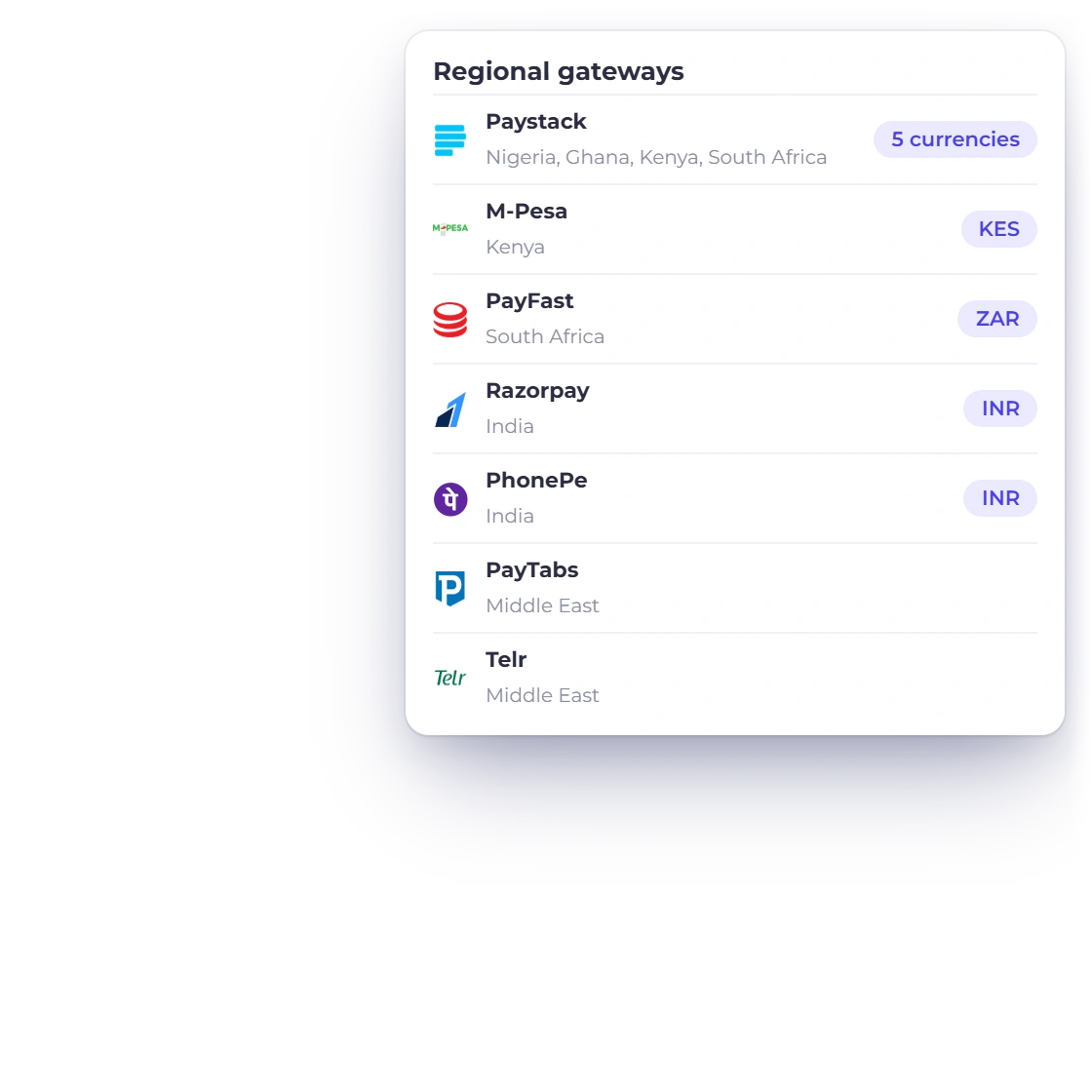
Regional favorites such as M-Pesa, PayFast, Razorpay, PayTabs and Telr sit beside multi-market providers like Stripe and PayPal.
Each gateway connects with your own merchant account, so payouts and processing rates stay between you and the provider.
Every payment checked before it reaches your books.
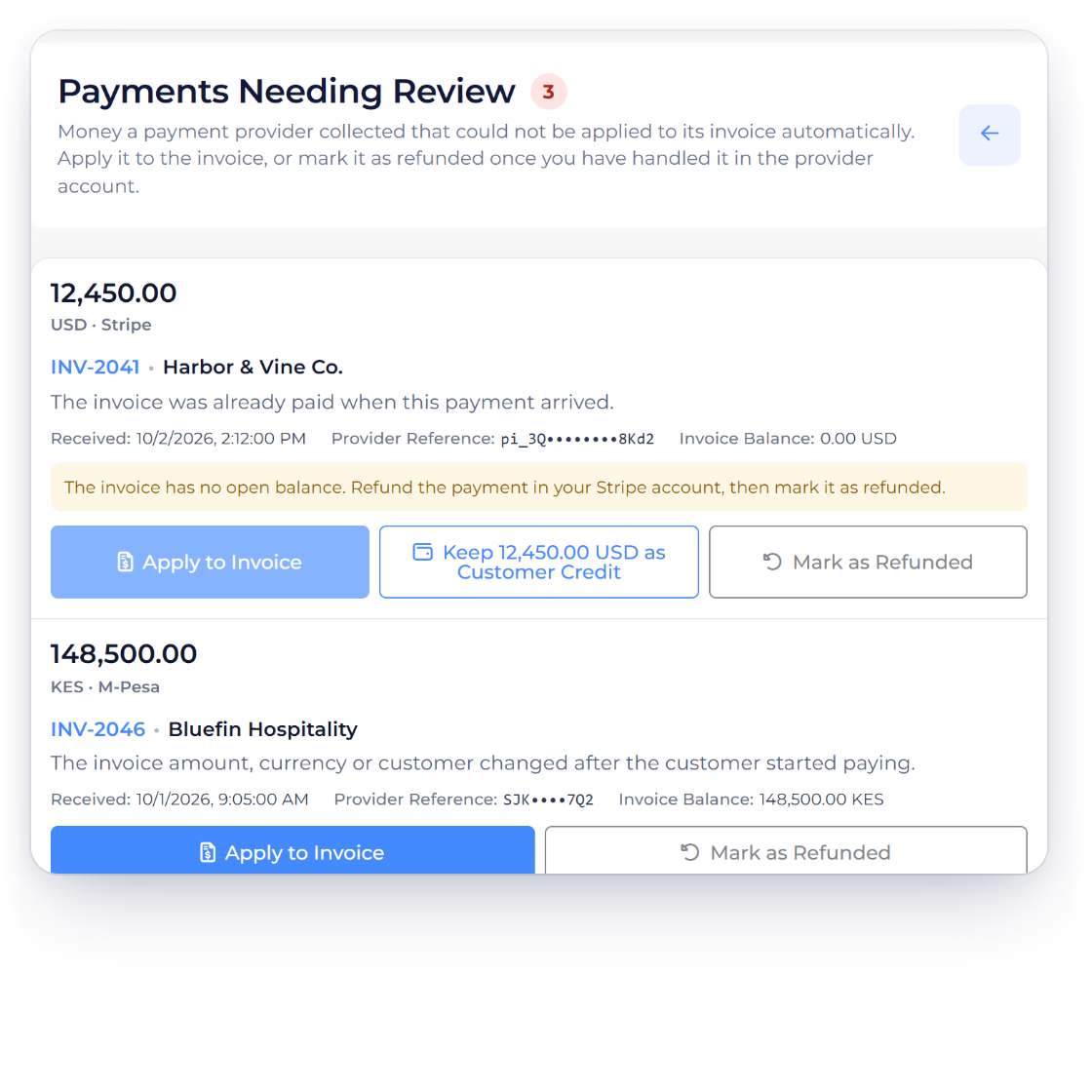
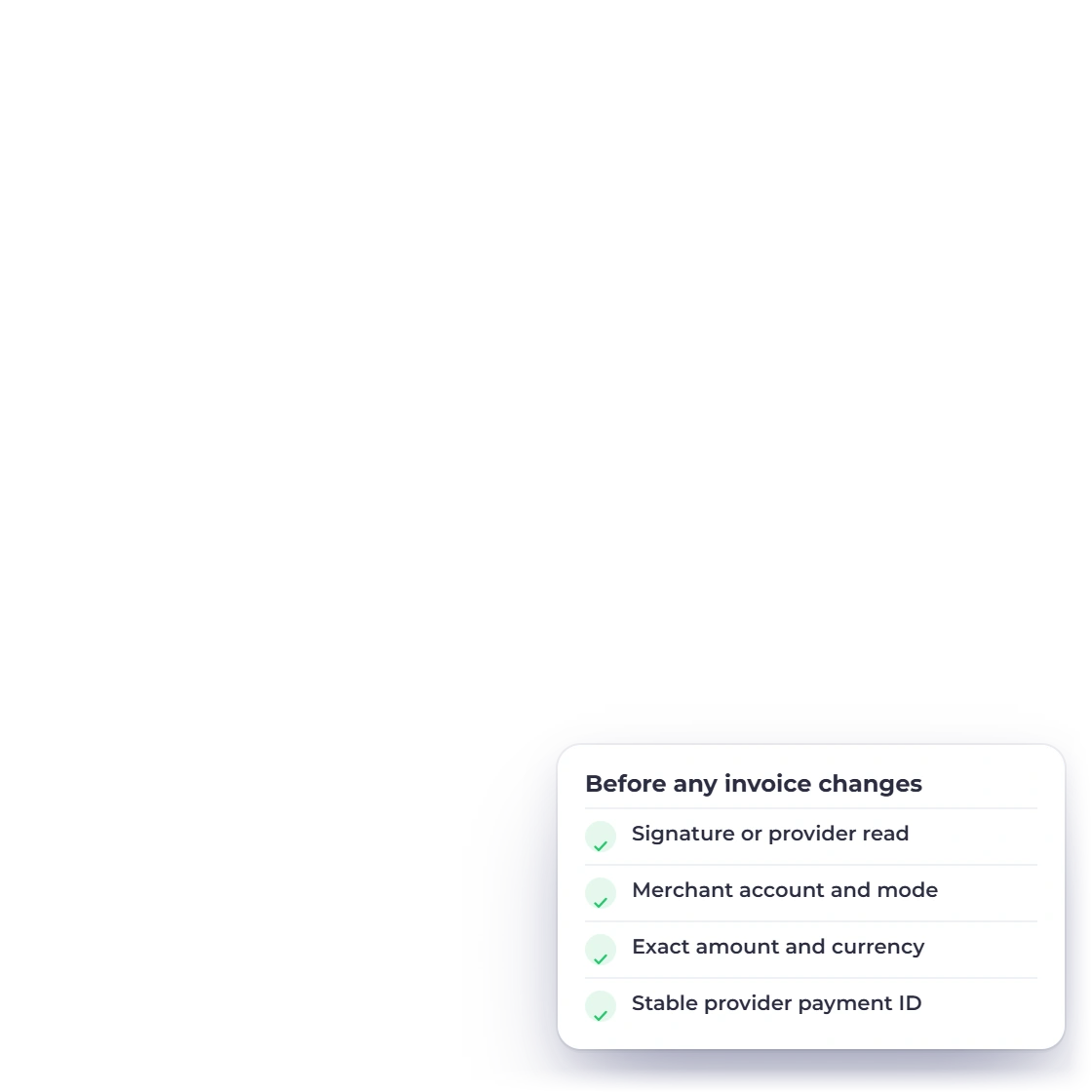
Invoice Crowd confirms each payment with the provider and checks the amount and currency against the invoice before marking it paid.
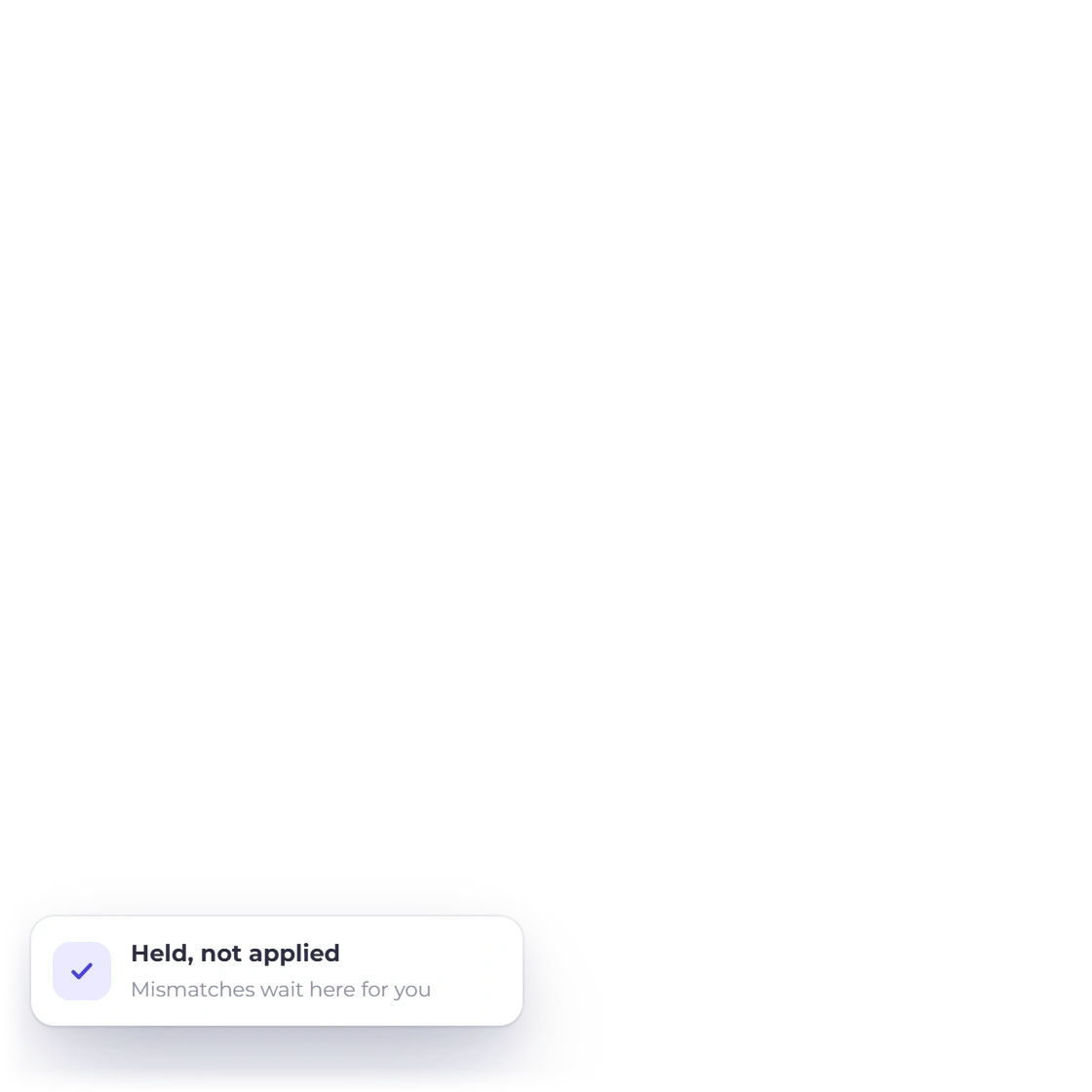
A payment that can't be applied on its own waits in Payments Needing Review, so you decide where it goes. Bank debits show as processing until the provider confirms them.
Provider directory
Open a guide to see how each provider works with Invoice Crowd, from setup and checkout to recurring billing and refunds.
Accept cards, US bank payments and the local methods you enable in your Stripe Dashboard, such as iDEAL, SEPA Direct Debit and Klarna.
Let customers pay with the PayPal account they already trust, included on every plan.
Collect payments from customers across India with Razorpay, for one-time invoices and subscriptions alike.
Get paid in KES through the mobile money your customers in Kenya use every day.
Accept ZAR payments from customers in South Africa through PayFast's trusted checkout.
Collect invoices and recurring payments by direct debit, straight from your customers' bank accounts.
Let customers across India pay invoices with PhonePe, from one-time payments to AutoPay for recurring billing.
Accept card payments and card-on-file subscriptions through Square, with payment notifications set up for you.
Process card payments through your Authorize.net merchant account with secure, tokenized checkout.
Accept card payments through Braintree for one-time invoices and recurring billing.
Send Payoneer payment requests to clients around the world, straight from the invoice.
Offer a hosted checkout trusted by customers across the Middle East.
Accept card payments from customers in the Middle East with Telr's secure checkout.
Get paid by international customers through Airwallex's hosted checkout.
Accept payments from customers in Nigeria, Ghana, Kenya and South Africa in NGN, GHS, KES, ZAR or USD.
Add a UPI, Pix, GiroCode, Swiss QR-bill, PayNow or PromptPay code to invoices and PDFs, so customers pay straight from their banking app.
Beyond payments
Connect Invoice Crowd to the apps you already run, send events to your own URL with webhooks, let an AI app prepare work for your approval, or build on the API. The account owner controls every connection.
Six triggers and six actions for customers, items, incomes, expenses, invoices and estimates, connected with your Invoice Crowd sign-in.
The same records as triggers and actions in Pabbly Connect, with picklists loaded from your account.
Connect Claude, ChatGPT or another MCP app to one business. It reads right away, and every change it prepares waits for your approval. Included on paid monthly and yearly plans.
Read one business and create records from your own software with an API key, and it can never delete anything. Included on paid monthly and yearly plans.
Questions
Invoice Crowd supports 15 payment gateways: Stripe, PayPal, Razorpay, M-Pesa, PayFast, GoCardless, Square, Authorize.net, Braintree, Payoneer, PayTabs, Telr, Airwallex, PhonePe and Paystack. The directory above links to each guide with setup, checkout and refund details, and bank payments through Stripe ACH and GoCardless are covered on the ACH and Direct Debit page. Bank QR codes are a separate, gateway-free option.
Stripe, Razorpay, Square, GoCardless and PayFast are among the gateways that collect recurring subscriptions automatically. Each provider guide in the directory shows how it handles one-time and recurring payments.
Yes. Invoice a customer in their currency and they pay through a gateway that accepts it, while your own reporting stays in your base currency. Choose providers that match the currencies you bill in, such as Paystack for NGN, GHS, KES, ZAR and USD.
Invoice Crowd confirms every payment with the provider and checks the amount and currency before it marks the invoice paid. A confirmed payment that can't be applied to its invoice waits in Payments Needing Review until you decide what to do with it.
You connect your own merchant account, so you pay the processing rates you agreed with your provider, separately from your Invoice Crowd plan. You can also pass the fee on to the customer with Gateway Fees, set per gateway.
Yes. Choose Refund on the invoice and Invoice Crowd sends the refund through Stripe, PayPal, Razorpay, Square, Braintree, Authorize.net, Airwallex, GoCardless or Paystack, then books it once the provider confirms it. For other providers, refund in your provider account and record it in the same Refund window.
Yes. Zapier and Pabbly Connect link Invoice Crowd to your other apps on every plan, and outbound webhooks send invoice, estimate, customer, item, expense and income events to your own HTTPS address. On paid monthly and yearly plans, AI Connections let Claude or ChatGPT prepare work for your approval, and the Developer API connects your own software.
Yes. The account owner can add a webhook URL on the Integrations page and choose the events to send, from invoice and estimate updates to new or updated customers, items, expenses and incomes. Each event is posted as JSON to your HTTPS address and signed with a secret shown on the page, and a failed delivery is retried with the same delivery ID so your system can ignore repeats.
Connect the gateways that suit your customers, send an invoice, and see the payment land on it. Start with a 30-day free trial.