
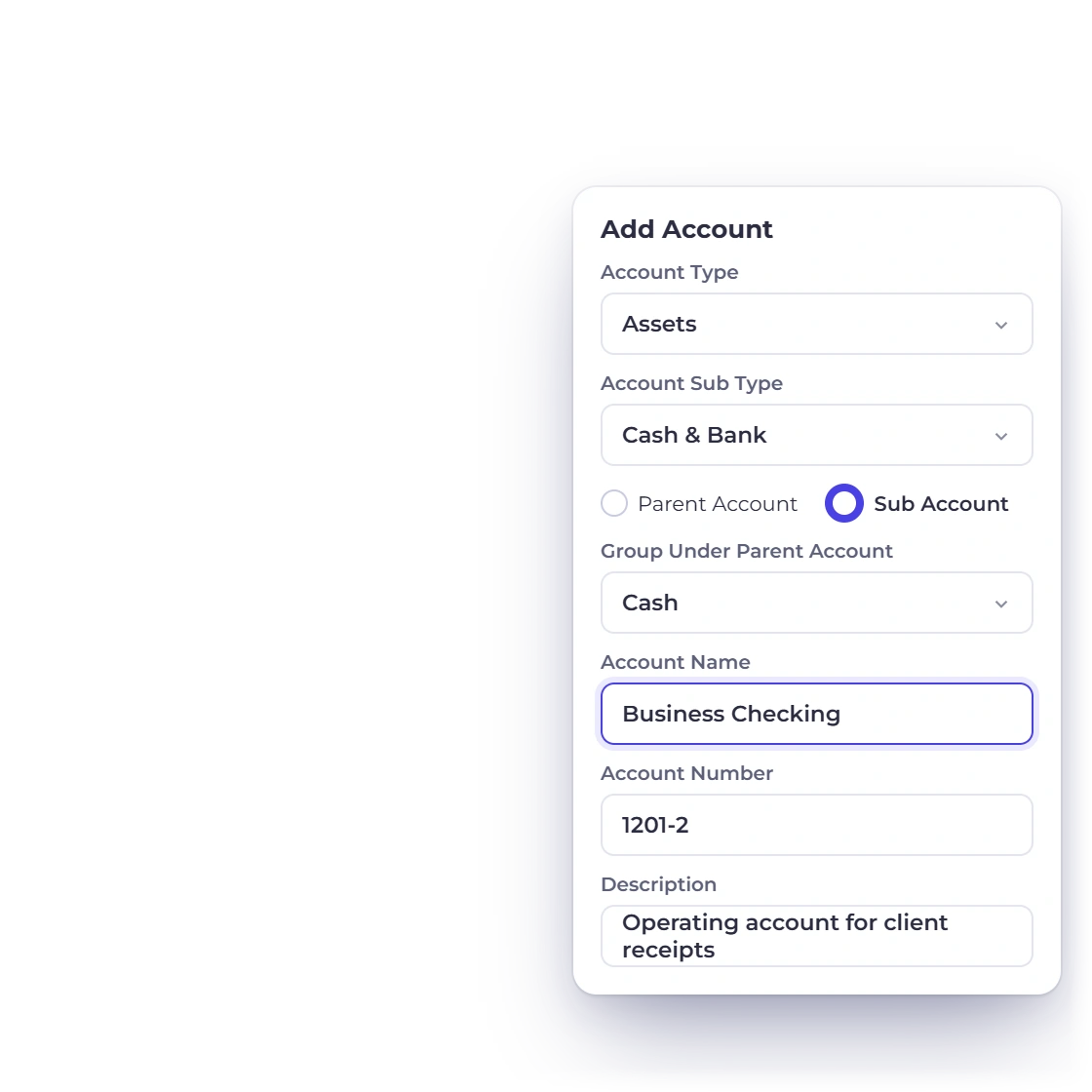
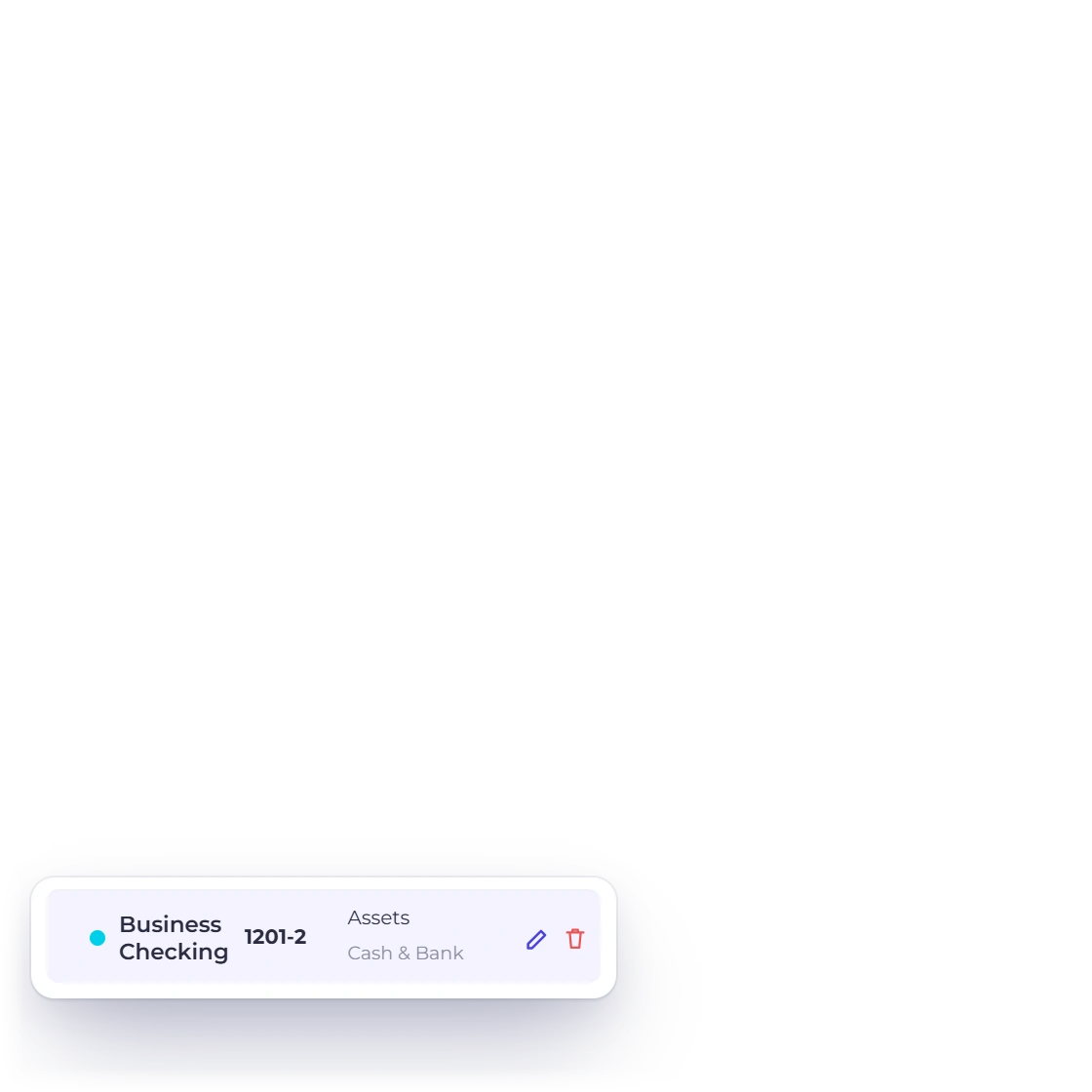
Shape the Chart of Accounts
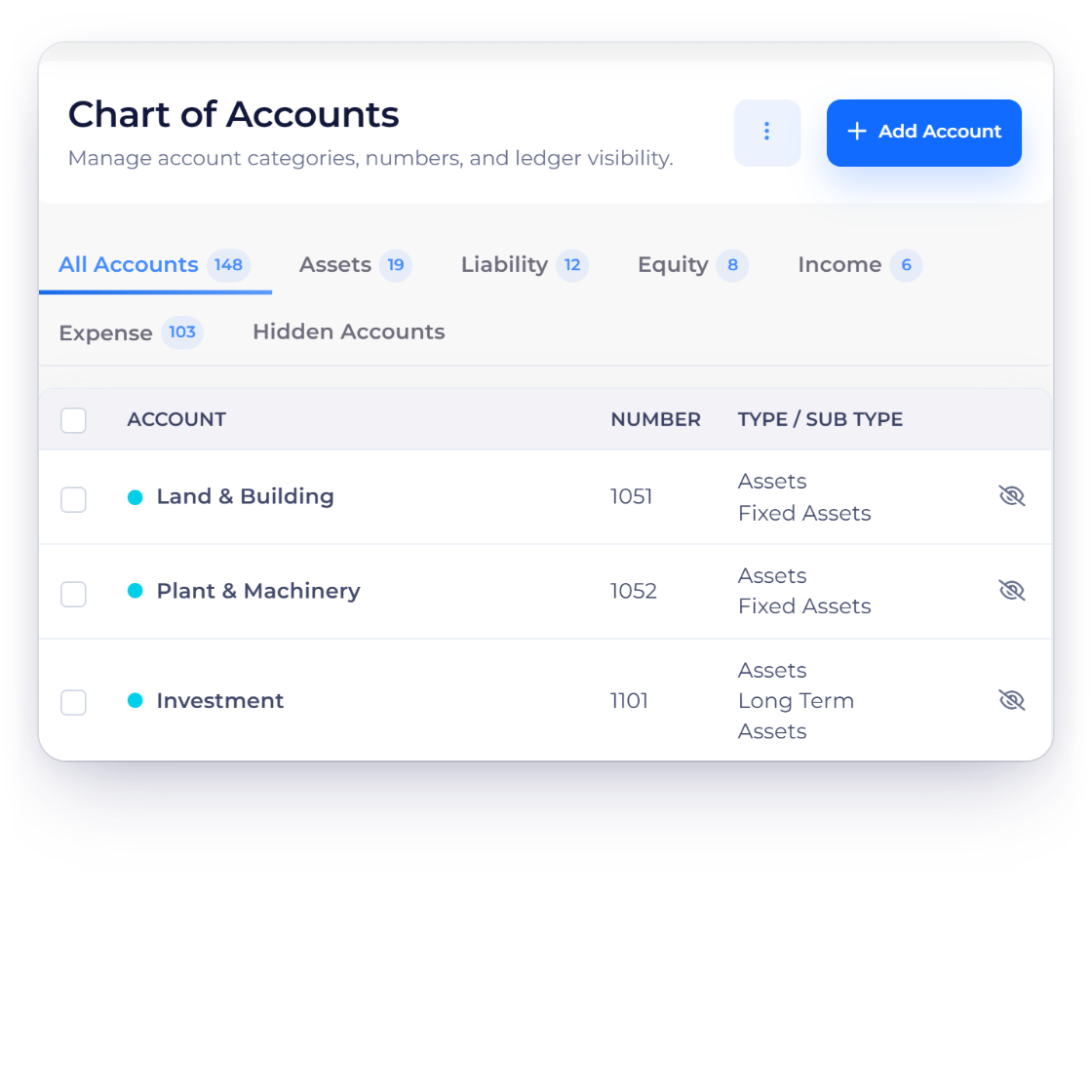
Organize accounts across Assets, Liabilities, Equity, Income and Expense, add your own sub-accounts and hide or restore shared defaults.
Accounting
One double-entry ledger for your small business. Classify activity, post journals, reconcile bank statements, lock closed periods and read financial reports with every figure traceable to its source.
How it works
Invoices, bills, expenses, payments, journals and reconciliations live in one business, so you and your accountant can see the records behind every balance.
Organize your accounts and post adjustments.
Organize accounts across Assets, Liabilities, Equity, Income and Expense, add your own sub-accounts and hide or restore shared defaults.
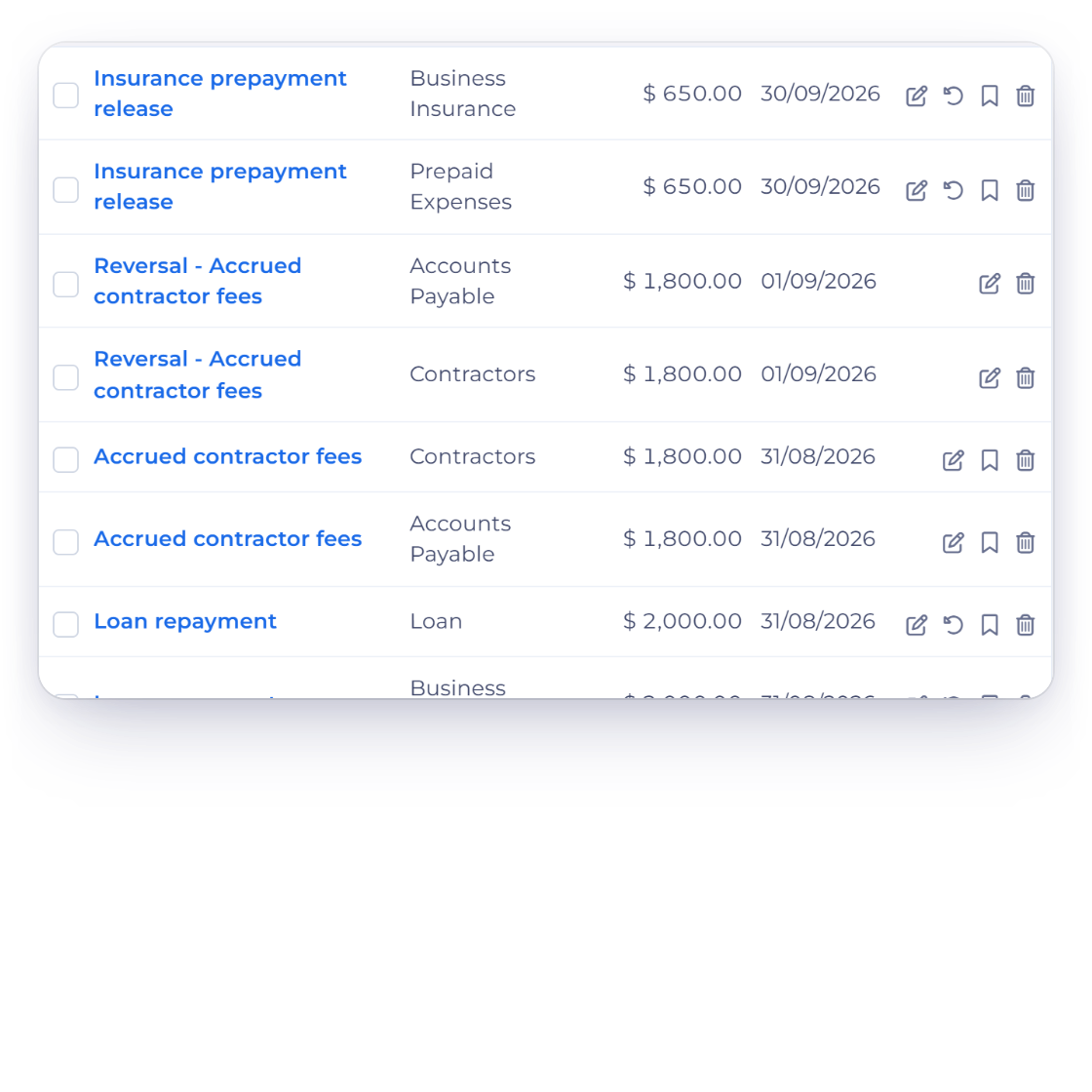
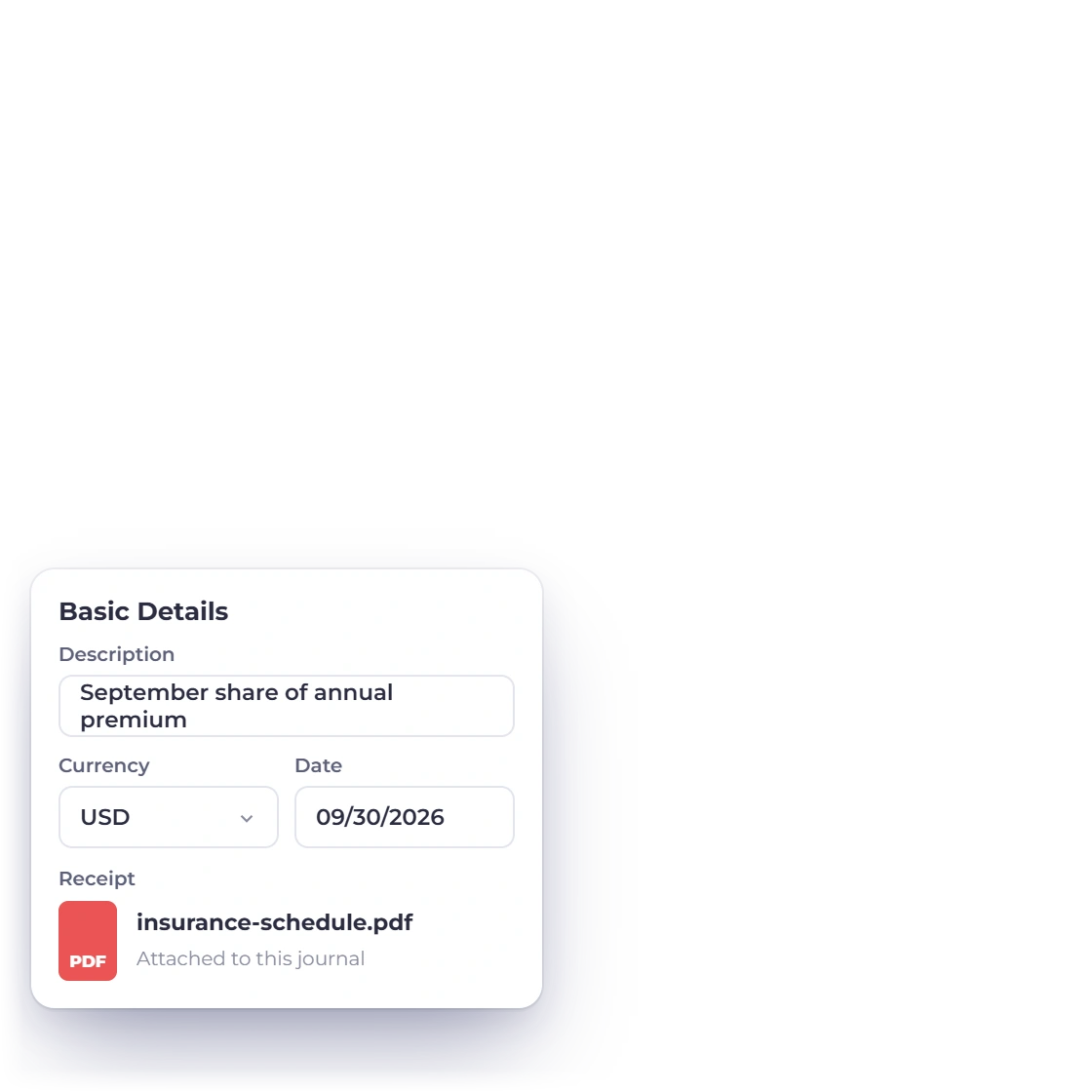
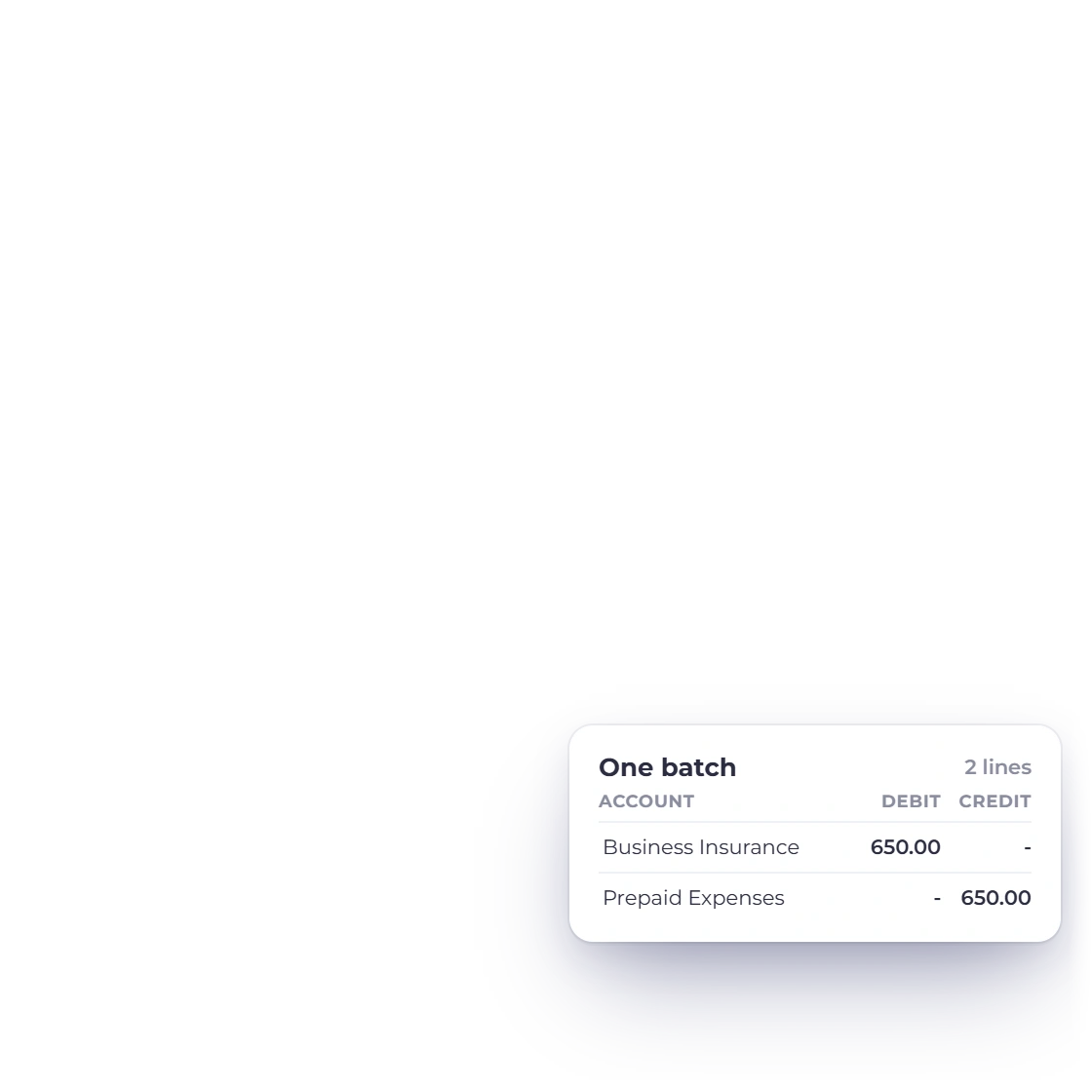
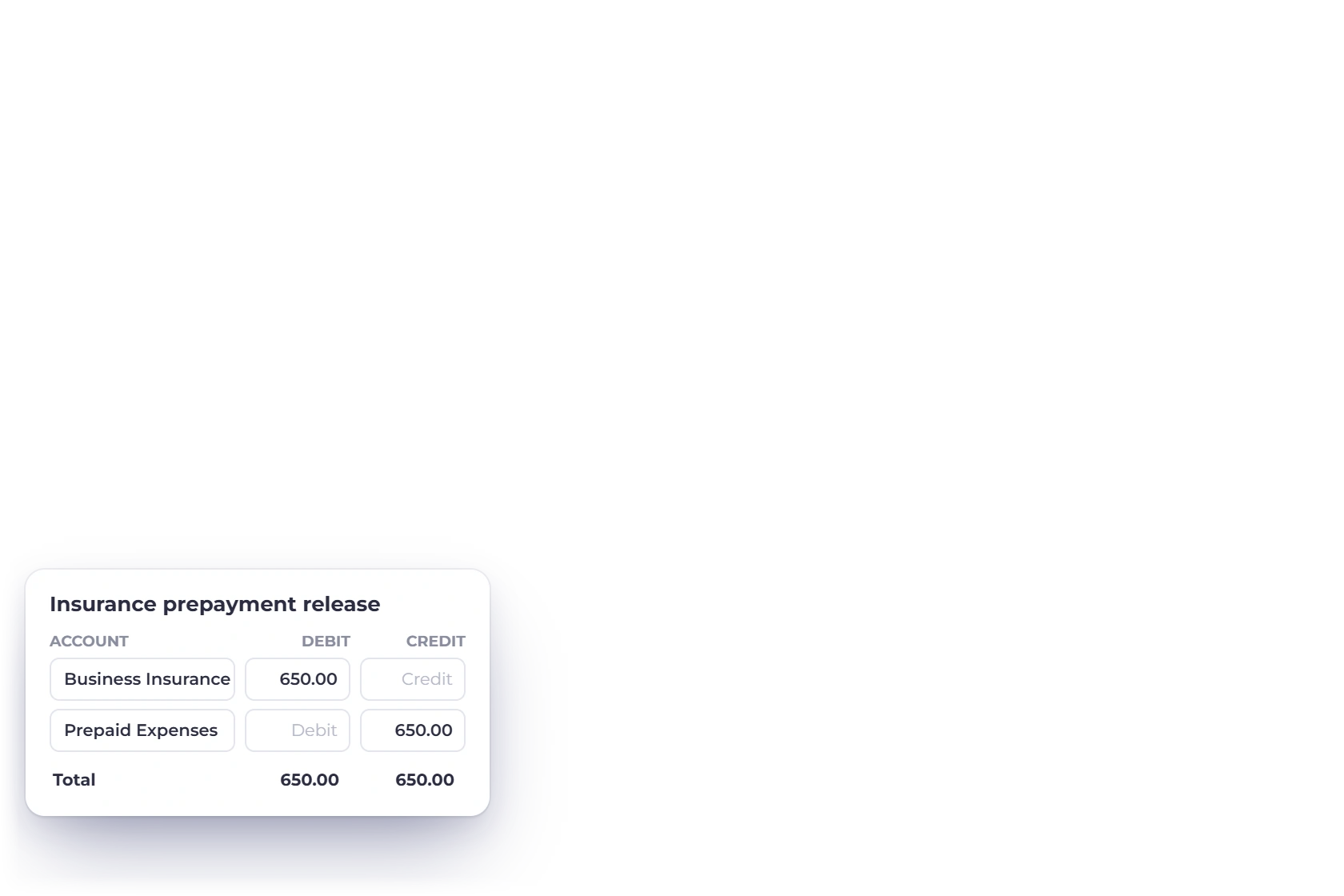
Enter two or more lines with equal debit and credit totals. Invoice Crowd checks the accounts, the business and any locked period before saving the entry.
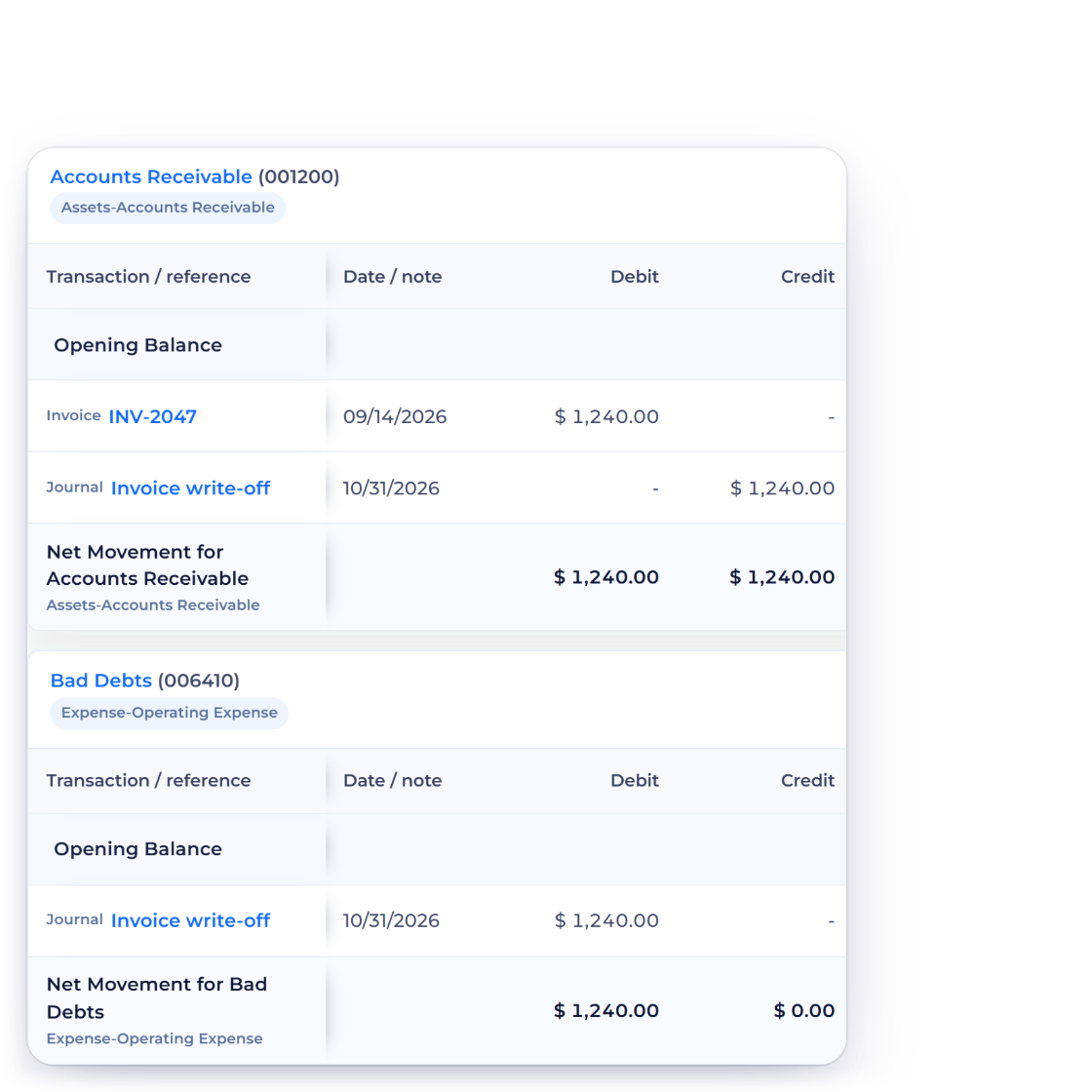
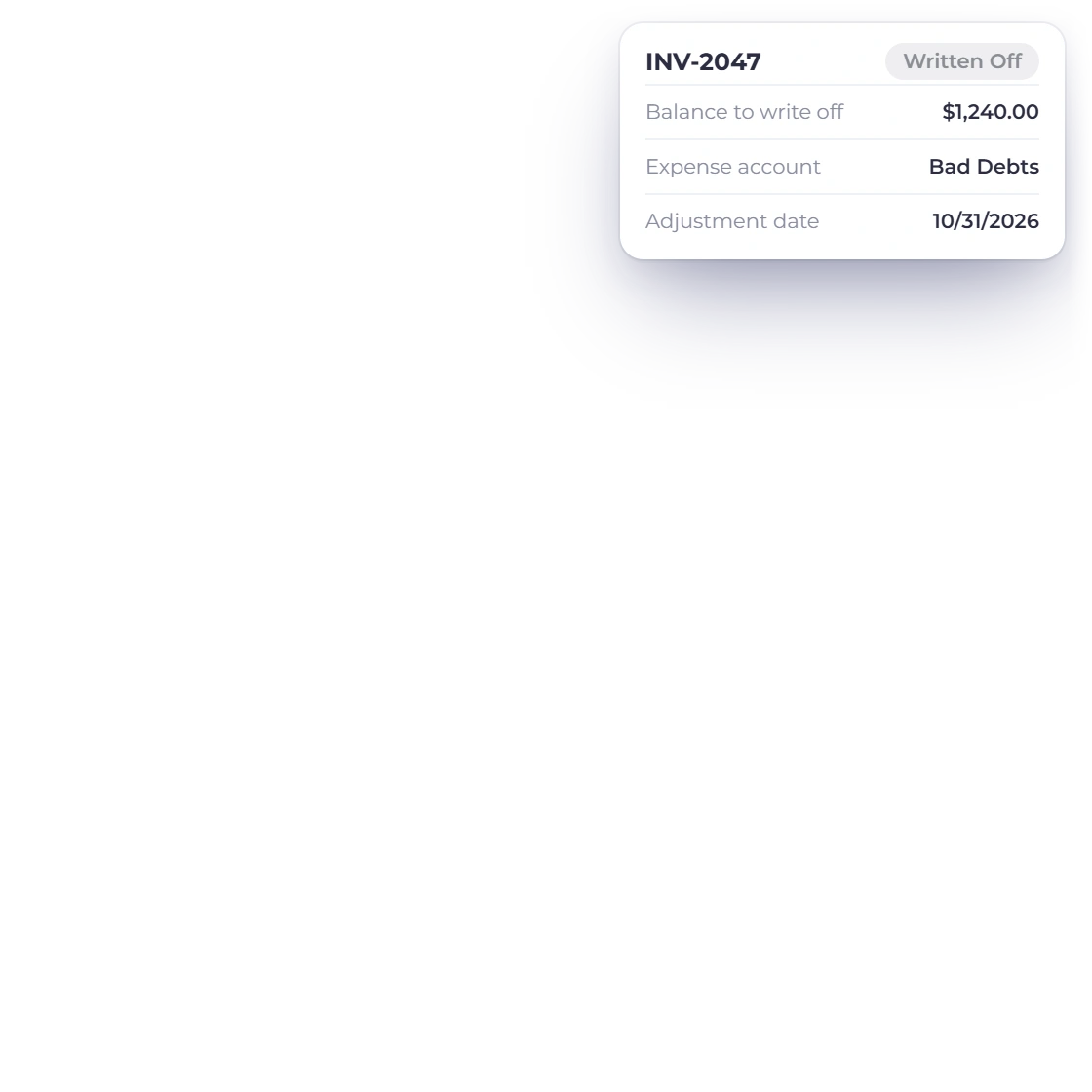
When an invoice will not be collected, Write Off Balance in Manage Payments closes its remaining balance against an expense account such as Bad Debts, on the date you choose. No payment is recorded, the receivable clears, the reason stays on record, and cash-basis reports treat it as the noncash adjustment it is.
Upload a statement and close it with confidence.
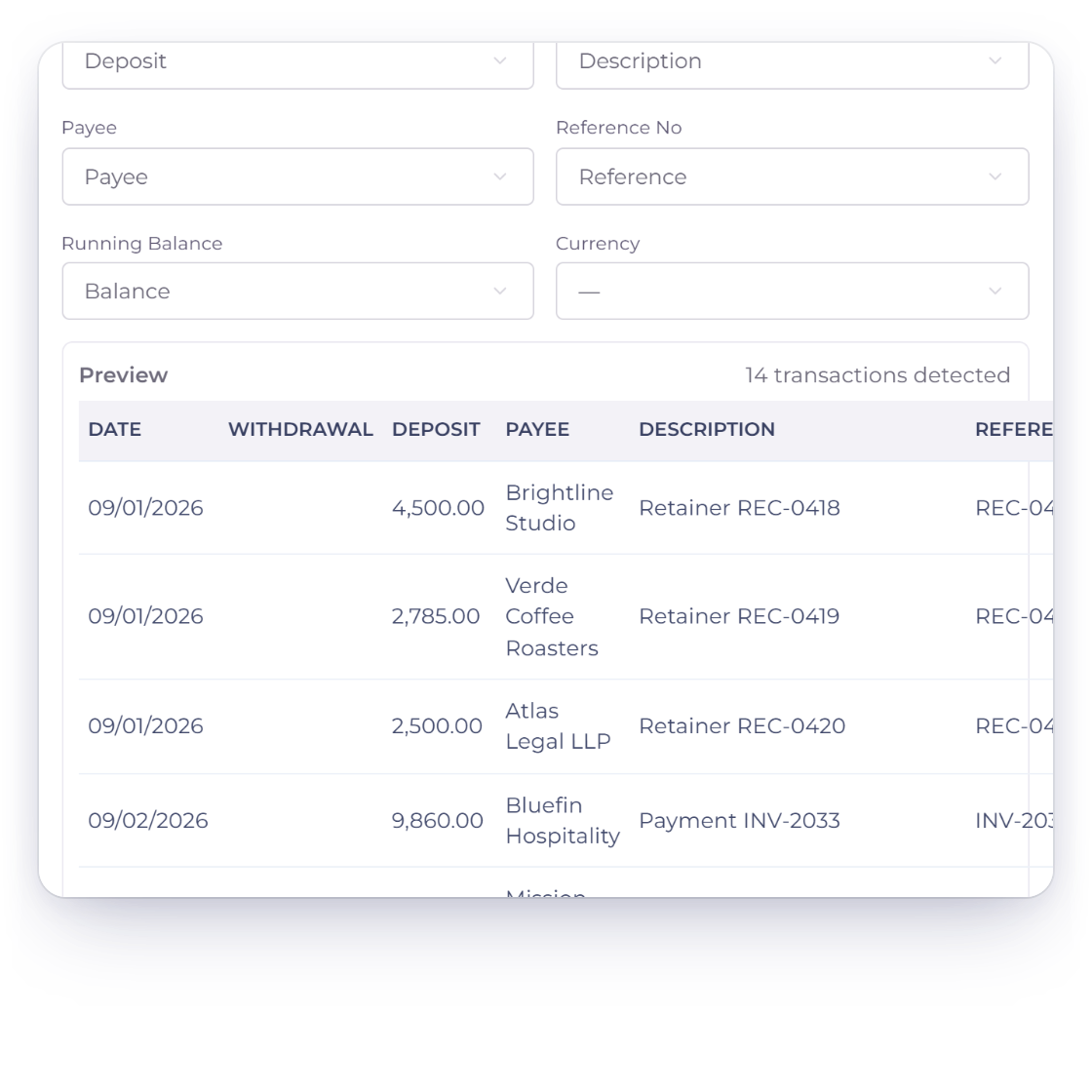
Upload the statement file your bank exports, check the detected columns in the import wizard, then review the transactions for one account and period.
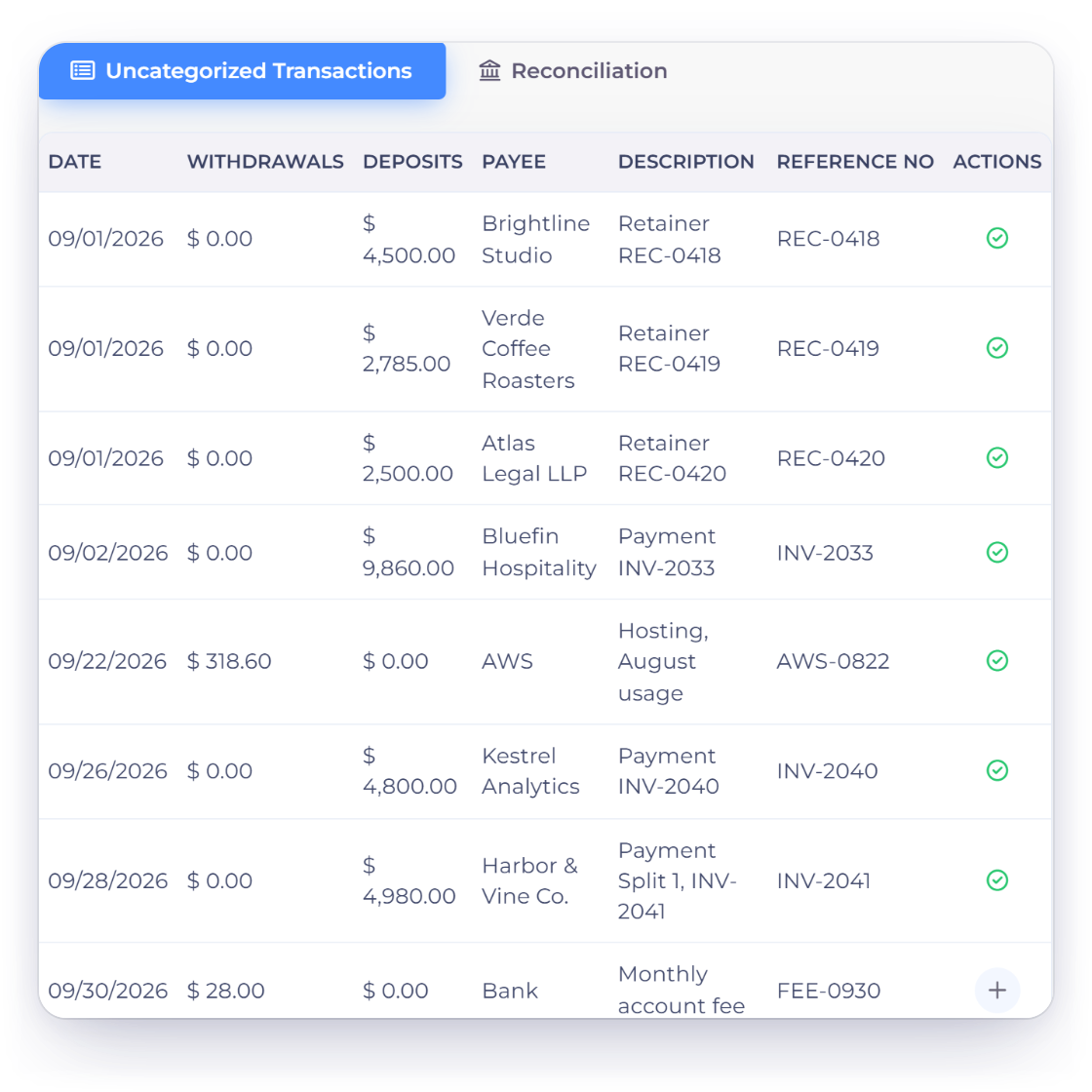
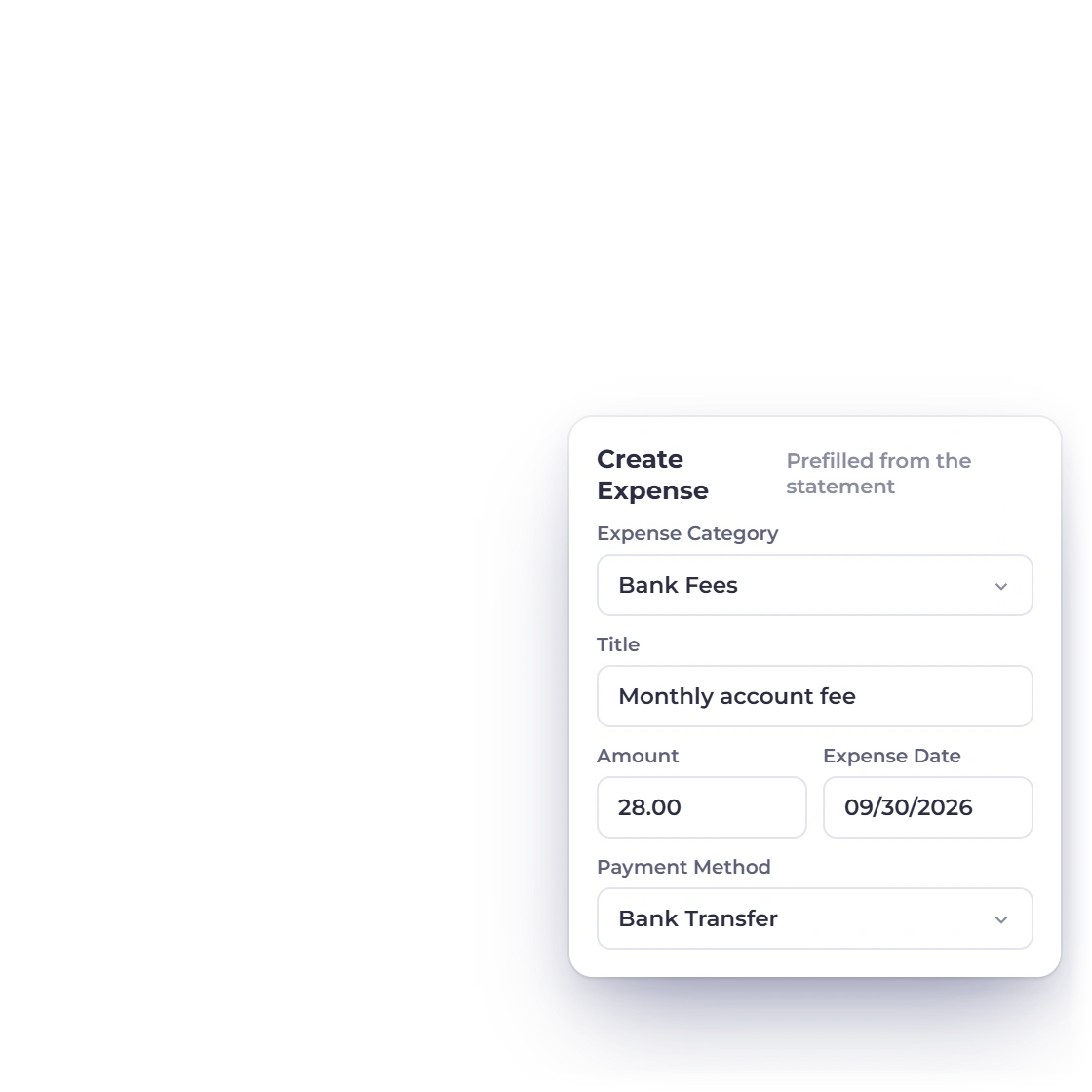
Compare statement lines with recorded expenses, bills, income and other account activity. Add anything missing from a prefilled form, tick what matches and close the statement.
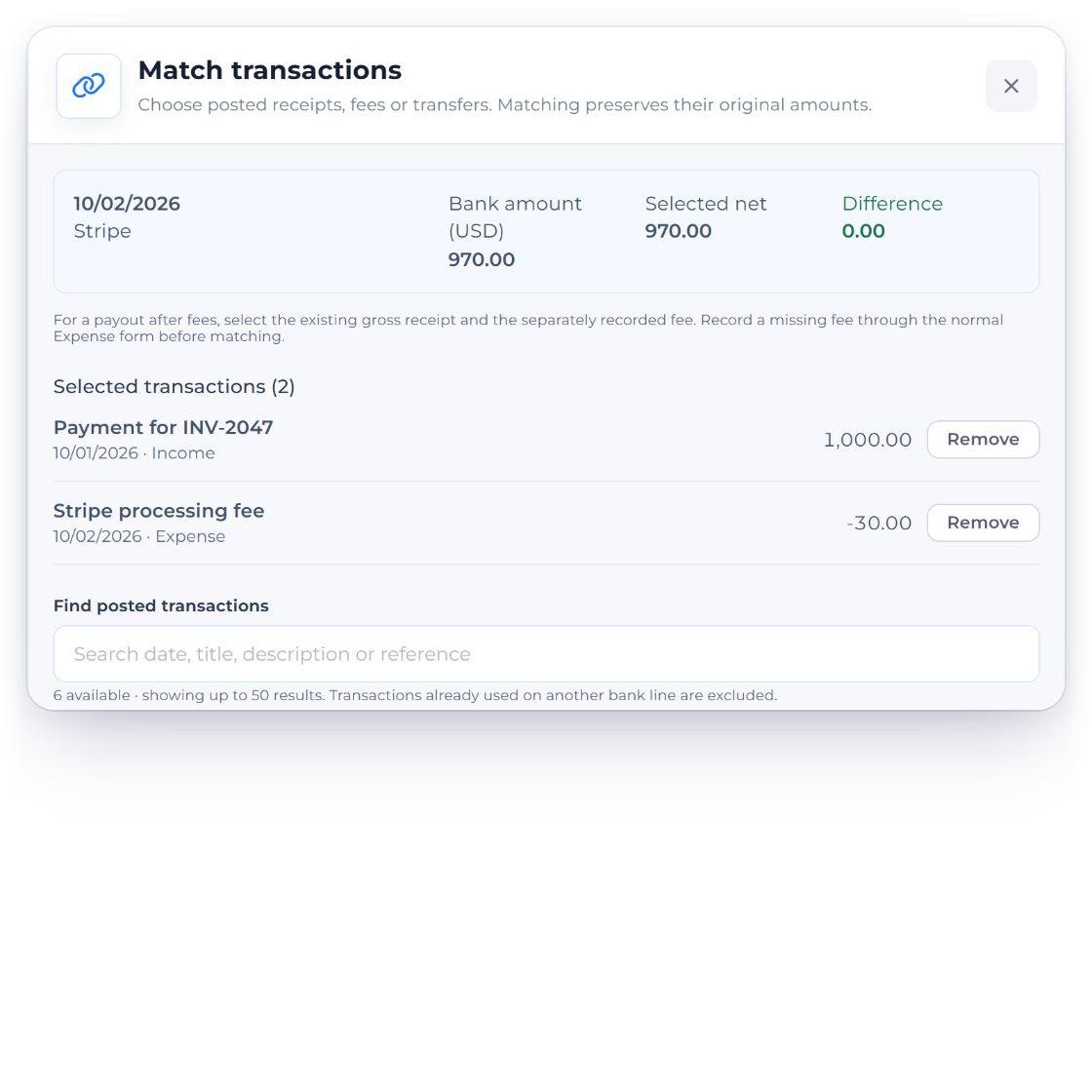
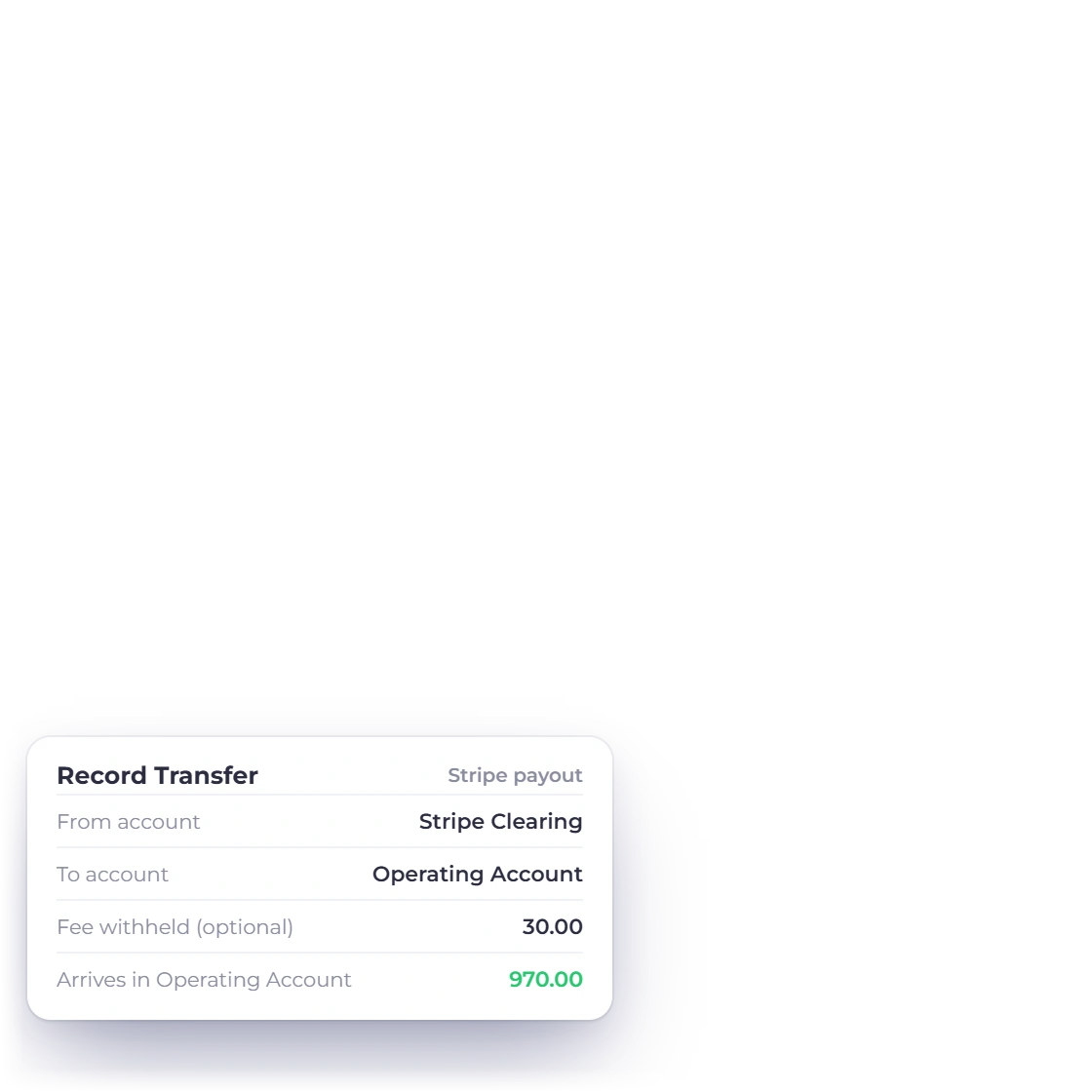
Match transactions on a statement line opens a drawer where one deposit or withdrawal clears several recorded entries, such as a $970.00 payout that settles a $1,000.00 invoice payment and a $30.00 fee. Record Transfer moves money between bank, cash and payment-clearing accounts, with any fee the processor withheld, so payouts reconcile to the cent.
Drill from totals to the transactions behind them.
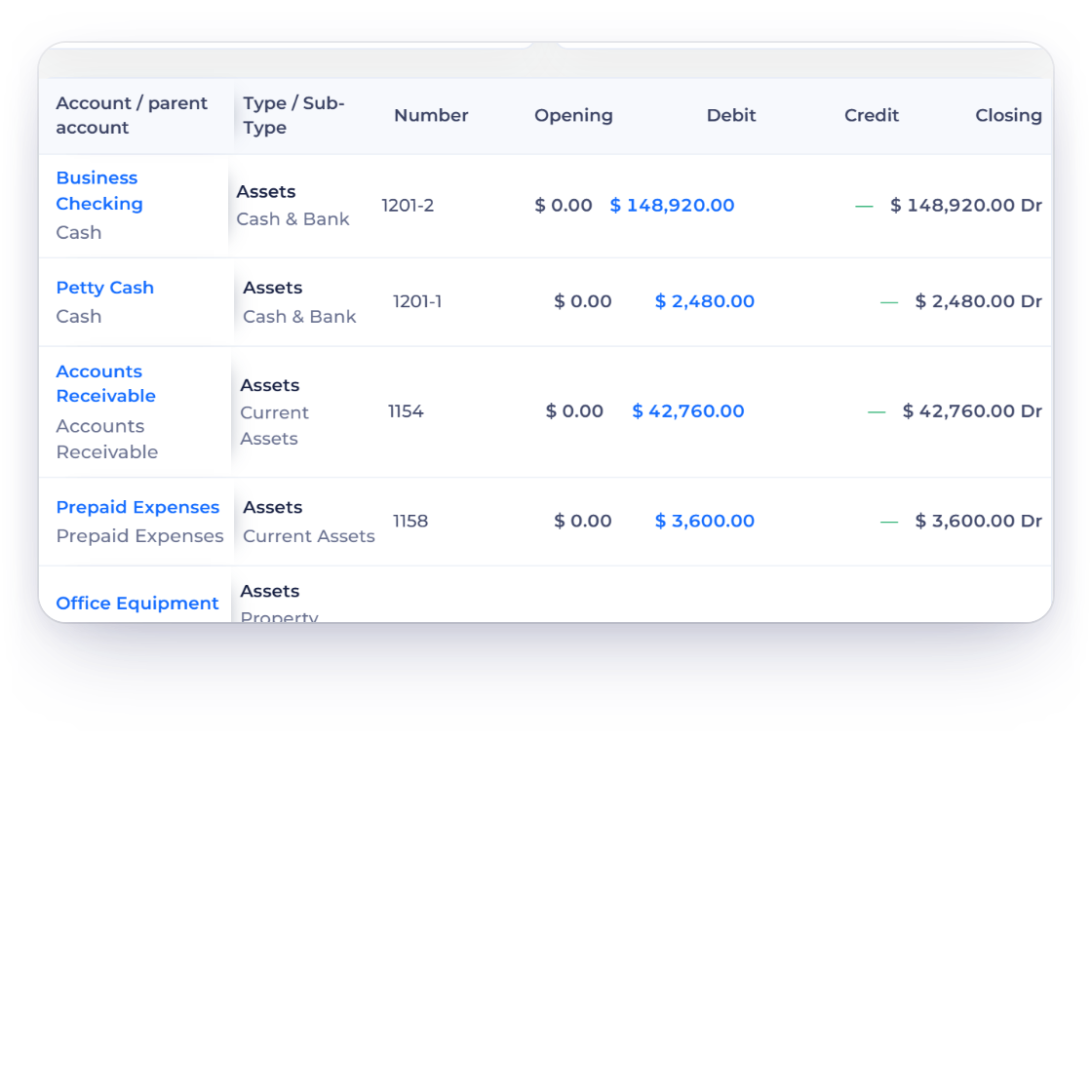
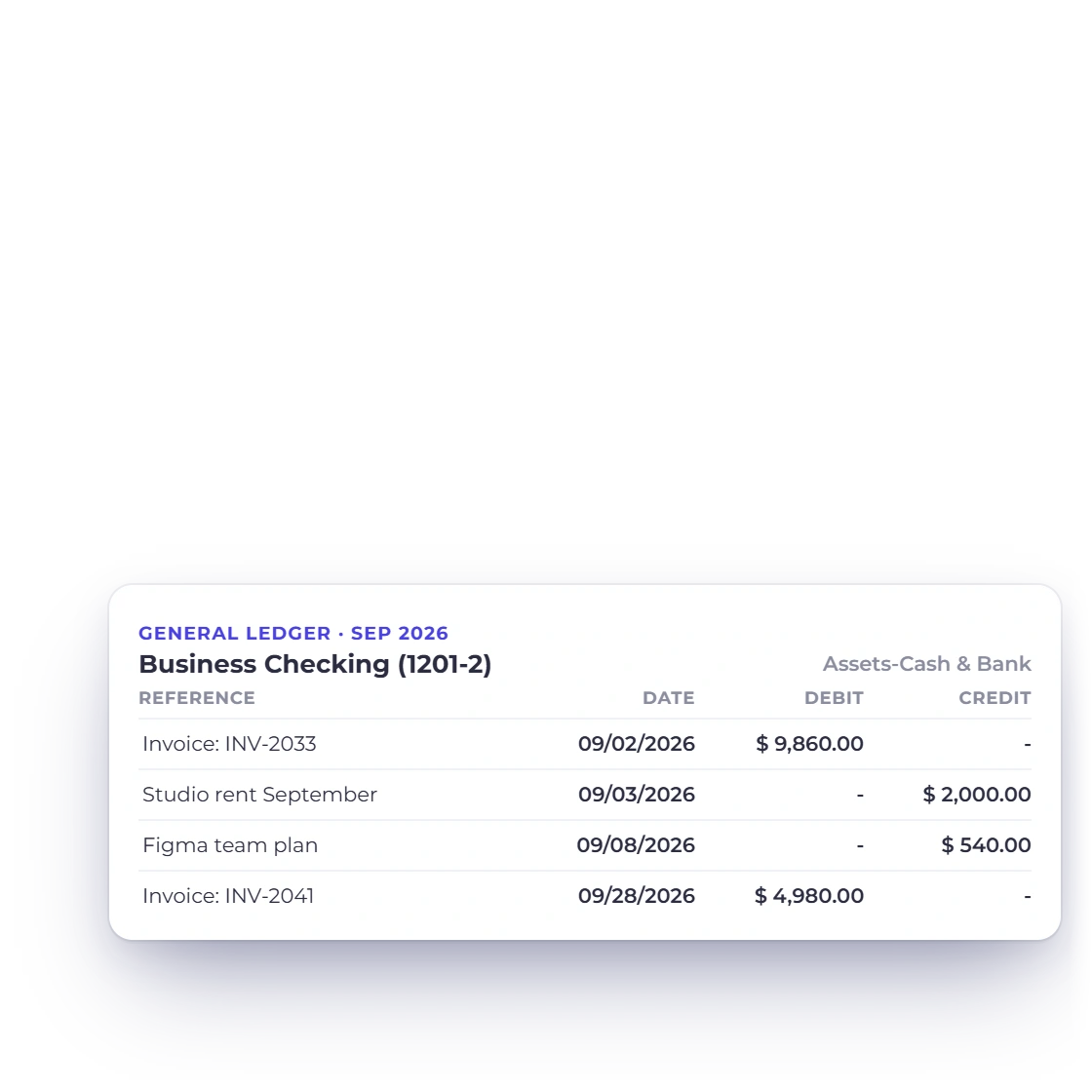
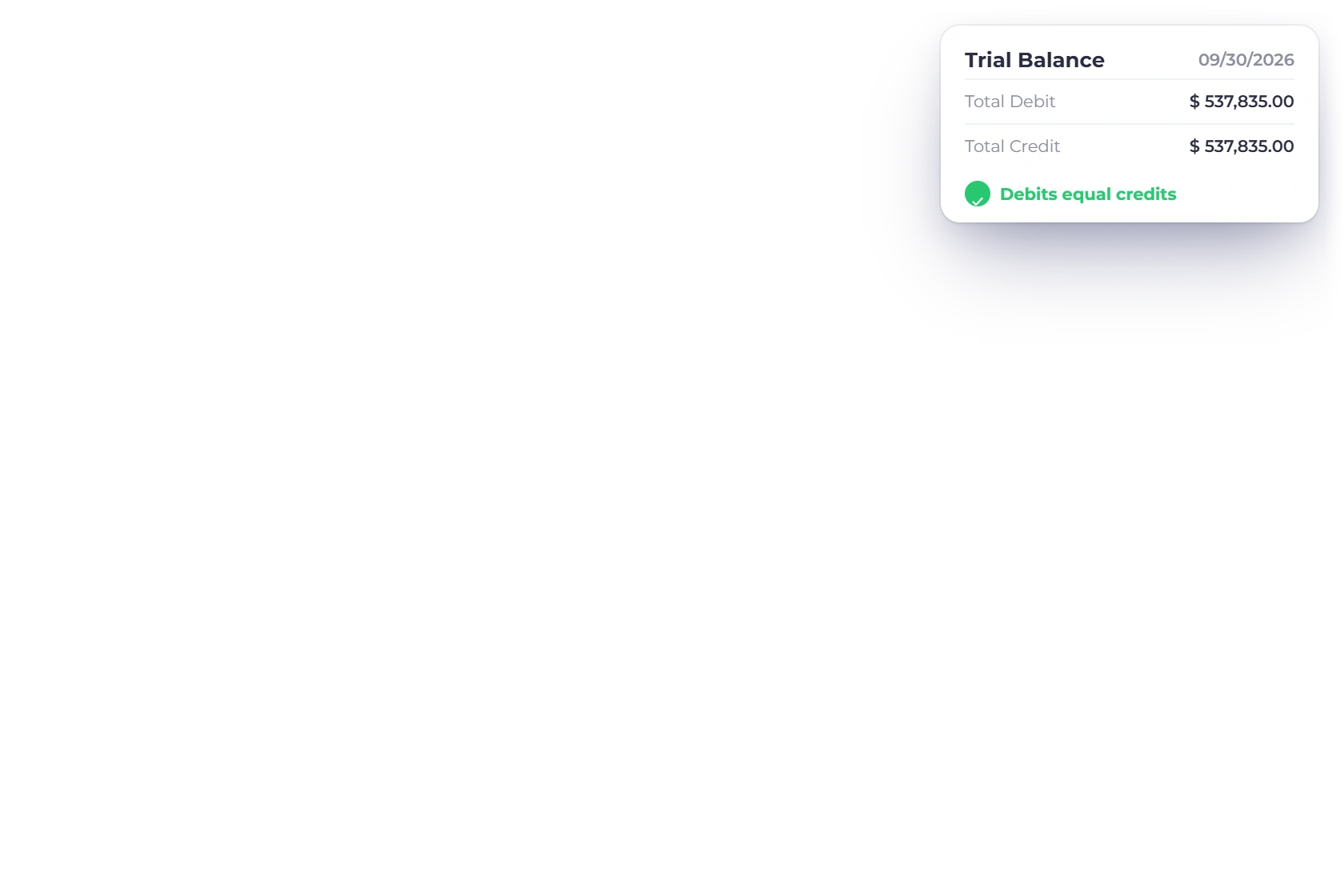
Spot an account worth a closer look in the Trial Balance, open its General Ledger and follow each entry back to the document that created it.
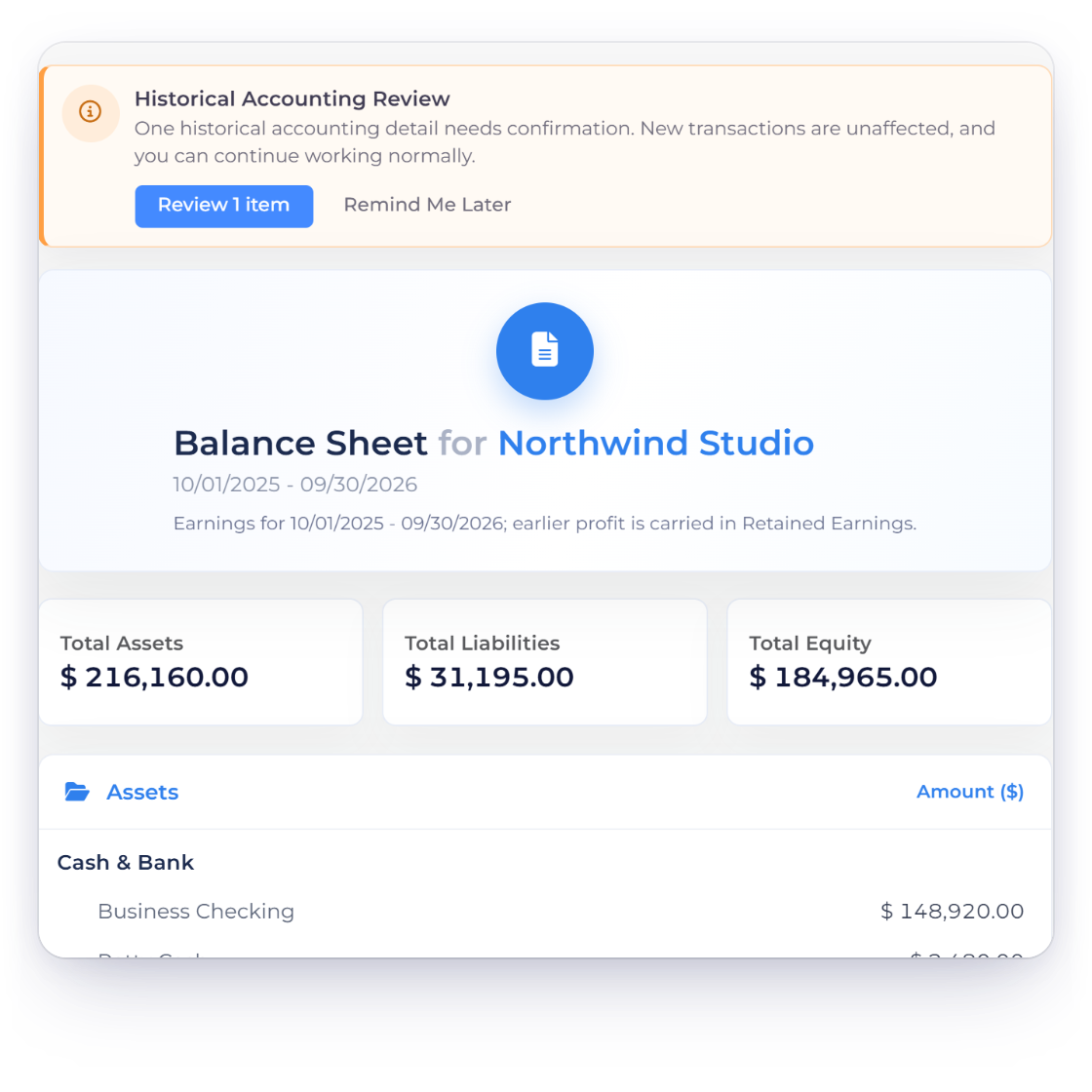
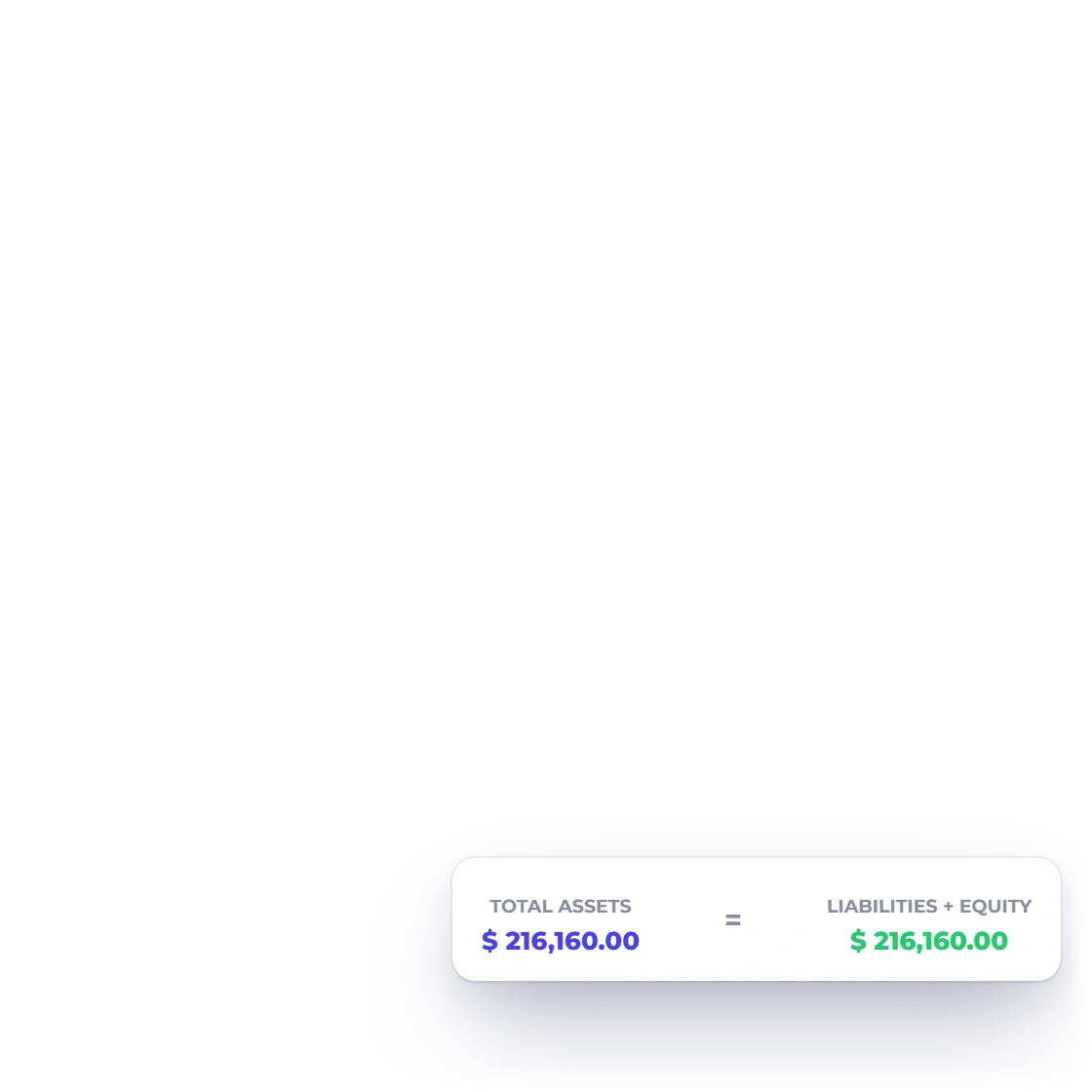
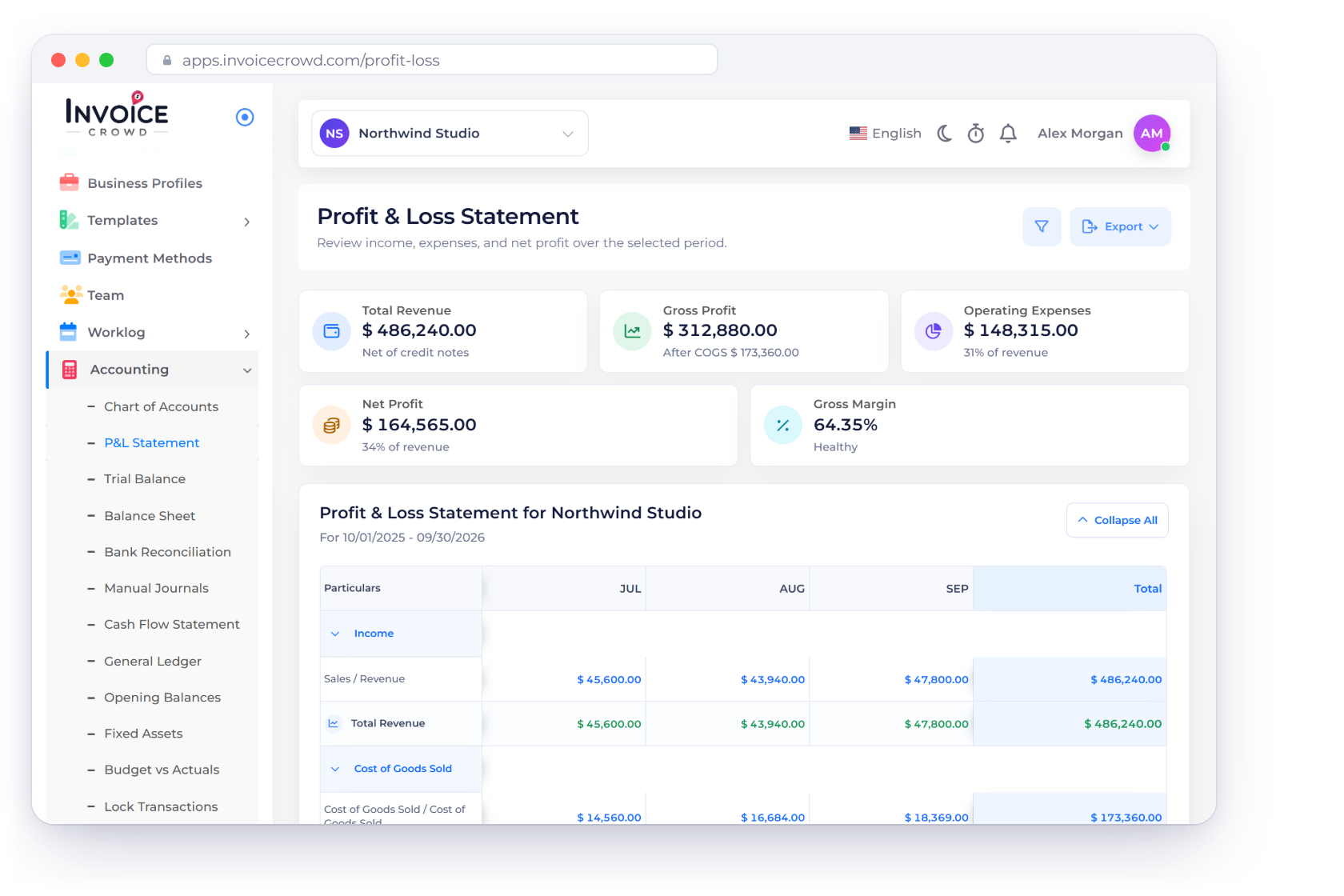
Read each statement for the period you choose alongside the General Ledger and Trial Balance. If a figure is out, the difference is shown so you can trace it to its source.
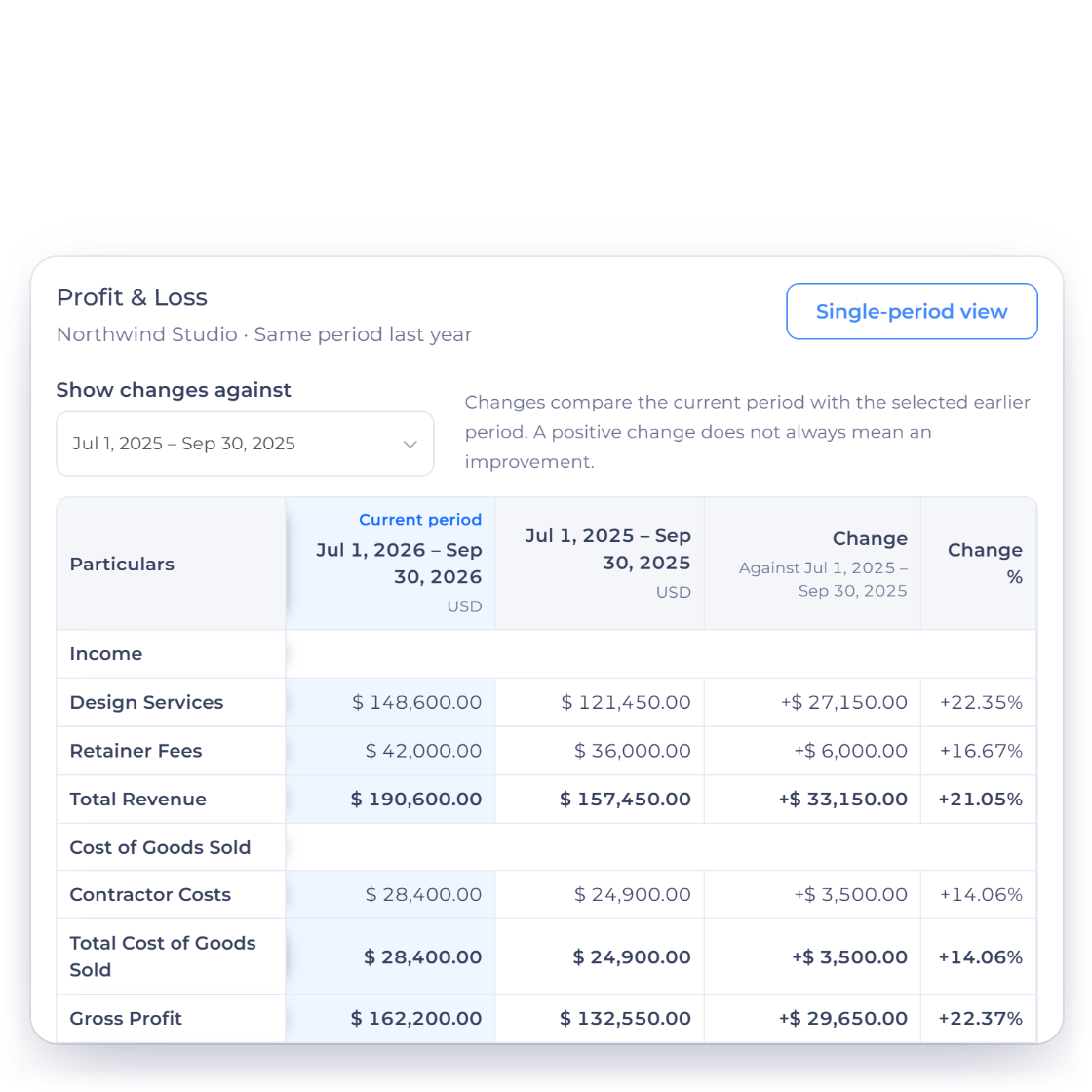
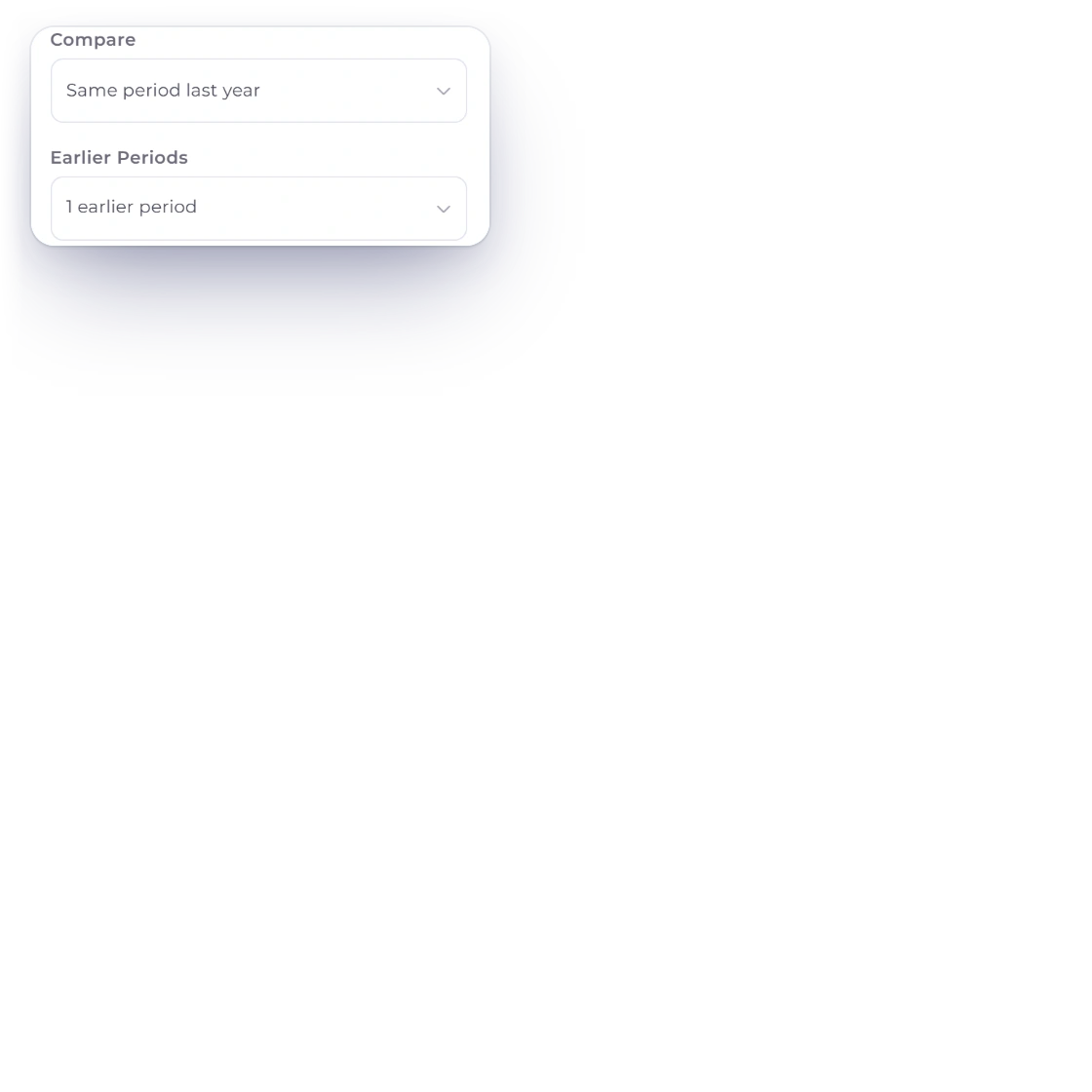
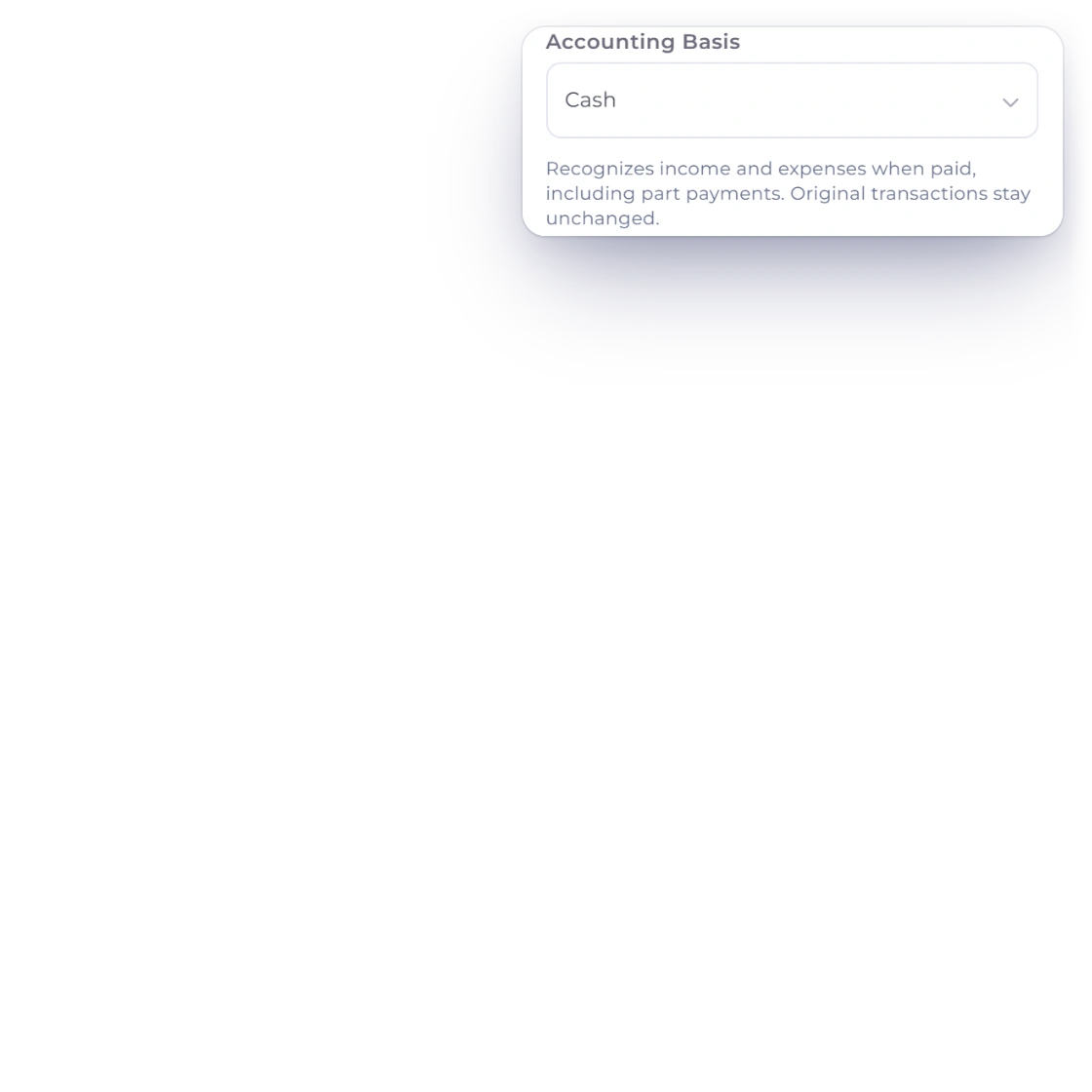
Choose Accounting Basis, Accrual or Cash, on the Profit & Loss, Balance Sheet, Trial Balance and General Ledger. Cash recognizes income and expenses when they are paid, including part payments, while your original transactions stay unchanged. Compare sets a statement beside the Previous period, the Same period last year or the Last 12 months, with Change and Change % columns and a PDF or Excel download.
Built in
Organize accounts, post adjustments, reconcile the bank and read your statements, all from one ledger.
Record the equipment, vehicles and property you own, post straight-line depreciation to the ledger every month, and record a sale or write-off with its gain or loss.
Record adjustments with equal debits and credits, saved together as one entry.
Select up to 100 invoices and download import files for QuickBooks Online or Xero, with mappings saved for each business.
Tick the lines that match, add what's missing and close when the difference reaches zero.
Set a statement beside the previous period, the same period last year or the last 12 months, with the change in amount and percent.
Read the Profit & Loss, Balance Sheet, Trial Balance and General Ledger on an Accrual or a Cash basis.
Organize every account your business uses.
Record balanced adjustments.
Match recorded activity to a statement.
See every transaction, account by account.
Check debit and credit totals by account.
See where your cash came from and went.
Questions
Yes. Invoice Crowd keeps a double-entry ledger that refuses unbalanced entries, and the Profit and Loss, Balance Sheet, Trial Balance, General Ledger and Cash Flow Statement all come from that same ledger. If older data leaves a difference on a statement, it stays visible so you can review it.
Invoice Crowd includes Chart of Accounts, Manual Journals, Opening Balances, Bank Reconciliation from an imported statement, Fixed Assets, Budget vs Actuals, General Ledger, Trial Balance, Balance Sheet, Cash Flow Statement, Profit and Loss and Lock Transactions. Report Pack puts the five statements in one PDF behind an At a Glance cover, and every statement downloads on your letterhead with page numbers. Statements run on an accrual or a cash basis and compare with earlier periods. Accounting is included on paid plans.
On the Reports page. Choose Reports in the sidebar, and the Financial Statements group lists the Profit & Loss, Balance Sheet, Cash Flow Statement, Trial Balance, General Ledger and Budget vs Actuals next to every other report, with search and Favourites. The Accounting menu keeps the bookkeeping tasks: Chart of Accounts, Manual Journals, Bank Reconciliation, Opening Balances, Fixed Assets and Lock Transactions.
Yes. The Profit & Loss, Balance Sheet, Trial Balance and General Ledger have an Accounting Basis filter with Accrual and Cash. Cash recognizes income and expenses when they are paid, including part payments, and Accrual recognizes them when invoiced or billed. Your original transactions stay unchanged, the PDF prints Cash Basis or Accrual Basis, and Report Pack follows the basis you choose. Accounting is included on paid plans.
Yes. On the Profit & Loss, Balance Sheet, Trial Balance and Cash Flow Statement, Compare offers Previous period, Same period last year and Last 12 months, and Earlier Periods adds up to three columns. Every line shows its Change and Change %, and the comparison downloads as a PDF or an Excel file.
Yes. Fixed Assets, under Accounting, is a register of the equipment, vehicles and property your business owns. Add Asset records the cost, salvage value, useful life in months, purchase and service dates, the asset, accumulated depreciation and depreciation expense accounts, and how the asset was paid for: from a bank, cash or card account, as an opening balance for something you owned before your books started, or already recorded by a bill or expense. Depreciation is straight-line. Each finished month posts automatically as a journal, Post All posts whatever is due through a date you choose, and the register shows the monthly amount, accumulated depreciation and remaining value. Dispose (Sell or Write Off) records a sale or write-off with its gain or loss. Fixed Assets is included on paid plans.
Yes. Every manual journal needs at least two lines with equal debit and credit totals before it saves. The entry is saved as a whole and respects your selected business and any locked period.
Yes. Upload a CSV, XLS or XLSX statement and the import wizard detects the columns, then stages the rows in Bank Reconciliation for matching. OFX, QIF, CAMT.053, MT940 and BAI2 files work too.
Trace it to its source. The statement shows how far out of balance it is and offers Review and Fix; use the Trial Balance and General Ledger to find the affected account, then correct the original record.
No. Reports are read-only. Opening, filtering or exporting a statement or ledger leaves your documents and journals exactly as they are.
Yes. Lock Transactions, the last item under Accounting, locks invoicing, purchases, accounting or all transactions dated on or before a date you choose, so nobody can create, edit or delete them. The account owner can unlock a few dates to fix one entry and lock them again, and every change is recorded with who, when and why. Creating or changing a lock is included on paid plans.
Classify, adjust, reconcile and review in one workspace, with every figure traceable to its source.