Skip to content

Approved estimates become invoices, by hand or on their own

Invoice Crowd turns an approved estimate into an invoice with every line, tax and client change already in place. Convert it yourself when you want to check it first, or let the invoice be raised the moment a client accepts, with a deposit to pay if you asked for one.

  • Manual or automatic
  • Every detail carries across
  • Editable after converting
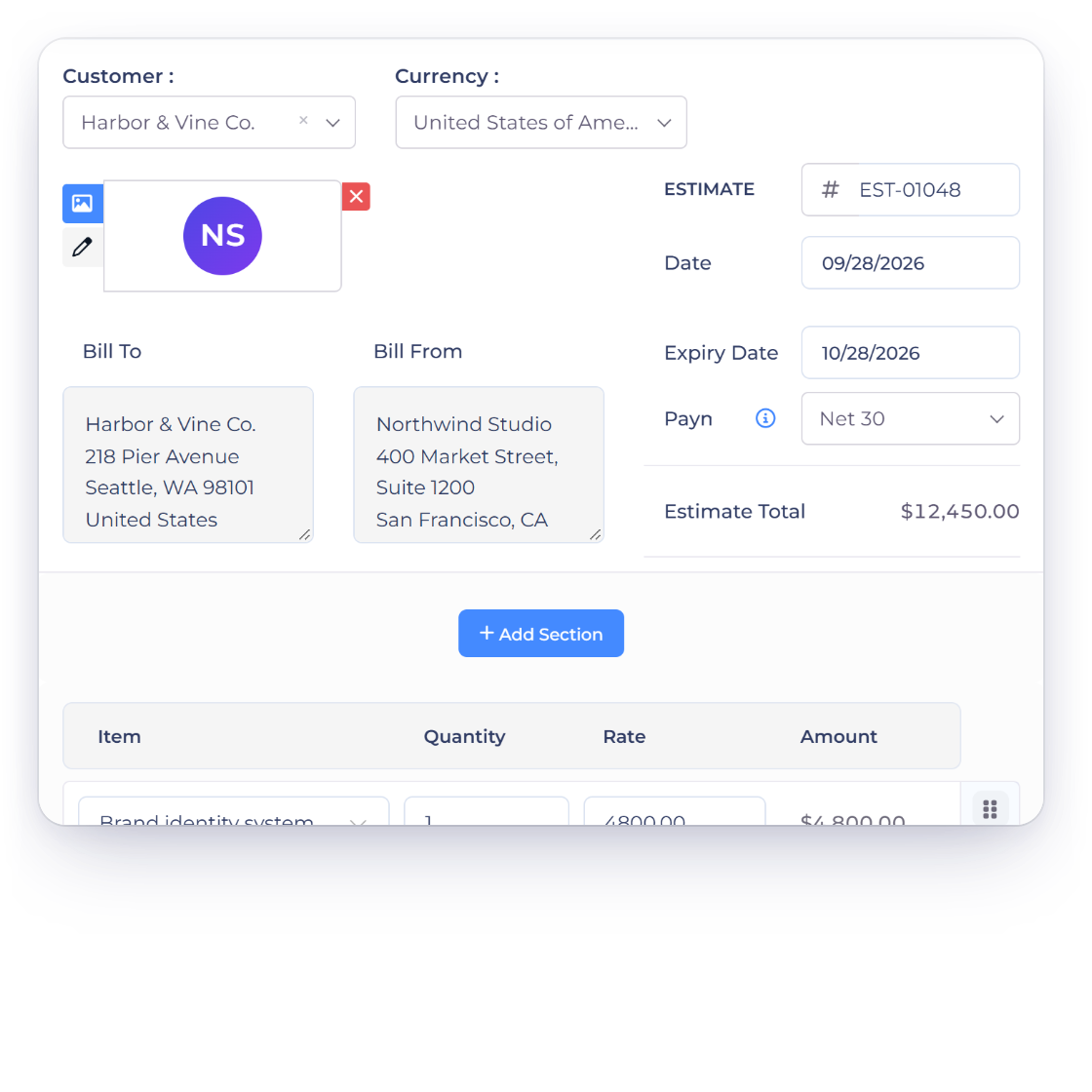
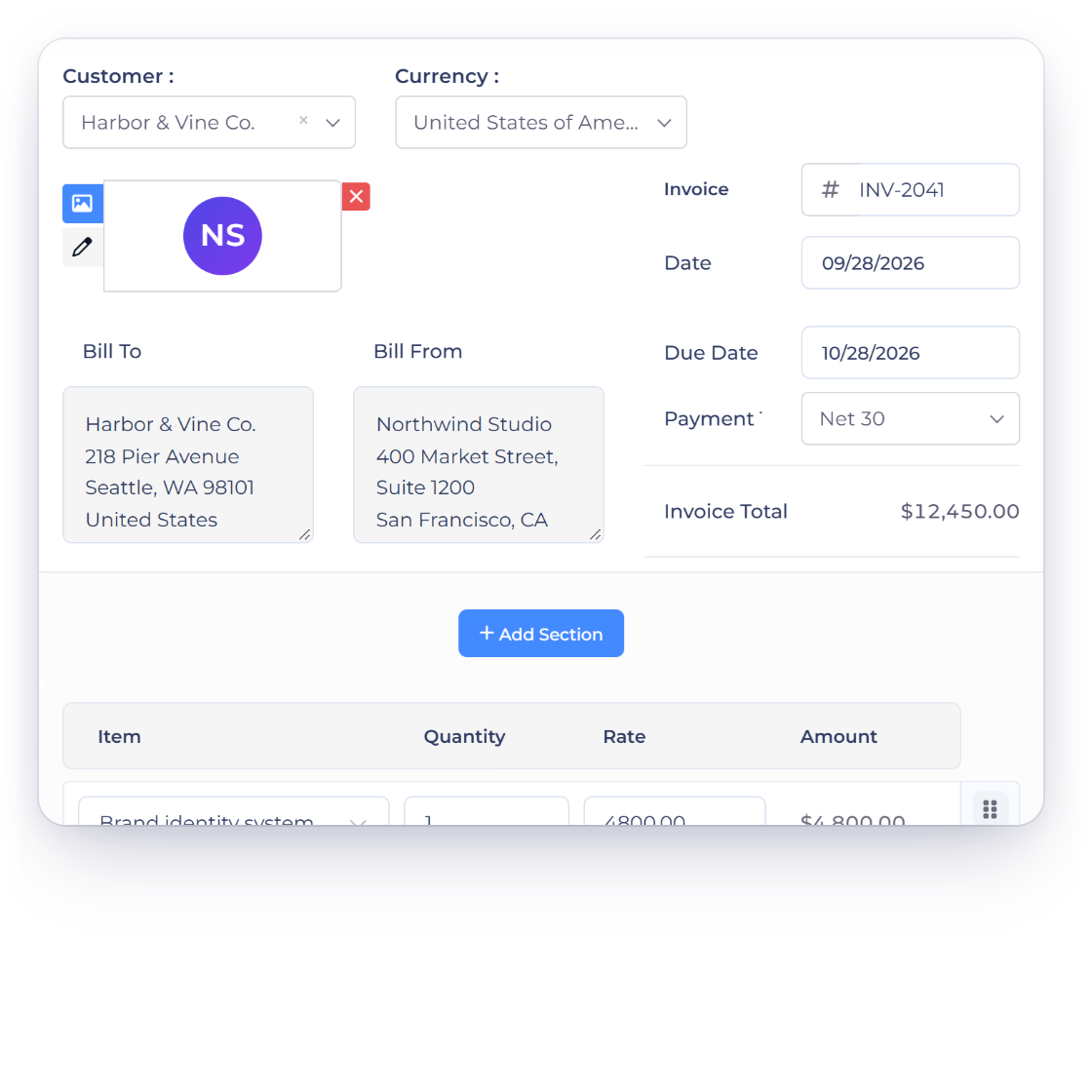
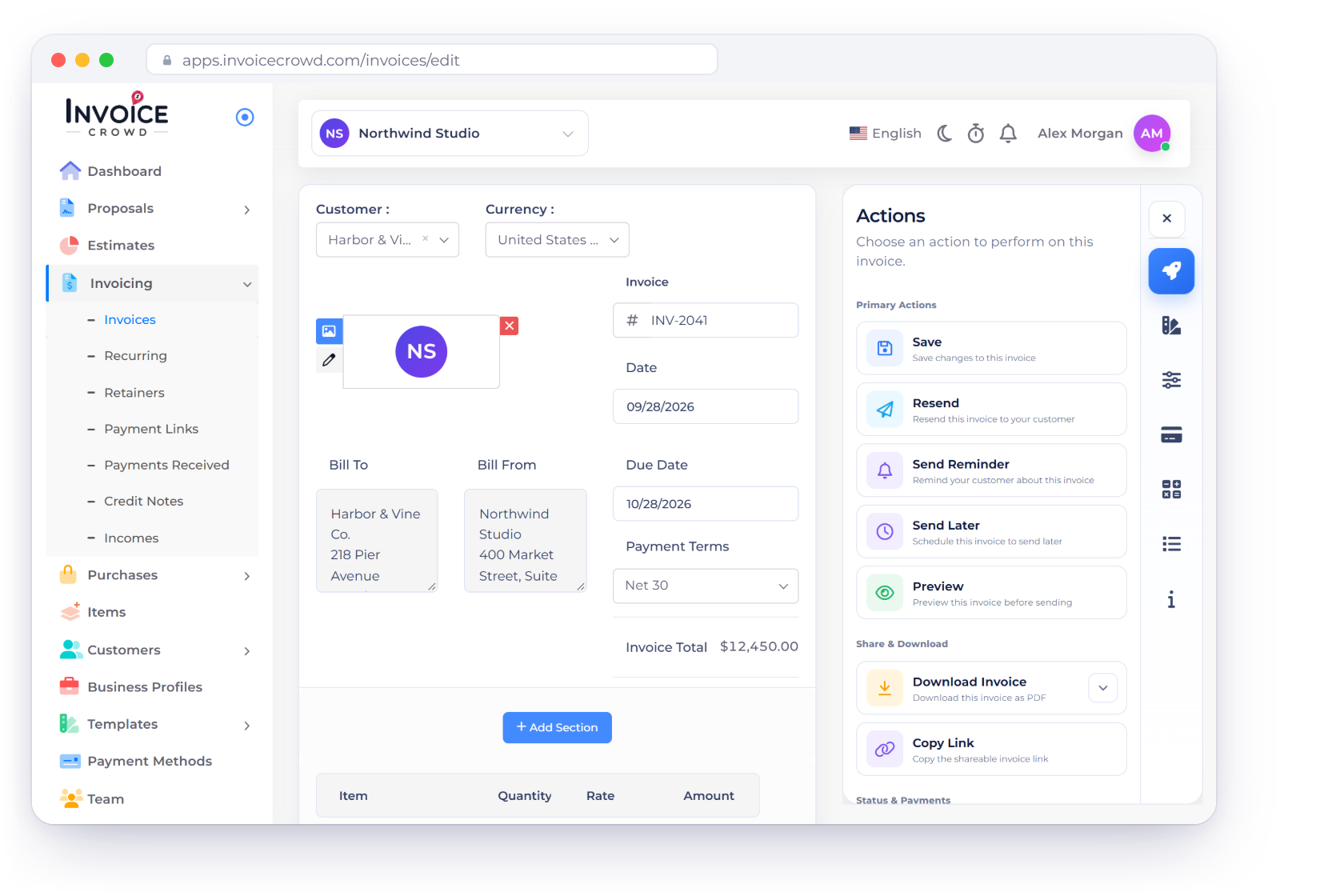
Invoice INV-2041 in the Invoice Crowd invoice editor, created from approved estimate EST-01048 with the same customer, lines and total, with the estimate approval and the conversion options

Choose how you convert

Two routes to the same invoice

Both routes produce the same document. The difference is whether you want a moment to look the invoice over before it goes out, or would rather the billing start itself.

Manual or automated

Pick the one your workflow needs

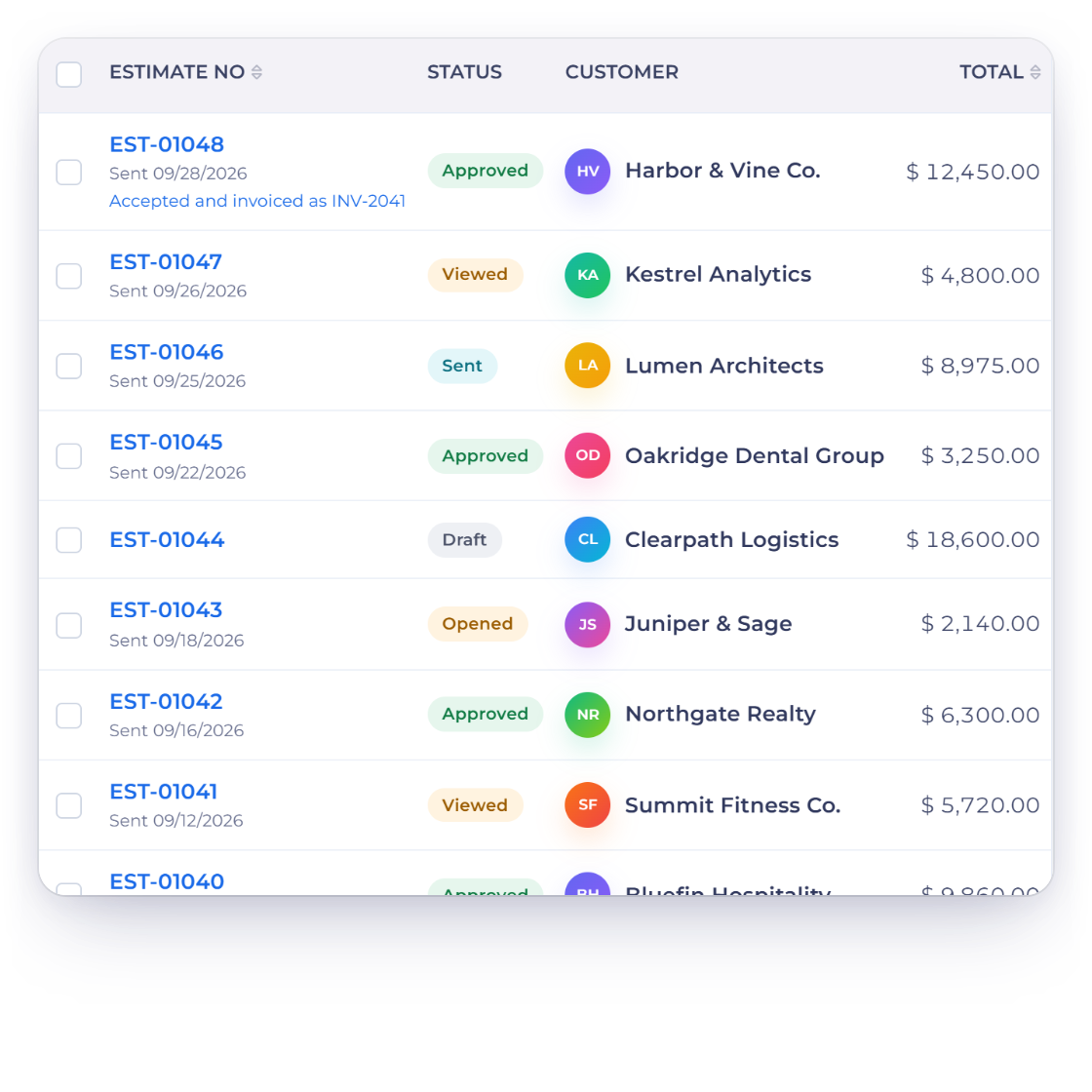
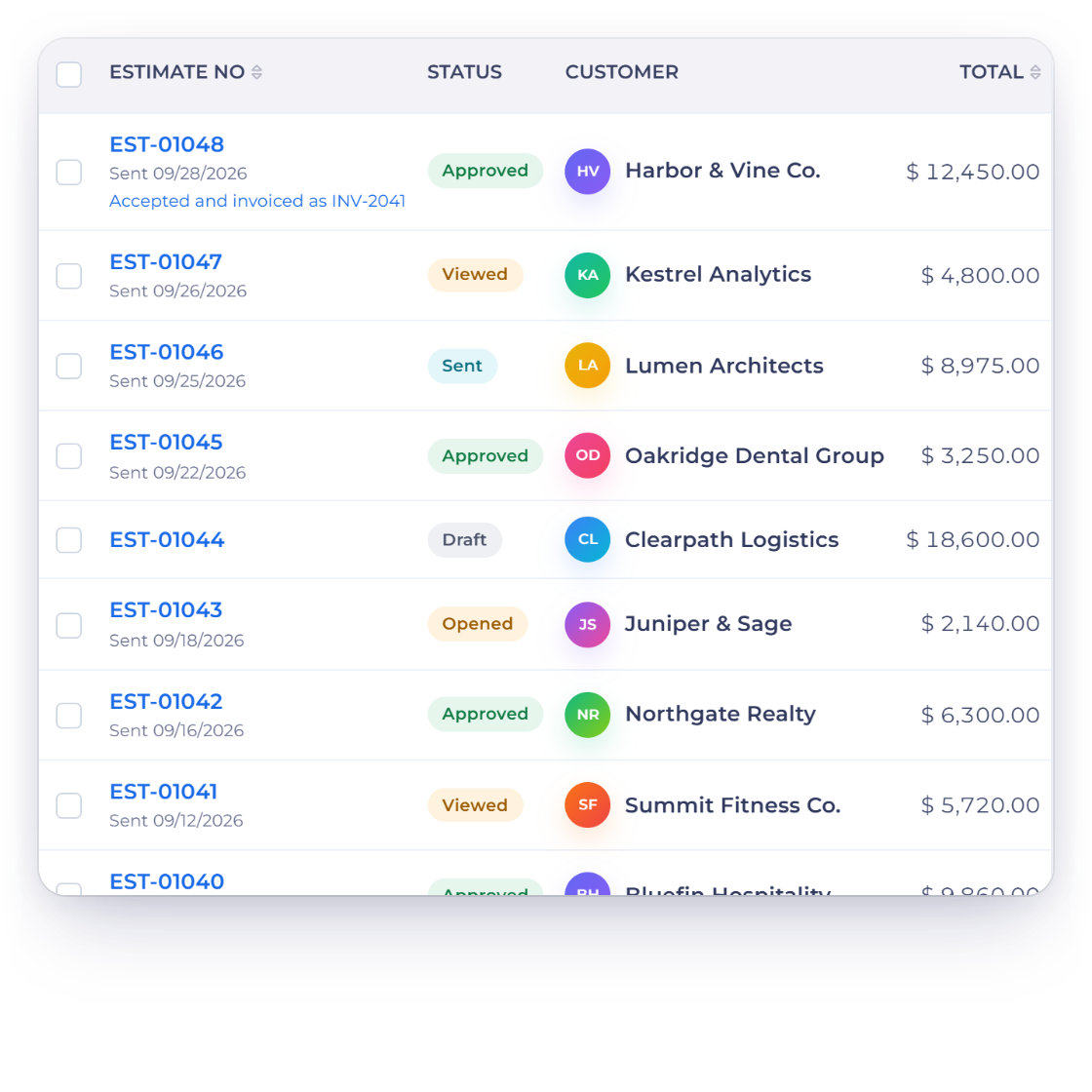
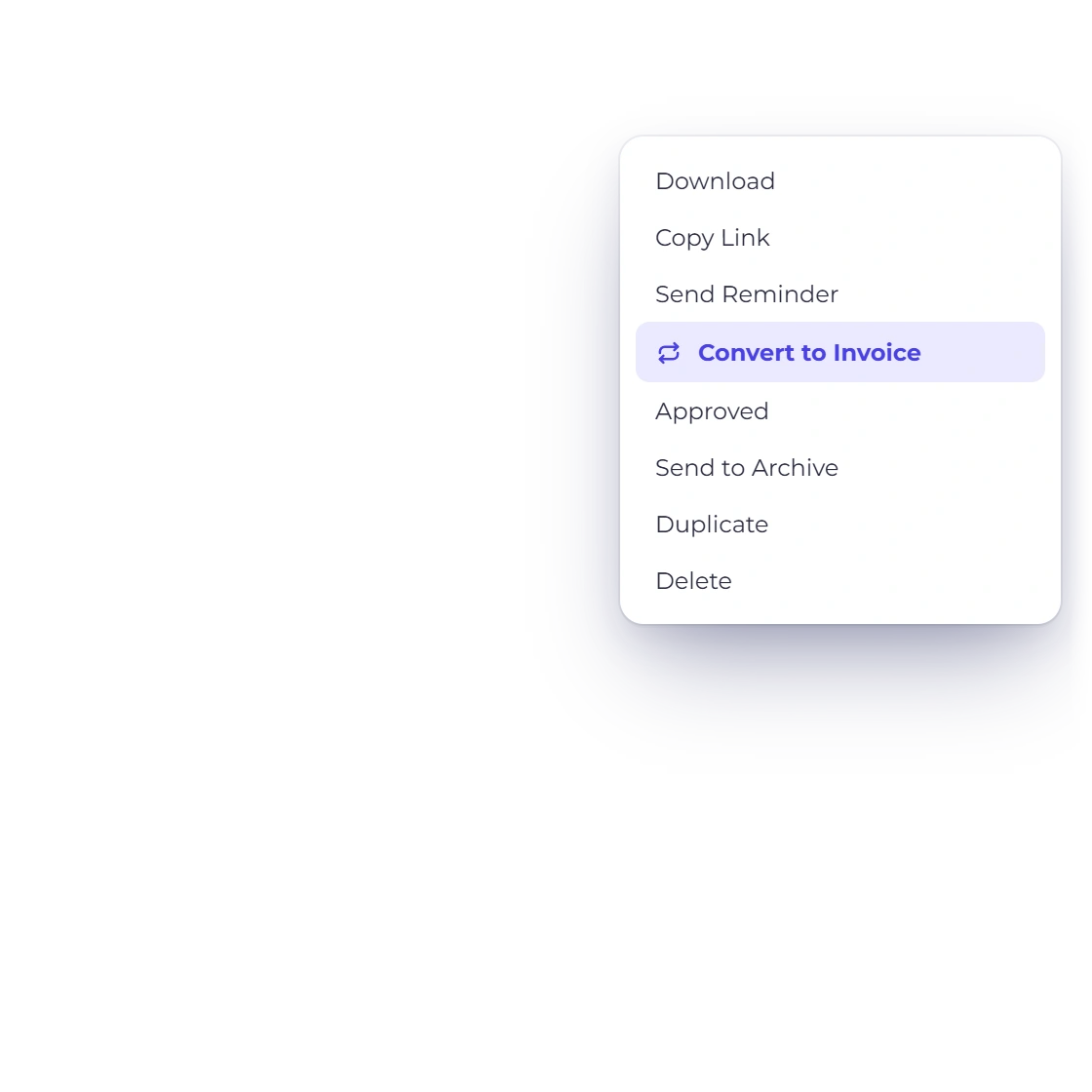
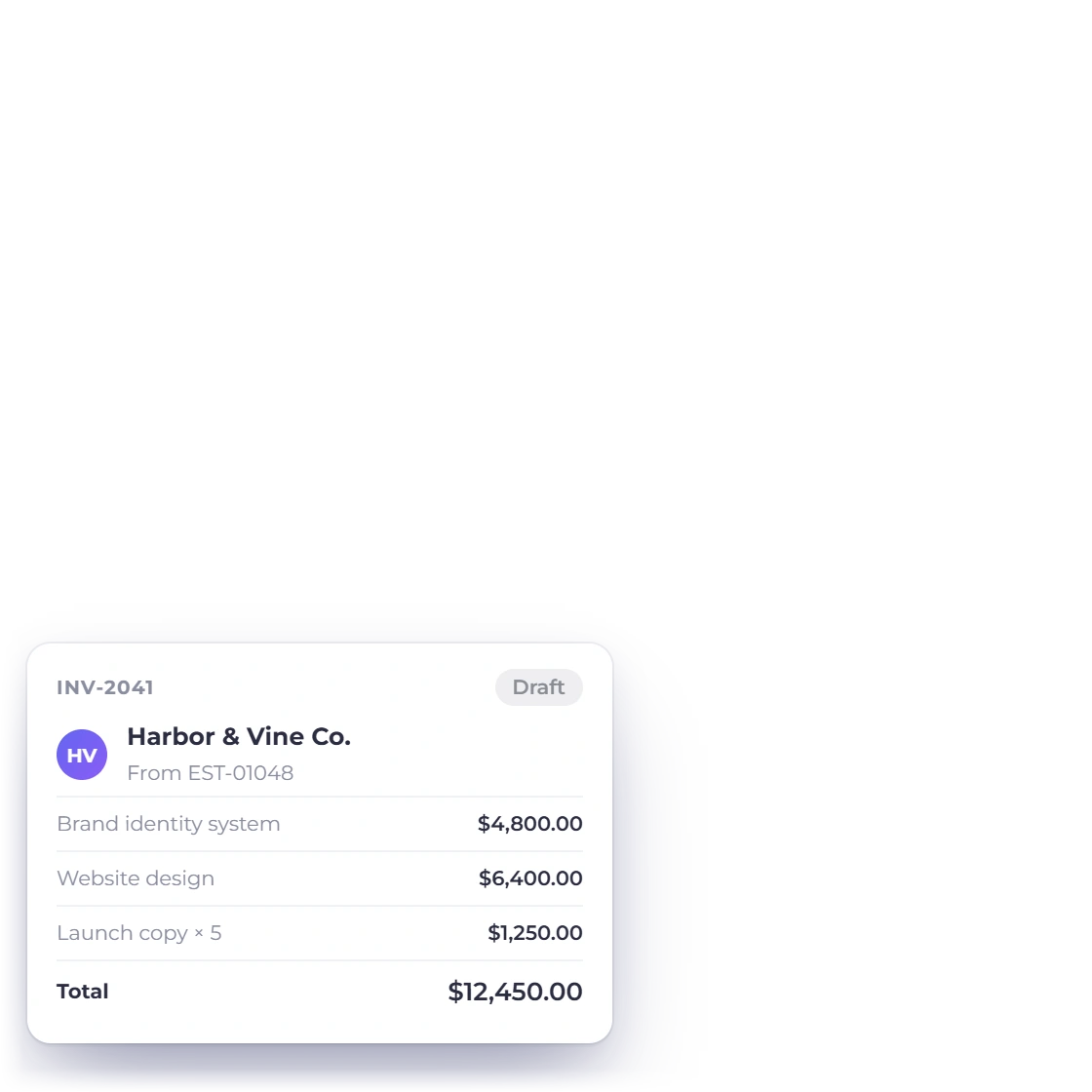
Invoice Crowd estimates list with the menu of an approved estimate offering Convert to Invoice, and the draft invoice it creates with the same lines and total

Manual conversion, on your timing

The approval comes in, you open the estimate and convert it when you are ready. Everything agreed is already on the invoice, so this is a review rather than a rebuild, which suits work that needs a final check or a payment term added before anything is sent.

  • Convert on the day the work actually starts
  • Adjust dates or terms before sending
  • A review, not a rebuild
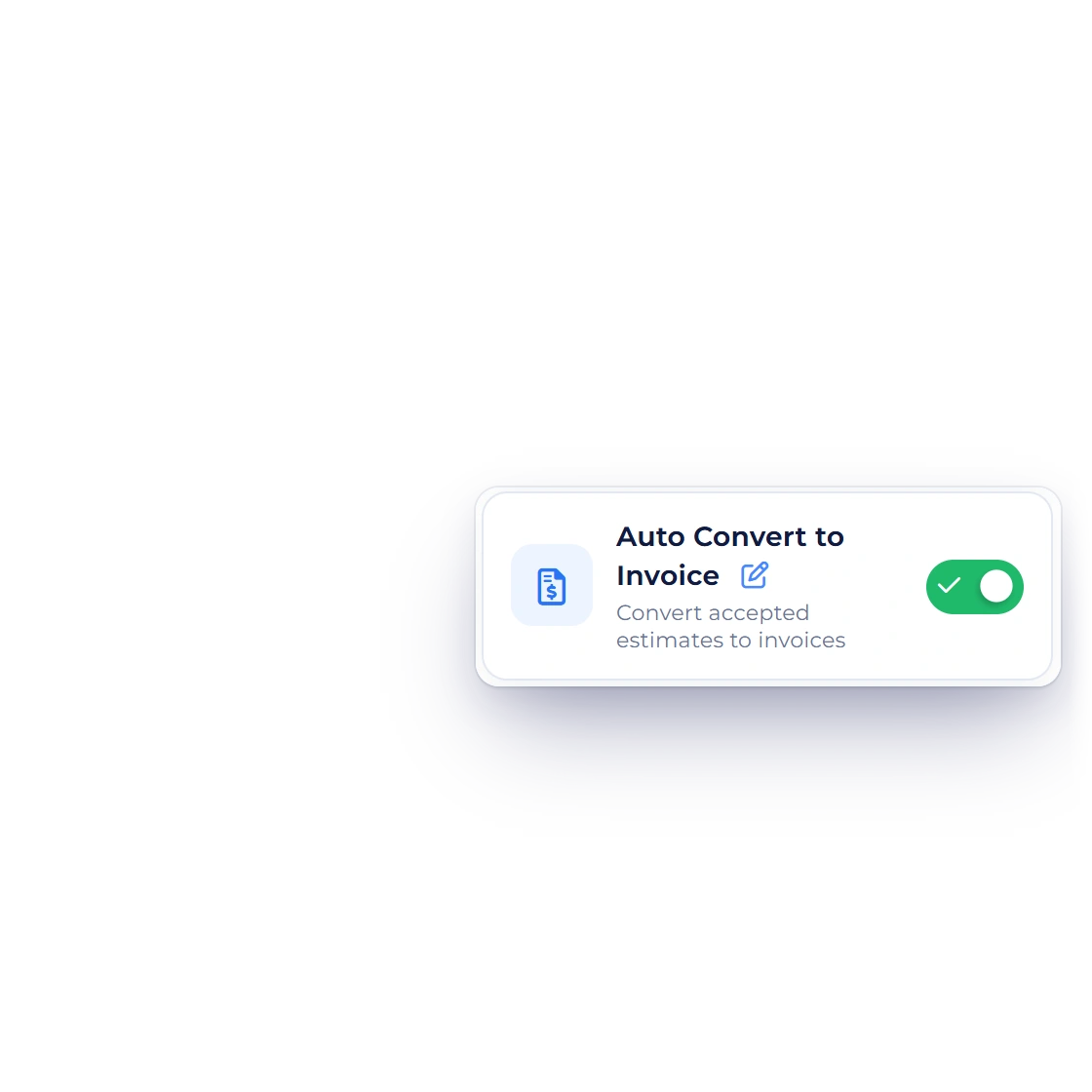
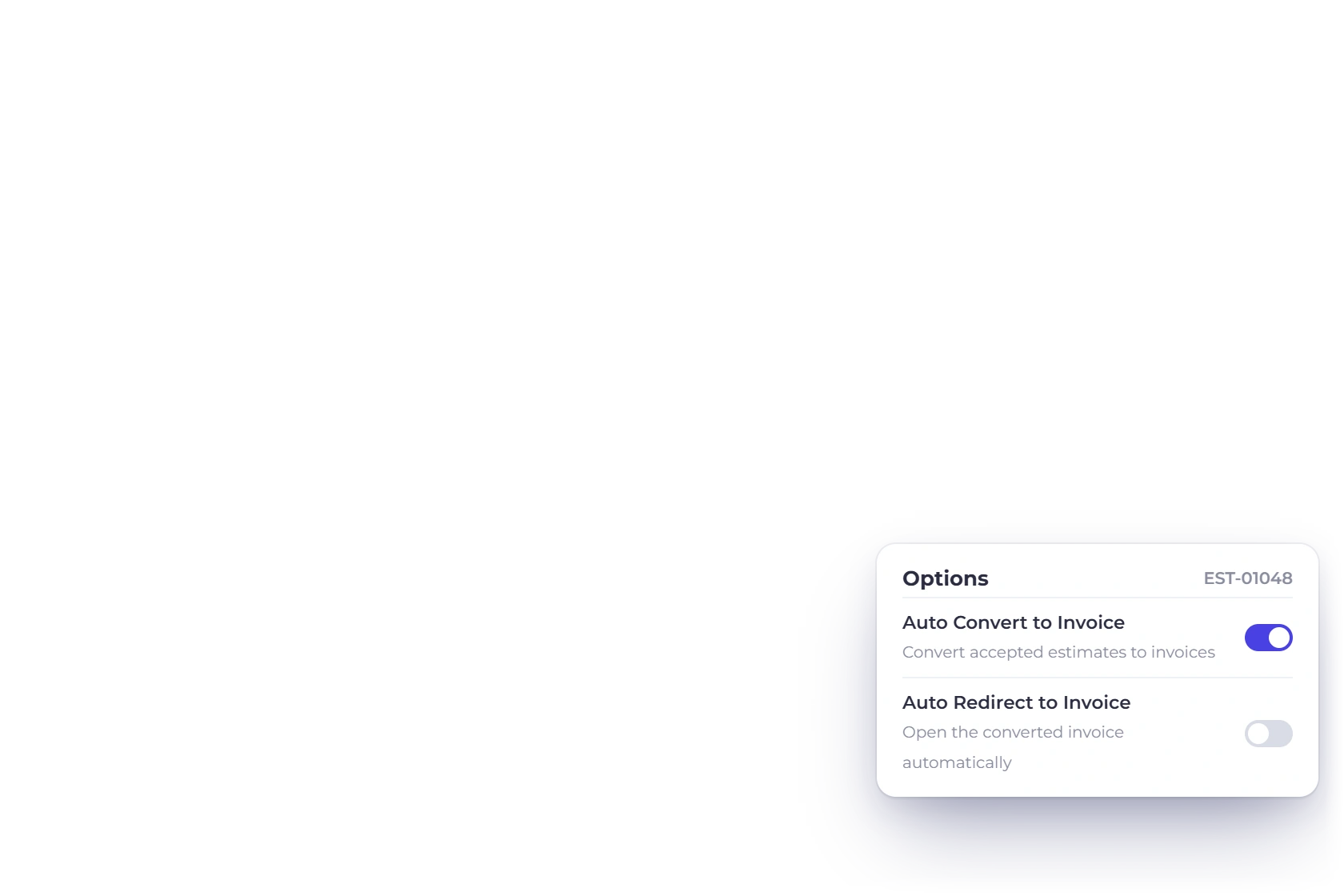
Invoice Crowd estimate editor with the Auto Convert to Invoice and Auto Redirect to Invoice options, and the invoice created and sent as soon as the client approves

Automated conversion on approval

Turn on automatic conversion and the invoice is created the moment the client approves. For work that starts the day it is agreed, the bill goes out as soon as the client says yes.

  • Approval is the only trigger needed
  • Billing starts on its own
  • Switch it off again whenever you want

What comes across

Nothing retyped

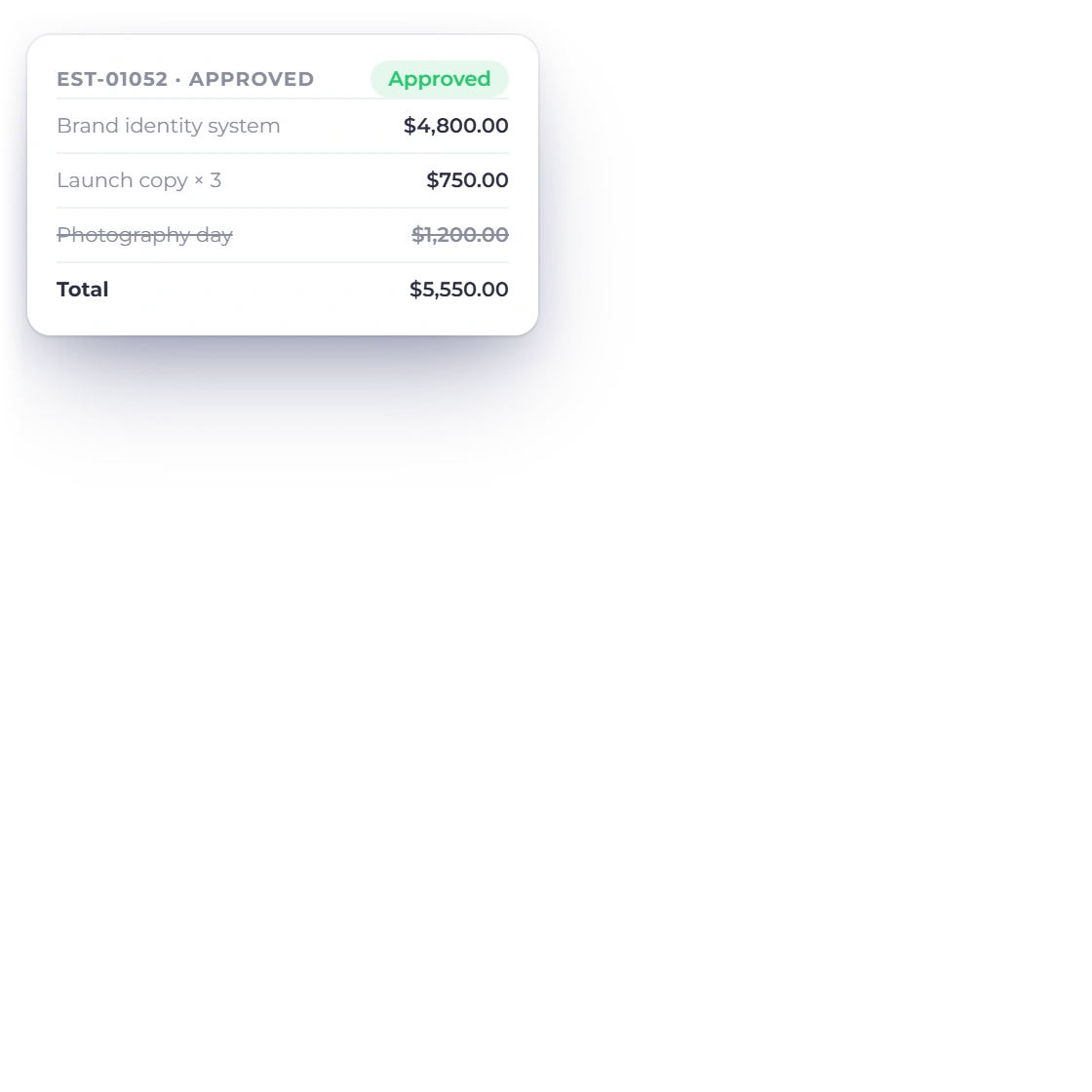
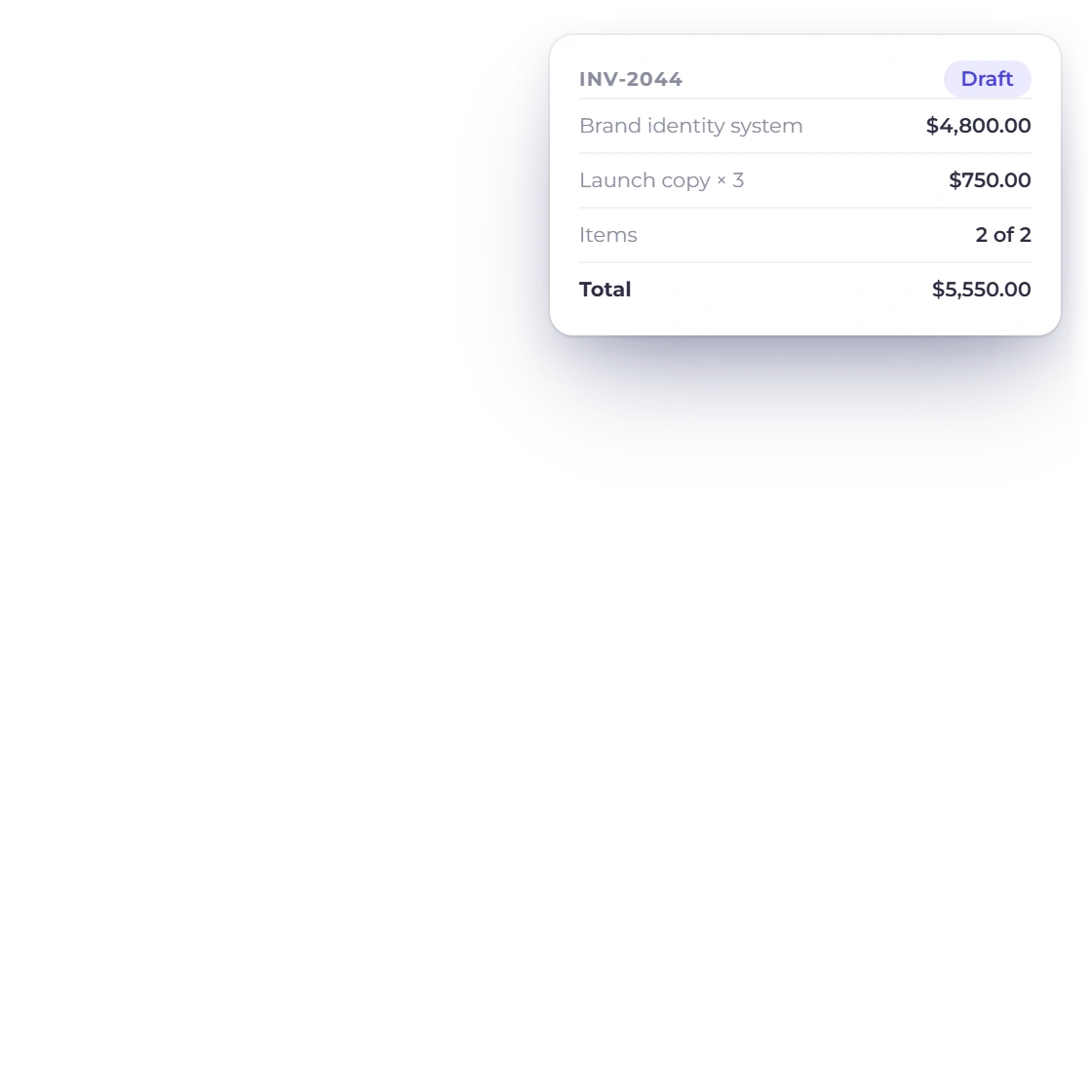
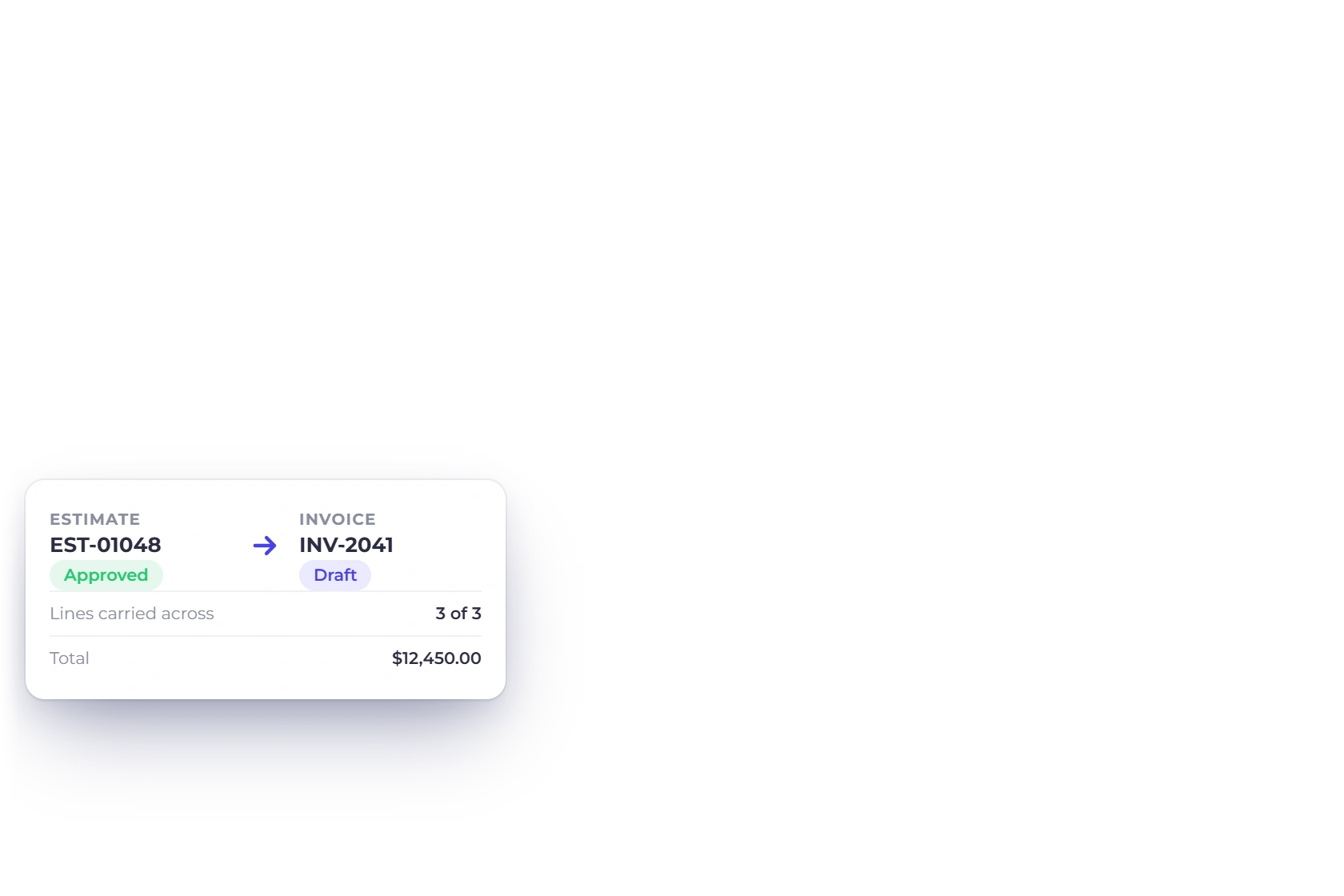
An approved Invoice Crowd estimate beside the invoice converted from it, with the quantity the client changed and the item the client removed carried across and the same total

Every line arrives intact

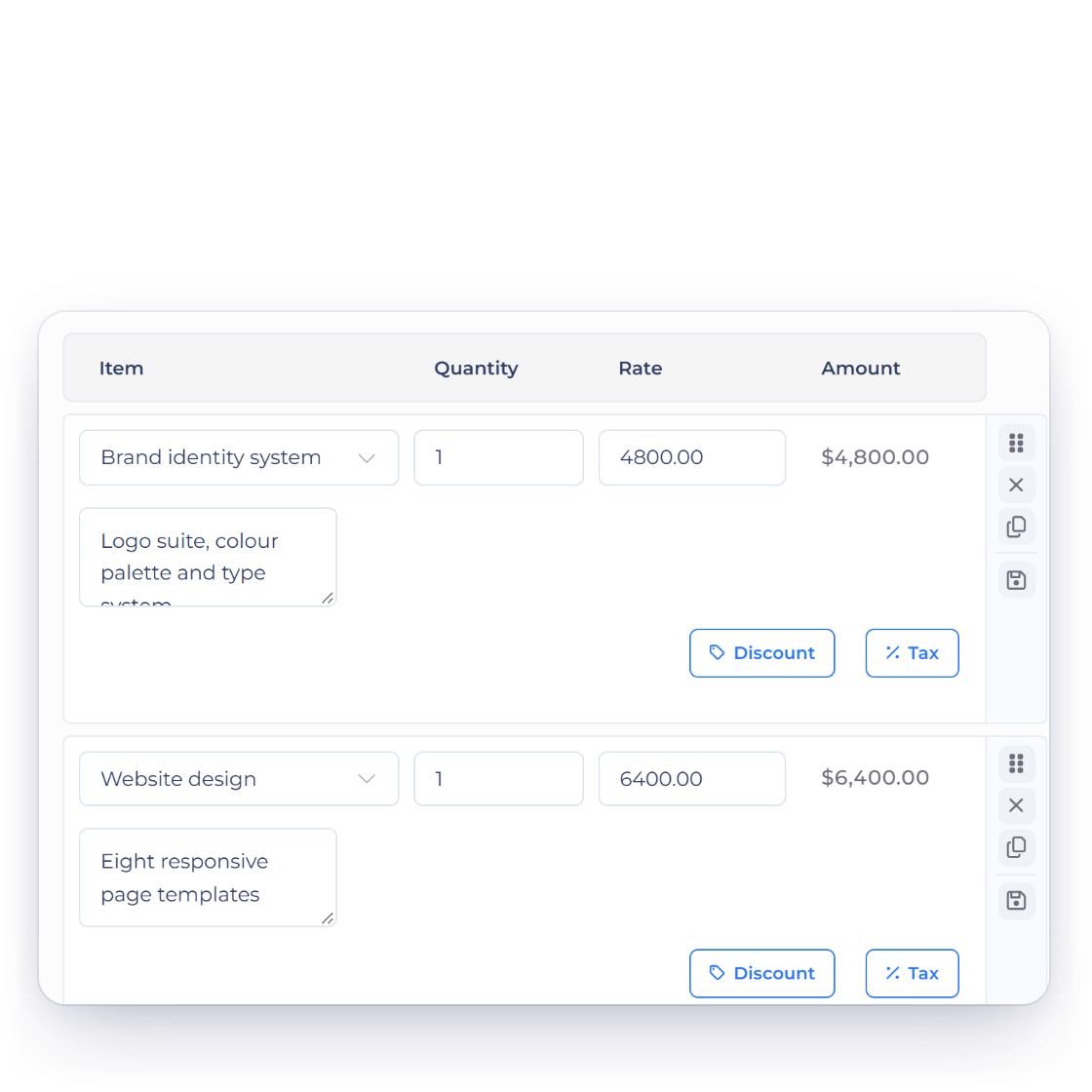
Items, quantities, rates, taxes, discounts and custom fields move onto the invoice as they were approved. If the client removed a line or changed a quantity before signing, the invoice reflects the version they agreed to rather than the one you originally sent.

  • Descriptions, quantities and rates line for line
  • Client edits carried across
  • The billed total matches the approved total
Client-removable items on estimates
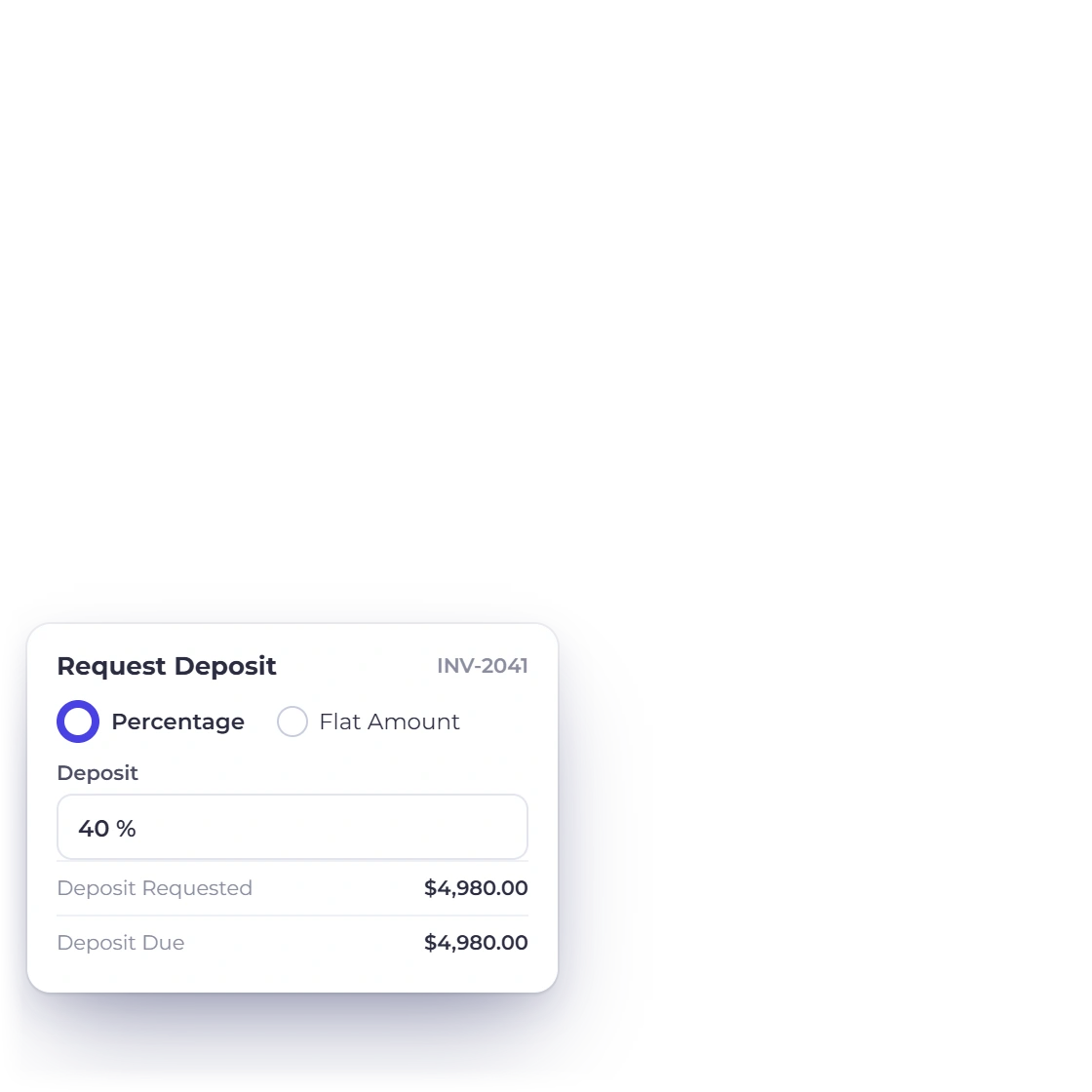
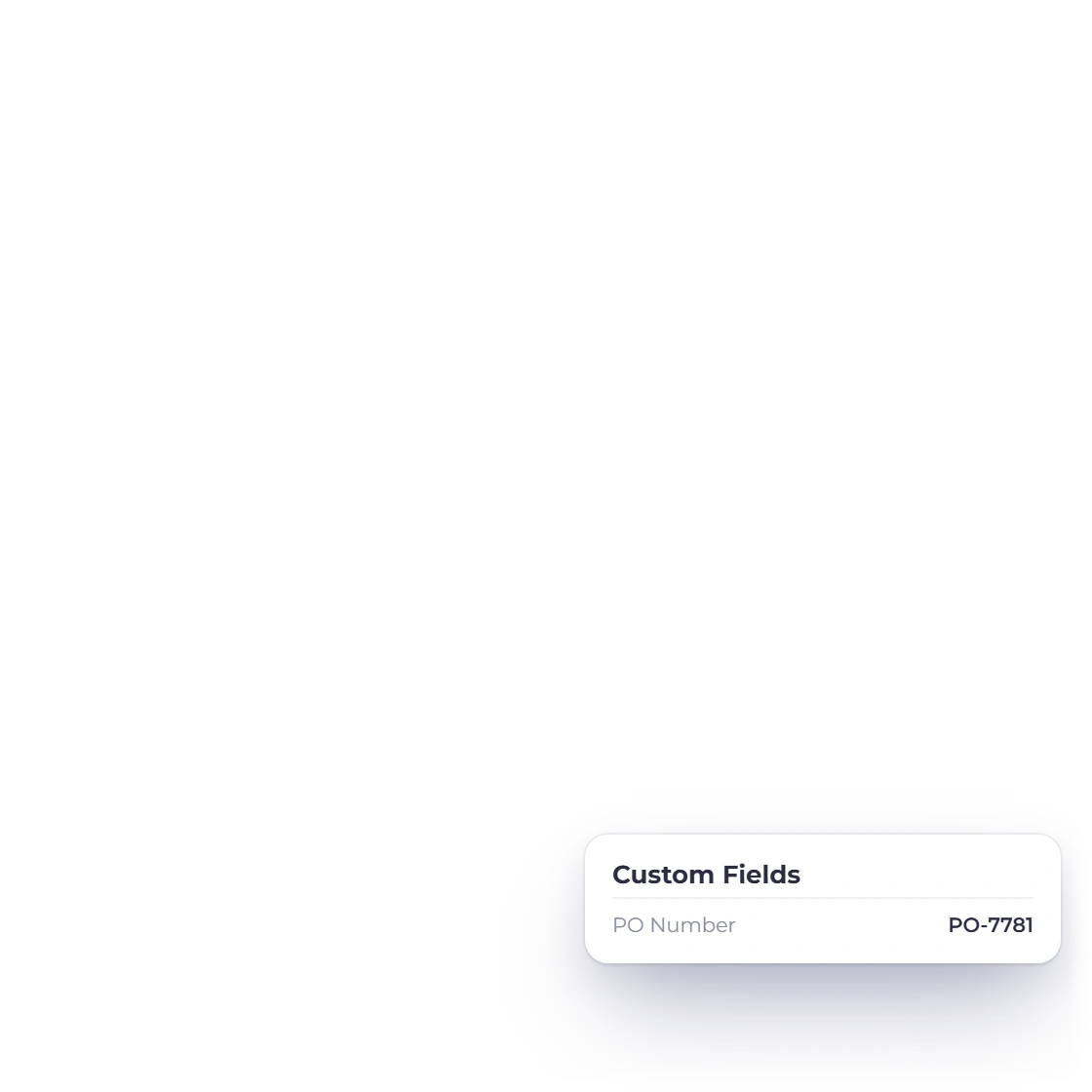
Invoice Crowd invoice editor for a converted invoice with a deposit request of 40 percent and a PO number custom field added before sending

Still editable once converted

A converted invoice is an ordinary invoice. Add a purchase order number, move a date, split the amount into a deposit and a balance, or attach a note before you send it. Conversion gives you a ready-made starting point.

  • Edit any field after the conversion
  • Its own number, issue date and due date
  • Payment methods attached before sending
Deposits and part payments

Keeping billing moving

Bill the moment they say yes

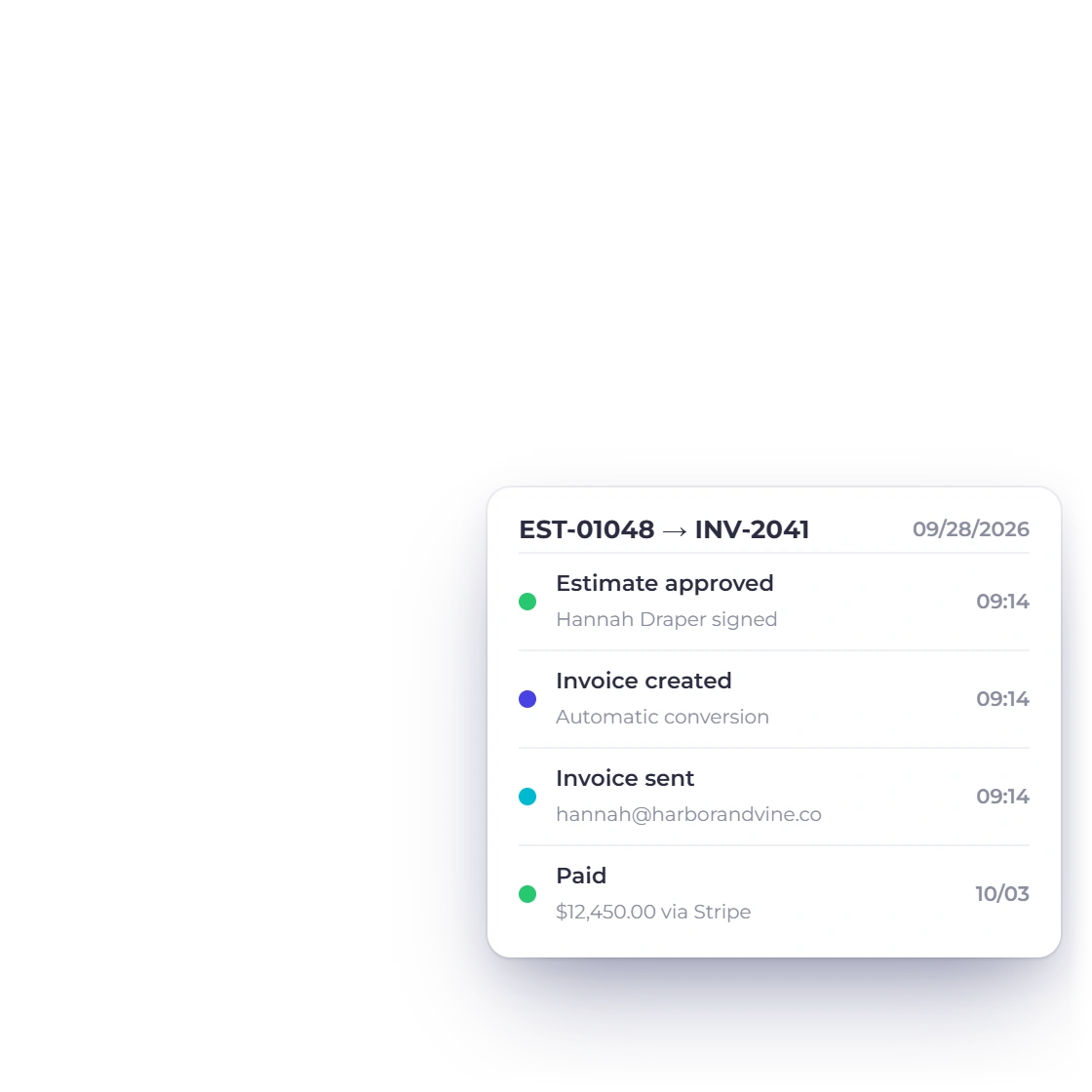
Invoice Crowd estimates list with the timeline of one estimate approved and converted: approved, invoice created and sent the same minute, then paid

From approval to invoice, without delay

Billing straight from the approved document gets the invoice out sooner and keeps the figures consistent, because the invoice is built from exactly what was agreed.

  • Bill on the day approval arrives
  • One number quoted, agreed and billed
  • Accurate figures every time
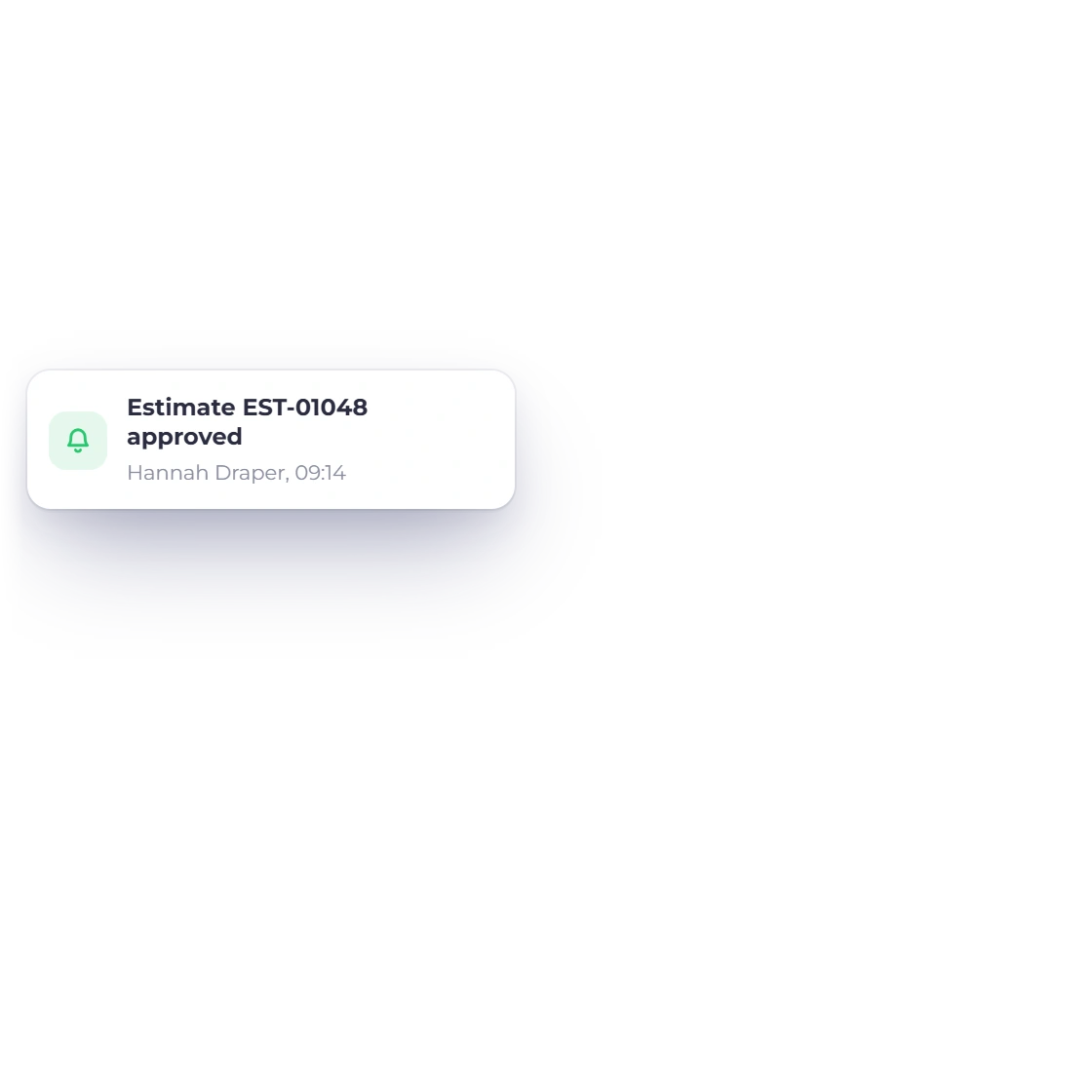
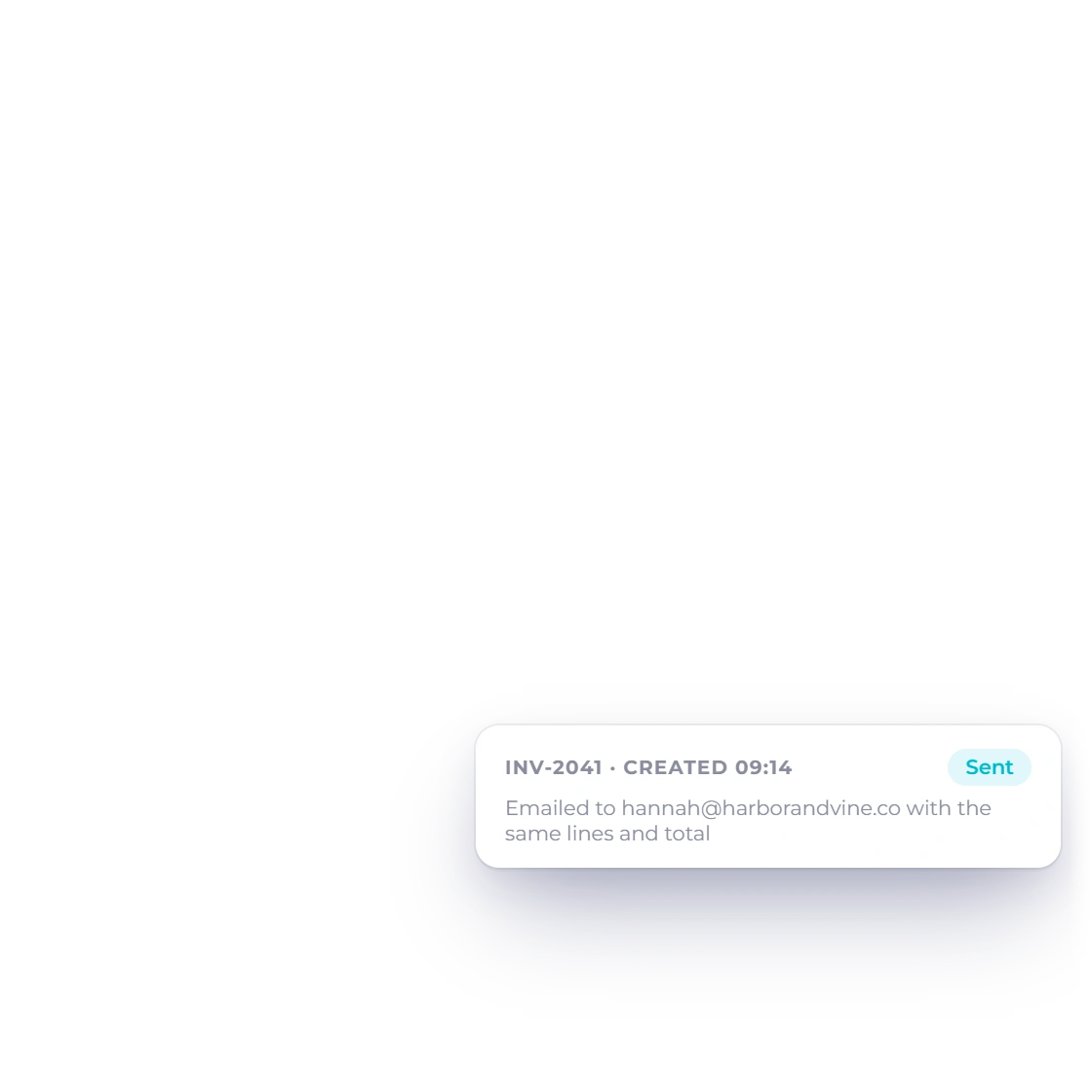
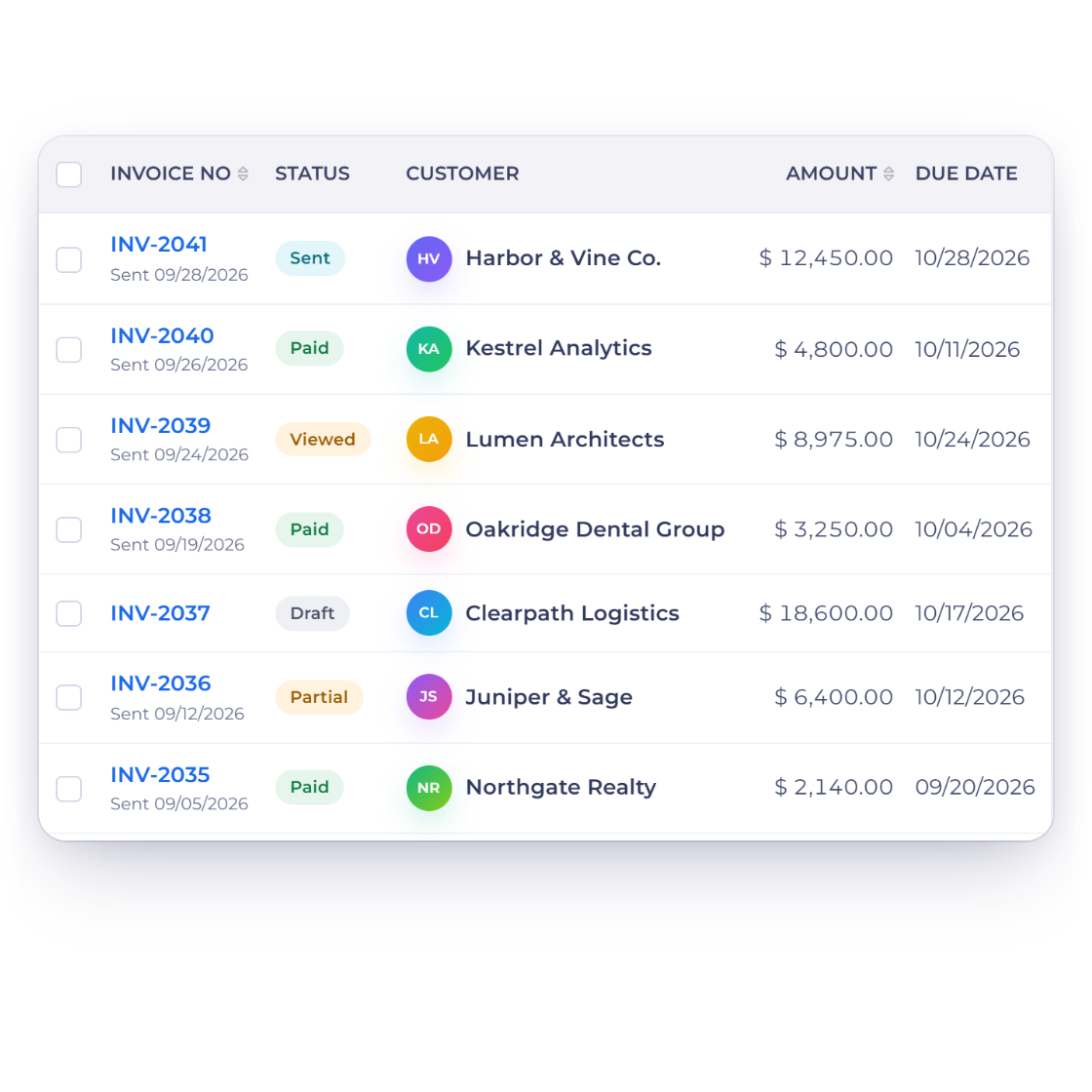
Invoice Crowd invoices list with the invoice created from an approved estimate and the approval notification that tells the owner the estimate was signed

Know the moment it happens

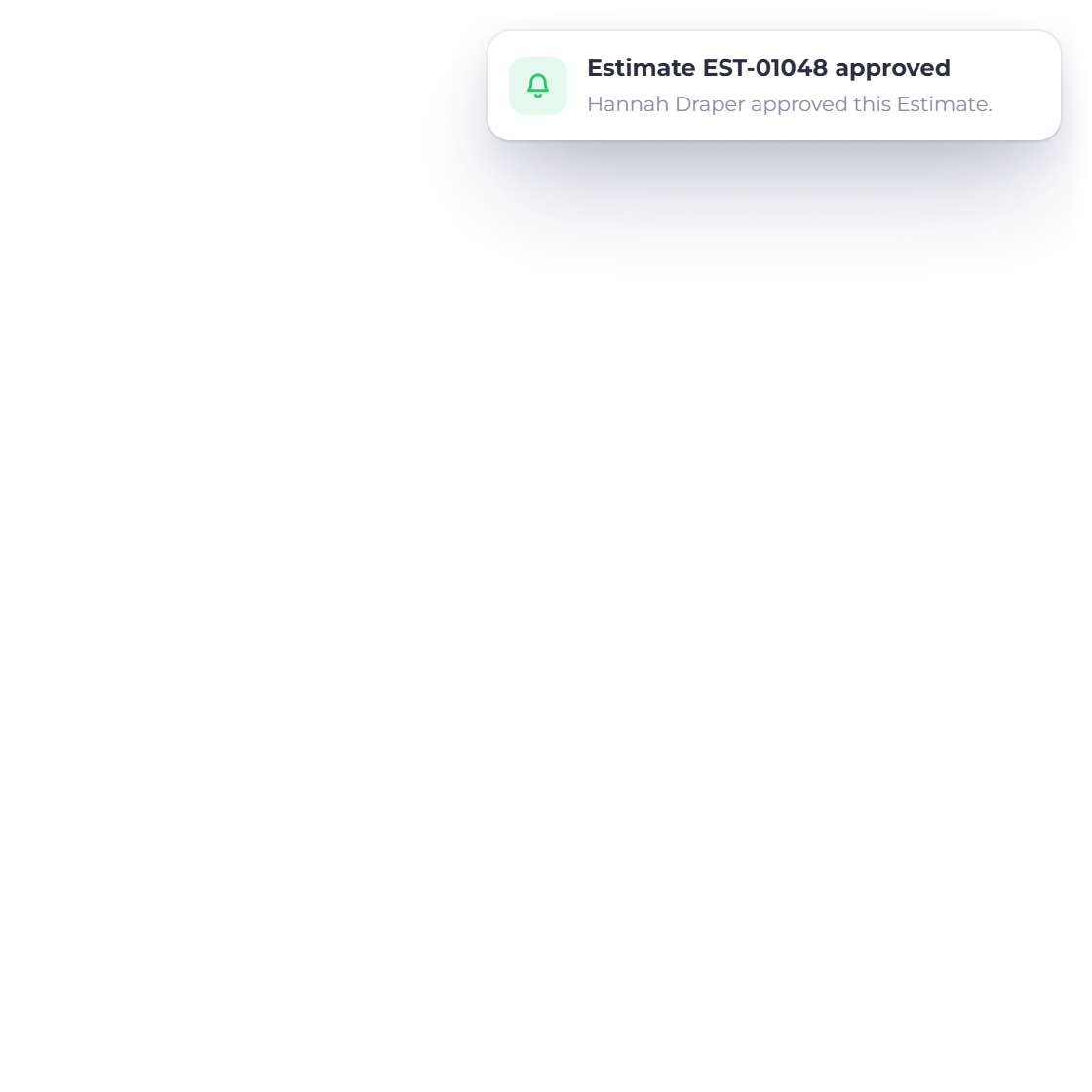
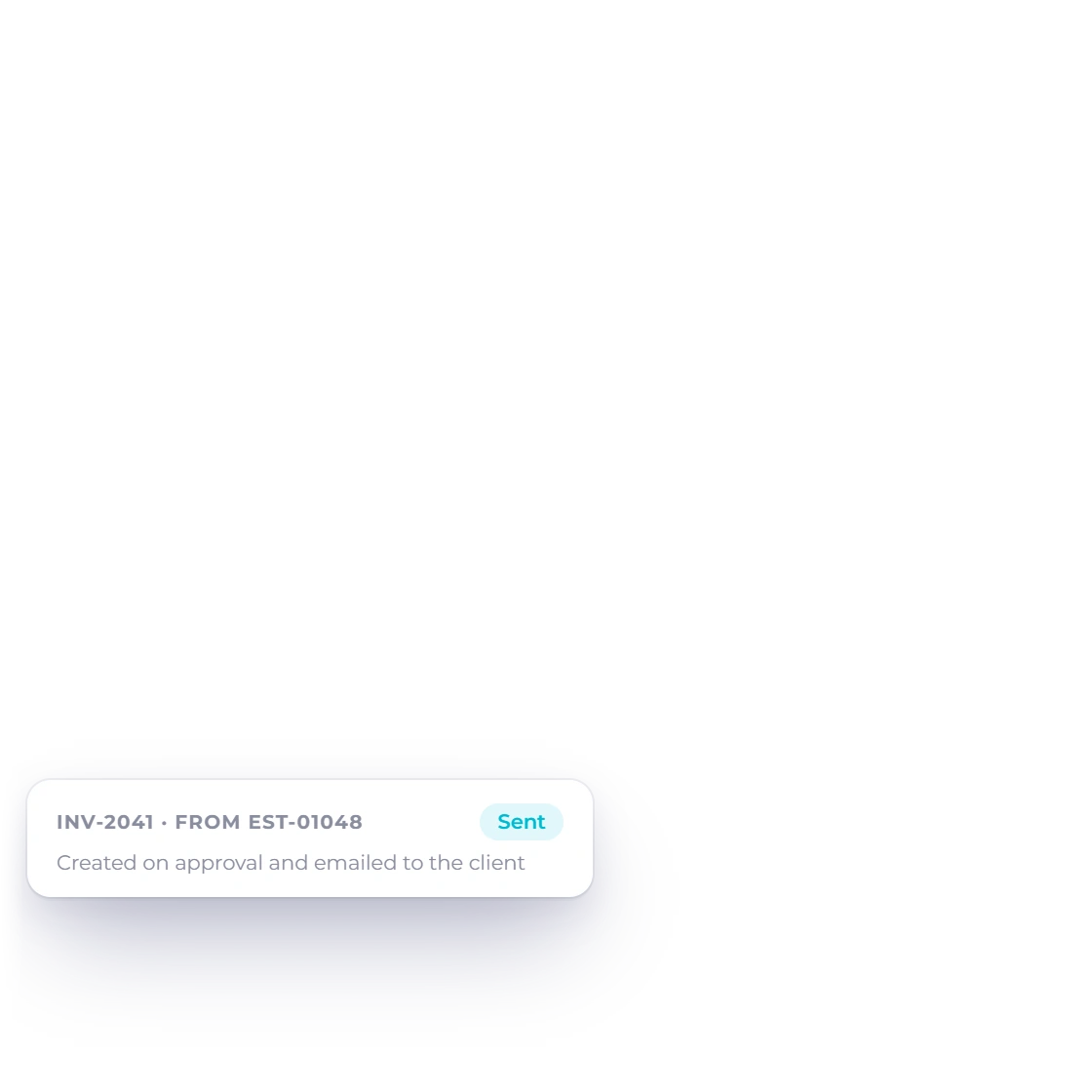
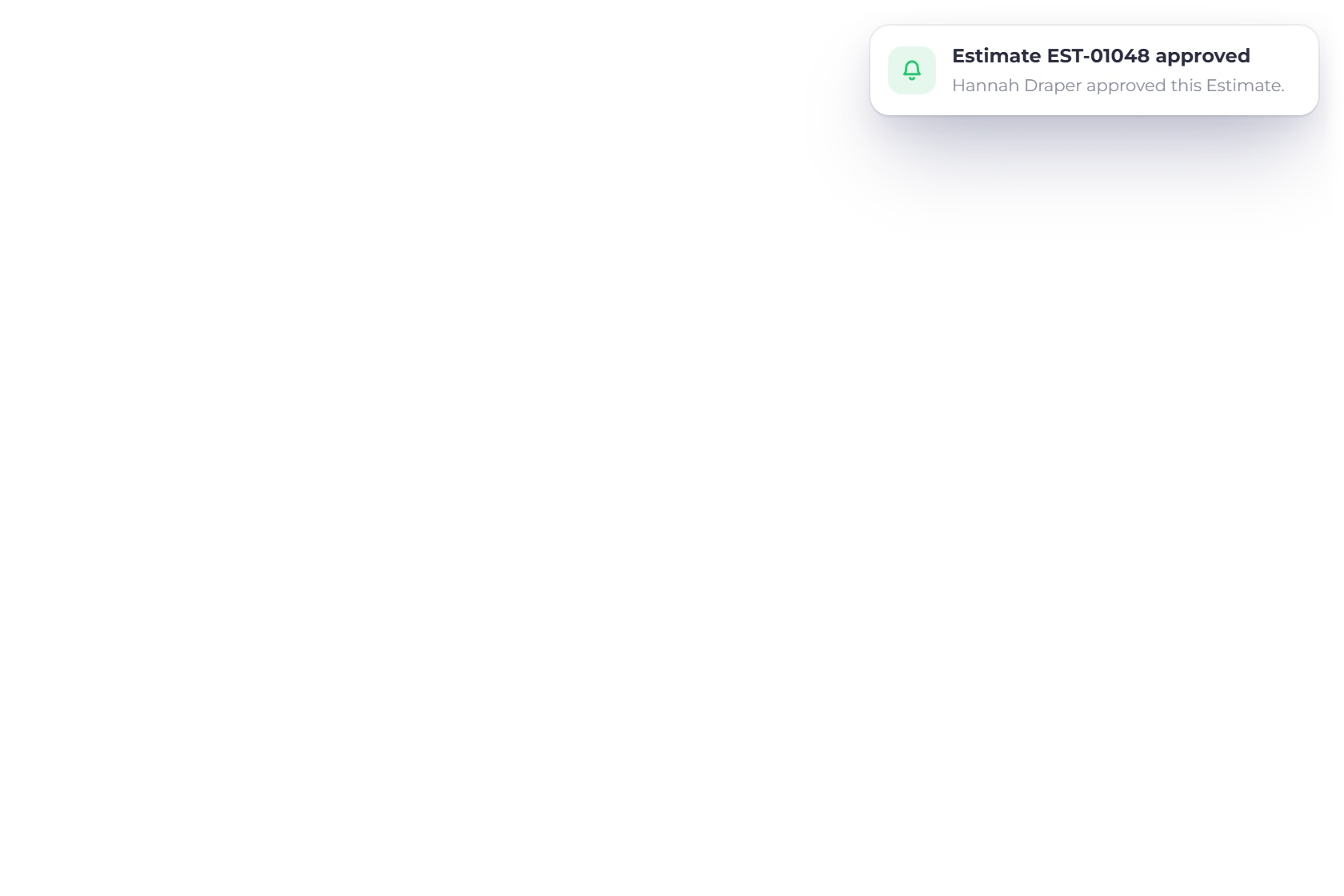
When the client approves, you get a notification and an email. With automatic conversion on, the invoice is created from that estimate and emailed to the client straight away, then appears in your invoice list like any other, ready to track and follow through to payment.

  • Notified as soon as the estimate is approved
  • The invoice sits with the rest of your billing
  • Tracked to payment like any other invoice
Getting paid

Also included

What sits either side of the conversion

Conversion is one step in a longer line. These are the parts of the account the document passes through before and after it.

  • Switch anytime

    Move between manual and automatic conversion whenever your workflow changes.

  • Included as standard

    Manual and automatic conversion are both included in your subscription.

  • The estimate stays

    The approved estimate remains on record next to the invoice it produced.

  • Client quantities

    Quantity changes a client made before signing arrive on the invoice exactly as agreed.

  • Recurring billing

    For work that repeats, put the invoice on a schedule instead of converting one each time. Recurring billing is included on paid plans.

  • Payment gateways

    Send the converted invoice with your online payment options ready for the client.

  • Reminders and late fees

    A converted invoice takes your business's late-fee and reminder defaults, like any invoice you raise by hand.

  • Customer portal

    Clients see the estimate they approved and the invoice that followed it in one place.

  • Proposals as well

    For bigger pitches, send a proposal with e-signature and 70+ templates.

  • Into the books

    A converted invoice posts to the same accounts as one you raised by hand.

  • Multiple currencies

    The currency you quoted in is the currency the invoice is raised in.

  • Invoice templates

    The new invoice keeps the estimate's design and language, retitled as an invoice. Change it on the Select Template tab if you need to.

Questions

Converting estimates, answered

Is automatic conversion included in my plan?

Yes. Manual and automatic conversion are both part of your Invoice Crowd subscription, whichever plan you are on, with no charge per document converted.

Can I switch between manual and automatic?

Yes, whenever it suits you. Some businesses convert by hand while jobs are few and turn the automatic route on later; others run automatic conversion for retained clients and manual for one-off work.

Can I edit the invoice after converting an estimate?

Yes. Once it exists it behaves like any other invoice, so you can change a date, add a purchase order number, adjust a line, attach payment methods or split it into a deposit and a balance before it goes out.

How will I know when an estimate converts on its own?

You are notified and emailed when the client approves the estimate. With automatic conversion on, the new invoice is created at that moment, emailed to the client and listed in your invoices.

What if the client changed the estimate before approving it?

Their version is the one that gets billed. Lines they removed are left off, quantities they adjusted arrive as they set them, and the taxes and discounts recalculate on those figures, so the invoice total matches what they approved.

What happens to the estimate once it becomes an invoice?

It stays on record as the agreed version of the deal, while the invoice carries on with its own number and due date. Editing the invoice later leaves what the client approved untouched.

Can a client pay a deposit when they accept an estimate?

Yes. Use Request Deposit on the estimate, and the client sees Accept and Pay with the deposit amount, or Accept, Pay Later. Accepting converts the estimate into an invoice and, if they chose to pay, takes them straight to the deposit payment. The estimate then reads Accepted and Invoiced with the new invoice number.

Close the gap between approval and payment

Convert an approved estimate when it suits you, or let the invoice raise itself the moment a client accepts. Either way, nothing is typed twice.

  • 30-day free trial
  • No card needed to start
  • Both conversion routes included