

Skip to content

Write an estimate the client can price and approve

Invoice Crowd lets you create an estimate from your saved items, with your own tax and discount rates and an expiry date, that the client can adjust, approve and sign online. Then turn the approved version into an invoice.

  • Templates in your branding
  • Client-removable items and quantities
  • One click to an invoice
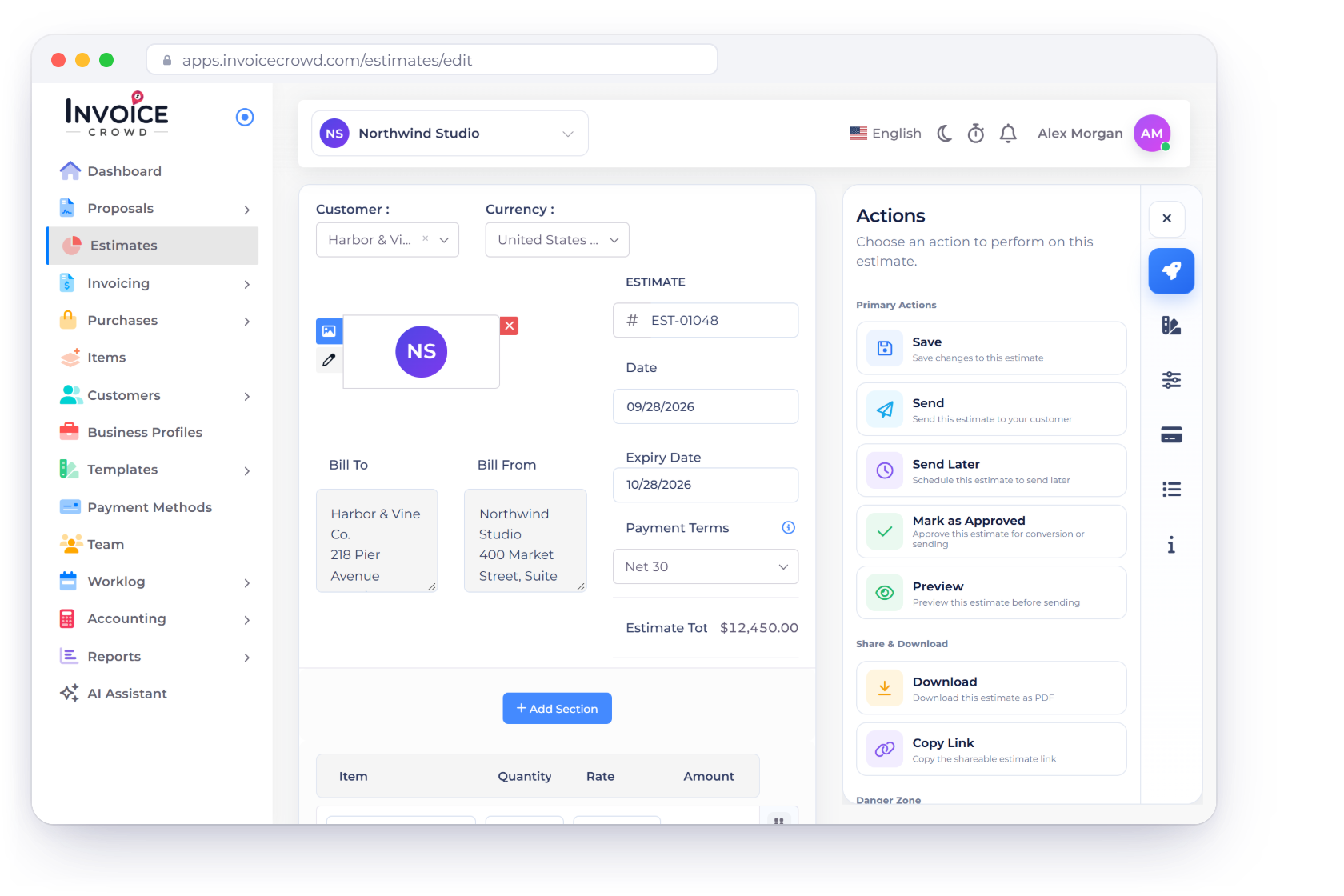
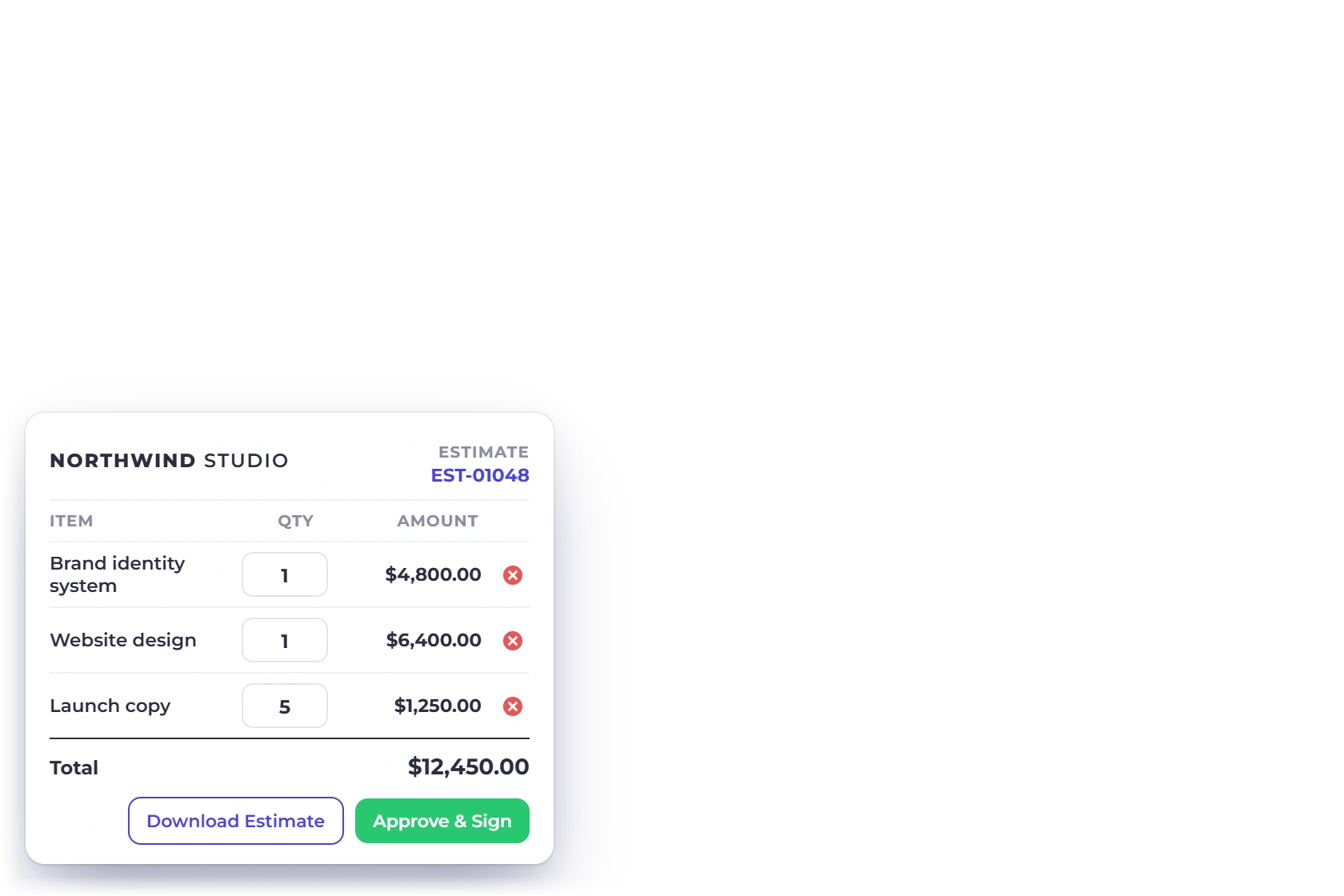
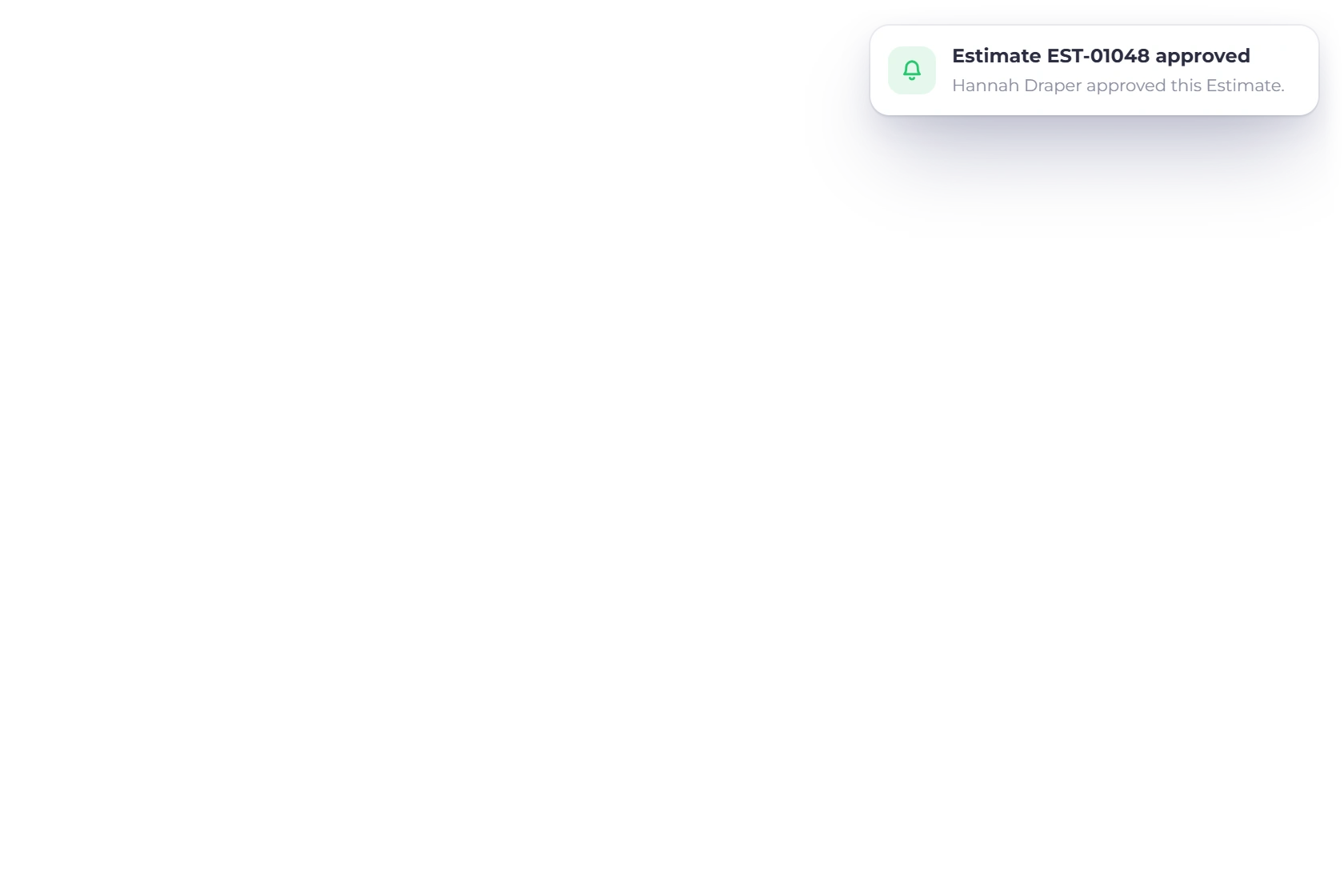
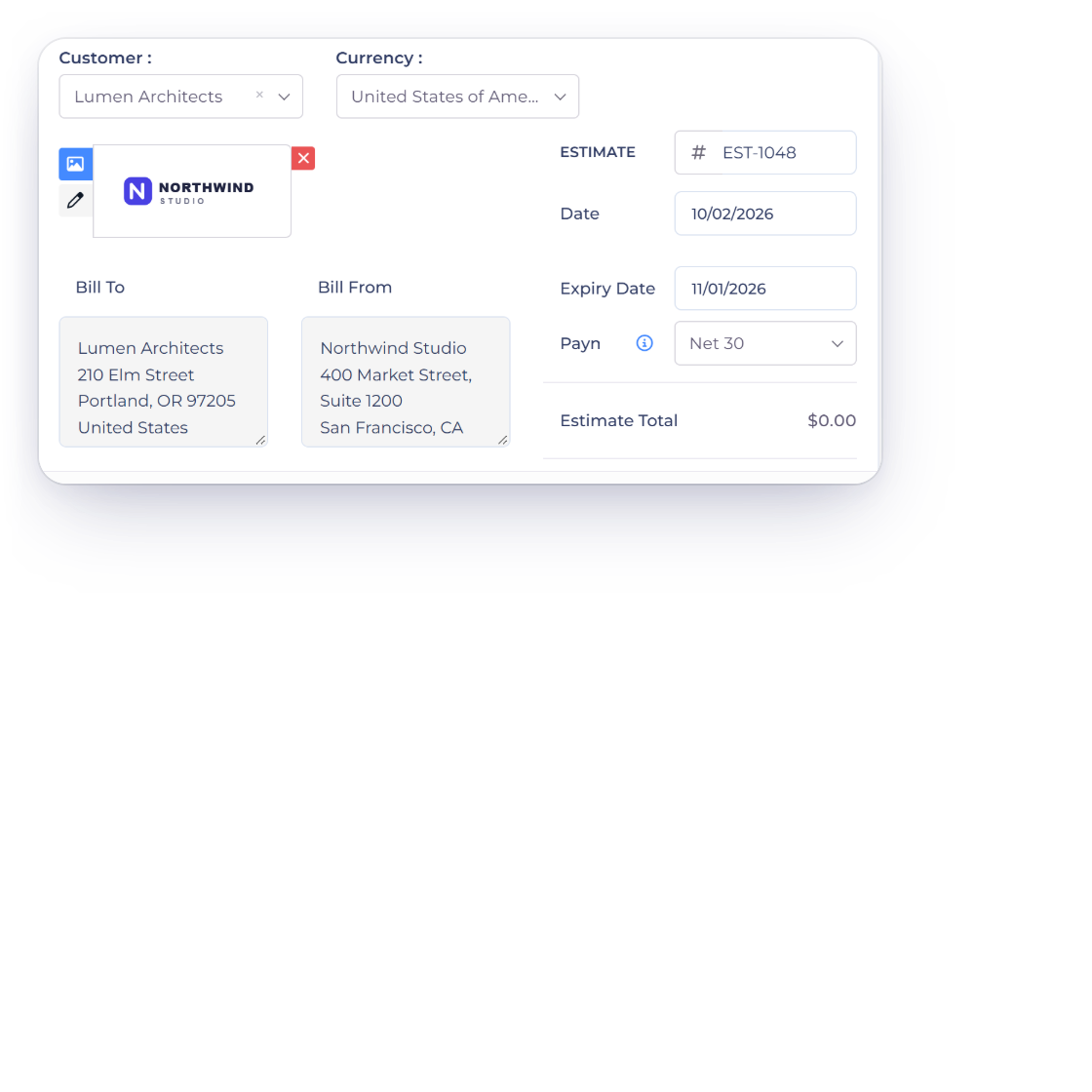
The Invoice Crowd estimate editor for EST-01048 with customer, dates, priced lines and actions, next to the client view with adjustable quantities and removable items and an approval notification

What is inside

From the first quote to the accepted one

Everything on an estimate is meant to be settled before the work starts: what is included, what it costs, what the client wants changed and what happens once they say yes.

Writing it

Most of the content is already saved

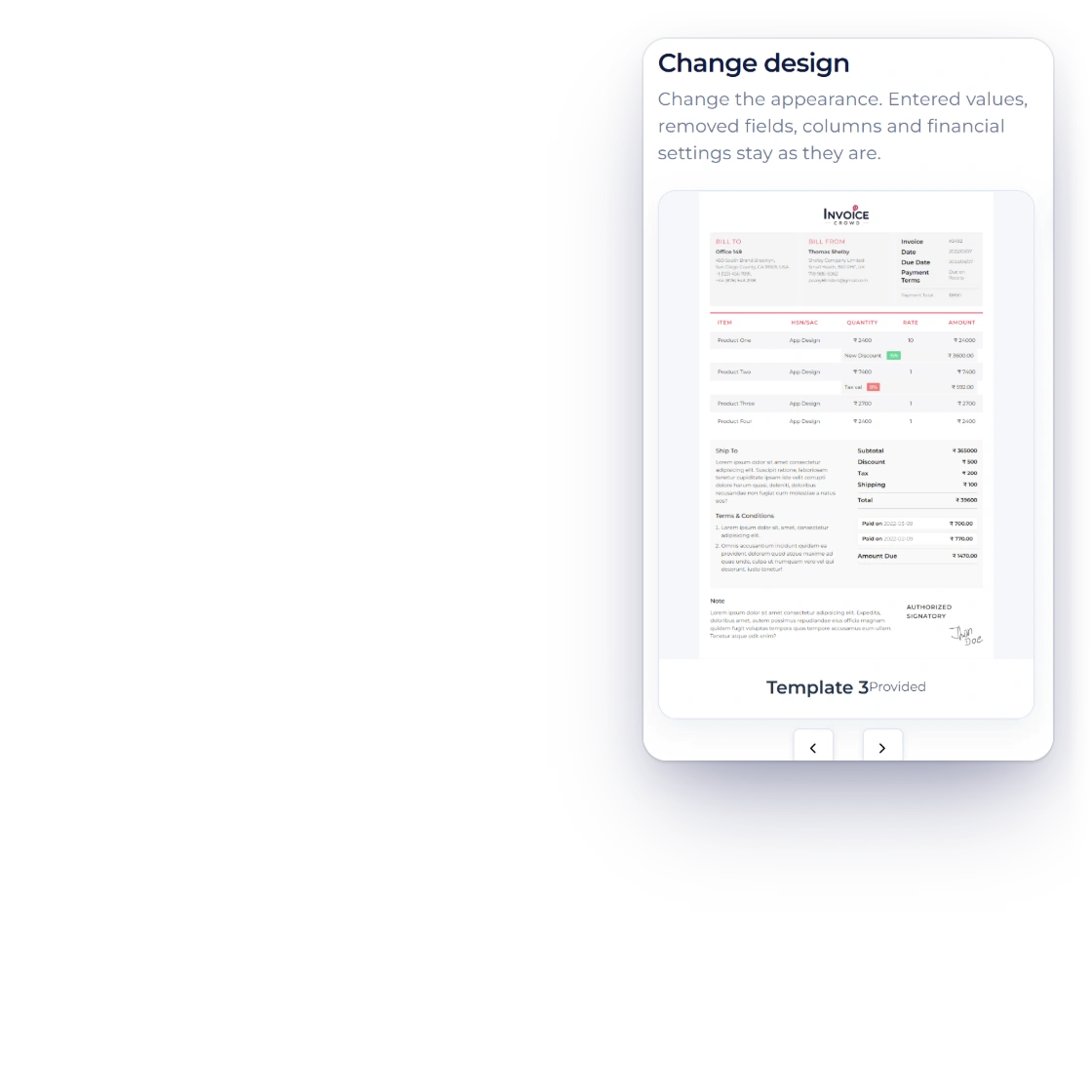
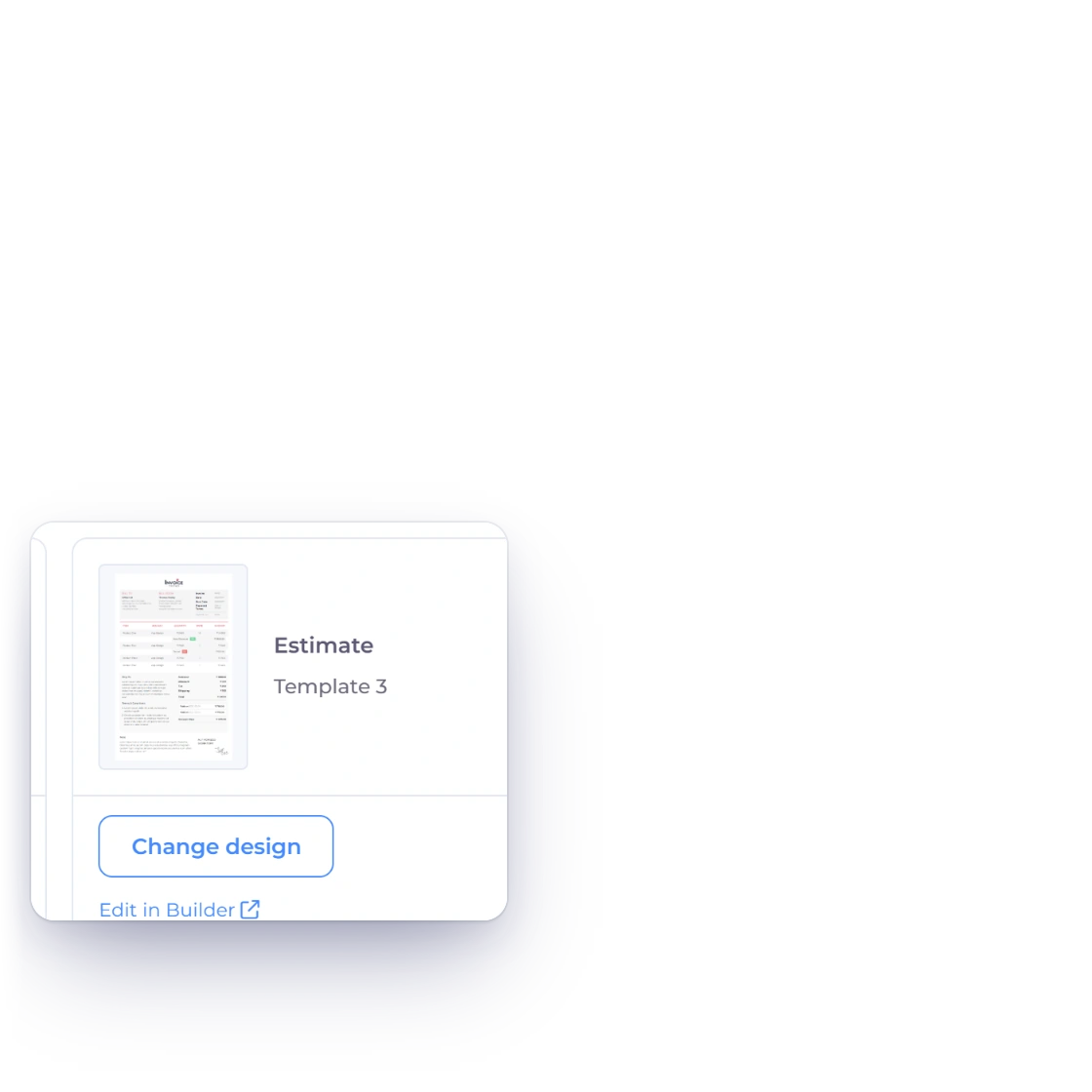
The Invoice Crowd estimate editor with the Select Template tab open on Change design and Template 3 chosen, and Business Settings Design showing Template 3 as the design for new estimates

Estimate templates in your branding

Adjust the colors and fonts, add your logo and set its size, and change the layout in the template builder until the estimate looks like the rest of your business. Choose it as the estimate design in Business Settings → Design and it is used for every new estimate. Saving a customized design is included on paid plans.

  • Colors, logo and layout are yours
  • Set once, applied to every estimate
  • The client sees the same document you do
Invoice template builder
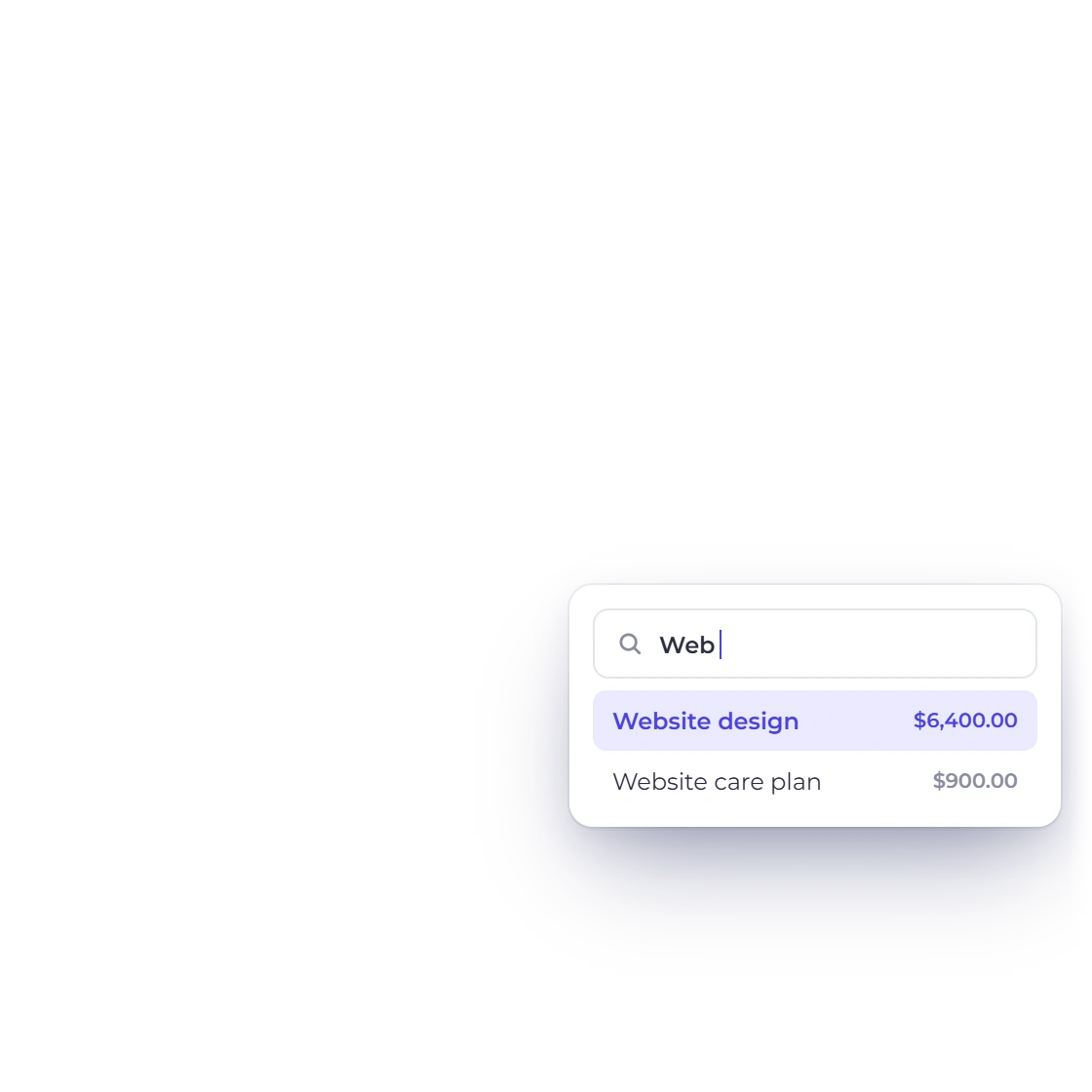
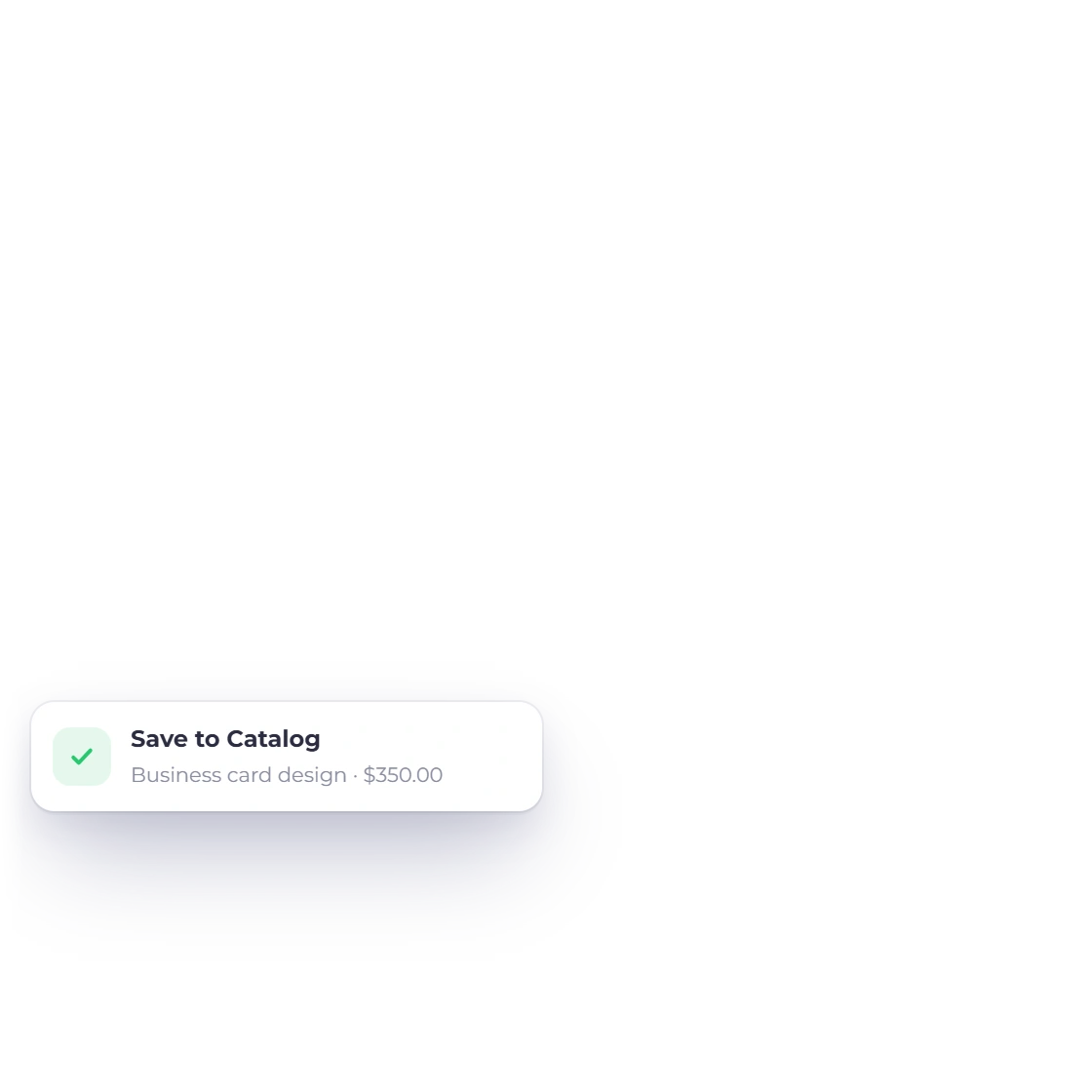
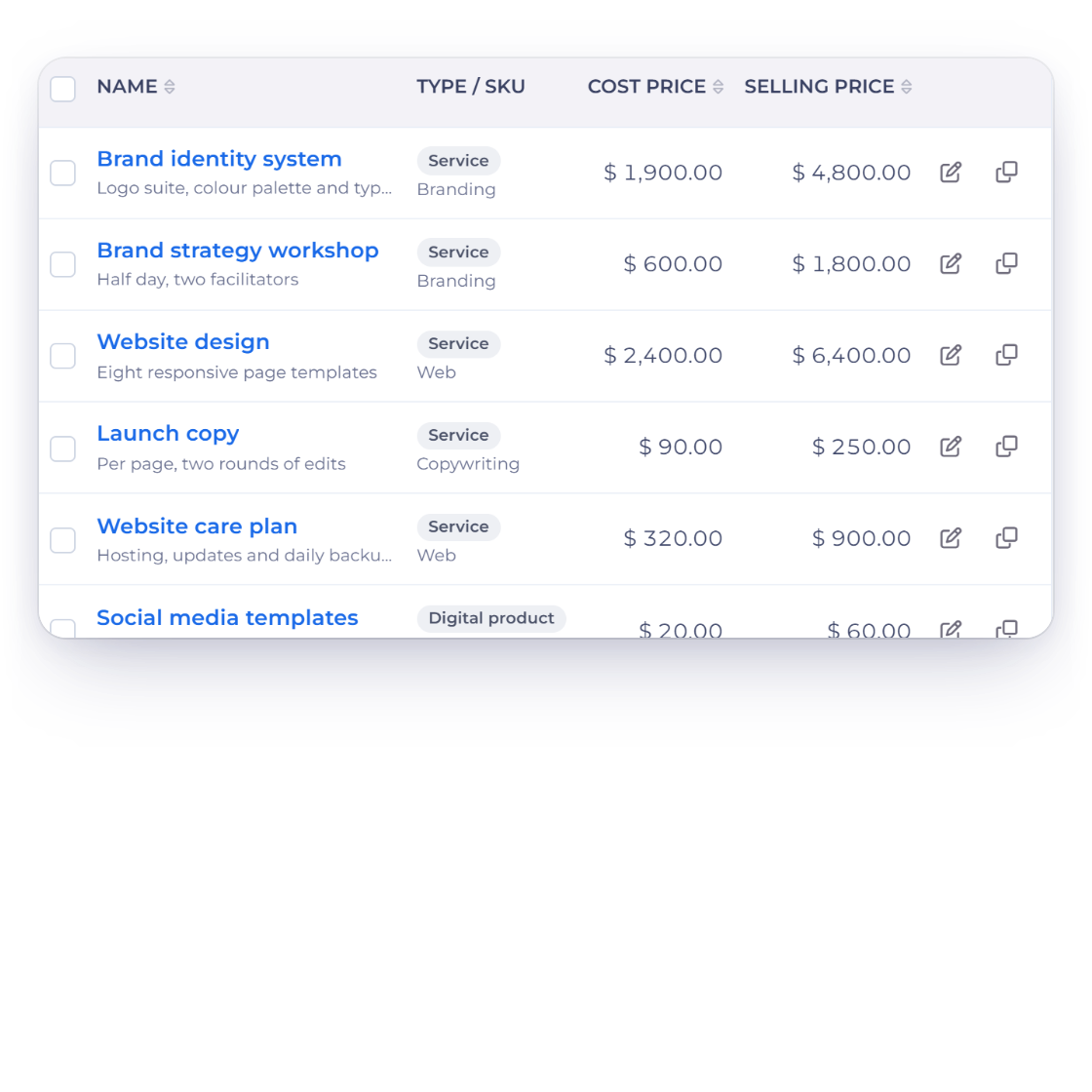
The Invoice Crowd Items list with saved services and their selling prices, a new line saved to the catalog from an estimate, and the item picker filtering as you type

A catalog of items and services

Work you quote often is stored as an item with its description and price, ready to drop into the next estimate. Quoting a familiar job becomes picking lines from a list rather than rewriting the same paragraph for the fourth time this month.

  • Items saved with description and price
  • Shared with your invoices
  • Edit a line without changing the saved item

Pricing and choices

The client can shape the number

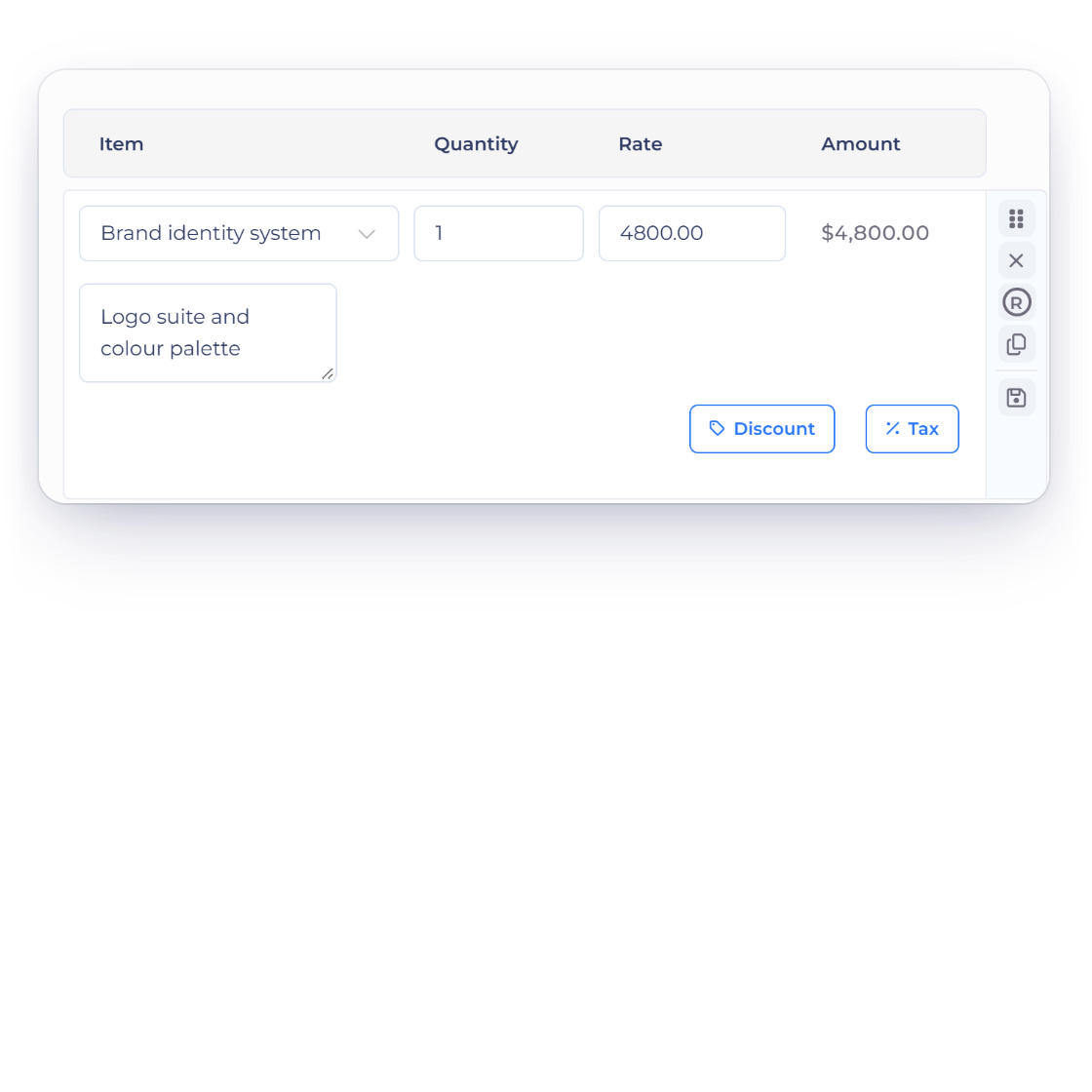
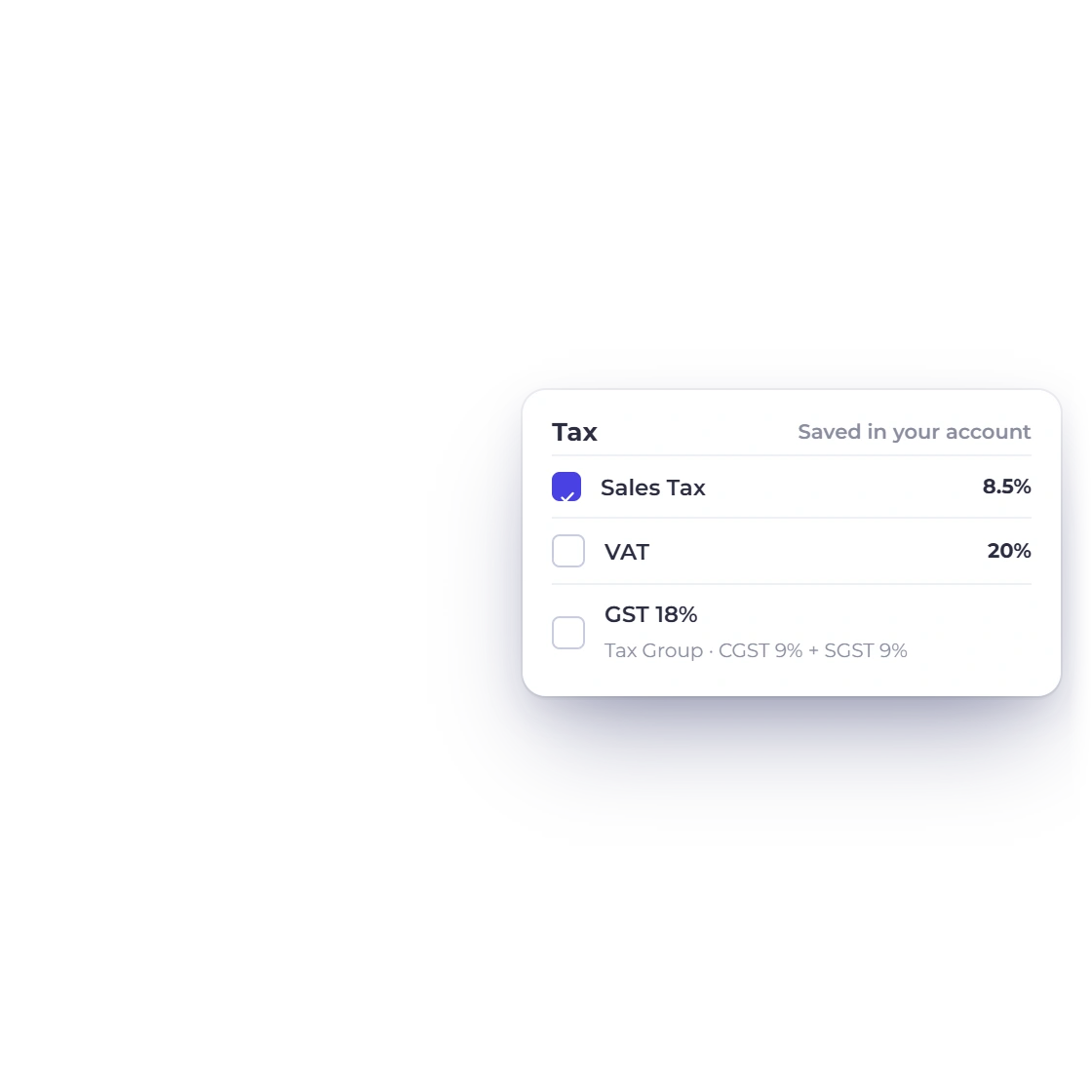
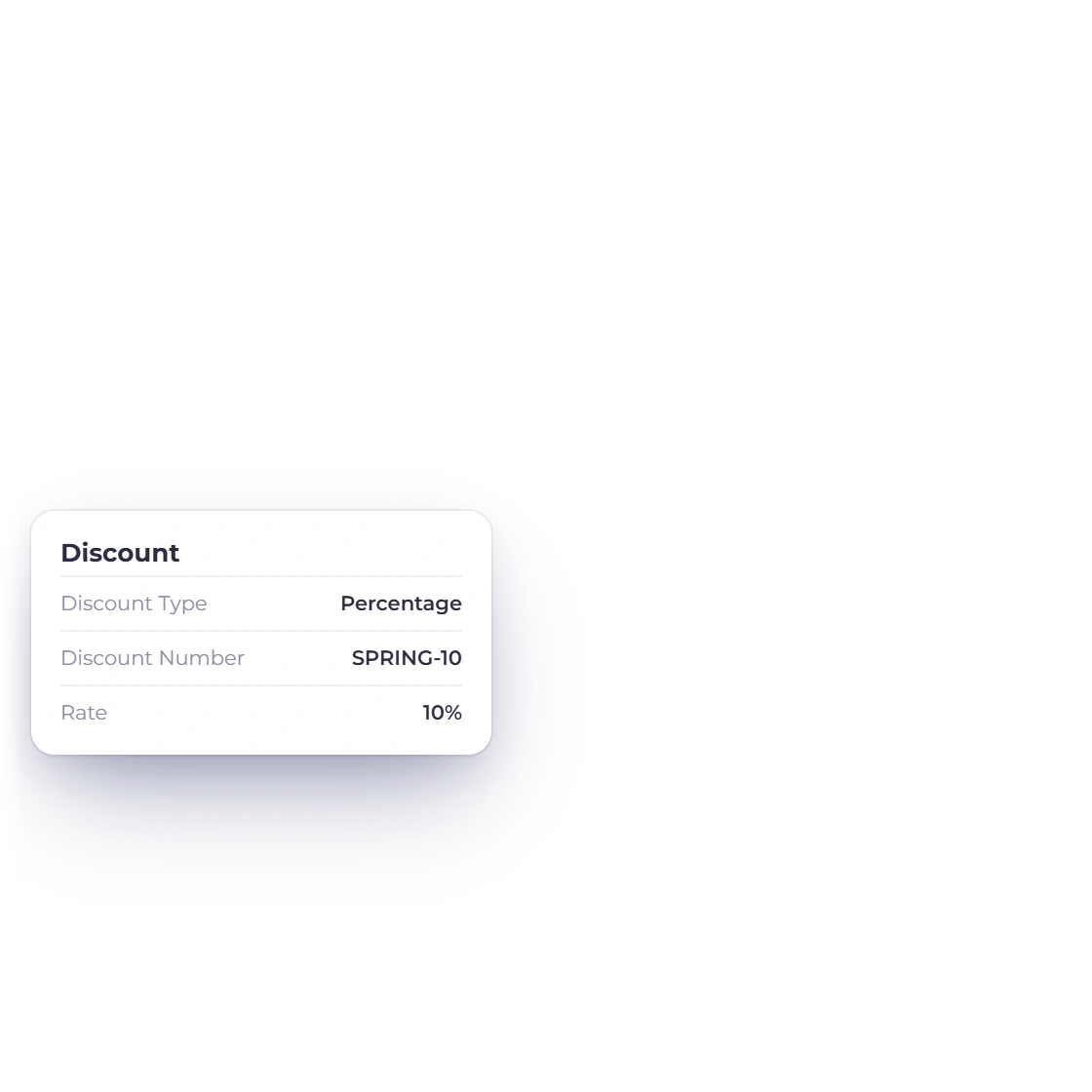
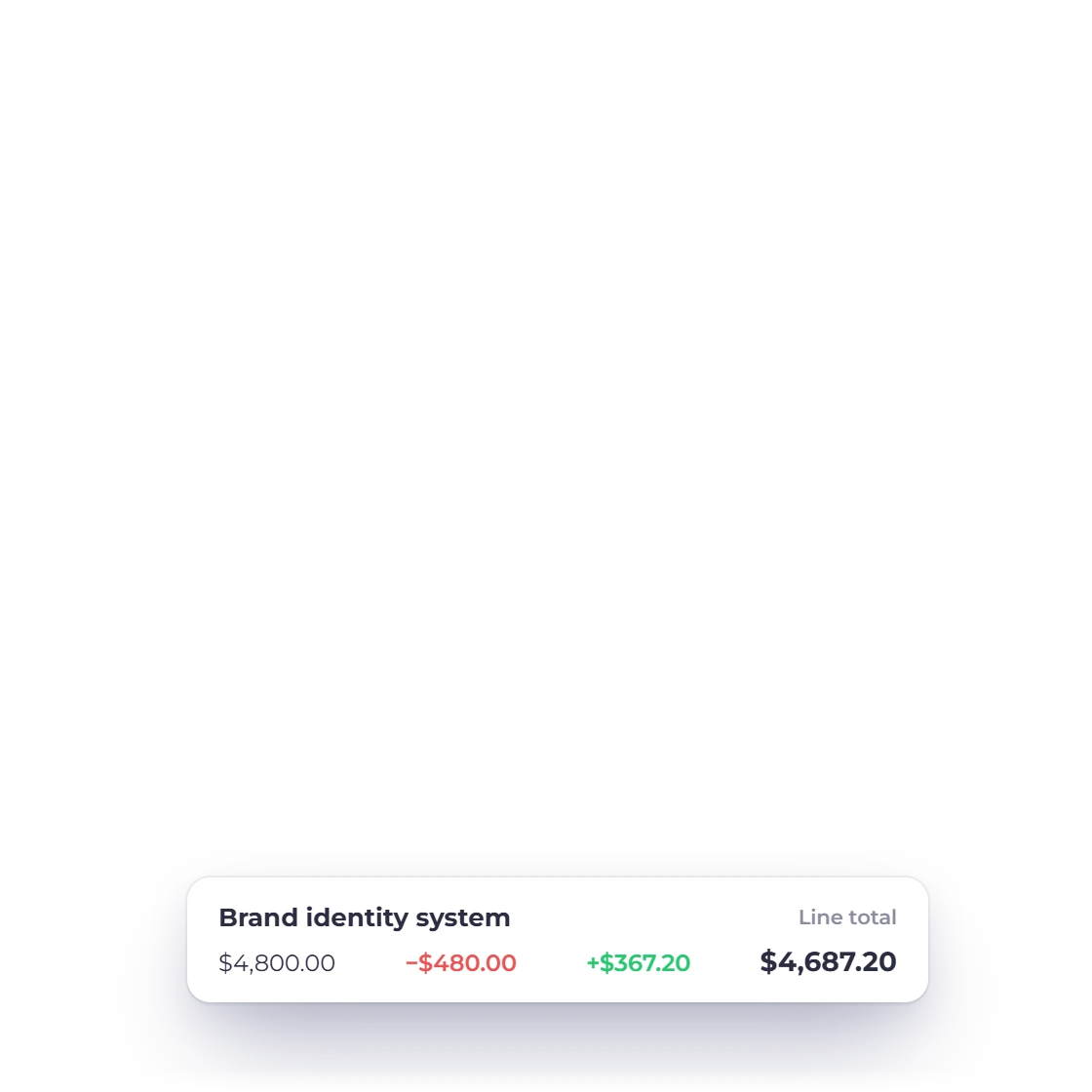
Invoice Crowd line item with a 10% discount and a saved sales tax rate applied, next to the tax picker with saved rates and a GST tax group

Flexible tax and discount options

Set the tax rates that apply to the work and the discount you are prepared to offer, on one line or across the estimate. Pricing that would otherwise be negotiated over email is stated on the document, so what the client approves is already the final figure.

  • Tax rates you define yourself
  • Discounts per line or on the total
  • Totals recalculate as you edit
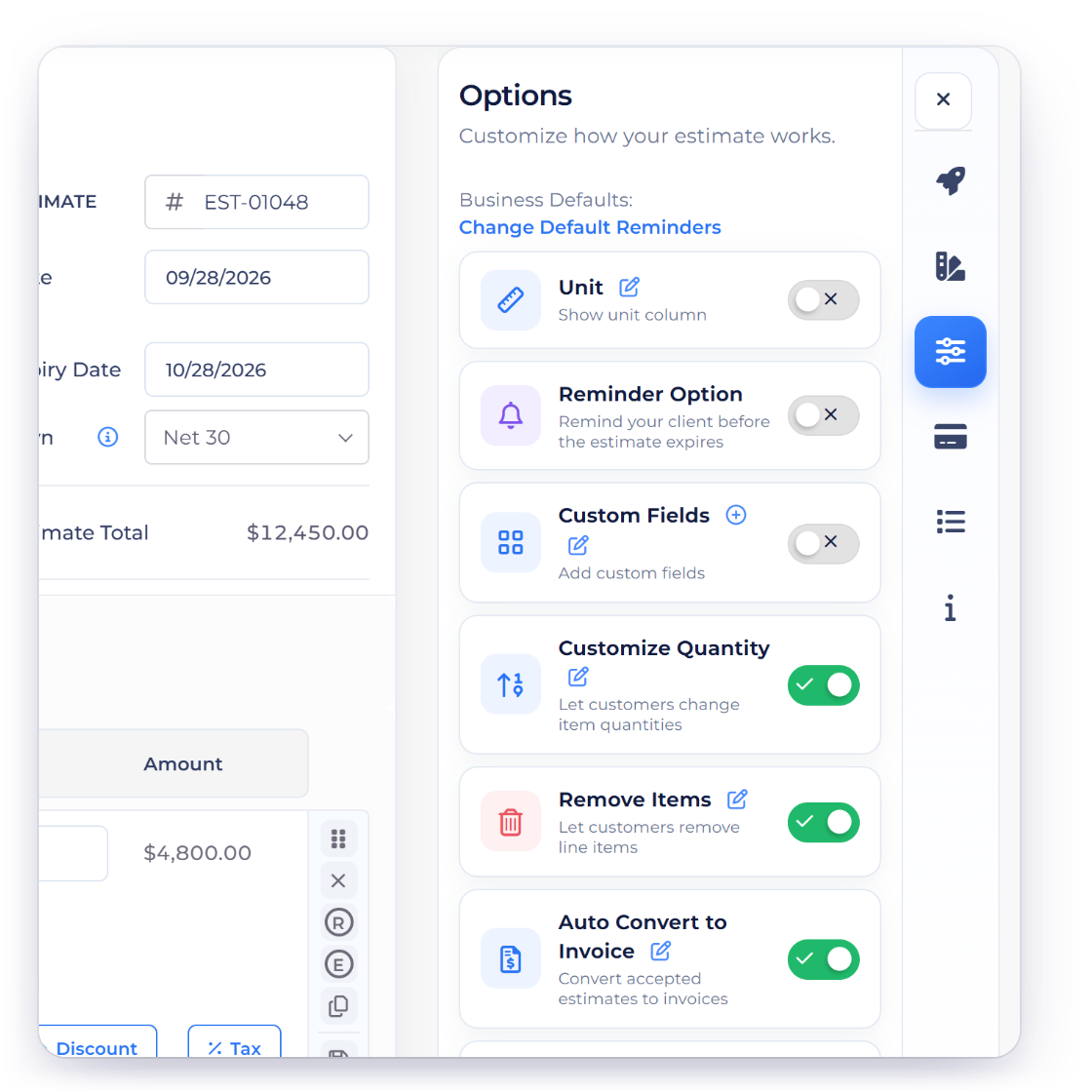
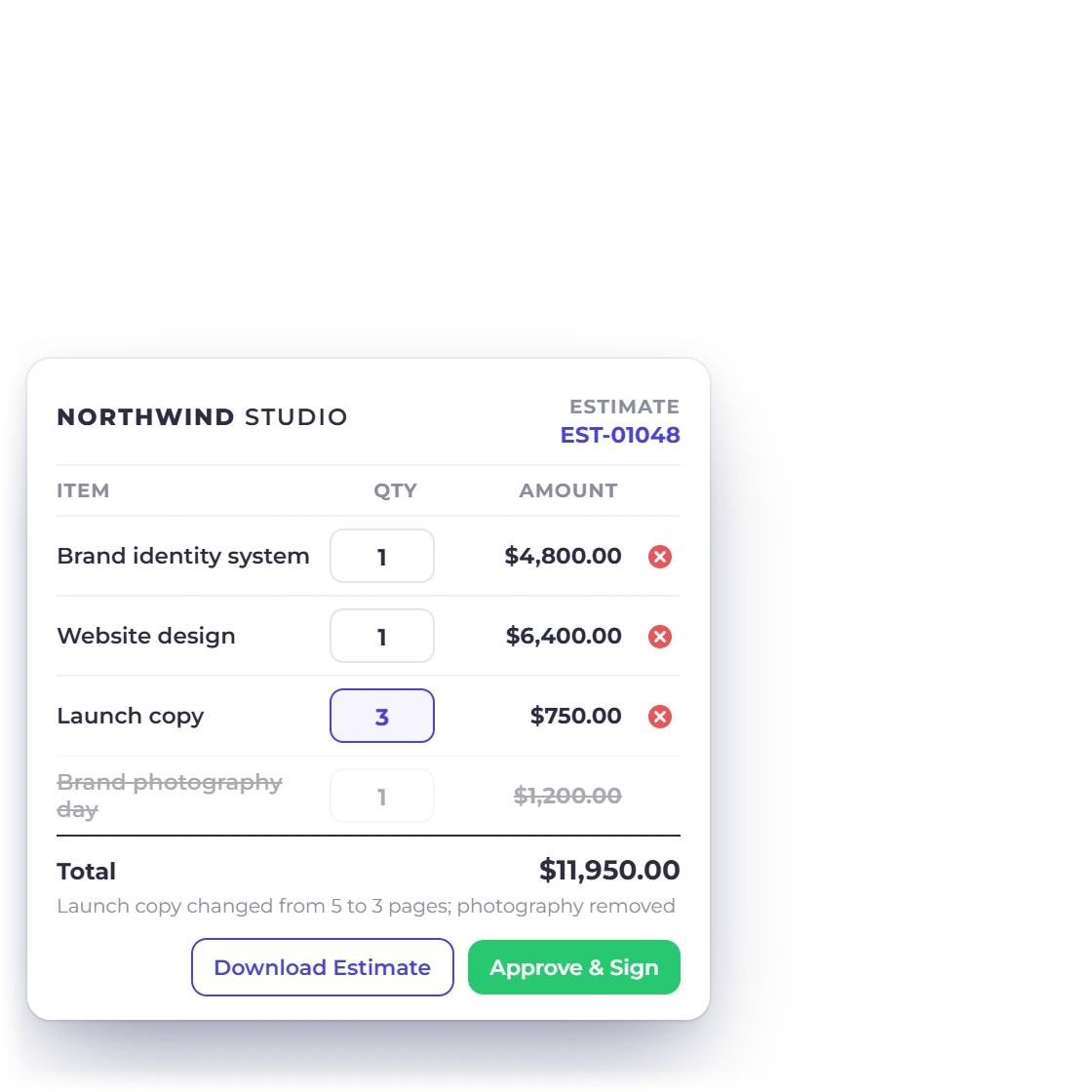
An Invoice Crowd estimate as the client sees it, with quantities the client can change, an item the client removed and a recalculated total, next to the Customize Quantity and Remove Items options

Client-removable items and adjustable quantities

Switch on Remove Items and the client can take out the lines they do not need before signing. Switch on Customize Quantity and they can set the quantity on each line, which suits work priced per hour, per unit or per seat. The total moves with the choices they make.

  • Lines the client can keep or remove
  • Quantities the client can edit
  • Signed off with their choices recorded
Client-removable line items

After you send it

You find out where it stands

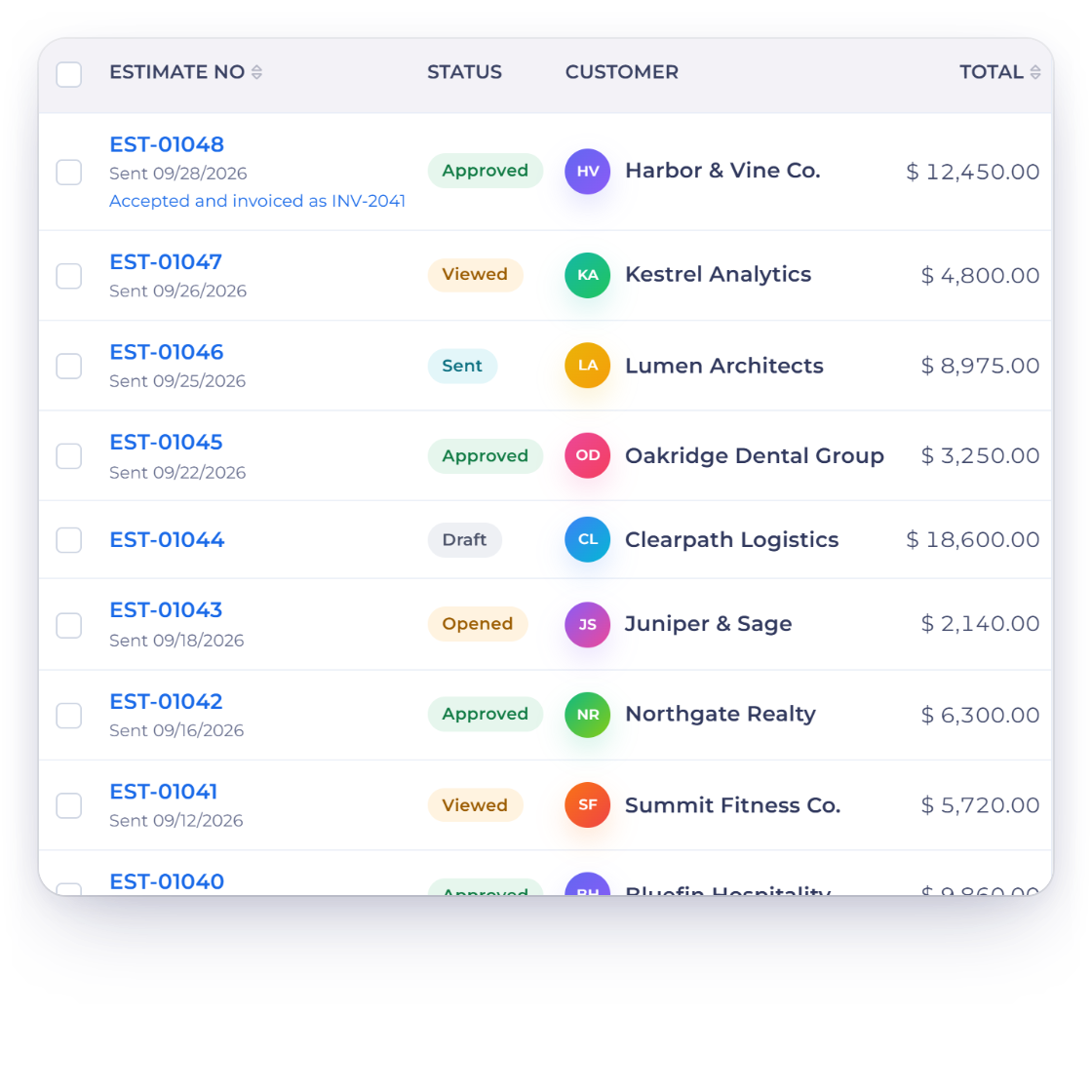
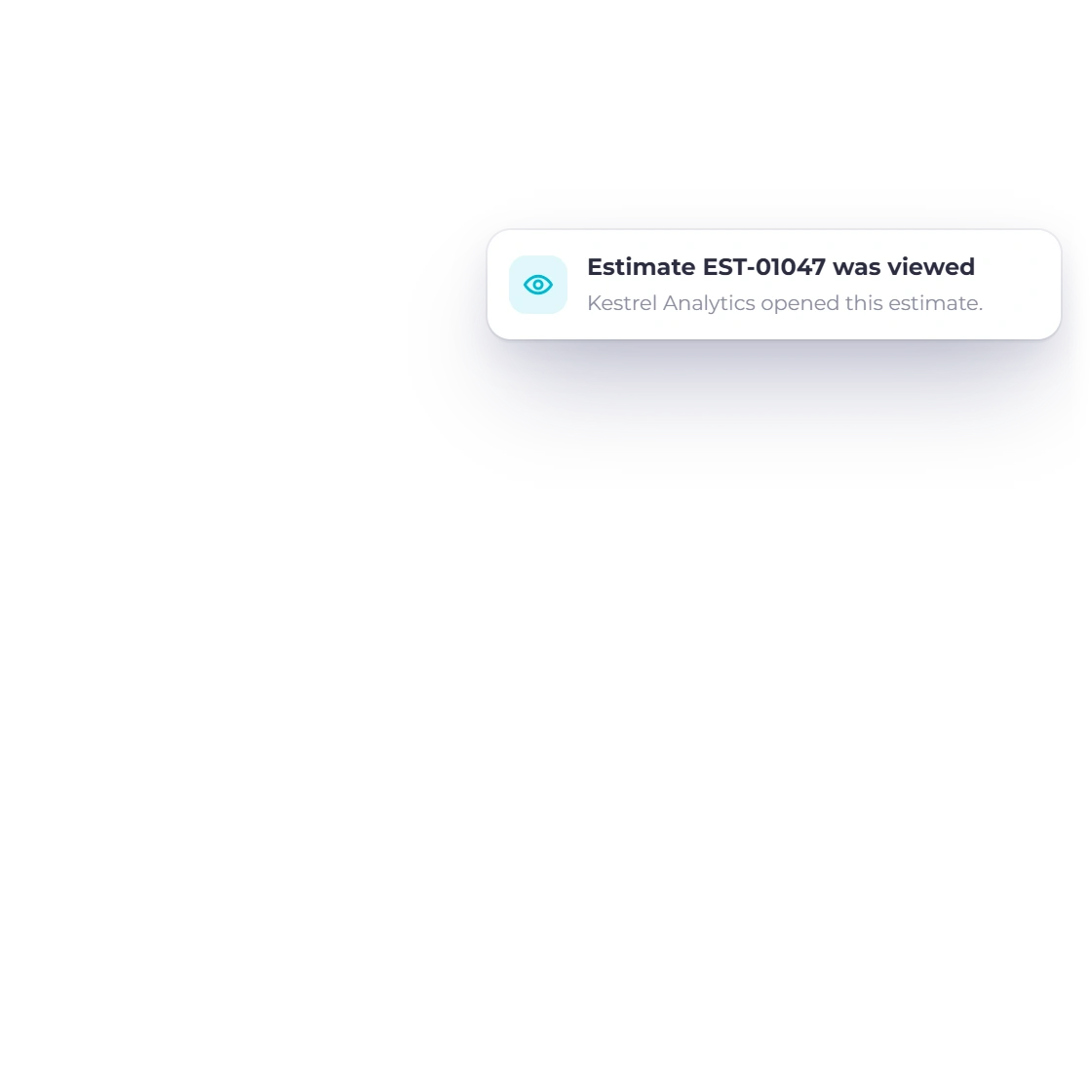
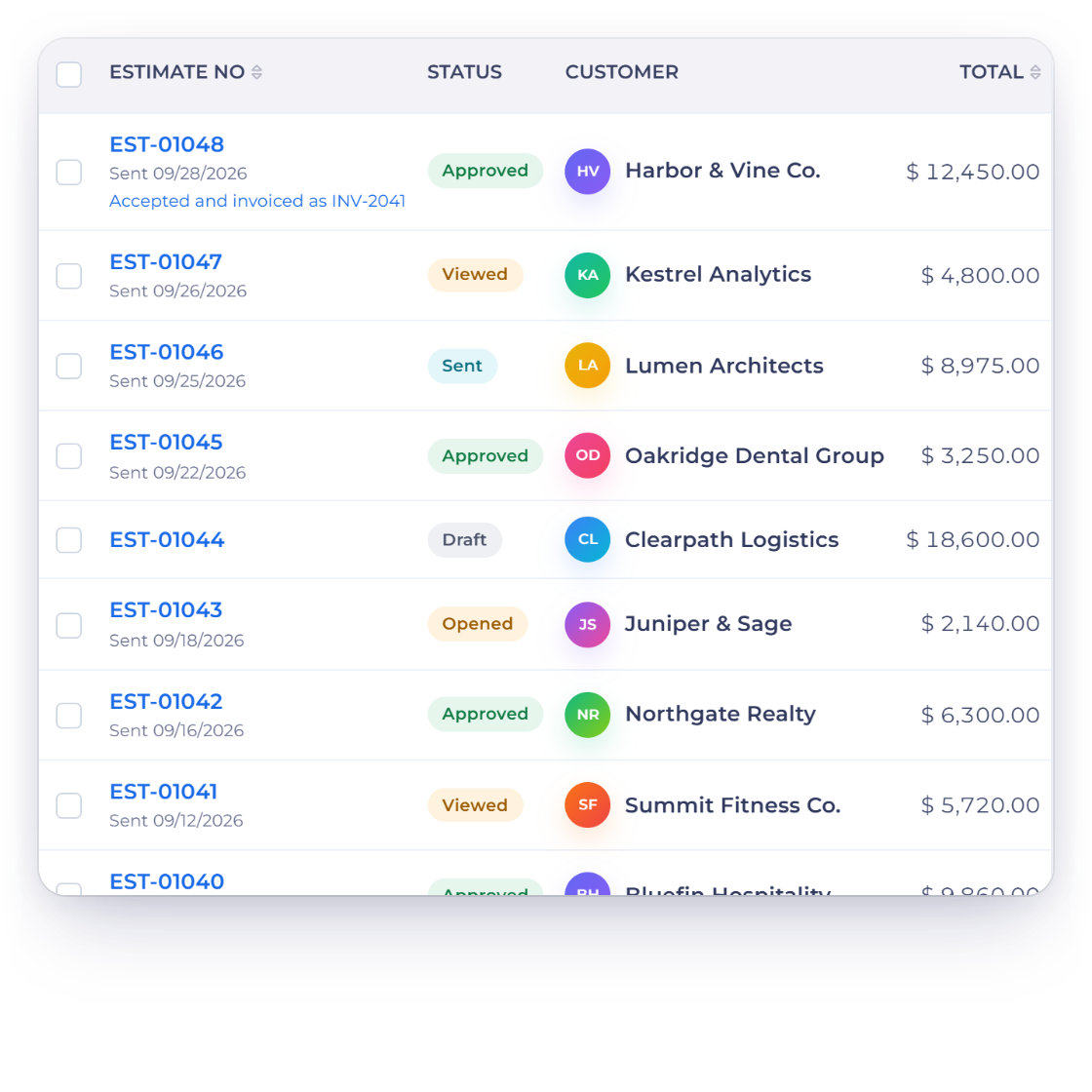
Invoice Crowd estimates list with sent, opened and viewed estimates and a notification that estimate EST-01047 was viewed by the client

See when an estimate is read

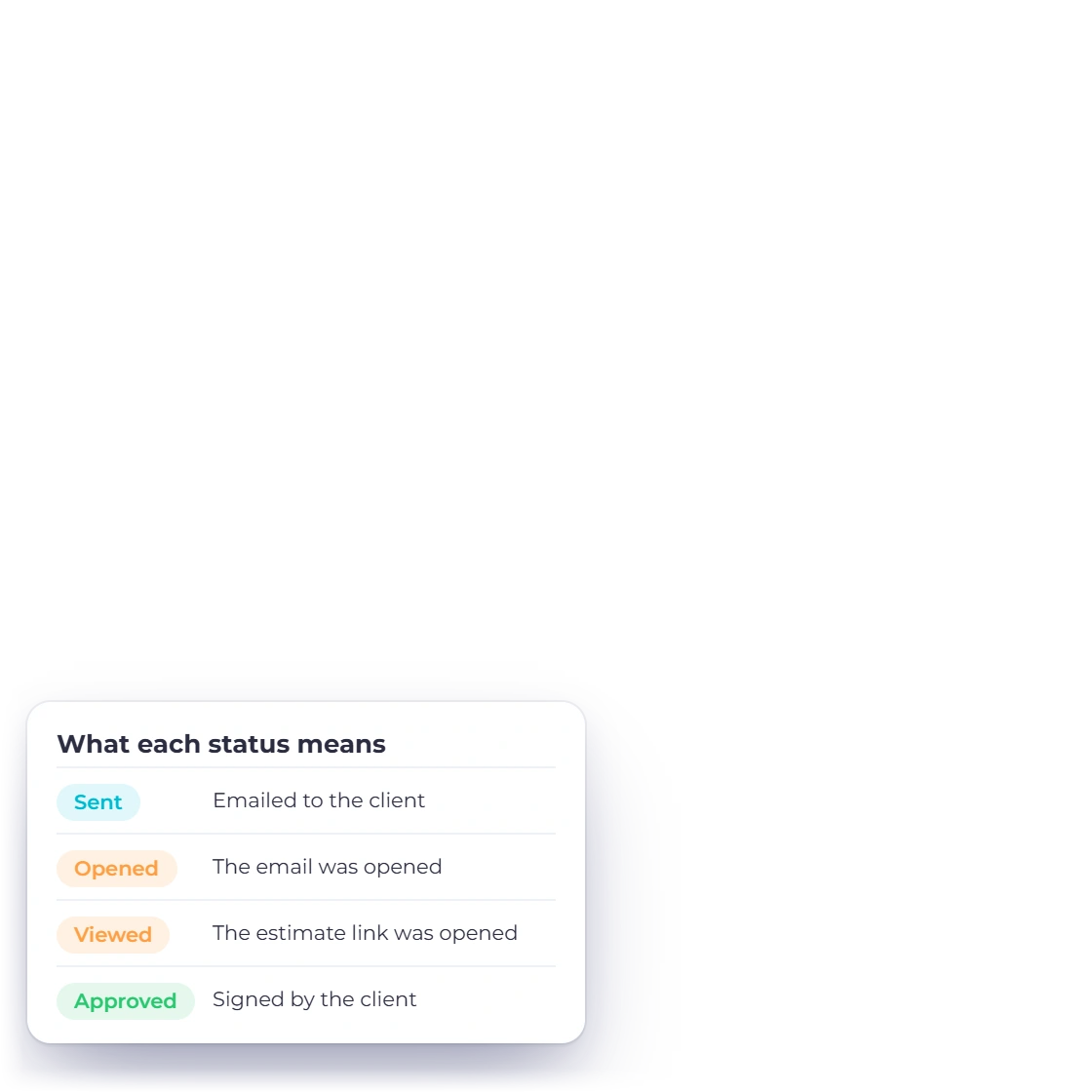
The estimate records when the client opened the email and when they opened the estimate itself, and you are notified when it is viewed. So you can follow up at exactly the right moment.

  • Email and estimate opens recorded
  • Notified when the estimate is viewed
  • Follow up with something to go on
The client portal
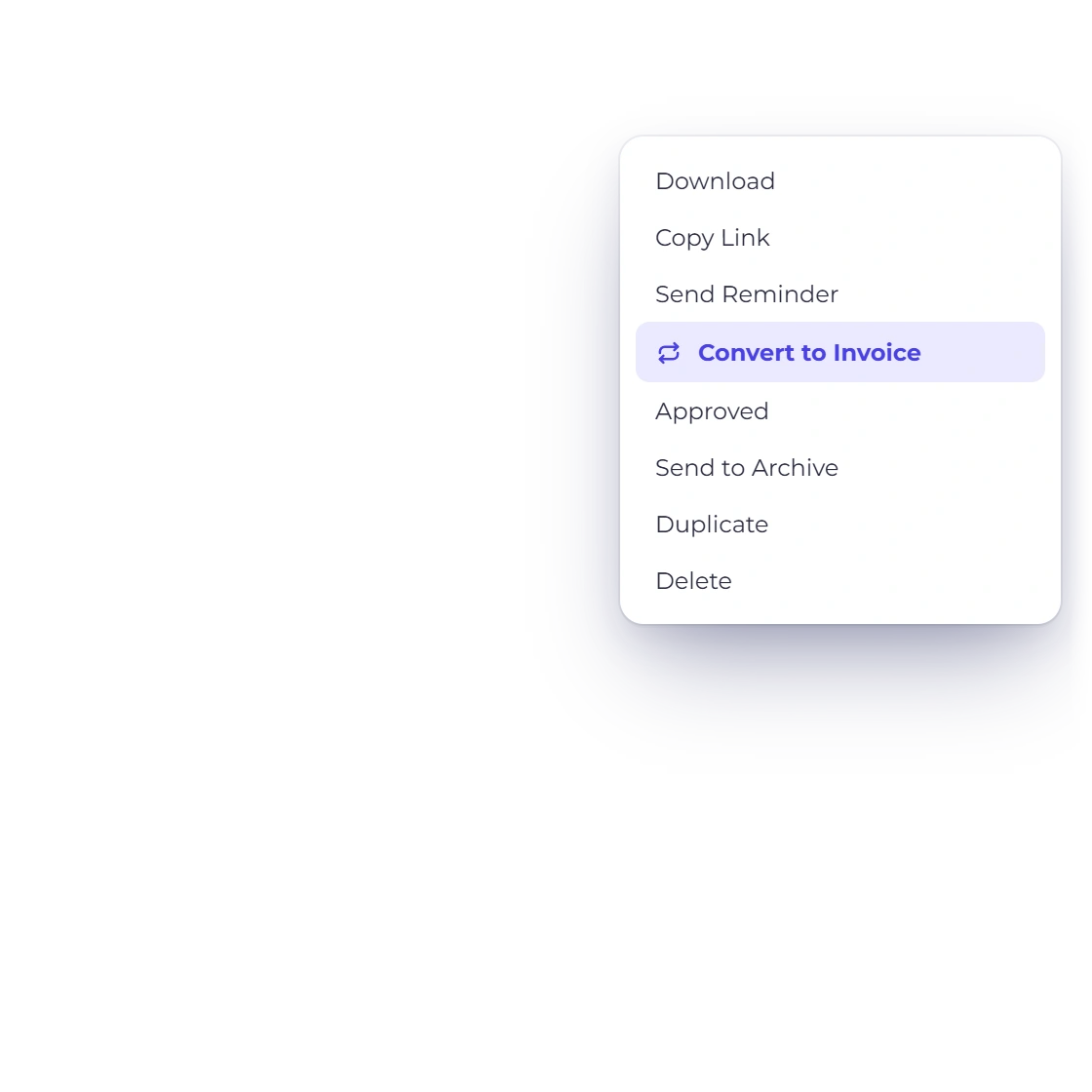
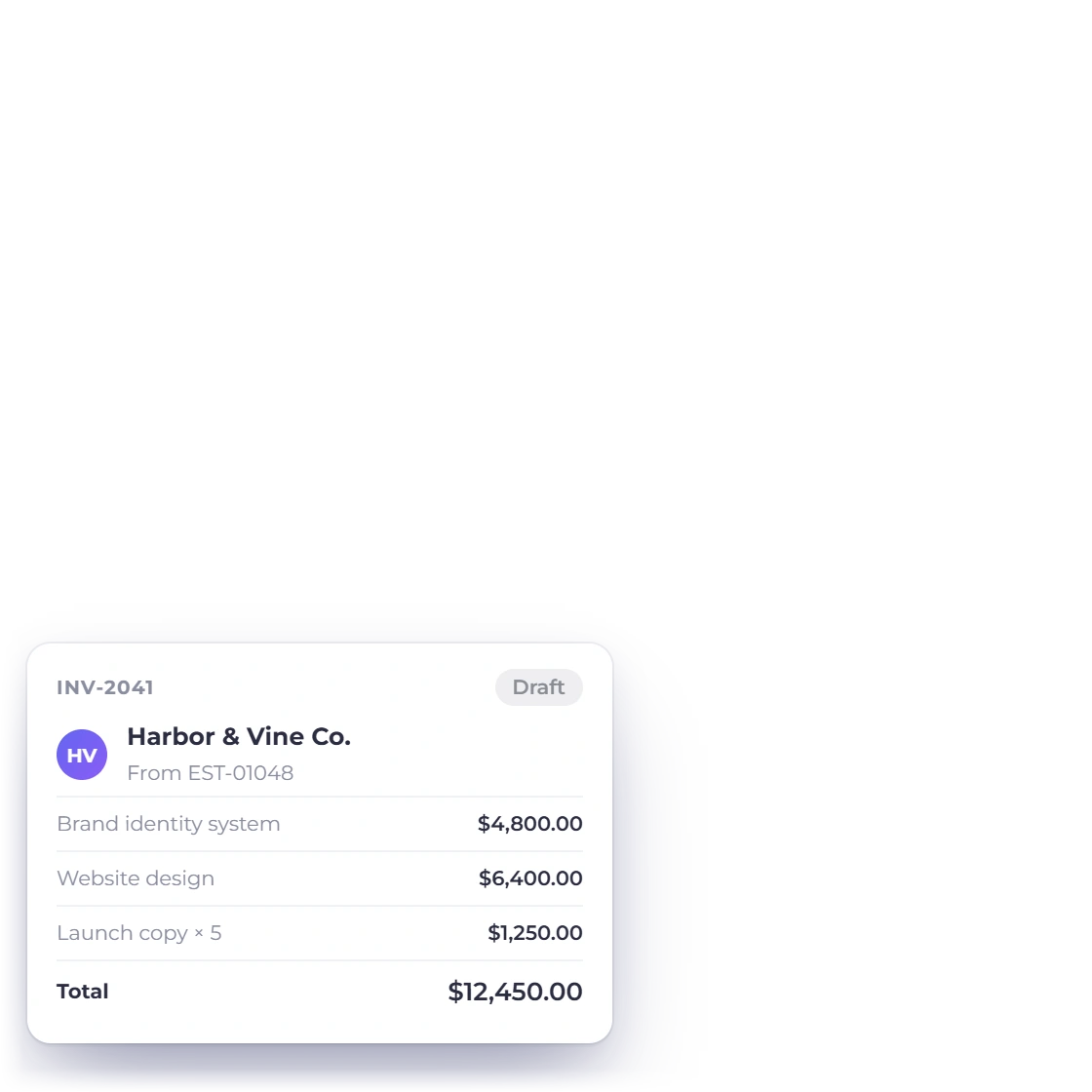
Invoice Crowd estimates list with the menu of an approved estimate offering Convert to Invoice, and the draft invoice it creates with the same lines and total

One click from approved to invoiced

An approved estimate becomes an invoice without retyping. The lines the client kept and any quantity they changed carry across, so what you bill is exactly what was agreed rather than the version you first sent. If you requested a deposit, the client can accept and pay it in one step. The estimate stays on file beside the invoice it produced.

  • The accepted lines carry over
  • Client changes come with them
  • The original estimate is kept
Estimate to invoice

Also included

More of what an estimate carries

The details that decide whether a quote is approved as sent or comes back with three questions attached.

  • Multiple currencies

    Quote an overseas client in their currency while your own totals stay in the base currency.

  • Client-set quantities

    Let the client raise or lower the quantity on a line before they accept the estimate.

  • Accept and sign online

    The client approves and signs the estimate from the link you sent, with no printing involved.

  • Client portal

    Clients sign in to see every estimate you have sent them and what happened to each one.

  • Changes before approval

    Where you allow it, a client adjusts quantities or removes lines on the estimate itself before approving, instead of starting an email thread.

  • Logo, colors, layout

    Make the fonts, colors, shapes and layout your own, as well as the logo. Saving a customized design is included on paid plans.

  • Quotes of any size

    A short task list and a full project breakdown are handled by the same estimate screen.

  • Saved item catalog

    Items you quote often are kept with their price and description, ready for the next estimate.

  • Estimate history

    Every estimate stays in the account with its current status, from draft and sent to viewed and approved.

  • Proposals for bigger jobs

    When a quote needs pages of context around it, a proposal carries the pricing in its own pricing table.

  • Straight to billing

    An invoice raised from an estimate behaves like any other, including reminders and late fees.

  • What you quoted

    Estimates sit alongside your invoices, so quoted work and billed work are read from one account.

Questions

Creating estimates, answered

How much of the estimate template can I change?

Colors, fonts, spacing, shapes, your logo and its size, the table columns, the standard labels and the document language. It applies to what the client opens as well as the PDF they keep, and the design you set for estimates in Business Settings → Design is used for every new estimate. Saving a customized design is included on paid plans and in the 30-day free trial.

How many items can an estimate hold?

As many as the job needs. A three-line quote and a project broken into dozens of deliverables use the same screen, and long estimates stay readable because each line carries its own description, quantity and price.

How does a client respond to an estimate?

Online, in a few clicks. The client opens it from the link or the portal, changes quantities or removes lines where you allow it, then approves it with a signature or declines it with an optional reason.

How do I turn an approved estimate into an invoice?

One click. The accepted lines, the client-removable items the client kept and any quantity they changed all carry over, and the invoice is ready to send. The original estimate stays on file so you can see exactly what was agreed.

Can a client change what they are buying?

Yes, within the limits you set. Switch on Remove Items and the client can remove lines; switch on Customize Quantity and they can adjust quantities themselves. What comes back approved is what they actually want, which means fewer revisions for you.

Can I send an estimate in another currency?

Yes. Choose the currency the client works in and the estimate is priced in it from the start, so the figure they approve is the figure they will pay. Your own reporting still totals in the base currency of the business.

Send an estimate that answers the questions first

A clear estimate states what is included, what the client can remove and what it costs. Build one from your saved items and let the client approve it online.

  • 30-day free trial
  • No credit card required
  • Estimates and invoices in one account