Skip to content

Give every customer a login to their own records

The Invoice Crowd customer portal gives each client their own sign-in to the estimates, invoices, recurring invoices, credit notes, proposals and projects you choose to share. They read the history themselves, approve or decline, pay what is due, and stop emailing you for copies.

  • Access set per customer
  • A unique login each
  • Revoke it at any time
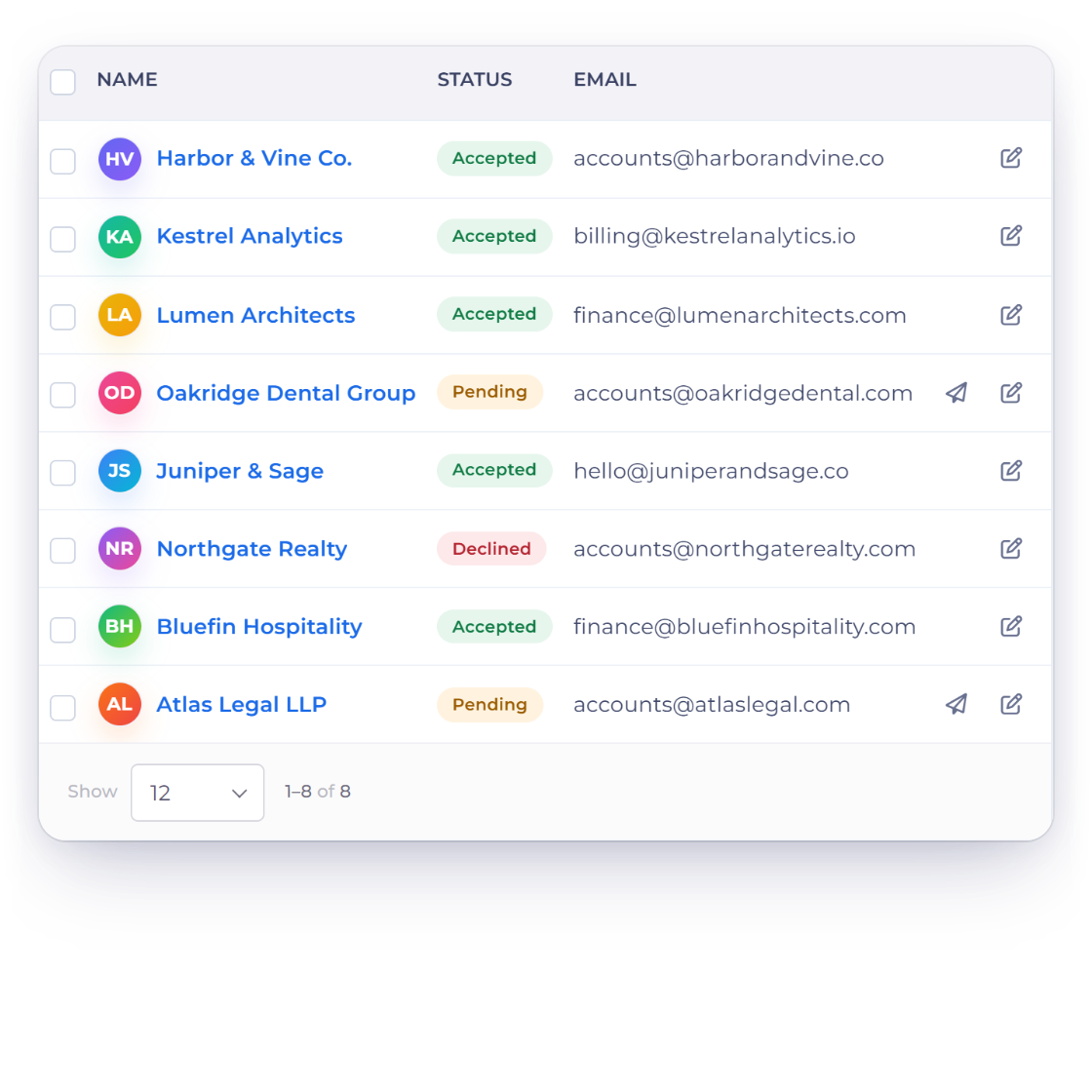
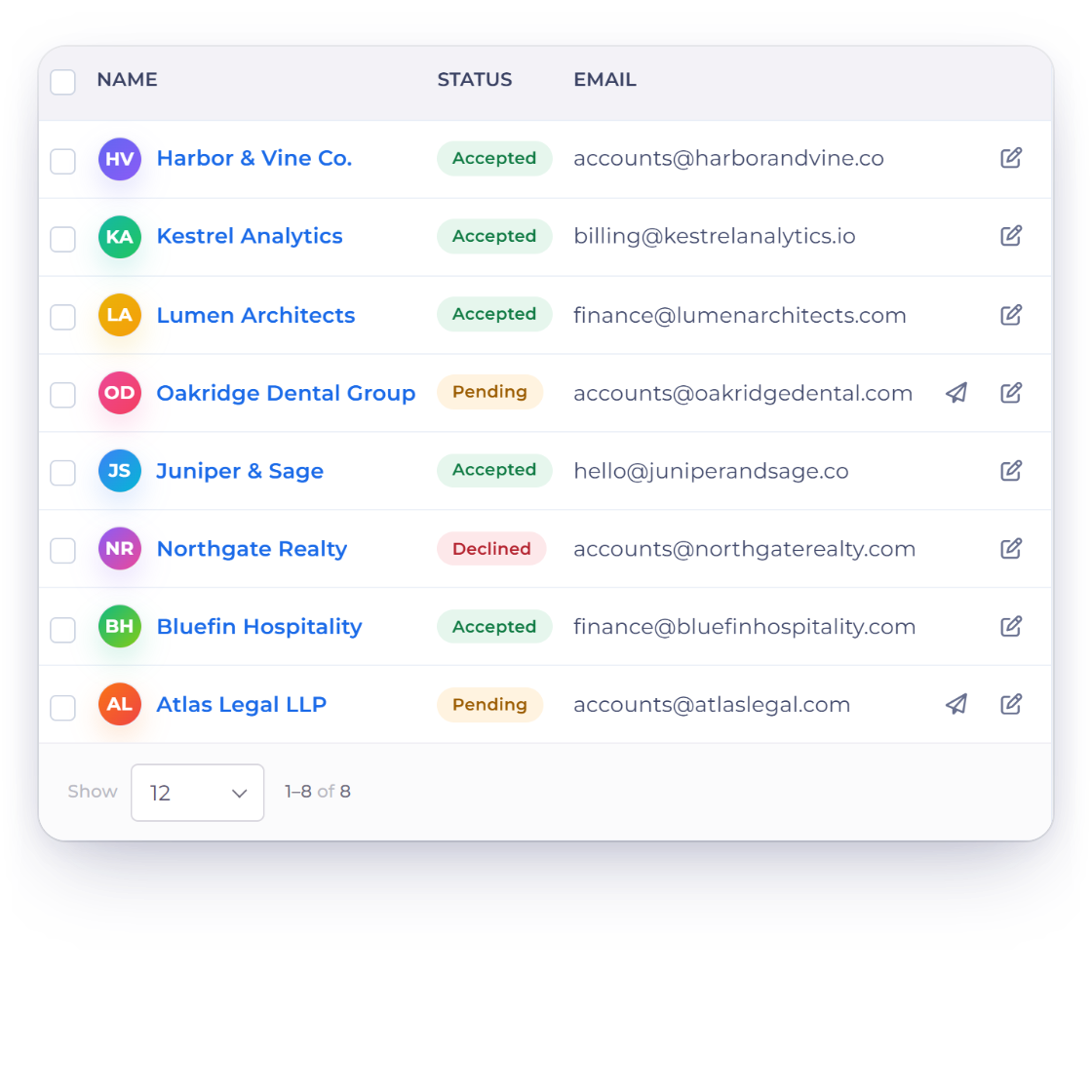
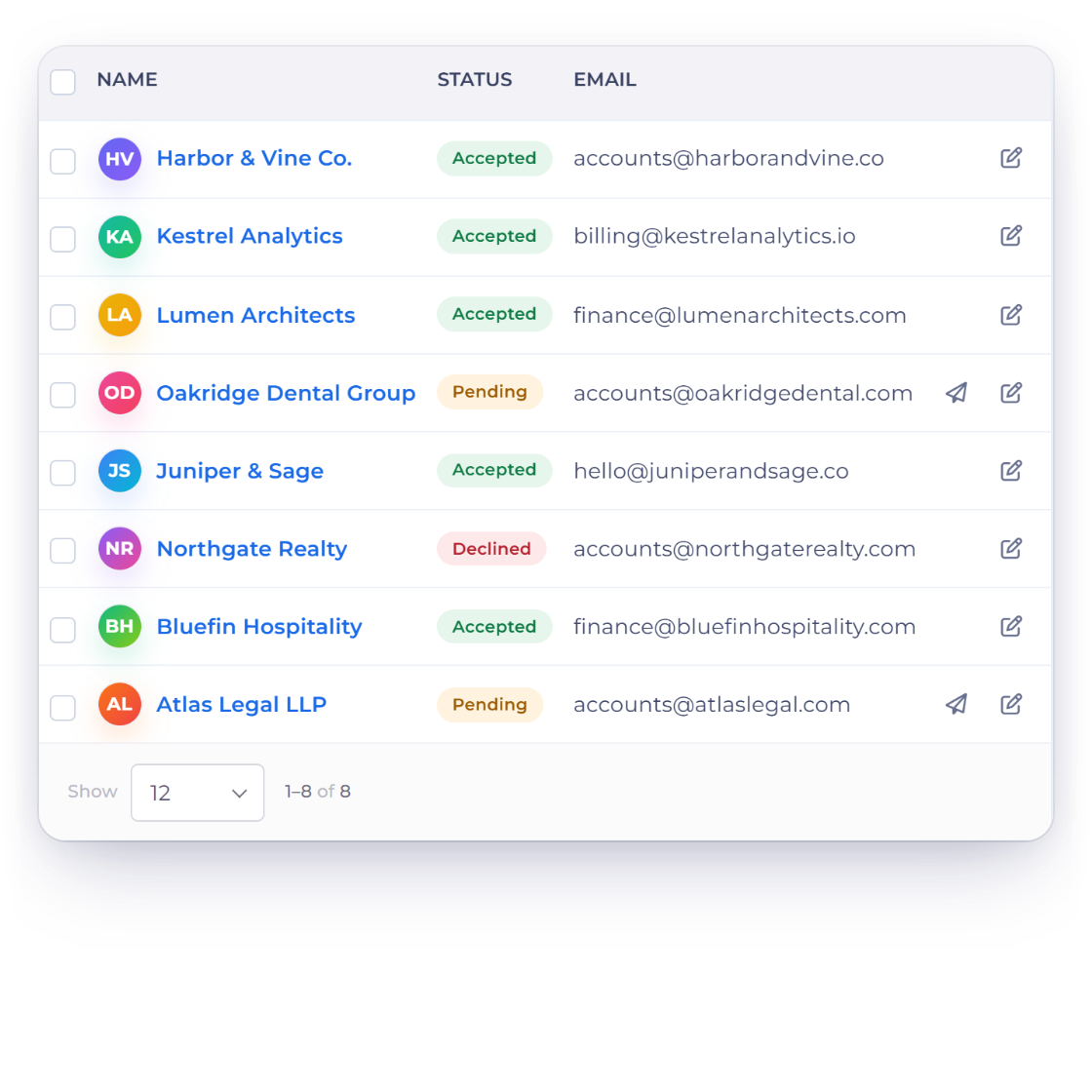
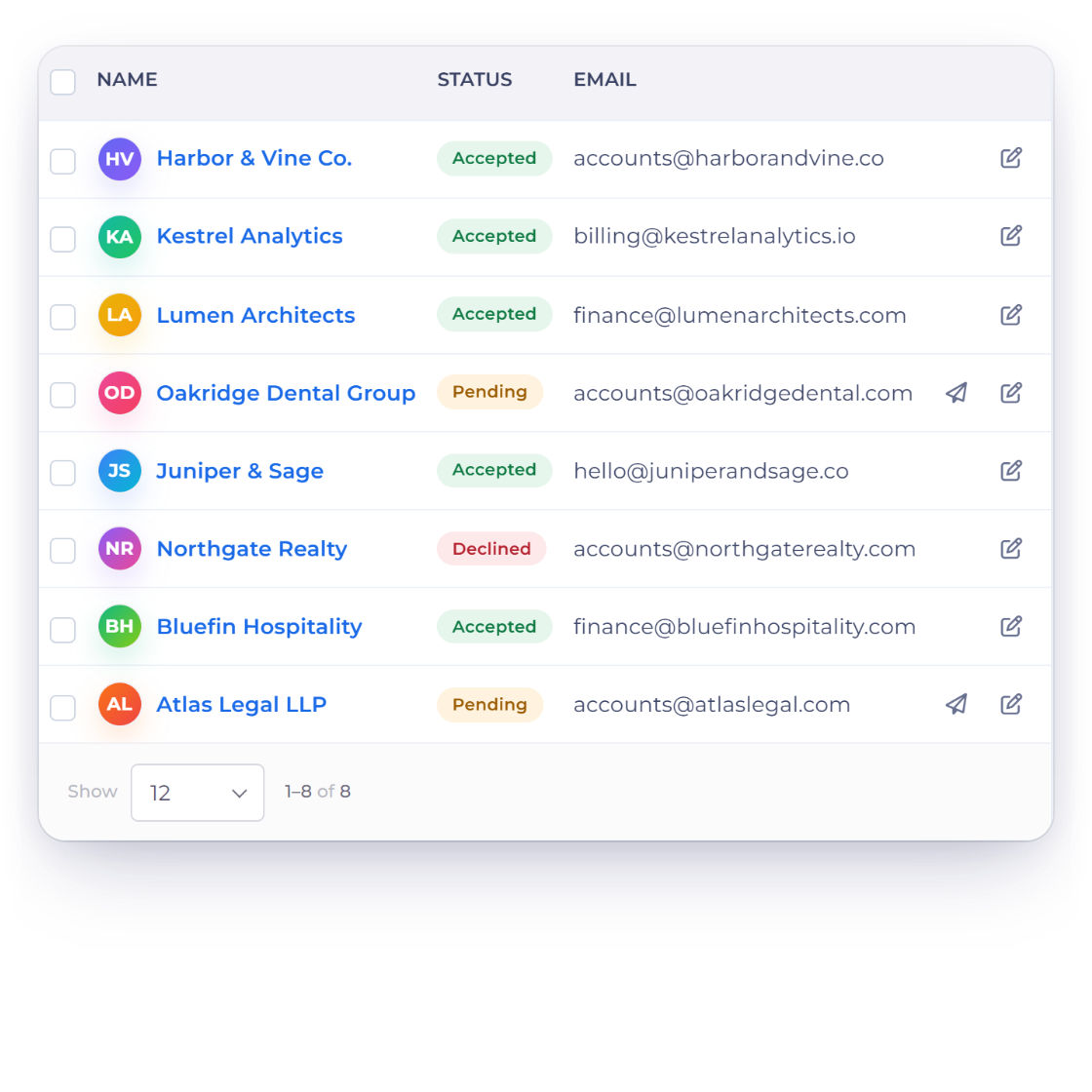
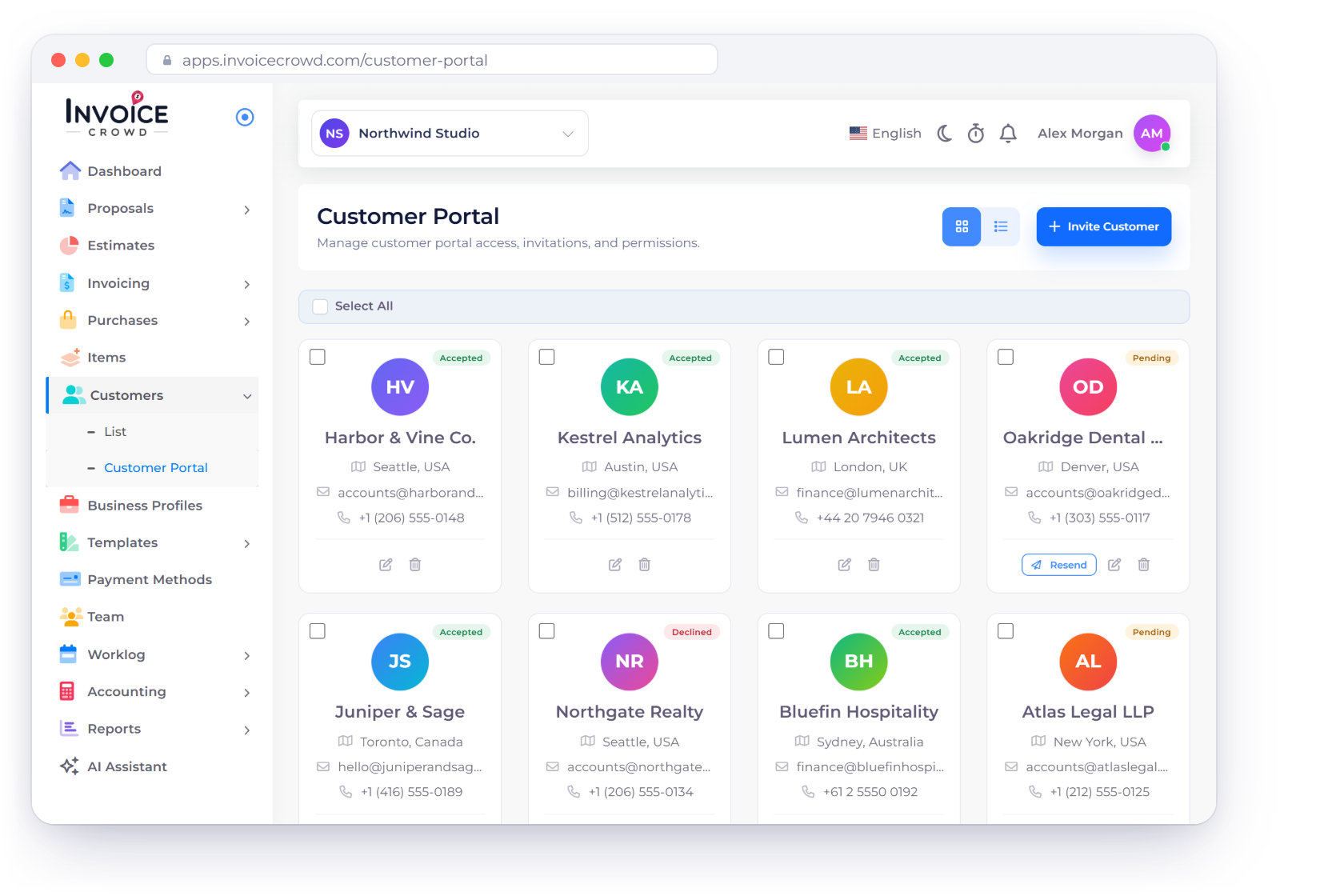
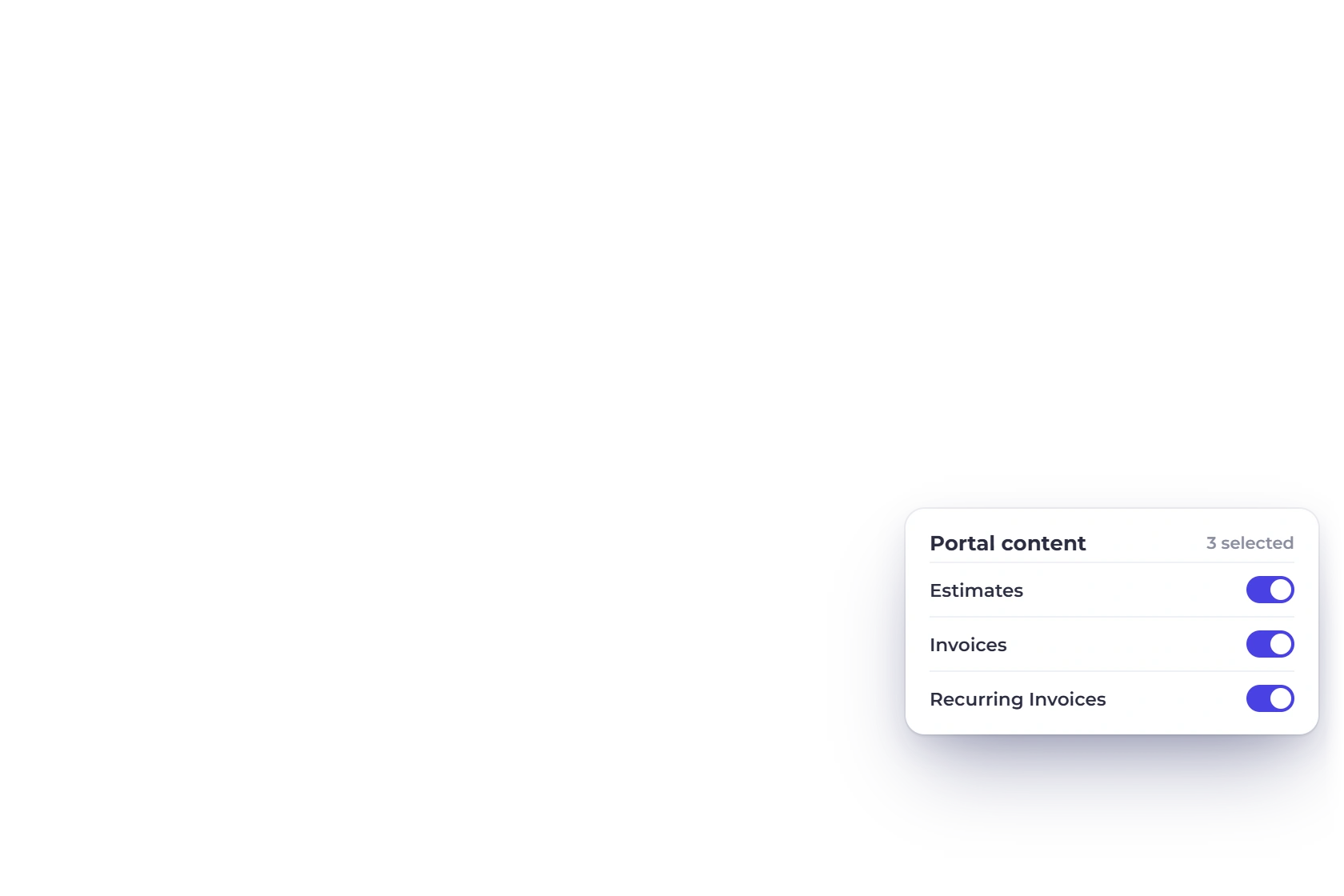
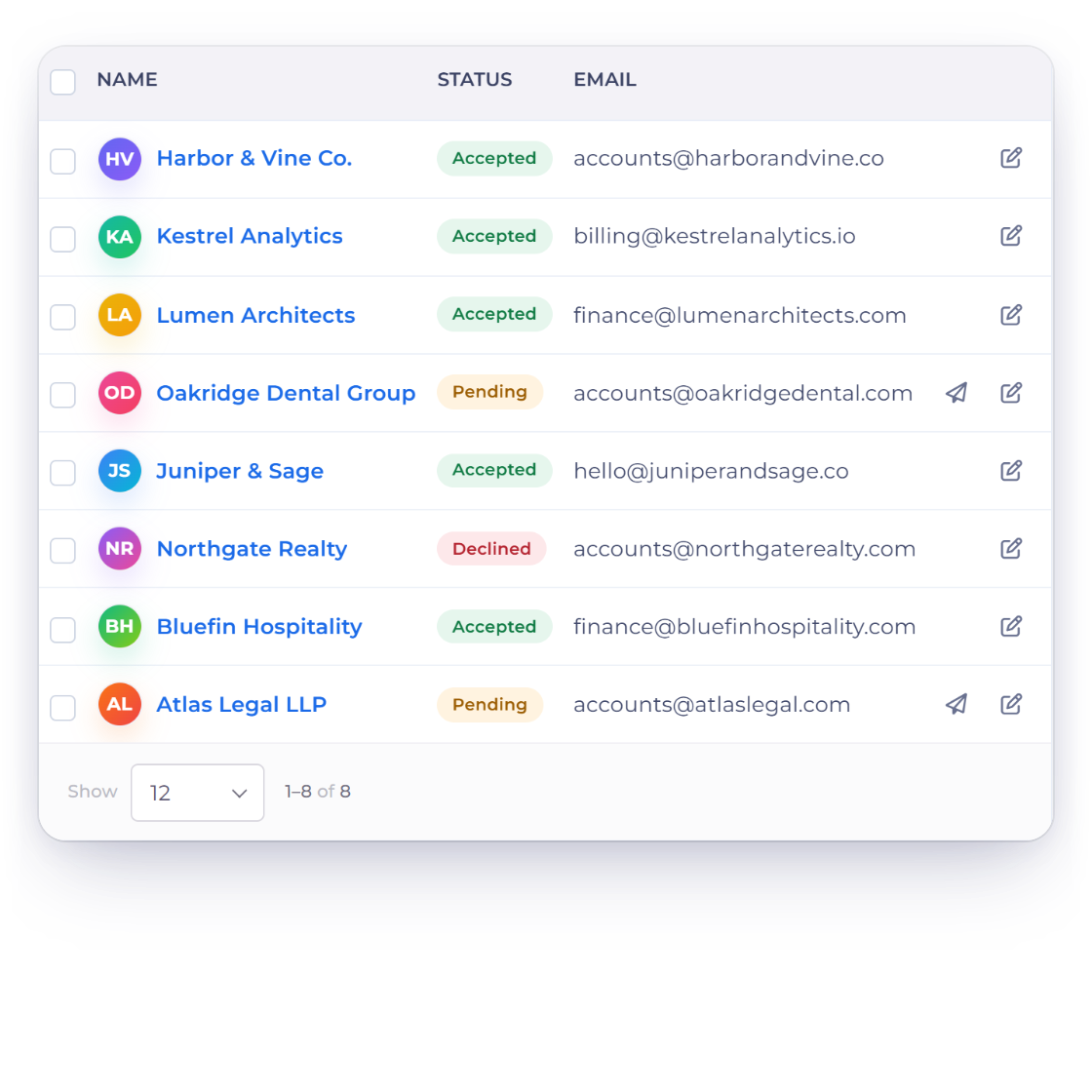
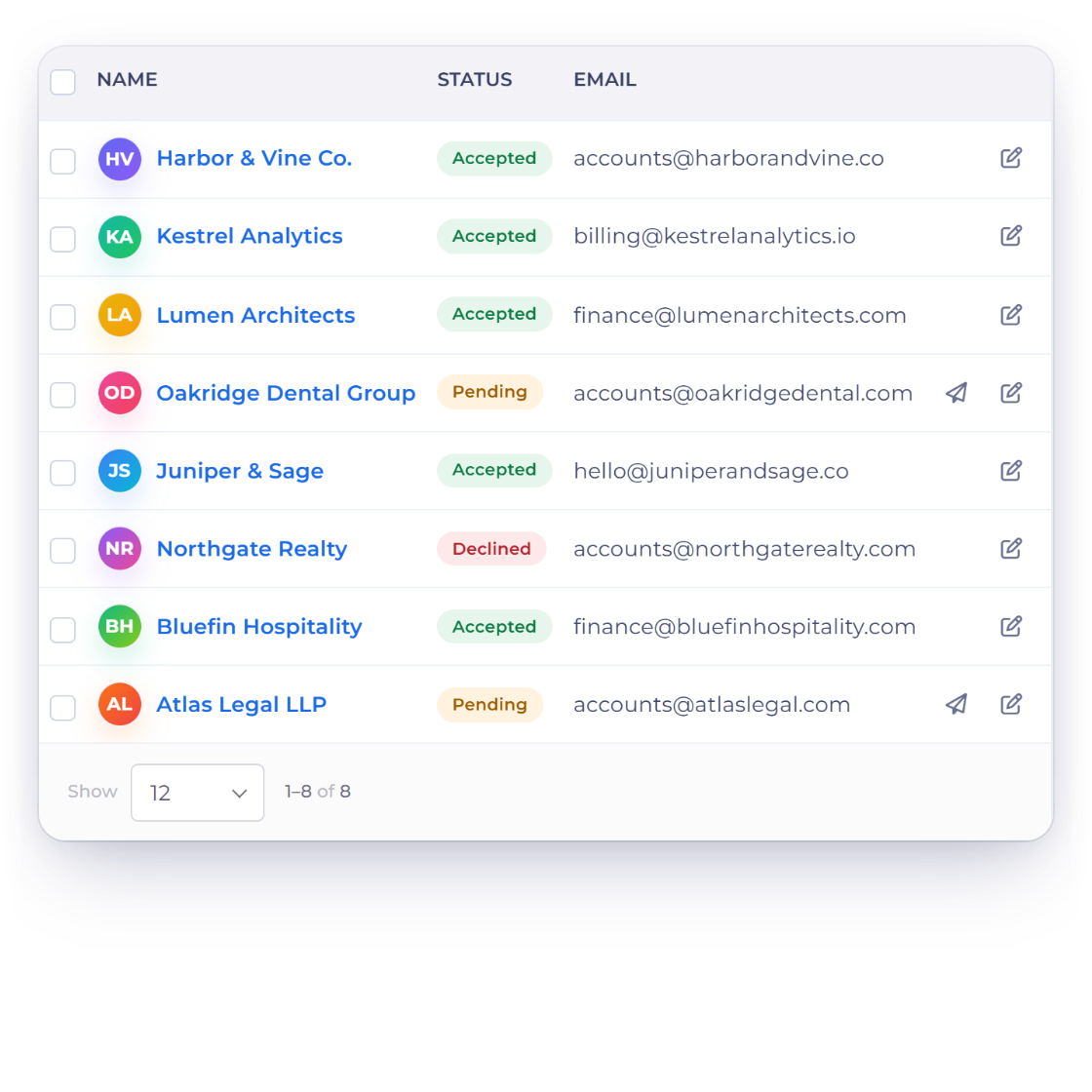
The Customer Portal screen in Invoice Crowd with invited customers and their Accepted, Pending and Declined status, next to the portal content chosen for one customer and the portal as that customer sees it

What is inside

A dedicated space for every customer

Each client gets a dashboard that reflects only their own dealings with your business: what you quoted them, what you billed them, and what is still running.

What you open up

Decided one customer at a time

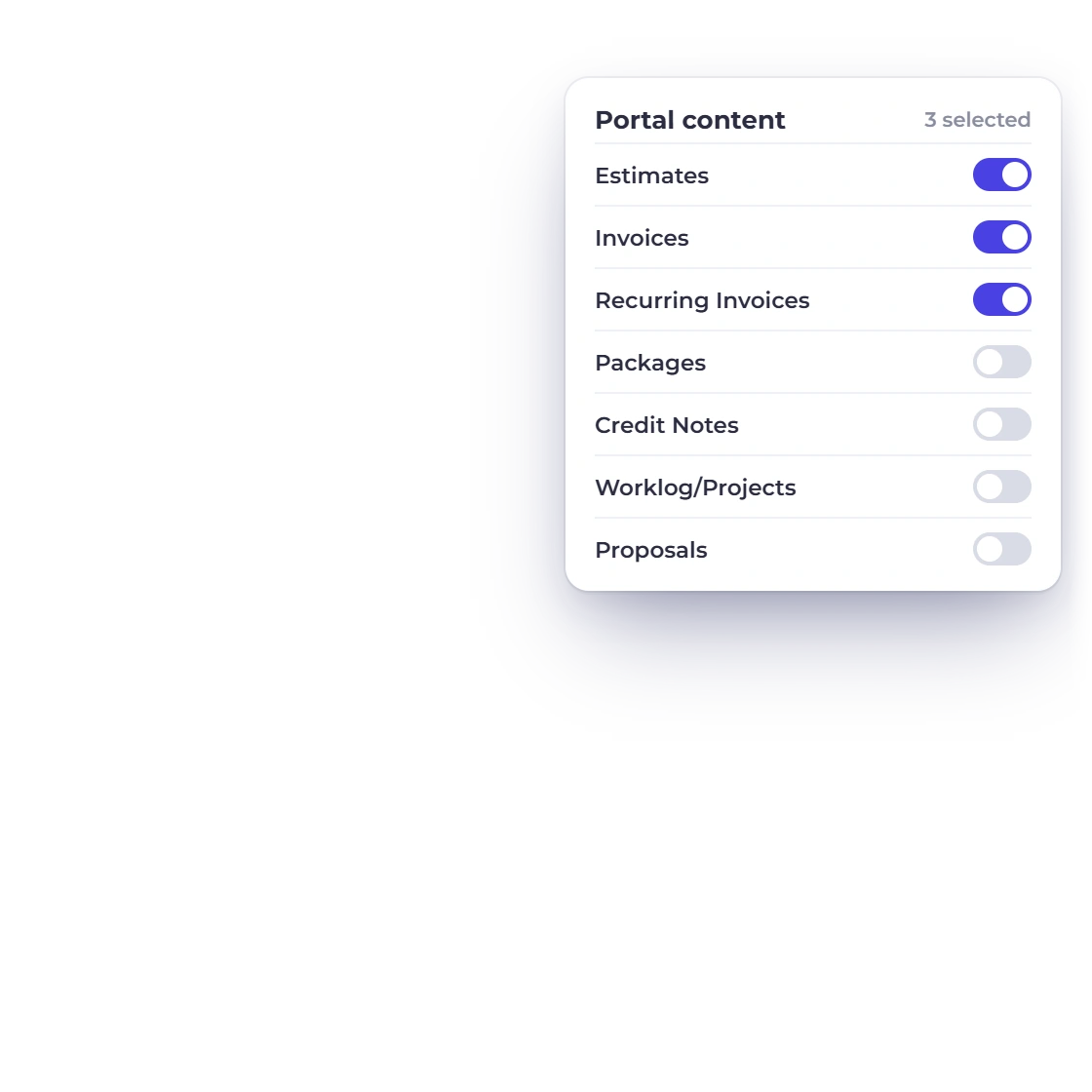
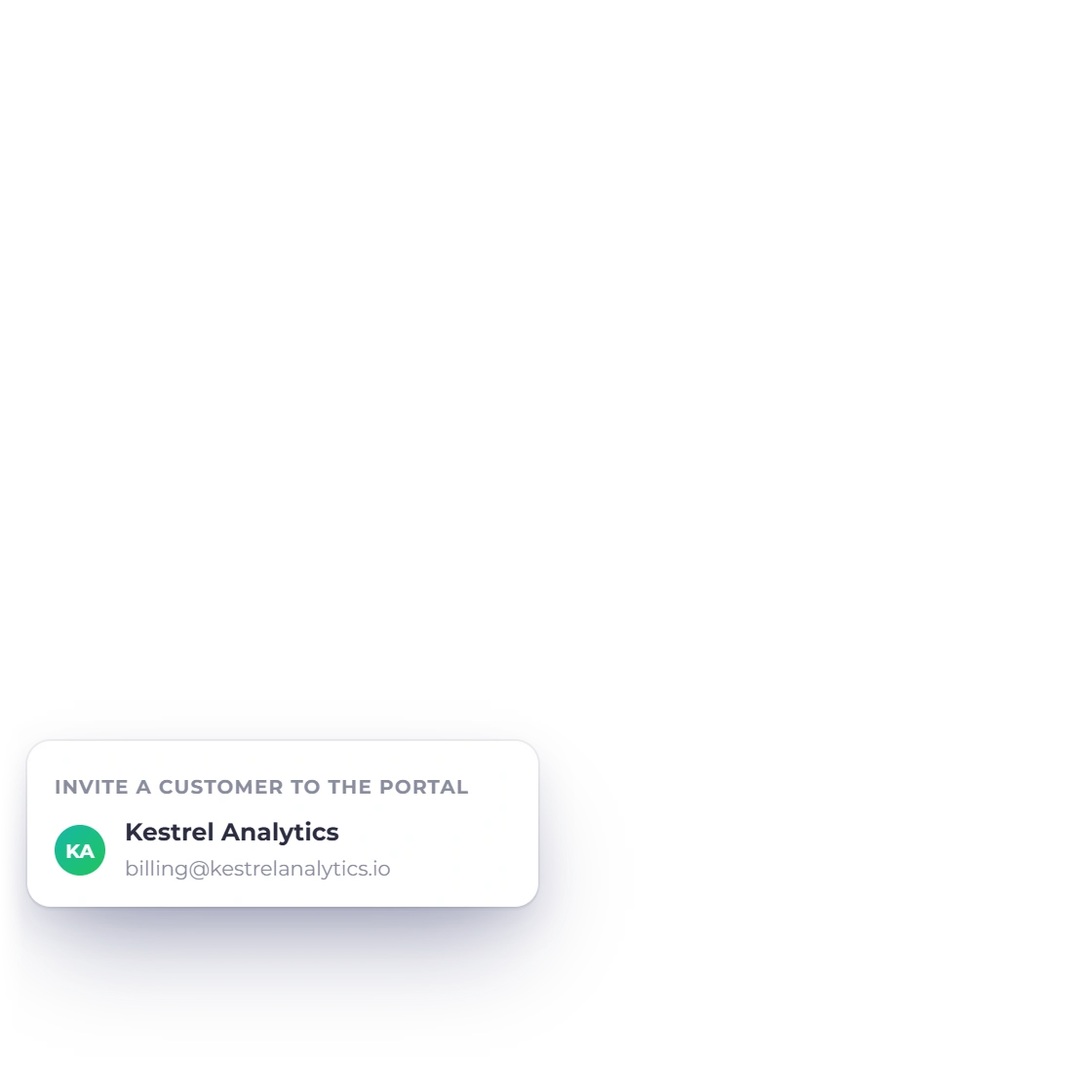
Invoice Crowd customer portal list with the invite panel for one customer and the portal content switches for estimates, invoices, recurring invoices, payment links, credit notes, projects and proposals

Selective access, customer by customer

You decide what each customer is allowed to see. Grant access to estimates, invoices, recurring invoices, payment links they bought, credit notes, projects and proposals, in any combination the relationship warrants, so a long-standing client and a first job each get the right view.

  • Seven kinds of document granted separately
  • Set per customer, not across the account
  • Change what is shared whenever you want
Customer records
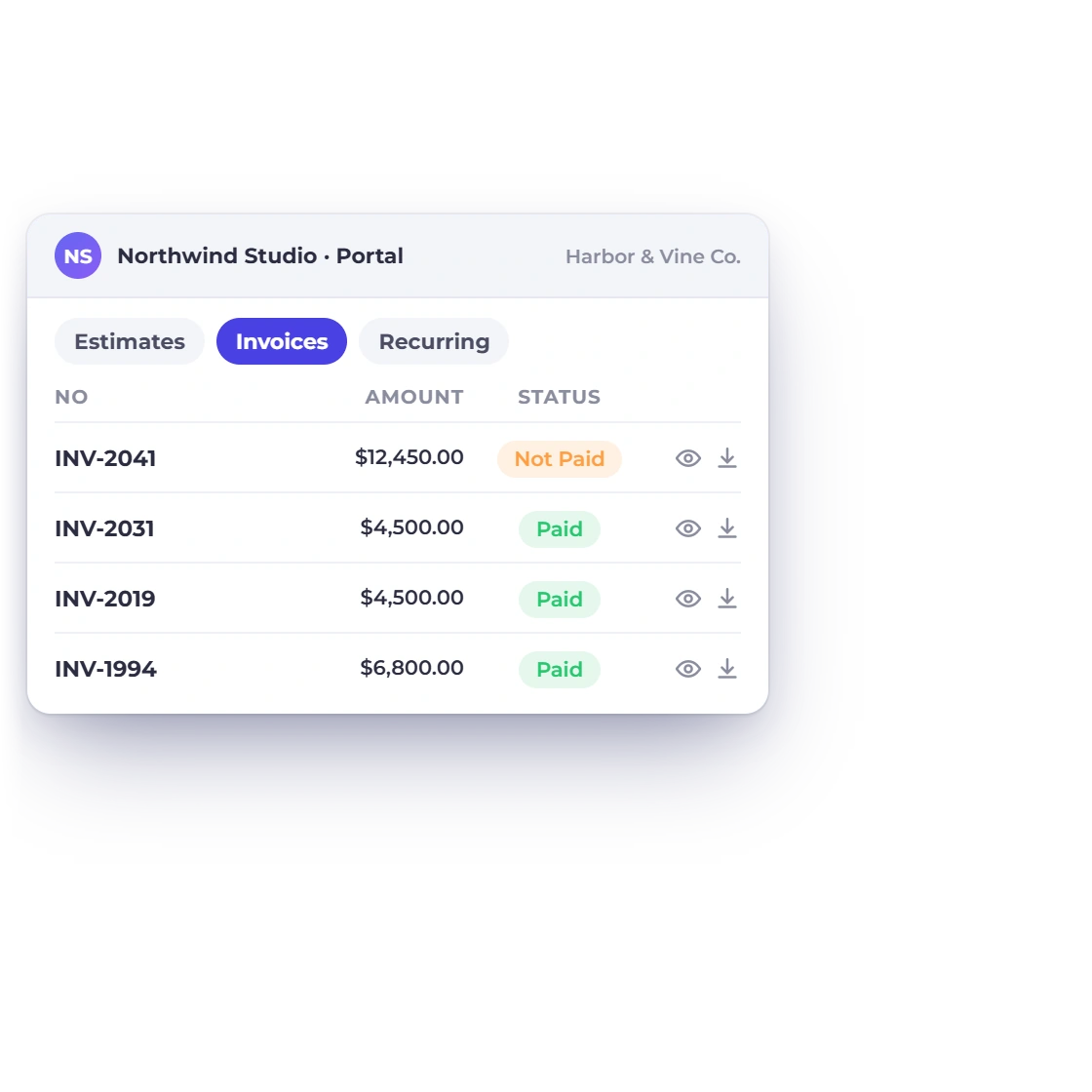
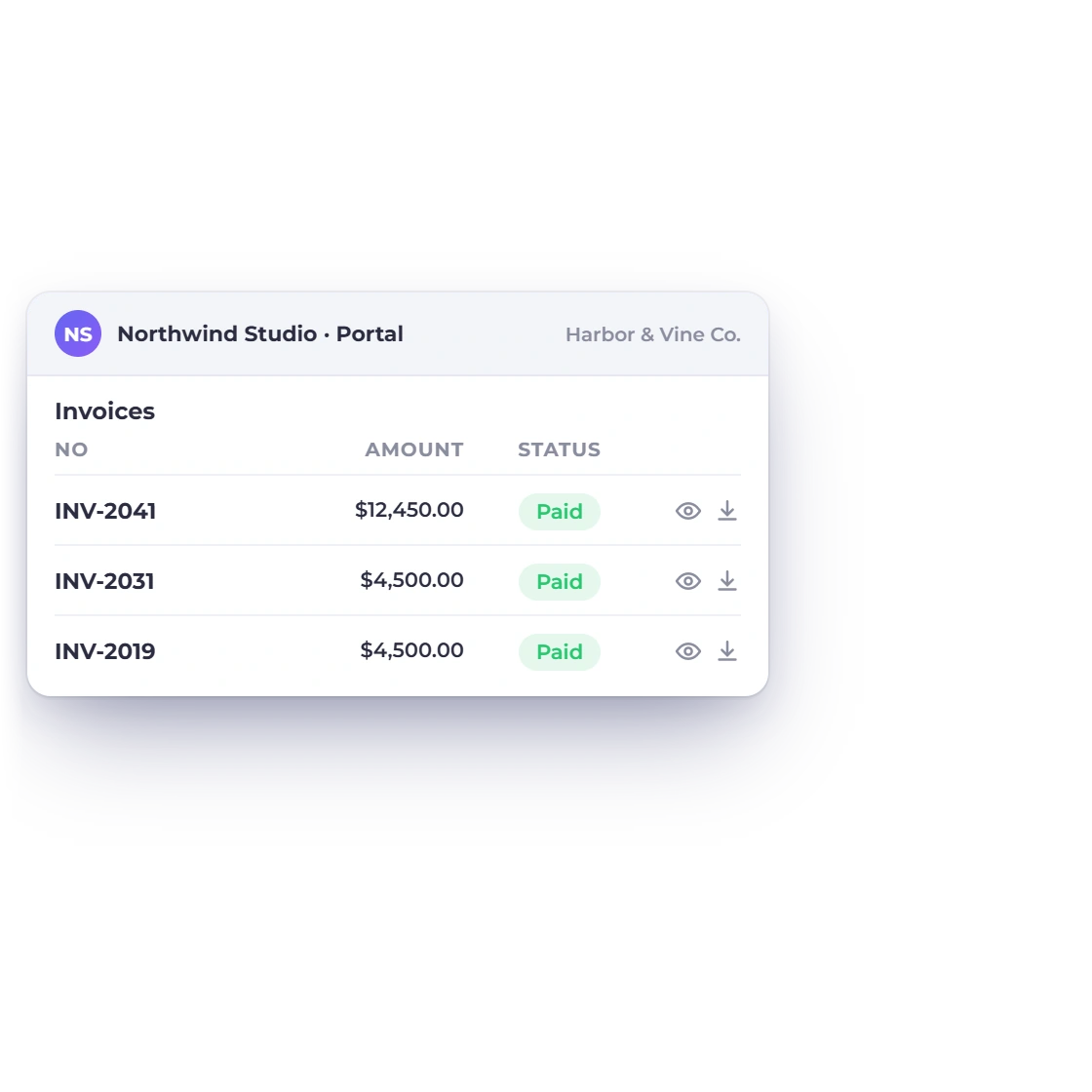
The Invoice Crowd customer portal as a client sees it, listing their invoices and estimates with preview and download for each document

Estimate and invoice access

Where you grant it, the client can open both current and historic documents. The estimate they approved in March sits with the invoice that followed it, which gives them the whole financial thread with your business instead of whichever email they managed to keep.

  • Past and present documents in one list
  • Downloadable when they need a copy
  • Self-serve, any time
Estimates

What the customer sees

Their side of the ledger

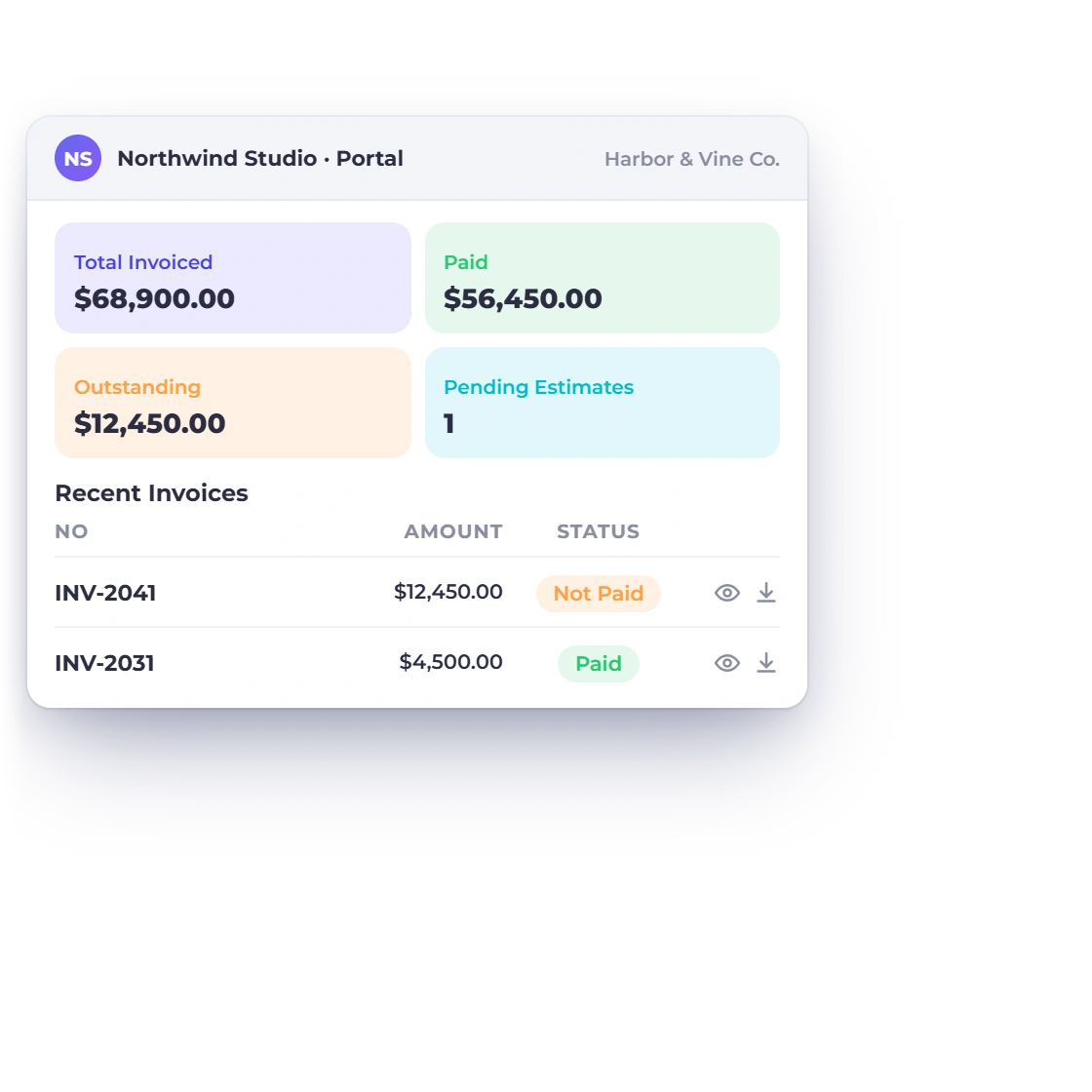
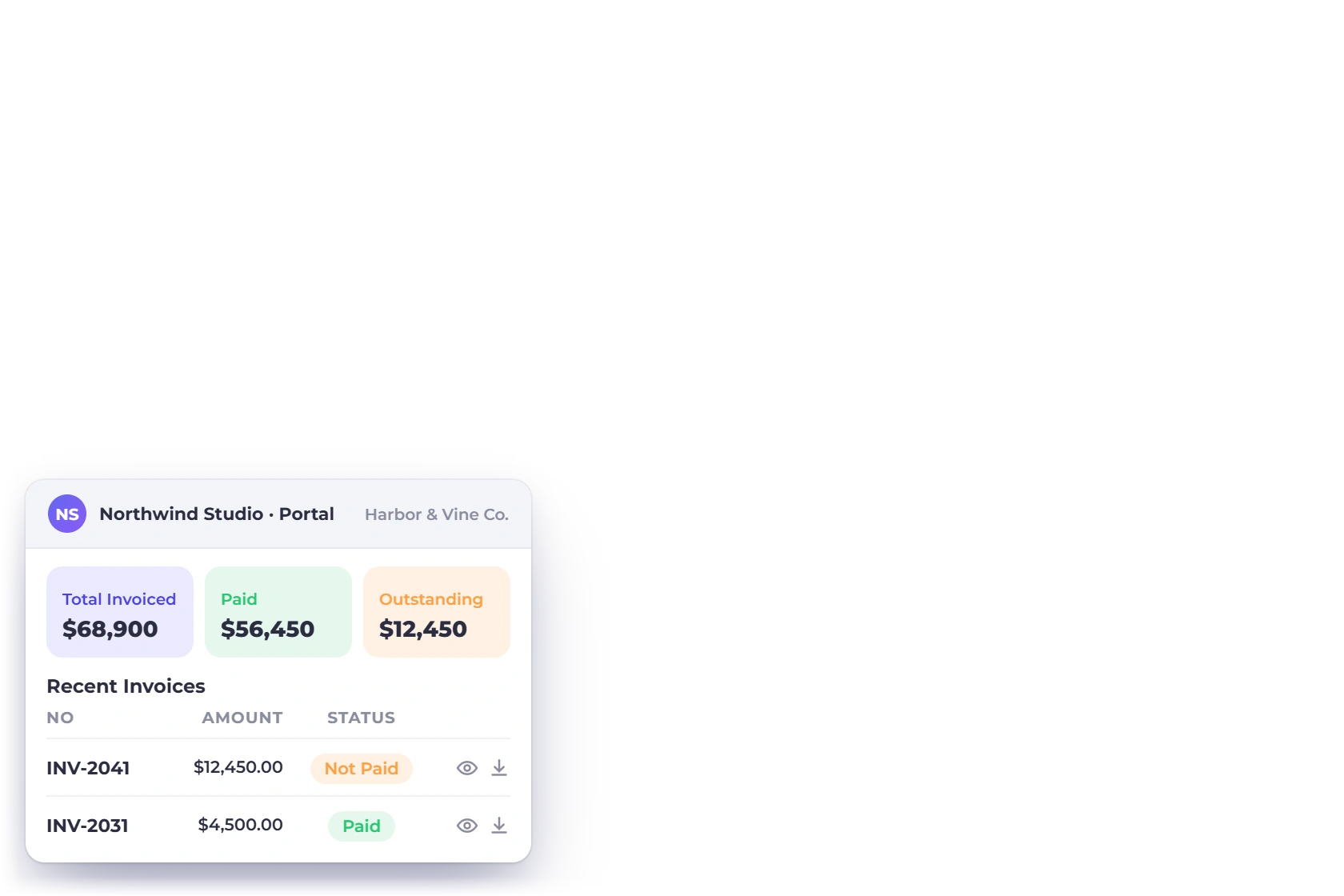
The Invoice Crowd customer portal dashboard for one client with total invoiced, paid, outstanding and pending estimates, recent invoices and the recurring invoices they are on

A complete transactional overview

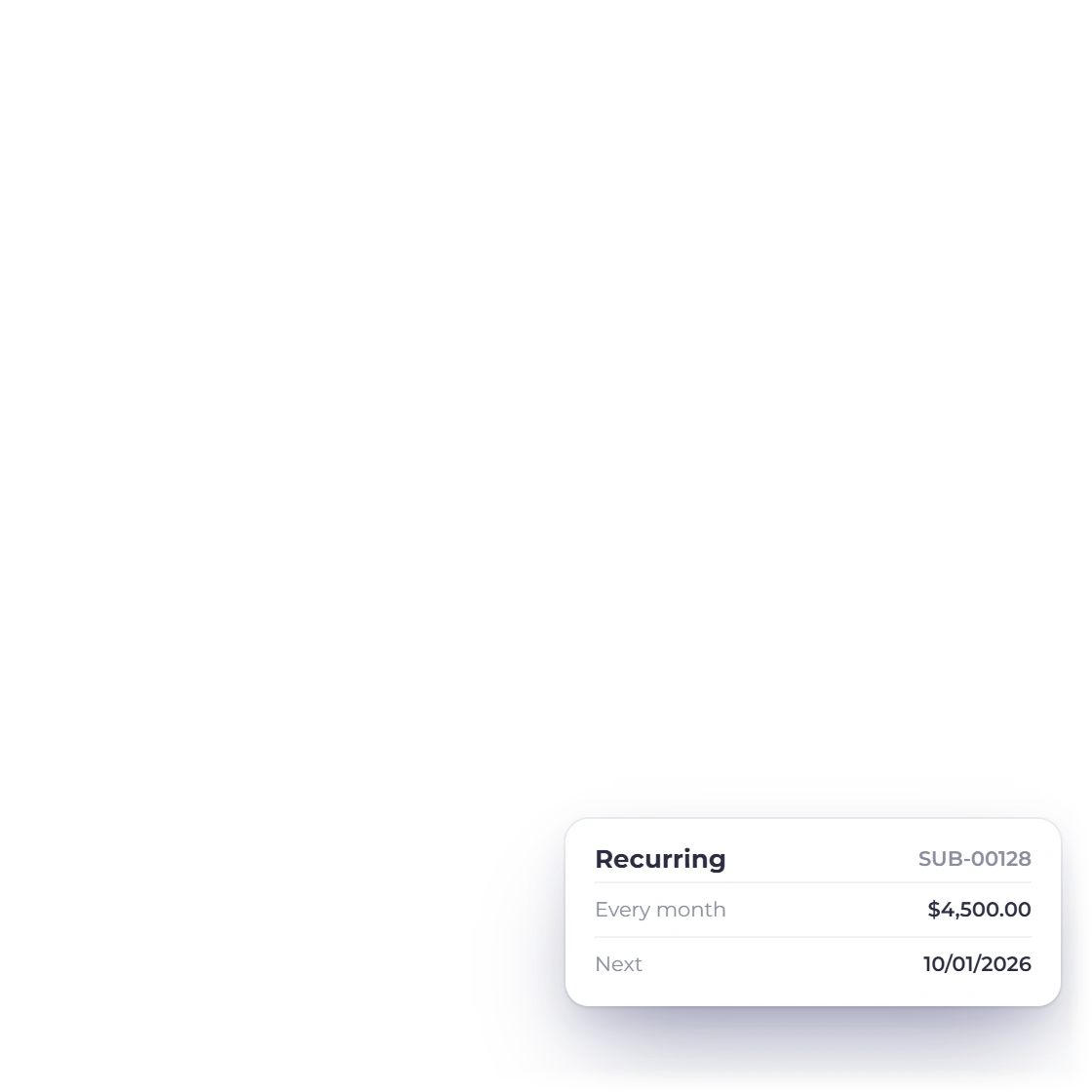
The portal lists the recurring invoices a customer is currently on alongside the transactions that have already been settled. Someone on a monthly retainer can check what is billing, when it bills and what they have paid so far, and see an hours bar on the project page, without opening a spreadsheet or asking your accounts team.

  • Active recurring invoices shown in full
  • History of what has already been paid
  • One view of everything they owe
Recurring invoices
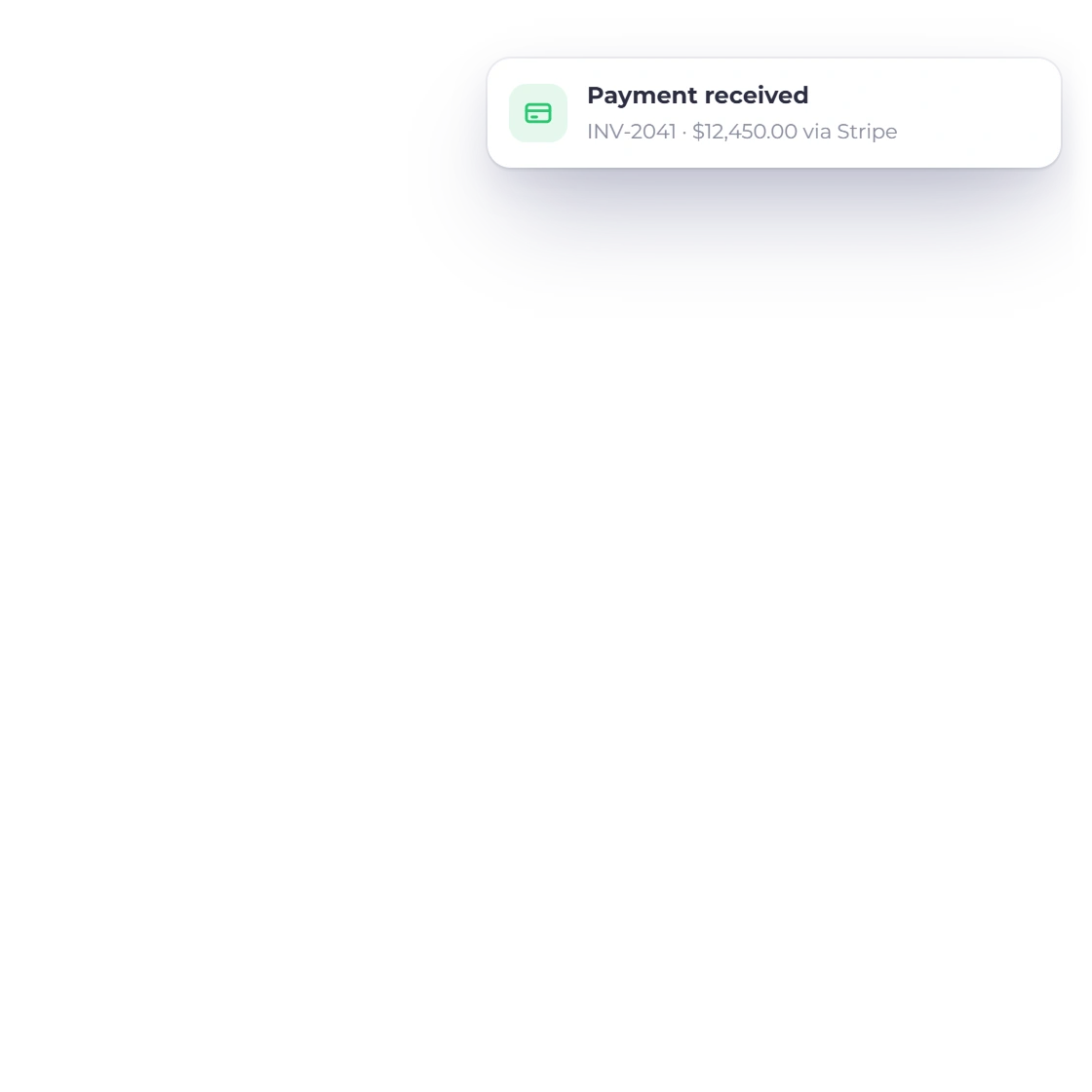
An invoice paid in the Invoice Crowd customer portal: the payment recorded and the status changing to Paid on the client side as soon as it is recorded

Kept current, not a monthly export

The portal reads from the same records you work in, so a new invoice, a recorded payment or an approved estimate shows up on the customer's side as it happens. Everyone works from the same, up-to-date picture.

  • Reflects the records as they stand
  • New documents appear once you send them
  • Payments show against the right invoice
Statements of account

Access and trust

Open, but controlled

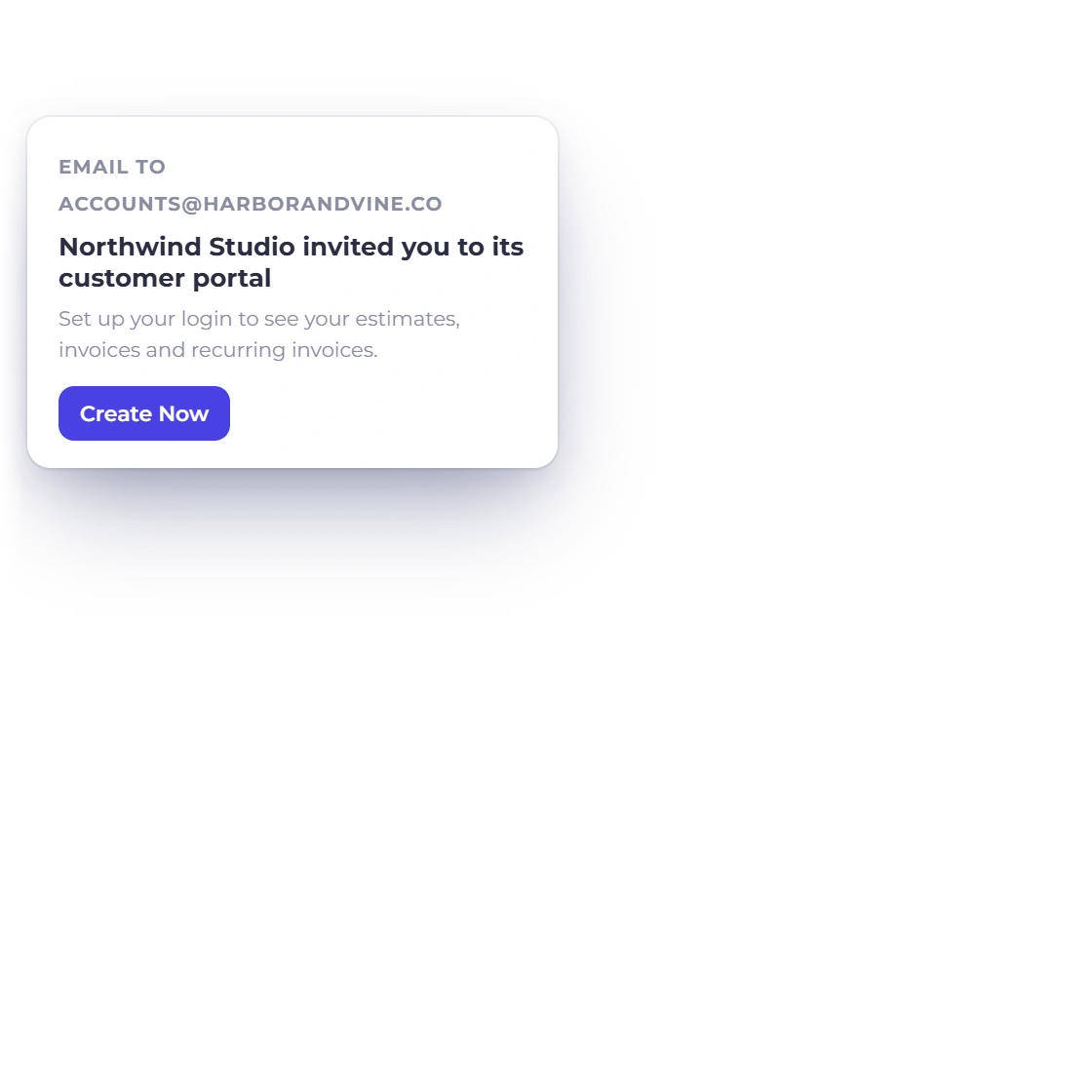
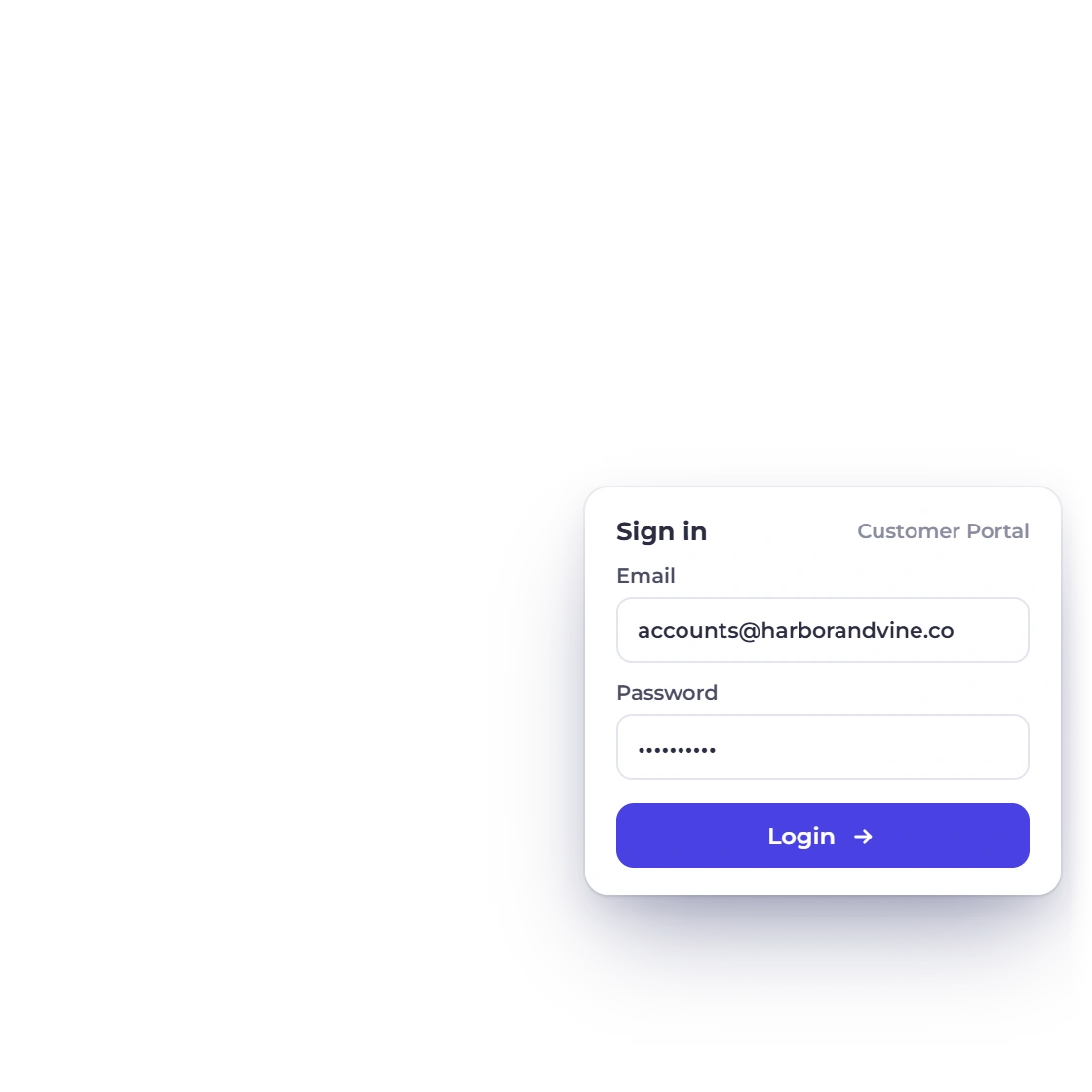
The Invoice Crowd customer portal invitation with a Create Now button and the portal sign-in with the customer email and password

Secure access with a unique login

Every customer has their own credentials rather than a shared password or a public link that circulates by email. One client can never see another client's documents, and if a relationship comes to an end you withdraw access to that one portal without touching anybody else's.

  • Individual credentials per customer
  • Invited by you, not opened to the public
  • Access can be removed at any point
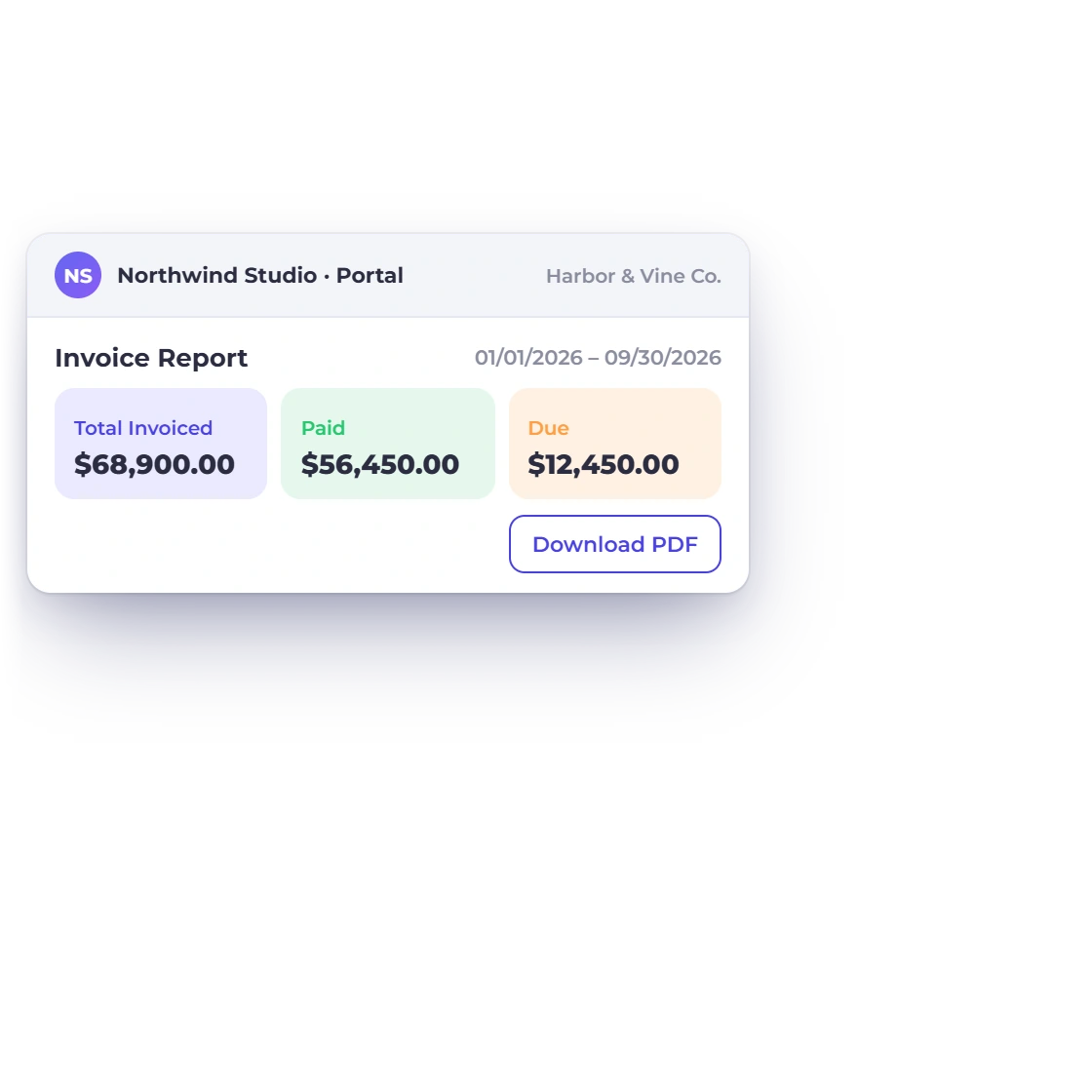
The Invoice Crowd customer portal Invoice Report for one client with total invoiced, amount paid and amount due over a date range, downloadable as a PDF

Transparency your clients can check

When a customer can look up their own position, the back and forth over what was billed and when largely stops. The queries that do arrive are specific, because the person asking is reading the same document you are, which makes them faster to answer.

  • Fewer requests for copies of old invoices
  • Questions arrive with a document reference
  • Full transparency on their account

Also included

What the portal is connected to

The portal is a window onto the account you already run. It stays in sync automatically, with nothing extra to maintain.

  • Per-customer access

    Decide for each client whether they see estimates, invoices, recurring invoices, credit notes, proposals, projects or payment links.

  • Unique logins

    Each customer gets their own credentials, so one client never sees another client's documents.

  • Recurring visibility

    Active schedules appear beside the invoices they have already generated and the payments made.

  • Invoice history

    Past and current invoices sit in one list the customer can read without asking you.

  • Estimates on file

    Clients can reopen an estimate they were sent and check what they approved.

  • Pay what is due

    A customer can settle an outstanding invoice through the gateway you have connected.

  • Customer profiles

    The portal draws on the same customer record you invoice from, not a separate list.

  • Item choices respected

    Where an estimate allowed item removal, the approved estimate in the portal shows the lines the client kept.

  • Their billing currency

    Documents display in the currency the customer was billed in.

  • Several brands

    Run more than one business profile and a customer sees only the brand they deal with.

  • Approved to invoiced

    An approved estimate becomes an invoice that appears in the same portal shortly after.

  • Part payments

    Deposits and staged payments show against the invoice so the balance is never in doubt.

Questions

The customer portal, answered

Is the customer portal secure?

Yes. Each customer signs in with their own email and password, with optional two-factor sign-in, so nobody sees anyone else's documents. Access is granted by you rather than opened to the public, and it can be withdrawn from a single client without affecting the rest.

Can customers change anything in the portal?

Only within what you allow. A customer can view and download the documents you have shared, approve or decline estimates and proposals, pay an invoice that is due, stop a recurring invoice or cancel a gateway subscription, and approve or question a week of project hours. Your documents and data stay exactly as you sent them.

How does a customer get access?

You invite them from the Customer Portal screen. They receive an invitation email, choose Create Now and set up their login with their email address and a password. There is nothing for them to install and no subscription for them to buy.

What if I no longer want a customer to have access?

Withdraw it. Access is controlled by you for each customer individually, so you can remove a portal login at any time, for any reason, without disturbing the documents themselves or anyone else's access to theirs.

What exactly can a customer see once they are in?

Only what you granted. That can be their estimates, invoices, recurring invoices, credit notes, proposals, projects and the payment links they bought, in any combination, with status badges such as Paid, Overdue, Partially Paid, Accepted or Declined. Whatever you share, they see their own dealings with your business and nothing belonging to another client.

Can a customer pay an invoice from the portal?

Yes, where you have a payment gateway connected. The invoice they are looking at can be paid in the same place, which saves the separate email with a payment link and keeps the record of the payment on that invoice.

Can customers download receipts or a statement?

Yes. Each payment has a Download Receipt link on the portal dashboard and on the invoice page, and you can download an Activity or Outstanding Statement of Account for any customer from your Customers list to send them.

Can clients approve the hours I bill them?

Yes, for projects you share in the portal. On the project overview a client can approve or question each week's billable hours. They see hours only, never your rates, and you get a notification with their decision. Approved weeks show up when you build the invoice from your timesheets.

Which plans include the customer portal?

The customer portal is part of the paid plans. Your customers don't pay anything and have nothing to install; you invite them from the Customer Portal screen.

Let clients look it up themselves

Open the portal for the customers who ask you the most questions, and see how many of them stop needing to ask.

  • 30-day free trial
  • No credit card required
  • Nothing for clients to install