
Skip to content

Generate reports for any dates and categories

Run invoice, expense, income, aged-debt and inventory reports from the records already in your account, plus GST Filing and TDS Receivable for businesses in India. Filter, download or email them in a few clicks.

  • Invoices, income, expenses, GST
  • Filter by date and category
  • Download, email or schedule
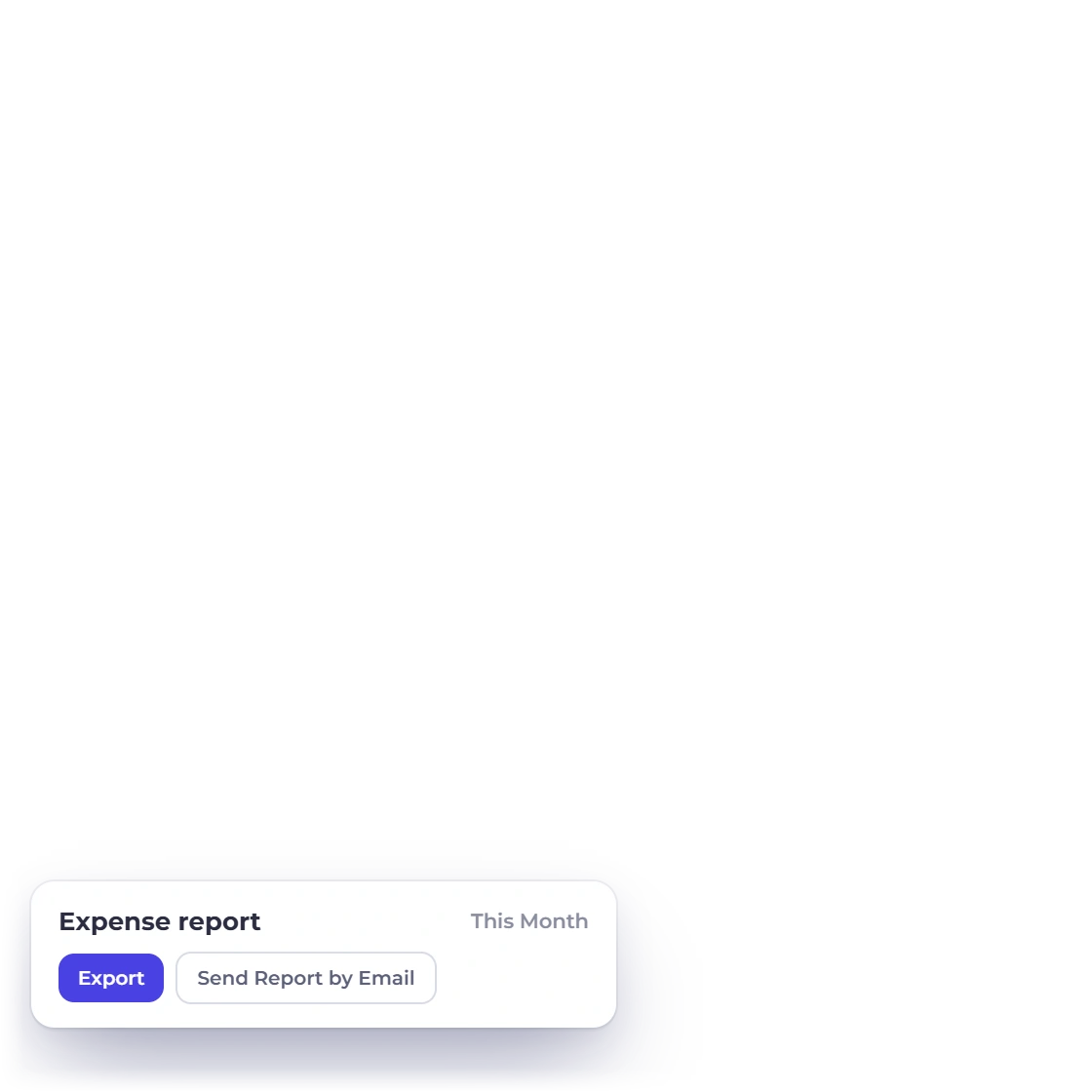
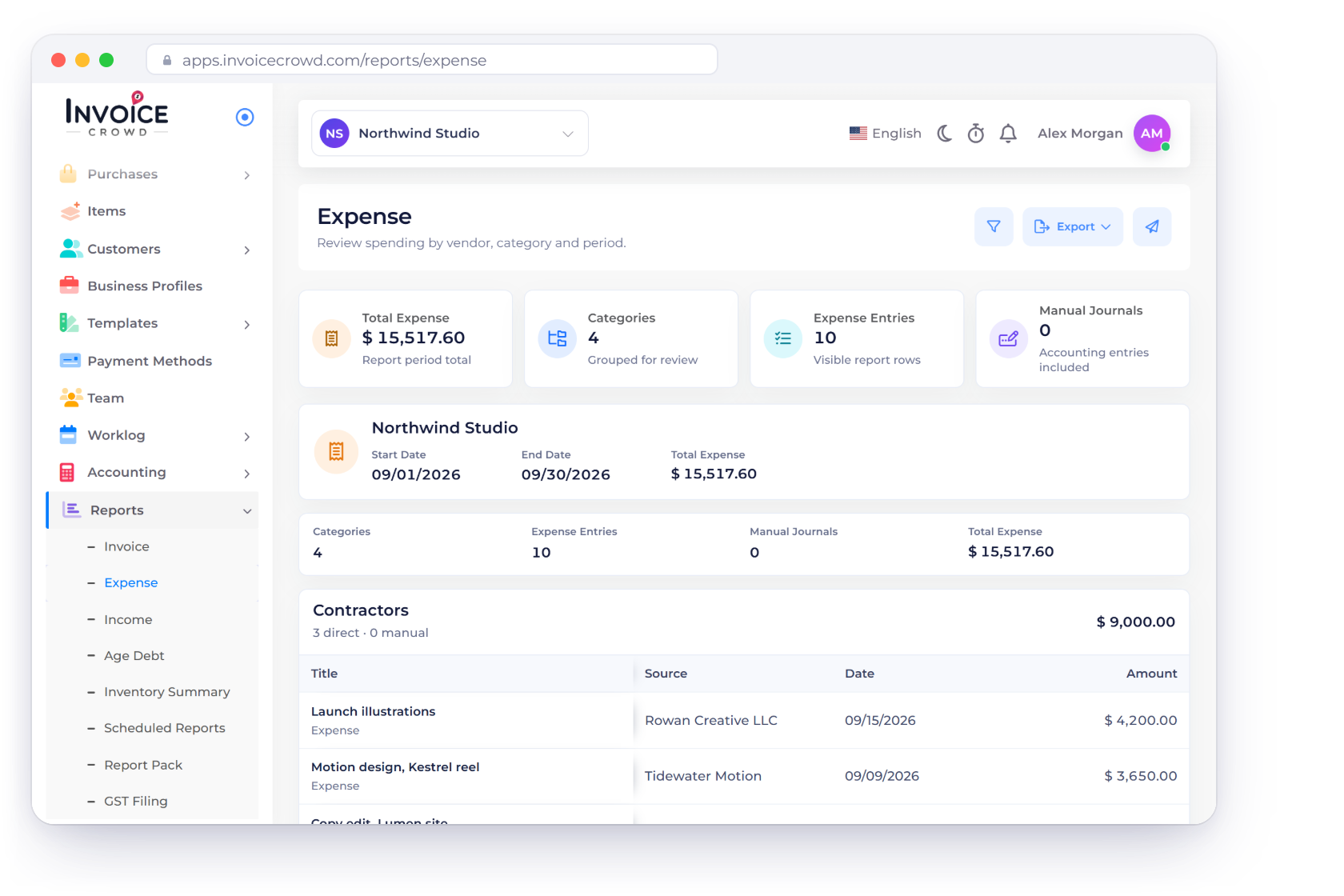
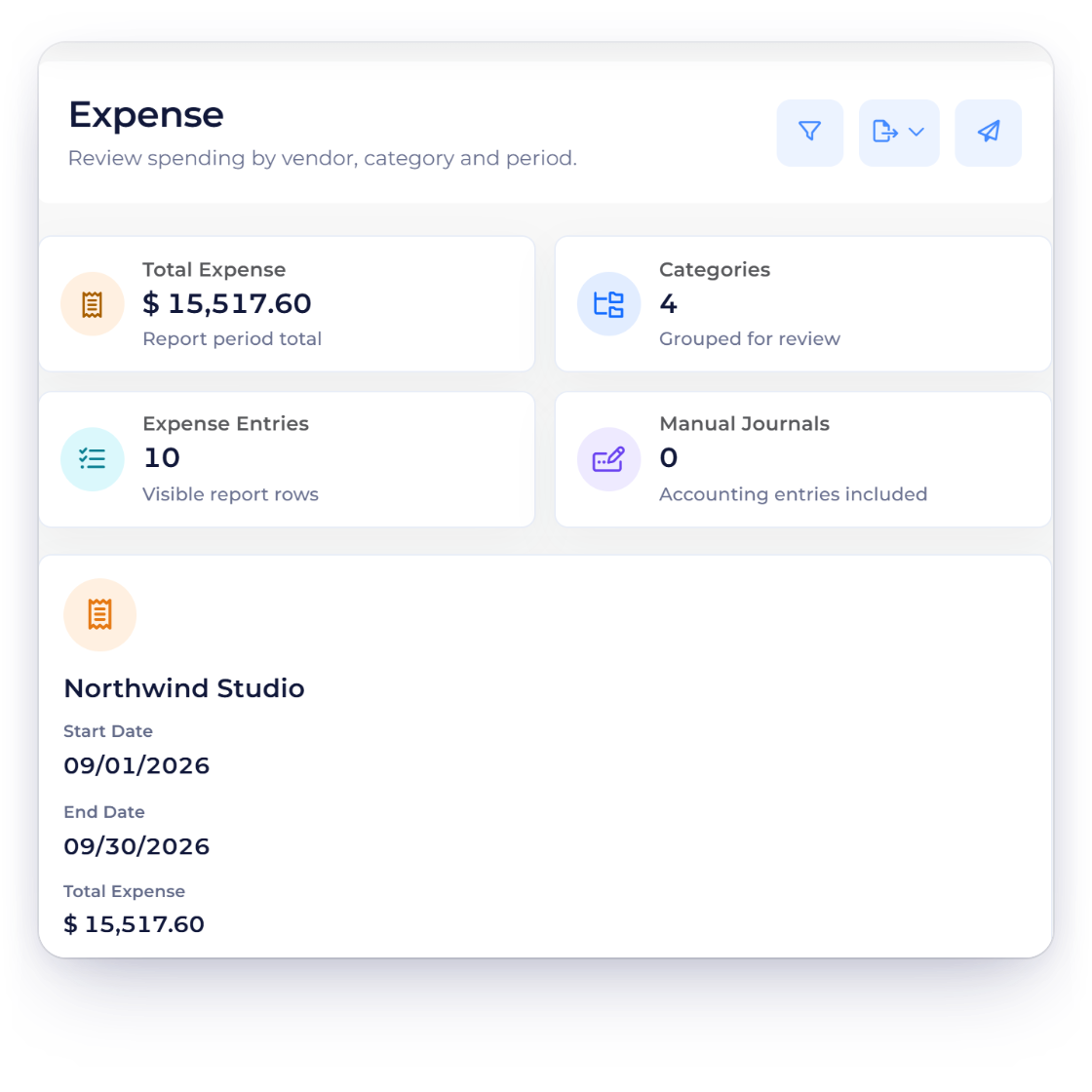
Invoice Crowd Expense report for September 2026 grouped by category, with the Reports menu in the sidebar, a scheduled monthly delivery and the date period presets

What is inside

Pick a report, narrow it, share it

Reports read the records your account already holds. Choose the type, set the dates, add a filter, then read the result or take it with you.

Pick a report

Different questions, different reports

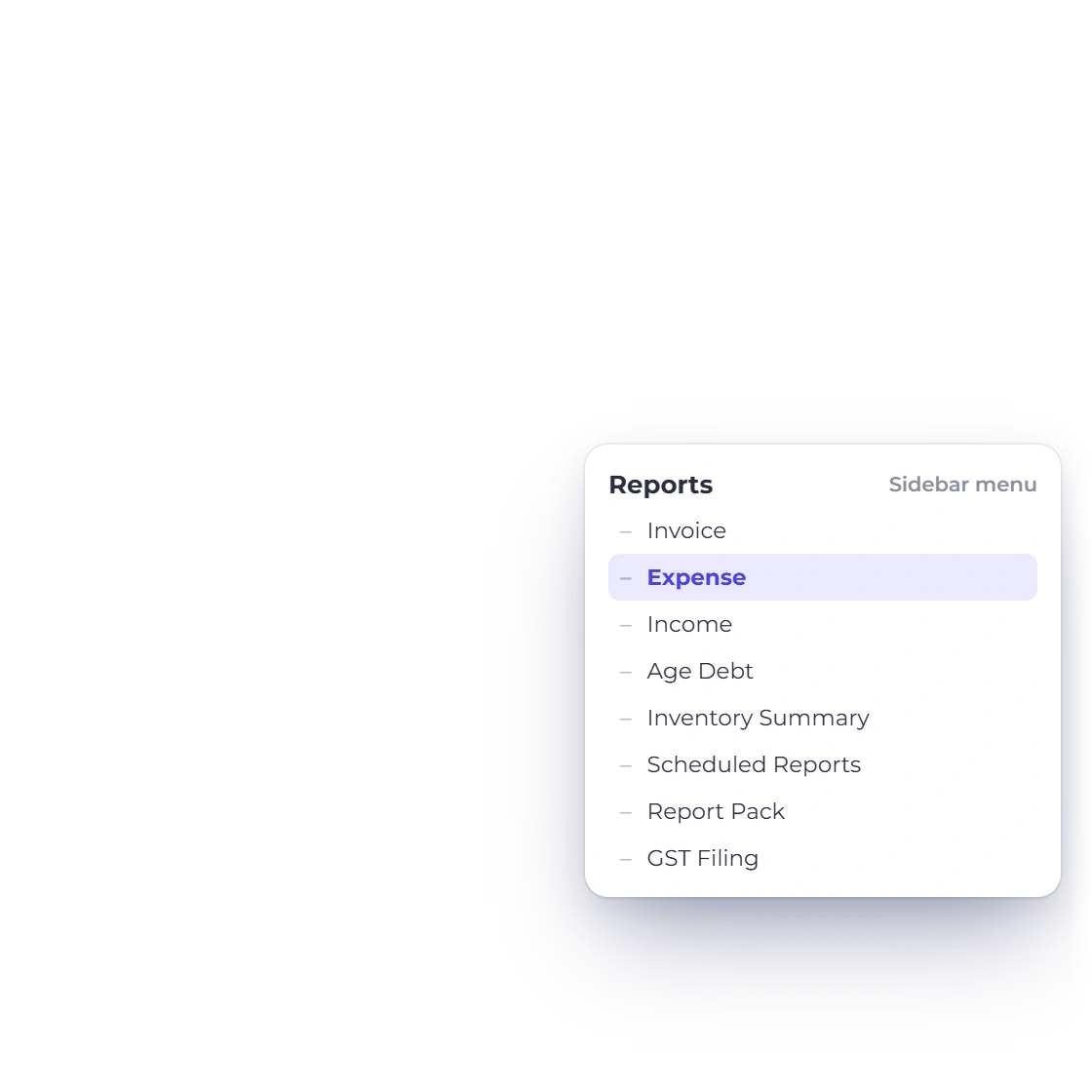
Invoice Crowd Reports menu listing Invoice, Expense, Income, Age Debt, Inventory Summary, Scheduled Reports, Report Pack and GST Filing, beside the Expense report totals

A report for each side of the business

Invoices, aged debt, income, expenses and an inventory summary each have their own report, and businesses in India also get GST filing. Which one you open depends on the question in front of you: who owes money and for how long, what a category cost last quarter, or what goes into the next GST return.

  • Invoice and aged debt reports
  • Income and expense reports
  • Inventory summary, plus GST filing in India
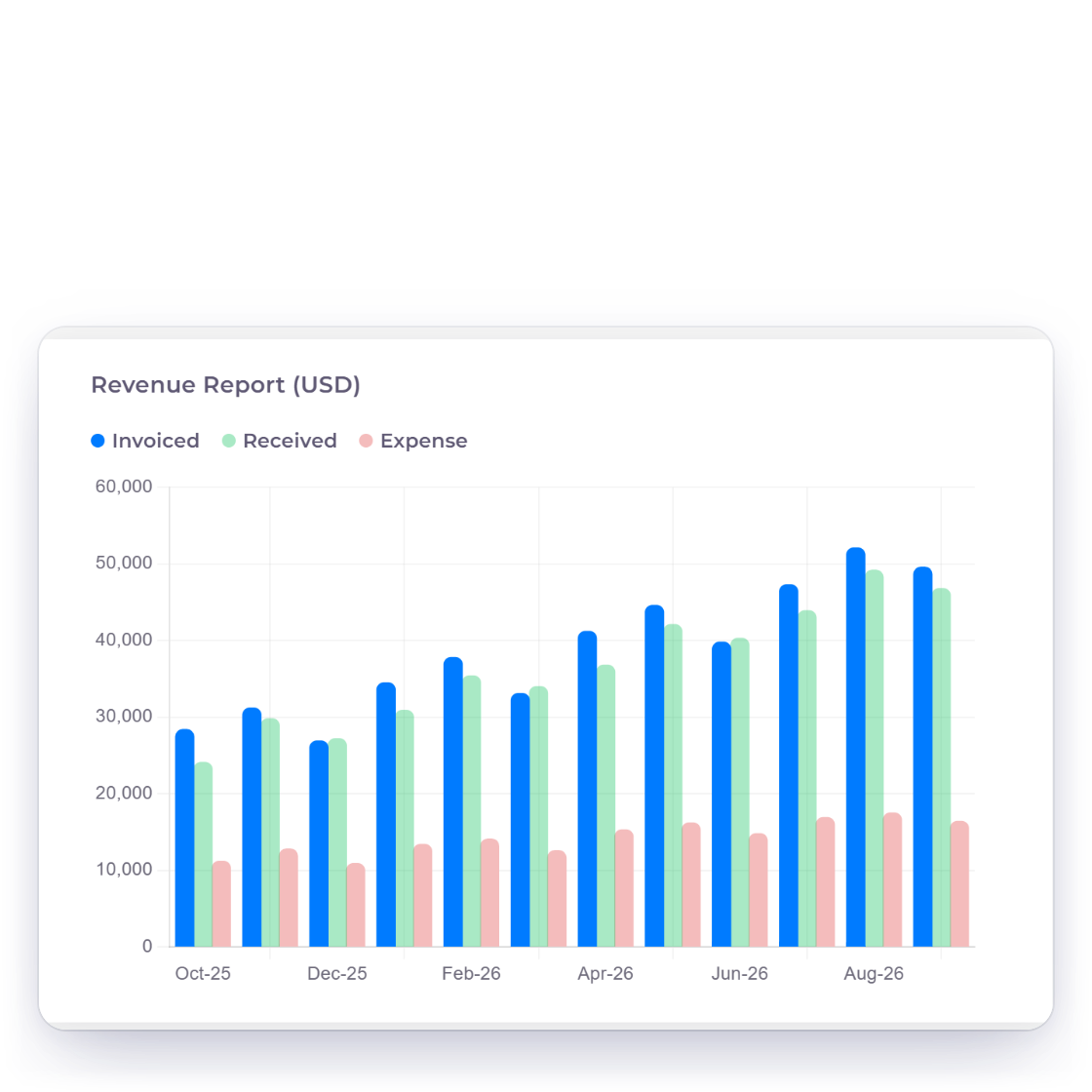
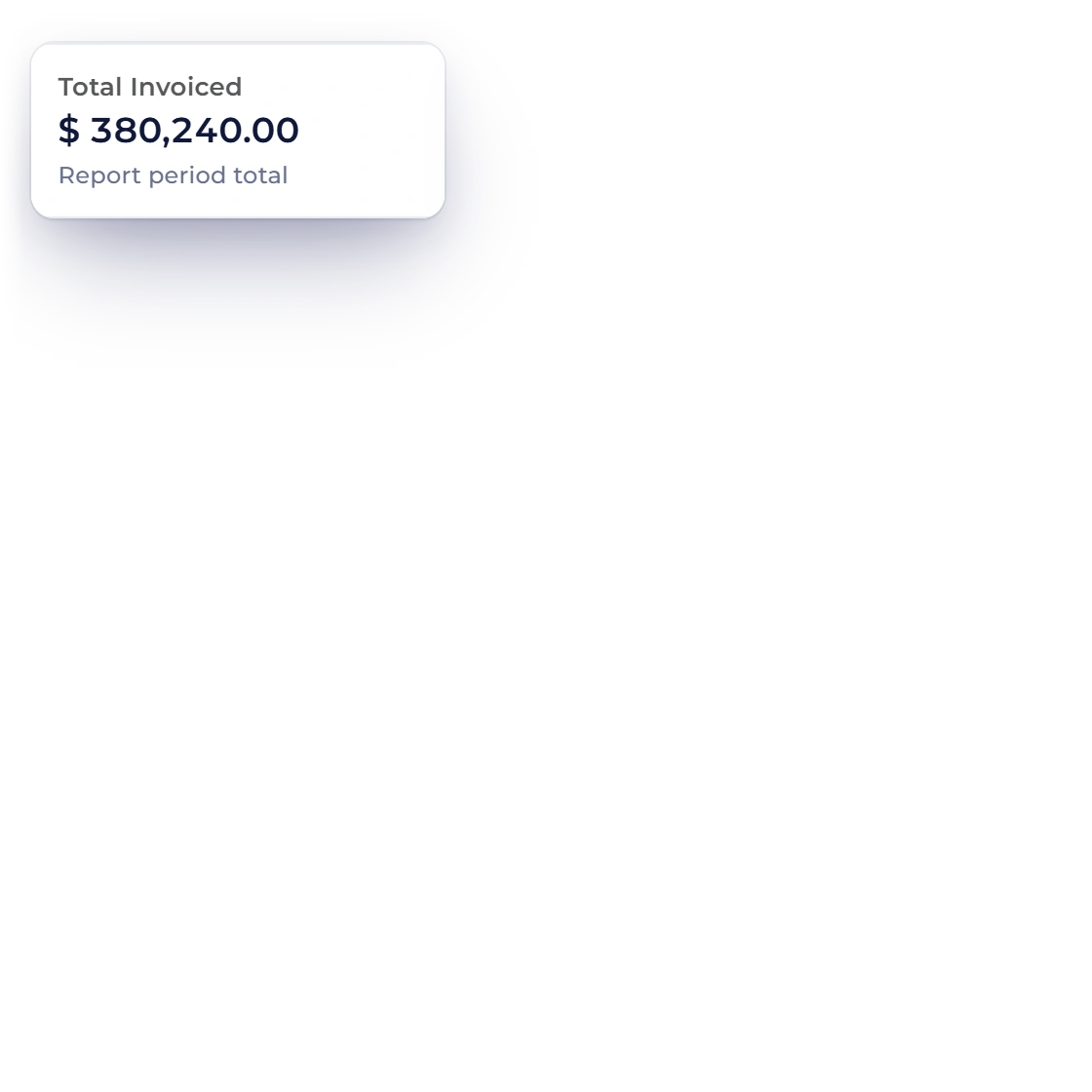
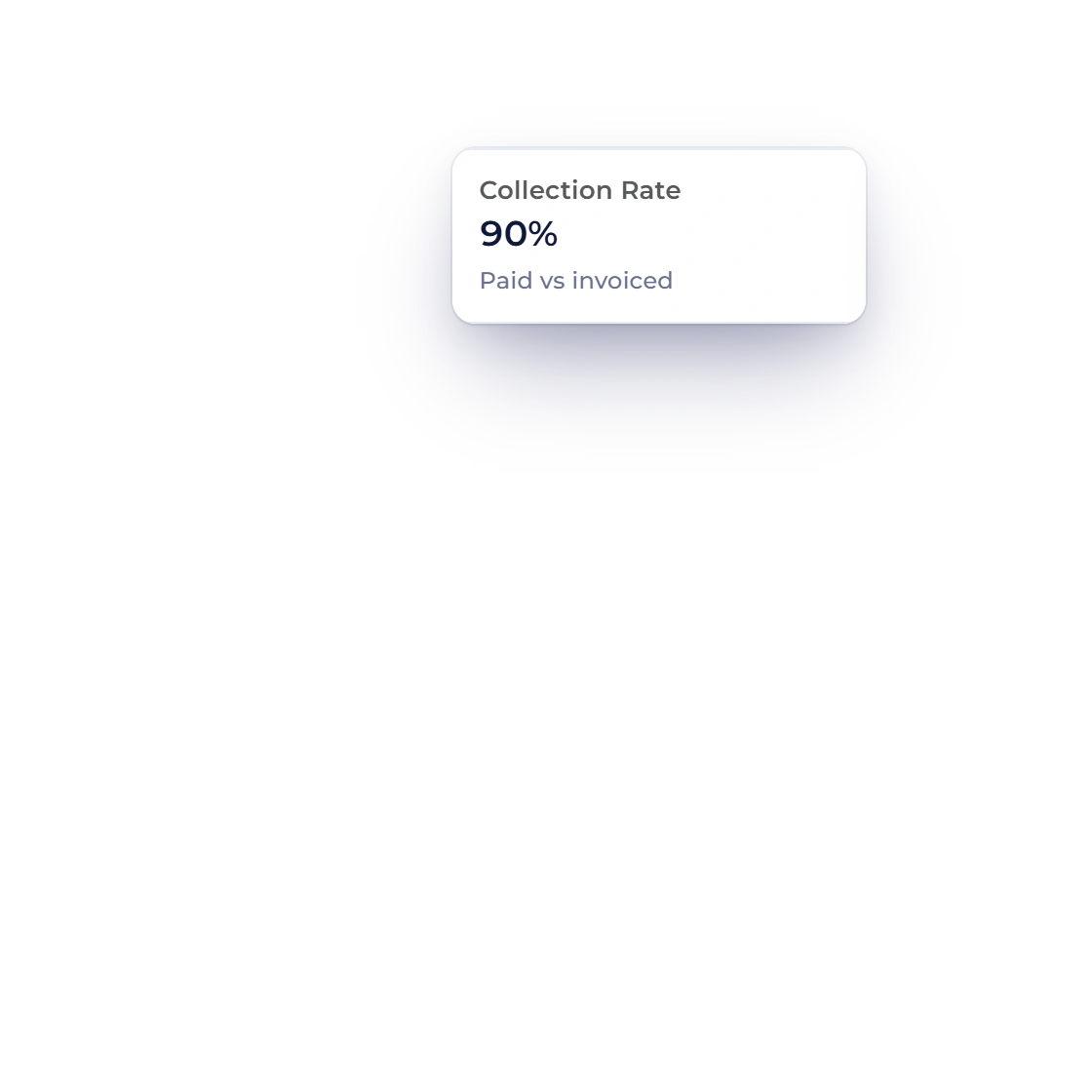
Invoice Crowd revenue chart with invoiced, received and expense bars, and the total invoiced and collection rate tiles of the Invoice report

Always up to the minute

Each report is built the moment you open it, from the records in your account right then. An invoice paid an hour ago is already counted, so the numbers in front of you are always current.

  • Generated for the requested filters
  • Payments count as soon as they land
  • Nothing to refresh

Narrow it

Dates first, then categories

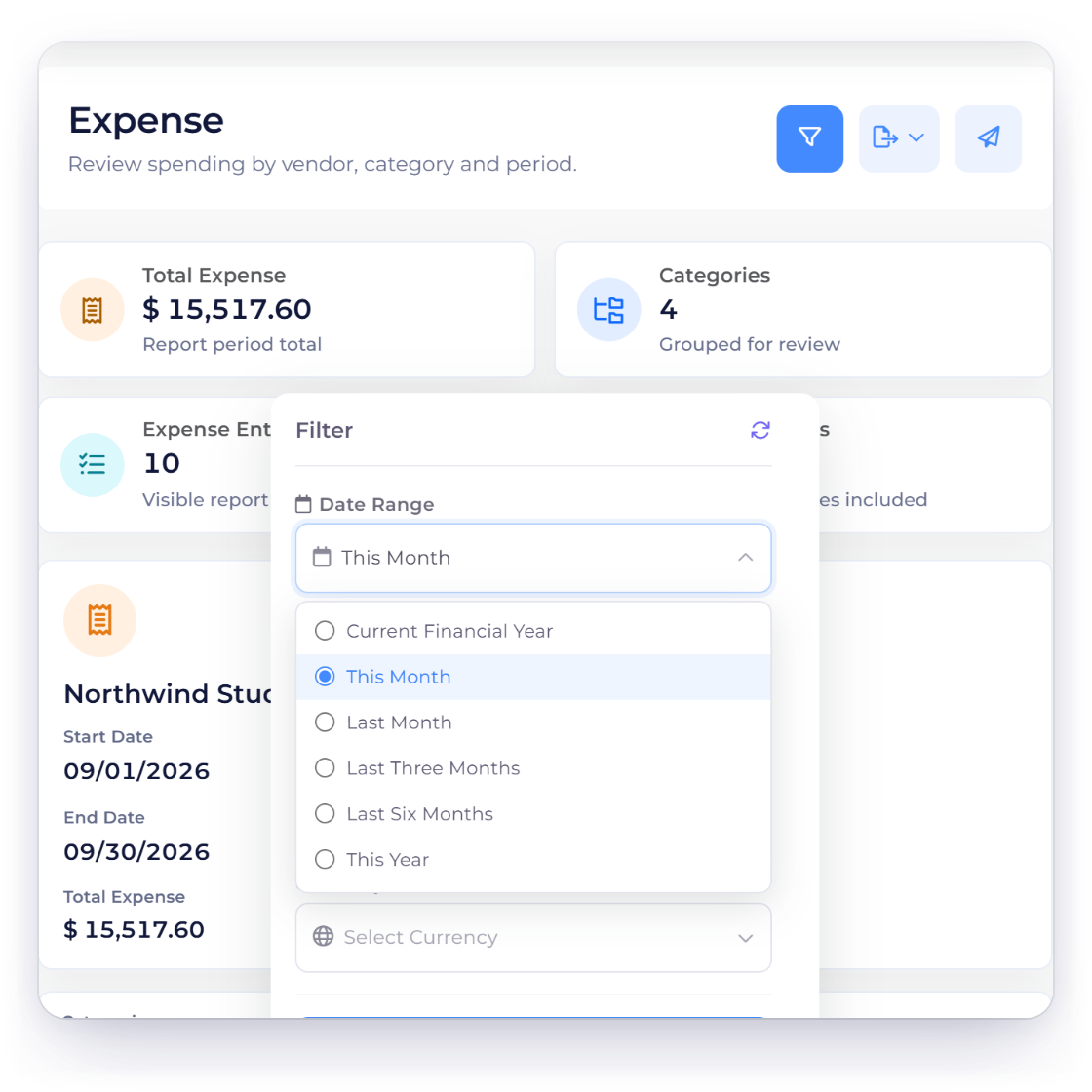
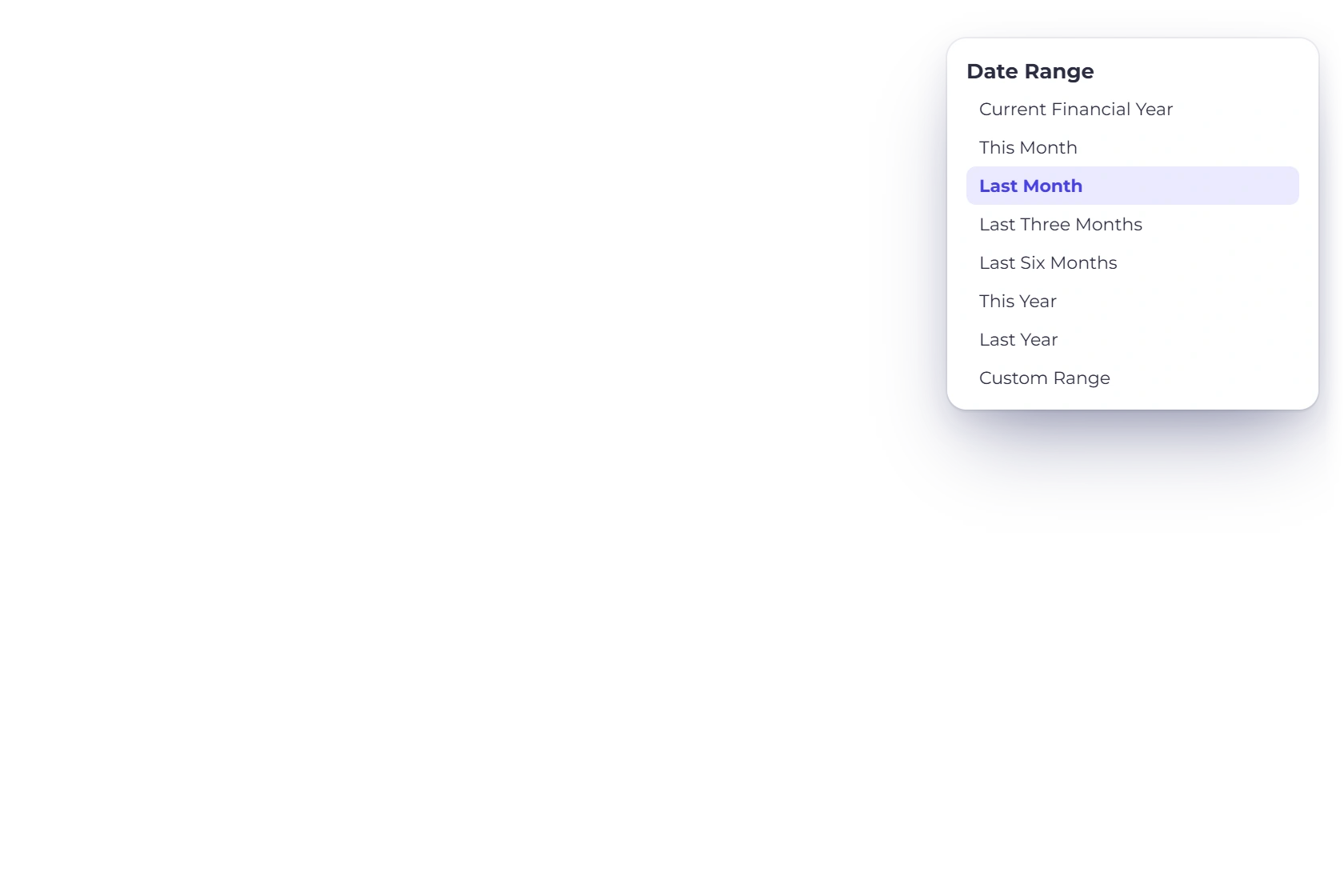
Invoice Crowd report filter with date presets from Current Financial Year and This Month to Last Six Months and This Year

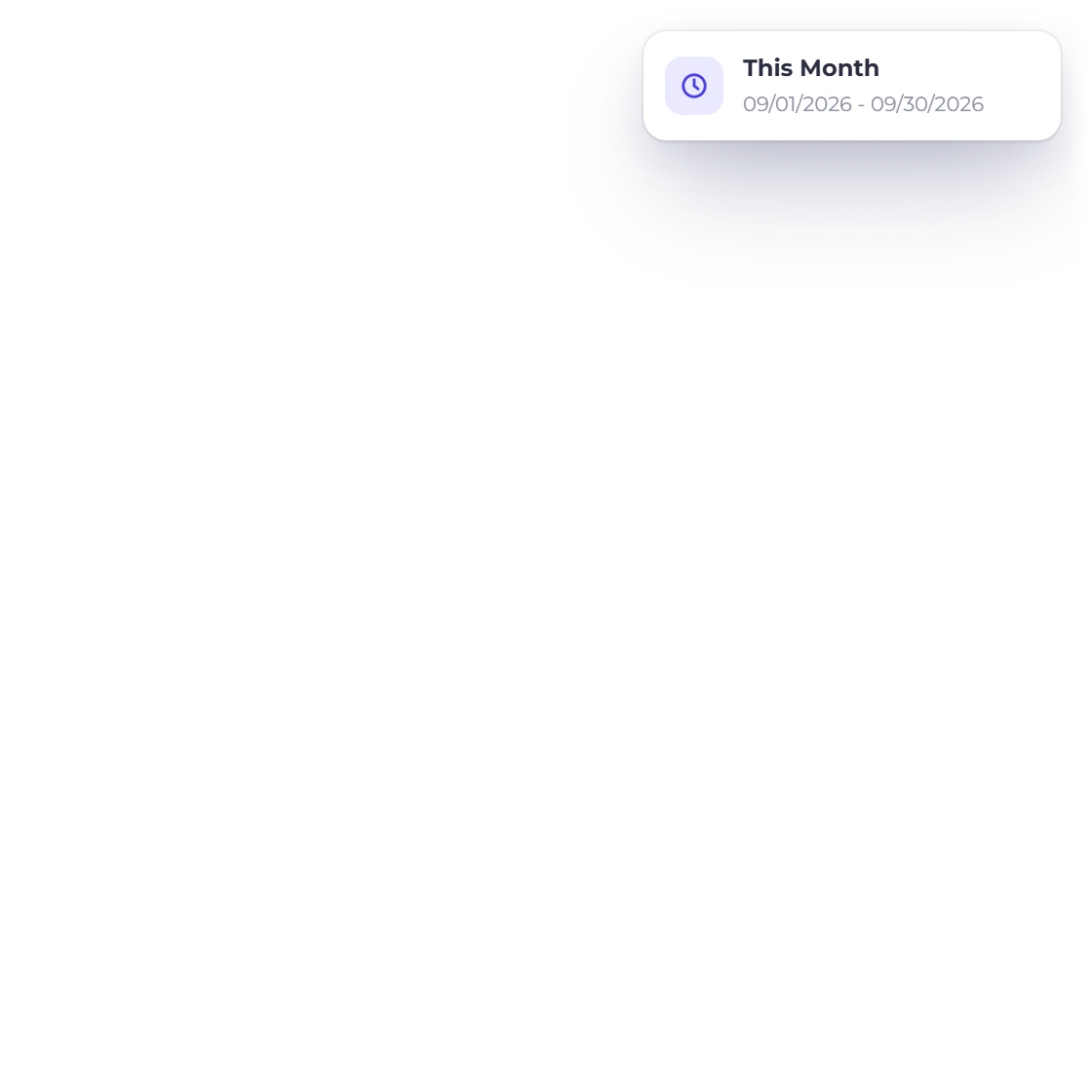
The selected date window

Set a start and an end date and the report covers exactly that span: a month for a management meeting, a quarter for a return, a year for the accountant. The same report answers an entirely different question once the dates move.

  • Monthly, quarterly or annual
  • Custom start and end dates
  • Rerun with new dates in seconds
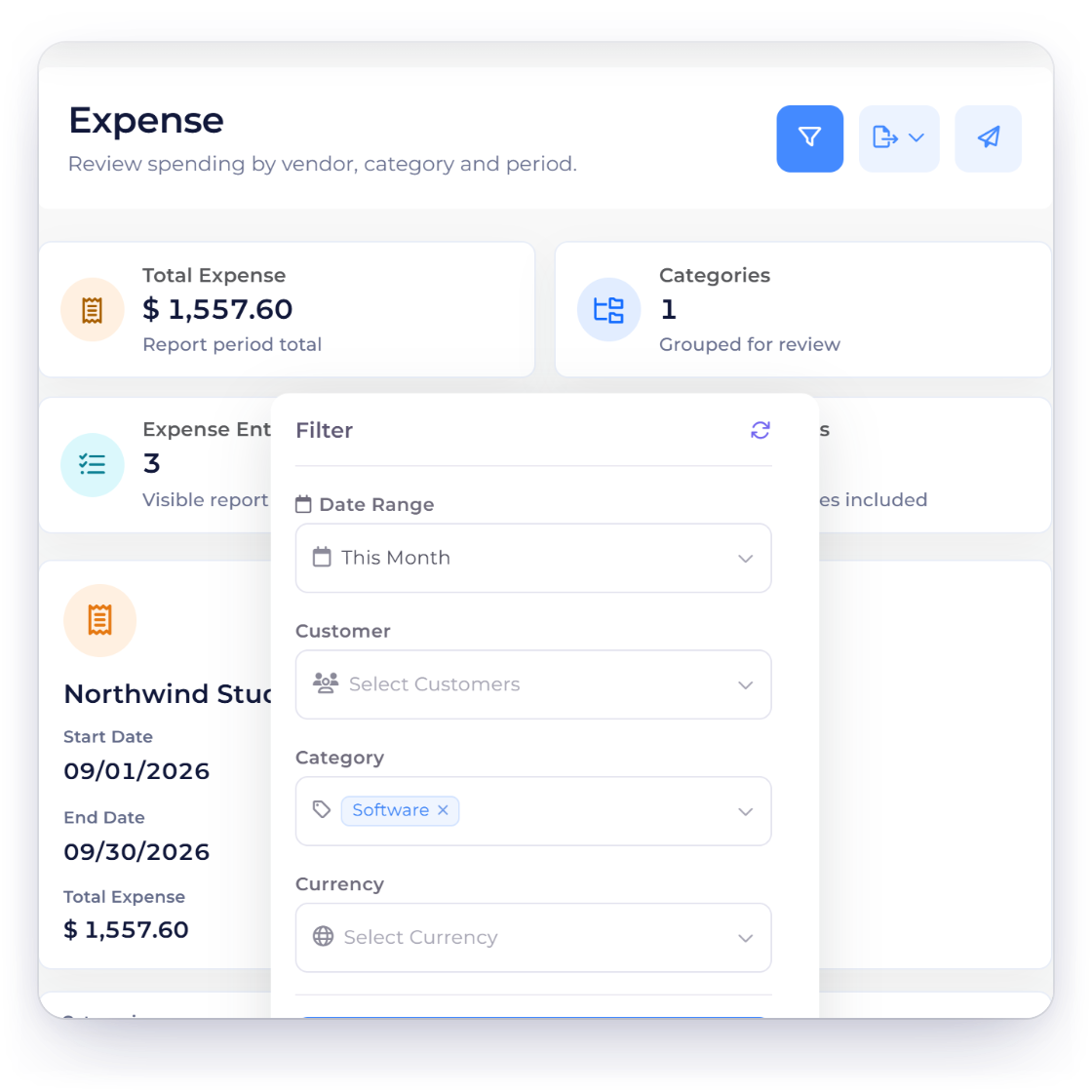
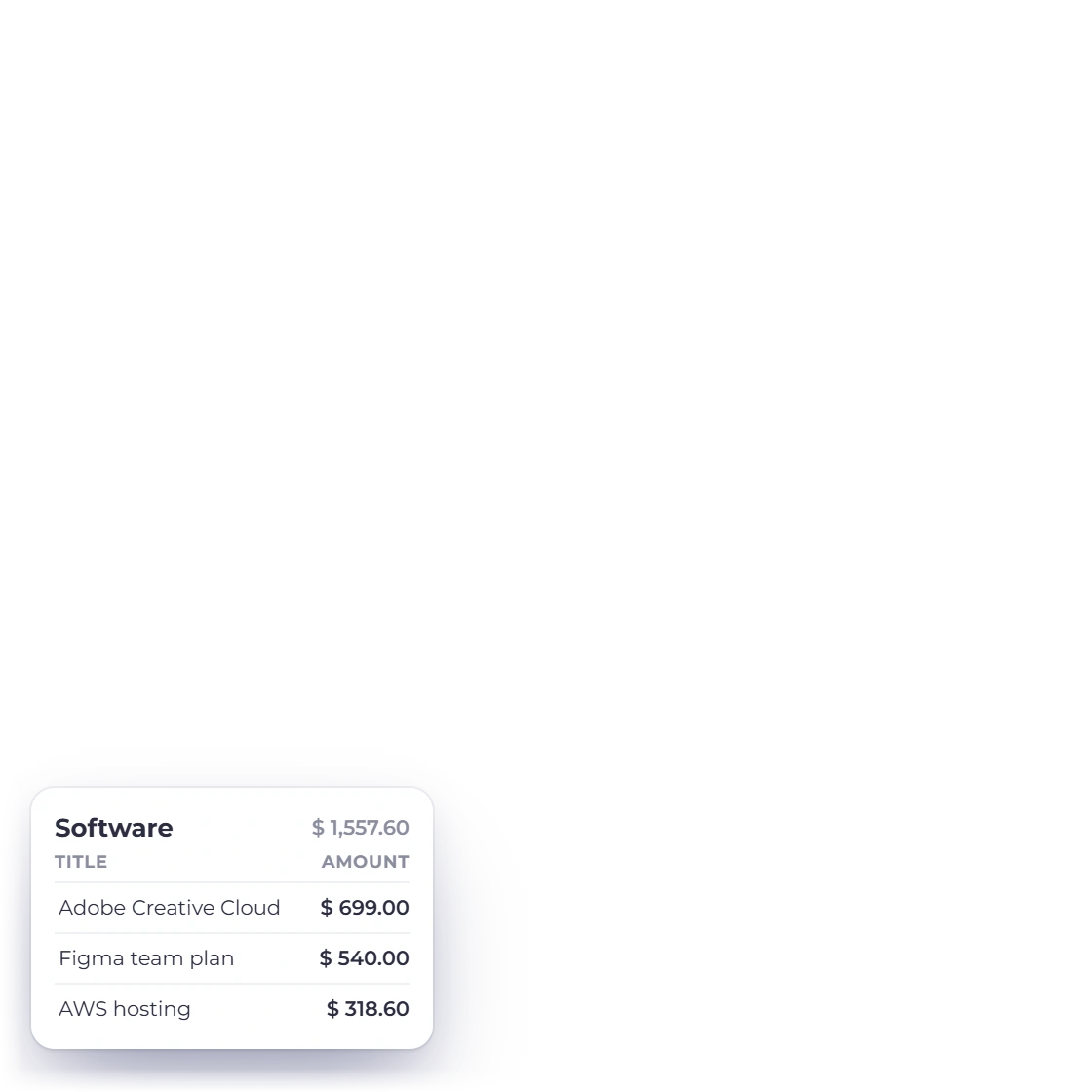
Invoice Crowd Expense report filtered to the Software category for September 2026, with its three expenses totalling $1,557.60

Filter down to one category

Past the dates, a report can be limited to a particular income or expense category, and the filters stack rather than replacing one another. One quarter, one category, one supplier turns a long list into exactly the answer you need.

  • Income or expense categories
  • Several filters applied at once
  • Narrow first, download afterwards

Share it

Out of the app, into the meeting

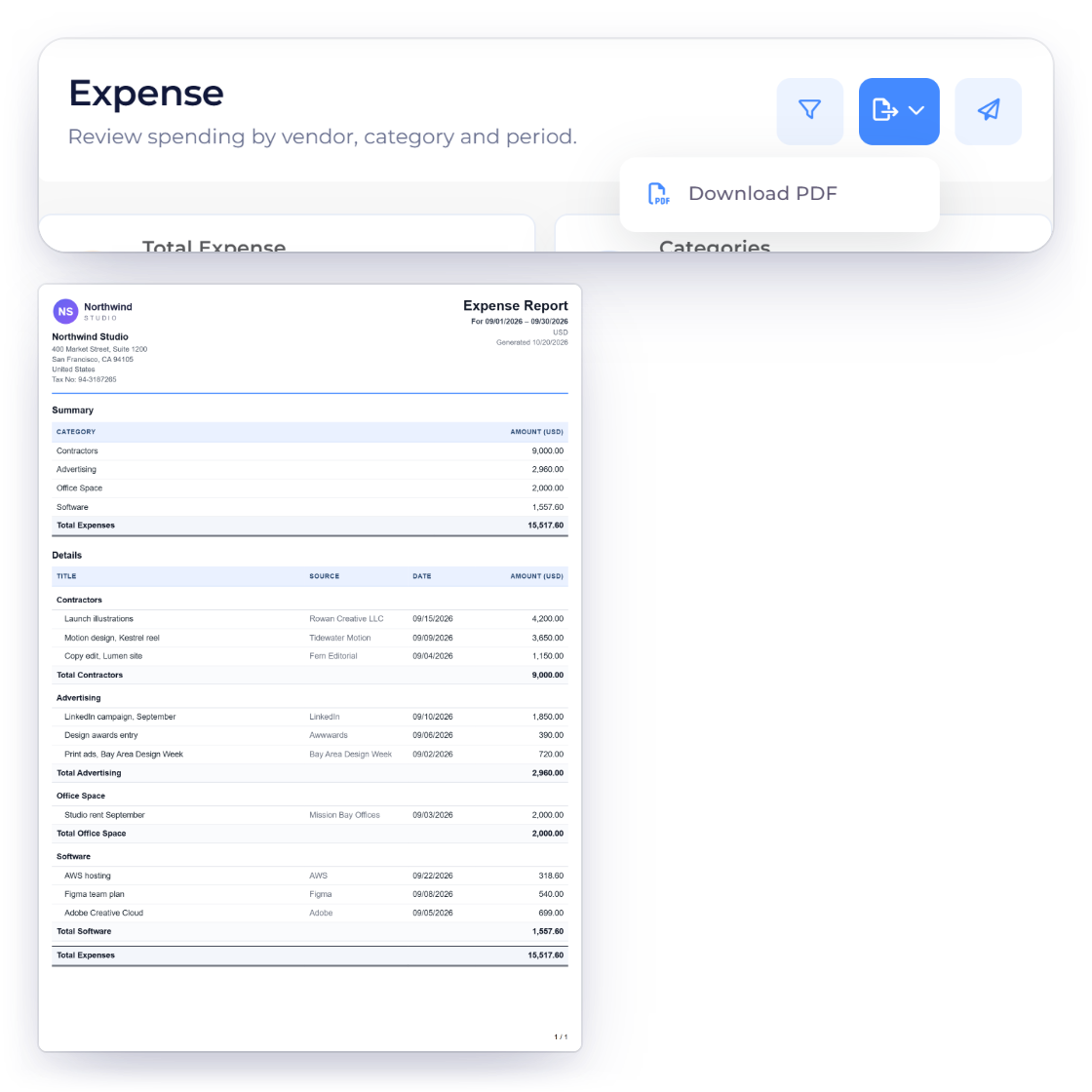
Invoice Crowd Expense report with the Export menu open on Download PDF, and the PDF it downloads: a letterhead with the Northwind Studio logo, address and tax number, the period and currency, the summary by category and every expense, and the file name made of the business, the report and the period

Polished PDFs, ready to share

Each report downloads as a PDF with the filters you applied, on a letterhead with your logo, business details and tax number, the period and page numbers, and a file name made of your business, the report and the period. Invoice Details also offers PDF with Line Items.

  • PDF with your filters applied
  • Fit to share or to archive
  • Named by business and period
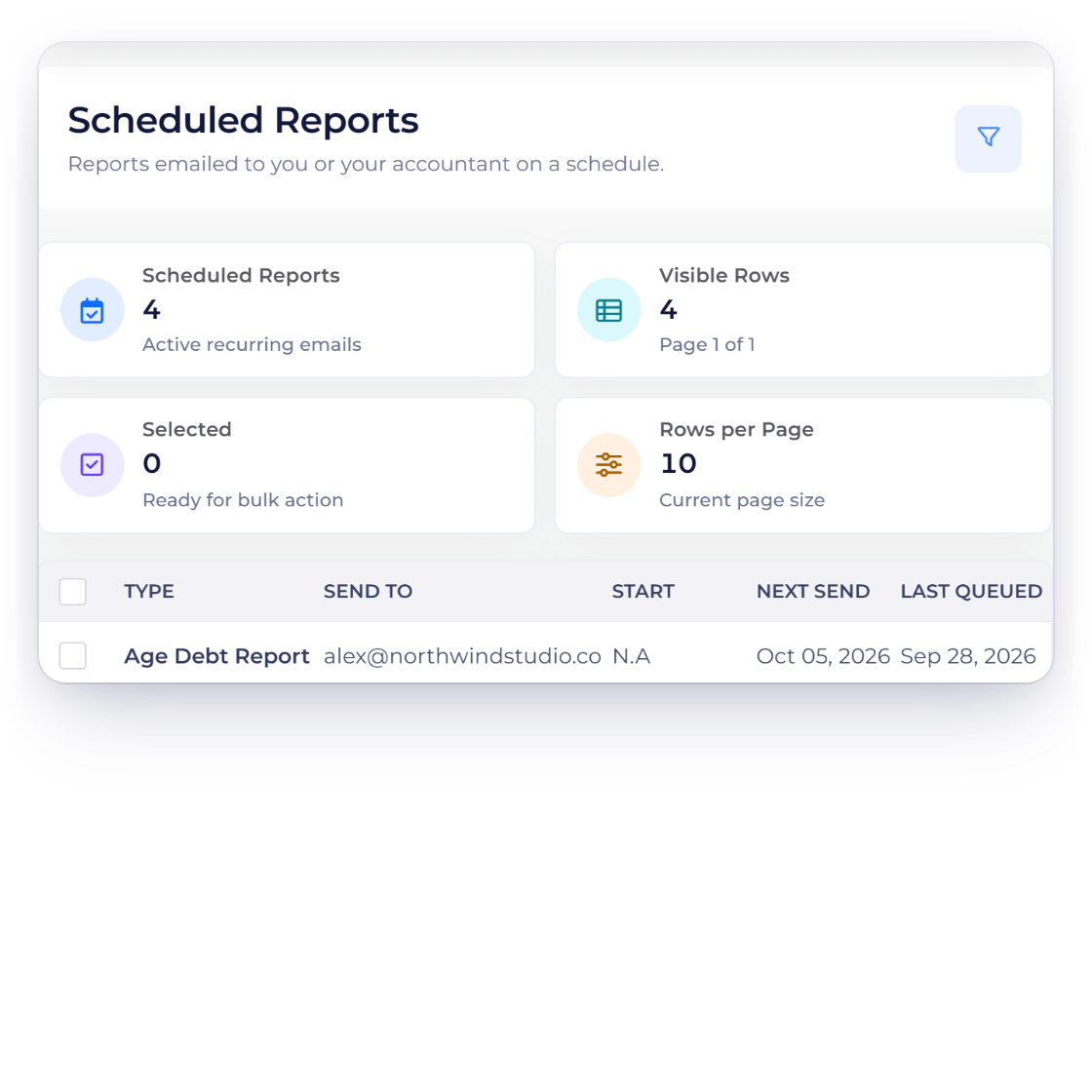
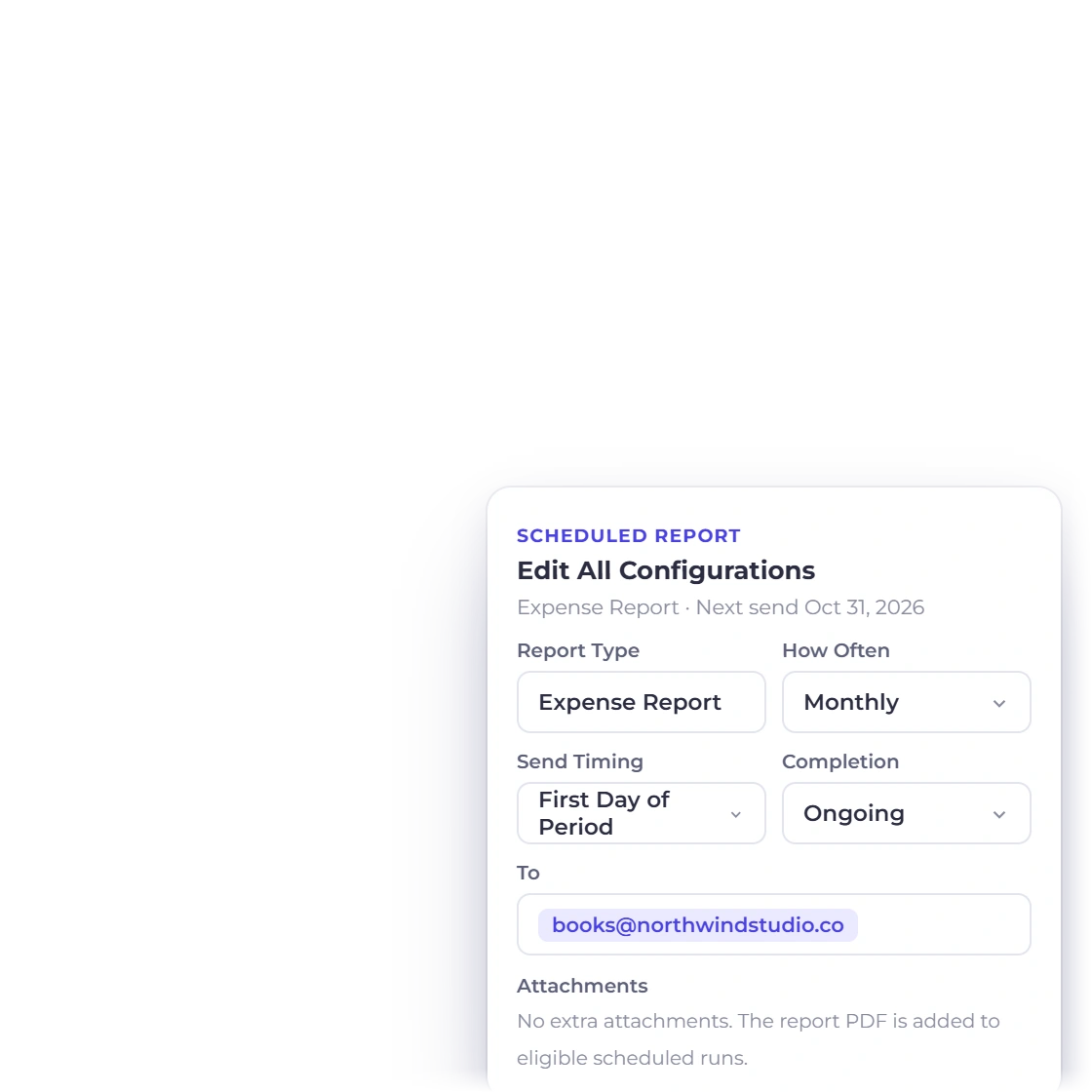
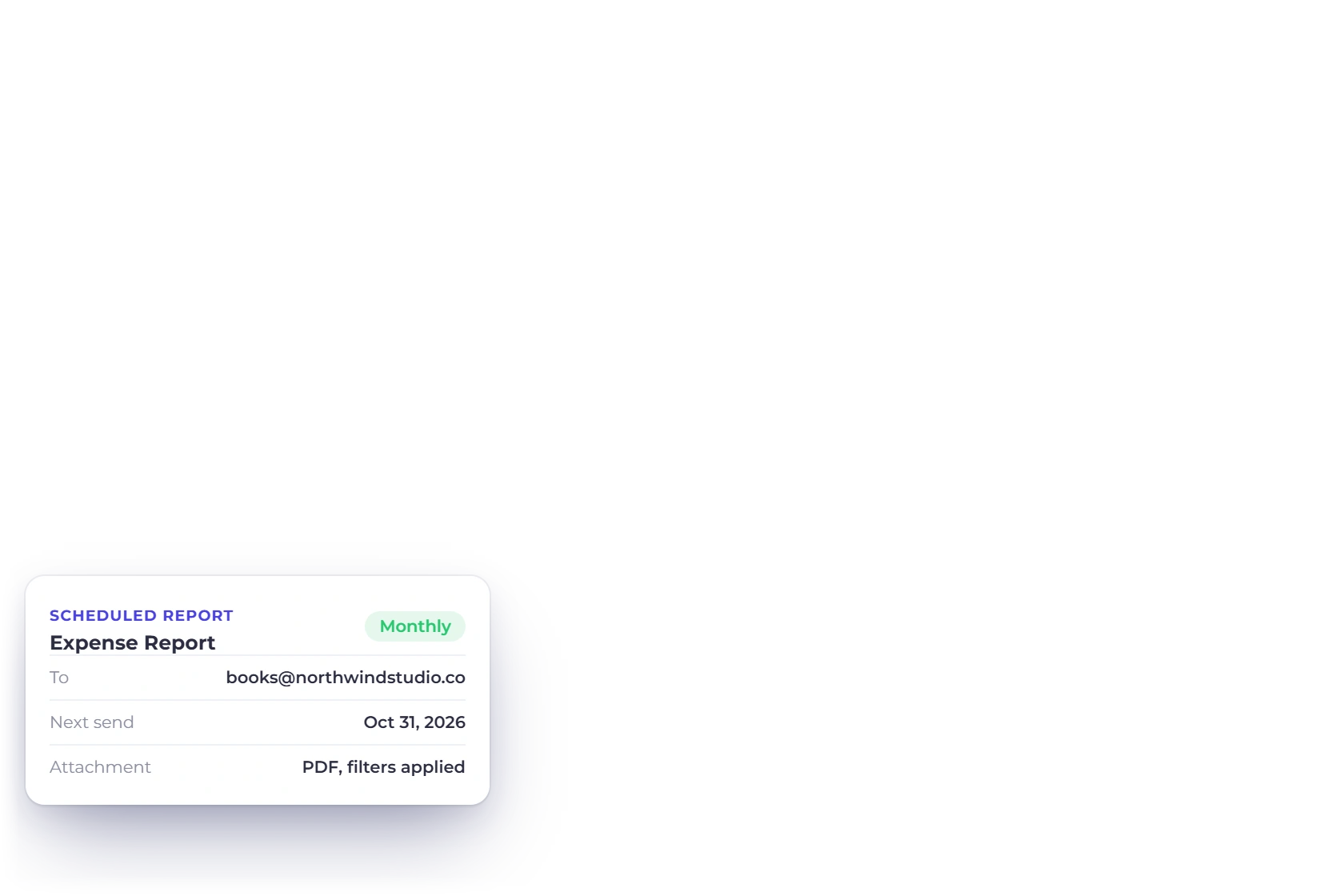
Invoice Crowd Scheduled Reports list for Age Debt, Invoice, Expense and Income reports with next and last send dates, and the schedule settings

Reports that arrive on their own

Send Report by Email sends the Invoice, Expense, Income, Age Debt or Inventory Summary report once, with the PDF attached. Schedule the Age Debt, Expense, Income or Invoice report and the one you check every Monday simply arrives by email, so your team gets the summary even in your busiest month.

  • Age Debt, Expense, Income or Invoice
  • Delivered by email
  • Useful for a weekly or monthly summary

Also included

Reports for every part of the business

Each report reads the documents and entries already in your account, so answers are ready the moment you ask.

  • Invoice report

    Every invoice raised in a period, with what's paid and what's outstanding.

  • Aged debt

    What customers owe, grouped by days past the due date: Current, 1-30, 31-60, 61-90 and 91+.

  • Expense report

    Costs by date, vendor or category, drawn straight from what expense tracking recorded.

  • Income report

    What came in over the period, grouped by the category it was booked to.

  • GST filing

    For businesses in India: GSTR-1, GSTR-3B and GSTR-9 figures and files, ready to review and file on the GST portal.

  • Inventory summary

    What you hold and what it's worth, in the same account as your invoices.

  • Scheduled sends

    Email the Age Debt, Expense, Income or Invoice report weekly, monthly, quarterly, half-yearly, yearly or on a custom cycle.

  • Accounting statements

    The P&L, balance sheet and trial balance sit next to the reports, over the same ledger.

  • Stacked filters

    Combine a date range, a category and a report type in a single pass.

  • Per business profile

    Reports are scoped to the business profile you are in, so two companies never blur together.

  • Team access

    Team members can pull the reports their role allows without asking you for a copy.

  • Built into your account

    Reports come with your account, and each team member sees what their role allows.

Questions

Reporting, answered

How do I run a report for one category?

Open the report you want, choose the income or expense category from the filter options, and generate it. The result covers that category alone for the dates you set, which is usually faster than reading a full list and adding up the lines yourself.

What formats can I download reports in?

Reports download as a PDF that matches the report as you filtered it on screen, so a copy can be sent to an accountant, dropped into a presentation or filed for the tax year. Invoice Details adds PDF with Line Items, which lists each invoice's items, discounts and taxes under it. The accounting statements (P&L, Balance Sheet, Trial Balance, General Ledger) also export to Excel, the Cash Flow Statement to CSV, and the India-only TDS Receivable report downloads as CSV.

Can I combine more than one filter?

Yes. Date range, category and report type work together rather than one at a time, so you can ask for a single expense category across one quarter and get exactly that. Narrowing the report before you download it saves editing afterwards.

How current is the data in a report?

It is built when you request it, from the records in the account at that moment, so the newest invoice, payment or expense is already included. Your figures are always current.

Which reports are available?

Invoices, aged debt, income, expenses and an inventory summary, with GST Filing and TDS Receivable for businesses in India. The Age Debt, Expense, Income and Invoice reports can be scheduled. On the paid plans, the accounting module adds the profit and loss statement, balance sheet, trial balance, cash flow statement and the general ledger behind all of them, and Report Pack puts those five in one PDF behind an At a Glance cover.

Can a report be sent to me automatically?

Yes, for the Age Debt, Expense, Income and Invoice reports. Scheduled reports go out by email with the PDF attached on the cycle you choose, so the monthly summary reaches you without anyone having to open the app. The accounting statements and Report Pack download as PDFs whenever you need them.

Every answer, one report away

Every invoice, payment and expense you record is ready to report on. Pick the report, set the dates, narrow it if you need to and take the result with you.

  • 30-day free trial
  • No credit card required
  • Cancel anytime