


Skip to content

Connect the payment gateways your customers already use

Invoice Crowd includes several provider-specific payment paths. Eligibility depends on the merchant account, region, currency, document and requested checkout or recurring flow; enable only a path you have configured and tested.

  • Multiple provider integrations
  • Provider-specific fee rules
  • Breakdown by gateway
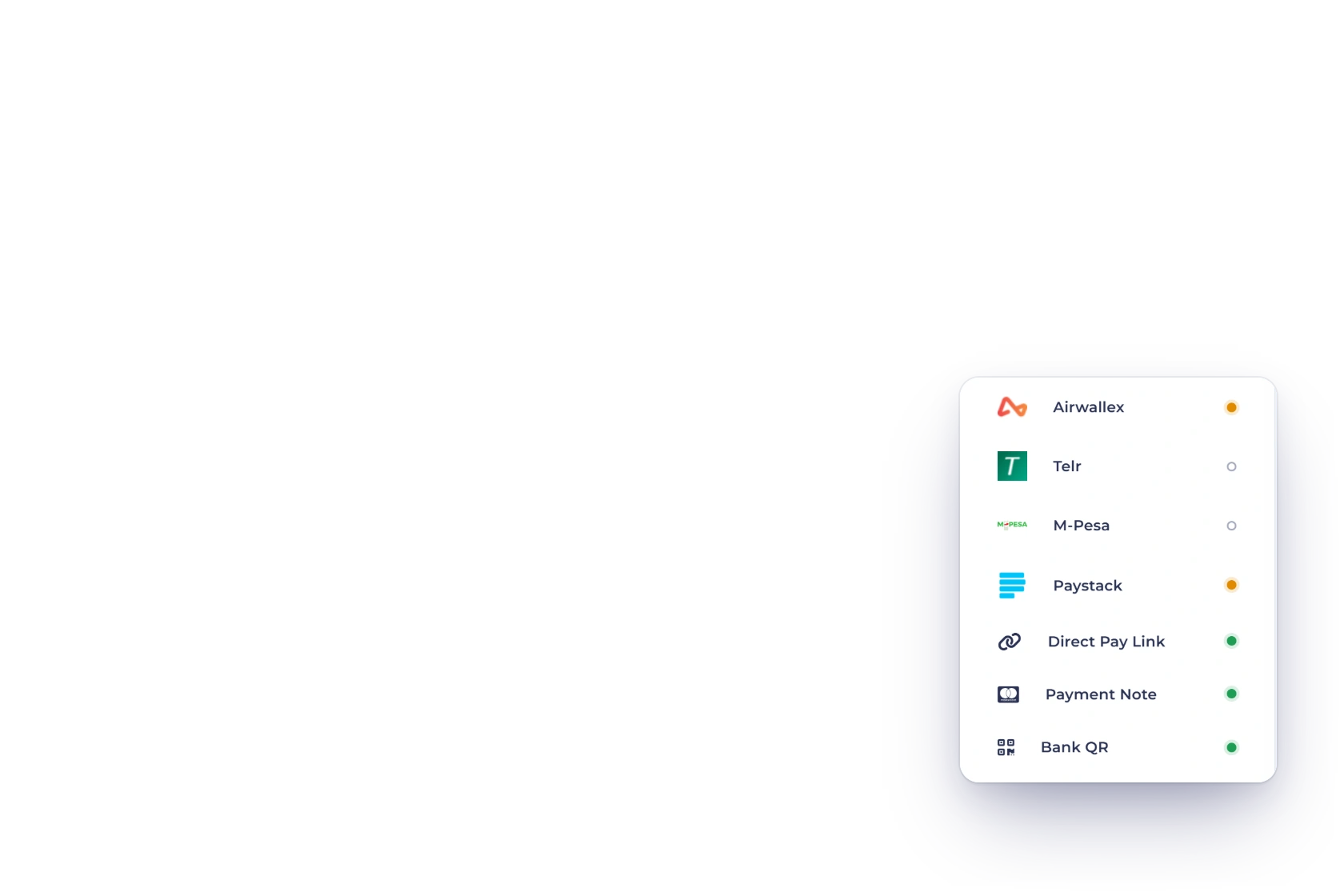
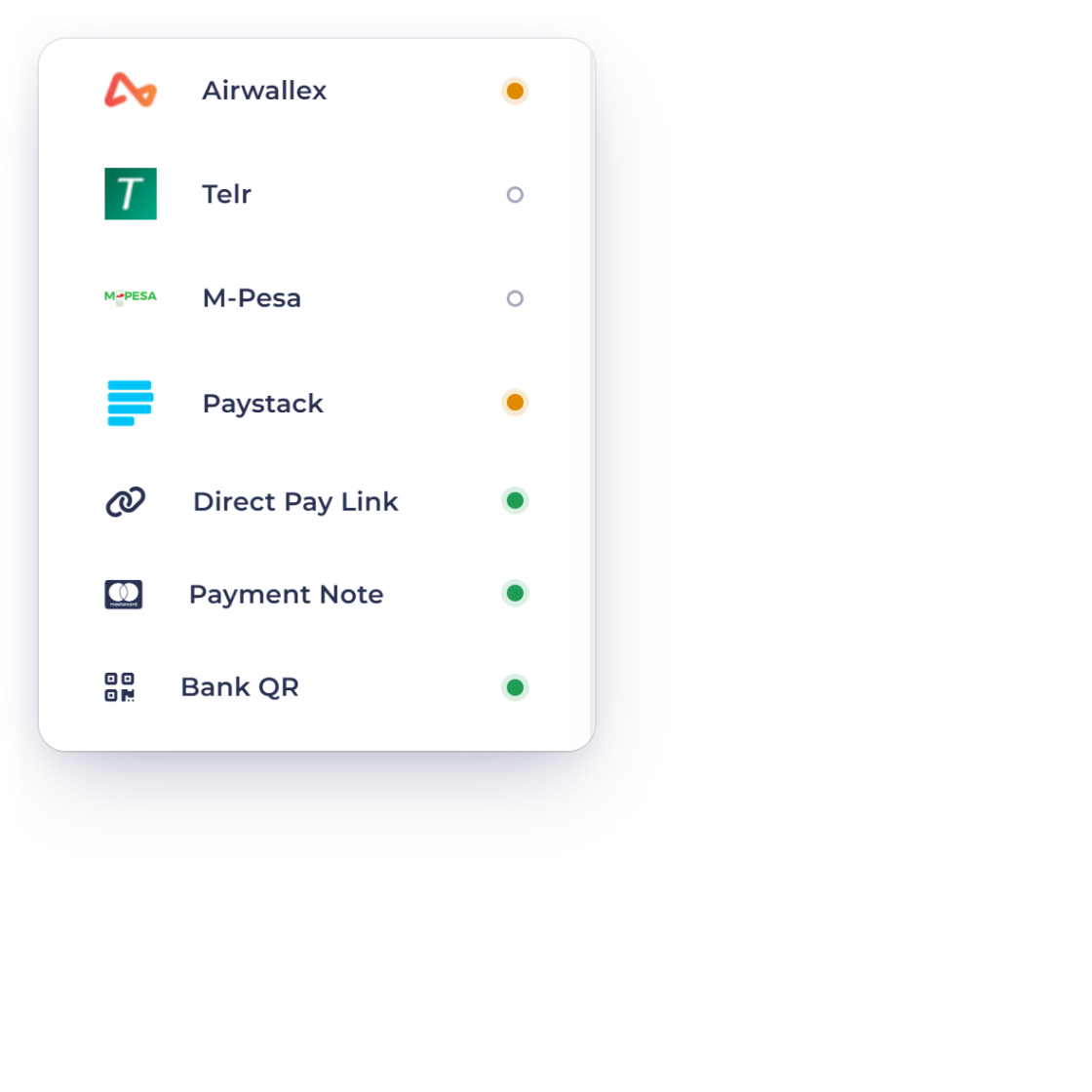
The payment gateways connected to an Invoice Crowd account

What is inside

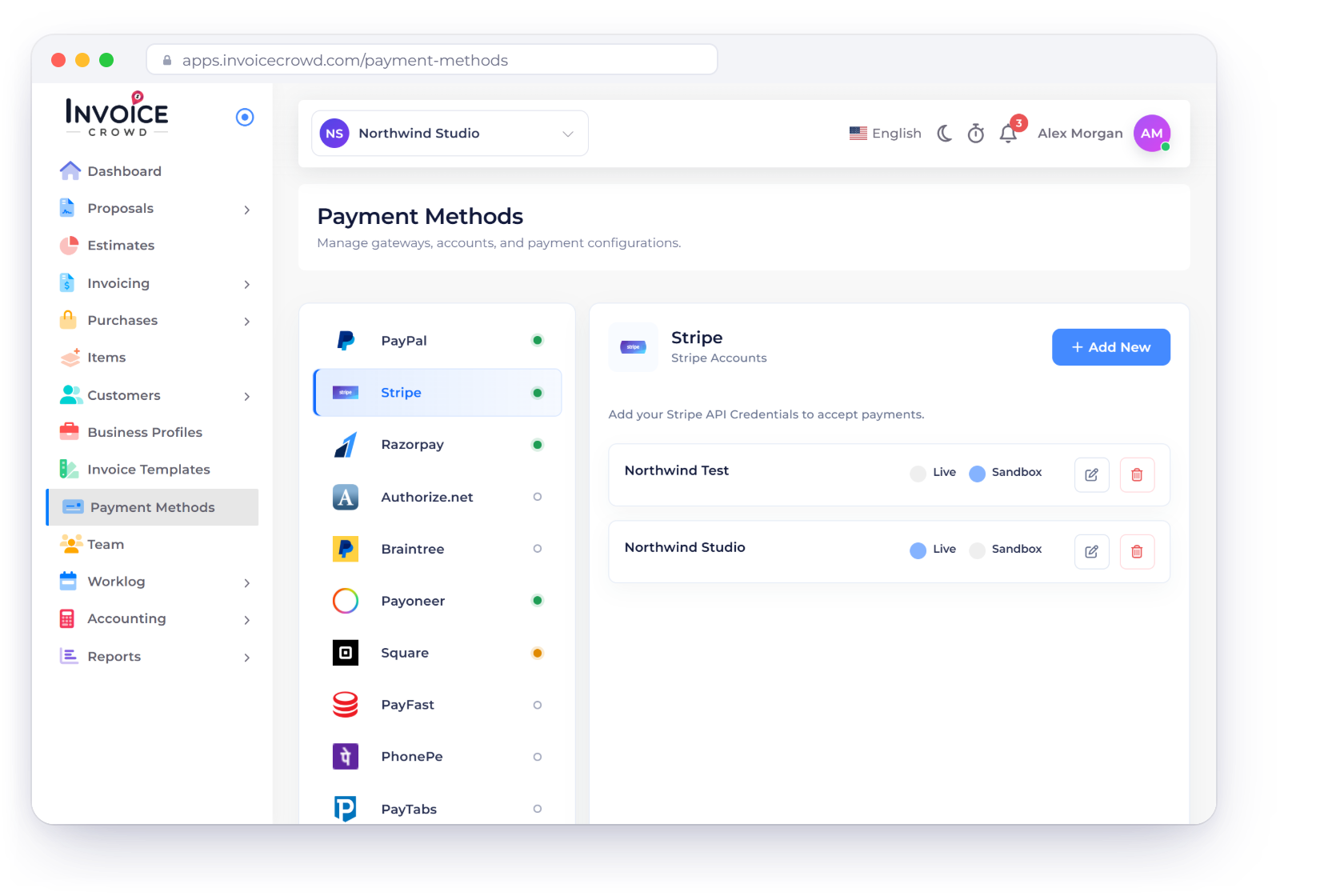
One connection screen, multiple provider integrations

Gateways are configured once at the account level. After that they apply to invoices, payment links and recurring billing alike, with their fees and their reporting handled in the same place.

The gateways themselves

Pick as many as you need

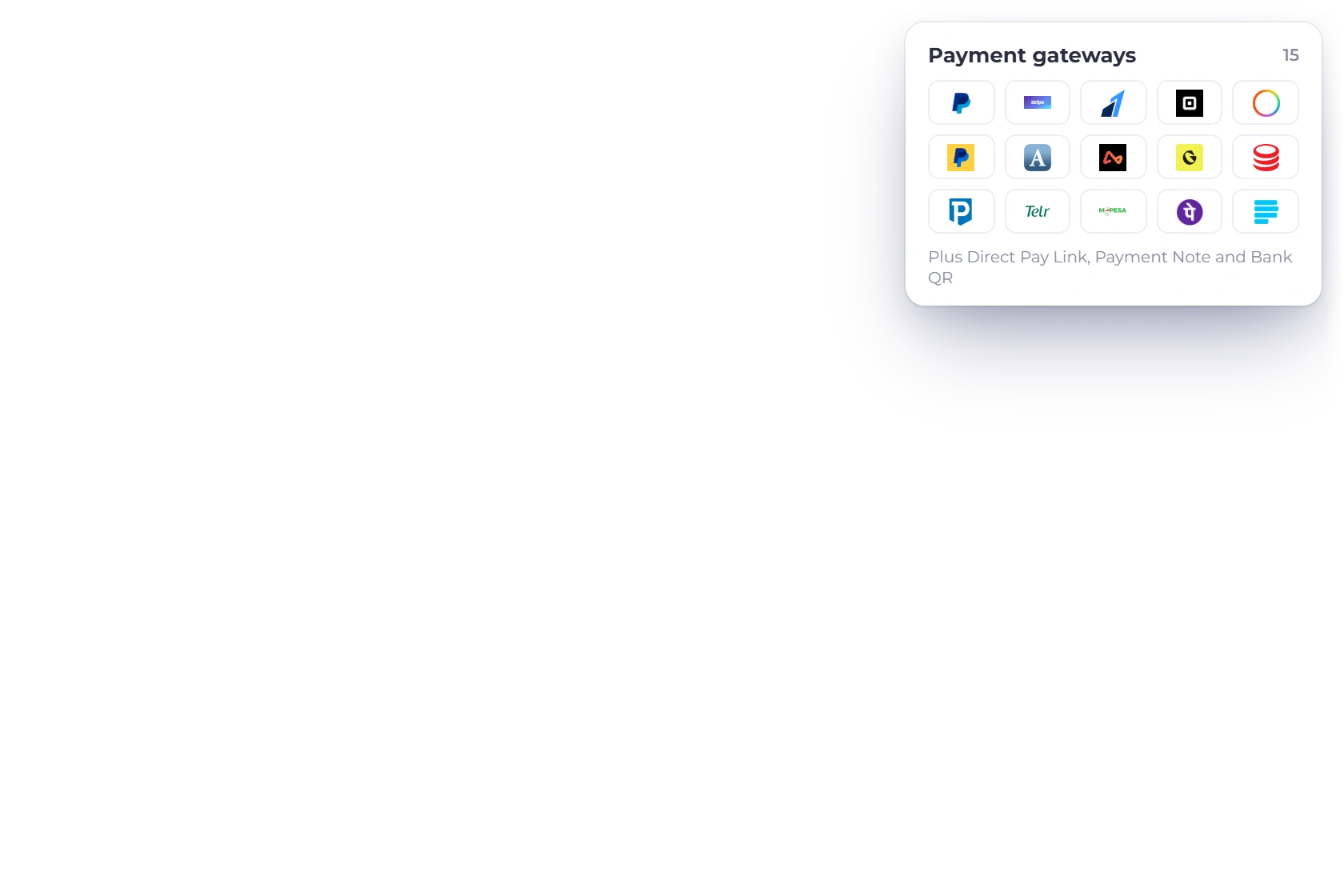
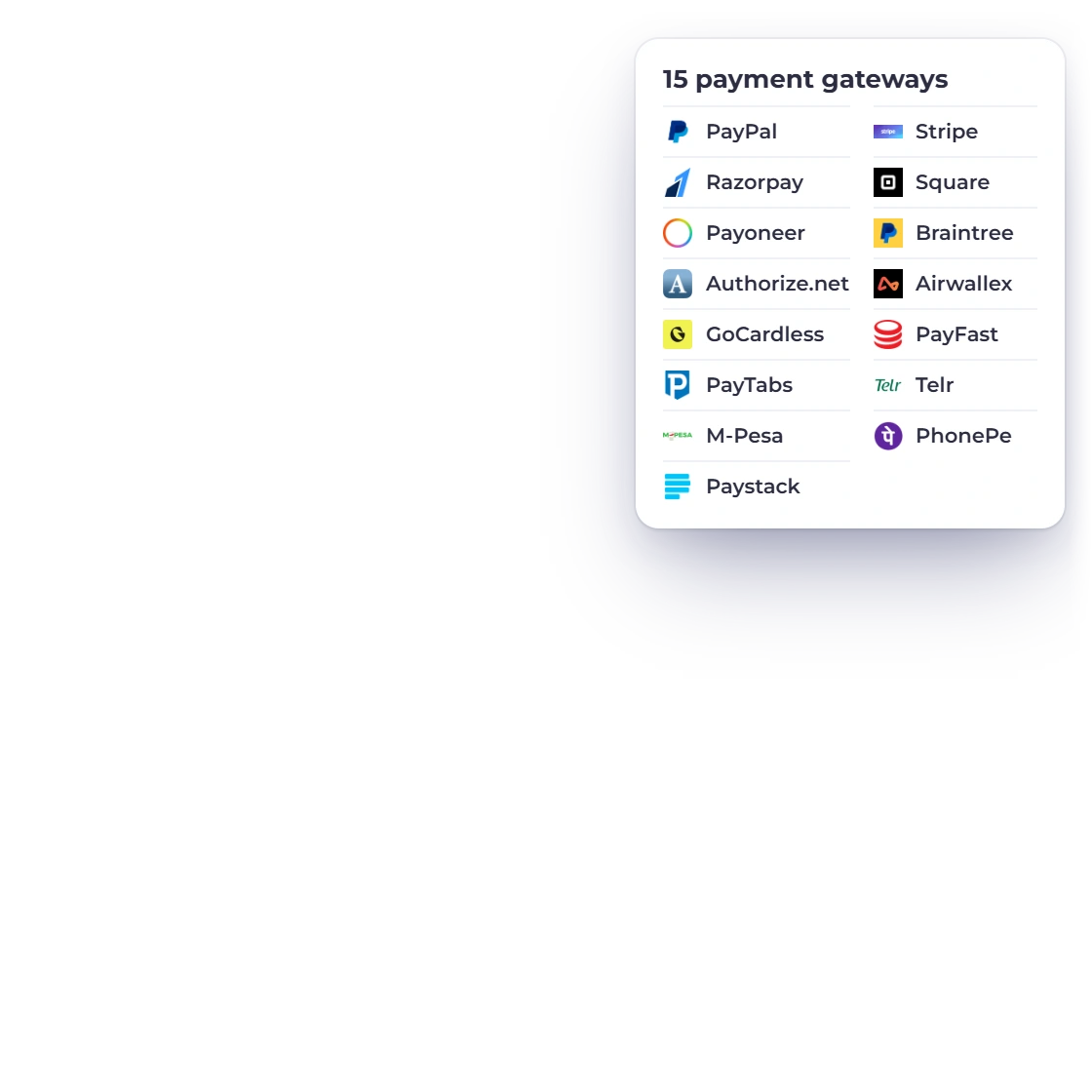
The list of supported payment gateways in Invoice Crowd

Extensive payment gateway support

PayPal, Stripe, Razorpay, Square, Payoneer, Braintree, Authorize.net, Airwallex, GoCardless, PayFast, PayTabs, Telr and M-Pesa are all supported, and there is no cap on how many you run at once. Each one connects with your own merchant credentials, so the relationship and the rates stay between you and the processor.

  • Multiple provider integrations
  • No limit on how many you connect
  • Enable or disable one at any time
Billing clients in other countries

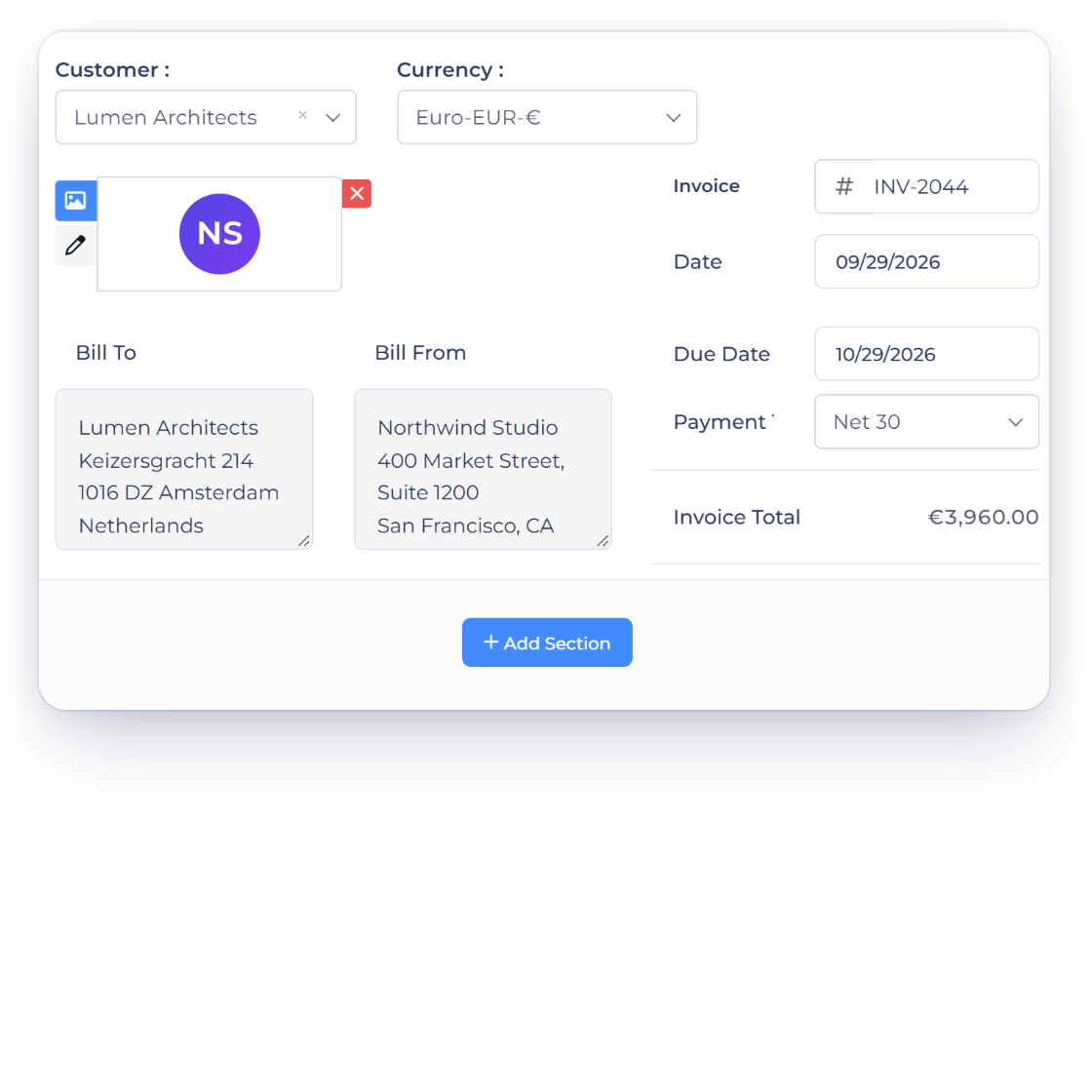
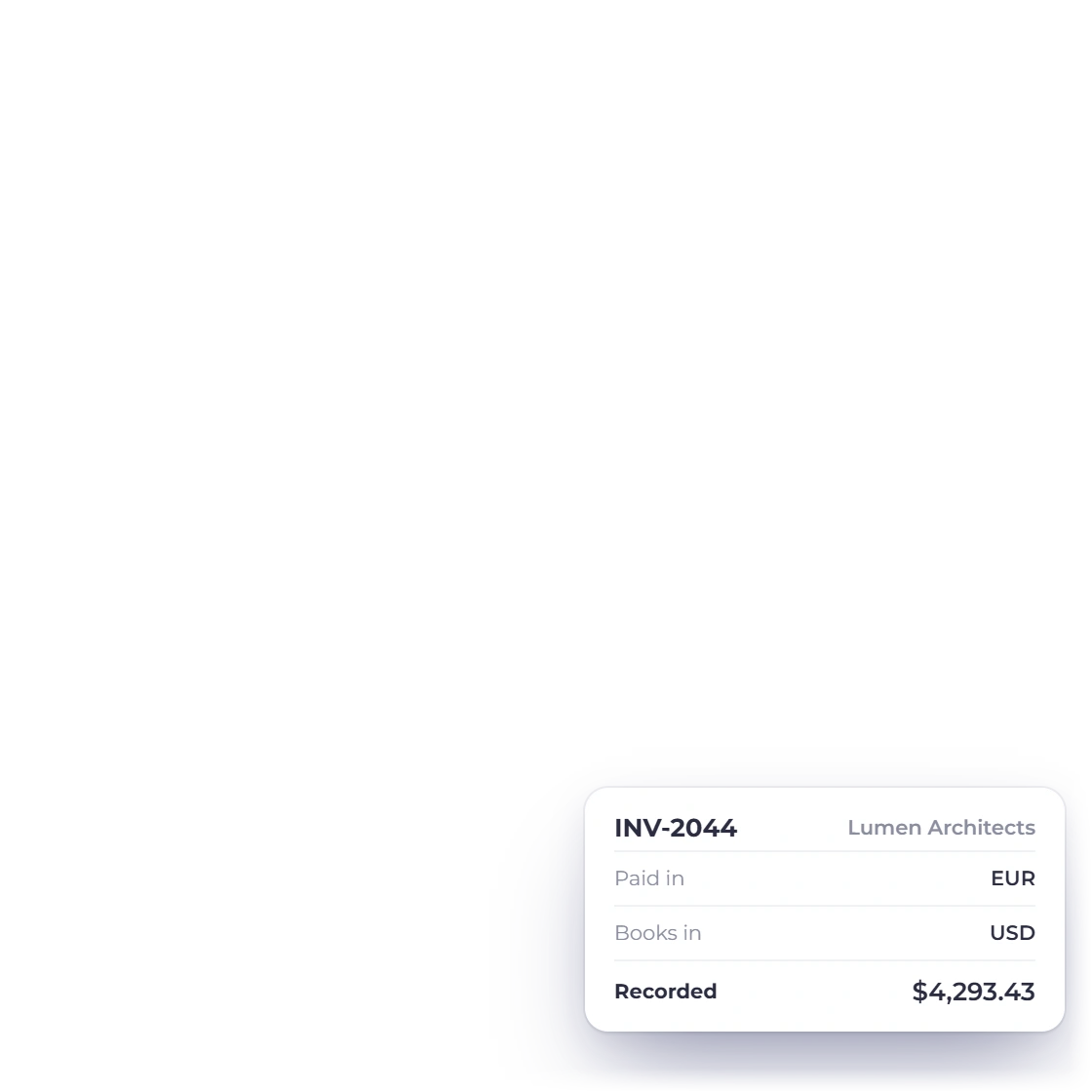
A gateway that works in one market often does not work in another, which is why several are offered rather than one. The gateways support a range of currencies, so an invoice raised in your client's currency can be paid in it, while your own reporting stays in your base currency.

  • A processor for each market you sell into
  • Multiple currencies supported
  • Base-currency reporting stays intact
Multi-currency invoicing

Fees and choice

Who pays what, and how they pay it

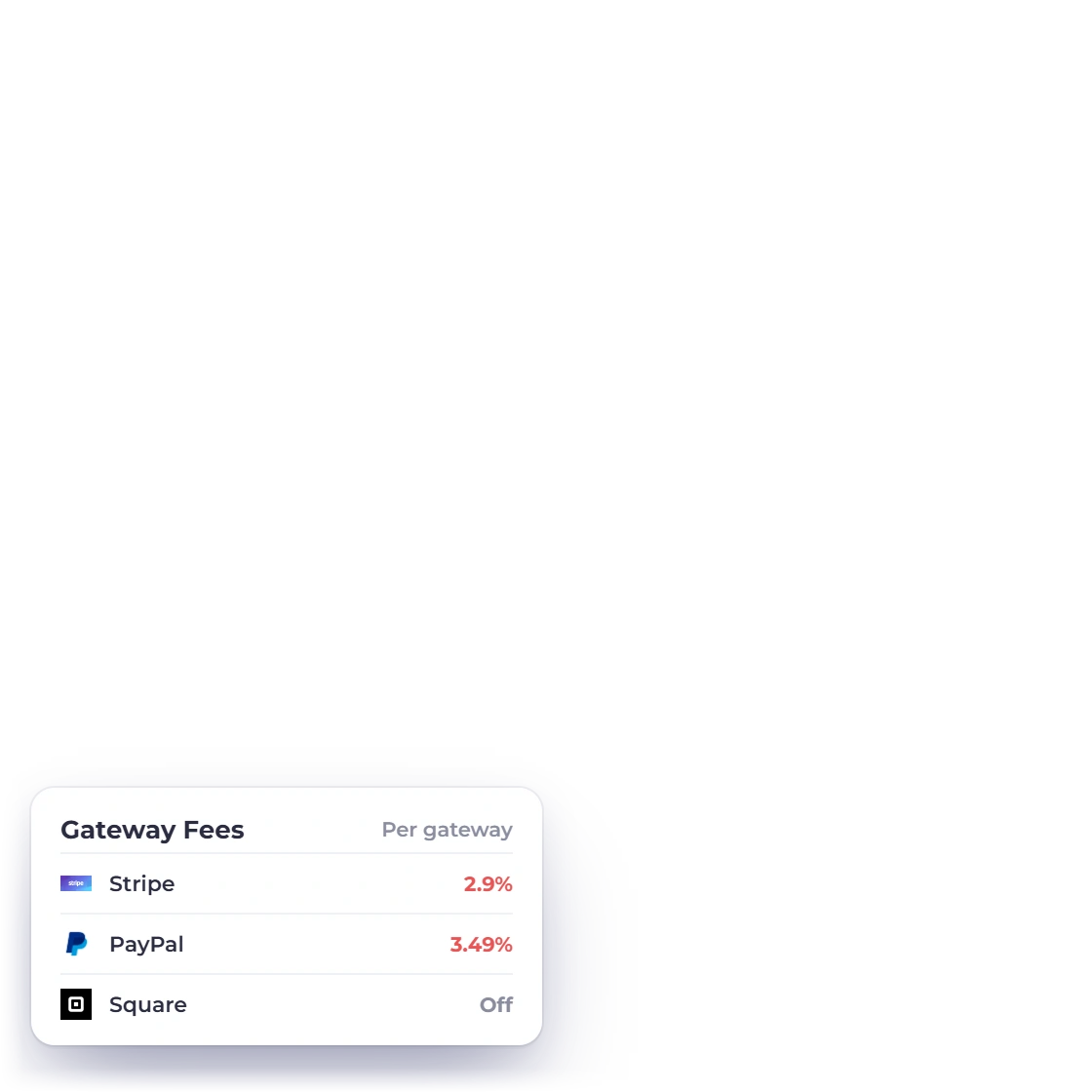
Setting a fixed or percentage fee against a payment gateway in Invoice Crowd

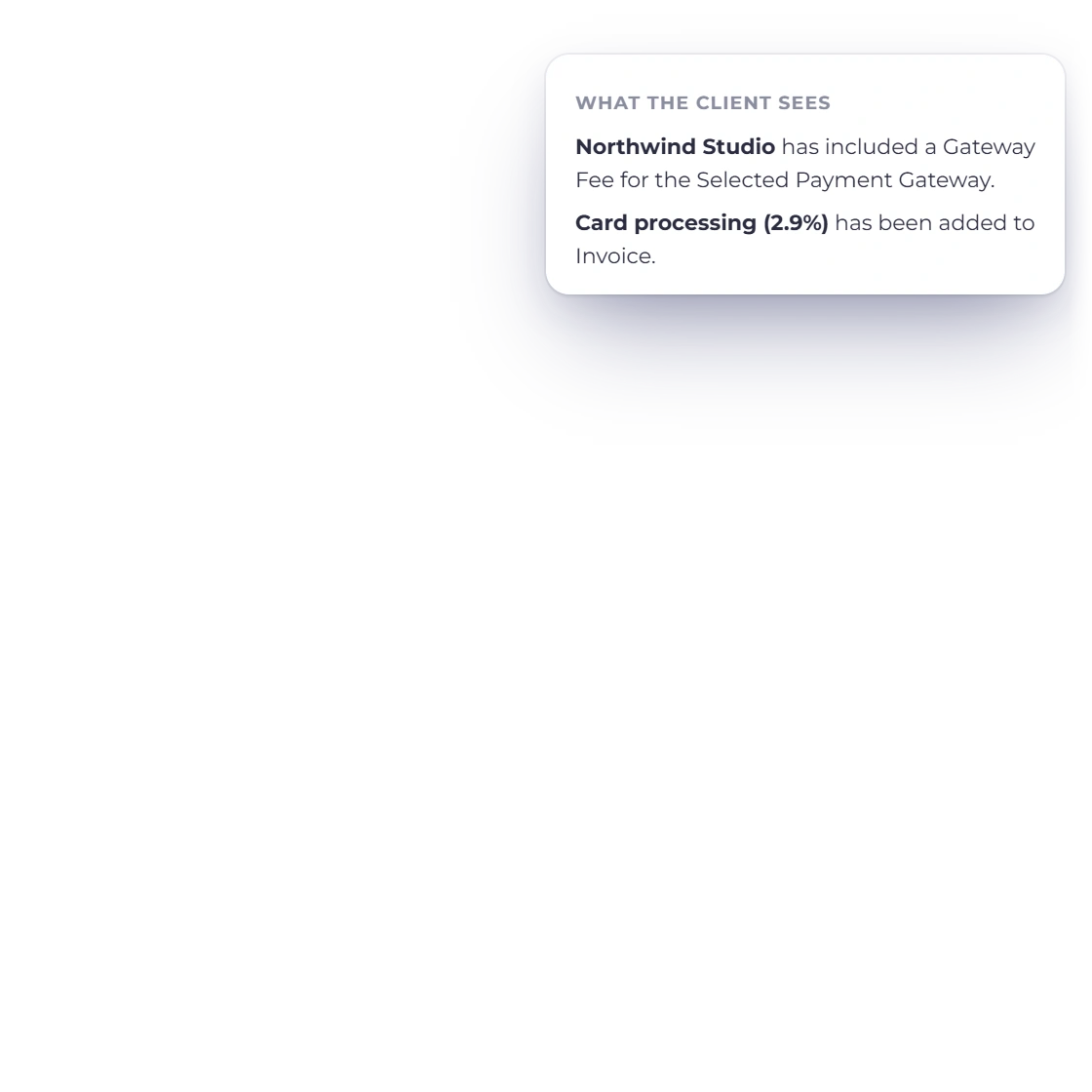
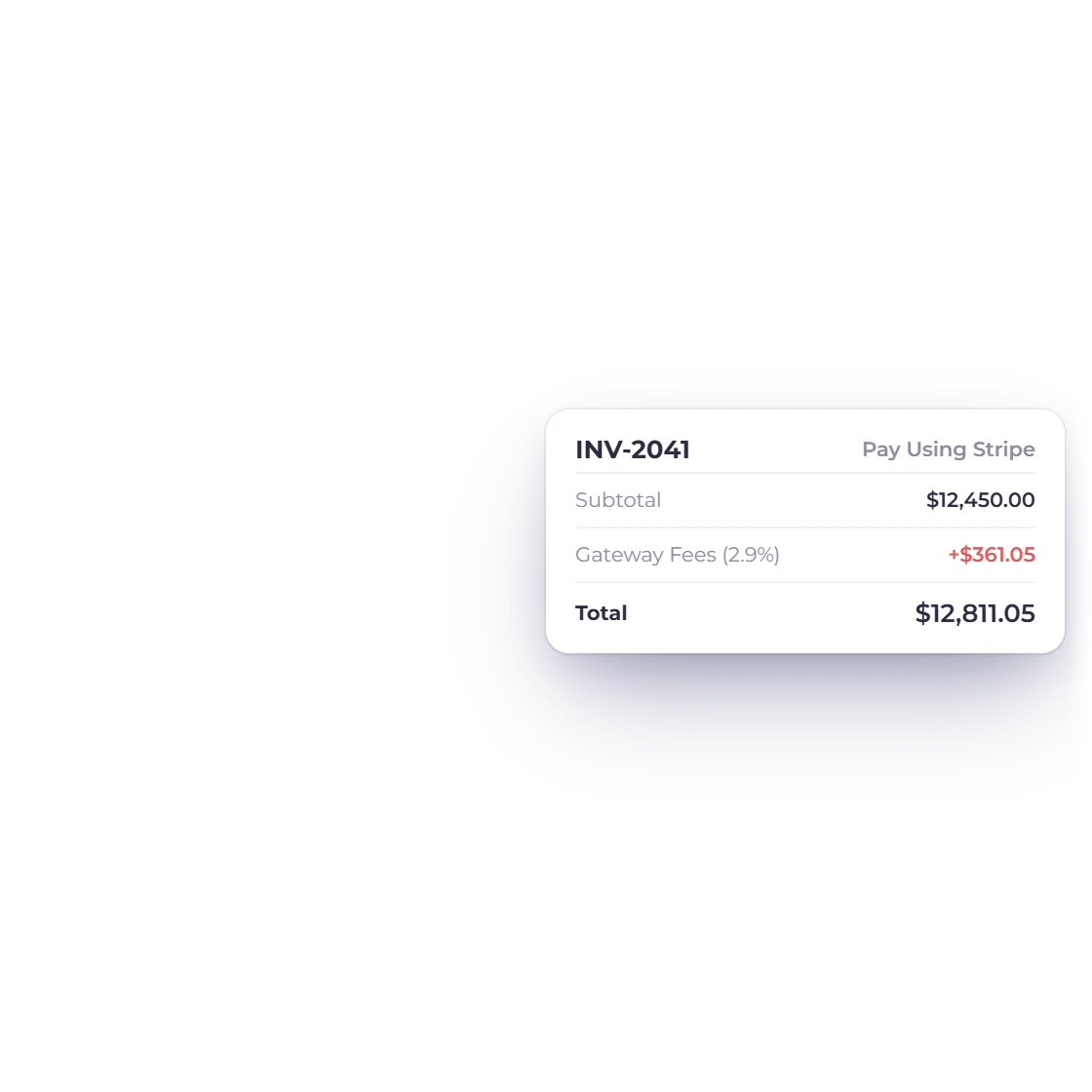
Gateway fees added to the invoice

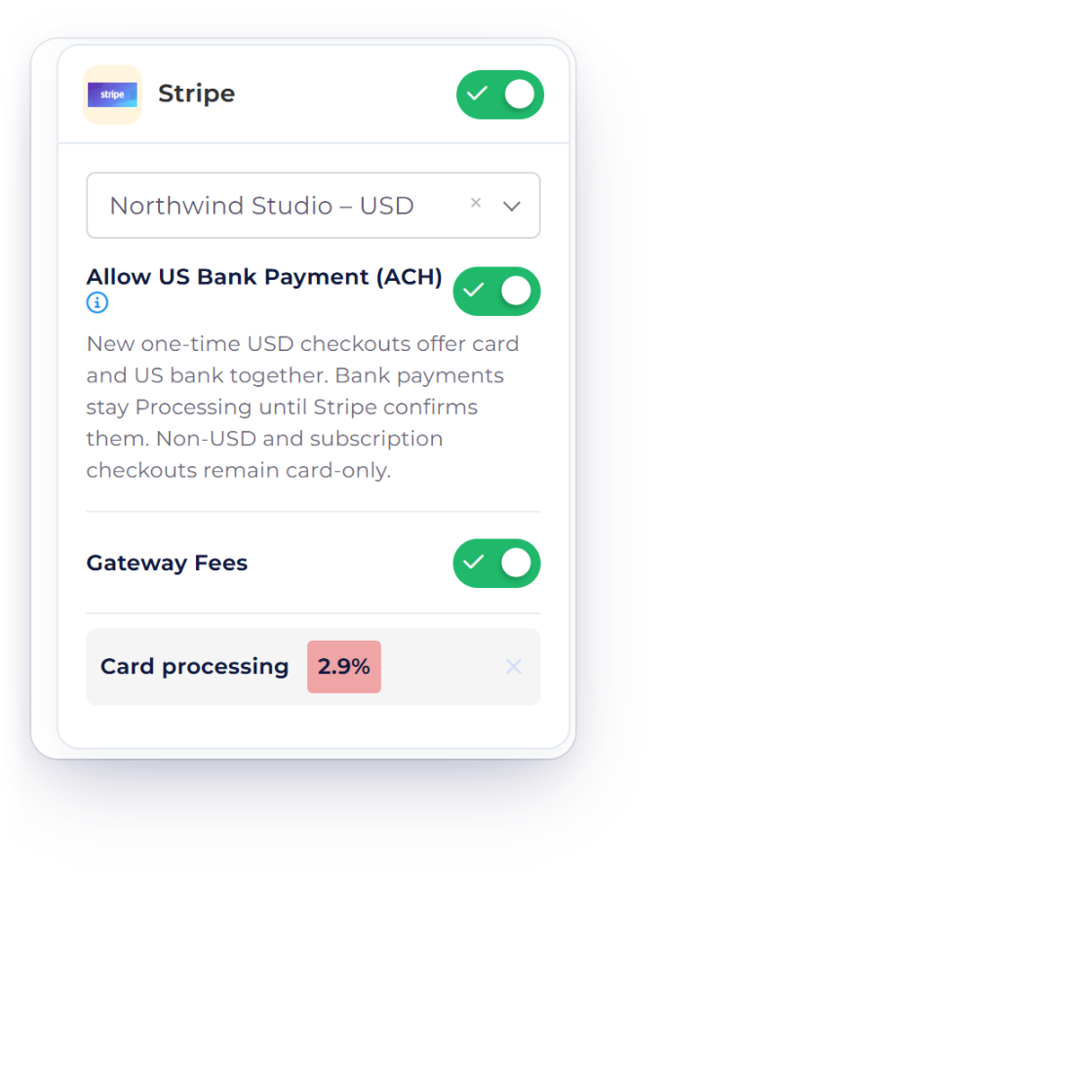
Set a fee against each gateway, either a flat amount or a percentage. When a customer settles through that gateway, the charge is applied to the invoice for you, so processing costs do not have to be worked out by hand or quietly absorbed.

  • A fixed amount or a percentage per gateway
  • Applied when that gateway is used
  • No manual recalculation on the invoice
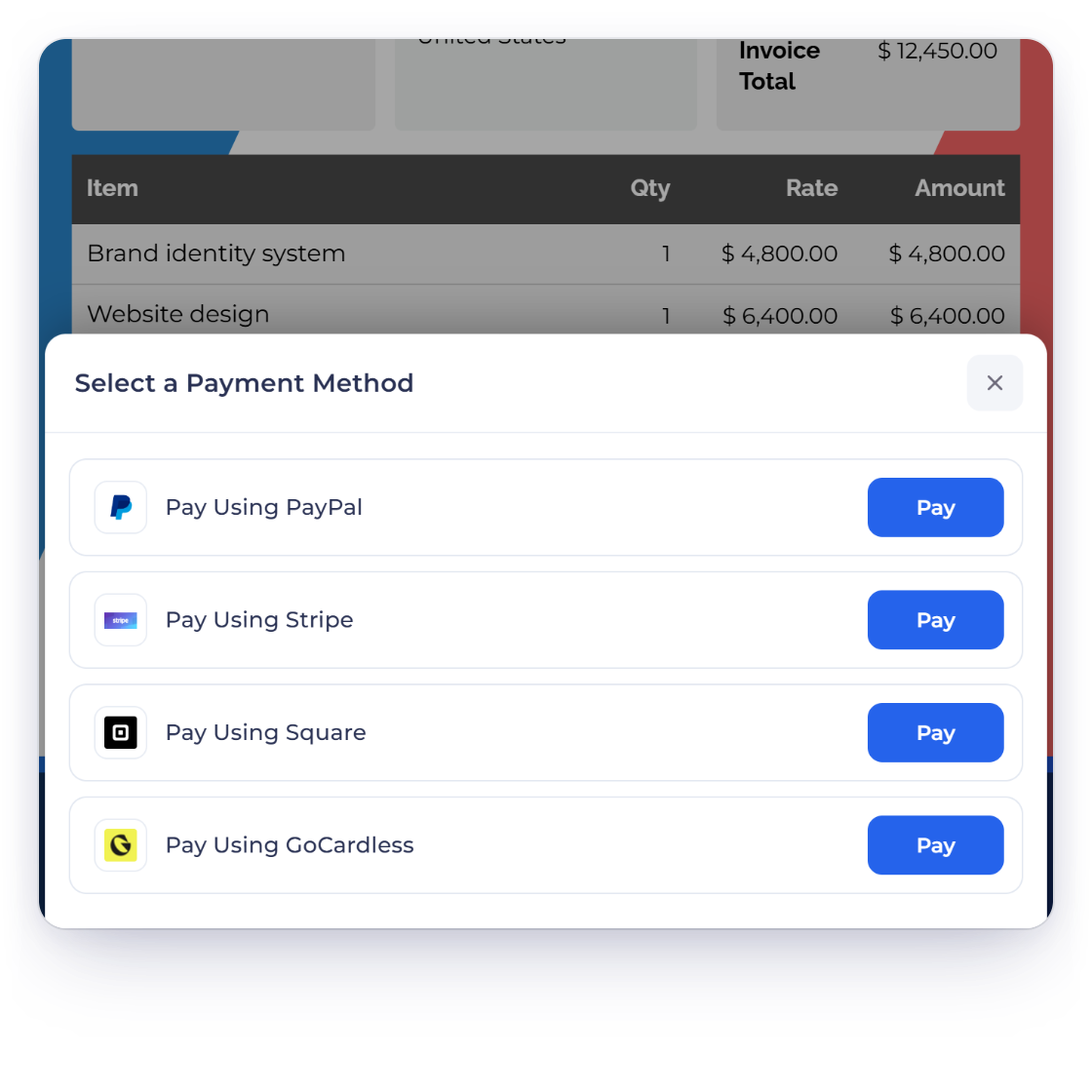
A customer choosing between payment gateways on an Invoice Crowd invoice

The customer picks how to pay

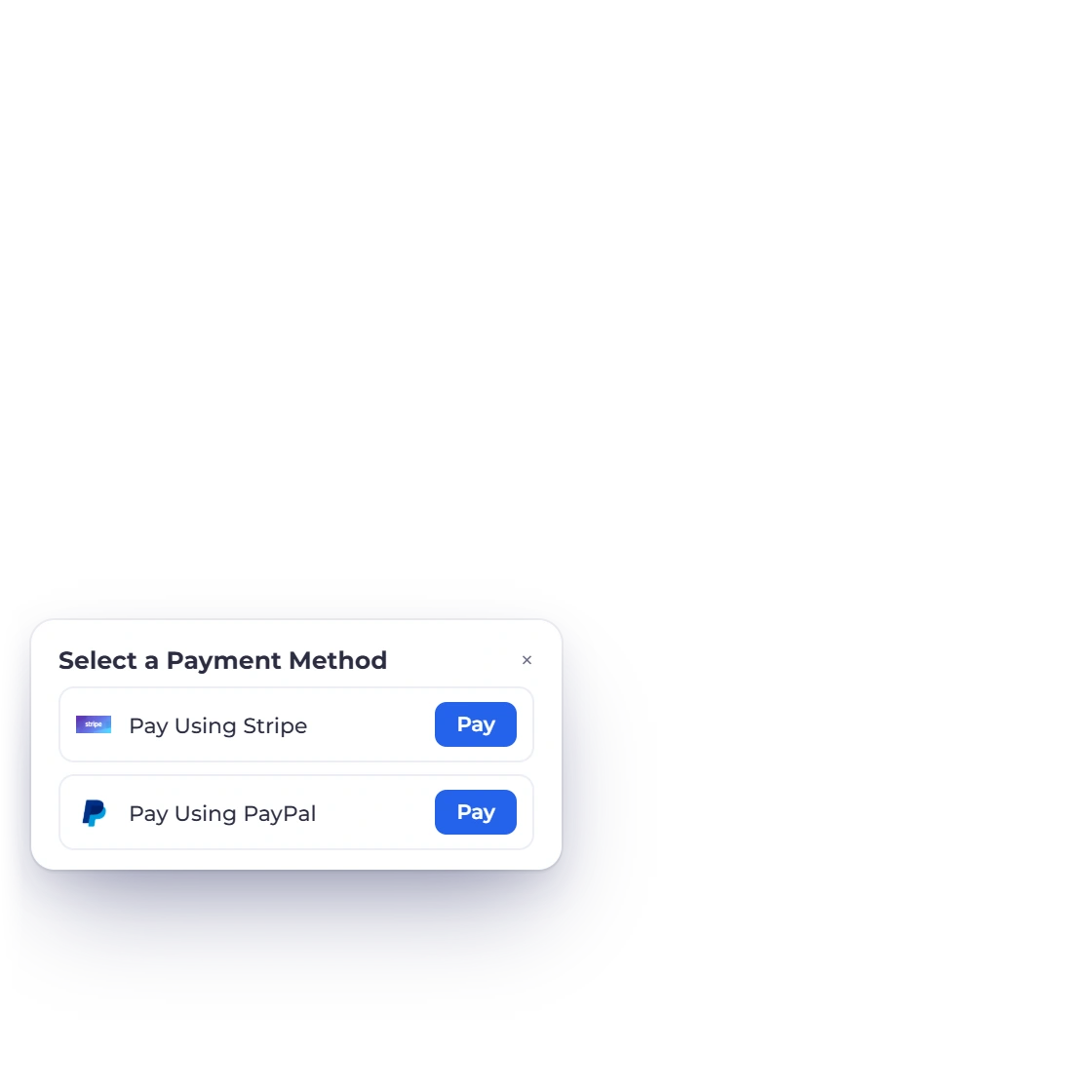
Whatever you have enabled is offered on the invoice, and the customer chooses between them at the point of paying. Someone who trusts one processor and not another does not have to argue about it, which takes one more reason to delay off the table.

  • All enabled gateways shown side by side
  • Chosen at the moment of payment
  • The same options on invoices and payment links

Watching the money

Which gateway earns its keep

A breakdown by gateway

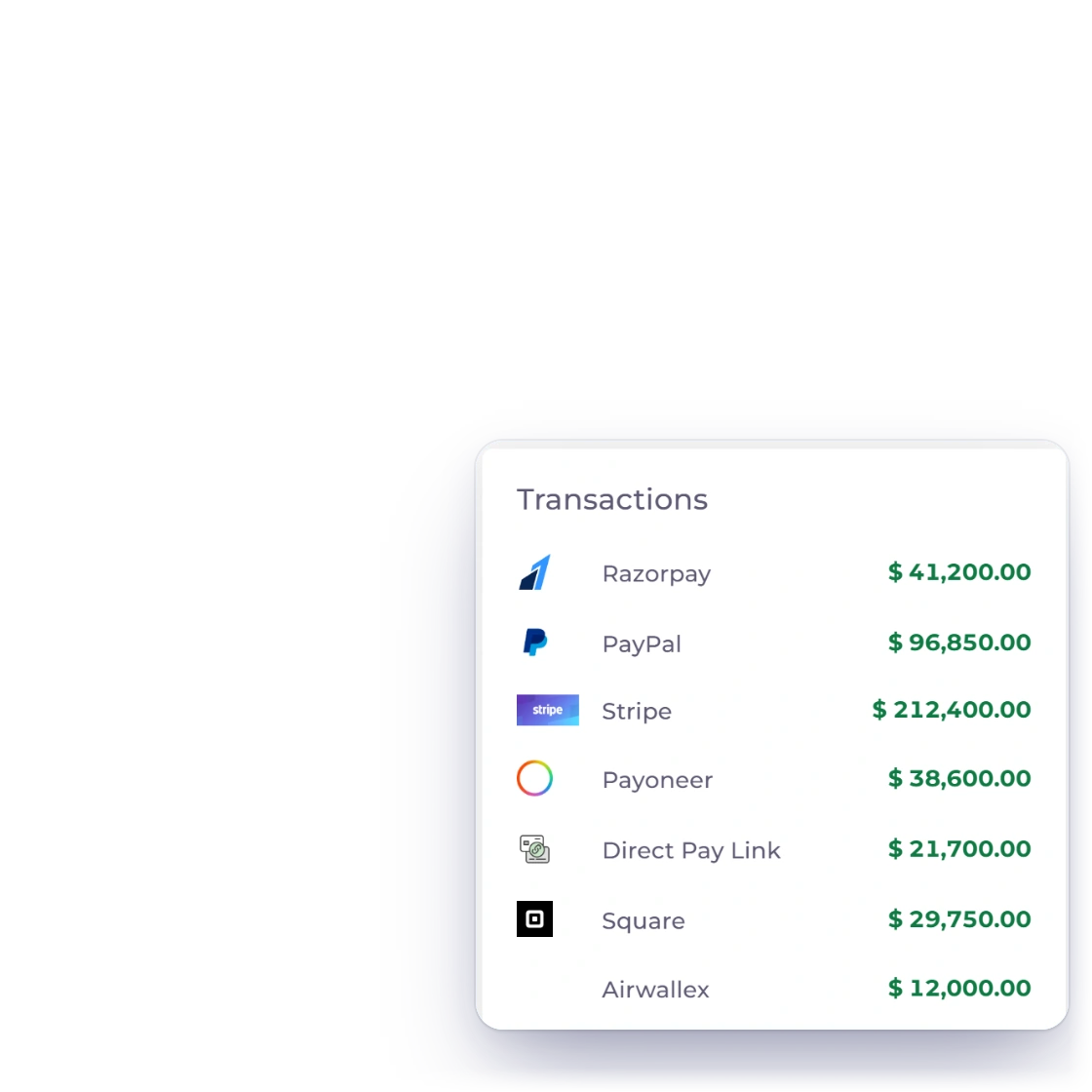
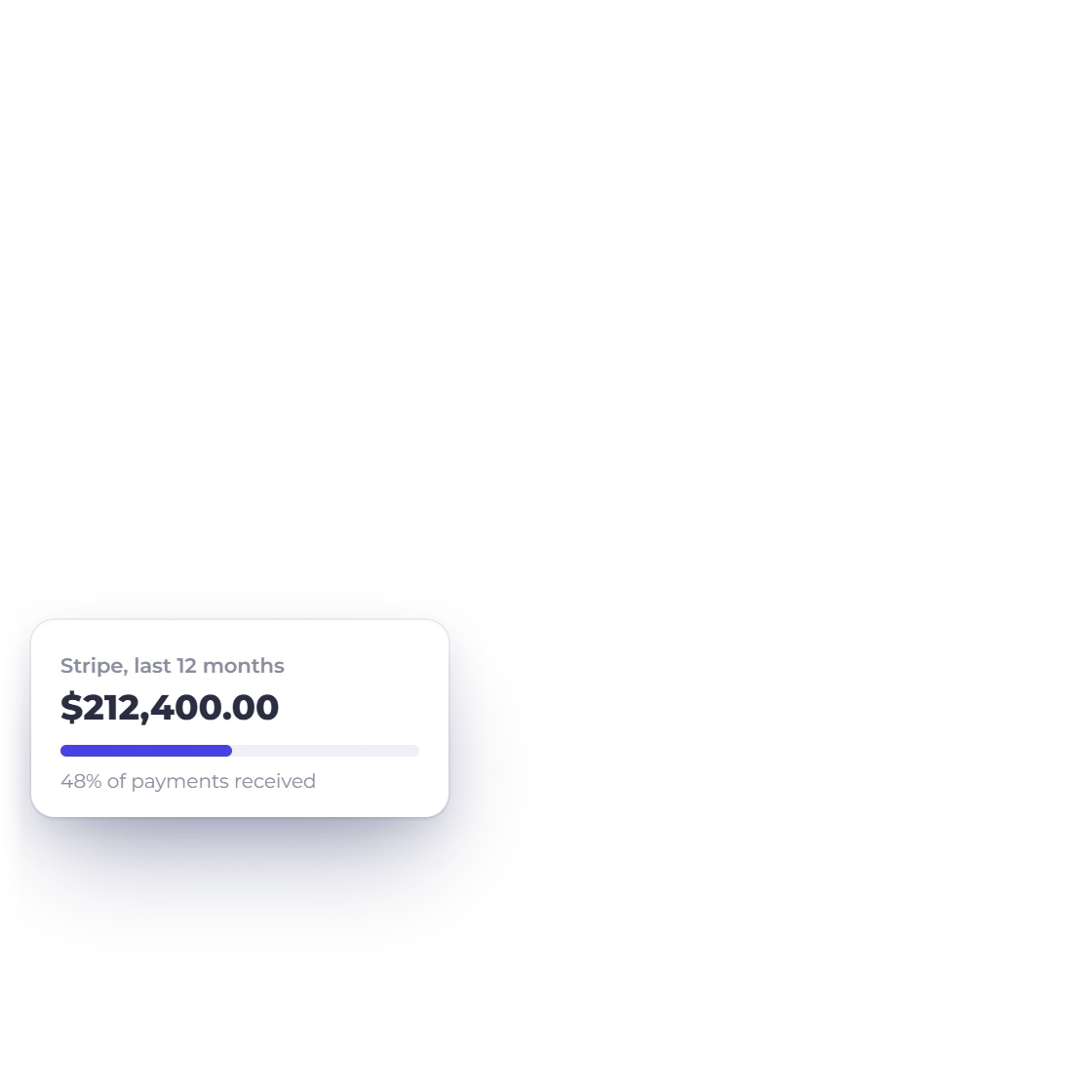
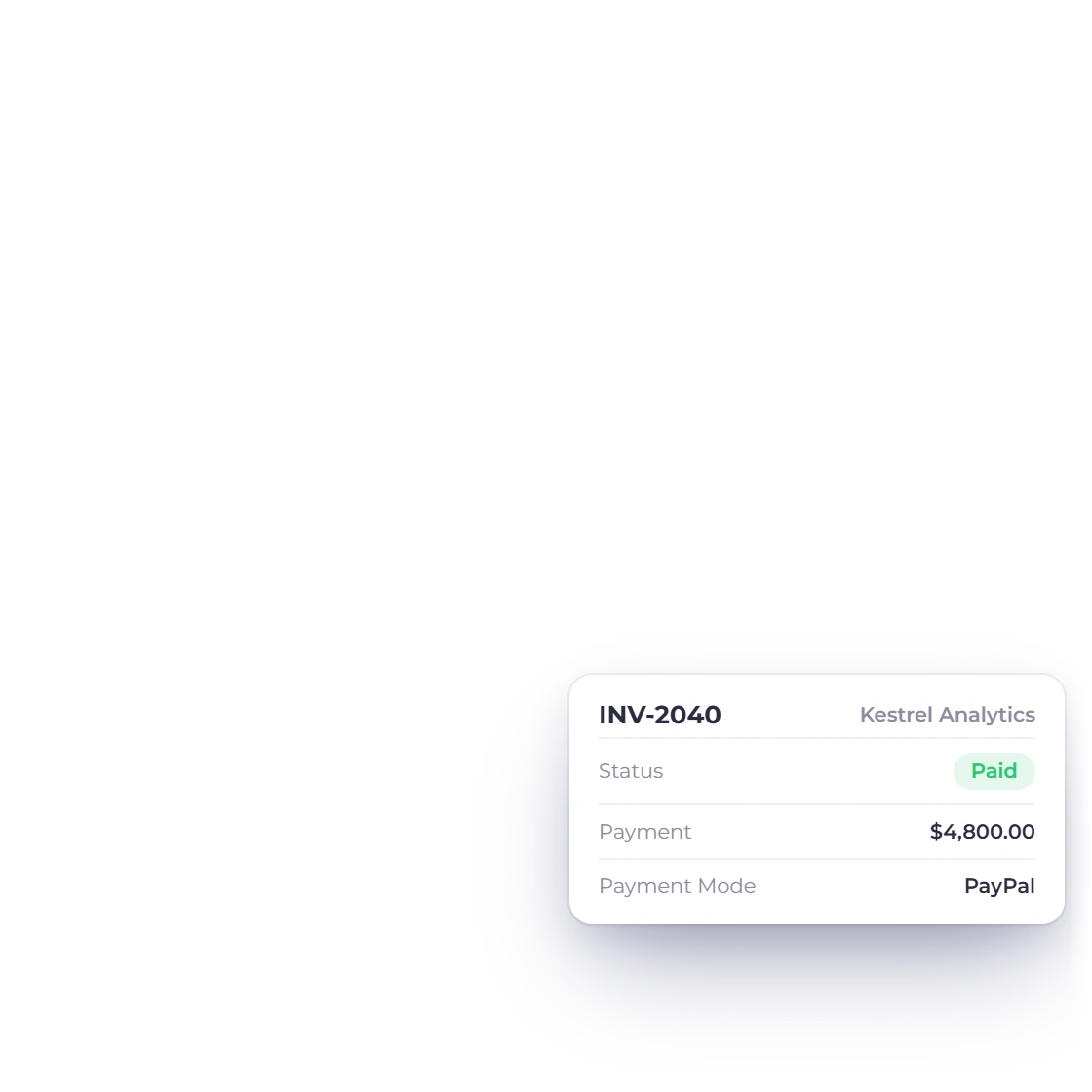
Received amounts are split out by the gateway that carried them, so you can see whether your clients reach for PayPal, a card or a local processor. Over a few months that tells you which connections are worth keeping and which are costing more than they return.

  • Amounts received grouped per gateway
  • Shows what your clients actually prefer
  • Compare one connection against another
Reporting on payments

Transactions as they happen

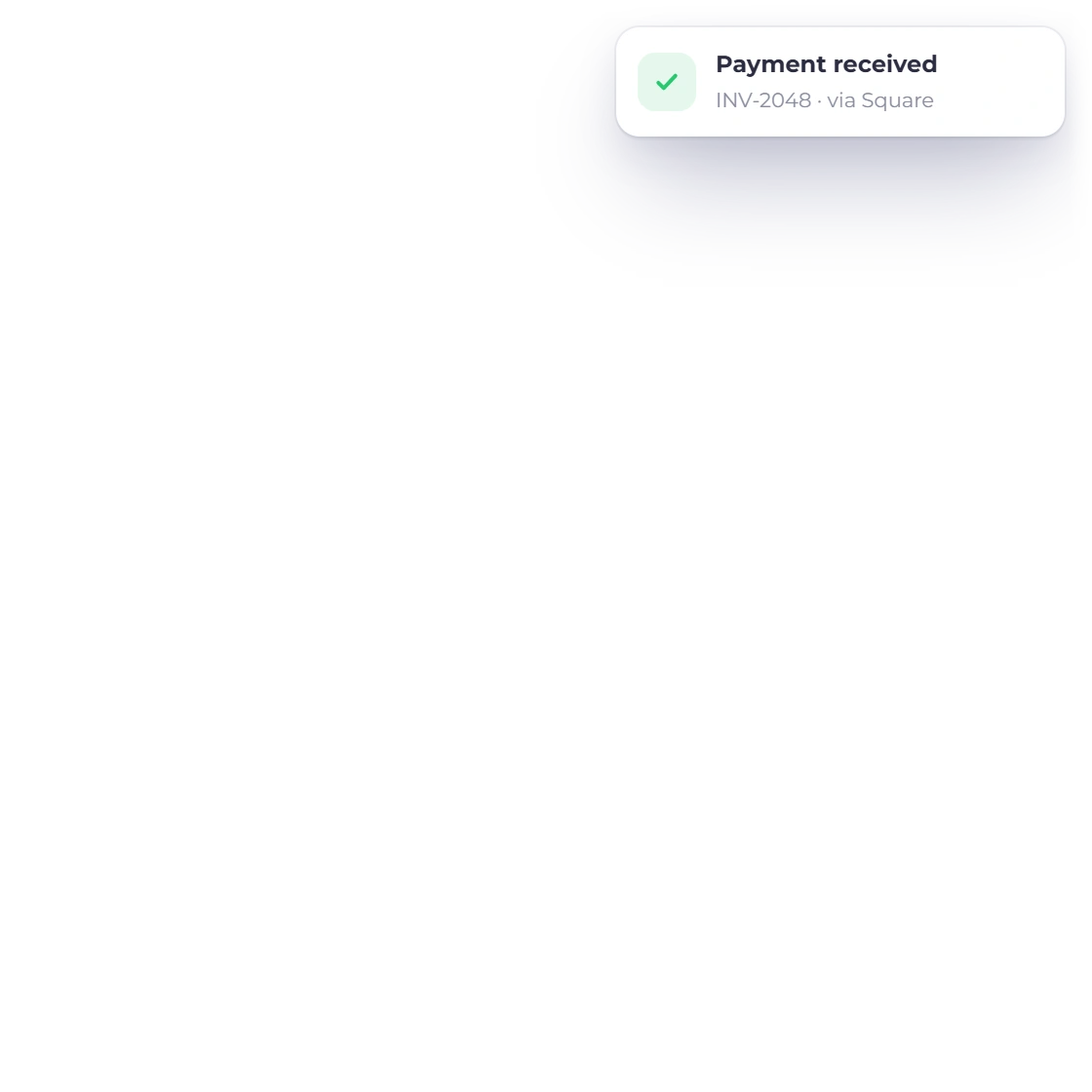
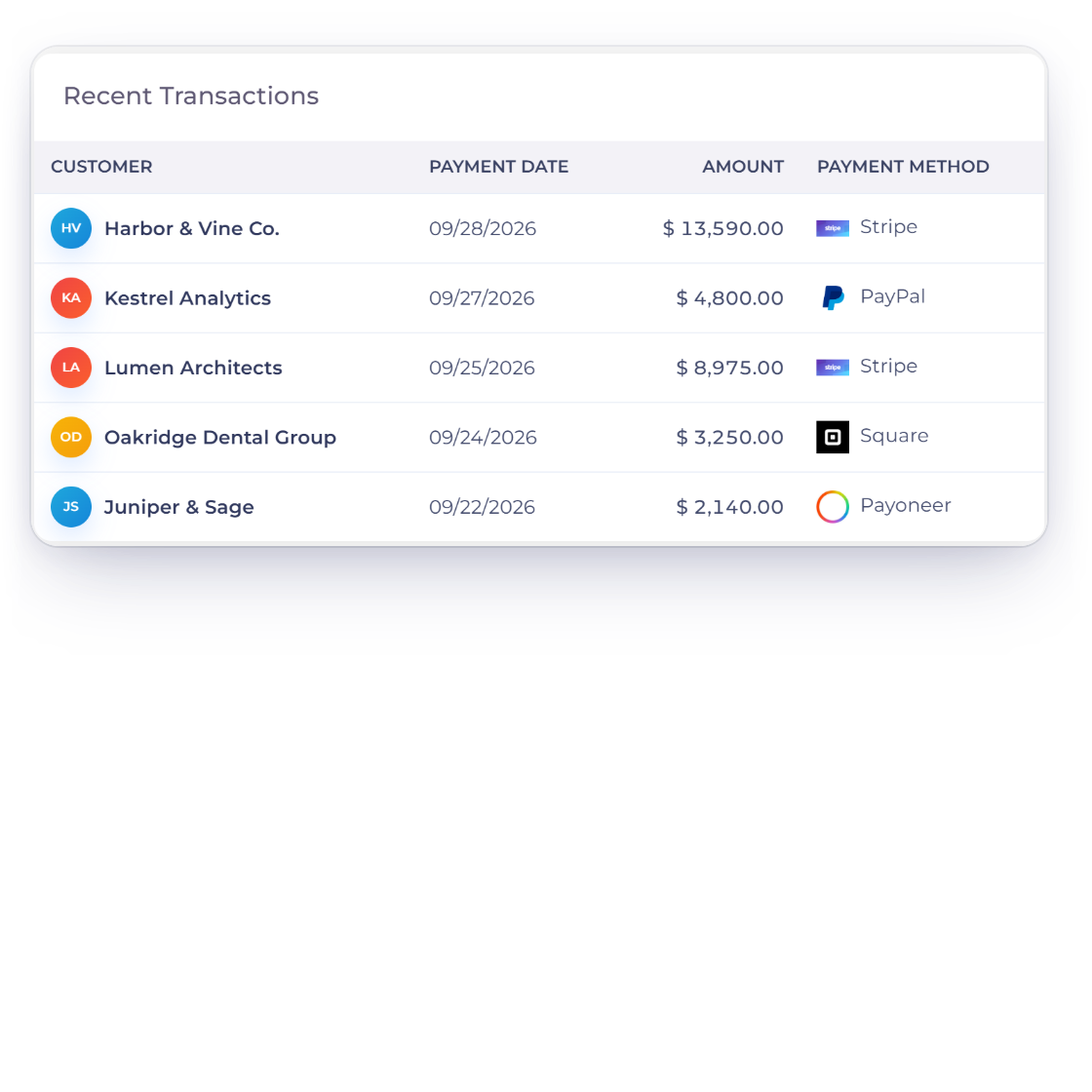
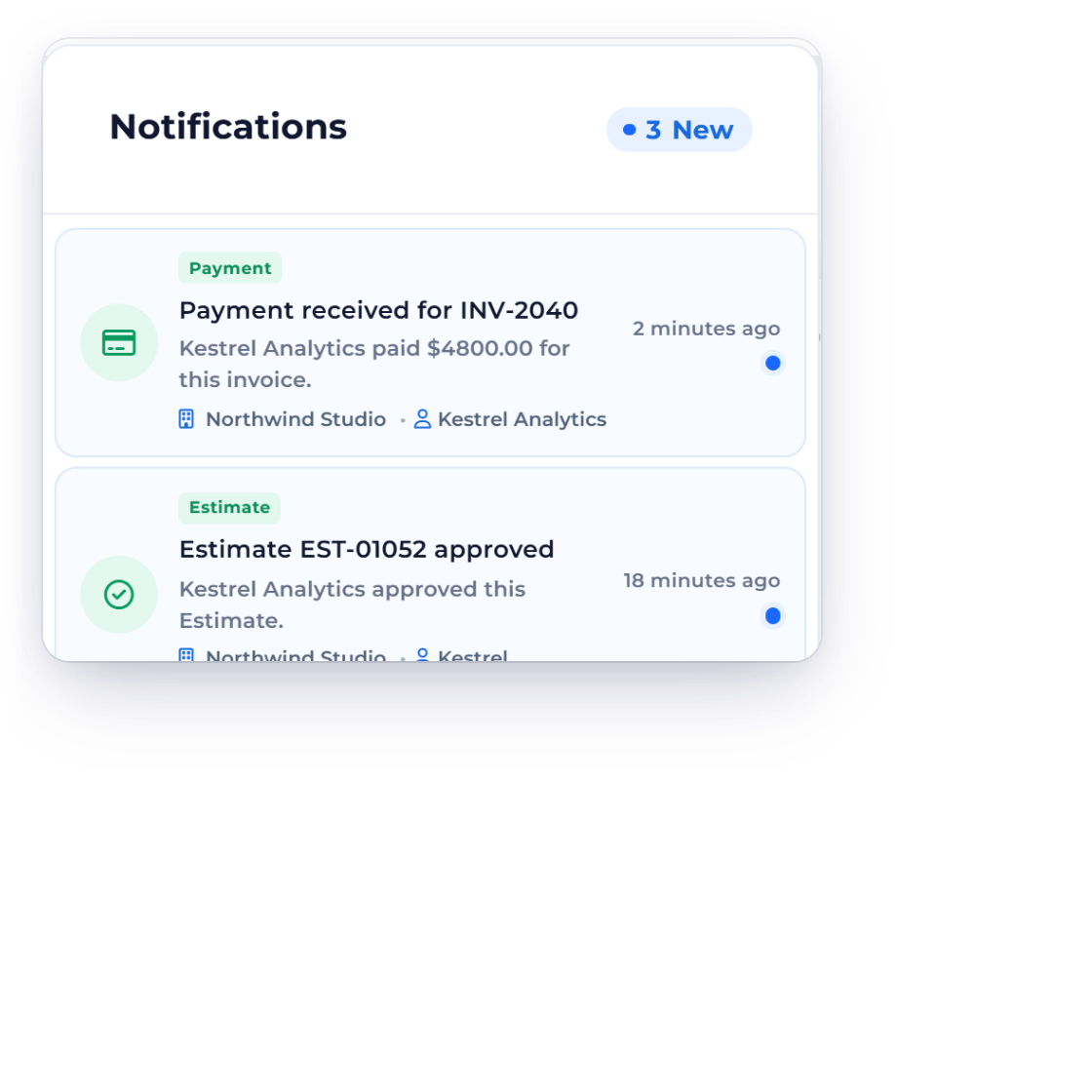
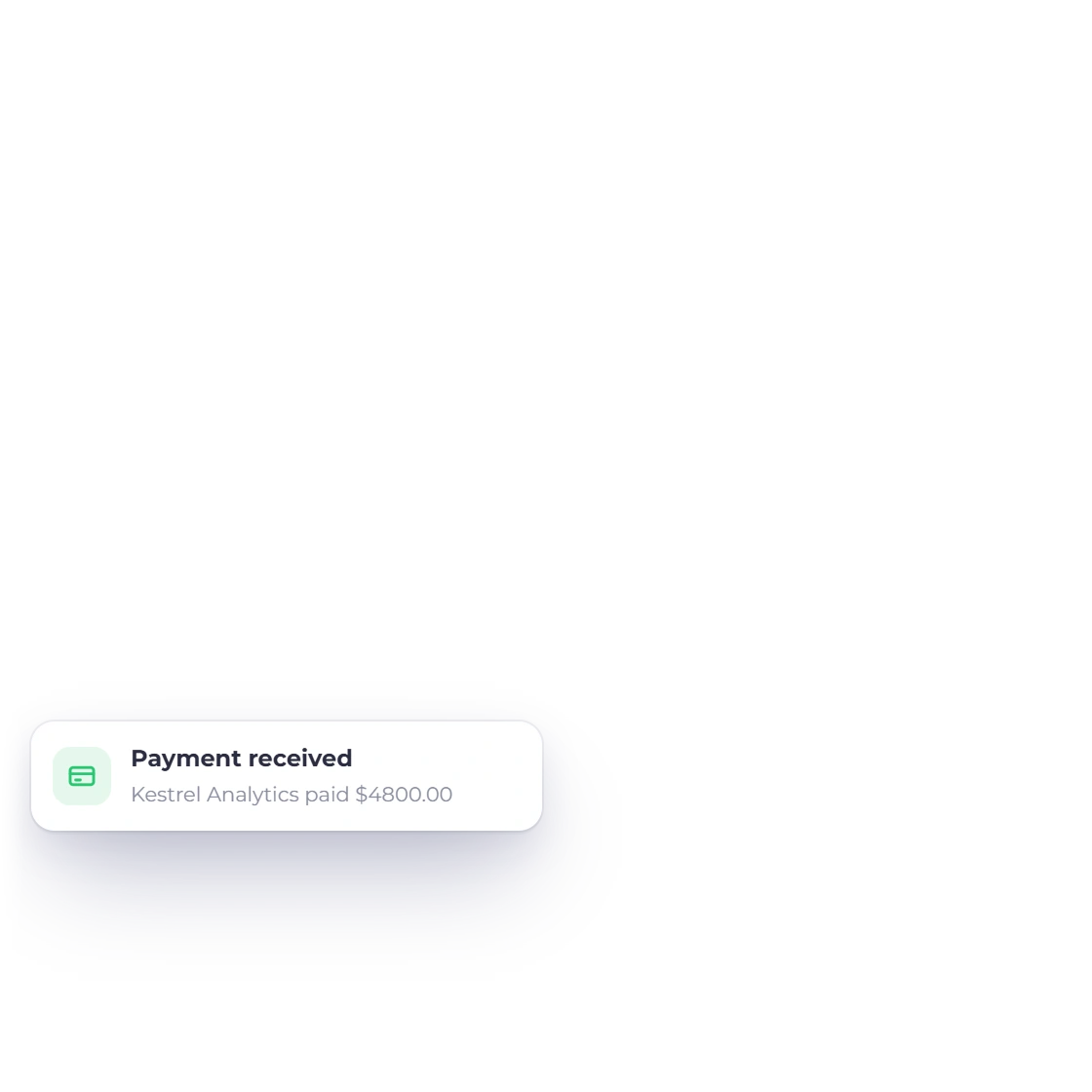
Each payment raises a notification as it comes in, whichever gateway processed it, and lands against the invoice at the same moment. There is no end-of-day export to reconcile, because the record of the transaction and the record of the invoice are the same record.

  • A notification per transaction
  • Applied to the invoice as it clears
  • Nothing to import from the processor
Reconciliation and the ledger

Also included

More of what the gateway layer handles

Gateways are not a bolt-on. They sit under invoices, payment links and recurring billing, and they feed the same reports.

  • Provider-verified status

    Supported payment paths record settlement only after the provider-specific verification step succeeds.

  • Currency flexibility

    Invoice an overseas client in their own currency and let the gateway settle it.

  • Enable and disable

    Turn a gateway on or off whenever your business or your client base changes.

  • Fees on the invoice

    Gateway charges are added to the document rather than discovered at the end of the month.

  • Package links

    The same gateways serve a package sold from a shareable link, not just invoices.

  • Recurring charges

    A repeating invoice collects through the gateway you chose, cycle after cycle.

  • Deposits and part payments

    Split an invoice or take a deposit; the gateway handles each amount separately.

  • Security standards

    Card details are entered with the gateway and are not held in your account.

  • Paid from the portal

    Clients can use the configured payment options that are eligible for that invoice, account, region and currency.

  • Several business profiles

    Each brand you run under one login can present its own set of payment options.

  • Aged debt

    See what is still outstanding once gateway receipts have been applied to invoices.

  • Posts to accounts

    A verified provider settlement is recorded against the invoice; accounting treatment follows the implemented payment path.

Questions

Payment gateways, answered

Can I enable or disable specific payment gateways?

Yes. Each gateway is switched on or off independently, so you can run PayPal and Stripe today and add Razorpay when you start selling into a new market. Only the ones you have enabled appear to a customer at the point of payment.

How does the gateway fee setting work?

You define a fee for each gateway, as a fixed amount or a percentage. Where the selected payment path supports a configured gateway-fee rule, Invoice Crowd calculates it from that rule and keeps the processor context visible.

Is there a limit on how many gateways I can connect?

No. They can all be connected at the same time if that suits how you sell, and you can add one later without disturbing the gateways already in use. Customers see whichever of them you have enabled.

How are the transactions kept secure?

The payment itself takes place with the gateway, using the merchant account you connected. Card numbers are entered on the processor's side and are not stored in your invoicing account; what returns to Invoice Crowd is the record of the payment.

Do I need my own account with each gateway?

Yes. You connect your existing merchant accounts, which means the payout schedule and the processing rate remain whatever you agreed with that provider. Invoice Crowd does not sit between you and the money; it records what came in and against which invoice.

Can I tell which gateway my clients prefer?

Yes. Amounts received are broken down by gateway, so you can compare what each one brought in over a period. That is usually enough to show whether a connection is earning its fees or whether your clients have quietly standardized on one.

Take the payment method the customer expects

Connect the gateways that match the markets you sell into, set the fees against each one, and let the customer pick from there.

  • Multiple provider integrations
  • current trial
  • Cancel anytime