
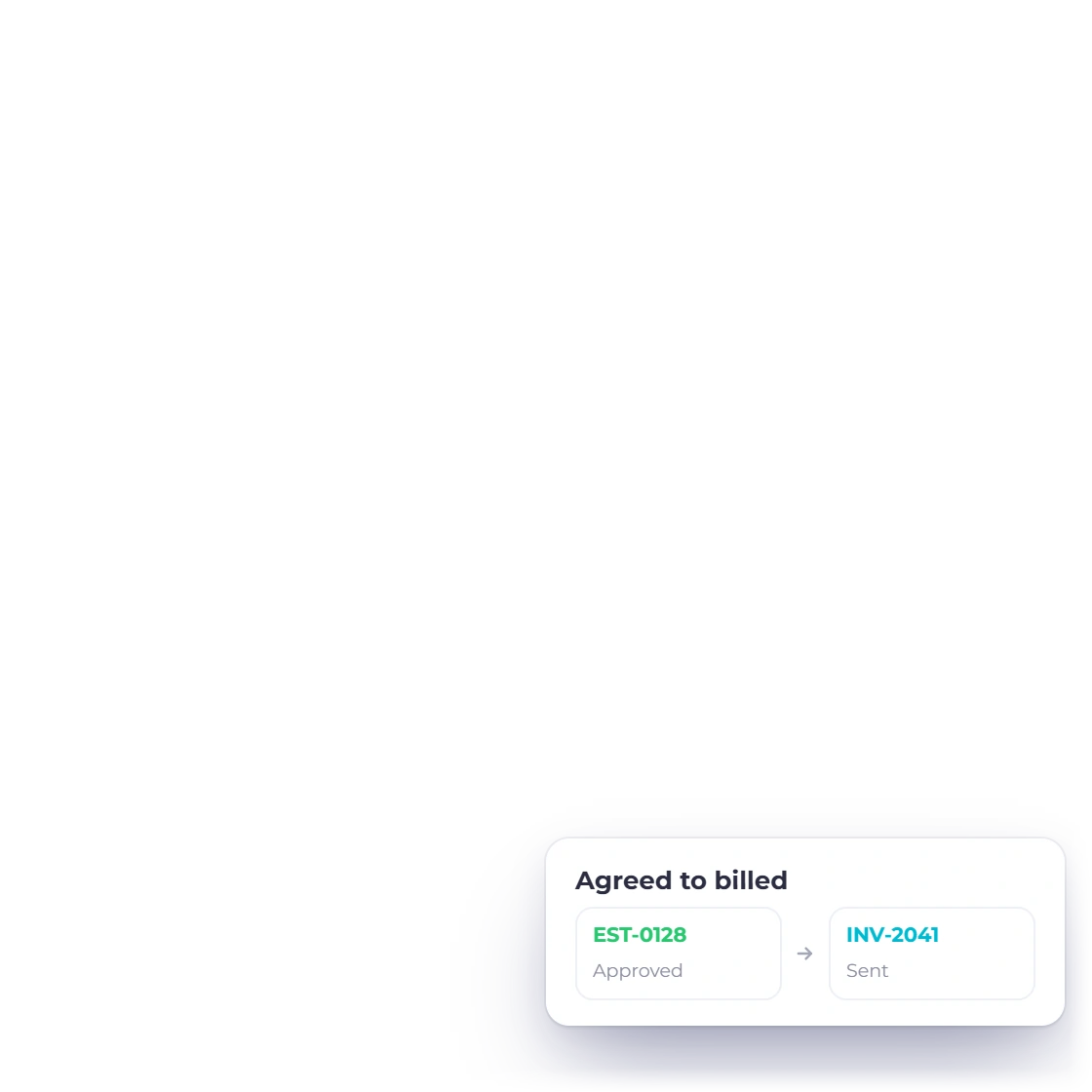
Keep scope and billing connected
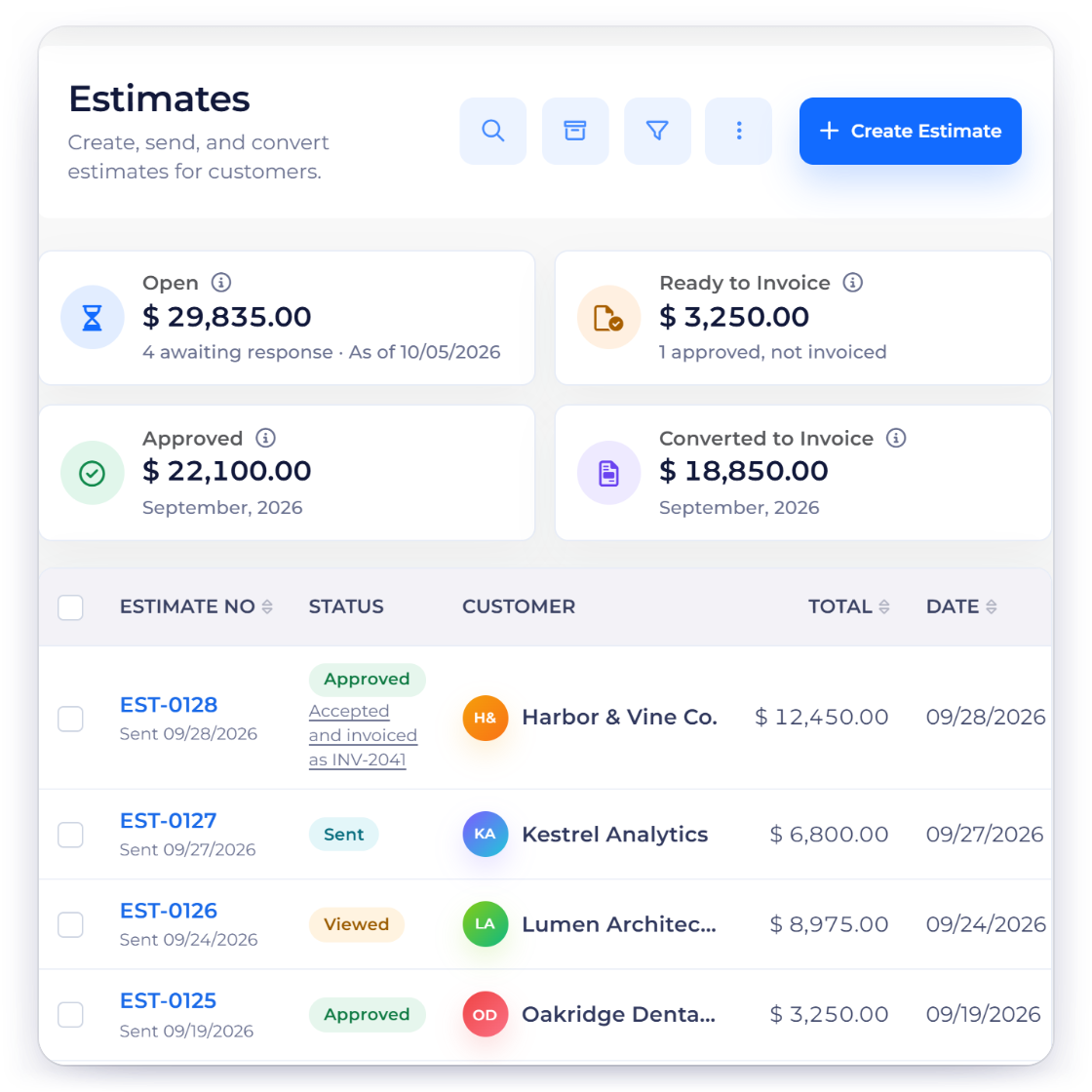
Create proposals and estimates, record the accepted work and carry the billing details into customer invoices. Your team can see what was agreed alongside what has been charged.
QuickBooks alternative
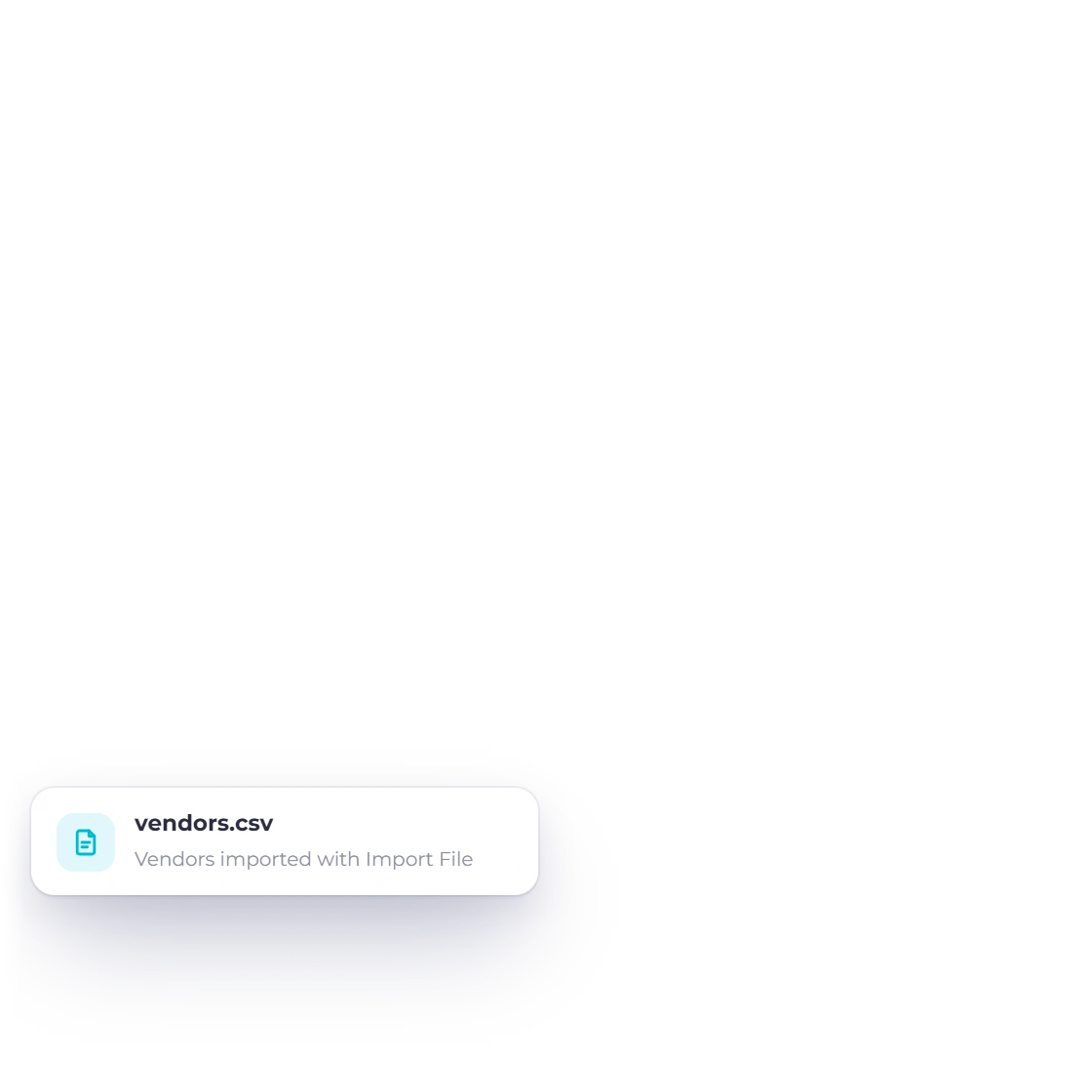
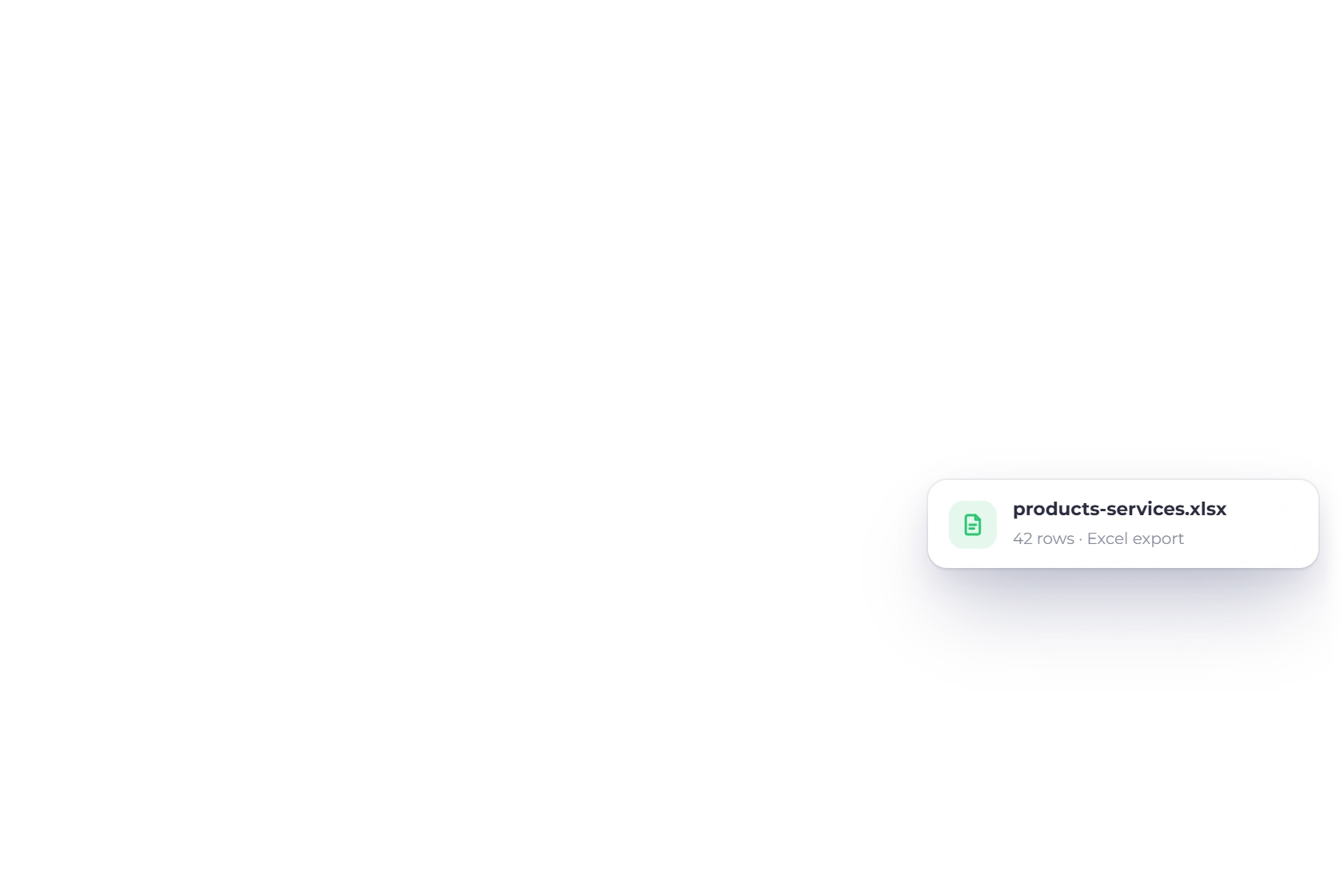
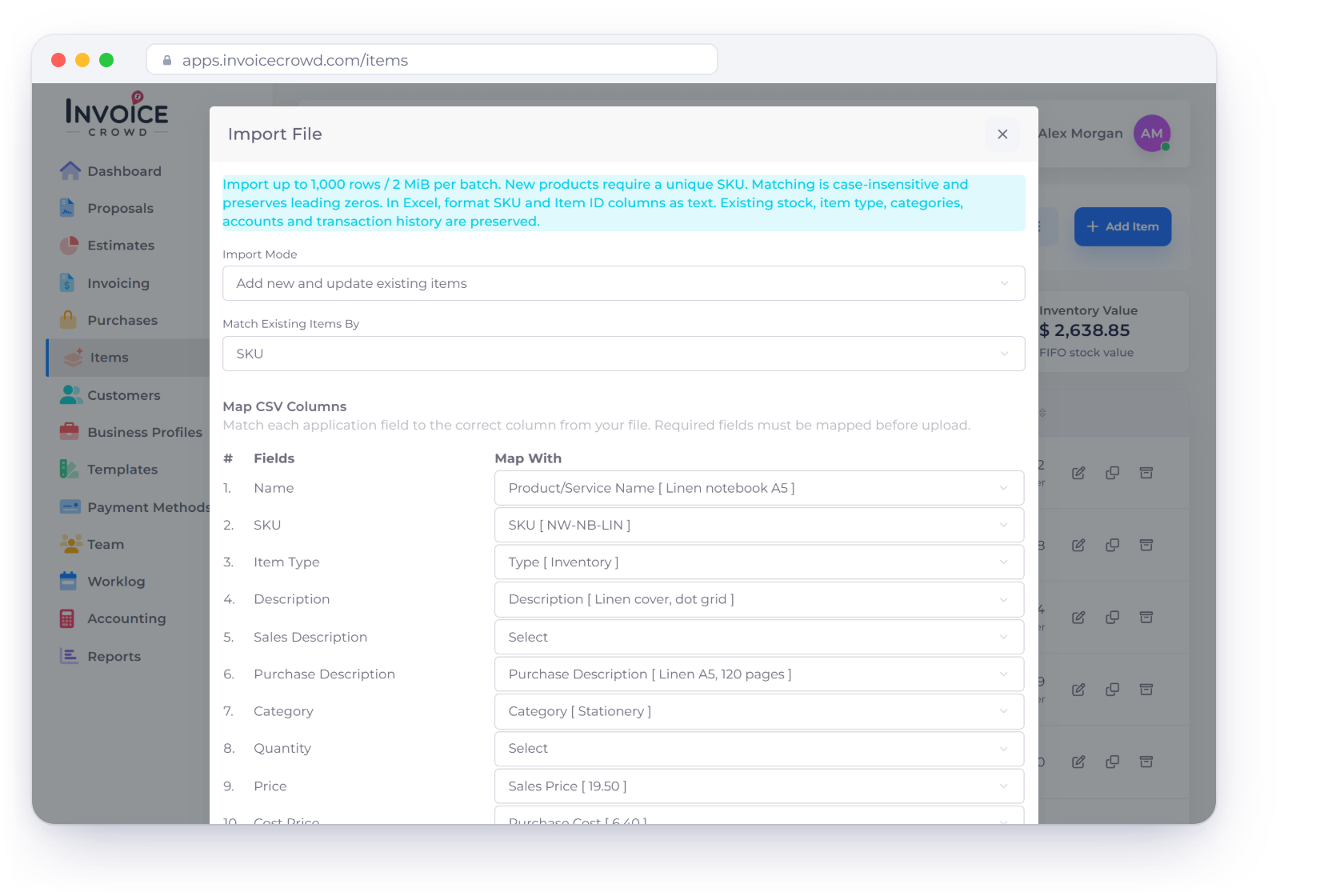
Switch from QuickBooks by exporting customers, vendors, products and services, invoices and estimates as CSV or Excel files and importing them into Invoice Crowd. Then map your accounts to the default chart and enter opening balances; there is no direct QuickBooks sync.
Decision table
Start with the work you need to do, then compare the features and plan access below. We publish this comparison as Invoice Crowd.
Compare the required plan and regional edition before choosing. Prices, users, payment fees, add-ons and availability can change. Official sources: https://quickbooks.intuit.com/pricing/ and https://invoicecrowd.com/pricing/.
Why choose Invoice Crowd
With Invoice Crowd, you can move from an accepted proposal to project work, invoices and payments while keeping purchasing and financial records in the same workspace.
Reuse the context you already captured.
Create proposals and estimates, record the accepted work and carry the billing details into customer invoices. Your team can see what was agreed alongside what has been charged.
Use recurring invoices and monthly retainers for repeat charges on paid plans, and track partial payments against the remaining balance. Keep the customer history available when a question or correction needs attention.
Keep sales and purchasing in the same business context.
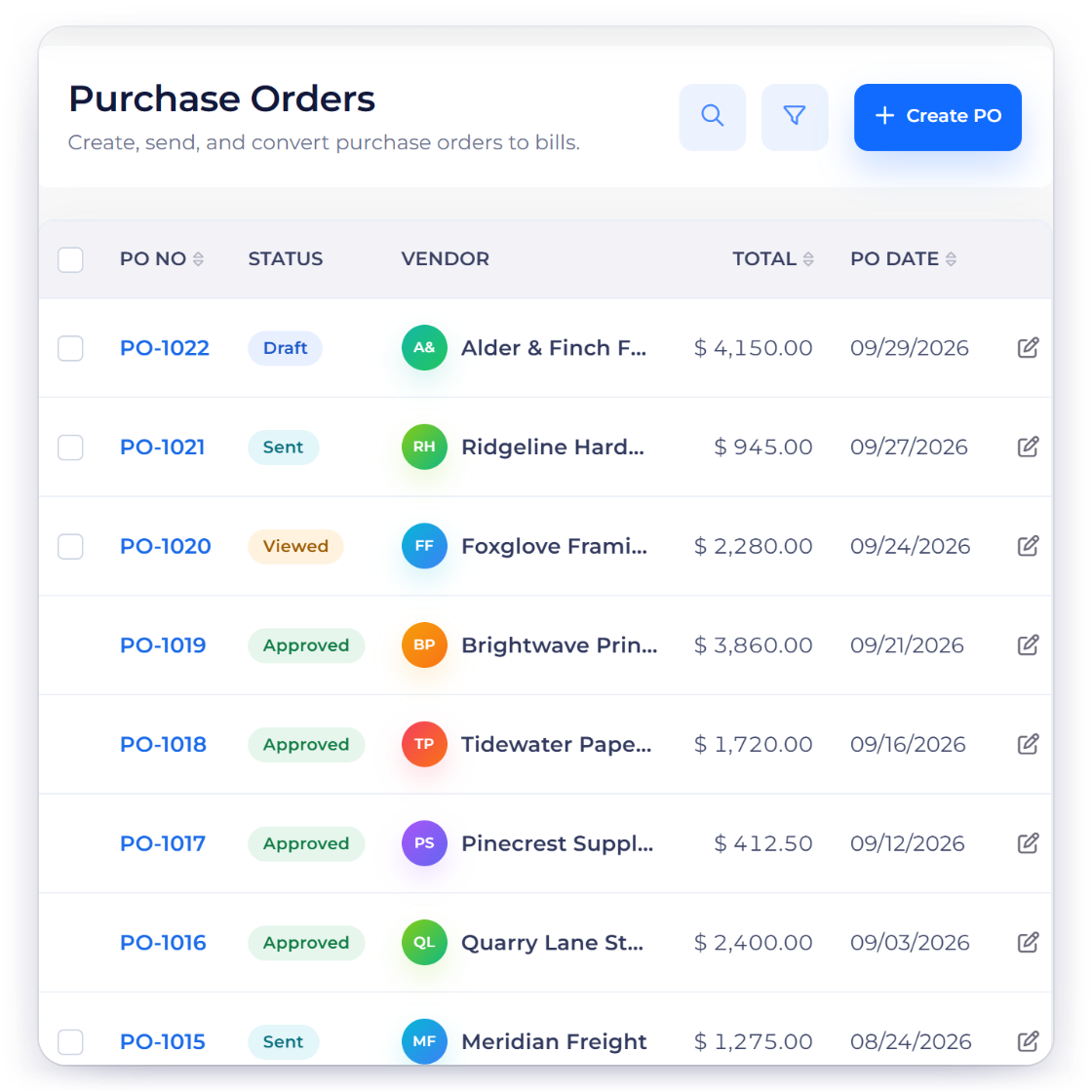
Record project work and billable time alongside supplier bills, purchase orders and expenses. You can follow the activity behind a client charge without rebuilding it from separate files.
Use the chart of accounts, general ledger, journals and financial reports to review business activity. Reconcile imported statement records with the transactions behind the balances.
Check the requirements that affect your decision.
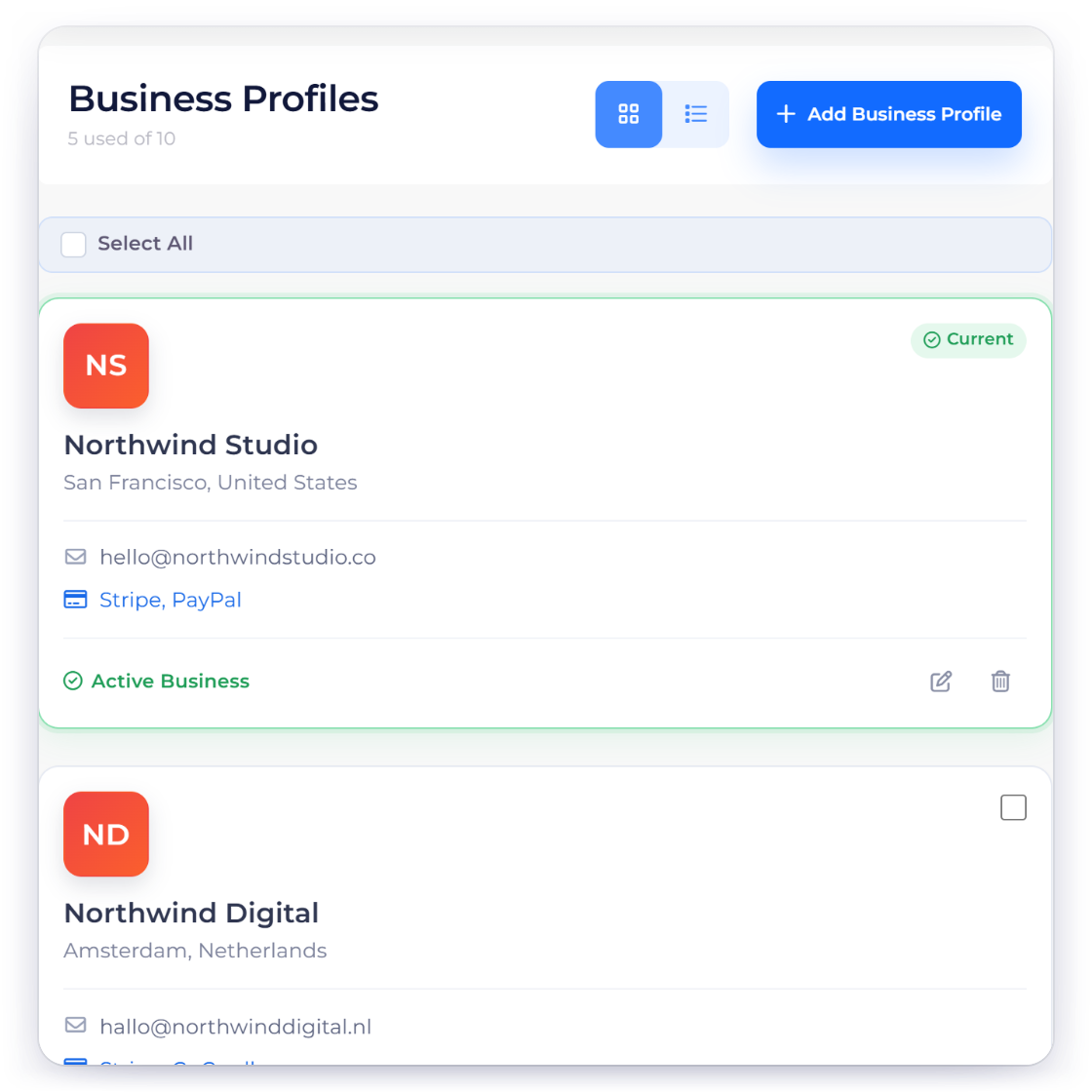
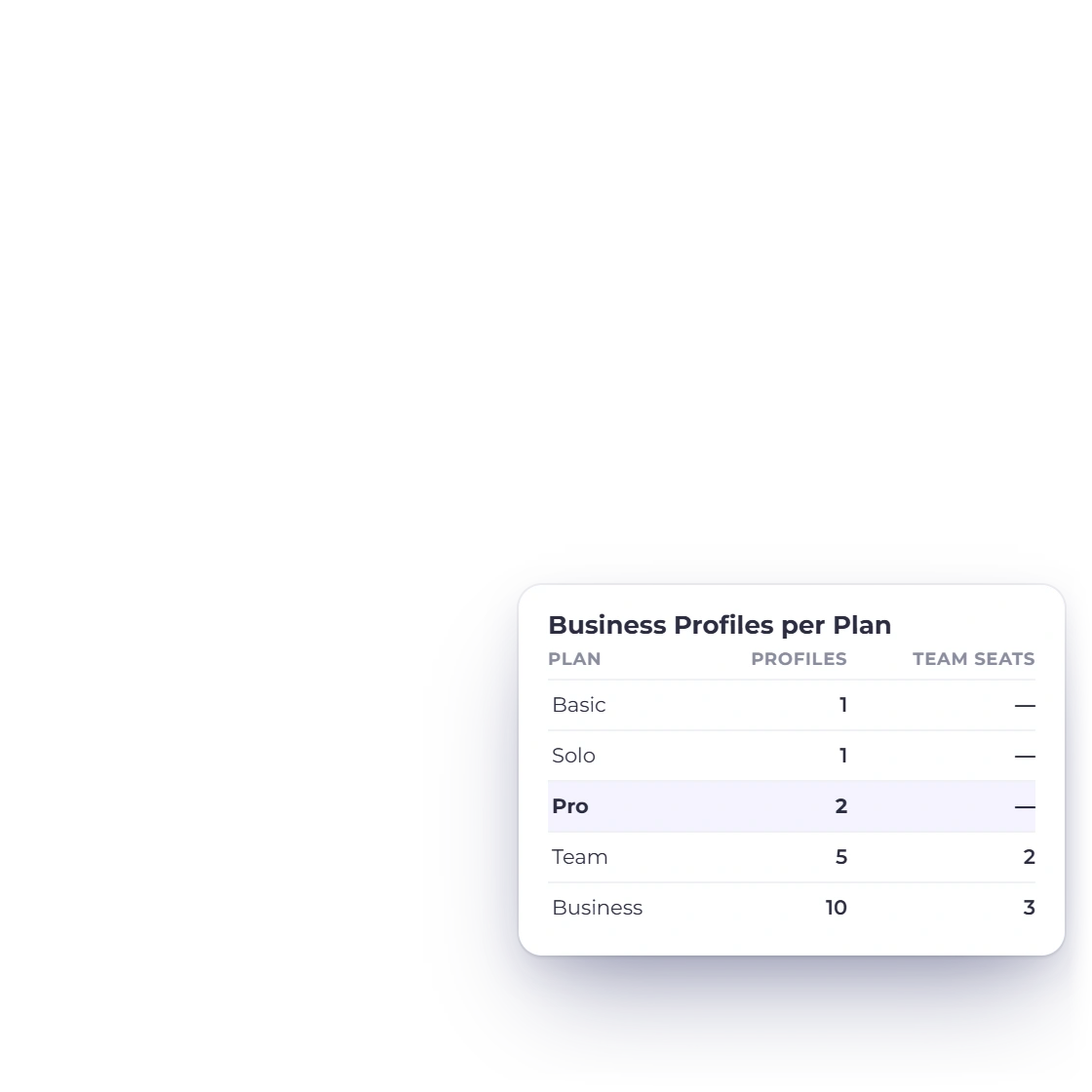
Choose the Invoice Crowd plan that covers the business profiles, users and features you need. Compare the recurring subscription and payment-provider charges using your actual workload.
QuickBooks offers a broad accounting ecosystem. Check the specific payroll, tax, bank-feed and adviser workflows your business needs when comparing the two products.
Features and plans
Look at the workflow in more detail, then compare the plans you would actually use.
Create invoices and keep payment history connected with the customer.
Connect project tasks and billable time with client billing.
Review the accounts, journals and reports behind your business balances.
Choose the features, users and business profiles for your setup.
Check current regional pricing, feature access and payment fees directly with the vendor.
Export, map, test and reconcile your QuickBooks records step by step.
Questions
Export your QuickBooks lists and sales documents as CSV or Excel files and import them into Invoice Crowd: customers to Customers, vendors to Vendors, products and services to Items, and invoices and estimates with their numbers, lines and balances due. There is no direct QuickBooks connection, so on a paid plan map your accounts onto the default chart of 148 accounts, adding any you need, and enter opening balances as of your cutover date. Keep QuickBooks for payroll, journal history and filed tax records; our QuickBooks migration guide walks through each step.
Invoice Crowd supports separate business profiles according to your plan. Check the current profile and user limits on our Pricing page and set up each business with its own records and settings.
Compare the plan you need, the normal renewal price, required users and business profiles, add-ons and payment-provider fees. Use the official pricing links for current regional terms.
Export your existing records, choose a cutover date and reconcile open balances. Test a representative proposal, invoice, payment, supplier bill and report. Confirm any specialist tax, payroll, bank-feed or industry requirements before moving current work.
Start with a proposal or estimate, create the invoice and see how the customer, payment and financial records stay connected.