Larkspur Design ends its fiscal year on December 31 with $60,000 of design fees, $42,000 of expenses and $8,000 paid out as a dividend. On January 1, its profit and loss report has to start again at zero. Its cash, receivables, equipment and supplier bills do not. Closing entries are how the books tell those two groups of accounts apart.
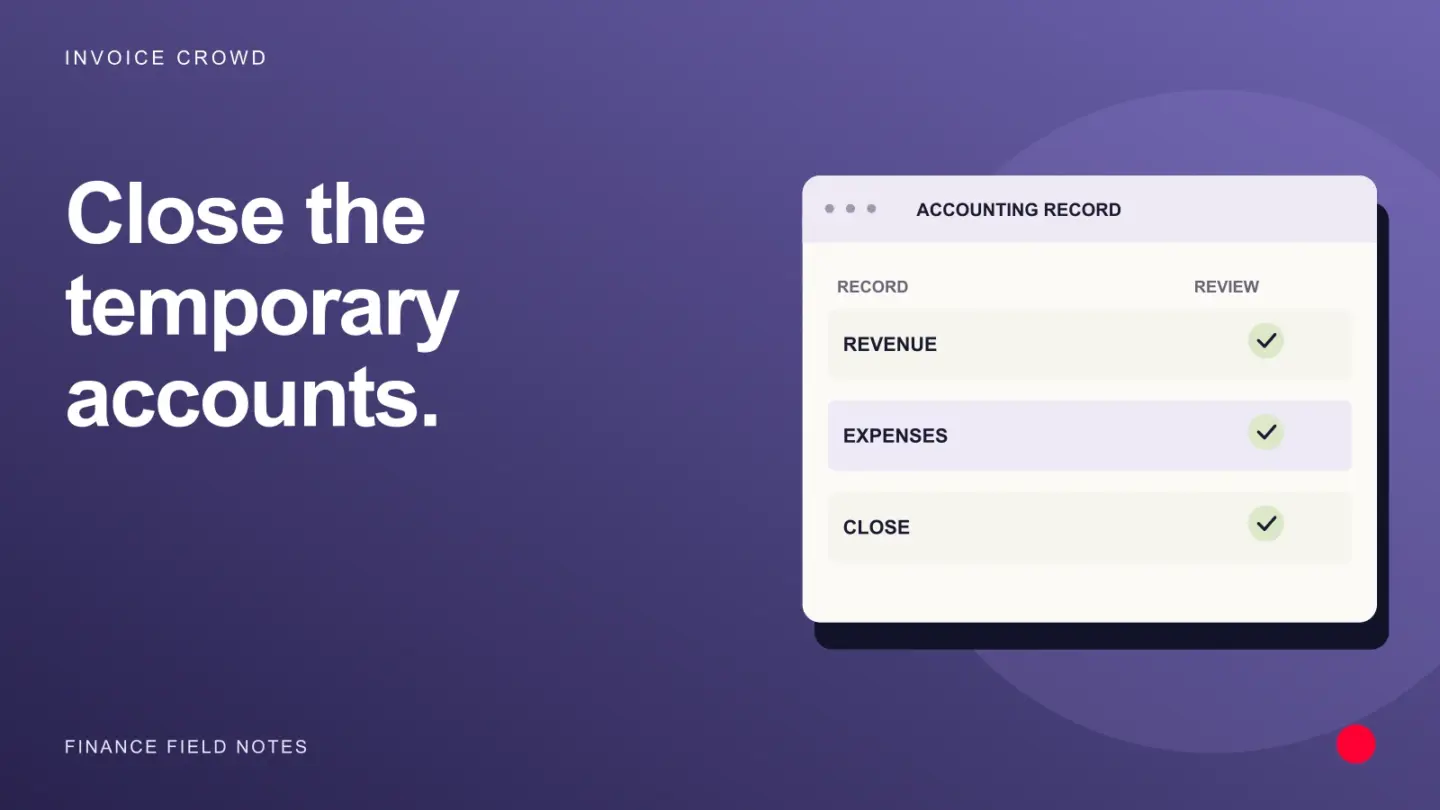
Closing entries are journal entries made at the end of an accounting period to reset temporary accounts to zero and transfer their balances to a permanent equity account, usually retained earnings. Revenue, expense and dividend accounts close; assets, liabilities and equity carry forward.
Temporary and permanent accounts
Every account in your chart of accounts is one or the other.
Temporary account
A temporary account measures activity for a single accounting period. All the income statement accounts are temporary: each revenue account and each expense account. So is the dividend account (or owner’s drawings for a sole proprietor). The income summary account is temporary too. It exists only during the closing process. All of them start the next accounting period at zero.
Permanent account
A permanent account measures a position that lasts beyond the current accounting period. Balance sheet accounts are permanent: assets and liabilities, plus equity such as share capital. If Larkspur was owed $12,000 on December 31, it is still owed $12,000 on January 1. Closing never touches these balances except for one equity account, which receives the year’s result.
| Temporary (closed each year) | Permanent (carried forward) |
|---|---|
| Sales and fee income | Cash, receivables and equipment |
| Expenses, including cost of goods sold | Payables, loans and other liabilities |
| Dividends or owner’s drawings | Share capital or owner’s capital |
| Income summary | Retained earnings |
The purpose of closing entries in the accounting cycle
Closing entries do two jobs. They make each year’s income statement show only that year, so you can compare this year’s profit with last year’s and measure the company’s financial performance cleanly. And they move the profit into equity, so the owners can see what the business has built up. Skip them and revenue would pile up from one year to the next while equity never moved.
Closing is the last step of the accounting cycle. It comes after adjusting entries and after the adjusted trial balance has been used to prepare each financial statement. Close too early and a late adjustment lands in an account you have already cleared. Many businesses review results monthly, but formal closing journal entries are usually made once, at the end of the accounting year. Those final figures also feed the tax return.
How to do closing entries, step by step
The traditional method routes everything through income summary. Larkspur’s adjusted balances show Design Fees of $60,000, Wages Expense of $24,000, Contractor Expense of $12,000, Operating Expenses of $6,000 and Dividends of $8,000. The retained earnings account began the year at $9,000.
| Closing entry | Debit | Credit |
|---|---|---|
| 1. Close fee income | Design Fees $60,000 | Income Summary $60,000 |
| 2. Close expenses | Income Summary $42,000 | Wages Expense $24,000; Contractor Expense $12,000; Operating Expenses $6,000 |
| 3. Close income summary | Income Summary $18,000 | Retained Earnings $18,000 |
| 4. Close the dividend | Retained Earnings $8,000 | Dividends $8,000 |
1. Close each revenue account
Revenue accounts carry a credit balance. Close them by debiting all revenue accounts and crediting income summary for the combined account balance. Larkspur has one, Design Fees, so it debits $60,000 and the account drops to a balance of zero.
2. Close the expense accounts
Expenses carry debit balances. Credit each for its balance and debit income summary for the combined $42,000. The summary now holds the year’s profit calculation in one place: $60,000 in, $42,000 out. As in all double-entry accounting, each entry balances on its own.
3. Close income summary to retained earnings
The balance of the income summary is now an $18,000 credit, which must equal net income on the approved income statement. Debiting income summary and crediting retained earnings for $18,000 turns the year’s profit into equity, and the summary returns to zero.
4. Close the dividend account
A dividend is a distribution to owners, not an expense, so it bypasses the summary and closes straight to equity. Credit Dividends $8,000 and debit Retained Earnings $8,000. Larkspur ends the year with $19,000 of retained earnings: $9,000 opening, plus $18,000 of profit, less the $8,000 paid out.
Why use an income summary account
The income summary account is a clearing account. It collects every income and expense balance so the year’s result appears as one number before it reaches equity. That single figure is easy to agree with the approved profit, and the books keep a clean record of the transfer.
Some accountants skip it and close revenue and expense accounts directly to retained earnings. The ending balances are identical. Pick one method and use it every year, so anyone reading the books knows where to look. OpenStax’s closing entries chapter walks through the income summary account method for a corporation.
Check the post-closing trial balance
Once the four entries are posted to the general ledger, run a post-closing trial balance. It should list only permanent accounts, and debits should still equal credits.
| Permanent account | Debit | Credit |
|---|---|---|
| Cash | $8,000 | |
| Accounts Receivable | $12,000 | |
| Equipment | $10,000 | |
| Accumulated Depreciation | $2,000 | |
| Accounts Payable | $4,000 | |
| Share Capital | $5,000 | |
| Retained Earnings | $19,000 | |
| Total | $30,000 | $30,000 |
An income or expense line on this report means an account was missed or something was posted after the close. A balanced report can still hide one error: profit transferred twice. Agree the $10,000 increase in equity to the approved $18,000 profit less the $8,000 dividend before you sign off. Our guide to reading a balance sheet shows where that $19,000 appears.
The test of a clean close is simple. All temporary account balances have been reset to zero, and the opening balances for January match the closing balances for December, line by line.
Closing a net loss instead of net income
When expenses exceed revenue, the summary ends with a debit balance. Close a $5,000 net loss in reverse: debit the equity account and credit the summary for $5,000. Equity falls, as it should.
Contra accounts close on their actual balance. Suppose Larkspur recorded $2,000 of client refunds in a Sales Returns account against $60,000 of gross fees. Sales Returns carries a debit balance, so credit it for $2,000 and debit the summary. Profit becomes $16,000, and that is the figure equity should receive.
If any account shows a sign you did not expect, fix the misclassified transaction first. Closing would otherwise wipe the clue from the books while the error flows into equity.
Closing entries for sole proprietors and partnerships
A business without shareholders closes to capital accounts instead. A sole proprietor closes the summary to Owner’s Capital and closes Owner’s Drawings to the same account. A partnership closes the summary to each partner’s capital account in the profit-sharing ratio set by the partnership agreement. If Larkspur were a two-partner firm splitting profit equally, entry three would credit each partner’s capital $9,000, and each partner’s drawings would close to their own capital.
Closing the accounting period in software
Most accounting software never asks you to post the four journal entries. Reports filter transactions by date, so a new year’s figures start at zero by themselves, and prior years’ profit rolls into equity automatically. In Invoice Crowd accounting, the Balance Sheet reports this period’s earnings next to the profit kept from earlier years, and Lock Transactions closes a finished period so its numbers cannot change.
Find out which approach your system takes before you post anything by hand. A manual close on top of an automatic roll-forward moves the same profit into equity twice. Lock the year once the statements are final, and record who may approve a change if a late bill turns up.
Frequently asked questions
What are the four types of closing entries?
Close revenue accounts to income summary, close expense accounts to income summary, close income summary to retained earnings, and close dividends or drawings to equity. The first three move the year’s profit into equity; the fourth records what owners took out. After all four, every temporary account has a zero balance.
Are closing entries made before or after adjusting entries?
After. Adjustments bring income and expenses up to date, the adjusted balances feed the statements, and only then do you close. Closing first would clear accounts that adjustments still need to change, and the statements would no longer agree with the books.
Which accounts are not closed at the end of the period?
Permanent accounts: every asset, liability and equity account. Cash, receivables, equipment, payables, loans and share capital carry their balances into the next period unchanged. The exception is the equity account that receives the year’s profit less dividends.
Where are closing entries recorded?
Each closing entry in accounting is a journal entry like any other. Record it in the general journal, date it at the end of the accounting period, and post it to the ledger. Label closing entries clearly so they are easy to exclude when you compare monthly results, and keep them with the approved statements they were based on.